
Contents of this guide
The shortlist
Our top 3 for events buyers

RingCentral Events
Virtual venue breadth
- Best for
- Large branded hybrid and virtual conferences
- Features
- 5 noted: Virtual stages, Expo booths, Badge printing, AI clips, 40+ integrations
Bizzabo
Pipeline reporting
- Best for
- Enterprise conferences that need measurement and analytics
- Features
- 4 noted: SmartBadge, Pipeline reporting, Attendee app, Onsite check-in

Accelevents
Ticketing plus expo
- Best for
- Ticketed conferences and trade shows with exhibitors
- Features
- 4 noted: Ticketing, Virtual expo, Badge printing, One-to-one meetings
Disclosure for this guide. All 8 tools here are unpaid editorial picks. The position of a paid listing can be part of what the vendor pays for. Paid and unpaid tools are scored on the same rubric and keep their cons. Details are in the advertising disclosure.
The ledger
Index of every tool
| Tool | Free plan | Trial | Rubric | Compare | ||
|---|---|---|---|---|---|---|
| 01 | RingCentral EventsLarge branded hybrid and virtual conferences | See websitePro, per organizer per month, billed annuallyNot published | No | Free trial | ||
| 02 | BizzaboEnterprise conferences that need measurement and analytics | See websitePer user per month, billed annually, three user minimumNot published | No | Demo only | ||
| 03 | AcceleventsTicketed conferences and trade shows with exhibitors | $7,500Professional, per event, base price, add-ons optional, Business from $13,500 per yearChecked Nov 25, 2026 | No | Free trial | ||
| 04 | WhovaAttendee engagement and networking at live events | See websiteQuote based on event size and featuresNot published | No | Demo only | ||
| 05 |  vFairsVirtual and hybrid expos built around 3D booths | See websitecustom quoteCustom quote | Yes, up to 500 attendees | Demo only | ||
| 06 | AirmeetCommunity events and multi-session summits | $167Premium Webinars, per month, billed annually, 16% off yearly, 2 team membersChecked Nov 25, 2026 | Yes, up to 100 registrations | Free trial | ||
| 07 |  CventLarge enterprise event programs and venue sourcing | See websiteQuote only, enterprise contractsNot published | No | Demo only | ||
| 08 |  SwapcardExhibitor-led expos and B2B matchmaking | See websiteAnnual license fee plus per attendee and exhibitor volume, Starter plan with free trialNot published | No | Free trial |
Prices are the lowest paid plan the vendor shows, read on November 25, 2026. Sort by price ranks published monthly figures; tools without one go last. Pin up to three tools to compare them side by side.
How this guide was put together
We compared eight platforms on five criteria: hybrid delivery, onsite operations, exhibitor tools, attendee engagement and pricing clarity. Hybrid delivery covers virtual stages, streaming and how well remote attendees join a live event. Onsite operations covers registration, check-in, badge printing, floor plans and attendee apps. Exhibitor tools covers booths, lead capture, sponsor areas and meeting booking. Attendee engagement covers networking, chat, polls, Q&A and matchmaking. Pricing clarity covers whether a buyer can see a starting figure, a plan structure and a free or trial path without a sales call. Each criterion is scored from 1 to 10. Weights are 25% hybrid delivery, 20% onsite operations, 20% exhibitor tools, 15% attendee engagement and 20% pricing clarity. The scores inform the write-ups; the order is editorial and reflects fit for the buyer described in each entry. Prices, plans, free tiers and trial facts were checked on November 25, 2026 from vendor pricing pages. Where a page returned no usable text, a quote form or no dollar figures, we say pricing is on the vendor site or quote only and do not guess. We also checked whether a free plan exists and whether a trial is available, since those facts change the cost of a pilot. A vendor that publishes a clear starting price scores higher on pricing clarity than one that requires a quote, even if the quote later proves reasonable. Any Featured listing is a paid placement and is scored with the same rubric as every other tool. This edition carries no Featured placement.
The full process, including how we handle corrections, is on the methodology page. Paid listings follow the advertising disclosure.
Rubric and weights
Every tool below is scored from 1 to 10 on these five criteria. The scores describe each tool; the order is an editorial call on fit for the buyer each card describes, plus the disclosed Featured position.
- 25%Hybrid deliveryCovers virtual stages, streaming and how well remote attendees join a live event.
- 20%Onsite operationsCovers registration, check-in, badge printing, floor plans and attendee app support.
- 20%Exhibitor toolsCovers booths, lead capture, sponsor areas and meeting booking for exhibitors.
- 15%Attendee engagementCovers networking, chat, polls, Q&A and matchmaking between attendees.
- 20%Pricing clarityCovers whether a buyer can see a starting figure, plan structure and a trial path.
Plate 01 of 08
RingCentral Events
Best for large branded hybrid and virtual conferences
Our verdict
A broad virtual venue with onsite tools, best for large branded conferences that need stages, networking and an expo in one place.
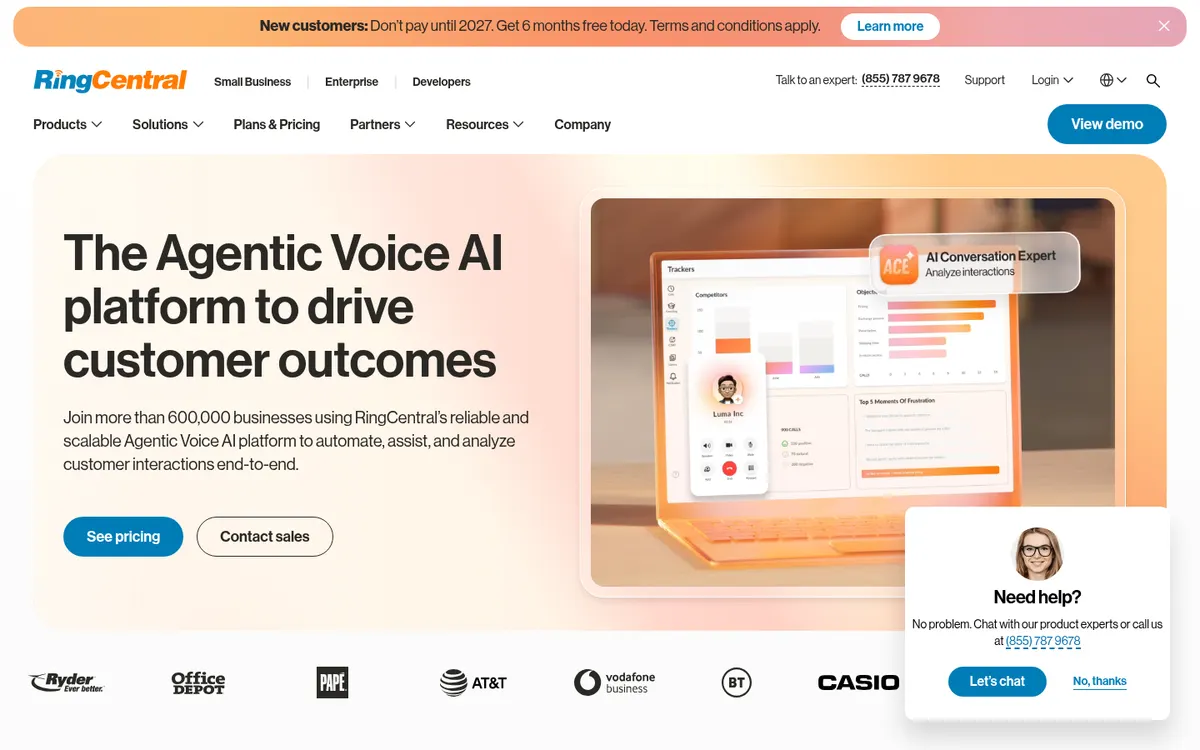
RingCentral Events is a large virtual venue with a branded event hub, reception area and stages. It supports multi-stage virtual sessions and in-person events with a virtual layer. Networking rooms, expo booths, chat, polls and Q&A are built in, so remote attendees get more than a livestream. Onsite features include registration, badge printing, an attendee app and floor plans. The platform also has an AI landing page copy writer, Q&A categorization, caption translation and AI clips of recorded sessions. It was rebranded from Hopin Events.
That breadth is the point. A conference team can run registration, a virtual stage, expo booths and onsite tools such as badge printing in one system, then sync attendee data to marketing tools such as HubSpot and Marketo. More than 40 integrations and public APIs help connect the stack. The AI tools cut some content work, but they do not remove the need to plan sessions and exhibitor flows. Teams moving from a webinar tool will find many more moving parts.
Pricing sits on the vendor site. Pro is $99 per organizer per month billed annually, or $119 month to month. Pro+ at $199 per organizer per month billed annually adds the onsite and hybrid toolset, including badge printing and floor plans. A free trial is available, but there is no free plan. The cost climbs steeply on higher tiers, and the broad feature set requires a learning period. The onsite and hybrid features sit in the higher tier, so small events may pay for capacity they do not use. The vendor pricing page did not render in our check, so confirm current figures before signing.
RingCentral Events fits large branded hybrid and virtual conferences, especially organizations that want one venue for stages, networking and an expo. It is less suitable for a small meeting or a single webinar. Buyers should model the Pro+ tier if onsite tools such as badge printing and floor plans are requirements, not optional extras.
What works
- Virtual venue with stages and expo areas
- AI tools for copy and clips
- Onsite badge printing and floor plans
What to weigh
- Higher tiers get expensive
- Broad feature set takes learning
- Onsite tools sit in Pro+
Pick it if
You run a large branded conference that needs virtual stages, networking and onsite tools such as badge printing in one system.
Skip it if
You need a low-cost tool for a small meeting or a single webinar.
Plate 02 of 08
Bizzabo
Best for enterprise conferences that need measurement and analytics
Our verdict
An enterprise conference platform built for measurement, with strong reporting and SmartBadge networking, but a high entry point and a three user minimum.
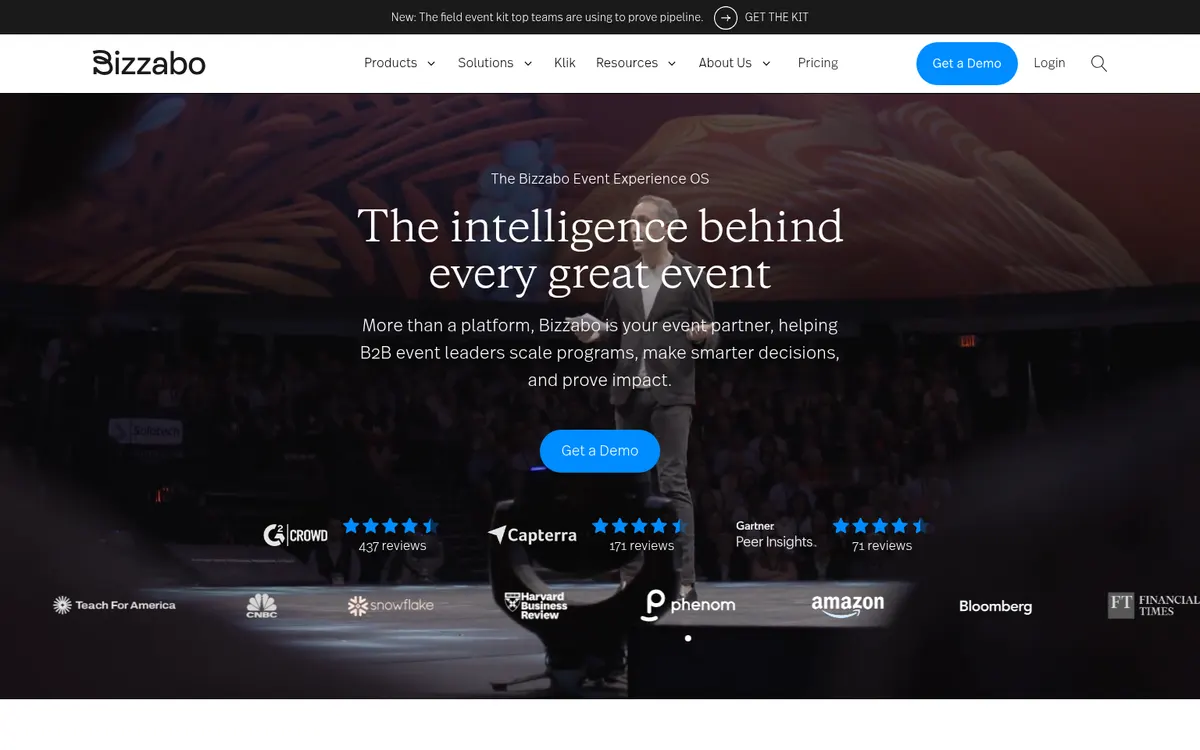
Bizzabo is built for enterprise conferences where the event is part of a pipeline. It covers event websites and registration, email marketing, a mobile attendee app, virtual and hybrid session delivery, and onsite tools and check-in. The Klik SmartBadge is a wearable for tap-to-share contact exchange. Lead and session attendance capture happen without manual scanning, according to the vendor's feature set. Reporting spans registration, attendance, engagement, sponsors and pipeline.
The strength is measurement. Event teams can connect activity to pipeline and give sales a cleaner view of who attended, which sessions drew interest and which sponsors got attention. SmartBadge supports onsite networking and exhibitor lead capture, so the in-person side is not a bolted-on scanner. Registration and event site building are polished, which matters when a flagship event carries the brand. The trade-off is that these capabilities assume a team with clear roles, not one organizer working alone.
Pricing is on the vendor site. Annual billing with a three user minimum puts the entry point at about $17,999 per year. There is no free plan and no self-serve trial; demos only. A small organizer will find the minimum seat count and annual commitment hard to justify. Large teams should ask how reporting, SmartBadge and onsite check-in are packaged, because the feature set is broad and the contract is enterprise shaped. Our pricing page check did not return usable text, so confirm the annual figure before signing.
Bizzabo fits organizations running flagship B2B events that need measurement and analytics across registration, attendance, engagement and pipeline. It is a poor fit for a small meetup, a single webinar or a team that wants a low-cost self-serve tool. The entry price and three user minimum are the first filters.
What works
- Strong pipeline reporting
- SmartBadge networking
- Polished registration
What to weigh
- Three user minimum
- No free plan
- About $17,999 per year at entry
Pick it if
Your enterprise team must prove event impact on pipeline and can commit to annual billing with at least three users.
Skip it if
You run a small event, need self-serve setup or cannot meet the three user minimum.
Plate 03 of 08
Accelevents
Best for ticketed conferences and trade shows with exhibitors
Our verdict
A strong fit for ticketed conferences and trade shows that need registration, virtual expo booths and onsite badge printing in one system.
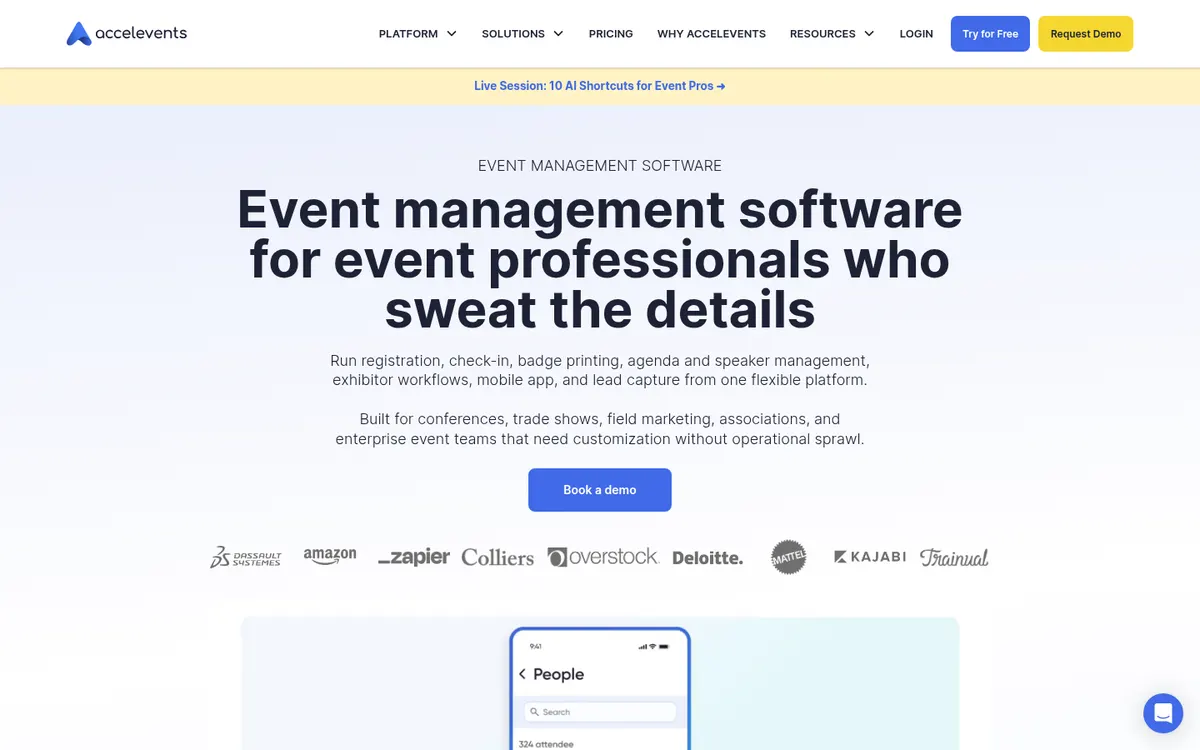
Accelevents covers ticketing and registration, event websites, virtual sessions and stages, virtual expo halls with sponsor booths, one-to-one meetings and networking, and onsite check-in with badge printing. Attendance and engagement tracking works across formats. That combination puts ticketing, the virtual venue and the onsite desk in one system, which reduces handoffs for a ticketed conference or trade show.
The virtual expo is the center of gravity. Sponsor booths, stages and networking give exhibitors a place to meet attendees, while one-to-one meetings support follow-up. For a trade show, the platform can handle the paid ticket, the exhibitor floor and the badge line without a separate registration tool. The trade-off is that some advanced capabilities require higher tiers, so the base price is not the whole budget. Teams with complex sponsor packages should map requirements to tiers before signing.
Pricing starts at $7,500 on the Professional plan, per event, with add-ons optional. Business starts at $13,500 per year. A free trial is available, but there is no free plan. The starting cost is high for a single small event. Organizations running one large annual conference or several ticketed events a year get more value from the same setup because the configuration work is reused. The pricing page states the $7,500 figure per event rather than per year, so buyers should confirm the billing basis in the contract.
Accelevents fits ticketed conferences and trade shows with exhibitors, especially teams that want registration, virtual booths and onsite check-in together. It is less suitable for a free internal meeting or a simple webinar. The free trial helps test the virtual venue before committing to an event.
What works
- Ticketing through check-in
- Virtual expo booths
- Onsite badge printing
What to weigh
- High starting cost for one small event
- No free plan
- Advanced tools cost more
Pick it if
You run a ticketed trade show or conference and want registration, exhibitor booths and onsite check-in in one platform.
Skip it if
You need a low-cost tool for a free internal event or a simple webinar.
Plate 04 of 08
Whova
Best for attendee engagement and networking at live events
Our verdict
An attendee app and engagement platform for live events, strong on networking and participation but lighter on virtual venue depth.
Whova centers on the attendee experience at live events. The mobile app includes a personal agenda, speaker and exhibitor profiles, in-app messaging and community boards, live polls and Q&A, and gamification to drive participation. Registration, event websites, email tools and reporting are part of the platform. Livestreaming and on-demand content cover virtual and hybrid sessions, so remote attendees are not locked out.
The engagement layer is the differentiator. Attendees can plan a day, find people with shared interests and keep discussions going between sessions. Organizers get polls, Q&A and gamification without stitching in separate tools. Setup is straightforward for organizers, which matters for teams that run several events a year. The virtual venue depth is below several rivals, so a large expo floor with 3D booths is not the reason to choose Whova. It is better at making a live event feel active and connected.
Pricing is on the vendor site and is quote based, with the quote shaped by event size and selected features. There is no free plan and no self-serve trial; demos only. That model can work for a conference with a known attendee count, but it makes budgeting harder for a first event or a series with variable sizes. Buyers should ask which engagement features are standard and which depend on the tier. The lack of public pricing also slows comparison with platforms that publish a starting figure.
Whova fits attendee engagement and networking at live events, especially conferences and trade shows that want a strong app without a heavy virtual venue. It is less suitable for a virtual-first expo or an organization that needs public pricing before a demo. The product is strongest when the in-person event is the main stage and the app supports the connections around it.
What works
- Strong attendee app
- Engagement tools built in
- Straightforward setup
What to weigh
- Quote only pricing
- No free plan
- Virtual venue is shallow
Pick it if
Your live event needs a strong attendee app with networking, polls, Q&A and gamification.
Skip it if
You need a deep virtual expo floor or public pricing before a demo.
Plate 05 of 08
vFairs
Best for virtual and hybrid expos built around 3D booths
Our verdict
A 3D expo platform with a free tier for up to 500 attendees, best for immersive booths but heavy for small meetings.
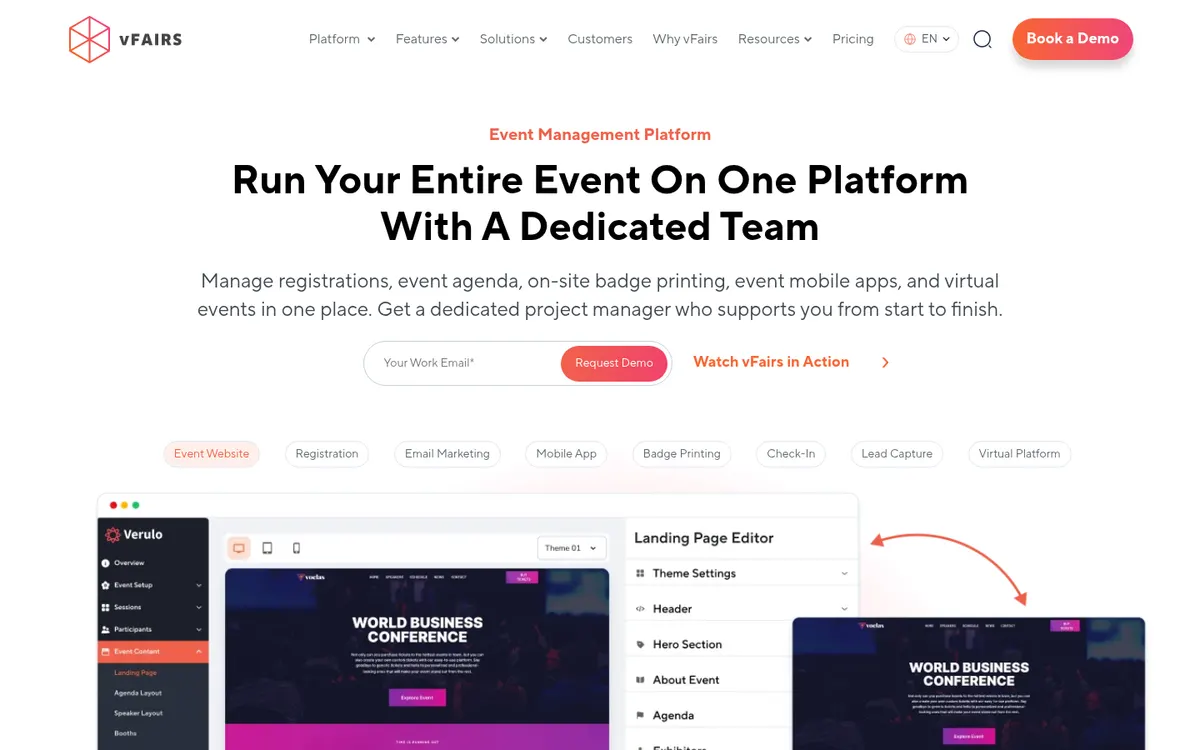
vFairs is built around 3D virtual venues, including halls, lobbies and auditoriums. Exhibitor booths are customizable with documents and video, and booth live chat and meeting booking give exhibitors a way to talk with attendees. Webinars and conference sessions cover the content side. For the in-person side, onsite registration and an attendee mobile app are included. The result is an expo style environment rather than a flat webinar page.
The free plan covers events of up to 500 attendees, which is unusual in this category. After that, pricing is quoted per event and no figure is published. The 3D environments need design time, so the budget should include production effort as well as the license. Small meetings can feel overproduced in a 3D hall. Career fairs, trade shows and product expos get more from the format because the booth is the main unit of interaction.
Exhibitor customization is the strongest feature. A sponsor can load documents and video into a booth, chat live and book meetings. That supports an expo floor where attendees browse and exhibitors capture interest. The trade-off is that more customization means more setup work before the event and more content to maintain during it. Organizers without design support should ask the vendor what is included in the quoted build.
vFairs fits virtual and hybrid expos built around 3D booths, especially events with up to 500 attendees that can use the free plan or a quoted package. It is less suitable for a small internal meeting or a simple webinar. Buyers planning a large 3D venue should get a quote early and budget design time, because the price and production load scale with the environment.
What works
- Free tier to 500 attendees
- Custom 3D booths
- Booth chat and meetings
What to weigh
- Custom pricing after free tier
- 3D needs design time
- Heavy for small meetings
Pick it if
You want a 3D expo floor with customizable booths and can use the free tier or a quoted build.
Skip it if
You need a simple webinar tool or have no design time for a 3D venue.
Plate 06 of 08
Airmeet
Best for community events and multi-session summits
Our verdict
An accessible online-first platform with social lounges and speed networking, good for community summits but thin on onsite tooling.
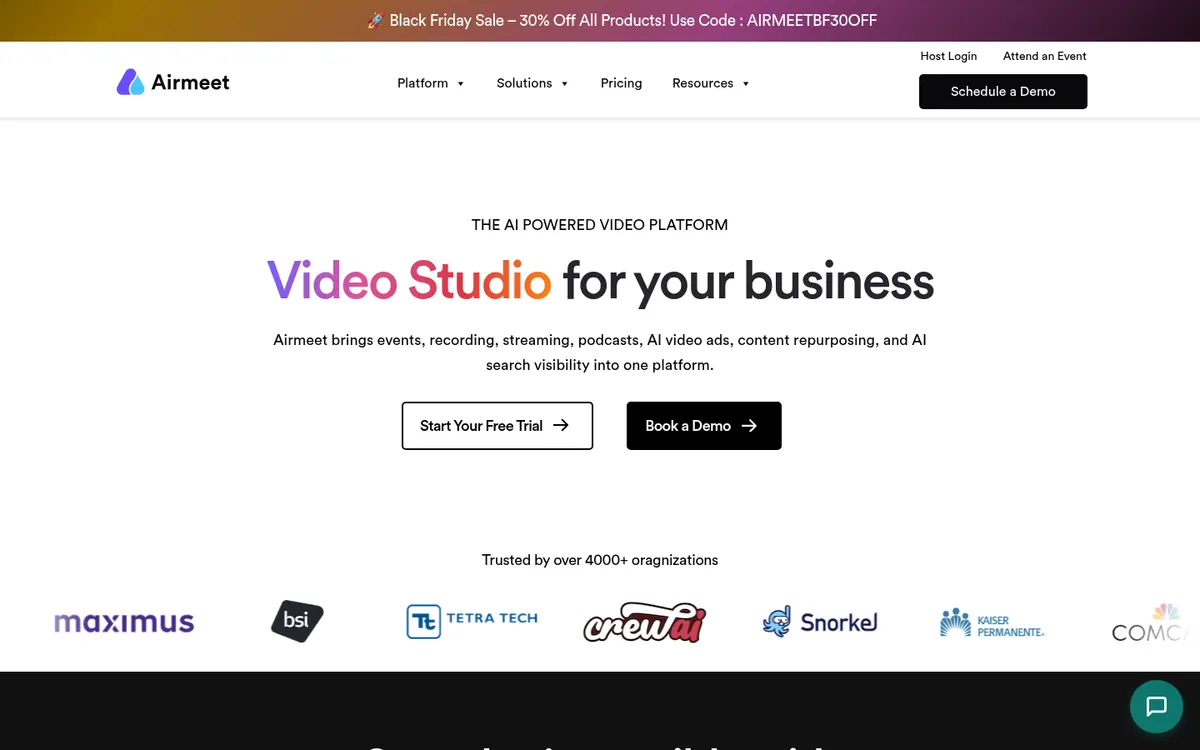
Airmeet is an online-first platform with a virtual lobby, multiple stages, breakout tables and social lounges with open video tables. Speed networking is built in, along with polls, Q&A and chat. Multi-day events can run parallel tracks, and hybrid streaming brings remote participants into a live event. The feature set is aimed at interaction between attendees, not just one-way broadcast.
The social lounges and speed networking are the standout. For summits, workshops and meetups, those formats create more peer contact than a standard webinar room. Setup is quick for a small team, and the free plan covers up to 100 registrations, which lowers the risk of a first event. The limits show up on the onsite side: onsite tooling is thinner than enterprise rivals. Branding controls and analytics improve only on higher tiers, and large expos with complex exhibitor needs are a poor fit.
Pricing is on the vendor site. Premium Webinars starts at $167 per month billed annually, with 16% off yearly and two team members. The lowest paid tier shown in our check is $167 per month. A free trial is available, and the free plan covers up to 100 registrations. Buyers should confirm which plan includes the networking formats they need.
Airmeet fits community events and multi-session summits that want accessible pricing and built-in networking. It is less suitable for a large hybrid conference with badge printing, floor plans and sponsor booths. The free tier makes it easy to test, but the paid starting point is $167 per month billed annually, so budget for that figure.
What works
- Free tier to 100 registrations
- Social lounges and speed networking
- Quick setup
What to weigh
- Thin onsite tooling
- Higher tier for branding and analytics
- Not for large expos
Pick it if
You run a community summit or workshop and want built-in networking plus a free entry tier.
Skip it if
You need onsite check-in, badge printing or a complex exhibitor floor.
Plate 07 of 08
Cvent
Best for large enterprise event programs and venue sourcing
Our verdict
A broad enterprise event program platform that spans venue sourcing through virtual delivery, with quote only pricing and heavy configuration.
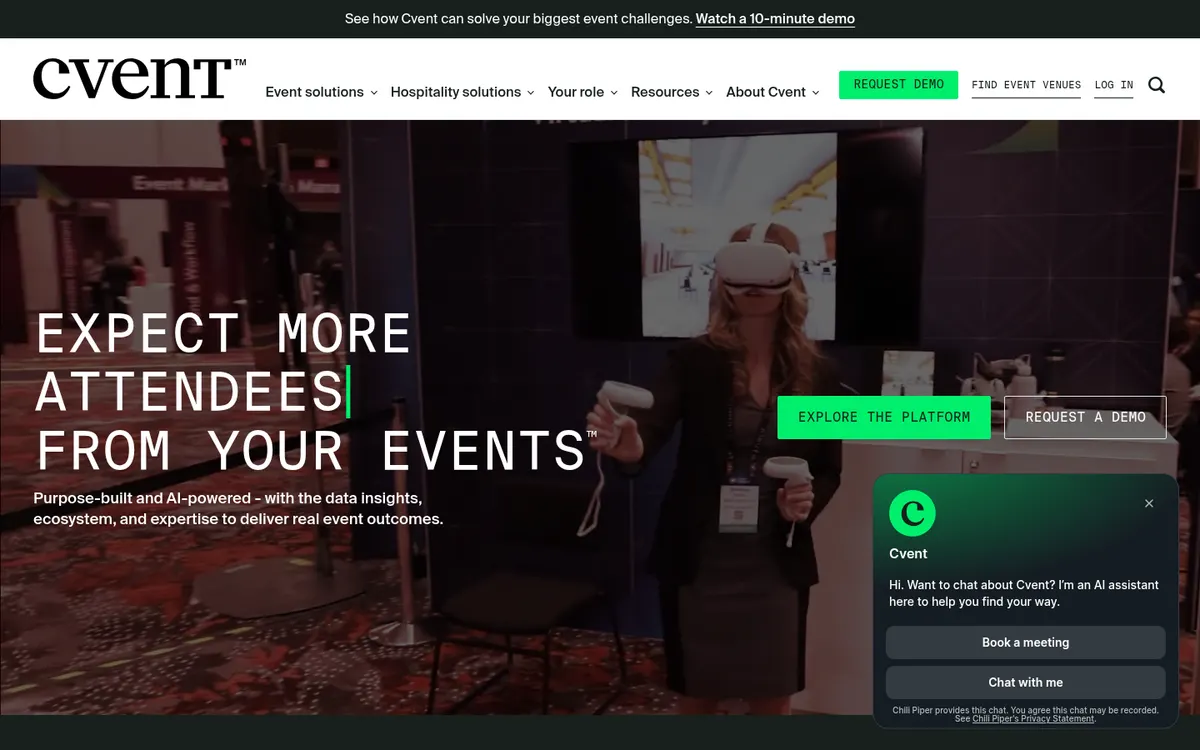
Cvent is the broad enterprise option. It covers venue sourcing, registration and event websites, email marketing, onsite check-in and badge printing, surveys and reporting. Attendee Hub handles live and on-demand sessions, with networking and sponsor areas for remote attendees. Approval workflows and consistent branding across events support large event programs. The platform spans sourcing through virtual delivery, which is why it appears in enterprise shortlists.
The breadth is real, but so is the configuration load. A company running hundreds of events a year can standardize templates, approvals and reporting across teams. A small team will find the same structure heavy. Attendee Hub keeps remote and onsite attendees on one registration and app, which reduces duplicate records. Strong integrations and reporting help high-volume programs, especially where procurement, marketing and events teams need one source of truth. Trained staff or a partner is usually part of the cost.
Pricing is quote only, with enterprise contracts and no free plan. Demos only. There is no published starting figure, so buyers need to define event volume, users, onsite hardware and integration needs before a quote is meaningful. The platform is excessive for small events and teams, and the complexity can slow a first launch. The case for Cvent rests on program scale, governance and the cost of stitching several tools together. The vendor pricing page did not provide usable text in our check, so quote only status stands.
Cvent fits large enterprise event programs and venue sourcing, especially organizations that need approval workflows and consistent branding across many events. It is less suitable for a single conference, a small meetup or a team without dedicated event operations staff. Buyers should expect a longer implementation and a contract shaped around volume and modules.
What works
- Sourcing through virtual delivery
- Attendee Hub for both audiences
- Strong reporting and integrations
What to weigh
- Quote only pricing
- Complex configuration
- Too heavy for small teams
Pick it if
You run a high-volume enterprise event program and need sourcing, approvals, onsite tools and reporting in one contract.
Skip it if
You run one small event or have no dedicated staff to configure and maintain the platform.
Plate 08 of 08
Swapcard
Best for exhibitor-led expos and B2B matchmaking
Our verdict
A matchmaking-led platform for exhibitor expos and B2B meetings, strong when booked conversations matter more than session volume.
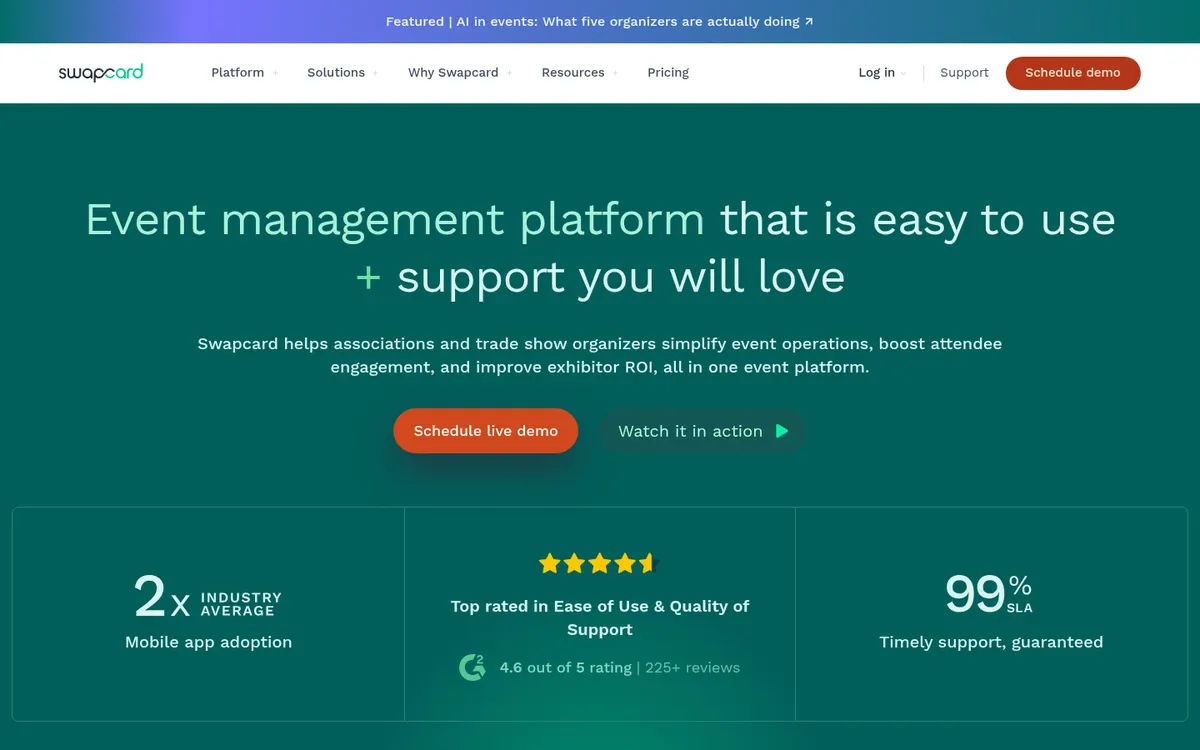
Swapcard is built around matchmaking and exhibitor meetings. AI matchmaking connects attendees, exhibitors and sponsors. One-to-one video or in-person meeting booking turns interest into a scheduled conversation. Registration, event websites, virtual sessions, an attendee mobile app, onsite check-in and exhibitor lead capture round out the platform. It works across virtual, hybrid and onsite formats, but the meeting is the unit of value.
That focus suits exhibitor-led expos and B2B events where success is measured in meetings booked and leads captured. Sponsors get more than a logo placement if the matchmaking produces relevant conversations. The interface has a learning curve, and a simple webinar-style event will not use its strengths. Organizers need clean attendee and exhibitor data for matchmaking to work, so the setup work starts before the event app opens.
Pricing is on the vendor site. The model is an annual license fee plus per attendee and exhibitor volume, with a Starter plan and a free trial. No dollar figures are published on the page we checked, though the notes cite entry pricing around $610 per year. There is no free plan. Costs rise for larger events and added features. Buyers should ask how attendee and exhibitor volume is counted, because that is the variable that changes the contract.
Swapcard fits exhibitor-led expos and B2B matchmaking, especially events that can measure success in meetings booked and exhibitor leads. It is less suitable for a simple webinar or an event without exhibitors and sponsors. The free trial on the Starter plan lets a team test the matchmaking before committing to an annual license.
What works
- AI matchmaking
- Exhibitor and sponsor tooling
- Works across formats
What to weigh
- No free plan
- Interface learning curve
- Weak fit for simple webinars
Pick it if
Your expo depends on exhibitor meetings and B2B matchmaking rather than session volume.
Skip it if
You run a simple webinar or an event without exhibitors and sponsors.
What is a hybrid event platform, and when is it better than a webinar tool?
A hybrid event platform is event software that runs one event for two audiences at once: people in a venue and people watching remotely. It is more than a webinar tool because it connects registration, content, networking, exhibitors and onsite operations in one system. A webinar tool usually handles a broadcast, a chat and maybe Q&A. A hybrid platform adds an event website, an attendee app, session stages, meeting booking, exhibitor booths, check-in and reporting. The goal is one attendee record that covers both the physical and remote experience.
The category covers several shapes. Some platforms are virtual venues with stages, networking rooms and expo halls, and they add an onsite layer for check-in and badge printing. Some are attendee app and engagement tools that support a live event and stream sessions. Some are enterprise event programs that start with venue sourcing, approvals and reporting. The right shape depends on where the event does its hardest work: content, exhibitors, onsite logistics or measurement. That is why a webinar tool with a registration plug-in is not a substitute for a platform built for both audiences.
Check these parts before a demo:
- Registration and event website
- Virtual stages and hybrid streaming
- Attendee app, agenda and networking
- Exhibitor booths, lead capture and meeting booking
- Onsite check-in, badge printing and floor plans
- Reporting and marketing integrations
Most buyers do not need every part at full depth. A community summit may prize social lounges and speed networking. A trade show may prize exhibitor booths and lead capture. A large enterprise may prize approvals, venue sourcing and pipeline reporting. The mistake is to buy the broadest platform and then discover that the team cannot configure the features it paid for. A hybrid event platform should reduce handoffs between registration, streaming, the app and onsite check-in, not add another system for staff to manage. Match the platform to the jobs your team will actually run, then confirm the tier that contains those jobs.
This guide sits in the Events collection. Buyers weighing nearby tools often read the guides to ticketing software and veracode alternatives next.
How pricing works for hybrid event platforms in 2026
Hybrid event platform pricing follows the buying model, not a single list price. Expect a free tier or trial at the low end, per event or per user pricing in the middle, and annual contracts with usage-based fees at the top. The table uses only the facts supplied for this list; where a vendor publishes no figure, the price is on the vendor site or quote only.
| Model | How it bills | Typical fit | Example from this list |
|---|---|---|---|
| Free tier | No charge within an attendee cap | Pilot, community event, small expo | vFairs up to 500 attendees; Airmeet up to 100 registrations |
| Per organizer | Per organizer per month, billed annually | Large branded conferences | RingCentral Events Pro at $99, Pro+ at $199 |
| Per user | Per user per month, annual contract, three user minimum | Enterprise teams measuring pipeline | Bizzabo entry about $17,999 per year |
| Per event | Base price per event, add-ons optional | Ticketed conference or trade show | Accelevents Professional $7,500; Business from $13,500 per year |
| Annual license plus usage | Annual license plus attendee and exhibitor volume | Exhibitor-led expo and matchmaking | Swapcard Starter with free trial, entry around $610 per year |
| Quote only | Custom contract | Large enterprise programs | Cvent enterprise contracts; Whova by event size |
A free plan is not the same as a free trial. vFairs and Airmeet publish free tiers with attendee caps, while RingCentral Events, Accelevents, Airmeet and Swapcard offer free trials; Bizzabo, Whova, vFairs and Cvent are demo only. A pilot on a free tier can test the attendee app, but it will not test badge printing, complex exhibitor packages or enterprise reporting. Budget for the tier that contains onsite check-in and the exhibitor tools you need, because those are the features that change the contract.
Every price in this guide was read on the vendor's own pricing page on November 25, 2026. Where a vendor does not publish a figure we could confirm, the card says "See website" rather than a guess. For the arithmetic around this purchase, try the free Email campaign metrics calculator.
How to choose a hybrid event platform step by step
- Define the format. Write down how many attendees will be onsite, how many remote, and which sessions run in both. A clear split stops you from buying a virtual expo floor for a small meeting.
- Map onsite needs. Check-in, badge printing, floor plans and attendee app support are separate from streaming. If badge printing is required, filter out platforms where it sits only in a higher tier or is missing.
- List exhibitor jobs. Decide whether sponsors need booths, lead capture, meeting booking or matchmaking. Accelevents, vFairs and Swapcard earn their place when exhibitors are central; a webinar tool will not cover them.
- Set a budget basis. Compare per event, per user, per organizer and annual license quotes on the same event. Ask whether the quoted figure includes the onsite module and how attendee volume changes the renewal.
- Test the attendee path. Run a demo or trial through registration, the agenda, a session, a meeting and check-in. Watch for extra apps, manual data entry and steps that require a support call.
- Check the data handoff. Confirm how attendee data reaches HubSpot, Marketo or another marketing tool, and how reporting shows registration, attendance and pipeline. A platform that cannot export cleanly creates work after the event.
Common buying mistakes with hybrid event platforms
- Buying for the keynote only. A webinar tool can stream a keynote; a hybrid platform earns its price through check-in, exhibitor booths, attendee data and networking. If those are not requirements, the extra cost is hard to defend.
- Ignoring the onsite tier. RingCentral Events puts onsite and hybrid tools in Pro+, and other vendors gate badge printing or floor plans. Ask for the tier that includes the onsite work, not the headline starting price.
- Assuming a free plan covers a real event. vFairs caps its free plan at 500 attendees and Airmeet at 100 registrations. A free tier can test the attendee app, but it will not carry a paid conference or an exhibitor floor.
- Skipping the data map. Event data is only useful if it reaches marketing and sales systems. Confirm HubSpot, Marketo or API paths before the contract, and test a sample export rather than trusting a logo wall.
- Letting setup start late. A small summit can move quickly, but a large conference with booths, multiple tracks and badge printing needs weeks for configuration, content and rehearsal. Late setup turns a platform choice into a fire drill.
8 best hybrid event platforms for 2026 buyers: questions
What does a hybrid event platform do that a webinar tool does not?
A hybrid event platform runs one event across an onsite venue and a remote audience, then keeps the data in one place. A webinar tool handles a broadcast and maybe Q&A. A hybrid platform adds registration, an attendee app, networking, exhibitor booths, onsite check-in and badge printing. Those extras matter when the event has sponsors, multiple sessions or both remote and onsite attendees.
What does hybrid event platform pricing look like from free tiers to enterprise contracts?
Pricing runs from a free attendee-capped tier to enterprise quotes, with per event, per user and per organizer models in between. vFairs offers a free plan up to 500 attendees and Airmeet up to 100 registrations. Accelevents starts at $7,500 per event, RingCentral Events Pro is $99 per organizer per month billed annually, and Cvent is quote only. Match the tier to onsite and exhibitor needs.
Which platforms suit expo floors, exhibitor meetings or large onsite operations?
vFairs suits 3D expo floors and booth customization. Swapcard suits exhibitor-led expos and B2B matchmaking where meetings booked are the measure. Accelevents fits ticketed trade shows that need virtual booths and onsite check-in. Cvent is the pick for large onsite operations and venue sourcing. RingCentral Events and Bizzabo cover branded conferences with an exhibitor layer, while Whova and Airmeet lean toward attendee engagement.
How do remote and onsite attendees interact on these platforms?
They interact through shared registration, an attendee app, chat, polls, Q&A and meeting booking. Some platforms add matchmaking, community boards, social lounges or speed networking. Onsite attendees may use a wearable badge to exchange contact details, while remote attendees book video meetings. The strongest setups keep one attendee record across both groups, so a remote viewer and an onsite guest appear in the same reporting.
How long does setup take for a small summit versus a large conference?
Setup time depends on the number of tracks, exhibitors, integrations and onsite tools, not just attendee count. A small summit with one stage and simple registration can be configured in days. A large conference with multiple stages, sponsor booths, badge printing, floor plans and marketing sync takes weeks and needs a rehearsal. Start with the data and exhibitor workflows, because those create the longest lead times.
What onsite capabilities should I check for, such as check-in and badge printing?
Check for onsite registration, check-in, badge printing, an attendee app and floor plans. If exhibitors need lead capture, ask how badges or scans feed the exhibitor report. If the event has multiple rooms, confirm wayfinding and session attendance tracking. RingCentral Events puts onsite badge printing and floor plans in Pro+, Cvent includes onsite check-in and badge printing, Bizzabo includes onsite check-in, and Accelevents covers check-in with badge printing.