
Contents of this guide
The shortlist
Our top 3 for events buyers

Eventbrite
Public buyer marketplace
- Best for
- Organizers who need built-in buyer discovery
- Features
- 4 noted: Public marketplace, Free events, Instant publishing, Sales dashboard
Ticketmaster
Large on-sale capacity
- Best for
- Arenas, stadiums, tours and high-volume on-sales
- Features
- 4 noted: High-volume queues, Fraud controls, Integrated resale, Venue integrations

TicketSpice
Flat per-ticket fee
- Best for
- Organizers wanting full branding at flat per-ticket fees
- Features
- 4 noted: Flat per-ticket fee, White-label domain, Weekly payouts, Conditional logic
Disclosure for this guide. All 9 tools here are unpaid editorial picks. The position of a paid listing can be part of what the vendor pays for. Paid and unpaid tools are scored on the same rubric and keep their cons. Details are in the advertising disclosure.
The ledger
Index of every tool
| Tool | Free plan | Trial | Rubric | Compare | ||
|---|---|---|---|---|---|---|
| 01 | EventbriteOrganizers who need built-in buyer discovery | FreeFree for free events, paid tickets carry 3.7% + $1.79 per ticket plus 2.9% processing per orderChecked Nov 25, 2026 | Yes | No | ||
| 02 | TicketmasterArenas, stadiums, tours and high-volume on-sales | See websiteNegotiated enterprise contracts, no published ratesNot published | No | No | ||
| 03 | TicketSpiceOrganizers wanting full branding at flat per-ticket fees | $0.99Standard, per paid ticket, plus standard card processingChecked Nov 25, 2026 | Yes | No | ||
| 04 |  HumanitixOrganizers who want booking fees to fund a cause | See websiteStandard, 4% + $0.99 per paid ticket, excl. GST, AUD pricing, free events are freeChecked Nov 25, 2026 | Yes | No | ||
| 05 | TixrFestivals and high-demand on-sales | See websiteCustom contract pricingNot published | No | Demo only | ||
| 06 |  DiceMusic events with a discovery-minded audience | See websitePricing not published, free events supportedNot published | Yes | No | ||
| 07 | TicketleapCommunity events and small budget-conscious organizers | See websiteFree events cost nothing, paid ticket fees varyNot published | Yes | No | ||
| 08 |  ZeffyNonprofits running fundraising events | FreeFree for nonprofits, funded by optional donor tipsChecked Nov 25, 2026 | Yes | No | ||
| 09 |  EventBookingsOrganizers wanting the lowest platform-side fees | See website30¢ + 2.5% per ticket sold, includes card processing, AUD pricingChecked Nov 25, 2026 | Yes | No |
Prices are the lowest paid plan the vendor shows, read on November 25, 2026. Sort by price ranks published monthly figures; tools without one go last. Pin up to three tools to compare them side by side.
How this guide was put together
Every platform in this list was scored against the same five criteria. Fee transparency carries 25 percent, because a published per-ticket number is the difference between a budget and a guess. Buyer discovery, brand control and event complexity carry 20 percent each: whether the platform brings its own audience, how far you can shape pages and fees, and whether it copes with tiered releases, reserved seating or multi-day passes. Setup speed carries the last 15 percent.
Prices and plan terms were taken from vendor pricing pages on November 25, 2026 and stated in the form the vendor publishes. Where a vendor quotes in AUD, we say so rather than converting. Where no pricing page exists, the entry reads See website and we do not estimate a number. Four vendors here publish no rate in a form a buyer can compare, which is itself a finding.
No entry in this list is a Featured placement. When we do run a Featured entry, it is a paid placement, and it is scored with this same rubric, including the honest cons. Placement affects position on the page, not the scores.
We did not run a live event on all nine platforms. The assessment comes from published feature lists, pricing terms, fee structures and the fit each tool claims for itself. Treat the scores as a shortlist filter, then request a quote and a demo for the two or three that survive.
The full process, including how we handle corrections, is on the methodology page. Paid listings follow the advertising disclosure.
Rubric and weights
Every tool below is scored from 1 to 10 on these five criteria. The scores describe each tool; the order is an editorial call on fit for the buyer each card describes, plus the disclosed Featured position.
- 25%Fee transparencyHow clearly the platform publishes what it charges, on which ticket type, and who pays it.
- 20%Buyer discoveryWhether the platform brings its own ticket buyers or leaves audience building entirely to you.
- 20%Brand controlHow far you can shape pages, domains, forms, add-ons and the convenience fees you keep.
- 20%Event complexitySupport for tiered releases, reserved seating, waitlists, multi-day passes and high-demand on-sales.
- 15%Setup speedHow quickly a first event can go live without a sales call, a developer or a contract review.
Plate 01 of 09
Eventbrite
Best for organizers who need built-in buyer discovery
Our verdict
A fit for organizers who need strangers to find the event, with service fees among the highest in the list.
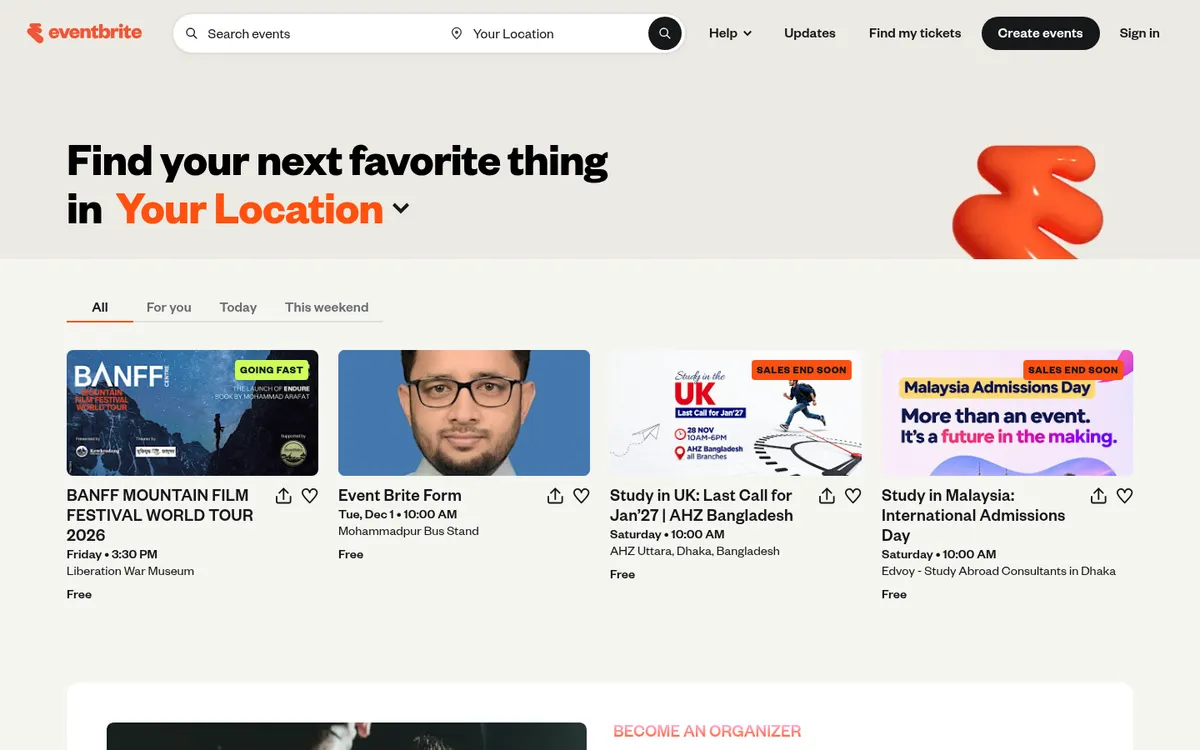
Eventbrite is built for organizers who want a public marketplace, and for November 2026 it is a strong choice when discovery traffic matters more than the fee line. Events publish immediately through a self-serve builder, and listings sit in a public marketplace where buyers browse without being handed a link. For a first event with no existing audience, that reach is the product.
The mechanics are simple. You build an event page and set ticket types, and the organizer dashboard tracks sales and attendees. Free events carry no fee at any size, which makes the platform cheap for RSVP-driven gatherings, open houses and community meetups. Paid tickets are where the cost appears: 3.7% plus $1.79 per ticket, plus 2.9% processing per order in the US. Because the $1.79 is flat, the effective percentage is heaviest on low-priced tickets and lower on high-priced tickets. There is no per-ticket cap.
Optional Pro subscriptions, $15 to $100 per month, add email marketing volume. They do not reduce the per-ticket service fee, so upgrading is a marketing decision rather than a way to cut costs. Organizers who already have a mailing list will find the Pro tiers easy to skip.
Fits: conferences, workshops, nightlife and community events that need a public listing and a fast launch. Skip it when a percentage plus flat fee on every ticket overwhelms the value of discovery, or when you need your own domain and full control of the fee you add.
What works
- Largest built-in audience of ticket buyers among the tools compared
- Fastest setup, with events publishable immediately
- No cost for free events regardless of size
What to weigh
- Service fee is among the highest here, with no per-ticket cap
- The flat $1.79 makes cheap tickets expensive per head
- Pro tiers add marketing volume but never cut the per-ticket fee
Pick it if
You need buyers who have never heard of you to find the event without paid ads.
Skip it if
Your paid ticket volume is high enough that a percentage plus flat fee on every ticket beats the value of marketplace traffic.
Plate 02 of 09
Ticketmaster
Best for arenas, stadiums, tours and high-volume on-sales
Our verdict
A fit for stadium-scale on-sales and venue resale, sold only through negotiated contracts with no public rates.
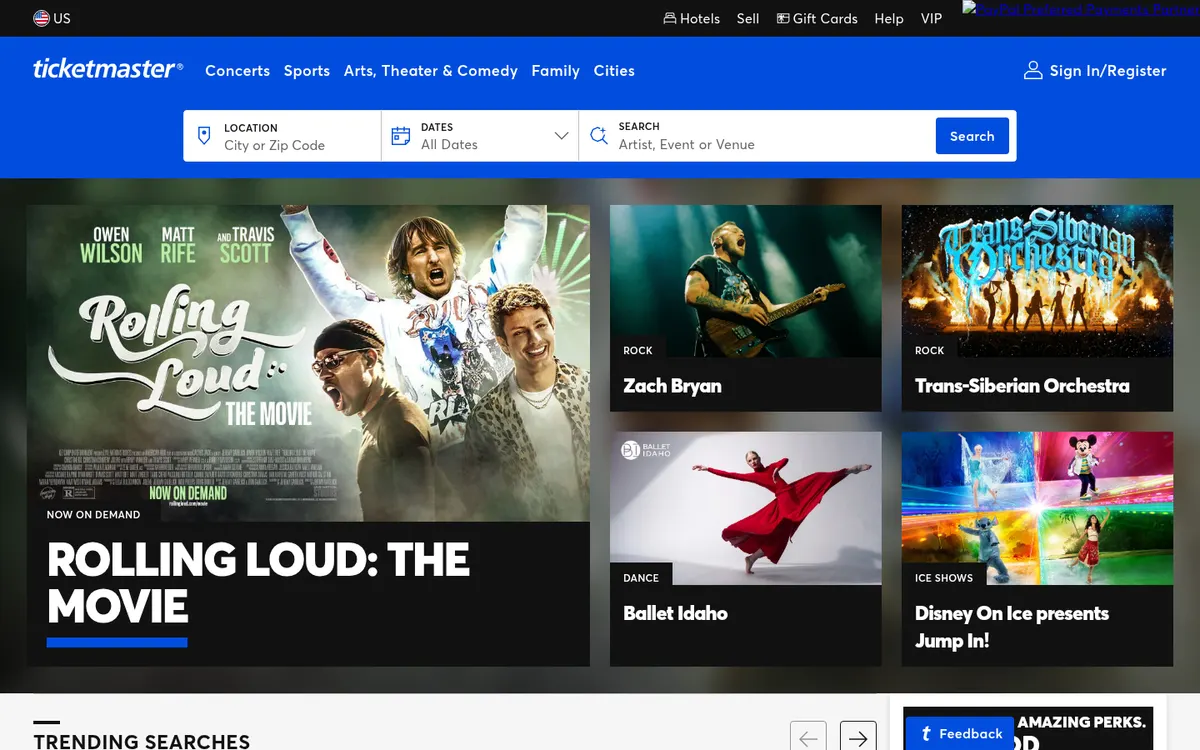
Ticketmaster is built for the moment a tour goes on sale and tens of thousands of tickets move through the same on-sale. Queueing, fraud controls and venue integrations are the product, and they are tuned for arenas, stadiums and multi-city tours rather than a small workshop. If your ticketing problem is load rather than layout, this is where the comparison mostly starts and ends.
The feature set is operational. High-volume queueing holds up under on-sales that would flatten a self-serve builder. Fraud controls target high-demand events, where bots and bulk buying distort the map. Resale is part of the platform rather than an add-on, so a returned ticket re-enters the same system instead of leaking to a third-party site. Venue and promoter integrations mean the box office, the promoter's reporting and the ticketing record are the same data.
There is no published pricing: everything is negotiated. There are no published rates, no free plan and no trial. Fee structures are contract terms, and the company's fees are among the highest in the industry, which draws public criticism. Small independent organizers are not the target customer and will find the sales process long.
Fits: venue operators, promoters and tours with real on-sale volume and a legal or finance team to review a contract. Because fees are negotiated, model the all-in cost to the attendee rather than the cost to the organizer, since a heavy fee stack changes how many people actually turn up. Skip it for a first festival or a small gala.
What works
- Handles on-sales of tens of thousands of tickets without failing
- Deep integrations with venues and promoters
- Resale is part of the platform rather than an add-on
What to weigh
- No public pricing; everything is negotiated
- Fees are among the highest in the industry and attract public criticism
- Not aimed at small independent organizers
Pick it if
You run a venue or a tour and your main risk is a queue that collapses under demand.
Skip it if
You need a published price, a fast start, or a contract you can sign without legal review.
Plate 03 of 09
TicketSpice
Best for organizers wanting full branding at flat per-ticket fees
Our verdict
A flat $0.99 per paid ticket buys full branding and weekly payouts, but you supply every buyer yourself.
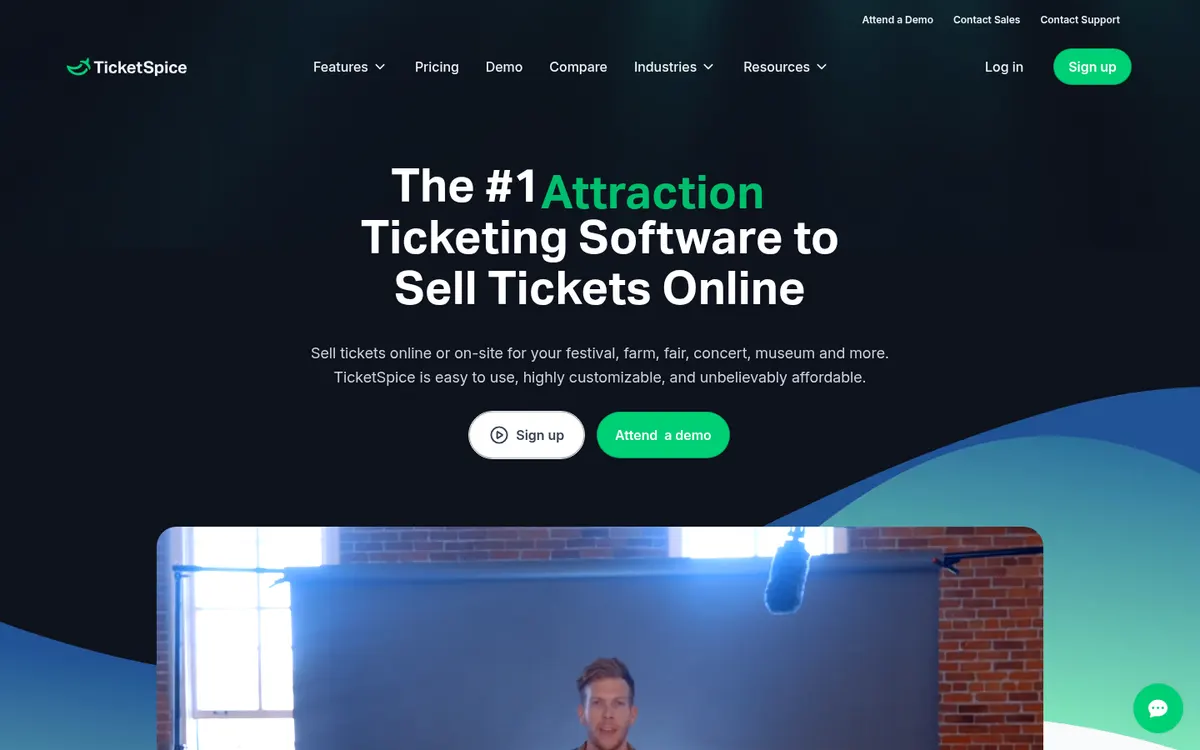
TicketSpice sells predictability. Instead of taking a percentage of every paid ticket, it charges a flat $0.99 per paid ticket plus standard card processing on the Standard plan, with the rate dropping to 49 cents for low-priced tickets and in-person box office sales. On a high-priced ticket that is a rounding error. On a low-priced ticket it is a fixed, knowable cost rather than a percentage that scales with your pricing.
The builder is stronger than the flat fee suggests. Pages are drag-and-drop with conditional logic, so registration questions branch based on earlier answers. Upsells, merchandise add-ons and custom CSS are included, and white-label on your own domain costs $150 per year. Organizers keep any convenience fee they add, which means you can pass the platform cost to attendees if you choose. Payouts arrive weekly rather than being held until after the event, which matters for cash flow during a festival build.
There is no discovery marketplace. TicketSpice hands you a checkout and expects you to bring the audience, so it suits organizers with an existing list, a following or a paid media budget. You also set up your own payment processor relationship rather than inheriting the platform's merchant account, which is more admin on day one and more control afterwards.
No monthly fees and no contracts make it easy to trial on a single event. Fits: conferences, festivals and community events with mid-priced tickets where percentage pricing has started to hurt. Skip it if you have no audience and need the platform to supply buyers, or if you want someone else to own the payment processing setup.
What works
- No monthly fees and no contracts
- Full control over page branding, domains and fee markups
- Payouts arrive weekly instead of being held until after the event
What to weigh
- No discovery marketplace, so organizers supply their own audience
- Organizer must set up their own payment processor relationship
Pick it if
You have an audience and want a flat, predictable per-ticket cost with your own branding.
Skip it if
You need the platform to bring buyers or you would rather not manage a payment processor account.
Plate 04 of 09
Humanitix
Best for organizers who want booking fees to fund a cause
Our verdict
Mid-market fees on a nonprofit model, with a modern checkout and a cause you can point at in attendee messaging.
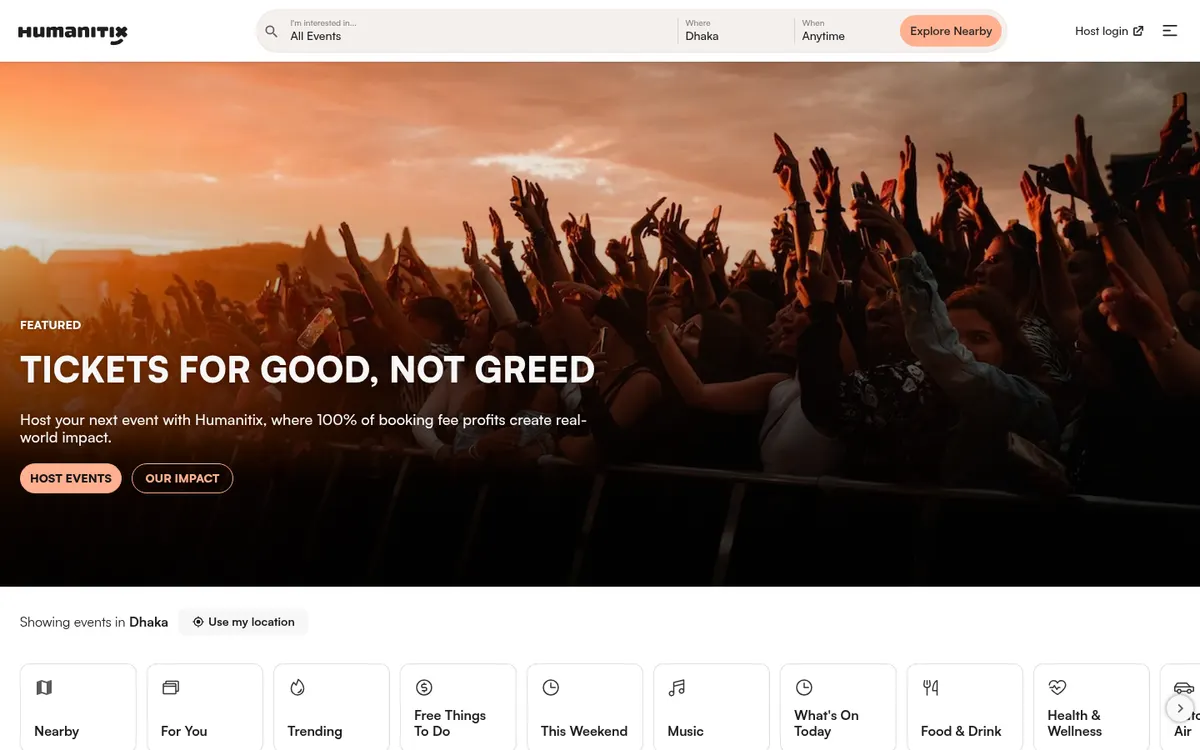
Humanitix is a registered nonprofit that sells ticketing, and the pitch is that booking fees fund children's education charities rather than shareholder returns. For organizers who get asked where the money goes, that is a usable answer, and it is not a veneer: the company operates as a nonprofit and routes profits to education charities.
The product covers the range most organizers need. Ticketing with reserved seating, event management for concerts, festivals, galas and conferences, and a modern checkout that works well on a phone. Free events are free, which keeps community and RSVP gatherings at zero cost. The fee level is mid-market: the published model is 4% plus $0.99 per paid ticket, excluding GST, quoted in AUD, with terms on the vendor site rather than in a self-serve grid.
The trade-offs are audience and depth. The discovery audience is smaller than the largest marketplace here, so treat it as a checkout and event management tool rather than a demand-generation channel. Advanced enterprise features for complex events are thinner than what Ticketmaster or Tixr offer, and this is not a platform for stadium-scale on-sales.
Fits: charities, schools, community groups, festivals and conference organizers who want a modern checkout and a cause to point at, with fees that sit in the middle of the market. Skip it if discovery traffic is your main acquisition channel, or if your event needs enterprise-grade queueing and heavy venue integrations.
What works
- Registered nonprofit model that routes profits to education charities
- Modern checkout and strong mobile experience
- Fee levels sit mid-market with a mission story attendees respond to
What to weigh
- Smaller discovery audience than the largest marketplace
- Fewer advanced enterprise features for complex events
Pick it if
Your audience responds to a charity story and you want a modern checkout at a mid-market fee.
Skip it if
You need the platform to generate demand or you are running a stadium-scale on-sale.
Plate 05 of 09
Tixr
Best for festivals and high-demand on-sales

Our verdict
Purpose-built for hype drops, tiered releases and multi-day festivals, with contract pricing that assumes an established event.
Tixr is built for hype. Tiered ticket releases, waitlists for high-demand drops and payment plans for buyers are the core feature set, which tells you the target customer runs events that sell out in waves rather than steadily. Multi-day festival logic, including VIP tiers, is handled natively rather than through workarounds, and the fan flow is mobile-first from the first tap.
Pricing is custom and contract-based, with no published rates and no free plan. The trial is a demo. That structure fits established events with a ticketing history and a sales conversation to have; it does not fit a first-year organizer who wants to publish tonight and see how it goes. There is also a real risk of paying for capacity you never use if your event is a single-day gathering with one price tier.
The strengths cluster around demand management: release schedules, waitlist mechanics, payment plans for buyers, and a purchase flow that holds up when traffic spikes. Those are exactly the features that go missing on a general-purpose builder once a lineup announcement lands.
Fits: festivals, promoters and established event brands with tiered releases and a mobile-heavy audience. Demo it side by side with enterprise competitors and compare the all-in cost to attendees, not just the platform line. Skip it if you run simple single-day events, need transparent published pricing, or want to be live without a sales cycle.
What works
- Built specifically for hype-driven on-sales
- Strong mobile purchase experience
- Handles complex festival structures such as multi-day and VIP passes
What to weigh
- Contract-based pricing aimed at established events
- Poor fit for simple single-day gatherings
Pick it if
You run a festival or a drop-driven on-sale and need tiered releases, waitlists and payment plans.
Skip it if
You run one-day events, need a published price, or cannot wait out a sales cycle.
Plate 06 of 09
Dice
Best for music events with a discovery-minded audience
Our verdict
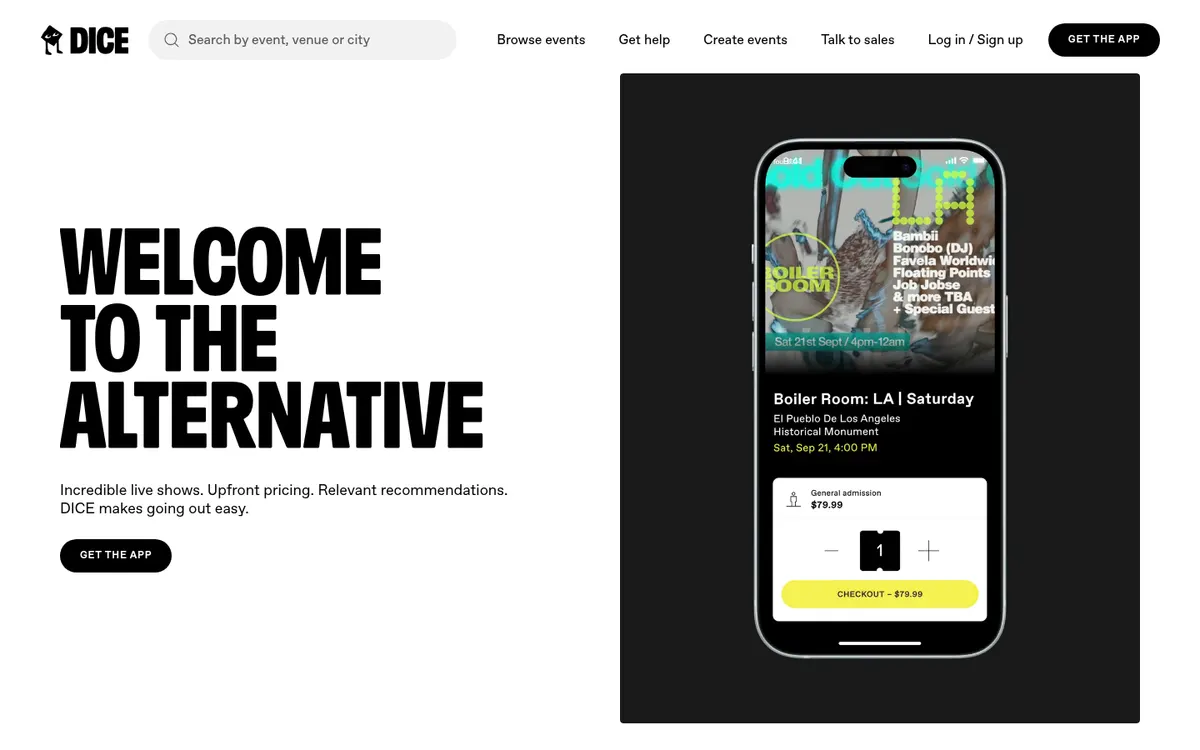
The music-first option, with buyer-locked mobile tickets that block screenshot resale and a discovery feed for gigs.
Dice is the music-first option. Tickets are locked to the buyer's phone, anti-scalping controls block screenshot resale, and a discovery feed pushes gigs to fans who are already browsing for something to do on Friday. If you promote club nights, label shows or small venue gigs with a young mobile audience, that combination is more useful than a generic page builder with a checkout attached.
Organizer tooling is clean and focused rather than sprawling. You get the tools for gigs and club nights, free events at no cost, and a mobile-first purchase flow. The buyer lock matters at the door: a screenshot does not get someone in, which blocks screenshot resale without staff having to police it.
Pricing is not published. There is no rate grid, no free-plan detail beyond free events being supported, and no trial, so the conversation starts with the vendor. That is common for sales-led platforms, but it does mean you cannot model costs from the website alone.
The limits are scope and geography. Conferences, fundraisers and multi-track business events fit awkwardly, because the product is shaped around how music fans buy. The US footprint is smaller than the generalist platforms here, so if your audience is national and not music-led, discovery value drops quickly.
Fits: promoters, clubs and independent venues with a mobile-first, music-oriented crowd. Skip it if you run conferences, galas or community fundraisers, or if you need published rates before budget approval.
What works
- Fan-first brand with strong discovery among music audiences
- Mobile-native ticketing with anti-scalping protection
- Clean, focused organizer tooling
What to weigh
- Music-centric, so conferences and fundraisers fit awkwardly
- Smaller US footprint than generalist platforms
- Pricing is not published, so costs need a vendor conversation
Pick it if
You promote music events to a young mobile audience and resale is eating your door.
Skip it if
Your event is a conference, a gala or a fundraiser, or you need a published rate to get budget sign-off.
Plate 07 of 09
Ticketleap
Best for community events and small budget-conscious organizers

Our verdict
Quick to learn and fine for a school fundraiser, but fee detail is vague and complex events will outgrow it.
Ticketleap aims at the organizer doing this in their spare time. Setup is a short flow rather than a configuration project, social sharing is built into the path from event page to checkout, and free events carry no charge. For a school fundraiser, a community theater run or a club night put on by volunteers, that removes most of the friction that stops people from listing at all.
The feature set is deliberately shallow. Ticketing and attendee management cover the basics: an event page, ticket types and a list you can check people off against. Feature depth is thin for complex or multi-day events. If your event needs tiered releases, waitlists or VIP structures, check the feature list before you commit.
Fees are the weak point. Pricing is on the vendor site rather than in a published grid, paid ticket fees vary, and the terms are less transparent than the flat-fee alternatives here. Free events cost nothing, which is straightforward, but the moment you charge admission you need the exact fee in writing and modeled against your real ticket price before committing.
Fits: volunteer-run community events, school fundraisers, small theater productions and low-complexity gatherings where speed of setup beats feature depth. Skip it if fee certainty matters, if you sell higher volumes of paid tickets, or if you need the platform to bring buyers rather than relying on your own social sharing.
What works
- Simple setup aimed at volunteers and small organizers
- Social sharing built into the flow
- Free events carry no charge
What to weigh
- Fee details are less transparent than flat-fee alternatives
- Feature depth is thin for complex or multi-day events
Pick it if
A volunteer is running the event and the priority is getting a page live this week.
Skip it if
You need fee certainty, reserved seating or multi-day logic.
Plate 08 of 09
Zeffy
Best for nonprofits running fundraising events
Our verdict
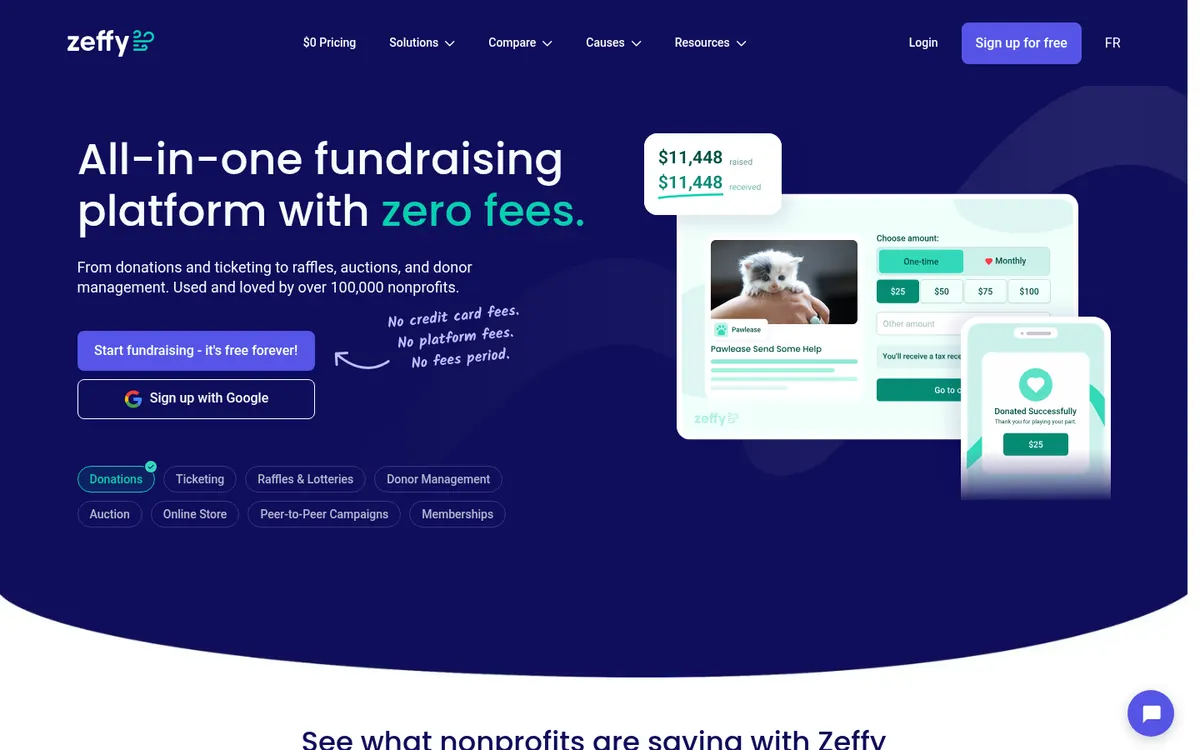
Free ticketing, donations, raffles and memberships for nonprofits, funded by optional tips rather than platform fees.
Zeffy is free for nonprofits, and that includes card processing. The model is unusual: instead of charging a platform fee, it prompts donors for an optional tip at checkout and funds itself from those tips. For a registered charity running a gala, a raffle or a membership drive, the gap between zero platform cost and a percentage of every ticket is the difference between a small surplus and a wash.
The feature set is built around fundraising rather than pure ticketing. You get ticketing, donation collection, raffles and auctions, and membership management in one place, plus the attendee and donor records that go with them. Keeping the raffle, the ticket and the donor record in a single system removes a lot of spreadsheet reconciliation for a small development office.
There are two real limits. The platform is restricted to organizations with nonprofit status, so commercial organizers are excluded and eligibility has to be confirmed during signup. The optional tip prompt is also a design decision that can confuse some donors, especially older attendees who expect a clean total at checkout. Plan your wording around it.
The company reports more than 100,000 nonprofits using the platform, which is a signal of fit rather than a measure of quality. Fits: registered nonprofits running ticketed fundraisers, galas, raffles, auctions and membership events where keeping cost near zero is the priority. Skip it if you are a commercial promoter, or if a tip prompt would clash with how your audience expects to pay.
What works
- No cost to eligible nonprofits, including card processing
- Combines ticketing, donations, raffles, auctions and memberships
- Funded by optional donor tips rather than fees
What to weigh
- Restricted to organizations with nonprofit status
- The optional tip prompt can confuse some donors at checkout
Pick it if
You are a registered nonprofit and want ticketing, donations and raffles without a platform fee.
Skip it if
You are a commercial organizer or your donors would balk at a tip screen.
Plate 09 of 09
EventBookings
Best for organizers wanting the lowest platform-side fees
Our verdict
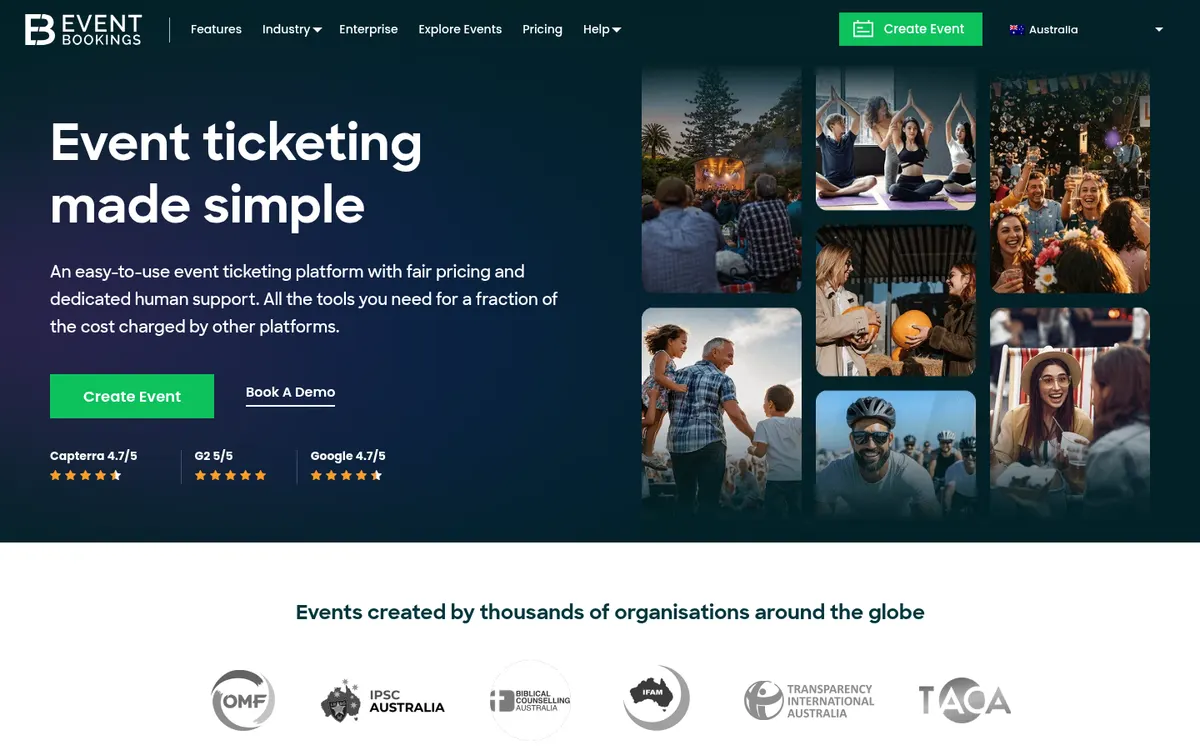
Low published per-ticket fees and unbundled features, if you are happy to run your own Stripe or PayPal account.
EventBookings competes on the platform line of the invoice. The published rate is 30 cents plus 2.5% per ticket sold, quoted in AUD, which the vendor quotes as including card processing, though the comparison note works out roughly $1.55 on a $50 ticket plus standard processing. Confirm the all-in figure in your own currency before you sign. Free events cost nothing.
The included feature list is broader than the fee suggests. Branded event pages, multiple ticket types, mobile check-in scanning and custom forms are part of the product rather than upsells, which matters if you have been quoted separately for check-in scanning elsewhere. The platform connects to your own Stripe or PayPal account, so you keep your processor relationship and your rates.
That last point is also the main piece of work. You manage the Stripe or PayPal setup yourself, which is fine for an organizer already running payments and a genuine obstacle for a volunteer who has never opened a merchant account. The brand is also smaller than the big platforms.
Fits: organizers comfortable running their own Stripe account who sell mid-priced tickets and want the lowest published platform-side fee here. The math is most attractive where you have a real audience and a checkout that converts, because there is no marketplace traffic to make up for a weak campaign. Skip it if you want the platform to handle payments end to end, or if you need discovery.
What works
- Lowest published platform-side fee in the comparison
- Branded pages, custom forms and check-in scanning not gated
- Organizer keeps their own processor relationship and rates
What to weigh
- Organizer manages their own Stripe or PayPal setup
- Smaller brand recognition than the largest platforms
- Quoted in AUD, so the all-in figure needs confirming
Pick it if
You already run Stripe or PayPal and want the smallest published platform fee on mid-priced tickets.
Skip it if
You want payments handled end to end or you need the platform to bring buyers.
What does event ticketing software actually do?
Event ticketing software sells, issues and scans tickets for a live event. The core loop is small: create an event page, define ticket types and prices, take payment, deliver a ticket the buyer can show at the door, and let staff scan it. Everything the nine platforms here add sits on top of that loop.
The differences show up in four places. Audience: some platforms run a public marketplace where buyers browse events they have never heard of, while others hand you a checkout and expect you to bring the crowd. Fee model: a flat amount per ticket, a percentage plus a flat amount, a negotiated contract, or a nonprofit model funded by tips. Control: your own domain, custom CSS, keeping the convenience fee, connecting your own Stripe account. Complexity: tiered releases, waitlists, reserved seating and multi-day passes separate festival-grade tools from a form and a payment button.
A typical feature set includes:
- Branded event pages and multiple ticket types
- Card processing, payouts and refunds
- Attendee lists, check-in and mobile scanning
- Custom registration questions, upsells and promo codes
- Waitlists and scheduled tiered releases
Two things ticketing software does that a plain payment processor does not: it issues something unique and scannable per attendee, and it keeps an attendee record you can query at the door and afterwards. A payment link gives you a transaction. A ticketing platform gives you a door list, a scan log and a refund trail, which matters most on the night when duplicates and screenshots cause the problems.
Free events change the math. Most platforms here charge nothing when the ticket is free, so RSVPs and community gatherings cost close to nothing at any size. Paid events are where every fee in this list appears, and where the model shapes your margin.
Last, the platform is also the buyer's checkout. If the flow is slow on a phone, the fee you saved on the back end is not the number that matters.
This guide sits in the Events collection. Buyers weighing nearby tools often read the guides to bonusly alternatives and SMS campaign software next.
How do ticketing platforms charge, and who pays?
Ticketing platforms bill in one of five ways, and the shape of the fee matters more than the headline number.
| Model | How it bills | Typical fit | Example from this list |
|---|---|---|---|
| Flat per-ticket | Fixed amount on each paid ticket, no percentage | Organizers with mid-priced tickets who want a predictable cost | TicketSpice at $0.99 per paid ticket |
| Percentage plus flat | A percentage and a fixed amount on each paid ticket, plus processing | Organizers who want a marketplace to supply buyers | Eventbrite at 3.7% + $1.79 per ticket plus 2.9% processing per order |
| Low percentage plus small flat | Small percentage and small fixed amount per ticket | Budget-conscious organizers running their own payment account | EventBookings at 30¢ + 2.5% per ticket, quoted in AUD |
| Negotiated contract | Custom terms agreed with a sales team | Arenas, tours and established festivals | Ticketmaster and Tixr, neither with published rates |
| Tips funded | No platform fee, optional buyer tip at checkout | Registered nonprofits | Zeffy, free for eligible nonprofits |
Who pays depends on the platform and on your settings. Eventbrite's service fee is charged on paid tickets; confirm who absorbs it before you publish. TicketSpice charges the organizer a flat $0.99 per paid ticket but lets you add a convenience fee and keep it, which shifts the cost to the attendee if you choose. Zeffy takes nothing from eligible nonprofits and asks the donor for an optional tip instead. Ticketmaster and Tixr write fee structures into the contract, so who pays is a term you agree.
Monthly subscriptions are rare here. Eventbrite sells optional Pro tiers from $15 to $100 per month that add email marketing volume without cutting the per-ticket fee. TicketSpice states no monthly fees and no contracts, with a $150 per year charge only for the white-label domain. Other vendors quote per-ticket, contract or unpublished terms.
Free events are the other axis. Eventbrite, TicketSpice, Humanitix, Dice, Ticketleap, Zeffy and EventBookings all charge nothing when the ticket is free, so the fee comparison only bites once you charge admission.
Every price in this guide was read on the vendor's own pricing page on November 25, 2026. Where a vendor does not publish a figure we could confirm, the card says "See website" rather than a guess. For the arithmetic around this purchase, try the free Email campaign metrics calculator.
How to choose ticketing software in six steps
- Start with your average ticket price. Write down your typical paid ticket price and expected volume, then run both the flat-fee and the percentage-plus-flat models against those two numbers rather than a hypothetical $100 ticket.
- Decide whether you need discovery. If you already have a list and a following, a checkout-first platform such as TicketSpice or EventBookings costs less. If you do not, marketplace traffic is worth paying for.
- Check the door workflow before anything else. Ask how scanning handles duplicate and screenshot tickets, what happens when the wifi drops, and whether check-in runs on your staff's own phones. The door is where a cheap platform gets expensive.
- Test the mobile checkout yourself. Buy the cheapest ticket on your own event from a phone. Count the steps, watch how the fee is displayed, and note whether the total is clear before payment. Repeat on every shortlisted platform.
- Confirm who absorbs the fee. Decide whether to pass the platform cost to attendees as a visible fee or absorb it into the ticket price. Then check that the platform supports that choice and displays it clearly.
- Get the all-in number in writing. Request a quote in your own currency covering processing, white-label add-ons and any monthly tier. For negotiated vendors, ask for the all-in cost to the attendee.
Five ticketing mistakes that cost organizers money
- Comparing headline fees only. A flat $0.99 and a 3.7% plus $1.79 fee land very differently depending on the ticket price. Model both at your real average price before deciding.
- Forgetting card processing. Platform fees sit on top of processing, and processing is charged per order or per transaction depending on the vendor. On small orders the fixed processing amount can outweigh the platform fee.
- Assuming a free plan covers paid tickets. Several platforms are free for free events and charge on paid ones. Check what the free tier actually covers before promising a committee a zero-cost rollout.
- Signing a contract without a door test. Enterprise vendors sell on capacity. Ask to see check-in scanning and duplicate rejection on a real device with a real ticket before committing to a multi-event term.
- Skipping the mobile checkout. Test the mobile checkout. Walk the flow yourself on a mid-range handset with a poor connection, and count the taps from link to confirmation.
Ticketing Software 2026: questions
What should event ticketing software include as standard?
At minimum: a branded event page, multiple ticket types, card processing and payouts, an attendee list, and check-in or mobile scanning. Custom registration questions, promo codes and refunds are close to standard now. Tiered releases, waitlists, reserved seating and multi-day passes are the features that separate festival-grade platforms from simple checkout tools, and they are the ones vendors most often gate.
How much do ticketing platforms charge per ticket?
It ranges from nothing to a percentage plus a flat fee per ticket. TicketSpice charges a flat $0.99 per paid ticket, EventBookings quotes 30 cents plus 2.5% in AUD, Humanitix quotes 4% plus $0.99 in AUD, and Eventbrite charges 3.7% plus $1.79 per ticket plus 2.9% processing per order in the US. Zeffy charges eligible nonprofits nothing.
Who pays the booking fee, the organizer or the attendee?
Usually the attendee, either as a visible fee at checkout or built into the ticket price. On Eventbrite the service fee is charged on paid tickets; confirm who absorbs it before you publish. TicketSpice charges the organizer a flat fee but lets you add a convenience fee and keep it, which passes cost to the buyer. Negotiated vendors set this in the contract.
What does Eventbrite charge for free and paid events?
Free events cost nothing at any size. Paid tickets in the US carry 3.7% plus $1.79 per ticket, plus 2.9% processing per order, and there is no per-ticket cap. Optional Pro subscriptions run from $15 to $100 per month and add email marketing volume, but they do not reduce the per-ticket service fee. Pricing is on the vendor site.
Which platform has the lowest fees for nonprofits?
Zeffy, because it charges eligible nonprofits nothing and covers card processing through optional donor tips at checkout. That only applies to organizations with confirmed nonprofit status. Humanitix is the other mission-led option, though its published model is 4% plus $0.99 per paid ticket in AUD, so it is not free. Confirm eligibility during signup before planning around it.
Which platform has the cheapest platform-side fees overall?
EventBookings publishes the lowest platform-side rate here at 30 cents plus 2.5% per ticket in AUD, which lands near $1.55 on a $50 ticket. TicketSpice is the more predictable flat option at $0.99 per paid ticket, dropping to 49 cents on low-priced and box office sales. Cost to the attendee can still rise once processing is added.