
Contents of this guide
The shortlist
Our top 3 for software buyers
Heymarket
Shared number with RCS
- Best for
- Support teams sharing one number across agents
- Features
- 4 noted: SMS and RCS, Shared inbox, CRM sync, Routing and tags

Salesmsg
CRM-native team inbox
- Best for
- Sales and support teams working inside a CRM
- Features
- 4 noted: CRM sync, Shared inbox, Canned replies, RCS fallback

Text Request
Unlimited agent seats
- Best for
- Support teams needing unlimited agent seats
- Features
- 4 noted: Unlimited users, SMS and MMS, Volume tiers, Onboarding support
Disclosure for this guide. All 8 tools here are unpaid editorial picks. The position of a paid listing can be part of what the vendor pays for. Paid and unpaid tools are scored on the same rubric and keep their cons. Details are in the advertising disclosure.
The ledger
Index of every tool
| Tool | Free plan | Trial | Rubric | Compare | ||
|---|---|---|---|---|---|---|
| 01 | HeymarketSupport teams sharing one number across agents | See websiteNot published | No | See website | ||
| 02 | SalesmsgSales and support teams working inside a CRM | See websiteNot published | No | See website | ||
| 03 | Text RequestSupport teams needing unlimited agent seats | $47.99Basic, per month billed monthly, 1,000 texts, unlimited users, promo rate with code REQUEST20 for first 3 months, standard $59.99Checked Nov 25, 2026 | No | Free trial | ||
| 04 |  SimpleTextingSmall businesses running campaigns and two-way replies | See websiteNot published | No | See website | ||
| 05 |  EZ TextingBudget-conscious first SMS campaign | $20Launch, per month billed annually, up to 500 contacts, 1 user, 6k yearly creditsChecked Nov 25, 2026 | No | Free trial | ||
| 06 |  SlickTextTeams that prioritize SMS compliance | $29per month, 500 credits per month, unlimited users and contacts, annual billing gives two months freeChecked Nov 25, 2026 | Yes, no credit card required | Free trial | ||
| 07 |  TextmagicOccasional senders who want pay-as-you-go | $0.049pay as you go per SMS, 1,000 SMS for $49, toll-free number $10 per monthChecked Nov 25, 2026 | Free account with test credit | Free test balance | ||
| 08 |  PodiumLocal businesses bundling texting with reviews | See websiteNot published | No | See website |
Prices are the lowest paid plan the vendor shows, read on November 25, 2026. Sort by price ranks published monthly figures; tools without one go last. Pin up to three tools to compare them side by side.
How this guide was put together
We scored eight tools on five criteria, weighting shared inbox depth at 25 percent because most buyers arriving from Textline need one number worked by several agents. Small team fit takes 20 percent, price clarity 20 percent, channel coverage 20 percent and registration support 15 percent. Shared inbox depth covers routing, history, tags and whether replies stay in one thread. Price clarity asks whether a buyer can work out a monthly total from the vendor page without a call. Channel coverage weighs SMS, MMS and RCS. Registration support tracks who completes 10DLC carrier registration and whether the carrier pass-through costs are visible.
Every price and plan detail comes from vendor pricing pages, checked on November 25, 2026. Where a page failed to load or returned no content, we say so in the entry and treat the figure as unconfirmed rather than repeating it as fact. We did not convert currencies, and we did not estimate volume costs that vendors do not publish.
Order is editorial. Each position reflects fit for the buyer the entry describes, not a running total of the scores. A vendor can buy a Featured position at the top of a list; when that happens the entry is labeled and still scored with the same rubric as every other row, with the same honest cons. No entry in this version carries that label.
We left Textline's own pricing out because we could not confirm it on the check date. Use these entries as a shortlist, then ask each vendor for a written monthly total at your seat count, number count and message volume.
The full process, including how we handle corrections, is on the methodology page. Paid listings follow the advertising disclosure.
Rubric and weights
Every tool below is scored from 1 to 10 on these five criteria. The scores describe each tool; the order is an editorial call on fit for the buyer each card describes, plus the disclosed Featured position.
- 25%Shared inbox depthRouting, tags, assignment and history when several agents work one business number.
- 20%Small team fitHow usable and affordable the tool is for a small desk starting out.
- 20%Price clarityWhether a buyer can work out a monthly total from the vendor page without a call.
- 20%Channel coverageSupport for SMS, MMS and RCS, including how rich messages fall back on older handsets.
- 15%Registration supportWho completes 10DLC carrier registration and whether pass-through costs are visible.
Plate 01 of 08
Heymarket
Best for support teams sharing one number across agents
Our verdict
The strongest shared-inbox fit here, with RCS on top of SMS, but seat bands and message credits push up the real bill.
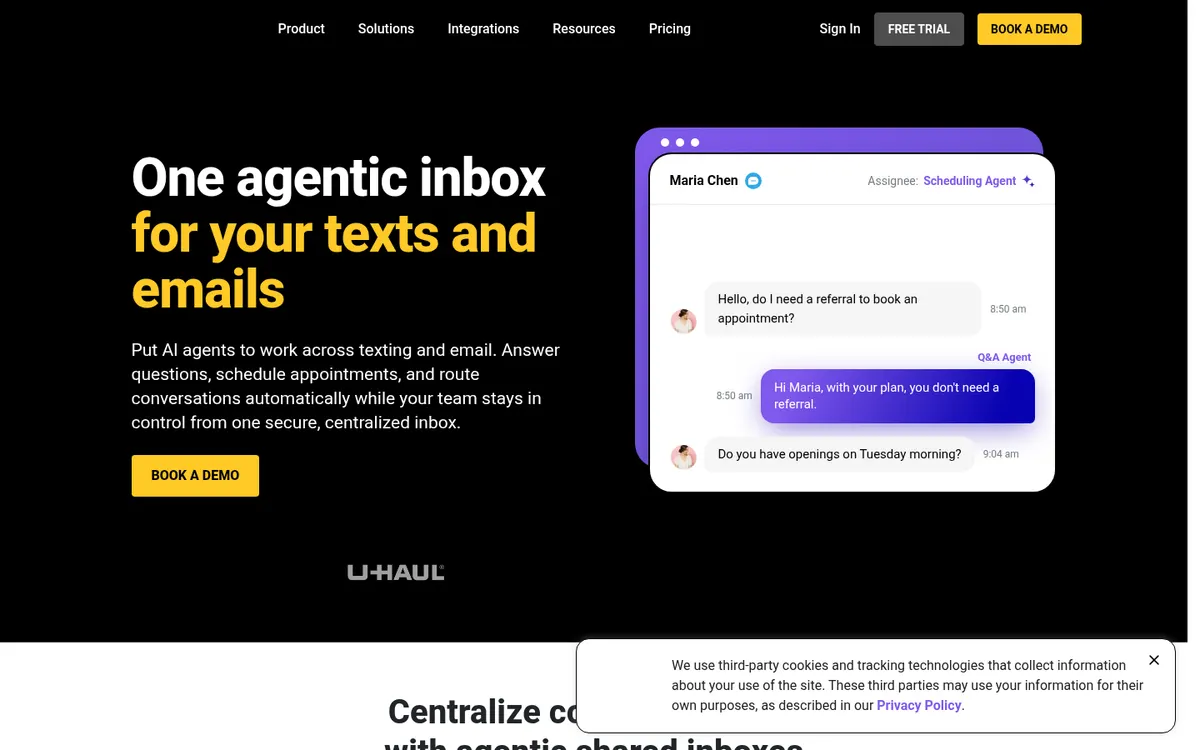
Heymarket is the closest match in this list to a shared support inbox that also sends RCS. Agents work from one business number with routing, tags and full conversation history, so a customer who messages twice does not get handled by two people at once. Rich text and branded media on RCS sit in the same view as SMS, which matters if you are rolling out rich messages but cannot drop the older channel yet.
The team features are the reason to shortlist it. CRM sync keeps contact and conversation records attached to the customer record, and routing rules let a supervisor assign a thread to the right agent instead of watching a shared queue. Carrier registration runs through a self-service wizard, and carrier costs pass through to you rather than being bundled into a markup. That transparency helps budgeting, though it does mean the registration work lands on your team.
Pricing is where the case gets harder. Heymarket pairs seat fees with per-message credits, and the vendor site is the place to confirm current rates. There is a two-seat minimum, so the entry cost is higher than the headline seat price suggests, and the seat band is wide enough that tier fit needs checking rather than assuming. Confirm which tier covers your volume and whether RCS is included in it or treated as an add-on.
The pricing page returned no content on the day we checked, so seat and credit rates could not be confirmed. Treat the vendor site and a written quote as the source for pricing. Teams that need one shared number across many agents and want RCS without abandoning SMS will find the feature match strong. Teams on a tight budget should model the credit line before committing.
What works
- Shared number with routing, tags and full history
- RCS and SMS in one inbox view
- CRM sync for contact and conversation records
What to weigh
- Two-seat minimum raises the entry cost
- Message credits charged on top of seat fees
- Seat prices are not published on a working page, so tier fit needs checking
Pick it if
Several agents answer one business number and you want RCS alongside SMS without leaving the shared inbox model.
Skip it if
You want a flat bill with no per-message credits or you only have one person replying.
Plate 02 of 08
Salesmsg
Best for sales and support teams working inside a CRM
Our verdict
Best for CRM-based teams that want texting beside the customer record, provided you can live with layered pricing.
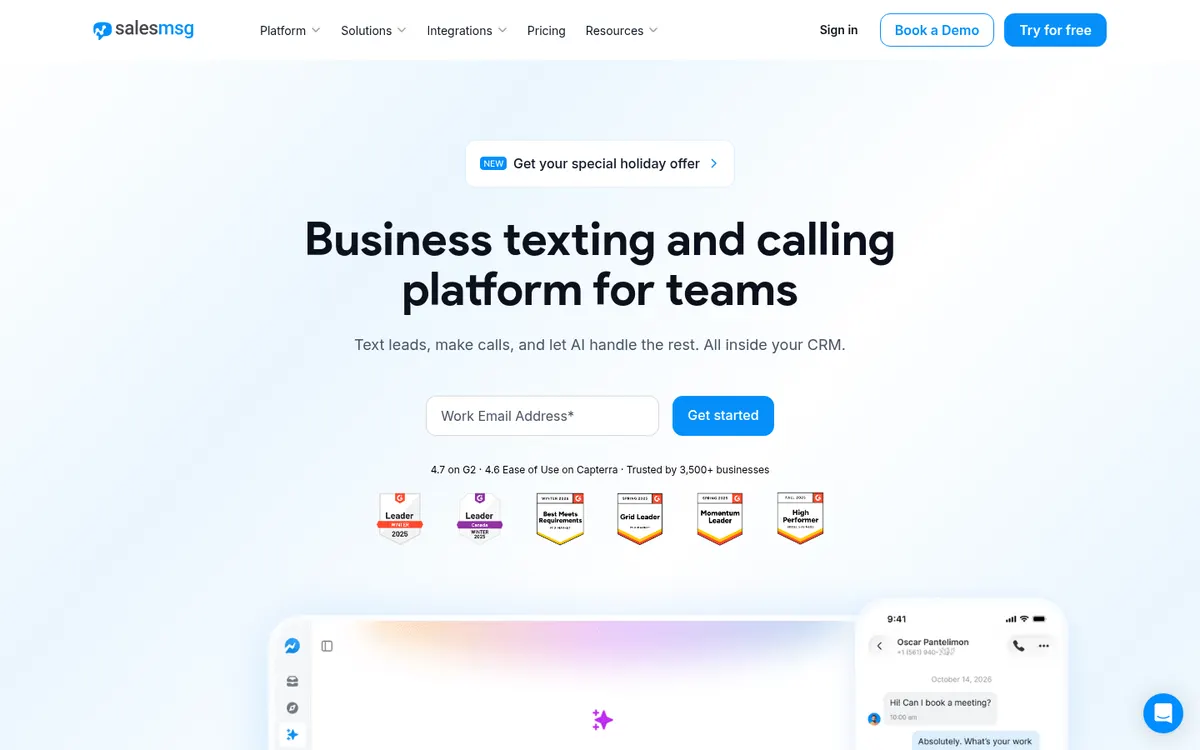
Salesmsg is built for teams that already run on a CRM and want texting inside it rather than beside it. The shared inbox connects to common CRM systems, canned replies and emoji speed up routine responses, and calendar sync lets an agent book a call without leaving the conversation. RCS messages go out with automatic SMS fallback on older handsets, so a rich message degrades instead of failing.
The vendor handles carrier registration, which removes the part of a texting rollout most teams underestimate. Two-way conversations run from a single team number, so customers see one consistent line rather than a rotating set of personal mobiles. Canned replies are the workhorse feature: a support desk answering the same six questions all day can cut response time without writing anything new, and the CRM link means the answer sits next to the customer record afterwards.
Pricing is layered and the monthly total is hard to predict from the page. The vendor charges a base fee plus seat, number and message charges, with the rates listed on the vendor site. Those three lines stack, so a ten-agent team with two numbers and heavy volume lands well above the entry figure. Model seat count, number count and monthly message volume together before you sign, and ask for the total in writing.
The pricing page returned no content on the day we checked, so the base fee could not be confirmed. There is no free plan, and no trial is stated on the page we could reach. If your team lives in a CRM and wants texting to follow the customer record, Salesmsg is a natural shortlist entry. If you want a simple flat bill, the layering will frustrate you.
What works
- Deep CRM integration for teams already working inside one
- RCS delivery with automatic SMS fallback
- Vendor handles carrier registration paperwork
What to weigh
- Layered pricing makes the monthly total hard to predict
- Seat, number and message charges all stack on the base fee
- No free plan and no stated trial
Pick it if
Your team already lives in a CRM and wants every text thread attached to the customer record.
Skip it if
You need a predictable flat bill or you do not use a CRM at all.
Plate 03 of 08
Text Request
Best for support teams needing unlimited agent seats
Our verdict
Unlimited agent seats and volume pricing make this the cleanest bill for a large support desk that only needs SMS and MMS.
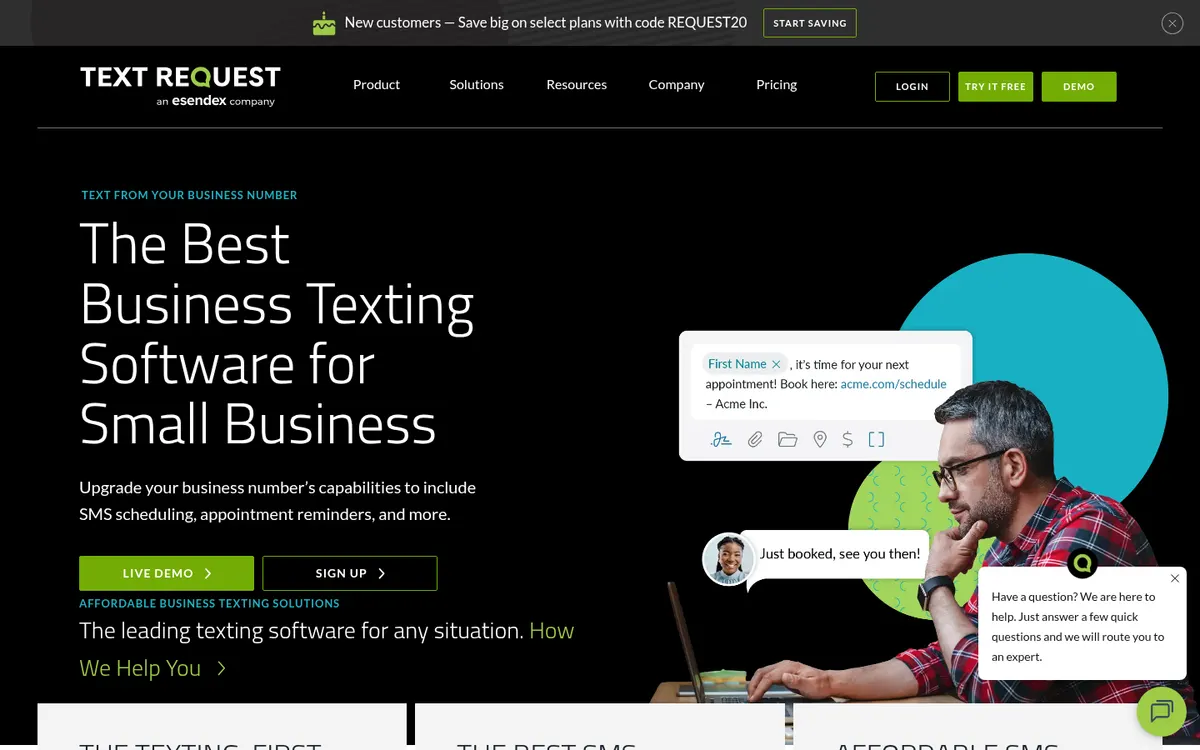
Text Request prices by message volume and gives every plan unlimited users. That single decision changes the math for a support desk: a 40-agent team pays the same as a two-agent team at the same volume, so adding seats costs nothing. The shared team inbox handles support conversations, with SMS and MMS sending and receiving in the same place.
Volume tiers scale from 1,000 to 250,000 texts. Monthly cost runs from $59 for 1,000 texts up to $2,900 for 250,000 texts, which works out cheaper per message as you climb. Carrier registration is included with onboarding, so the compliance step is not a separate project. There is a free trial and no free plan.
The current entry price is a promotional one. The Basic plan leads with $47.99 per month using code REQUEST20 for the first three months, against a standard $59.99, so budget for the standard rate after the promo ends rather than the headline. There are no per-seat fees to model, which makes the forecast simpler than most tools here, and the 1,000-text entry tier is enough to test a support flow before you commit to a larger volume.
The trade-off is channel coverage. Text Request handles SMS and MMS only, with no RCS support, and campaign tooling is lighter than what dedicated campaign platforms offer. Teams that need rich RCS messages or heavy automation will have to look elsewhere in this list. Teams that need many agents on one shared inbox and mostly send plain text should put Text Request near the top of the shortlist, then check that the message tier you buy matches your busiest month rather than your average.
What works
- Unlimited users on every plan, so seats never add cost
- Straightforward message-volume pricing
- Carrier registration included at onboarding
What to weigh
- No RCS support, SMS and MMS only
- Campaign tooling lighter than dedicated campaign platforms
- Entry price is promotional and reverts to $59.99
Pick it if
You have many agents answering texts and want a bill that scales with message volume rather than headcount.
Skip it if
RCS or heavy campaign automation is on your roadmap for the next year.
Plate 04 of 08
SimpleTexting
Best for small businesses running campaigns and two-way replies
Our verdict
A broad campaign toolkit with unlimited contacts, held back by a number fee that sits outside the advertised price.
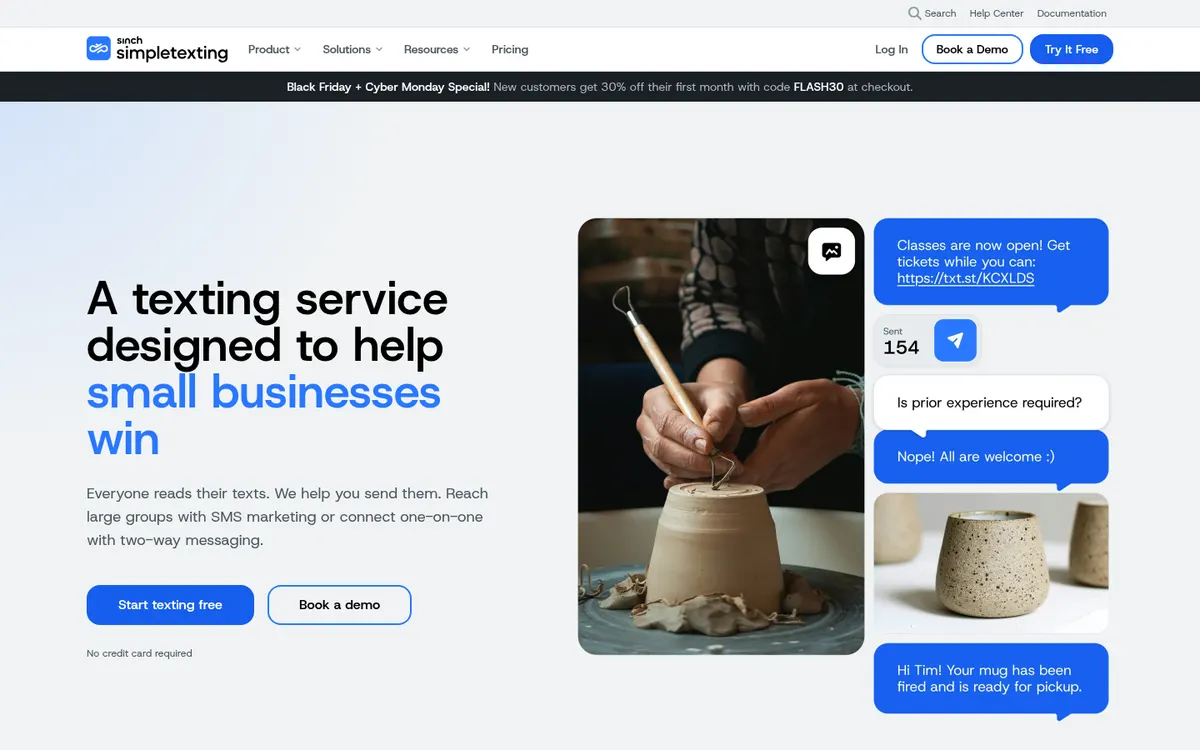
SimpleTexting is a campaign tool with a two-way inbox attached. Mass texting, autoresponders and drip sequences sit in one interface alongside MMS and polls, so a small business can run a promotion, collect replies and follow up without stitching three products together. Contacts are unlimited on the entry tier, which means list growth does not trigger an upgrade.
The campaign toolkit is the differentiator. Autoresponders handle keyword replies, drip sequences run scheduled follow-ups, and integrations cover HubSpot, Mailchimp and Zapier for teams that need to push contacts or events elsewhere. Inbound texts cost nothing to receive, which matters for businesses whose customers reply more than they send. The vendor handles carrier registration, so nobody on your team has to learn the carrier forms.
Pricing is less clean than the campaign features. The headline plan is sold as a credit bundle, and the real entry cost sits above the advertised figure once the number fee is added. Ask the vendor for the number fee, the one-time registration fee and the per-credit rate before you budget. Carrier fees pass through at cost. Budget for the number fee and a credit buffer, or the first invoice will surprise you.
The pricing page returned no content on the day we checked, so the entry price could not be confirmed. Service is limited to the US and Canada, so teams elsewhere can stop here. A support desk handling hundreds of inbound threads a day will also find the inbox thinner than Heymarket or Salesmsg. For a small business running regular campaigns with two-way replies, the mix of unlimited contacts and a broad toolkit is hard to beat at this level.
What works
- Broad campaign toolkit in one interface
- Unlimited contacts on the entry tier
- Inbound texts received at no cost
What to weigh
- US and Canada only
- Number fee and one-time registration fee sit outside the plan price
- Extra credits cost about 5.5 cents each
Pick it if
You run regular promotions to a growing list and want autoresponders in the same place as replies.
Skip it if
You operate outside the US and Canada or need deep shared-inbox routing.
Plate 05 of 08
EZ Texting
Best for budget-conscious first SMS campaign
Our verdict
The cheapest way into a first campaign, with image MMS and age gating, as long as you count the telecom fee and overages.
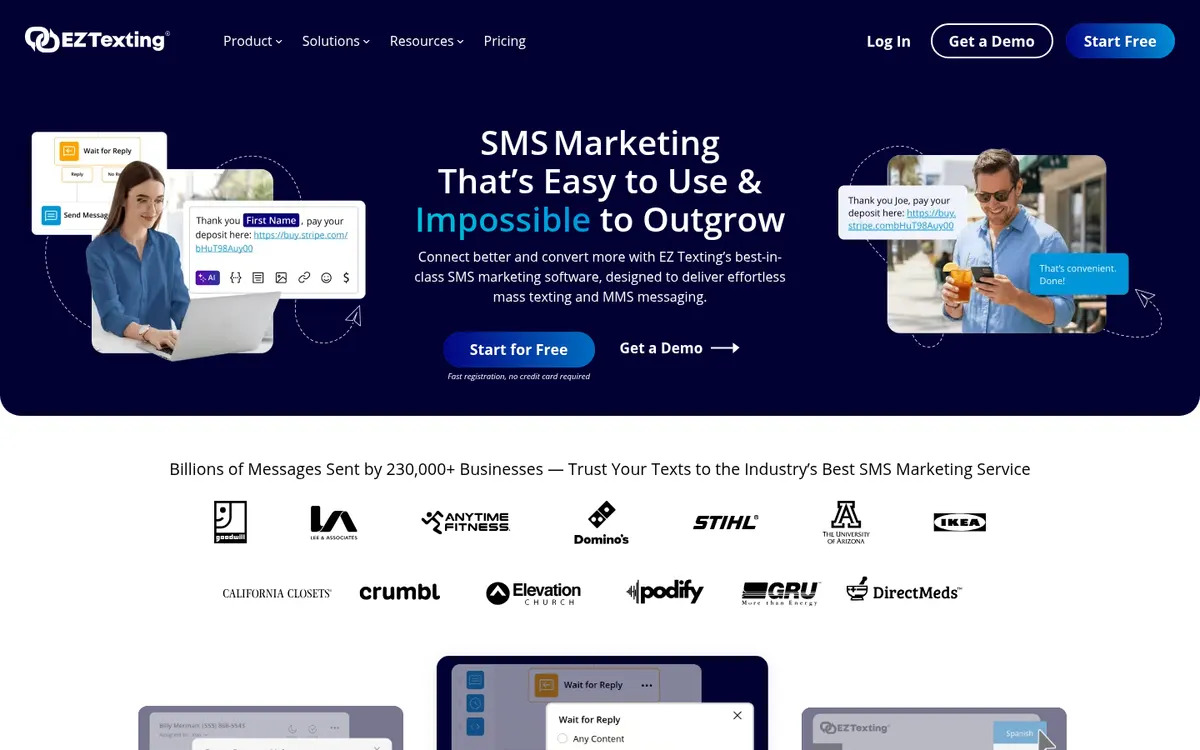
EZ Texting is the cheapest way into a first SMS campaign among the campaign-focused tools here. The Launch plan is $20 per month billed annually for up to 500 contacts, one user and 6,000 yearly credits, which is enough for a small list and a monthly send. Plans run from $20 to $100 per month depending on volume, with an enterprise tier for much larger capacity.
Feature coverage is broader than the price suggests. MMS sending pulls images from a Shutterstock integration, an age gate lets restricted products collect confirmation before messages go out, and a shared team inbox handles replies. If your first campaign is a photo promotion to a local list, the image library saves sourcing and resizing work, and the age gate saves building a separate confirmation step.
Watch the fees on top. A $5 per month telecom fee applies, and overages are billed at 4 cents per message. That narrows the gap against rivals once real usage is counted. There is a free trial and no free plan. The jump from the top standard tier to the enterprise tier near $3,000 per month is steep, so growing teams should plan the crossover rather than discover it on an invoice.
RCS is not supported. The vendor offers an interest form, which is not the same as a shipped feature, so teams planning rich messaging should not count on it. The annual plan still starts at $20 per month, matching the earlier note. For a budget-conscious first campaign with images and age gating, EZ Texting is a sensible starting point. For anyone needing RCS or predictable overage-free volume, look further up this list.
What works
- Lowest entry price among the campaign tools here
- Shutterstock image integration and age gating built in
- Shared team inbox included
What to weigh
- $5 per month telecom fee on top
- Overages billed at 4 cents per message
- No RCS yet, only an interest form
Pick it if
You want the lowest annual entry price for a first campaign with photo messages and age-gated offers.
Skip it if
You need RCS or expect volume to grow past the standard tiers quickly.
Plate 06 of 08
SlickText
Best for teams that prioritize SMS compliance
Our verdict
Compliance support and credit rollover for teams that hate waste, though verified RCS costs $500 upfront plus $200 a year.
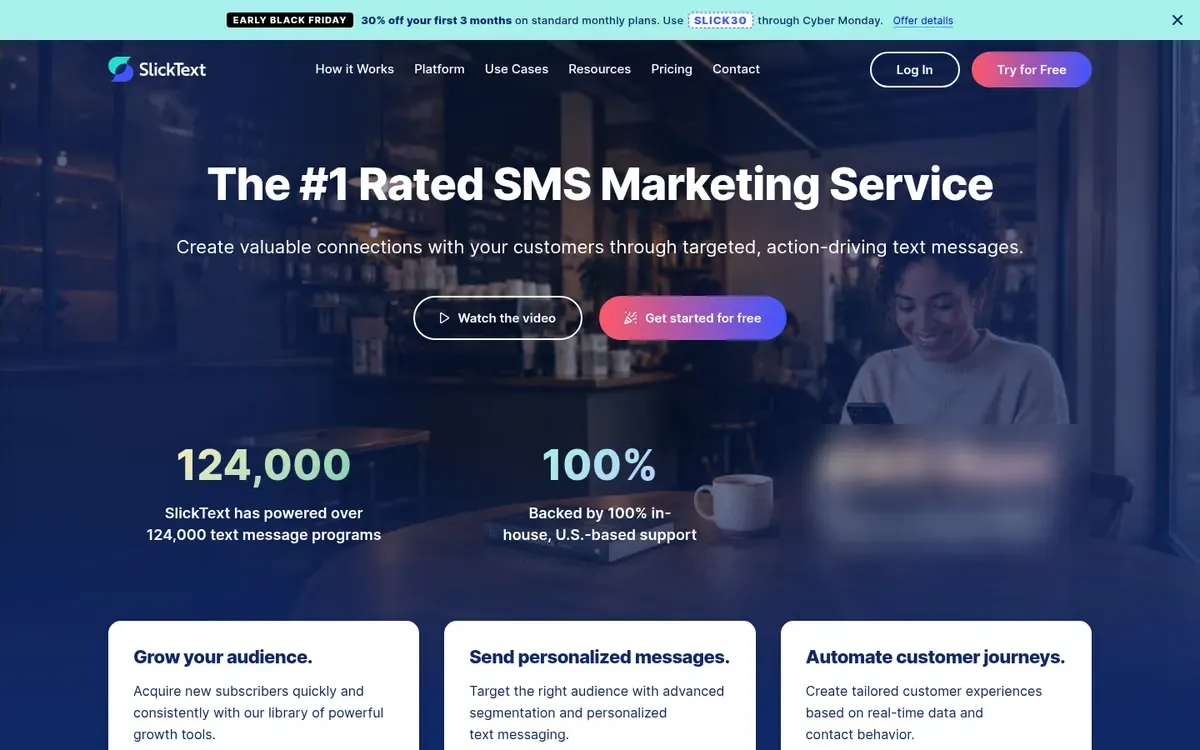
SlickText sells compliance as a feature rather than a footnote. Opt-in and opt-out handling and carrier rule guidance are treated as part of the product, which suits regulated industries and anyone who has had a campaign blocked at short notice. Mass texting and automation workflows cover the day to day.
Two features stand out. Credits roll over, so unused messages carry forward instead of expiring at the end of the month, which reduces waste on volume you bought but did not send. Landline texting lets a business message from the number already on its website and local listing, avoiding a second number customers have to learn. Basic RCS is available with an optional verified profile.
That verified profile is the catch. It costs $500 in setup plus $200 per year, and it is a separate paid add-on rather than part of the plan. Plans range from $29 to $939 per month, so tier selection matters: pick too small and overages bite, pick too large and you are buying credits you will roll over indefinitely. There is a free plan with no credit card required, which is rare in this category, and a free trial.
The lowest paid plan is still $29 per month for 500 credits with unlimited users and contacts, and annual billing gives two months free. The template library is smaller than SimpleTexting's, so teams that lean on prebuilt campaign copy will notice the gap. For a team that prioritizes staying compliant and hates wasting unused credits, SlickText is the strongest fit in this list.
What works
- Compliance support treated as a core feature
- Rollover credits carry unused messages forward
- Can text from an existing landline number
What to weigh
- Verified RCS profile costs $500 setup plus $200 per year
- Plan range from $29 to $939 requires careful tier selection
- Template library is thinner than SimpleTexting's
Pick it if
Compliance risk and wasted credits are your two biggest frustrations with texting tools.
Skip it if
You want RCS included in the plan price rather than sold as a paid add-on.
Plate 07 of 08
Textmagic
Best for occasional senders who want pay-as-you-go
Our verdict
Pay-as-you-go pricing at $0.049 per SMS suits light and bursty senders, but monthly number fees and no RCS limit it.
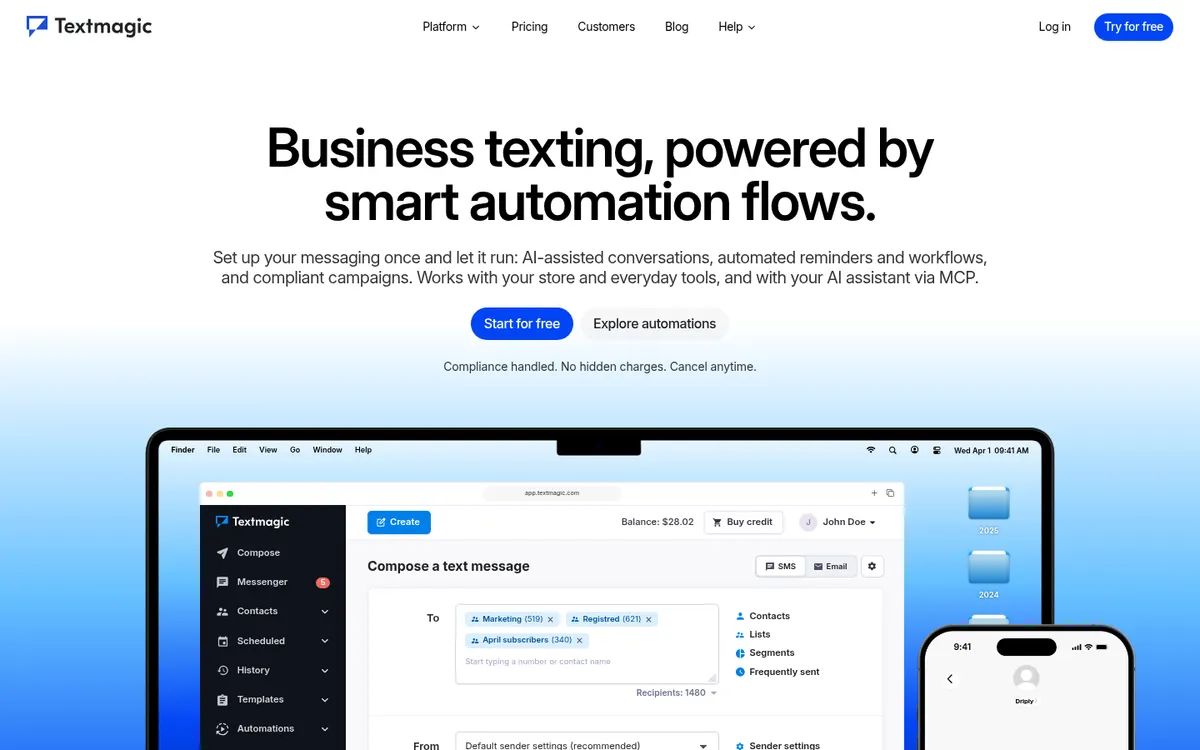
Textmagic bills per message rather than per month. Credits are bought in advance at $0.049 per SMS, so 1,000 messages cost $49 and a light sender pays only for what goes out. That model suits occasional senders, seasonal businesses and teams that send in bursts rather than on a schedule. A free account with test credit lets you check delivery before buying.
The toolkit is aimed at technical and semi-technical users. Email-to-SMS turns a mailbox into a sending channel, the developer API covers automated messaging, and delivery analytics report on what arrived. A point AI assistant helps draft copy. SMS and MMS are both supported, and the prepaid model means no subscription to cancel when a campaign ends.
Fixed fees set a monthly floor. Each number costs $10 per month, and each 10DLC campaign costs $10 per month, so a very light sender still pays something every month before a single message goes out. Toll-free numbers also run $10 per month. At high volume the per-message rate climbs faster than a monthly credit plan would, which makes Textmagic a poor fit for a support desk sending thousands of messages monthly.
Run the crossover math before signing. If you send more than a few thousand messages a month, a subscription plan usually wins on cost and on the inbox features that come with it. There is no RCS here, only SMS and MMS. The per-SMS rate is unchanged at $0.049 with no monthly subscription stated. Teams that want pay-as-you-go simplicity and an API will find the model refreshing; teams that want a shared inbox first should look at the tools above.
What works
- No monthly message subscription, so light senders pay for volume used
- Email-to-SMS and a developer API cover automation
- Delivery analytics and an AI assistant included
What to weigh
- $10 per month per number and per 10DLC campaign
- No RCS, SMS and MMS only
- Per-message cost climbs quickly at high volume
Pick it if
You send in bursts, want an API and would rather prepay credits than carry a subscription.
Skip it if
You run a busy support inbox or need RCS messaging.
Plate 08 of 08
Podium
Best for local businesses bundling texting with reviews
Our verdict
A bundled suite for local businesses that want texting, reviews and payments together, with quote-only pricing that blocks comparison.
Podium is not a texting tool with extras; it is a local business communication suite that includes texting. Review collection and management, payments and messaging sit in one platform, sold to businesses that want one vendor for every customer touchpoint rather than the best tool for each. Setup and configuration are handled by the vendor.
The bundling is the whole argument. A local business already using Podium for reviews can add texting without a second integration, and a customer who leaves a review can be invited back through the same system. For a single location or a small multi-location business without a technical team, one vendor and guided setup removes a lot of decisions from a busy week.
The problem is price. Pricing is quote-only with no public figures on the site, so you cannot compare before a sales call, and the texting component cannot be priced on its own. If you only need texting, you are paying for review and payment features you may not use. There is no free plan and no stated trial, and budget approval will require a conversation rather than a page.
No pricing page exists to fetch, so pricing remains unconfirmed. Standalone texting tools in this list publish starting prices and let you model volume in an afternoon. Podium does not, which is a real cost in evaluation time. If reviews and payments are on your roadmap and you want them from one vendor, the bundle makes sense. If texting is the whole requirement, the tools above will be cheaper and clearer, and they will quote you without a meeting.
What works
- Consolidates texting, reviews and payments with one vendor
- Setup and configuration handled by the vendor
- Suits local businesses already using the review product
What to weigh
- Quote-only pricing with no public figures
- Texting bundled, so standalone value is hard to isolate
- No free plan and no stated trial
Pick it if
Reviews and payments are already on your roadmap and you want one vendor for all customer contact.
Skip it if
Texting is your only requirement or you need a public price before a sales call.
What Is Business Texting Software and What Should It Replace?
Business texting software is the layer that turns a phone number into a shared, trackable channel. Instead of an employee's personal mobile, the business buys or ports a number, sends and receives messages through a web app, and keeps the history when that employee leaves. That sounds simple until you add carrier rules, multiple agents, and a customer who expects a reply in minutes.
The category splits along one question: do you mainly send campaigns out, or mainly answer conversations in? Campaign tools lead with list management, scheduling, autoresponders and drip sequences. They optimize for reaching 5,000 contacts on a Tuesday afternoon. Inbox tools lead with routing, tags, assignment and CRM sync. They optimize for one customer thread handled well by two agents across a shift change. Several products in this list try to do both, and the ones that succeed usually make a clear choice about which side gets the better interface.
A few building blocks are worth knowing before you compare quotes:
- Credits are the unit most vendors sell messages in. One credit is usually one SMS segment, and long messages split into multiple segments.
- 10DLC registration is the US carrier process for application-to-person messaging on standard 10-digit numbers. It takes time and has to be done before campaigns go live.
- RCS is the newer rich messaging format, with branded sender profiles and media. It falls back to SMS on handsets that do not support it.
- Seat fees and number fees are separate line items from message volume on many plans.
What replaces Textline depends on which side of that split you sit on. A support team sharing one number needs routing and history more than it needs a drip sequence builder. A marketing team sending weekly promotions needs list tools and scheduling more than it needs agent assignment. Buying for the wrong side is the most common and most expensive mistake in this category.
This guide sits in the Software collection. Buyers weighing nearby tools often read the guides to commission software and research platforms next.
How Business Texting Pricing Works, and Where Extra Fees Hide
Business texting pricing rarely fits on one line, because most vendors charge for at least two things at once. The pattern to look for is what the base fee covers and what stacks on top.
| Model | How it bills | Typical fit | Example from this list |
|---|---|---|---|
| Seat plus credits | Per agent seat, with message credits billed on top | Support teams sharing one number | Heymarket, seat and credit prices are on the vendor site |
| Volume tier | Flat monthly fee set by message volume, unlimited users | Large support desks | Text Request, $59 for 1,000 texts to $2,900 for 250,000 |
| Base plus add-ons | Base fee, then seat, number and message charges | CRM-based sales teams | Salesmsg, base, seat, number and message charges, with rates on the vendor site |
| Campaign credits | Monthly credit bundle plus a number fee | Small business campaigns | SimpleTexting and EZ Texting, each with a number or telecom fee on top |
| Pay as you go | Prepaid credits at a per-message rate plus fixed fees | Occasional senders | Textmagic, $0.049 per SMS, $10 per month per number |
| Quote only | Custom quote from a sales conversation | Bundled local business suite | Podium, no public pricing |
Three extra fees catch buyers out. Textmagic adds $10 per month per number, and SimpleTexting adds a separate number fee. Carrier registration is sometimes bundled into onboarding, as at Text Request, and sometimes handled by you through a wizard, as at Heymarket. Overage rates, which sit at 4 cents a message at EZ Texting, only matter if your volume forecast is wrong, and it usually is in the first month.
The practical move is to ask each vendor for a written monthly total at your real seat count, number count and message volume. A page price of $20 and a real bill of $60 are both common. Only the second number belongs in your budget.
Every price in this guide was read on the vendor's own pricing page on November 25, 2026. Where a vendor does not publish a figure we could confirm, the card says "See website" rather than a guess. For the arithmetic around this purchase, try the free Email campaign metrics calculator.
Which Textline Alternative Fits Your Team?
- Count the people who will reply. Write down how many agents answer messages in a busy hour, not how many have a login. Seat fees compound, and Heymarket's two-seat minimum versus Text Request's unlimited users pushes the same team toward different vendors.
- Decide whether RCS is on your roadmap. If rich messages with branded media are a 2027 plan, buy for SMS now and check the RCS path. Heymarket, Salesmsg and SlickText support it; Text Request, EZ Texting and Textmagic do not.
- Forecast message volume for your busiest month. Average volume hides the problem. Pick the month with the biggest campaign or the heaviest support load, then check the tier that covers it, because overages at 4 cents a message add up quietly.
- Find out who files carrier registration. Ask the vendor directly whether 10DLC registration is included, self-service or charged. Salesmsg and Text Request handle it, Heymarket gives you a wizard, and Textmagic charges $10 per month per campaign.
- Build the full monthly bill. Start with the base fee, then add seats, numbers, message volume and any telecom fee. Compare that total against the page price to see how far the advertised figure sits from reality.
- Get the total in writing before you sign. Ask for a quote at your seat count, number count and busiest month volume. Vendors with quote-only pricing, including Podium, should be measured on how fast they return that number.
Mistakes That Inflate a Texting Bill
- Budgeting from the headline price. The advertised figure usually excludes the number fee, telecom fee or message credits. EZ Texting's $20 plan carries a $5 monthly telecom fee, and SimpleTexting adds a separate number fee.
- Assuming RCS is included. Only Heymarket, Salesmsg and SlickText support it, and SlickText's verified profile costs $500 to set up plus $200 a year. Check whether RCS sits inside your tier or outside it.
- Ignoring seat minimums and seat bands. Heymarket has a two-seat minimum and no working price page, so the tier you land in changes the bill. Confirm which band covers your team and what it costs.
- Buying credits you will not send. Unused volume is wasted money unless credits roll over, as they do at SlickText. Forecast on your busiest month, then check the overage rate rather than overbuying a year of credits upfront.
- Treating registration as someone else's job. Carrier registration has to clear before campaigns go live, and self-service wizards put the work on your team. Ask who completes the forms and how long it takes before you set a launch date.
Textline Alternatives: questions
What is Textline, and how does its credit and agent model work?
We did not confirm Textline's current pricing on November 25, 2026, so this article does not quote it. Before you compare, pull the vendor's pricing sheet and write down three numbers: how many agent seats the plan includes, what message credit allowance comes with those seats, and what an overage message costs. Those three lines drive most of the difference between Textline and the tools here, because seat-heavy plans and volume-heavy plans diverge fast once a team grows.
Which of these tools best replaces a shared support inbox?
Heymarket, Salesmsg and Text Request are the three closest replacements for a shared inbox. Heymarket and Salesmsg both run one team number with routing, tags, history and CRM sync, and both add RCS alongside SMS. Text Request keeps unlimited users on every plan and prices by message volume instead of seats. Pick Text Request if you have many agents and mostly plain text, and Heymarket or Salesmsg if routing and CRM records matter more.
What do campaign texting plans cost, and which fees sit on top?
Campaign plans start low and finish higher. EZ Texting begins at $20 per month billed annually for up to 500 contacts, and SlickText at $29 per month for 500 credits. SimpleTexting does not publish a confirmed entry price on a working page. Fees sit on top: EZ Texting adds a $5 monthly telecom fee and 4 cent overages, SimpleTexting adds a separate number fee, and SlickText charges $500 setup plus $200 a year for a verified RCS profile.
What does 10DLC registration involve, and who handles it?
10DLC registration is the US carrier process that lets a business send application-to-person messages from a standard 10-digit number. It requires brand and campaign details and takes time to clear. Who does the work varies: Salesmsg handles the paperwork, Text Request includes registration in onboarding, SimpleTexting manages it for the customer, SlickText builds compliance guidance into the product, and Heymarket gives you a self-service wizard. Textmagic charges $10 per month per 10DLC campaign.
Which vendors here support RCS, and what happens on older handsets?
Heymarket, Salesmsg and SlickText support RCS. Heymarket runs RCS and SMS in one inbox with branded media. Salesmsg sends RCS with automatic SMS fallback, so a rich message degrades to plain text on handsets that cannot render it. SlickText offers basic RCS with an optional verified profile at $500 setup plus $200 per year. The other five entries do not list RCS support, so anyone counting on rich messages should start with the first three.
How does pay-as-you-go compare with a monthly credit plan?
Pay-as-you-go means buying credits upfront at a per-message rate with no subscription, which is Textmagic's model at $0.049 per SMS. Monthly credit plans bundle messages into a recurring fee, as EZ Texting, SlickText and SimpleTexting do. Light and seasonal senders usually win on pay-as-you-go, though fixed number and campaign fees still apply. Heavy senders usually win on a credit plan, where the per-message cost falls as volume climbs.