
Contents of this guide
The shortlist
Our top 3 for software buyers

Snipe-IT
Free self-hosted core
- Best for
- Teams comfortable self-hosting an open-source asset registry
- Features
- 5 noted: Open source, Depreciation, REST API, SAML, Check-in/out

Asset Panda
Custom mobile workflows
- Best for
- Organizations wanting deeply customizable mobile asset tracking
- Features
- 5 noted: Custom fields, Barcode scanning, Mobile app, Audits, API access

EZOfficeInventory
Unlimited users, item pricing
- Best for
- Small businesses needing barcode, RFID and maintenance in one tool
- Features
- 5 noted: Barcode scanning, RFID, Maintenance, Unlimited users, Depreciation
Disclosure for this guide. All 10 tools here are unpaid editorial picks. The position of a paid listing can be part of what the vendor pays for. Paid and unpaid tools are scored on the same rubric and keep their cons. Details are in the advertising disclosure.
The ledger
Index of every tool
| Tool | Free plan | Trial | Rubric | Compare | ||
|---|---|---|---|---|---|---|
| 01 | Snipe-ITTeams comfortable self-hosting an open-source asset registry | $39.99Basic Hosting, per month billed monthlyChecked Nov 25, 2026 | Free self-hosted | No | ||
| 02 | Asset PandaOrganizations wanting deeply customizable mobile asset tracking | See websitecustom quoteCustom quote | No | 7-day free trial | ||
| 03 | EZOfficeInventorySmall businesses needing barcode, RFID and maintenance in one tool | See websiteNot published | No | 15-day free trial | ||
| 04 |  WorkwizeDistributed teams managing full hardware lifecycle across many countries | See websiteNot published | No | Demo only | ||
| 05 | ManageEngine AssetExplorerBudget-conscious teams wanting discovery and license tracking | $115Cloud 250 IT assets, per monthChecked Nov 25, 2026 | Free Edition | No (free edition available) | ||
| 06 |  LansweeperOrganizations that want the network to inventory itself | €270Starter, per month billed annuallyChecked Nov 25, 2026 | Free up to 100 assets | 14-day free trial | ||
| 07 |  FreshserviceIT teams that want a service desk with asset management built in | $19Starter, per agent per month billed annuallyChecked Nov 25, 2026 | No | 14-day free trial | ||
| 08 | SysAidMid-size IT teams wanting AI-assisted service management | $59Professional, per agent per month billed annuallyChecked Nov 25, 2026 | No | Free trial | ||
| 09 | InvGate Asset ManagementMid-market teams wanting simple per-device pricing | $1,499Starter, per year,5 agentsChecked Nov 25, 2026 | No | Free trial | ||
| 10 |  AssetTigerSmall teams with simple estates and tiny budgets | $20Basic, per month billed monthlyChecked Nov 25, 2026 | No | 30-day free trial |
Prices are the lowest paid plan the vendor shows, read on November 25, 2026. Sort by price ranks published monthly figures; tools without one go last. Pin up to three tools to compare them side by side.
How this guide was put together
We assessed each product against the buyer it claims to serve, using five criteria. Asset depth covers hardware, software licenses, purchase orders, depreciation and ownership records. Discovery automation covers how much data the tool collects from the network instead of relying on manual entry. Pricing clarity covers published prices, understandable billing units and the ability to forecast cost. Deployment fit covers hosting, setup and admin demands for the target team. Lifecycle coverage covers procurement, deployment, tracking, maintenance, retrieval and disposal. The weights are 25 percent for asset depth, 20 percent for discovery automation, 20 percent for pricing clarity, 15 percent for deployment fit and 20 percent for lifecycle coverage.
Prices, plan names, free editions and trial lengths come from vendor pricing pages checked on November 25, 2026. We did not guess quote-based prices. Where a vendor publishes no starting price, the review says so. We used the billing units the vendor publishes, including per user, per agent, per asset, per IP device and flat fee.
A Featured listing is a paid placement and is scored with the same rubric as every other tool. This version lists no Featured entry. The order is editorial: it reflects fit for the buyer described in each entry, plus any disclosed Featured position. The scores are a reading aid, not a ranking formula. We do not claim hands-on testing beyond the product facts and pricing details available. Buyers should run a trial with their own data.
The full process, including how we handle corrections, is on the methodology page. Paid listings follow the advertising disclosure.
Rubric and weights
Every tool below is scored from 1 to 10 on these five criteria. The scores describe each tool; the order is an editorial call on fit for the buyer each card describes, plus the disclosed Featured position.
- 25%Asset depthHow completely the tool records hardware, software licenses, purchase orders, depreciation and ownership.
- 20%Discovery automationHow much asset data the product collects automatically instead of relying on manual entry.
- 20%Pricing clarityHow easy it is to find published prices, understand billing units and forecast cost.
- 15%Deployment fitHow well hosting, implementation and admin demands match the teams the tool targets.
- 20%Lifecycle coverageHow far the tool spans procurement, deployment, tracking, maintenance, retrieval and disposal.
Plate 01 of 10
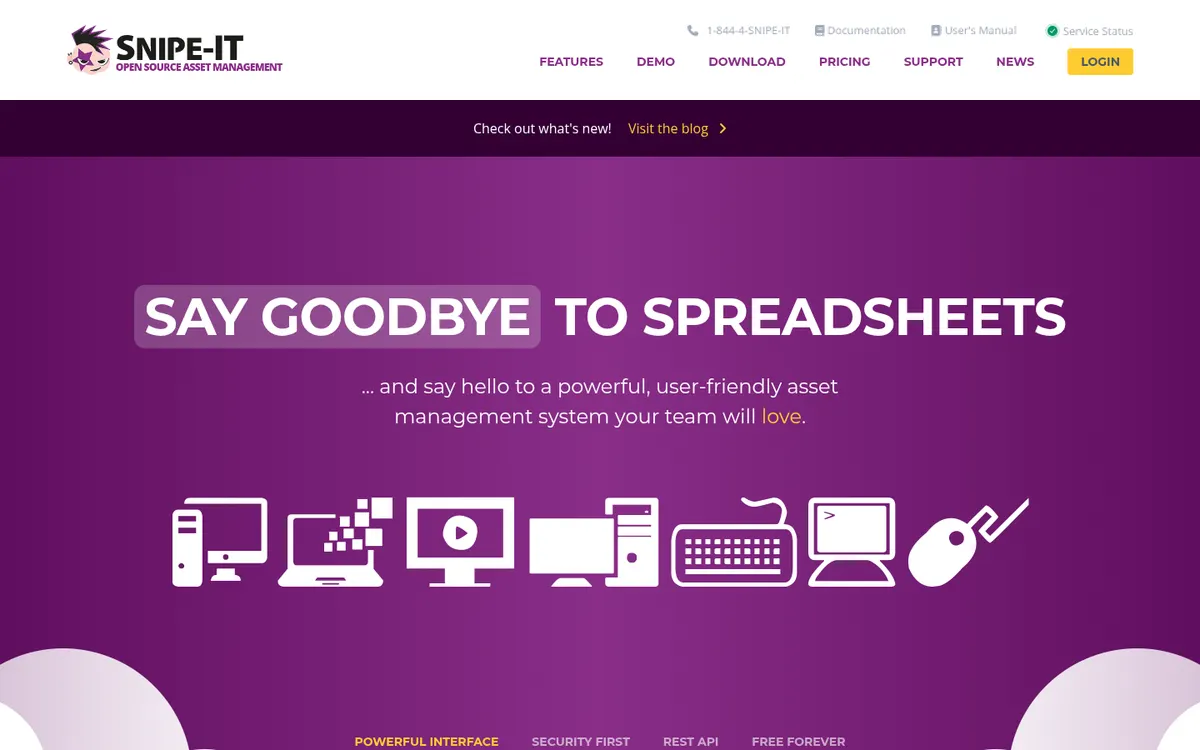
Snipe-IT
Best for teams comfortable self-hosting an open-source asset registry
Our verdict
Snipe-IT is the strongest free core registry for IT teams that can run PHP and MySQL, but it will not discover assets for you.
Snipe-IT is an open-source asset registry for IT teams that accept running their own infrastructure. The AGPL codebase records hardware with serial numbers and purchase orders, tracks software licenses, manages check-in and check-out, and calculates depreciation schedules. LDAP and SAML authentication connect it to existing directories, and a REST API with custom fields lets teams extend records or feed other systems. Because self-hosting has no asset or user caps, the software cost stays at zero if you supply the server and administration.
That administration is the catch. Snipe-IT does not perform automatic network discovery, so records arrive through manual entry, imports or integrations you build. The self-hosted route also requires PHP and MySQL skills, plus backups, upgrades and security work. Teams without that bench should compare the managed Basic Hosting plan at $39.99 per month billed monthly, which keeps the same product underneath and scales to dedicated hosting. Managed hosting removes server maintenance but not the need to design fields, labels and workflows.
The tool fits organizations that want a precise, auditable registry and already have a server operations habit. It is less suitable for a lean help desk that expects assets to appear automatically. Use it when license tracking, depreciation and check-in and check-out matter more than discovery. A small team with a part-time systems administrator can start on the free self-hosted edition and move to managed hosting only when maintenance becomes the constraint.
The open-source model keeps the product transparent and extensible, and the REST API gives teams a path to connect procurement, HR or monitoring data. The trade-off is that every integration and data quality rule remains your responsibility. Snipe-IT is best treated as a dependable asset system of record, not as a discovery platform.
What works
- Free self-hosted with no asset or user caps
- Strong IT-specific fields for licenses and depreciation
- REST API and LDAP or SAML support
What to weigh
- No automatic network discovery
- Self-hosting needs PHP and MySQL administration
- Managed hosting adds a monthly bill
Pick it if
You want a free, extensible asset system of record and can run PHP and MySQL.
Skip it if
You need automated discovery or have no one to maintain a self-hosted server.
Plate 02 of 10
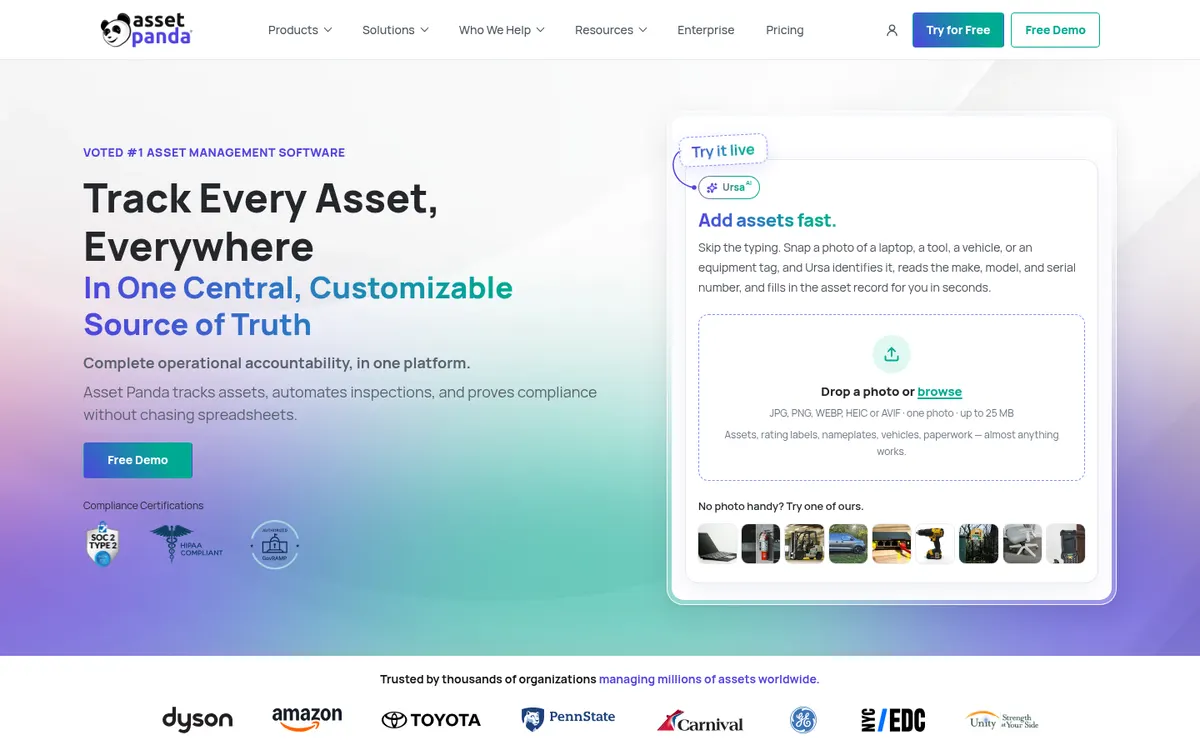
Asset Panda
Best for organizations wanting deeply customizable mobile asset tracking
Our verdict
Asset Panda rewards teams that need custom mobile workflows, though its quote-based pricing and five-user minimum punish small deployments.
Asset Panda is a configurable asset tracking system built around mobile use. Teams define custom fields, smart forms and asset categories, then use automations and configurable workflows to route tasks such as audits. The mobile app scans barcodes, which makes physical counts practical, and support is available 24/7 on every plan. Integrations and API access arrive on Business+ rather than the entry tier.
Pricing is quote-based, so the first useful number comes after a sales conversation. The Starter plan covers 5 users and 1,000 assets. Business+ is $7,200 per year with integrations, API access, 10 users and 5,000 assets. View-only collaborator seats add $10 each per month. Because the product combines per-user billing with per-asset blocks, costs can escalate quickly, and a five-user minimum makes the entry plan expensive for a small team.
The customization is the reason to choose Asset Panda, and also the reason setup takes time. Administrators must decide which fields, forms and workflows belong in the system before users see value. Organizations with varied asset types, field technicians and frequent audits can put that flexibility to work. A simple hardware register will not need this much configuration. The mobile app and 24/7 support make field use practical, but they do not remove the setup burden.
Asset Panda fits organizations that want deeply customizable mobile tracking and can accept a quote-led buying process. It is a poor fit for a two-person IT team that needs a low-cost start, or for a buyer who wants published prices before a demo. The 7-day free trial is short, so scope the data model before it begins.
What works
- Deep custom fields and workflows
- Strong mobile app with barcode scanning
- 24/7 support on every plan
What to weigh
- Quote-based pricing with a five-user minimum
- Per-user plus per-asset billing escalates
- Setup has a steep learning curve
Pick it if
Your assets need custom fields, barcode audits and mobile workflows across several teams.
Skip it if
You need a published entry price or have fewer than five users.
Plate 03 of 10
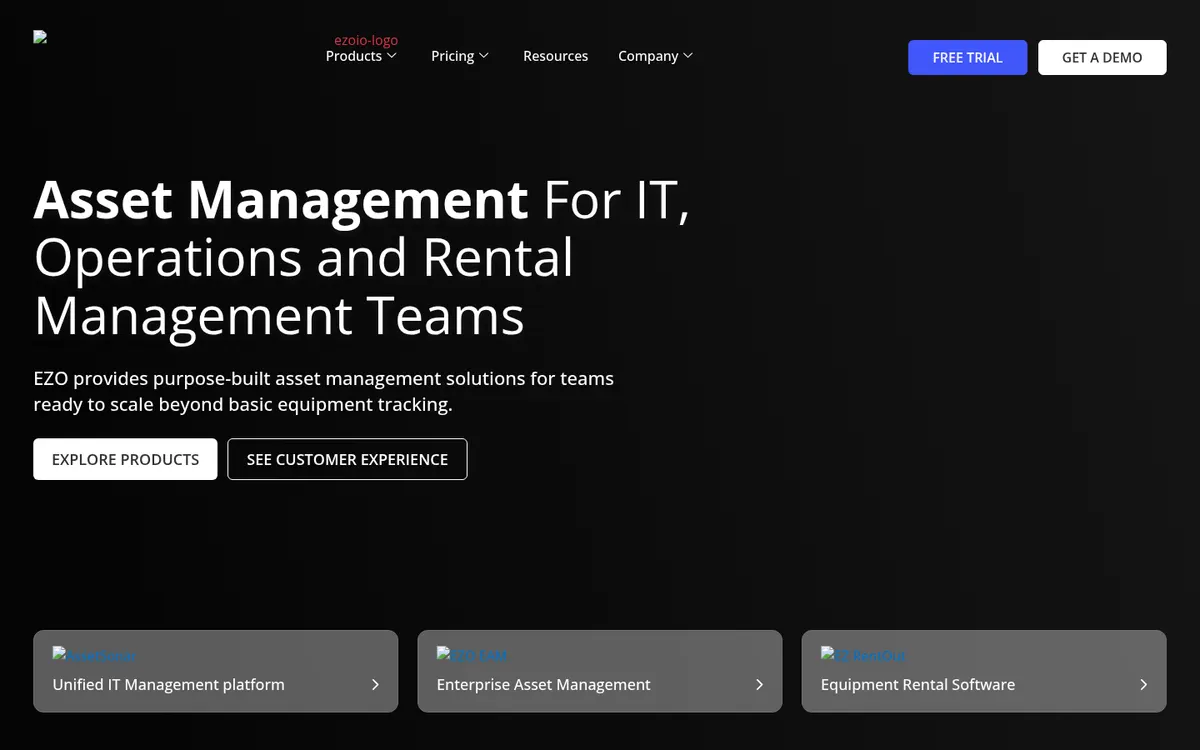
EZOfficeInventory
Best for small businesses needing barcode, RFID and maintenance in one tool
Our verdict
EZOfficeInventory fits small businesses that want barcode, RFID and maintenance in one place, provided they can absorb tiered add-on costs.
EZOfficeInventory is built for small businesses that need more than a static asset list. It scans barcodes and QR codes, handles reservations and work orders, schedules maintenance and produces depreciation reports. Pricing is based on item count rather than seats, so unlimited users can log in without raising the bill. RFID support sits on the Advanced tier, while workflow automations, AI features and API access require Premium.
The item-based model is attractive for teams with many occasional users. Pricing is on the vendor site, and the entry figure rises as requirements move into higher tiers. Because pricing is not published as a simple price list, the headline number should be treated as a starting point, not a quote. The CMMS module is a paid add-on even on Premium, so maintenance-heavy buyers should price that separately. There is no free plan, and the 15-day trial is the main way to test fit.
Setup can be fiddly at first. The product covers several jobs, from reservations to maintenance, so administrators need to decide which modules to enable and how categories should be structured. Once configured, the interface is organized and onboarding is fast for staff who mostly scan, request or check out items.
EZOfficeInventory fits small businesses that want barcode, RFID and maintenance in one tool and prefer predictable user costs. It is less suitable for a team that needs advanced automation without the Premium tier, or one that expects a full CMMS to be included. Buyers should request a quote that reflects item count, RFID and the maintenance add-on before committing.
What works
- Per-item pricing with unlimited users
- Barcode, RFID and maintenance in one tool
- Organized interface and fast onboarding
What to weigh
- RFID needs Advanced and automation needs Premium
- CMMS is a paid add-on even on Premium
- Setup can be fiddly at first
Pick it if
You want barcode, RFID and maintenance under one roof with unlimited users.
Skip it if
You need advanced automation without Premium or a full CMMS included.
Plate 04 of 10
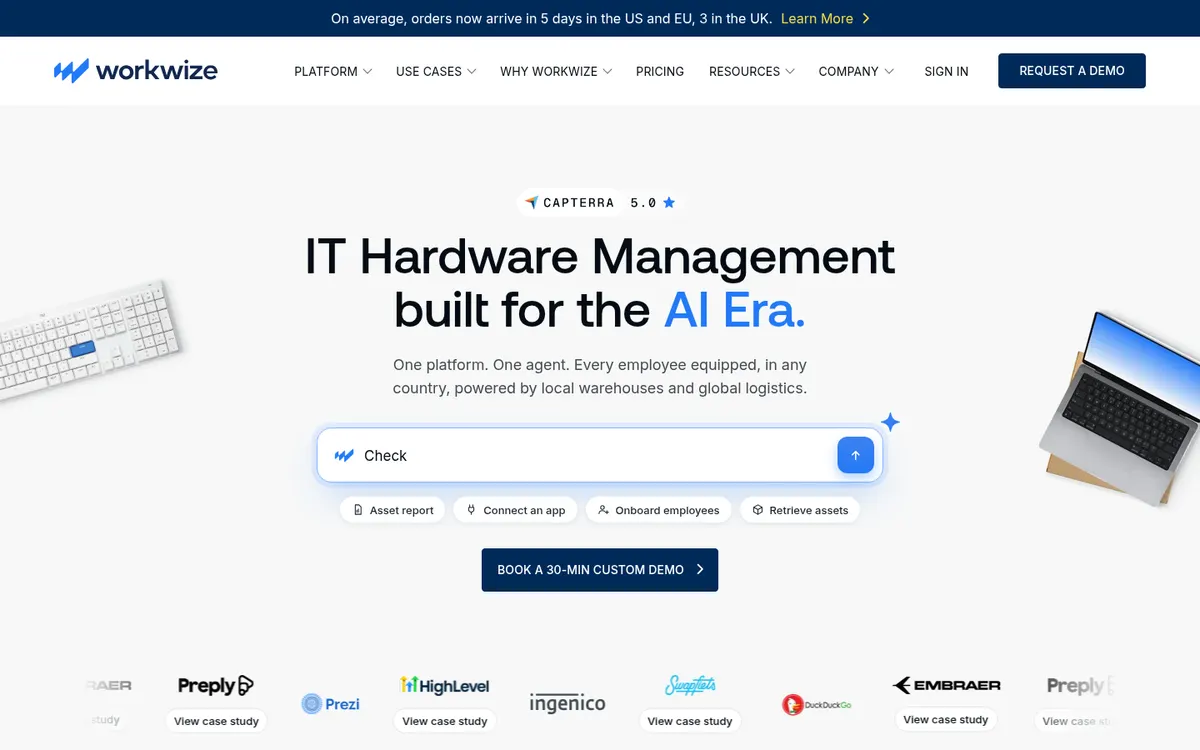
Workwize
Best for distributed teams managing full hardware lifecycle across many countries
Our verdict
Workwize is a lifecycle logistics system for multi-country fleets, not a lightweight asset register, and its quote-only pricing reflects that scope.
Workwize manages the full hardware lifecycle for distributed teams, from procurement and deployment through tracking, retrieval and disposal. It operates local warehouses and vendors across 120 countries, delivers pre-configured devices, automates retrieval workflows and keeps chain-of-custody records. Fleet dashboards give administrators a view of equipment across countries. HRIS integrations include BambooHR and ADP, while MDM integrations include Jamf, Kandji and Microsoft Intune.
This is not a standalone asset register that replaces those systems. Workwize connects to MDM and HRIS platforms and coordinates the logistics around them. That makes it relevant to mid-market and enterprise teams with employees in several countries. A small or single-country team will find the scope excessive, especially because there is no public pricing and the buying process starts with a demo and a quote.
Pricing is set by regions, team size, equipment and roadmap. Basic covers 3 regions, Professional covers 5, and Enterprise removes the cap. The vendor was founded in Amsterdam in 2020 and reports managing more than 120,000 devices. It also states ISO 27001 certification and SOC 2 Type II compliance, and reports retrieval rates up to 98%. Those claims matter to buyers who need cross-border control, but they should still test workflows against their own countries and device types.
Workwize fits organizations that want one system for hardware logistics across many countries. Skip it if you need a simple asset database, a self-serve free tier or a published price before a sales call. The product is strongest where retrieval, chain of custody and local vendor coverage are the hard parts. It is a logistics layer, not a lightweight register.
What works
- Full lifecycle across 120 countries
- Automated cross-border retrieval and chain of custody
- HRIS and MDM integrations
What to weigh
- No public pricing, so demo and quote come first
- Oversized for small or single-country teams
- Region coverage is capped below Enterprise
Pick it if
Your devices cross borders and retrieval, chain of custody and local vendors are the hard parts.
Skip it if
You need a simple asset register or a public price before a demo.
Plate 05 of 10
ManageEngine AssetExplorer
Best for budget-conscious teams wanting discovery and license tracking
Our verdict
ManageEngine AssetExplorer delivers discovery and license tracking at published asset-based prices, with an interface that feels older than its engine.
ManageEngine AssetExplorer combines automated discovery with software license tracking and purchase order management. It also includes a CMDB, which helps teams connect assets to services and dependencies. Cloud plans are published in tiers up to 10,000 assets, and an on-premises deployment option serves regulated environments. A free edition is available, though it does not expire and is limited by node count.
The cloud entry point is $115 per month for 250 IT assets, or $1,245 per year. On-premises annual subscriptions start at $955 for 250 assets. Those two structures are different enough that buyers should compare total cost over three years, including servers and administration for the on-premises route. Cloud and on-premises price structures differ enough to complicate comparisons, so use the same asset count and feature set on both sides. The free edition is useful for evaluation or very small estates, not for a growing inventory.
AssetExplorer's strength is breadth at a published price. Automated discovery reduces manual entry, license tracking supports audits, and the CMDB adds context that a simple register lacks. External or virtual assets occasionally need manual attention, so the discovery engine is not a complete substitute for data governance.
The interface feels dated, and administrators may need time to learn its patterns. Even so, the product fits budget-conscious teams that want discovery, license tracking and an on-premises option without enterprise sales friction. It is less suitable for a team that wants a modern, highly automated user experience or deep lifecycle logistics. The free edition gives a low-risk way to test the core inventory before buying a cloud tier.
What works
- Automated discovery plus license tracking
- Published asset-based pricing and free edition
- On-premises option for regulated teams
What to weigh
- Interface feels dated
- Cloud and on-premises pricing differ
- External or virtual assets need manual attention
Pick it if
You want automated discovery and license tracking at a published asset-based price.
Skip it if
A modern interface matters more than breadth or you need deep lifecycle logistics.
Plate 06 of 10
Lansweeper
Best for organizations that want the network to inventory itself
Our verdict
Lansweeper is the pick when you want the network to inventory itself, but its base tier is sized for estates well above small teams.
Lansweeper is an agentless discovery platform that inventories hardware and software across a network. It also records users, cloud resources, OT and IoT devices, then turns the raw inventory into lifecycle, usage and risk insights. Security and control features sit on Pro. Custom enterprise packaging starts at 10,000 assets. A free tier covers up to 100 assets, and a 14-day trial is available.
The core value is that the network produces the inventory. Agentless discovery finds assets without installing agents on every endpoint, which suits organizations with mixed devices and limited administrative access. The product is less strong on reporting and admin controls, which feel less intuitive than the discovery engine. Buyers who need polished dashboards should test those screens early.
Pricing is published but sized for larger estates. Starter is EUR 270 per month billed annually, and Pro is $439 per month. The 2,000-asset base tier is expensive for a small estate, so the free tier is the realistic entry point for evaluation. For a 200-asset estate, Starter is hard to justify against per-asset or flat-fee alternatives. The annual commitment and euro-denominated Starter price also mean currency and contract terms deserve attention.
Lansweeper fits organizations that want the network to inventory itself and can use lifecycle or risk insight beyond a static register. It is a poor fit for a very small team that mainly needs check-in and check-out, or one that wants a low monthly bill at 200 assets. Use the free tier to confirm discovery coverage, then price Starter against the estate you actually have. The free tier is also capped at 100 assets, so it is an evaluation tool rather than a long-term home.
What works
- Agentless discovery of hardware and software
- Lifecycle, usage and risk insights
- Free tier for up to 100 assets
What to weigh
- 2,000-asset base tier is costly for small estates
- Reporting and admin controls feel less intuitive
- Starter price is quoted in euros
Pick it if
You want agentless discovery to keep a large, mixed network inventory current.
Skip it if
You have a small estate or need check-in and check-out more than discovery.
Plate 07 of 10
Freshservice
Best for IT teams that want a service desk with asset management built in
Our verdict
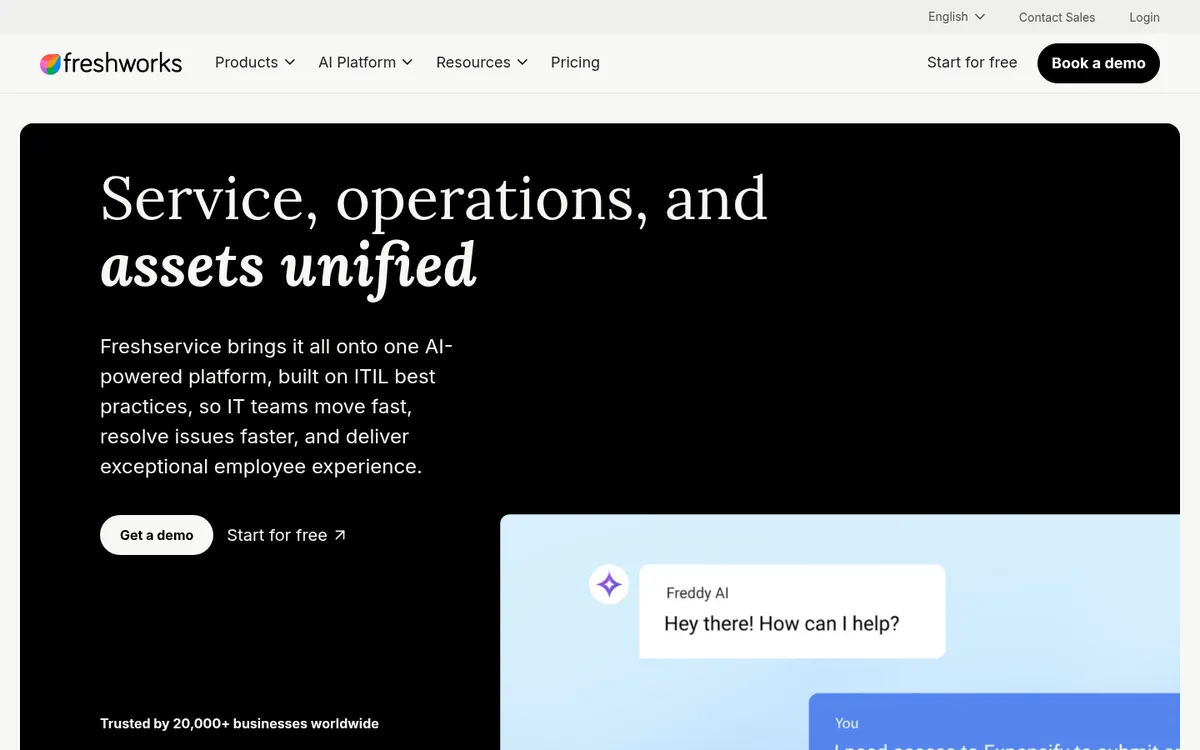
Freshservice works when tickets and assets should share one system, though deeper ITAM and larger estates add separate costs.
Freshservice is a service desk with asset management built into the same platform. The Starter plan covers incident management, built-in asset discovery and inventory, a knowledge base and a self-service portal. Growth adds a service catalog and SLA management. Pro adds problem and change management, advanced ITAM and analytics. The Freddy AI assistant is a paid add-on rather than part of the base platform.
Pricing starts at $19 per agent per month billed annually. Growth is $49 and Pro is $99. Deeper ITAM features and asset units are licensed separately, and larger estates are metered in 500-asset packs on top of per-agent fees. A 10-agent team with heavy asset needs will pay well above the headline. The 14-day trial is enough to test tickets and basic inventory, but a serious evaluation should include asset counts and the Pro features the team expects.
The main appeal is one vendor for tickets, changes and assets. Asset discovery and inventory are included from Starter, so the service desk has context without a separate integration. Implementation is usually measured in days to weeks, which is fast for an ITSM product. The trade-off is that asset management is strongest as a companion to service management, not as a specialist ITAM suite.
Freshservice fits IT teams that want a service desk first and asset management second. It is less suitable for an organization that needs deep financial asset tracking, complex lifecycle logistics or a low-cost register for many agents. Price the asset packs and Freddy add-on before comparing the $19 headline with dedicated asset tools. The 14-day trial is short for a full rollout.
What works
- Asset discovery included from Starter
- One vendor for tickets, changes and assets
- Fast implementation measured in days to weeks
What to weigh
- Asset units and deeper ITAM cost extra
- Change management and analytics need Pro
- Large estates add 500-asset packs
Pick it if
Your service desk should own tickets, changes and basic asset records in one place.
Skip it if
You need specialist ITAM depth or a low-cost register for many agents.
Plate 08 of 10
SysAid
Best for mid-size IT teams wanting AI-assisted service management
Our verdict
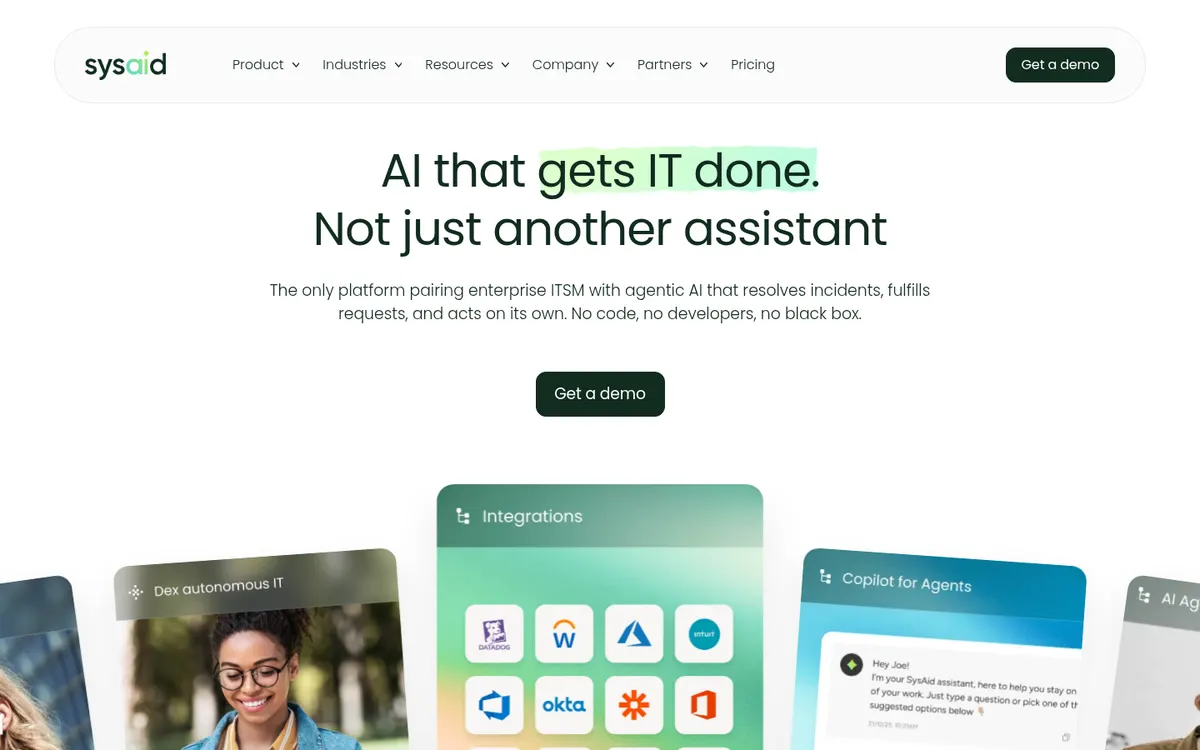
SysAid suits mid-size teams that want AI assistance inside the service desk, but per-admin pricing and quote-only enterprise controls raise the barrier.
SysAid is an ITSM platform with asset management included and AI features embedded in the core. The AI agents handle requests, a chatbot works across chat, email and Teams, Copilot categorizes and summarizes tickets, and sentiment analysis flags unhappy users. Workflow automation and asset management sit alongside the service desk. Implementation is designed to be code-free and measured in weeks.
The published Professional plan is $59 per agent per month billed annually. AI features carry no usage caps on that plan. Advanced customization, sandbox testing and governance controls require a quote-based Enterprise tier. Per-admin pricing is steep for a small team, especially when the team needs only a few administrators and a simple asset register.
Asset management here is a companion to service management, not a standalone discovery or lifecycle suite. SysAid does not lead with agentless network discovery or detailed depreciation. The asset record is strongest when tied to tickets, changes and workflow automation. Buyers should test the asset records, workflow automation and AI assistant against their own ticket volume. The free trial gives a way to do that, but the Enterprise-only governance features will not be available without a sales conversation.
SysAid fits mid-size IT teams that want AI-assisted service management and can standardize on its workflows. It is less suitable for a small team with two administrators or for an organization that needs deep ITAM as the primary purchase. Compare the Professional price with the value of included AI agents and chatbot support; if those features go unused, the per-agent rate is hard to defend.
What works
- AI agents and Copilot built into the core
- Asset management included with ITSM
- Code-free implementation measured in weeks
What to weigh
- Per-admin pricing is steep for small teams
- Sandbox testing and governance need Enterprise
- Asset management is not a deep ITAM suite
Pick it if
You want AI agents and chatbots inside a mid-size service desk with asset records.
Skip it if
You have a small admin team or need deep ITAM as the primary purchase.
Plate 09 of 10
InvGate Asset Management
Best for mid-market teams wanting simple per-device pricing
Our verdict
InvGate Asset Management offers clean per-device pricing and unlimited users, with a Starter tier that stops at 500 devices.
InvGate Asset Management prices by IP device rather than by user. Each IP device includes two non-IP devices, and unlimited users can access the system without per-seat fees. Network inventory covers connected computers and servers. The Starter tier is a fixed package with 5 agents, Professional is expandable, and Enterprise adds custom terms plus on-premises hosting and dedicated infrastructure.
Starter costs $1,499 per year, which works out to $124.92 per month. Professional starts at $2,500 per year with expansion packs. Enterprise is custom from $12,000 per year for on-premises hosting. A 30-day free trial requires no credit card. The clear billing unit is attractive for mid-market teams that know their device count and want to avoid seat negotiations. The monthly equivalent is useful for budgeting, but the contract is annual.
The limits are structural. Starter is fixed, with no add-ons or customization. Crossing 500 devices forces a move to Professional rather than allowing a small top-up. On-premises hosting and dedicated infrastructure require Enterprise. Buyers with a device count near a tier boundary should model the jump before signing, because the next tier is a different commercial product. The fixed Starter package keeps costs predictable until that boundary.
InvGate fits mid-market teams that want simple per-device pricing, unlimited users and network inventory without per-seat fees. It is less suitable for a small team that will never reach 500 devices but wants small add-ons, or for an organization that needs on-premises hosting at the entry level. The 30-day trial is long enough to test discovery and count devices accurately before choosing a tier.
What works
- Per-device pricing with unlimited users
- Two non-IP devices included per IP device
- 30-day free trial with no credit card
What to weigh
- Starter is fixed with no add-ons
- Scaling past 500 devices forces Professional
- On-premises hosting needs Enterprise
Pick it if
You want per-device pricing, unlimited users and network inventory without seat fees.
Skip it if
You need on-premises hosting at entry level or small add-ons near 500 devices.
Plate 10 of 10
AssetTiger
Best for small teams with simple estates and tiny budgets
Our verdict
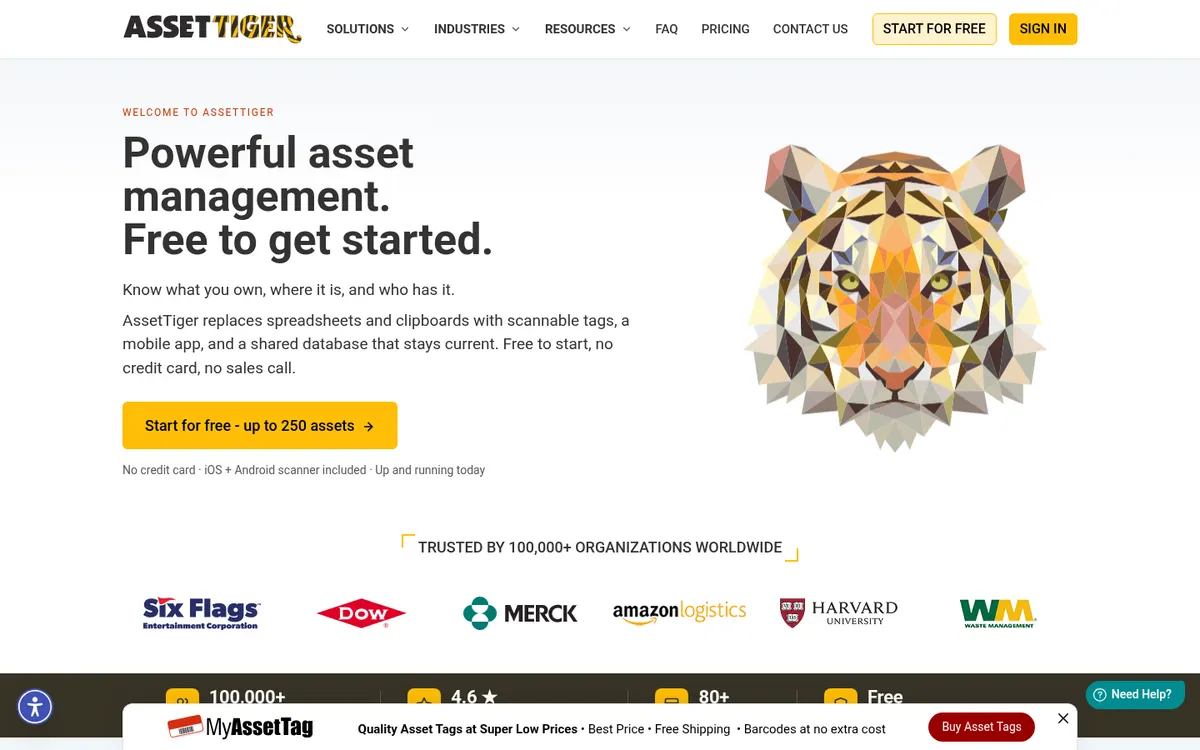
AssetTiger is a low-cost register for simple estates, but it lacks the financial depth and integrations that growing IT teams need.
AssetTiger is a low-cost asset register for small teams. It handles barcode and QR scanning through mobile apps, check-in and check-out workflows, unlimited locations and custom fields, and a searchable asset register. Paid plans include unlimited users on flat-rate terms, so adding occasional users does not raise the bill. That simplicity is the product's main appeal.
Pricing starts at $20 per month billed monthly. Annual pricing is $220 for 500 assets, $440 for 2,500 assets and $825 for 10,000 assets. A 30-day free trial is available. Published plan details conflict on whether a 250-asset free tier remains, so confirm that before relying on it. The tier structure means small teams can start cheaply, but the product is not built for complex financial tracking.
The weaknesses appear as the estate grows. AssetTiger has no depreciation or financial tracking depth, integrations are thin and barely documented, and the mobile app gets mixed feedback. Hierarchical locations feel constrained. Those limits matter less for a simple equipment register and more for an IT team that needs license reconciliation, audit trails or lifecycle reporting. It is a register, not a procurement or license compliance suite. That makes it a poor match for software audits or finance reporting.
AssetTiger fits small teams with simple estates and tiny budgets, especially where unlimited users and barcode scanning matter. Skip it if you need depreciation, strong integrations or a polished mobile experience. The flat annual fees are easy to forecast, but the low price comes with a narrow feature set. For a 500-asset estate, Basic at $220 per year is easy to justify. Test the exact asset count and location structure during the 30-day trial.
What works
- Low flat annual fees with unlimited users
- Barcode scanning and mobile apps
- Searchable asset register with custom fields
What to weigh
- No depreciation or financial depth
- Thin and barely documented integrations
- Mobile app and locations feel limited
Pick it if
You have a simple estate, a tiny budget and want unlimited users at a flat fee.
Skip it if
You need depreciation, strong integrations or software license compliance.
What does IT asset management software actually manage?
IT asset management software keeps a reliable record of what an organization owns, where it is, who uses it and what it costs. That record spans the asset lifecycle: request and procurement, receiving, deployment, assignment, maintenance, reassignment, retirement and disposal. The software may also track software licenses, contracts, purchase orders, depreciation schedules, locations and audit history. The goal is not a prettier spreadsheet. It is a system of record that finance, security and IT operations can trust when they answer questions about cost, risk and ownership.
Most tools cover four record types:
- Hardware, with serial numbers, models, owners and locations.
- Software, with licenses, seats, renewals and compliance status.
- Financials, with purchase orders, depreciation and cost allocation.
- Workflows, with check-in and check-out, maintenance, reservations and audits.
The biggest product difference is how records get in. Manual registers rely on imports, forms, labels and disciplined updates. Discovery platforms scan the network and add hardware, software and sometimes cloud or IoT devices automatically. Manual tools are often cheaper and easier to customize; discovery tools reduce stale data but may miss unconnected or virtual assets. Buyers should match the intake method to the estate, not to a demo.
ITAM also overlaps with ITSM. ITSM covers incidents, requests, changes, problems and service levels. ITAM covers the asset record itself. They meet at the configuration item: a ticket can concern a laptop, and a change can alter a server. Integrated service desks share that context, while dedicated asset tools go deeper on inventory, licenses, depreciation and lifecycle logistics. Neither category automatically replaces the other. A service desk with basic inventory can be enough for a small team, but a regulated estate with software audits and multi-country retrieval usually needs more.
Good ITAM software makes ownership and cost visible. It does not remove the need for process owners, clean data and regular audits.
This guide sits in the Software collection. Buyers weighing nearby tools often read the guides to commission software and research platforms next.
How does pricing work across IT asset management tools?
IT asset management pricing follows the billing unit, not the feature list. Some tools charge by asset, some by device, some by agent, some by user, and some by quote. The model matters more than the headline because a cheap per-user plan can become expensive when asset packs are added, while an unlimited-user plan can be wasteful if you only need a small register.
| Model | How it bills | Typical fit | Example from this list |
|---|---|---|---|
| Open source | Free software; paid managed hosting from $39.99/month | Teams with PHP and MySQL skills | Snipe-IT |
| Per asset tier | Cloud 250 IT assets at $115/month; free edition | Budget teams with predictable asset counts | ManageEngine AssetExplorer |
| Per IP device | Starter $1,499/year for 5 agents; unlimited users | Mid-market teams with stable device counts | InvGate Asset Management |
| Per agent plus asset packs | Starter $19/agent/month billed annually; asset units separate | IT teams that already need a service desk | Freshservice |
| Flat fee | Basic $20/month billed monthly; $220/year for 500 assets | Small teams with simple estates | AssetTiger |
| Quote based | Business+ $7,200/year for 10 users and 5,000 assets | Complex mobile workflows | Asset Panda |
The table shows why a single "starting at" number can mislead. ManageEngine's $115 cloud price covers 250 IT assets, while Freshservice's $19 price covers an agent and not the asset estate. InvGate avoids per-user fees but forces a tier jump past 500 devices. Asset Panda has a published Business+ figure, yet the entry quote depends on users and asset blocks. For a 10-agent team with 5,000 assets, the per-agent fee is only part of the bill.
Free options exist. Snipe-IT is free self-hosted under AGPL, ManageEngine has a free edition limited by node count, and Lansweeper offers a free tier up to 100 assets. Those plans are useful for evaluation or small estates, but they shift costs to administration or cap growth. Always price the tier you will need in 12 months, including add-ons such as CMMS, AI or asset packs. Prices here were checked on November 25, 2026.
Every price in this guide was read on the vendor's own pricing page on November 25, 2026. Where a vendor does not publish a figure we could confirm, the card says "See website" rather than a guess. For the arithmetic around this purchase, try the free Email campaign metrics calculator.
How should you choose the right IT asset management tool?
Choose by lifecycle gap, billing unit and admin capacity, then test the shortlist with your own asset data.
- Map the asset lifecycle first. List how hardware and software enter, change hands, get maintained, retire and get disposed. Include locations, owners and audit needs. This prevents buying discovery when the real gap is check-in and check-out.
- Decide how records will enter the system. Choose between manual entry, barcode scanning, imports and agentless discovery. If stale data is the main pain, prioritize Lansweeper, ManageEngine AssetExplorer, Freshservice or InvGate. If control and customization matter more, accept manual intake.
- Set the billing unit against your estate. Count users, agents, IP devices, assets and locations. Test 12-month growth. A per-device plan with unlimited users favors broad access, while per-agent pricing favors small IT teams with large asset estates.
- Separate ITAM from ITSM needs. If tickets, changes and SLAs are central, evaluate Freshservice or SysAid. If license reconciliation, depreciation or lifecycle logistics dominate, evaluate Snipe-IT, ManageEngine, Lansweeper or Workwize. Do not buy a full ITSM suite for an asset register alone.
- Check deployment and admin capacity. Self-hosted Snipe-IT needs PHP and MySQL skills. Workwize and Asset Panda need configuration and sales cycles. Managed hosting, cloud tiers and code-free onboarding trade control for lower administrative load.
- Run a scoped trial with real data. Import a representative sample, scan a location, price an asset tier and test one audit. Confirm the trial length, asset caps and add-ons before signing. A demo that never touches your messy data proves little.
What mistakes make IT asset management software fail?
Most failures come from mismatched data intake, billing units and ownership, not from a missing feature.
- Buying discovery when data entry is the gap. Agentless discovery helps only if devices are reachable and you still govern exceptions. A team with poor ownership and no audit routine will collect more stale records faster.
- Ignoring the billing unit. Per-agent, per-asset, per-device and quote-based plans behave differently as you grow. Model 12 months of users and assets, not just the entry price, or the second-year renewal will surprise you.
- Treating asset management as a one-time import. Records decay when people move, retire or replace equipment. Assign owners, set audit cadence and connect check-in and check-out to onboarding and offboarding.
- Assuming a service desk covers deep ITAM. Freshservice and SysAid include asset management, but advanced ITAM, asset units and enterprise controls may cost extra. Confirm whether license reconciliation, depreciation and lifecycle logistics are in scope.
- Self-hosting without operations discipline. Snipe-IT is free and capable, but production self-hosting needs PHP and MySQL patching, backups, access control and uptime. A free license is not a free operation.
Top IT Asset Management Software 2026: questions
What does IT asset management cover across an asset lifecycle?
It covers the full record of an asset from request and procurement through deployment, assignment, maintenance, reassignment, retirement and disposal. Good ITAM ties hardware, software licenses, contracts, locations and ownership to that record. It also handles check-in and check-out, depreciation and audit history. The exact scope varies: some tools stop at inventory, while others add discovery, service workflows or cross-border retrieval.
What do these tools cost from free to enterprise?
They range from free self-hosted software to five-figure annual contracts. Snipe-IT is free when self-hosted, with managed hosting at $39.99 per month. ManageEngine AssetExplorer cloud starts at $115 per month for 250 assets, and InvGate Starter is $1,499 per year. Asset Panda Business+ is $7,200 per year. Quote-based suites such as Workwize publish no starting price, so a demo comes first.
Can a service desk replace a dedicated asset management tool?
Sometimes, but not always. Freshservice and SysAid include asset discovery or asset management alongside tickets, changes and workflows, which can be enough when the service desk is the center of IT operations. A dedicated tool is better when you need deep depreciation, license reconciliation, barcode audits, cross-border logistics or unlimited users priced by device. Check whether asset units and advanced ITAM cost extra.
How do ITAM and ITSM differ and where do they overlap?
ITAM records and governs assets, including hardware, software licenses, ownership, cost and lifecycle. ITSM manages services and the work around them, such as incidents, requests, changes and SLAs. They overlap at the configuration item: a ticket may concern a device, and a change may alter an asset. Integrated platforms share that record, while dedicated ITAM tools go deeper on inventory, discovery, depreciation and audit.
Which tools discover assets automatically rather than relying on manual entry?
Lansweeper is the clearest example, with agentless discovery of hardware, software, users, cloud, OT and IoT devices. ManageEngine AssetExplorer includes automated discovery, Freshservice includes asset discovery from Starter, and InvGate inventories connected computers and servers. SysAid includes asset management alongside ITSM. Snipe-IT, AssetTiger and Asset Panda rely more on manual entry, imports, scanning or integrations.
Is self-hosted open-source asset tracking safe for production?
It can be, if you treat it as production software. Snipe-IT is AGPL, free self-hosted and used with LDAP or SAML, but you own PHP and MySQL patching, backups, access control and uptime. That is a reasonable trade for teams with server administration skills and a need for no asset caps. Teams without that bench should use managed hosting at $39.99 per month or choose a vendor-hosted product.