
Contents of this guide
The shortlist
Our top 3 for software buyers

Articos
Synthetic persona speed
- Best for
- fast synthetic persona interviews
- Features
- 4 noted: Persona panels, AI interviews, PDF reports, Country calibration
UserTesting
Unmoderated video tests
- Best for
- unmoderated usability testing
- Features
- 4 noted: Video tests, AI summaries, Demographic targeting, Participant panel

Qualtrics
Enterprise experience suite
- Best for
- enterprise experience research
- Features
- 4 noted: CX research, EX research, Survey analytics, Enterprise workflow
Disclosure for this guide. All 9 tools here are unpaid editorial picks. The position of a paid listing can be part of what the vendor pays for. Paid and unpaid tools are scored on the same rubric and keep their cons. Details are in the advertising disclosure.
The ledger
Index of every tool
| Tool | Free plan | Trial | Rubric | Compare | ||
|---|---|---|---|---|---|---|
| 01 | Articosfast synthetic persona interviews | Lite $29 per month, monthly billingChecked Nov 25, 2026 | Free trial only (14 days) | 14-day free trial, 900 credits, no card | ||
| 02 | UserTestingunmoderated usability testing | See website (custom quote)Custom quote | Free trial only | Free trial | ||
| 03 | Qualtricsenterprise experience research | See website (custom quote)Custom quote | Free trial only | Free trial | ||
| 04 |  SurveyMonkeysurveys for everyone | Team Advantage $25 per user per month, billed annuallyChecked Nov 25, 2026 | Yes | No | ||
| 05 |  Mazecontinuous product testing | Starter $99 per monthChecked Nov 25, 2026 | Free plan, 1 study per month | No | ||
| 06 |  Dovetailresearch analysis and repository | Bronze $4,800 per year plus creditsChecked Nov 25, 2026 | Yes | 30-day free trial (Gold plan) | ||
| 07 |  User Interviewsparticipant recruiting | Recruit Pay As You Go $49 per sessionChecked Nov 25, 2026 | No | No | ||
| 08 |  Typeformconversational surveys | Basic $28 per month, monthly billingChecked Nov 25, 2026 | Yes | 14-day free trial (Growth Flow) | ||
| 09 |  Hotjaron-site feedback and behavior | Growth $39 per month, billed yearlyChecked Nov 25, 2026 | Free plan, 200k monthly sessions | No |
Prices are the lowest paid plan the vendor shows, read on November 25, 2026. Sort by price ranks published monthly figures; tools without one go last. Pin up to three tools to compare them side by side.
How this guide was put together
I evaluated nine research platforms for buyers who need evidence for product, design, marketing or customer experience decisions. The rubric has five criteria. Method fit (30 percent) asks whether the platform supports the research job named in its entry, from synthetic interviews to usability tests, surveys, recruiting, repositories or behavior analytics. Participant access (20 percent) covers the quality and reach of the people or data the tool brings. Analysis depth (20 percent) covers how well the tool turns raw input into findings. Pricing clarity (15 percent) covers whether a buyer can see a starting price, free plan or trial before a sales call. Workflow fit (15 percent) covers how well the tool slots into a team's existing process.
Prices, free plans and trial facts come from vendor pricing pages checked on November 25, 2026. Where a vendor publishes no rate, I say pricing is on the vendor site and do not guess. The order is editorial: fit for the buyer each entry describes, plus the disclosed Featured position. A Featured placement is a paid placement. I score it with the same rubric and include honest cons, just as I do for every other entry. I do not add up scores to set the order. Use the scores as a quick read on tradeoffs, then confirm your own must-haves on a trial or a scoped quote. For each tool, I noted the best fit, the starting price or the absence of one, the free plan and trial status, and the limits a buyer should test before signing.
The full process, including how we handle corrections, is on the methodology page. Paid listings follow the advertising disclosure.
Rubric and weights
Every tool below is scored from 1 to 10 on these five criteria. The scores describe each tool; the order is an editorial call on fit for the buyer each card describes, plus the disclosed Featured position.
- 30%Method fitHow well the platform supports the research job named in its entry, from interviews to surveys, testing or analysis.
- 20%Participant accessThe reach and quality of the participants, panel or on-site audience the tool can bring to a study.
- 20%Analysis depthHow well the tool turns raw input into findings a team can review, share and act on.
- 15%Pricing clarityWhether a buyer can see a starting price, free plan or trial before a sales conversation.
- 15%Workflow fitHow well the tool slots into a team's existing research cadence, skills and handoff process.
Plate 01 of 09
Articos
Best for fast synthetic persona interviews
Our verdict
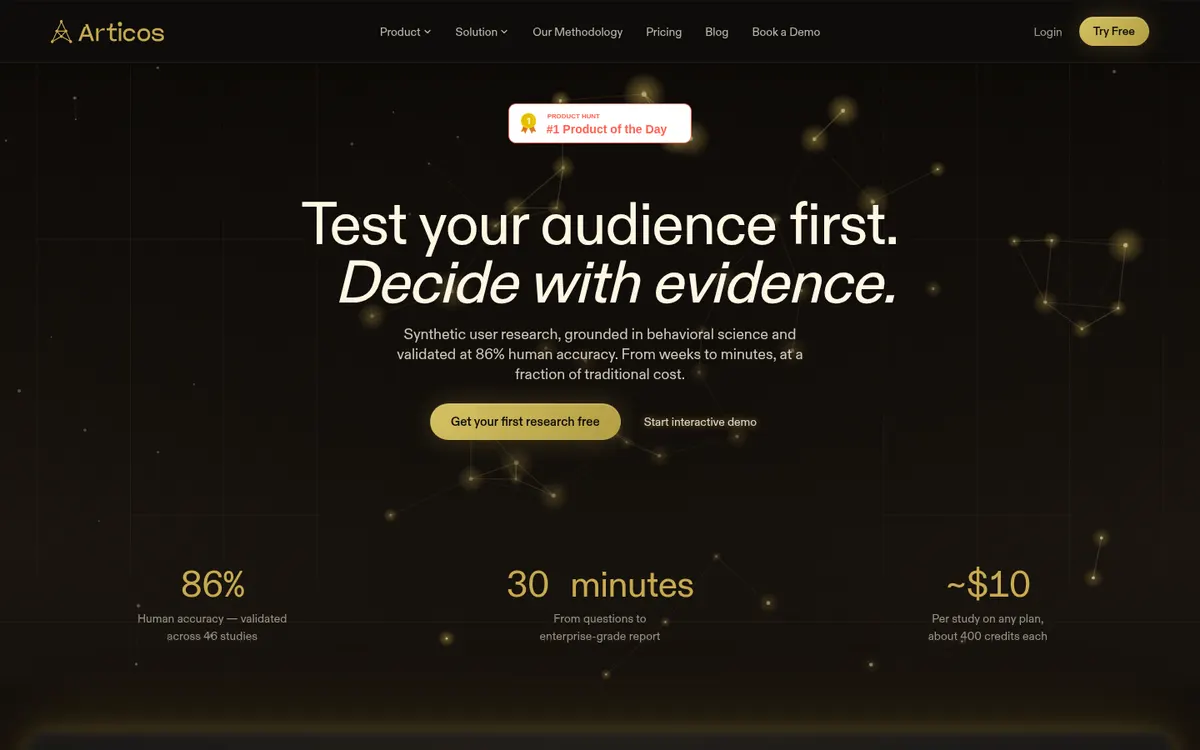
Articos suits teams that need fast synthetic persona interviews and can validate modeled findings before a high-stakes decision.
Articos is built for teams that want synthetic persona interviews fast. You describe a hypothesis, and the platform runs AI interviews with modeled buyer personas. The interviews are hypothesis-blind, so the questions are not framed to confirm the team's preferred answer. The panel includes skeptics and late adopters, which matters because a panel of enthusiasts can miss objections. Reports cover motivations, objections, confusion points and language patterns, and a full report is delivered in under 30 minutes. PDF export, A/B tests, concept tests, team collaboration and country calibration support common product and marketing workflows. The Articos MCP lets teams run studies inside Claude or ChatGPT, which reduces context switching for AI-heavy teams.
The Lite plan is $29 per month on monthly billing for 1,200 credits. Starter is $79 for 3,000 credits and Pro is $199 for 8,000. At roughly 400 credits per study, Lite supports about three studies per month, so the entry price is modest but the study volume is limited. There is a 14-day free trial with 900 credits and no card, enough to test the workflow before paying.
The main limit is that personas are modeled rather than recruited from real participants. That makes Articos a strong first-pass tool for hypothesis generation and message testing, but it may need validation against real buyer research before a high-stakes launch. It fits product marketers, founders and research teams that need directional evidence quickly. It is less suitable when a study requires recruited participants, observed behavior or statistically representative samples. Use it to sharpen questions and surface objections, then decide whether a live study is needed.
What works
- Skeptics included
- Reports in under 30 minutes
- MCP inside Claude or ChatGPT
What to weigh
- Modeled personas
- Lite supports about three studies
- Needs real-buyer validation
Pick it if
You need fast, directional persona interviews and can validate important findings with real buyers.
Skip it if
Your study requires recruited participants, observed behavior or a representative sample.
Plate 02 of 09
UserTesting
Best for unmoderated usability testing
Our verdict
UserTesting fits teams that need unmoderated usability tests with real participants and can handle enterprise, quote-based pricing.
UserTesting fits teams that need unmoderated usability testing with real participants. You can run tests, collect participant videos with a narrated experience, and use AI-generated summaries to shorten review time. Demographic targeting helps teams reach a defined audience, and the platform covers an end-to-end research workflow rather than a single test step. The large participant panel is the main draw for teams that need sessions quickly and do not want to recruit every participant themselves.
Pricing is not public. The vendor routes Advanced, Ultimate and Ultimate+ buyers to a custom quote, so budget work starts with a sales conversation. Model platform fees and participant incentives together before the trial ends, because a low platform quote can still produce a high all-in study cost. The free trial is useful for checking test setup, video quality and summary output, but it will not reveal the full contract economics.
The weaknesses are cost and fit. UserTesting is enterprise-grade and can be overkill for occasional testing, especially for a small product team that runs one study a quarter. Platform fees plus incentives can surprise teams that compare only the subscription line. It fits organizations with a regular testing cadence, multiple researchers and a need for targeted participants. It is less suitable for teams that only need prototype checks or a lightweight survey. If you need a repository after testing, budget for a separate analysis tool.
What works
- Large panel
- Video plus AI summaries
- Strong demographic targeting
What to weigh
- No public pricing
- Overkill for occasional testing
- Fees plus incentives add up
Pick it if
You need recruited participants, video-based usability tests and a repeatable enterprise research workflow.
Skip it if
You run one small study a quarter or need a low-cost survey tool.
Plate 03 of 09
Qualtrics
Best for enterprise experience research
Our verdict
Qualtrics fits large organizations running multi-audience experience research programs, but small teams will find it complex and costly.
Qualtrics is an enterprise experience management platform, not a single research tool. It supports customer experience, employee experience, product and brand research, with advanced survey analytics across programs. Large insights organizations use it to run methodologically rigorous studies and to connect feedback across audiences. The breadth is the point: a central team can standardize questions, permissions and reporting across business units.
Pricing is custom. The vendor asks for request pricing based on interactions or employee count, and enterprise deals typically involve IT and procurement. The pricing structure has significant tier jumps, so confirm the study types and features you need before negotiation. A low entry quote can become expensive when advanced analytics, integrations or additional users are added. The free trial helps with a feature check but not with total cost of ownership.
The tradeoff is complexity. Qualtrics can be more than small teams need, and advanced programs require implementation work. It fits large companies with dedicated insights staff, governance needs and a multi-country research program. It is less suitable for a startup that needs fast interviews or a simple survey. If you are comparing it with a specialist, separate the collection layer from the analysis layer and price both. Qualtrics is strongest when research is a sustained program rather than a one-off project.
What works
- Broad experience suite
- Deep analytics
- Fits large insights teams
What to weigh
- Complex and costly
- Significant tier jumps
- Overkill for small teams
Pick it if
You run a multi-audience experience research program and need enterprise governance and analytics.
Skip it if
You need a fast, low-cost study or a simple survey for a small team.
Plate 04 of 09
SurveyMonkey
Best for surveys for everyone
Our verdict
SurveyMonkey fits teams that need simple, quick surveys and a free start, not deep research analytics.
SurveyMonkey is the general-purpose survey tool in this list. It has a survey builder, shareable links, skip logic, custom branding, response analysis and a large template library. The free plan covers simple surveys, which makes it easy for HR, marketing and product teams to collect basic feedback without a procurement cycle. Paid tiers add logic, branding and deeper analysis for teams that run frequent questionnaires. The template library shortens setup for common feedback, event and customer satisfaction surveys, but templates still need editing for your audience.
The listed paid entry is Team Advantage at $25 per user per month, billed annually, with a 3 seat minimum. There is no trial, so the free plan is the practical way to test the builder before upgrading. Test skip logic and piping on a realistic questionnaire, not a five-question demo, because free limits emerge with complex questionnaires. The per-user model also matters: a small team can pay more than the headline rate once seats are added.
SurveyMonkey fits teams that need surveys for everyone, from customer feedback to internal pulse checks. It is quick to learn and widely used, so training and handoff are light. The limit is analytical depth. Analysis is lighter than Qualtrics, and advanced research programs will outgrow it. It is less suitable for moderated interviews, participant recruiting or a central research repository. Use it for structured collection, then export to a dedicated analysis tool if the study needs coding, tagging or a searchable evidence base. It is a collection tool, not a full research platform.
What works
- Free plan
- Quick to learn
- Large template library
What to weigh
- Advanced features paid
- Lighter analysis
- No trial
Pick it if
You need a quick survey builder, a free start and a familiar interface for non-researchers.
Skip it if
You need deep analytics, participant recruiting or a research repository.
Plate 05 of 09
Maze
Best for continuous product testing
Our verdict
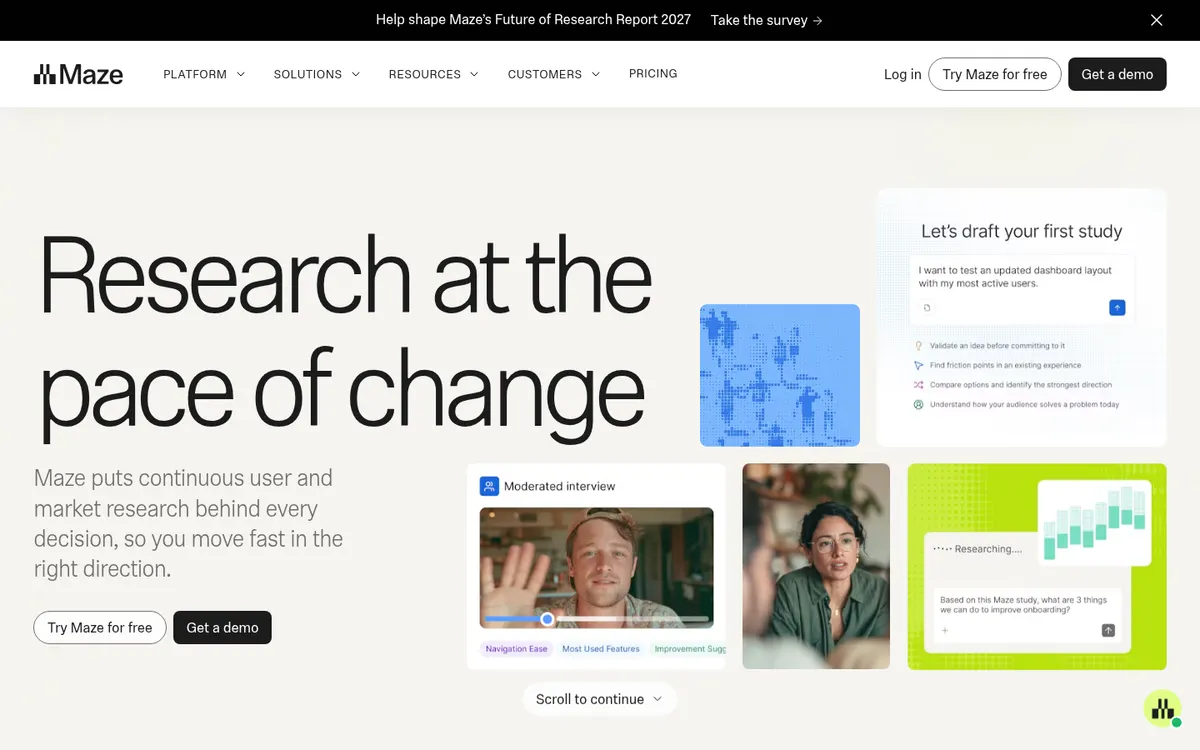
Maze fits product teams that test prototypes and live sites weekly and want automated reports more than deep panel access.
Maze is built for continuous product testing. Product teams can run unmoderated usability tests on Figma prototypes or live websites, then use automated usability scores and reports to review results. That makes it a practical fit for weekly design and product cycles where the question is narrow and the answer is needed fast. The free plan includes one study per month, so a team can prove the workflow before moving to a paid tier.
The Starter plan is $99 per month, and there is no trial. The free tier is a starting point, with upgrades based on proven use rather than anticipated needs. That pricing shape favors teams that already have a testing rhythm. It is less attractive for a team that needs a broad research suite, because Maze is built around product testing rather than surveys, recruiting or a central repository.
Maze fits product teams that test prototypes and live sites often. The Figma integration is central to that workflow, and automated reports reduce the time between test completion and a decision. Automated usability scores help non-researchers read results, but they do not replace a researcher's judgment on a high-stakes study. The main limit is panel depth: participant access trails UserTesting, so teams with hard-to-reach audiences may need a separate recruiting tool. Maze is also not a full research suite. It will not replace a repository for long-term insight management, and it is not the right tool for large-scale survey programs. Use it for fast product checks, then send findings to a repository if the team needs to reuse them.
What works
- Fast prototype tests
- Automated reports
- Useful free tier
What to weigh
- Panel depth trails UserTesting
- No trial
- Not a full suite
Pick it if
Your product team tests Figma prototypes or live sites every week and wants fast automated results.
Skip it if
You need a deep participant panel, surveys or a long-term research repository.
Plate 06 of 09
Dovetail
Best for research analysis and repository
Our verdict
Dovetail fits research teams that need a searchable analysis repository and already have a separate collection tool.
Dovetail is a research analysis and repository tool. Teams import interview transcripts, support tickets and survey responses, then use AI-assisted tagging and theme identification to find patterns. The searchable insight repository keeps findings available after a project ends, and shareable publishing helps stakeholders reuse evidence instead of commissioning the same study again. It does not run tests or surveys, so it complements collection tools such as UserTesting or Maze. It helps teams find and reuse findings, which is the real value of a repository.
Pricing is per user. Bronze is listed as coming soon at $4,800 per year, roughly $400 per month, with usage credits billed separately. A 30-day free trial is available on the Gold plan, which gives a team time to test tagging, search and export workflows with real transcripts. The repository needs ongoing maintenance to stay useful. If no one tags, prunes and links findings, it becomes an archive rather than a source of insight.
Dovetail fits research teams that already collect qualitative data and need a central place to analyze and share it. It is strongest for qualitative analysis, AI-assisted tagging and theme work. The weaknesses are scope and cost. It does not collect data, per-user pricing can limit broad access, and analysis only means it cannot replace a testing or survey platform. It is less suitable for a small team that runs one study a year or for a buyer who wants one tool to collect and analyze. Pair it with a collection tool and budget for the maintenance habit. Assess export options before you commit, because research evidence often needs to move into slides, docs or a data warehouse.
What works
- Strong qualitative analysis
- AI-assisted tagging
- Central insight repository
What to weigh
- Analysis only
- Per-user pricing
- Needs upkeep
Pick it if
You already collect interviews, tickets or survey responses and need a searchable repository for reuse.
Skip it if
You need a tool that also runs tests, surveys or participant recruiting.
Plate 07 of 09
User Interviews
Best for participant recruiting
Our verdict
User Interviews fits teams that need vetted participants fast and can absorb per-session recruiting costs.
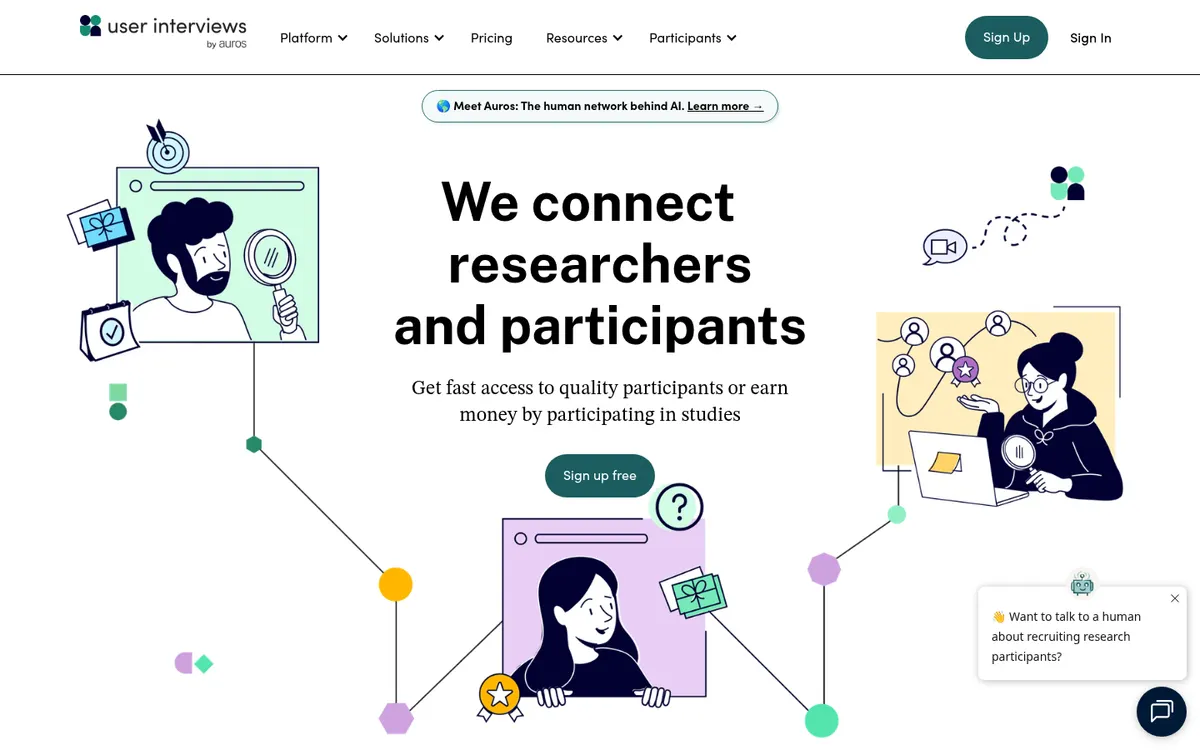
User Interviews is a participant recruiting platform. Teams use it to recruit for interviews, usability tests and surveys, with detailed audience targeting and a vetted participant panel. The value is speed: recruiting is often the bottleneck in a study, and a specialist panel can shorten the gap between a research question and a session. It removes that bottleneck for teams that do not have an internal participant database.
Pricing is per session. Recruit Pay As You Go is $49 per session, and there is no free plan or trial. Costs are per participant, so platform fees plus incentives should be modeled per study. A niche audience can be harder to fill, so confirm availability before committing to a panel strategy. The per-session model can suit occasional studies, but frequent testing can make the total add up quickly. For a high-volume program, compare the per-session total with a subscription recruiter before you scale.
User Interviews fits teams that need vetted participants and do not want to build a recruiting operation. The large panel, fast recruiting and detailed targeting are the main draws. It is recruiting only, with no analysis layer, so it pairs with a testing tool, a survey platform or a repository. It is less suitable for teams that already have a strong participant list or for studies that need observed behavior in a live product. It is also less suitable when the target audience is very narrow and the panel cannot supply enough matches. Use it when participant quality and speed matter more than a low per-study price, and budget incentives separately.
What works
- Large vetted panel
- Fast recruiting
- Detailed targeting
What to weigh
- Per-session costs add up
- Recruiting only
- Niche availability varies
Pick it if
You need vetted participants quickly and can budget per session plus incentives.
Skip it if
You already have a participant list or need analysis and testing in the same tool.
Plate 08 of 09
Typeform
Best for conversational surveys
Our verdict
Typeform fits teams that want conversational surveys with strong completion and a usable free tier.
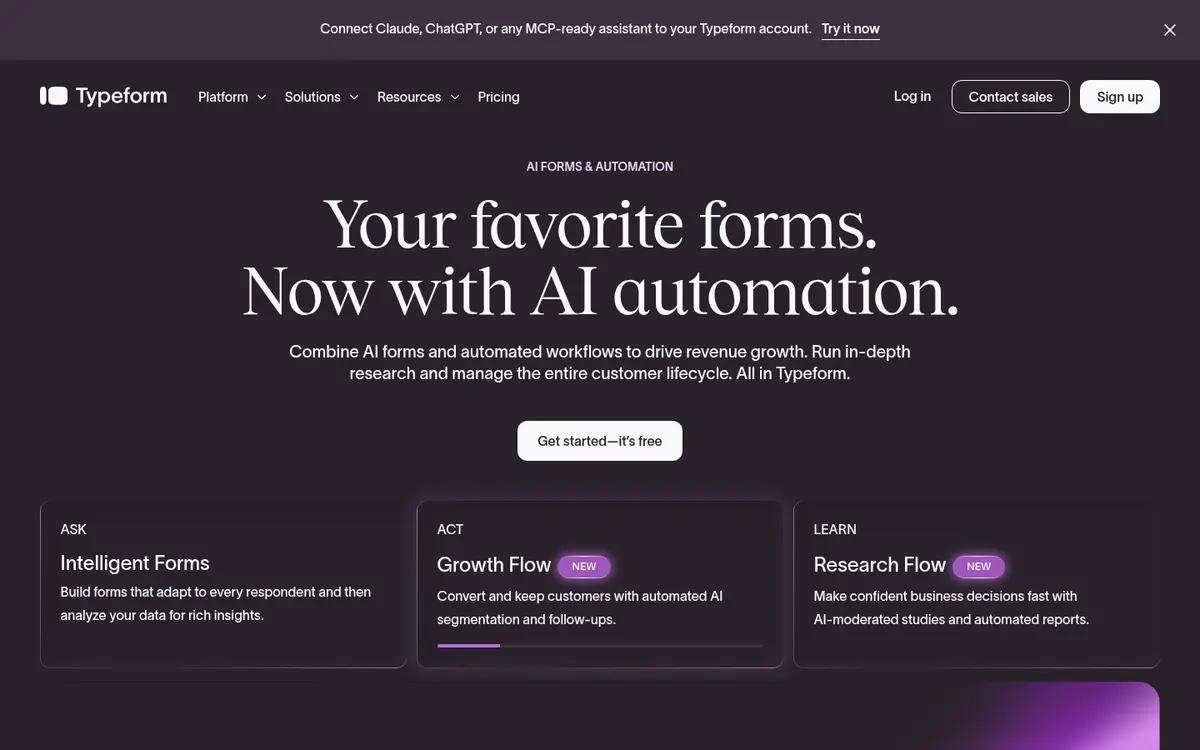
Typeform is built for conversational surveys. Its one-question-at-a-time format covers customer feedback, lead qualification and brand surveys, and the free plan supports modest volumes. The design-led flow is positioned to improve completion versus grid surveys, particularly on mobile-heavy audiences. That makes it a good fit for marketing, customer success and product teams that need a form people will actually finish.
The Basic plan is $28 per month on monthly billing, with 30 percent off on yearly billing. A 14-day free trial is available on the Growth Flow. The free plan helps with a small test, but response limits and rising pricing appear as volume grows. The conversational format is not a universal answer: some research programs need matrix questions, complex logic or deep analysis, and Typeform is not built for those jobs.
Typeform fits teams that need a polished, low-friction survey for feedback or lead qualification. It is quick to launch and the format is familiar to respondents. The weakness is analytical depth. It is less analytical than Qualtrics, and the design-led format may not suit every research program. It is also not a participant recruiter, a usability testing tool or a repository. Brand surveys and lead forms are the strongest fits. Use it when completion and respondent experience matter, then move the data into a dedicated analysis tool if the study needs coding or advanced segmentation. The free plan is real, but it is not a substitute for a paid tier once you need logic, branding or a larger response cap.
What works
- Conversational format
- Generous free tier
- Good for lead forms
What to weigh
- Response limits
- Less analytical depth
- Format may not suit all
Pick it if
You need a conversational survey that is easy to finish and you can work within response limits.
Skip it if
You need complex survey logic, deep analytics or participant recruiting.
Plate 09 of 09
Hotjar
Best for on-site feedback and behavior
Our verdict
Hotjar fits teams that want on-site behavior and feedback to find friction, not a full research suite.
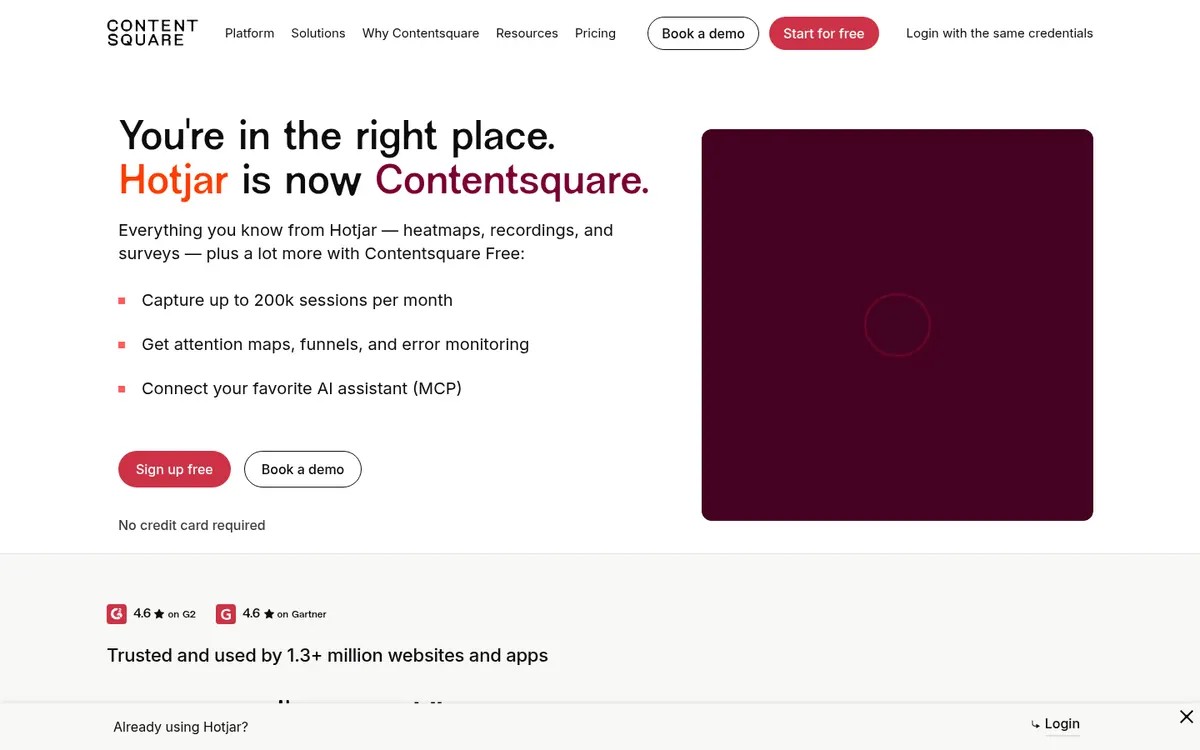
Hotjar is an on-site feedback and behavior tool. It combines heatmaps, session recordings, on-page surveys and feedback widgets, and it is easy to install on a website. Teams use it to see where visitors click, scroll and drop off, then ask a short question in context. The free plan includes 200,000 monthly sessions, which is enough for a small site to test the workflow.
The Growth plan is $39 per month on yearly billing, or $49 monthly. There is no trial, and Hotjar pricing now redirects to Contentsquare. The tool is best paired with qualitative methods because behavior data shows what happened, not why. Heatmaps need sufficient traffic, and lower tiers apply sampling limits to recordings. A low-traffic site may see patterns that are too thin to act on, while a high-traffic site may need a higher tier for full coverage.
Hotjar fits teams that want on-site behavior and feedback without a heavy research platform. It is useful for conversion and UX optimization, especially when a team already has traffic and a clear page to test. Feedback widgets can catch intent at the moment of friction, which is hard to recreate in a retrospective interview. The weakness is depth. It provides behavior data rather than deep research, and it will not run interviews, recruit participants or manage a repository. Use it to find friction, then follow up with a usability test or a survey to learn why. For small teams, the free tier is a practical start. That makes it a diagnostic layer, not a replacement for a research program.
What works
- Combines behavior and feedback
- Free tier available
- Easy to install
What to weigh
- Behavior data only
- Heatmaps need traffic
- Sampling on lower tiers
Pick it if
You want heatmaps, recordings and on-page feedback to find friction on a site with enough traffic.
Skip it if
You need interviews, recruited participants or a central research repository.
What is a research platform, and what job does it do?
A research platform is software that helps a team collect, analyze or act on customer evidence. That is the direct answer, but the category is broad. Some tools run interviews or usability tests. Some recruit participants, build surveys, store findings or track on-site behavior. The shared job is to turn questions into evidence a team can use for a product, design, marketing or customer experience decision.
The category splits into collection, analysis and activation. Collection tools include UserTesting for unmoderated usability tests, Maze for prototype and live-site tests, Typeform and SurveyMonkey for surveys, User Interviews for recruiting, and Hotjar for on-site behavior and feedback. Articos sits in a synthetic interview niche, using modeled personas rather than recruited participants. Dovetail sits in analysis and repository work, importing transcripts, tickets and survey responses so a team can tag themes and search findings. Qualtrics spans experience research programs across customers, employees, products and brands.
A buyer should separate the research method from the software label. A platform can be excellent for one job and weak for another. UserTesting is strong for video-based usability tests, but it is not a survey builder. SurveyMonkey is quick for structured questionnaires, but it is not a recruiting panel. Dovetail is a strong repository, but it does not collect data. Hotjar shows behavior, but it does not explain motivation. These limits are normal. The mistake is expecting one tool to cover every step.
Use this short checklist:
- Method: does the tool support the study type you need?
- Participants: does it supply the right people, or must you recruit?
- Analysis: does it produce findings or only raw data?
- Workflow: does it fit your team's cadence and skills?
- Cost: can you see the pricing model before a sales call?
The answers usually point to a primary tool plus one supporting tool, such as Maze with Dovetail, or UserTesting with a repository. That pairing is often more realistic than a single platform that claims to do everything.
This guide sits in the Software collection. Buyers weighing nearby tools often read the guides to 1099 filing software and AI-powered video ad editing software next.
How does pricing work for research platforms?
Research platform pricing follows the work model, not a single industry rate. Some tools charge a monthly subscription, some bill per user, some bill per session, and enterprise platforms put the rate behind a custom quote. Prices below were checked on November 25, 2026, and where a vendor publishes no rate, the table says so rather than guessing.
| Model | How it bills | Typical fit | Example from this list |
|---|---|---|---|
| Monthly subscription | Flat monthly fee with credit or study limits | Teams with a steady research cadence | Articos Lite at $29 per month for 1,200 credits; Maze Starter at $99 per month |
| Per user | Seat-based fee, often billed annually | Teams that need many collaborators | SurveyMonkey Team Advantage at $25 per user per month, billed annually |
| Annual contract plus credits | Yearly platform fee with usage credits billed separately | Research repositories and analysis hubs | Dovetail Bronze at $4,800 per year plus credits |
| Per session | Pay for each recruited participant or session | Occasional recruiting or interview studies | User Interviews Recruit Pay As You Go at $49 per session |
| Traffic tier | Price rises with sessions or site volume | Behavior analytics on live websites | Hotjar Growth at $39 per month billed yearly, $49 monthly |
| Custom quote | Sales-led pricing based on interactions or employee count | Enterprise research programs | UserTesting and Qualtrics |
Subscription pricing is easiest to compare, but check the unit. Articos sells credits, with roughly 400 credits per study, so the Lite plan supports about three studies per month. Maze sells a study allowance and a free plan with one study per month. SurveyMonkey sells seats, so a three-person team pays three times the per-user rate. Dovetail combines a yearly platform fee with usage credits. User Interviews charges per session, which can be efficient for occasional work and expensive for a high-volume program. Hotjar ties price to site traffic. UserTesting and Qualtrics require a quote, so model platform fees and incentives together. Always add incentives, no-shows and the staff time needed to run and analyze the study. A cheap subscription can be poor value if it lacks the participants or analysis you need.
Every price in this guide was read on the vendor's own pricing page on November 25, 2026. Where a vendor does not publish a figure we could confirm, the card says "See website" rather than a guess. For the arithmetic around this purchase, try the free Email campaign metrics calculator.
How should a team choose a research platform before buying?
Start by naming the decision, then screen for method fit, participants, analysis and total cost.
- Name the decision. Write down the question the study must answer, who will use the finding and the date it is needed. A platform that fits synthetic interviews may fail for usability testing or a repository.
- Map the method. List the collection and analysis steps: recruit, interview, test, survey, tag, store or share. Then mark which steps your team can run in-house and which need software or a panel.
- Check participant access. Decide whether you need a vetted panel, a recruited sample, modeled personas or on-site traffic. Panel depth and targeting change both the price and the timeline, especially for niche audiences.
- Price the whole study. Add subscription or session fees, participant incentives, no-shows and staff time. For custom quotes, ask for a scoped quote that covers the study types and user seats you actually need.
- Test with real work. Run a small trial or a paid pilot with the same task you will use in production. Check setup time, report quality, export options and how the tool handles a realistic sample.
- Check the exit. Confirm how you export data, cancel a plan and keep access to findings. A repository that locks in evidence or a panel with no replacement policy can cost more than the subscription.
What mistakes should buyers avoid when choosing research software?
- Buying for the demo. A polished demo can hide setup work, credit limits or panel gaps. Test the tool on a real questionnaire, prototype or audience before you commit to an annual contract.
- Ignoring incentives. A low platform fee can look cheap until participant incentives, no-shows and rescheduling are added. Model the all-in study cost, not just the subscription line.
- Mixing collection and analysis. A testing tool does not replace a repository, and a repository does not run tests. Expect a pair of tools unless one platform proves it covers both jobs.
- Choosing by feature count. A long feature list can distract from the method you need. Start with the decision, the participants and the analysis, then check whether the features support that path.
- Skipping the free test. Free plans and trials exist for a reason. Use them on a realistic task, check limits and confirm export and cancellation terms before you move to a paid tier.
Best research platforms 2026: questions
Which platform suits synthetic persona interviews?
Articos is the platform in this list built for synthetic persona interviews. Its Lite plan is $29 per month for 1,200 credits, and the 14-day trial includes 900 credits with no card. It runs AI interviews with modeled personas, including skeptics and late adopters, and reports on motivations, objections and confusion points. Use it for fast directional work, then validate important findings with real buyers.
How can teams recruit vetted research participants?
Use a specialist recruiter such as User Interviews. Its Recruit Pay As You Go option is $49 per session, with detailed audience targeting and a vetted participant panel. There is no free plan or trial, and costs are per participant, so budget platform fees plus incentives per study. Confirm availability for a niche audience first. If you already have a participant list, a testing tool with panel access or an internal database may be cheaper.
How do Maze and UserTesting differ for product testing?
Maze is built for continuous product testing on Figma prototypes and live websites, with automated scores and reports. Starter is $99 per month, and the free plan allows one study per month. UserTesting is built for unmoderated usability testing with a large participant panel, participant videos and AI summaries, but pricing is a custom quote. Maze fits fast product cycles; UserTesting fits teams that need recruited participants and deeper panel reach.
Which tools offer free tiers for small teams?
SurveyMonkey, Maze, Dovetail, Typeform and Hotjar list free plans. SurveyMonkey covers simple surveys, Maze allows one study per month, Typeform supports modest volumes, and Hotjar includes 200,000 monthly sessions. Dovetail lists a free plan alongside its paid repository tiers. Articos, UserTesting and Qualtrics offer free trials, not free plans. User Interviews has neither a free plan nor a trial. Check limits before you rely on a free tier for a live study.
What role does a research repository play?
A research repository stores and organizes findings so teams can find and reuse evidence. Dovetail is the repository and analysis tool in this list. It imports transcripts, support tickets and survey responses, then applies AI-assisted tagging, theme identification and search. It does not run tests or surveys, so it complements collection tools such as UserTesting or Maze. Bronze is $4,800 per year plus credits, and the repository needs ongoing maintenance to stay useful.
How should a team choose between two platforms before buying?
Start with the decision, not the feature list. Name the study type, the participants or data source, the analysis you need and the deadline. Then check the pricing model: a custom quote, a per-user plan, a per-session recruiter or a free tier changes the total. Run a small trial or scoped test on both tools with the same task. Choose the one that fits the workflow and exposes its limits before you sign.