
Contents of this guide
The shortlist
Our top 3 for sales buyers
Findymail
Bounce rate guarantee
- Best for
- Teams needing verified emails with guaranteed low bounce rate
- Features
- 4 noted: Bounce guarantee, Email verification, Phone Finder, CRM syncs

Hunter
Scored source URLs
- Best for
- Verification with confidence scoring
- Features
- 4 noted: Email finder, Verifier, Domain Search, Campaigns

Apollo
Database plus sequences
- Best for
- Volume database plus outreach
- Features
- 4 noted: B2B database, Intent signals, Sequencing, Chrome extension
Disclosure for this guide. Findymail is a paid Featured listing in this guide and is labelled wherever it appears. The other 8 tools are unpaid editorial picks, and no vendor saw this guide before it was published. The position of a paid listing can be part of what the vendor pays for. Paid and unpaid tools are scored on the same rubric and keep their cons. Details are in the advertising disclosure.
The ledger
Index of every tool
| Tool | Free plan | Trial | Rubric | Compare | ||
|---|---|---|---|---|---|---|
| 01 | FindymailFeaturedTeams needing verified emails with guaranteed low bounce rate | Prospecting, $99 per monthChecked Nov 25, 2026 | Yes, 10-credit trial | 10 free credits | ||
| 02 | HunterVerification with confidence scoring | Starter, $34 per month billed yearlyChecked Nov 25, 2026 | Yes, Free $0 with 50 credits per month | No | ||
| 03 | ApolloVolume database plus outreach | Basic, $49 per seat per month billed annuallyChecked Nov 25, 2026 | Yes, Free $0 with 900 credits | 14-day trial | ||
| 04 |  Snov.ioAll in one prospecting and outreach | Starter, $39 per monthChecked Nov 25, 2026 | Yes | 7-day LinkedIn Automation trial | ||
| 05 |  LushaLinkedIn prospecting with phone numbers | See websiteNot published | Yes, 40 credits per month | No | ||
| 06 |  RocketReachGlobal contact data at scale | Essentials, $27 per month billed annuallyChecked Nov 25, 2026 | Yes, 3 free lookups | No | ||
| 07 |  Voila NorbertPay as you go bulk lookups | Valet, $49 per monthChecked Nov 25, 2026 | Yes, 50 credits on signup | 50 credits on signup | ||
| 08 |  Anymail FinderVerified only email finding, pay for deliverable | 400 credits plan, $29 per monthChecked Nov 25, 2026 | No free plan, trial only | 7-day trial with 100 credits | ||
| 09 |  SkrappLinkedIn email finder for small teams | See websiteNot published | Yes (50 credits a month) | No |
Prices are the lowest paid plan the vendor shows, read on November 25, 2026. Sort by price ranks published monthly figures; tools without one go last. Pin up to three tools to compare them side by side.
How this guide was put together
Every tool in this list was scored on the same five criteria. Verification Depth (25 percent) asks how thoroughly a tool checks that an address is deliverable, including certainty scoring, catch-all handling and bounce guarantees. Find Accuracy (25 percent) covers database size and how well the tool resolves contacts outside obvious, well documented segments. Workflow Fit (20 percent) weighs whether finding, verifying and sending live in one place. Pricing Clarity (15 percent) rewards published, predictable prices and penalizes quote-only pages. Data Coverage (15 percent) looks at global reach, phone data and LinkedIn support.
The weights reflect what sales teams check first: a wrong email costs more than a missing one, so verification and accuracy carry half the total between them.
Prices in this list come from vendor pricing pages checked on November 25, 2026; where a page could not be loaded, the card says "See website". Where a price is marked as see website, we did not guess a number. Plan names, credit allowances and trial terms appear as the vendors listed them, and promotional pricing is labeled as promotional rather than treated as the standing rate.
The Featured entry, Findymail, is a paid placement. It was scored with the same rubric as every other tool and carries the same kind of cons, including no built-in sequencing and business emails only. Placement affects position in the list, not the scores.
The ranking order reflects editorial fit for the buyer each entry describes, plus the disclosed Featured position. It is not a weighted total, and a tool lower in the list can be the better buy for a specific team, which is why each entry ends with a pick and a skip.
The full process, including how we handle corrections, is on the methodology page. Paid listings follow the advertising disclosure.
Rubric and weights
Every tool below is scored from 1 to 10 on these five criteria. The scores describe each tool; the order is an editorial call on fit for the buyer each card describes, plus the disclosed Featured position.
- 25%Verification DepthHow thoroughly the tool proves an address is deliverable, including live checks, certainty scoring and bounce guarantees.
- 25%Find AccuracyHow often the tool returns a correct work email for real target contacts, including harder segments and smaller companies.
- 20%Workflow FitWhether finding, verifying and sending live in one account or need a separate outreach tool bolted on.
- 15%Pricing ClarityWhether prices, credits and plan limits are published and easy to forecast before you sign.
- 15%Data CoverageBreadth of the underlying database, plus global reach, phone numbers and LinkedIn support.
Plate 01 of 09 / Featured
Findymail
Best for teams needing verified emails with guaranteed low bounce rate
Our verdict
The safest pick for teams that prize deliverability, with a bounce guarantee and flat per-plan pricing.
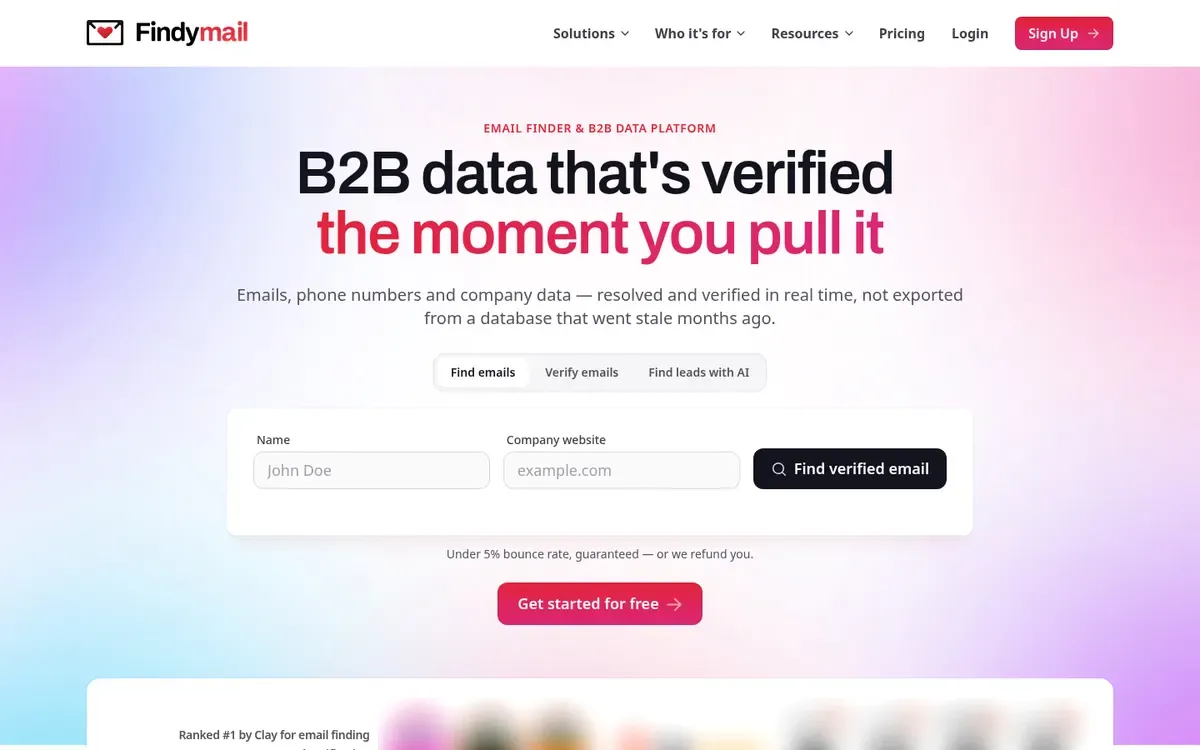
Findymail finds and verifies business emails in one step, so reps get usable addresses rather than raw records. It guarantees a bounce rate under 5 percent and refunds the difference if higher, which matters for sender reputation. Phone Finder adds direct dials outside the EU; Intellimatch adds an AI lead finder, intent signals and catch-all verification. Usage allowances refill automatically.
The workflow stops at the data layer. Findymail has no sequencing, so teams pair it with Instantly, Smartlead, Lemlist or a CRM. Native syncs cover HubSpot, Salesforce and Pipedrive. It returns business emails only, so consumer campaigns need another tool.
Pricing is per plan: Individual $99 per month, Team $399 for five seats, Scale $999 for 20 seats. That suits a five-person team, and per-seat cost falls as the team grows. It is heavier than tools starting at $27 to $49 per month. Findymail fits sales teams with an outreach stack that want the email layer handled with a hard accuracy promise. Teams wanting one login for finding, sequencing and calling should look at Apollo. Security-conscious buyers get SOC 2 Type 2, GDPR compliance and EU hosting.
What works
- Guaranteed bounce rate under 5 percent
- Live verification at the moment of lookup
- All features on every plan tier
What to weigh
- No built-in sequencing or sending
- Business emails only, no personal addresses
- Starts at $99 per month with no cheaper tier
Pick it if
You already send from a sequencer and want the email layer handled with a hard accuracy promise.
Skip it if
You need finding, sequencing and calling in one account, or you sell to consumer personal emails.
Plate 02 of 09
Hunter
Best for verification with confidence scoring
Our verdict
Best value for teams that want to see where an address came from before they send.
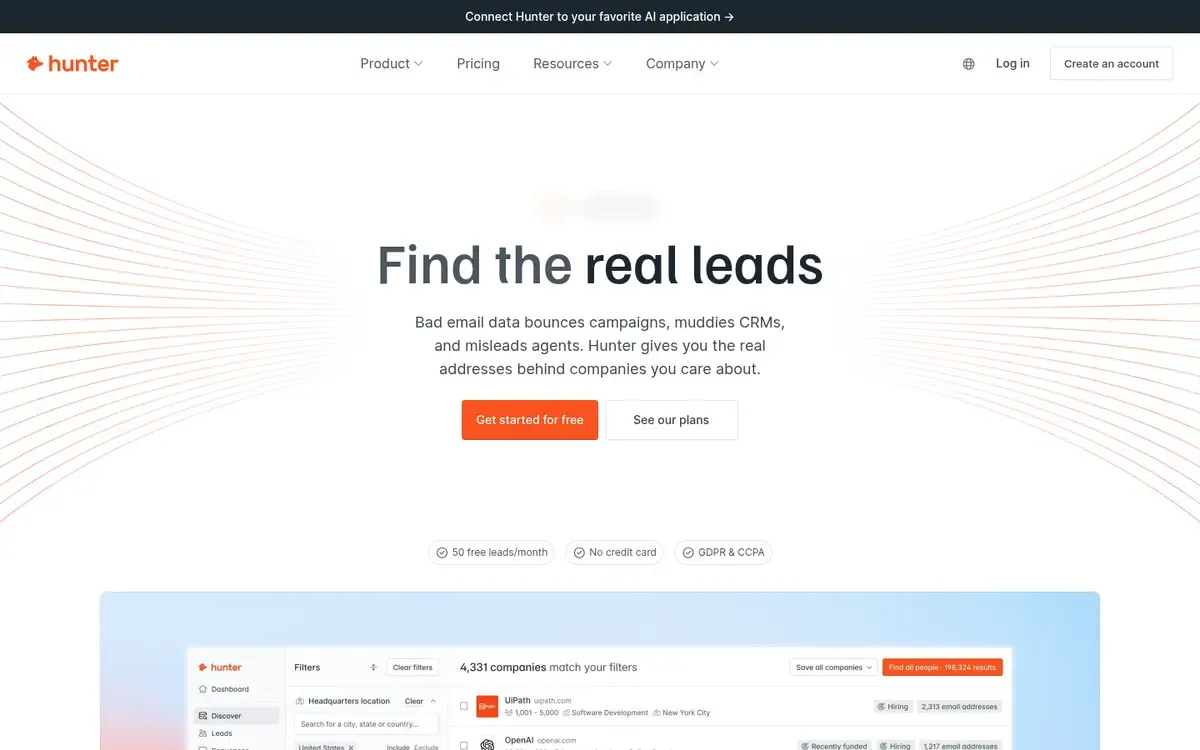
Hunter built its reputation on verification transparency. Every result carries a confidence score and a source URL, so a rep can see where an address came from before adding it to a sequence. Domain Search returns a company's email patterns. Email finder, verifier and lightweight Campaigns sit in one account, so one login covers find, check and send.
The limits are real. The database is smaller than volume-first providers, so obscure titles and smaller companies return fewer hits. Verification deducts 0.5 credit per check, cheaper than Snov.io's one credit, but model monthly volume. There is no free trial, though a free tier exists for testing quality on a few target accounts.
Starter is $49 per month monthly or $34 per month billed yearly; annual saves for teams that stay. A free tier gives 50 credits per month. Hunter suits SMB sales teams and agencies that want to check an address's source, run account mapping by domain and send a short campaign. Teams needing very high monthly record volume should look at Apollo or RocketReach. Teams wanting a hard bounce guarantee should compare Findymail.
What works
- Confidence scores with source URLs
- Includes verification and light outreach
- Free tier with 50 credits per month
What to weigh
- Smaller database than volume providers
- No free trial on paid plans
- Verification still consumes credits
Pick it if
You want to trace each address to a source and run a short campaign from the same login.
Skip it if
You need huge monthly record volume or a contractual bounce guarantee.
Plate 03 of 09
Apollo
Best for volume database plus outreach
Our verdict
The widest database and workflow in one account, if you accept a verification step before sending.
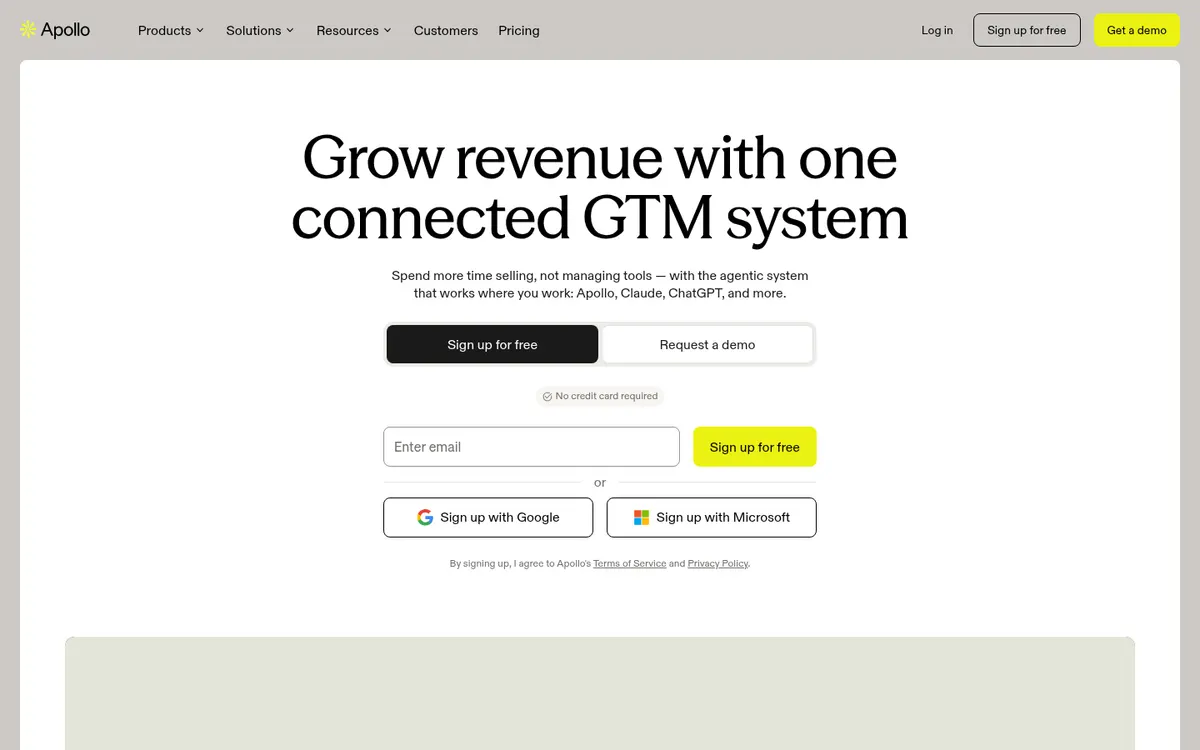
Apollo is the volume play. Its B2B contact database is one of the largest here, intent signals are included, and built-in sequencing plus call recording let a team source and work a list without a second contract. The Chrome extension pulls contact data from LinkedIn and the web, and the free tier gives 900 credits.
Accuracy is the trade-off. Match quality varies by segment, and coverage is stronger for established companies than niche or regional businesses. External verification before sending is sensible, since Apollo's checks do not always clear exports. Seat plus credit pricing needs modeling: a 20-person team buying Basic seats and extra credits lands far above the $49 headline.
Paid plans start at $49 per user per month on annual billing, with a 14-day trial on paid tiers. The free tier carries limited credits and, in some listings, a 10-export-per-month cap, making it a demo rather than a working plan. Apollo fits teams that want prospecting, sequencing and calling and accept a verification step before sending. It suits a mid-market team. Teams needing a bounce guarantee should pair Findymail with a separate sequencer.
What works
- Large B2B contact database
- Built-in sequencing and call recording
- Generous free tier with 900 credits
What to weigh
- Accuracy varies by segment
- Seat plus credit pricing needs modeling
- External verification advised before sending
Pick it if
You want one system for sourcing, sequencing and calling and will verify before you send.
Skip it if
Coverage in your segment is thin or you need a contractual bounce guarantee.
Plate 04 of 09
Snov.io
Best for all in one prospecting and outreach
Our verdict
An affordable all-in-one for small teams that want finding, verification and a first sequence together.
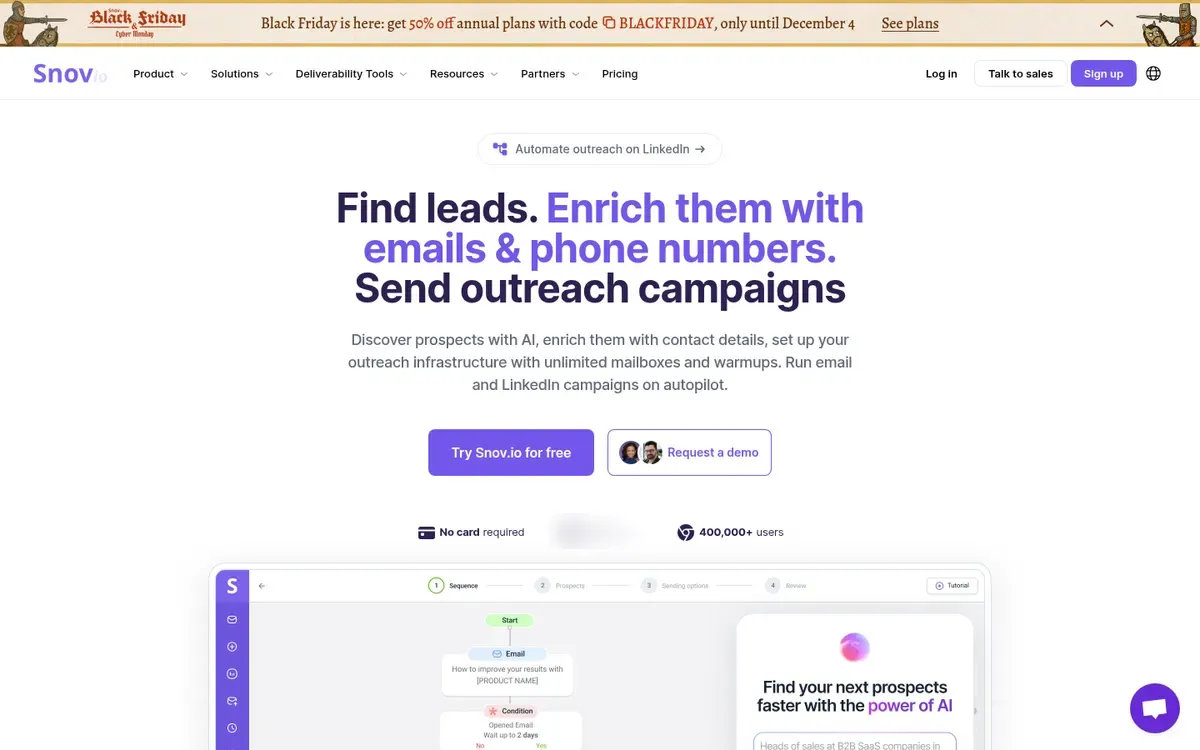
Snov.io bundles a finder, verifier, drip campaigns, email warmup and a LinkedIn extension in one account for a starting price of $39 per month. Credits are shared across finder and verifier, so a team does not juggle two balances. Multi-channel SDR campaigns cover email and LinkedIn in the same sequence, and warmup helps a new domain build reputation.
Accuracy holds for common ideal customer profiles and thins outside them. Verification uses a full credit, twice Hunter's 0.5-credit deduction, so verification-heavy workflows burn allowance faster than the headline count suggests. Teams verifying every address should model that cost at real volume.
Starter is $39 per month, or $29.25 per month billed annually, with 1,000 credits. A 7-day LinkedIn Automation trial is available. A Black Friday code was running that drops annual billing to $20 per month, a promotion, not standing price. Snov.io fits small and mid-size sales teams that want one tool for finding, verifying and running a first outreach sequence. Teams sending at high volume and verifying everything should compare credit math against Hunter or Anymail Finder. Teams needing enterprise coverage or a bounce guarantee should look elsewhere.
What works
- Credits shared across finder and verifier
- Includes drip campaigns and email warmup
- Low starting price with a 1,000-credit plan
What to weigh
- Accuracy drops outside common profiles
- Verification uses a full credit
- Promotional pricing complicates comparison
Pick it if
You want an affordable single tool for finding, verifying and sending a first campaign.
Skip it if
You verify every address at high volume or need phone numbers in the same account.
Plate 05 of 09
Lusha
Best for linkedIn prospecting with phone numbers
Our verdict
The LinkedIn-first pick when direct dials matter more than published list pricing, which is missing here.
Lusha is built around the LinkedIn workflow. A rep opens a profile, clicks once and gets an email or direct dial without leaving the tab. The extension and CRM integrations push contacts into the account record. Direct dial phone data is the differentiator and the main reason teams pick Lusha over email-only finders. GDPR and CCPA alignment gives legal teams something to review.
Pricing is the weak point. The vendor does not publish a starting price we could confirm, so check the Lusha pricing page for current rates. Per-credit pricing can be costly at scale. Phone data carries consent obligations that vary by state and country, so a compliance review belongs before the first campaign.
The free plan gives 40 credits per month for light testing of reveal quality. There is no trial on paid plans. Lusha fits recruiters, account executives and sales teams that prospect on LinkedIn and need phone numbers as much as emails. Teams mostly needing verified email at volume should compare Findymail or Anymail Finder. Teams needing published, predictable list pricing should look at Hunter or Snov.io. Confirm the current rate before budgeting.
What works
- One-click email and phone reveal from LinkedIn
- Free plan with 40 credits per month
- GDPR and CCPA alignment
What to weigh
- No published price we could confirm
- Per-credit cost climbs at scale
- Phone data needs consent care
Pick it if
Your team prospects inside LinkedIn and direct dials shorten the path to a meeting.
Skip it if
You need published list pricing or only want verified email at volume.
Plate 06 of 09
RocketReach
Best for global contact data at scale
Our verdict
Global bulk coverage at a low entry price, as long as you verify every exported address.
RocketReach sells reach. Its global professional contact database covers more than 700 million verified profiles, and bulk lookup pushes a list of names or domains through in one pass. Cross-region prospecting is the strength: teams selling into several countries get coverage from a single account. The Chrome extension and CSV export move results into a CRM or spreadsheet.
The catch is data freshness. A large database does not guarantee an address still works, so verification before sending is essential. Pricing varies by plan and term, so check the vendor pricing page before budgeting. There is no free plan, so budget for a paid tier.
The vendor page lists Essentials at $27 per month billed annually, with higher tiers. Bulk operations consume credits quickly, so estimate lookups per rep per month before choosing. RocketReach fits sales and recruiting teams that prospect across regions and work in bulk, where breadth matters more than polish. It pairs with a dedicated verifier such as Anymail Finder or Findymail. Teams needing a hard accuracy promise or one all-in-one workflow should compare Findymail or Apollo.
What works
- Large global profile database
- Bulk lookup and CSV export
- Low entry price billed annually
What to weigh
- No free plan in the current listing
- Pricing varies by plan and term
- Data freshness varies, so verify before sending
Pick it if
You prospect across several regions and push lists through in bulk, and you verify before sending.
Skip it if
You need a free plan to test quality or a guarantee on deliverability.
Plate 07 of 09
Voila Norbert
Best for pay as you go bulk lookups
Our verdict
Simple, predictable bulk lookups and verification for small teams that do not need a database giant.
Voila Norbert is the straightforward option: type a name and a domain, get an email, run a verification with certainty scoring, repeat. Bulk processing handles larger lists without a separate tool, and a new rep needs no training. Certainty scoring gives a rep a reason to trust or skip a result. Pricing targets small and mid-size businesses rather than enterprise data teams.
The trade-off is scale and brand. The database is smaller than Apollo's or RocketReach's, so coverage of niche titles and smaller companies is thinner, and it carries less review coverage than larger names. That does not make it worse for a small team with a defined target list, but fewer second opinions exist.
The Valet plan costs $49 per month and includes 50 credits on signup for testing, doubling as the trial. Voila Norbert fits small sales teams and solo operators who want bulk lookups and verification at a predictable price, without sequencing, intent data or a giant database. Teams sending at high volume should compare cost per verified address against Anymail Finder, which charges only for deliverable emails. Teams needing built-in outreach should look at Snov.io or Apollo.
What works
- Bulk processing at SMB pricing
- Verification with certainty scoring
- 50 credits on signup for testing
What to weigh
- Smaller database than larger rivals
- Limited brand and review coverage
- No sequencing or intent data
Pick it if
You want cheap, predictable bulk lookups with certainty scoring and a simple workflow.
Skip it if
You need broad coverage of niche companies or built-in outreach.
Plate 08 of 09
Anymail Finder
Best for verified only email finding, pay for deliverable
Our verdict
You pay only for deliverable emails, at a low entry price.
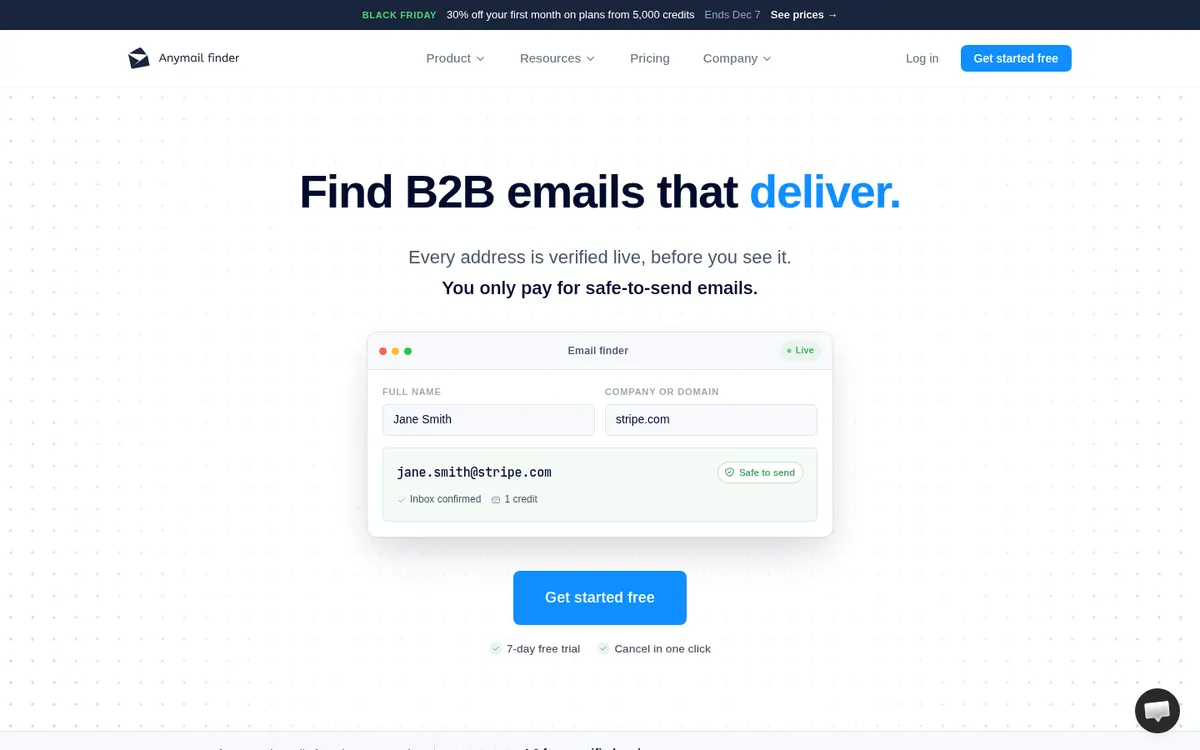
Anymail Finder charges for results, not attempts. You pay only for emails the tool confirms as deliverable, so a miss costs nothing, and the vendor claims accuracy above 97 percent. Verified-only finding means no second verification pass before loading a sequence, and the deliverability focus shows in bounce rates.
The entry plan is 400 credits per month for $29 per month. Bulk finding handles list uploads, and the workflow stays narrow: find, verify, export. There is no sequencing, intent data or phone coverage, so it is a data layer rather than a prospecting suite.
There is no free plan. A 7-day trial with 100 credits covers evaluation. The database is smaller than Apollo's or RocketReach's, so long-tail coverage will be lower, and niche teams should test before an annual term. Anymail Finder fits teams with a sequencer and CRM that care most about bounce rate and want to pay for deliverable emails. It pairs with Instantly, Smartlead or Lemlist. Teams wanting one tool should compare Snov.io or Apollo. Teams needing phone numbers should look at Lusha, or Findymail for dials outside the EU.
What works
- Pay only for deliverable emails
- Accuracy claims above 97 percent
- Low entry price for 400 credits
What to weigh
- Smaller database than larger providers
- No free plan, only a 7-day trial
- No sequencing, intent data or phones
Pick it if
You already send from a sequencer and want to pay only for addresses the tool confirms as deliverable.
Skip it if
You want one tool for finding and outreach, or you need broad coverage of niche companies.
Plate 09 of 09
Skrapp
Best for linkedIn email finder for small teams
Our verdict
A cheap LinkedIn and Sales Navigator companion for small teams that prospect in the browser.
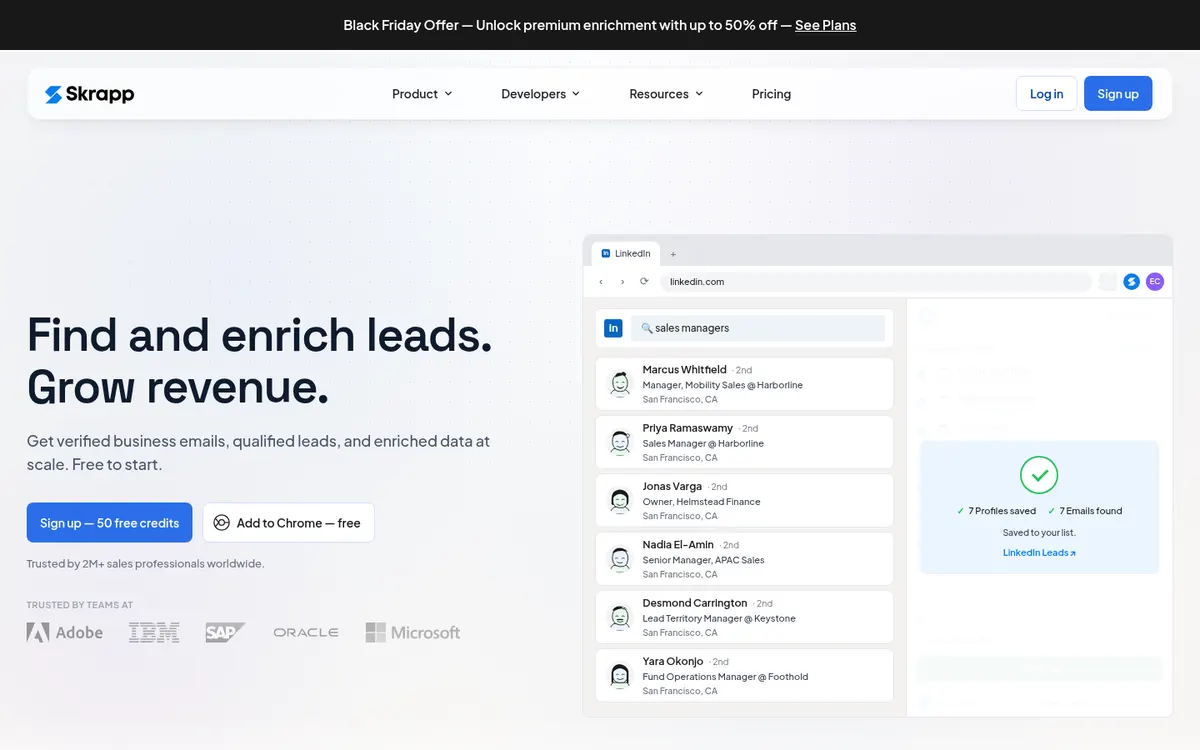
Skrapp lives inside LinkedIn. The extension pulls emails from standard profiles and Sales Navigator lists, then runs verification without leaving the tab. For a team already prospecting in Sales Navigator, that removes a copy and paste step. Daily usage caps keep consumption predictable. A free plan is available.
The caps cut both ways. Heavy users hit the daily search limit and wait, which slows a push before a trade show or quarter-end sprint. The pricing page mixed a first-year discount with list prices on 25 November 2026, so check the current Professional plan price on the vendor site. Accuracy is moderate compared with dedicated data providers, so verify before sending and expect misses on smaller companies and less common domains.
The free plan provides a set number of credits per month. Skrapp fits small sales teams and recruiters who prospect in LinkedIn and Sales Navigator and want a cheap extension that finds and checks emails in place. It does not replace a database for coverage outside LinkedIn. Teams wanting verified email at volume should compare Anymail Finder, and teams wanting LinkedIn plus phone numbers should look at Lusha.
What works
- Works directly on LinkedIn and Sales Navigator
- Daily caps keep usage predictable
- Free plan for testing the workflow
What to weigh
- Daily search limits bind heavy users
- Moderate accuracy on harder domains
- Regular monthly price was not confirmed
Pick it if
Your team prospects inside LinkedIn and Sales Navigator and wants a cheap in-browser finder and verifier.
Skip it if
You need high daily volume or a confirmed list price before you buy.
What Does an Email Finder Tool Actually Do for a Sales Team?
An email finder is a lookup tool: you give it a person's name and company domain, or a LinkedIn profile, and it returns a likely work email address. The better tools do more than guess. They ping the mail server at the moment of the lookup, check whether the mailbox accepts mail, and return a status alongside the address. That status is the difference between a list that bounces and a list that reaches inboxes.
For a sales team, three jobs get bundled in different ways. Sourcing is finding new contacts that match a profile. Enrichment is filling in emails for leads already in a CRM. Verification is checking that an address is deliverable before it goes into a sequence. Some vendors sell all three, others sell one. Apollo bundles sourcing with sequencing. Findymail and Anymail Finder lean on verification and expect you to bring your own sender. Lusha adds phone numbers on top.
Find rates are not a fixed number. They move with the database, the country, the company size and the seniority of the person you want. A tool that covers most contacts at large software companies may return far fewer for a five-person firm in a regional industry. Test on your own target list, not on a vendor demo list.
Typical bundles look like this:
- Finder plus verifier, sold on credits
- Database plus outreach, sold per seat
- Verification only, sold per check or per deliverable email
- LinkedIn extensions that reveal contacts in the browser
Legal footing matters too. CAN-SPAM in the US, GDPR in the EU and do-not-call rules for phones set different limits, and a tool that surfaces a phone number does not give you consent to call it. Check your own obligations before the first campaign.
This guide sits in the Sales collection. Buyers weighing nearby tools often read the guides to RPC providers for blockchain apps and free email blast software next.
How Do Email Finder Tools Charge Sales Teams?
Email finder pricing splits into four models, and the model matters more than the headline number. Credits charge per lookup regardless of outcome. Deliverable pricing charges only when the tool returns an address it can verify. Seat pricing charges per user with an allowance attached. Verification-only pricing is sold per check, often at a fraction of a credit.
The table below maps the models to tools in this list, using only the prices we confirmed on vendor pages.
| Model | How it bills | Typical fit | Example from this list |
|---|---|---|---|
| Flat per plan | Monthly fee per plan tier, all features included | Teams that want predictable invoices | Findymail Individual at $99 per month |
| Seats plus credits | Monthly fee per seat with a lookup allowance | Teams that need a database and outreach | Apollo Basic at $49 per seat per month billed annually |
| Per deliverable | Charged only for verified, deliverable emails | Teams with tight bounce targets | Anymail Finder at $29 per month for 400 credits |
| Verification fraction | Part of a credit deducted per check | Teams verifying existing CRM data | Hunter at 0.5 credit per verification |
Free tiers vary just as widely. Hunter gives 50 credits per month, Apollo gives 900 credits, Lusha gives 40 credits per month and Skrapp offers a free plan, while RocketReach and Anymail Finder offer no free plan at all. A free tier is a testing allowance, not a production budget.
Watch the annual toggle. Hunter Starter drops from $49 to $34 per month billed yearly, Snov.io Starter drops from $39 to $29.25, and RocketReach Essentials lists $27 per month billed annually. Promotions add noise: a Black Friday code on Snov.io dropped annual billing to $20 per month at the time of writing, which is not the standing price.
Finally, count the credits a real workflow consumes. Verification usually costs less than a find, but a team that checks every address in a legacy CRM can outspend a team that finds new contacts.
Every price in this guide was read on the vendor's own pricing page on November 25, 2026. Where a vendor does not publish a figure we could confirm, the card says "See website" rather than a guess. For the arithmetic around this purchase, try the free Email pattern generator.
How to Choose an Email Finder Tool in Six Steps
Start with your bounce rate. If replies are landing in spam or a sending domain is newly warmed, buy verification first. Findymail and Anymail Finder both sell on deliverability, and one charges only for deliverable emails.
Decide whether you need outreach in the same login. Teams without a sequencer should weigh Apollo or Snov.io, which bundle sending. Teams already on Instantly, Smartlead or Lemlist should buy data only and avoid paying twice.
Test on your real list. Pull 100 target contacts from your CRM and run them through a trial or free tier. Compare find rate, verification status and bounce after a small send. Vendor demo lists flatter every tool.
Model credits at your monthly volume. Multiply lookups per rep by seats, add a verification allowance, then compare against the annual price. Hunter uses 0.5 credit per check, Snov.io uses one, and that difference compounds over a quarter.
Check the coverage that matters to you. Global teams should test RocketReach on their regions. LinkedIn-heavy teams should test Lusha and Skrapp on Sales Navigator lists. Niche industries should test before signing an annual term.
Get legal and security sign-off early. GDPR, CCPA and CAN-SPAM questions surface late. Ask about data sourcing, hosting and certifications up front. Findymail cites SOC 2 Type 2, GDPR compliance and EU hosting, and Lusha cites GDPR and CCPA alignment.
Five Mistakes That Waste Money on Email Finding
Buying a database for a bounce problem. A larger contact list does not fix sender reputation. If deliverability is the issue, add verification and warmup before you add records, or you will pay twice for the same silence.
Trusting one accuracy claim. Vendor accuracy figures are measured on their own sample. Run your own test on the segments you sell into, then compare find rate, verification status and reply rate across two tools.
Skipping the annual toggle. Monthly and annual prices diverge sharply. Hunter Starter moves from $49 to $34 billed yearly, and Snov.io from $39 to $29.25. A 12-month commitment is fine only if the tool clears your trial.
Sizing credits on an average month. Credit allowances reset on a billing cycle, and finding plus verification can drain a monthly pool in a week during a hiring push. Size the plan to your busiest month, not your average one.
Treating a phone number as permission. Finding a direct dial does not create consent. Do-not-call rules and GDPR both apply to phone outreach, and phone data needs consent care in each market you dial into. Confirm the rules before the first call.
Best Email Finder Tools for Sales Teams 2026: questions
How should a sales team choose between verification, volume and all-in-one workflow?
Match the tool to the gap in your current stack. If you already send from Instantly, Smartlead or Lemlist, buy data and verification, and compare Findymail and Anymail Finder. If you have no sequencer, an all-in-one like Apollo or Snov.io saves a contract. If coverage is the problem, add RocketReach. Test on your own target list before choosing.
What find rates are typical for email finder tools?
There is no single benchmark. Find rates move with the database, the country, the company size and the seniority of the contact. Large companies with consistent email patterns resolve more often than small firms with catch-all domains. Vendors quote figures from their own samples, so run 100 of your own target contacts through two tools and compare hit and verification rates.
Is email finding legal under CAN-SPAM, GDPR and do-not-call rules?
Finding a business email is generally permitted, but what you do with it is regulated. CAN-SPAM sets opt-out and identification rules for commercial email in the US. GDPR requires a lawful basis for processing EU personal data and sets limits on prospecting. Phone outreach falls under do-not-call rules and consent requirements, which vary by country. Get your own legal review.
What do paid email finder plans cost?
Confirmed starting points in this list range from $27 per month for RocketReach Essentials billed annually to $99 per month for Findymail. Hunter Starter is $34 per month billed yearly or $49 monthly. Apollo Basic is $49 per seat per month billed annually. Lusha and Skrapp pricing needed confirmation from the vendor. Seat count, credit volume and verification use push real cost above the entry price.
Should every found email be verified before sending?
Yes, for cold lists. Database records go stale, and one bad batch can damage a sending domain that took weeks to warm. Tools that verify at lookup time, such as Findymail and Anymail Finder, reduce the second step. If you buy from a volume database like Apollo or RocketReach, run verification before the address enters a sequence.
How do credits differ from verified email deliverables?
A credit is a unit of attempt: you spend it on a lookup whether or not the tool finds a usable address. A deliverable charge applies only when the tool returns an email it can verify. Anymail Finder bills on the deliverable side, which suits teams with tight bounce targets. Credit models suit teams that want a fixed monthly number they can forecast.