
Contents of this guide
The shortlist
Our top 3 for marketing buyers

Mailchimp
Template library
- Best for
- Beginners who want ready-made templates and forms
- Features
- 4 noted: Drag-and-drop builder, Template library, Signup forms, 250 contacts free

Brevo
Contact storage
- Best for
- Large contact lists with modest daily sending needs
- Features
- 4 noted: 100,000 contacts, SMS and chat, 300 emails per day, Automation to 2,000

EmailOctopus
Free send volume
- Best for
- Small lists needing a large low-cost free tier
- Features
- 4 noted: 10,000 emails free, 2,500 subscribers, Custom HTML, Nonprofit discount
Disclosure for this guide. EmailOctopus is a paid Featured listing in this guide and is labelled wherever it appears. The other 9 tools are unpaid editorial picks, and no vendor saw this guide before it was published. The position of a paid listing can be part of what the vendor pays for. Paid and unpaid tools are scored on the same rubric and keep their cons. Details are in the advertising disclosure.
The ledger
Index of every tool
| Tool | Free plan | Trial | Rubric | Compare | ||
|---|---|---|---|---|---|---|
| 01 | MailchimpBeginners who want ready-made templates and forms | Free plan, up to 250 contactsChecked Nov 25, 2026 | Yes, free under 250 contacts | No | ||
| 02 | BrevoLarge contact lists with modest daily sending needs | Free plan (free forever)Checked Nov 25, 2026 | Yes, free forever plan | No | ||
| 03 | EmailOctopusFeaturedSmall lists needing a large low-cost free tier | Pro, $9/mo billed yearlyChecked Nov 25, 2026 | Yes, 2,500 subscribers and 10,000 emails per month | No | ||
| 04 |  MailerLiteBudget users who want clean design and basic automation | Free plan, 250 subscribersChecked Nov 25, 2026 | Yes, 250 subscribers and 2,500 monthly emails | 14 days, no credit card | ||
| 05 |  HubSpotTeams wanting email tools inside a free CRM | Free plan, up to 2 usersChecked Nov 25, 2026 | Yes, free for up to 2 users | No | ||
| 06 |  Benchmark EmailStraightforward newsletters without complex funnels | Free plan, 500 contactsChecked Nov 25, 2026 | Yes, 500 contacts and 1,000 emails per month | No | ||
| 07 |  MailjetTeams combining marketing and transactional email | Free plan, 6,000 emails per monthChecked Nov 25, 2026 | Yes, 6,000 emails per month, 200 per day | No | ||
| 08 | KitCreators and newsletter writers growing an audience | See websiteNot published | Yes, up to 10,000 subscribers | No | ||
| 09 | Zoho CampaignsBusinesses already using Zoho apps | Free plan, 500 contactsChecked Nov 25, 2026 | Yes, 500 contacts and 2,000 emails per month | 14 days, no credit card | ||
| 10 |  GetResponseEntrepreneurs wanting an all-in-one marketing suite | Free account; Starter $15.58/mo billed annuallyChecked Nov 25, 2026 | Yes, free account | 14 days, no credit card required |
Prices are the lowest paid plan the vendor shows, read on November 25, 2026. Sort by price ranks published monthly figures; tools without one go last. Pin up to three tools to compare them side by side.
How this guide was put together
Every tool in this list was scored against the same five criteria, and the order reflects fit for the buyer each entry describes plus the disclosed Featured position. Free plan value carries 30 percent of the score, because a free tier only helps if it covers a real list. Sending limits take 25 percent, since a contact cap means little when the monthly or daily send ceiling stops your campaign. Ease of use takes 20 percent, based on builder quality, template libraries and setup steps such as account review. Free automation is 15 percent: workflows on a free tier change what you can run without paying. Growth path is the last 10 percent, covering what the first paid tier costs and how pricing steps up as the list grows.
Prices, plan names and free-tier limits come from vendor pricing pages checked on November 25, 2026. Where a page would not load or a plan card differed from an earlier note, we say so in the entry rather than guessing. Kit's pricing page blocked our browser on that date, so its entry shows pricing on the vendor site instead of a figure.
EmailOctopus holds a Featured placement, which is a paid placement. It was scored with the same rubric as every other entry, and its cons (branding on free sends, 30-day report retention, one user and one landing page on free) are listed in full. A Featured position does not change a score.
We did not run live deliverability tests with real sends, and we did not count awards. The scores describe what the free tier allows on paper, checked against the vendor page.
The full process, including how we handle corrections, is on the methodology page. Paid listings follow the advertising disclosure.
Rubric and weights
Every tool below is scored from 1 to 10 on these five criteria. The scores describe each tool; the order is an editorial call on fit for the buyer each card describes, plus the disclosed Featured position.
- 30%Free plan valueHow much list size, send volume and features the free tier gives before any payment.
- 25%Sending limitsWhether monthly and daily caps let you run a real campaign without splitting it across weeks.
- 20%Ease of useBuilder quality, template range and setup friction, including account review steps.
- 15%Free automationWhether workflows, sequences or triggered emails are available without upgrading.
- 10%Growth pathWhat the first paid tier costs and how predictably pricing steps up with list size.
Plate 01 of 10
Mailchimp
Best for beginners who want ready-made templates and forms
Our verdict
The friendliest free start for a first email blast, though 250 contacts and 500 monthly sends cap it early.
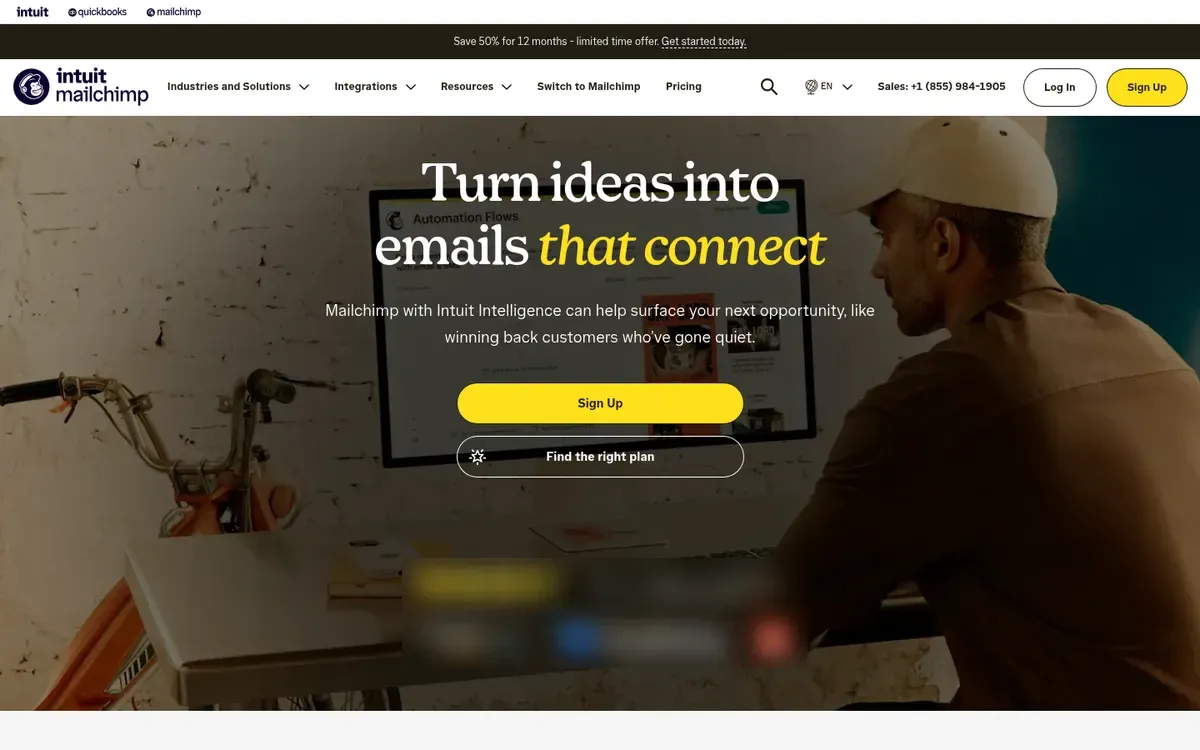
Mailchimp is the easiest entry for someone who has never built an email blast. The free plan offers a drag-and-drop builder, a large library of ready-made templates and signup forms you can publish without code. Audience management is basic but enough for a single list, and the free tier asks for no payment card.
Volume is the limit. The free plan covers 250 contacts and 500 sends per month, fitting a small weekly newsletter and little else. Past that contact count, or a second weekly send, free stops being useful. Paid plans rise sharply as list size and sending volume increase.
Essentials costs $6.50 per month for the first 12 months, then $13 per month. The second year costs double unless you change plans or negotiate. Templates remain the strongest argument for staying, because the library is large and the editor is forgiving.
Mailchimp fits beginners who want ready-made templates and forms. For free automation workflows, look at MailerLite; for a large free contact store, Brevo does that better. A good first email blast tool, not a long-term home for growing lists.
What works
- No card required to start
- Large template library
- Simple signup forms
What to weigh
- 500 sends per month on free
- Paid plans climb quickly as lists grow
- Promotional first-year price doubles after 12 months
Pick it if
You want a free, well-templated first campaign and your list is under 250 contacts.
Skip it if
You send more than 500 emails a month or expect the list to grow quickly.
Plate 02 of 10
Brevo
Best for large contact lists with modest daily sending needs
Our verdict
The best free home for a huge contact list, as long as 300 sends a day matches your pace.
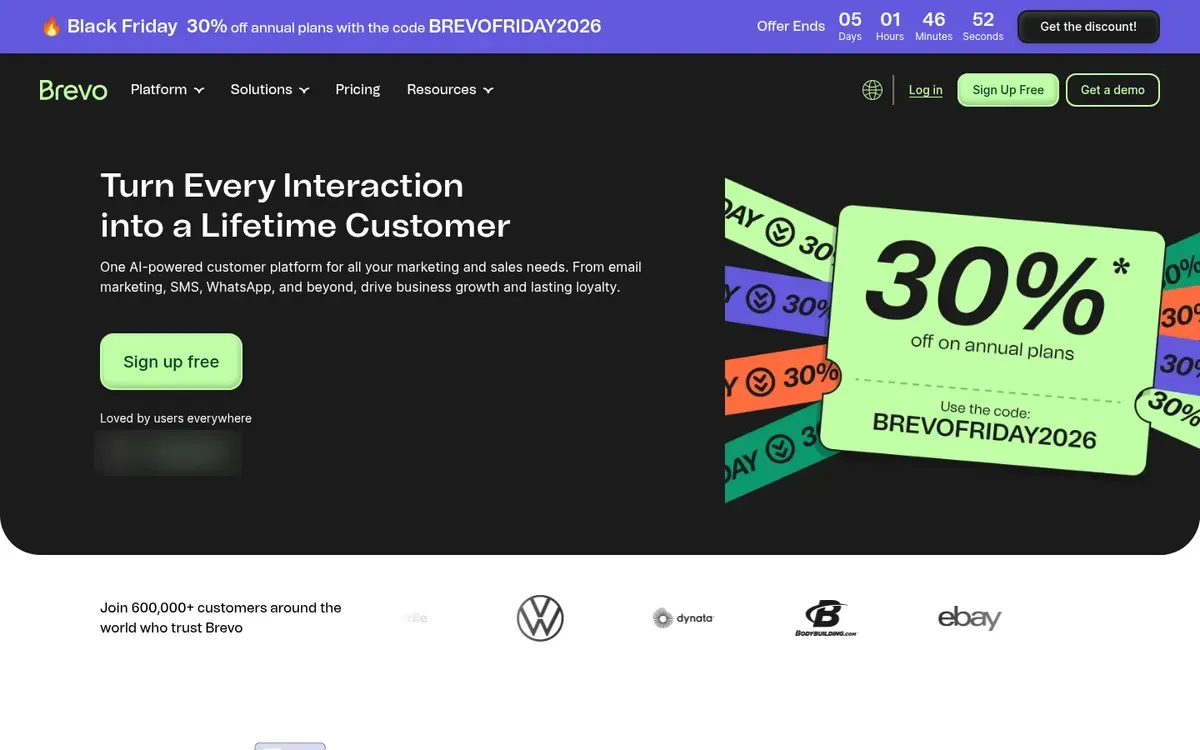
Brevo answers a big stored list on a small budget. The free plan holds up to 100,000 contacts, far beyond rivals, and bundles SMS and chat alongside email. That matters for one contact record rather than separate email and SMS tools.
The catch is throughput. Free accounts are capped at 300 emails per day, so a 20,000-recipient blast takes over two months of daily sending. Automation is free only up to 2,000 contacts, a much smaller ceiling. The plan suits a business emailing a few hundred people a day, not a publisher with a large list and a monthly newsletter.
Brevo was formerly Sendinblue, so older documentation uses that name. Paid pricing lists Starter at $17 per month monthly, or $11.86 per month yearly with the Black Friday code, a promotional rate dependent on the code being active.
It fits large contact lists with modest daily sending. A 300-per-day cap works for transactional-style volume or a daily digest. For a single large launch blast, EmailOctopus's 10,000 monthly emails have no daily cap listed, so it clears the queue faster.
What works
- 100,000 contacts free
- SMS and chat included
- 300 sends per day
What to weigh
- 300 per day blocks big blasts
- Automation capped at 2,000 contacts
- Yearly rate depends on a promo code
Pick it if
You need to store a very large contact list free and send in small daily batches.
Skip it if
You need to send a large one-time announcement in a single day.
Plate 03 of 10 / Featured
EmailOctopus
Best for small lists needing a large low-cost free tier
Our verdict
The best free send allowance for a small list, with 2,500 subscribers and 10,000 emails a month at no cost.
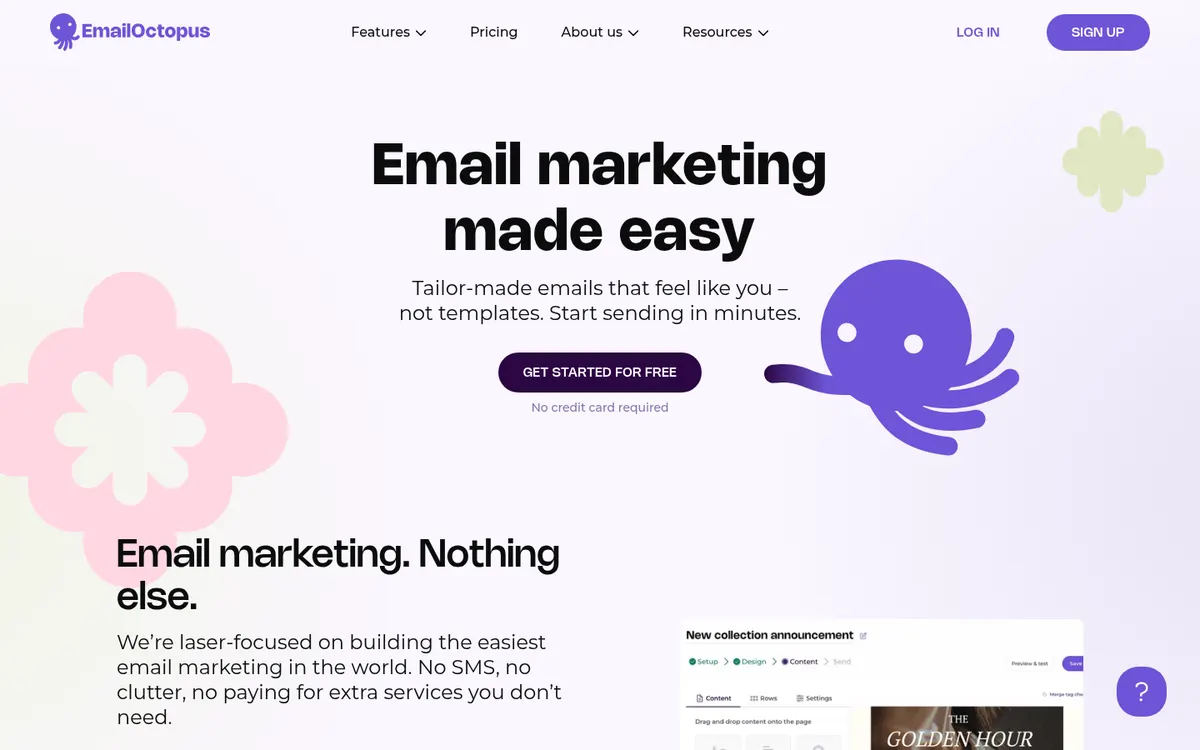
EmailOctopus has the strongest free sending allowance here. Starter is free forever, needs no card and covers 2,500 subscribers and 10,000 emails per month, enough for a weekly newsletter to a 2,500-person list.
The drag-and-drop builder has more than 100 mobile-friendly templates, and custom HTML is available. Free includes list management, one landing page, one signup form, campaign reporting and one user. Reporting lasts 30 days, free sends carry EmailOctopus branding, and one user suits a solo sender but cramps a team.
Pro starts at $10 per month for 500 subscribers, or about $9 per month billed yearly, and lifts limits on users, landing pages and forms. Pricing steps up as the list grows, and nonprofits get 20 percent off for life. The page shows $9 per month billed yearly, a saving of $12. This is a Featured placement, scored against the same rubric as every other entry. The cons are branding, a 30-day report window and single-user limits. It fits small lists needing a large low-cost free tier; for free automation, MailerLite includes it, while Brevo holds a larger contact store.
What works
- 2,500 subscribers free
- 10,000 emails monthly
- No card, no expiry
What to weigh
- Branding on free sends
- Reports kept 30 days
- One user and one form free
Pick it if
You run a small list and want the largest monthly send allowance without paying.
Skip it if
You need team seats or long-term reporting on the free tier.
Plate 04 of 10
MailerLite
Best for budget users who want clean design and basic automation
Our verdict
The free plan to choose for workflows and a tidy editor, if 250 subscribers is enough list for you.
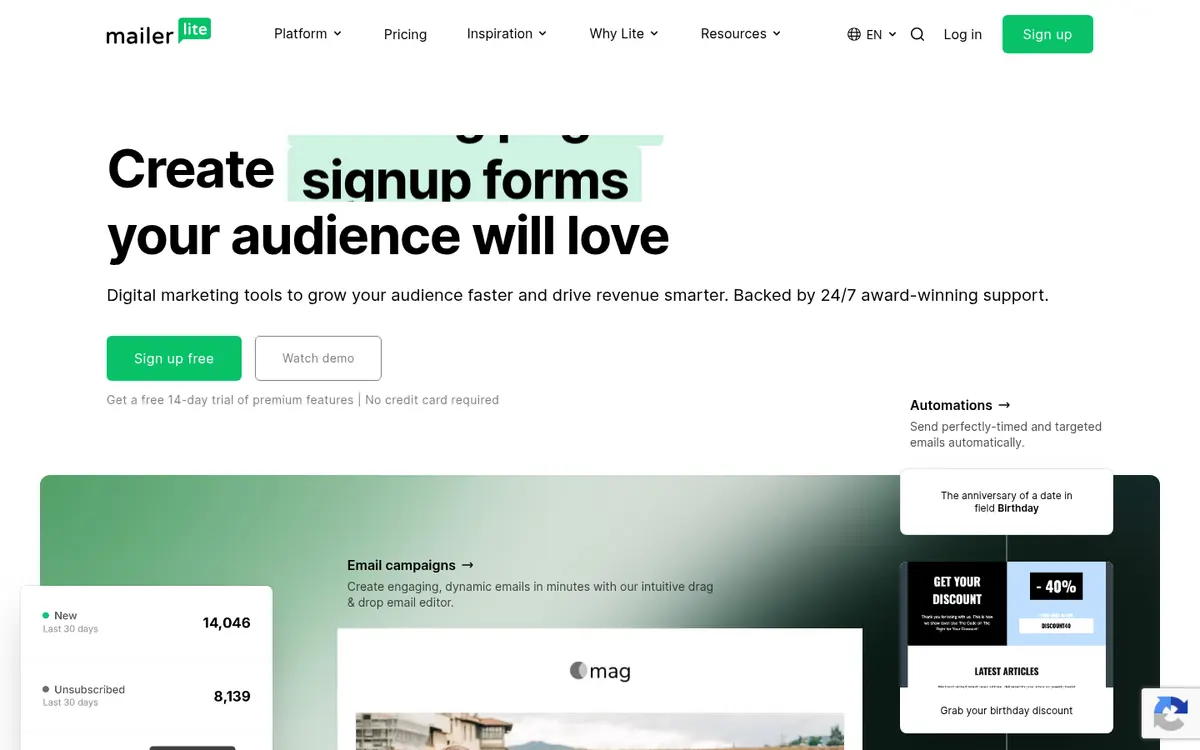
MailerLite is the free plan to pick when you want automation without paying. Automation workflows are included on the free tier, unlike Mailjet and Zoho Campaigns, where workflows sit behind paid plans. The drag-and-drop editor is clean, the learning curve is short and deliverability is generally good.
The free allowance is 250 subscribers and 2,500 monthly emails. That is smaller than EmailOctopus on both counts and far smaller than Brevo on contacts, so it suits a list you are still building rather than one you already have. A 14-day trial with no credit card lets you test paid features.
New accounts go through manual approval, which can delay your first send, so set the account up early. The integration library is smaller than Mailchimp's, which matters if your stack depends on a specific connection. Paid pricing starts with Comfort at $10.80 per month billed yearly.
MailerLite fits budget users who want clean design and basic automation. Approval delays and a small contact cap are the trade-offs, and neither is hidden. If you need volume, it is not the pick.
What works
- Automation on free
- Clean, quick editor
- 14-day trial, no card
What to weigh
- Manual approval delays sending
- 250 subscriber cap
- Smaller integration library
Pick it if
You want automation workflows on a free plan and your list is under 250 subscribers.
Skip it if
You need to send within the hour of signing up or you have a larger list.
Plate 05 of 10
HubSpot
Best for teams wanting email tools inside a free CRM
Our verdict
A free CRM with workable email built in, best when contact records matter as much as the blast.
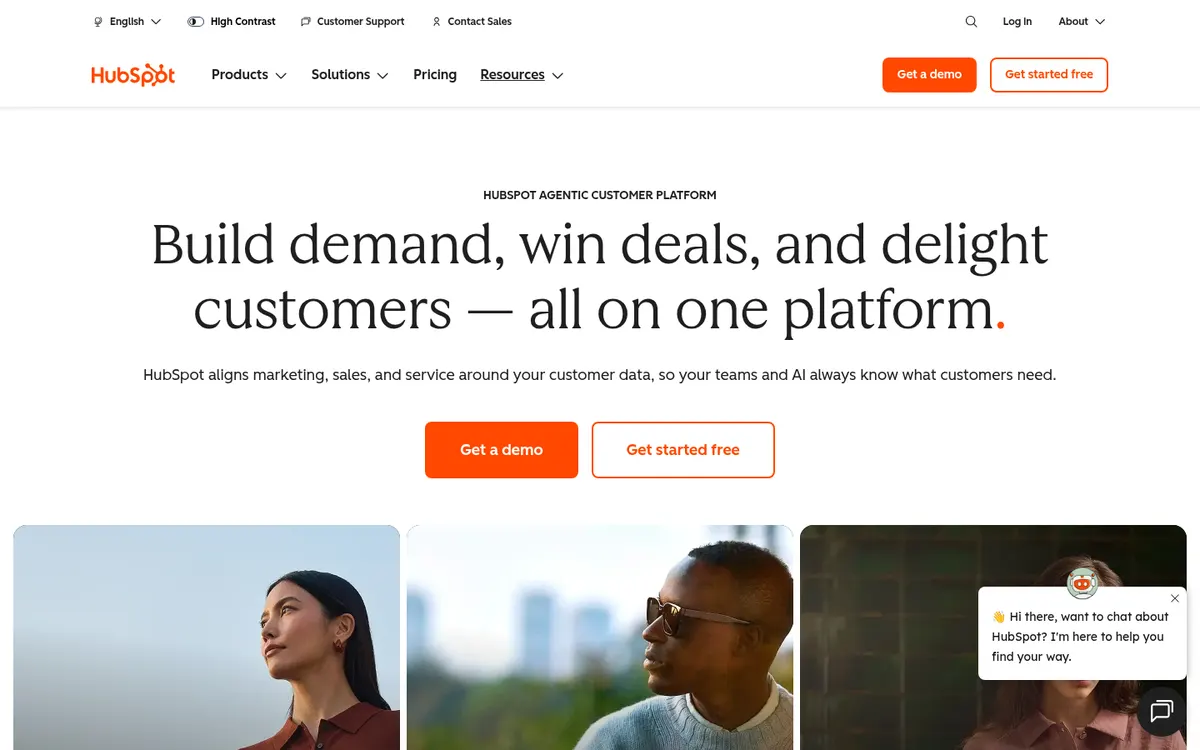
HubSpot's free email tools make most sense when you also want the CRM. The free plan covers up to two users and bundles contact management, forms, reporting and a simple drag-and-drop email builder with 2,000 sends per month. If sales and marketing contacts live in a spreadsheet, that is structure for nothing.
The email builder is the weak part. It is simpler than dedicated email tools, and A/B testing and smart content require Marketing Hub Starter or above. For a plain newsletter or a product announcement, it is adequate. For a polished multi-variant campaign, it will feel thin next to Mailchimp or EmailOctopus templates.
Reporting is the strongest free feature. Because sends sit inside the CRM, you can tie an email to the contact record and see activity in one place. Pricing shows Starter at $7 per month per seat on promotional pricing from $20 per month per seat, so check the rate at signup. Expect upsell prompts. HubSpot fits teams wanting email tools inside a free CRM; for cheap sending volume, EmailOctopus or Brevo will do it with fewer steps.
What works
- CRM included free
- 2,000 sends monthly
- Strong reporting
What to weigh
- Simpler email builder
- A/B testing needs paid Starter
- Upsell prompts to paid tiers
Pick it if
You want your email sends and contact records in one free system for two users.
Skip it if
You need advanced email design or A/B testing without upgrading.
Plate 06 of 10
Benchmark Email
Best for straightforward newsletters without complex funnels
Our verdict
A plain, easy newsletter tool with 500 contacts and 2,500 emails free, short on design and automation depth.
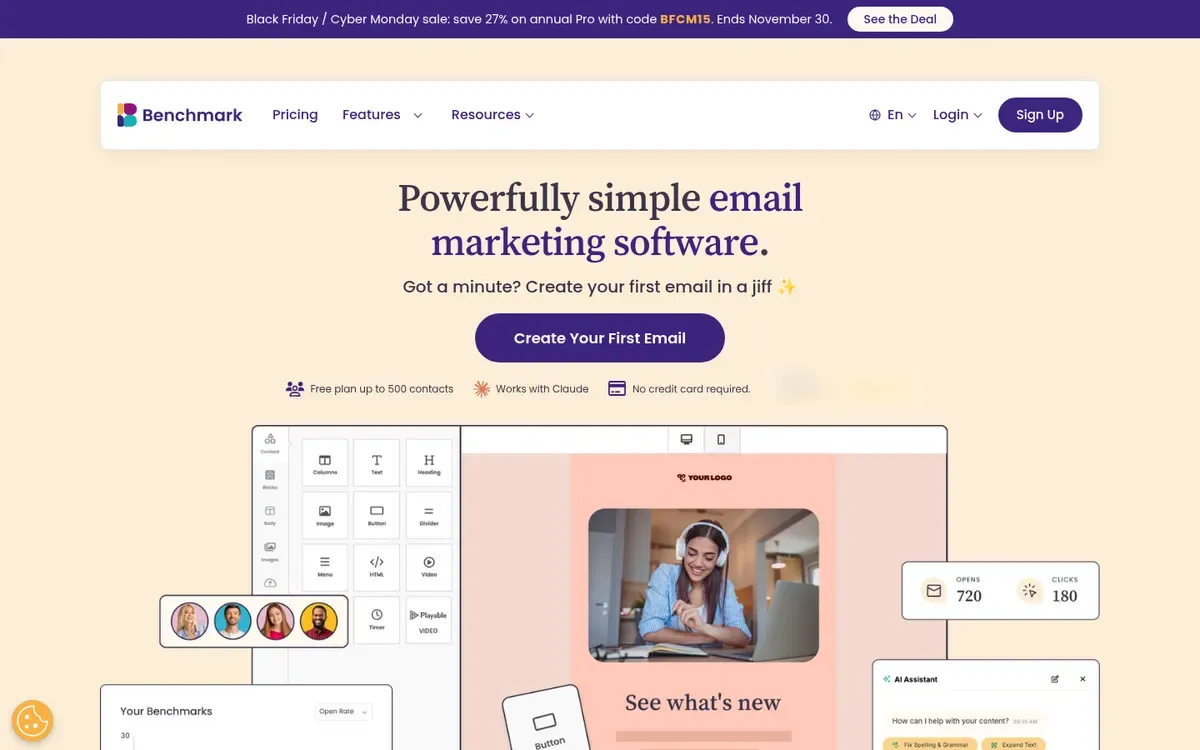
Benchmark Email keeps the free plan simple: 500 contacts and 2,500 emails per month, aimed at a plain newsletter rather than a branching funnel. The template editor is easy, the workflow straightforward and support responsive. It is forever free, not a trial.
The trade-off is depth. Automation is basic, meaning simple autoresponder-style sequences rather than conditional paths. Template designs feel dated next to Mailchimp or EmailOctopus, so expect more customization for a modern look. That suits a monthly update to a few hundred readers, not a welcome series with branches.
Benchmark sits in a crowded middle. EmailOctopus gives 2,500 subscribers and 10,000 emails per month free; Benchmark gives 500 contacts and 2,500 emails. If your list is small and sends infrequent, the gap does not bite, but a growing list hits the 500-contact ceiling quickly. Pro costs $12 per month monthly and $10 per month annual, low entry price versus Mailchimp's second-year rates. Benchmark fits straightforward newsletters without complex funnels; for branching automation or polished design, the free tier will frustrate you before it limits you.
What works
- 500 contacts and 2,500 emails
- Easy template editor
- Responsive support
What to weigh
- Basic automation only
- Dated template designs
- Contact cap of 500 on free
Pick it if
You send a simple monthly newsletter to a few hundred contacts.
Skip it if
You need branching automation or modern template design.
Plate 07 of 10
Mailjet
Best for teams combining marketing and transactional email
Our verdict
Best for shops that send newsletters and transactional mail from one account, with 6,000 emails free.
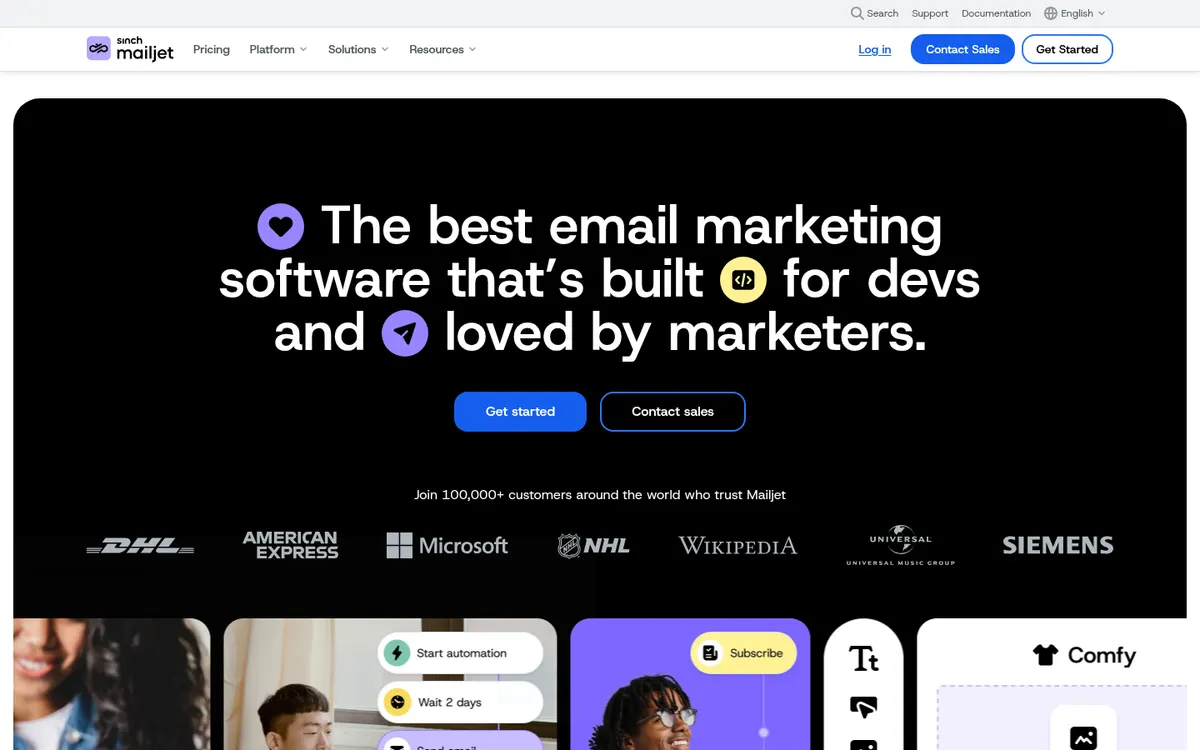
Mailjet's free plan is built for people who send both marketing and transactional email. Free accounts get 6,000 emails per month, 1,000 contacts and a 200-email daily cap. API and SMTP access are available on every plan, including free, useful if your app sends password resets through the same account.
The daily cap is the constraint. At 200 emails per day, a 5,000-recipient announcement takes 25 days. The 6,000 allowance is generous but designed for steady sending, not bursts. Real-time collaboration suits a small team, and the drag-and-drop editor is competent but not remarkable. The 1,000-contact limit is a second ceiling.
Automation and A/B testing require Premium, putting Mailjet behind MailerLite, with free workflows, and HubSpot, with reporting inside a free CRM. For automation, budget for Premium. Paid pricing shows Starter at $8.10 per month billed annually, a lower paid entry point. Mailjet fits teams combining marketing and transactional email; for pure newsletter volume on free, EmailOctopus gives more monthly emails per contact, though it is a weaker fit for a publisher whose only goal is a large newsletter list.
What works
- 6,000 emails monthly free
- API and SMTP on all plans
- Real-time collaboration
What to weigh
- 200 emails per day on free
- Automation needs Premium
- 1,000 contacts only on free
Pick it if
You want marketing and transactional email through one free account with API access.
Skip it if
You need to send more than 200 emails in a single day.
Plate 08 of 10
Kit
Best for creators and newsletter writers growing an audience
Our verdict
The free plan for creators, with 10,000 subscribers and unlimited broadcasts, but only one basic automation.
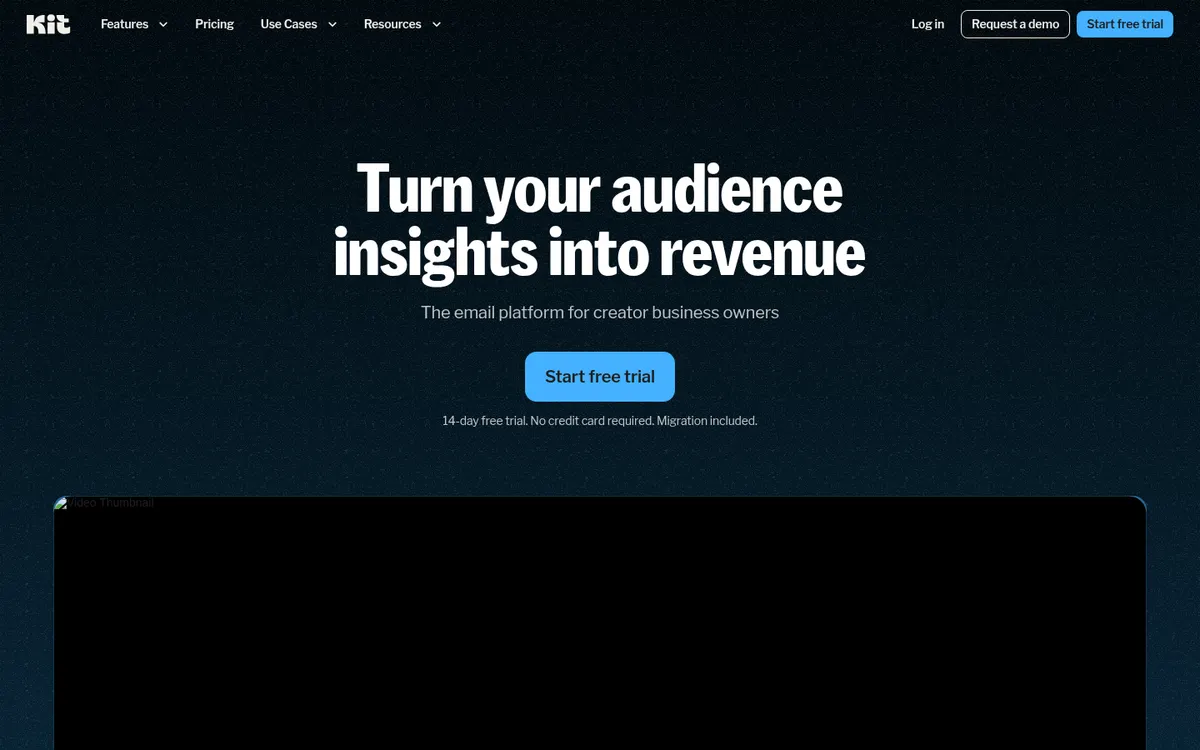
Kit, formerly ConvertKit, gives creators the largest free subscriber allowance here: up to 10,000 subscribers on the free Newsletter plan, with unlimited broadcasts. It suits writing a newsletter and selling a digital product to the same audience. Digital product sales carry no platform fee, and landing pages and forms are included.
The limits are sophistication, not volume. Free includes one basic visual automation, so a simple welcome sequence is possible but a branching funnel is not; sequences and complex funnels require Creator. Kit branding appears in the email footer on free. Broadcasts are unlimited.
The Kit pricing page blocked our browser on November 25, 2026, so this entry shows vendor-site pricing, not a figure. Check the Creator price before building a funnel that depends on it. A creator with 4,000 subscribers and a weekly email gets a usable free plan: unlimited broadcasts, no monthly send anxiety, and a subscriber cap far above the 250 to 2,500 range most rivals offer. Kit fits creators and newsletter writers; for branching automation on free, MailerLite is better, and for a CRM, HubSpot.
What works
- 10,000 subscribers free
- Unlimited broadcasts
- No platform fee on sales
What to weigh
- One basic automation only
- Kit branding in footer
- Funnels need the Creator plan
Pick it if
You are a creator with a growing list who sends often and can live with one automation.
Skip it if
You need branching sequences on the free plan.
Plate 09 of 10
Zoho Campaigns
Best for businesses already using Zoho apps
Our verdict
Generous free capacity and five seats, best value when your contacts already live in Zoho.
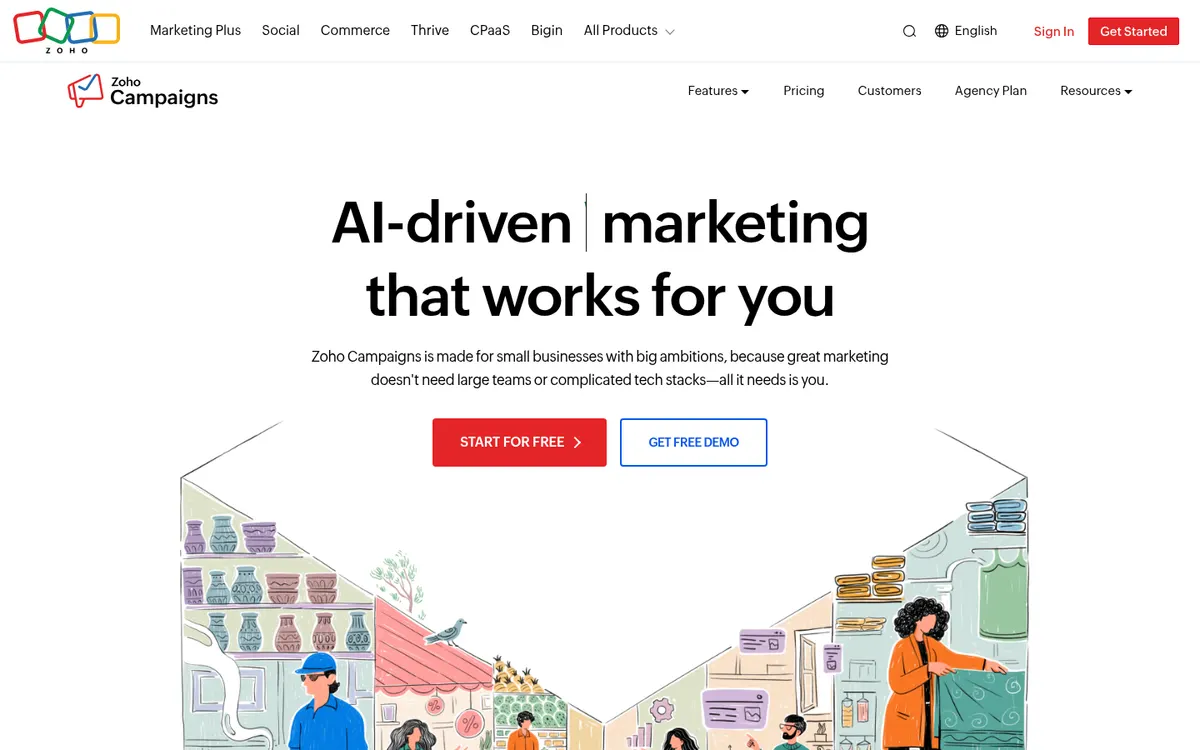
Zoho Campaigns gives away more free capacity than most here: 2,000 contacts, 6,000 emails per month and five user seats on the Forever Free plan. If you already run Zoho CRM, Books or Desk, native integration keeps contacts and campaigns in one ecosystem, and Standard is the cheapest upgrade at US$3 per month billed annually.
The free tier has no automation workflows. You can build and send campaigns, manage contacts and add five teammates, but subscriber behavior triggers sit behind a paid plan. The interface feels older than Mailchimp or MailerLite. Outside Zoho, the case weakens: the email builder is functional but not distinctive, and teams on Google Workspace or Microsoft 365 will find the integration story less compelling.
The 6,000 emails per month spread across free contacts, so a 2,000-contact list can receive three campaigns a month. A 14-day trial with no credit card makes it easy to test. Zoho Campaigns fits businesses already using Zoho apps; if your stack is elsewhere, EmailOctopus or Brevo give more for free, and neither requires your CRM to sit on the same platform.
What works
- 2,000 contacts and 6,000 emails
- Five user seats free
- Cheap paid upgrade
What to weigh
- No automation workflows on free
- Dated interface
- Best value only inside Zoho
Pick it if
Your business already runs on Zoho and you want email inside that ecosystem.
Skip it if
You need free automation workflows or a modern editor.
Plate 10 of 10
GetResponse
Best for entrepreneurs wanting an all-in-one marketing suite
Our verdict
An all-in-one suite where the free tier is real but the best features last only 14 days.
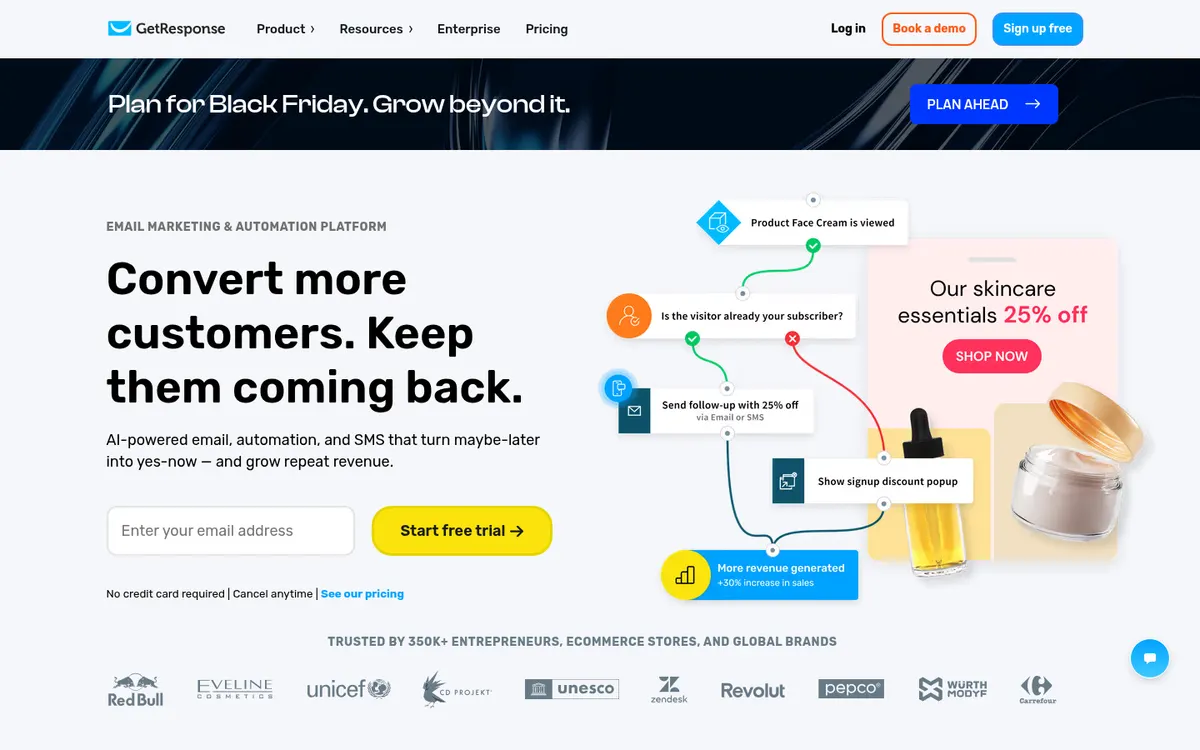
GetResponse sells itself as an all-in-one suite, and the free account reflects that breadth: email newsletters, landing pages, signup forms, webinars, funnels and a website builder in one login. The free tier covers 500 contacts and 2,500 newsletters per month, plus a landing page and signup forms.
The catch is the 14-day premium window. New free accounts get premium features for two weeks, then drop to permanent free limits. If you build a campaign around a premium feature during that window, it may stop working afterward. Plan around what survives: newsletters, a landing page and forms. The interface feels cluttered with features most free users ignore. Webinars and funnels are useful if you run launches, but paid after the trial. For a simple newsletter, extra surface area is friction rather than help.
Paid pricing shows Starter at $19 per month monthly, or $15.58 per month billed annually. A 14-day trial without a card lets you check paid features. GetResponse fits entrepreneurs wanting an all-in-one marketing suite; if you want the simplest free newsletter tool, EmailOctopus or MailerLite will be faster to learn.
What works
- 500 contacts free
- Landing pages and forms
- 14-day trial, no card
What to weigh
- Premium features drop after 14 days
- Cluttered interface
- Free plan limited to 500 contacts
Pick it if
You want newsletters, landing pages and webinar tools under one login and will upgrade later.
Skip it if
You want a lean free newsletter tool with no 14-day countdown.
What is free email blast software, and what does free actually cover?
Free email blast software is a hosted service that lets you build an email, send it to a list of subscribers, and see who opened or clicked, without paying for the first tier. You do not install anything. You create an account, import contacts, pick a template, and send. The vendor handles delivery infrastructure, unsubscribe handling and the compliance plumbing that goes with bulk email.
The word free needs unpacking, because every plan in this list sets a ceiling somewhere. Three ceilings matter:
- Contact or subscriber cap: how many people you can store, from 250 on Mailchimp and MailerLite to 100,000 on Brevo and 10,000 on Kit.
- Send cap: a monthly allowance (500 on Mailchimp, 10,000 on EmailOctopus) or a daily one (300 on Brevo, 200 on Mailjet).
- Feature gates: automation, A/B testing, team seats and reporting windows often sit on paid tiers.
A contact cap and a send cap work differently in practice. A large contact store with a small daily send limit, like Brevo, suits steady small batches. A smaller contact store with a large monthly send allowance, like EmailOctopus, suits a weekly newsletter to a defined list. Neither helps if you need one huge announcement today.
Most free tiers here need no credit card, and several are free forever rather than time-limited trials. MailerLite, Zoho Campaigns and GetResponse also offer a 14-day trial so you can inspect paid features, while Kit, Mailchimp, Brevo, EmailOctopus, HubSpot, Benchmark and Mailjet do not list a trial alongside their free plan.
Branding is the other quiet cost. EmailOctopus and Kit add their branding to free sends. That is a fair trade for zero cost, but it is visible to your readers.
Finally, free tiers are entry points, not destinations. Every vendor here prices paid plans by list size, send volume or seats, and the step up usually arrives before you expect it.
This guide sits in the Marketing collection. Buyers weighing nearby tools often read the guides to AI tools for email marketing and RPC providers for blockchain apps next.
How free email plans turn into paid bills
Free email plans are priced on one of three axes, and each one produces a different bill when you outgrow free. The table below maps the models in this list to the vendors that use them.
| Model | How it bills | Typical fit | Example from this list |
|---|---|---|---|
| Contact tier | Monthly price rises as stored contacts pass set thresholds | Newsletters with a stable, growing list | EmailOctopus Pro from $10/mo for 500 subscribers, about $9/mo billed yearly |
| Send volume | Price tracks monthly email count, sometimes with a daily cap | High-frequency senders and transactional mail | Mailjet Starter at $8.10/mo billed annually |
| Seat based | Price per user, often bundled into a wider platform | Teams that want CRM or suite features | HubSpot Starter at $7/mo/seat promotional from $20/mo/seat |
| Flat entry | One low price for a band of contacts, cheapest upgrade path | Small businesses testing paid tiers | Zoho Campaigns Standard at US$3/mo billed annually |
Each model produces a different bill when you outgrow free, and the cheapest-looking headline rate is often not the one you will pay in year two. Two patterns show up again and again. First, annual billing discounts are large: Brevo's Starter is $17 per month monthly or $11.86 per month yearly with a code, and GetResponse's Starter is $19 monthly or $15.58 billed annually. Second, promotional first-year pricing is common. Mailchimp's Essentials is $6.50 per month for 12 months, then $13 per month, and HubSpot's Starter shows promotional pricing from a higher list rate.
Watch the units. Monthly, yearly and per-seat figures sit side by side on the same pricing page, and a $7 per seat rate for two users is not the same as $7 for the account. Zoho Campaigns' five free seats are the exception that makes it cheap for a small team.
Finally, some upgrades are automatic. EmailOctopus steps the price up as the list grows, so budget for the next tier rather than the current one.
Every price in this guide was read on the vendor's own pricing page on November 25, 2026. Where a vendor does not publish a figure we could confirm, the card says "See website" rather than a guess. For the arithmetic around this purchase, try the free Email campaign metrics calculator.
How to choose a free email blast tool in five steps
- Count your list first. Write down the current subscriber count and the number you expect in six months. A 250-contact cap rules out Mailchimp and MailerLite immediately, while 2,000 free contacts on Zoho Campaigns buys months of growth.
- Measure one real campaign. Add up the recipients in your largest single send. If it clears 200, Mailjet and Brevo will force you to split it across days, which changes how you plan the calendar.
- Decide whether automation must be free. MailerLite includes workflows on its free plan, and Brevo covers automation up to 2,000 contacts. If neither fits, budget for a paid tier rather than assuming free will do.
- Check the branding and report window. EmailOctopus and Kit add branding to free sends, and EmailOctopus keeps reports for 30 days. Export what you need and judge whether a footer logo is acceptable to your readers.
- Price year two, not year one. Mailchimp's Essentials is $6.50 per month for 12 months then $13, and Brevo's yearly rate depends on a promo code. Compare the rate you will pay after the discount expires.
- Test the account approval. MailerLite reviews new accounts manually, so sign up before a campaign is due. Run a small test send on every shortlisted tool before you move your list.
Five mistakes that make free email plans cost more
- Ignoring the daily cap. A 6,000 monthly allowance sounds ample until a 200 per day limit turns one announcement into a 30-day drip. Check the daily number separately from the monthly one.
- Assuming free lasts forever. GetResponse gives premium features for 14 days, then drops to permanent limits. Build your first campaign around what survives the drop, not what works in week one.
- Importing a stale list. Free tiers cap contacts, so every dead address costs a slot you could give to a real reader. Clean the list before you import it into a 250 or 500 contact plan.
- Skipping the trial for paid features. MailerLite, Zoho Campaigns and GetResponse offer 14 days without a card. Use the window to test automation and reporting before you commit to a tier.
- Choosing on the free tier alone. Free plans are entry points. Mailchimp's free tier is generous on templates, but the second-year price is double the first, so read the paid column before you migrate.
Best Free Email Blast Software 2026: questions
Do free email blast tools require a credit card?
No, not in this list. Every tool here offers a free tier or free account without requiring a card, and MailerLite, Zoho Campaigns and GetResponse add a 14-day trial that also does not ask for one. You will still hit contact or send caps, but you can sign up, import a small list and send a campaign without entering payment details.
Which free plan allows the largest subscriber list?
Kit allows the most, with up to 10,000 subscribers on its free Newsletter plan, and Brevo stores up to 100,000 contacts on its free tier. Those two numbers measure different things: Kit pairs the subscriber allowance with unlimited broadcasts, while Brevo caps sending at 300 emails per day, so storage is not the same as reach.
Does any free plan offer unlimited sends?
No. No free plan in this list offers unlimited sending, because every vendor caps volume somewhere. Kit is the closest, with unlimited broadcasts but a 10,000 subscriber ceiling. Elsewhere you get a monthly allowance, such as 10,000 emails on EmailOctopus or 6,000 on Mailjet, or a daily cap, such as 300 on Brevo and 200 on Mailjet.
Which free plans include automation without paying?
MailerLite includes automation workflows on its free plan, Brevo offers basic automation for up to 2,000 contacts, and Kit includes one basic visual automation. Mailjet requires Premium for automation, Zoho Campaigns excludes workflows from its free tier, and HubSpot needs paid Marketing Hub for A/B testing and smart content.
Which free plans add vendor branding to messages?
EmailOctopus and Kit add their branding to free sends, so recipients see the vendor name in the footer or message. The other tools here do not state branding as a free-plan feature, though it is worth checking the current terms before you send, since footer rules change without much notice.
How do daily and monthly sending caps differ?
A monthly cap limits total volume across the billing period, while a daily cap limits how many emails go out on any single day. Mailjet allows 6,000 emails per month but only 200 per day, so a large announcement spreads across many days. EmailOctopus allows 10,000 a month with no daily cap listed, which suits one big send.