
Contents of this guide
The shortlist
Our top 3 for advertising buyers

Higgsfield
Ads Studio workflow
- Best for
- cinematic product footage with a built-in ad workflow
- Features
- 4 noted: Text to video, Brand kit, Ad templates, Inpainting
HeyGen
Avatar spokesperson scale
- Best for
- avatar-led ads and spokesperson videos
- Features
- 3 noted: Avatar library, Likeness clone, 175+ languages

Synthesia
Enterprise compliance controls
- Best for
- polished presenter videos at scale
- Features
- 3 noted: Interactive avatars, API access, Roles and approvals
Disclosure for this guide. Higgsfield is a paid Featured listing in this guide and is labelled wherever it appears. The other 10 tools are unpaid editorial picks, and no vendor saw this guide before it was published. The position of a paid listing can be part of what the vendor pays for. Paid and unpaid tools are scored on the same rubric and keep their cons. Details are in the advertising disclosure.
The ledger
Index of every tool
| Tool | Free plan | Trial | Rubric | Compare | ||
|---|---|---|---|---|---|---|
| 01 | HiggsfieldFeaturedcinematic product footage with a built-in ad workflow | See websiteNot published | See website | See website | ||
| 02 | HeyGenavatar-led ads and spokesperson videos | Creator $24/mo billed annuallyChecked Nov 25, 2026 | Yes ($0/mo, 3 videos) | Free plan, no credit card required | ||
| 03 | Synthesiapolished presenter videos at scale | Starter $18/mo billed yearly ($29 monthly)Checked Nov 25, 2026 | Yes (Basic $0/mo) | Free plan available | ||
| 04 |  InVideoprompt-to-video with stock footage | See websiteNot published | Yes | Free plan available | ||
| 05 |  Pictoryturning blogs and long videos into ad clips | Starter $29/mo billed annually (regular price)Checked Nov 25, 2026 | No free plan, free trial | Free trial | ||
| 06 | VEEDbrowser editing, subtitles and social clips | Creator $10/user/mo billed yearlyChecked Nov 25, 2026 | Yes | Free plan available | ||
| 07 |  CreatifyURL-to-video ad variations at volume | See websiteNot published | Yes (10 credits/mo) | Free plan available | ||
| 08 |  Kapwingcollaborative team editing | Pro $16/mo billed annuallyChecked Nov 25, 2026 | Yes (10 credits) | No free trial | ||
| 09 |  Descriptediting video by editing text | Hobbyist $16/person/mo billed annuallyChecked Nov 25, 2026 | Yes | Free plan, no credit card required | ||
| 10 | Lumen5repurposing written content into video | Basic $19/mo billed yearlyChecked Nov 25, 2026 | Yes ($0/forever) | Free plan available | ||
| 11 |  Runwaycinematic AI-generated footage | Standard $12/mo billed yearlyChecked Nov 25, 2026 | Yes (125 one-time credits) | Free tier available |
Prices are the lowest paid plan the vendor shows, read on November 25, 2026. Sort by price ranks published monthly figures; tools without one go last. Pin up to three tools to compare them side by side.
How this guide was put together
Every tool here was scored on the same five criteria: ad workflow fit, output quality, pricing clarity, format coverage, and team controls. Ad workflow fit asks how much of the trip from brief to platform-ready file a product covers on its own. Output quality asks how the result holds up at phone size and in a desktop close-up. Pricing clarity asks whether you can predict the cost of one finished ad. Format coverage checks aspect ratios and languages. Team controls cover roles, brand kits, approvals and review links.
Prices, plan names, free tiers and trials come from vendor pricing pages checked on 25 November 2026, and only as they appeared on that date. Where a Black Friday promotion was live, we say so and use the regular rate for comparison, because a renewal price is the one that lasts. Where a vendor published no price and pointed to sales, we say that instead of estimating. Credit costs per ad are described as variable wherever the vendor meters generation by model, because that is what the pricing page states.
The Featured listing in this article is a paid placement. It was scored with the same rubric, on the same evidence, and carries the same kind of cons as every other entry; its position reflects both that placement and the buyer it suits. The rest of the order is editorial and groups tools by the buyer each one fits, moving from generators with ad workflows through avatar platforms and repurposing engines to browser editors and raw footage engines.
We did not run paid trials of every tool for this piece, and we do not quote customers, ratings or review counts. Where a limit is listed, such as a watermark on free exports or a missing 16:9 export, it comes from the vendor's own documentation or pricing page. Buyers should confirm current terms on the vendor site before purchase, especially for commercial rights and platform ad policies.
The full process, including how we handle corrections, is on the methodology page. Paid listings follow the advertising disclosure.
Rubric and weights
Every tool below is scored from 1 to 10 on these five criteria. The scores describe each tool; the order is an editorial call on fit for the buyer each card describes, plus the disclosed Featured position.
- 25%Ad Workflow FitHow much of the path from brief to platform-ready ad the tool covers without another subscription.
- 25%Output QualityHow convincing the generated or finished footage looks at the sizes viewers actually see it.
- 20%Pricing ClarityHow easy it is to predict the cost of one finished ad before you commit to a tier.
- 15%Format CoverageWhich aspect ratios, placements and languages the tool can output from one project.
- 15%Team ControlsRoles, brand kits, approvals and review links that keep a team's output consistent.
Plate 01 of 11 / Featured
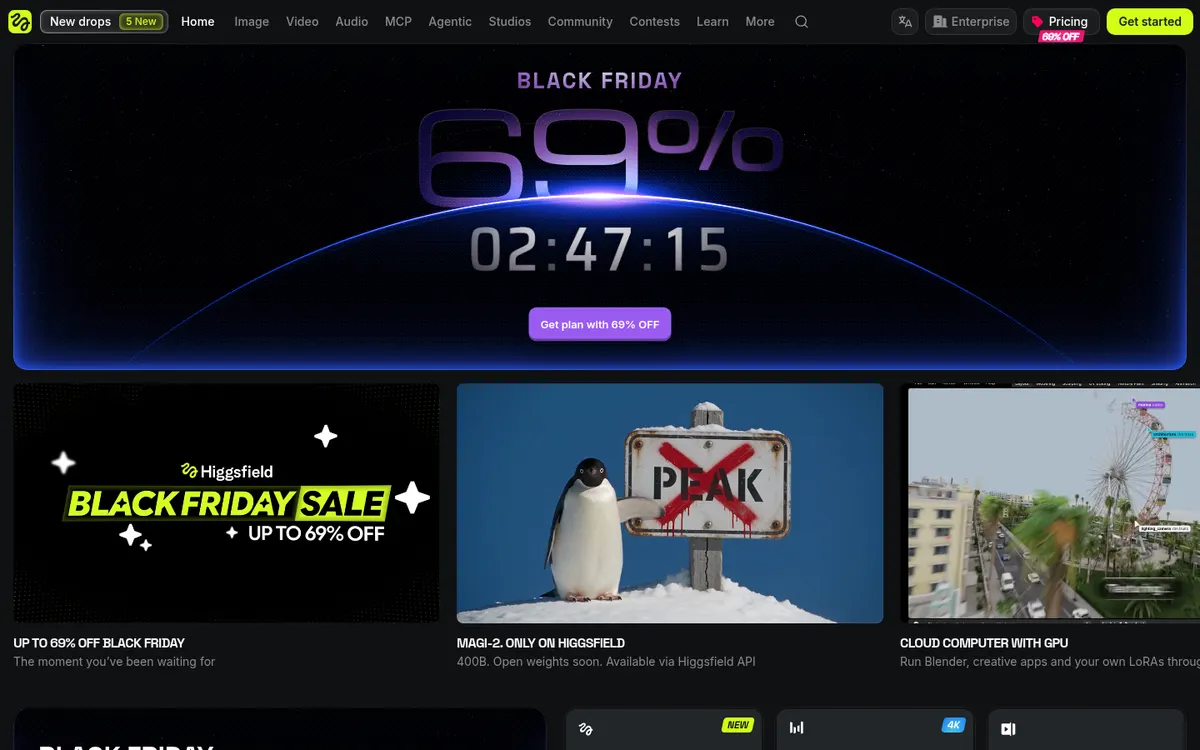
Higgsfield
Best for cinematic product footage with a built-in ad workflow
Our verdict
The best fit when a product ad needs generated cinematic footage and paid social sizes from a single account.
Higgsfield is a generation platform that also handles ad plumbing. Describe a shot or feed a reference image, and it produces video, image and voice assets, plus editing, inpainting and upscaling tools. Cinematic footage and ad sizing sit in one account.
Marketing Studio ships templates for product spots, UGC, TikTok and ads. Ads Studio builds a brand kit from a website, imports products with names, images and prices, and exports 1:1, 4:5 and 9:16. Genjutsu covers motion transfer and element swapping.
Cost predictability is the limit: plans are credit based, so one ad's price depends on model and discarded takes. Ads Studio lists square, portrait and vertical only, no 16:9, so YouTube or connected TV needs a separate step. A Black Friday sale was running on the pricing page on 25 November 2026, so we could not confirm the regular Basic price; check it on the vendor site. Pick it for generated cinematic footage and paid social sizes, and budget by credits.
What works
- Generates cinematic footage and sizes it for paid social in one place
- Brand kit and product catalog build straight from a website
- Editing, inpainting and upscaling sit alongside generation
What to weigh
- Credit-based cost per ad varies by model and take count
- No 16:9 listing in the Ads Studio pack
- Large toolset takes time to navigate
Pick it if
You want original cinematic product footage and social ad sizes from one account, and can budget by credits.
Skip it if
You need 16:9 deliverables directly, or if you require a fixed price per finished creative.
Plate 02 of 11
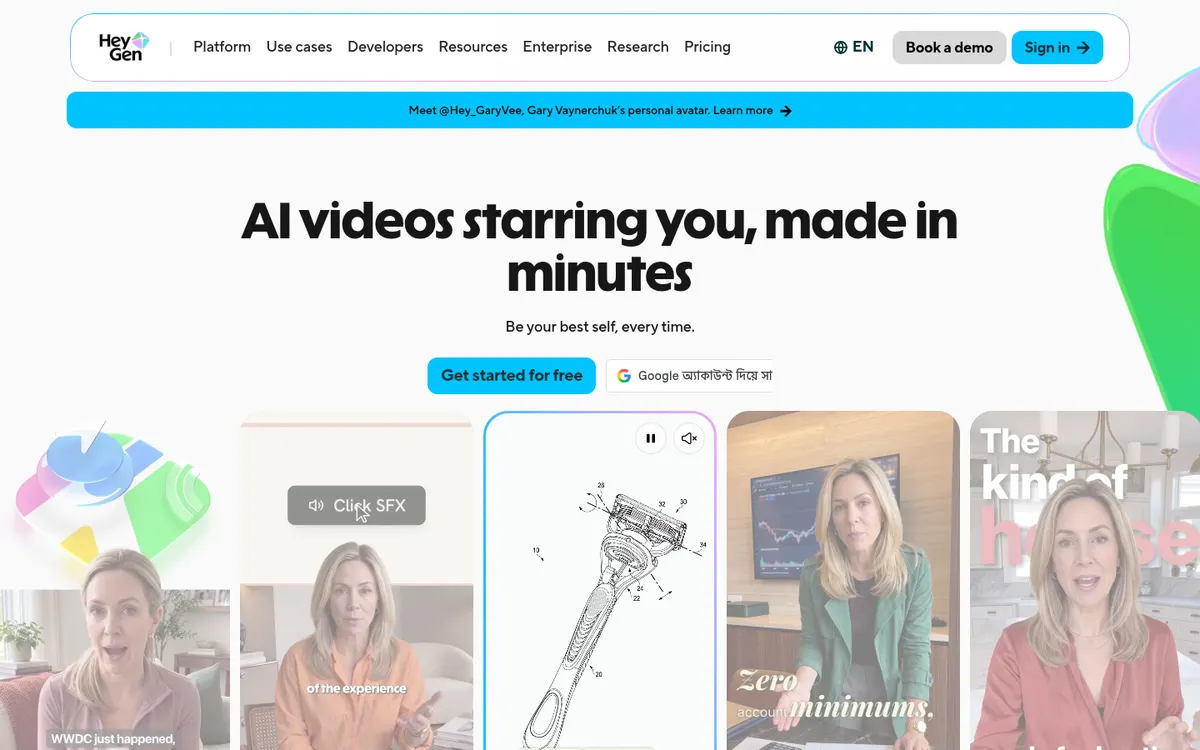
HeyGen
Best for avatar-led ads and spokesperson videos
Our verdict
A fast route to spokesperson ads in 175-plus languages, provided you accept avatar close-ups that can look slightly synthetic.
HeyGen makes spokesperson ads without a shoot. Pick an avatar or clone a likeness, paste a script, and get a presenter video with lip sync. Translation covers 175-plus languages, so one spot can run in new markets without booking talent again.
Script-to-video, PPT-to-video and audio-to-video inputs mean a deck or podcast can become an ad. Founder-style UGC is a named use case, and cloning keeps one spokesperson consistent. Limits: avatar close-ups can read as slightly artificial, especially on desktop, and lower tiers cap video generation, so heavy testing hits the ceiling. Output is presenter-led, so product hero shots need another tool.
Creator is $24 per month billed annually, with monthly Creator at $29. The free plan is $0 per month with three videos and no credit card. Use it for explainers, testimonials, offer-led social ads and localized variants. Do not expect it to replace a product shoot.
What works
- Large avatar library with wide language coverage
- Custom clone keeps one spokesperson consistent
- Free plan with three videos and no card required
What to weigh
- Avatar close-ups can look slightly artificial
- Lower tiers cap video generation
- Talking-head focus rather than cinematic scenes
Pick it if
You need spokesperson, founder-style or localized ad variants without booking talent or a studio.
Skip it if
Your ads depend on cinematic product scenes or tight desktop close-ups of a human face.
Plate 03 of 11
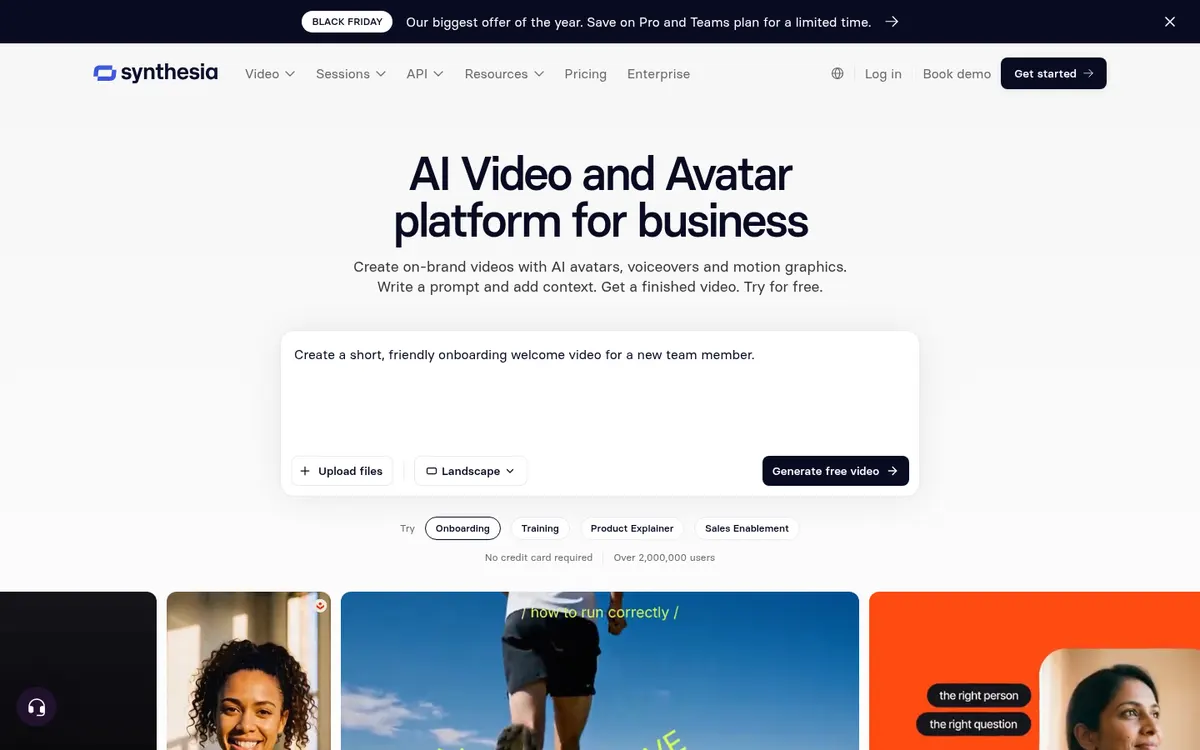
Synthesia
Best for polished presenter videos at scale
Our verdict
Governed, multilingual presenter video with roles, approvals and compliance, better suited to explainers than to raw UGC.
Synthesia is the corporate end of avatar video. Write a script, choose a presenter, and get a finished video with translation across 140-plus languages. Brand kits, roles and approvals are built in, plus SOC 2 and GDPR compliance, which is why regulated companies use it.
Interactive avatars, screen recording, API access and translation controls keep terminology consistent. Approval chains and role separation matter for teams producing dozens of localized explainers. Advertising fit is narrower: presenter output suits explainers, onboarding and demo-led spots more than raw UGC, and viewers can tell. Plans count minutes, so long videos and high-volume testing get expensive.
Starter is $18 per month billed yearly, or $29 billed monthly, and enterprise buyers should expect a sales conversation. The free Basic plan at $0 per month tests render quality. Pick it for governed, multilingual presenter video at scale, and check minute counts.
What works
- 140-plus languages with translation controls
- SOC 2 and GDPR compliance for regulated teams
- Brand kits, roles and approvals built in
What to weigh
- Minute-based plans penalize long videos
- Presenter style fits explainers more than raw UGC
- Premium pricing for the feature depth
Pick it if
You need compliant, approval-gated presenter video across many languages and markets.
Skip it if
You need raw UGC energy or a low fixed cost for dozens of short test variants.
Plate 04 of 11
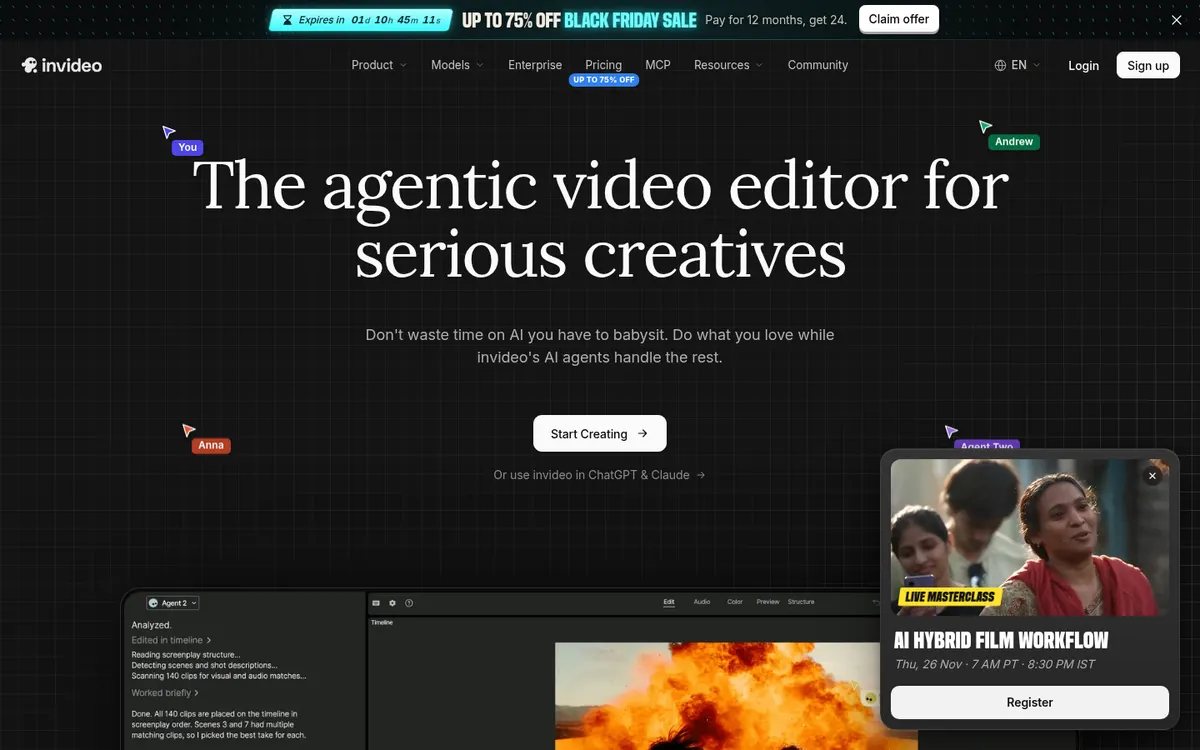
InVideo
Best for prompt-to-video with stock footage
Our verdict
Cheap prompt-to-draft editing with a real timeline, best for teams that will polish the agent's first cut.
InVideo pairs AI agents with a timeline editor. Describe the ad, and agents handle scripting, scene assembly, voiceover and a first cut; then you fix it in the timeline. A Black Friday sale was running on 25 November 2026, so we could not confirm the regular Basic price; check it on the vendor site.
Model access is the differentiator: it connects to multiple video and image models, so you pick a generator per scene instead of committing to one engine. Stock footage fills gaps. Everything runs in a browser.
Credits are the catch. Consumption varies by model, so one finished ad's cost is not knowable until you make a few, and precise edits often mean regenerating a segment. Free exports carry a watermark. It suits a small team that wants a draft in minutes and will polish in the timeline, not frame-accurate control or a fixed cost per creative. A trial in your actual formats is still needed.
What works
- Agentic drafting plus a full timeline editor
- Access to multiple video and image models
- Lowest paid entry price on this list during the sale
What to weigh
- Credit-based pricing makes per-video cost hard to predict
- Precise edits can require regenerating a segment
- Free exports carry a watermark
Pick it if
You want a cheap agent-assisted first cut and are willing to finish it on a timeline.
Skip it if
You need frame-accurate edits, watermark-free free exports, or a fixed cost per creative.
Plate 05 of 11
Pictory
Best for turning blogs and long videos into ad clips
Our verdict
A reliable repurposing engine for blogs and long recordings, with stock-heavy output that needs human curation.
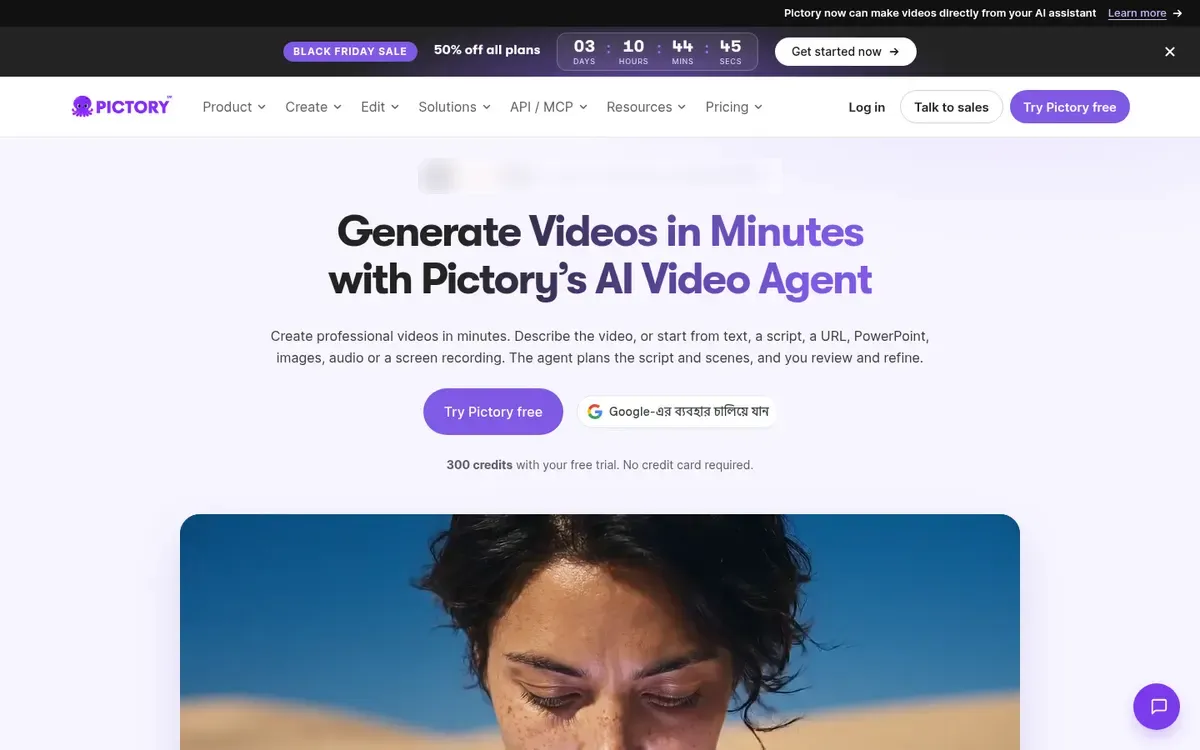
Pictory turns written and long-form material into short video. Paste a blog URL, upload a webinar or drop in a PPT, and it produces a storyboarded clip with automatic captions, AI voiceover and brand kits. For teams with posts and recordings, that beats a blank timeline.
The repurposing engine is the strength: long video to short clips is the workflow ad teams need, since a testimonial or demo already exists and only needs cutting down with captions. Script generation and text-to-video fill the rest. Brand kits keep fonts and colors consistent.
Output depends on curation: the stock-footage look shows if you accept the first assembly, and clips need human swaps. AI avatars were still rolling out. Starter is $29 per month billed annually; a Black Friday rate of $12.50 was showing on 25 November 2026. There is no free plan, only a trial. Pick it for text and long recordings.
What works
- Repurposes blogs, URLs, PPTs and existing video
- Automatic captions and realistic AI voices
- Brand kits keep a batch consistent
What to weigh
- Stock-footage look needs curation before publishing
- AI avatars were still rolling out at last check
- Video-minute limits cap heavy exporters
Pick it if
You already own blog posts and long recordings and need them cut into captioned ad clips.
Skip it if
You need a free plan, generated cinematic scenes, or deep avatar presenters today.
Plate 06 of 11
VEED
Best for browser editing, subtitles and social clips
Our verdict
The safest default for finishing real footage in a browser, with subtitles and cleanup that save hours per cut.
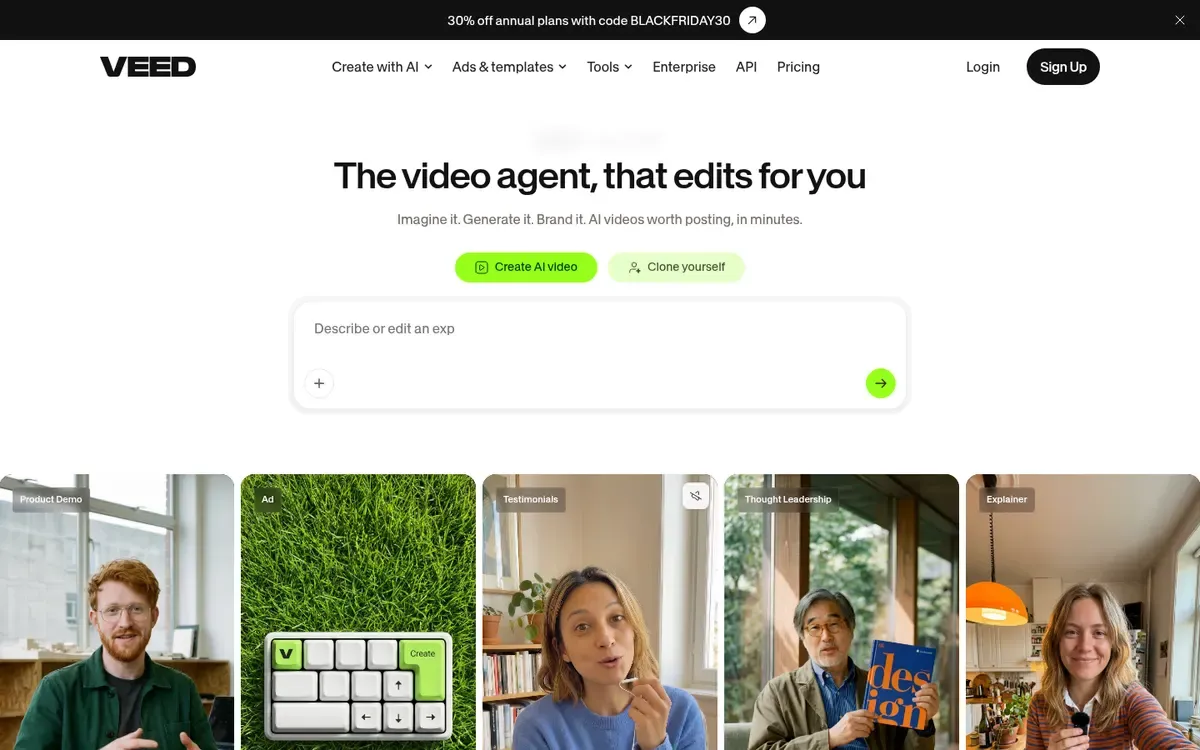
VEED is an editor with AI finishing tools, not an ad generator. Record or upload in the browser, auto-transcribe, add subtitles, translate, strip silence, clean audio and correct eye contact, then export for social. For teams whose bottleneck is polish rather than concept, that is the right shape of tool.
The subtitle and translation stack is strongest. Auto transcription drives captions accurate enough to publish with light review, translation opens new markets from one master file, and one-click cleanup removes room noise. Templates, stock media and brand kits keep social output consistent.
The limits are honest: AI generation sits behind the editing, so you cannot prompt a scene into existence. Free exports are watermarked. Long projects can strain a browser tab, and heavy multi-layer work is more comfortable in a desktop editor. Creator is $10 per user per month billed yearly, with a free plan. Pick it when your raw material is real and the job is captions, cleanup and resizing.
What works
- Strong auto-subtitles and translation
- One-click cleanup for noise and eye contact
- Low per-seat price with a free plan
What to weigh
- AI generation is secondary to editing
- Free exports are watermarked
- Long projects can strain a browser tab
Pick it if
You shoot real footage and need captions and cleanup done fast in a browser.
Skip it if
You need prompt-to-scene generation or avatar presenters without another subscription.
Plate 07 of 11
Creatify
Best for URL-to-video ad variations at volume
Our verdict
Built for volume advertisers who test many URL-derived variants and read the ROAS reporting afterward.
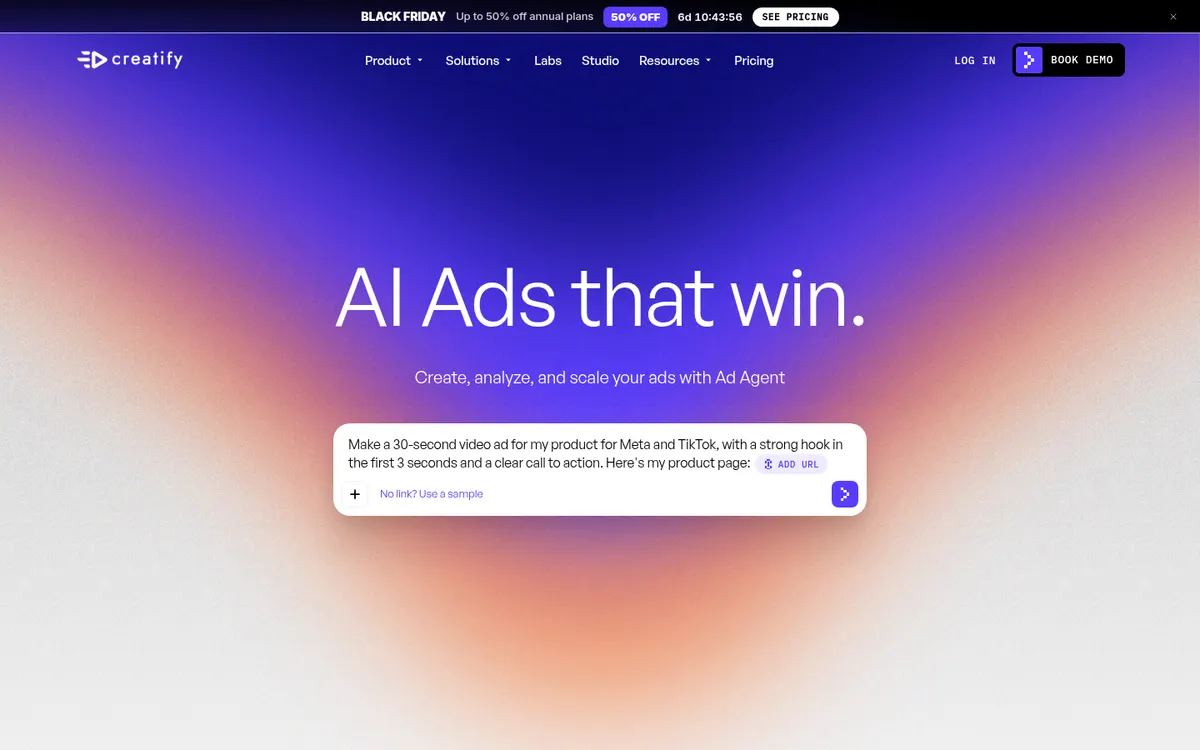
Creatify is built for one job: turn a product URL into many ad variations and find out which works. Point it at a product page and it pulls content, writes scripts, selects visuals, optionally adds AI actors, and batches variants. Competitor ad tracking and publishing integrations close the loop, and analytics link each creative to spend, ROAS and CTR.
That analytics link is why performance marketers keep it. Most generators stop at export; Creatify connects the creative to what it earned. Batch creation suits a testing calendar where ten concepts run at once and most get killed in the first week.
Cost is the weak point. Credit math is confusing, plan prices shifted during 2026, and a time-limited sale was running on 25 November 2026, so no regular price could be confirmed. UGC realism varies by actor and script, so a batch will contain misses. Pick it if you are a performance advertiser who needs variants and reads reporting. Budget a test batch first.
What works
- Turns product pages into multiple ad variants
- Analytics tie creatives to spend, ROAS and CTR
- Batch creation and competitor ad tracking
What to weigh
- Credit math is confusing and prices shifted in 2026
- UGC realism varies by actor and script
- Regular price could not be confirmed during the sale
Pick it if
You run a high-volume creative testing calendar from product pages and need ROAS reporting.
Skip it if
You make a handful of hero videos a year or need a fixed cost per creative.
Plate 08 of 11
Kapwing
Best for collaborative team editing
Our verdict
Collaboration first: review links, real-time editing and fast resizing, with AI helping rather than generating the ad.
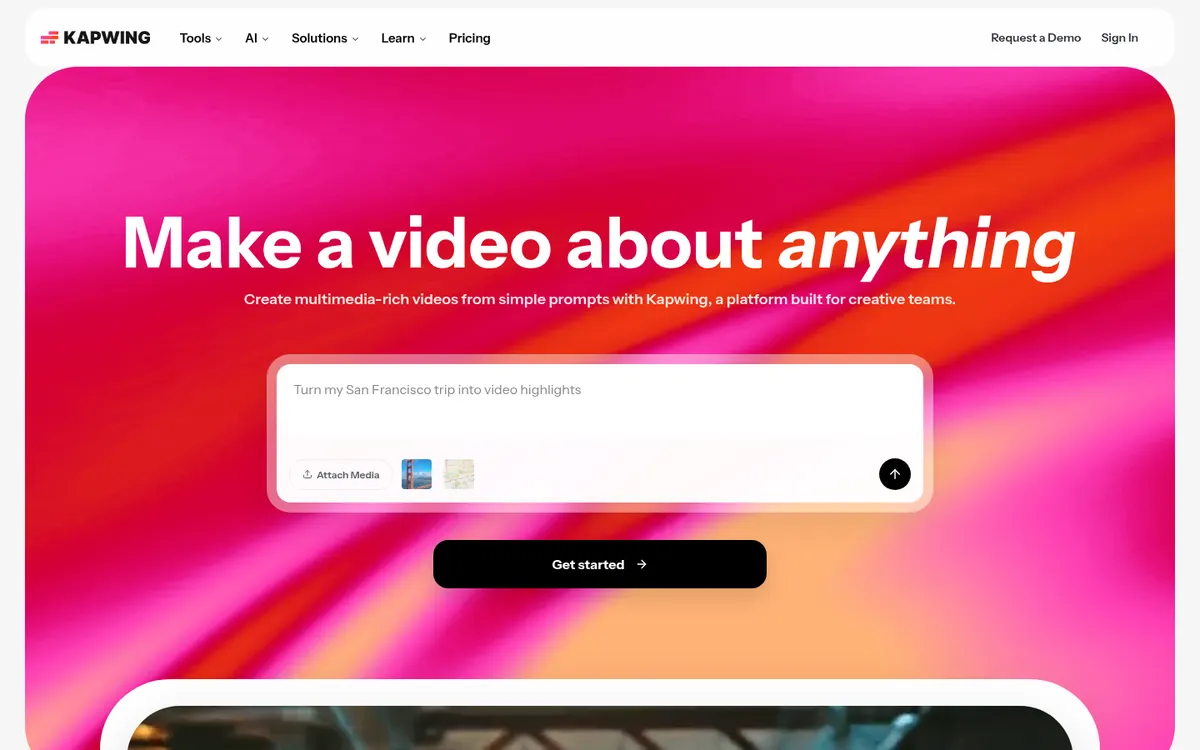
Kapwing is a browser timeline editor built for teams, with AI handling chores. Real-time collaboration lets several people work in one project, review links replace emailed project files, and the template library covers the social formats ad teams ship weekly. Prompt-to-first-draft, subtitle generation, audio cleanup and resize for placements sit on top.
The collaboration model is the differentiator: a media buyer, a designer and a legal reviewer can all touch the same cut without version confusion. Resizing for placements is a single action rather than a rebuild, which is what paid social variants require.
AI assists editing rather than generating ads. Advanced AI tools sit behind higher tiers, so the entry price buys the editor and basics. Free plan exports carry watermarks, and the free allowance is 10 credits. There is no free trial. Pro is $16 per month billed annually, reflecting 33 percent saving on the monthly rate. Pick it for coordination: multiple people, many placements, email review loops.
What works
- Real-time collaboration and review links
- Large template library for social formats
- Single-action resize for placements
What to weigh
- AI assists editing rather than generating ads
- Free plan exports carry watermarks
- No free trial, and advanced AI sits on higher tiers
Pick it if
Several people need to edit, review and resize the same ad project in a browser.
Skip it if
You need prompt-to-ad generation or a free trial before committing.
Plate 09 of 11
Descript
Best for editing video by editing text
Our verdict
Transcript editing turns interviews and demos into ads quickly, but it needs recorded footage to work on.
Descript edits video by editing text. It transcribes your footage, you delete words in the transcript, and the video cuts with them. Studio Sound cleans audio, Underlord runs rough cuts and cleanup, and captioned clips export to social. For interview, testimonial and demo footage, that reverses the usual editing cost.
The transcript model is faster for talking footage: finding a usable fifteen seconds inside a forty-minute customer call takes minutes rather than a scrub session. Underlord handles the first pass. Generative video, voices and images fill gaps where a cutaway is missing.
It is not an ad generator. Output depends on recorded material, and voice cloning covers one language well rather than a full localization set. Editors raised on timelines face a learning curve. Hobbyist is $16 per person per month billed annually, or $24 monthly. The free plan needs no credit card. Pick it when your ad creative comes from real people talking.
What works
- Edit footage by editing its transcript
- Underlord agent handles rough cuts and cleanup
- Free plan with no credit card required
What to weigh
- Built for recorded footage, not AI generation
- Voice cloning covers one language well
- Timeline users face a learning curve
Pick it if
Your ad creative comes from interviews, testimonials or demos and you want to cut by editing text.
Skip it if
You need generated scenes or multilingual voice variants across many markets.
Plate 10 of 11
Lumen5
Best for repurposing written content into video

Our verdict
A long-refined blog-to-video pipeline with strong brand controls, held back by template-driven output and thin avatar depth.
Lumen5 has converted articles into video since 2017, and the workflow shows the age. Paste a link, and it storyboards the piece into scenes with stock footage, text overlays and music, applying brand kits for colors, fonts and logos. AI presenter options exist but not the reason to buy.
The blog-to-video path is refined: it handles long articles, picks sentences worth putting on screen, and produces something publishable with light editing. Brand controls keep a content pipeline consistent across dozens of posts, and enterprise plans add custom templates plus a creative services team.
The look is template driven. Output can feel generic when it runs unedited, and AI presenter depth is thinner than dedicated avatar tools. Pricing transparency favors enterprise buyers: the interesting controls sit behind a sales conversation. Basic is $19 per month billed yearly, with a free plan at $0 forever. Pick it when your raw material is written content and you need volume across a content calendar, not a single hero ad.
What works
- Refined blog-to-video workflow running since 2017
- Strong brand controls plus human creative services on enterprise plans
- Free plan at $0 forever
What to weigh
- Template-driven output can feel generic
- Limited AI presenter and avatar depth
- Pricing transparency favors enterprise buyers
Pick it if
You publish written content and need consistent video volume with brand controls.
Skip it if
You need cinematic generation, deep avatar work, or ad platform reporting links.
Plate 11 of 11
Runway
Best for cinematic AI-generated footage
Our verdict
The strongest pure footage generator here, and the least complete ad tool, since finishing happens elsewhere.
Runway is a generation engine, not an ad tool. Text-to-video and image-to-video produce cinematic clips with motion and style controls. If a concept needs a shot that could not be filmed, this is where it comes from.
The control surface is the strength: motion and style settings let you steer a clip rather than accept a lottery result, and image-to-video lets a designed frame or product plate drive the movement. Output at its best is highest for pure footage, which is why it appears inside ad workflows it does not own.
Everything around the clip is missing: no ad templates, brand kit, product catalog, placement resizing or reporting. Credit costs climb for longer clips, and finishing an ad requires an editor like VEED, Kapwing or Descript. Standard is $12 per month billed yearly versus $15 monthly, with a free tier of 125 one-time credits. Pick it when the idea needs a shot that does not exist and you have an editor to finish the job.
What works
- Advanced text and image-to-video generation
- Professional motion and style controls
- Free tier with 125 one-time credits
What to weigh
- No ad templates, brand kit or placement resizing
- Credit costs climb for longer clips
- Requires an editor and real skill to finish an ad
Pick it if
Your concept needs a cinematic shot that cannot be filmed and you already have an editor lined up.
Skip it if
You need a finished, sized ad with captions and avatars from one tool.
What Does AI Video Ad Editing Software Actually Do?
AI video ad editing software covers three different jobs sold under one label. The first is generation: a model produces footage, avatars or voice from a prompt, an image or a product page. The second is assembly: an agent or a template stitches scenes, captions and music into a cut. The third is finishing: cleanup, subtitles, resizing and review before the file ships to a platform. Very few products do all three well, which is why this list mixes generators, editors and repurposing tools.
The category splits roughly into four shapes:
- Prompt-to-ad generators that take a product URL or brief and return variants, often with AI actors.
- Avatar platforms that turn a script into a presenter video with lip sync and translation.
- Browser editors that treat AI as a finishing layer for real footage: captions, noise removal, eye contact.
- Clip engines that generate raw cinematic footage and leave assembly to you.
Knowing which shape you need is most of the buying decision. A performance team testing twenty concepts a week needs batch output and reporting. A brand team making one film a quarter needs footage quality and a clean finish, not a variant factory. A content team with a decade of blog posts needs a repurposing pipeline.
Two technical facts cut across all four shapes. First, output is credit metered almost everywhere, so the price of one finished ad depends on how many takes you discard. Second, aspect ratio coverage varies: Higgsfield's Ads Studio lists 1:1, 4:5 and 9:16 without 16:9, while Kapwing resizes for placements. Check the ratio list before you commit, because a missing 16:9 means a separate step for YouTube and connected TV.
Finally, these tools edit and generate; they do not replace judgment. The best results come from teams that shoot or source a real product plate, generate around it, and keep a human editor for the last pass. Software shortens the path to a draft, not the path to a decision.
This guide sits in the Advertising collection. Buyers weighing nearby tools often read the guides to RPC providers for blockchain apps and email finder tools for sales teams next.
How Pricing Works Across AI Video Ad Tools
Pricing in this category is less about the sticker than about what one finished ad costs. Almost every generator meters output by credits or minutes, so a $9 plan and a $29 plan can produce the same bill once you account for discarded takes. Editors that charge per seat look cheaper on paper and are, provided your team shoots real footage rather than generating it.
These are the billing shapes you will meet, with examples from this list. All figures were read from vendor pricing pages on 25 November 2026.
| Model | How it bills | Typical fit | Example from this list |
|---|---|---|---|
| Credit metered | Credits consumed per generation, varying by model | Teams testing many variants who can absorb variable cost | Higgsfield (sale pricing on our check date; see website) |
| Per seat | Flat monthly rate per user, sometimes with caps | Teams where several people touch one project | VEED Creator at $10/user/mo billed yearly; Kapwing Pro at $16/mo billed annually |
| Per minute | Allowance counted in video minutes rendered | Scripted, planned output rather than heavy iteration | Synthesia Starter at $18/mo billed yearly |
| Annual versus monthly | Yearly commitment lowers the monthly rate | Buyers who can commit for twelve months | Descript Hobbyist $16 annual or $24 monthly; Runway Standard $12 yearly versus $15 monthly |
| Promotional | Sale rate live on a date, regular price higher | Buyers who move fast and verify the renewal rate | Pictory showed $12.50 on 25 Nov 2026 against $29 regular |
| Quote or site only | Price published on the vendor site or via sales | Enterprise compliance, custom templates | Creatify listed pricing on its site after 2026 plan changes |
Two habits protect a budget. Compare the renewal rate rather than the promotional headline, and price one real campaign on the plan you are considering before you buy a year. Pictory has no free plan, so its free trial is the only evaluation window. Kapwing has no free trial, so its free plan with 10 credits is the only look you get.
Every price in this guide was read on the vendor's own pricing page on November 25, 2026. Where a vendor does not publish a figure we could confirm, the card says "See website" rather than a guess. For the arithmetic around this purchase, try the free Ad aspect ratio calculator.
A Short Path From Brief to Shortlist
Name the raw material. Decide whether you are starting from a written brief, a product page, recorded footage or nothing at all. That single answer removes most of the list before you compare a feature table.
Check the aspect ratios you ship. Write down every placement you buy. If 16:9 is on the list for YouTube or connected TV, confirm the tool exports it, because Higgsfield's Ads Studio pack lists only 1:1, 4:5 and 9:16.
Price one real ad, not one month. Take a recent creative you ran, count the variants and takes, and work out what that would cost on each plan. Credit metered tools such as Higgsfield, InVideo and Creatify need this before anything else.
Test the output at phone size. Render thirty seconds of your actual product and watch it on a phone, then on a desktop. Avatar close-ups and template output both fail one of those two screens, and you want to know which before you commit.
Decide who finishes the file. If nobody on the team edits, pair a generator with an editor on day one. Runway produces clips, Descript and VEED finish them, and pretending one tool does both wastes a subscription.
Confirm rights and disclosure. Read the vendor terms on commercial use of avatars, voices and stock media, and check current ad platform policy on AI content. Neither is a feature comparison, and both can stop a campaign.
Five Mistakes That Waste Real Budget
Buying on the promotional rate. Pictory showed $12.50 on 25 November 2026 against a $29 regular rate. Plan on the renewal price, because the sale ends and the subscription does not.
Assuming the free tier proves quality. Free exports on InVideo, VEED and Kapwing are watermarked, and watermarks change how a viewer reads the edit. Judge quality on a paid export before you sign a year.
Ignoring credit burn per take. Credit metered tools charge for the takes you discard, not the one you keep. A model that needs six attempts costs six times the plan table, and that gap decides the tier.
Skipping the aspect ratio check. A missing 16:9 adds a manual step to every YouTube or connected TV deliverable. Check the export list before the feature list, since resizing later rarely looks clean.
Expecting one tool to generate and finish. Runway generates clips without templates or resizing; VEED finishes footage without generation. Budget two subscriptions, or pick a platform such as Higgsfield that covers more of the chain.
Best AI Powered Video Ad Editing Software 2026: questions
Can AI generated video ads match filmed ads?
For short product and social spots, yes, close enough for most paid social placements. Generated footage holds up at phone size and in feed, and the gaps show in long takes, complex human motion, and desktop close-ups of faces. Avatar tools in particular can look slightly artificial up close. Shoot the product plate when the product itself is the hero, and generate around it.
Do I own commercial rights to AI avatars, voices and stock footage?
Rights depend on the vendor's terms and your plan tier, so read the contract rather than the marketing page. Avatar and voice cloning usually carry consent requirements for the person depicted, and stock media licenses differ between libraries. Some vendors restrict resale or redistribution. Confirm commercial use in writing for the specific assets you plan to run in paid media.
Do ad platforms require me to disclose AI content?
Policies vary by platform, market and creative type, and they change. Some require labels on realistic synthetic media depicting people, others require disclosure in specific placements only. Check the current ad policy for each network before launch rather than relying on a summary. Build disclosure into your review step so it is not a last-minute scramble.
Can I mix real product footage with AI generated elements?
Yes, and it is the most reliable approach. Shoot the product cleanly, then use generation for backgrounds, motion, extra scenes and sizing. Higgsfield's motion transfer and element swapping exist for exactly this, and editors such as VEED or Descript can cut generated plates against real footage. The result keeps product truth while gaining scenes you could not afford to film.
How many ad variations should I test per concept?
Enough to separate the hook from the visual, which is usually a small set of variants per concept rather than a large batch. Change one element at a time: the opening frame, the claim, the presenter. Tools such as Creatify batch this cheaply, but the discipline matters more than the volume. Kill losers fast and keep the winning structure for the next concept round.
When do I still need a human editor?
Whenever the deliverable has to be right. AI handles first cuts, captions, cleanup and resizing, but pacing, sound balance and the final three seconds still separate a decent ad from a forgettable one. Generators such as Runway produce clips with no assembly layer. Budget an editor's time per campaign even when the footage came from a prompt.