
Contents of this guide
The shortlist
Our top 3 for operations buyers

Tekmetric
Real-time shop reporting
- Best for
- Multi-bay shops tracking operations in real time
- Features
- 4 noted: Unlimited repair orders, Digital inspections, Real-time reporting, Per-shop pricing

Shopmonkey
Polished daily workflow
- Best for
- Shops that want a polished all-in-one workflow
- Features
- 4 noted: Unified dashboard, Built-in payments, Customer texting, QuickBooks Online

AutoLeap
Marketing inside the workflow
- Best for
- Growth-minded shops wanting CRM and marketing built in
- Features
- 4 noted: Built-in CRM, Review automation, Tech mobile app, Unlimited invoices
Disclosure for this guide. Wrench Node is a paid Featured listing in this guide and is labelled wherever it appears. The other 9 tools are unpaid editorial picks, and no vendor saw this guide before it was published. The position of a paid listing can be part of what the vendor pays for. Paid and unpaid tools are scored on the same rubric and keep their cons. Details are in the advertising disclosure.
The ledger
Index of every tool
| Tool | Free plan | Trial | Rubric | Compare | ||
|---|---|---|---|---|---|---|
| 01 | TekmetricMulti-bay shops tracking operations in real time | Start $199/month monthly, $179/month billed annuallyChecked Nov 25, 2026 | No | Demo only | ||
| 02 | ShopmonkeyShops that want a polished all-in-one workflow | Basic $215/month billed annuallyChecked Nov 25, 2026 | No | No | ||
| 03 | AutoLeapGrowth-minded shops wanting CRM and marketing built in | Essentials $179/month billed annuallyChecked Nov 25, 2026 | No | No | ||
| 04 |  Wrench NodeFeaturedSmall independent shops wanting AI-driven software at a low flat price | Pro $79/month monthly, rises to $149/month January 1 2027Checked Nov 25, 2026 | No | 14-day free trial | ||
| 05 | Shop-WareHigh-volume shops that rely on digital inspections | See websiteNot published | No | No | ||
| 06 |  Mitchell 1 Manager SEEstablished shops tied to Mitchell 1 repair data | See websiteNot published | No | No | ||
| 07 |  ARIBudget-conscious shops and mobile mechanics | See websiteNot published | No | Free trial, no card required | ||
| 08 |  AutoFluentShops that need inventory and accounting depth | See websiteNot published | No | Free trial | ||
| 09 | MaxxTraxxShops wanting a veteran desktop-plus-cloud option | See websiteNot published | Yes, free version available | Free trial | ||
| 10 | ALLDATAShops buying OEM repair and diagnostic information | See websiteNot published | No | No |
Prices are the lowest paid plan the vendor shows, read on November 25, 2026. Sort by price ranks published monthly figures; tools without one go last. Pin up to three tools to compare them side by side.
How this guide was put together
We scored every tool here against the same five criteria. The order reflects editorial judgment about which buyer each entry fits, plus the disclosed Featured position. It does not come from a weighted total.
Core workflow carries 25 percent because a shop lives inside repair orders, estimates and scheduling every day. Pricing clarity carries 20 percent: can a shop find a real number without a sales call, is billing per shop or per user, and how do add-ons change the annual figure. Inspections and communication carries 20 percent, covering photo and video inspections, digital approvals and texting. Integrations carries 20 percent, weighted toward QuickBooks, parts catalogs and repair data. Implementation fit carries 15 percent, covering setup effort, onboarding, contract terms and time to productivity.
Prices, plan names, trial terms and contract structures come from vendor pricing pages checked on November 25, 2026. Where a page did not return a price list, we say pricing is on the vendor site and we do not invent a number.
Wrench Node holds the Featured position, which is a paid placement. It was scored with the same rubric as every other entry, and its cons are listed as plainly. Its flat $79 per shop and 14-day trial earn its pricing score; a short track record holds back its implementation score.
We did not run this software in a live shop. The judgment rests on published feature sets, published pricing and the operational details that usually decide whether a shop management switch succeeds.
The full process, including how we handle corrections, is on the methodology page. Paid listings follow the advertising disclosure.
Rubric and weights
Every tool below is scored from 1 to 10 on these five criteria. The scores describe each tool; the order is an editorial call on fit for the buyer each card describes, plus the disclosed Featured position.
- 25%Core workflowHow completely the system handles scheduling, estimates, repair orders, parts and invoicing in daily use.
- 20%Pricing clarityWhether a shop can find a real number without a sales call, and how billing per shop or per user changes the annual total.
- 20%Inspections and commsPhoto and video inspections, digital approvals, texting and payment links that keep the customer answering.
- 20%IntegrationsQuickBooks, parts catalogs, labor guides and OEM repair data, weighted by how often a shop actually relies on them.
- 15%Implementation fitSetup effort, onboarding help, contract terms and how fast a small team becomes productive.
Plate 01 of 10
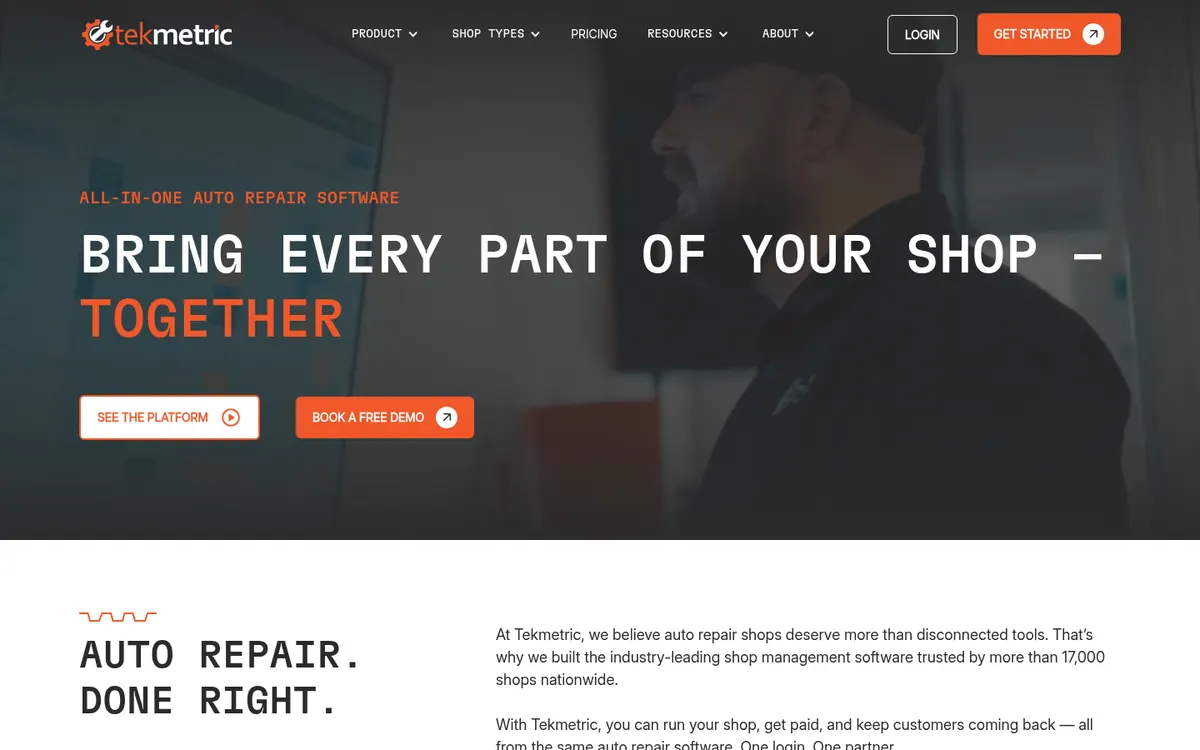
Tekmetric
Best for multi-bay shops tracking operations in real time
Our verdict
The strongest real-time operations platform here for multi-bay shops that pay per location and want unlimited users.
Tekmetric leads because real-time operations are the product. Every plan includes unlimited users and repair orders, so a six-tech, two-writer shop pays the same as a three-person shop. Digital inspections sit in the core workflow, reporting runs in real time, and two-way texting and time clock come on higher tiers.
Pricing is per shop, not per user. Start is $199 monthly or $179 annually, Grow is $349, Scale is $439, where labor guides, time clock and two-way texting arrive. Marketing is separate at $345 per shop per month; multi-shop analytics and Tire Suite are quoted.
There is no free trial, only a demo. Labor guide coverage has gaps. Marketing costs more than the entry plan, so add it only if you will run campaigns there. Tekmetric fits a multi-bay shop wanting real-time visibility and per-shop pricing. It is weaker for a one-person operation that will not use reporting, or a shop that insists on a trial before an annual term.
What works
- Unlimited users and repair orders on the entry plan
- Deep real-time reporting and multi-shop analytics
- Digital inspections included in the core workflow
What to weigh
- No free trial, demos only
- Marketing module costs $345 per shop monthly
- Labor guide coverage has gaps for some shops
Pick it if
You run multiple bays or locations and want live operations data without paying per user.
Skip it if
You need a free trial, or if your work depends on labor guide coverage Tekmetric does not carry well.
Plate 02 of 10
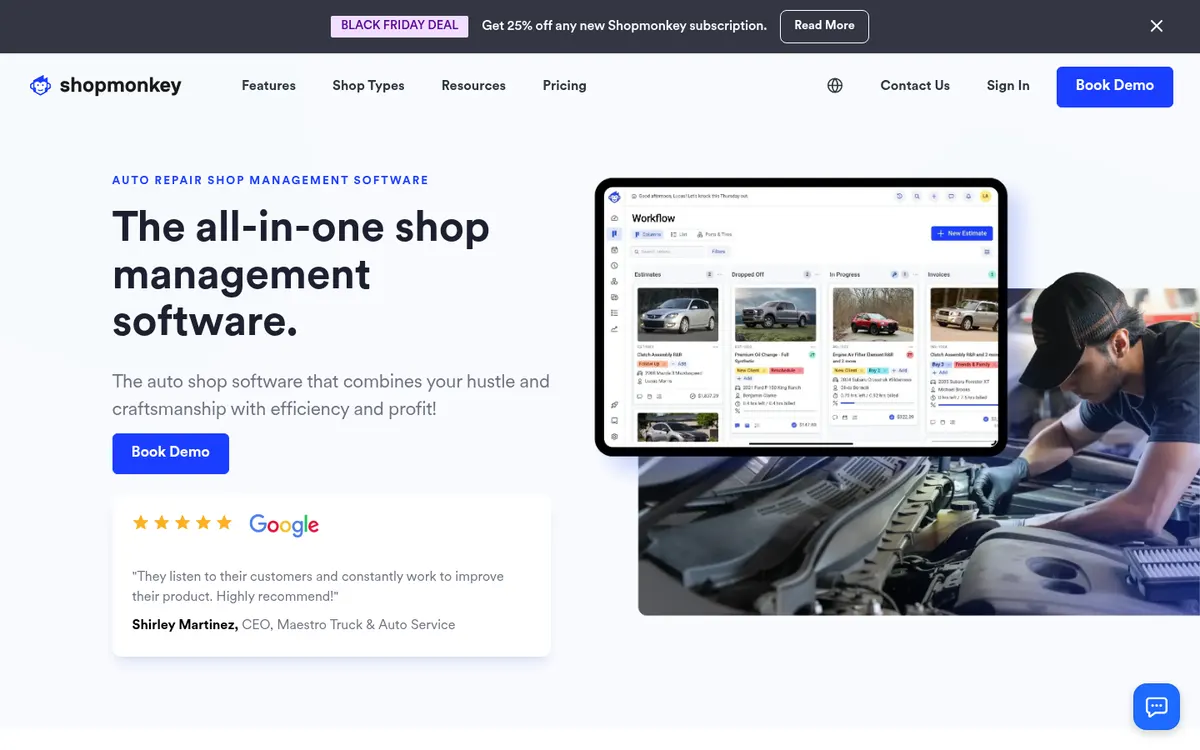
Shopmonkey
Best for shops that want a polished all-in-one workflow
Our verdict
The most polished all-in-one daily workflow on this list, though bundled user tiers and no trial raise the commitment.
Shopmonkey is the most complete single screen: estimates, appointments, repair orders, parts ordering, texting and card payments in one dashboard, plus clean QuickBooks Online sync. If your stack is a whiteboard, a texting app and a standalone card terminal, the appeal is one login and one customer record.
Pricing is tiered by user count as much as features. Basic is $239 a month for 3 users, Clever $399 for 4, Genius $499 for 5; annual billing lowers those to $215, $359 and $449. The vendor page leads with $215 annual, shows $239 monthly, and offers up to 10 percent off yearly. There is no free trial.
User caps matter: a fourth tech can force an upgrade, not per-seat charge, so model headcount eighteen months out. Annual billing is default, and cancellation terms need a read. CRM Essentials and bookkeeping are add-ons. Shopmonkey suits a shop that wants a polished all-in-one; it is poor for seasonal hiring and for anyone who insists on a free trial.
What works
- Polished all-in-one daily workflow
- Clean QuickBooks Online integration
- Messaging and payments in one dashboard
What to weigh
- User licenses bundled by tier, so hiring can force upgrades
- No free trial offered
- CRM and bookkeeping add-ons stack costs
Pick it if
You want one modern dashboard for estimates, texting, parts and payments and your team size is stable.
Skip it if
You hire often enough that user caps become a recurring upgrade problem, or you need a trial first.
Plate 03 of 10
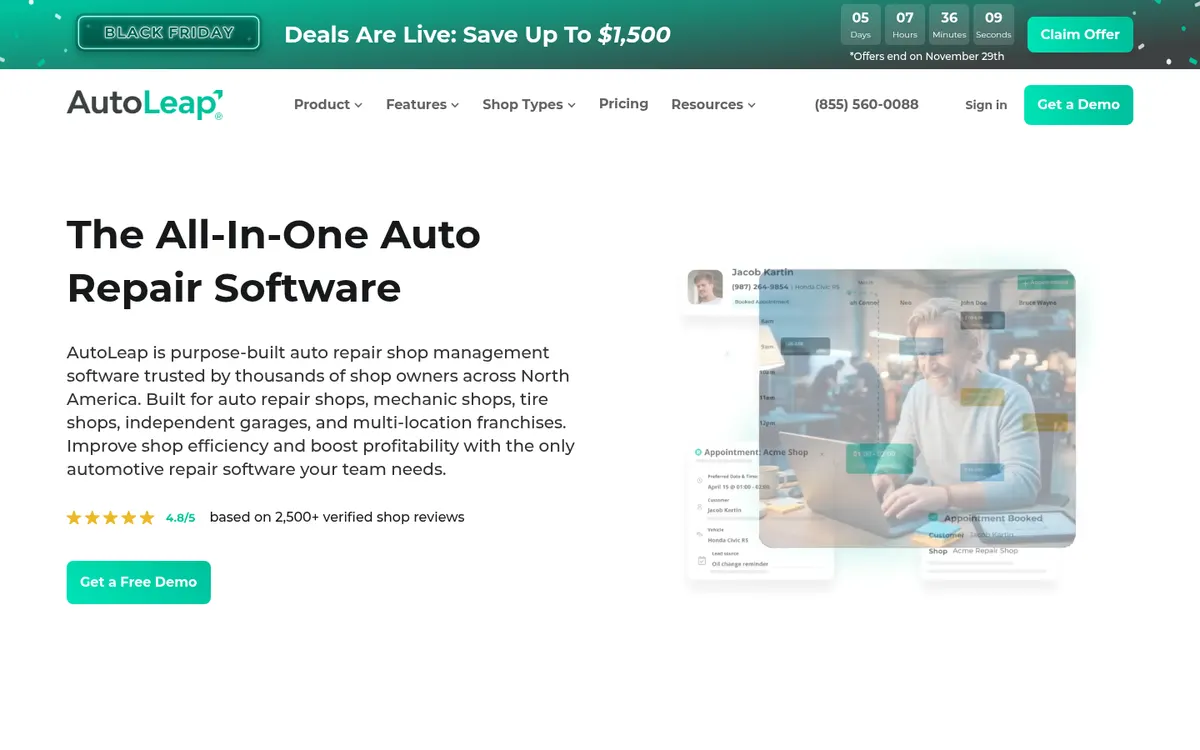
AutoLeap
Best for growth-minded shops wanting CRM and marketing built in
Our verdict
A CRM-led platform for shops that will work review requests and reminders weekly, sold on annual terms without a trial.
AutoLeap is built around bringing customers back, not just recording them. Automated review requests, CRM, reminders and two-way texting sit in the system that writes the estimate, so a declined recommendation can become a follow-up. Technician mobile access keeps parts requests and job status moving without a counter walk.
Essentials is $199 monthly or $179 annual, Pro $349 monthly or $309 annual, Elite $449 monthly or $409 annual. Every plan includes unlimited repair orders, invoices and onboarding support. Two-way texting and Google Reviews start at Pro, so features most shops buy it for are not on entry. AIR is separate at $99 a month.
Friction is contractual: no free trial, annual contracts, early termination is not smooth. Marketing features split across tiers, so ask what review and reminder features your tier includes. AutoLeap fits a growth-minded independent shop that will use CRM and review automation weekly and can commit to a year. Skip it if you need to trial in your bays or plans change.
What works
- CRM and marketing automation in the same system
- Unlimited repair orders and invoices on all plans
- Onboarding support included
What to weigh
- No free trial
- Annual contracts typical, with early termination friction
- AIR AI costs an extra $99 a month
Pick it if
Customer follow-up and review generation are the growth levers you will actually work every week.
Skip it if
You cannot commit to an annual term or need texting and review tools on the cheapest plan.
Plate 04 of 10 / Featured
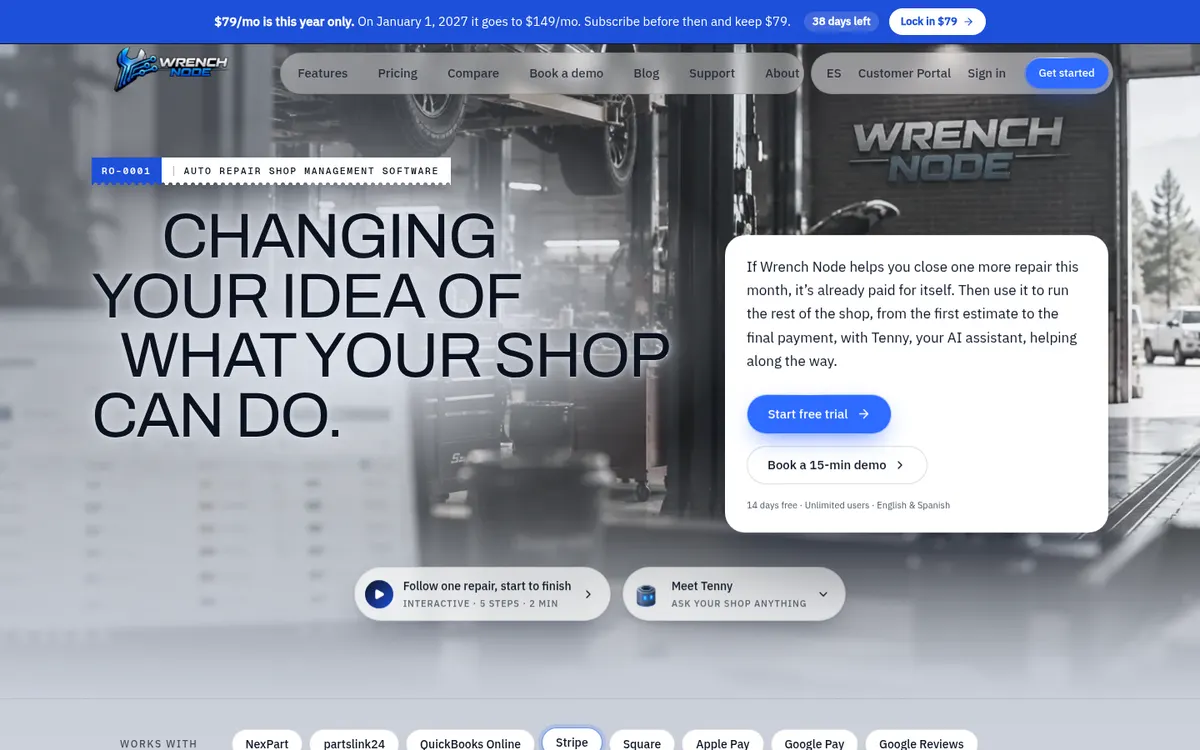
Wrench Node
Best for small independent shops wanting AI-driven software at a low flat price
Our verdict
A flat $79 per shop with AI on the front desk and a real trial, from a young vendor with labor guides still pending.
Wrench Node takes the opposite approach: one flat price, not a tier ladder. Pro is $79 a month with unlimited users and no contract; the vendor lists a 14-day free trial, though signup asks for a card. A scheduled increase to $149 a month takes effect January 1, 2027, so your rate changes.
Features lean on AI. Digital inspections support voice dictation, so a tech talks through a vehicle. Text-to-pay covers Apple Pay, Cash App and financing. The AI receptionist picks up missed calls, and Tenny answers past-repair questions from shop history. Declined items get automatic follow-up, and QuickBooks Online sync and NexPart ordering handle accounting and parts.
Limits: it is newer with a smaller install base. Mitchell1 labor times and ordering from your own supplier accounts sit in a coming-soon $129 Premium tier. This Featured entry is paid placement. Pick it for a small independent shop wanting AI front-desk help and a trial; skip it if supplier-account ordering or mature labor times are non-negotiable.
What works
- Flat $79 per month for the whole shop with unlimited users
- No contract and a 14-day free trial
- AI covers inspections, missed calls and past repairs
What to weigh
- Newer company with a smaller install base
- Labor times and supplier ordering sit in a coming-soon tier
- Free trial signup asks for a card
Pick it if
You want a low flat price, AI help at the front desk and a trial you can run before committing.
Skip it if
You need mature labor times and ordering from your own supplier accounts on day one.
Plate 05 of 10
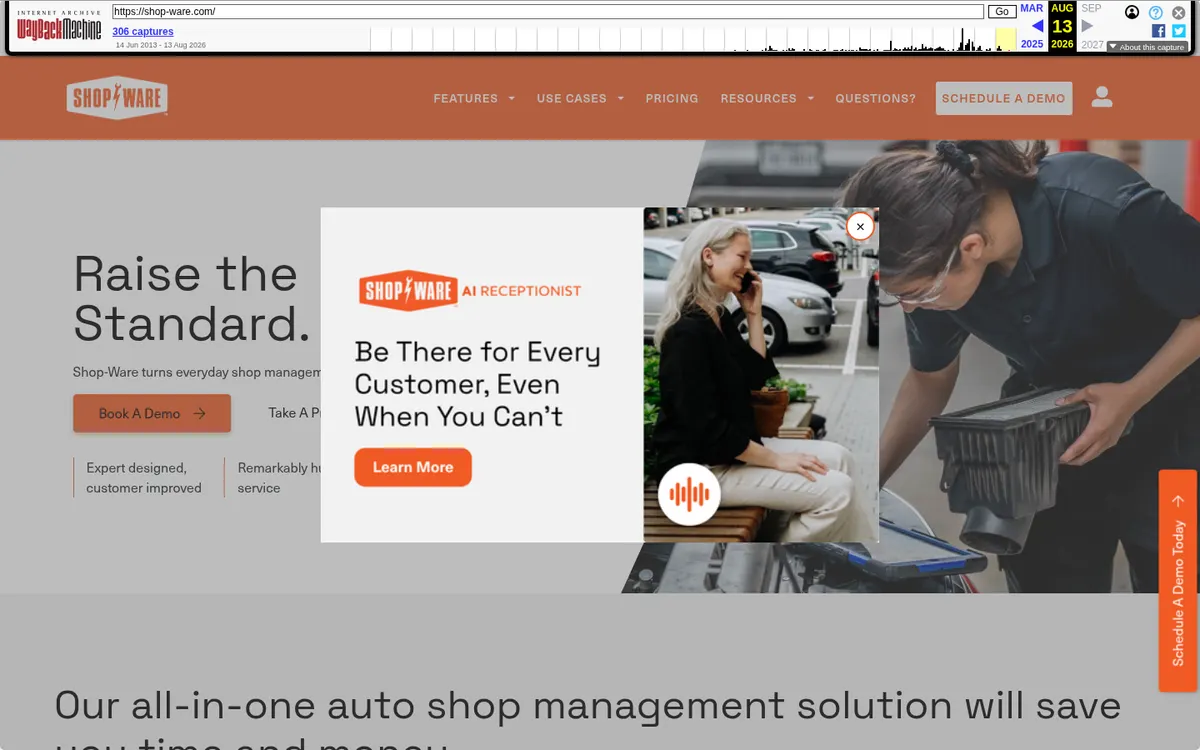
Shop-Ware
Best for high-volume shops that rely on digital inspections
Our verdict
The inspection experience to beat, with CRM and online booking sold as a paid add-on and pricing you confirm with the vendor.
Shop-Ware is the inspection specialist. Photo and video inspections, customer-facing approval pages and a workflow board are the center of the product. The result is the smoothest approval conversation here: a customer watches a clip, taps approve, and the job moves. Unlimited users are on every plan.
Pricing is on the vendor site, but the page we checked returned a discussion rather than a plan list, so confirm figures. Plan names run from Startup through Pro, Master and Ultimate+, and the CRM and online scheduler package is quoted as an add-on. The Business Analytics Suite appears on higher tiers.
The surprise is time: onboarding requires substantial setup, and inspection templates need hand-building before they match your shop. Budget weeks of an owner or manager's attention, plus the CRM add-on for follow-up and online booking. Shop-Ware fits a high-volume shop where inspections drive the average repair order. Skip it for a cheap entry point, a free trial, or a weekend switch without inspection redesign.
What works
- Best photo and video inspection flow here
- Unlimited users on every plan
- Strong support and customer communication
What to weigh
- No published price list, so every figure comes from a quote
- CRM and online scheduling are a paid add-on
- Templates need manual building during setup
Pick it if
Inspections are the engine of your average repair order and you will invest setup time to get them right.
Skip it if
You need published pricing, a cheap start or a fast switch with no template work.
Plate 06 of 10
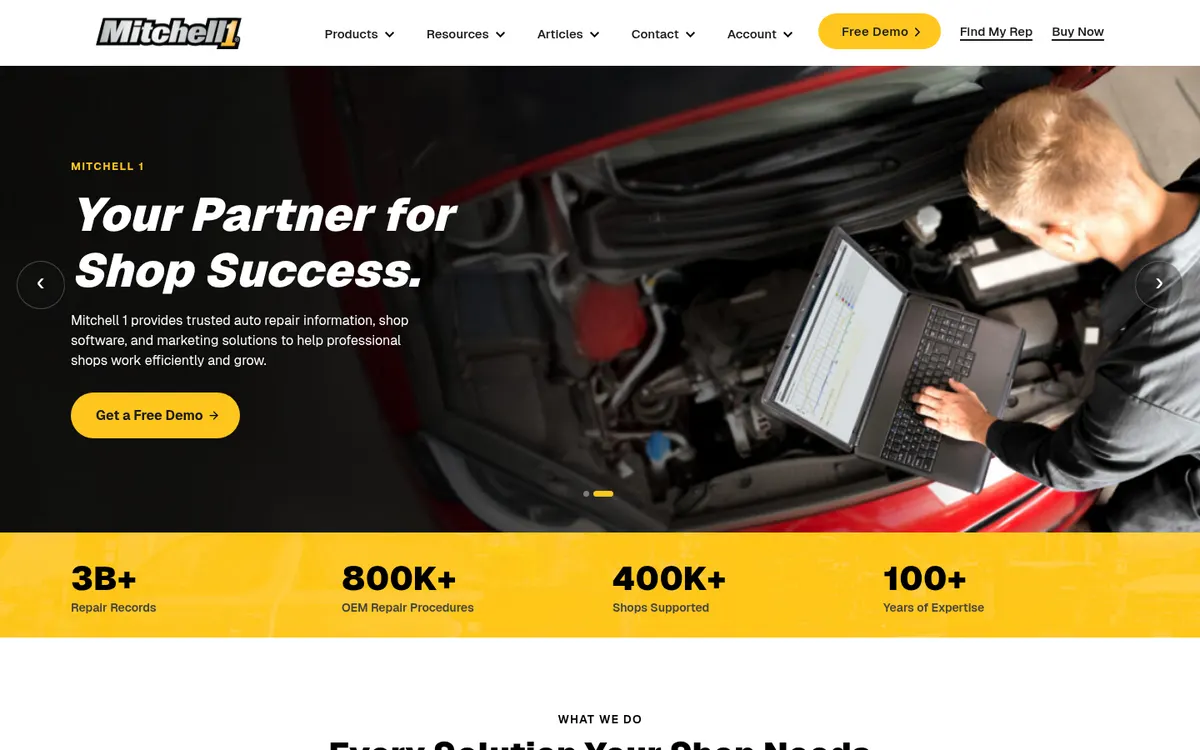
Mitchell 1 Manager SE
Best for established shops tied to Mitchell 1 repair data
Our verdict
A dependable choice for shops already inside Mitchell 1 data, with an older interface and quote-only annual pricing.
Mitchell 1 Manager SE is for a shop already inside Mitchell 1 data. ProDemand repair information, labor times and diagnostics integrate with shop management, so a technician moves from repair order to procedure without a second lookup. The workflow is long-established, and the install base is large enough that experienced help is easy to find.
Pricing is quote-only and usually annual. No public list price is published, so confirm a quote. Add-ons increase cost, so price any configuration as an annual total rather than a monthly headline.
The trade-off is age: the interface feels older than cloud-native tools, which shows in training time. Customer communication is functional, and shops expecting texting and video inspections in the base product will be disappointed. Mitchell 1 fits an established shop that already pays for Mitchell 1 data, values the integration, and has staff who know the system. Skip it for a new shop with no data subscription, if interface matters to hiring, or if you want published pricing.
What works
- Deep integration with Mitchell 1 ProDemand
- Long-established shop workflow
- Large existing user community
What to weigh
- Quote-only pricing with annual contracts
- Interface feels older than cloud-native tools
- Add-ons increase the annual cost
Pick it if
You already rely on Mitchell 1 repair data and want the management side from the same vendor.
Skip it if
You need published pricing, a modern interface or fast onboarding for new counter staff.
Plate 07 of 10
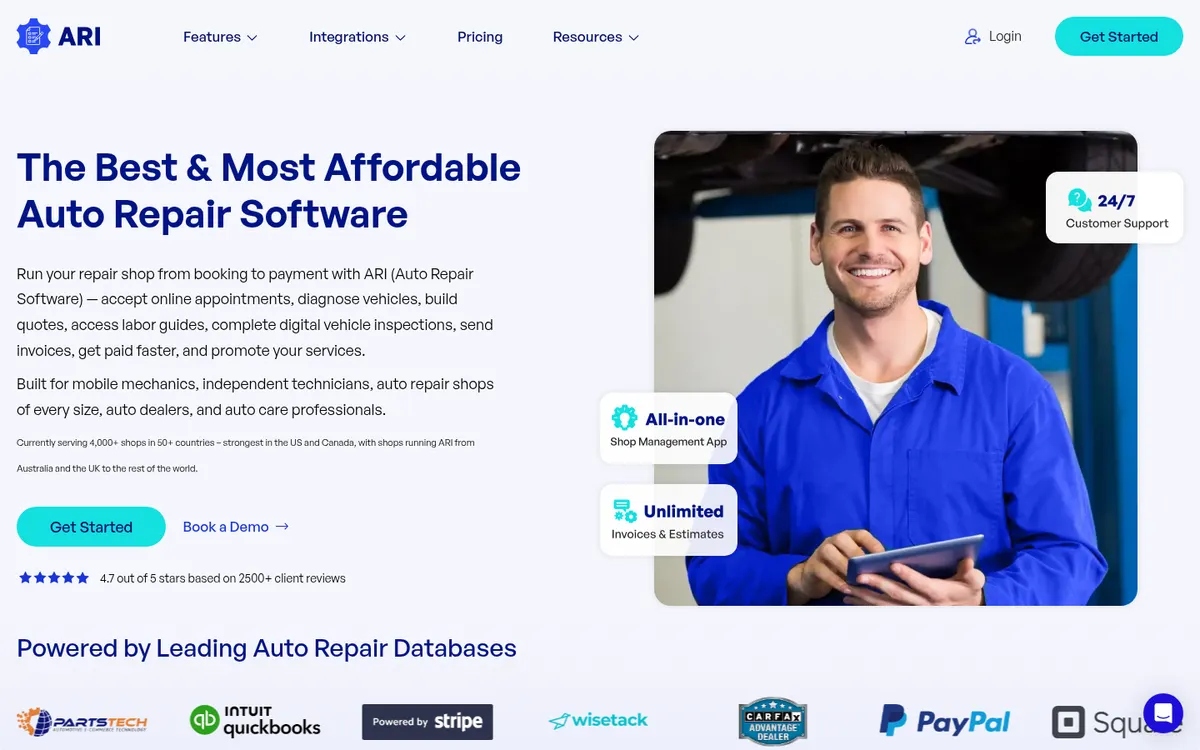
ARI
Best for budget-conscious shops and mobile mechanics
Our verdict
A lean full-workflow option with a no-card trial and a smaller integration library to match.
ARI is the budget entry, and it covers more than the price suggests. Booking, scheduling, diagnostics, inspections, invoicing, payments, a client portal and multi-user roles sit in the base product, with OBD scanner connection and AI damage detection. It runs on web, iOS, Android and Windows, which matters for mobile mechanics using a phone or tablet.
Pricing is on the vendor site, but the page we checked returned no text, so confirm figures. There are no contracts and no setup fees, and the free trial does not require a card.
The trade-off is ecosystem: the integration library is smaller, so verify any specific parts, accounting or marketing connector before you migrate. ARI is newer with a shorter track record. Setup is quick. ARI fits a one or two bay shop, a mobile mechanic, or a shop testing a full workflow for a month without a card. Skip it if you need deep parts catalog integrations, accounting connectors, or a vendor with a decade of references.
What works
- No-card trial before you commit
- Free trial with no card and no setup fees
- Runs on web, iOS, Android and Windows
What to weigh
- Smaller integration library than larger platforms
- Newer company with a shorter track record
- AI features and premium support gated to Pro Plus
Pick it if
You are a small shop or mobile mechanic who wants a full workflow at the lowest monthly cost and no contract.
Skip it if
Your parts or accounting stack depends on specific connectors that ARI does not carry.
Plate 08 of 10
AutoFluent
Best for shops that need inventory and accounting depth

Our verdict
Inventory and accounting depth for tire and multi-location shops, in a functional interface that trades polish for capability.
AutoFluent comes from TABS and is built for shops where inventory is the hard part. Barcode scanning, vendor bill management, cores and claims, and multi-location transfers are first-class features, which is why tire and wheel dealers and specialty shops end up here. QuickBooks and Sage 50 compatibility keeps accounting familiar.
Pricing is on the vendor site, but the page we checked returned no text, so confirm it. A free trial is available. AutoFluent targets single and multi-store service centers, tire and wheel dealers and specialty shops, so configuration starts with locations and inventory. Group buyers should price all locations together, not assume a per-store discount.
The interface is functional, not modern, main cost. A cloud-tool service writer will notice the gap in polish. Integrations lean toward tire and parts vendors, so marketing automation is not this system. AutoFluent fits a shop with parts inventory, multiple locations, or cores and claims in the work order. Skip it for a lean repair shop buying parts as needed.
What works
- Deep inventory and accounting features
- QuickBooks and Sage 50 compatibility
- Multi-location inventory transfers
What to weigh
- Functional interface rather than modern
- Integrations focus on tire and parts vendors
- Limited marketing automation
Pick it if
Inventory, cores and claims or multiple locations are the hardest part of your week.
Skip it if
You buy parts as needed and want the most modern interface available.
Plate 09 of 10
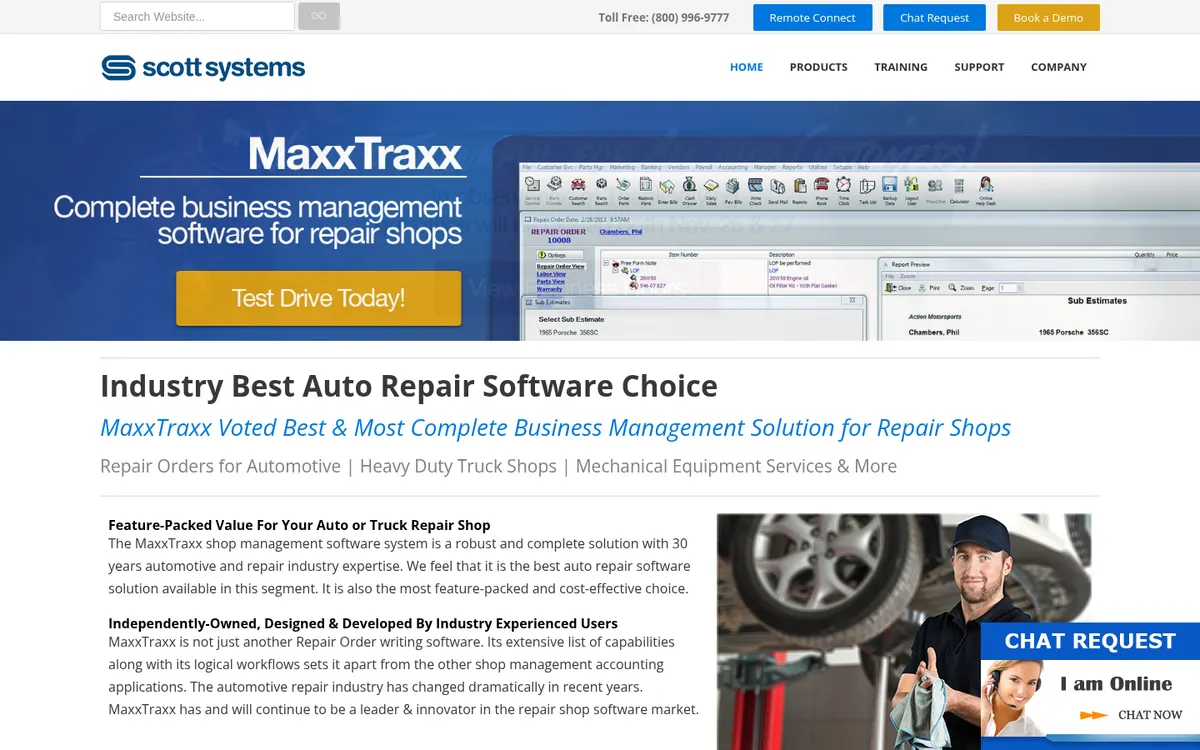
MaxxTraxx
Best for shops wanting a veteran desktop-plus-cloud option
Our verdict
A long-running desktop and cloud workflow with fleet tools and a free version, plus setup fees that shape year one.
MaxxTraxx is the veteran option, sold by Scott Systems, which has served repair shops since the 1980s. It offers desktop and cloud deployment, suiting a shop with a local install. Order writing, workflow, fleet maintenance and color-coded margin alerts cover work, and ALLDATA, QuickBooks, PartsTech and payment processor integrations fill parts and accounting gaps.
Pricing is on the vendor site, but the page we checked returned no text, so confirm figures. Setup fees apply and extra workstations carry a monthly charge. A free version and a free trial are both available.
Desktop heritage shows in the interface, and setup fees are costs a monthly headline hides. If you run three workstations on Service, the real monthly figure is the plan plus workstation charges plus one-time setup, so build the first-year total before comparing to cloud. Fleet maintenance in one system is unusual. MaxxTraxx fits a shop wanting a proven workflow, fleet maintenance, and desktop or cloud freedom. Skip it if polish matters, or you want zero setup and pure cloud.
What works
- Long-running workflow from Scott Systems
- Desktop and cloud deployment
- Free version and free trial available
What to weigh
- Desktop heritage shows in the interface
- Setup fees add a one-time cost on top of the plan
- Extra workstations carry a monthly charge
Pick it if
You want a proven shop workflow, fleet maintenance and the option to stay on desktop.
Skip it if
You want zero setup cost, pure cloud and a modern interface on day one.
Plate 10 of 10
ALLDATA
Best for shops buying OEM repair and diagnostic information
Our verdict
The OEM reference library rather than a full platform, best paired with separate workflow software in diagnostic-heavy bays.
ALLDATA is not shop management software like the rest of this list. It is the reference library: OEM repair procedures, wiring diagrams, diagnostics and technician mobile apps, what a technician opens when the answer is not in a labor guide. Many shops pair it with a separate workflow platform rather than replace one with it.
Pricing is on the vendor site, so confirm figures for ALLDATA Repair and ALLDATA Manage Online; the page we checked returned no text. Manage Online adds work orders and customer management.
Paying twice makes sense if bays handle newer vehicles, module programming or diagnostics that depend on factory procedures; repair data is not optional. The risk is overlap: Manage Online adds work orders and customer records, so a shop can pay for two systems. Older-model coverage varies and support is mixed, so ask about your makes and years. ALLDATA fits a diagnostic-heavy shop, a dealer alternative, or any shop where technicians need OEM procedures. Skip it if your work is maintenance on older vehicles and your labor guide covers it.
What works
- Reference source for OEM procedures and diagrams
- Manage Online adds shop management to the data
- Mobile apps for technicians
What to weigh
- A separate subscription for data alone
- Support quality is mixed
- Older-model coverage can vary
Pick it if
Technicians need factory procedures and wiring diagrams that a labor guide does not include.
Skip it if
Your work is routine maintenance on older vehicles and you already own a labor guide that covers it.
What is auto repair shop software, and what does it replace?
Auto repair shop software is the system that runs a repair order from the first phone call to the paid invoice. It replaces a stack most shops built by accident: a paper RO, a wall calendar, a texting app, a parts account open in another tab, a card terminal and a spreadsheet the bookkeeper keeps. Shop management software puts customer records, vehicle history, estimates, approvals, parts, labor and payment into one place.
The category splits into four jobs, and a shop usually needs three of them:
- Workflow: scheduling, estimates, repair orders, technician assignment and invoicing.
- Communication: inspections with photos and video, digital approvals, texting and payment links.
- Parts and data: parts ordering, supplier pricing, labor times and OEM repair procedures.
- Reporting: car count, average repair order, technician productivity and margin by job.
The tools on this list cover those jobs in different proportions. Tekmetric and Shopmonkey are workflow-first, and Tekmetric leans on reporting and analytics. Shop-Ware is inspection-first. AutoLeap leads with CRM and marketing. Mitchell 1 and ALLDATA are data-first, with shop management attached to a repair information business. ARI and Wrench Node compete on price and on AI assistance rather than depth of modules.
Two questions decide most purchases. First, where does the customer say yes: at the counter, on a phone, or through a link? The tool that makes that moment easiest is usually the right one. Second, who enters the data, and how many clicks does it take? A system that looks good in a demo but adds a step for every technician will be worked around within a month.
Deployment still varies. Most of this list is cloud software that runs in a browser, while MaxxTraxx offers both desktop and cloud deployment. Data ownership matters too: ask how you export customer and vehicle history, because migrating off a platform is the part nobody prices at the start.
This guide sits in the Operations collection. Buyers weighing nearby tools often read the guides to RPC providers for blockchain apps and email finder tools for sales teams next.
How does pricing work for auto repair shop software?
Core platform pricing here starts at $79 a month at Wrench Node, and the annual figure is decided by add-ons, user caps and contract length rather than the headline tier. Providers bill in a handful of patterns, and the pattern matters more than the number.
| Model | How it bills | Typical fit | Example from this list |
|---|---|---|---|
| Flat per shop | One fee per location, unlimited users | Shops with several techs | Wrench Node at $79 a month |
| Tiered per shop | Price rises with features, not headcount | Shops that grow into reporting | Tekmetric Start at $199 monthly |
| Bundled user seats | Higher tiers unlock more user licenses | Small teams that stay small | Shopmonkey Basic, 3 users, $215 monthly on annual billing |
| Quote only | Sales call and annual contract | Established shops with complex setups | Mitchell 1 Manager SE |
| Data subscription | Monthly fee for repair information | Diagnostic-heavy shops | ALLDATA Repair (pricing on the vendor site) |
Add-ons are where annual budgets move. Tekmetric's marketing module is $345 per shop per month, and Shop-Ware quotes its CRM and scheduler package separately; both can run larger than the base plan of several tools here. AutoLeap splits texting and review requests across tiers, and AIR is a separate $99 a month product.
Two billing details to settle in writing: whether the price is per shop or per user, and what an annual term costs to exit. Shopmonkey, AutoLeap and Tekmetric all present annual billing as the cheaper path. AutoLeap and Mitchell 1 typically run annual contracts. Wrench Node and ARI are the entries here that state no contract. Wrench Node's $79 also rises to $149 on January 1, 2027, which is a reminder to ask about scheduled increases before you sign.
Free trials are scarce in this category. Wrench Node offers 14 days with a card, ARI offers a trial without one, and AutoFluent and MaxxTraxx list free trials, with MaxxTraxx also listing a free version. The rest list no free trial, so plan on a demo.
Every price in this guide was read on the vendor's own pricing page on November 25, 2026. Where a vendor does not publish a figure we could confirm, the card says "See website" rather than a guess. For the arithmetic around this purchase, try the free Repair order profit calculator.
How do you choose without wasting a quarter?
- Write down what breaks today. Name the three moments that cost you money, whether that is slow approvals, missed calls or parts ordered twice. A shortlist built from your own bottlenecks beats a feature matrix every time.
- Price the first year, not the month. Add setup fees, add-on modules, extra workstations and the annual discount. MaxxTraxx charges setup fees, and Tekmetric's marketing module alone is $345 a month.
- Ask whether the price is per shop or per user. User caps decide what hiring costs. Shopmonkey bundles seats by tier, so a fourth tech can mean a jump from Basic to Clever rather than a small fee.
- Book two demos on the same day. Run both vendors through your worst case: a comeback, a declined job, a customer who wants to pay by phone. Compare how many clicks each takes.
- Confirm the integrations you actually use. Ask for QuickBooks Online, your parts suppliers and your labor guide by name, and get written confirmation rather than a claim about integrating with most systems.
- Get the exit terms before you sign. Ask how you export customer and vehicle history and what early termination costs, then choose between an annual term and a month to month plan with that answer in hand.
Mistakes that cost shops real money
- Buying the demo instead of the workflow. A polished demo hides data entry. Ask how many screens a technician touches to close an inspection and send a parts request, then time it yourself.
- Ignoring user caps until you hire. Bundled tiers look cheap at three users and expensive at five. Shopmonkey's Basic tier covers 3 users, Clever 4 and Genius 5, so map headcount before you pick a tier.
- Forgetting the add-on modules. A $199 base can carry a $345 marketing module. Price the modules you will genuinely use in year one and leave the ones you might grow into.
- Paying for two systems that both write estimates. ALLDATA Manage Online covers work orders and customer records. If you also buy a workflow platform, choose the pairing deliberately so nobody enters the same job twice.
- Signing an annual term with no reference call. AutoLeap and Mitchell 1 typically run annual contracts and neither publishes a free trial. Ask for a shop of similar size and type, then call it before you commit.
Best Software for Auto Repair Shop 2026: questions
What does auto repair shop software cost per month?
Published entry pricing on this list starts at $79 a month at Wrench Node, with most mainstream options between $179 and $215 on annual billing. Higher tiers reach $349 a month at Tekmetric and AutoLeap. Add-ons change the total: Tekmetric's marketing module is $345 per shop per month, and Shop-Ware quotes its CRM package separately.
Which tools are cheapest, and which include a free trial?
Wrench Node publishes the lowest confirmed price on this list, a flat $79 per shop for unlimited users; ARI publishes its pricing on its own site, so check it there. Wrench Node offers a 14-day trial that asks for a card, ARI trials without one, and AutoFluent and MaxxTraxx list free trials. MaxxTraxx also lists a free version. Tekmetric, Shopmonkey, Shop-Ware, Mitchell 1 and ALLDATA list no free trial.
Do these vendors lock shops into annual contracts?
Several do. AutoLeap and Mitchell 1 typically run annual contracts, and AutoLeap's early termination process is a friction point. Shopmonkey, AutoLeap and Tekmetric present annual billing as the cheaper option, with Shopmonkey's Basic at $215 a month annually against $239 monthly. Wrench Node and ARI state no contract, which is a safer starting point if you are unsure.
How does QuickBooks integration work, and what should I test?
QuickBooks Online sync is included at Shopmonkey, AutoLeap and Wrench Node, and MaxxTraxx and AutoFluent also list QuickBooks support, with AutoFluent adding Sage 50. Test the direction that matters to you: invoices, payments, sales tax and customer records. Ask whether sync runs continuously or on a schedule, and what happens to a partly paid invoice edited in both systems.
What are digital vehicle inspections, and which tools include them?
A digital inspection is a checklist a technician completes on a phone or tablet with photos and video, sent to the customer as an approval link. Tekmetric, Shop-Ware, Wrench Node and ARI all include inspections, and Wrench Node adds voice dictation. Shop-Ware builds its product around them. Ask whether approvals, declined items and follow-up all happen inside the same system.
When does a separate OEM repair data subscription make sense?
When technicians need factory procedures, wiring diagrams or diagnostic steps that a labor guide does not carry. ALLDATA Repair is a separate monthly subscription for the data alone, and Mitchell 1 integrates ProDemand into Manager SE. Routine maintenance on older vehicles rarely justifies it. Diagnostic-heavy shops and dealer alternatives usually pair a data subscription with separate workflow software.