
Contents of this guide
The shortlist
Our top 3 for finance buyers

Tax1099
Accounting system imports
- Best for
- Businesses whose recipient data already lives in accounting systems
- Features
- 4 noted: Accounting sync, 40+ form types, TIN matching, Bulk upload

TaxFormHero
Open price schedule
- Best for
- Filers wanting clear per-form pricing without a subscription
- Features
- 4 noted: Published tiers, No subscription, W-9 collection, Add-on pricing
TaxBandits
Corrections in the fee
- Best for
- Firms that want corrections bundled into the filing fee
- Features
- 4 noted: Bundled corrections, W-9 Manager, Multi-client, AI assistant
Disclosure for this guide. TaxFormHero is a paid Featured listing in this guide and is labelled wherever it appears. The other 7 tools are unpaid editorial picks, and no vendor saw this guide before it was published. The position of a paid listing can be part of what the vendor pays for. Paid and unpaid tools are scored on the same rubric and keep their cons. Details are in the advertising disclosure.
The ledger
Index of every tool
| Tool | Free plan | Trial | Rubric | Compare | ||
|---|---|---|---|---|---|---|
| 01 | Tax1099Businesses whose recipient data already lives in accounting systems | As low as $0.72 per form at volumeChecked Nov 25, 2026 | No | No | ||
| 02 | TaxFormHeroFeaturedFilers wanting clear per-form pricing without a subscription | $1.99 per form for the first 150 (falls to $0.45 beyond 1,000)Checked Nov 25, 2026 | No | No | ||
| 03 | TaxBanditsFirms that want corrections bundled into the filing fee | See websiteNot published | No | No | ||
| 04 |  Avalara 1099 & W-9Buyers who want published tiered per-form pricing | $3.10 per form for the first 15 e-filedChecked Nov 25, 2026 | No | No | ||
| 05 |  YearliFilers who want federal, state and recipient delivery bundled | See websiteNot published | Yes | No | ||
| 06 | eFile4BizSeasonal filers and CPAs managing many clients | As low as $1.50 per form at volumeChecked Nov 25, 2026 | Yes | Free account, no credit card required | ||
| 07 |  1099 OnlineCost-conscious SMBs and high-volume filers | As low as $0.74 per form at volumeChecked Nov 25, 2026 | No | No | ||
| 08 |  eFileMyFormsAccountants who want simple filing with no monthly fee | $2.99 per form e-file only (1 to 20 forms)Checked Nov 25, 2026 | No | No |
Prices are the lowest paid plan the vendor shows, read on November 25, 2026. Sort by price ranks published monthly figures; tools without one go last. Pin up to three tools to compare them side by side.
How this guide was put together
Every tool here was scored on the same five criteria. Price transparency carries 25 percent because a rate you cannot read is a rate you cannot budget. Form coverage carries 20 percent, TIN matching 15 percent, correction handling 20 percent and multi-client support 20 percent. A tool that publishes its whole schedule and includes validation scores well even when its headline rate is higher, because the number a buyer sees is closer to the number a buyer pays.
Prices and plan facts come from vendor pricing pages checked on November 25, 2026. Where a pricing page returned no text to our browser, the listing says so and shows "See website" rather than an unconfirmed rate. Where a vendor publishes tiers, we used those tiers exactly as written, including the detail that some bands are charged per band rather than applied to the whole batch.
The Featured placement in the second position is a paid placement. It is scored with the same rubric as every other entry and carries the same kind of honest cons, in its case a headline rate that excludes delivery and TIN matching, and a QuickBooks connection still listed as coming soon.
The order of the list is editorial. It reflects fit for the buyer each entry describes, plus the disclosed Featured position. It is not a weighted total of the scores.
The full process, including how we handle corrections, is on the methodology page. Paid listings follow the advertising disclosure.
Rubric and weights
Every tool below is scored from 1 to 10 on these five criteria. The scores describe each tool; the order is an editorial call on fit for the buyer each card describes, plus the disclosed Featured position.
- 25%Price transparencyHow much of the real cost, including add-ons, a buyer can see before signing up.
- 20%Form coverageHow many form types and states the platform handles in one account.
- 15%TIN matchingWhether name and number validation against IRS records is available and how it is billed.
- 20%Correction handlingWhat a vendor charges, or does not charge, when a return has to be amended or resubmitted.
- 20%Multi-client supportWhether an accountant or PEO can keep separate books, logins and batches under one roof.
Plate 01 of 08
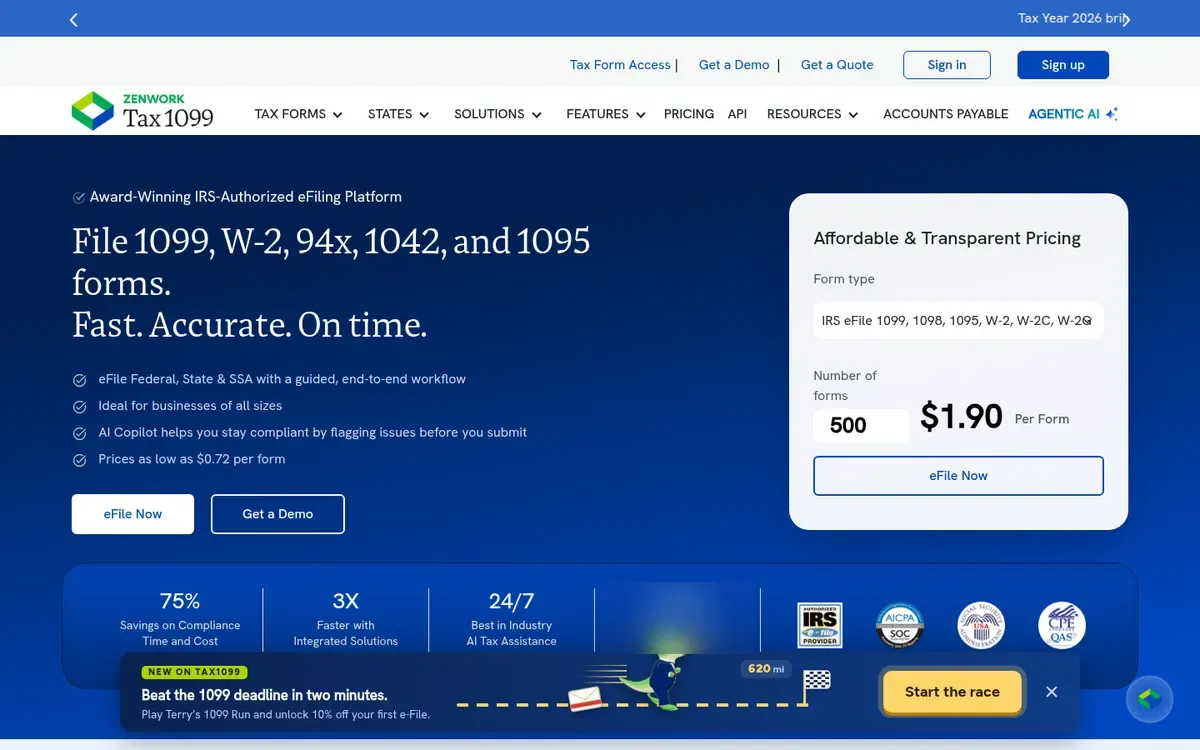
Tax1099
Best for businesses whose recipient data already lives in accounting systems
Our verdict
The strongest pick when contractor payments already sit in a connected ledger, provided you can absorb a higher per-form rate at low volume.
Tax1099 makes most sense for a business that already records contractor payments in an accounting system. No-code connections cover QuickBooks Desktop and Online, Xero, Sage, NetSuite, FreshBooks and Bill.com, so payment totals arrive from the ledger instead of being rekeyed by hand. The data you file from is the data you already book.
Form coverage runs wider than most competitors. Tax1099 handles more than 40 form types across the 1099 series, W-2, payroll 94X and ACA 1095, which means a finance team filing information returns and payroll returns can keep both in one account. Bulk upload covers high-volume batches, real-time TIN matching flags name and number mismatches before submission, and USPS address validation reduces the recipient copies that come back undelivered.
Pricing is graduated per form. The Essential tier carries no annual subscription fee, and Teams and Scale sit above it for collaborative workflows where several people prepare or approve returns. The trade-off is arithmetic: a graduated schedule lowers the rate as volume climbs but leaves small filers paying a relatively high cost per form, and there is no free plan or trial. The vendor home page shows an as-low-as rate of $0.72 per form at volume, but the full tier schedule is not published, so confirm exact pricing on the vendor site before you commit.
Pick it when the source of truth for vendor payments is a connected ledger and you want filings to follow it. A filer with 40 forms and no accounting integration is paying for capability they will not use, and should price a flat schedule first.
What works
- Eleven or more no-code accounting integrations
- More than 40 form types in one account
- TIN matching and address validation built in
What to weigh
- No free plan or trial
- Graduated pricing costs more for small batches
- Full tier schedule was not readable on the pricing page
Pick it if
Your recipient payments already live in QuickBooks, Xero, Sage, NetSuite, FreshBooks or Bill.com and you want them imported rather than retyped.
Skip it if
You file a few dozen forms from spreadsheets and want a flat published rate you can read today.
Plate 02 of 08 / Featured
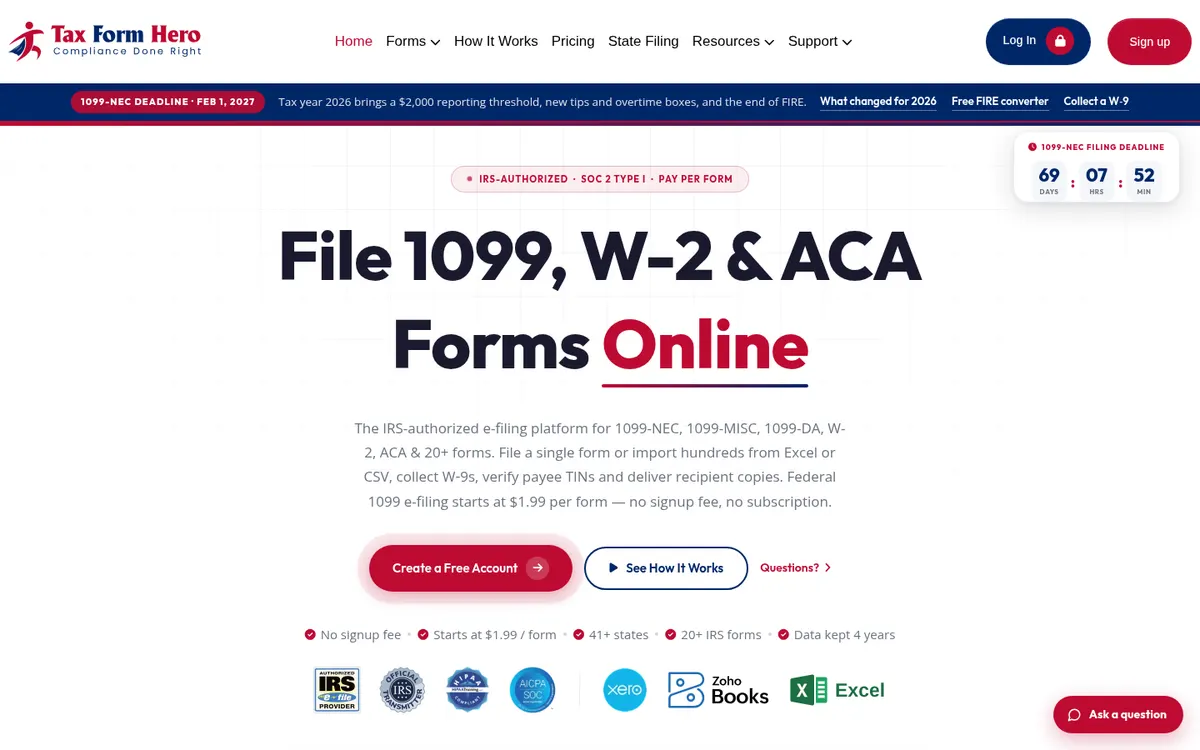
TaxFormHero
Best for filers wanting clear per-form pricing without a subscription
Our verdict
The clearest price schedule here, with every band and add-on published, though delivery and state fees lift the real cost.
TaxFormHero is the easiest tool here to price before you commit, because the whole schedule is published. Bands run at $1.99 per form for the first 150, then $0.99, then $0.60, and $0.45 above 1,000. Each band is charged separately rather than applied retroactively to the entire batch, so a 400-form run does not get the top rate on all 400 forms. There is no signup fee and no subscription, and Form 8809 is a flat $2.99.
The headline rate is not the final bill. State filing, print and mail, e-delivery and TIN matching are separate add-ons in its cost calculator, so price the full basket before you compare. Each optional add-on is priced separately and shown, which makes a full quote possible before you start. A filer who needs state filing and paper delivery should total those lines rather than compare $1.99 against a bundled rate.
W-9 collection is automated, with acceptance typically inside 24 hours, and read-only connections to Xero and Zoho Books import vendor payment totals for review before filing. Other accounting data comes in by spreadsheet, and the QuickBooks connection is still listed as coming soon, which matters if your ledger is Intuit's. The platform is IRS-authorized and audited to SOC 2 Type I.
Choose it when you want the arithmetic up front and your volume is predictable enough to plan a band. Look elsewhere when your records sit in QuickBooks, or when state filing plus paper delivery pushes the effective cost past a bundled product.
What works
- Every tier and add-on is published
- No signup fee and no subscription
- W-9 collection with fast acceptance
What to weigh
- Headline rate excludes delivery and TIN matching
- QuickBooks connection still listed as coming soon
Pick it if
You want to see the full per-form schedule and add-on prices before you create an account.
Skip it if
Your vendor payments live in QuickBooks or if state filing plus print and mail takes the effective rate past a bundled plan.
Plate 03 of 08
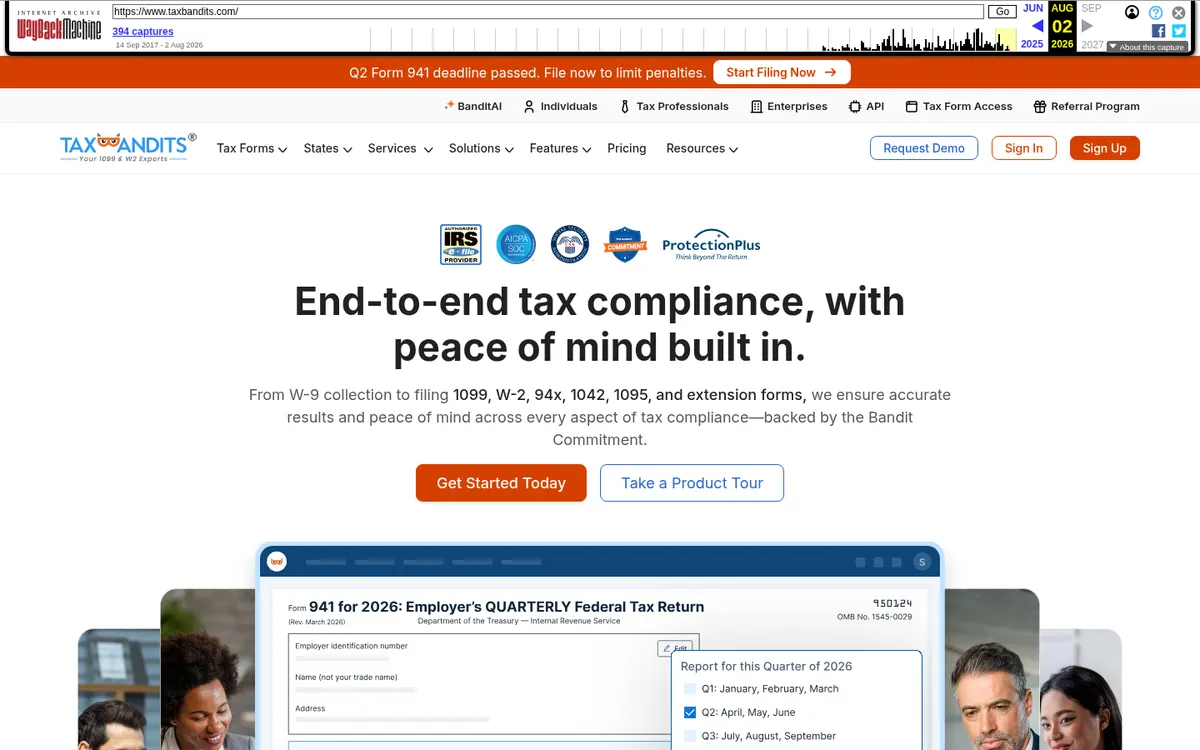
TaxBandits
Best for firms that want corrections bundled into the filing fee
Our verdict
Bundled corrections and a free W-9 tool make this a sensible fit for firms that expect amendments, if you can get a quote.
TaxBandits is built around the assumption that some returns come back wrong the first time. Corrections and retransmissions are included with the filing fee, so an amended 1099 in February does not generate a second invoice. For a firm filing hundreds of returns across many clients, that changes the comparison with per-form vendors that price every submission as a new form.
The rest of the package is aimed at accounting practices rather than single businesses. A free W-9 Manager collects vendor forms, the multi-client dashboard keeps engagements separate, and coverage spans 1099, W-2, 94X, 1042 and 1095 returns. Integrations cover QuickBooks, Xero, Sage Intacct and Karbon, an AI assistant answers filing support questions, and the vendor is IRS-authorized and SOC 2 compliant.
The catch is visibility. Volume pricing is not published. You need an account or a quote to see what a batch costs, and the graduated per-form schedule sits behind that conversation. Print and mail and similar extras are billed on top of the filing fee. That trade is reasonable for a firm that expects amendments and wants them folded into one number, and awkward for someone filing 30 forms who wants a price before signing up.
Choose it when correction exposure is real and the practice files for many clients under one roof. A single business with a clean batch will usually do better on a published flat or tiered rate, where the per-form cost is visible without a sales conversation.
What works
- Corrections and retransmissions included
- Free W-9 Manager for vendor forms
- Multi-client dashboard for firms
What to weigh
- Volume pricing needs an account or quote
- Print and mail and extras cost more
Pick it if
You are an accounting firm that expects amendments and wants corrections inside the filing fee.
Skip it if
You need a published price list before you can open an account or get budget approval.
Plate 04 of 08
Avalara 1099 & W-9
Best for buyers who want published tiered per-form pricing

Our verdict
Published tiered pricing and included e-delivery suit mid-volume filers, but $3.10 for the first 15 forms is steep.
Avalara 1099 & W-9 publishes a tiered schedule, which puts it ahead of the quote-only tools on this list for anyone planning a budget. The first 15 forms cost $3.10 each, the next 150 cost $2.30, the next 335 cost $1.30, and anything above 500 runs at $0.63. Low-volume filers pay a premium rate; the schedule only becomes competitive as the batch grows.
Recipient e-delivery, electronic corrections and PDF downloads are included in the per-form rate, so the base price covers more than an e-file only product. State e-filing is billed separately at $1.49 per form. TIN matching runs at $0.45 per check. Postal mail costs $1.84 per form and rises to $2.89 for late-January mailings, which is a strong argument for e-delivery and an earlier deadline.
Form coverage spans the 1099 series, W-2, 1095 and 1042-S. State e-filing coverage is broad. The product was formerly called Track1099 and still carries that name on some pages, which can confuse a search or a referral. Avalara acquired it in 2021 and kept the tiered per-form model rather than folding it into its wider tax engine.
Pick it when you file a few hundred forms, want e-delivery and want the schedule in front of you before you start. Skip it if you file 20 forms a year, file by post in the last week of January, or need state filing bundled into a single rate.
What works
- Tiered rates published on its own site
- E-delivery and e-corrections included
- Broad state e-filing coverage
What to weigh
- $3.10 per form for the first 15 is steep
- State filing billed separately at $1.49
- Postal mail rises to $2.89 in the January rush
Pick it if
You file a few hundred forms, deliver to recipients by email and want the tier ladder published.
Skip it if
Your batch is small or you rely on paper copies late in January.
Plate 05 of 08
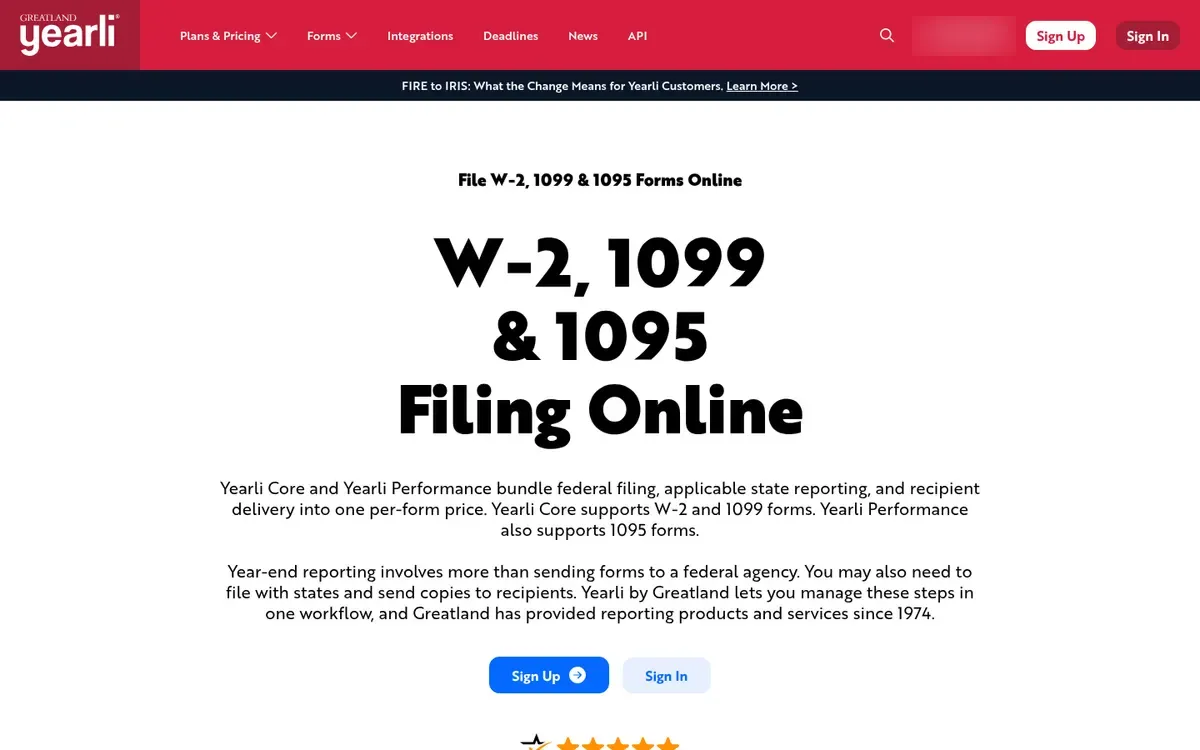
Yearli
Best for filers who want federal, state and recipient delivery bundled
Our verdict
One bundled price covering federal, state and delivery suits teams that want fewer decisions, at a higher per-form estimate.
Yearli is the bundled option. Federal filing, state reporting and recipient delivery are included in every plan, so you are not choosing add-ons at checkout. That is the appeal for a team that wants one decision and one invoice. The Core plan is free to start, and paid tiers add an annual plan fee on top of a per-form estimate that covers e-file, state reporting and print and mail. Yearli's pricing page did not load for our browser on 25 November 2026, so read the current plan fees on the vendor site.
Coverage includes W-2, 1099 and 1095 forms, with more than 40 integrations and multi-client support for accountants and PEOs. Unlimited TIN matching comes with paid plans, which removes one of the small per-check charges that adds up on other platforms. Yearli is a Greatland product, and the bundled design reflects that background rather than a per-form startup model.
Bundling costs more than some filers need. A team that e-delivers only and files no state returns is paying for services it will not use, and the per-form estimate runs higher than pure e-file vendors. Peak pricing applies near the January 31 deadline. We could not confirm current rates because the vendor pricing page returned no text to our browser, so check plan fees and the per-form estimate on the vendor site.
Pick it when state reporting and paper delivery are both in scope and you would rather not model three separate fees. Skip it when you file federally only, deliver by email and want the lowest cost per form.
What works
- Free Core plan to start
- Federal, state and delivery in every plan
- Unlimited TIN matching on paid tiers
What to weigh
- Bundled per-form estimate is high if you only need e-file
- Peak pricing near the January 31 deadline
Pick it if
You want federal filing, state reporting and recipient delivery covered by one plan and one invoice.
Skip it if
You file federally, deliver by email and want the lowest per-form cost.
Plate 06 of 08
eFile4Biz
Best for seasonal filers and CPAs managing many clients
Our verdict
Free to start with a genuine multi-client dashboard, though the absence of a public rate schedule makes budgeting guesswork.
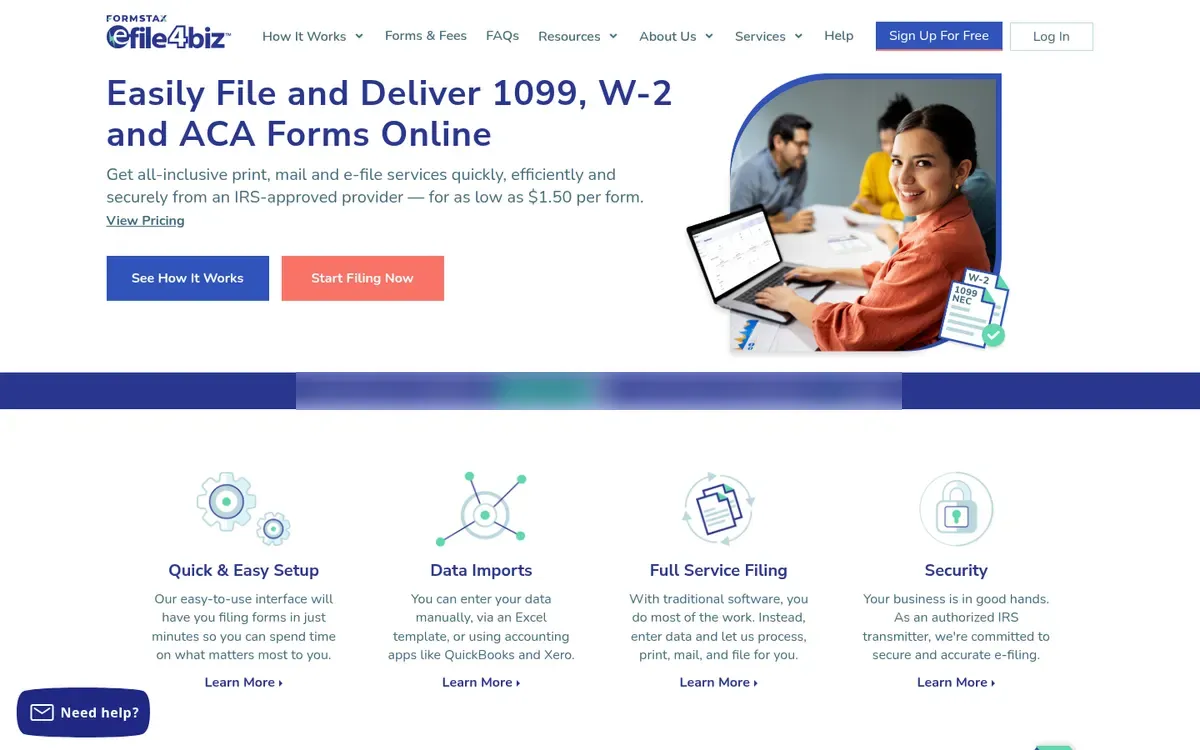
eFile4Biz opens with a free account and no credit card, which makes it the easiest tool here to test with a real batch. Prior-year data is retained, so the following season starts from last year's recipient list rather than a blank import. Service level is chosen at checkout: e-file only, or e-file plus print and mail.
Coverage spans 1099, W-2, 1098 and ACA forms with corrections, and imports come from Excel, QuickBooks and Xero. A multi-client dashboard keeps an accountant's books separate, and a Service Bureau option hands an entire batch to the vendor. Automatic validation runs before transmission, and the platform is IRS and SSA approved for the forms it covers.
The problem is price visibility. There is no public per-form schedule, so the as-low-as $1.50 rate at volume is a floor rather than a quote, and the real tiers sit behind the pricing page. In practice you test with a sample batch and read the total at checkout. The interface is functional rather than modern, which matters little for a once-a-year job but shows on a busy dashboard with several clients open at once.
Choose it when you file for many clients, want a free account to start and are comfortable pricing at checkout. Skip it when you need a published price list before you can get budget approval, or when a review panel will ask for the number in writing.
What works
- Free account with no credit card
- Multi-client dashboard for accountants
- IRS and SSA approved with validation
What to weigh
- No public per-form price schedule
- Interface is functional rather than modern
Pick it if
You manage many clients and want to start free, then hand off or file a whole batch from one dashboard.
Skip it if
You need a published per-form rate before you can commit.
Plate 07 of 08
1099 Online
Best for cost-conscious SMBs and high-volume filers
Our verdict
A low advertised floor plus free re-filing of rejected returns, but the rate depends on volume and package.
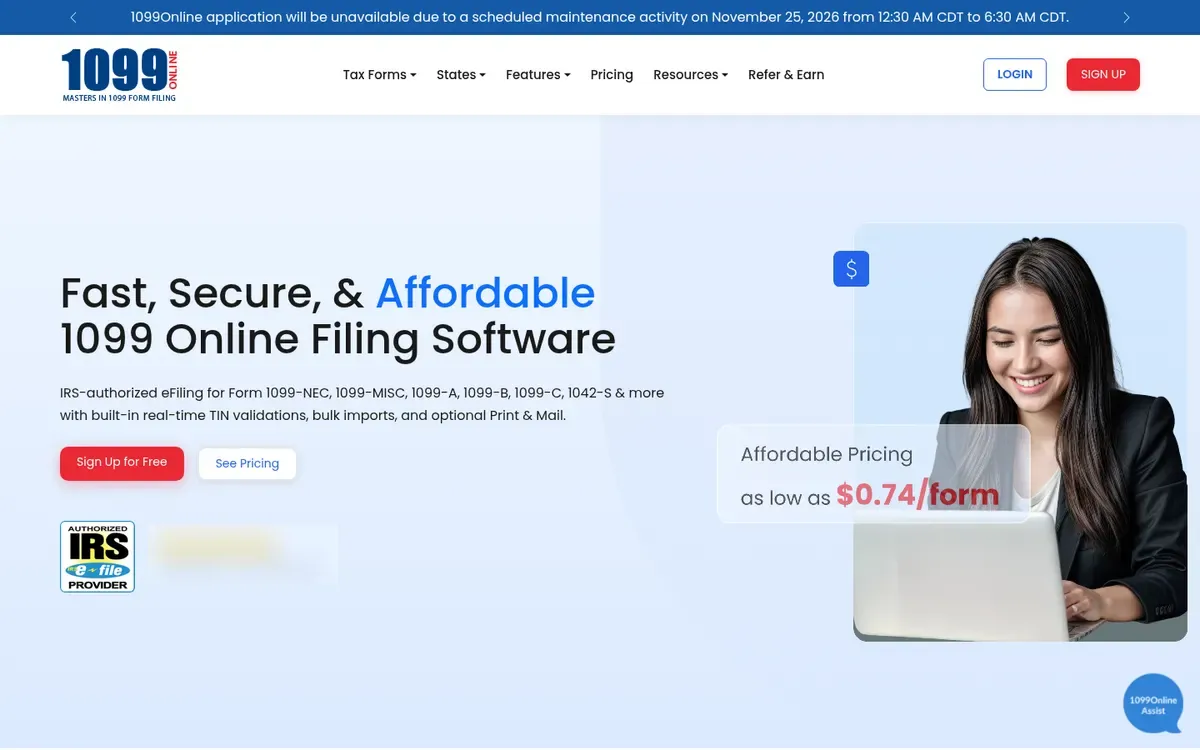
1099 Online competes on rate. The vendor advertises rates as low as $0.74 per form, which is among the lowest advertised floors on this list, and the figure appears on the home page rather than behind a demo. That floor depends on volume and package, so the number that applies to your batch may be higher.
The feature set behind the rate is solid. Bulk imports handle large batches, multi-payer support runs under a single login, and real-time TIN matching checks names and numbers against IRS records. TIN matching is included rather than sold as an add-on, which separates it from vendors that charge per check, such as Avalara at $0.45. Free correction and re-filing applies to rejected forms, and print and mail is available for recipient copies.
Combined federal and state filing is limited to states that participate in the CF/SF program, so confirm your states before assuming one submission covers both. Single sign-on helps a bookkeeper managing several businesses. There is no free tier, and the pricing page did not load for our browser, so the tier structure behind the floor rate stays unconfirmed and should be checked directly with the vendor.
Pick it when volume is high, TIN matching included at no extra charge matters, and your states sit in the combined filing program. Skip it if you file a few dozen forms and need a fixed rate you can read today, or if several of your states sit outside the combined program.
What works
- Advertised rates as low as $0.74 per form
- TIN matching included, not an add-on
- Rejected forms re-filed at no cost
What to weigh
- No free tier
- Lowest rates depend on volume and package
Pick it if
You file at volume, want TIN matching included and your states sit in the combined federal and state program.
Skip it if
You need a confirmed price list for a small batch today.
Plate 08 of 08
eFileMyForms
Best for accountants who want simple filing with no monthly fee
Our verdict
Simple, no-subscription filing for CPA practices, with clear per-form rates for small batches and shallower features than larger platforms.
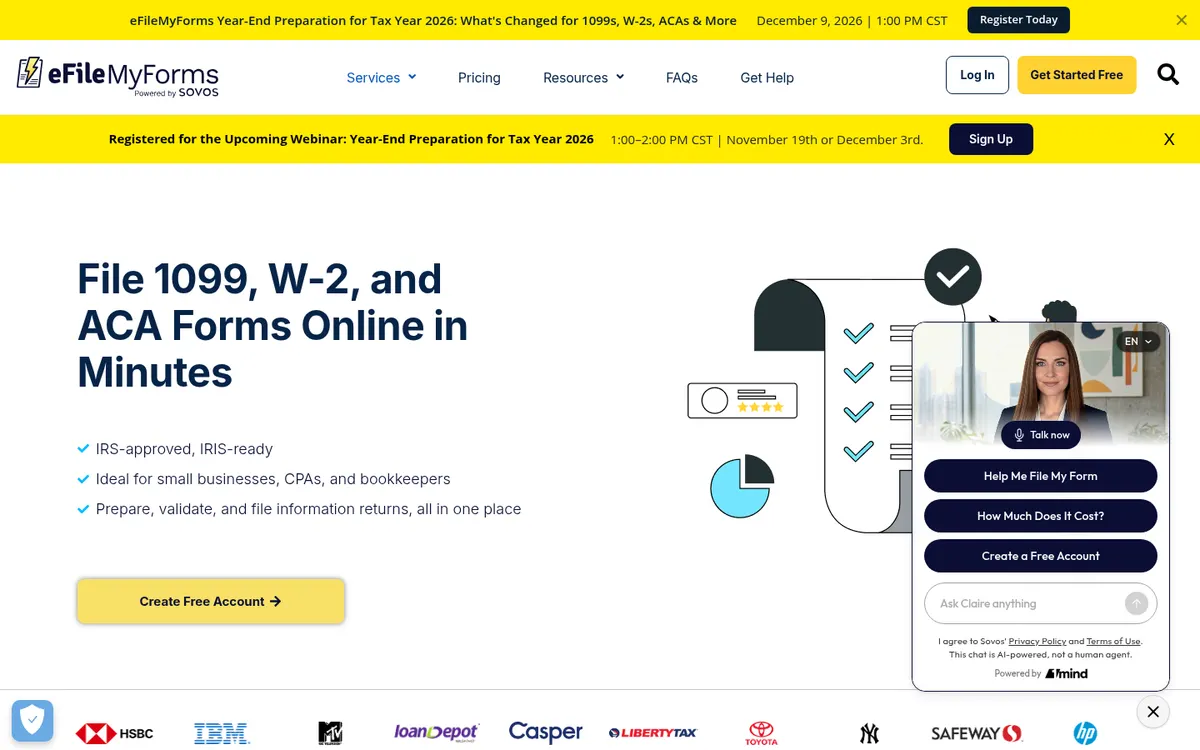
eFileMyForms charges $2.99 per form for e-file only on 1 to 20 forms, or $4.89 with print and mail, with lower per-form rates at volume. There are no monthly fees and nothing to install. The product is positioned around the requirement to e-file 10 or more information returns, which is why the workflow assumes a filer who does this every year rather than once.
Coverage spans 1099, W-2 and ACA forms across more than 25 federal and state forms, with guided filing workflows and automated error checks. Real-time TIN matching runs before submission, corrections are handled through the portal, and filing status is tracked in real time. Print and mail service is available for recipient copies where paper is still expected by a recipient or a state.
The multi-client dashboard is the reason a practice would choose it: volume discounts apply across all client filings under one account, so a small firm's combined volume counts toward the lower rate. The limits show elsewhere. Pricing is not prominent on the site, feature depth trails the larger platforms, and confirming costs usually means a trial filing or a call to the vendor.
Pick it when you are an accountant with straightforward 1099 and W-2 work and no appetite for a subscription. Skip it when you need deep accounting integrations or state coverage beyond the 25-plus forms listed.
What works
- No monthly fees or installation
- More than 25 federal and state forms
- Multi-client dashboard for CPA practices
What to weigh
- Pricing is not prominent on the site
- Feature depth trails larger platforms
Pick it if
You are an accountant with predictable 1099 and W-2 work and want no subscription at all.
Skip it if
You need broad accounting integrations or form types beyond the 25-plus listed.
What does 1099 filing software actually do?
1099 filing software does four jobs: it collects recipient details, validates them, produces the forms and transmits the copies electronically. Everything else in a product is either an opinion about how those jobs should feel or a service wrapped around them.
The work starts before filing day. A business needs a W-9 from each contractor, which is why some tools on this list include a W-9 collection module or an automated request flow. Name and taxpayer identification number pairs then get checked against IRS records, a step called TIN matching. Skipping it is how filers end up with a mismatch notice months later, and in some cases backup withholding obligations that were never budgeted. Address validation sits alongside it, because a recipient copy that never arrives becomes a support ticket and sometimes a penalty.
Filing day itself is the shortest part of the process. The software assembles each return, applies the correct form type, submits the batch electronically and returns acknowledgements. State filing runs as a second track, and how that is priced (included, per form, or limited to states in a combined program) varies widely between vendors. Recipient delivery is a third track: email, paper or a portal login.
A full season usually includes:
- W-9 collection and payee onboarding
- TIN and address validation
- Federal e-filing with acknowledgements
- State filing where the state requires it
- Recipient copies by email or post
- Corrections after the deadline
Products differ on which of those they bundle and which they bill separately. A $1.99 rate that excludes delivery, state filing and TIN checks is not the same product as a $4.99 estimate that includes all three, even though the headline numbers suggest a wide gap. Read the schedule, not the rate.
This guide sits in the Finance collection. Buyers weighing nearby tools often read the guides to RPC providers for blockchain apps and email finder tools for sales teams next.
How per-form, tiered and bundled pricing change the total
Most 1099 tools advertise a per-form rate that is not the rate you pay. The headline usually excludes state filing, recipient delivery and TIN matching, and each of those can double the effective cost on a small batch.
Several pricing models show up on this list. Flat per-form billing charges one rate with add-ons priced separately, which is easy to model and easy to underestimate. Tiered per-form billing drops the rate as volume rises, but check whether the bands apply to the whole batch or only to the forms inside each band: TaxFormHero charges each band separately, so the top rate never applies to the full run. Bundled billing folds federal filing, state reporting and delivery into one figure, as Yearli does, and costs more than a narrow filer needs. A fourth pattern, quote-based pricing, hides the schedule until you open an account.
Add-ons are where budgets break. State filing runs at $1.49 per form at Avalara and is a separate add-on at TaxFormHero. TIN matching is $0.45 per check at Avalara and an add-on at TaxFormHero, while 1099 Online includes it and Yearli includes unlimited matching on paid plans. Avalara includes e-delivery and charges $1.84 per mailing for post, rising to $2.89 for late-January mailings; TaxFormHero prices delivery as an add-on.
| Model | How it bills | Typical fit | Example from this list |
|---|---|---|---|
| Band per-form | Each band charged separately | Small batches with predictable volume | TaxFormHero at $1.99 per form for the first 150 |
| Tiered per-form | Rate drops in bands as volume rises | Mid-volume filers who want a published schedule | Avalara 1099 & W-9 at $3.10 for the first 15, lower at volume |
| Bundled plus annual plan | Subscription plus a per-form estimate | Teams wanting federal, state and delivery in one | Yearli paid plans (annual fee plus per-form estimate; see website) |
| Quote-based | Rate confirmed after a quote or account setup | Firms with corrections and multi-client work | TaxBandits |
| Free account, priced at checkout | No upfront cost, rate set by service level | Seasonal filers testing a batch | eFile4Biz |
Where a vendor page returned no text to our browser, this list says so instead of quoting an unconfirmed rate.
Every price in this guide was read on the vendor's own pricing page on November 25, 2026. Where a vendor does not publish a figure we could confirm, the card says "See website" rather than a guess. For the arithmetic around this purchase, try the free 1099 filing cost calculator.
How to narrow eight tools down to one
- Count your forms before you shop. A batch of 30 and a batch of 3,000 land in different pricing bands and different products. Write down the count, the number of states involved and whether paper copies are required.
- Set the data path first. If recipient payments already sit in QuickBooks, Xero or NetSuite, an integration saves hours of rekeying. If they sit in spreadsheets, a clean import matters more than a long connector list.
- Price the full run, not the headline. Add state filing, TIN matching and delivery to the advertised rate. Compare totals for your exact batch size rather than comparing per-form rates between vendors.
- Decide how much correction risk you carry. Firms that expect amendments should weigh bundled corrections, as at TaxBandits, and free re-filing of rejected forms, as at 1099 Online, above a lower base rate.
- Check the deadline and the delivery method. Confirm the current 1099-NEC deadline on the IRS site. E-delivery avoids postal rush charges such as Avalara's $2.89 late-January mailing rate.
- Run a small test batch. A free account at eFile4Biz or a small filing at eFileMyForms shows the real checkout total before you commit a full season to one tool.
Five filing mistakes that cost money in January
- Comparing headline rates only. The published per-form rate usually excludes state filing, TIN matching and delivery. At Avalara, a $3.10 form with $1.49 state filing and $1.84 post is a $6.43 form.
- Assuming bands apply to the whole batch. Some schedules charge each band separately, so the lowest rate only covers forms above the top threshold. Read how the vendor describes its tiers before you model savings.
- Skipping TIN matching to save small change. A mismatch notice or a backup withholding obligation costs far more than the $0.45 per check Avalara charges, and both are avoidable with validation before you file.
- Filing in the last week of January. Postal rush pricing applies at Avalara from January 27 to 31, and support queues lengthen at the same time. File as early as your final payments allow.
- Treating state filing as an afterthought. Not every state joins a combined federal and state program, and each state sets its own requirement. Confirm yours before you assume one submission covers everything.
Best 1099 Filing Software 2026: questions
How does per-form pricing compare once state filing and delivery are added?
It narrows fast. TaxFormHero's $1.99 form rises once you add state filing and print and mail from its add-on list, so price the whole basket. Avalara's $3.10 form plus $1.49 state filing and $1.84 post lands near $6.43. Bundled products such as Yearli quote a higher per-form estimate that already includes federal, state and delivery, so the apparent gap shrinks.
When is e-filing information returns mandatory rather than optional?
Federal rules require electronic filing once you issue 10 or more information returns in a year, which is the threshold eFileMyForms builds its pitch around. Below that, paper is permitted but rarely sensible. States set their own rules, so check each state where you have recipients before deciding paper is acceptable.
Does a change in the federal reporting threshold affect filing?
Federal thresholds can change, so check the current IRS threshold for the year before you decide whether a recipient needs a form. The workflow does not change: collect W-9s, validate TINs and file by the deadline. State thresholds do not always follow the federal figure, so confirm them before dropping a recipient.
When is the 1099-NEC deadline?
Check the IRS site for the current 1099-NEC deadline. Recipient copies carry the same date. Filing early avoids postal rush charges and leaves room to correct a rejected return before the deadline rather than after it.
What does TIN matching do, and why do mismatch notices matter?
TIN matching checks each recipient name and taxpayer identification number against IRS records before you file. A mismatch can trigger a notice after filing, and unresolved mismatches can leave you liable for backup withholding. Catching it first is cheaper: matching costs $0.45 per check at Avalara and is included at 1099 Online and on Yearli's paid plans.
How do correction policies differ between bundled and per-form vendors?
Bundled vendors fold amendments into the filing fee, so a corrected return does not produce a second charge, as with TaxBandits. 1099 Online re-files rejected forms at no cost. With per-form vendors, ask whether a correction counts as a new form, because it can cost as much as the original filing. Ask directly whether a correction counts as a new form before you choose a platform.