
Contents of this guide
The shortlist
Our top 3 for marketing buyers

Omnisend
Ecommerce flow defaults
- Best for
- Shopify and WooCommerce stores wanting ready made ecommerce flows
- Features
- 5 noted: Ecommerce flows, AI copywriting, Send time AI, Segmentation, SMS and push

Mailchimp
Low friction editor
- Best for
- Small businesses sending regular campaigns for the first time
- Features
- 5 noted: Drag and drop, AI drafts, Send time AI, Predictive segments, Integrations

Klaviyo
Commerce data depth
- Best for
- Ecommerce brands with substantial purchase data
- Features
- 5 noted: Commerce segments, Predictive scores, Product recs, Flows, SMS
Disclosure for this guide. Omnisend is a paid Featured listing in this guide and is labelled wherever it appears. The other 6 tools are unpaid editorial picks, and no vendor saw this guide before it was published. The position of a paid listing can be part of what the vendor pays for. Paid and unpaid tools are scored on the same rubric and keep their cons. Details are in the advertising disclosure.
The ledger
Index of every tool
| Tool | Free plan | Trial | Rubric | Compare | ||
|---|---|---|---|---|---|---|
| 01 | OmnisendFeaturedShopify and WooCommerce stores wanting ready made ecommerce flows | Standard $16/mo (regular price)Checked Nov 25, 2026 | Yes | See website | ||
| 02 | MailchimpSmall businesses sending regular campaigns for the first time | Essentials from $13/mo (regular price)Checked Nov 25, 2026 | Yes | 1 month Premium trial (qualified new customers) | ||
| 03 | KlaviyoEcommerce brands with substantial purchase data | Email $20/mo (500 profiles)Checked Nov 25, 2026 | Yes | See website | ||
| 04 |  ActiveCampaignTeams running many automated journeys | Starter $15/mo billed yearly (1,000 contacts)Checked Nov 25, 2026 | No | 14-day free trial | ||
| 05 |  GetResponseSmall teams wanting email, landing pages and lead capture together | Starter $19/mo (1,000 contacts, monthly)Checked Nov 25, 2026 | Yes | 14-day free trial | ||
| 06 |  HubSpotB2B teams already running on a CRM | Starter from $20/mo per seat billed monthlyChecked Nov 25, 2026 | Yes (free tools for up to 2 users) | See website | ||
| 07 | KitCreators and newsletter publishers earning from an audience | See websiteNot published | Yes | See website |
Prices are the lowest paid plan the vendor shows, read on November 25, 2026. Sort by price ranks published monthly figures; tools without one go last. Pin up to three tools to compare them side by side.
How this guide was put together
We assessed seven AI email marketing tools against five criteria. Buyer fit carries 30 percent of the weight because the right tool depends on the store, sales team or publisher using it. AI usefulness carries 20 percent, automation depth carries 20 percent, pricing clarity carries 15 percent and setup effort carries 15 percent. Each tool receives scores for those criteria, and the written review explains the practical trade offs behind the scores.
Prices, plans, free plans and trials come from vendor pricing pages checked on November 25, 2026. Where a vendor displayed a promotional price, we used the regular price and noted the promotion. Where pricing was not published or the page blocked access, we say pricing is on the vendor site and do not guess a number. Omnisend, Mailchimp and Klaviyo each appear with the plan facts supplied for November 2026.
Omnisend appears first in this list. We treated it with the same rubric as every other entry, including its weaknesses: it is thin for B2B lead scoring, reporting depth varies by plan and SMS costs can raise the total. The order is editorial, not a weighted total. It reflects fit for the buyer each entry describes. Use the scores as a comparison aid, then confirm current pricing and plan limits with each vendor before you buy.
The full process, including how we handle corrections, is on the methodology page. Paid listings follow the advertising disclosure.
Rubric and weights
Every tool below is scored from 1 to 10 on these five criteria. The scores describe each tool; the order is an editorial call on fit for the buyer each card describes, plus the disclosed Featured position.
- 30%Buyer fitHow well the tool matches the store, B2B team or publisher described in the entry.
- 20%AI usefulnessHow much practical work AI removes across copy, timing, segmentation and recommendations.
- 20%Automation depthHow far the builder can branch on behavior, purchase data, tags and CRM fields.
- 15%Pricing clarityHow clearly the plan limits, regular prices and add on costs are stated.
- 15%Setup effortHow much data preparation and administration the tool demands before it works well.
Plate 01 of 07 / Featured
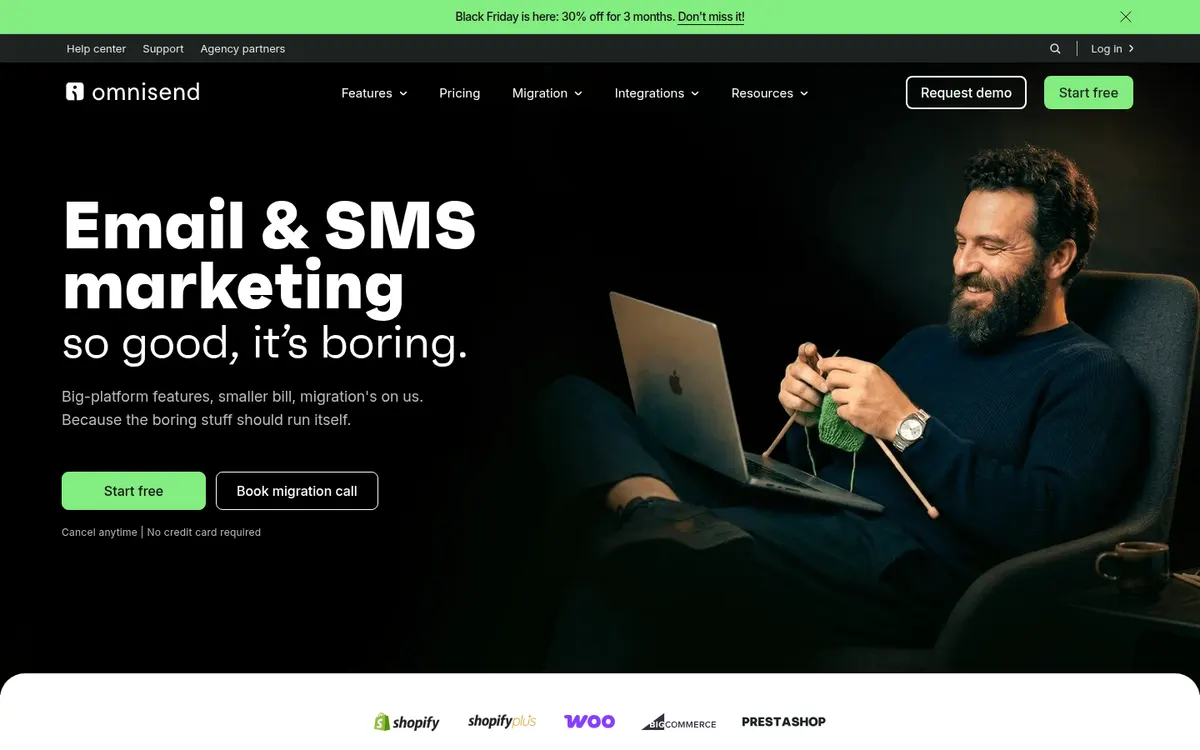
Omnisend
Best for shopify and WooCommerce stores wanting ready made ecommerce flows
Our verdict
A practical route from store catalog to working ecommerce flows, with AI copy and timing included at a modest entry price.
Omnisend is built around ecommerce jobs rather than blank canvas automation. A Shopify or WooCommerce store can start with prebuilt welcome, abandoned cart, browse abandonment and post purchase flows, then adjust the copy and timing. The automation builder includes default templates, which cuts the setup work that usually slows a first ecommerce program. AI copywriting handles campaign text, AI send time selection chooses a send window, and AI segmentation draws on purchase and engagement data. A brand asset library stores logos, colors and product details so different senders reuse the same material.
The channel mix is practical for stores. Email, SMS and web push sit in one account, so a customer can move between channels without exporting lists. That matters for cart recovery and launches, where speed and consistency matter more than intricate branching. The trade off is depth. Teams with B2B lead scoring, long nurture paths or CRM deal tracking will find the product thin. Reporting detail also varies by plan, so buyers who need attribution should check the tier before committing.
Pricing starts at $16 per month on the Standard plan at the regular price. A 30 percent introductory discount was showing, and this guide uses the regular rate. SMS volume is billed on top of email, which can raise the monthly total quickly for stores that lean on text messages. There is a free plan, and no trial is stated. The value case is strongest for stores already running on Shopify or WooCommerce that want sensible ecommerce defaults, AI help across copy, timing and segments, and one place to manage multiple channels.
What works
- Prebuilt ecommerce flows
- AI copy, timing and segments
- Email, SMS and web push in one account
What to weigh
- Thin B2B lead scoring
- Reporting depth varies by plan
- SMS costs add up
Pick it if
You run a Shopify or WooCommerce store and want ecommerce flows, AI copy and multichannel messaging in one account.
Skip it if
You need B2B lead scoring, long nurture paths or deep CRM deal tracking.
Plate 02 of 07
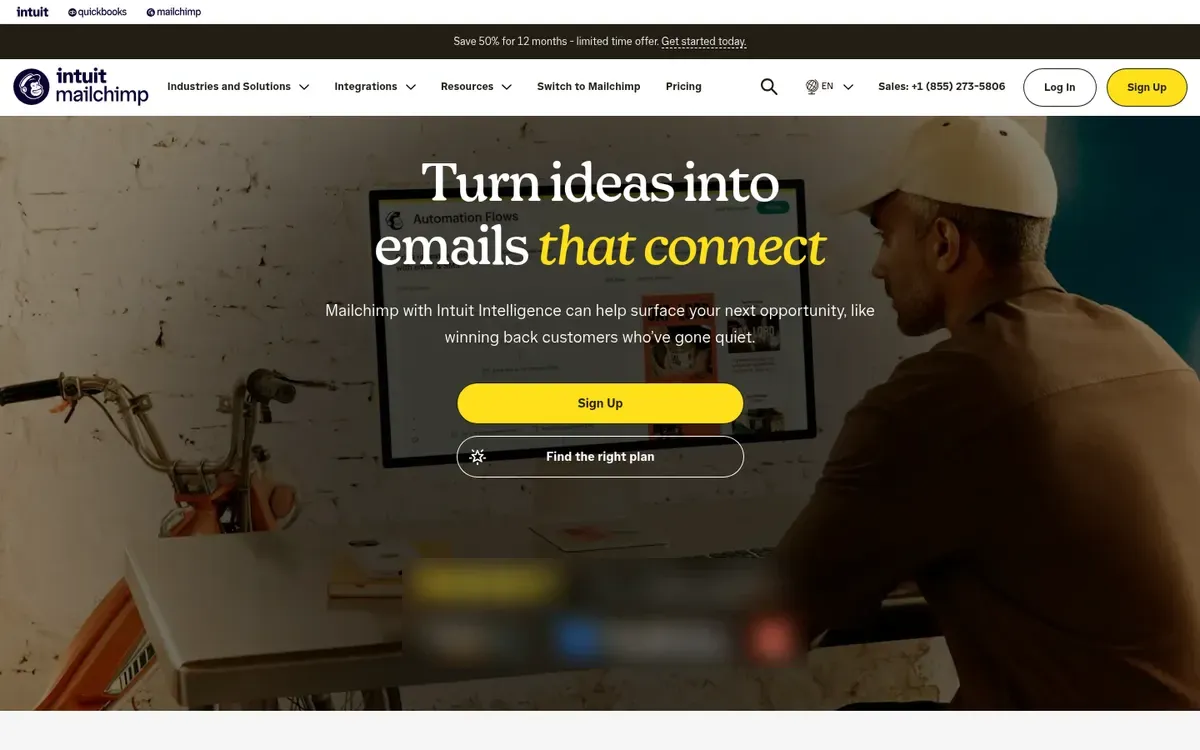
Mailchimp
Best for small businesses sending regular campaigns for the first time
Our verdict
A low friction starter campaign tool for small teams, though contact based pricing and limited branching cap long journeys.
Mailchimp works best as a first serious email tool. The drag and drop editor is clear, the template library covers common campaign types, and audience sorting by behavior and interest gives new senders a simple way to group contacts. AI draft generation starts from a short prompt, which can shorten the blank page phase without removing the need for an editor. Send time optimization uses past engagement, and predictive segmentation sits on higher tiers. The integration library is broad, so a small business can connect the tools it already uses.
The limits show up as the list grows and journeys become more complex. Contact based pricing pushes costs up as subscribers increase, so a growing newsletter can become expensive before the automation catches up. The automation builder feels limited for multi step branching journeys compared with deeper journey tools. A team that wants one campaign to branch on opens, clicks, tags and purchases will feel the ceiling quickly. Several AI features require a paid tier, which means the free plan is useful for testing but not for a full AI assisted program.
Pricing starts at $13 per month on Essentials at the regular price. The page showed $6.50 a month for 12 months, then from $13, and this guide uses the regular rate. There is a free plan and a 1 month Premium trial for qualified new customers. Advanced predictive segmentation sits above the entry tier. Teams that need revenue attribution or lead scoring should look at Klaviyo or ActiveCampaign instead. For a small business sending regular campaigns for the first time, the short learning curve and wide integrations are the main draw.
What works
- Short learning curve
- Wide integration library
- AI drafts and send time optimization
What to weigh
- Contact based pricing
- Limited branching automation
- Several AI features on paid tiers
Pick it if
You are a small business sending regular campaigns for the first time and want a clear editor with broad integrations.
Skip it if
You need complex multi step journeys or revenue attribution without paying for higher tiers.
Plate 03 of 07
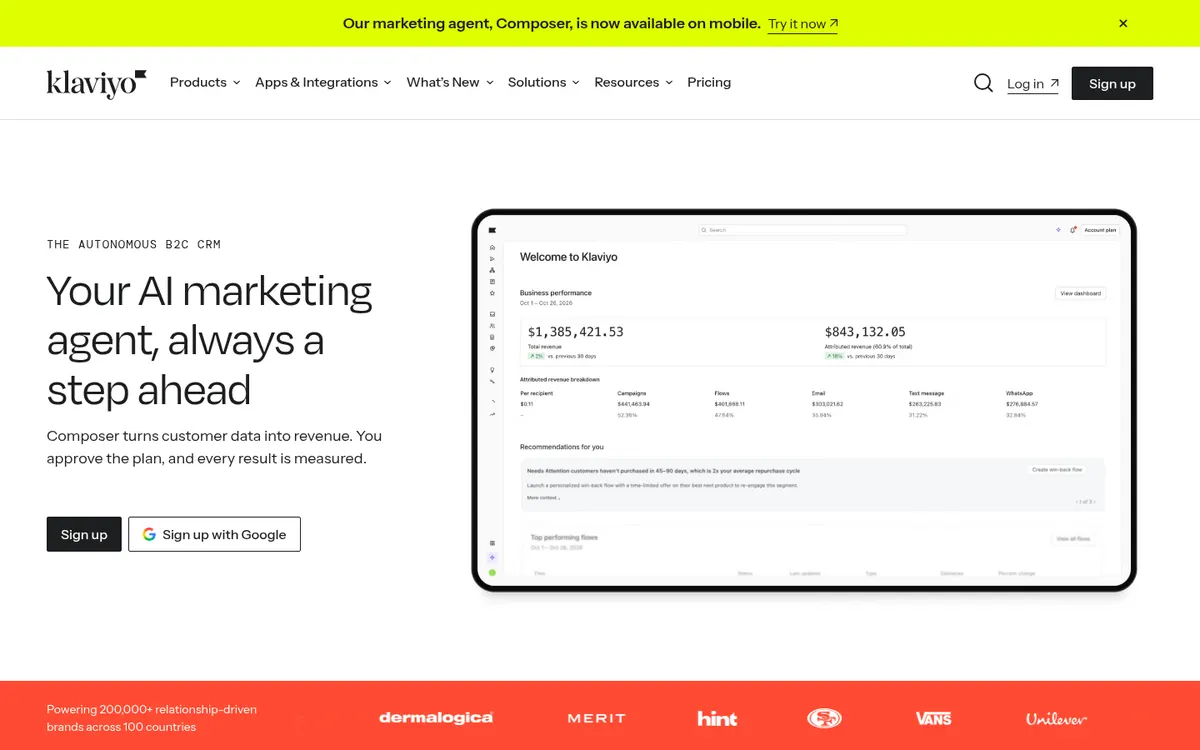
Klaviyo
Best for ecommerce brands with substantial purchase data
Our verdict
A deep ecommerce data option for brands that can keep product feeds and profiles clean enough for predictive targeting.
Klaviyo is the data heavy option in this list. Segments and flows are built from purchase history, browsing behavior and product views, so targeting comes from what customers actually did on the store. Product recommendations can appear inside campaigns, and abandoned cart, post purchase and win back flows use the same commerce data. AI agents and campaign drafting can start from a segment or a goal, which is useful when a team knows the audience but needs a first draft. Predictive lifetime value, churn risk and next order timing give the team scores it can use for discount and retention decisions. Shopify and ecommerce integrations are deep, and SMS sits alongside email.
The cost of that depth is setup. Many settings create a learning curve, and the product rewards clean data. Poor product feeds or duplicate profiles weaken AI output, so the buyer needs a plan for consent, profile hygiene and catalog maintenance. Pricing grows with profiles, and SMS requires separate budgeting on top of email. A small list can start affordably, but a large engaged audience will pay for the depth.
Email pricing starts at $20 per month for 500 profiles. There is a free plan, and no trial is stated. The entry plan is aimed at stores with real order volume and a team to maintain segments, not at a business sending an occasional newsletter. Buyers should compare the $20 entry point with Omnisend's $16 Standard plan and Mailchimp's $13 Essentials plan, then decide whether predictive scores, product recommendations and deep commerce flows justify the extra cost and administration.
What works
- Deep commerce targeting
- Predictive scores
- Product recommendations
What to weigh
- Steep setup
- Profile based pricing
- SMS budget separate
Pick it if
Your store has enough purchase data to make predictive segments, product recommendations and commerce flows pay off.
Skip it if
Your product feeds are messy, your profiles are duplicated or you cannot support a learning curve.
Plate 04 of 07
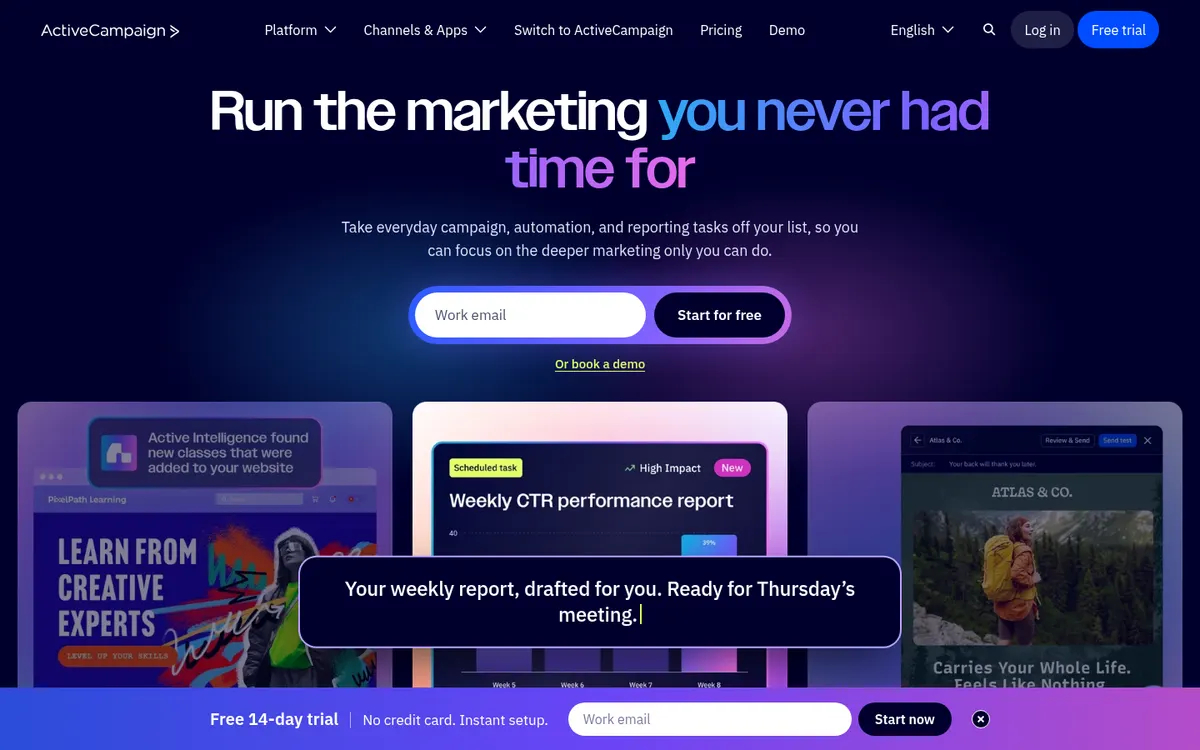
ActiveCampaign
Best for teams running many automated journeys
Our verdict
The automation depth pick for teams with many branching journeys and a CRM pipeline to connect email results to.
ActiveCampaign is the journey builder first. The automation builder can branch on behavior, tags, scores and custom fields, which suits onboarding, trial conversion and long nurture paths. AI campaign drafting and segment suggestions reduce some of the setup work, while Active Intelligence draws on account activity to propose next steps and can flag stale automations. Performance summaries and reporting link email results to deals and pipeline stages, which helps when a marketing budget needs a sales case. A built in CRM and sales tools keep contact activity and deal stages in the same place, and lead scoring gives the team a way to rank contacts.
The product is less comfortable as a simple newsletter tool. There is no permanent free tier, so buyers must use the 14 day trial and then commit. The interface can feel busy for new users because automation, CRM, scoring and reporting all compete for attention. The full AI set requires higher plans, which matters when the entry price looks attractive but the needed features sit further up.
Pricing starts at $15 per month on Starter when billed yearly for 1,000 contacts. The entry paid tier is listed at $19 per month in the notes, and access is by free trial only. The vendor notes also list a $19 entry tier, so buyers should confirm billing terms and contact level before comparing it with monthly plans elsewhere. Teams sending only occasional newsletters likely pay for depth they do not use. Teams running many automated journeys, especially in B2B, get the branching and pipeline reporting that justify the higher plan costs and the busier interface.
What works
- Deep branching automation
- CRM and pipeline reporting
- AI suggestions from activity
What to weigh
- No free tier
- Busy interface
- Full AI on higher plans
Pick it if
You run many automated journeys and need branching, lead scoring and email reporting tied to a sales pipeline.
Skip it if
You only send occasional newsletters or need a permanent free plan.
Plate 05 of 07
GetResponse
Best for small teams wanting email, landing pages and lead capture together
Our verdict
A compact suite for landing pages, forms and email in one login, with AI help that suits small teams launching campaigns.
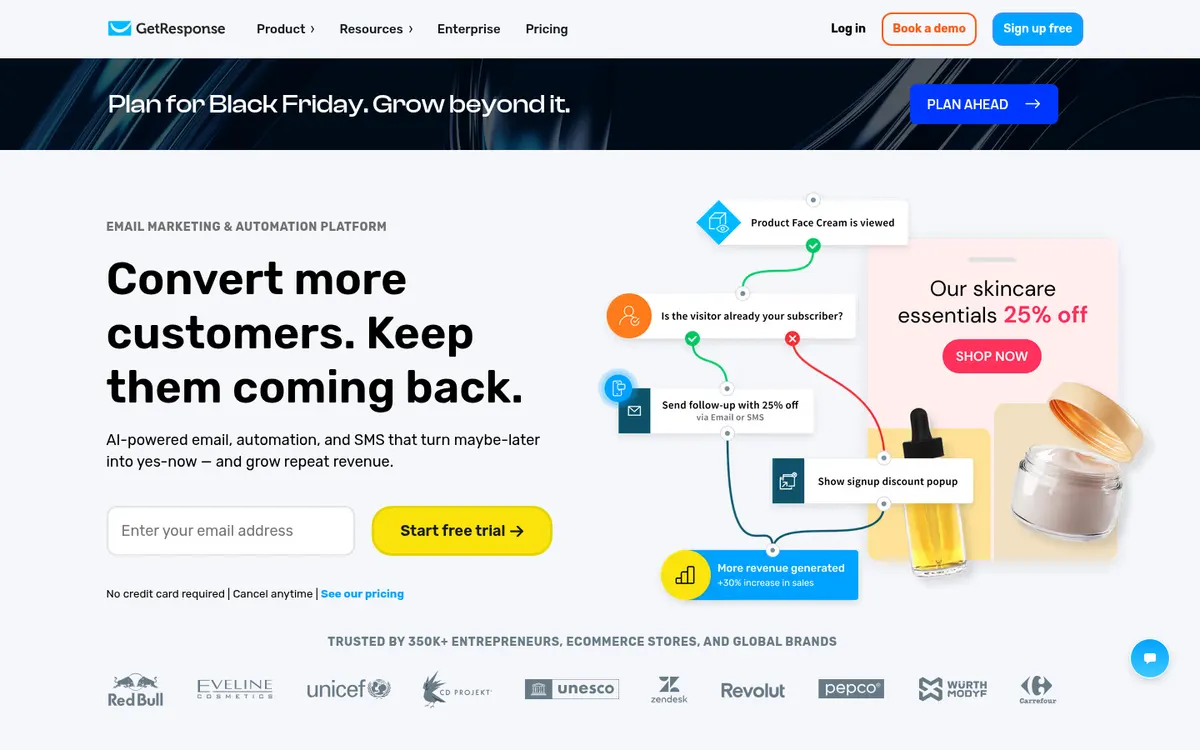
GetResponse bundles the first launch pieces into one account. Email campaigns, landing pages and signup forms sit together, so a small team can go from a lead capture page to a welcome sequence without stitching multiple subscriptions together. AI help covers subject lines, email copy and page layouts, which shortens the production work for a lean team. Perfect Timing adjusts send time per contact, a useful feature when the audience spans time zones. Automation covers cart recovery, welcome paths and scoring, and lead capture forms sit in the same account.
The plan structure needs close reading. Several central looking features, including webinar tooling, sit on higher tiers, so the entry price does not buy the full suite. The interface mixes several products, which can feel less focused than a dedicated email tool. A team that needs webinars for lead generation should price the higher tier before choosing this over a simpler email product. Teams that need deep CRM functions will still require another system, because the built in automation and lead capture do not replace a full sales pipeline product.
Pricing starts at $19 per month on Starter for 1,000 contacts on monthly billing. Annual billing drops to $15.58 per month according to the pricing note. There is a free plan and a 14 day free trial. The bundle makes most sense for small teams that want email, landing pages and lead capture together and can live with tier limits. Buyers should map the features they need to the correct tier before signing up, then compare the monthly and annual options.
What works
- Email, pages and forms
- Per contact send timing
- Free plan and trial
What to weigh
- Tier limits need reading
- Webinars on higher tiers
- Interface mixes products
Pick it if
You want email, landing pages and lead capture in one account and can check which tier holds the features you need.
Skip it if
Webinars or deep CRM functions are central to your plan and you need them at entry price.
Plate 06 of 07
HubSpot
Best for B2B teams already running on a CRM
Our verdict
Best for B2B teams whose CRM records already drive personalization, with reporting tied to deals rather than clicks alone.
HubSpot is a CRM play first and an email tool second. Contact, company and deal data drive personalization, so email content can reflect lifecycle stage, recent activity and sales notes without someone rebuilding a list by hand. AI content drafting and record summarization reduce admin work, and AI agents can handle routine questions. Marketing Hub adds automation, landing pages and reporting, while campaign reporting ties email results to pipeline and deals. The free CRM tier with basic email gives a small team a way to test the data model before paying for a hub.
The cost and setup are the main caution. Pricing scales with hubs, contacts and seats, and can rise sharply as more teams join. Setup depends on a carefully designed data model, so a rushed import creates duplicate records and weak personalization. Email alone is not the cheapest route here. The product makes most sense when sales, support and marketing already share the CRM and the email program needs to reflect deal stages, owner notes and lifecycle changes.
Pricing is quoted on the vendor site for this guide. The Starter entry is listed from $20 per month per seat billed monthly, but total cost depends on which hubs, tiers, contact limits and seats are combined. A free plan covers free tools for up to 2 users. Buyers should confirm which AI features belong to each tier before committing, because the gap between a starter package and the full marketing suite can be large. For B2B teams already running on a CRM, that integration is the reason to pay.
What works
- CRM driven personalization
- Pipeline reporting
- Broad integrations
What to weigh
- Cost scales sharply
- Data model setup
- Email alone not cheap
Pick it if
Your B2B team already runs on a CRM and needs email personalization and reporting tied to deals.
Skip it if
Email is your only need or you cannot invest time in a clean data model.
Plate 07 of 07
Kit
Best for creators and newsletter publishers earning from an audience
Our verdict
A creator friendly newsletter tool with unlimited paid sends and a human approval step for AI assisted scheduling.
Kit, formerly ConvertKit, is built for creators who sell an audience rather than a catalog. Forms and landing pages support lead magnets, and the visual automation builder connects signup, tagging and delivery. Subscriber tagging and segmentation separate readers, buyers and new subscribers, which keeps a paid newsletter or digital product offer aimed at the right group. Paid plans include unlimited emails and are priced by active subscribers, a sensible match for high frequency publishers who send often but do not want a sending cap.
The AI story is different here. Kit connects to outside AI tools for drafting and send scheduling rather than presenting a native AI suite. An approval step before AI scheduled sends go out helps keep tone consistent, but the team still owns the prompt, the edit and the final check. Ecommerce depth is lighter than Klaviyo or Omnisend, so a product store with complex flows should look elsewhere. Design options are simpler than a full marketing suite, which is a benefit for a writer and a limit for a brand team.
Kit's pricing page blocked our browser on 25 November 2026, so check the current price on the vendor site; it is banded by active subscriber count. The pricing page blocked our browser on November 25, 2026, so this guide does not guess a number. A free plan is available, and no trial is stated. The creator network and recommendations add discovery for publishers. Kit fits creators and newsletter publishers earning from an audience, especially those who value unlimited sends and a human approval gate over a native AI feature set.
What works
- Unlimited sends on paid plans
- Lead magnet path
- Approval before AI sends
What to weigh
- Less ecommerce depth
- AI via outside tools
- Simple design options
Pick it if
You are a creator or newsletter publisher who wants unlimited sends and a simple lead magnet to paid offer path.
Skip it if
You run an ecommerce store with complex flows or need a native AI suite.
What should an AI email marketing tool actually do for your team?
An AI email marketing tool is software that manages contacts, builds and sends campaigns, runs automated sequences and applies machine learning or generative AI to parts of that work. The category overlaps with CRM, ecommerce and publishing platforms, but the core job is the same: get the right message to the right contact, then learn from what happens. AI can appear in copy drafting, subject line suggestions, send time selection, segmentation, predictive scores and next step recommendations. The useful question is not whether a tool has an AI label, but which parts of the workflow the AI actually improves for your team.
Buyers tend to fall into a few broad groups. Ecommerce stores need product data, purchase history, abandoned cart flows and post purchase sequences. B2B teams need lead scoring, lifecycle stages, CRM records and reporting tied to deals. Creators and publishers need lead magnets, tagging, unlimited sends and a simple path from free reader to paid subscriber. A tool built for one group can still work for another, but the defaults, data model and pricing usually favor one.
A practical evaluation starts with the data you already hold. If product feeds and order history are clean, Klaviyo and Omnisend can use that data for targeting and recommendations. If CRM records are the source of truth, HubSpot can personalize from lifecycle stage and sales notes. If the main asset is a newsletter list, Kit keeps the path from signup to paid offer simple. Automation depth matters once you move beyond a welcome email. Pricing clarity matters because contact and profile based billing changes as the list grows. Setup effort matters because AI output is only as good as the segments, templates and brand assets behind it.
Features to check in a demo:
- Whether AI copy, send timing and segmentation are included in the plan you can afford.
- How contacts are counted and what happens to the bill when the list grows.
- Whether automation can branch on purchase, engagement, tags or CRM fields.
- What exports are available if you later switch tools.
- How much editing and approval the AI workflow requires before a send.
This guide sits in the Marketing collection. Buyers weighing nearby tools often read the guides to free email blast software and RPC providers for blockchain apps next.
How do AI email marketing tools charge as your list grows?
AI email marketing pricing usually follows the size of the audience or the number of contacts, not the number of emails sent. That means the monthly bill can move even when your sending volume stays flat. Some tools price by active profiles, some by contacts, some by seats, and some bundle SMS or webinar features into higher tiers. The table below shows the billing models represented in this list and one example for each, using the regular prices checked on November 25, 2026.
| Model | How it bills | Typical fit | Example from this list |
|---|---|---|---|
| Contact tiers | Monthly tiers based on contact count | Small teams with a growing list | Mailchimp Essentials from $13/mo at the regular price |
| Profile tiers | Monthly tiers based on active profiles | Ecommerce stores with purchase data | Klaviyo Email at $20/mo for 500 profiles |
| Flat entry tier | A set entry price, with limits by tier | Stores that want quick ecommerce flows | Omnisend Standard at $16/mo at the regular price |
| Yearly contact tier | A lower monthly rate when billed yearly | Teams ready to commit for a year | ActiveCampaign Starter at $15/mo billed yearly for 1,000 contacts |
| Seat and hub pricing | Price per seat plus hub, contact and tier choices | B2B teams already using a CRM | HubSpot Starter from $20/mo per seat billed monthly |
| Subscriber band | Price bands by active subscriber count | Creators and publishers | Kit, with pricing on the vendor site |
A free plan can be useful for a test, but it rarely carries the full AI set. Mailchimp, Klaviyo, Omnisend, GetResponse and HubSpot each list a free plan, while ActiveCampaign offers a 14 day trial instead. Kit lists a free plan and unlimited emails on paid plans. Buyers should model the bill at the list size they expect in six to twelve months, not just today, and add SMS or webinar costs where those channels or features are part of the plan.
Every price in this guide was read on the vendor's own pricing page on November 25, 2026. Where a vendor does not publish a figure we could confirm, the card says "See website" rather than a guess. For the arithmetic around this purchase, try the free Email campaign metrics calculator.
Which AI email marketing tool should you shortlist first?
- Name the main job. Decide whether the email program exists to recover carts, nurture B2B leads, publish a newsletter or capture leads for a launch. The job narrows the shortlist faster than a feature checklist.
- Check the data you can feed it. List the purchase history, CRM fields, tags and product feeds you can keep clean. Klaviyo and Omnisend depend on commerce data, while HubSpot depends on CRM records.
- Test the AI features you will use. In a demo, draft a campaign, build a segment and send at an optimized time. Confirm whether those features sit in the plan you can afford or behind a higher tier.
- Price the list you expect. Model the bill at the contact or profile count you expect in six to twelve months. Add SMS, webinar or seat costs where they apply, and note free plan limits.
- Map the first automation. Write the welcome, cart recovery or nurture path you need on day one. Check whether it needs branching on purchase, engagement, tags or CRM fields.
- Plan the exit before you commit. Confirm what can be exported, how templates and automations are rebuilt, and who owns the data. A clean export plan reduces the cost of a later switch.
What goes wrong when teams buy AI email tools too quickly?
- Buying for a list size you do not have. A contact tier priced for your current list looks cheap until the list grows and the bill follows. Model the next twelve months, not just the current month.
- Choosing AI labels over workflow fit. A tool can list AI copy, AI send time and AI segmentation while the plan you can afford limits them. Confirm which tier holds each feature before you decide.
- Skipping data hygiene. Duplicate profiles and poor product feeds weaken segmentation and predictive scores. Clean records and consent settings are part of the setup, not an afterthought. A data cleanup plan should come before a campaign plan.
- Ignoring the first automation. A beautiful editor matters less than a welcome path, cart recovery flow or nurture sequence that can go live. Test the builder with your real branching rules.
- Forgetting SMS and add on costs. Email pricing can look modest while SMS, webinars or seats add to the total. Ask for a bill estimate that includes the channels you plan to use.
The best AI tools for email marketing: questions
How much editing should AI generated email copy get before sending?
Edit every AI draft before it goes out. Check facts, prices, product names, claims and links, then adjust the voice to match the brand. Omnisend stores brand assets and Kit has an approval step before AI scheduled sends, but neither removes the need for a human read. A short checklist for legal claims, personalization fields and plain English catches most problems.
Which AI capability usually moves results more, send timing or segmentation?
Segmentation usually moves results more because it decides who sees the message. Send timing can lift a good campaign, but a precise segment with a weaker send time will often beat a broad segment sent at the perfect moment. Klaviyo and Omnisend both use purchase and engagement data for segments; Mailchimp and GetResponse add send time optimization. Fix targeting first, then tune timing.
Do free plans include AI features or are they gated to paid tiers?
Free plans rarely include the full AI set. Mailchimp says several AI features require a paid tier, and ActiveCampaign puts the complete AI feature set on upper tiers and has no permanent free plan at all. Omnisend lists a free plan, but reporting detail depends on the tier chosen and SMS volume is billed on top of email. Check the plan page feature by feature before you rely on a free account for AI work.
How does growing a contact list change the monthly bill?
A growing list usually raises the monthly bill because many tools price by contacts or active profiles. Mailchimp uses contact based pricing, Klaviyo prices by profiles and Kit prices by active subscribers. ActiveCampaign's Starter example is priced for 1,000 contacts billed yearly. Model the bill at your expected list size in six to twelve months, and add SMS or seat costs where they apply.
When should a store pick Klaviyo versus Omnisend?
Pick Klaviyo when purchase data, predictive scores and product recommendations need to drive targeting, and you have a team to maintain segments and feeds. Pick Omnisend when a Shopify or WooCommerce store wants prebuilt ecommerce flows, AI copy and timing, and email, SMS and web push in one account at a lower entry price. Klaviyo starts at $20 per month for 500 profiles; Omnisend Standard is $16 per month at the regular price.
What should be exported and rebuilt when switching email platforms?
Export contacts, consent and suppression records, tags, custom fields, templates, automations, images and performance history. Rebuild the welcome, cart recovery or nurture flows in the new builder, then test branching and personalization fields before the first live send. Keep the old account active during the transition. Check what each vendor allows on export, because automation logic and reporting often do not transfer cleanly.