
Contents of this guide
The shortlist
Our top 3 for software buyers

Qobra
Plan simulation
- Best for
- Mid-market B2B teams with RevOps-led comp design
- Features
- 5 noted: No-code plan builder, Plan simulation, Rep statements, Full audit trail, AI agents
QuotaPath
Published pricing
- Best for
- Growing teams replacing commission spreadsheets
- Features
- 4 noted: Published pricing, Fast onboarding, No seat minimum, HubSpot friendly
Spiff by Salesforce
Native Salesforce fit
- Best for
- Salesforce-first sales organizations
- Features
- 4 noted: Native Salesforce, In-CRM statements, Per-user pricing, Audit ready
Disclosure for this guide. All 9 tools here are unpaid editorial picks. The position of a paid listing can be part of what the vendor pays for. Paid and unpaid tools are scored on the same rubric and keep their cons. Details are in the advertising disclosure.
The ledger
Index of every tool
| Tool | Free plan | Trial | Rubric | Compare | ||
|---|---|---|---|---|---|---|
| 01 | QobraMid-market B2B teams with RevOps-led comp design | See website (custom quote)Custom quote | No | No | ||
| 02 | QuotaPathGrowing teams replacing commission spreadsheets | Growth $35 per user per month billed annually plus platform feeChecked Nov 25, 2026 | No | Free trial | ||
| 03 | Spiff by SalesforceSalesforce-first sales organizations | See websiteNot published | No | No | ||
| 04 |  CaptivateIQMid-market and enterprise teams with complex commission plans | See websiteNot published | No | Demo only | ||
| 05 |  EverstageTeams that want reps to trust their commission statements | See websiteNot published | No | Demo only | ||
| 06 | Xactly IncentLarge enterprises with formal incentive compensation management | See websiteNot published | No | Demo only | ||
| 07 |  PerformioEnterprises wanting flexible calculation without heavy services | See websiteNot published | No | Demo only | ||
| 08 |  CommissionlySmall teams needing commission automation on a budget | See websiteNot published | No | Free trial | ||
| 09 |  Sales CookieSMBs with simple to moderate commission plans | See websiteNot published | No | Free trial |
Prices are the lowest paid plan the vendor shows, read on November 25, 2026. Sort by price ranks published monthly figures; tools without one go last. Pin up to three tools to compare them side by side.
How this guide was put together
Every tool here was assessed against the same five criteria, weighted for what actually decides a commission software purchase. Plan complexity carries 30 percent, because a tool that cannot model your plan is unusable at any price. CRM integration carries 25 percent, since the data path from CRM to calculation decides how much manual work survives. Rep transparency (20 percent) covers whether a rep can trace a payout to the deal and rule behind it. Pricing clarity (15 percent) rewards a published rate over a negotiated quote. Time to live (10 percent) reflects how long onboarding takes before the first accurate payout.
Pricing came from vendor pricing pages checked on November 25, 2026. Where a page did not load, or a vendor sells only through quotes, the entry says so instead of carrying a number forward as fact. Several recorded rates could not be confirmed on this check and are labeled unconfirmed throughout.
This list carries a Featured placement, which is paid. The Featured entry is scored on the same rubric as every other entry and carries the same kind of honest cons; placement buys visibility in the order, not a better assessment. The order is editorial: fit for the buyer each entry describes, plus the disclosed Featured position. It is not a weighted total of the scores.
Features, packaging and limitations come from vendor documentation and pricing pages where they exist. Where a claim originates with a third party, the review says so.
The full process, including how we handle corrections, is on the methodology page. Paid listings follow the advertising disclosure.
Rubric and weights
Every tool below is scored from 1 to 10 on these five criteria. The scores describe each tool; the order is an editorial call on fit for the buyer each card describes, plus the disclosed Featured position.
- 30%Plan complexityHow well the tool models tiers, accelerators, splits, draws and clawbacks without spreadsheet workarounds.
- 25%CRM integrationWhether commission data arrives through a native sync, an API key or a CSV import.
- 20%Rep transparencyHow clearly a rep can trace a payout back to the deal and the plan rule behind it.
- 15%Pricing clarityWhether a buyer can budget from a published rate or has to negotiate a custom quote.
- 10%Time to liveHow long onboarding and implementation take before the first accurate payout runs.
Plate 01 of 09
Qobra
Best for mid-market B2B teams with RevOps-led comp design
Our verdict
Best fit for RevOps-led mid-market teams that want reps to see and check how every payout was calculated.
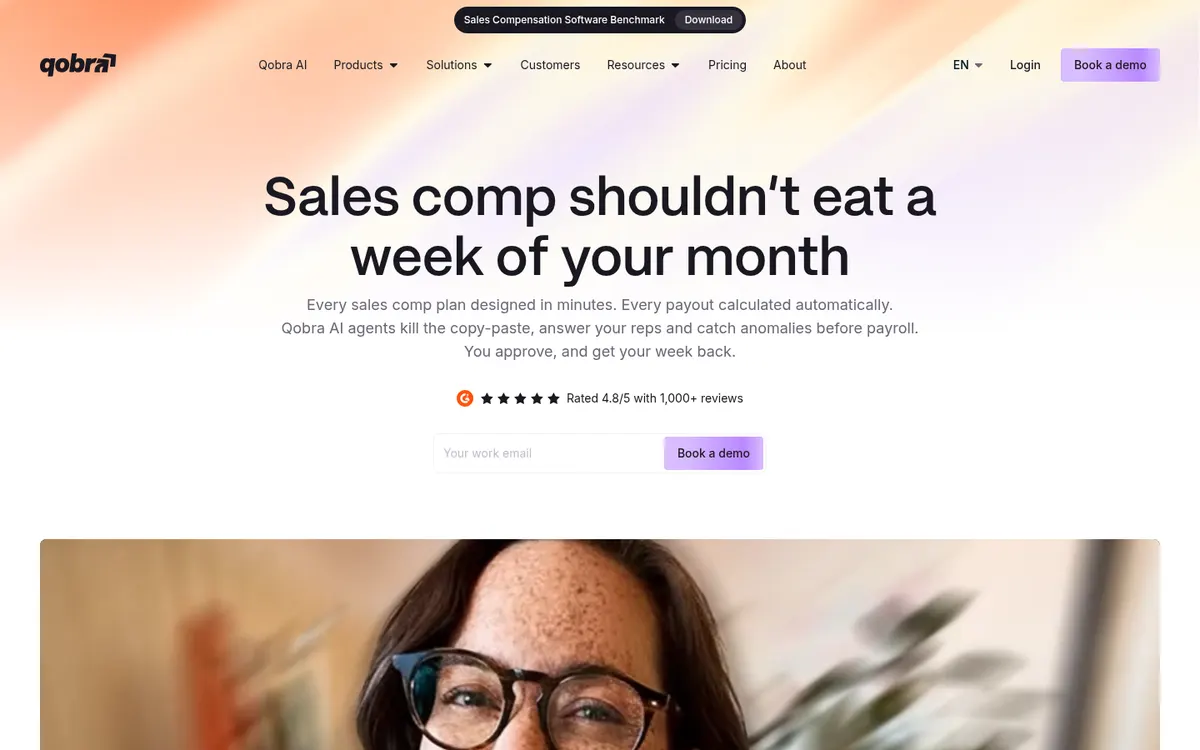
Qobra is built around the argument that reps should be able to see, and check, how a payout was calculated. The no-code plan builder handles commission structures without a developer, and the native CRM connection pushes live deal-level statements to reps, so a rep can trace a number back to the deal behind it. Plan simulation lets RevOps model a change before it goes live, and finance approval workflows sit in the same place as the calculations. Payroll closing carries a full audit trail, which is the part finance teams actually need at quarter end.
The newer layer is AI: agents run calculations, answer rep questions about their statements and flag anomalies in the numbers. That is useful where a small RevOps team supports a large sales floor, because most commission disputes begin as a question about one line on a statement.
Pricing is entirely quoted, across three packages. Core includes one native CRM integration plus the plan builder, statements and payroll close. Multi-currency starts at Advanced, and ERP, data warehouse and API connectors also require Advanced. The Scale package adds HRIS connection, SSO, sandboxes and custom dashboards. Because connectors move between tiers, the integration list has to be confirmed line by line in the quote rather than assumed from a features page. All three tiers show only a quote request.
The company was founded in Paris in July 2020 and now runs from Paris, London (since 2024) and New York (since September 2026). It cites a documented base of 350+ companies and 30,000+ users. Fit is mid-market B2B teams with RevOps-led comp design, especially in Europe; the US office is the newest, so support depth in North America is less proven than in Europe.
What works
- Transparent rep-facing statements plus plan simulation
- Approvals, payroll close and audit trail in one workflow
- Established European presence with a growing US footprint
What to weigh
- No public per-seat list price; everything is quoted
- Core tier includes only one native CRM integration
- ERP, warehouse, API, HRIS and SSO require higher tiers
Pick it if
You run comp design out of RevOps and want plan simulation, finance approval and rep statements in one quoted package.
Skip it if
You need a published per-user rate to get budget approval, or if you need several native CRM connectors on the entry tier.
Plate 02 of 09
QuotaPath
Best for growing teams replacing commission spreadsheets
Our verdict
The easiest switch off spreadsheets, with published pricing, short onboarding and a platform fee that changes the math.
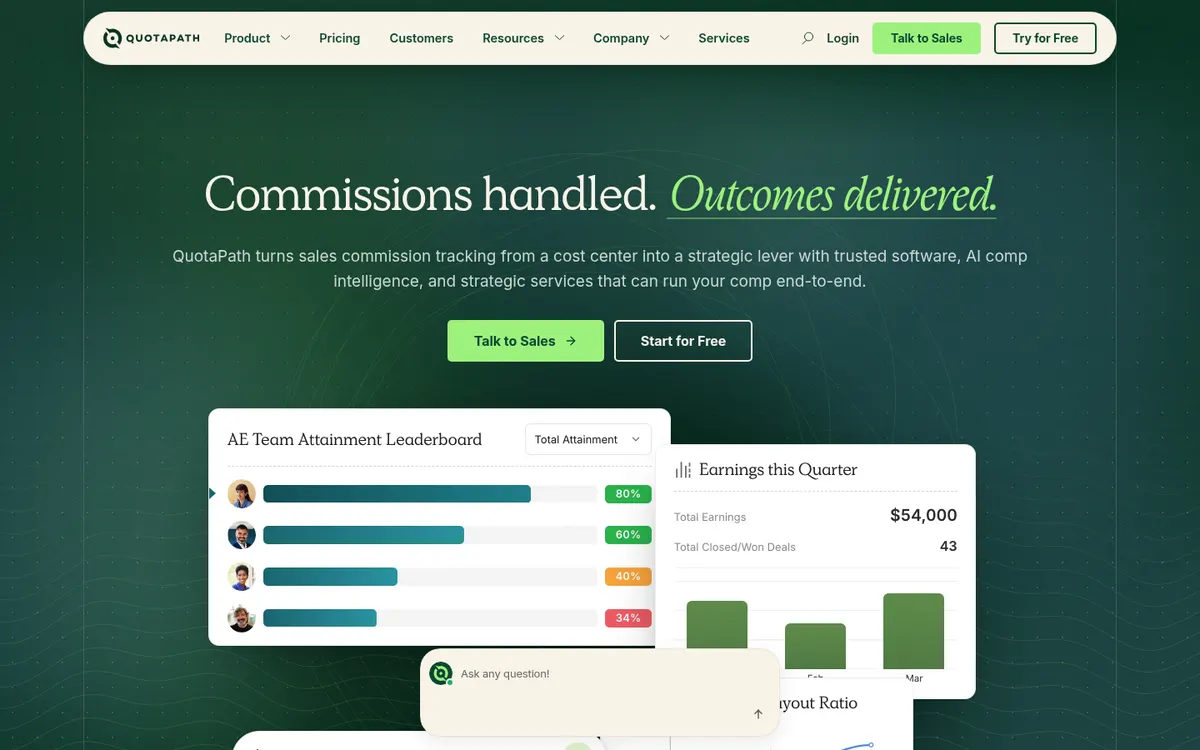
QuotaPath's pitch is speed: connect a CRM, sync the data, calculate commissions. The connectors cover Salesforce, HubSpot, Close, QuickBooks and Stripe, and the data sync is described as a three-step path from CRM records to calculated commissions. Reps get real-time earnings visibility, and the vendor offers guided comp plan design support for teams that have never written a plan outside a spreadsheet. Onboarding is quoted at 4 to 6 weeks, which is short for this category.
Pricing is the reason it ranks here for smaller teams. Growth is published at $35 per user per month billed annually, with a $525 monthly platform fee. Premium is $50 per user per month with an $800 platform fee. There is no minimum user count, so a five-person team can buy it, but the platform fee does not shrink with the team.
That fee is the trap. A 10-rep Growth deployment comes to roughly $875 in user fees each month before the platform fee lands on top, so the effective cost per rep at small headcounts is far above the headline rate. Budget from the total, not the per-user number, and ask whether the platform fee scales with team size on the Premium tier. It does.
Premium and Strategic tiers exist for larger or more complex deployments; the Strategic tier is where advanced enterprise scenarios go. The tool is widely used in the HubSpot ecosystem. Fit is a growing team leaving spreadsheets that wants a published price and a short implementation, not an enterprise incentive compensation program. Teams with deep plan complexity should look further up this list.
What works
- Public pricing makes budgeting straightforward
- Fast time to value with short onboarding
- No minimum seat requirement for small teams
What to weigh
- Monthly platform fee raises the real entry cost
- Premium tier adds a separate platform fee that scales with team size
- Advanced enterprise scenarios require the Strategic tier
Pick it if
You are leaving spreadsheets, want a published rate and can absorb a fixed monthly platform fee.
Skip it if
Your headcount is small enough that the platform fee dominates the per-user rate, or if your plans need the Strategic tier.
Plate 03 of 09
Spiff by Salesforce
Best for salesforce-first sales organizations
Our verdict
Excellent inside Salesforce and expensive outside it, with connectors and analytics billed on top of the base rate.
Spiff is the Salesforce-native option. Calculations run directly on Salesforce data rather than arriving through an API sync, rep commission statements surface inside the CRM, and reps see earned commission in the tool they already use every day. For a sales organization that lives in Salesforce, that removes a whole category of data mismatch problems and one more login.
Pricing is not published on the captured page, so confirm the current rate before building a budget. Beyond the subscription, ask for connector, analytics and implementation costs in the quote.
Spiff became part of Salesforce through acquisition, and the product shifted toward a Salesforce-first default for existing customers. Ask for the minimum, implementation cost and onboarding schedule in the quote, and confirm whether the minimum is annual or multi-year.
The limit is ecosystem lock-in. Outside Salesforce the connector cost and the fit both weaken quickly, and a HubSpot or Dynamics team ends up paying a premium for a data path it does not use. Inside Salesforce, with a mid-size to large team and clean CRM hygiene, it is one of the shortest routes from CRM record to a statement a rep trusts.
What works
- Native fit for Salesforce-centric revenue teams
- Reps see commissions where they already work
- Backed by a large platform vendor
What to weigh
- Weak fit outside the Salesforce ecosystem
- Connector costs need confirmation in the quote
- Pricing and implementation terms need confirmation on the vendor site
Pick it if
Salesforce already holds your deal data and you want statements surfaced inside the CRM reps use daily.
Skip it if
Your CRM is HubSpot or Dynamics, where connector charges and fit both work against you.
Plate 04 of 09
CaptivateIQ
Best for mid-market and enterprise teams with complex commission plans
Our verdict
Handles the most complex plan structures with finance-grade audit trails, but expect a quoted price and a long implementation.
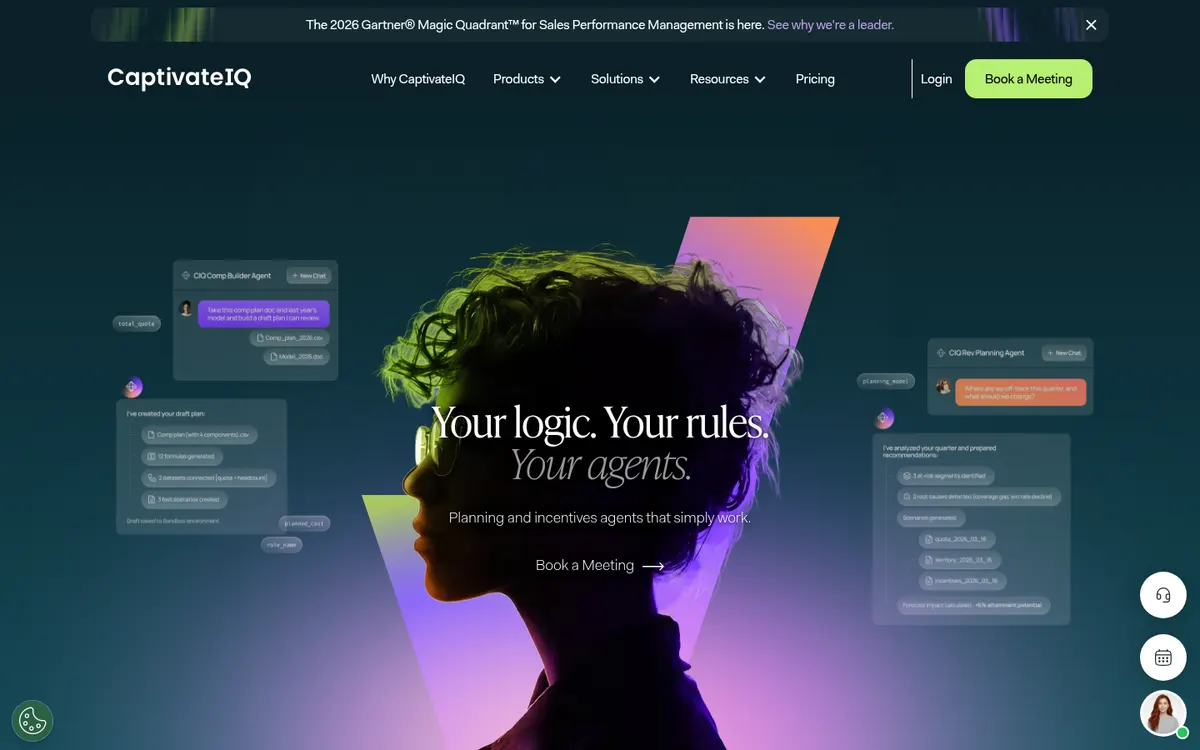
CaptivateIQ is aimed at the plans that break simpler tools. Tiered rates, accelerators, splits, draws and clawbacks are all modeled in the platform, and the audit trail is built for finance review rather than bolted on afterward. Reps get real-time commission statements, and the core integrations are Salesforce for CRM and NetSuite for finance. Anything outside those two depends on Workato or API-based connectors.
That integration story is the honest limit. Core systems are covered well; the long tail of internal systems is not native, and the work falls on your team or a services engagement. For a finance-led organization with Salesforce and NetSuite already in place, this matters less. For a company running several smaller systems, it can turn into a project inside a project.
Pricing is quoted, with no public price list. The vendor sells custom deals, so ask for a quote. Implementation runs 8 to 12 weeks, and premium support is billed separately. Get the services scope in writing before signing, because implementation is where the variable cost lives and where timelines slip.
The fit is mid-market and enterprise teams whose plans have genuinely outgrown spreadsheet workarounds and who want finance-grade controls behind the number. The trade-off is time and money up front: this is a project, not a self-serve signup. Teams with flat-rate or single-tier plans will pay for modeling power and audit scaffolding they never use, and they will wait two months to start.
What works
- Handles complex plan structures without spreadsheet workarounds
- Audit trail that finance teams rely on for controls
- Strong core CRM and ERP integrations
What to weigh
- All pricing is quoted, with no public price list
- Implementation runs 8 to 12 weeks plus setup cost
- Non-core integrations depend on APIs or a third-party automation tool
Pick it if
Your plans include several mechanics and finance needs a documented audit trail behind every payout.
Skip it if
You need a fast self-serve start or your plans fit a single tier with one accelerator.
Plate 05 of 09
Everstage
Best for teams that want reps to trust their commission statements
Our verdict
Built to end commission disputes through payout traceability, though compliance modules, the Salesforce app and onboarding cost extra.
Everstage sells on rep trust. Every payout on a statement traces back to the deal and the plan rule that produced it, and the field-level CRM sync keeps the underlying deal data accurate enough for that trace to hold up. When a rep can see why a number is what it is, dispute volume drops, and so does the shadow accounting that reps do in their own spreadsheets.
The extras are priced separately: an ASC 606 revenue recognition module, a Salesforce app, and alerting are all add-ons, and pricing is per payee on a quote. Onboarding fees sit outside the subscription too. Budget for the per-payee subscription plus onboarding and add-on modules. Itemize the quote, because the base subscription is not the whole cost and the add-ons are easy to defer and then need later.
Where it fits is a mid-market or enterprise team where commission disputes have become a recurring operational problem and where finance wants revenue recognition treatment handled alongside commissions. If your problem is simply that nobody can run the calculation reliably, a cheaper tool will solve it for less.
The weak spots are commercial rather than functional. No public pricing, add-on modules for compliance and Salesforce-specific features, and an onboarding fee. Budget for all three before comparing it against a platform with a published rate. For teams where rep confidence in the number is the core issue, paying for traceability is defensible and the savings show up in fewer disputes each quarter.
What works
- Clear payout traceability that reduces disputes
- Strong rep transparency and earnings breakdowns
- Deep field-level CRM data sync
What to weigh
- Quote-based per-payee pricing with onboarding fees
- ASC 606 and advanced modules cost extra
- Salesforce app and alerts are not in the base price
Pick it if
Commission disputes are a recurring operational problem and reps need to trace every payout to a deal.
Skip it if
Your only problem is calculation speed, or if the ASC 606 and Salesforce add-ons push the total past budget.
Plate 06 of 09
Xactly Incent
Best for large enterprises with formal incentive compensation management
Our verdict
The reference platform for enterprise incentive compensation, priced and scoped for organizations with hundreds of reps and audit requirements.
Xactly Incent is the enterprise option in this list, and it is priced and scoped like one. The incentive compensation engine handles high-complexity plans, multiple plan types across a large sales organization, global multi-currency deployments, and the compliance and audit features enterprise finance requires when commissions are a material line in the financial statements. Native integrations cover the major CRM systems, and international payroll and payout handling are included.
Everything about it is a project. Pricing is quoted, implementation cost is substantial, and onboarding can run to six months. Ongoing professional services fees are standard rather than exceptional. Pricing is quote only and negotiated per deal. Ask for the services component separately from the subscription so you can see which line grows.
That shape suits a specific buyer: hundreds of reps, multiple countries, plans that differ by region and role, and an audit committee that expects controls. For that buyer, modeling depth and compliance coverage are the reason to pay, and the six-month onboarding is a known schedule rather than a surprise.
For everyone else, the same depth becomes configuration work and services invoices for plans a mid-market tool could model in an afternoon. The honest comparison is against Performio, which trades some depth for a lighter implementation. If your plans are genuinely complex and finance treats commissions as a material control, Xactly Incent is the reference point. If your complexity is moderate, it is overkill.
What works
- Deepest plan modeling and compliance feature set in the category
- Proven on global, multi-currency deployments
- Built for commissions treated as a material financial control
What to weigh
- Quote-only pricing with substantial implementation cost
- Onboarding can extend to six months
- Ongoing professional services fees are standard
Pick it if
You run hundreds of reps across several countries and finance needs formal controls and audit coverage.
Skip it if
Your plans are moderate or you need a first payout inside a quarter.
Plate 07 of 09
Performio
Best for enterprises wanting flexible calculation without heavy services
Our verdict
A sensible middle path: enterprise-grade calculation and auditable payouts without the heaviest services footprint in the category.
Performio sits deliberately between the mid-market commission tools and the full enterprise incentive compensation suites. The calculation engine is flexible enough for complex plans, and the outputs are auditable, but there is less custom configuration than the legacy ICM platforms demand. Implementation is lighter than the enterprise suites, though it is still a project rather than a self-serve setup, and it still needs a schedule and a budget line.
The pricing structure has two lines worth watching. Admin seats are licensed separately, and additional environments are paid options rather than included. Neither is unusual, but both change the total, and both are easy to miss when comparing a headline quote against a competitor that bundles administration into the user count. Ask for the admin seat count and the environment list in writing, then compare totals rather than rates.
Where it earns a shortlist place is the middle ground. Teams that have outgrown lighter tools because the calculation depth is not there, but do not want the services weight of a full ICM deployment, find fewer options than they expect. Performio is one of them, and it is well suited to finance-led software evaluations, which shapes how the evaluation runs and which questions get asked first.
The weak spots are commercial and market-based. Quote-only pricing with separately billed admin seats and paid environments, a smaller market presence than the larger ICM vendors, and an implementation that still needs planning. Fit is an enterprise with complex plans and a finance-led buying process; skip it if you want self-serve or if your plans are simple enough for a mid-market tool.
What works
- Balances calculation flexibility against services overhead
- Faster to deploy than heavier enterprise ICM suites
- Auditable outputs for complex plans
What to weigh
- Quote-based pricing with admin seats billed separately
- Extra environments are a separate line item
- Smaller market presence than larger ICM vendors
Pick it if
You need enterprise calculation depth but want a lighter implementation than a full ICM suite.
Skip it if
You want self-serve setup or your plans are simple enough for a mid-market commission tool.
Plate 08 of 09
Commissionly
Best for small teams needing commission automation on a budget
Our verdict
A cheap, quick start for small teams with simple plans, and it runs out of room as soon as splits or accelerators appear.
Commissionly is the budget entry. It automates commission calculations for small sales teams, supports simple plan types, and is quick to configure. CRM data arrives by CSV import rather than a native sync, and API connectivity is only on the roadmap. That combination tells you the target buyer: a team of roughly five to twenty reps with uncomplicated plans, where someone is currently running commissions in a spreadsheet and getting it slightly wrong.
Pricing is listed on the vendor site. The pricing page did not load on this check, so confirm the current rate on the vendor site before budgeting. The free trial means you can validate fit before paying anything.
The limits show up fast as plans grow. Splits, draws and accelerators are where the tool struggles, and those are exactly the mechanics that appear when a company adds a second sales motion or a channel team. CSV import also means the commission number depends on whoever exported the data, which reintroduces the manual step the tool was meant to remove.
Fit is a small team that wants automation on a budget and has a plan simple enough to describe in a paragraph. Skip it if you run more than one plan type, need native CRM sync, or pay draws and accelerators; teams whose plans grow in complexity typically move to a mid-market tool. The free trial is the right way to test whether the CSV workflow survives your close calendar.
What works
- Quick setup for straightforward plan structures
- Fast configuration for simple plans
- Free trial to validate fit before buying
What to weigh
- CRM data arrives by CSV import rather than native sync
- API connectivity is only on the roadmap
- Struggles with splits, draws and accelerators
Pick it if
You have a handful of reps, one simple plan and a tight budget for commission automation.
Skip it if
You need native CRM sync or your plans include splits, draws or accelerators.
Plate 09 of 09
Sales Cookie
Best for SMBs with simple to moderate commission plans
Our verdict
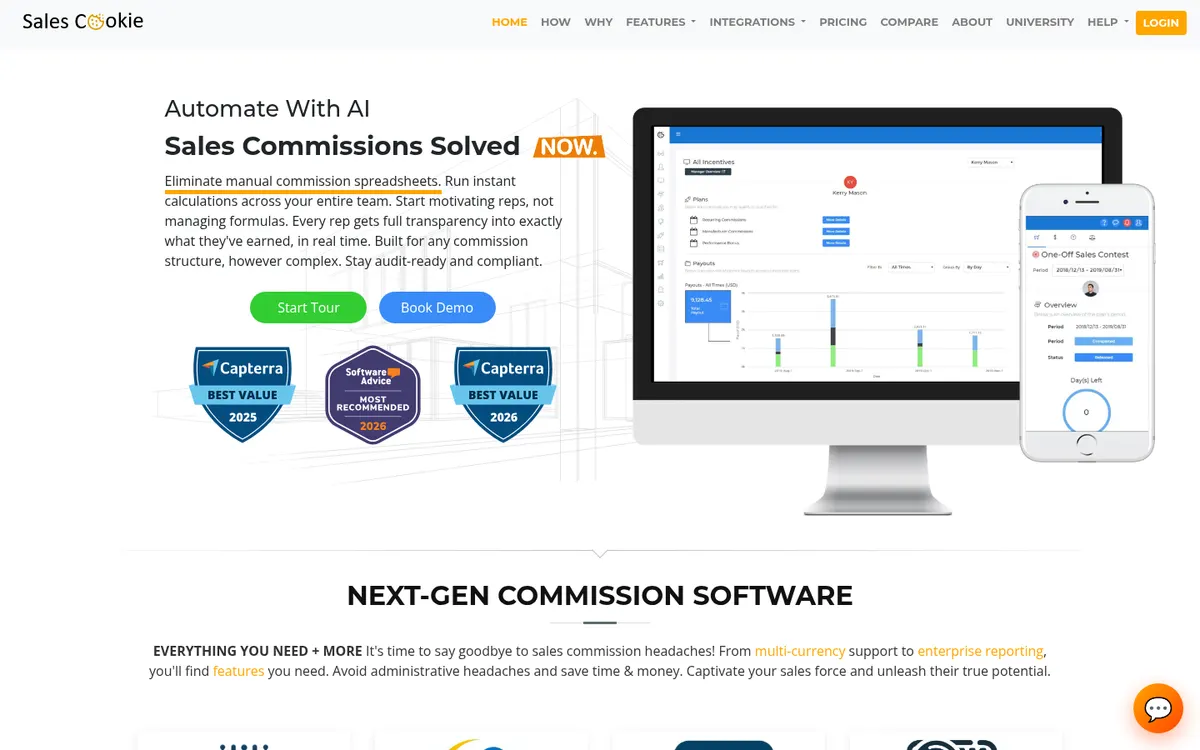
Good value for SMBs that want a real CRM connection and a free trial, without an implementation project.
Sales Cookie is the middle option for small and midsize teams: more integration than the budget tools, less complexity than the enterprise platforms. Pricing is listed on the vendor site, and the pricing page did not load on this check, so confirm the current rate before you build a budget around it.
The important difference from a budget tool is the CRM connection. Sales Cookie connects to a CRM through an API key rather than importing a CSV, which means the commission calculation reads from the source system instead of from an export that someone remembered to run. For simple to moderate plans, that removes the manual step that causes most spreadsheet commission errors, and it removes the argument about whose export was correct.
Payroll integration options exist, and the free trial lowers evaluation risk: a small team can run a parallel cycle against last quarter's numbers before switching. That parallel run is the cheapest audit you can perform on any commission tool, and it is worth doing even when the price is low.
The ceiling is deliberate. This is not built for enterprise plan complexity, it has fewer advanced compliance features than a full ICM suite, the payroll integration ecosystem is smaller, and multi-plan and multi-currency scenarios belong on a different list. ASC 606 compliance and complex multi-entity compensation are outside its scope.
Fit is an SMB with simple to moderate plans that wants a real CRM connection and a published price without an implementation project. Skip it if you operate in several currencies, run several plan types, or need revenue recognition treatment built in.
What works
- Transparent published price point
- Real CRM integration rather than import-only data flow
- Free trial lowers evaluation risk
What to weigh
- Not designed for enterprise plan complexity
- Fewer advanced compliance features than full ICM suites
- Smaller ecosystem of payroll integrations
Pick it if
You are an SMB that wants API-key CRM sync and a free trial without paying for an implementation.
Skip it if
You run several plan types, multiple currencies, or need ASC 606 treatment built into the tool.
What does sales commission software actually do?
Sales commission software calculates what reps earn and produces a statement they can check. That is the whole job, and it is harder than it sounds, because the calculation has to pull the right deal data from a CRM, apply plan rules, survive a mid-quarter plan change, and land in payroll on time. The tools in this list do the same core work and differ on how complex a plan they can model, how they get data from the CRM, and what they charge for it.
The spreadsheet tasks being replaced are specific:
- Pulling closed-won opportunities from the CRM each month
- Applying tiers, accelerators, splits, draws and clawbacks by hand
- Reconciling adjustments from prior periods
- Producing individual statements and answering rep questions about them
- Getting an approved number to payroll with a record of who changed what
Most teams start with a spreadsheet and move when reconciliation takes days, when a rep disputes a number nobody can reconstruct, or when finance wants an audit trail. The trigger is rarely the calculation itself; it is the review cycle around it.
Two things separate the tools here. The first is the data path. A native CRM connection, an API-key connection and a CSV import produce the same arithmetic but very different reliability, and the difference shows up every month. The second is plan complexity. Flat rates and single-tier plans run anywhere; splits, draws, clawbacks and multi-currency deployments narrow the field quickly.
There is also a category split worth knowing. Mid-market commission tools such as Qobra, QuotaPath and Everstage focus on rep-facing statements and fast implementation. Enterprise incentive compensation platforms such as Xactly Incent, Performio and CaptivateIQ focus on modeling depth, audit controls and finance sign-off, and they arrive with implementation projects. Choosing the wrong side of that split costs either money or capability, and usually both.
Commission software does not design your plans. It executes them and makes the results visible, and the quality of that visibility decides whether reps trust the number.
This guide sits in the Software collection. Buyers weighing nearby tools often read the guides to 1099 filing software and AI-powered video ad editing software next.
How commission software pricing works, from per-user rates to six-month implementations
Commission software bills in four patterns, and the pattern matters more than the headline rate. A published per-user rate is easy to budget. A quote-only enterprise deal hides services cost outside the subscription, and implementation can run for months.
| Model | How it bills | Typical fit | Example from this list |
|---|---|---|---|
| Published per user plus platform fee | Per user per month billed annually, plus a monthly platform fee | Growing teams that need a budget line | QuotaPath Growth at $35 per user per month plus a $525 monthly platform fee |
| Per user pricing | Per user per month | Small teams with simple plans | Sales Cookie, pricing on the vendor site |
| Quote only, tiered packages | Custom annual contract across named tiers | Mid-market and enterprise | Qobra Core, Advanced and Scale, all quoted |
| Quote only with implementation services | Custom contract plus services fees and a multi-month project | Large enterprises | Xactly Incent, with onboarding that can run to six months |
Extra lines decide most comparisons. QuotaPath's $525 monthly platform fee sits on top of its $35 per user rate. Spiff's connector and analytics add-on costs should be confirmed on the vendor site. Performio bills admin seats separately and charges for additional environments. Qobra moves multi-currency, ERP, warehouse, API, HRIS and SSO into the Advanced and Scale packages, so the tier decides which connectors you get.
Then there is services. CaptivateIQ runs 8 to 12 weeks, and premium support is billed separately. Xactly Incent carries substantial implementation cost and standard ongoing professional services fees. Everstage has onboarding fees outside the base subscription, and its ASC 606 module and Salesforce app cost extra. QuotaPath's onboarding is quoted at 4 to 6 weeks.
The practical rule: rebuild the annual total for your headcount before comparing vendors, including platform fees, connector charges, admin seats, add-on modules and implementation. A $15 per user tool and a $35 per user tool can land in very different places once the fixed lines arrive. Prices were checked on November 25, 2026, and QuotaPath is the only entry with a verified per-user starting price.
Every price in this guide was read on the vendor's own pricing page on November 25, 2026. Where a vendor does not publish a figure we could confirm, the card says "See website" rather than a guess. For the arithmetic around this purchase, try the free Email campaign metrics calculator.
How to choose commission software without losing a quarter
- Write the plans down first. Document every plan type, including tiers, accelerators, splits, draws and clawbacks. The mechanics you actually run decide which half of this list is relevant before price enters the conversation.
- Fix the CRM data path. Decide whether you need a native sync, an API-key connection or can live with CSV import. Spiff's native Salesforce tie and Commissionly's import-only model are the two ends of that spectrum.
- Budget the total, not the rate. Add platform fees, admin seats, connector charges, add-on modules and implementation services. QuotaPath's $525 monthly platform fee and any Spiff add-on costs are the line items that move the total.
- Put onboarding on the calendar. QuotaPath quotes 4 to 6 weeks, CaptivateIQ 8 to 12 weeks, Xactly Incent up to six months. Your first accurate payout follows that schedule, so plan a parallel run against the spreadsheet.
- Test a statement with real reps. Run two or three live statements and ask reps to trace a payout to the deal. Dispute volume after go-live depends on whether that trace works without a call to RevOps.
- Settle compliance needs early. If commissions need ASC 606 treatment or formal audit controls, that narrows the list to Everstage's add-on module, CaptivateIQ or Xactly Incent before anyone argues about price.
Five commission software buying mistakes to avoid
- Comparing headline per-user rates. QuotaPath's $35 rate carries a $525 monthly platform fee, so a 10-rep team pays well above the per-user number. Rebuild the total for your headcount before you compare anything.
- Assuming connectors are included. Qobra puts ERP, warehouse and API connectors on Advanced or Scale, and Spiff's connector costs need confirmation in a quote. List every system you need before requesting a quote.
- Buying calculation depth you will not use. Xactly Incent and CaptivateIQ earn their cost on genuinely complex plans. A team running flat rates and one accelerator pays for modeling power it never touches.
- Leaving implementation out of the budget. Implementation runs 8 to 12 weeks at CaptivateIQ and up to six months at Xactly Incent, often with services fees. That is real cost and a real delay to the first accurate payout.
- Letting reps find errors at payout. If statements do not trace back to deals, reps build their own spreadsheets and the disputes arrive anyway. Test statements with real reps before signing, not after.
Best Commission Software 2026: questions
What does sales commission software do, and which spreadsheet tasks does it replace?
It calculates rep payouts from CRM deal data, applies your plan rules, produces statements reps can check, and hands an approved figure to payroll. It replaces the monthly spreadsheet cycle: exporting opportunities, applying tiers and accelerators by hand, reconciling adjustments, and answering rep questions about a number nobody can reconstruct. The calculation is the simple part; the review trail and the statement are what teams actually buy.
Do these tools publish prices, or is everything a custom quote?
QuotaPath publishes $35 per user per month plus a platform fee. For Qobra, Spiff by Salesforce, CaptivateIQ, Everstage, Xactly Incent, Performio, Commissionly and Sales Cookie, pricing is on the vendor site or by quote. Implementation services typically sit outside the subscription.
How deep is CRM integration across these nine tools?
It ranges from native to import only. Spiff runs calculations directly on Salesforce data, Everstage syncs at field level, QuotaPath and CaptivateIQ integrate through connectors, Sales Cookie uses an API key, and Commissionly imports CSV files. Qobra's ERP and API connectors start at its Advanced tier, so confirm the path for your specific CRM.
How much does plan complexity change onboarding time?
A great deal. QuotaPath quotes 4 to 6 weeks, CaptivateIQ 8 to 12 weeks, and Xactly Incent can run to six months. Complexity comes from plan types, splits, draws, clawbacks, currencies and the number of systems the calculation touches. Every extra plan mechanic and integration adds configuration and testing before the first accurate payout, so budget a parallel run against your spreadsheet.
When do we need ASC 606 commission capitalization support?
When commissions are large enough, and long enough in duration, that finance capitalizes them under ASC 606 and needs the amortization schedule inside the commission system rather than in a separate spreadsheet. In this list that capability comes as an add-on module from Everstage, and it sits inside the finance-oriented platforms. If nobody in finance has raised it yet, you probably do not need it.
How can a vendor submit a correction or updated pricing?
Send the vendor name, the line item you want corrected, and a link to the page on your own site that shows the current detail. We re-check pricing against vendor pages, most recently on November 25, 2026, and update entries when the source page supports the change. Position in the list is editorial, so a correction updates the facts without moving the entry.