
Contents of this guide
The shortlist
Our top 3 for sales buyers

Jobber
Quote to invoice
- Best for
- Home service trades that need quote to invoice in one flow
- Features
- 4 noted: Online booking, Crew mobile app, Invoicing, QuickBooks

Housecall Pro
Repeat visit marketing
- Best for
- Residential trades focused on repeat visits and referrals
- Features
- 5 noted: Dispatch board, Review requests, Email campaigns, Online booking, Price book
ServiceTitan
Marketing to job attribution
- Best for
- Large multi crew HVAC, plumbing and electrical operations
- Features
- 4 noted: Pricebook, Call recording, Job attribution, Technician tracking
Disclosure for this guide. All 8 tools here are unpaid editorial picks. The position of a paid listing can be part of what the vendor pays for. Paid and unpaid tools are scored on the same rubric and keep their cons. Details are in the advertising disclosure.
The ledger
Index of every tool
| Tool | Free plan | Trial | Rubric | Compare | ||
|---|---|---|---|---|---|---|
| 01 | JobberHome service trades that need quote to invoice in one flow | See websiteNot published | No | See website | ||
| 02 | Housecall ProResidential trades focused on repeat visits and referrals | See websiteNot published | No | 14 days free, no credit card required | ||
| 03 | ServiceTitanLarge multi crew HVAC, plumbing and electrical operations | See websiteNot published | No | Demo only | ||
| 04 |  HoneyBookSolo and small project or appointment based professionals | See websiteNot published | No | See website | ||
| 05 |  HubSpot CRMDesk based service firms wanting a free client record | FreeFree tools, up to 2 users, Starter from $7 per month per seatChecked Nov 25, 2026 | Yes, free tools for up to 2 users | Free tier available | ||
| 06 | Zoho CRMBudget conscious firms with someone to configure it | $14Standard, per user per month, free edition for up to 3 usersChecked Nov 25, 2026 | Yes, free edition for 3 users | Yes, free trial available | ||
| 07 | SalesforceComplex multi brand, multi region service organisations | See websitecustom quoteCustom quote | No | See website | ||
| 08 |  PipedriveSales led service firms whose bottleneck is winning work | $14Lite, per seat per month, billed annuallyChecked Nov 25, 2026 | No | Free 14-day trial, no credit card required |
Prices are the lowest paid plan the vendor shows, read on November 25, 2026. Sort by price ranks published monthly figures; tools without one go last. Pin up to three tools to compare them side by side.
How this guide was put together
We ranked these eight tools by how well each one fits a specific kind of service business, not by one overall score. Every tool was scored against the same five criteria, and the scores shown on each entry are those criteria, not a weighted total that decides position. Position reflects fit for the buyer each entry describes, plus any disclosed Featured placement. No tool in this list currently holds a Featured position. A Featured listing is a paid placement, and it is scored with the same rubric and carries the same honest cons as everyone else.
The five criteria are field workflow depth (30 percent), the distance a tool carries a job from first inquiry through quote, schedule, delivery and invoice; price clarity (20 percent), whether a buyer can find real plan prices and what each tier includes before speaking to sales; quoting and invoicing (20 percent), how much of the proposal, contract and payment trail the product handles itself; team and scale (15 percent), how the plan structure and per user costs hold up as a crew grows from two people to twenty; and setup and admin (15 percent), how much configuration and office time the tool takes before it earns its keep.
Prices and plan details come from vendor pricing pages we opened on November 25, 2026, plus plan notes supplied for this comparison. Where a page published nothing or returned no readable text, we say so in the entry and list pricing as on the vendor site rather than quoting a number we could not check. Two vendors in this list, ServiceTitan and Salesforce, publish no prices at all, which is itself a finding worth weighing when you compare spending.
The full process, including how we handle corrections, is on the methodology page. Paid listings follow the advertising disclosure.
Rubric and weights
Every tool below is scored from 1 to 10 on these five criteria. The scores describe each tool; the order is an editorial call on fit for the buyer each card describes, plus the disclosed Featured position.
- 30%Field workflow depthHow far the tool carries a job from first inquiry through quote, schedule, delivery and invoice without a second system.
- 20%Price clarityWhether a buyer can find real plan prices and what each tier includes before speaking to a sales team.
- 20%Quoting and invoicingHow much of the proposal, contract, invoice and payment trail the product handles itself.
- 15%Team and scaleHow well the plan structure and per user costs hold up as a crew grows from two people to twenty.
- 15%Setup and adminHow much configuration and office time the tool takes before it starts earning its keep.
Plate 01 of 08
Jobber
Best for home service trades that need quote to invoice in one flow
Our verdict
Best fit for home service trades that want a request turned into a scheduled job and an invoice without leaving one system.
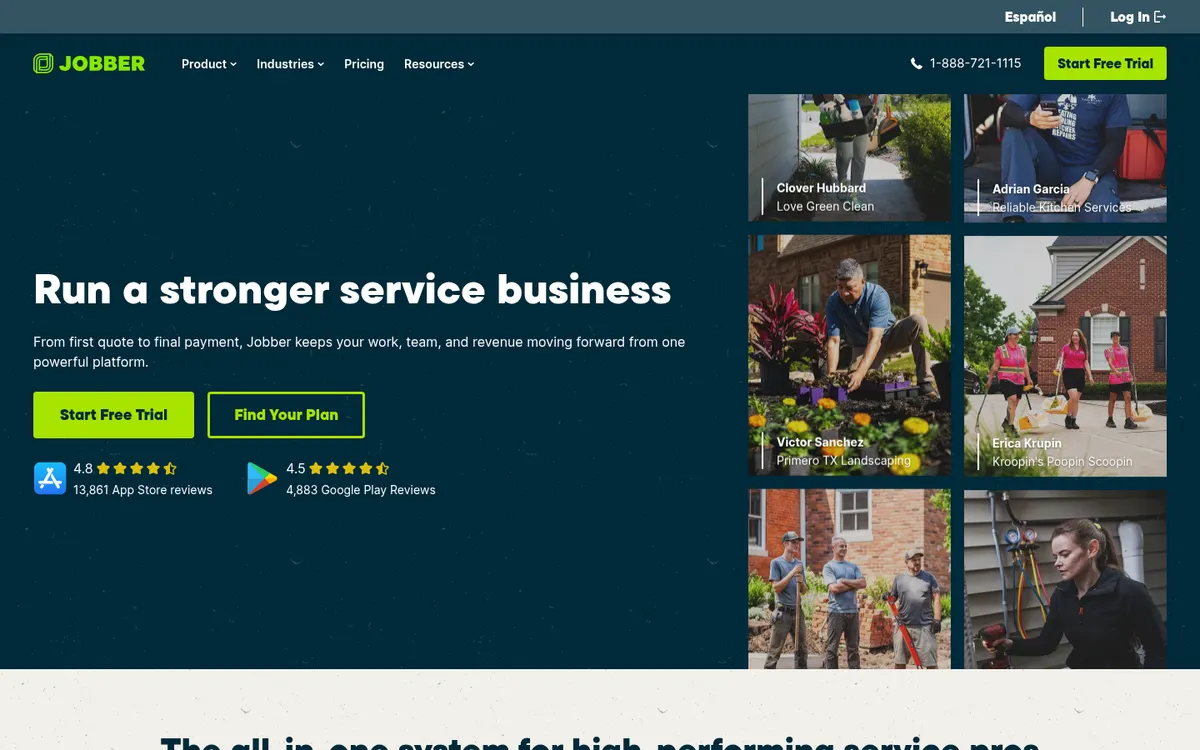
Jobber is built around the sequence a home service trade actually runs: a customer asks for a quote, you price the work, you schedule a visit, a crew turns up, and someone sends an invoice and collects payment. That request to quote to scheduled job path is the product's spine, which is why it reads as a field service system rather than a sales pipeline with a calendar bolted on. Jobs and visits run through a crew mobile app, quotes and proposals are built inside the tool, and the client hub shows a customer their full service history.
Online booking lets a homeowner pick a slot without a phone call, and automated follow ups sit on the higher tiers. QuickBooks integration covers the bookkeeping handoff for firms already running QuickBooks, which describes most small trades. The mobile app is the part crews notice: it is polished enough that technicians use it without being chased, and that is the difference between a system that records work and a system that gets used.
Pricing is a ladder, not a single figure. The entry Core plan covers one user only, and the features most likely to sell you the product, fuller quoting and automated follow ups, sit on the tiers around $199 and $399 per month. Marketing and receptionist functions are charged as add ons. Per user costs climb as the crew grows, so a four person operation should budget the tier and add ons it will actually run. On November 25, 2026 the vendor pricing page returned no readable text, so the $49 Core figure could not be confirmed and pricing stays on the vendor site.
Pick it if you run a residential trade with crews in the field and want quoting, scheduling and invoicing out of three separate tools. Skip it if you are desk based, or if a pipeline and a contact record are all you need.
What works
- One flow from quote to schedule to invoice
- Polished crew mobile app
- Established QuickBooks integration
What to weigh
- Useful quoting and follow ups sit on higher tiers
- Marketing and receptionist billed as add ons
- Per user costs climb with the crew
Pick it if
A quote, a scheduled visit and an invoice should all live in one place.
Skip it if
Nobody travels to a customer address.
Plate 02 of 08
Housecall Pro
Best for residential trades focused on repeat visits and referrals
Our verdict
Best for residential trades that grow on repeat visits, reviews and neighborhood reputation rather than on enterprise reporting.
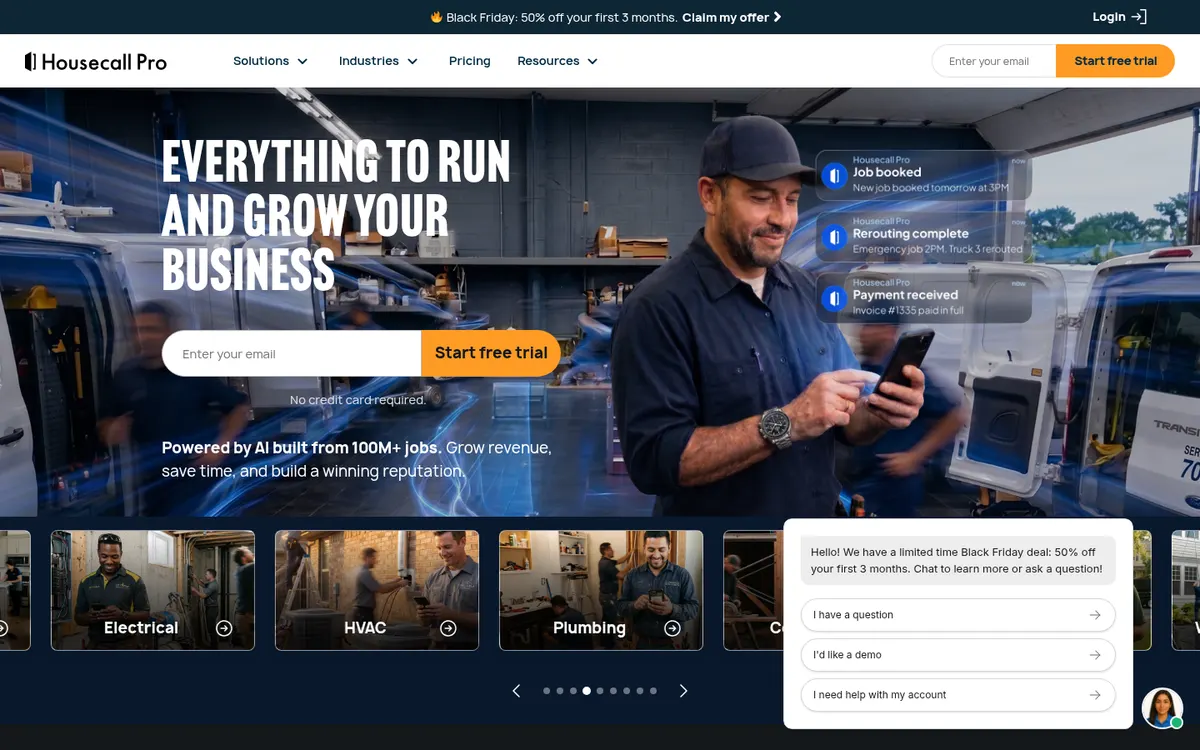
Housecall Pro covers the field service core competently: scheduling and dispatch, quoting and invoicing, and online booking, all in one system a small residential outfit can run without an administrator. Where it separates from Jobber is the marketing layer sitting on top. Post job review requests, email and postcard campaigns, and customer segmentation for repeat work are built in rather than bolted on, which matters when growth comes from the same neighborhoods and the same homeowners calling back.
Homeowners often recognise the brand, and that counts for something when your quote arrives by email. The Essentials tier covers up to five users, so a crew of that size gets the core without buying seats one at a time.
Pricing is where the picture gets murky. The plan notes supplied for this list put Basic at $79 monthly or $59 annually for a single user, with MAX at $299 per month, but the vendor page we opened on November 25, 2026 showed no plan prices at all, only a demo request for tailored pricing, so the annual figure stays unconfirmed. Feature gating pushes growing firms toward the MAX tier, and proposals, GPS and the price book are billed separately. The notes supplied for this comparison warn that realistic multi truck costs land well above the entry price, which is the number to hold in your head rather than the advertised tier.
Pick it if repeat residential work and reviews drive your revenue and you want the campaigns in the same tool as dispatch. Skip it if you need deep quoting on a tight budget, or if you are a commercial operation with long project cycles.
What works
- Field core plus built in marketing
- Review requests and repeat client campaigns
- Essentials covers up to five users
What to weigh
- Feature gating pushes firms to the $299 MAX plan
- Proposals, GPS and price book billed separately
- No plan prices published on the vendor page
Pick it if
Your growth comes from repeat residential customers and online reviews.
Skip it if
You are commercial only, or quoting depth matters more than marketing.
Plate 03 of 08
ServiceTitan
Best for large multi crew HVAC, plumbing and electrical operations
Our verdict
The pick for large HVAC, plumbing and electrical operations where dispatch depth and marketing attribution outweigh a long, expensive onboarding.
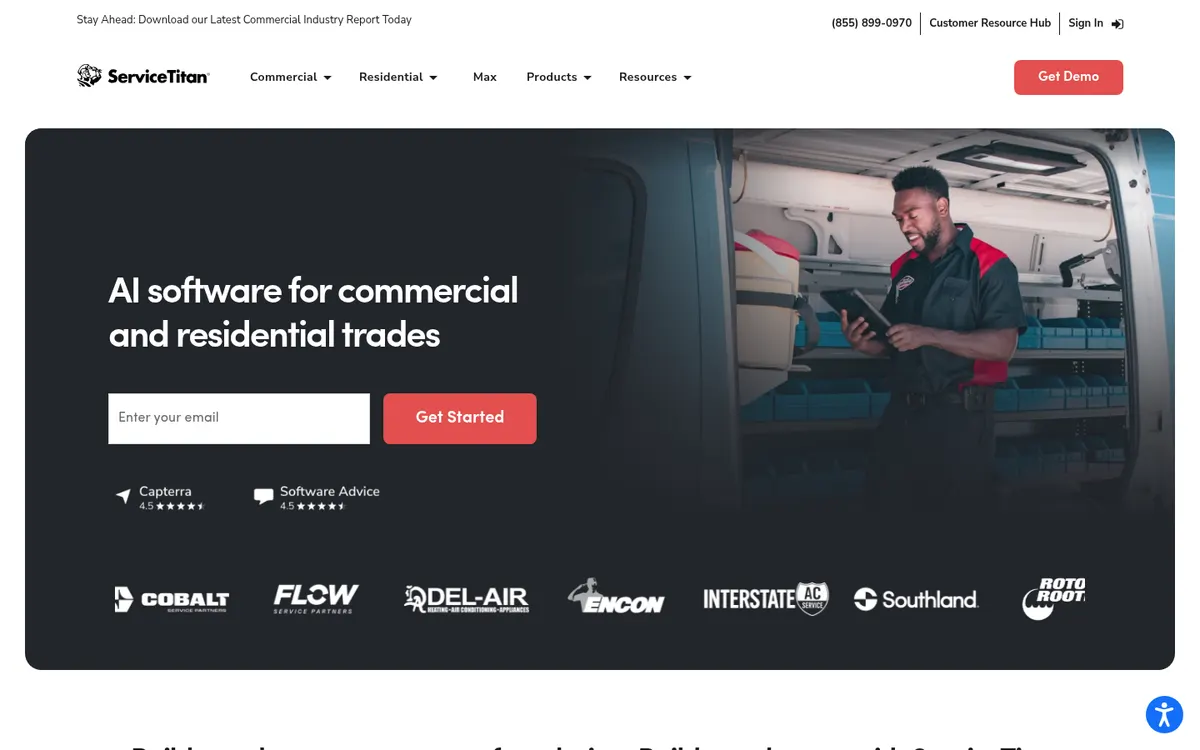
ServiceTitan is the deepest field service platform in this list, and it is priced and staffed accordingly. Dispatch and scheduling go far beyond adding a job to a calendar: the system handles pricebook management, call recording, technician performance tracking and a reporting suite that answers questions most small shops never get to ask. The feature that sells it to owners is attribution. Marketing spend connects through booked jobs to technician output, so you can see which advertising produced revenue rather than a pile of leads.
Mobile field tooling covers the technician side, and the training and community ecosystem is large enough that new office staff can be brought up to speed on a process rather than inventing one. For a firm running dozens of trucks across several service lines, that structure is the product.
None of it is cheap or quick. There is no published pricing: quotes come through sales, billed per technician with implementation fees added, and onboarding spans multiple weeks. Monthly bills can run into the high hundreds even for modest operations, and the system needs office staff to administer it day to day. Reviewers consistently describe it as oversized for small shops, and that matches the billing model, which only makes sense when a per technician fee is spread across a lot of completed work.
Pick it if you run HVAC, plumbing or electrical operations with dozens of trucks and someone whose job is running the software. Skip it if you are a two truck shop, or if you cannot absorb weeks of onboarding before the system pays for itself.
What works
- Deepest dispatch and scheduling in the pack
- Marketing spend traced to booked jobs
- Large training and community ecosystem
What to weigh
- No published pricing, quoted per technician
- Onboarding spans multiple weeks
- Needs office staff to administer
Pick it if
You operate dozens of trucks and can staff the system properly.
Skip it if
You are a small shop without an office administrator.
Plate 04 of 08
HoneyBook
Best for solo and small project or appointment based professionals
Our verdict
Best for solo planners, photographers, consultants and coaches who need one branded path from enquiry to signed contract to payment.
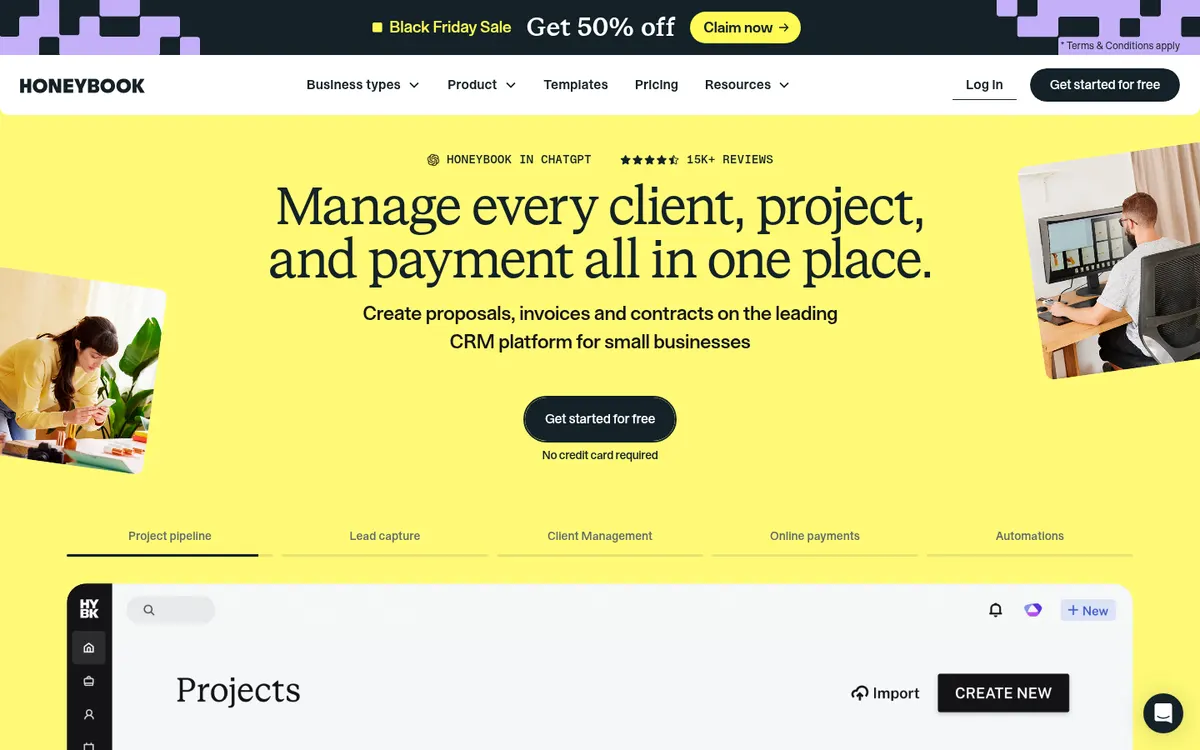
HoneyBook handles the commercial shape of project and appointment work: an enquiry arrives, you send a proposal or brochure, the client signs a contract electronically, books a time, and pays an invoice through a branded client portal. Reusable templates keep the repetitive parts short, and the automated client flow moves a job from first enquiry to payment with fewer manual nudges than email plus a shared drive. For a one person business, that saved admin is the actual product.
It fits photographers, event planners, consultants and coaches, the trades where the deliverable is time and expertise rather than a crew at a site. The client portal also does quiet work on your behalf: a client who can see the proposal, the contract and the balance in one place asks fewer questions by email.
It is not a field service product. There is no dispatch, no crew management and no job site tooling, and depth thins out as teams get larger. If your day involves routing three vans and tracking parts, HoneyBook answers a question you did not ask.
Pricing is on the vendor site. The pricing page returned no readable text when we checked on November 25, 2026, so no figure is quoted here, and the plan tiers and transaction fees need confirming directly on the site before you commit. Transaction fees are worth checking on the vendor site before you commit, because they sit outside the plan price for anyone taking client payments through the portal.
Pick it if you are solo or a small project business and want one branded flow from enquiry to signed contract to payment. Skip it if you schedule crews, dispatch technicians or need a price book.
What works
- Branded flow from enquiry to payment
- E-signature contracts and proposals included
- Templates built for project and appointment work
What to weigh
- No dispatch, crew or job site tooling
- Limited depth for larger teams
- Plan tiers and transaction fees need checking on site
Pick it if
Your work is booked, contracted and paid rather than dispatched.
Skip it if
You run crews or need a price book.
Plate 05 of 08
HubSpot CRM
Best for desk based service firms wanting a free client record
Our verdict
The free starting point for desk based service firms that want a clean client record and will add field operations software separately.
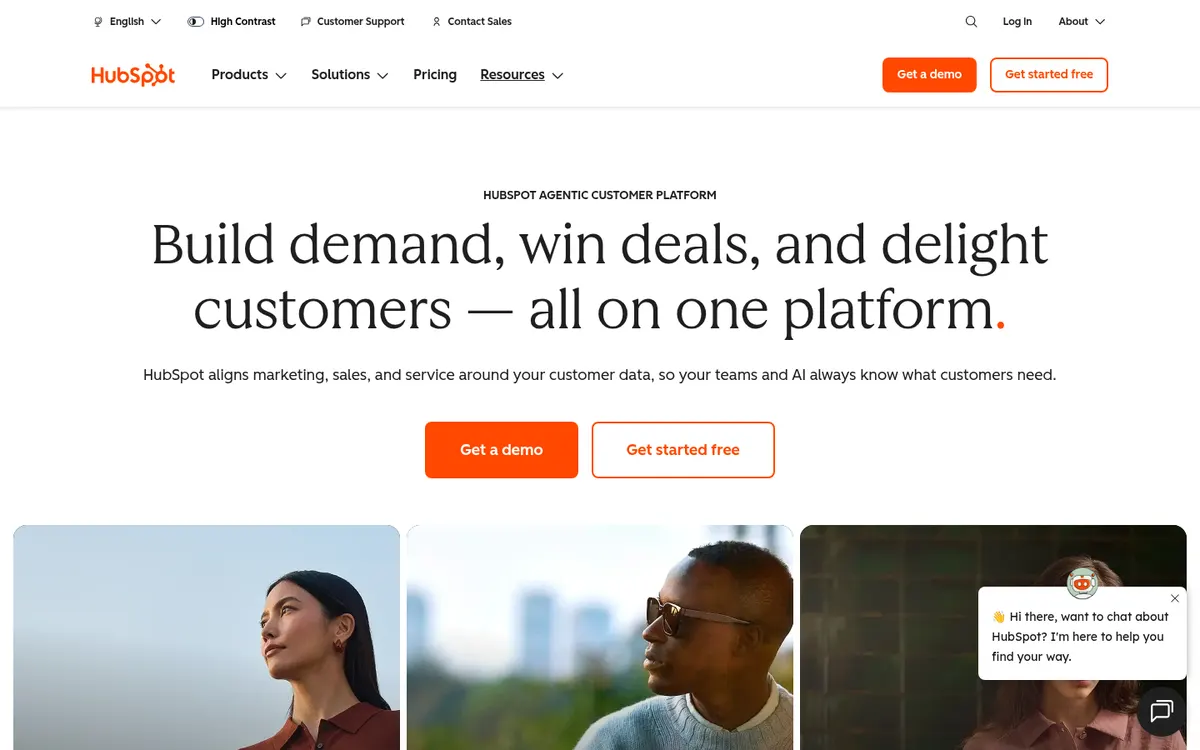
HubSpot CRM is the strongest free option here: contacts, company records, a deal pipeline, ticket management, and email with full communication history, at no cost for up to 2 users. Starter plans from $7 per month per seat are the next step up, and the wider marketing, sales and service hubs are add on products that grow the bill in steps rather than one jump.
For an agency, consultancy or clinic where the work happens at a desk, that is a sensible starting point. It is quick to learn, the customer record is easy to read, and reporting arrives on paid tiers when you need it. A five person office can be priced before anyone talks to sales, which is not true of half the tools in this list.
The gap is delivery. Nothing here quotes a job, schedules a visit, dispatches a technician or invoices a customer, so a field business ends up running HubSpot beside a separate operations tool, or migrating off it once the crew grows. Some service functions also sit behind the Service Hub paywall, and paid tiers climb steeply on a per seat basis once you move past Starter. That pricing shape rewards small stable teams and penalizes hiring.
Pricing is clear by this list's standards: the free tier still exists and Starter is listed from $7 per month per seat as of November 25, 2026.
Pick it if your team works from a desk and you want a free, well organised client record with room to grow into marketing. Skip it if the job has to be scheduled, dispatched and invoiced in the same system.
What works
- Genuinely free tier for up to 2 users
- Fast for a small office team to learn
- Clear entry pricing from $7 per seat
What to weigh
- No quoting to job to invoice workflow
- Paid tiers climb steeply per seat
- Some service functions sit behind Service Hub
Pick it if
The work is done at a desk and a free client record gets you moving.
Skip it if
You need scheduling, dispatch or invoicing in the same tool.
Plate 06 of 08
Zoho CRM
Best for budget conscious firms with someone to configure it
Our verdict
The budget pick for firms with an administrator willing to build pipelines, modules and automation from scratch at $14 per user per month.
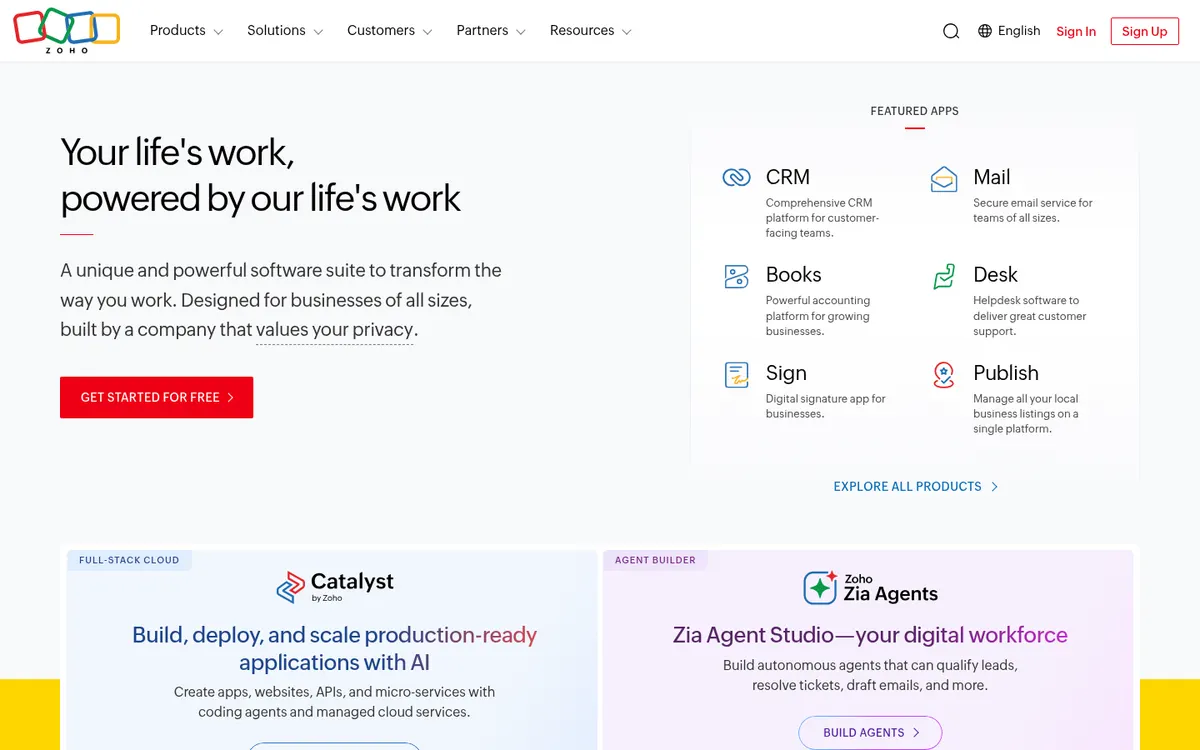
Zoho CRM is the value play: a free edition for 3 users and paid tiers priced below the largest brands, with Standard at $14 per user per month. For that money you get deal pipelines, workflow automation, custom modules, and reporting and dashboards, and the customisation depth is genuinely unusual at this price. A firm that knows what it wants modelled can build a service workflow that fits its own process rather than a vendor's idea of one.
The catch is that none of it is prebuilt for service work. There are no field service workflows out of the box, so quotes, jobs and renewals have to be modelled by an administrator. The interface demands patience during setup, and support quality is a frequent complaint on the lower tiers, which matters most to the small teams buying those tiers.
The wider Zoho suite softens the configuration burden. Sibling apps cover invoicing, accounting and bookings, so a firm can put quotes, books and appointments under one vendor and one bill instead of stitching three products together. That is a real advantage for a service business that wants one login and one invoice at the end of the month, though each app is a separate setup.
Pricing is on the vendor site, and the page we checked on November 25, 2026 lists Standard at $14 per user per month, with a free trial available. Nothing about field service is prebuilt, so budget the setup time as a cost alongside the subscription.
Pick it if you have someone who enjoys building systems and you want deep customisation at a low per seat price. Skip it if you need field workflows working on day one, or if fast support is non negotiable.
What works
- Free edition for 3 users
- Deep customisation for the price
- Sibling apps cover invoicing and bookings
What to weigh
- No prebuilt field service workflows
- Setup demands patience
- Support quality criticised on lower tiers
Pick it if
An administrator can build the workflow you need.
Skip it if
You want field workflows running on day one.
Plate 07 of 08
Salesforce
Best for complex multi brand, multi region service organisations
Our verdict
The choice for multi brand, multi region service organisations that can fund an implementation partner and an internal admin to run the org.
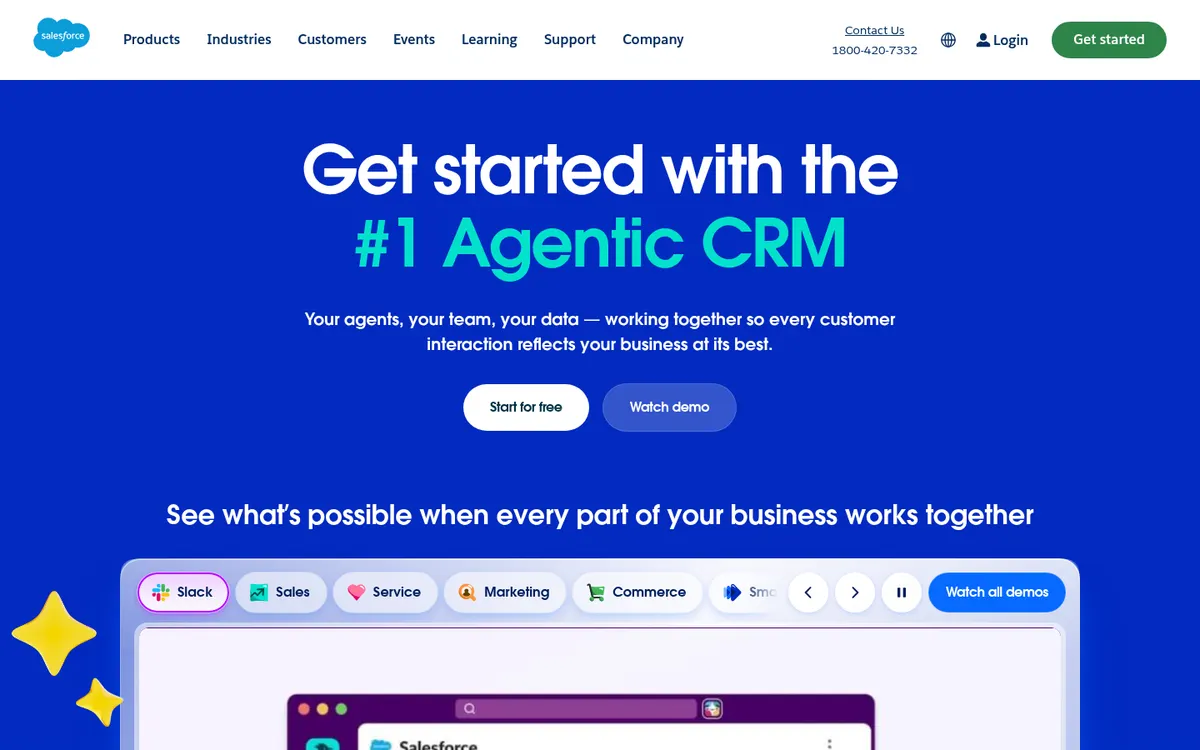
Salesforce is the most customisable platform here, and the buyer it suits is specific: complex, multi brand, multi region service organisations. Sales Cloud covers pipeline management, Service Cloud handles the console and case work, and Field Service brings scheduling and mobile work to technicians in the field, all inside one customer record that spans brands and territories. When a customer calls from a different region about a different brand, the history is there.
The ecosystem is the other half of the argument. A very large partner and app marketplace means most requirements have an existing answer rather than a custom build, and reporting and process automation are as deep as you are prepared to configure them. For an organisation counting staff in the hundreds, that flexibility is the reason to pay.
Cost and effort are the trade. Licensing plus implementation places it beyond small firms, and field service depth arrives through separate products and configuration rather than in the base product. Without an internal admin or a partner, the org drifts into a very expensive contact list. Pricing goes to a custom quote through sales on November 25, 2026, with no free plan, so the only way to get a number is to scope the requirement first, which is itself a project.
Success depends on budget, an implementation partner and an internal owner. It fits organisations with dedicated staff rather than small crews, and a two van operation should read this entry only to rule it out.
Pick it if you operate across regions and brands and need one record with field service attached. Skip it if you have no admin, no partner and no budget for implementation.
What works
- Most customisable platform in the pack
- Sales, service and field service under one roof
- Very large partner and app ecosystem
What to weigh
- License plus implementation beyond small firms
- Field service depth needs separate products
- Requires an internal admin or partner
Pick it if
You operate across brands and regions and can fund the implementation.
Skip it if
You have nobody to administer the org.
Plate 08 of 08
Pipedrive
Best for sales led service firms whose bottleneck is winning work
Our verdict
Best for sales led service firms whose bottleneck is winning work and whose delivery already runs in a separate scheduling or project system.
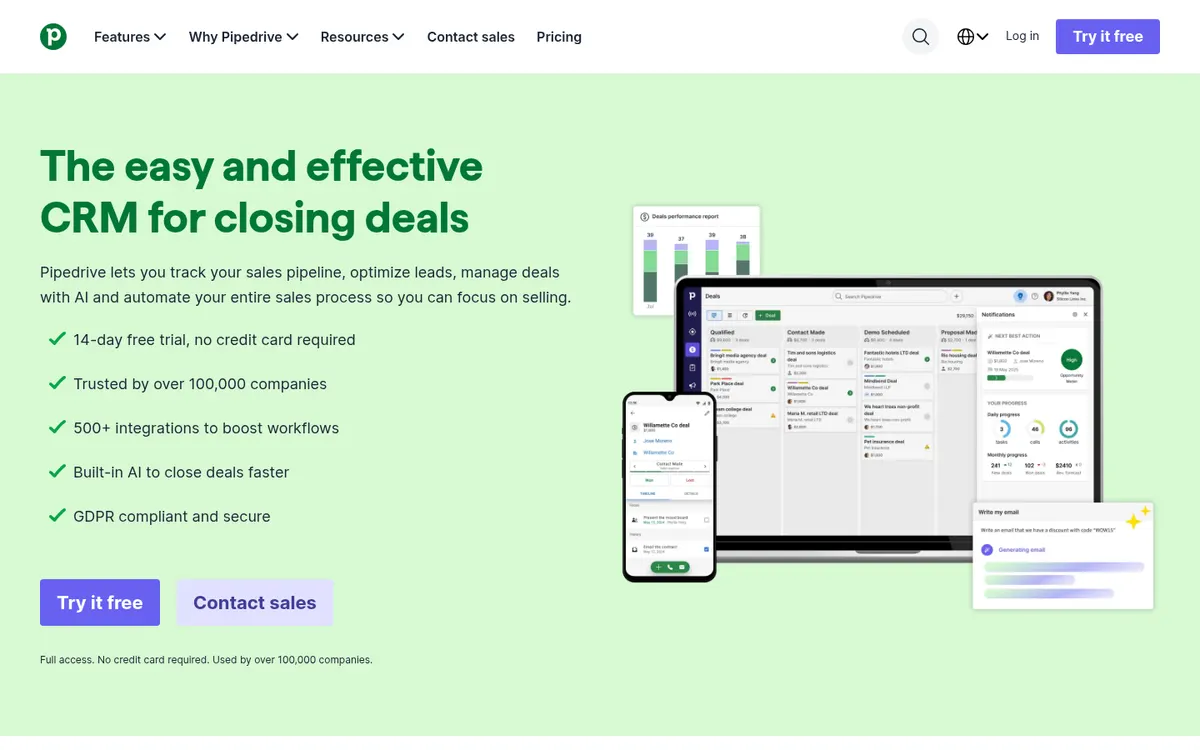
Pipedrive is a pipeline first CRM, and it is honest about that. The visual deal pipeline is the centre of the product, activity reminders keep quotes and renewals moving, email and calendar integration pull communication into the record, and quote and proposal tracking sits alongside workflow automation. Sales driven teams tend to learn it in an afternoon because the interface mirrors how they already think about a deal moving through stages.
The reminders are the quiet strength. A renewal that would otherwise sit untouched shows up as an overdue activity, and for a service firm living on repeat contracts that is worth more than another dashboard. Pricing is straightforward: Lite at $14 per seat per month billed annually, with a free 14 day trial, no free plan, and mid market pricing that reads as fair for what it does.
The limit is delivery. There is no job scheduling, no dispatch and no invoicing depth for field work, so a trades business running Pipedrive alone wins work it cannot then manage in the same system. Service delivery needs separate tools alongside it, and reporting is lighter than Zoho or Salesforce, which shows up when you want to slice pipeline performance by source, rep or service line.
The practical pattern is to run Pipedrive as a front office CRM beside a field or project system, accepting that two systems means two records to keep tidy and a reconciliation habit nobody enjoys.
Pick it if winning work is your bottleneck and delivery already runs elsewhere. Skip it if you need scheduling, dispatch and invoicing in the same place.
What works
- Pipeline design sales teams learn quickly
- Activity reminders keep quotes moving
- Clear Lite price at $14 per seat
What to weigh
- No scheduling, dispatch or invoicing depth
- Delivery needs separate tools
- Reporting lighter than Zoho or Salesforce
Pick it if
Sales is the constraint and operations already has a system.
Skip it if
You want one tool from first call to paid invoice.
What Separates a CRM for Service Businesses from a Sales Pipeline?
A CRM for a service based business holds the customer record and everything that follows it. For a plumbing contractor the record includes the caller, the address, the quote, the scheduled visit, the technician who attended and the invoice. For a consultancy it includes the enquiry, the proposal, the signed contract, the booked sessions and the retainer renewal. That is the same idea at a high level and completely different software underneath, which is why lists that mix the two families produce bad buying decisions.
The eight tools here fall into three groups.
- Field service platforms: Jobber, Housecall Pro and ServiceTitan assume trucks, visits and crews. They schedule jobs, dispatch technicians, hold a price book and invoice on site.
- Desk based CRMs: HubSpot CRM, Zoho CRM, Salesforce and Pipedrive assume a pipeline and a person at a laptop. They track deals, activities and email, and leave delivery to another system.
- Project and appointment tools: HoneyBook sits between the two, strong on proposals, e-signature contracts and a branded client portal, with no dispatch at all.
A field service platform without pipeline reporting is a scheduling tool with a contact list attached. A desk CRM without scheduling is a sales tool that hands the work to someone else. Neither is wrong; they answer different questions.
Three things decide which family you belong to. First, does a crew travel to a customer address? Second, does the sale need a formal proposal, contract and signature? Third, is the invoice sent on completion of a visit or at the end of a project? Field service platforms assume yes, yes and on completion. Desk CRMs assume a pipeline of deals that close over weeks. HoneyBook assumes yes, yes and at the end of a project.
Getting the family right matters more than the brand. A well priced product from the wrong family costs more than the subscription, because the missing workflow gets rebuilt in spreadsheets, and that is exactly where service businesses lose track of quotes, unbilled visits and renewals nobody chased.
This guide sits in the Sales collection. Buyers weighing nearby tools often read the guides to email finder tools for sales teams and CRM software for commercial real estate next.
How Service CRM Pricing Works, and Where the Real Monthly Bill Lands
The plan price is rarely the bill. Service CRM pricing runs on a handful of models, and the model you land on shapes your annual cost more than the headline number does.
| Model | How it bills | Typical fit | Example from this list |
|---|---|---|---|
| Free tier | No charge up to a user cap | Solo and small desk teams testing the water | HubSpot CRM free tools for up to 2 users; Zoho CRM free edition for 3 users |
| Per seat | One fee per user per month, monthly or annual | Desk based sales and admin teams | Zoho CRM Standard at $14 per user per month; Pipedrive Lite at $14 per seat per month billed annually |
| Tier ladder | Feature gated plans, entry tiers capped on users | Small field crews that expect to grow | Housecall Pro Basic at $79 monthly or $59 annually for one user, MAX at $299 per month |
| Quoted per technician | Sales quote plus implementation fees | Large multi crew operations | ServiceTitan, no published pricing |
| Custom quote | Scoped and priced by sales for the organisation | Multi brand, multi region firms | Salesforce |
| Subscription plus processing | Plan fee with transaction fees to verify on card payments | Project and appointment businesses | HoneyBook, tiers and transaction fees to confirm on site |
Two costs sit outside the subscription and both are easy to miss. The first is add ons: Jobber charges marketing and receptionist functions separately, and Housecall Pro bills proposals, GPS and the price book as extras, so a plan that looks adequate on paper can need three more purchases to cover a normal week.
The second is per user or per technician scaling. Jobber's entry Core plan covers one user only, and ServiceTitan is quoted per technician, so the cost of the software moves every time you hire.
Free tiers are real but narrow. HubSpot CRM gives free tools for up to 2 users and Zoho CRM a free edition for 3, which covers an office team of that size and nothing more.
Where a vendor publishes nothing, treat the absence as information. ServiceTitan quotes per technician with implementation added, and Salesforce prices by custom quote, so neither can be compared on price without a scoping conversation that costs you time before you have decided anything.
Every price in this guide was read on the vendor's own pricing page on November 25, 2026. Where a vendor does not publish a figure we could confirm, the card says "See website" rather than a guess. For the arithmetic around this purchase, try the free Email pattern generator.
How to Choose a Service CRM Without Buying Twice
Map the job first. Write down the six steps a customer passes through in your business, from first contact to money in the bank. Two minutes with a pen tells you more about which family of software you need than any feature grid.
Fix the family before the brand. Decide whether a crew travels to an address and whether work is invoiced on completion of a visit or at the end of a project. Field service platforms, desk CRMs and project tools each assume different answers.
Price the tier you will run. Find the plan that includes quoting, scheduling and invoicing together, not the entry tier. Jobber's Core covers one user, and the features most buyers want sit around $199 and $399 per month.
Add the extras to the total. List every add on you would buy in month one: price book, GPS, proposals, marketing, receptionist cover. Housecall Pro and Jobber both charge for functions buyers assume are included.
Ask who runs it. Name the person who will configure, clean data and train the crew. Salesforce and Zoho CRM reward an administrator and punish its absence, while ServiceTitan expects office staff to administer the system daily.
Run one real job through it. Take the free trial, or a demo with your own data, and push a genuine quote through to an invoice. Anything that needs a spreadsheet to finish the job is the wrong tool, whatever the feature list claims.
Five Mistakes Buyers Make with Service Business CRM
Buying the entry price. The advertised tier is usually the one with the fewest seats and the thinnest feature set, and the upgrade costs more than the plan you compared. Price the tier you will run in month three.
Assuming a general CRM can dispatch. HubSpot CRM and Pipedrive record the deal well and schedule nothing. A trades business that buys on price alone ends up running two systems and reconciling two customer records.
Ignoring payment processing. Plan fees are visible on the pricing page; transaction fees often are not. Where a tool takes client payments through a portal, confirm the transaction terms on the vendor site before you compare plan prices.
Skipping the admin question. Salesforce and Zoho CRM need someone to build and maintain them. Buying either without an owner produces an expensive contact list that nobody trusts by month six.
Choosing by brand recognition. A name your customers know is worth something, but it does not schedule a job or send an invoice. Score each tool against your own workflow first, then let brand break a tie.
Best CRM for Service Based Business 2026: questions
What separates a field service platform from a general CRM?
Field workflow. A field service platform schedules a job, dispatches a technician, holds a price book and invoices on site, so the customer record and the work live together. A general CRM tracks the deal and the conversation but stops before delivery. If your revenue depends on crews arriving at addresses, you need the first kind.
What does a small multi crew service business spend per month?
Expect a tier above the entry price. Jobber puts the features most buyers want on tiers around $199 and $399 per month, Housecall Pro reaches $299 per month on MAX, and the notes for this comparison say realistic multi truck costs land well above the entry price. Add ons and per user fees sit on top.
Can a general CRM run a trades business?
Not on its own. HubSpot CRM, Zoho CRM and Pipedrive record the customer, the deal and the follow up, but none of them schedule a visit, dispatch a crew or invoice on site. A trades business can run one as a front office beside a field system, or skip it and buy a platform that covers both.
HoneyBook or Jobber for a solo operator?
It depends on whether you travel to a site. HoneyBook wins if your work is appointments, events or projects sold through a proposal, a contract and a payment, with a client portal doing the admin. Jobber wins if you quote, schedule visits and invoice for work performed at a customer address, even as a one person crew.
How do payment processing rates change the real cost?
Processing costs sit outside the plan price, and the notes for this comparison do not verify the rates. HoneyBook's plan tiers and transaction fees need checking directly on the vendor site, so compare those terms against your own card volume before you settle on a plan.
Which businesses suit desk based CRMs rather than field service platforms?
Agencies, consultancies, clinics and coaching practices, where the work happens on a calendar and a laptop and nobody dispatches a truck. Field service platforms suit HVAC, plumbing, electrical, cleaning and landscaping, where a crew travels to an address. Match the software to how the work gets delivered, not to how the sale gets made.