
Contents of this guide
The shortlist
Our top 3 for sales buyers
Buildout
Native property database
- Best for
- Brokerage teams built around property data
- Features
- 4 noted: Property database, Deal stages, Listing marketing, Owner links

ClientLook
CRE-only simplicity
- Best for
- Small brokerages and solo brokers
- Features
- 4 noted: CRE data model, Property tracking, Assistant services, Activity logging
Salesforce
Customization depth
- Best for
- Firms that will customize heavily
- Features
- 4 noted: Custom objects, Dashboards, App marketplace, Workflow automation
Disclosure for this guide. All 9 tools here are unpaid editorial picks. The position of a paid listing can be part of what the vendor pays for. Paid and unpaid tools are scored on the same rubric and keep their cons. Details are in the advertising disclosure.
The ledger
Index of every tool
| Tool | Free plan | Trial | Rubric | Compare | ||
|---|---|---|---|---|---|---|
| 01 | BuildoutBrokerage teams built around property data | See websiteNot published | No | No | ||
| 02 | ClientLookSmall brokerages and solo brokers | See websiteNot published | No | No | ||
| 03 | SalesforceFirms that will customize heavily | See websiteNot published | No | No | ||
| 04 |  DealNavAcquisitions and brokerage teams wanting map-based deal tracking | See websiteNot published | No | 14-day free trial | ||
| 05 |  HubSpot CRMFirms wanting a free start and marketing tools | FreeTools, per monthChecked Nov 25, 2026 | Yes, free for up to 2 users | No | ||
| 06 |  AscendixRESalesforce-based CRE overlay for mid-size and large brokerages | See websiteNot published | No | No | ||
| 07 | Zoho CRMBudget-conscious brokerages | $14Standard, per user per monthChecked Nov 25, 2026 | Yes, free forever for 3 users | Yes, free trial | ||
| 08 |  PipedrivePipeline-focused individual brokers | $14Lite, per seat per month billed annuallyChecked Nov 25, 2026 | No | Free 14-day trial | ||
| 09 |  REthink CRMCRE firms standardized on Salesforce | See websiteNot published | No | No |
Prices are the lowest paid plan the vendor shows, read on November 25, 2026. Sort by price ranks published monthly figures; tools without one go last. Pin up to three tools to compare them side by side.
How this guide was put together
We chose these nine tools by scoring five criteria, with fit for the buyer as a key consideration. We scored each product against CRE data fit at 25 percent, workflow fit at 20 percent, pricing clarity at 15 percent, integrations and admin at 20 percent, and team usability at 20 percent. CRE data fit asks how well the product models properties, listings, leases and related records without custom work. Workflow fit checks pipelines, activities and deal stages against commercial real estate work. Pricing clarity asks whether buyers can see plans, trial terms and likely cost before a sales call. Integrations and admin covers connections and the load on administrators. Team usability covers how quickly brokers and support staff can work in the system.
We checked prices on vendor pricing pages on November 25, 2026. Where a vendor page did not show a price, we say pricing is on the vendor site and do not estimate. Where the page confirmed a free tier, trial or published rate, we use that fact as written.
A Featured position is a paid placement. It is scored with the same rubric and can carry the same cons as any other entry. The order is editorial: it reflects fit for the buyer each entry describes plus any disclosed Featured position, not a weighted total of the scores. That means a product with strong scores can sit below one that fits a narrower buyer profile better. We also flag pricing opacity, admin load and data model gaps because those issues surface after the contract.
The full process, including how we handle corrections, is on the methodology page. Paid listings follow the advertising disclosure.
Rubric and weights
Every tool below is scored from 1 to 10 on these five criteria. The scores describe each tool; the order is an editorial call on fit for the buyer each card describes, plus the disclosed Featured position.
- 25%CRE data fitHow well the product models properties, listings, leases and related records without custom work.
- 20%Workflow fitHow closely pipelines, activities and deal stages match commercial real estate work.
- 15%Pricing clarityWhether buyers can see plans, trial terms and likely cost before a sales call.
- 20%Integrations and adminHow well it connects to other systems and how much administration it needs.
- 20%Team usabilityHow quickly brokers and support staff can learn and use the system daily.
Plate 01 of 09
Buildout
Best for brokerage teams built around property data

Our verdict
Best for brokerage teams that want property data, listing marketing and deal records in one platform.
Buildout is a strong fit for brokerage teams that organize work around property data. The CRM holds records for contacts, companies, properties and deals, and the property database is native rather than a custom add-on. Users can move from a property to its owner and related holdings, then see activity history tied to property and contact records. That structure matters when a team needs to connect owners, listings and deal stages without rebuilding the model.
The platform combines Apto CRM with Buildout listing and marketing tools. Deal stages align with commercial real estate workflows, and listing marketing tools sit beside the CRM. The catch is scope: best value comes from adopting multiple Buildout modules, so a small firm may find it is more platform than it needs. Pricing is quote based, and there is no free plan or trial.
Adoption depends on how much of the suite a brokerage uses. Teams that already need listing marketing and property records get one place for activity history, ownership links and deal tracking. Teams that only want a simple contact database will pay for depth they may not use. Buildout is a quote based suite, so ask for a scope review before assuming the CRM is the whole cost.
For brokerages built around property data, Buildout is a strong fit because the CRE model is central. The weaknesses are real: quote based pricing, a multi-module value story and platform depth that can overwhelm small shops. It fits teams that will use property records, listing marketing and deal workflow together. Small firms should confirm the CRM can be bought without modules they will not use.
What works
- Native property database
- Listing marketing beside CRM
- CRE workflow stages
What to weigh
- Quote based pricing
- Multi-module value story
- Can overwhelm small firms
Pick it if
Your team wants property records, owner links and listing marketing in one suite.
Skip it if
You need published pricing or a simple CRM without multiple modules.
Plate 02 of 09
ClientLook
Best for small brokerages and solo brokers
Our verdict
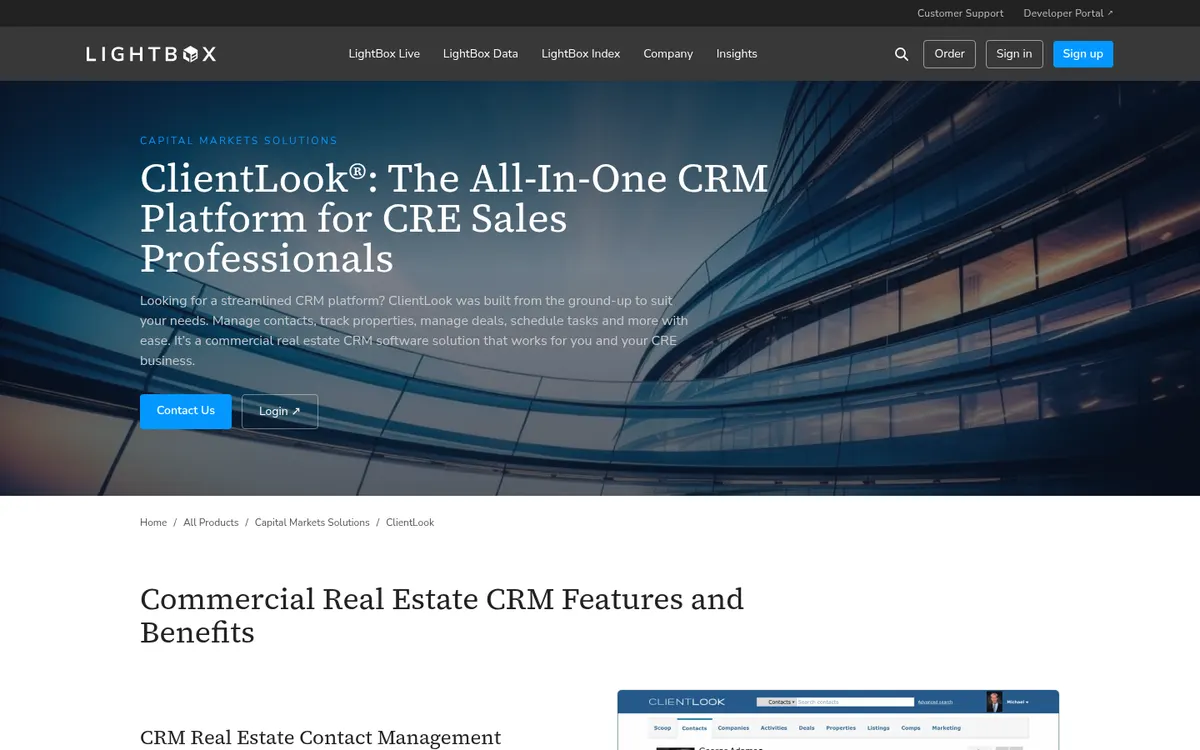
A focused CRE CRM for small brokerages and solo brokers, with simple records and assistant-backed data cleanup.
ClientLook fits small brokerages and solo brokers that want a commercial real estate system without a long configuration project. It uses a CRE-only data model with contact, property, listing and activity records. Property and listing tracking are part of the core product, and activity logging support helps brokers keep a history of calls, meetings and follow-ups. The interface is simple enough for daily use by people who do not want to administer a platform.
Part of LightBox, ClientLook includes back-office assistant services for data cleanup. That is a practical differentiator: assistant help can improve adoption when brokers are slow to log activity or maintain property records. The trade-off is limited automation and reporting compared with larger platforms. It also has fewer integrations than Salesforce or HubSpot, so firms with a complex app stack should map connections before committing.
Pricing is quote based, and there is no free plan or trial listed. The product is best understood as a focused CRE CRM, not a broad marketing suite. Small teams often get faster value from a narrow data model because they do not need to design custom objects. Mid-size firms should check reporting depth, automation needs and integration requirements against the product before assuming it will scale.
ClientLook is a strong fit for small teams because the CRE model, property tracking and assistant services line up with everyday brokerage work. It is a weaker fit for firms that need advanced automation, deep dashboards or many third-party connections. The clear question is whether simplicity now is worth less flexibility later. Solo brokers can start with core records and add process later.
What works
- CRE-only data model
- Assistant services for cleanup
- Simple daily interface
What to weigh
- Quote based pricing
- Limited automation and reporting
- Fewer integrations than large platforms
Pick it if
You are a small brokerage that wants a CRE-only system with low setup.
Skip it if
You need advanced automation, deep reporting or a large integration stack.
Plate 03 of 09
Salesforce
Best for firms that will customize heavily
Our verdict
A customization platform for large firms that can build a CRE data model and staff an admin.
Salesforce fits firms that will customize heavily and can support the system after launch. It does not ship with a commercial real estate property model, so buyers build custom objects for properties and other CRE records or buy an overlay. The platform supports reports and dashboards for lease expiries and pipeline, workflow automation, approvals, role and permission controls, and mobile access. The large integration and app marketplace is a major reason large brokerages and corporate real estate teams consider it.
The strength is range. Salesforce can model complex CRE processes, connect to many other systems and give large organizations deep reporting. The cost is ownership: per-user costs rise with editions and add-ons, and the CRE data structure must be designed, tested and maintained. That work does not end at launch. Fields, reports, permissions and automations need an owner as the brokerage changes.
Pricing is on the vendor site, and the data provided has no listed price, free plan or trial. Buyers should expect to price editions, add-ons and any overlay separately. For a large firm with an admin team, that complexity can be rationalized. For a small brokerage without admin support, the same flexibility becomes a maintenance burden and a source of duplicate or incomplete records.
Salesforce is included for customization depth, not for out-of-the-box CRE fit. It suits firms that will customize heavily and have the staff to run the result. It is a poor first CRM for a small team that wants property, listing and lease records on day one.
What works
- Custom objects for CRE records
- Broad app ecosystem
- Deep reporting controls
What to weigh
- CRE model must be built or bought
- Per-user costs rise with add-ons
- Needs ongoing admin skills
Pick it if
You have admin staff and need custom objects, deep reporting and broad integrations.
Skip it if
You want CRE property records on day one without a build.
Plate 04 of 09
DealNav
Best for acquisitions and brokerage teams wanting map-based deal tracking
Our verdict
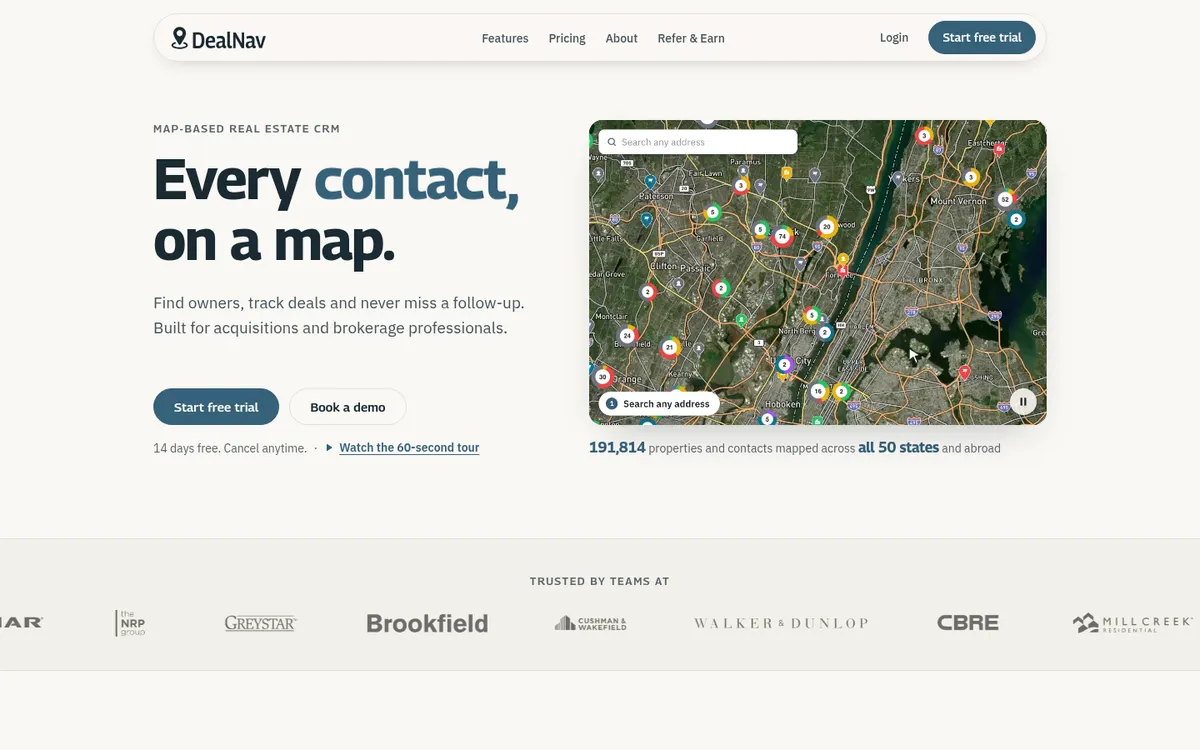
A map-first CRM for acquisitions and brokerage teams, with parcel data, AI access and a 14-day trial.
DealNav fits acquisitions and brokerage teams that want map-based deal tracking. Users see map pins for deals, contacts and follow-ups, and they can open or update a deal from a pin. Search runs across all fields, lists filter by contact, location, type or priority, and exports go to Excel. Parcel lines and county records add owner, acreage and zoning details. Browser access works on desktop, tablet and phone.
The map is the center of the workflow, not a side view. That helps teams that think in locations, parcels and follow-up proximity. An AI agent and API access are included on every plan, which is unusual for a product at this level. The basic plan limits parcel lookups to 25 per month, and unlimited parcel lookups require Pro and fair use. Team seats, roles and data migration are Enterprise features, so small teams should check whether they need those controls now or later.
A 14-day free trial is listed, and it requires a card at signup with no charge if canceled before it ends. Pricing is on the vendor site, but the pricing URL returned a 404 when checked, so confirm current tiers before buying. Monthly or annual billing can be canceled anytime. The product is a good fit when map context and parcel data matter more than a deep marketing suite.
DealNav suits acquisitions and brokerage teams that want location-first deal tracking. It is less suitable for firms that need unlimited parcel lookups on a basic plan or team roles from day one. Buyers should test parcel limits, export formats and API access against their actual deal flow.
What works
- Map-first deal workflow
- AI agent on all plans
- 14-day free trial
What to weigh
- Basic parcel lookups capped
- Team roles only on Enterprise
- Pricing page returned 404
Pick it if
Your acquisitions or brokerage team works from a map and needs parcel context.
Skip it if
You need unlimited parcel lookups on a basic plan or team roles from day one.
Plate 05 of 09
HubSpot CRM
Best for firms wanting a free start and marketing tools

Our verdict
A free-start CRM with strong marketing tools, but property tracking requires paid custom objects.
HubSpot CRM fits firms that want a free start and marketing tools in the same platform. The free tier covers contacts and deals for up to two users. Paid plans add custom objects, marketing automation, email tools, reporting dashboards and website or forms tools. Deal pipelines, email and calendar integration are core parts of the CRM. The interface is easy to learn, which helps small teams get records in order without a long setup.
The limitation is commercial real estate depth. Property tracking needs custom objects on paid plans, so the property model is something the buyer designs. Reporting is less deep than Salesforce, and per-seat costs rise quickly at higher tiers. That does not make HubSpot a bad choice. It makes it a marketing-led CRM that can be shaped for CRE, not a CRE system with property records built in.
The free tier is confirmed at $0 per month. There is no free trial listed, but the free plan lets a small team test contact and deal basics. Buyers should model the property object, lease fields and pipeline stages before upgrading. If the team needs listing marketing, email campaigns and forms, HubSpot has a coherent story. If the team needs parcel data or lease reporting out of the box, another product will fit better.
HubSpot CRM suits firms that want a free start and marketing tools more than a CRE-native data model. It is weaker for brokerages that need property records on day one or deep lease reporting. The free tier makes it easy to test, but the paid custom object work is the real decision.
What works
- Free tier for two users
- Marketing and CRM together
- Easy contact and deal records
What to weigh
- CRE model needs paid custom objects
- Per-seat costs rise at higher tiers
- Reporting less deep than Salesforce
Pick it if
You want a free CRM start and marketing tools for a small team.
Skip it if
You need CRE property records and lease reporting out of the box.
Plate 06 of 09
AscendixRE
Best for salesforce-based CRE overlay for mid-size and large brokerages
Our verdict
A prebuilt CRE overlay on Salesforce for mid-size and large brokerages that want map search and lease tracking.
AscendixRE is a Salesforce-based CRE overlay for mid-size and large brokerages that want a prebuilt model instead of a custom build. It adds property, listing, lease and comp records, map-based property and listing search, and deal and lease tracking on top of Salesforce. Salesforce reporting, automation and ecosystem integrations remain available underneath. That combination can shorten the design phase for firms already committed to Salesforce.
The product is built by a CRE technology specialist, and the prebuilt data model is the main draw. Map-driven search helps teams work by location, while lease and deal tracking keep core CRE records in the same system as Salesforce reports. The catch is that buyers need Salesforce licenses plus the overlay cost. They also still need Salesforce administration for fields, permissions, reports and integrations. The overlay reduces build work, but it does not remove the platform.
Pricing is quote based, and there is no free plan or trial listed. Buyers should price Salesforce editions, the overlay and any implementation services together. A mid-size brokerage with a Salesforce admin can justify that stack. A smaller firm without admin support may find the total cost and operating load too high, even if the CRE model is strong.
AscendixRE fits mid-size and large brokerages that want a prebuilt CRE model on Salesforce. It is a weaker fit for teams that do not already run Salesforce or do not want ongoing administration. The key test is whether the prebuilt records match your deal, lease and comp workflow without extra configuration.
What works
- Prebuilt CRE data model
- Map-driven search
- Salesforce ecosystem access
What to weigh
- Requires Salesforce licenses
- Still needs Salesforce admin
- Quote based pricing
Pick it if
You already run Salesforce and want a prebuilt CRE model with map search.
Skip it if
You do not want Salesforce licenses and ongoing administration.
Plate 07 of 09
Zoho CRM
Best for budget-conscious brokerages
Our verdict
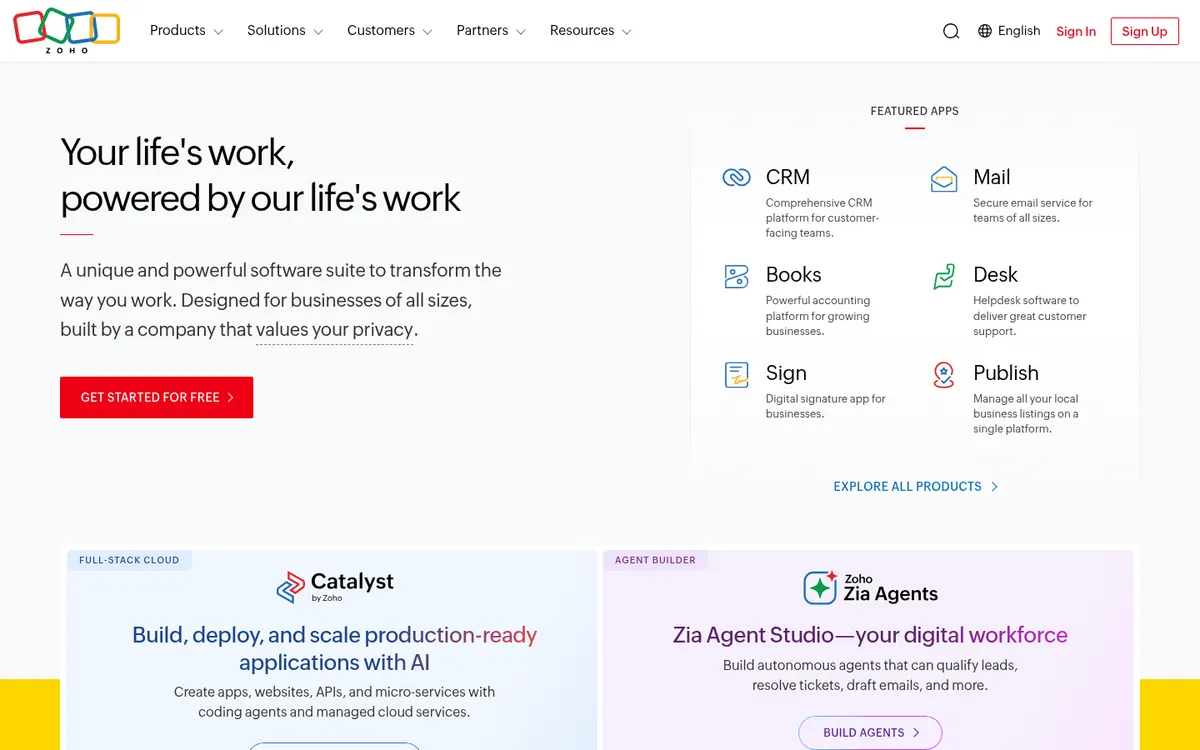
A low-cost CRM with custom modules and a free tier, best for brokerages willing to design their own property model.
Zoho CRM fits budget-conscious brokerages that can design their own property modules. The Standard plan lists at $14 per user per month, and there is a free plan for up to three users. Custom modules can hold property data, while deal pipelines cover leasing or investment sales. Workflow automation, reports, dashboards, email and calendar integration are part of the platform, and it sits inside a broader business app suite.
The trade-off is that the CRE structure must be designed in-house. Zoho does not ship with a property, listing or lease model in the data provided, so the buyer decides which modules, fields and automations to build. Advanced automation requires higher tiers. Interface and support quality can vary, which matters when brokers need a simple daily tool. A free trial is listed, so teams can test the module design before paying.
Pricing is clear at the entry level, but the total depends on the modules and automation you add. The free tier covers three users, which suits a very small office or a test group. A growing brokerage should model seat counts, custom modules and workflow needs before assuming the Standard rate is the whole cost. Zoho is part of a low-cost suite, so buyers may also weigh other business apps.
Zoho CRM suits budget-conscious brokerages that will build their own CRE structure. It is less suitable for teams that want property and lease records out of the box. The published price and free tier make it easy to evaluate, but the design work is the real cost.
What works
- Published entry price
- Free tier for three users
- Custom modules for property data
What to weigh
- CRE structure built in-house
- Advanced automation needs higher tiers
- Interface and support can vary
Pick it if
You are budget-conscious and can design custom modules for property data.
Skip it if
You need a CRE data model and lease tracking without in-house design.
Plate 08 of 09
Pipedrive
Best for pipeline-focused individual brokers
Our verdict
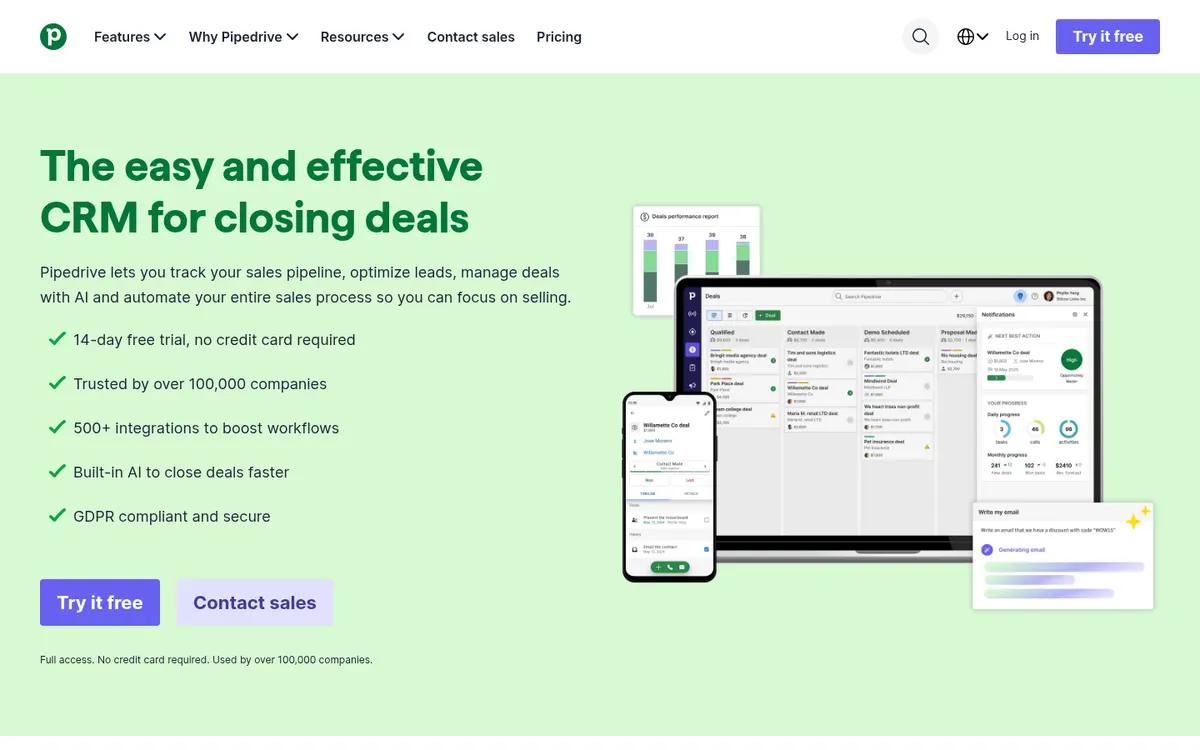
A pipeline tool for individual brokers, with clear reminders but no native property database.
Pipedrive fits pipeline-focused individual brokers who want a clear view of deals and next steps. The pipeline view is the center of the product, with activity reminders and next-step prompts that support long deal cycles. Custom fields can hold property details, and the mobile app, email integration and pipeline reporting help a broker work away from the desk. Marketing tools are add-ons, not part of the core CRM.
The limit is property data. Pipedrive has no native property database, so property details live in custom fields or deal records. That works for a broker who mostly needs follow-ups and pipeline discipline. It does not work well for a team that needs owner relationships, listings and lease records in one CRE model. Pricing changed in 2026, so current plans should be checked before budgeting.
The Lite plan lists at $14 per seat per month billed annually, and a free 14-day trial is available. There is no free plan. Marketing tools cost extra. For an individual broker, the low entry price and simple pipeline can be enough. For a brokerage, the missing property database and add-on marketing costs push the team toward a CRE-native system or a configurable platform.
Pipedrive suits pipeline-focused individual brokers, not teams that need a property database. It is a strong activity tool with a clear deal view. Buyers should confirm 2026 pricing and decide whether custom fields are enough for their property records.
What works
- Clear pipeline view
- Activity reminders
- Mobile and email access
What to weigh
- No native property database
- Pricing changed in 2026
- Marketing tools cost extra
Pick it if
You are an individual broker who needs a clear pipeline and reminders.
Skip it if
Your team needs a native property database and listing records.
Plate 09 of 09
REthink CRM
Best for CRE firms standardized on Salesforce

Our verdict
A vendor-maintained CRE layer on Salesforce for firms that need brokerage and property management workflows.
REthink CRM fits commercial real estate firms standardized on Salesforce that want a vendor-maintained CRE layer. It adds property, space, listing and deal records, lease tracking, brokerage workflows and property management workflows on top of Salesforce. Salesforce reporting and automation remain available, and the vendor maintains the application layer. That can reduce custom build work for firms that already run Salesforce.
The product covers both brokerage and property management, which is broader than a pure deal CRM. That breadth helps firms with mixed portfolios, but it also means buyers should test the workflows they will actually use. Salesforce licenses are required underneath, and pricing is quote based. The overlay does not remove the need for Salesforce administration, so someone must own fields, permissions, reports and integrations.
There is no free plan or trial listed. Buyers should price Salesforce editions, the REthink layer and implementation together. A smaller user community than general platforms can matter when the team needs peer advice or hiring for admin roles. The vendor-maintained layer is an advantage for firms that do not want to build CRE objects themselves, but it is not a shortcut around Salesforce governance.
REthink CRM suits CRE firms standardized on Salesforce, especially those that need brokerage and property management records. It is a weaker fit for teams without Salesforce or without admin capacity. The main question is whether the vendor-maintained CRE layer matches your workflows closely enough to avoid custom work.
What works
- CRE records on Salesforce
- Brokerage and property management
- Vendor-maintained layer
What to weigh
- Requires Salesforce licenses
- Quote based pricing
- Smaller user community
Pick it if
You are standardized on Salesforce and need brokerage plus property management workflows.
Skip it if
You lack Salesforce admin capacity or want a simple CRE-native CRM.
What does a commercial real estate CRM actually manage?
A commercial real estate CRM is a system for tracking property, people and deal activity in one record set. The category differs from a general CRM because the property is a first-class record, not a custom field. Brokerages need to see who owns a building, which spaces are available, when a lease expires and which broker touched the deal last. They also need pipelines for leasing, investment sales or acquisitions, plus activity history that survives staff changes.
The core records usually include contacts and companies, properties and listings, deals or pipelines, leases and expiries, and activities such as calls, tours and follow-ups. Some products add listing marketing, map search, parcel data or back-office assistance. CRE systems that keep those records connected let a user move from an owner to a property to a listing to a deal without rekeying data.
There are two broad paths. A CRE-native system ships with property, listing and lease objects already built. A general CRM, such as Salesforce, HubSpot CRM or Zoho CRM, can be configured with custom objects, but the buyer owns the design, admin and reporting logic. Overlay products add a CRE layer on top of Salesforce, which can reduce build time while keeping the Salesforce ecosystem.
Fit depends on deal volume, team size and tolerance for administration. A solo broker may value a simple CRE-only system and fast setup. A large brokerage may need role controls, integrations and reporting depth. A marketing-led team may prefer a general CRM with email and forms. The right choice is the one that matches the records you actually maintain and the workflow your brokers will follow after the launch.
- Property and listing records
- Lease expiries and renewals
- Deal pipelines and activity history
- Integrations for email, calendars and accounting
This is not a full list, but it covers the questions that separate a CRE CRM from a contact database.
This guide sits in the Sales collection. Buyers weighing nearby tools often read the guides to email finder tools for sales teams and sales forecasting software next.
How should a brokerage compare CRE CRM pricing models?
Pricing in this category follows several common models, and the model matters as much as the headline rate. Quote based products can hide seat, module and implementation costs until a sales call, while published per-user plans give a visible start but may charge more for automation or custom objects. Free tiers are useful for small teams, but they rarely include the property model a brokerage needs. Trials help, but only if you test the workflow you will run after signing.
The table below uses only the facts provided for this list. Where a product says pricing is on the vendor site, treat that as a signal to ask for a written scope, not as a missing number to estimate.
| Model | How it bills | Typical fit | Example from this list |
|---|---|---|---|
| Quote based | Vendor scopes modules and users, then prices by quote. | Mid-size and large firms with variable seats or modules. | Buildout, ClientLook, AscendixRE and REthink CRM all use quote based pricing in the data provided. |
| Published per user | Vendor lists a per-user rate, often with annual billing. | Budget-led teams that want a visible starting number. | Zoho CRM Standard lists $14 per user per month. Pipedrive Lite lists $14 per seat per month billed annually. |
| Free tier | Vendor gives limited users or features at no charge. | Small teams testing CRM basics. | HubSpot CRM is free for up to 2 users. Zoho CRM is free forever for 3 users. |
| Trial | Vendor offers a short evaluation period. | Buyers who need to test workflow before a contract. | DealNav lists a 14-day free trial. Pipedrive lists a free 14-day trial. |
| Vendor site listing | Vendor points buyers to a pricing page or sales contact, with no listed price in our review. | Firms that need a custom quote discussion. | Salesforce pricing is on the vendor site, and the data provided has no listed price. |
Add-on costs deserve equal attention. Marketing tools, custom objects, automation and extra admin seats can change the total. A low per-user rate is not a low total cost if you must pay for property objects, integrations or implementation. Ask for a three-year view, not a first-month view. Also separate one-time implementation from recurring subscription costs, and ask which modules are required for the CRE records you need.
Every price in this guide was read on the vendor's own pricing page on November 25, 2026. Where a vendor does not publish a figure we could confirm, the card says "See website" rather than a guess. For the arithmetic around this purchase, try the free Email pattern generator.
What is the safest path from shortlist to CRE CRM decision?
Start with the records your team actually maintains, then narrow the field by workflow, budget, integrations and adoption risk. The order here is a decision sequence, not a claim that one product fits every brokerage.
- Map the property record. List the property, owner, listing, lease and deal fields your team uses each week. If the product cannot hold those records without a heavy build, it will fail after the launch.
- Score workflow fit. Walk one live deal through the system, from first call to signed lease or sale. Check whether activity prompts, deal stages and lease dates match how your brokers work.
- Set the cost ceiling. Decide what you will pay for seats, modules and implementation before demos. For quote based vendors, ask for a scope that includes the modules you need, not the CRM alone.
- Check integrations. Confirm how the CRM connects to email, calendars, accounting and any listing or property data source. A weak fit here creates duplicate entry and erodes adoption.
- Plan data cleanup. Assign an owner for contact, property and activity data before migration. Assistant services or admin time can help, but the brokerage still needs a standard for what counts as a complete record.
- Test with real users. Run a trial or scripted demo with brokers and support staff. Watch whether they can find a property, log a call and report on lease dates without a trainer beside them.
Which CRE CRM buying mistakes cost teams the most?
Avoid these five errors before you sign a commercial real estate CRM contract.
- Buying for the demo. A polished demo can hide weak property data, poor lease reporting or a workflow that brokers will not use. Test one real deal and one real lease renewal instead of watching a scripted tour.
- Treating custom objects as free. General CRM plans may charge more for custom objects, automation or admin controls. A low per-user rate can rise once you build the property model you need.
- Ignoring data cleanup. Contact, property and activity records decay quickly. Assign an owner, set a completeness standard and budget time for cleanup before migration, not after users lose trust.
- Skipping lease reporting. Lease expiries and renewals are core CRE work. If reporting takes a custom project or a third-party tool, the CRM will not answer the question your team asks most often.
- Underestimating admin. Salesforce and overlay products can deliver deep fit, but they need ongoing administration. Decide who will manage fields, permissions, reports and integrations before you buy.
9 best CRM software for commercial real estate in 2026: questions
How is a commercial real estate CRM different from a general CRM?
A commercial real estate CRM treats properties, listings, leases and owners as core records. A general CRM starts with contacts, companies and deals, so property data usually becomes a custom object or a separate add-on. That difference affects reporting, adoption and implementation. CRE teams need lease dates, property relationships and listing history close to the deal record, not scattered across custom fields.
How do CRE CRM prices and add-on costs compare?
Prices vary by model. Quote based products such as Buildout, ClientLook, AscendixRE and REthink CRM require a scope before you see a number. Published plans include Zoho CRM Standard at $14 per user per month and Pipedrive Lite at $14 per seat per month billed annually. Add-ons for marketing, automation, custom objects or admin seats can raise the total well above the headline rate.
When should a large brokerage choose Salesforce?
A large brokerage should choose Salesforce when it needs deep customization, broad integrations and reporting that can be tailored to complex roles. Salesforce makes sense if the firm will staff an admin or partner with an overlay such as AscendixRE or REthink CRM. If the team wants a CRE model out of the box and no admin burden, a CRE-native system is usually a better fit.
How can a CRE team track lease expiries and renewals?
Track lease expiries and renewals by keeping lease dates on the property or deal record and building reports that show upcoming dates by owner, tenant and broker. Salesforce can report on lease expiries, and AscendixRE and REthink CRM include lease tracking on Salesforce. Buildout and ClientLook center property and listing records, so check lease reporting before you buy.
How long does a CRE CRM implementation usually take?
Implementation time depends on scope, data migration and whether you build on Salesforce. A CRE-native system with a small team can launch faster than a custom Salesforce build, but the data provided here does not support a single timeline. Ask vendors for a phased plan that covers property data, user roles, integrations and reporting, and test one live deal before the full rollout.
Which integrations should a brokerage connect first?
Connect email and calendar first, because activity history and follow-ups depend on them. Then connect accounting or property data sources that feed lease dates, ownership and listing records. Salesforce buyers should review the app marketplace, while HubSpot and Zoho buyers should check native marketing and suite links. Add integrations in the order that removes duplicate entry, not the order that looks best in a demo.