
Contents of this guide
The shortlist
Our top 3 for software buyers
ServiceTitan
Capacity-aware dispatch
- Best for
- Large electrical contractors running 20 or more technicians
- Features
- 5 noted: Capacity planning, Pricebook, Payroll built in, Marketing add-on, Trade dashboards

Housecall Pro
Customer booking experience
- Best for
- Residential electrical shops from owner-operator to mid-size
- Features
- 5 noted: Online booking, Card payments, Review requests, Consumer financing, Mobile app

Jobber
Published entry price
- Best for
- Lean residential shops that want transparent, published pricing
- Features
- 5 noted: Quoting, Routing, Online booking, Integration marketplace, Month to month
Disclosure for this guide. All 9 tools here are unpaid editorial picks. The position of a paid listing can be part of what the vendor pays for. Paid and unpaid tools are scored on the same rubric and keep their cons. Details are in the advertising disclosure.
The ledger
Index of every tool
| Tool | Free plan | Trial | Rubric | Compare | ||
|---|---|---|---|---|---|---|
| 01 | ServiceTitanLarge electrical contractors running 20 or more technicians | See websiteQuote-based pricing with annual contracts and paid implementationNot published | No | Demo only | ||
| 02 | Housecall ProResidential electrical shops from owner-operator to mid-size | See websitePricing tailored, demo requestedNot published | No | 14-day free trial, no credit card | ||
| 03 | JobberLean residential shops that want transparent, published pricing | See websiteCore, per month billed annually, 1 user, monthly rate is $49Not published | No | 14-day free trial, no credit card | ||
| 04 |  FieldEdgeEstablished electrical shops whose books run on QuickBooks | See websiteQuote-based, sold per mobile license plus office accessNot published | No | Demo only | ||
| 05 |  Service FusionMid-size electrical contractors that want unlimited user seats | See websiteStarter, Plus, Pro, pricing via demoNot published | No | Demo only | ||
| 06 | WorkizService teams that handle a high volume of phone calls | See websiteFree Lite plan for up to 2 users, paid tier rates not published cleanlyNot published | Yes, Lite plan up to 2 users | See website | ||
| 07 |  FieldPulseGrowing electrical crews that want one deep system | See websiteQuote-based pricing on annual custom contractsNot published | No | Demo only | ||
| 08 |  KnowifyElectrical contractors mixing project work with service calls | $99Core, includes 1 user, per month, yearly billing shownChecked Nov 25, 2026 | No | Free trial | ||
| 09 | QuoteIQResidential and small commercial shops wanting modern sales tooling | See websiteLowest of five flat plans, per month, top plan is $699Not published | No | 14-day free trial |
Prices are the lowest paid plan the vendor shows, read on November 25, 2026. Sort by price ranks published monthly figures; tools without one go last. Pin up to three tools to compare them side by side.
How this guide was put together
We scored nine field service platforms against five criteria a buyer can check before booking a demo: crew size fit (25 percent), pricing clarity (25 percent), dispatch depth (20 percent), job costing and billing (20 percent), and switching risk (10 percent). Crew size fit asks whether a tool works at one truck as well as at twenty technicians. Pricing clarity rewards vendors that publish rates and penalizes those that only quote after a sales call. Dispatch depth covers scheduling, dispatching, the mobile app and offline behavior. Job costing covers estimating, progress billing, work in progress reporting and QuickBooks sync. Switching risk weighs implementation time, setup fees, contract length and how cleanly a shop can move its data.
Prices and plan details come from vendor pricing pages, checked on November 25, 2026. Where a vendor publishes no rates, we say so rather than substituting a guess. Where a plan note gives a billing term, seat count or top-plan rate, we report it as given and flag it for re-verification on or after 25 November 2026.
The Featured entry is a paid placement. It was scored with the same five criteria and carries the same kind of cons as every other entry. Order reflects fit for the buyer each entry describes plus that disclosed Featured position, not a weighted total. Small shops should start with Knowify, Jobber and Workiz. Operations running 20 or more technicians should start with ServiceTitan, and QuickBooks-heavy shops should look at FieldEdge.
The full process, including how we handle corrections, is on the methodology page. Paid listings follow the advertising disclosure.
Rubric and weights
Every tool below is scored from 1 to 10 on these five criteria. The scores describe each tool; the order is an editorial call on fit for the buyer each card describes, plus the disclosed Featured position.
- 25%Crew size fitHow well the tool's pricing and features work from a one-truck shop up to a twenty-technician operation.
- 25%Pricing clarityWhether rates are published, quoted or gated behind a demo, and how predictable the monthly bill stays.
- 20%Dispatch depthScheduling, dispatching, mobile app quality and how the app behaves without a signal.
- 20%Job costingEstimating, job costing, progress billing and QuickBooks sync for shops mixing service and project work.
- 10%Switching riskSetup effort, implementation fees, contract length and how cleanly a shop can move its data.
Plate 01 of 09
ServiceTitan
Best for large electrical contractors running 20 or more technicians
Our verdict
The broadest system here for large residential service operations, with the price tag and setup time to match.
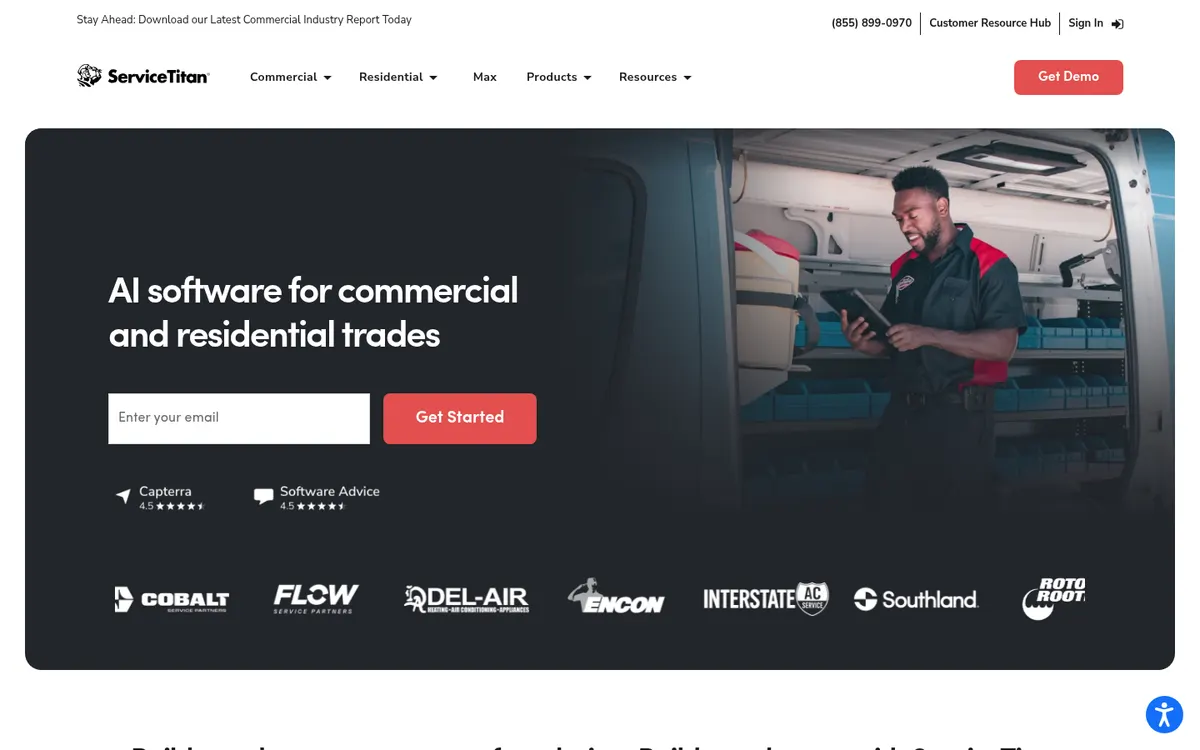
ServiceTitan is built for the contractor who has stopped scheduling out of a notebook and started worrying about capacity. Dispatch and scheduling include capacity planning, so a dispatcher can see where the day is overbooked before a customer calls twice about an arrival window. Call center and phone workflows run inside the platform, with the phone system sold as an add-on. Marketing automation is a second add-on.
The rest of the stack is unusually wide. Payroll and back-office functions sit in the same system as the dispatch board, reporting dashboards are built around trade metrics rather than generic job counts, and a pricebook with estimating tools ships alongside. An add-on and integration ecosystem lets a shop extend the platform without changing systems. For a residential service operation that wants one vendor for phones, dispatch, marketing and payroll, breadth is the argument.
Pricing is the hard part. The vendor publishes no price list, costs arrive as a quote with implementation fees attached, and contracts run annual or longer with a services-led setup that takes months. The only reliable figure comes from a direct quote. Re-verify it on the vendor site on or after 25 November 2026 before building a budget.
This fits an electrical contractor running 20 or more technicians with an office team that can absorb a months-long rollout. Below about 10 technicians, the cost and complexity are hard to justify against tools that publish a rate and switch on in a week. Small shops get more value from a platform they can configure themselves.
What works
- Broadest feature coverage of the nine
- Reporting shaped around trade metrics
- Deep add-on and integration ecosystem
What to weigh
- No public price list, quote only
- Annual contracts with multi-month setup
- Overkill below roughly 10 technicians
Pick it if
You run 20 or more technicians and want phones, dispatch, marketing and payroll in one system.
Skip it if
You are a two-truck shop that needs a rate you can read before a demo.
Plate 02 of 09
Housecall Pro
Best for residential electrical shops from owner-operator to mid-size
Our verdict
A polished residential platform where booking, payments and reviews work well, though routing sits on the top tier.
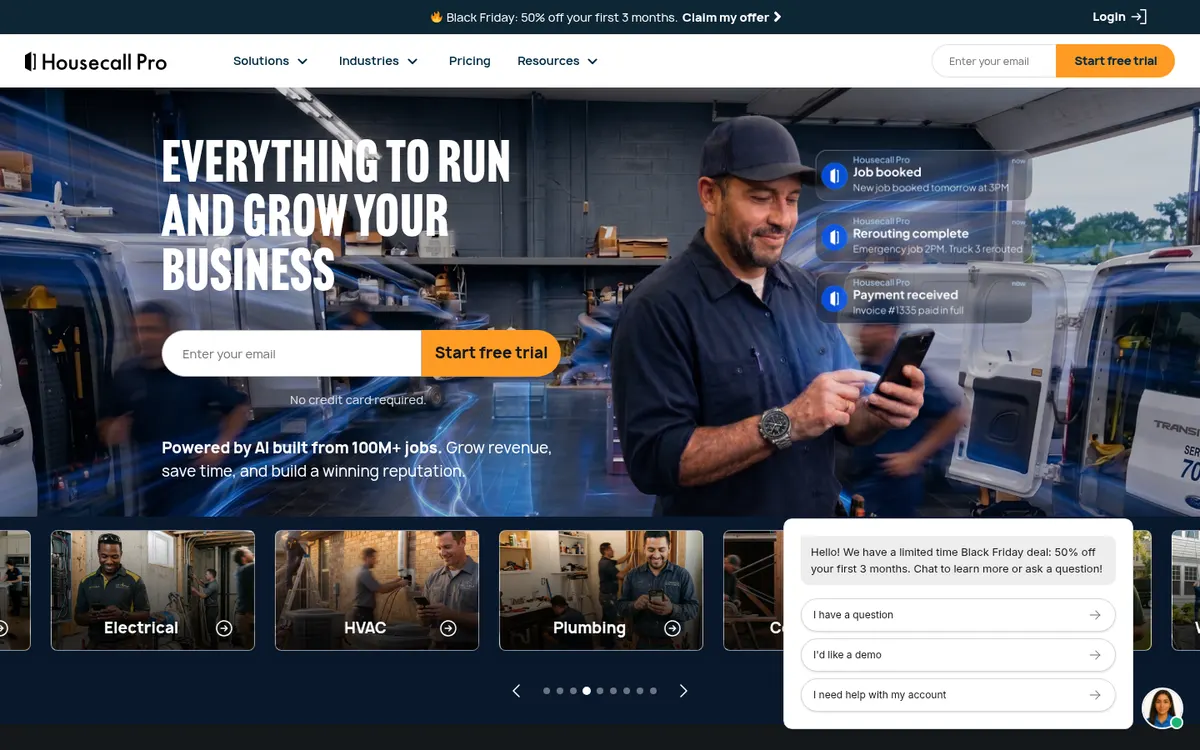
Housecall Pro is the residential shop's platform. Online booking gives customers a scheduling link that fills the calendar without a phone call, dispatch and job scheduling keep the day organized, and the technician mobile app carries job details, photos and payment collection into the field. Invoicing and card payments are built in, and review management runs after the job closes to keep a local reputation moving.
Two features set it apart at the small end. Consumer financing lets a homeowner approve a panel upgrade or an EV charger without paying the full amount upfront, and trade-specific configuration for electrical, HVAC and plumbing means job forms and checklists start close to finished rather than blank. QuickBooks sync, GPS and route optimization sit on the highest tier, which is the detail that catches buyers mid-comparison.
Pricing is published by tier rather than as a single number. The entry tier carries one user, the mid tier five and the top tier eight at annual rates, and trade packages are set through a pricing quiz on the vendor page. Payroll, voice and some marketing tools cost extra on top. A 14-day free trial with no credit card makes a self-serve test possible before any commitment.
Seat limits per tier are the practical constraint. A shop that hires a sixth technician moves up a tier whether or not it needs the higher features, so model the bill at your next two hires rather than today's headcount. For an owner-operator or a mid-size residential operation, the bundle of booking, payments, reviews and financing is hard to match. Contractors with heavy project work should look at Knowify instead.
What works
- Clean customer-facing booking flow
- 14-day trial, no credit card
- Payments, reviews and financing bundled
What to weigh
- Routing and QuickBooks sync on top tier only
- Seat caps force upgrades as crews grow
- Payroll and voice cost extra
Pick it if
You run a residential electrical shop and want booking, payments and reviews in one consumer-friendly app.
Skip it if
You need multi-crew route optimization without paying for the highest tier.
Plate 03 of 09
Jobber
Best for lean residential shops that want transparent, published pricing
Our verdict
Clear published pricing, with quoting and routing that suit lean residential crews and costs that climb with every added user.
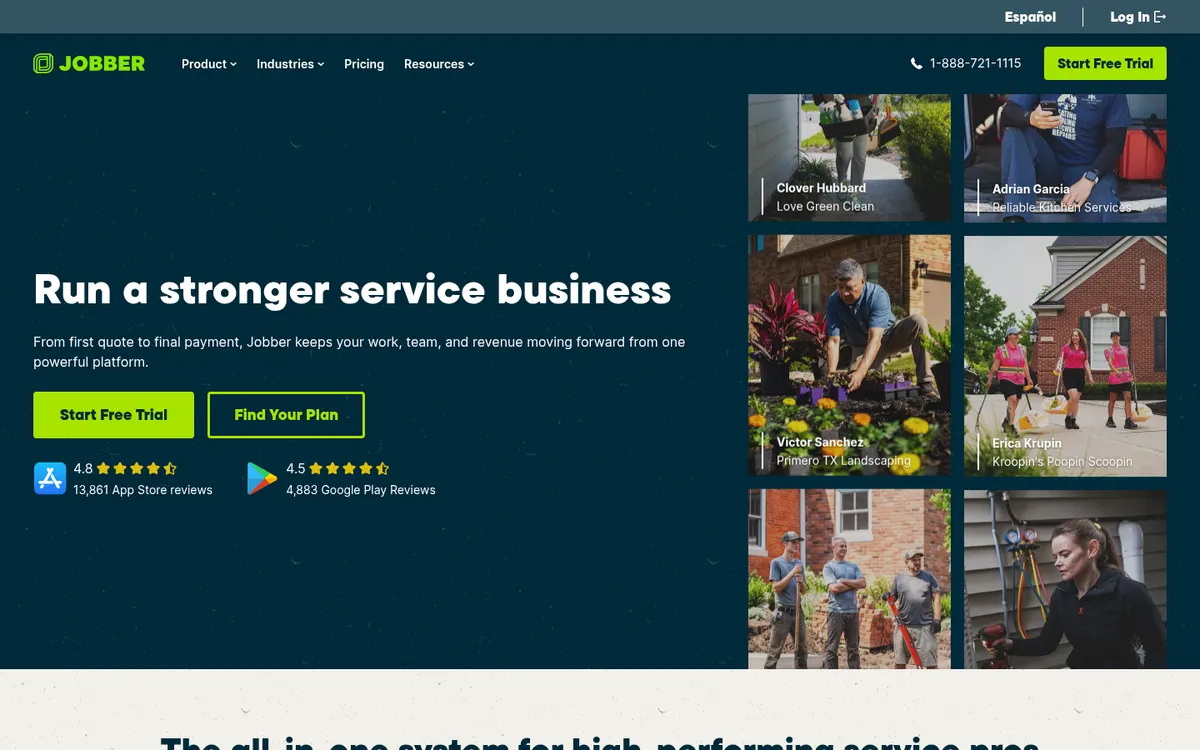
Jobber is the least mysterious purchase in this list. The Core plan is listed per month billed annually for one user, with a monthly rate of $49, and month-to-month billing is available instead of a forced annual commitment. A 14-day free trial with no credit card lets a two-person shop test quoting, invoicing and scheduling before paying anything.
The feature set covers the residential basics well. Quoting and estimates turn a site visit into a priced document, invoicing and payments close the loop, scheduling and dispatching keep the calendar honest, and online booking gives customers a self-serve option. Routing tools sit lower in the plan structure than on several rivals, which matters for shops with windshield time between calls.
Depth arrives at the mid tier. Job costing and two-way texting both require it, and the integration marketplace is large, so a shop that already runs accounting, payroll or marketing tools has a decent chance of a connector existing. Self-serve setup means a shop can configure it without a paid onboarding project.
Costs compound with headcount, since each extra user is billed monthly. The AI receptionist, marketing suite and pipeline tools are extras or top-tier only, so a shop that wants phones handled will pay more than the Core rate suggests. For a lean residential crew that wants published pricing and a fast start, Jobber is the safest first call. Contractors whose revenue depends on progress-billed commercial work will find the job costing thin.
What works
- Published pricing with a monthly option
- Large integration marketplace
- Routing on lower tiers than rivals
What to weigh
- Every extra user adds a monthly fee
- Job costing and two-way texting need the mid tier
- AI receptionist and marketing cost extra
Pick it if
You run a lean residential crew and want a rate you can read before you talk to anyone.
Skip it if
You need commercial job costing and progress billing on day one.
Plate 04 of 09
FieldEdge
Best for established electrical shops whose books run on QuickBooks
Our verdict
The QuickBooks-first choice for established shops, with flat-rate pricebooks and maintenance agreements but no published rates.
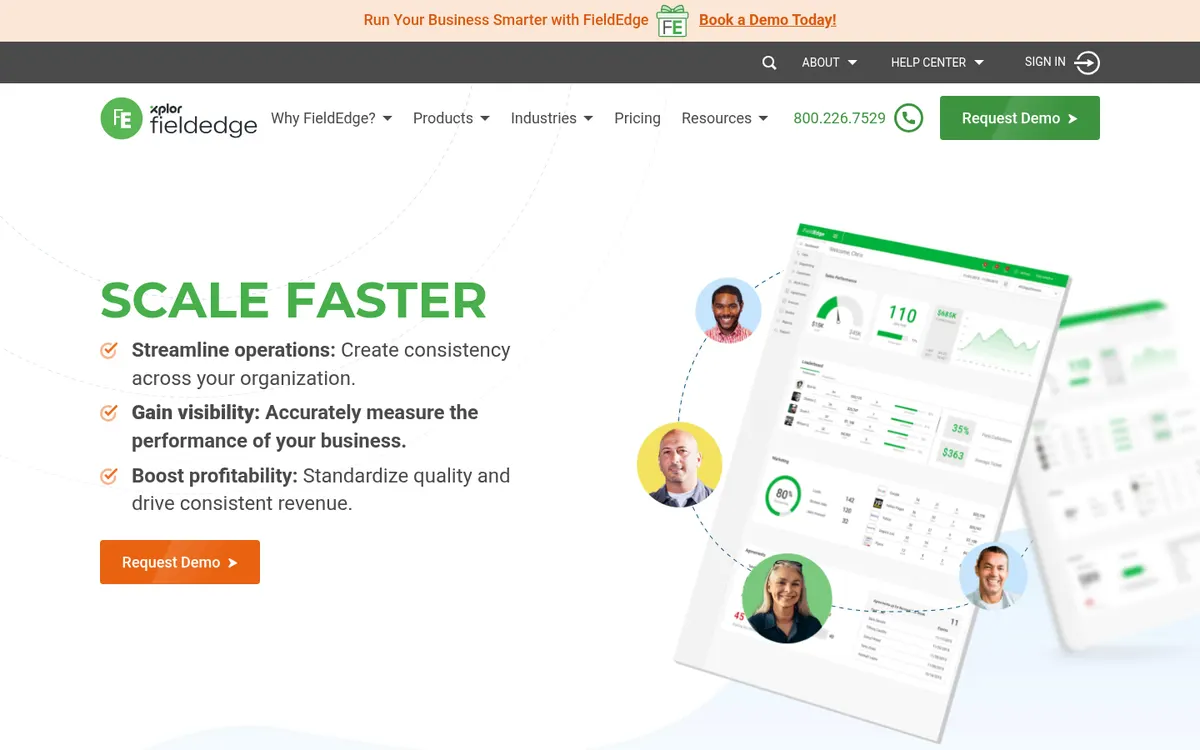
FieldEdge is organized around how trade service businesses sell. Flat-rate pricebooks put a menu of priced repair options in the technician's hands, service agreement management treats maintenance contracts as a core workflow rather than an afterthought, and scheduling and dispatch keep the day moving. Mobile licenses are sold for field technicians, with office access priced alongside.
The integration is the differentiator. Native two-way sync runs with both QuickBooks Desktop and QuickBooks Online, which matters because plenty of electrical shops still run Desktop and assistant-heavy books. Invoicing and payment handling close out the job inside the same system, so the bookkeeper is not rekeying tickets on Friday.
Pricing is entirely quote-based. There is no published rate, licensing is per mobile technician so headcount drives the number, and annual terms can restrict downgrades partway through the year. Buyers should request a quote at their exact technician and office headcount and get the seasonal question answered in writing: if the crew shrinks in January, can licenses shrink with it?
This fits an established shop that already runs QuickBooks and wants flat-rate selling and maintenance agreements to work properly. It is a service tool first, so project budgets and AIA billing are not its territory. A shop with no maintenance contract business and no QuickBooks dependency gets far less from the platform. Re-verify any figure on the vendor site on or after 25 November 2026.
What works
- Flat-rate pricebooks built for selling
- Native QuickBooks Desktop and Online sync
- Service agreements treated as core
What to weigh
- No published pricing at all
- Per mobile license charges scale with headcount
- Annual terms can block mid-year downgrades
Pick it if
Your books run on QuickBooks and you want flat-rate selling and maintenance agreements to work properly.
Skip it if
You need a price before a sales conversation or you bill commercial projects.
Plate 05 of 09
Service Fusion
Best for mid-size electrical contractors that want unlimited user seats
Our verdict
Unlimited users on every plan make headcount math simple, but the entry price and upfront annual billing punish tiny shops.
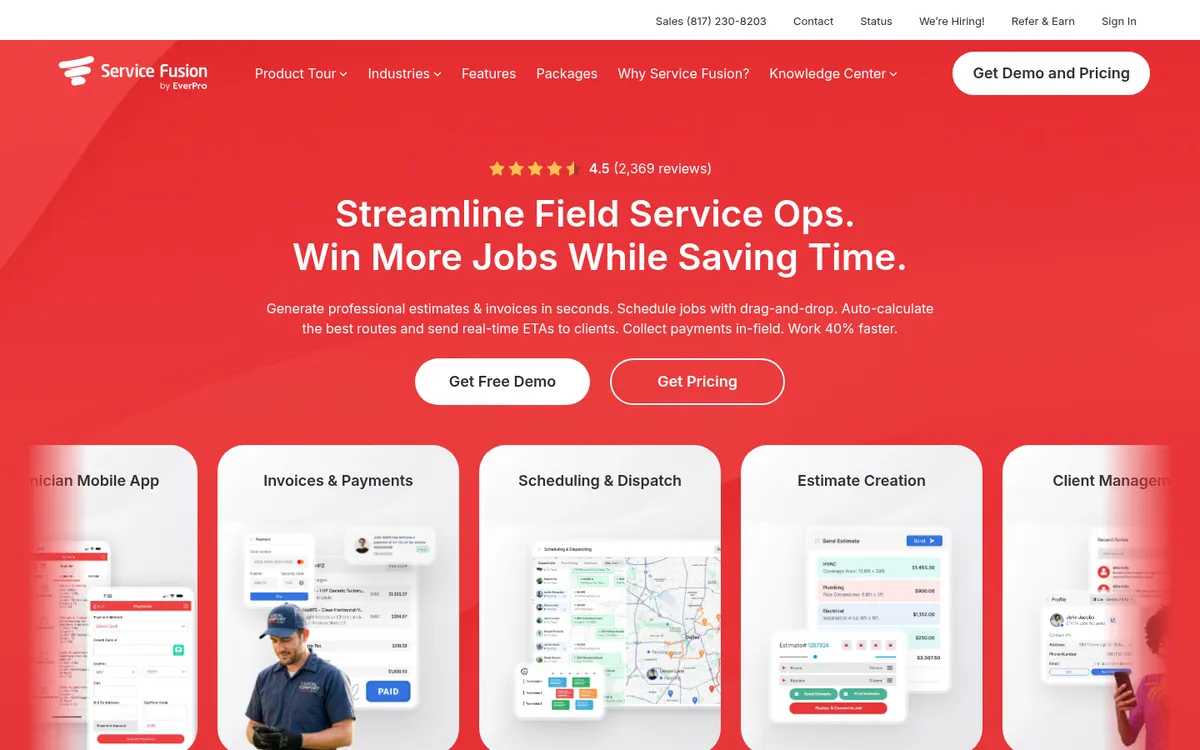
Service Fusion sells a simple idea: one flat rate, unlimited users. Every plan carries unlimited seats, so apprentices, helpers and office staff all get logins without a per-user charge, and the monthly bill stays predictable as the crew grows. Dispatch and scheduling, invoicing and payments are in the base, and month-to-month billing is offered for shops that do not want a year locked in.
The tier ladder matters more than usual here. Inventory management and job costing both sit on the mid tier and above, and the customer portal only appears on the top plan. A contractor who buys the entry tier for unlimited seats and then discovers job costing is gated upward ends up paying far more for the same crew.
There are three published tiers, Starter, Plus and Pro, listed with a plan structure but no visible prices on the page we checked. The notes on this comparison record the top tier above $500 per month when billed annually, and annual billing requires the full year paid upfront. Pricing runs through a demo. Re-verify rates on the vendor site on or after 25 November 2026.
The entry price is steep for a two-truck operation, which is the honest limitation. Service Fusion makes most sense for a mid-size electrical contractor, where unlimited seats genuinely beat per-user math and the mid tier's inventory and job costing get used every week. Below that, a per-user plan with a lower entry rate usually wins the math.
What works
- Unlimited users on every plan
- Predictable flat monthly cost
- Month-to-month billing offered
What to weigh
- Steep entry rate for a two-truck shop
- Annual billing means the full year upfront
- Inventory and job costing gated to higher tiers
Pick it if
You run six to twenty technicians and want every seat covered without per-user charges.
Skip it if
You have two trucks and a tight first-year budget.
Plate 06 of 09
Workiz
Best for service teams that handle a high volume of phone calls

Our verdict
Built around the phone, which suits shops that live on inbound calls, though the paid tiers are hard to price from the vendor site.
Workiz starts from the phone. A built-in phone system handles calls and SMS inside the platform, online booking ties directly to call handling, and scheduling and dispatch sit in the same screen. For a service business where the phone rings all day, that removes a separate phone bill and a second piece of software, which is the argument the vendor leads with.
Higher tiers add AI tools and automations, invoicing and payments are included, and inventory arrives on the top plan. There is a free Lite plan capped at two users, which is rare in this comparison and gives a one-person or two-person shop a genuine zero-cost starting point before committing to anything.
Pricing is the weak spot. Paid tier rates do not appear cleanly on the vendor site, so breakdowns circulate through third-party sources instead, and the mid tier runs high against the feature depth rivals offer at similar money. Extra users and advanced features escalate the bill quickly, and no trial period is stated.
This fits a service team that handles a high volume of inbound calls and wants calls, texts and booking in one place. A contractor whose jobs come through general contractors, bids and repeat commercial accounts gets far less from the phone-first design. Shops that already route calls through an answering service should price the overlap before switching. Re-verify any figure on the vendor site on or after 25 November 2026.
What works
- Calls, texts and booking in one tool
- Free Lite plan for up to two users
- AI automations on higher plans
What to weigh
- Paid tier rates not published cleanly
- Mid tier priced high against rivals
- Inventory only on the top plan
Pick it if
Inbound calls drive your revenue and you want the phone system inside the dispatch tool.
Skip it if
Your work arrives through bids and general contractors rather than phone calls.
Plate 07 of 09
FieldPulse
Best for growing electrical crews that want one deep system
Our verdict
A broad all-in-one with an offline-capable app, held back by quote-only pricing and add-ons for calling, texting and GPS.
FieldPulse covers a lot of ground in one system. Work orders and job tracking, project management, customer communication, scheduling and dispatch, estimates and invoicing all sit in the base platform, which is broader than several rivals at a similar position. The mobile app is built to keep working without a signal, a real consideration for basement panel work, crawlspaces and rural service calls.
QuickBooks sync runs with both Online and Desktop, so the bookkeeping question does not force a change of accounting software. Customer communication tools keep the homeowner informed without the technician making three phone calls from the truck. Offline sync is the feature most often promised and least often tested, so run the demo in airplane mode before you believe it.
The commercial terms are the friction. Pricing is quote-based on annual custom contracts, there is no trial, and the only way to see a number is a demo. Calling, texting, fleet tracking and the sales suite are paid add-ons, so a base quote that looks reasonable can grow once the full stack is priced. Annual custom contracts with limited public transparency make side-by-side comparison harder than it needs to be.
This fits a growing electrical crew that wants one deep system and is willing to sit through a sales process to get it. Before comparing quotes, ask each vendor to price the add-ons you actually need, since the base number and the real number rarely match. Re-verify any figure on the vendor site on or after 25 November 2026.
What works
- Broad all-in-one coverage
- Mobile app works offline
- QuickBooks Online and Desktop sync
What to weigh
- Quote-only pricing with no trial
- Calling, texting and GPS are paid add-ons
- Annual custom contracts with little transparency
Pick it if
Your technicians work in basements and rural sites and you want one broad system.
Skip it if
You want to compare a published rate before sitting through a demo.
Plate 08 of 09
Knowify
Best for electrical contractors mixing project work with service calls

Our verdict
The pick for contractors who invoice progress payments on commercial jobs and still need a dispatch board for service calls.
Knowify is the one tool in this list built around project accounting first and service dispatch second. Job budgets and change orders keep a commercial job from drifting, job costing and work in progress reporting show where the money actually sits, and licensed AIA pay applications on G702 and G703 forms mean a contractor can bill a general contractor without a separate accounting workaround.
Service dispatch is available, but as a paid add-on rather than part of the base plan. Service agreements, estimates and invoicing are included, and native QuickBooks sync ties the whole thing back to the bookkeeper. Cost-plus contracts and real-time work in progress reporting require the Advanced tier, which is the upgrade most commercial shops eventually need.
Pricing is unusually clean. The Core plan is $99 per month including one user with yearly billing shown, there is no contract and no implementation fee, and extra users are billed monthly. Service Pro dispatch adds a monthly charge on top of the base plan. A free trial is offered, which is uncommon among the quote-only vendors here.
This fits an electrical contractor that mixes project work with service calls, ideally one with enough commercial or tenant improvement revenue to use AIA billing and WIP reporting every month. If a meaningful share of revenue arrives through progress payments, Knowify's $99 entry is a clear way into real job costing in this comparison. A pure service shop pays more than it needs to and finds dispatch bolted on rather than built in. Re-verify rates on the vendor page on or after 25 November 2026.
What works
- Real job costing and WIP reporting
- Licensed AIA pay applications
- No contract and no implementation fee
What to weigh
- Dispatch is a paid add-on
- Cost-plus contracts need the top tier
- Priced above pure-service tools
Pick it if
You bill commercial projects with progress payments and also run service calls.
Skip it if
You are a pure service shop with no project revenue.
Plate 09 of 09
QuoteIQ
Best for residential and small commercial shops wanting modern sales tooling
Our verdict
Photo-based AI estimating and flat plans make quoting fast, though the vendor's short track record argues for checking integrations first.
QuoteIQ's pitch is speed at the point of sale. An AI estimator builds a priced quote from a photo of a panel, which shortens the gap between a site visit and a document the homeowner can approve, and good, better and best proposal tiers give the customer a choice rather than a single number. Round-the-clock AI call answering is included in the plan price rather than sold separately.
Scheduling and dispatch, invoicing and payments cover the service workflow, and self-serve setup means a small shop can be running without a paid onboarding project. Five flat plans run from the entry rate up to $699 per month on the top plan, with no per-user fees, so headcount does not move the bill as technicians are added.
The caveats are track record and ecosystem. QuoteIQ is a newer vendor with a shorter history than ServiceTitan or FieldEdge, and it carries fewer third-party integrations than the larger competitors, so confirm that your accounting and payment tools connect before committing. Larger operations with multi-department dispatch will outgrow it, and a company that needs commercial billing will not find it here.
This fits residential and small commercial shops that want modern sales tooling, particularly contractors who lose jobs at the quoting stage rather than the scheduling stage. A 14-day free trial covers a reasonable test of the estimating flow on your own panel photos. Re-verify rates and integrations on the vendor page on or after 25 November 2026 before you commit to a year of work inside it.
What works
- Photo-based AI estimating
- Flat plans with no per-user fees
- AI call answering included
What to weigh
- Newer vendor with a shorter track record
- Fewer integrations than larger rivals
- Enterprise dispatch needs outgrow it
Pick it if
You lose jobs at the quoting stage and want a priced proposal out of a panel photo.
Skip it if
You need a long integration list or multi-department dispatch.
What field service software does for an electrical contractor
Field service software is the system an electrical contractor uses to take a call, book a job, send a technician, price the work, invoice the customer and collect the money. The category grew out of dispatch boards and paper work orders, and the modern versions bundle scheduling, a mobile app, a pricebook, payments and a QuickBooks connection into one subscription.
For an electrical contractor, three things separate a good fit from a bad one. The first is the mix of service calls and project work. A shop that spends most of its week on panel swaps, EV chargers and troubleshooting needs fast dispatch and flat-rate pricing. A shop running tenant improvements and commercial buildouts needs budgets, change orders and progress billing. Knowify leans toward the second; Housecall Pro and Jobber lean toward the first.
The second is how the phone gets answered. Workiz and ServiceTitan both treat inbound calls as a core workflow, which matters when a missed call is a lost job. The third is whether the office can see the field. A mobile app that keeps working in a basement with no signal, offline mode in FieldPulse for instance, is worth more than a longer feature list.
Most platforms in this list cover the basics:
- Scheduling and dispatch with a technician mobile app
- Estimates, invoices and card or ACH payments
- A pricebook or flat-rate catalog for repeat work
- QuickBooks sync for the bookkeeper
- Reporting on revenue per technician, callbacks and job profitability
What changes between tiers is depth. Job costing, inventory, customer portals, route optimization and AI call answering tend to sit on upper plans or arrive as paid add-ons. That is why a demo should focus on the two or three workflows you run every day rather than the full feature matrix. Ask the vendor to price your exact headcount and the add-ons you need before you compare monthly totals.
This guide sits in the Software collection. Buyers weighing nearby tools often read the guides to commission software and research platforms next.
How pricing works in electrical contractor software
Pricing models in this list produce very different bills as a crew grows. Published per-user plans charge a monthly rate for each person who logs in. Flat plans with unlimited users charge once regardless of headcount. Quote-based contracts bundle implementation into an annual figure. Published base plans push key modules into paid add-ons. Free entry plans cover a tiny shop and require an upgrade once you exceed the user cap.
| Model | How it bills | Typical fit | Example from this list |
|---|---|---|---|
| Per user, published | Monthly rate per user | Small teams that want to read the rate first | Jobber Core, $49 monthly rate per user |
| Tiered seats, published | Fixed seat caps per tier at annual rates | Residential shops growing in steps | Housecall Pro, one user on entry, five mid, eight top |
| Flat, unlimited users | One rate per plan regardless of seats | Crews adding helpers and apprentices | Service Fusion, unlimited users on every plan |
| Quote based | Custom annual quote plus implementation | Larger operations with office staff | ServiceTitan, quoted with paid implementation |
| Base plus add-ons | Base plan plus monthly modules | Mixed service and project work | Knowify at $99 including one user, dispatch as an add-on |
Two things drive the final number more than the headline rate. The first is headcount. A per-user plan rises with each added user, while a flat plan stays constant. The second is add-ons. Calling, texting, fleet tracking, marketing automation and the phone system are separate line items on several platforms, and they rarely appear in the starting price.
Ask every vendor for the same quote: your technician count, your office seats, the add-ons you need and a twelve-month total. Vendors that publish rates make this easy. Vendors that quote will ask about call volume and revenue first, so give them real numbers. Confirm every figure on the vendor site on or after 25 November 2026, since list prices and plan structures change.
Every price in this guide was read on the vendor's own pricing page on November 25, 2026. Where a vendor does not publish a figure we could confirm, the card says "See website" rather than a guess. For the arithmetic around this purchase, try the free Email campaign metrics calculator.
From crew size to signed contract: six steps
Count seats before features. Write down the field licenses and office logins you need today, then add two for growth. Seat caps on tiered plans, five users on Housecall Pro's mid tier, shape the upgrade path before a single feature matters.
Split revenue between service and projects. If progress-billed commercial work is a real share of the year, job costing and AIA billing move up the list and Knowify earns a serious look. If nearly all revenue is service calls, deprioritize both.
Decide if published pricing matters. Jobber and Knowify let you build a budget without a sales call. ServiceTitan, FieldEdge and FieldPulse quote instead. If procurement needs three written quotes side by side, unlisted vendors add weeks to the decision.
Test one inbound call end to end. Ask each vendor to show a call turning into a booked job with a text confirmation. Workiz and ServiceTitan treat that as core. Elsewhere calling and texting are add-ons that change the monthly total.
Price twelve months at your real headcount. Request a quote including the dispatch module, phone lines, fleet tracking and marketing you actually need, plus any implementation fee. Compare annual totals, not entry rates, and ask what the bill becomes at a larger crew.
Check the exit before signing. Ask how data leaves the system, through exports or an API, and whether the contract allows a mid-year reduction in licenses. Annual terms with locked seats are why contractors stay on tools they have outgrown.
Five buying mistakes that cost electrical contractors money
- Buying on the entry rate. List prices cover one user or one seat. The bill at a full crew with calling, texting and route optimization can land much higher, so price your real headcount before comparing.
- Skipping the dispatch test. A polished dashboard says little about a Tuesday morning with three callbacks. Ask for a live walkthrough of dispatching a technician, sending the address and closing the job on mobile.
- Ignoring the QuickBooks question. Shops running Desktop and shops running Online need different integrations. Confirming which edition and whether sync is native, as FieldEdge states, prevents a bookkeeping rebuild after go-live.
- Assuming data migration is free. Moving customer history, pricebooks and open work orders takes planning time. Ask who does the import, whether it is included, and how long the old system must stay live in parallel.
- Signing annual terms without an exit clause. Seasonal crews shrink in slow months. Service Fusion and FieldEdge both sell annual terms, so confirm in writing whether licenses can be reduced mid-year before you commit.
9 Best Software for Electrical Contractors 2026: questions
What does a solo electrician typically spend per month on field service software?
A solo electrician can start at zero. Workiz runs a free Lite plan capped at two users, enough for a one-person or two-person shop to avoid a subscription entirely. The next step up is Knowify at $99 per month on the Core plan including one user, or Jobber, which lists $49 as the monthly per-user rate on Core. Anything quote-based should be skipped at this size.
When does dispatch software become necessary for a growing electrical business?
Dispatch software earns its cost when the schedule stops fitting in one person's head. That usually happens as the crew grows, when two jobs overlap, a callback collides with an install, and the office starts juggling by text. Before that, Jobber or the free Workiz Lite plan covers a small crew. After that, capacity planning and mobile work orders start paying for themselves.
Which tools handle job costing and commercial billing for electrical projects?
Knowify is the strongest fit for commercial work. It carries job budgets, change orders, work in progress reporting and licensed AIA pay applications on G702 and G703 forms, with cost-plus contracts on the Advanced tier. ServiceTitan handles job costing inside a broader service platform, Service Fusion puts job costing on its mid tier and above, and FieldEdge centers on QuickBooks sync and flat-rate pricebooks. QuoteIQ and Housecall Pro are service-first tools with lighter project accounting.
Can I migrate data from an existing system, and how is switching risk managed?
Plan for migration as a project, not a checkbox. Migration usually means customer records, pricebooks and open work orders, and it gets scheduled during onboarding, with the old system running in parallel for a few weeks. Knowify is the simplest case here: no contract and no implementation fee. ServiceTitan sits at the other end, with services-led setup running over months. Ask who performs the import and what it costs.
Which platforms support flat-rate pricebooks and tiered proposals?
FieldEdge builds its product around flat-rate pricebooks for service trades, and ServiceTitan includes a pricebook with estimating tools. On the proposal side, QuoteIQ offers good, better and best tiered options and an AI estimator that builds a priced quote from a panel photo. Knowify handles job budgets and change orders instead, which suits project work more than a service upsell menu.
Is per-user pricing or a flat unlimited-user plan cheaper?
It depends on headcount and how many people need a login. Jobber lists a $49 monthly per-user rate on Core, so the bill scales with each login. Service Fusion charges one flat rate with unlimited users, which can be cheaper for a larger crew. Price both at your real seat count, including apprentices who only need schedules.