
Contents of this guide
The shortlist
Our top 3 for software buyers
When I Work
Schedule plus clock
- Best for
- Hourly teams that need scheduling plus clock-in
- Features
- 3 noted: Shift scheduling, Phone clock-in, Payroll hours

Homebase
One login stack
- Best for
- Small businesses covering hiring through payroll
- Features
- 4 noted: Hiring, Scheduling, Time clock, Payroll

Deputy
Labor law rules
- Best for
- Shift operations with labor law compliance demands
- Features
- 4 noted: Scheduling, Time clock, Compliance rules, Multi-site
Disclosure for this guide. All 10 tools here are unpaid editorial picks. The position of a paid listing can be part of what the vendor pays for. Paid and unpaid tools are scored on the same rubric and keep their cons. Details are in the advertising disclosure.
The ledger
Index of every tool
| Tool | Free plan | Trial | Rubric | Compare | ||
|---|---|---|---|---|---|---|
| 01 | When I WorkHourly teams that need scheduling plus clock-in | $2.50Single location or schedule, per user per month, month-to-month or annual billingChecked Nov 25, 2026 | No | 14-day free trial | ||
| 02 | HomebaseSmall businesses covering hiring through payroll | FreeBasic, per location per month for 1 location, up to 10 employeesChecked Nov 25, 2026 | Yes | 14-day All-in-One trial | ||
| 03 | DeputyShift operations with labor law compliance demands | $5Lite, per user per month, billed annually, minimum monthly spend appliesChecked Nov 25, 2026 | No | Free trial | ||
| 04 | QuickBooks TimeBusinesses already running QuickBooks payroll | $20Time Premium, monthly base fee plus $10 per user per month, requires QuickBooks OnlineChecked Nov 25, 2026 | No | Free trial | ||
| 05 |  ClockifyTeams that only need hours tracked for free | FreeFree plan, up to 5 users, paid plans from $3.99 per seat per month billed annuallyChecked Nov 25, 2026 | Yes | 7-day Pro trial | ||
| 06 | Buddy PunchStraightforward punch-in, punch-out tracking | See websiteNot published | No | Free trial | ||
| 07 |  ConnecteamDeskless crews needing one mobile app | FreeSmall Business Plan, free for up to 10 usersChecked Nov 25, 2026 | Yes | 14-day free trial | ||
| 08 |  JibbleCost-conscious teams wanting facial recognition clock-in | FreeFree forever, unlimited usersChecked Nov 25, 2026 | Yes | See website | ||
| 09 | SlingShift teams wanting free scheduling and clock-in | See websiteNot published | Yes | See website | ||
| 10 | uAttendSites needing a physical time clock terminal | See websiteNot published | No | See website |
Prices are the lowest paid plan the vendor shows, read on November 25, 2026. Sort by price ranks published monthly figures; tools without one go last. Pin up to three tools to compare them side by side.
How this guide was put together
To choose the best time clock software for November 2026, I scored each tool against five criteria: scheduling cohesion (25%), time capture (25%), payroll handoff (20%), compliance depth (15%) and price clarity (15%). Scheduling cohesion asks whether the clock sits inside a useful scheduling workflow. Time capture covers phone, kiosk, webcam, biometric and terminal options. Payroll handoff looks at how hours reach pay runs. Compliance depth covers break, overtime and jurisdiction rules. Price clarity rewards published plans and honest entry costs.
I used vendor pricing pages checked on November 25, 2026 and kept every price in the form shown there. Where a page returned no content or a cookie challenge, I say pricing is on the vendor site rather than guess. I also noted free plan limits and trial terms as published. I checked whether each tool can handle the basic weekly loop: schedule, punch, approve, export to payroll. I also compared how each vendor handles shared devices, mobile staff and multi-site crews, because those details decide whether a clock gets used or bypassed.
The order is editorial: it reflects fit for the buyer each entry describes, not a weighted total. The Featured listing in this category is a paid placement and is scored with the same rubric, including honest cons. It does not buy a better score or a different verdict. Pricing notes reflect the plan and billing term given by the vendor, not a converted or estimated number.
The full process, including how we handle corrections, is on the methodology page. Paid listings follow the advertising disclosure.
Rubric and weights
Every tool below is scored from 1 to 10 on these five criteria. The scores describe each tool; the order is an editorial call on fit for the buyer each card describes, plus the disclosed Featured position.
- 25%Scheduling fitHow well the time clock sits inside a useful scheduling workflow for shift-based teams.
- 25%Time captureThe range and reliability of punch methods, including phone, kiosk, webcam, biometric and terminal options.
- 20%Payroll handoffHow cleanly approved hours move from the clock into payroll without re-keying.
- 15%Compliance depthSupport for break rules, overtime controls and jurisdiction-specific labor requirements.
- 15%Price clarityWhether plans, limits and entry costs are published clearly enough to compare before a sales call.
Plate 01 of 10
When I Work
Best for hourly teams that need scheduling plus clock-in
Our verdict
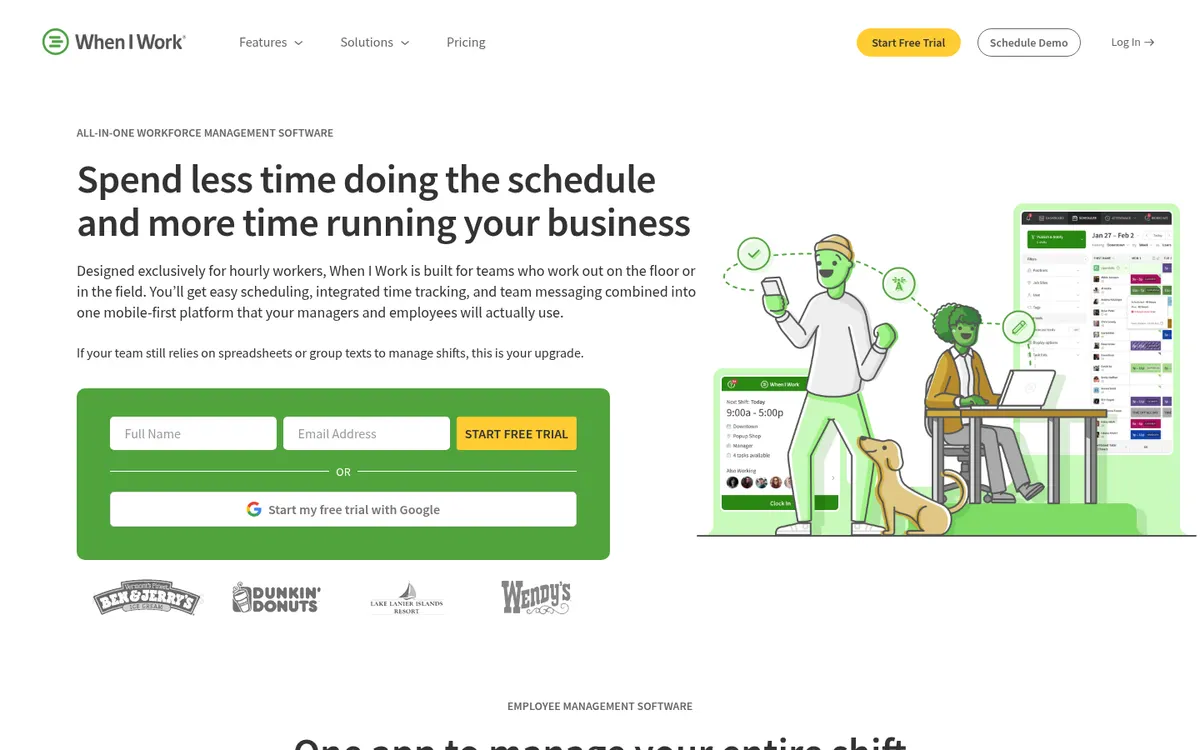
When I Work is the best fit for hourly teams that want scheduling and phone clock-in in one place.
When I Work is built around the loop that hourly teams run every week: publish the schedule, let staff clock in from their phones, then send approved hours to payroll. That combination is why it sits first for teams that do not want a separate scheduling app and time clock. Employees can punch in from their own phones, which removes the shared tablet bottleneck in restaurants, retail shops and service businesses. The system is positioned for those environments rather than for large enterprises with complex union rules.
The limits are mostly about what comes with the entry price. Advanced reporting and compliance tooling sit on paid tiers, and the reporting is described as adequate rather than deep. That matters if managers need custom labor analytics or jurisdiction-specific break rules. Large enterprises will want heavier tools. For a growing hourly team, the schedule-clock-payroll loop is the core value, and the upgrade path is about reporting and compliance rather than basic time capture.
Pricing starts at $2.50 per user per month on the single location or schedule plan, with month-to-month or annual billing. The pricing page lists a 14-day free trial and paid plans from that starting rate, with no free tier shown. That makes the trial the right way to test fit before committing. Compare the paid reporting tier before you sign if you need compliance support, because the cheapest plan will not cover every requirement. Best for teams that want scheduling and clock-in together; less suitable for enterprises needing deep labor controls.
What works
- Scheduling and clock-in in one system
- Phone punch-in for hourly staff
- Hours ready for payroll
What to weigh
- Reporting and compliance need paid tiers
- Reporting depth is adequate, not deep
- Large enterprises need heavier tools
Pick it if
You want one tool for schedules and phone clock-in without enterprise complexity.
Skip it if
You need deep labor compliance or advanced reporting on the entry plan.
Plate 02 of 10
Homebase
Best for small businesses covering hiring through payroll
Our verdict
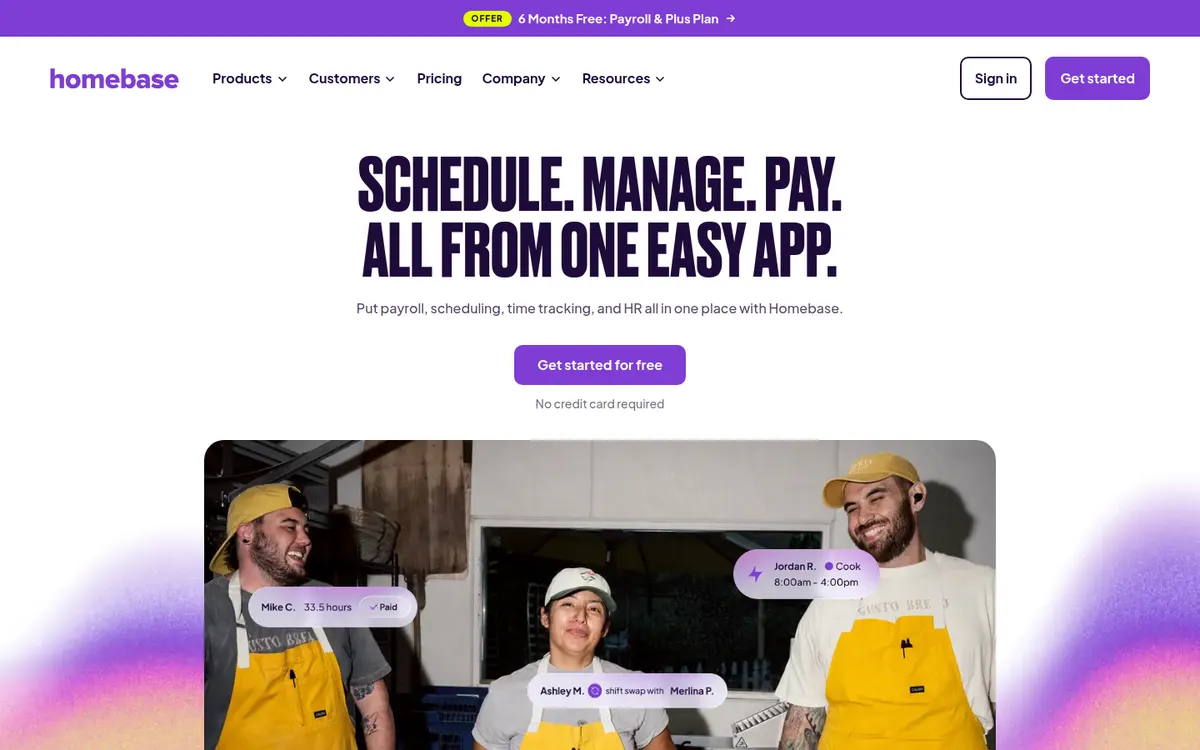
Homebase suits small businesses that want hiring, scheduling, time tracking and payroll behind one login.
Homebase is a small business stack rather than a pure time clock. It covers job posting and hiring, employee scheduling, time clock and payroll processing in one login, which is why it suits owners who do not want four separate tools. The free Basic plan is listed for one location and up to 10 employees, so a cafe, shop or small restaurant can start without a software bill. The paid Essentials plan starts at $30 per location per month and adds room to grow.
The tradeoff is depth. Each module is shallower than a dedicated specialist, and payroll is limited to the US market. Companies that grow beyond small business headcount often outgrow the bundle. The value is the single system for the hourly lifecycle: hire, schedule, track and pay. If your main problem is scattered admin, that is a real gain. If your main problem is complex multi-state compliance or advanced scheduling, a specialist will serve you better.
A 14-day All-in-One trial lets you test the full bundle. The free plan is still listed, which is unusual for a product that includes payroll, but the paid plan is where the broader workflow lives. For a five person shop, the free tier may be enough; for a 30 person restaurant, price the paid plan and compare module depth. Treat Homebase as a starting point for a small hourly team, not a long-term platform for a scaling multi-site operator. The strongest fit is an owner who wants one login and is willing to accept adequate rather than deep tools in each area.
What works
- Hiring, scheduling, clock and payroll in one login
- Free Basic plan for 1 location up to 10 employees
- Built for small business owners
What to weigh
- Each module is shallower than a specialist
- Payroll is US-only
- Growing companies outgrow it
Pick it if
You run a small hourly business and want one login for hiring, scheduling, time tracking and payroll.
Skip it if
You need deep multi-state compliance or advanced scheduling beyond a small team.
Plate 03 of 10
Deputy
Best for shift operations with labor law compliance demands
Our verdict
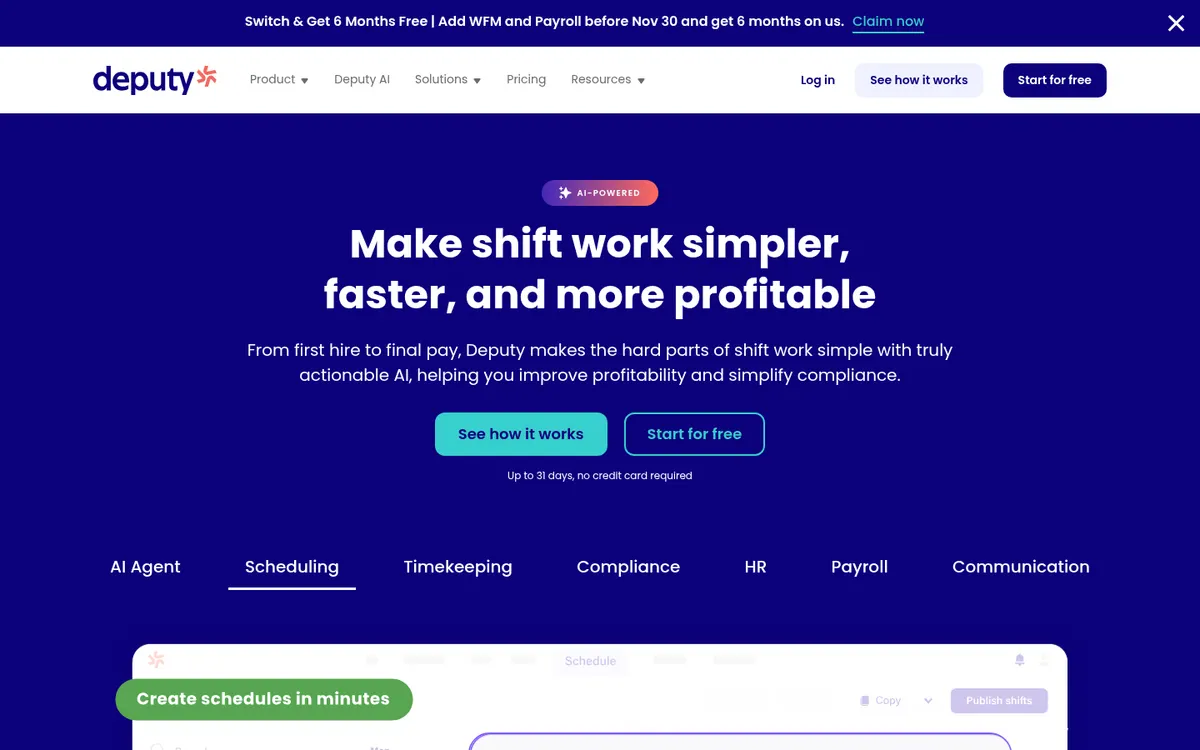
Deputy fits multi-site shift operations that need scheduling, time clock and detailed labor law compliance controls.
Deputy is the compliance-first option in this list. It combines shift scheduling, time clock, task management and multi-location support with break and overtime rules set by jurisdiction. Retail, hospitality and healthcare operators that work across sites are the intended audience. The system is designed to apply labor rules consistently, which is the differentiator. For a team with predictable shifts and no compliance pressure, that depth can feel like overhead.
The interface is dense, and the features that set Deputy apart are concentrated in higher tiers. Pricing starts at $5 per user per month on the Lite plan, billed annually, with a minimum monthly spend. The page lists a free trial but no free tier. That entry price is attractive for a small site, but the price rises as you add the compliance and multi-site controls that justify the product. Budget for the tier that matches your labor rules, not just the Lite rate.
Deputy fits operations that need scheduling and time clock in one system and cannot afford to get break rules wrong. Task management is included, which helps shift leaders assign work beyond clock-in, but it is not a full operations platform. Very small teams may find it heavy, and buyers who only need punch-in and payroll export should look at simpler tools. The strongest case is a multi-site operator with jurisdiction-specific rules and managers who will use the deeper controls daily. If your labor law exposure is low, the density works against fast adoption.
What works
- Deep labor law compliance settings
- Scheduling and time clock combined
- Multi-location support
What to weigh
- Price rises with compliance features
- Dense interface
- Heavy for very small teams
Pick it if
You run multiple shift sites and need scheduling plus jurisdiction-specific labor rules in one system.
Skip it if
You are a small team with simple shifts and no serious compliance exposure.
Plate 04 of 10
QuickBooks Time
Best for businesses already running QuickBooks payroll
Our verdict
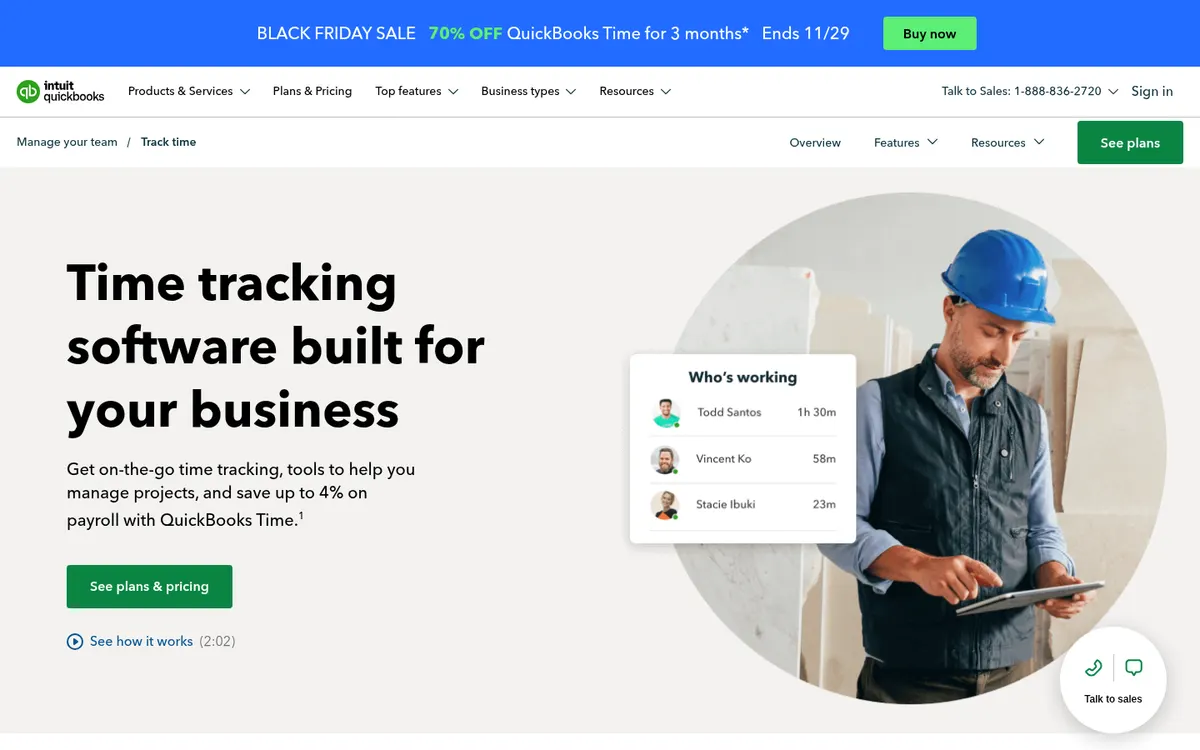
QuickBooks Time is the payroll-safe choice for field and office teams already running QuickBooks Online.
QuickBooks Time is the native time layer for QuickBooks payroll. GPS-tagged mobile clock-in, job and project time tracking, overtime alerts and timesheet data flow into QuickBooks Online without re-keying. That payroll handoff is the reason to choose it. Field crews can clock in from phones with location tags, and office teams can review job time before pay runs. The product was formerly sold as TSheets, so the time tracking heritage is established.
The value drops sharply outside the QuickBooks ecosystem. Standalone pricing is less competitive than free rivals: the Time Premium plan has a $20 monthly base fee plus $10 per user per month, and it requires QuickBooks Online. The base fee is currently discounted to $6 for three months, but that is a temporary promotion, not the ongoing rate. The interface carries Intuit's design conventions.
Choose QuickBooks Time when payroll accuracy is the main pain and you already run QuickBooks Online. For a field service company with hourly crews, the combination of GPS and job codes can replace paper timesheets and a separate payroll import step. Skip it if you want a free standing time clock, if you do not use QuickBooks, or if you need deep scheduling and compliance. It is narrower than the scheduling suites, but the payroll sync is the point. The free trial lets you test the sync before committing to the base fee and per-user charge.
What works
- Payroll sync with QuickBooks Online
- GPS and job tracking for field crews
- Overtime alerts
What to weigh
- Value drops outside QuickBooks
- Base fee plus per-user cost
- Interface follows Intuit conventions
Pick it if
You already run QuickBooks Online and want hours to reach payroll without re-keying.
Skip it if
You do not use QuickBooks or you need a low-cost standalone time clock.
Plate 05 of 10
Clockify
Best for teams that only need hours tracked for free
Our verdict
Clockify is the low-cost pick for teams that mainly need hours captured and reported, not deep scheduling.
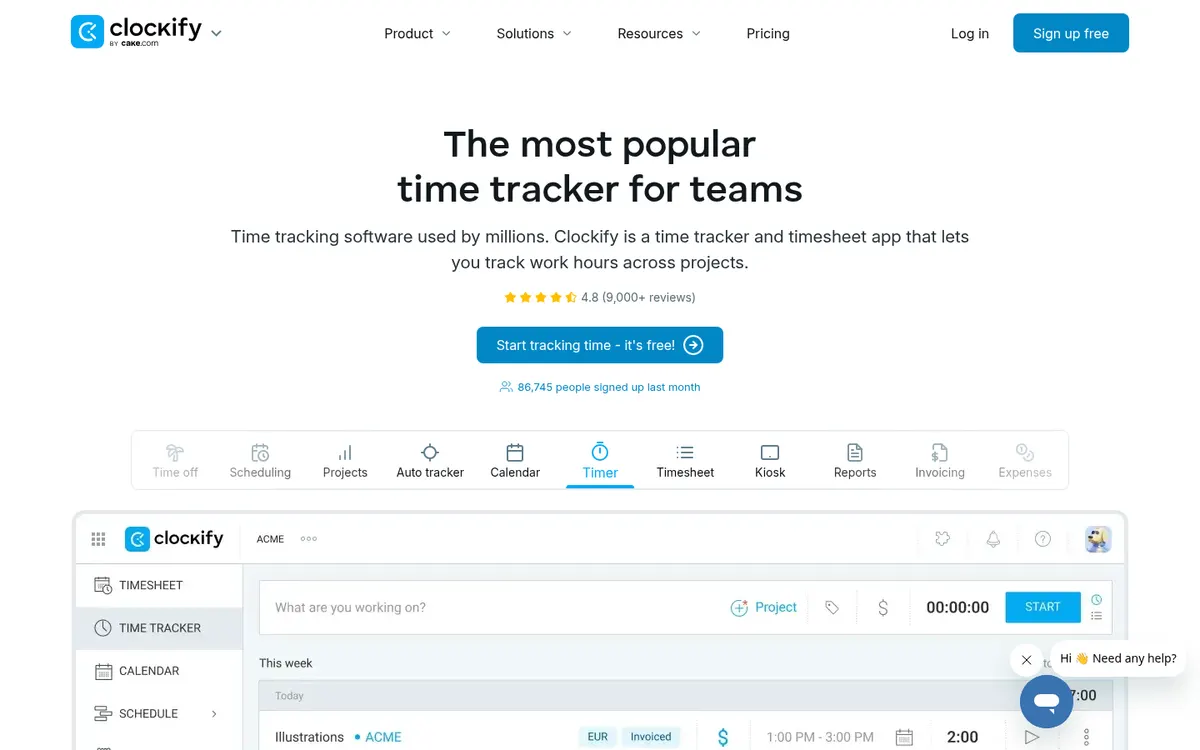
Clockify is a time tracker first, not a scheduling suite. The free plan is capped at five users according to the plan note, and paid plans start at $3.99 per seat per month billed annually. It covers time tracking with reporting, kiosk mode that turns a tablet into a shared clock, and billable hours tracking for client work. Freelancers and agencies that bill by the hour are a natural fit, as are small teams that need a simple shared clock.
The limits show up when you need shift work. Scheduling is rudimentary, so restaurants and retail teams with changing shifts will want a scheduling-first tool. Advanced capabilities sit behind paid plans, and support is tiered by plan. The free tier is still useful for a small crew, but do not expect deep compliance or payroll routing. Clockify is best when the job is capturing hours and turning them into reports or client invoices.
A 7-day Pro trial lets you test the paid features. The interface is simple for basic time capture, and kiosk mode handles shared clock-in without giving every worker a paid seat. That said, the five-user cap on the free plan is a real constraint for larger teams. For a consultancy with five billable staff, the free plan can cover the basics; for a 20 person field crew, the per-seat cost and weak scheduling become the deciding factors. If you need scheduling, payroll handoff or labor rules, compare When I Work, Homebase and Deputy. If you mainly need hours tracked for free, Clockify is a strong starting point.
What works
- Free plan for up to 5 users
- Kiosk mode for shared clock-in
- Billable hours reporting
What to weigh
- Scheduling is rudimentary
- Advanced features are paid
- Support is tiered by plan
Pick it if
You mainly need simple time capture and reporting for a small team or billable client work.
Skip it if
You need shift scheduling, payroll routing or compliance rules in the same tool.
Plate 06 of 10
Buddy Punch
Best for straightforward punch-in, punch-out tracking
Our verdict
Buddy Punch fits teams that want simple punch-in proof with webcam photos, job codes and PTO in one tool.
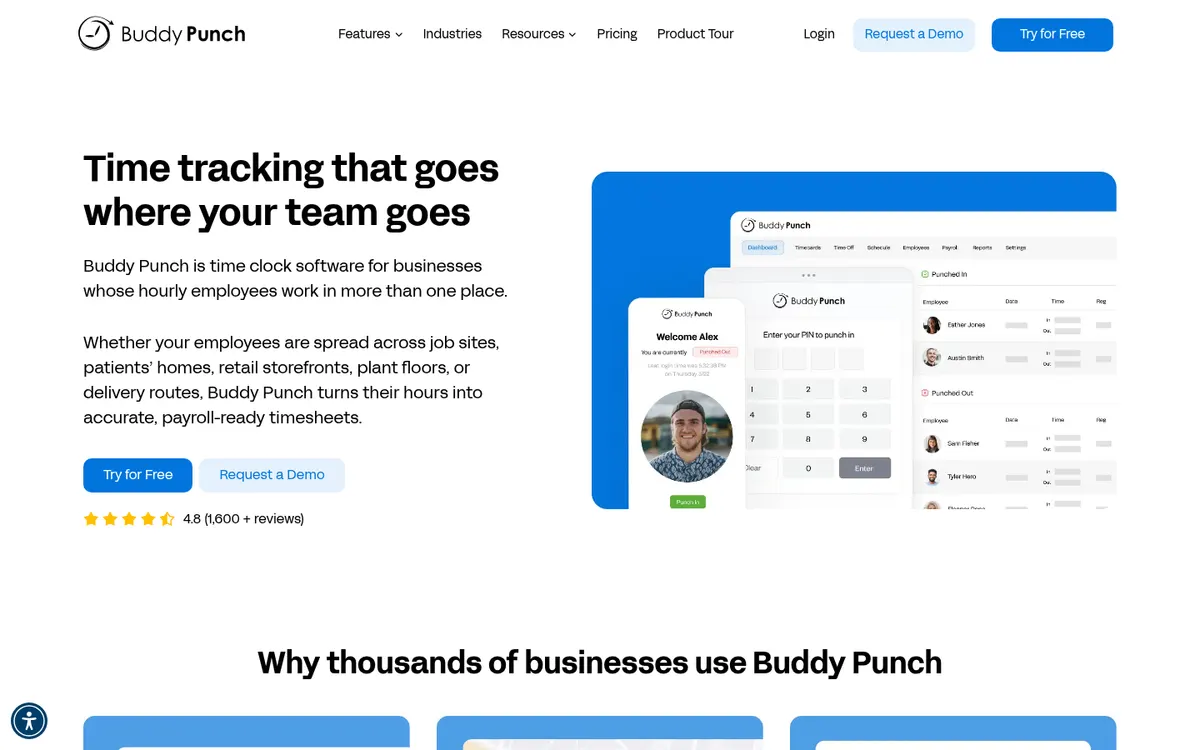
Buddy Punch is deliberately narrow. It handles employee punch in and out, captures a webcam photo on punch-in, supports job codes for project time and includes built-in PTO management. Managers get a view of hours and clean payroll data output. The webcam photo is the practical answer to buddy punching, where one employee clocks in for another. Teams that find scheduling suites bloated are the intended audience.
It is less broad than scheduling suites, and per-user pricing accumulates as headcount grows. The company is smaller than the category leaders, which matters if you need a large support organization or an extensive partner ecosystem. Pricing is on the vendor site; the page fetch returned no content, so I could not verify a number and will not guess one. That makes a sales conversation necessary before you can compare it on cost.
Buddy Punch fits a workplace that mainly needs proof of attendance plus PTO, not shift scheduling, labor law rules or a full HR stack. It is a good fit for a small contractor, clinic or shop with a fixed roster and a manager who reviews hours weekly. Job codes and PTO in the same tool reduce the need for a separate spreadsheet, which is a real admin saving for a small team. The free trial gives you a way to test the punch flow and payroll export before you ask for a quote. Skip it if you need scheduling, multi-site compliance or a free plan. The focused feature set is the strength, but it also defines the ceiling.
What works
- Webcam photo on punch-in
- Job codes and PTO in one tool
- Clean payroll data output
What to weigh
- Narrower than scheduling suites
- Per-user pricing accumulates
- Smaller company than leaders
Pick it if
You need simple punch-in proof, job codes and PTO without a full workforce suite.
Skip it if
You need shift scheduling, multi-site compliance or a free plan.
Plate 07 of 10
Connecteam
Best for deskless crews needing one mobile app
Our verdict
Connecteam suits deskless crews that prefer one mobile app for time clock, chat, tasks and forms.
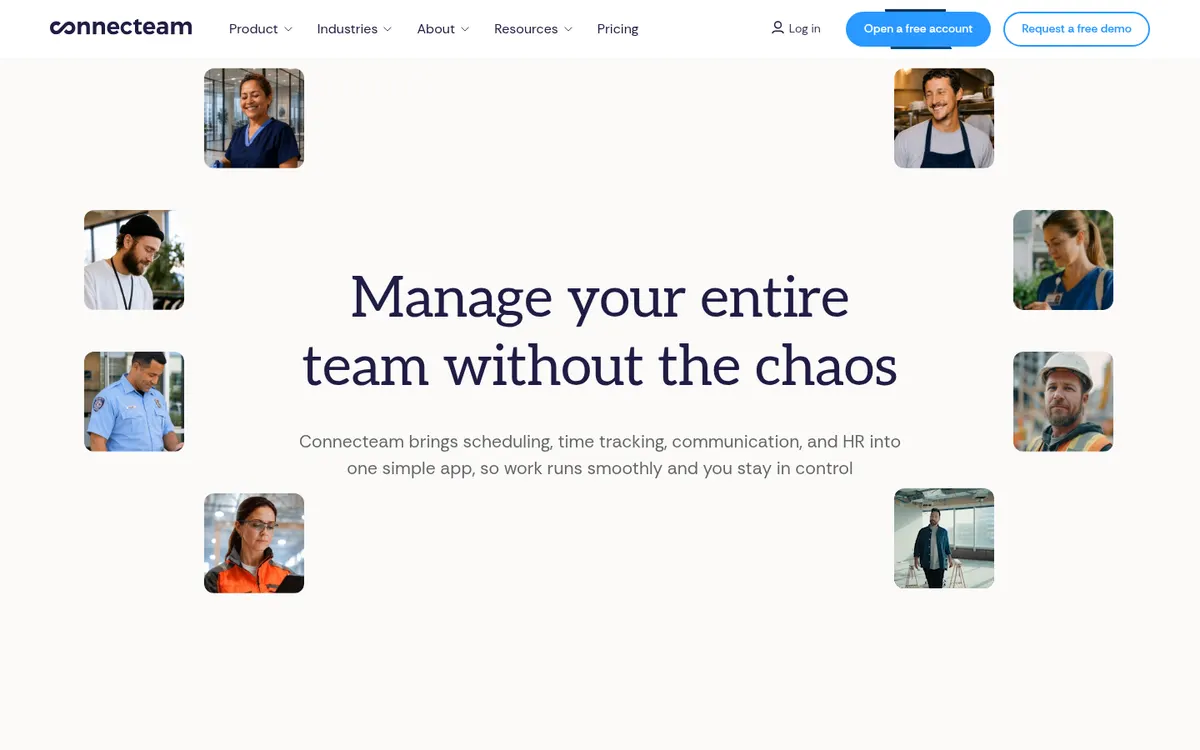
Connecteam is built for deskless crews that will open one mobile app rather than several. The time clock includes GPS, and it sits beside shift scheduling, team chat, task assignment, forms and checklists. The free Small Business plan covers up to 10 users, and paid hubs start at $29 per month. Field, retail and service teams are the target. The pitch is consolidation: one app for the shift, not a separate clock, chat and checklist tool.
Breadth comes at the cost of depth per module. The interface is busy, and specialists beat Connecteam on individual functions such as advanced scheduling or deep compliance. Enterprise requirements vary and may not fit. A 14-day free trial lets you test the app with your crew. For a small field team, the free tier can cover time clock and core communication, which is a low-risk way to start.
Choose Connecteam when adoption is the hard part and your staff are on their feet all day. The mobile-first design and the combination of clock, chat and tasks can replace group texts and paper forms. The time clock with GPS helps managers confirm where punches happen, while tasks and forms keep shift instructions in the same place. For a 10 person service crew, the free plan is a real starting point; for a 100 person operation, test the paid hub against a specialist. Skip it if you need best-in-class scheduling, payroll-native time data or jurisdiction-specific labor rules. The value is the bundle, not any single module.
What works
- Time clock with GPS
- Chat, tasks and forms in one app
- Free for up to 10 users
What to weigh
- Breadth beats depth per module
- Busy interface
- Enterprise needs vary
Pick it if
You manage a deskless crew and want time clock, chat, tasks and forms in one mobile app.
Skip it if
You need best-in-class scheduling or payroll-native time data.
Plate 08 of 10
Jibble
Best for cost-conscious teams wanting facial recognition clock-in
Our verdict
Jibble is the cost-conscious pick for facial recognition and GPS clock-in on a free forever plan.
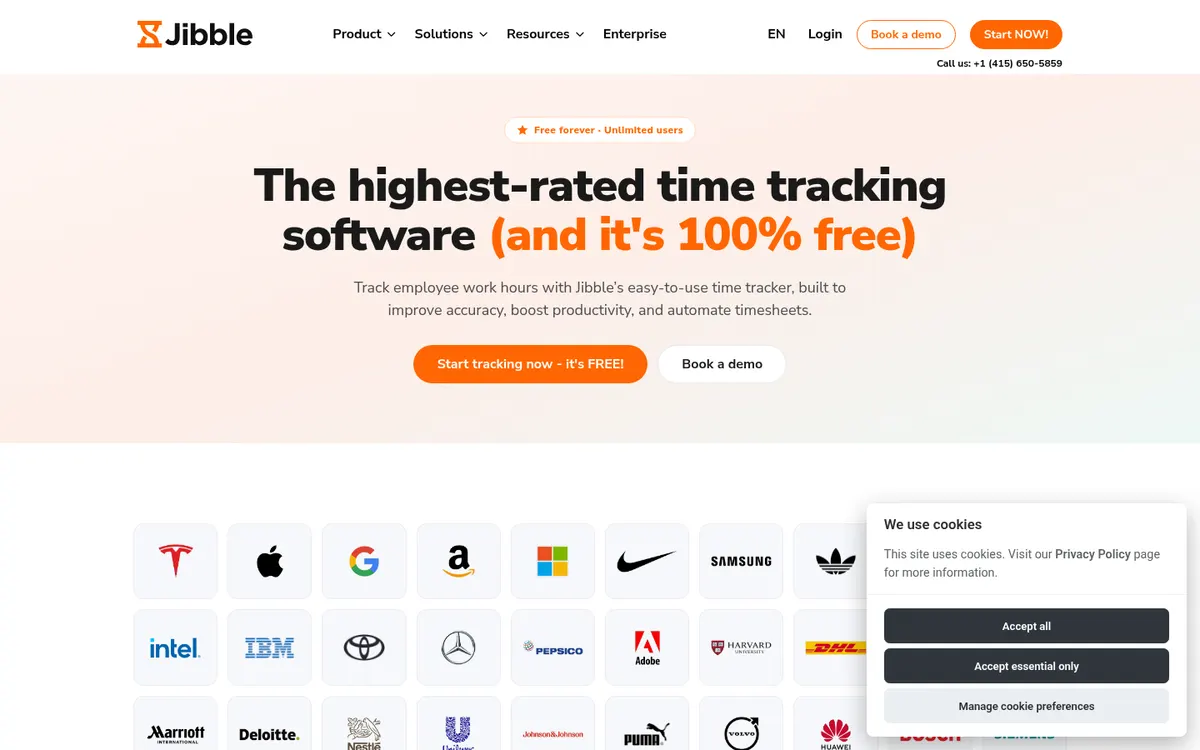
Jibble includes facial recognition clock-in, GPS tracking, time tracking with reporting and multi-platform apps on a free forever plan with unlimited users. Facial recognition is usually a paid extra elsewhere, so this is the standout. Buddy-punch prevention is built in, and reporting is available at no cost. Cost-conscious teams that want biometric-style proof without a hardware terminal are the natural fit.
Advanced features require paid plans, the brand is smaller than the category leaders, and support is tiered by plan. Those are real limits for a growing company. The free tier is generous, which is good for buyers testing the product. Pricing is confirmed as a free forever plan on the homepage; I did not verify paid rates, so check the vendor site before you budget.
Jibble fits a distributed team that needs proof of attendance and location without buying terminals. The multi-platform apps mean a warehouse worker can use a shared tablet while a field worker uses a phone. It is less suitable for complex scheduling, payroll routing or multi-jurisdiction compliance. The product is strongest when the requirement is simple: clock in, prove identity, capture location and report hours. A short pilot with one crew will show whether the facial recognition works in your lighting and whether managers trust the reports. If you need scheduling plus payroll, look at the suites. If you need a free clock with facial recognition, Jibble is the clear first test.
What works
- Facial recognition on free plan
- GPS tracking included
- Unlimited users free forever
What to weigh
- Advanced features are paid
- Smaller brand
- Support is tiered by plan
Pick it if
You want facial recognition and GPS proof without a hardware terminal or a user cap.
Skip it if
You need complex scheduling, payroll routing or jurisdiction-specific compliance.
Plate 09 of 10
Sling
Best for shift teams wanting free scheduling and clock-in
Our verdict
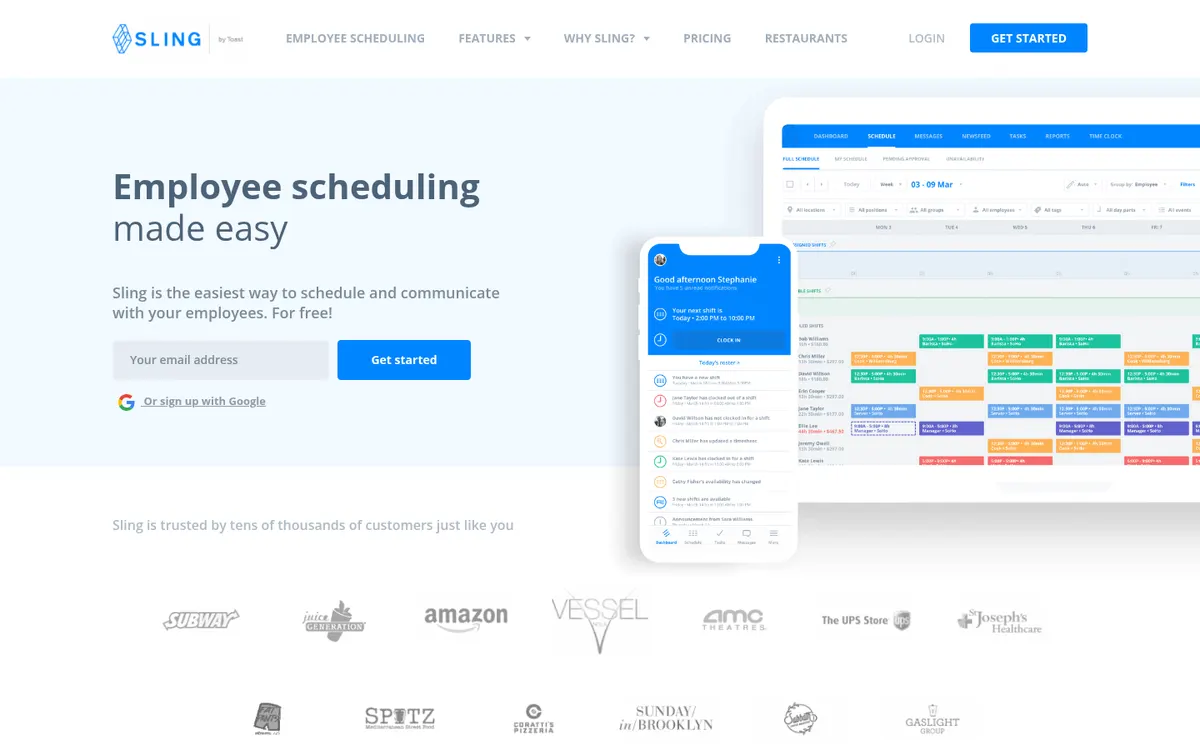
Sling fits restaurant and retail shift teams that want free scheduling, shift swaps and basic clock-in.
Sling focuses on the essentials of shift work: scheduling, time clock, shift swapping, availability management and team messaging. Scheduling and time clock are available free, which makes it a strong first test for restaurants and retail shops. Shift swapping reduces admin work because staff can trade shifts without a manager rebuilding the schedule. The interface is easy for hourly staff to adopt.
Advanced capabilities require a premium plan, and reporting lags behind compliance-heavy rivals. The surrounding ecosystem is smaller. Pricing is on the vendor site; the page fetch returned a cookie challenge page, so I could not verify a number and will not guess one. That means you need to check the vendor site for current plans before you compare it on cost. The free plan is confirmed, but the paid terms are not.
Sling fits a shift team that wants free scheduling and clock-in with simple swaps. The time clock is basic, so teams that need GPS, facial recognition or job costing should look elsewhere. It is less suitable for a multi-site operation with complex labor rules or deep payroll reporting. For a cafe with 15 staff, free scheduling and swaps may cover the weekly admin; for a hospital ward, the reporting gap is disqualifying. Test the mobile experience with a few employees before you roll it out to the whole roster. If your main need is a schedule that staff will actually use, Sling is a sensible shortlist entry. If you need compliance depth, Deputy is the stronger fit.
What works
- Free scheduling and time clock
- Shift swapping cuts admin
- Easy for hourly staff
What to weigh
- Advanced features need premium
- Reporting lags compliance rivals
- Smaller ecosystem
Pick it if
You want free scheduling and basic clock-in with shift swaps for a restaurant or retail team.
Skip it if
You need deep reporting, multi-site compliance or advanced payroll controls.
Plate 10 of 10
uAttend
Best for sites needing a physical time clock terminal
Our verdict
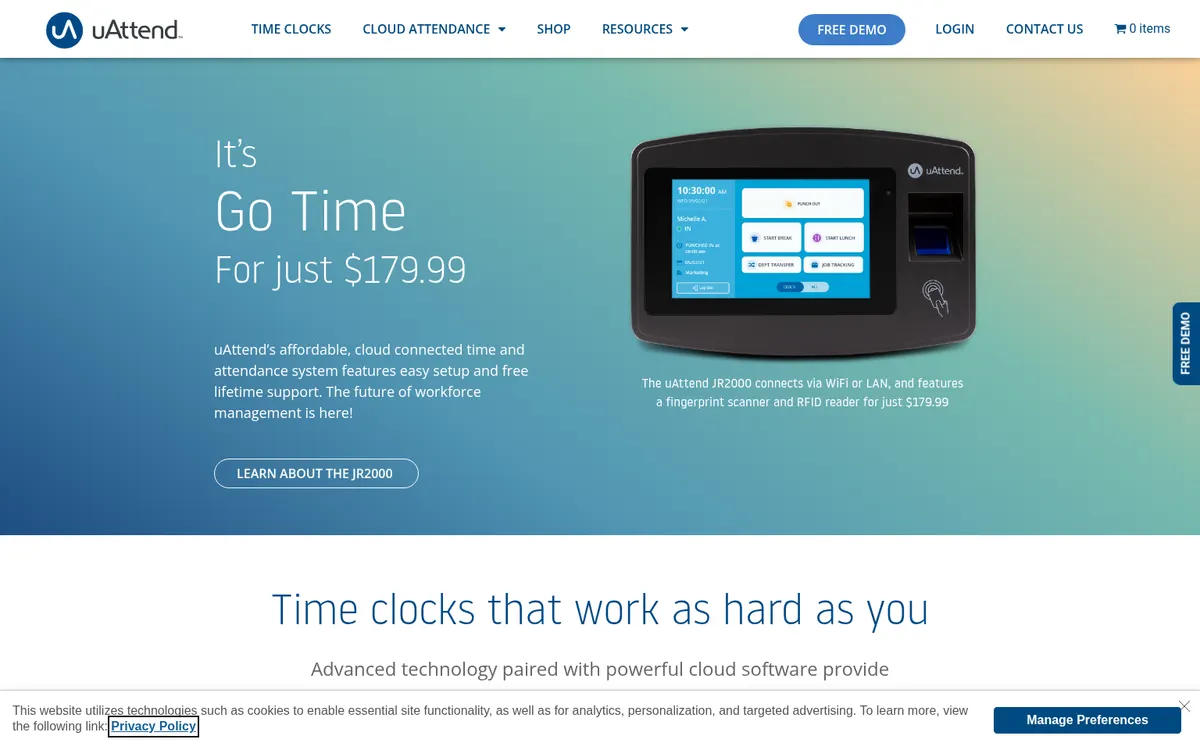
uAttend is the right fit for sites that need wall-mounted fingerprint, badge or PIN terminals with cloud reporting.
uAttend is for workplaces where phones are impractical or banned. It offers fingerprint terminal clock-in, badge-based clock-in and PIN clock-in, with cloud software and reporting behind the devices. Warehouses, plants and job sites are the target. The offer is a physical terminal plus a cloud back end, not an app-first time clock. That matters when the punch station must be fixed at a door or on a production floor.
Hardware adds upfront cost, there is no free plan, and the software scope is narrower than app-first rivals. Pricing is on the vendor site; the page fetch returned no content, so I could not verify a number and will not guess one. The trial is not stated. You will need a quote that covers devices, installation and the software subscription. The multiple credential options are useful when gloves, badges or dirty hands make one method unreliable.
Choose uAttend when a shared terminal is the right physical workflow and you need fingerprint, badge or PIN proof. For a manufacturing floor with 50 workers and no phone policy, a wall-mounted terminal can be simpler than enforcing a mobile app. For a small office with 10 staff, the hardware cost is hard to justify against free app-based tools. Skip it if your staff work from phones, if you need scheduling and payroll in one suite, or if you want a free starting point. The cloud reporting is the back end, but the device is the product. Confirm device costs and support terms before you commit.
What works
- Fingerprint, badge and PIN options
- Wall-mounted terminal workflow
- Cloud reporting
What to weigh
- Hardware adds upfront cost
- No free plan
- Narrower software scope
Pick it if
Your workplace needs a fixed terminal with fingerprint, badge or PIN clock-in.
Skip it if
Your staff use phones or you want a free app-based time clock with scheduling.
What is time clock software and when do you need it?
Time clock software records when employees start and stop work and turns those punches into hours that managers can approve and payroll can use. The modern version goes beyond a punch clock. It can include scheduling, mobile clock-in, GPS tags, job codes, break rules, PTO balances and payroll exports. The category overlaps with workforce management and time tracking, but the core job is the same: create a defensible record of paid time. It also is not the same as payroll software. The clock creates the hours; payroll calculates pay, taxes and deductions. The handoff between them is where many small teams lose time, so ask how approved hours leave the clock and reach the pay run.
Most buyers fall into one of three shapes. Scheduling-first tools lead with shifts and attach a clock, which fits restaurants, retail and service teams. Compliance-first tools lead with break, overtime and jurisdiction rules, which fits multi-site operators with labor law exposure. Tracking-first tools focus on capturing hours and reporting, which fits freelancers, agencies and small crews that do not need shift planning. Hardware-first tools put a terminal at the door for workplaces where phones are impractical.
Use this test: if your weekly pain is building a schedule and chasing swaps, start with a scheduling tool. If your pain is payroll errors and break rules, start with a compliance tool. If your pain is simply knowing who worked how long, start with a free tracker. The list below includes all three shapes, plus terminal hardware, because the right answer depends on the workflow you are replacing.
Questions to ask before you shortlist:
- Does the clock match how staff actually work: phone, shared tablet, webcam, biometric terminal or badge?
- Can managers approve hours and push them to payroll without a spreadsheet?
- Do you need scheduling, PTO, job codes or multi-site rules in the same tool?
- What does the bill look like at your real headcount, not at the entry rate?
This guide sits in the Software collection. Buyers weighing nearby tools often read the guides to commission software and research platforms next.
How time clock software pricing works in 2026
Time clock software pricing usually follows one of five models: free tier, per user, per location, base fee plus per user, or hardware plus subscription. The model matters more than the headline rate because headcount and locations change the bill. A free plan can be enough for a small crew, but the paid tier may be needed for reporting, compliance or payroll. Prices below come from vendor pricing pages checked on November 25, 2026; where a page could not be read, the table says See website rather than guessing.
| Model | How it bills | Typical fit | Example from this list |
|---|---|---|---|
| Free tier | $0 with caps on users or locations | Small hourly team testing a clock | Homebase Free Basic for 1 location, up to 10 employees; Jibble free forever with unlimited users |
| Per user per month | Charges each employee, often with annual billing | Teams whose headcount tracks the work | When I Work at $2.50 per user per month; Deputy at $5 per user per month billed annually |
| Per user plus base | Monthly base fee plus a per-user fee | Payroll-connected teams with field staff | QuickBooks Time at $20 per month plus $10 per user, requires QuickBooks Online |
| Per location | Charges each site, sometimes with employee caps | Small businesses with one or a few sites | Homebase paid Essentials at $30 per location per month |
| Hardware plus subscription | Device cost plus cloud software | Sites needing a fixed punch station | uAttend fingerprint, badge or PIN terminals; pricing on vendor site |
| Annual minimum | Lower per-user rate with a floor spend | Multi-site teams with predictable headcount | Deputy Lite at $5 per user per month billed annually, minimum monthly spend applies |
Headcount is the biggest variable. A $2.50 per user rate costs $25 per month for 10 users before any tier upgrade, while a $30 per location rate can be cheaper for a small site with many staff. QuickBooks Time is the clearest example of a base fee plus per user, so a 10 person team pays the base fee plus $100 in total at the listed $10 per user rate. Always add the tier that includes the reporting or compliance you need. The entry rate is rarely the final bill.
Every price in this guide was read on the vendor's own pricing page on November 25, 2026. Where a vendor does not publish a figure we could confirm, the card says "See website" rather than a guess. For the arithmetic around this purchase, try the free Email campaign metrics calculator.
How to choose time clock software without overbuying
- Map the weekly loop. Write down how a shift is scheduled, how an employee clocks in, who approves hours and where payroll gets them. A tool should shorten that loop, not add a second place to check.
- Set the non-negotiables. Decide whether you need phone clock-in, GPS, biometric proof, job codes, PTO, multi-site rules or payroll sync. Rank these before you look at price so a cheap tool does not win on a feature you cannot use.
- Test the free tier or trial. Homebase, Connecteam, Jibble, Clockify and Sling have free plans; When I Work, Deputy, QuickBooks Time, Buddy Punch and Connecteam offer trials. Run one real pay period with a small crew.
- Price your actual headcount. Per-user plans rise with every hire, and QuickBooks Time adds a base fee. Model the monthly bill at your current and expected headcount, including the tier that has the reporting or compliance you need.
- Check the payroll handoff. If you run QuickBooks Online, QuickBooks Time is the shortest path. If you use another payroll system, confirm the export or integration before you commit. Bad handoff creates re-keying and errors.
- Plan for the next size. A free plan that covers 10 employees may not fit at 30. Ask how price and features change as you add locations or staff, and avoid a tool that forces a migration in a year.
Five time clock buying mistakes to avoid
- Buying on sticker price alone. The cheapest plan may lack reporting, compliance or payroll sync, so you pay again in spreadsheets and corrections. Price the tier that has the controls you need, not just the entry rate.
- Ignoring the payroll path. If hours must be re-keyed into payroll, the time clock creates work instead of removing it. Confirm the export or integration before you sign and run one pay period.
- Letting buddy punching slide. Webcam photos, facial recognition, fingerprint or badge terminals each reduce risk, but only if managers review exceptions. Pair the control with a clear policy and regular approval.
- Choosing a tool your crew will not use. A dense interface or a phone-only app can fail on a warehouse floor. Test with the actual people who punch in, including shared devices and poor connectivity.
- Assuming the free tier scales. Free plans often cap users or locations. Model the paid tier at your expected headcount before you standardize on it, or you may face a migration in a year.
Best time clock software 2026: questions
Which tool gives the most complete free starting point for a small hourly team?
Homebase's free Basic plan covers one location and up to 10 employees, making it the broadest free start in this list for a small hourly team. Connecteam adds chat and tasks for up to 10 users on its free Small Business plan, and Jibble gives unlimited users facial recognition and GPS on a free forever plan. Clockify is free for up to 5 users. Pick based on whether you need breadth, deskless communication or biometric proof.
How much do paid time clock plans cost per user, and how does headcount affect the bill?
Paid plans usually bill per user per month, so headcount drives the bill. When I Work starts at $2.50 per user per month, Deputy at $5 billed annually with a minimum monthly spend, and Clockify at $3.99 per seat billed annually. QuickBooks Time adds a $20 monthly base fee plus $10 per user and requires QuickBooks Online. Always price your actual headcount, not the entry rate.
Is mobile clock-in with GPS verification standard?
GPS mobile clock-in is common but not universal. QuickBooks Time, Connecteam and Jibble list GPS clock-in, while Buddy Punch uses webcam photos and uAttend uses terminals. When I Work lists phone clock-in, and Homebase and Deputy list a time clock; GPS is not stated for every plan. Treat GPS as a feature to confirm on the specific plan you buy, not as a standard inclusion.
How do I stop employees from clocking in for each other?
Buddy punching is best blocked with proof at the point of punch. Buddy Punch captures a webcam photo on punch-in, Jibble uses facial recognition, and uAttend uses fingerprint, badge or PIN terminals. For phone clock-in, look for GPS tags and manager review. No method is perfect, so pair the control with a clear policy and regular timesheet approval.
How do scheduling-first tools differ from compliance-first tools?
Scheduling-first tools lead with shifts, swaps and daily labor coverage, then attach a clock. When I Work, Homebase, Deputy and Sling fit that pattern. Compliance-first tools lead with break, overtime and jurisdiction rules; Deputy is the clearest example here. Tracking-only tools such as Clockify and Jibble focus on capturing hours. Match the tool to the problem you need solved first.
When does a physical time clock terminal make more sense than an app?
A physical terminal makes more sense when phones are impractical, banned or a distraction on the floor. uAttend fits warehouses, plants and job sites with fingerprint, badge or PIN clock-in. An app-first tool such as When I Work or Connecteam fits mobile and deskless crews. Choose the terminal only if the fixed punch station is a real workflow requirement, because hardware adds upfront cost.