
Contents of this guide
The shortlist
Our top 3 for software buyers

Snyk Code
Pull request native
- Best for
- Developer-first security inside existing workflows
- Features
- 4 noted: SAST, Reachability, PR comments, SCA

SonarQube
Unlimited free self-hosting
- Best for
- Quality gates combined with security analysis
- Features
- 4 noted: Quality gates, Self-hosted, 35+ languages, Security rules

Semgrep
Rules as code
- Best for
- Custom security rules with fast CI scans
- Features
- 4 noted: Custom rules, Fast CI scans, Open source core, 30+ languages
Disclosure for this guide. All 8 tools here are unpaid editorial picks. The position of a paid listing can be part of what the vendor pays for. Paid and unpaid tools are scored on the same rubric and keep their cons. Details are in the advertising disclosure.
The ledger
Index of every tool
| Tool | Free plan | Trial | Rubric | Compare | ||
|---|---|---|---|---|---|---|
| 01 | Snyk CodeDeveloper-first security inside existing workflows | See websitecredit-based platform, 1 credit = $1, Code draws 1 credit per active contributor per day, enterprise pricing via salesNot published | Free for open source projects | See website | ||
| 02 | SonarQubeQuality gates combined with security analysis | FreeFree tier up to 50k LOC never expires, Team starts at $34 monthly for up to 100k LOCChecked Nov 25, 2026 | Free tier up to 50k LOC, no expiry | 14-day trial, no credit card | ||
| 03 | SemgrepCustom security rules with fast CI scans | FreeFree Edition up to 10 contributors and 10 repos, Teams from $30 per contributor per monthChecked Nov 25, 2026 | Free Edition, 10 contributors, 10 repos | See website | ||
| 04 |  Checkmarx OneEnterprise compliance and regulated AppSec programs | See websiteEnterprise agreements only, no self-service signupNot published | No | Demo only | ||
| 05 |  GitHub Advanced SecurityTeams whose code already lives on GitHub | See websitePriced as an add-on to GitHub plans, page lists Free, Team $4 and Enterprise $21 per user per month but no standalone Advanced Security rateNot published | Yes, limited scope | 30-day free trial | ||
| 06 |  DeepSourceAutomated review with verified autofixes | $24Team plan, per user per month, billed yearlyChecked Nov 25, 2026 | Free for public open source repositories | 14-day free trial | ||
| 07 |  CodacyAffordable combined code quality and security | $18Team plan, per dev per month, billed yearlyChecked Nov 25, 2026 | Free Developer plan and free forever for open source projects | 14-day free trial | ||
| 08 |  Aikido SecurityLow-noise dependency and application security | $350Basic plan, total fee per month including 10 usersChecked Nov 25, 2026 | Developer plan, free forever, includes 2 users | See website |
Prices are the lowest paid plan the vendor shows, read on November 25, 2026. Sort by price ranks published monthly figures; tools without one go last. Pin up to three tools to compare them side by side.
How this guide was put together
Every tool here was scored on the same five criteria: detection coverage (25%), workflow fit (20%), remediation help (20%), price clarity (20%), and scan speed plus language coverage (15%). Detection coverage asks how much of a codebase the scanner actually inspects and how reliably it separates real risk from noise. Workflow fit asks whether findings appear where developers already work or in a portal they have to remember to open. Remediation help covers autofix suggestions, prioritization, and guidance that shortens the gap between alert and patch. Price clarity rewards published, predictable pricing and penalizes tools that hide every number behind a sales call. Speed and language coverage measures both how long a scan takes inside CI and how many languages survive contact with the parser.
Prices, free tier limits and trial terms were taken from vendor pricing pages and checked on November 25, 2026. Where a vendor no longer publishes a number, we say so rather than repeating it. Where a page could not be fetched, the entry reads See website and no figure is guessed.
Snyk Code is the first entry in this article. It was scored with the same rubric as every other entry, and its cons are listed as plainly as anyone else's. The ranking order reflects editorial fit for the buyer each entry describes, not a weighted total.
We did not run head to head benchmarks on a shared codebase for this piece. The evaluation rests on published capability, plan structure, and where each tool fits in a real procurement decision.
The full process, including how we handle corrections, is on the methodology page. Paid listings follow the advertising disclosure.
Rubric and weights
Every tool below is scored from 1 to 10 on these five criteria. The scores describe each tool; the order is an editorial call on fit for the buyer each card describes, plus the disclosed Featured position.
- 25%Detection coverageHow much of a codebase the scanner inspects, across static, dependency and surrounding scan types.
- 20%Workflow fitWhether findings reach developers inside the pull request or wait in a portal someone has to remember.
- 20%Remediation helpPrioritization, reachability verdicts and autofix proposals that shorten the path from alert to patch.
- 20%Price clarityPublished, predictable pricing that rewards planning and penalizes numbers hidden behind a sales call.
- 15%Speed and languagesScan turnaround inside continuous integration and how many languages the parser handles well.
Plate 01 of 08
Snyk Code
Best for developer-first security inside existing workflows
Our verdict
The closest thing to a drop-in replacement for developer-first static analysis, held back by pricing you cannot see without a call.
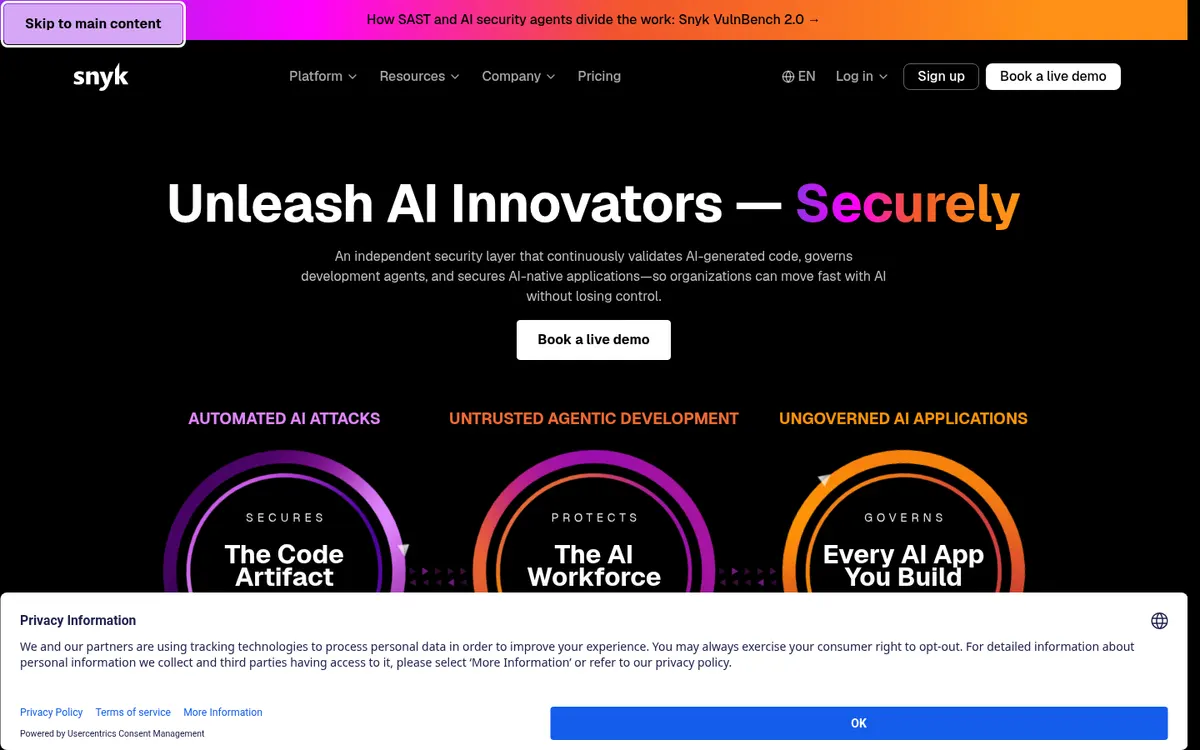
Snyk Code is the entry most teams reach for when they want Veracode-style static analysis without pulling developers into a separate portal. Findings land as comments on the pull request, scans finish fast enough to sit inside a normal review cycle, and the companion software composition analysis adds reachability checks so unreachable dependency issues get suppressed rather than dumped into a backlog.
The platform is tiered. Static code analysis and composition analysis exist, but full product coverage sits on higher plans. The vendor page does not publish a flat team price, so confirm plan limits before committing a monorepo with heavy continuous integration volume. Reachability analysis is the feature that earns its place: it separates a vulnerable function you actually call from one sitting unused three dependencies deep, which is the difference between a fix ticket and a shrug. A low false positive rate is a stated strength, which matters more than raw rule count once a team is past its first month.
Pricing has moved. The vendor page now leads with a credit-based enterprise model where 1 credit equals $1 and Code draws 1 credit per active contributor per day, with enterprise contracts sold through sales. No flat monthly team price is published, so budget from the credit model rather than a per seat figure. Budget by active contributor count rather than named seats, and expect cost to scale with how many engineers commit code daily.
Pick it for workflow fit. The trade off is pricing transparency: you will need a sales conversation before you can model a year of spend, and the step up from small team to enterprise is steep.
What works
- Findings surface as pull request comments, not portal tickets
- Reachability checks cut dependency alert volume sharply
- Fast scans keep feedback inside the review cycle
What to weigh
- No flat team price is published any more
- Credit pricing scales with active contributors
- Enterprise cost climbs steeply with contributor counts
Pick it if
Your developers live in pull requests and you want security review to meet them there.
Skip it if
You need a published per-seat price before you can get budget approval.
Plate 02 of 08
SonarQube
Best for quality gates combined with security analysis
Our verdict
The best free starting point in the category, with a quality gate both developers and auditors can read.
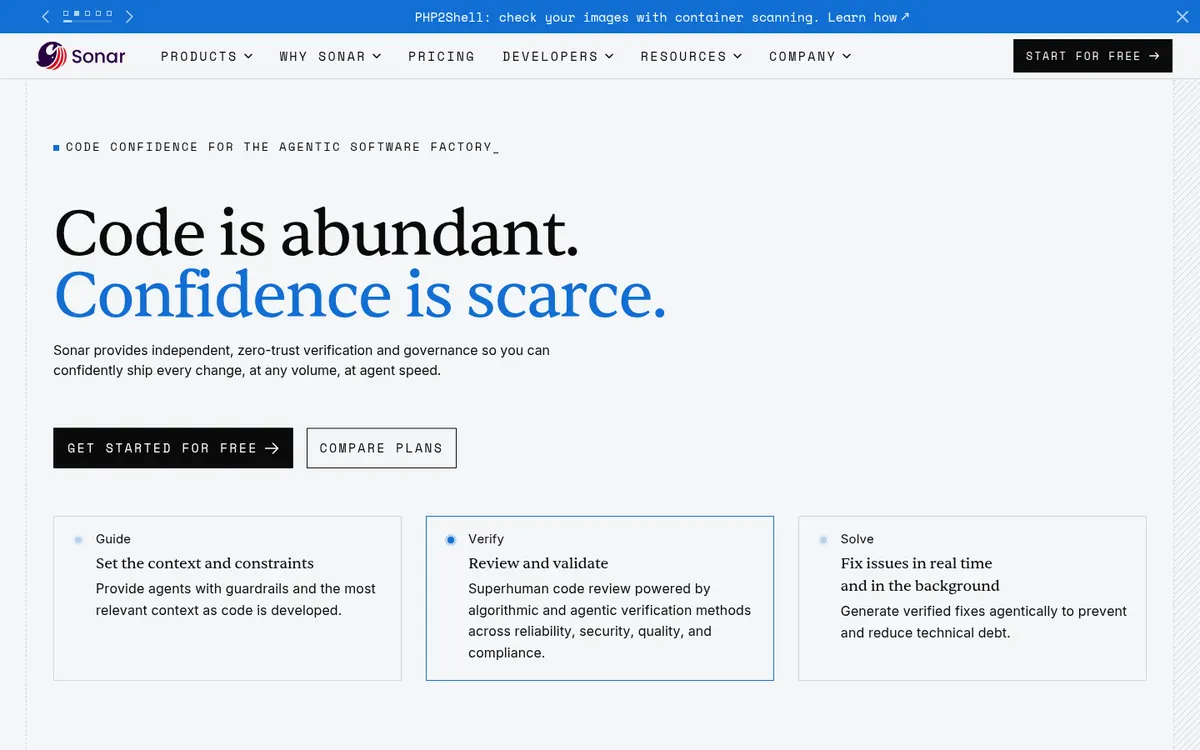
SonarQube is the free-tier answer for teams that want security findings wrapped inside a quality gate. You define a definition of done (coverage, duplication, new blockers, security rules), the gate enforces it at pull request level, and the same report reads sensibly to a developer and to an auditor without translation. That dual audience is the real product: most scanners produce a vulnerability list, and SonarQube produces a pass or fail with a reason attached.
The Community Build is a self-hosted edition with no contributor cap, free up to 50k lines of code and never expiring, which makes it the usual starting point in this category. Static analysis runs across 35 or more languages, with security rules layered on top of the quality checks, and the paid tiers add deeper security analysis that the free edition does not include. Deeper security analysis sits on the cloud plans, and the Advanced Security module is on higher tiers. The cost of free is operational: someone has to run the server, upgrade it and tune rules, scans can lag the newer analysis engines here, and the interface looks older than its rivals.
Pricing starts at zero. The paid Team plan begins at $34 monthly for up to 100k lines of code, and a 14-day trial needs no credit card. Sizing runs on lines of code rather than seats, which suits a team with a few large repositories and penalizes one with dozens of small ones.
Pick it when quality gates and audit-friendly reporting matter as much as raw detection. Skip it if nobody on the team wants to own a server or if scan speed inside continuous integration is the binding constraint.
What works
- Free self-hosted tier with no contributor cap
- Quality gates readable by developers and auditors
- Broad language coverage across 35 or more languages
What to weigh
- Self-hosting means server upkeep and rule tuning
- Scans can trail newer analysis engines on speed
- The interface feels dated next to newer rivals
Pick it if
You want a free, self-hosted gate that enforces a definition of done on every pull request.
Skip it if
No one will maintain a server or if scan latency in CI is already a complaint.
Plate 03 of 08
Semgrep
Best for custom security rules with fast CI scans
Our verdict
A rule engine that turns your own security policies into fast CI checks, provided you have someone to write them.
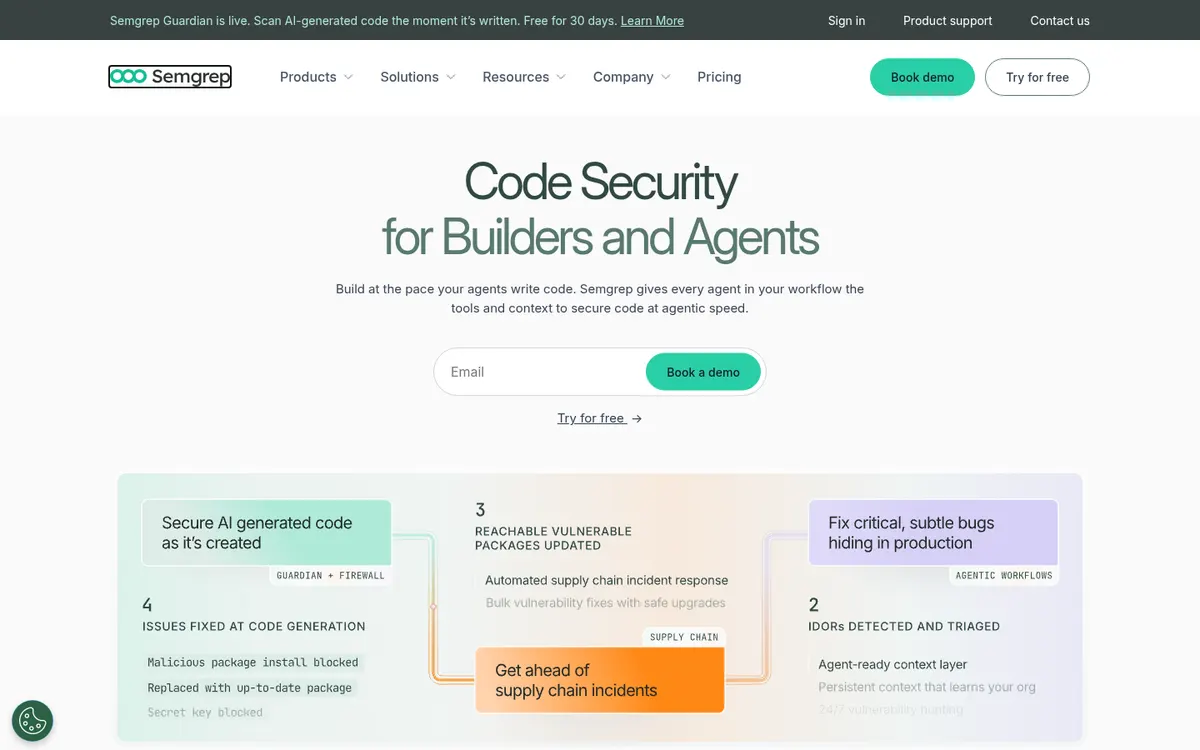
Semgrep is a rule engine first and a security product second, which is exactly why teams with security engineers like it. The open source scanning engine and the community-maintained rule registry give you a working baseline on day one, and custom rule authoring lets you encode an internal policy (no direct calls to this deprecated API, no logging of this object) as a pattern rule that fails the build.
Scans complete in seconds inside CI, coverage runs to 30 or more languages, and pattern rules can block risky API usage across an entire codebase rather than one repository at a time. That is a different shape of value from a scanner that ships a fixed rule set: you get out what your team puts in. The catch is that effective rule writing requires security expertise. A team without it will lean on the registry, get fewer findings than it should, and wonder what the paid tier is for. Compliance reporting is also thinner than in enterprise suites, so regulated programs will notice the gap quickly.
Free Edition covers up to 10 contributors and 10 repositories, which is a genuine working tier for a small team rather than a demo. Paid Teams starts at $30 per contributor per month. Confirm current plan details on the vendor pricing page before you build a budget around it.
Pick it if you have someone who will write and maintain rules, and if fast CI feedback is non-negotiable. Skip it if you need an audit report out of the box or if nobody on the team wants to author patterns.
What works
- Custom rules are quick to write and easy to review
- Scans finish in seconds inside CI pipelines
- Open source core with a public rule registry
What to weigh
- Rule writing assumes real security expertise
- Compliance reporting is thinner than enterprise suites
- Pricing and limits need confirmation on the vendor page
Pick it if
Your security team wants to encode policy as code and enforce it on every commit.
Skip it if
You have no one to maintain rules or need formal compliance exports.
Plate 04 of 08
Checkmarx One
Best for enterprise compliance and regulated AppSec programs
Our verdict
The enterprise consolidator, priced and sold like the platform it is, with no path for a small team.
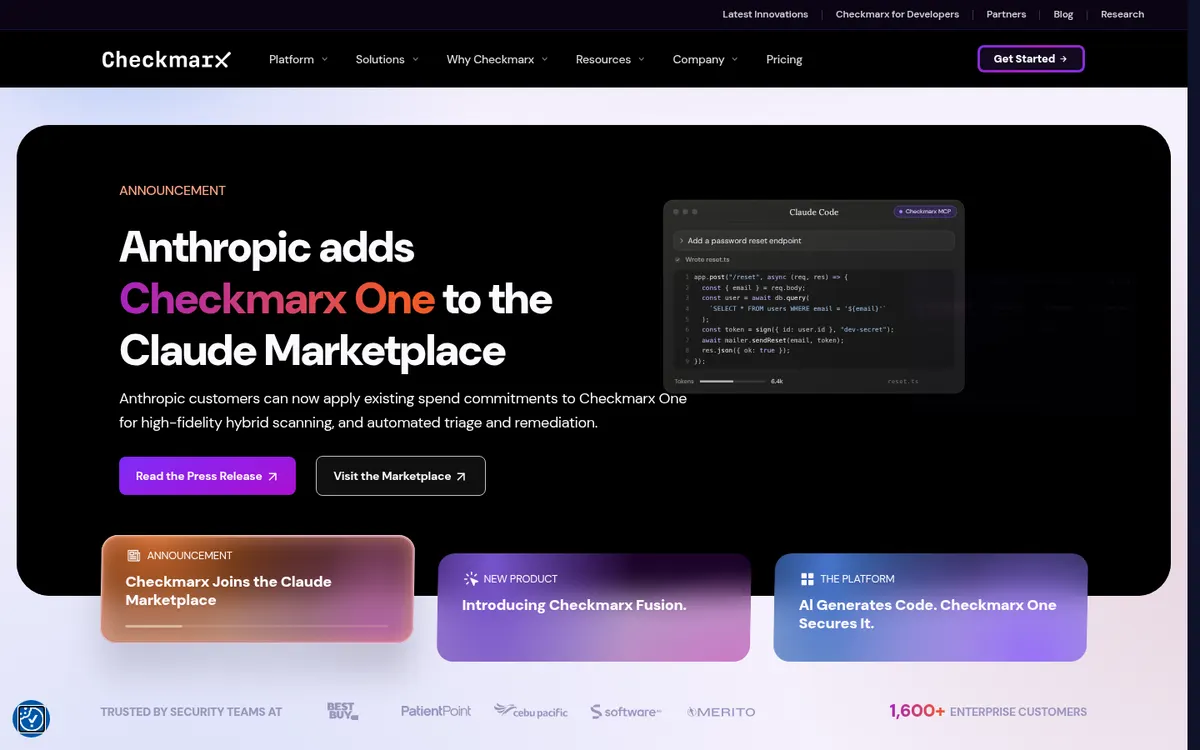
Checkmarx One is the enterprise option on this list, and it is priced like one. A single platform covers static analysis, dynamic analysis, software composition analysis, API security testing, container scanning and infrastructure-as-code scanning, with compliance reporting built for regulated industries and coverage of 35 or more languages.
The breadth is the point. A team running several point tools from several vendors can consolidate onto one contract, one findings database and one audit trail, and the reporting layer is what a security officer actually shows an auditor. The trade offs are real: no free tier, no self-service signup, demonstration only, and evaluation goes through sales. Add-ons such as API security and training are sold separately, so the headline number is rarely the invoice. Enterprise pricing is hard to justify below roughly 30 to 50 developers, because the platform's value comes from centralizing a program that already exists rather than from detecting anything a cheaper tool would miss.
Pricing is available only through enterprise agreements, with optional modules billed separately. No pricing page was available at the time of writing, so no figure here is confirmed. Treat any number as a starting point for a conversation with the vendor rather than a published figure.
Pick it if you run a regulated AppSec program and want one platform and one contract. Skip it if you are a very small startup, where the agreement alone will exceed your whole tooling budget.
What works
- One platform spanning SAST, DAST, SCA, API and containers
- Compliance and audit reporting built for regulated industries
- Broad language coverage at 35 or more languages
What to weigh
- No free tier and no self-service signup
- Hard to justify below roughly 30 to 50 developers
- API security and training modules cost extra
Pick it if
You are consolidating several point scanners under one regulated audit program.
Skip it if
You need a price you can see, or a trial you can start without a call.
Plate 05 of 08
GitHub Advanced Security
Best for teams whose code already lives on GitHub
Our verdict
Nearly free in effort if your code already sits on GitHub, and close to pointless if it does not.
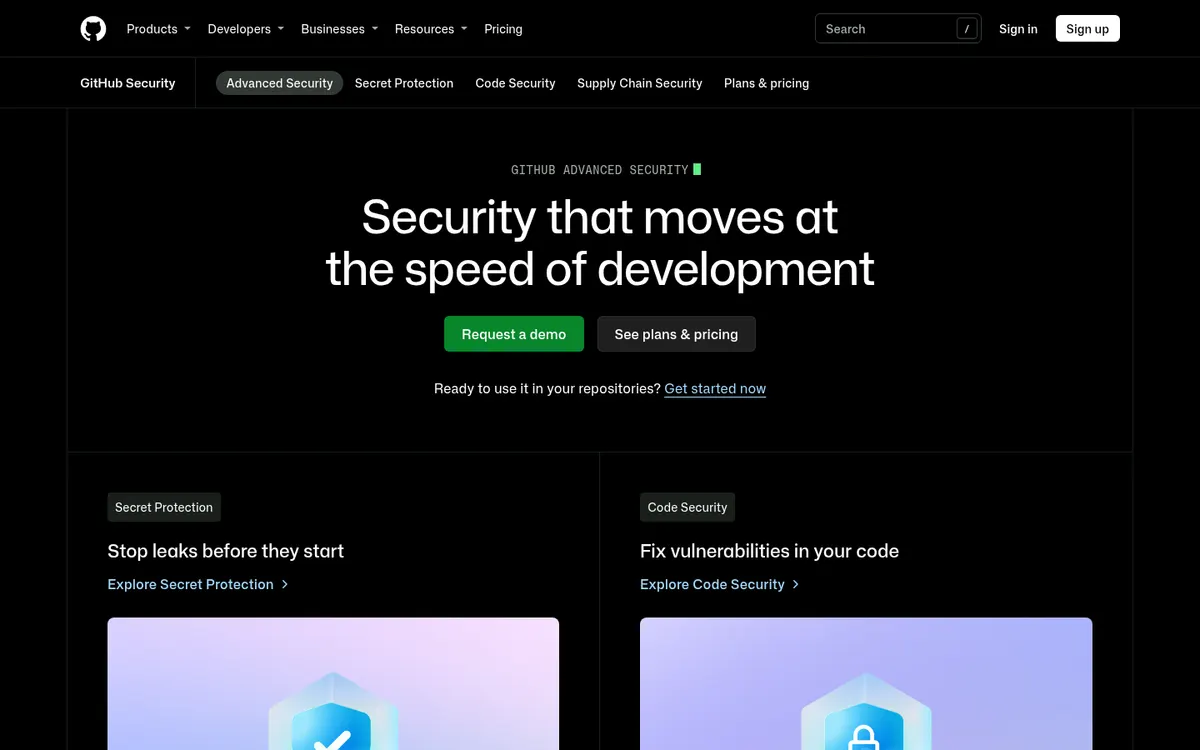
GitHub Advanced Security is less a product than a set of capabilities bolted onto GitHub itself. CodeQL code scanning, secret scanning and Dependabot alerts run against repositories you already host, findings appear in the pull request, and there is no separate security portal to configure or forget to check.
For teams standardized on GitHub, adoption is nearly zero effort: repository-native configuration, no new login, no new workflow to teach. Repository-native configuration also means less setup work for each repository. CodeQL is a serious engine, and secret scanning catches the class of mistake that leaks credentials into a public repository. Language coverage is narrower than enterprise rivals, though, and the value drops sharply for teams hosting code outside GitHub. Cost is also hard to isolate, because the security features are bundled into GitHub plan tiers rather than sold as a standalone line item, which makes comparison shopping awkward.
The plans page lists Free, Team at $4 and Enterprise at $21 per user per month, then defers Advanced Security to a separate pricing page that shows no add-on rate. The cost depends on the underlying GitHub plan, so confirm the add-on rate on the vendor pricing page. A 30-day free trial is available.
Pick it if your code already lives on GitHub and you want scanning without a procurement cycle. Skip it if you are multi-forge or need deep language coverage.
What works
- Security checks run where developers already work
- Secret scanning and Dependabot come bundled in
- Repository-native setup needs no new workflow
What to weigh
- Little value for code hosted outside GitHub
- Language coverage narrower than enterprise rivals
- Add-on cost is hard to separate from the GitHub plan
Pick it if
GitHub is already your source of truth and you want scanning without a new vendor.
Skip it if
You run multiple forges or depend on less common languages.
Plate 06 of 08
DeepSource
Best for automated review with verified autofixes
Our verdict
The autofix specialist: fewer languages than the big platforms, but proposed patches that developers actually approve.
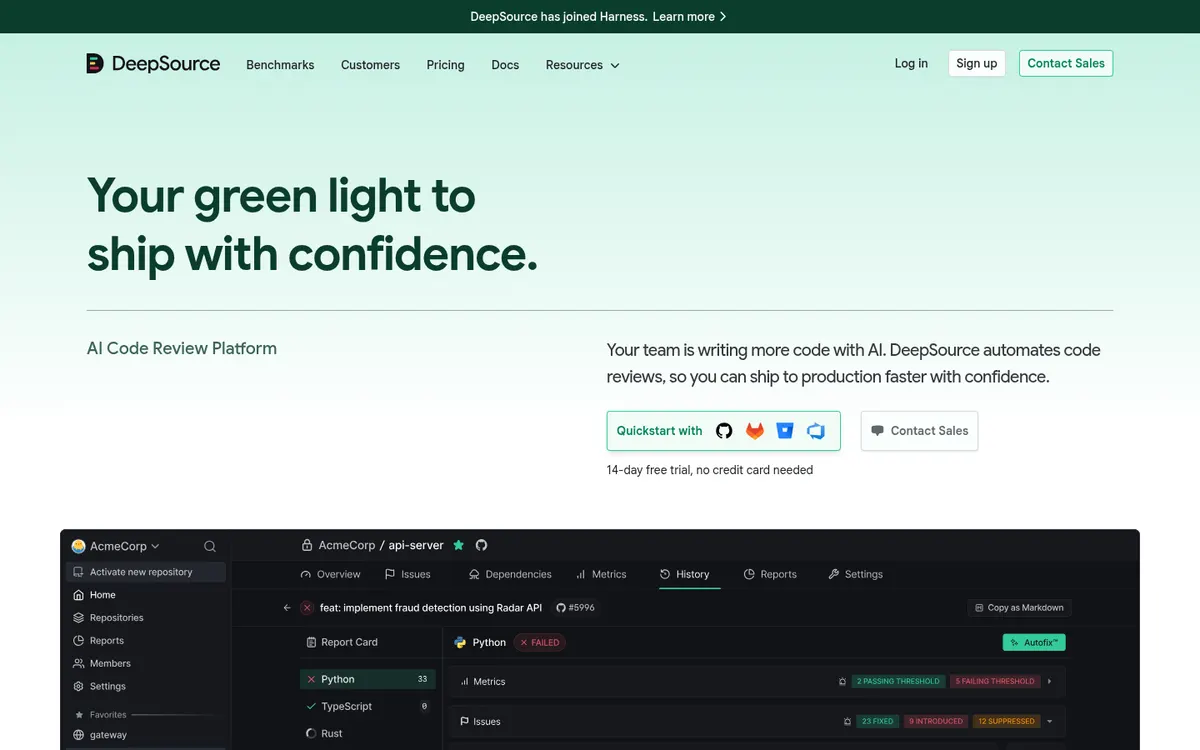
DeepSource sells automation rather than dashboards. It reviews pull requests, flags security and quality issues, and, the part that matters, proposes verified autofixes that a developer approves instead of writing the patch from scratch. Scans are fast and feedback arrives in the pull request where the review conversation is already happening.
Coverage runs to 12 or more languages, which is narrower than the larger platforms here, so check your stack before you commit. A Java, Python and Go shop will be fine; a shop with Elixir, Scala and a legacy PHP estate should test first. A low false positive rate is a stated strength, and the autofix proposals cut the manual remediation work that usually stalls a security backlog. Autofixes are presented for developer approval before anything is applied, which keeps the developer in control. Free access covers public open source repositories, so it is a real tier for contributors and a limited option for private teams.
Pricing is the clearest on this list. The Team plan is $24 per user per month billed yearly, and a 14-day free trial is available. Confirm current plan details on the vendor pricing page.
Pick it for a small team without a dedicated AppSec engineer that wants fixes rather than a findings list. Skip it if you support many languages or need compliance reporting.
What works
- Verified autofixes cut manual remediation work
- Low false positive rate
- Clear published pricing at $24 per user
What to weigh
- Only 12 or more languages supported
- Free tier covers public open source repositories only
- Pricing should be confirmed on the vendor page
Pick it if
Your engineers would rather approve a patch than write one.
Skip it if
Your stack runs past a dozen languages or an audit needs formal reports.
Plate 07 of 08
Codacy
Best for affordable combined code quality and security
Our verdict
An affordable way to cover quality and security together, with depth that stops short of a compliance program.
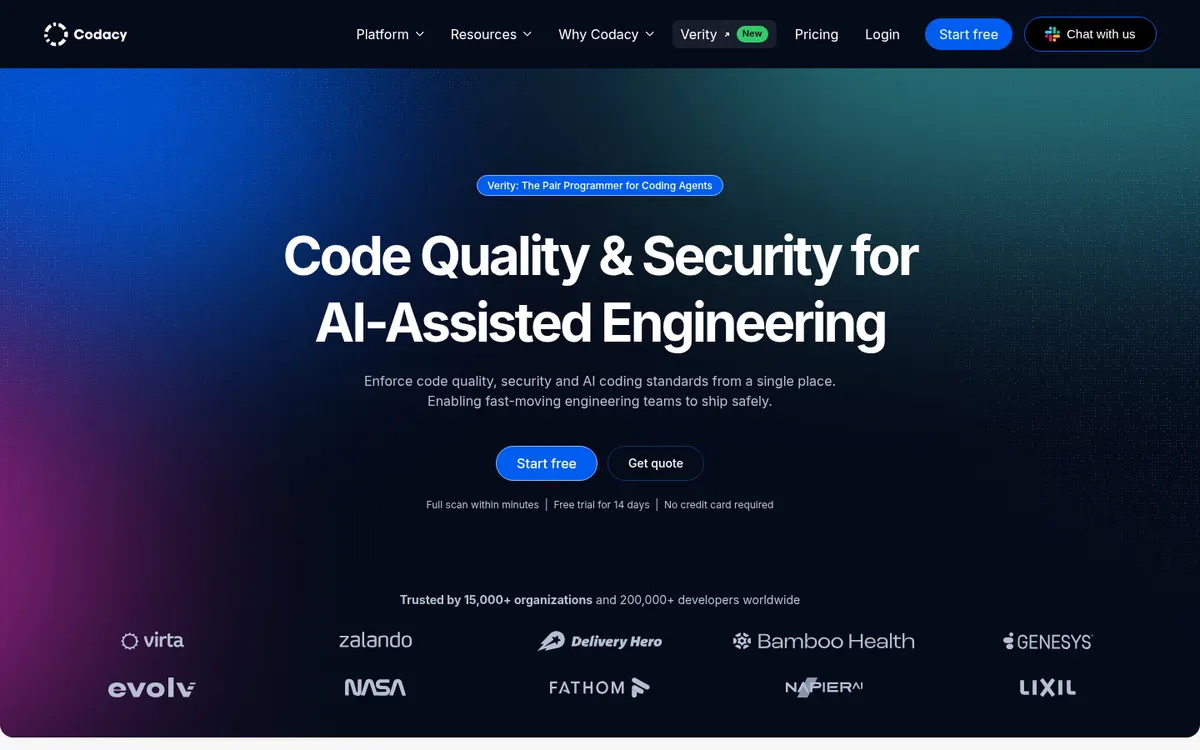
Codacy bundles code quality and security analysis into one tool, with a Team plan at $18 per developer per month billed yearly. Static analysis covers 40 or more languages, findings land in the pull request, and one dashboard holds both the style issues and the vulnerability list, which is what a small team without a security specialist actually wants to look at on a Monday.
The single dashboard brings quality and security findings together, which is why it turns up in small team budgets. Scan speed is good and the pull request integration is native rather than bolted on, which keeps the tool in the review flow instead of in a tab nobody opens. Depth is the compromise. Analysis trails enterprise platforms on the things compliance programs ask for, and a team heading toward SOC 2 or a regulated audit will likely outgrow it inside a year. The free Developer plan is free forever for open source projects, so check that detail before planning around it.
The Team plan is $18 per developer per month billed yearly, with a 14-day free trial. The published yearly price is $18 per developer per month, so budget against that number and confirm on the vendor pricing page.
Pick it if you want one affordable tool covering quality and security for a small team. Skip it if a formal compliance report is on the roadmap.
What works
- Team plan at $18 per developer
- Very broad coverage at 40 or more languages
- One dashboard for quality and security findings
What to weigh
- Analysis depth trails enterprise compliance suites
- Free plan is aimed at open source projects
- Pricing should be confirmed on the vendor page
Pick it if
You want quality and security in one affordable tool for a small team.
Skip it if
A regulated audit or a formal compliance report is already scheduled.
Plate 08 of 08
Aikido Security
Best for low-noise dependency and application security
Our verdict
Built to cut alert noise with reachability and autofix, with the enterprise depth of a younger vendor.
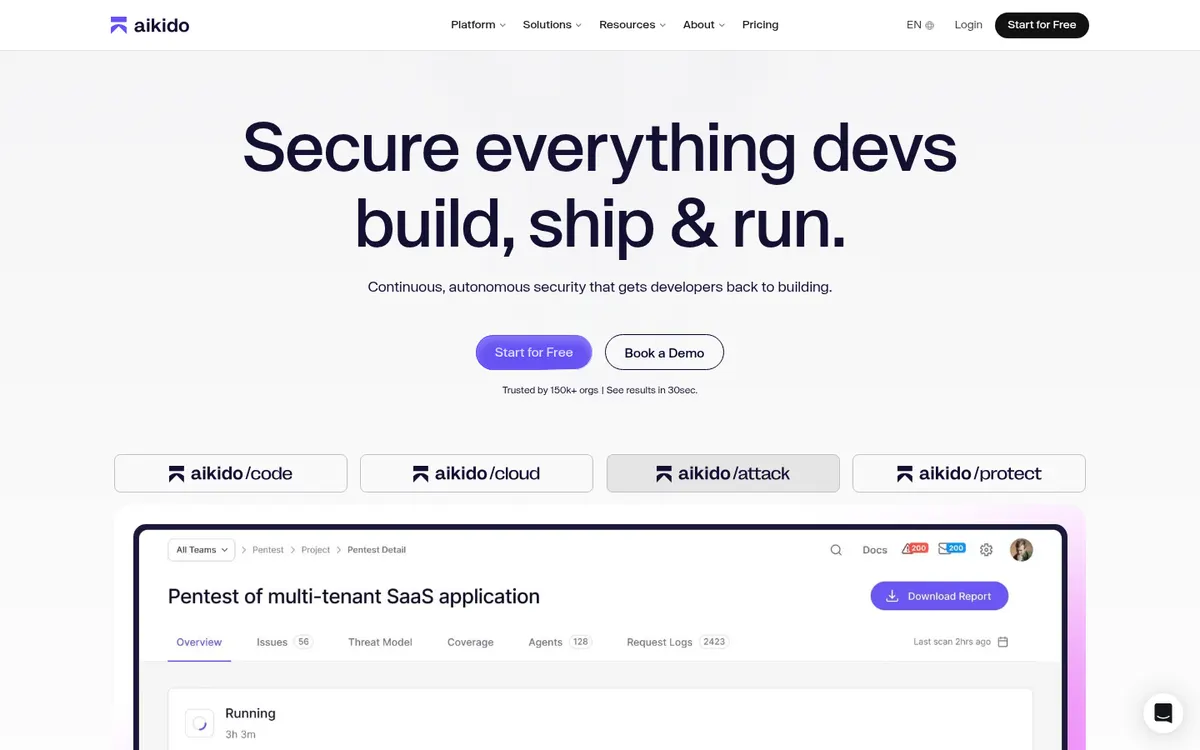
Aikido Security is built around reducing alert fatigue, and that shapes every feature. Reachability analysis decides whether a vulnerable dependency is actually called by your code, AutoFix pull requests propose the upgrade, and malware detection catches compromised packages that a CVE feed will never flag.
The feature set is unusually broad for a younger vendor: SBOM generation and support, secrets scanning, and cloud and runtime checks sit alongside the dependency and application scanning. That breadth is the reason to look and the reason to be careful. Aikido is newer to the market than the established rivals here, and enterprise depth is still maturing, so a heavily regulated buyer should test the reporting and the audit trail before signing anything long. For everyone else, fewer alerts means developers stop ignoring the queue, which is the outcome most security programs are actually chasing.
Pricing is a flat team fee rather than a seat price. The free Developer plan runs forever and includes 2 users. The first paid tier is the Basic plan at $350 per month total, covering 10 users. The published page is the source to trust, and no trial terms are stated.
Pick it if alert volume is the problem you are actually trying to solve rather than detection gaps. Skip it if you need a decade of enterprise references before you will sign.
What works
- Reachability prioritization cuts alert volume
- AutoFix pull requests speed up remediation
- SBOM, secrets and cloud checks in one product
What to weigh
- Newer to the market than established rivals
- Enterprise reporting depth still maturing
- No trial terms are stated on the pricing page
Pick it if
Your developers have stopped reading the alert queue.
Skip it if
A regulated audit needs a long enterprise track record behind the scanner.
What does application security scanning software actually check?
Application security scanning tools read software without running it as a user would, or they run it and probe. The category splits into a few scan types, and most products here cover several of them:
- Static analysis (SAST) reads source code for dangerous patterns, tainted data flows and known insecure constructs.
- Dynamic analysis (DAST) attacks a running application the way an outsider would.
- Software composition analysis (SCA) inventories open source dependencies and matches them against vulnerability databases.
- Secrets scanning looks for keys, tokens and credentials committed by accident.
- Infrastructure as code and container scanning check the configuration and image layers the application ships inside.
The practical difference between products is rarely which scan types they offer and usually how results reach a human. A scanner that files findings into a portal nobody opens adds a step. A scanner that comments in the pull request, with a reachability verdict and a proposed fix, gets remediated. That is why workflow fit carries real weight in any honest comparison.
The second difference is noise. Reachability analysis, prioritization rules and suppression logic decide how many alerts a team actually sees. Alert volume is a main reason teams abandon a scanner, more than detection gaps.
The third difference is coverage. Languages matter, but so does completeness within a language: framework awareness for Spring, Django, Rails or React changes whether the tool understands a data flow or just pattern matches.
The fourth is evidence. Regulated buyers need a report an auditor accepts, and that requirement filters the market faster than any feature comparison.
None of these tools replace a code review culture or a threat model. They automate the parts that scale badly by hand, and they produce the trail that procurement and auditors ask for. Buy for the workflow you will actually run, not the longest feature matrix.
This guide sits in the Software collection. Buyers weighing nearby tools often read the guides to commission software and research platforms next.
How application security tools charge, and why the sticker price misleads
Application security pricing is quoted in several different units, which is why the first number you see is rarely the number you pay. Some vendors bill per developer per month, some per line of code, some per active contributor per day, some in total platform fees, and enterprise vendors negotiate a single annual contract that bundles everything.
| Model | How it bills | Typical fit | Example from this list |
|---|---|---|---|
| Free or open source core | No charge, self-hosted or capped seats | Teams with time to run and tune rules | SonarQube free tier up to 50k LOC; Semgrep Free Edition at 10 contributors and 10 repos |
| Per seat subscription | Per developer per month, billed yearly | Small and mid-size product teams | Codacy at $18; DeepSource at $24 |
| Flat team fee | One total monthly price covering a user count | Teams that prefer one total monthly fee | Aikido Security Basic at $350 per month including 10 users |
| Usage credits | Credits drawn per active contributor per day, 1 credit equals $1 | Organizations with variable daily committers | Snyk Code |
| Plan-bundled add-on | Priced inside an existing platform plan | Teams already standardized on that platform | GitHub Advanced Security |
| Annual enterprise agreement | Negotiated contract, no self-service signup | Regulated programs with 30 to 50 or more developers | Checkmarx One |
Two traps follow. First, the sizing unit decides who pays more: line of code caps punish monorepos, seat pricing punishes large organizations with part time contributors, and credit models punish teams where everyone commits daily. Second, free tiers are real but bounded. SonarQube at 50k lines of code and Semgrep at 10 contributors will run a small team indefinitely and will not run a platform group.
Ask every vendor for the annual figure at your real contributor count, then compare that against the contract you are leaving. Budget for the tier that includes what you need, not the entry price. Security depth, compliance reporting and advanced modules sit higher up the ladder in nearly every product here.
Every price in this guide was read on the vendor's own pricing page on November 25, 2026. Where a vendor does not publish a figure we could confirm, the card says "See website" rather than a guess. For the arithmetic around this purchase, try the free Email campaign metrics calculator.
A six step path from Veracode to a replacement tool
- Inventory the scans you actually run. List which repositories are scanned, how often, and which findings produced a fix last quarter. Anything nobody triaged is a candidate to drop rather than port.
- Pin the compliance requirement first. Ask the auditor which report format and evidence trail they accept, then eliminate any tool that cannot produce it. This removes half the shortlist before pricing enters the conversation.
- Run a two week trial on one real repository. Pick the messiest codebase you own, not the cleanest. What you learn about noise volume, setup time and false positives there transfers everywhere else.
- Price your real contributor count. Take the number of people who committed code in the last 90 days, not headcount. Models billed per active contributor, per seat or per line of code behave very differently at that number.
- Test the exit before you sign. Export a sample of findings and confirm you can take historical data with you. Migration cost on the way out is the clause nobody negotiates in advance.
- Keep the old scanner for one quarter. Run both through a full release cycle, compare what each missed, then retire the incumbent once the replacement has proven it holds the baseline.
Five mistakes that make an AppSec switch cost more than it should
- Buying for the audit rather than the codebase. A tool chosen to satisfy a checklist usually goes unread. Developers route around scanners that produce noise, and you pay for a license nobody opens.
- Ignoring the sizing unit. A 50k line free tier, a 10 contributor cap and a per day credit meter all look cheap until you apply them to your actual repository count and commit frequency.
- Assuming free means finished. Community editions rarely include the compliance reporting, single sign-on or support a regulated program needs. Check which modules sit above the free line before standardizing.
- Migrating rules and findings in the same sprint. Port custom rules first, validate against known true positives, then move history. Doing both at once makes it impossible to tell a bad rule from a bad import.
- Running the old platform indefinitely. Parallel running is a transition tactic, not a strategy. Set a retirement date, or you will pay two vendors and trust neither set of results.
Veracode Alternatives: questions
Which Veracode alternative fits a developer-first workflow?
Snyk Code is the closest fit, because findings arrive as pull request comments and scans are fast enough to run on every commit. Semgrep and DeepSource also put results in the review flow rather than a separate portal. GitHub Advanced Security does the same if your repositories already live on GitHub. The common thread is that nobody has to remember to log in somewhere else to see what broke.
Which tools here have a free tier, and what do paid plans cost per month?
Seven of the eight offer free scope, with Checkmarx One the exception. Paid entry points: Codacy at $18 per developer per month billed yearly, DeepSource at $24, Semgrep at $30 per contributor, SonarQube Team at $34 monthly, and Aikido at $350 per month total for 10 users. Snyk Code and GitHub Advanced Security publish no standalone entry rate.
Can a free open source scanner replace a paid platform?
Sometimes, for a small team with an engineer willing to own it. SonarQube's Community Build has no contributor cap, and Semgrep's engine is open source with a public rule registry. Neither produces the compliance reporting or the support contract an audit usually demands. Free tiers also come with hard caps: 50k lines of code on SonarQube, 10 contributors and 10 repositories on Semgrep.
What is the difference between static, dynamic and composition analysis?
Static analysis reads source code without executing it. Dynamic analysis attacks a running application and reports what it can reach. Software composition analysis inventories open source dependencies and matches them against vulnerability databases. Most tools here lead with static analysis and add composition analysis, while Checkmarx One covers all three plus API and container scanning. Each finds a different class of problem, so breadth matters more than which sounds strongest.
Why do teams move off an established platform, and what budget should we plan?
The usual reasons are developer adoption, scan speed and contract size. Enterprise platforms earn their price in regulated programs and feel heavy in a small team. Budget by unit: Codacy at $18 per developer per month billed yearly, DeepSource at $24 per user per month billed yearly, Semgrep Teams from $30 per contributor per month, SonarQube Team at $34 monthly for up to 100k lines of code, Aikido Basic at $350 per month total for 10 users, and Checkmarx One priced through enterprise agreements.
At what team size does enterprise pricing start to make sense?
Roughly 30 to 50 developers, once compliance, audit reporting and multiple scan types become requirements rather than nice extras. Below that, per seat tools deliver most of the detection for a fraction of the contract. The trigger is usually a formal audit or a customer security questionnaire, not engineering headcount on its own.