
Contents of this guide
The shortlist
Our top 3 for finance buyers

MIP Fund Accounting
Encumbrance accounting depth
- Best for
- Grant-heavy nonprofits, agencies and schools needing deep fund tracking
- Features
- 5 noted: Unlimited funds, Encumbrance accounting, 25 modules, Self-hosted option, Grant reporting

Blackbaud Financial Edge NXT
Raiser's Edge integration
- Best for
- Large nonprofits already running Blackbaud fundraising products
- Features
- 4 noted: Cloud general ledger, 14 dashboards, Endowment accounting, Grant accounting

Aplos
Published tier pricing
- Best for
- Small and midsize nonprofits and churches wanting simple fund accounting
- Features
- 5 noted: Online giving, Fund-level reports, 15-day trial, Donor statements, Unlimited support
Disclosure for this guide. All 10 tools here are unpaid editorial picks. The position of a paid listing can be part of what the vendor pays for. Paid and unpaid tools are scored on the same rubric and keep their cons. Details are in the advertising disclosure.
The ledger
Index of every tool
| Tool | Free plan | Trial | Rubric | Compare | ||
|---|---|---|---|---|---|---|
| 01 | MIP Fund AccountingGrant-heavy nonprofits, agencies and schools needing deep fund tracking | See websiteQuote-based, payroll, HR, EFT, purchasing and some reporting sold as add-onsNot published | No | No | ||
| 02 | Blackbaud Financial Edge NXTLarge nonprofits already running Blackbaud fundraising products | See websiteQuote-based, typically five figures annuallyNot published | None stated | No | ||
| 03 | AplosSmall and midsize nonprofits and churches wanting simple fund accounting | $79Lite, per month, 2 users, promo rate of $39.50 for 3 monthsChecked Nov 25, 2026 | No | 15-day free trial, no credit card required | ||
| 04 |  Sage IntacctGrowing and multi-entity nonprofits needing dimensional reporting | See websiteQuote-based, module mix and partner implementation affect costNot published | None stated | No | ||
| 05 |  AccuFundNonprofits and government agencies wanting a modular, economical system | See websiteSold through resellers, modules purchased as neededNot published | No | No | ||
| 06 | Araize FastFundSmall and midsize nonprofits wanting accounting, payroll and fundraising together | See websiteQuote after demo, no setup fees, cancel anytimeNot published | None stated | Demo only | ||
| 07 |  Fund EZBudget-conscious small and midsize nonprofits that want data control | See websiteStandard and Pro editions, cloud-hosted or on-premiseNot published | None stated | No | ||
| 08 |  XledgerMid-market nonprofits wanting a unified cloud finance system | See websiteQuote-based, implementation with vendor consultantsNot published | None stated | No | ||
| 09 |  MoneyMinderVolunteer treasurers, PTAs, clubs and very small nonprofits | See websiteOne flat annual fee, unlimited users, free setupNot published | No | 30 days, no credit card required | ||
| 10 | CenterPointSmall nonprofits and municipalities preferring on-premise software | See websitePricing by contacting the vendor, Customer Care Membership required for updatesNot published | None stated | No |
Prices are the lowest paid plan the vendor shows, read on November 25, 2026. Sort by price ranks published monthly figures; tools without one go last. Pin up to three tools to compare them side by side.
How this guide was put together
Every tool here was scored against the same five criteria: fund depth (30 percent), grant reporting (20 percent), pricing clarity (20 percent), deployment fit (15 percent) and implementation effort (15 percent). Fund depth asks whether the ledger handles restricted funds, encumbrances and segmented account structures natively or needs workarounds. Grant reporting covers restricted-fund statements, grant-level tracking and audit output. Pricing clarity rewards vendors who publish rates and penalizes quote-only models where add-ons move the number after the first conversation. Deployment fit looks at whether cloud, on-premise or self-hosted options exist for the organizations that need them. Implementation effort weighs what it takes to get live, from guided setup to a paid consulting engagement.
Prices and plan details come from vendor pricing pages checked on November 25, 2026. Where a vendor publishes nothing, we say so and leave the listing at quote-based rather than estimating a number. Aplos is the only tool in this list with a published per-month starting price. Everything else requires a conversation with sales, a reseller or both, and several vendor pages returned no readable pricing at all on the check date.
Any listing marked Featured is a paid placement. It is scored with the same rubric and lists the same pros and cons as every other entry.
The order is editorial. Each position reflects the buyer described in that entry, so a low-cost tool for volunteer treasurers sits beside an enterprise system for multi-entity finance teams without either being ranked above the other on one scale. Start with the buyer description, not the position number.
The full process, including how we handle corrections, is on the methodology page. Paid listings follow the advertising disclosure.
Rubric and weights
Every tool below is scored from 1 to 10 on these five criteria. The scores describe each tool; the order is an editorial call on fit for the buyer each card describes, plus the disclosed Featured position.
- 30%Fund depthWhether the ledger handles restricted funds, encumbrances and segmented account structures natively rather than through workarounds.
- 20%Grant reportingQuality of restricted-fund statements, grant-level tracking and audit-ready output.
- 20%Pricing clarityHow much of the real cost a buyer can see before contacting sales, including module and services charges.
- 15%Deployment fitWhether cloud, on-premise or self-hosted options exist for the organizations that need each one.
- 15%Implementation effortWhat it takes to get live, from guided setup to a paid partner engagement.
Plate 01 of 10
MIP Fund Accounting
Best for grant-heavy nonprofits, agencies and schools needing deep fund tracking
Our verdict
Deep, configurable fund accounting for grant-heavy agencies, with real depth but add-on modules that push the true cost past the quoted base.
Fund accounting has been MIP's whole business since 1982, and it shows. The core ledger tracks unlimited funds with a table-driven, segmented chart of accounts, so a single entry can carry fund, grant, program and department without duplicating account lines. Encumbrance accounting and fraud deterrence controls are built in, which matters for organizations spending federal awards where commitments must be visible before cash leaves. Advanced audit reporting draws on that same structure and produces the transaction trails auditors ask for.
Around the core sits a broad catalog of roughly 25 modules, including payroll, HR, grants, purchasing and fixed assets. Buyers can run it in the cloud, on-premise or self-hosted, which is unusual in a category that has drifted toward browser-only delivery. Grant and restricted-fund reporting is a first-class part of the product rather than a bolted-on report pack.
Pricing is where the picture blurs. MIP has no public price list, so every deal is a quote and the base accounting figure is only the start. Payroll, HR, EFT, purchasing and some reporting are separate purchases, and some advanced support is billed on top. That structure rewards buyers who map their module list before they talk to sales and punishes anyone who assumes a single bundled rate. The vendor is owned by Community Brands, and no pricing page was available on the check date, so the quote-based listing stands unconfirmed.
The reporting layer also carries a learning curve. This is not a tool a volunteer treasurer picks up on a Saturday. It fits agencies, schools, municipalities and nonprofits with federal grants, multiple restricted funding streams and a finance person who will actually use the depth. Smaller shops with one funding source will pay for capability they never touch.
What works
- Unlimited funds with a segmented, table-driven chart of accounts
- Encumbrance accounting and grant reporting built into the core ledger
- Cloud, on-premise or self-hosted hosting, plus roughly 25 modules
What to weigh
- No public pricing, and payroll, HR, EFT and purchasing cost extra
- Reporting takes time to learn
- Some advanced support is billed separately
Pick it if
You manage federal grants or several restricted funding streams and want one system covering finance, payroll and grants.
Skip it if
You have one funding source and no finance staff to run a deep, configurable ledger.
Plate 02 of 10
Blackbaud Financial Edge NXT
Best for large nonprofits already running Blackbaud fundraising products
Our verdict
The natural upgrade for large Blackbaud shops, since fundraising and finance data sit in one ecosystem, but cost and implementation load are enterprise-sized.
Financial Edge NXT is a cloud general ledger built for nonprofits, and its main argument is proximity: it connects natively to Raiser's Edge NXT, so fundraising data and finance data live in one vendor ecosystem instead of two systems joined by an export. That matters at organizations where gifts, pledges, restricted appeals and endowments all land on the same finance team's desk.
The feature set covers accounts payable, cash management, budget management and allocation management, plus project, grant and endowment accounting. Fourteen pre-built financial dashboards give leaders a quick read on cash, budget position and restricted balances without building reports from scratch. Complex restricted funding at scale is the core use case, and the product assumes a finance team with defined roles rather than a single treasurer.
Cost and effort are the trade-offs. Pricing is quote-based, typically five figures annually, and implementation is delivered by the vendor's own services team, which adds a services line to the first-year budget. The product is aimed at organizations with operating budgets above roughly $5 million. For a small nonprofit it is more system than the work requires, and staff who have only used desktop accounting will feel the learning curve.
Pricing was not confirmed for this edition: no readable price could be captured from the vendor site, so the quote model stands as the only reliable statement. Buyers should expect a scoped quote per organization rather than a price list, and should ask explicitly which services are mandatory versus optional.
Pick it if you already run Blackbaud fundraising products and want the finance side in the same house. Skip it if you have no in-house finance staff or an operating budget well under a few million.
What works
- Native connection to Raiser's Edge NXT fundraising data
- 14 pre-built dashboards for fast financial snapshots
- Handles complex restricted funding and endowments at scale
What to weigh
- Enterprise pricing plus paid implementation services
- Assumes an in-house finance team
- Too heavy for small organizations
Pick it if
You are a large Blackbaud fundraising customer who wants gifts and the general ledger in one ecosystem.
Skip it if
Your operating budget is small or you have no dedicated finance staff.
Plate 03 of 10
Aplos
Best for small and midsize nonprofits and churches wanting simple fund accounting
Our verdict
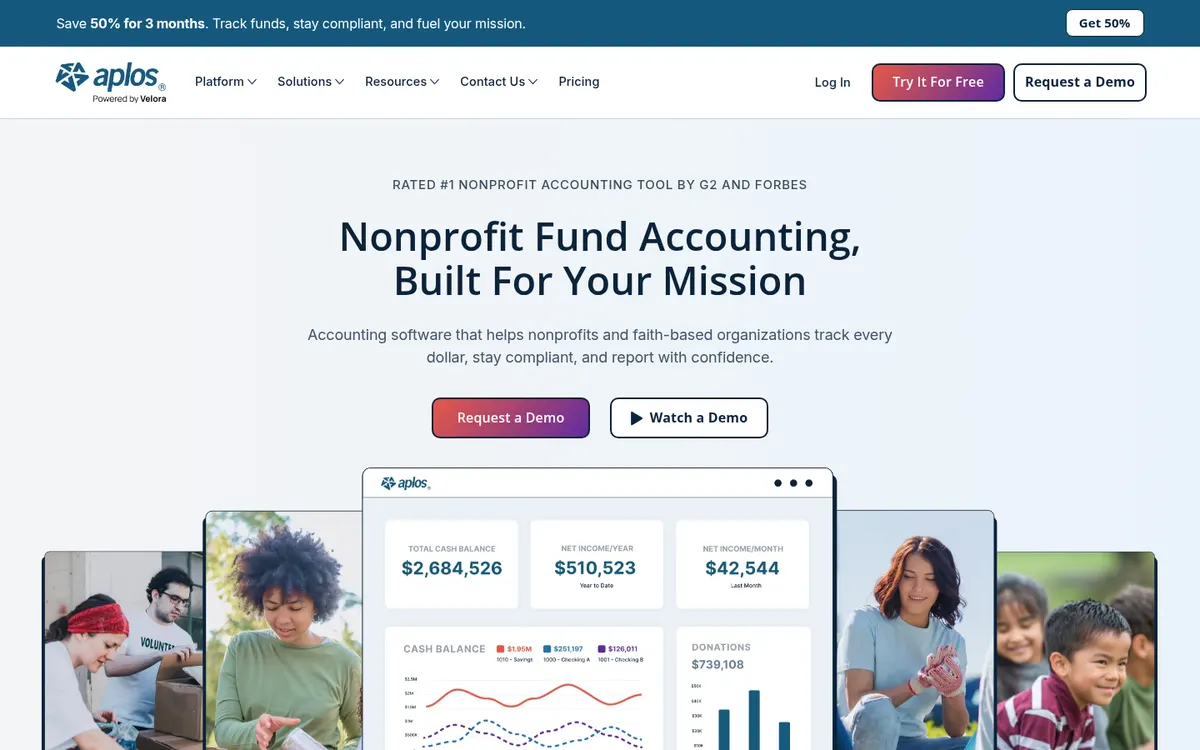
The clearest starting point for small nonprofits: published tiers, real fund separation and donor tools, with dimensional reporting held back for the top plan.
Aplos is the easiest entry point in this list because it publishes what it costs. Lite runs $79 per month for two users, with a promotional rate of $39.50 for three months, Core is $129 and Advanced is $229; organizations above $1 million in revenue move to custom plans. Unlimited support is included at every tier, and nonprofits formed within the past year have a long-standing six-month free offer. A 15-day trial needs no credit card.
The accounting itself is real fund accounting, not a business ledger with relabeled fields. Restricted and unrestricted funds are tracked separately, and the balance sheet and income statement can be produced by fund. Donation tracking, donor giving statements, online giving and event registration sit in the same system, so a small shop does not stitch together a separate donor database. Bank reconciliation and custom reports are standard, and accounts payable and accounts receivable appear at Core and above.
The gaps show up as you grow. Budgeting by fund or grant and dimensional reporting are reserved for higher tiers, and dimensional reporting only arrives on the top tier. Advanced functionality is thinner than what enterprise tools offer, and organizations with multiplying grants and entities tend to outgrow the structure rather than hit a single missing feature. The published rate also needs reading carefully: $79 is the Lite figure before the temporary 50 percent promotion, and Lite carries a two-user cap.
Aplos fits small and midsize nonprofits and churches with a straightforward funding picture and no in-house accountant. Guided setup is aimed at getting live fast, and the interface assumes the user is not an accounting professional. If you run federal grants with encumbrances or consolidate several legal entities, look higher in this list.
What works
- Published tiers with unlimited support included
- Built for users without an accounting background
- Donor management and online giving in the same system
What to weigh
- Dimensional reporting only on the top tier
- Advanced functionality is thinner than enterprise tools
- Organizations can outgrow it as grants and entities multiply
Pick it if
You are a small nonprofit or church that wants published pricing and fund tracking without an accountant on staff.
Skip it if
You need dimensional reporting on a lower tier or expect to consolidate multiple entities.
Plate 04 of 10
Sage Intacct
Best for growing and multi-entity nonprofits needing dimensional reporting

Our verdict
A dimensional ledger that stops chart-of-accounts sprawl, ideal for multi-entity nonprofits, though partner implementation and module pricing add real cost.
Sage Intacct is a general ledger with a dimensional design, and that single architectural choice is why it appears in fund accounting shortlists at all. Instead of creating a new account for every fund, grant, program, location or department, you tag each transaction. The chart of accounts stays short while reporting slices by any dimension, which is exactly the problem that pushes growing nonprofits off entry-level tools and into spreadsheets.
Around that core, the platform consolidates multiple entities across entities, currencies and locations, so month-end does not require a spreadsheet rebuild. Grant tracking flags reimbursable costs, and indirect cost billing runs at negotiated rates. Budget-to-actual reporting spans fiscal years, which fits grant periods that do not line up with the calendar. An AI assistant handles queries and routine tasks, and the product is recognized by the AICPA for nonprofit use.
Pricing is quote-based and moves with the module mix. Most buyers implement through a Sage partner, and that partner adds a services cost on top of subscription fees; the software rarely goes live on configuration alone at a nonprofit with multiple entities. For a single-entity organization with a simple funding mix, the scope and the cost both overshoot the need, and the buyer ends up paying for consolidation capability that never gets used.
This is the step up from entry-level accounting, not a first system. It fits growing nonprofits, associations and multi-entity groups that have outgrown a segmented chart of accounts and want consolidation without a separate tool. Budget for the partner engagement, not just the subscription, and plan for a project measured in months rather than days.
What works
- Dimensional ledger keeps the chart of accounts manageable
- Push-button consolidation across entities, currencies and locations
- Dedicated grant tracking and indirect cost billing
What to weigh
- Quote-based pricing that rises with each module
- Implementation usually requires a paid partner
- Cost and scope exceed small nonprofit needs
Pick it if
You run several entities or grants and want reporting by fund, grant and program without an exploding chart of accounts.
Skip it if
You are a single-entity nonprofit with one funding source and no budget for a partner implementation.
Plate 05 of 10
AccuFund
Best for nonprofits and government agencies wanting a modular, economical system
Our verdict
A modular, economical suite for agencies and municipalities, best when you buy only the functions you need through a reseller you trust.
AccuFund sells a modular nonprofit and government accounting suite, and the module catalog is the product. The core covers general ledger, accounts payable, cash receipts and bank reconciliation. Payroll, HR and grants management are separate modules bought as needed, which keeps the entry point lower than an enterprise suite and lets a small agency add functions as funding allows. Delivery is either on-premise or through browser-based AccuFund Anywhere.
Integrations with DonorPerfect, Salesforce, DocuSign and Dropbox let the finance system talk to tools an organization already runs, which reduces duplicate entry for development and approvals. The combination of on-premise control and a modular price is the reason AccuFund shows up in agencies that cannot move everything to a cloud vendor on someone else's schedule.
The friction is the sales model. AccuFund sells through value-added resellers, so pricing is quoted rather than published, and installation and training come from the reseller. Pricing is quoted through a reseller, so confirm current figures with that reseller. No pricing page was fetched on the check date, so nothing could be verified. Ask the reseller for a written module list and a three-year cost view, since module prices and cloud fees can move independently.
The interface reads as older than cloud-native products, and buyers who expect a modern web application will notice immediately. In exchange, the module mix is flexible and the total cost tends to land below enterprise tiers.
Pick it if you want to buy only the modules you need and are comfortable working through a reseller. Skip it if a modern interface or a single-vendor cloud contract is a hard requirement.
What works
- Modular suite so buyers purchase only needed functions
- On-premise or browser-based cloud access
- Lower cost and complexity than enterprise tiers
What to weigh
- No public pricing
- Interface feels dated next to cloud-native tools
- Reseller sales model adds a support layer
Pick it if
You are a small agency or municipality that wants modular pricing and the option to keep data on-premise.
Skip it if
You will not work through a reseller or you need a modern cloud-native interface.
Plate 06 of 10
Araize FastFund
Best for small and midsize nonprofits wanting accounting, payroll and fundraising together
Our verdict
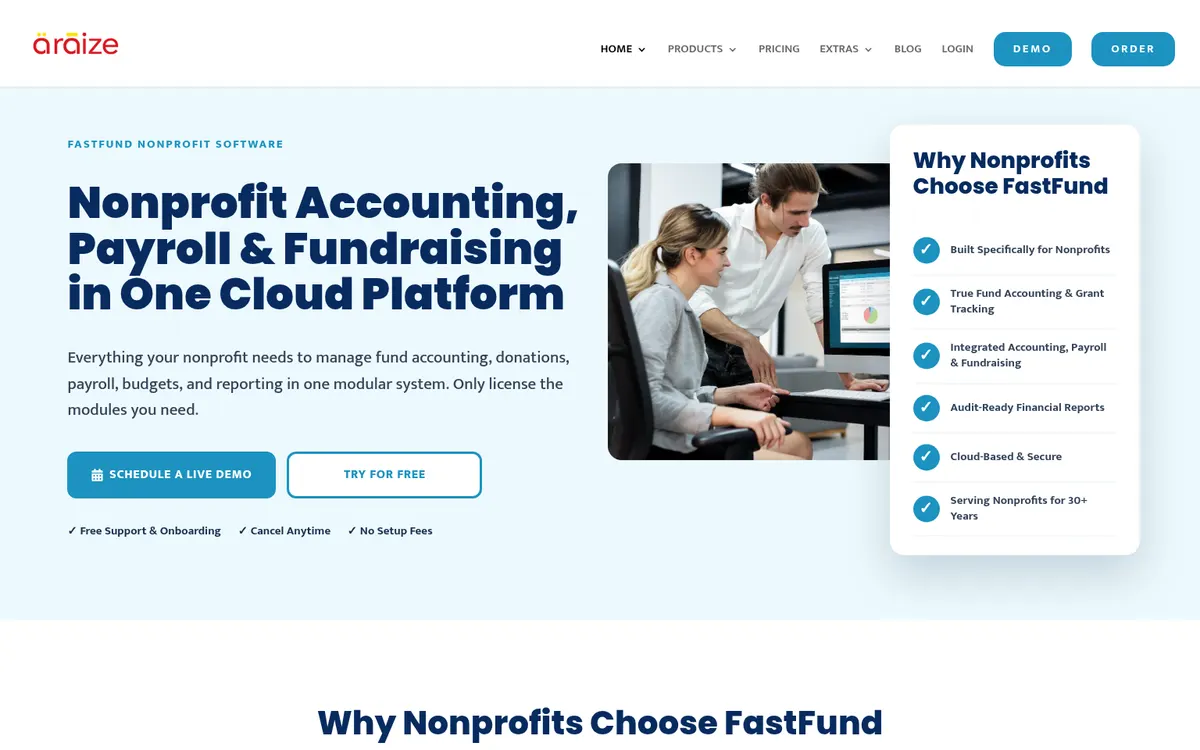
Accounting, payroll and donor management in one cloud platform, with free onboarding and no setup fees, but pricing only arrives after a demo.
FastFund bundles fund accounting, payroll and donor management into one platform, which is the pitch for small and midsize nonprofits that do not want three systems and three logins. The ledger handles grant tracking and multi-year budget reporting, and payroll can be allocated by fund, grant or program, a function that otherwise means a spreadsheet bridge between payroll and finance. Donor management covers pledges and events, payment processing is included, and reporting is built to FASB 116 and 117 requirements.
The vendor has operated since 1985 and states clear commercial terms: no setup fees, free support and onboarding, and cancel-anytime. Delivery is cloud, and reporting is designed to be audit-ready out of the box. For an organization that has been running a desktop ledger plus a separate donor spreadsheet, consolidation is the main value, and free onboarding removes one of the usual first-year line items.
Pricing is the weak point. There is no published price list; the vendor demonstrates the product and then quotes, and the page returned nothing on the check date. That makes comparison shopping harder, since the only way to get a number is to sit through the same process with each vendor on your list. Two other limits are worth weighing. Users without an accounting background face a learning curve, because the product assumes fund accounting concepts rather than teaching them. There is also no native mobile app, so approvals and lookups happen at a desk.
It fits small and midsize nonprofits that want accounting, payroll and fundraising under one roof and value free onboarding over published pricing. It does not fit organizations that need to compare prices before booking demos, or teams that expect mobile access to financials.
What works
- Accounting, payroll and fundraising in one platform
- Free support and onboarding with no setup fees
- Payroll can be allocated by fund, grant or program
What to weigh
- Pricing is not published
- Learning curve for users without accounting knowledge
- No native mobile app
Pick it if
You want one cloud system for accounting, fund-allocated payroll and donor management with no setup fees.
Skip it if
You need to see pricing before a demo or you rely on mobile access.
Plate 07 of 10
Fund EZ
Best for budget-conscious small and midsize nonprofits that want data control
Our verdict
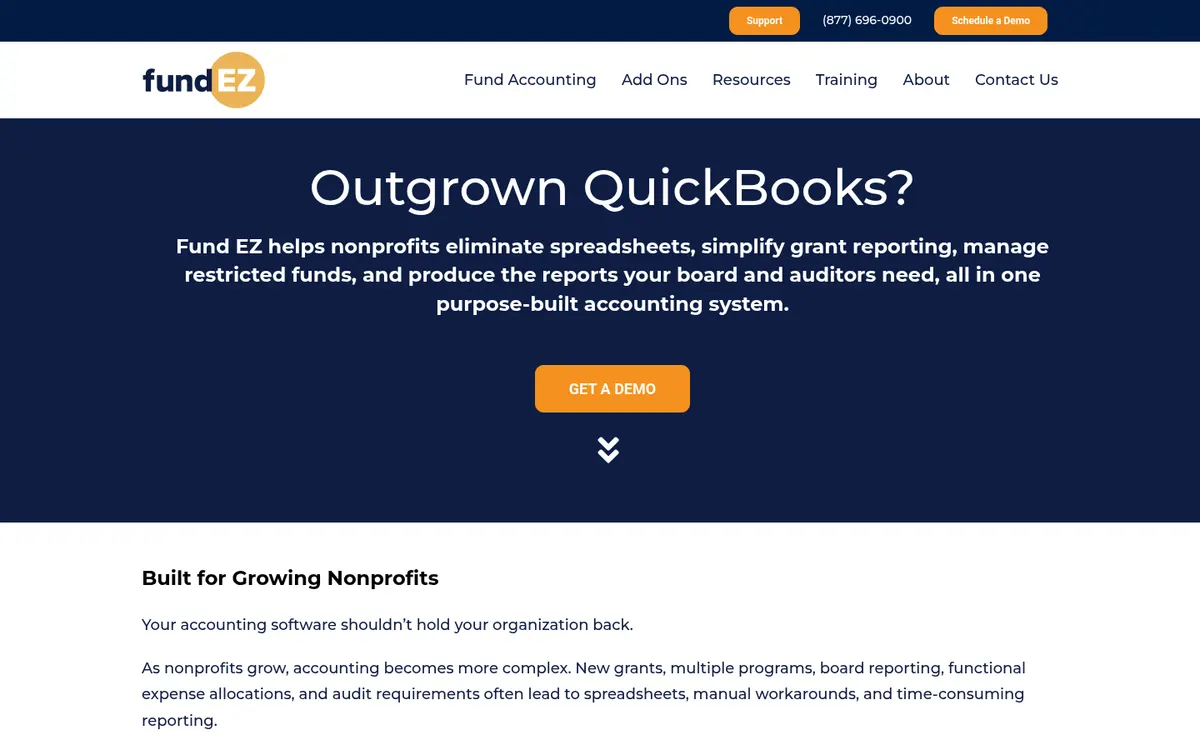
A control-heavy ledger with strong segment reporting and audit trails, held back by a dated interface and pricing you cannot see in advance.
Fund EZ approaches fund accounting through its chart of accounts. Each account carries segments for programs, funding sources, grants, sites and departments, and any transaction can be split across segments, so one check can be allocated to several funding sources without a workaround. Financial statements can be run by a single segment or a combination, which is the reporting shape grantors and boards typically ask for.
Data integrity features are the second theme. Forced balancing rules prevent entries that would unbalance a fund, batch posting lets a reviewer see transactions before they hit the ledger, and audit trails record every change. Batching also means a second person can review before posting, which is the closest thing to segregation of duties a two-person office gets. The Pro edition adds a custom chart of accounts and custom reports. Editions are Standard and Pro, available cloud-hosted or on-premise.
Pricing is not published. The vendor does not publish rates, so ask for a current quote before you budget. There is no trial listed, and no page content was available on the check date.
The interface is the honest drawback. It reads as older than cloud-native competitors, and the integration ecosystem is small, so connecting to donor management or payment tools is more limited than with Aplos or FastFund. What you get in return is a stable, control-heavy ledger with a long history in the sector, dating to 1991, and a segment model that handles restricted reporting well for the price band.
Pick it if tight audit controls, segment reporting and an on-premise option matter more to you than a modern interface. Skip it if you want published pricing, a large app marketplace or a product that looks current.
What works
- Segment tracking across programs, grants and funding sources
- Forced balancing rules, batch posting and full audit trails
- Cloud-hosted or on-premise deployment
What to weigh
- No published pricing
- Dated interface compared with newer cloud tools
- Smaller integration ecosystem
Pick it if
You want strong audit controls and segment reporting, and you are comfortable asking for a quote.
Skip it if
A modern interface or a broad integration catalog is on your must-have list.
Plate 08 of 10
Xledger
Best for mid-market nonprofits wanting a unified cloud finance system
Our verdict
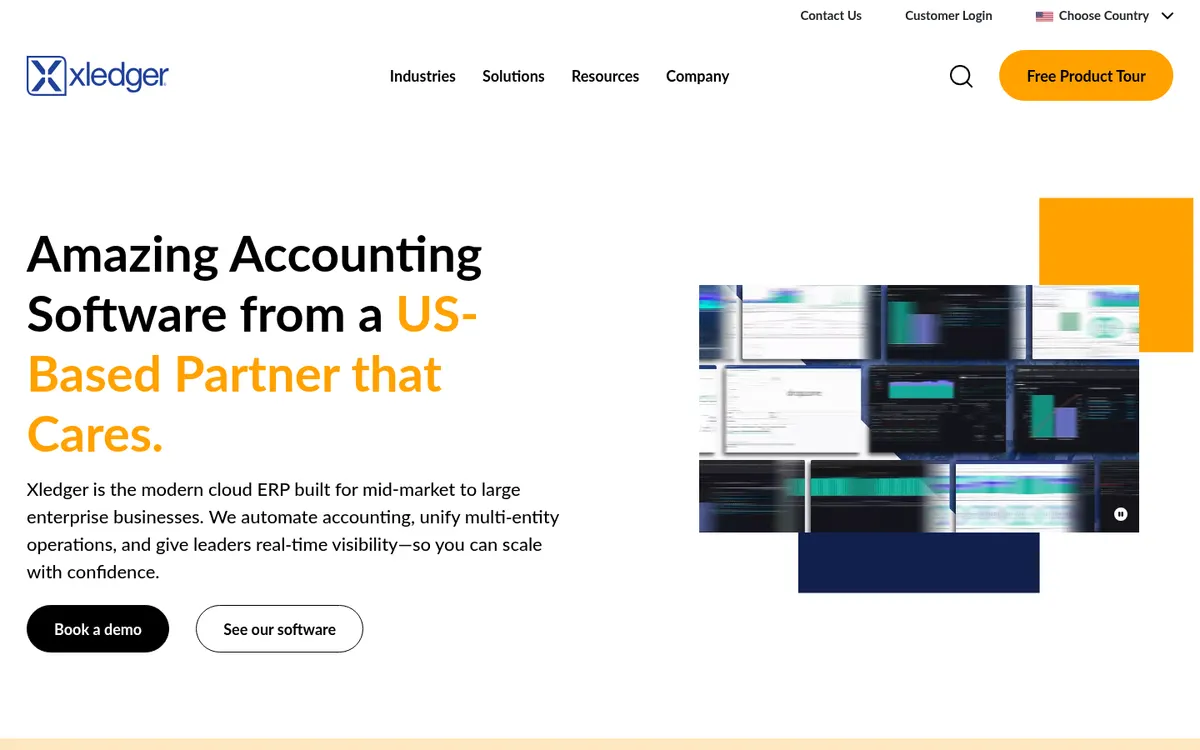
A cloud ERP with genuine multi-entity and multi-currency consolidation, better suited to international charities than to single-entity nonprofits.
Xledger is a cloud ERP with fund accounting inside it, not a single-purpose nonprofit ledger. Fund accounting comes with donor management, transaction volumes are unlimited, and multi-entity consolidation happens in real time inside the system rather than in a spreadsheet after close. Multi-currency handling sits in the same engine, which matters for charities with operations in more than one country.
The product is configured rather than customized with code, so changes happen through settings instead of a development project. Because consolidation, currency and fund structure live in one platform, there is no separate consolidation layer to keep in sync and no overnight job moving data between systems. The vendor has an established charity-sector presence in the UK, which shows in how the product assumes charity reporting conventions rather than business ones.
That breadth is also the cost. Implementation is a project run with the vendor's own consultants, and pricing is quote-based, so the first year includes services on top of subscription. Buyers who expect a two-week setup should plan differently. Nonprofit-specific depth, particularly grant mechanics and encumbrance handling, is thinner here than in MIP Fund Accounting or Blackbaud Financial Edge NXT. Pricing could not be confirmed from the vendor site for this edition, so treat it as a scoped quote, and ask for the consultant day rate and an implementation plan with named phases before you compare it to a subscription quote elsewhere.
It fits mid-market nonprofits with multiple entities, international operations or both, where consolidation effort is the real pain. It does not fit a single-entity organization with one funding stream, or a finance team that wants a purpose-built nonprofit product with grant billing built in from the start.
What works
- Consolidation happens in-system without spreadsheets
- Handles many entities and currencies in one platform
- Configuration-based setup instead of code customization
What to weigh
- Quote-based pricing
- ERP breadth makes implementation a project
- Less nonprofit-specific depth than MIP or Blackbaud
Pick it if
You consolidate several entities or currencies and want that work done inside one cloud system.
Skip it if
You are single-entity with simple funding and want a purpose-built nonprofit ledger.
Plate 09 of 10
MoneyMinder
Best for volunteer treasurers, PTAs, clubs and very small nonprofits
Our verdict
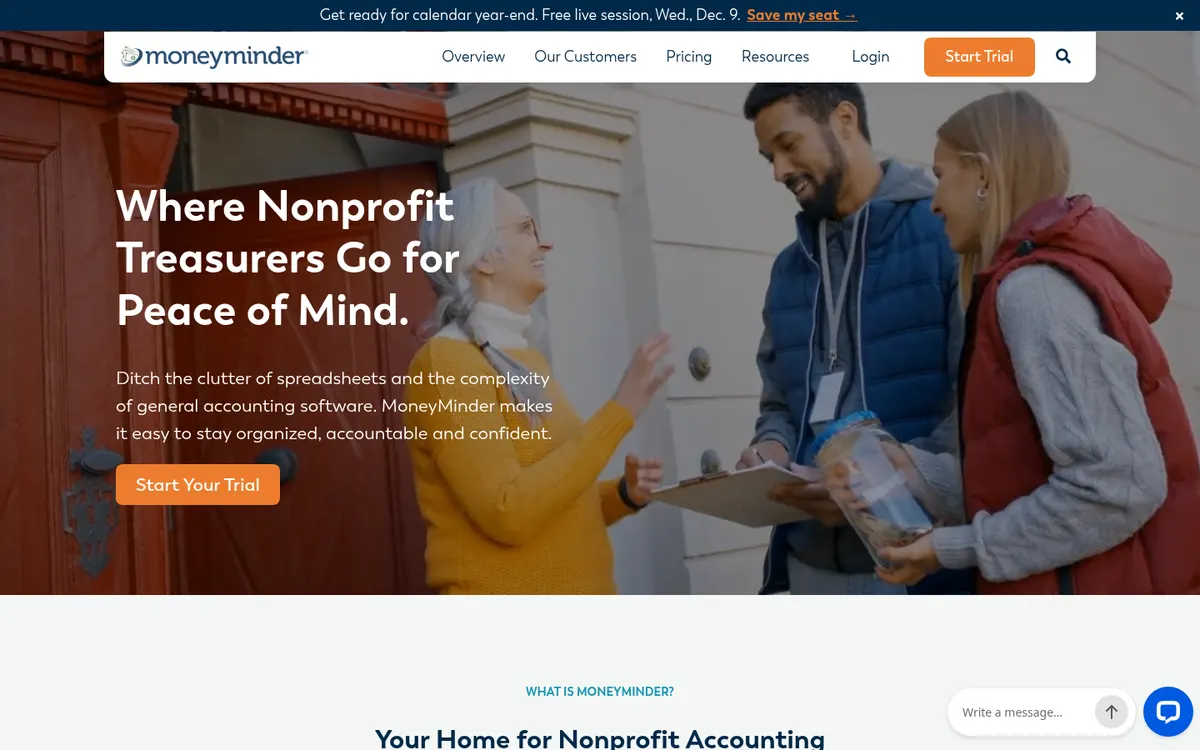
Flat annual pricing and unlimited users for volunteer treasurers, with simple fund tracking but no depth for grants or multiple entities.
MoneyMinder is built for the volunteer treasurer, and every design decision follows from that. The system handles bookkeeping for volunteer-run groups, budgeting, dues and donation tracking, reimbursement handling, contact management and compliance tracking. Restricted and reserved funds are tracked, and one-click treasurer reports produce audit-ready financials for a handover at the end of a term, which is the moment most volunteer groups actually feel pain.
The pricing model is the clearest in the list even though the number is not published here: one flat annual fee, unlimited users, free setup, and support included. That combination matters for PTAs, clubs and booster groups where officers rotate every year and nobody wants to administer per-seat licenses. A 30-day trial requires no credit card, so a group can test the workflow before committing, and the company has served volunteer treasurers for more than 23 years.
The limits are structural rather than cosmetic. This is not a full fund accounting system for a larger organization: there is no dimensional reporting, no grant management, no multi-entity consolidation and no support for complex audits. Groups with federal grants, restricted endowments or several legal entities will hit the ceiling quickly, and the reporting that satisfies a parent association will not satisfy a grantor. The flat annual fee could not be confirmed from the vendor site on the check date, so confirm the current rate before you budget.
Pick it if you are a volunteer treasurer running a club, PTA or small nonprofit with simple finances and rotating officers. Skip it if you need grant tracking, dimensional reporting or anything an auditor would describe as complex.
What works
- Flat annual fee with unlimited users and no per-seat charge
- 30-day trial without a credit card
- Designed for non-accountants, with setup and support included
What to weigh
- Not a full fund accounting system for larger organizations
- Limited advanced features such as dimensional reporting
- Best suited to simple finances
Pick it if
You are a volunteer treasurer who wants one flat fee, unlimited users and reports a successor can read.
Skip it if
You manage grants, multiple entities or audits with complex restricted balances.
Plate 10 of 10
CenterPoint
Best for small nonprofits and municipalities preferring on-premise software
Our verdict
On-premise Windows accounting with strong budget-vs-actual reporting for small municipalities, though there is no cloud access and no published price.
CenterPoint Fund Accounting is desktop software from Red Wing Software, a Minnesota company founded in 1979, and it is unapologetically on-premise. The ledger tracks income and expense by fund, department and location, and budget-vs-actual reporting is the strongest part of the product. Ratio analysis, purchase order management, an audit trail and an integrated payroll module round out a package aimed at small nonprofits and municipalities that want their data on their own server.
The interface is customizable, which helps offices that have done the same workflow for years and do not want to relearn it. Payroll comes from the same vendor, so there is one support relationship for finance and payroll instead of two. For a small municipality or a nonprofit with a fixed office and a single finance officer, that arrangement is comfortable and predictable, and the departmental reporting gives council members or a board the comparison they ask for each month.
The constraints are significant. There is no cloud or mobile access, so remote work means remote desktop or nothing. The software runs on Windows only, and pricing is not published: you contact the vendor, and no page text was available on the check date. Downloads and updates require a Customer Care Membership, which is a recurring cost separate from the initial purchase and worth asking about explicitly before signing, because it affects the total cost of ownership in every year after the first.
CenterPoint suits small nonprofits and municipalities that prefer on-premise control, have a stable office, and value budget-vs-actual and departmental reporting over modern delivery. It does not suit distributed teams, organizations that need browser access, or anyone who expects a published price before a sales call.
What works
- On-premise control over financial data
- Strong budget-vs-actual and departmental reporting
- Payroll available from the same vendor
What to weigh
- No cloud or mobile access
- Pricing requires contacting the vendor
- Windows-only desktop software
Pick it if
You are a small municipality or nonprofit that wants on-premise Windows software with payroll from one vendor.
Skip it if
Your team works remotely or you need browser access to the ledger.
What Does Fund Accounting Software Do That a Regular Ledger Cannot?
Fund accounting software is an accounting system built around the idea that money comes with conditions attached. A business tracks one bottom line and asks whether it made a profit. A nonprofit, agency or municipality tracks many pools of money at once, each with its own rules about what it can be spent on, and asks whether each pool was spent as promised. Software built for that job keeps funds separate at the transaction level, so the answer comes from the ledger rather than from a spreadsheet reconciliation at year end.
The core difference from small business accounting is where restrictions live. In a standard small business ledger, a restricted grant becomes a class, a tag or a separate account, and reporting depends on someone remembering the convention for years. In fund accounting software, fund, grant, program and department are structural, and every report can be produced by any of them. That is why the category exists as a separate purchase rather than a settings option.
Most systems in this list share a common core:
- A segmented or dimensional chart of accounts carrying fund, grant, program and department on each line
- Balance sheet and income statement reporting by fund, not only by organization
- Restricted and unrestricted tracking with release handling
- Grant tracking, including reimbursable costs and budget-to-actual across fiscal years
- Audit trails, batch posting and controls that satisfy an external auditor
- Optional modules for payroll, accounts payable, purchasing and donor management
The category splits by size. At the small end, Aplos and MoneyMinder wrap fund tracking in guided setup and plain language for users without an accounting background. In the middle, AccuFund, Fund EZ and Araize FastFund sell modular suites. At the top, MIP Fund Accounting, Sage Intacct and Blackbaud Financial Edge NXT handle federal grants, encumbrances, multi-entity consolidation and endowments, usually with a paid implementation. Choosing well is mostly a question of matching structural depth to the complexity of your funding, not buying the largest system you can afford.
This guide sits in the Finance collection. Buyers weighing nearby tools often read the guides to 1099 filing software and law firm accounting software next.
How Fund Accounting Software Pricing Works, From Flat Fees to Five-Figure Quotes
Fund accounting software is priced in a handful of recognizable ways, and only one produces a number you can compare before a sales call. Aplos publishes tier prices. MoneyMinder charges one flat annual fee. AccuFund and Fund EZ sell modules through resellers and quote. MIP, Blackbaud, Sage Intacct, Xledger, CenterPoint and Araize FastFund quote after a scoping conversation or a demo. In this list, nine of ten vendors require contact before you see a rate.
| Model | How it bills | Typical fit | Example from this list |
|---|---|---|---|
| Published subscription tiers | Monthly per tier, user caps on the lowest tier | Small and midsize nonprofits that want a price up front | Aplos at $79 per month on Lite with 2 users |
| Flat annual fee | One yearly fee, unlimited users | Volunteer-run groups and clubs | MoneyMinder |
| Quote with module add-ons | Base license plus separately purchased modules | Agencies and governments buying function by function | MIP Fund Accounting, AccuFund |
| Quote with partner implementation | Subscription plus a paid consulting engagement | Multi-entity and enterprise nonprofits | Sage Intacct, Blackbaud Financial Edge NXT, Xledger |
| Reseller-quoted suite | Quoted by reseller, modules purchased as needed | Smaller agencies that want on-premise | AccuFund |
Two patterns are worth internalizing. First, the subscription is rarely the first-year number. Implementation services, data migration, training and add-on modules all land in year one, and at the enterprise tier they can exceed the subscription itself. Blackbaud and Sage Intacct both assume a paid implementation, and CenterPoint requires a Customer Care Membership for downloads and updates.
Second, quote-only pricing is not automatically expensive. AccuFund and Fund EZ sit far below Blackbaud on total cost despite all three quoting. The problem with quotes is comparability, not price. Ask every vendor for a written first-year total that separates subscription, implementation, training, support and modules. The vendors that publish rates make this easy. The ones that do not will still produce the number if you ask in writing.
Every price in this guide was read on the vendor's own pricing page on November 25, 2026. Where a vendor does not publish a figure we could confirm, the card says "See website" rather than a guess. For the arithmetic around this purchase, try the free 1099 filing cost calculator.
How to Choose Fund Accounting Software in Six Steps
- List your funds and grants. Write down every restricted fund, grant and funding source you track now, plus the ones you expect in the next two years. That count decides whether you need a simple ledger or encumbrance accounting.
- Match depth to your grant load. If you manage federal awards or reimbursable costs, shortlist MIP Fund Accounting, Sage Intacct or Blackbaud Financial Edge NXT. If one or two restricted funds cover everything, Aplos or MoneyMinder will do the work for less.
- Choose a deployment you can staff. Cloud removes server maintenance and enables remote work. On-premise, offered by AccuFund, Fund EZ and CenterPoint, keeps data in your building but requires IT capacity and, in CenterPoint's case, a Windows desktop.
- Request a written first-year total. Ask for subscription, implementation, training, support and every module priced separately. Vendors that publish rates make this simple; quote-only vendors will still put numbers in writing if you ask.
- Run your own numbers through it. Use a trial where one exists (Aplos offers 15 days, MoneyMinder 30 days) and a scripted demo where it does not. Bring a real grant and a real month-end close, not the vendor's sample file.
- Check the exit before you sign. Confirm contract term, cancellation terms and data export rights. Araize states cancel-anytime terms; others do not, and moving years of fund history out of a closed system is expensive.
Common Mistakes Buyers Make With Fund Accounting Software
- Buying on the headline price. The advertised starting figure rarely includes implementation, training or the modules you actually need. Ask for a written first-year total with every line separated before you compare two vendors.
- Assuming payroll is bundled. MIP, AccuFund and CenterPoint treat payroll as a separate module or add-on. If you run payroll in-house, price it from the start rather than discovering it after the contract is signed.
- Choosing enterprise software for a two-person team. Blackbaud and Sage Intacct assume an in-house finance team and a paid implementation partner. A small shop that buys one usually pays for capability it cannot operate.
- Skipping the trial or the scripted demo. Aplos and MoneyMinder offer trials without a credit card; others demo only. Either way, test a real grant and a real close rather than watching a salesperson click through sample data.
- Ignoring the audit trail. Batch posting, forced balancing and change logs are what auditors ask for. Fund EZ and CenterPoint build them in; confirm the equivalent exists before you sign, not after the audit request lands.
Best Fund Accounting Software 2026: questions
How is fund accounting software different from small business accounting software?
Fund accounting software tracks money in separate pools with their own spending rules; small business accounting tracks one bottom line. The difference is structural: fund, grant and program sit on each transaction, so restricted balance reporting comes straight from the ledger. In a business ledger you simulate this with classes or tags, which works until you need grant-level audit reporting.
What does fund accounting software cost, from flat fees to enterprise quotes?
Expect a wide range. Aplos publishes $79 per month on its Lite plan, and MoneyMinder charges one flat annual fee with unlimited users. Mid-market options such as AccuFund and Fund EZ are quoted through resellers, so ask each vendor for a written quote. Blackbaud Financial Edge NXT typically runs five figures annually.
Can a small nonprofit stay on spreadsheets or a general ledger tool?
Only while your funding stays simple. Spreadsheets break when you need restricted balance reporting, grant budget-to-actual tracking or an audit trail showing who changed what. A general ledger with classes can carry one or two restricted funds, but reconciliation moves to manual work each month. Aplos at $79 per month costs less than the hours that manual close consumes.
Cloud or on-premise: which deployment should a nonprofit choose?
Cloud, unless you have a specific reason not to. Cloud delivery removes server maintenance and lets staff work remotely, which is why most of this list is cloud-first. On-premise remains available from AccuFund, Fund EZ and CenterPoint, and it suits municipalities or agencies with data residency rules. CenterPoint is Windows desktop only, so plan for remote access workarounds.
How long does implementation take at each tier?
Small tools go live in days. Aplos uses guided setup for fast onboarding, and MoneyMinder includes free setup. Mid-market systems installed by resellers typically take weeks. Enterprise deployments with a paid partner or the vendor's own services team, as with Blackbaud, Sage Intacct and Xledger, run for months and should be planned as a project with a data migration phase.
What should a first-year budget include beyond the subscription?
Budget for implementation services, data migration, training, add-on modules, support and any membership or update fee. MIP charges separately for payroll, HR, EFT and purchasing, and CenterPoint requires a Customer Care Membership for downloads and updates. Some advanced support is billed on top at MIP. Ask every vendor for a written first-year total, not a per-month rate.