
Contents of this guide
The shortlist
Our top 3 for finance buyers
QuickBooks
Largest integration marketplace
- Best for
- General bookkeeping for firms keeping trust funds elsewhere
- Features
- 4 noted: Bank feeds, Payroll, 800+ integrations, Invoicing

Xero
Low entry cost
- Best for
- Small firms wanting affordable cloud bookkeeping
- Features
- 4 noted: Receipt capture, Bank reconciliation, JAX assistant, Budgets

Clio
Single platform breadth
- Best for
- Firms wanting one platform for practice and business
- Features
- 4 noted: Matter management, Document management, Built-in AI, Firm reporting
Disclosure for this guide. All 8 tools here are unpaid editorial picks. The position of a paid listing can be part of what the vendor pays for. Paid and unpaid tools are scored on the same rubric and keep their cons. Details are in the advertising disclosure.
The ledger
Index of every tool
| Tool | Free plan | Trial | Rubric | Compare | ||
|---|---|---|---|---|---|---|
| 01 | QuickBooksGeneral bookkeeping for firms keeping trust funds elsewhere | $38Simple Start, per month, promo $11.40 per month for first 3 monthsChecked Nov 25, 2026 | Yes, QuickBooks Free at $0/mo | 30-day free trial | ||
| 02 | XeroSmall firms wanting affordable cloud bookkeeping | $7Lite, per month, after first 3 months at $0.70Checked Nov 25, 2026 | No | 30-day free trial | ||
| 03 | ClioFirms wanting one platform for practice and business | $49Starter, per user, higher tiers priced on requestChecked Nov 25, 2026 | No | 7-day free trial, no credit card | ||
| 04 |  MyCaseSmall firms needing practice management plus payments | $50Basic, per user per month, billed annually, $60 billed monthlyChecked Nov 25, 2026 | No | 10-day free trial, no credit card | ||
| 05 | CosmoLexSmall and mid-sized firms wanting accounting inside practice software | $49Launch, per user per month, yearly billing saves $120 per userChecked Nov 25, 2026 | No | Free trial, no credit card required | ||
| 06 |  LeanLawFirms already running billing on QuickBooks Online | $55Core, per user per monthChecked Nov 25, 2026 | No | 7-day free trial, no credit card required | ||
| 07 |  PracticePantherFirms wanting case management and real accounting depth together | $49Solo, per user per month on monthly billingChecked Nov 25, 2026 | No | 7-day free trial, no credit card | ||
| 08 | CenterbaseMid-sized firms wanting one native business platform | See websitecustom quoteCustom quote | No | See website |
Prices are the lowest paid plan the vendor shows, read on November 25, 2026. Sort by price ranks published monthly figures; tools without one go last. Pin up to three tools to compare them side by side.
How this guide was put together
We scored eight tools against the job a law firm actually has to do, not a generic small business checklist. Trust handling carried the most weight because client funds are the part a bar auditor will ask about, and a product without three way reconciliation leaves the firm maintaining records somewhere else. Ledger depth came next: whether the product holds a real general ledger or only produces invoices and reports. Matter billing, integrations and price clarity rounded out the five criteria.
Pricing comes from vendor pricing pages checked on November 25, 2026. Where a page leads with a promotional rate we say so, and where a vendor publishes no number we write that pricing is on the vendor site rather than guess. Two entries changed during this check: QuickBooks now shows Simple Start at $38 per month with a three month discount, and Xero now leads with a Lite tier at $7 per month below the $27 tier the pack tracked.
Featured placement is paid. Any entry carrying that label was scored with the same rubric as every other entry and carries the same kind of cons; placement affects position, not rating. The order of the list is editorial and reflects fit for the buyer described in each entry.
We did not test every product hands on for this round. Features come from each vendor's published material, and claims about user counts, bar approvals and dollars lost to unbilled time are attributed to the vendor rather than independently verified. Confirm current terms before you sign.
The full process, including how we handle corrections, is on the methodology page. Paid listings follow the advertising disclosure.
Rubric and weights
Every tool below is scored from 1 to 10 on these five criteria. The scores describe each tool; the order is an editorial call on fit for the buyer each card describes, plus the disclosed Featured position.
- 30%Trust handlingWhether the product keeps a client trust ledger with three way reconciliation and an audit trail, which is what a bar auditor asks for.
- 25%Ledger depthWhether the system holds a real general ledger with operating and trust accounts separate, or only turns time into invoices.
- 20%Matter billingHow well time, expense and invoices attach to a matter so a bill can be produced without rekeying into another tool.
- 15%IntegrationsThe breadth of connectors to payment processors, email, payroll and the other software a firm already runs.
- 10%Price clarityWhether a starting price and plan term are published, so a firm can budget before sitting through a sales call.
Plate 01 of 08
QuickBooks
Best for general bookkeeping for firms keeping trust funds elsewhere

Our verdict
The best known ledger here, and the weakest on trust, so pair it with a legal layer.
QuickBooks is a general small business ledger, not a legal system, and that shape decides where it fits. Invoicing, expense tracking, payroll, bank feeds and reconciliation are all handled competently, and more than 800 third party integrations mean most practice management tools already ship a connector. The plan tracked here starts at $38 per month on Simple Start, with a promotional $11.40 per month for the first three months, and a free QuickBooks tier at $0 per month also exists for very small operations.
The gap is trust accounting. There is no IOLTA ledger and no three way reconciliation inside the product, so a firm that holds client funds must keep that record somewhere else or bolt a legal layer on top. Matter level billing is also missing: time and expense need an add-on such as LeanLaw before they become a legal invoice. AI features for recurring task automation and forecasts built on live data are included, which helps with collections follow up but does nothing for compliance.
Support is the quiet advantage. Because so many bookkeepers and accountants already work in QuickBooks, a small firm rarely struggles to find someone who can clean up the books or prepare year end reports. That bench depth matters more than any feature list on the day the person who set up your file leaves, and it is the main reason firms stay on the platform after outgrowing the plan they started on.
Pricing is not displayed on the homepage, so confirm current plans and the length of the promotional window with the vendor. Budget for two subscriptions if you add a legal billing layer, and expect to build the trust ledger separately, since the standard chart of accounts will not satisfy a bar auditor on its own.
What works
- Bookkeepers and accountants already know it
- More than 800 integrations
- Solid invoicing, payroll and expense tracking
What to weigh
- No IOLTA trust accounting built in
- No three way reconciliation
- Matter billing needs an add-on such as LeanLaw
Pick it if
You have no client trust funds or already keep the trust ledger in a dedicated legal tool.
Skip it if
You want IOLTA records and three way reconciliation inside the same system as your books.
Plate 02 of 08
Xero
Best for small firms wanting affordable cloud bookkeeping

Our verdict
Cheapest entry to cloud books in this list, but legal trust work still happens elsewhere.
Xero is the cleaner of the two general ledgers in this list, and it is priced to get small firms in the door. The page now leads with a Lite tier at $7 per month after the first three months at $0.70, while the tiers the pack tracked run at $27, $59 and $97 per month. Invoicing, quotes, bank reconciliation and receipt capture are all present, and dashboards with budgeting arrive on the higher tiers.
The feature set rewards a firm that wants tidy books without a consultant. The JAX AI assistant handles routine tasks and answers questions about the data, project tracking and expense claims sit on the top tier, and the interface is easier to hand to a non accountant than most of what sits in this category. US payroll is the weak spot: it trails QuickBooks in state coverage and depth, so a firm running payroll in house should check that carefully before switching.
Like QuickBooks, Xero has no trust accounting and no matter based billing, and its legal reporting is not covered at all. A law firm needs a practice management tool alongside it, which means the real cost is Xero plus something else rather than the $7 headline. Firms that only need clean books, receipt capture and a simple invoice will find the pairing easy, and the Lite tier is a reasonable place for a solo attorney to start on operating expenses.
Confirm what the promotional rate converts to, and check that your accountant supports Xero, since the bookkeeper bench is smaller than QuickBooks has. There is a 30 day free trial, and there is no free plan, so the entry cost is real from month four onward.
What works
- Clean, easy to navigate interface
- Low entry cost on the Lite tier
- Strong reporting and smart receipt capture
What to weigh
- No trust accounting or matter based billing
- Legal reporting not covered
- US payroll trails QuickBooks
Pick it if
You want inexpensive cloud books for operating accounts and will run trust and matters elsewhere.
Skip it if
You need payroll depth or any legal specific reporting out of the accounting file.
Plate 03 of 08
Clio
Best for firms wanting one platform for practice and business

Our verdict
Best all in one platform for matters, documents and billing, with accounting handled through reporting.
Clio is the broadest practice platform in this list rather than the deepest accounting tool, and buyers should read that distinction twice. Intake, matter management, document management, billing, payment processing and firm reporting all live in one system, and the vendor says it is used by more than 400,000 legal professionals across 130 plus countries, with approval from 50 US state bar associations.
Accounting is handled through billing and reporting, not a full general ledger. Time becomes a draft bill, bills become invoices, invoices become payments, and the reports show what is outstanding and what has been collected. What you will not get is the double entry depth a bookkeeper expects, so complex firms often keep a separate bookkeeping system and treat Clio as the source of billing truth. AI is embedded across the platform and draws on matter context plus a legal content library.
Pricing starts at $49 per user on Starter, with higher tiers quoted on request rather than published. That quoting step is the main friction: you cannot fully budget until you speak to sales, and seat based pricing means the number climbs with every assistant and paralegal you add. Support runs five days a week around the clock, and there is a 7 day free trial with no credit card required.
Pick Clio if the priority is one login for matters, documents and billing across a growing firm with offices in more than one state. Look elsewhere if the trust ledger and three way reconciliation must sit inside the same system as the matters, because that is not what this platform is built to do, and adding a second ledger later is more disruptive than choosing for it now.
What works
- One login for matters, documents and billing
- AI embedded across the platform
- Large user base and bar association coverage
What to weigh
- Accounting depth is shallower than dedicated legal accounting tools
- Higher tiers require a quote
- Complex firms still need a separate bookkeeping system
Pick it if
You want practice management, documents and billing consolidated before you worry about the general ledger.
Skip it if
Your bookkeeper needs full double entry accounting in the same tool your attorneys log into.
Plate 04 of 08
MyCase
Best for small firms needing practice management plus payments
Our verdict
Strong pick for small firms that want compliant payments and client communication in one subscription.
MyCase targets the small firm that wants matters, clients and money in one place without hiring an integrator. Customizable intake forms, a client portal available at all hours, text messaging from a dedicated number, time and expense tracking and customizable financial reporting with real time analytics are all included, and the vendor says more than 19,000 firms use it.
Payments are the differentiator. MyCase is now part of the 8am family, which also supplies the LawPay rails, so IOLTA compliant card, eCheck and wallet options are built into the billing flow rather than bolted on through a third party. For a firm that has been reconciling a payment processor against a trust ledger by hand, that removes a monthly chore and a common source of audit findings, and clients pay from the same portal they already use for documents.
Accounting still runs through billing and payments rather than a full ledger. You get the trust side of payment handling and reports that show what was earned and what is still held, but not the general ledger depth of CosmoLex or a QuickBooks file. AI functionality is comparatively recent here, so treat it as a bonus rather than the reason to buy. Client communication tooling, by contrast, is mature and is where most firms notice the daily benefit.
Basic starts at $50 per user per month billed annually, or $60 billed monthly, and there is a 10 day free trial with no credit card. Pricing is not published on the homepage, so you will need a quote for anything above Basic. Pick MyCase if payment compliance and client communication matter more than ledger depth.
What works
- IOLTA compliant payment processing built in
- Client portal and text messaging included
- Time tracking and financial reporting on every plan
What to weigh
- Pricing is not published on the homepage
- AI functionality is comparatively recent
- Accounting stops at billing and payments, not a ledger
Pick it if
Trust compliant payments and a client portal are the first things your small firm needs.
Skip it if
You need a full general ledger and three way reconciliation inside the practice platform.
Plate 05 of 08
CosmoLex
Best for small and mid-sized firms wanting accounting inside practice software
Our verdict
Native accounting with real trust reconciliation, at the cost of a much smaller integration ecosystem.
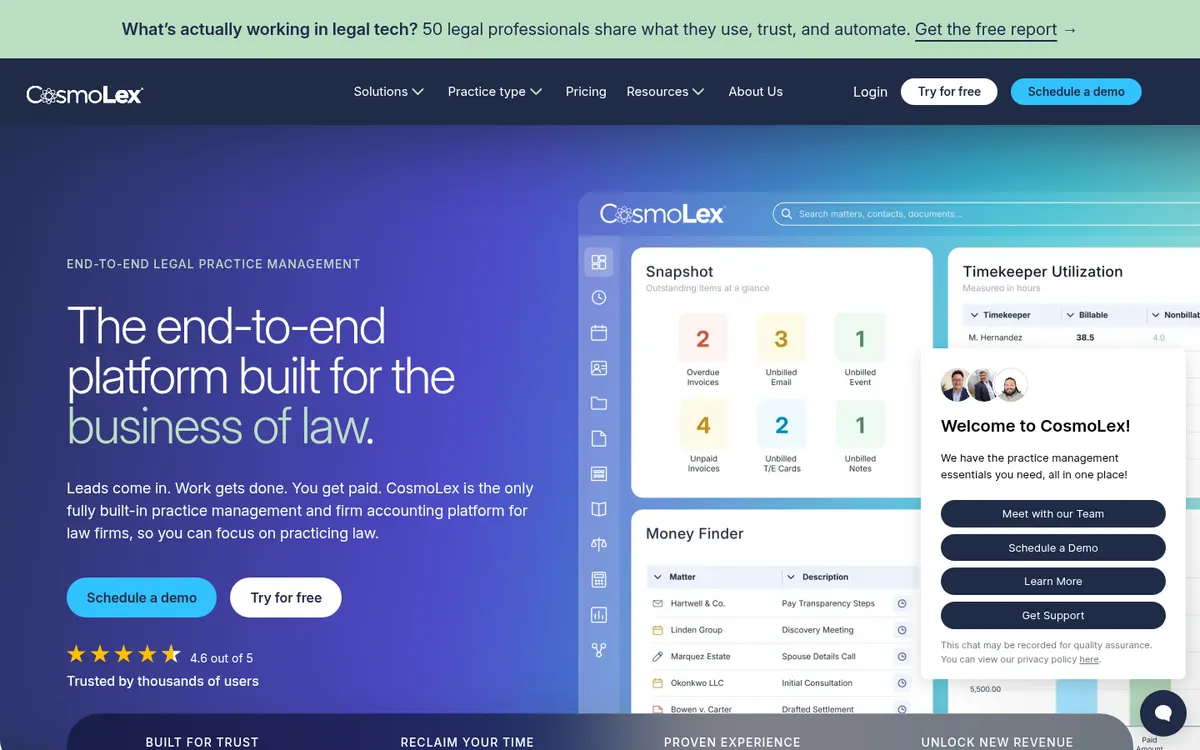
CosmoLex is the clearest answer in this list to the firm that is tired of syncing QuickBooks. Matter management, billing, payment processing and firm accounting are one system, and the accounting is native rather than connected, which means the trust ledger, the operating account and the invoices share the same database instead of passing entries back and forth through a connector.
Trust tooling is the reason to look. Three way reconciliation is built in, and trust activity carries audit trails so you can show who changed an entry and when. For a firm that has been reconciling in a spreadsheet, that is a direct reduction in audit risk, and the vendor positions the product so firms can retire QuickBooks entirely rather than run both systems side by side.
The trade off is ecosystem. There are fewer third party integrations than Clio or QuickBooks offers, and the overall partner network is smaller, so check that your payment processor, email and any niche tool you rely on are supported before you commit. A firm with unusual integrations may find the fit tighter than the feature list suggests, and switching costs after go live are real.
Launch is listed at $49 per user per month, with yearly billing saving $120 per user, and there is a free trial with no credit card required. Elsewhere on the site pricing is quote based, so confirm which tier matches your headcount and module needs before you compare it with a platform that bundles less. Pick CosmoLex if accounting depth inside one system beats a larger integration marketplace, and if you want the trust ledger and the general ledger to be the same set of books.
What works
- Accounting is native rather than bolted on
- Trust reconciliation with audit trails
- Free trial without a credit card
What to weigh
- Fewer integrations than Clio or QuickBooks
- Much of the pricing is quote based
- Smaller partner and app ecosystem overall
Pick it if
You want to retire QuickBooks and keep trust and operating accounts in one native ledger.
Skip it if
Your stack depends on niche integrations that only the larger platforms support.
Plate 06 of 08
LeanLaw
Best for firms already running billing on QuickBooks Online
Our verdict
The cleanest way to add legal billing and trust records to an existing QuickBooks Online file.
LeanLaw does one job narrowly: it turns QuickBooks Online into a legal billing system. Time and expense entry, invoice review and approval, payment handling, client trust records and legal reporting sit on top of the QuickBooks file your bookkeeper already maintains, and a two way sync keeps invoices, payments and trust activity in the same books. Nothing is migrated and nothing runs in parallel, which is the whole appeal.
That architecture is a genuine advantage for a firm with an established QuickBooks workflow. Nobody has to relearn the ledger, the accountant keeps working in a file they know, and the lawyers get legal invoices instead of a generic sales form. Trust accounting is included, so the trust records are not left behind in a spreadsheet, and the trust activity lands back in the same file that produces the operating reports.
The dependencies are strict. An active QuickBooks Online subscription is mandatory, and QuickBooks Desktop is not supported, so a firm on the desktop version has to migrate before LeanLaw is even an option. Per user pricing also adds up as headcount grows, and the value depends on how many people actually need a seat rather than how many touch a bill during the week.
Core runs at $55 per user per month, Pro at $75, with custom Elite and Contingency options, and there is a 7 day free trial with no credit card required. Pick LeanLaw if QuickBooks Online is already the center of your books and you want legal billing and trust records without a second ledger. Skip it if you intend to leave QuickBooks, need desktop support, or want one vendor for the whole matter lifecycle.
What works
- Legal billing layered onto QuickBooks Online
- Trust accounting included
- Short trial with no card required
What to weigh
- An active QuickBooks Online subscription is mandatory
- QuickBooks Desktop is not supported
- Per user pricing adds up as headcount grows
Pick it if
QuickBooks Online is already your ledger and you need legal invoices and trust records without a second system.
Skip it if
You run QuickBooks Desktop, plan to leave QuickBooks, or want matter management included.
Plate 07 of 08
PracticePanther
Best for firms wanting case management and real accounting depth together
Our verdict
Case management and embedded accounting together, with trust reconciliation done inside the same system.
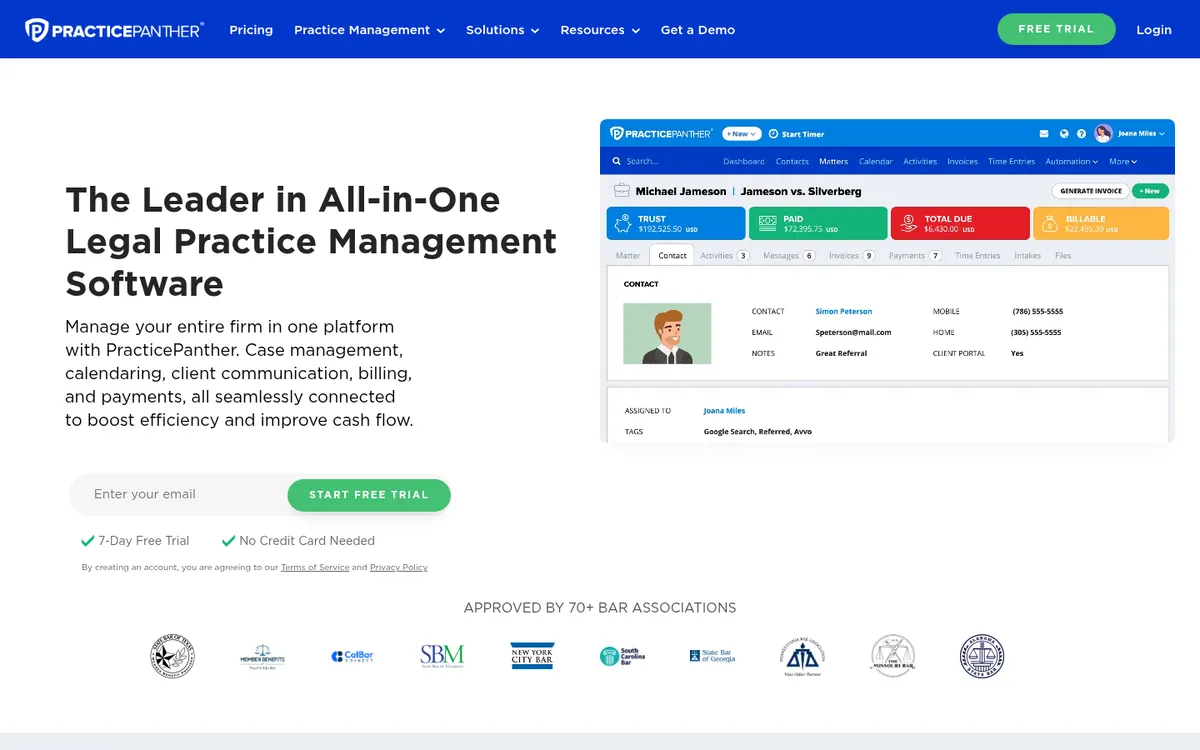
PracticePanther is a case management platform with accounting that is embedded rather than integrated, which is the distinction that matters here. Case management, calendaring, client communication, billing and payments sit alongside a general ledger, financial reporting and fully embedded trust accounting, so the reconciliation happens inside the same system that holds the matters.
Three way trust reconciliation is the headline. The vendor says reconciliations that used to consume an afternoon can be completed quickly, and because the ledger is native there is no sync queue to clear before the numbers agree. For a small firm that has been reconciling trust in a spreadsheet while billing in a practice tool, that consolidation is the reason to switch, and it removes a recurring source of audit findings.
Plan tiers run from Solo through Business Pro, so the entry price buys fewer features than the top tier and costs scale as you climb. Some users report a learning curve, particularly around the accounting screens, and pricing is not published on the homepage, so a quote is required before you can compare it with CosmoLex or Clio on cost. The vendor also cites approval from more than 70 bar associations, which helps with trust account training material.
Solo is listed at $49 per user per month on monthly billing, and there is a 7 day free trial with no credit card. Pick PracticePanther if you want case management and real accounting depth in one subscription and you are willing to sit through a demo to get a number. Skip it if you need published pricing up front or your team is small enough that a learning curve costs more than the switch saves.
What works
- Accounting embedded rather than integrated
- Three way trust reconciliation built in
- Case management and billing on every tier
What to weigh
- Pricing is not published on the homepage
- Some users report a learning curve
- Plan tiers scale cost with features
Pick it if
You want case management and genuine trust accounting depth in a single subscription.
Skip it if
You will not request a quote, or your firm is too small to absorb a setup learning curve.
Plate 08 of 08
Centerbase
Best for mid-sized firms wanting one native business platform
Our verdict
Built for mid sized firms that want one native platform and no QuickBooks dependency at all.
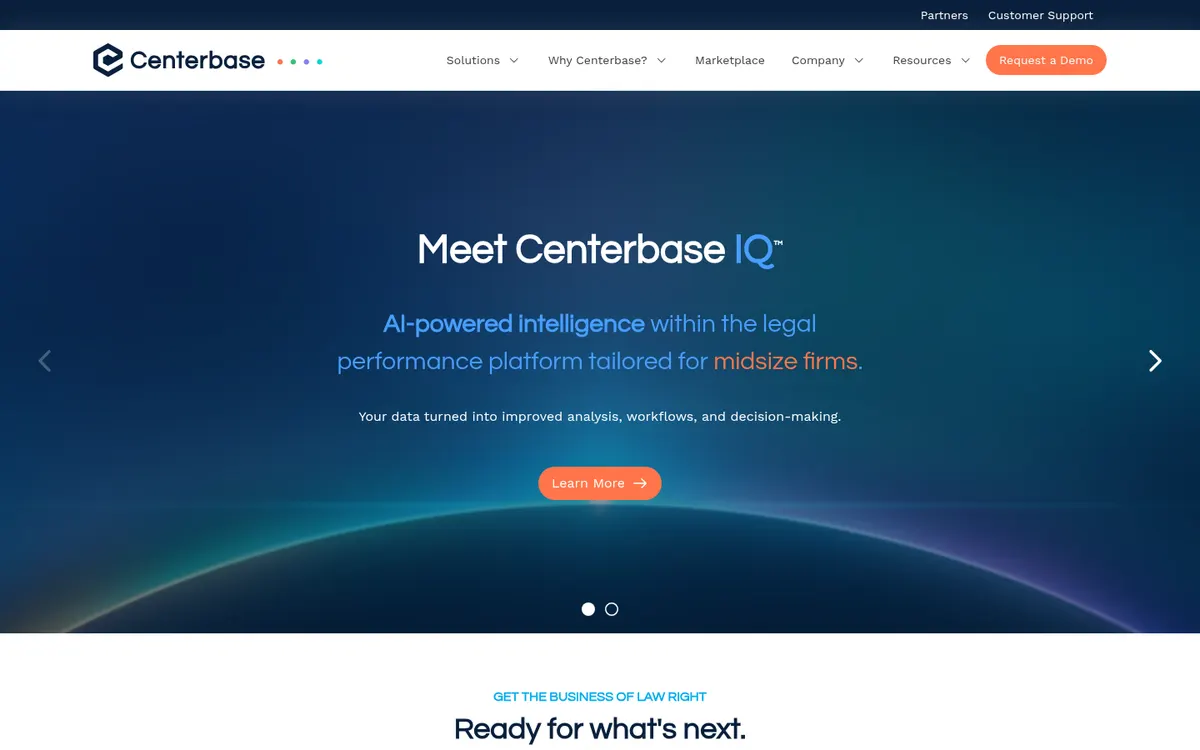
Centerbase is built for the mid sized firm that has outgrown a solo platform but does not want a QuickBooks dependency. Billing and collections, native accounting, matter management, firm intelligence and reporting, automatic trust reconciliation and AI powered workflows are one system, and the vendor is explicit that QuickBooks is not part of the stack at any point.
Two features stand out. Passive time capture works across Outlook and Word, recording activity that would otherwise never be billed, and automatic trust reconciliation keeps the three records aligned without a monthly manual exercise. The vendor cites mid sized firms losing between $180,000 and $400,000 a year to unbilled time in disconnected systems, which is the argument for putting time capture next to the ledger rather than in a separate tool.
The fit is narrower than the feature list suggests. A solo practice or a three attorney firm will likely find it heavier and costlier than it needs, and the brand is newer than Clio or PracticePanther, so fewer peers can vouch for it in your practice area. Pricing sits behind a demo or quote request, and no trial terms are stated, which makes evaluation slower than the free trial options elsewhere in this list.
Pick Centerbase when you have enough attorneys to justify one native platform and a finance lead who will own the implementation. Ask for a written quote that fixes the module list and the seat count for the term, and run a trust reconciliation in parallel with your old ledger for a full month before you retire it, because migration mistakes in trust records are expensive to unwind.
What works
- No QuickBooks dependency
- Passive time capture recovers unbilled work
- Automatic trust reconciliation
What to weigh
- Heavier and costlier than a solo practice needs
- Pricing is quote only
- No trial terms stated, so evaluation is slower
Pick it if
You are a mid sized firm that wants one native business platform and will invest in implementation.
Skip it if
You are a solo or three attorney firm, or you need published pricing and a stated trial before you start.
What does law firm accounting software actually need to do?
Law firm accounting software is bookkeeping built around client money. A general ledger tracks what the firm earns and spends. A legal ledger also tracks what the firm holds in trust for clients, and keeps those two sets of books from bleeding into each other. That single requirement separates a legal accounting product from a small business one, and it is the first thing to check before you compare prices.
Three records have to agree at all times. The trust ledger shows each client's balance, the checkbook shows what the bank processed, and the reconciliation ties them to the bank statement. A product with three way reconciliation does that in one place. A product without it leaves the firm maintaining a spreadsheet, and a bar auditor will ask for that reconciliation on demand.
Beyond trust handling, look for these:
- Matter level time, expense and invoice records, so a bill can be produced without rekeying
- Operating and trust accounts kept separate inside the same system
- Audit trails showing who changed a trust entry and when
- Payment processing that separates earned fees from client funds
- Reports a bookkeeper can hand to an accountant at year end without cleanup
Practice management platforms and accounting platforms solve different halves of this. Clio, MyCase and PracticePanther start with matters, contacts, calendars and client communication, then add billing. QuickBooks and Xero start with the ledger and add invoicing. CosmoLex and Centerbase deliberately overlap both, and LeanLaw takes the hybrid route by sitting on top of QuickBooks Online.
The practical question is not which product has the most features. It is where your firm wants the trust ledger to live. If it lives inside the practice platform, the bookkeeper works in that platform or exports from it. If it lives in QuickBooks with a legal layer on top, the bookkeeper keeps the familiar tool and the lawyers get legal invoices. Both work. Mixing them by accident is what causes trouble.
This guide sits in the Finance collection. Buyers weighing nearby tools often read the guides to 1099 filing software and 2d animation software next.
How do vendors price law firm accounting software?
Most vendors in this list bill per user per month; a few bill the firm per month, and one publishes no number at all. Know which model you are buying before you compare headline figures, because a $38 per month ledger and a $49 per user per month platform are not the same purchase for a five person firm.
| Model | How it bills | Typical fit | Example from this list |
|---|---|---|---|
| Firm priced ledger | Per month, per firm | Firms with no trust funds | QuickBooks Simple Start at $38 per month |
| Tiered cloud ledger | Per month, by feature tier | Small firms wanting a low entry cost | Xero Lite at $7 per month after three months at $0.70 |
| Platform per user | Per user per month | Firms wanting matters and billing together | Clio Starter at $49 per user per month |
| Annual per user | Per user per month billed annually | Firms with steady headcount | MyCase Basic at $50 billed annually, $60 billed monthly |
| Accounting inside the platform | Per user per month, yearly discount | Firms retiring QuickBooks | CosmoLex Launch at $49 per user per month, yearly billing saves $120 per user |
| Add-on to QuickBooks | Per user per month | Firms already on QuickBooks Online | LeanLaw Core at $55 per user per month |
| Quote only | Custom quote | Mid sized firms with modules | Centerbase, pricing on the vendor site |
Two patterns are worth calling out. General ledgers such as QuickBooks and Xero price the firm, not the seat, so adding a paralegal costs nothing in subscription. Legal platforms such as Clio, MyCase, CosmoLex, LeanLaw and PracticePanther price the seat, so a five attorney firm with two assistants pays seven times the per user rate. At $49 per user per month, five attorneys plus two assistants are billed on seven seats, which is why seat count belongs in the first conversation, not the last.
The second pattern is bundling. CosmoLex and Centerbase include accounting in the subscription, so the real comparison is against a legal platform plus a separate ledger, not against a ledger alone. LeanLaw goes the other way: it costs less per seat than a full platform, but only because you already pay for QuickBooks Online separately, and QuickBooks Desktop is not supported.
Quote only vendors usually price on firm size, module count and contract length. Ask for a written quote with the seat count fixed for the term.
Every price in this guide was read on the vendor's own pricing page on November 25, 2026. Where a vendor does not publish a figure we could confirm, the card says "See website" rather than a guess. For the arithmetic around this purchase, try the free 1099 filing cost calculator.
How should a firm choose in six steps?
Map your trust activity first. Count the client trust accounts you reconcile each month, who does it and who signs off. If the count is more than a handful, three way reconciliation inside the system is a requirement, not an upgrade.
Fix the seat count before you talk to sales. Write down everyone who will log in, including assistants and paralegals. Per user tools at $49 to $55 a month multiply quickly, while QuickBooks and Xero price the firm rather than the seat.
Decide where the ledger lives. Either the practice platform holds the ledger (CosmoLex, PracticePanther, Centerbase) or QuickBooks holds it with a legal layer on top (LeanLaw). Mixing the two by accident is where reconciliation breaks.
Price the whole stack, not the headline. Add the practice tool, the ledger, the payment processor and any add-on. A $38 ledger plus a $55 add-on per user is often more expensive than one native platform at $49 per user.
Run a live month in parallel. Reconcile trust client by client in both systems for a full billing cycle before you switch over, and check that opening balances match to the cent.
Check the trial terms in writing. Trials here run from 7 to 30 days, and Centerbase states none, so confirm the parallel period and your data export rights before you sign a term.
What mistakes should firms avoid?
Buying a general ledger for a trust practice. QuickBooks and Xero have no IOLTA ledger and no three way reconciliation, so client funds get reconciled in a spreadsheet where nobody can audit the changes.
Assuming the add-on is optional. LeanLaw requires an active QuickBooks Online subscription and does not support QuickBooks Desktop, so a desktop firm has to migrate before the legal layer works at all.
Ignoring seat math. Legal platforms bill per user per month, so a five attorney firm with two assistants at $49 per user per month is billed on seven seats, which changes the comparison with firm priced ledgers.
Migrating in the middle of a billing cycle. Switching mid period splits invoices and payments across two systems and makes the trust reconciliation impossible to close. Move at the start of a period and reconcile in parallel.
Skipping the audit trail question. Ask every vendor to show who changed a trust entry and when. A system that overwrites trust records without a trail will not satisfy a bar audit, however good the reports look.
Best Law Firm Accounting Software 2026: questions
Which law firm accounting tools combine practice management with built-in legal accounting?
CosmoLex, PracticePanther and Centerbase are the three here that hold a real general ledger and trust accounting inside the practice platform. CosmoLex starts at $49 per user per month on Launch, PracticePanther Solo is $49 per user per month, and Centerbase is quote only. Clio and MyCase handle billing and payments but not full ledger depth.
Does QuickBooks handle IOLTA trust accounting and three-way reconciliation?
No. QuickBooks has no IOLTA trust ledger and no three way reconciliation, so a firm holding client funds has to keep that record elsewhere. The common fix is a legal layer such as LeanLaw on top of QuickBooks Online, which adds trust records and syncs them back into the same file. QuickBooks Desktop is not supported by LeanLaw.
How do CosmoLex and Clio differ on accounting depth versus ecosystem size?
CosmoLex puts a native general ledger and three way trust reconciliation inside the platform at $49 per user per month, but has fewer integrations than Clio. Clio, from $49 per user on Starter, is far larger and covers matters, documents and billing, yet handles accounting through billing and reporting rather than a full ledger. Choose depth or reach, rarely both.
What are the published starting prices, and which vendors quote instead?
Published figures as of November 2026 include QuickBooks at $38, Xero at $7 on Lite, Clio at $49, MyCase at $50 billed annually, CosmoLex at $49, LeanLaw at $55 and PracticePanther at $49. Centerbase publishes nothing and asks for a quote, and higher tiers at Clio, MyCase and CosmoLex are quoted on request.
How do I stay compliant with state bar trust account recordkeeping rules?
Keep a separate ledger per client, reconcile the trust ledger, the checkbook and the bank statement every month, and preserve an audit trail showing who changed each entry. Software that performs three way reconciliation in one place makes that routine. CosmoLex, PracticePanther and Centerbase do it natively, and LeanLaw does it on top of QuickBooks Online. Check your own state bar rules for retention periods.
How do I migrate accounting data without disrupting billing cycles?
Migrate at the start of a billing period, never mid cycle, and run the new ledger alongside the old one for a full month before retiring anything. Reconcile trust balances client by client before and after the move, and confirm opening balances in writing. Ask the vendor what parallel period is included, since Centerbase states no trial terms.