
Contents of this guide
The shortlist
Our top 3 for software buyers

Toon Boom Harmony
Full pipeline depth
- Best for
- Professional studios producing commercial series and feature animation
- Features
- 4 noted: Bone rigging, Node compositing, Multiplane camera, Paperless drawing
Adobe Animate
Web interactive export
- Best for
- Web-first animation, banner ads and existing Creative Cloud subscribers
- Features
- 4 noted: HTML5 canvas, SVG export, Layer parenting, Creative Cloud

Moho
Smart bone rigging
- Best for
- Solo animators and small studios doing rigged character work
- Features
- 5 noted: Smart bones, Inverse kinematics, Physics, Perpetual licence, PSD import
Disclosure for this guide. All 8 tools here are unpaid editorial picks. The position of a paid listing can be part of what the vendor pays for. Paid and unpaid tools are scored on the same rubric and keep their cons. Details are in the advertising disclosure.
The ledger
Index of every tool
| Tool | Free plan | Trial | Rubric | Compare | ||
|---|---|---|---|---|---|---|
| 01 | Toon Boom HarmonyProfessional studios producing commercial series and feature animation | See websiteNot published | No | Free trial | ||
| 02 | Adobe AnimateWeb-first animation, banner ads and existing Creative Cloud subscribers | See websiteNot published | No | Free trial | ||
| 03 | MohoSolo animators and small studios doing rigged character work | See websiteNot published | No | Free trial | ||
| 04 |  TVPaint AnimationTraditional animators wanting a digital pencil that feels like paper | See websiteNot published | No | Free trial | ||
| 05 | OpenToonzBudget-conscious studios and students needing production-grade tools | See websiteNot published | Yes | No | ||
| 06 | Synfig StudioZero-budget vector animation that avoids drawing every frame | See websiteNot published | Yes | No | ||
| 07 |  Pencil2DBeginners learning traditional hand-drawn animation principles | See websiteNot published | Yes | No | ||
| 08 | Cartoon AnimatorMarketers, educators and YouTubers animating characters without drawing skills | See websiteNot published | No | Free trial |
Prices are the lowest paid plan the vendor shows, read on November 25, 2026. Sort by price ranks published monthly figures; tools without one go last. Pin up to three tools to compare them side by side.
How this guide was put together
We scored eight tools against five criteria, then ordered them around the buyer each entry describes. The order is editorial: fit for a specific kind of buyer plus relevance, not a sum of scores.
Animation depth carried the most weight at 25 percent, because a tool that cannot manage scenes, layers and effects across a long sequence will stall a real production. Rigging tools, learning curve and value for money each took 20 percent. Rigging measures the bone and deformation features that let one character be posed repeatedly without redrawing. Learning curve measures time to a finished shot, not raw feature count. Value for money weighs the licence model over a year against the work it lets you accept. Output flexibility took the last 15 percent, covering export to video, game engines, vector formats and interactive web delivery.
Prices were read from vendor pricing pages on 25 November 2026. Where a page did not load or returned no readable price, the entry records pricing as shown on the vendor site and we did not estimate a figure. Toon Boom Harmony, Adobe Animate, Moho, TVPaint Animation and Cartoon Animator fell into that group in this pass.
Free and open source tools were scored on the same scale as paid ones, with no allowance for being free.
A Featured listing is a paid placement. It is scored with the same rubric and carries the same honest cons as every other entry, and the label does not change a score. No entry in this version carries that label.
The full process, including how we handle corrections, is on the methodology page. Paid listings follow the advertising disclosure.
Rubric and weights
Every tool below is scored from 1 to 10 on these five criteria. The scores describe each tool; the order is an editorial call on fit for the buyer each card describes, plus the disclosed Featured position.
- 25%Animation depthHow far the drawing, frame and effects tools carry a real production rather than a short clip.
- 20%Rigging toolsBone, deformation and reuse features that let one character be posed many times without redrawing.
- 20%Learning curveHow quickly a new user reaches a finished shot, counting interface clarity and available guidance.
- 20%Value for moneyWhat the licence model costs over a year against the work it lets a solo artist or studio take on.
- 15%Output flexibilityRange of export targets, from video files to game engines, vector formats and interactive web delivery.
Plate 01 of 08
Toon Boom Harmony
Best for professional studios producing commercial series and feature animation
Our verdict
The most complete 2D pipeline here, and the hardest to justify unless you are producing series or features at studio scale.
Toon Boom Harmony is the reference tool for studios that need one application to carry a project from rough drawing to final composite. Traditional frame-by-frame drawing tools sit alongside bone and deformation rigging, so a production can mix hand-drawn sequences with cut-out characters without moving between programs. Node-based compositing, effects and multiplane camera staging are built in, which removes a separate compositing step for a large share of 2D work.
The drawing side supports pen tablets and paperless inking, and the rigging side covers the character reuse that episodic work depends on. Camera moves can be staged across layers to create depth without any 3D geometry. Output scales from a short film to a weekly series, and that range is the argument for buying one deep application rather than assembling three cheaper tools that each do part of the job.
The cost is quote-based. There is no published buy button in our check on 25 November 2026, and the vendor arranges pricing directly, so budget approval needs a conversation rather than a checkout page. The learning curve is real: the node graph, the rigging hierarchy and the scene structure each take time, and newcomers should expect weeks before they work at speed. Studios hiring animators who already know the tool will find that easier to absorb.
Feature depth also works against it on smaller jobs. A creator making short social clips pays for pipeline capabilities they will never touch, and the interface rewards people who live in it daily. Harmony earns first place for professional studios producing commercial series and feature animation. It is the wrong purchase for anyone whose output is measured in seconds rather than episodes.
What works
- Covers rigged and hand-drawn work in one application
- Built-in compositing, effects and camera staging
- Scales from short films to episodic series
What to weigh
- Quote-based pricing with no published figure
- Steep learning curve for new users
- Feature depth exceeds short social clips
Pick it if
You run a studio pipeline producing series or feature animation and need drawing, rigging and compositing in one place.
Skip it if
You make short clips solo and cannot justify quote-based pricing for pipeline features you will not use.
Plate 02 of 08
Adobe Animate
Best for web-first animation, banner ads and existing Creative Cloud subscribers
Our verdict
The best choice when the animation has to run in a browser, and a compromised pick for pure hand-drawn film work.
Adobe Animate began life as Flash and still carries the browser-first outlook. HTML5 canvas export is the headline: animation can ship as interactive web content rather than a flat video file, which is why banner ads and e-learning modules remain its home turf. SVG and video export paths cover the less interactive jobs, and authoring for buttons, simple logic and clickable regions is built into the same timeline.
The drawing and timeline tools are competent, and layer parenting plus inverse kinematics handles basic character rigging. Assets come in cleanly from Photoshop and Illustrator, so teams already inside Creative Cloud avoid a conversion step between design and animation. Interactive banner and e-learning authoring sit on the same timeline, and updates arrive continuously with the subscription rather than in annual releases.
Two limits matter. There is no perpetual licence, so payments never stop and access ends when the plan does. Traditional frame-by-frame animation is weaker than in dedicated drawing tools, and rigging depth trails specialist character packages. Animate can carry a rigged character, but it is not where a character animator would choose to live for a long series.
It suits web-first animation, banner ads and existing Creative Cloud subscribers. Pricing sits on the vendor site through Creative Cloud plans, and our check on 25 November 2026 could not confirm a figure because the plans page returned no visible text. Confirm the current plan cost with the vendor before moving a team onto the subscription.
What works
- HTML5 canvas and SVG export for the web
- Fits an existing Creative Cloud asset workflow
- Interactive banner and e-learning authoring
What to weigh
- Subscription only, with no perpetual licence
- Frame-by-frame drawing trails dedicated tools
- Rigging depth is shallower than specialist tools
Pick it if
The finished animation must run in a browser or your team already pays for Creative Cloud.
Skip it if
You want a perpetual licence or heavy hand-drawn character animation.
Plate 03 of 08
Moho
Best for solo animators and small studios doing rigged character work
Our verdict
The fastest route from a rigged character to finished animation, sold as a perpetual licence with no recurring fee.
Formerly sold as Anime Studio, Moho is built around one idea: rig a character once, then animate it quickly. Smart bones handle the joint bends and head turns that are painfully slow to draw by hand, inverse kinematics makes posing fast, and physics tools add secondary motion to hair, cloth or tails without keyframing every wobble. Layered Photoshop files import cleanly, so artwork can be prepared in a familiar tool and rigged in Moho.
The workflow suits solo animators and small studios doing character-driven work: explainers, short series, game cutscenes. Export paths reach game engines and other 3D tools as well as video, which widens where the output can go. A lighter Debut edition exists for people new to rigging, while the flagship edition carries the full bone and physics toolset. Choosing between the two is the first decision a buyer makes.
Pricing sits on the vendor site rather than in a figure we could confirm on 25 November 2026. The perpetual licence is the commercial argument: pay once, then keep working. That matters for freelancers who cannot carry another subscription through a slow quarter, and for small studios that prefer a capital cost to a recurring one.
The trade-offs are visible. The interface looks dated in places, frame-by-frame drawing is not its strength, and a smaller community means fewer tutorials when something breaks. If your work is rigged character animation rather than hand-drawn line work, those costs are usually worth paying. If it is not, look at TVPaint Animation or Pencil2D instead.
What works
- Smart bones speed up head turns and joint bends
- Perpetual licence with no recurring fee
- Physics tools add secondary motion automatically
What to weigh
- Interface looks dated in places
- Frame-by-frame drawing is not its strength
- Smaller community means fewer tutorials
Pick it if
You animate rigged characters and would rather pay once than subscribe.
Skip it if
Your work is frame-by-frame hand drawing or you need a large tutorial library.
Plate 04 of 08
TVPaint Animation
Best for traditional animators wanting a digital pencil that feels like paper
Our verdict
A digital pencil that behaves like paper, priced for professional studios and schools rather than hobbyists.
TVPaint Animation is a bitmap-first drawing program, and that single decision shapes everything else. Strokes are pixels rather than vectors, so the brush engine behaves the way a pencil or a loaded paintbrush does, with texture that vector tools struggle to reproduce. A light table shows adjacent frames for referencing, which is how traditional animators have always worked, and layered drawing with blending options handles colour and shadow passes.
Frame and sequence management is built for long scenes rather than short loops. An animator can hold a drawing, flip between frames and manage exposed drawings without leaving the canvas. Two editions are sold, Standard and Professional, with education pricing for students and schools. The licence is a one-time purchase rather than a subscription, and a trial is offered so the feel of the brush can be tested before paying.
The cost is premium and aimed at professionals and institutions. Our check on 25 November 2026 could not confirm a figure from a vendor page, so treat pricing as something to confirm directly with the vendor. The bitmap workflow also locks resolution decisions early: if a scene must later be delivered at a larger size, redrawing is the honest answer rather than scaling.
It suits traditional animators who want a digital pencil that feels like paper, and schools running hand-drawn courses. Animators whose work depends on clean vector scaling, or who need rigging for episodic characters, should look at Moho or Synfig Studio instead.
What works
- Brush engine reproduces the feel of paper
- One-time purchase instead of a subscription
- Light table and frame management for long scenes
What to weigh
- Premium pricing aimed at professionals and institutions
- Bitmap workflow locks in resolution early
- Smaller user base than the largest commercial names
Pick it if
You draw frame by frame and want brush behaviour that feels like paper.
Skip it if
You need vector scaling, character rigging, or a budget licence.
Plate 05 of 08
OpenToonz
Best for budget-conscious studios and students needing production-grade tools
Our verdict
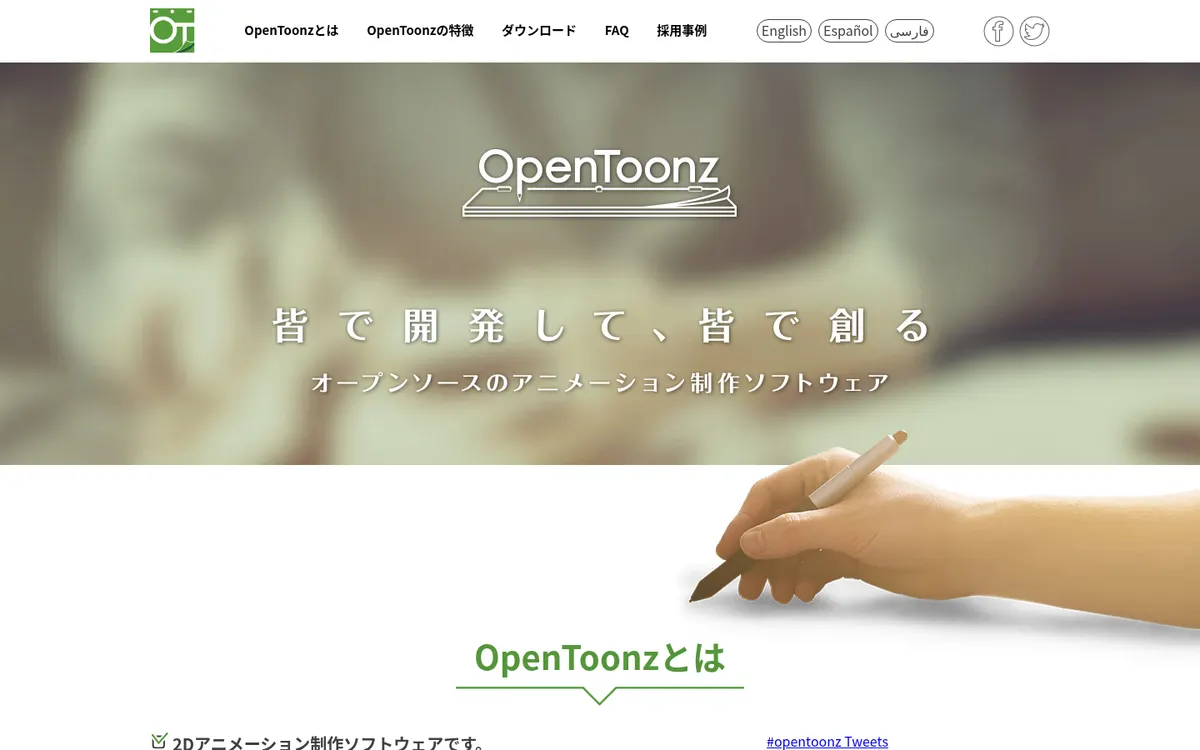
Production-grade 2D tooling at zero cost, provided you can absorb a stubborn interface and thin documentation.
OpenToonz is an open-source release of Toonz, built with backing from Dwango and sharing lineage with the software used on Studio Ghibli productions. It costs nothing, has no watermark, needs no account and has no paid tier. The GTS scanning toolset handles paper drawings, paperless drawing and inking cover digital work, and an Xsheet manages frames and scenes in the exposure-sheet style that traditional production depends on.
The node-based effects system and the plugin SDK are the parts that surprise people. Free tools usually stop at drawing; OpenToonz includes compositing and an extension path, plus support for both vector and raster levels. That combination is why budget studios and students use it for work that has to look finished rather than like a test.
The cost is time. The interface is idiosyncratic, and documentation is uneven across features, so the first week involves searching rather than working. Initial setup demands technical patience, and anyone expecting a guided tour will be frustrated. Development pace rests on volunteer contributors, so a fix may not arrive on a schedule and a question may not get an answer.
It suits budget-conscious studios and students who need production-grade tools and can invest the setup time. It does not suit anyone who needs vendor support with a response time, or a team that cannot afford a slow first month. Our check on 25 November 2026 recorded it as free open source software with no paid tier.
What works
- Fully free and open source with no watermark
- Derived from software used on real animated films
- Xsheet frame management rarely found in free tools
What to weigh
- Idiosyncratic interface with uneven documentation
- Initial setup demands technical patience
- Development pace depends on volunteers
Pick it if
You need production-grade 2D tools and have time to learn a stubborn interface.
Skip it if
You need vendor support or a fast, guided first week.
Plate 06 of 08
Synfig Studio
Best for zero-budget vector animation that avoids drawing every frame
Our verdict
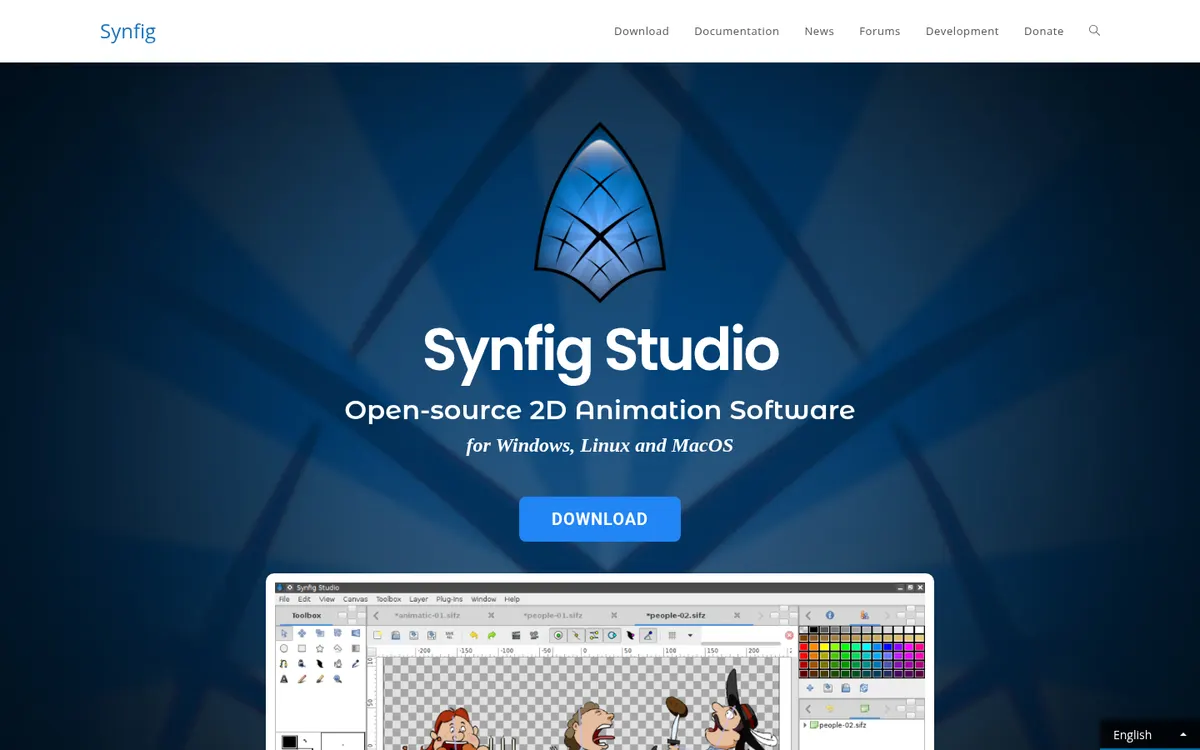
The most capable free option for vector work, if you can live with an unusual workflow and slow renders.
Synfig Studio is built around tweening rather than drawing every frame. Vector shapes are placed at keyframes and the software generates the in-betweens, which removes the most labour-intensive part of 2D animation. A bone system handles cutout characters, more than 50 layer types cover compositing, and keyframe interpolation controls decide how motion eases between poses. Bitmap cutout characters can be animated too.
It is free and open source under the GPL, with builds for Windows, macOS and Linux. The project has been in steady development for years, with 1.5.x releases continuing into 2026. For zero-budget work that needs calculated motion rather than hand-drawn line work, it is the most capable free option after OpenToonz.
The workflow takes adjustment. The layer and parameter model is unlike commercial timelines, and the first project usually involves rethinking habits picked up elsewhere. Rendering slows on complex scenes, so long or heavily layered shots need patience and planning. Interface polish trails commercial products, which shows in small ways rather than blocking the work itself.
It suits zero-budget vector animation that avoids drawing every frame: explainers, motion graphics, simple character work with reusable parts. Pricing is not a question, since there is no paid tier at all, and our check on 25 November 2026 recorded it as free open source software. It fits the animator who would rather set keyframes than draw hundreds of drawings.
What works
- Tweening generates in-between frames automatically
- Free and open source under the GPL
- More than 50 layer types for compositing
What to weigh
- Unusual workflow that takes adjustment
- Rendering slows on complex scenes
- Interface polish trails commercial products
Pick it if
You want free vector animation and would rather set keyframes than draw every frame.
Skip it if
You need hand-drawn line work or fast renders on complex scenes.
Plate 07 of 08
Pencil2D
Best for beginners learning traditional hand-drawn animation principles
Our verdict
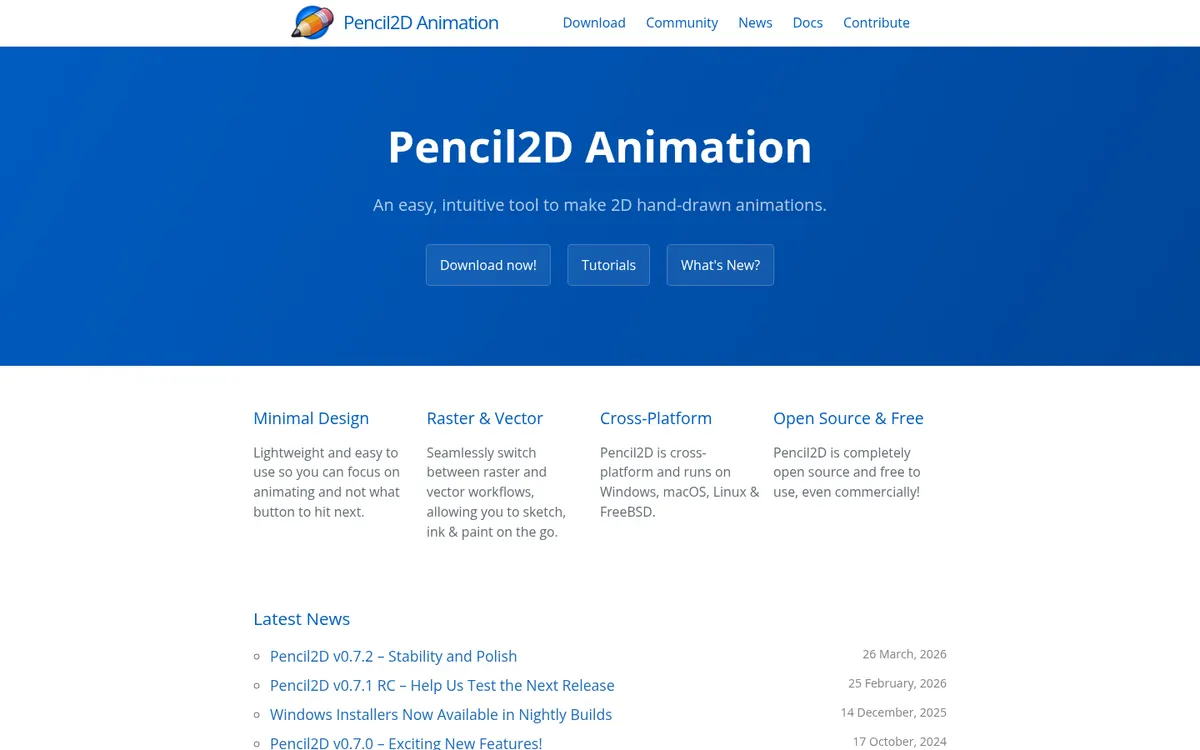
A deliberately small drawing program that teaches timing and spacing without menus full of features you will never open.
Pencil2D does four things: draw, key, play back, export. The timeline holds frame-by-frame drawings, keyframes mark the poses, and playback shows whether the timing works before anything is rendered. Raster and vector drawing layers are both supported, so a project can mix a softer sketch with cleaner vector line work. Export covers common video formats and stops there.
The minimal interface is the feature. New animators spend their attention on spacing and timing rather than on finding panels, and the small scope means fewer ways to get lost. It is free and open source, including for commercial use, and runs on the major desktop platforms with nothing to licence and no account to create.
The limits follow directly from the scope. There is no rigging and only limited effects, so a character cannot be built once and posed repeatedly. It is not built for production pipelines: no compositing, no node tooling, no scene management for long-form work, and no way to hand a half-finished shot to a colleague with confidence. It is best suited to learning and short exercises, and a team that outgrows it will move to OpenToonz or a commercial tool.
Pricing is not a factor because there is no paid tier. Our check on 25 November 2026 recorded it as free open source software. It suits beginners learning traditional hand-drawn animation principles, and it is honest about being a first tool rather than a last one.
What works
- Free and open source, including commercial use
- Small interface keeps attention on drawing
- Clear path for learning timing and spacing
What to weigh
- No rigging and only limited effects
- Not built for production pipelines
- Best suited to learning and short exercises
Pick it if
You are learning hand-drawn animation and want nothing between you and the timeline.
Skip it if
You need rigging, compositing or long-form scene management.
Plate 08 of 08
Cartoon Animator
Best for marketers, educators and YouTubers animating characters without drawing skills
Our verdict
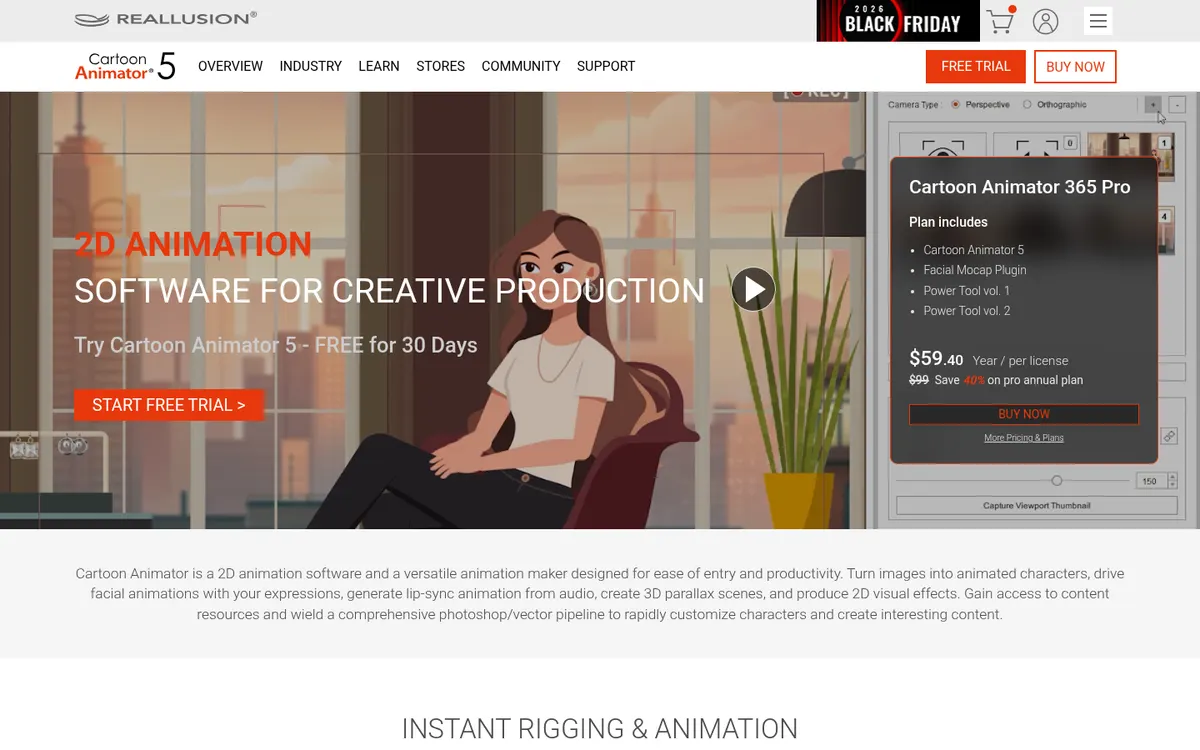
The quickest route from a static image to a talking character, built for people who do not draw.
Cartoon Animator, previously released as CrazyTalk Animator by Reallusion, starts from an image rather than a blank canvas. A face rig can be mapped from a photo or an illustration, and a webcam can drive facial motion capture so a character talks and reacts without a drawn frame. Body motion capture options extend that to movement, and a library of ready-made characters and motions fills gaps when there is no time to build from scratch.
Imported artwork can be rigged into a 2D character, so custom designs are possible. The commercial model is a perpetual licence with optional paid content packs, which means the entry price and the total price are different questions. Buyers should plan which packs they actually need before checkout rather than adding them one at a time.
The trade-offs are clear. Add-on packs push the total cost up, the output style suits explainers and games more than film, and the default characters look generic without custom art. Anyone with a design background will want to replace the bundled characters quickly, which turns a fast start into a longer job.
It suits marketers, educators and YouTubers animating characters without drawing skills, and it delivers there faster than any drawing tool on this list. Pricing sits on the vendor site; our check on 25 November 2026 could not confirm a figure, and a trial is offered so the motion capture can be tested before purchase.
What works
- Face rig maps from a photo or illustration
- Webcam-driven facial motion capture is included
- Usable by people with no animation background
What to weigh
- Add-on content packs push the total cost up
- Output style suits explainers more than film
- Default characters look generic without custom art
Pick it if
You need characters moving this week and you do not draw.
Skip it if
You want hand-crafted artwork or film-grade output.
What does 2D animation software actually do?
2D animation software is the toolset used to create moving images on a flat plane, and the category splits by how the movement gets made. One approach is frame-by-frame: the animator draws each drawing, and the software handles timing, playback, onion skinning and export. The other is rigging: a character is built once with bones and controls, then posed like a puppet across a sequence. A third, tweening, sets shapes at keyframes and lets the software calculate everything between them.
Most tools here lean one way. TVPaint Animation and Pencil2D are frame-by-frame programs. Moho and Cartoon Animator are rigging programs. Synfig Studio is a tweening program. Toon Boom Harmony, Adobe Animate and OpenToonz carry two or three of those approaches in one application, which is why they cost more or ask more of the user.
A second split matters just as much: bitmap against vector. Bitmap tools store strokes as pixels, so brushes feel like real media and every drawing has a fixed resolution. Vector tools store shapes as mathematics, so artwork scales cleanly and can be reshaped later. TVPaint Animation is bitmap-first by design, Synfig Studio is vector-first, and several others support both.
What the tools share:
- A timeline or exposure sheet that controls when each drawing appears
- Drawing or import tools for building the artwork
- Playback and preview so timing can be judged before rendering
- Export to video files, image sequences or interactive formats
Buyers should also weigh what sits outside the drawing itself. Compositing, camera moves and effects decide whether a shot can be finished inside one application or has to be assembled somewhere else. Rigging decides whether a character can be reused across episodes. Export options decide whether the result lands as a video file, a game asset or a browser-delivered banner. Those three questions separate the tools on this list faster than any feature count.
This guide sits in the Software collection. Buyers weighing nearby tools often read the guides to 1099 filing software and AI-powered video ad editing software next.
What do 2D animation tools cost, and how do they bill?
Pricing in this category follows four models, and the model often matters more than the number. A perpetual licence bills once and the software keeps working, which suits freelancers whose income arrives unevenly. A subscription bills monthly or annually and access ends when payments stop. Quote-based pricing hides the number behind a sales conversation. Free and open source asks for no payment at all.
| Model | How it bills | Typical fit | Example from this list |
|---|---|---|---|
| Perpetual licence | One payment, software keeps working | Freelancers and small studios avoiding recurring cost | Moho, TVPaint Animation, Cartoon Animator |
| Subscription | Monthly or annual payment, access ends when it stops | Teams already paying for a creative suite | Adobe Animate |
| Quote-based | Price agreed with the vendor directly | Studio pipelines and facilities | Toon Boom Harmony |
| Free and open source | No payment and no paid tier | Students, budget studios, beginners | OpenToonz, Synfig Studio, Pencil2D |
Five of the eight tools could not be confirmed from a vendor page in our check on 25 November 2026: Toon Boom Harmony, Adobe Animate, Moho, TVPaint Animation and Cartoon Animator returned no readable price in that pass. Where that happened we recorded the price as shown on the vendor site and did not estimate a figure. Treat those as a call to make, not a number to copy from an article.
Two hidden costs recur. Content packs sit on top of a perpetual licence in Cartoon Animator, so the entry price is not the total price. Hardware is the other: a pen tablet is the normal input for drawing tools, and a machine that renders slowly will tax every one of these programs.
Compare the model against your billing cycle. A studio with steady revenue can carry subscriptions without much thought. A solo animator between contracts usually cannot, and a one-time purchase pays for itself in the first dry month.
Every price in this guide was read on the vendor's own pricing page on November 25, 2026. Where a vendor does not publish a figure we could confirm, the card says "See website" rather than a guess. For the arithmetic around this purchase, try the free Email campaign metrics calculator.
How to choose 2D animation software in six steps
Name the output first. Write down what the finished piece is: a video file, a game asset, a browser banner or an episode. Export format narrows the list faster than any feature comparison, and it rules out tools that cannot deliver where you need.
Pick the motion method. Decide whether you will draw every frame, rig a character and pose it, or set keyframes and let the software tween. Each method maps to different tools here, and switching mid-project is expensive.
Set the budget model. Choose between perpetual licence, subscription and free open source before you trial anything. The billing model outlasts the feature list, and a tool you cannot afford in month six is not a tool you own.
Test the drawing feel. Spend an hour drawing in the trial rather than watching a tour. Brush response and pen latency decide whether hand-drawn work is enjoyable or a chore, and no specification sheet captures that.
Estimate the learning time. Ask how long until a first finished shot, not how many features exist. OpenToonz and Toon Boom Harmony reward patience with depth, while Pencil2D and Cartoon Animator get you moving in an afternoon.
Confirm the price with the vendor. Request a quote or open the vendor pricing page yourself, especially where our check recorded no confirmed figure. Budget approval built on an estimate that later doubles is the most common purchase regret in this category.
Mistakes that cost buyers time and money
Buying pipeline depth you will not use. A creator making thirty-second social clips does not need node compositing and multiplane camera staging. Paying for studio capabilities adds cost and learning time without improving the finished output.
Assuming free means unprofessional. OpenToonz includes scanning, node effects and exposure sheets, and it derives from software used on real animated films. The honest trade is documentation and support, not capability, so do not discount a tool purely on price.
Choosing bitmap without planning resolution. A pixel-based workflow such as TVPaint Animation fixes resolution at the start. If delivery sizes might grow later, that early decision becomes a redraw rather than a settings change.
Ignoring add-on content costs. Cartoon Animator sells packs on top of the perpetual licence, so the entry price and the total price differ. Add up the packs you actually need before you compare it against a subscription alternative.
Skipping the trial before a team rollout. Every paid tool here offers a trial except the free ones. A week of real work on a real scene surfaces interface friction that a feature list hides, and it costs less than reversing a studio purchase.
Best 2D Animation Software 2026: questions
Do you need a drawing tablet for 2D animation?
Not always. Rigging tools such as Moho and Cartoon Animator can be driven with a mouse, and Cartoon Animator maps a face rig from a photo. Frame-by-frame tools such as TVPaint Animation and Pencil2D are built around pen input, and drawing with a mouse there is slow and imprecise. A basic pen tablet is the usual first purchase for anyone drawing.
Are free and open source animation tools good enough for professional work?
Yes, in the right hands. OpenToonz derives from software used on real animated films and includes scanning, node effects and exposure sheets, and Synfig Studio covers vector tweening at no cost. The trade is support and polish: documentation is uneven and fixes arrive when volunteers ship them. Studios that can absorb setup time use them on paid work.
Which 2D animation software is best for a complete beginner?
Pencil2D. It draws, keys, plays back and exports, and almost nothing else, so attention stays on timing and spacing. OpenToonz and Toon Boom Harmony are far more capable but demand setup and patience before anything moves. Beginners with commercial deadlines and no drawing skill should look at Cartoon Animator instead, since it starts from an image rather than a blank canvas.
How do vector and bitmap animation workflows differ?
Bitmap tools store strokes as pixels. Brushes feel like real media, but resolution is fixed at the start. Vector tools store shapes as mathematics, so artwork scales cleanly and can be reshaped later, which suits tweening. TVPaint Animation is bitmap-first, Synfig Studio is vector-first, and Toon Boom Harmony, Adobe Animate and OpenToonz handle both. Pick based on whether the look or the flexibility matters more.
Can open-source animation software be used for paid client work?
Yes. OpenToonz, Synfig Studio and Pencil2D carry no commercial-use restriction, no watermark and no paid tier, so work made with them is yours to deliver. Synfig Studio is GPL-licensed, which governs the software itself rather than the artwork you produce. Check the licence text if you plan to redistribute a modified build. Otherwise the client buys the result, not the tool.
How long does it take to learn 2D animation software?
Expect days for a first short exercise and weeks for working speed, with large differences between tools. Pencil2D and Cartoon Animator can produce a first clip in an afternoon. Moho and Adobe Animate take a few weeks to feel natural. Toon Boom Harmony, OpenToonz and TVPaint Animation carry studio-grade depth, and newcomers should plan a month or more.