
Contents of this guide
The shortlist
Our top 3 for software buyers

MailReach
Real placement testing
- Best for
- Teams wanting warmup plus real placement validation
- Features
- 4 noted: Peer-to-peer warmup, Spam Test, Reputation scores, Blacklist alerts

Warmy
Volume based billing
- Best for
- Teams needing all-in-one deliverability with volume-based pricing
- Features
- 4 noted: 1M plus inboxes, B2B and B2C, DMARC monitoring, 7-day trial

Smartlead
229 of 237
- Best for
- Outbound teams scaling across many mailboxes
- Features
- 4 noted: Built-in warmup, Unlimited mailboxes, Inbox rotation, SmartDelivery add-on
Disclosure for this guide. All 9 tools here are unpaid editorial picks. The position of a paid listing can be part of what the vendor pays for. Paid and unpaid tools are scored on the same rubric and keep their cons. Details are in the advertising disclosure.
The ledger
Index of every tool
| Tool | Free plan | Trial | Rubric | Compare | ||
|---|---|---|---|---|---|---|
| 01 | MailReachTeams wanting warmup plus real placement validation | All-In-One $25 per mailbox per monthChecked Nov 25, 2026 | No | No | ||
| 02 | WarmyTeams needing all-in-one deliverability with volume-based pricing | Plans from $49 per monthChecked Nov 25, 2026 | No | 7-day free trial, no credit card | ||
| 03 | SmartleadOutbound teams scaling across many mailboxes | Base $32 per monthChecked Nov 25, 2026 | No | Free trial | ||
| 04 |  InstantlyTeams combining outreach and warmup in one platform | Growth $47 per monthChecked Nov 25, 2026 | No | No | ||
| 05 | LemwarmExisting lemlist users needing native warmup | Essential $29 per email per monthChecked Nov 25, 2026 | No | No | ||
| 06 |  Warmup InboxBudget-focused small teams warming one inbox | Basic $15 per inbox per monthChecked Nov 25, 2026 | No | 7-day free trial, no credit card | ||
| 07 |  FolderlyEnterprise teams needing audits and reputation repair | Folderly $96 per mailbox per monthChecked Nov 25, 2026 | Free tier on Inbox Insights only | No | ||
| 08 |  WarmboxSmall teams warming a few inboxes on a budget | Solo $15 per monthChecked Nov 25, 2026 | No | No | ||
| 09 |  AllegrowTeams wanting warmup with risk controls and monitoring | Starter $99 per monthChecked Nov 25, 2026 | Free (1,000 verifications) | 14-day free trial |
Prices are the lowest paid plan the vendor shows, read on November 25, 2026. Sort by price ranks published monthly figures; tools without one go last. Pin up to three tools to compare them side by side.
How this guide was put together
We ranked nine email deliverability services against five criteria that map to what buyers check before signing: warmup network, placement testing, monitoring depth, price value, and fit and ease. Each criterion is scored 1 to 10 and weighted, with warmup network at 25 percent, placement testing at 25 percent, monitoring depth at 20 percent, price value at 20 percent and fit and ease at 10 percent. The scores describe how well a tool does its job. They do not set the order of this list. The order is editorial and reflects fit for the buyer each entry describes.
Pricing, plan names, trial terms and free-plan availability come from vendor pricing pages checked on November 25, 2026. Where a vendor shows an annual rate next to a monthly one, we report both and label which is which. Where pricing is only on the vendor site, we say so rather than estimate a number.
Placement figures quoted in the entries come from the placement results in the research notes for this piece. We cite the specific counts where they exist, such as 229 of 237 test emails, rather than rounding them into a general claim. Where a vendor has no published figure, we say that too.
If an entry carries a Featured label, that position is a paid placement. Featured tools are scored with the same rubric, held to the same evidence standard, and given the same kind of honest cons as every other entry.
We do not run hands-on tests of every tool for every update. We do flag the limits vendors disclose, including undisclosed warmup pool sizes, deliverability checks sold as add-ons, per-email billing that scales with address count, and onboarding that only runs through consulting.
The full process, including how we handle corrections, is on the methodology page. Paid listings follow the advertising disclosure.
Rubric and weights
Every tool below is scored from 1 to 10 on these five criteria. The scores describe each tool; the order is an editorial call on fit for the buyer each card describes, plus the disclosed Featured position.
- 25%Warmup networkHow large and how real the inbox pool is that your mailboxes exchange warmup traffic with.
- 25%Placement testingWhether the tool proves where a real campaign email lands, including folder level reporting.
- 20%Monitoring depthReputation scoring, blacklist alerts, DNS and DMARC checks, and authentication visibility.
- 20%Price valueWhat you pay per mailbox, per email or by volume, and what the base plan actually includes.
- 10%Fit and easeHow quickly a named buyer type can set the tool up and get a usable answer from it.
Plate 01 of 09
MailReach
Best for teams wanting warmup plus real placement validation
Our verdict
The best pick for teams that want warmup plus proof of where campaign email actually lands.
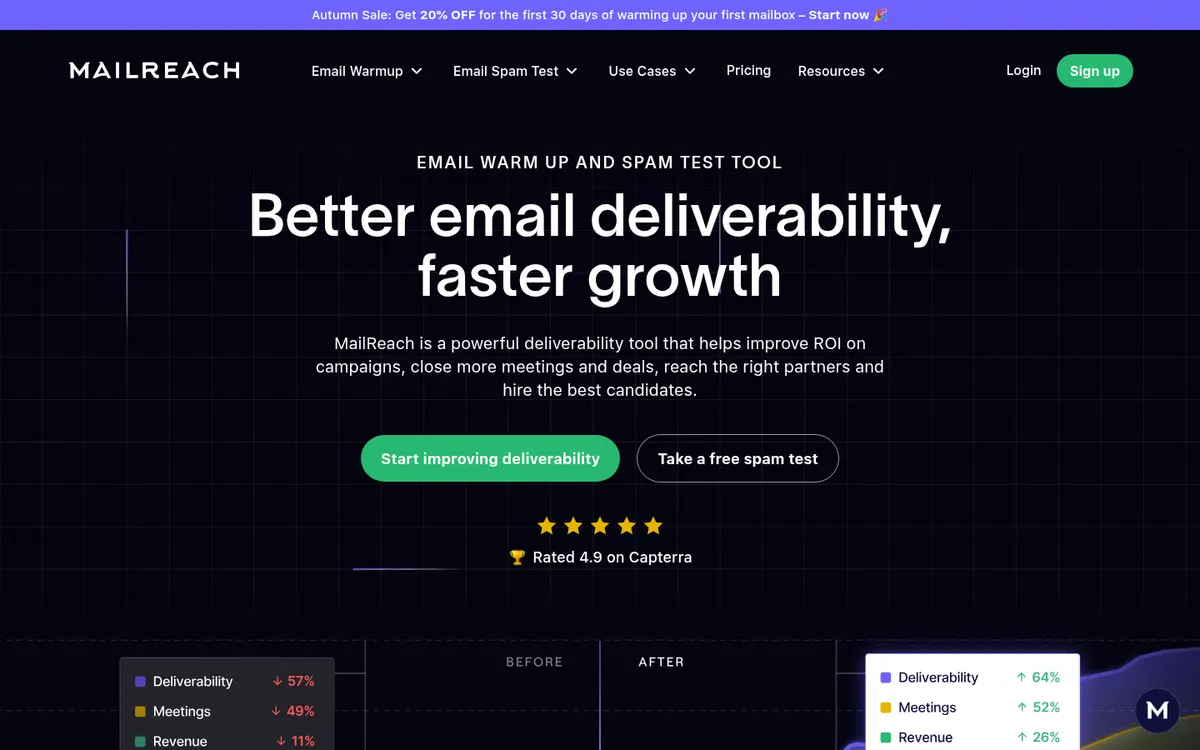
MailReach pairs automated mailbox warmup with a placement test built on real campaign email, which is a narrower job than a full outreach platform and a deeper one than a warmup-only tool. Warmup runs peer to peer across a network of 30,000 plus Gmail and Outlook inboxes, so your mailboxes trade real messages with real accounts rather than an internal pool.
Spam Test sends an actual campaign email to 30 plus inboxes and reports where it landed: Primary, Promotions or Spam. That matters because a warmup dashboard can look healthy while a promotional send still routes to a folder nobody opens. Per-inbox and per-domain reputation scores, warming performance reporting, and blacklist monitoring with alerts round out the monitoring side. One bake-off measured 93 percent inbox placement for the tool.
Pricing is per mailbox. The All-In-One plan lists at $25 per mailbox per month, with annual listings around $19.50 to $20. At small mailbox counts that is manageable. At large mailbox counts the monthly bill becomes the largest line item in your outbound stack, so run the math on your actual mailbox count before you commit. There is no free plan and no trial, which means you cannot validate the reporting against your own domains without paying first.
The tool is built for B2B cold outreach teams that send from a defined set of mailboxes and want evidence, not just activity. It fits agencies running several client domains and sales teams that need placement proof before scaling volume. It fits less well for high-volume senders with many inboxes, for B2C lifecycle email, or for anyone who needs to pilot a tool for free before purchase.
What works
- Warmup pool of 30,000 plus Gmail and Outlook inboxes
- Spam Test reports Primary, Promotions and Spam separately
- Per-inbox and per-domain reputation scores with blacklist alerts
What to weigh
- Per-mailbox pricing climbs quickly at volume
- No free plan and no trial
- Built around B2B outreach rather than lifecycle email
Pick it if
You run B2B outbound from a defined mailbox set and want proof of placement before you scale volume.
Skip it if
You send from many mailboxes or need a free plan or trial before spending anything.
Plate 02 of 09
Warmy
Best for teams needing all-in-one deliverability with volume-based pricing
Our verdict
One subscription covering warmup, placement and monitoring, billed by warmup volume rather than mailbox count.
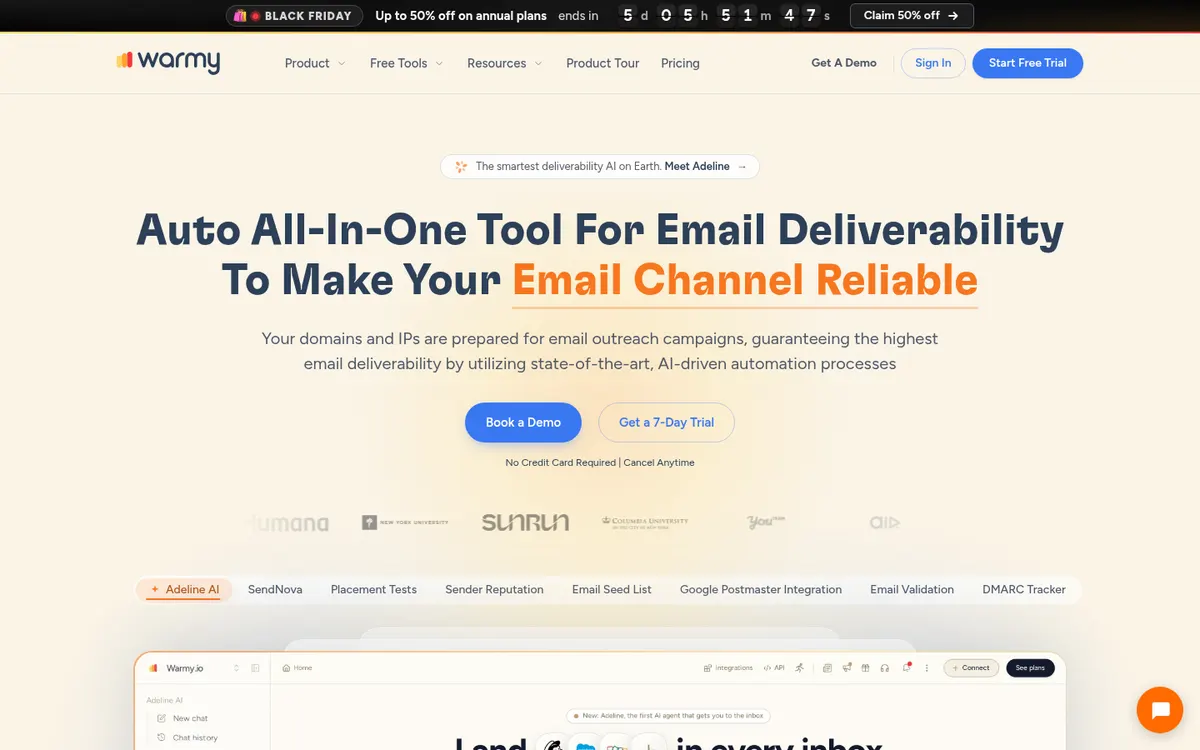
Warmy covers most of the deliverability job in one subscription: warmup, placement tests, verification, authentication monitoring and reputation tracking. Warmup runs across a network of 1 million plus real inboxes, and the tool splits B2B and B2C setups so a newsletter sender and a cold outreach team configure different pools and different sending patterns.
The seed side is the unusual part. Warmy rotates a 500,000 plus US seed list monthly for placement tests, which reduces the chance of testing against the same stale inboxes every week. DMARC monitoring and Google Postmaster data are included rather than sold as an upgrade, and reputation and blacklist tracking sit alongside them. A template optimizer and Adeline AI recommendations suggest fixes when placement dips.
Billing is by warmup volume, not mailbox count, which is the main commercial difference from MailReach and Folderly. Plans start at $49 per month, and the number of placement test credits depends on the plan you buy, so check that line before assuming unlimited testing. A 7-day free trial is available without a credit card. There is no free plan.
The breadth of setup is the trade-off. Warmup, verification, DMARC, Postmaster data and placement testing all need configuring, and the initial build takes time. Once it runs, a dedicated expert and 24/7 human support are part of the offer. It suits teams that want one vendor for deliverability and send from many mailboxes, since volume billing avoids per-mailbox math. It fits less well if you only need warmup for a few inboxes, or if 7 days is not long enough to judge the placement reporting on your own domains.
What works
- 1 million plus real inbox network with separate B2B and B2C setups
- Volume-based billing instead of per-mailbox charges
- DMARC monitoring and Google Postmaster data included
What to weigh
- No free plan and only a 7-day trial
- Placement test credits vary by plan tier
- Broad setup takes time to configure properly
Pick it if
You send from many mailboxes and want warmup, placement tests and monitoring on one volume-based bill.
Skip it if
You warm a handful of inboxes or need longer than a week to evaluate placement reporting.
Plate 03 of 09
Smartlead
Best for outbound teams scaling across many mailboxes

Our verdict
Strongest measured placement in this list, with warmup bundled into an outbound platform and unlimited mailbox connections.
Smartlead is an outbound sending platform with warmup built in, so the deliverability features exist to keep campaigns landing rather than as a standalone product. Warmup runs inside the same tool that sends your sequences, mailbox connections are unlimited, and inbox rotation spreads volume across senders as you add accounts.
The placement numbers here are the strongest in this list. In one independent bake-off the tool placed 229 of 237 test emails in the inbox, a concrete result rather than a marketing claim. The catch is that the warmup pool size is not disclosed, so you cannot judge how diverse the inboxes your mailboxes interact with actually are. SmartDelivery deliverability checks are an add-on rather than part of the base subscription, which puts the checks you most want before a launch behind an extra line on the invoice.
Pricing starts with the Base plan at $32 per month, down from the $39 previously listed. Because mailbox connections are unlimited, per-mailbox economics improve as you scale, and that is the main reason outbound teams choose it over per-mailbox warmup tools. A free trial is available, so you can test sending and warmup together before committing budget.
It fits agencies and sales teams running high mailbox counts who want sending and warmup in one login. It fits less well if you need warmup only and already have a sending stack you like, or if procurement requires disclosed network statistics. It is also outreach-focused, so lifecycle and transactional senders will find little here beyond warmup itself.
What works
- 229 of 237 test emails landed in the inbox in one bake-off
- Unlimited mailbox connections with inbox rotation
- Warmup included rather than sold as a separate product
What to weigh
- Warmup pool size is not publicly disclosed
- SmartDelivery deliverability checks cost extra
- Built for outreach, not lifecycle sending
Pick it if
You run high-volume outbound from many mailboxes and want the best measured placement with warmup included.
Skip it if
You need disclosed network statistics or want deliverability checks inside the base price.
Plate 04 of 09
Instantly
Best for teams combining outreach and warmup in one platform
Our verdict
Largest warmup network here and a single platform for campaigns and warmup, but per-email pricing needs careful math.
Instantly combines cold outreach campaigns with warmup on a network of 4.2 million plus accounts, the largest pool quoted in this list. Warmup, campaign management and inbox placement testing sit in one platform, and some plans allow unlimited mailboxes, so you add senders without adding a per-mailbox fee.
The appeal is operational simplicity. One login covers sequence building, sending and the warmup that keeps those senders healthy, and placement testing is included rather than sold separately. In one bake-off the tool measured 95 percent inbox placement, a strong result that puts it close to the top of the pack on raw delivery.
The pricing needs reading twice. The Growth tier lists at $47 per month per email, which is a per-email charge rather than a flat subscription, while annual listings sit around $37 to $37.60. If your cost model assumes a flat monthly fee, the invoice will surprise you at scale. There is no free plan and no trial, so you cannot test the placement reporting against your own domains before paying. Verify the current plan structure at purchase, because per-email terms are where budgets go wrong.
It fits teams that want outreach and warmup from one vendor and are comfortable with per-email billing. It fits less well for teams that only need warmup, for B2C senders who do not run cold sequences, and for buyers who need a trial or a free tier before committing budget. Teams running both outreach and lifecycle sending should confirm which mailboxes count toward the per-email charge.
What works
- 4.2 million plus account warmup network
- Placement testing included rather than an add-on
- Unlimited mailboxes on some plans
What to weigh
- $47 per month per email at list price
- No free plan and no trial
- Outreach focus leaves little for lifecycle senders
Pick it if
You want campaigns and warmup in one platform and can budget for per-email billing across your sender list.
Skip it if
You need a trial first, or if per-email pricing would make your mailbox count unaffordable.
Plate 05 of 09
Lemwarm
Best for existing lemlist users needing native warmup
Our verdict
Best value if you already run lemlist, with native warmup and a deliverability test but thinner diagnostics.
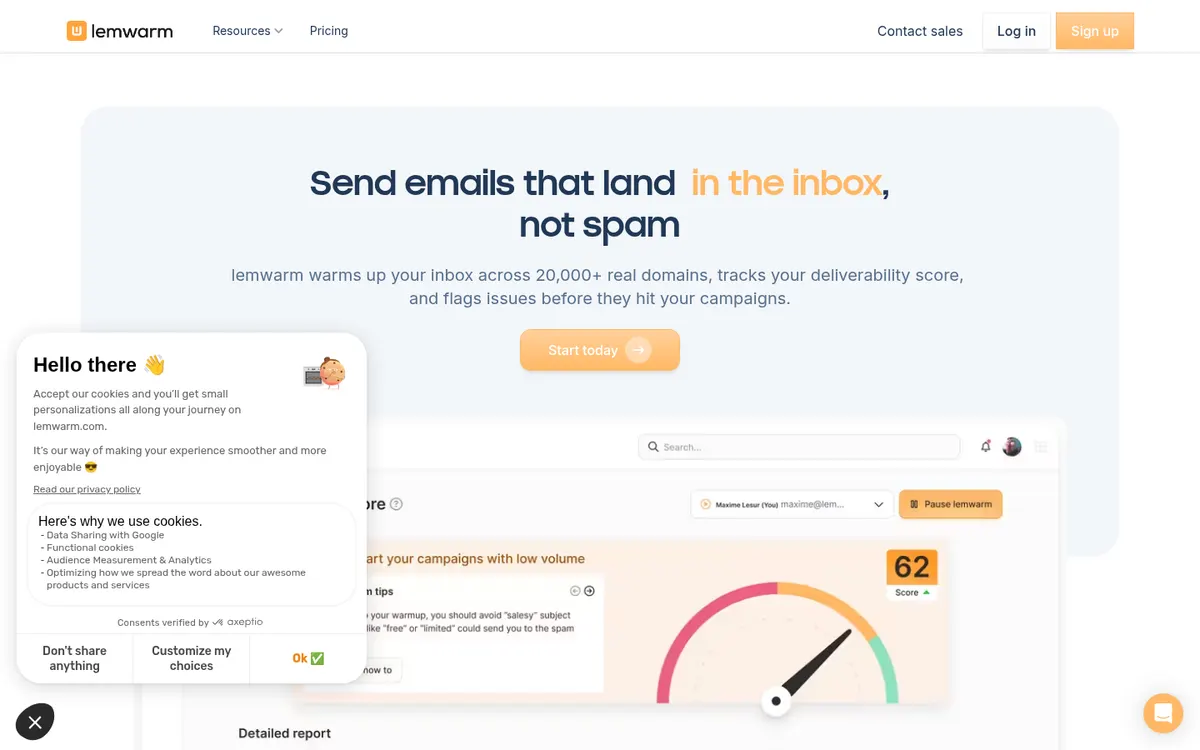
Lemwarm is the warmup product inside lemlist, and it is worth considering mainly if lemlist is already your sending tool. Warmup runs natively inside lemlist, so mailboxes connect in the account you send from. The warmup pool covers 20,000 plus healthy domains and uses real templates rather than filler text, which makes the traffic look more like normal correspondence.
A deliverability test tool is included, and one bake-off placed 199 of 207 test emails in the inbox, a strong result for a warmup-focused product. Guides note a daily cap of up to 40 emails, which is worth checking against your volume plans: warmup at that rate takes longer to establish a new domain than tools that send more per day.
Pricing is per email. The Essential plan is $29 per email per month, plans run to $49, and annual listings land near $24 per inbox monthly. Per-email billing scales with mailbox count, so cost grows with each address, and there is no free plan and no trial to offset that commitment. Diagnostics and placement visibility are more limited than dedicated placement tools, so treat the deliverability test as a health check rather than a full monitoring suite.
It fits existing lemlist customers who want warmup without another vendor and another integration to maintain. It fits less well for teams on a different sending platform, where the native advantage disappears, and for buyers who need deep placement reporting or per-inbox reputation analytics before scaling a new domain.
What works
- Native integration inside lemlist
- 199 of 207 test emails landed in the inbox in one bake-off
- Warmup built on 20,000 plus healthy domains and real templates
What to weigh
- Daily sending cap noted in guides
- Limited diagnostics and placement visibility
- Per-email pricing scales steeply with mailbox count
Pick it if
Lemlist is already your sending tool and you want warmup plus a deliverability test without a second vendor.
Skip it if
You send from a different platform or need deep placement reporting across many domains.
Plate 06 of 09
Warmup Inbox
Best for budget-focused small teams warming one inbox
Our verdict
Low-cost way to warm a small number of inboxes, provided you do not need placement proof.
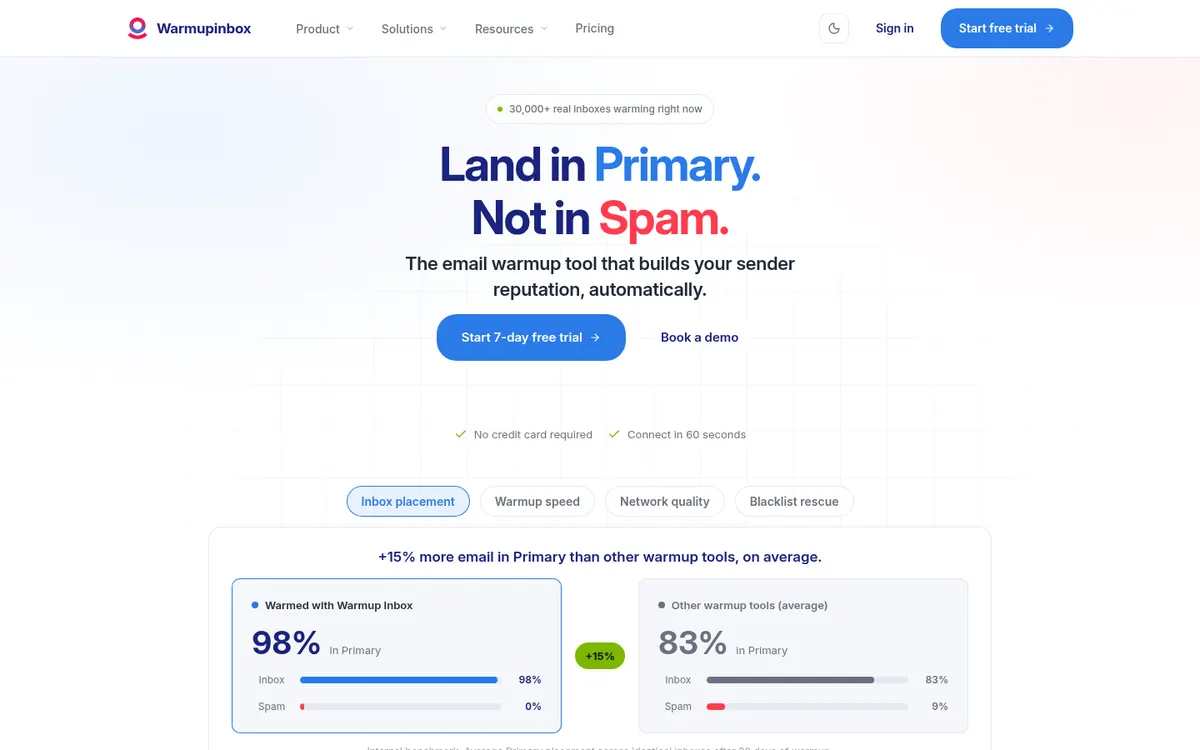
Warmup Inbox does one job at a low price: it warms mailboxes so a new domain or sender builds sending history. Warmup runs on any email provider, which matters if you send from Google Workspace, Microsoft 365 or a smaller host, and it draws on a pool of 30,000 plus real inboxes. Inbox health checks give you a basic read on whether the warmup is working.
The price is the reason it appears here. The Basic plan starts at $15 per inbox per month, with list pricing at $19 monthly, and a 7-day free trial is available without a credit card. Guides also mention a freemium tier capped at 15 emails weekly, which is useful for testing a single mailbox but not for production volume. Paid plans support higher sending volume.
The gaps are deliberate at this price. There is no inbox placement test, so you cannot prove whether a campaign lands in Primary, Promotions or Spam. Warmup success and campaign placement are different questions, and this tool only answers the first. Diagnostics are simpler than Folderly or Warmy, and per-inbox pricing means cost rises steadily as you add senders, though from a low starting point.
It fits small teams and solo founders warming a small number of inboxes who need sending history and a health check on a tight budget. It fits less well for anyone who needs placement proof before a launch, for agencies managing many client domains, or for teams that need DMARC and authentication monitoring alongside warmup.
What works
- Starts at $15 per inbox per month
- Works with any email provider
- 7-day free trial without a credit card
What to weigh
- No inbox placement test at all
- Per-inbox pricing rises with every sender added
- Diagnostics are basic compared with suites
Pick it if
You warm a handful of inboxes on a tight budget and only need health checks, not placement proof.
Skip it if
You need to know whether campaign email lands in the inbox or the spam folder.
Plate 07 of 09
Folderly
Best for enterprise teams needing audits and reputation repair
Our verdict
The enterprise suite to buy when you need audits, blacklist repair and consulting alongside warmup.
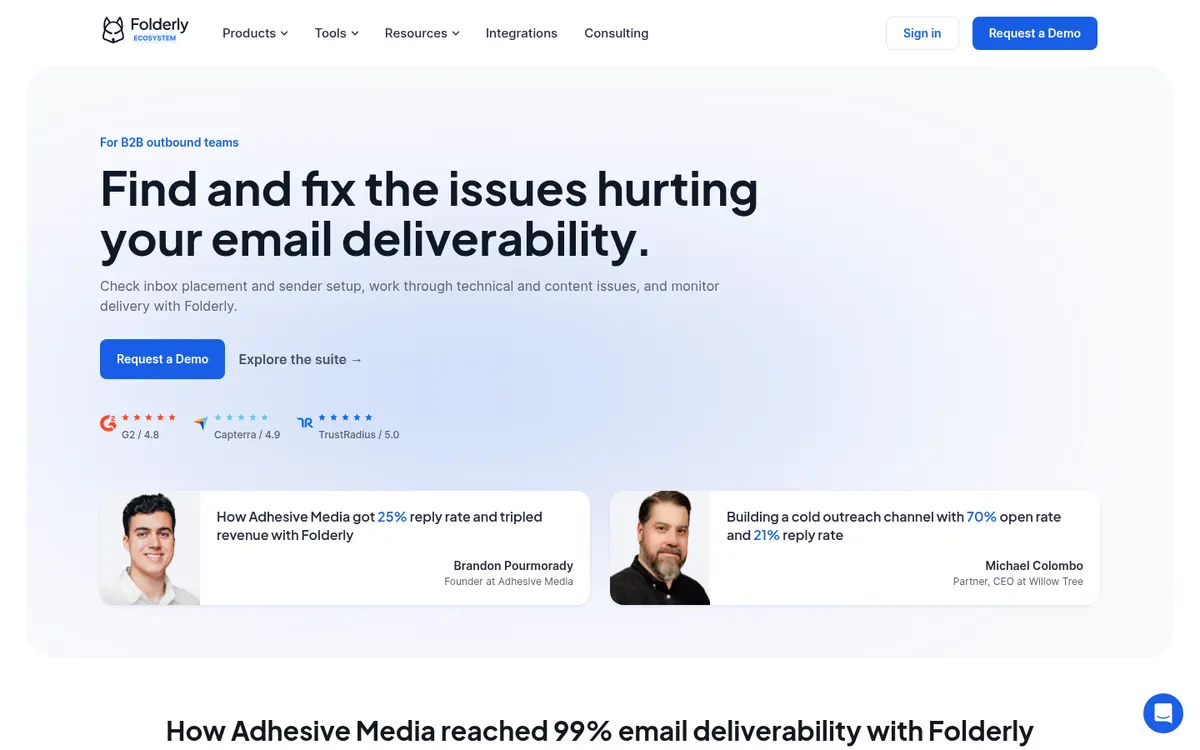
Folderly is the enterprise option: a full deliverability suite sold with consulting-led onboarding rather than self-serve setup. Warmup covers domains, IPs and individual mailboxes, so a team moving to a new sending IP can warm the infrastructure rather than just the mailbox. Inbox Insights provides placement checks, and the platform adds spam trigger detection, DNS audits and blacklist audits in one place.
The audit layer is what separates it from warmup tools. DNS and blacklist audits catch authentication and listing problems that warmup alone will not fix, and spam trigger detection tests content before a send. One bake-off measured 95 percent inbox placement, so the delivery result holds up alongside the diagnostics. Onboarding is consulting-led with no self-serve path, which is either the reason to buy or the reason to walk away, depending on whether your team has someone to run audits or wants a vendor to do it.
Pricing reflects the service model. The core Folderly plan lists at $96 per mailbox per month on yearly terms, and some listings show up to $120 monthly. There is no trial. A free tier exists on Inbox Insights only, so you can sample placement checking without paying for the full platform.
It fits enterprise and mid-market teams with a deliverability problem worth paying to solve, especially after a blacklisting or a domain reputation drop, and teams that want audits and consulting rather than a dashboard to interpret alone. It fits less well for small teams, for anyone who needs to test before buying, or for buyers whose only requirement is cheap warmup.
What works
- DNS, blacklist and spam trigger audits in one suite
- Placement checks through Inbox Insights
- Consulting-led onboarding for reputation repair
What to weigh
- $96 to $120 per mailbox monthly
- No self-serve path or trial
- Free tier covers Inbox Insights only
Pick it if
You need audits, blacklist cleanup and consulting support alongside warmup, and the budget exists for it.
Skip it if
You want self-serve setup, a trial before paying, or warmup at a low per-mailbox price.
Plate 08 of 09
Warmbox
Best for small teams warming a few inboxes on a budget
Our verdict
A fixed, low monthly bill for up to six inboxes, with the weakest measured placement in this list.
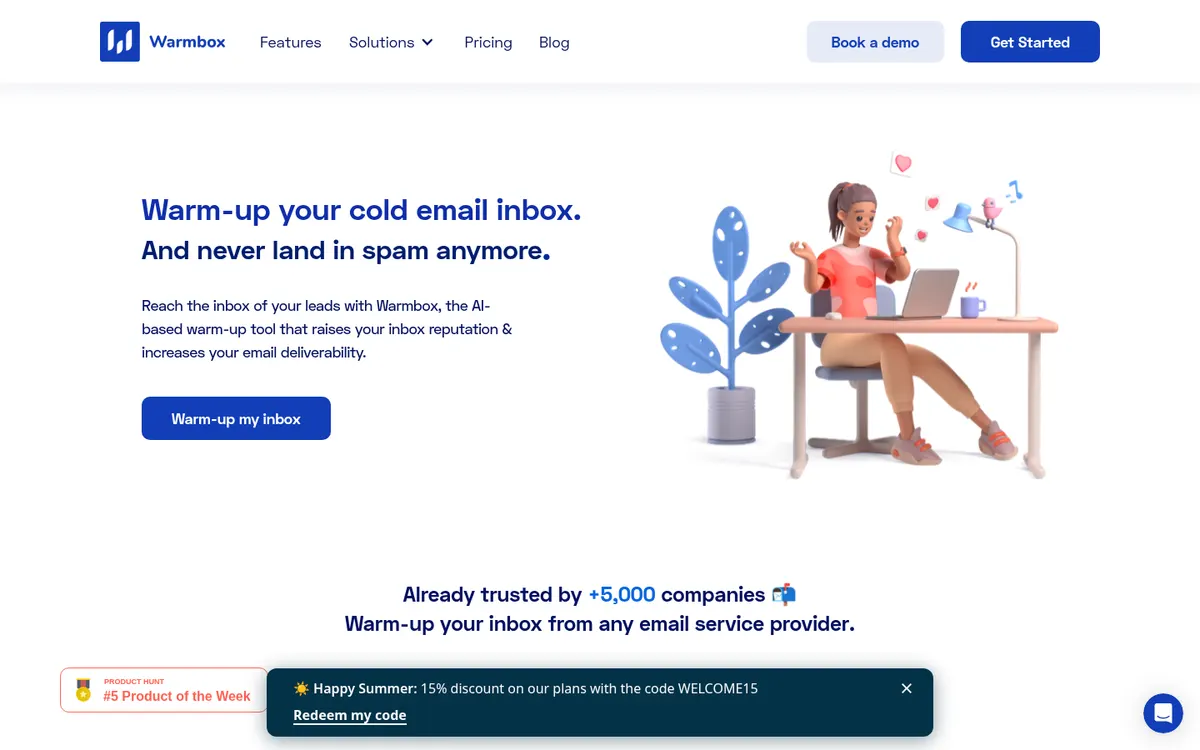
Warmbox is priced for small inbox counts and fixed bundles. Plans cover up to six inboxes at a fixed monthly price, it works with any email provider, and warmup runs against a private network of 35,000 plus inboxes. Setup is simple, which is the point: connect the mailbox, start warmup, stop thinking about it.
The delivery result is the weakest in this list. In one bake-off the tool measured 90 percent inbox placement, and 21 of 221 test emails landed in spam. That is not disqualifying for a small sender, but it is a reason to pair warmup with a placement check before a campaign and to keep volume modest on newly warmed mailboxes. Diagnostics are simpler than the monitoring-heavy tools, so you get a warmup status rather than a reputation breakdown.
On price, the Solo plan displays at $15 per month under yearly billing, and the plan costs $19 per month for fixed bundles of up to six inboxes. That flat structure is easy to budget: six inboxes cost the same whether you send lightly or heavily, unlike per-mailbox tools where the bill climbs with every sender. There is no trial and no free plan, so the first payment is the test.
It fits small teams and solo senders warming a handful of inboxes who want a fixed, predictable bill and do not need placement analytics. It fits less well for anyone running campaigns where landing in spam costs real revenue, for teams managing more than six inboxes, and for buyers who need reputation scoring or blacklist alerts.
What works
- Fixed bundles covering up to six inboxes
- Works with any email provider
- 35,000 plus private inbox network
What to weigh
- 90 percent placement in one bake-off, the lowest here
- 21 of 221 test emails landed in spam
- No trial and thin diagnostics
Pick it if
You warm a few inboxes and want a flat bill you can predict without per-mailbox math.
Skip it if
Spam placement would cost you revenue, or if you need more than six inboxes covered.
Plate 09 of 09
Allegrow
Best for teams wanting warmup with risk controls and monitoring
Our verdict
Warmup with risk controls and bounce prevention attached, at a $99 monthly floor that suits teams with a deliverability budget.
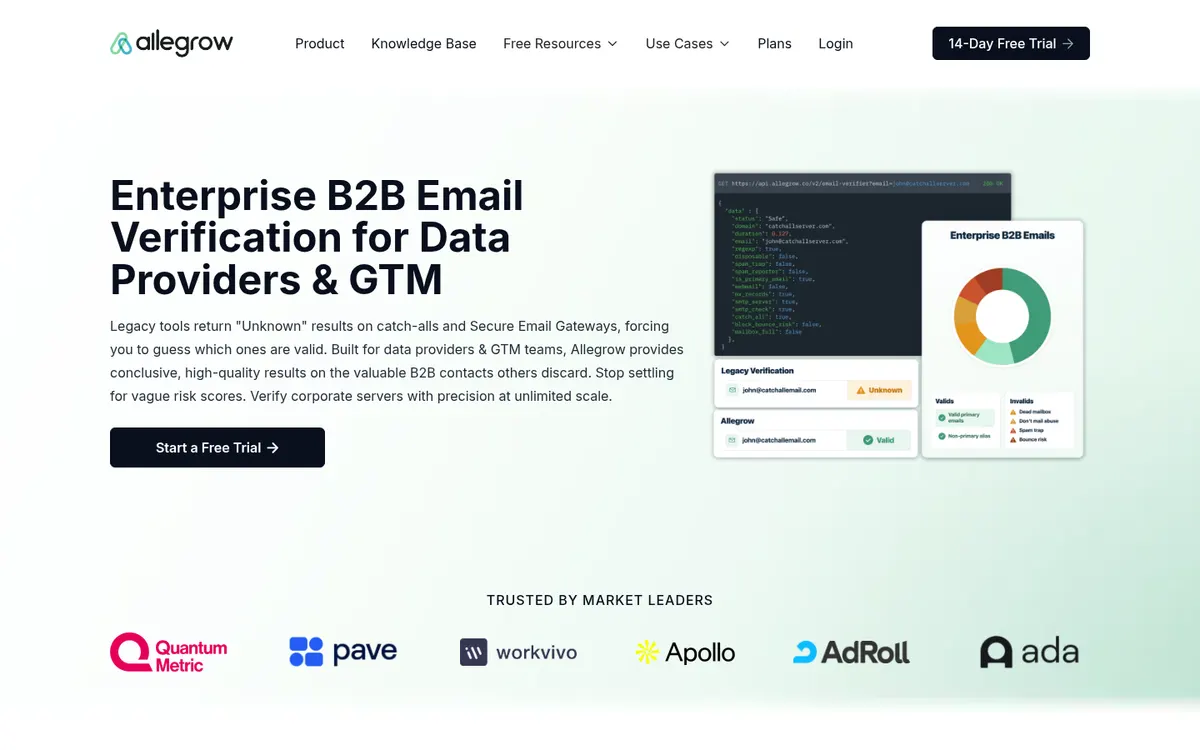
Allegrow puts warmup next to risk controls rather than selling warmup alone. The platform combines email warmup, risk controls, inbox placement monitoring and bounce prevention on a crowdsourced B2B network. The framing is defensive: the point is to catch a sending problem before it costs a domain, not just to generate inbox activity.
Risk controls are the differentiator. Bounce prevention stops bad addresses from damaging reputation, placement monitoring shows where mail is landing, and warmup keeps sending history healthy in the background. One bake-off measured 94 percent inbox placement, a solid mid-pack result. The network size is not publicly disclosed, so you cannot compare pool breadth the way you can with Instantly or Warmy.
Pricing starts at the Starter tier at $99 per month, and some listings add $40 per additional mailbox, which makes the entry point higher than the low-cost warmup tools here. A free tier covering 1,000 verifications lets you test address verification before paying, and a 14-day free trial covers the paid platform. A 14-day trial is available, and it is worth using before committing to the $99 floor.
It fits B2B teams that want warmup plus guardrails, especially teams that have been burned by a bounce spike or a sudden reputation drop and want monitoring attached to warmup. It fits less well for budget-conscious small senders, for teams that need disclosed network statistics, and for anyone whose only requirement is warming a few mailboxes cheaply.
What works
- Risk controls and bounce prevention alongside warmup
- 14-day free trial and a free verification tier
- Inbox placement monitoring included
What to weigh
- $99 monthly Starter price with $40 per extra mailbox in some listings
- Network size is not disclosed
- 94 percent placement in one bake-off, mid-pack here
Pick it if
You want warmup plus bounce prevention and placement monitoring, and the monthly floor fits your budget.
Skip it if
You warm a few inboxes cheaply or need disclosed network size before buying.
What is an email deliverability service, and when do you need one?
An email deliverability service is software that manages how mailbox providers see your sending domain and addresses, then checks where your mail actually lands. It is not a sending platform, though several vendors here bundle sending and warmup together. The category covers three jobs: warmup, placement testing and monitoring.
Warmup generates real sending history. Your mailboxes exchange messages with other real inboxes, replies get exchanged, and spam complaints are avoided, so Google and Microsoft see a pattern that looks like a person corresponding rather than a server blasting. MailReach runs this across 30,000 plus Gmail and Outlook inboxes, Instantly quotes 4.2 million plus accounts, and Warmup Inbox cites 30,000 plus real inboxes.
Placement testing is the measurement half. A test email is sent to a seed list and reported by folder: Primary, Promotions or Spam. MailReach sends a real campaign email to 30 plus inboxes and reports each folder. Warmy rotates a 500,000 plus US seed list monthly.
Monitoring covers authentication and reputation:
- DMARC and Google Postmaster data (Warmy)
- DNS and blacklist audits (Folderly)
- Per-inbox and per-domain reputation scores with blacklist alerts (MailReach)
You need this category when you send cold outreach at volume, when you move to a new domain or IP, when a campaign suddenly underperforms, or when you cannot tell whether low reply rates come from weak copy or weak delivery. You do not need it if you send a small volume of transactional emails from an established domain with clean authentication records.
The tools overlap heavily, so the real decision usually comes down to billing model and whether placement testing is included. A warmup-only tool at $15 per inbox answers a different question than a suite at $96 per mailbox, and buying the wrong one wastes both money and the weeks you spend warming.
This guide sits in the Software collection. Buyers weighing nearby tools often read the guides to 1099 filing software and AI-powered video ad editing software next.
How do email deliverability tools charge in 2026?
Email deliverability tools use five billing models, and the model matters more than the headline number. A $15 per inbox tool and a $99 per month tool can land in the same budget once you count mailboxes and add-ons.
| Model | How it bills | Typical fit | Example from this list |
|---|---|---|---|
| Per mailbox | Fixed monthly fee for each sending mailbox | Teams with a defined, modest mailbox count | MailReach at $25 per mailbox monthly; Folderly at $96 on yearly terms |
| Per email | Charge per sending address, features bundled | Outbound teams scaling mailbox count | Instantly at $47 per month per email; Lemwarm at $29 per email |
| Volume based | Price tied to warmup volume, not address count | Teams sending from many mailboxes | Warmy from $49 per month |
| Fixed bundle | Flat price for a capped number of inboxes | Small teams warming a few inboxes | Warmbox at $19 per month for up to six inboxes |
| Platform included | Warmup bundled into a sending subscription | Teams already using the sending platform | Smartlead Base at $32 per month with unlimited connections |
Per-mailbox billing is the easiest to forecast and the fastest to grow. MailReach lists $25 per mailbox monthly and Folderly lists $96 per mailbox monthly on yearly terms, so teams with many mailboxes face very different bills for similar warmup work. Per-email billing behaves the same way: Instantly lists $47 per month per email and Lemwarm lists $29 per email monthly.
Volume billing inverts the math. Warmy starts at $49 per month and prices warmup volume rather than address count, which favors teams sending from many mailboxes. Fixed bundles cap the exposure, as Warmbox does at $19 per month for up to six inboxes. Bundled platform pricing suits teams already using the sending tool, and freemium tiers such as Allegrow's 1,000 free verifications let you test before paying.
Three costs hide outside the headline. Placement test credits vary by plan at Warmy, deliverability checks are an add-on at Smartlead, and extra mailboxes cost $40 each in some Allegrow listings. All prices here come from vendor pages checked on November 25, 2026.
Every price in this guide was read on the vendor's own pricing page on November 25, 2026. Where a vendor does not publish a figure we could confirm, the card says "See website" rather than a guess. For the arithmetic around this purchase, try the free Email campaign metrics calculator.
How to pick an email deliverability service in six steps
Count your mailboxes and domains. Write down how many sending addresses you run today and how many you will add in six months. Per-mailbox and per-email pricing both scale with that number, while volume and fixed-bundle pricing do not.
Decide whether you need placement proof. Warmup activity is not placement evidence. If a promotional send silently landing in Spam costs you revenue, pay for a tool with real placement testing such as MailReach, Warmy, Folderly or Instantly.
Check what the base plan excludes. Add-ons change the comparison. Smartlead sells deliverability checks separately, Warmy varies placement test credits by plan, and Allegrow lists $40 per extra mailbox in some listings.
Match the tool to your sending type. B2B cold outreach, B2C lifecycle email and transactional mail have different warmup needs. Warmy splits B2B and B2C setups, while MailReach and Smartlead are built around outreach.
Use the trial before the annual term. Warmy offers 7 days without a card, Allegrow offers 14 days, and Smartlead offers a free trial. Test placement reporting against your own domains rather than a demo domain.
Set a review date. Recheck placement, blacklist status and cost per mailbox at regular review points. Warmup changes reputation slowly, and pricing pages change faster than contracts do.
Mistakes that waste money on deliverability tools
Buying warmup and assuming placement. Warmup builds sending history; it does not prove where a campaign lands. Warmbox at 90 percent and Allegrow at 94 percent in one bake-off show that warmed mailboxes still miss the inbox.
Ignoring the billing unit. A $15 per inbox price and a $49 volume price are not comparable at higher mailbox counts. Run the math on your own count before comparing headline numbers.
Skipping authentication basics. No warmup tool fixes a broken SPF, DKIM or DMARC record. Folderly includes DNS audits, most warmup tools do not, so check authentication separately before you buy anything.
Warming everything at once. Connecting many mailboxes on day one from a new domain generates exactly the pattern filters watch for. Add senders gradually and watch reputation per domain as you go.
Paying annually before testing. Several tools here offer no trial, and annual listings look cheaper than monthly rates. Pay monthly first, confirm placement on your own domains, then commit to the term.
Best email deliverability services 2026: questions
Which email deliverability service is best for warmup plus placement testing?
MailReach is the strongest fit if you want warmup and real placement validation in one tool, because Spam Test sends an actual campaign email to 30 plus inboxes and reports Primary, Promotions or Spam. Warmy is the alternative when you send from many mailboxes and prefer volume billing, and Folderly adds DNS and blacklist audits if you need diagnostics as well.
How does email warmup improve sender reputation?
Warmup sends and receives real messages from your mailboxes so providers see consistent, reply-generating activity from a new address. That history reduces the chance that a sudden campaign volume looks like spam. It works on reputation signals such as engagement and complaint behavior, not on one score. Warmup supports good list hygiene and authentication, but it replaces neither.
What do these tools charge per month?
Entry prices in this list run from $15 per month on annual or yearly billing for Warmbox bundles and Warmup Inbox per inbox, up to $99 per month for Allegrow Starter and $96 per mailbox for Folderly on yearly terms. Mid-range options include Smartlead Base at $32, Warmy from $49 and Instantly at $47 per month per email. Prices were checked on November 25, 2026.
Does warmup guarantee inbox placement?
No. Warmup builds sending history, but placement depends on content, authentication, list quality and recipient engagement. The bake-off results in this list range from 90 to 97 percent, which means even the strongest tool left some test emails outside the inbox. Treat warmup as one control among several and verify placement with a real test before each major send.
How did the tools perform in the placement results in the research notes?
Smartlead placed 229 of 237 test emails in the inbox, the strongest result here. Lemwarm placed 199 of 207, Instantly and Folderly each measured 95 percent, Allegrow 94 percent, and Warmbox 90 percent with 21 of 221 emails in spam. MailReach measured 93 percent. Warmy and Warmup Inbox have no placement figure in the notes.
When should you warm a new sending domain?
Start before your first campaign, not after. A new domain has no sending history, so warm it over time at low volume while authentication is already in place and before you add real prospects. Adding mailboxes gradually and watching per-domain reputation, as MailReach reports per-domain reputation scores, avoids the spike filters flag.