
Contents of this guide
The shortlist
Our top 3 for software buyers

Bloomerang
Retention scoring
- Best for
- Nonprofits focused on keeping donors, not just logging gifts
- Features
- 4 noted: Retention dashboard, Engagement scoring, Constituent timeline, Unlimited users

Little Green Light
Low-cost system of record
- Best for
- Small nonprofits replacing spreadsheets with a real database
- Features
- 4 noted: Gift entry, Grant tracking, Event management, Spreadsheet import
DonorPerfect
Multi-channel coverage
- Best for
- Nonprofits running complex multi-channel fundraising programs
- Features
- 4 noted: Online giving, Major gift pipeline, Custom reports, Journey Builder
Disclosure for this guide. All 9 tools here are unpaid editorial picks. The position of a paid listing can be part of what the vendor pays for. Paid and unpaid tools are scored on the same rubric and keep their cons. Details are in the advertising disclosure.
The ledger
Index of every tool
| Tool | Free plan | Trial | Rubric | Compare | ||
|---|---|---|---|---|---|---|
| 01 | BloomerangNonprofits focused on keeping donors, not just logging gifts | See website (custom quote)Custom quote | No | Demo only | ||
| 02 | Little Green LightSmall nonprofits replacing spreadsheets with a real database | Single plan, up to 2,500 records ($45/month)Checked Nov 25, 2026 | No | 30 days free | ||
| 03 | DonorPerfectNonprofits running complex multi-channel fundraising programs | See websiteNot published | No | Demo only | ||
| 04 |  Neon CRMMembership organizations running events, programs and donations | Essentials, starting at $99/monthChecked Nov 25, 2026 | No | Demo only | ||
| 05 |  GivebutterSmall nonprofits wanting fundraising plus CRM at no cost | Free forever ($0/month)Checked Nov 25, 2026 | Free forever | 30 days on Givebutter Plus | ||
| 06 |  ZeffyNonprofits prioritizing zero platform and transaction fees | Free forever ($0/month)Checked Nov 25, 2026 | Yes, 100% free | No | ||
| 07 |  DonorSnapSmall nonprofits wanting a focused, affordable donor database | Basic, up to 1,000 contacts ($68/month)Checked Nov 25, 2026 | No | 30-day free trial | ||
| 08 |  KeelaNonprofits wanting AI assistance with fundraising asks | Up to 1,000 contacts, plans from $164/monthChecked Nov 25, 2026 | No | Demo only | ||
| 09 |  EleoSmall nonprofits wanting full features at the lowest price | Standard, up to 2,500 records ($39/month)Checked Nov 25, 2026 | No | 30-day free trial |
Prices are the lowest paid plan the vendor shows, read on November 25, 2026. Sort by price ranks published monthly figures; tools without one go last. Pin up to three tools to compare them side by side.
How this guide was put together
Every tool here was scored against the same five criteria, and the order reflects fit for the buyer each entry describes, plus one disclosed Featured placement. Donor tracking, retention tools, price clarity, channel coverage and ease of setup carry the weights listed above. A retention-heavy CRM outranks a cheap database for a shop whose actual problem is lapsed donors, while a free platform outranks both for a volunteer group with no budget at all.
Pricing was taken from vendor pricing pages checked on November 25, 2026. Where a vendor publishes rates, we quote them as published: Eleo at $39/month for up to 2,500 records, Little Green Light at $45/month for the same cap, DonorSnap at $68/month for 1,000 contacts plus a $200 setup fee, Neon CRM Essentials from $99/month and Keela from $164/month. Where a vendor routes every plan to sales, we say so and do not guess a number. Bloomerang and DonorPerfect both fall into that group.
The Featured listing is a paid placement. It is scored with the same rubric as every other entry, carries the same kind of honest cons, and its position is disclosed rather than blended into the ranking. No vendor saw this list before publication or was given a chance to edit a verdict.
We also weighed what each product does not do. A tool that publishes a low entry price but caps records at 1,000 is not cheap for a growing database, and a platform that charges nothing is funded somehow. Both facts appear in the entries above. Verify prices before you buy, because vendor pages change and record caps move more often than headline rates.
The full process, including how we handle corrections, is on the methodology page. Paid listings follow the advertising disclosure.
Rubric and weights
Every tool below is scored from 1 to 10 on these five criteria. The scores describe each tool; the order is an editorial call on fit for the buyer each card describes, plus the disclosed Featured position.
- 25%Donor trackingHow completely the system records gifts, pledges, recurring giving and constituent history in one place.
- 20%Retention toolsWhether segmentation, engagement scoring and reporting help you spot lapsed donors and repeat giving.
- 20%Price clarityHow easy it is to find a published entry price and predict the bill as the database grows.
- 20%Channel coverageWhether online giving, events, memberships and email live in the same system or require separate purchases.
- 15%Ease of setupHow much help you get with data migration, onboarding and the day-to-day learning curve.
Plate 01 of 09
Bloomerang
Best for nonprofits focused on keeping donors, not just logging gifts
Our verdict
The strongest retention tool in the list, held back by quote-only pricing that hides the real annual cost.
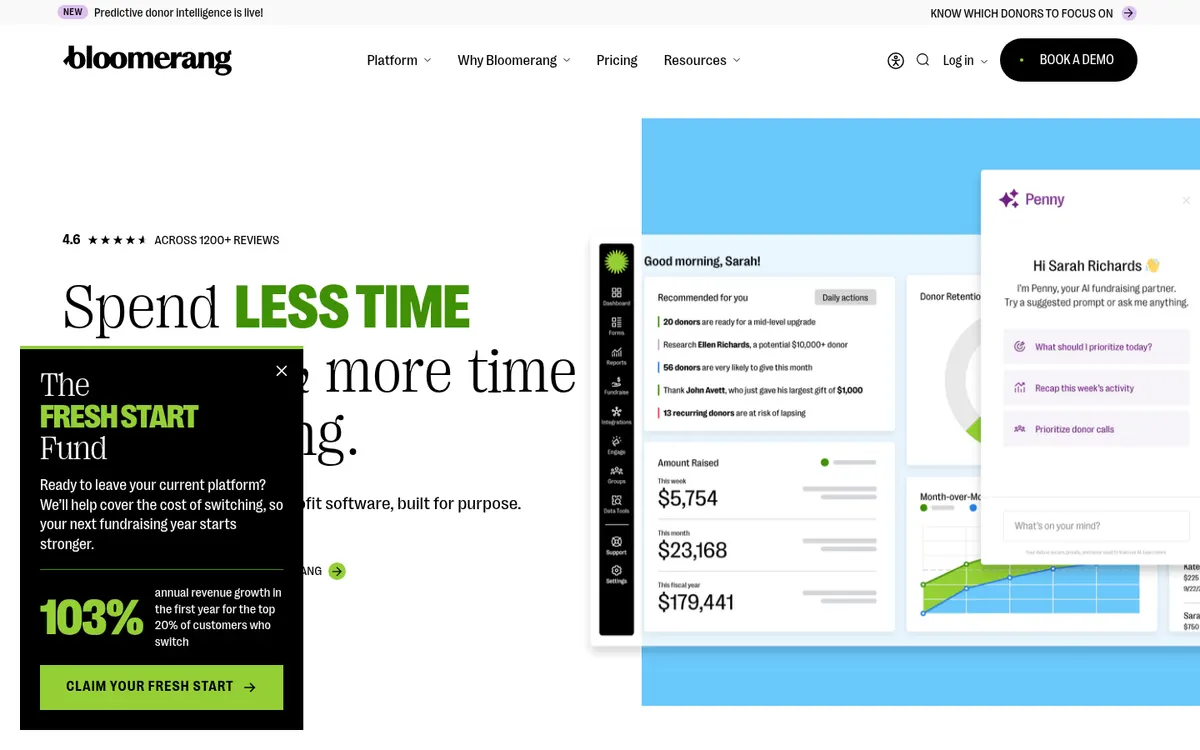
Bloomerang leads this list because retention is the product, not a reporting tab. Every constituent record carries an engagement score that estimates how likely that person is to give again, and a retention rate dashboard tracks whether repeat giving is improving over time. The constituent timeline pulls gifts, emails, event attendance and notes into one view, so a development director sees a relationship instead of a transaction history. Segmentation tools flag lapsed donors before they drop off completely.
The feature list is deliberately narrow: donor records, giving, engagement, reporting and unlimited users on plans. Fundraising tools and volunteer management are sold as separate modules, so a small shop can start with the CRM and add volunteer scheduling later. Unlimited users matters for organizations that rotate board members or volunteers through gift entry, because there are no per-seat charges to budget around.
Pricing is the hard part. The pricing page routes all plans to a custom sales quote with no published rates, so you cannot compare numbers until you talk to sales. Entry pricing is quoted per contact and billed annually, which means the bill scales as the database grows. The fundraising add-on runs about $40/month and is only sold alongside the CRM, and volunteer management at about $119/month is a separate purchase, so the total lands above the headline quote.
Pick it if retention is the number your board asks about each quarter. Skip it if you need a published price before you can get a meeting, or if you cannot justify the highest entry price among small-nonprofit tools.
What works
- Retention analytics are the core of the product
- Single-view constituent timelines
- No per-seat user fees
What to weigh
- No published rates; every plan goes to a sales quote
- Highest entry price among small-nonprofit tools
- Fundraising and volunteer modules cost extra
Pick it if
Your problem is donor retention and you can absorb the highest entry price in this group.
Skip it if
You need a public price list before booking a demo.
Plate 02 of 09
Little Green Light
Best for small nonprofits replacing spreadsheets with a real database
Our verdict
A credible first database at a published price, best before you need automation or membership depth.
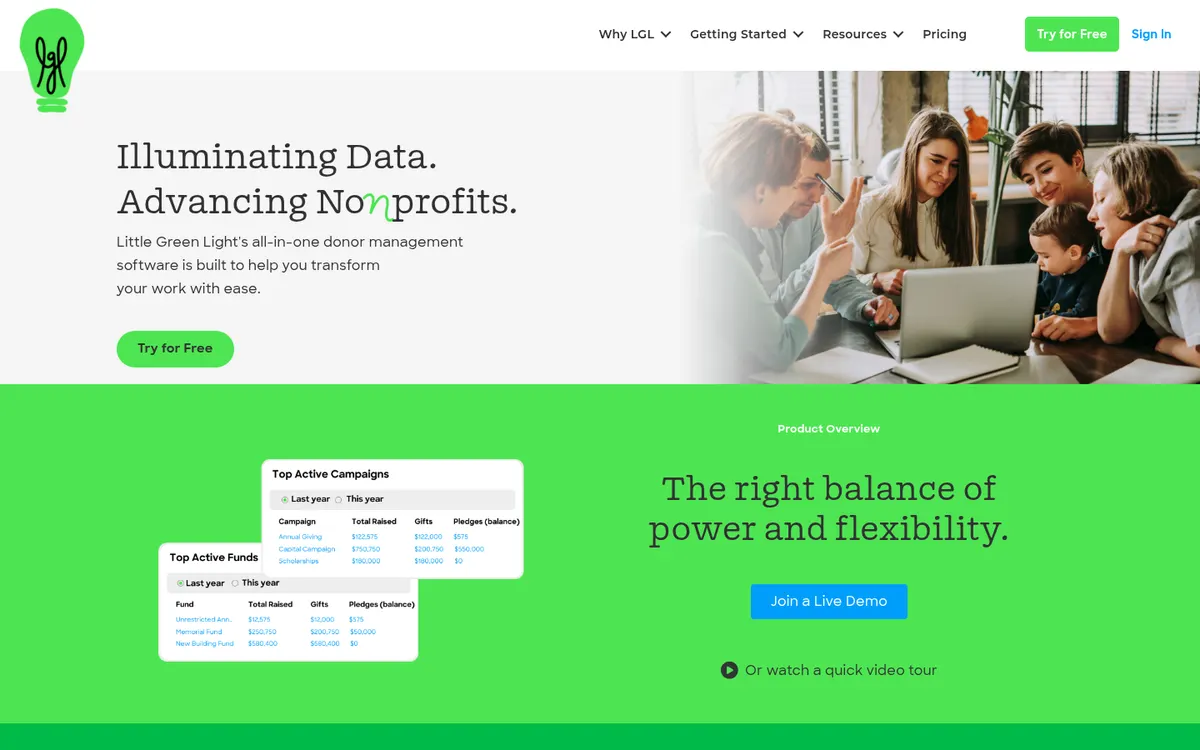
Little Green Light is the spreadsheet replacement, and it is honest about that role. Donor profiles, gift entry, pledges, grant tracking, events and mailing management sit in one system, with customizable reporting that does not require a report writer. The documented import path from spreadsheets gives small shops a way to bring across Excel gift records and keep working, which is often the barrier that keeps tiny nonprofits in spreadsheets.
There is a single plan at $45/month for up to 2,500 records, roughly $486 when paid annually, with a 30-day free trial. That is a credible price for a real system of record, and the annual saving is disclosed rather than negotiated. The published plan covers up to 2,500 records, so check your contact count against that cap before you sign.
The trade-offs are scope. Email marketing is basic, workflow automation is limited, and membership functionality is shallow, so an organization running a paid membership program or a heavy email calendar will bolt on other tools within a year. It is positioned as a first database for small organizations rather than a deep automation platform, and the interface reflects that: plain, volunteer-friendly, and short on the dashboards that bigger systems use to sell themselves.
Reporting is the quiet strength. Building a lapsed donor list or a grant deadline report takes minutes rather than a configuration project, which matters when the person pulling it is the executive director.
Pick it if you are moving off spreadsheets and want a paid system you can learn in a week. Skip it if you need membership depth or automated multi-step cultivation.
What works
- Low cost for a credible paid system of record
- Documented import path from spreadsheets
- Report building without added complexity
What to weigh
- Email marketing is basic
- Limited workflow automation
- Membership functionality is shallow
Pick it if
You are a small organization replacing spreadsheets with a real database for the first time.
Skip it if
Membership management or automated email journeys are central to your fundraising.
Plate 03 of 09
DonorPerfect
Best for nonprofits running complex multi-channel fundraising programs
Our verdict
The broadest channel coverage here, with support strength offset by quote-only pricing and a dated interface.
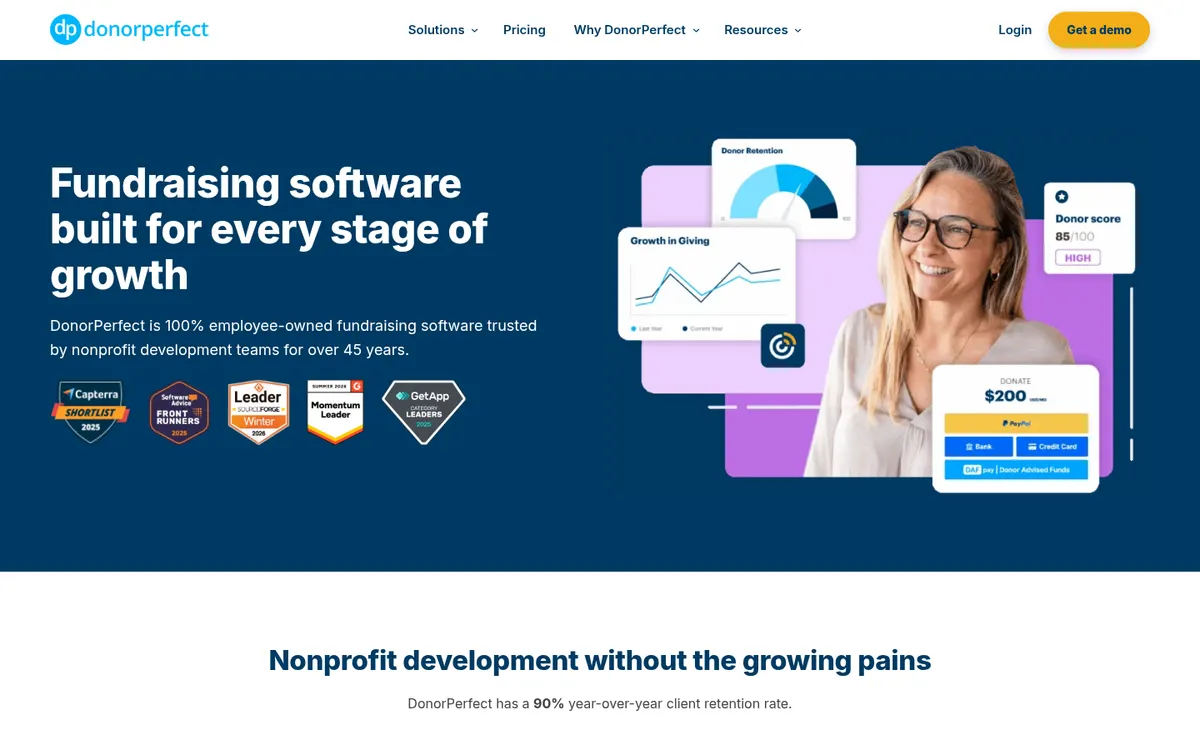
DonorPerfect covers more giving channels at once than anything else in this list. Online giving, campaign management, event and monthly giving tracking, grants and a major gift pipeline live in the same database, and the Donor Journey Builder handles cultivation workflows so a gift officer can see where a prospect sits and what happens next. Reporting is highly flexible with no practical cap on custom reports, and a built-in Constant Contact integration keeps email in the same loop as the donor record.
Support is a stated strength for mid-size shops. The support team is well regarded by nonprofit staff, which matters when your entire donor history sits inside one vendor's system and nobody on your team is a database administrator. The cost of that breadth is complexity, and someone has to answer the questions when a report does not behave.
Pricing is quote-only. No rates are published, so there was no number to verify here, and the budget conversation has to start before feature comparison. That also makes it harder to weigh against Little Green Light or Eleo, which publish entry prices. Reports need configuration work and the interface feels dated in places, so plan for training time rather than assuming staff will pick it up unaided on a busy week.
The fit is a mid-size operation running several channels at once: an annual fund, an event calendar, a grant program and a major gift pipeline with actual prospects in it. A shop with one part-time fundraiser and a small donor file will pay for capability it never opens.
Pick it if you run online giving, events, grants and major gifts and want one system plus real support. Skip it if a modern interface is a priority or you cannot start a sales conversation early.
What works
- Broad coverage of giving channels in one system
- Support team is well regarded by nonprofit staff
- Highly flexible reporting
What to weigh
- No published pricing, quotes only
- Interface feels dated in places
- Reports need configuration work
Pick it if
You run several fundraising channels at once and want support you can call.
Skip it if
A published price or a modern interface is non-negotiable.
Plate 04 of 09
Neon CRM
Best for membership organizations running events, programs and donations
Our verdict
The cleanest answer for membership organizations that also run events and donations from one database.
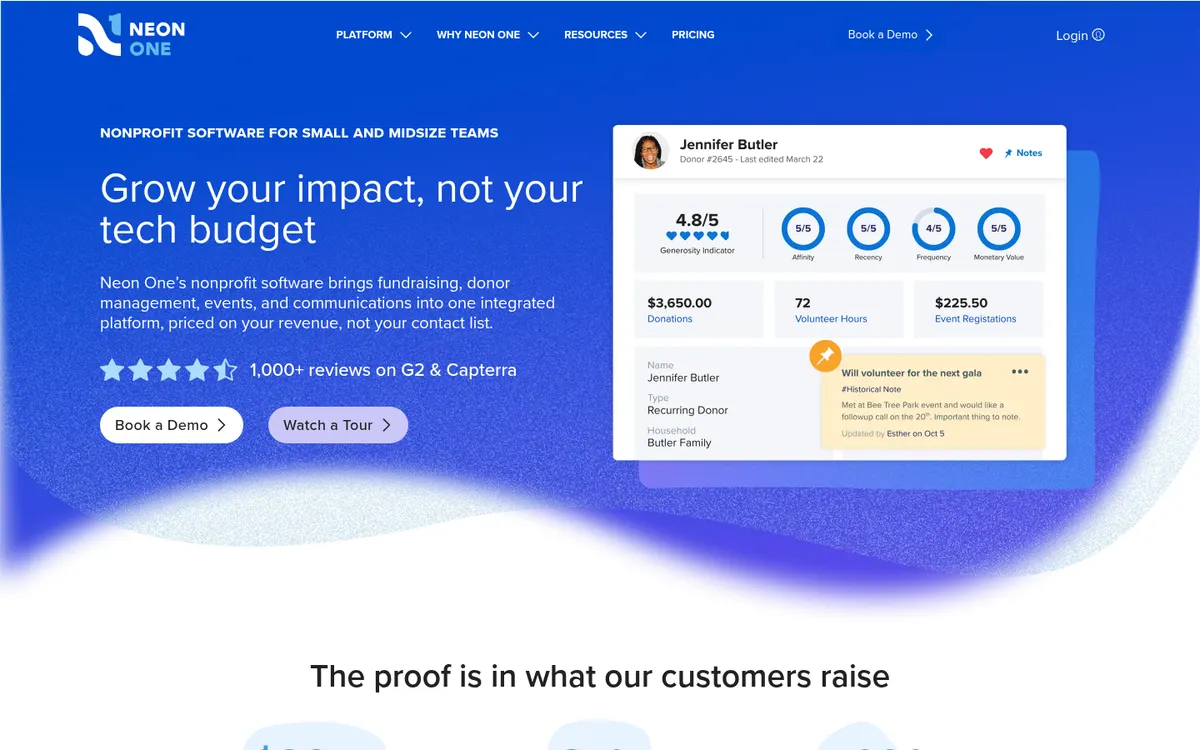
Neon CRM is the membership answer. Donor management, memberships, events, programs and email sit in one database, which is the whole point: an organization that sells memberships, runs a gala and takes donations stops reconciling three exports every month. More than 50 pre-built reports ship with the product, so a new user can pull a lapsed member list or an event revenue summary without building anything, and custom reports cover what the pre-built ones miss.
Workflow automation is included at the Essentials tier, which starts at $99/month and is the published entry point. Automation and advanced reporting move into higher tiers, and pricing scales with organization size, so treat $99 as a floor rather than a budget. Neon One sells the platform, and the tier map is the thing to draw before you sign, because the features that usually close the deal sit one level up.
The honest caveats are learning curve and support consistency. New users report a learning curve that reflects the number of modules switched on at once, and support responsiveness gets mixed feedback, which is a real risk when nobody on staff is a full-time database administrator. The report library softens that curve, since most of what a small team needs already exists and needs only a date range.
Tiers are also useful. An organization that starts on Essentials and outgrows it can move up rather than migrating to a different vendor, which is the expensive part of switching systems.
Pick it if memberships, events and donations all need to live in one place. Skip it if you want a single flat price with no tier decisions to revisit each year.
What works
- Replaces several disconnected tools with one system
- Large report library out of the box
- Automation included at the entry tier
What to weigh
- Learning curve for new users
- Advanced automation sits in higher tiers
- Mixed feedback on support responsiveness
Pick it if
Memberships, events and donations all need to live in one database.
Skip it if
You want one flat price and no upgrade decisions.
Plate 05 of 09
Givebutter
Best for small nonprofits wanting fundraising plus CRM at no cost
Our verdict
Free fundraising plus a real donor CRM, with depth limits that appear once major gifts matter.
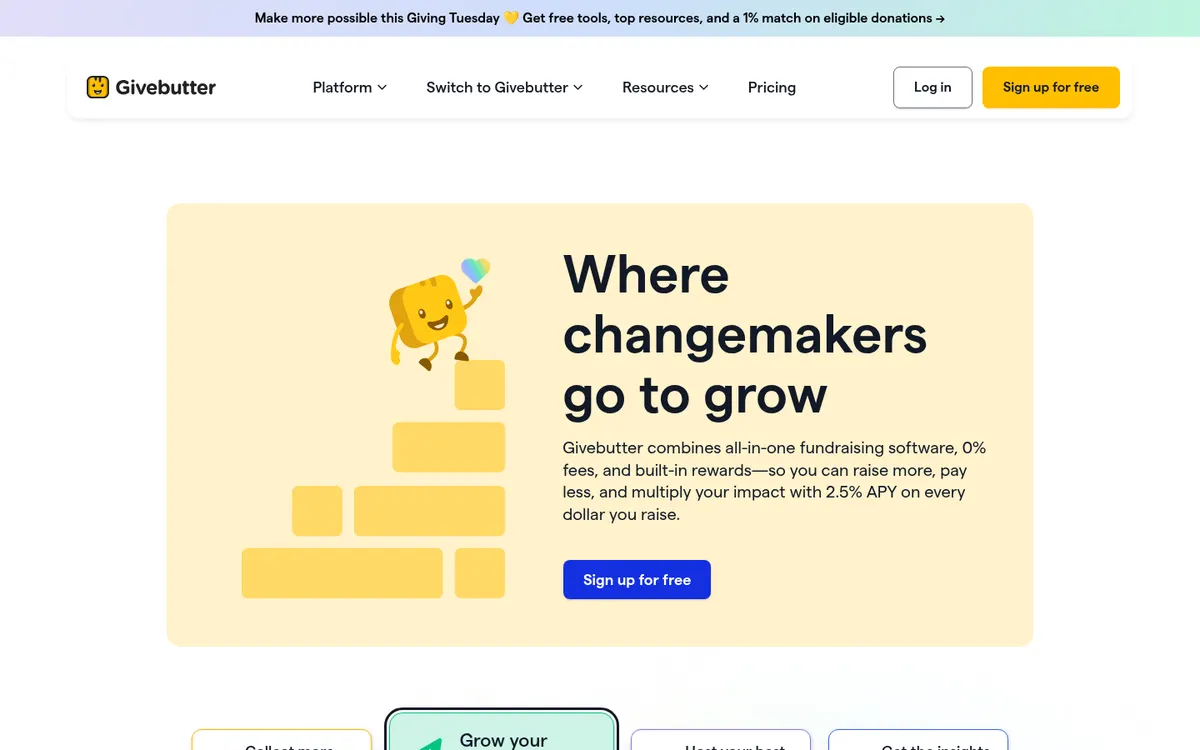
Givebutter is the free option that actually includes a CRM. Donation pages, peer-to-peer campaigns, event and auction management, contact records and donor activity tracking all sit in one platform at $0/month for the core. For a small organization that has been running a peer-to-peer campaign in one tool and tracking donors in a spreadsheet, that combination removes a monthly invoice and a reconciliation step at the same time.
The business model is donor tips. Supporters are invited to add a voluntary tip at checkout, and the platform runs on those contributions rather than subscriptions. That works well on small gifts and less reliably on large ones: a major donor writing a large gift may not add a tip, so a big-gift program does not fund the tool the way a broad small-dollar campaign does. Payment processing economics sit separately and should be checked with the vendor before you model net revenue.
Advanced capabilities sit behind Givebutter Plus, from $29/month, and there is a 30-day trial on that paid tier. The interface is modern and approachable, which matters when volunteers build the campaign page, and the depth sits below established enterprise platforms, so a large development shop will hit limits in reporting and moves management fairly quickly.
The strongest use case is a campaign calendar: a walk, a giving day, an auction and a year-end appeal, all run from one place with donor records attached. The weakest is a shop that needs segmented, multi-step cultivation for a portfolio of major prospects.
Pick it if you need fundraising plus donor records without a subscription. Skip it if your revenue comes mostly from a handful of major gifts.
What works
- No subscription for the core platform
- Fundraising and donor records live in one tool
- Modern, approachable interface
What to weigh
- Donor tips may not cover costs on large gifts
- Advanced features need Plus from $29/month
- Less depth than enterprise platforms
Pick it if
You want fundraising tools and donor records with no monthly subscription.
Skip it if
Your program depends on major gift pipeline depth.
Plate 06 of 09
Zeffy
Best for nonprofits prioritizing zero platform and transaction fees
Our verdict
Zero fees on donations and tickets, with a lighter CRM and a checkout ask donors will notice.
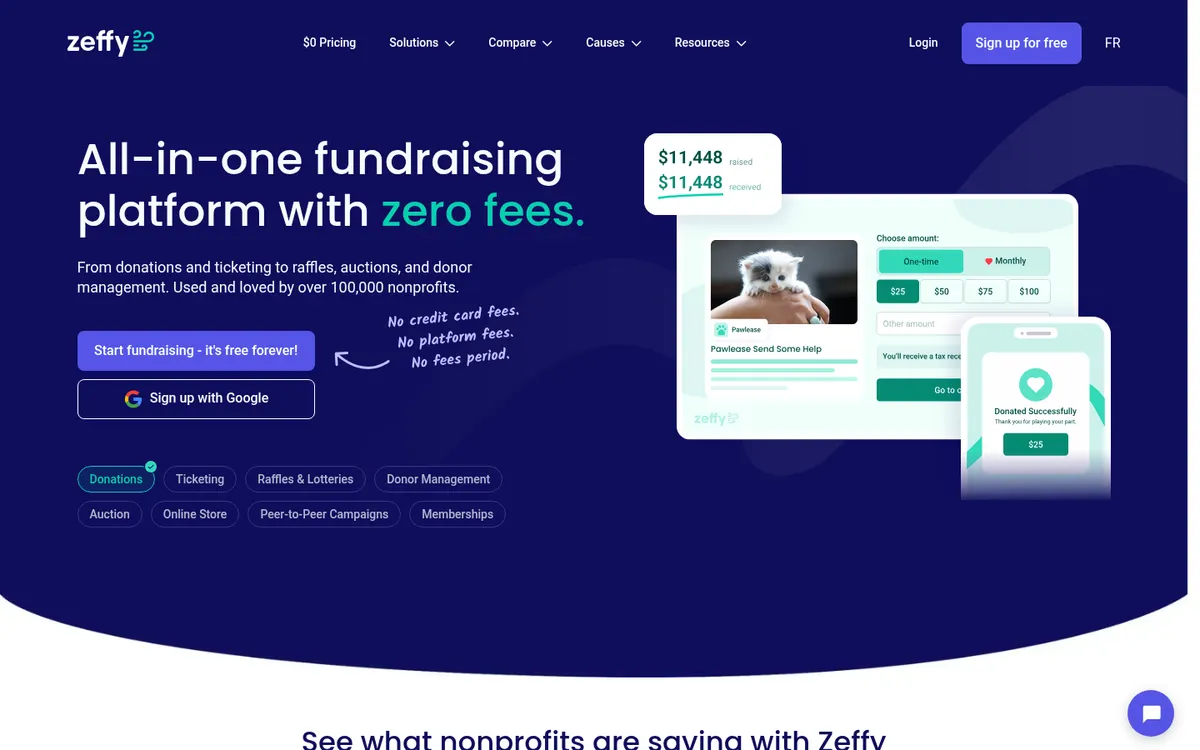
Zeffy is the zero-fee option, and it means both halves of that phrase. There is no platform subscription and no transaction fee on donations, plus event ticketing, membership management, raffles, nonprofit e-commerce and basic donor records and reporting. For a volunteer-run organization that priced out donor software and gave up, the arithmetic is simple: more of each gift stays with the mission.
The funding model is the part to understand before signing up. Zeffy is supported by voluntary contributions prompted at checkout rather than by subscriptions, which means your donors see an ask that is not yours. Some will add it without thinking, others will pause, and a few will abandon a form because they are unsure whether the extra amount is mandatory. That friction is real and worth watching in your completion rates across the first month.
The CRM and reporting layers are lighter than paid rivals, and advanced fundraising features are few, so this is a fundraising tool with donor records attached rather than a database with fundraising bolted on. A development office that needs moves management, wealth screening or segmented appeals will outgrow it. A group running a gala, a raffle and a membership drive on volunteer time will not.
Simplicity is the other advantage. A volunteer who has never built a form can publish a donation page in an afternoon, which is often the real bottleneck for organizations without staff.
Confirm the fee structure with the vendor directly, because a free model that depends on donor behavior is worth verifying in writing.
Pick it if fees are the reason you have not bought donor software yet. Skip it if donors pausing at checkout would cost more than the fees you save.
What works
- No platform fees and no transaction fees on donations
- Covers forms, events, memberships and raffles
- Simple enough for volunteer-run organizations
What to weigh
- Checkout tip prompts can confuse donors
- CRM and reporting lighter than paid rivals
- Few advanced fundraising features
Pick it if
Zero platform and transaction fees matter more than CRM depth.
Skip it if
You need segmentation, wealth screening or moves management.
Plate 07 of 09
DonorSnap
Best for small nonprofits wanting a focused, affordable donor database
Our verdict
A focused, clearly priced database that suits small shops and runs out of room at 1,000 contacts.
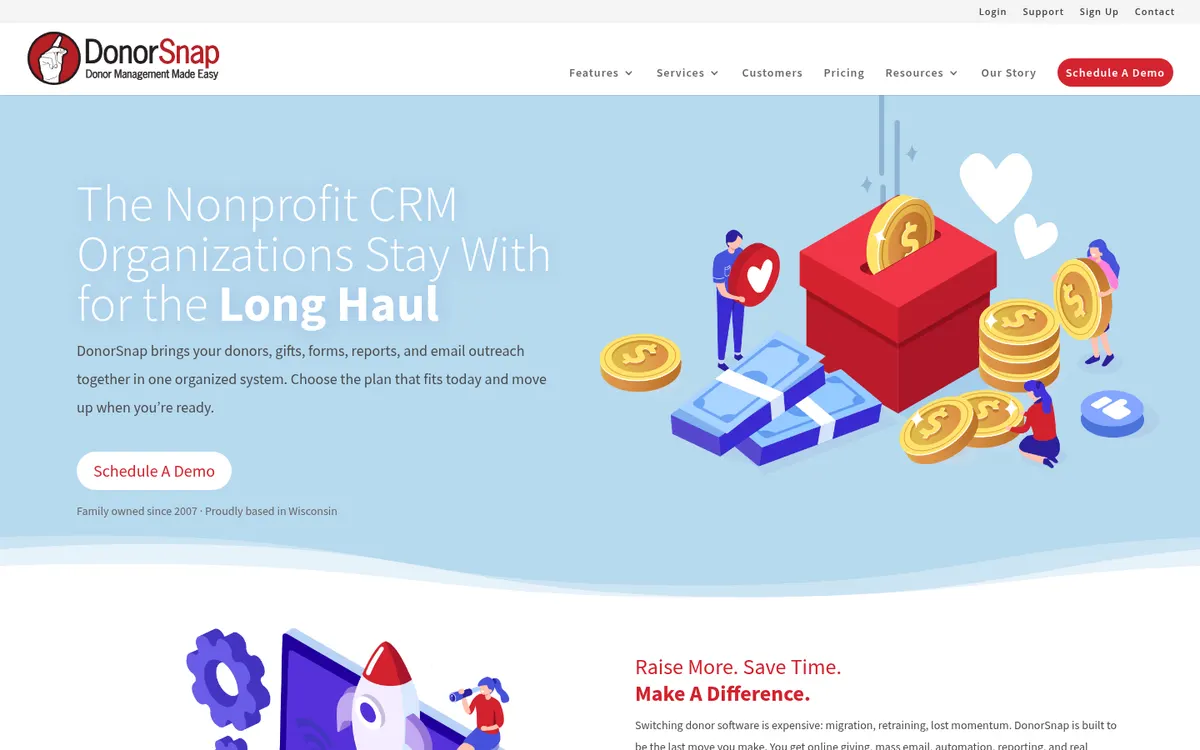
DonorSnap does one job and does not pretend otherwise. Donor records, gift tracking, customizable donation pages, automated thank-you messages, reporting and donor communication follow-up tools cover the daily work of a small development office without the modules that need an administrator. Narrow scope is the feature here: staff learn it quickly and there is no enterprise configuration to work around.
Pricing is the Basic tier at $68/month for up to 1,000 contacts, plus a one-time $200 setup fee, with a 30-day free trial. The setup fee is worth flagging because it changes the first-year cost compared with a flat monthly tool. The 1,000-contact cap is the bigger issue: an organization with years of event attendees and lapsed donors can pass 1,000 records faster than expected, and higher tiers push the monthly price up from there.
Customizable donation pages and automated thank-you messages are the practical strengths. Thanking donors quickly is one of the few retention levers a small shop fully controls, and automating it removes a task that slips in the week before an audit. Reporting covers the basics without a report builder or a training session.
Native integrations are fewer than larger CRMs offer and marketing automation is limited, so an organization running complex email journeys will pair it with a separate email platform. That is a reasonable trade for a database that stays affordable and legible to whoever inherits it.
The position in the market is between cheaper entry tools and pricier retention-focused CRMs. If you need retention scoring, this is not it; if you need clean gift records and fast receipts, it is enough.
Pick it if you want a focused database at a clear monthly price and can stay under 1,000 records. Skip it if your contact list is already close to the cap.
What works
- Narrow scope without enterprise bloat
- Customizable donation pages
- Clear single entry price
What to weigh
- Entry tier caps at 1,000 records
- Fewer native integrations than larger CRMs
- Marketing automation is limited
Pick it if
You want a focused donor database with a published price and a short learning curve.
Skip it if
Your database is near 1,000 contacts or you need retention analytics.
Plate 08 of 09
Keela
Best for nonprofits wanting AI assistance with fundraising asks
Our verdict
Fundraising intelligence worth paying for only if your team works the pipeline every week.
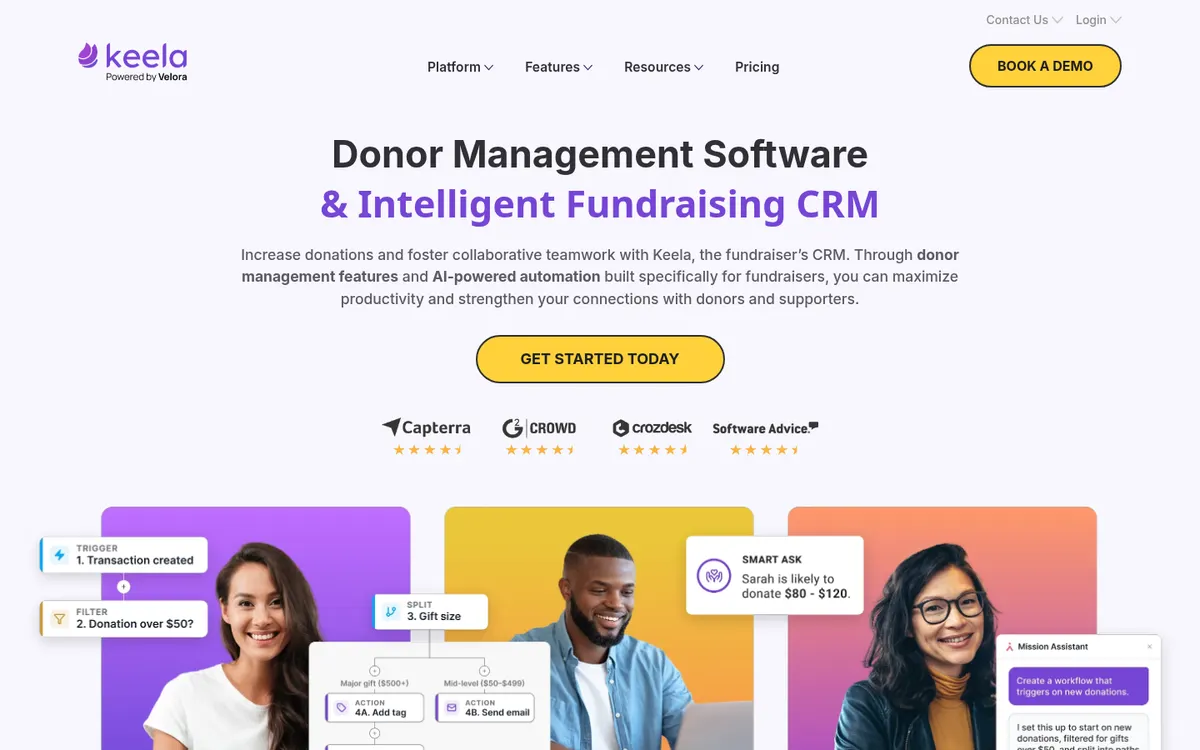
Keela sells fundraising intelligence rather than record keeping. AI-assisted ask amount suggestions, donor pipeline management and wealth screening aim at one outcome: raising more per donor instead of filing the same gifts more neatly. Built-in marketing automation keeps cultivation email in the same system as the pipeline, and every plan includes an implementation specialist, which shortens the gap between purchase and real use.
The price reflects that ambition. Plans start at $164/month for up to 1,000 contacts, up from the $134 figure older material cites, and costs climb with contact count. For a small organization $164/month is a serious line item that has to be justified by actually using the ask suggestions and wealth screening. A team that buys it and only logs gifts is paying for capability it never opens.
The feature set holds together: pipeline management for major gifts, automated marketing for the middle of the donor file, and screening to decide who deserves a visit. Dedicated onboarding help is included rather than sold as a package, which is unusual at this price and matters for shops without a database person on staff.
The trade-offs are usability and mobile access. There is no mobile app and some users report usability friction, which hits gift officers who work from cars, events and parking lots. Cost scaling with contact count also means growth becomes a budget event rather than a background detail.
The value case is narrow and clear: a team with active major gift prospects who will work the pipeline weekly. For a shop whose gift officer is the executive director on Fridays, the intelligence features stay dormant.
Pick it if major gift fundraising is the center of your strategy and you will use the AI and screening tools weekly. Skip it if you need mobile access or a monthly cost below its published starting price.
What works
- Fundraising intelligence aimed at raising more per donor
- Marketing automation bundled in
- Dedicated onboarding help included
What to weigh
- $164/month is steep for small organizations
- Costs climb with contact count
- No mobile app and some usability friction
Pick it if
Your team works a major gift pipeline every week and will use the ask suggestions.
Skip it if
You need a mobile app or a monthly cost under $150.
Plate 09 of 09
Eleo
Best for small nonprofits wanting full features at the lowest price
Our verdict
The lowest published price for full features and unlimited users, with a smaller integration ecosystem.
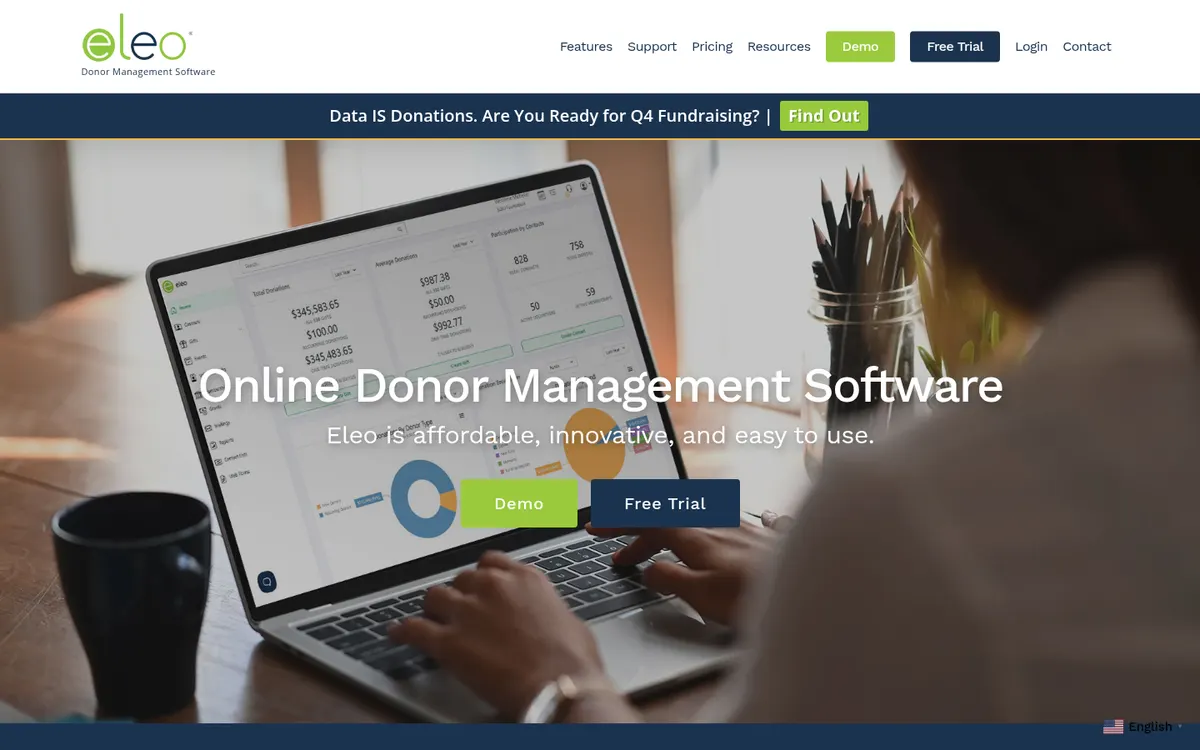
Eleo is the price leader among paid donor CRMs in this list. The Standard tier covers up to 2,500 records at $39/month, with every feature included on every plan, unlimited users, live phone support, dedicated data-import assistance and no annual contract required. Feature gating is the usual way small nonprofits get squeezed: you buy for gift entry and discover receipts or reporting sit a tier up. Eleo does not do that.
Unlimited users matters more than it sounds. Organizations that run gift entry through volunteers or rotate board members through data tasks can add people without renegotiating a contract. Live phone support is a different experience from a ticket queue when a receipt batch fails the week before an audit, and import assistance covers the migration step where most small implementations stall.
The trade-off is ecosystem. Eleo is a smaller vendor with a shorter track record, third-party integrations are fewer, and advanced automation is limited, so an organization planning to connect its CRM to a payment platform, an email suite and an accounting system may find connectors missing. No annual contract cuts both ways: easy to leave, and less leverage for deep customization built around one customer.
For the core work, though, the coverage is complete. Gift management, donor records, unlimited users and human support at $39/month for 2,500 records undercuts comparable small-nonprofit databases here, and the 30-day free trial lets you test import and receipts before you pay anything.
A sensible first paid system for an organization that knows it needs a database but cannot justify a larger monthly bill yet.
Pick it if you want full features at the lowest published price and can live with a smaller integration list. Skip it if your stack depends on many third-party connections.
What works
- Lowest published entry price among paid donor CRMs here
- No feature gating or upsells across tiers
- Human support and import help included
What to weigh
- Smaller vendor with a shorter track record
- Fewer third-party integrations
- Advanced automation is limited
Pick it if
You want every feature at the lowest published price with unlimited users.
Skip it if
Your operation depends on a wide set of third-party integrations.
What does donor management software actually do for a nonprofit?
Donor management software is the system of record for everyone who gives you money and everyone who might. At its core it stores constituent records (people, households, foundations, companies), attaches gifts, pledges and recurring schedules to those records, and keeps the interaction history that tells a fundraiser whether a thank-you call happened, whether an appeal was opened and whether the last gift was larger or smaller than the one before.
That core has widened. Products in this list vary: some handle online giving, events, memberships, email and reporting, because the alternative was staff exporting data from multiple tools into a spreadsheet every month. The line between a donor database and a full nonprofit CRM has largely disappeared at the small and mid-size end of the market.
Four jobs matter more than the feature list:
- Recording gifts accurately, including pledges, recurring gifts and in-kind donations, so receipts and audit trails hold up.
- Telling you who is lapsing, before the lapsed donor file becomes a mailing list you cannot afford to reactivate.
- Getting a thank-you out fast, because the first acknowledgment is one of the few retention levers a small shop fully controls.
- Reporting to a board in language a board understands, which usually means retention rate and average gift, not transaction counts.
Retention is where the money is. A repeat donor does not need to be acquired again, and retention rate compounds: small improvements can change the revenue picture more than a new campaign tool does. That is why Bloomerang leads with engagement scoring and retention dashboards here, and why cheap databases that only log gifts score lower on retention tools.
Cost structures differ sharply. Some platforms charge a flat monthly fee by record cap, some charge tiers by organization size, some quote by contact count, and two in this list charge no subscription at all and are funded by donor tips or contributions at checkout. None of that makes a platform free to run: payment processing economics should be checked separately, and add-on modules such as volunteer management carry their own fees. Read the total, not the headline.
This guide sits in the Software collection. Buyers weighing nearby tools often read the guides to 1099 filing software and AI-powered video ad editing software next.
How does donor software pricing work, from free to quote-only?
Pricing in this category follows four models, and the table below shows which ones publish an entry price.
| Model | How it bills | Typical fit | Example from this list |
|---|---|---|---|
| Free with donor tips | No subscription; optional contributions prompted at checkout | Volunteer-run groups and very small budgets | Zeffy (100% free), Givebutter ($0/month core, Plus from $29/month) |
| Flat monthly tier by record cap | Monthly fee tied to contact or record count, with annual prepay savings | Small nonprofits replacing spreadsheets | Eleo ($39/month, up to 2,500 records), Little Green Light ($45/month, up to 2,500), DonorSnap ($68/month, up to 1,000, plus $200 setup) |
| Tiered subscription | Plan levels that gate automation and reporting | Growing membership and program organizations | Neon CRM (Essentials from $99/month), Keela (from $164/month, up to 1,000 contacts) |
| Custom quote | Sales quote based on contact count, usually billed annually | Mid-size and larger development operations | Bloomerang (all plans quoted), DonorPerfect (quotes only) |
The record cap is the number that decides your real price. A $39/month tool at 2,500 records and a $68/month tool at 1,000 records are not competing on the same terms, because the second one charges more for less room to grow. Map your current contact count, then add a realistic year of new donors and event attendees before choosing a tier.
Annual billing shows up in different ways. Little Green Light notes an annual saving of 10 percent, while Bloomerang quotes per contact and bills annually, so the monthly figure you hear on a call may not match what leaves the account. One-time setup fees also distort comparisons: DonorSnap charges $200 at the start, which raises the first-year cost above the monthly rate.
Add-ons are the third variable. Bloomerang sells fundraising at about $40/month and volunteer management at about $119/month as separate purchases alongside the CRM. Payment processing economics should be checked separately with each vendor. Two platforms here charge no subscription and are funded by voluntary donor contributions at checkout, so your donors effectively underwrite the software.
Every price in this guide was read on the vendor's own pricing page on November 25, 2026. Where a vendor does not publish a figure we could confirm, the card says "See website" rather than a guess. For the arithmetic around this purchase, try the free Email campaign metrics calculator.
Which donor management tool fits your organization right now?
Count your records first. Pull the actual number of contacts, including lapsed donors and event attendees, because several published tiers in this list are capped by record count. An organization can have more constituents than expected once event registrants and volunteers are included.
Name the problem in one sentence. If it is lapsed donors, start with Bloomerang and its retention scoring. If it is spreadsheets, start with Little Green Light. If it is memberships scattered across three tools, start with Neon CRM. The problem picks the shortlist faster than the feature matrix.
Set a real budget ceiling including year two. Some entry prices climb with contact count, and setup fees such as DonorSnap's $200 land in year one. Add any modules you know you need, then check whether the second-year number still works for your board.
Decide whether a published price is required. If your board needs a number before approving anything, eliminate Bloomerang and DonorPerfect early and choose from Eleo, Little Green Light, DonorSnap, Neon CRM or Keela, all of which publish entry rates.
Test the import before you commit. Use the free trials: Little Green Light, DonorSnap and Eleo all offer 30 days, and Eleo includes import assistance. Bring a real spreadsheet with duplicate records and see what happens to gift history and dates.
Check what sits outside the subscription. Volunteers, fundraising modules, email tools and payment processing are frequently separate. Ask each vendor for a written total covering the first twelve months, then compare that number rather than the headline rate.
Mistakes that cost nonprofits money and time
Buying on the entry price alone. A $39/month plan capped at 2,500 records and a $68/month plan capped at 1,000 are not comparable. Model your record count twelve months out before deciding which tier you will actually live on.
Ignoring the add-on list. Bloomerang sells fundraising at about $40/month and volunteer management at about $119/month as separate purchases. A quote that looks affordable can double once the modules your team needs are added to the contract.
Assuming free covers everything. Zeffy and Givebutter charge no subscription, but both are funded by donor contributions prompted at checkout, and payment processing economics should be checked separately. Read completion rates carefully in the first month.
Skipping the migration test. Import is a common place for setup problems, rather than daily use. Test with a real spreadsheet containing duplicates and old gifts, and ask what happens to original gift dates before you sign anything.
Choosing a database nobody will open. A platform with wealth screening and AI ask suggestions is wasted if the only user is a part-time director with an hour on Fridays. Match the depth to the hours your team can actually spend in the system.
Best Donor Management Software 2026: questions
Which donor management tools are cheapest for small nonprofits?
Eleo is the cheapest paid entry point here at $39/month for up to 2,500 records, with every feature included. Little Green Light follows at $45/month for the same cap, then DonorSnap at $68/month for 1,000 contacts plus a $200 setup fee. If the budget is zero, Zeffy and Givebutter charge no subscription for their core platforms and are funded by donor contributions at checkout.
How much does donor software cost across budget, mid-tier and enterprise ranges?
Budget tools run $39 to $68 per month, as with Eleo, Little Green Light and DonorSnap, and are usually capped by record count. Mid-tier subscriptions start around $99 to $164 per month, as with Neon CRM Essentials and Keela. Bloomerang and DonorPerfect publish no rates at all, so the figure depends on contact count, modules and contract length.
Can a donor database import data from spreadsheets?
Yes, and it is a common starting point for small nonprofits. Little Green Light documents its import path from spreadsheets, and Eleo includes dedicated data-import assistance on every plan, which covers the step where most migrations stall. Ask two questions before signing: what happens to duplicate records during import, and whether gift history keeps its original dates. A clean import separates a working database from a spreadsheet with extra steps.
How do payment processing fees work alongside donor CRMs?
Ask each vendor how payment processing is handled separately from the software subscription. The CRM records the gift, and a processor moves the money and takes its cut, so the rate depends on your processor and payment method rather than the database. Zeffy charges no platform or transaction fees on donations, and Givebutter charges no subscription and is funded by optional donor tips at checkout. Confirm rates with each vendor in writing.
What is donor retention and why does it drive revenue?
Retention is the share of last year's donors who give again this year. It drives revenue because a repeat donor does not need to be acquired again, so each retained gift can carry a better margin than a new one, and small improvements compound across a donor base. Bloomerang tracks retention rate over time and scores each constituent's likelihood of repeat giving, which is why retention analytics anchor its ranking here. Track it by cohort, not as one blended number.
Why do some nonprofit platforms charge no subscription or transaction fees?
Because donors fund them instead. Zeffy and Givebutter support their core platforms with voluntary contributions prompted at checkout, so the organization pays nothing and the donor is invited to add a tip. That keeps software accessible to volunteer-run groups, but it puts an extra ask in front of your donors at the moment they are trying to give, and some will pause. Get the fee structure confirmed in writing.