
Contents of this guide
The shortlist
Our top 3 for HR buyers

BambooHR
Records plus e-signature
- Best for
- SMBs wanting employee records and compliance in one system
- Features
- 5 noted: Employee records, E-signatures, Onboarding, Time off, Audit reporting
Gusto
Automated tax filing
- Best for
- Small US businesses bundling payroll with compliance automation
- Features
- 5 noted: Payroll tax filing, New-hire reporting, I-9 and W-4, Benefits, US payroll

Rippling
HR and IT together
- Best for
- Companies unifying HR, payroll, and IT in one platform
- Features
- 4 noted: Unified HR and IT, Device management, Global payroll, Workflow automation
Disclosure for this guide. All 9 tools here are unpaid editorial picks. The position of a paid listing can be part of what the vendor pays for. Paid and unpaid tools are scored on the same rubric and keep their cons. Details are in the advertising disclosure.
The ledger
Index of every tool
| Tool | Free plan | Trial | Rubric | Compare | ||
|---|---|---|---|---|---|---|
| 01 | BambooHRSMBs wanting employee records and compliance in one system | $10Core, per employee per monthChecked Nov 25, 2026 | No | Free trial | ||
| 02 | GustoSmall US businesses bundling payroll with compliance automation | $49Simple, per month plus $6 per person per monthChecked Nov 25, 2026 | No | Free trial | ||
| 03 | RipplingCompanies unifying HR, payroll, and IT in one platform | See websitecustom quoteCustom quote | No | Demo only | ||
| 04 | DeelStartups and global teams needing a free HRIS core | $14Talent sourcing, per worker per monthChecked Nov 25, 2026 | Yes, up to 200 employees | Free plan available | ||
| 05 |  MineralPure compliance: handbooks, regulatory library, live HR experts | See websiteNot published | No | Demo only | ||
| 06 |  NamelyMid-size firms wanting configurable HR, payroll, and benefits | See websiteNot published | No | Demo only | ||
| 07 |  PaycorGrowing businesses needing payroll depth plus attached HR tools | See websiteNot published | No | Demo only | ||
| 08 | Zoho PeopleBudget HR for companies already using Zoho apps | See websiteNot published | No | Free trial | ||
| 09 |  TriNetCompanies wanting a PEO to take on compliance | See websiteNot published | No | Demo only |
Prices are the lowest paid plan the vendor shows, read on November 25, 2026. Sort by price ranks published monthly figures; tools without one go last. Pin up to three tools to compare them side by side.
How this guide was put together
We scored nine tools against five criteria, weighted for the buyer each entry describes rather than for one ideal customer. Compliance depth (25%) covers handbook generation, regulatory content, mandated training, advisory access, and audit-ready documentation. Payroll and tax handling (20%) covers filing, new-hire reporting, garnishments, and multi-state processing. Ease of use (20%) covers implementation time, how quickly a non-specialist finds a record, and whether the interface gets adopted. Pricing clarity (15%) rewards published rates and penalizes quote-only models that slow comparison. Scalability (20%) asks whether the product still works at 500 employees and across borders.
Prices and plan details come from vendor pricing pages checked on November 25, 2026. Where a vendor publishes no rate, we say pricing is on the vendor site and send you there rather than guessing a figure. Per-employee rates were normalized but never converted between currencies.
The order is editorial. It reflects fit for the buyer described in each entry, plus any disclosed Featured position. This list currently carries no Featured placement. If one appears, it is a paid placement and is scored with the same rubric as every other entry, including the same scrutiny of cons.
Free plans and trials were checked as listed. A free trial is not the same as a free plan, and a demo is neither. We flagged which is which, because a demo-only vendor means a sales call before you can test anything.
Nothing here replaces legal review. Software generates documents and reminders; an employment lawyer still reviews handbooks, terminations, and classification decisions.
The full process, including how we handle corrections, is on the methodology page. Paid listings follow the advertising disclosure.
Rubric and weights
Every tool below is scored from 1 to 10 on these five criteria. The scores describe each tool; the order is an editorial call on fit for the buyer each card describes, plus the disclosed Featured position.
- 25%Compliance depthHandbook generation, regulatory content, mandated training, advisory access, and audit-ready documentation.
- 20%Payroll and taxTax filing, new-hire reporting, garnishments, and multi-state payroll processing.
- 20%Ease of useImplementation time, how fast a non-specialist finds a record, and whether staff actually adopt it.
- 15%Pricing clarityPublished rates score well, quote-only models that slow comparison score poorly.
- 20%ScalabilityWhether the product still holds up at 500 employees and across borders.
Plate 01 of 09
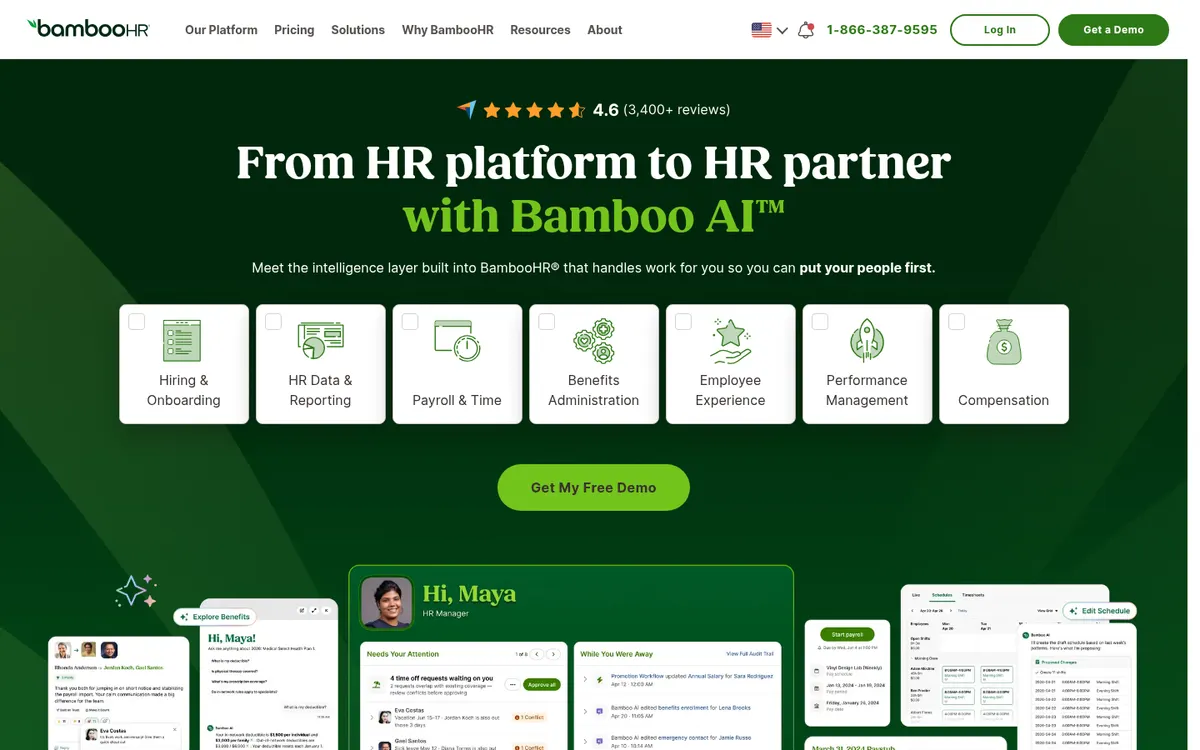
BambooHR
Best for SMBs wanting employee records and compliance in one system
Our verdict
Best fit for small and mid-size teams that want employee records, e-signatures, and onboarding compliance in one tidy system.
BambooHR is the employee record most small companies picture when they think of HR software. Profiles, documents, signed policy acknowledgments, and time-off history live in one place, so an auditor or an employment lawyer asking for a record gets a link rather than a scavenger hunt through shared drives and old inboxes.
Compliance work sits inside the same flow as hiring. Onboarding workflows collect I-9 and tax forms before the first day, e-signature capture records who acknowledged which policy and when, and reporting flags missing or expired documentation. Performance records and review history stay attached to the profile, which matters in a dispute where you need to show a documented pattern rather than a recollection. Time-off tracking runs in the same system, so leave balances are not reconciled by hand at year end.
Pricing is per employee per month, starting at $10 on the Core plan, and that rate applies more cleanly at larger headcounts. Very small teams hit a flat monthly minimum near $250, which pushes the effective per-head cost much higher below roughly 25 employees. Payroll is a separate add-on purchase, and benefits administration depends on which tier you buy, so the headline number is not the whole bill. Model the invoice at your actual size before comparing it to anything else.
BambooHR fits a small or mid-size company where one person wears the HR hat and nobody wants a long implementation. It is a records system first. If your risk concentrates in multi-state payroll tax filing or contractor classification, a payroll-led product or a PEO covers more ground. Re-check the pricing page before signing, since per-employee rates and minimums move.
What works
- Clean single system of record
- Onboarding and e-signatures included
- Audit-friendly documentation reporting
What to weigh
- Payroll costs extra as an add-on
- Flat minimum near $250 hurts tiny teams
- Benefits depth varies by tier
Pick it if
You want employee records, signed policies, and onboarding compliance in one system your whole team can use.
Skip it if
You need payroll in the base price or you run fewer than 25 people and the monthly minimum dominates the bill.
Plate 02 of 09
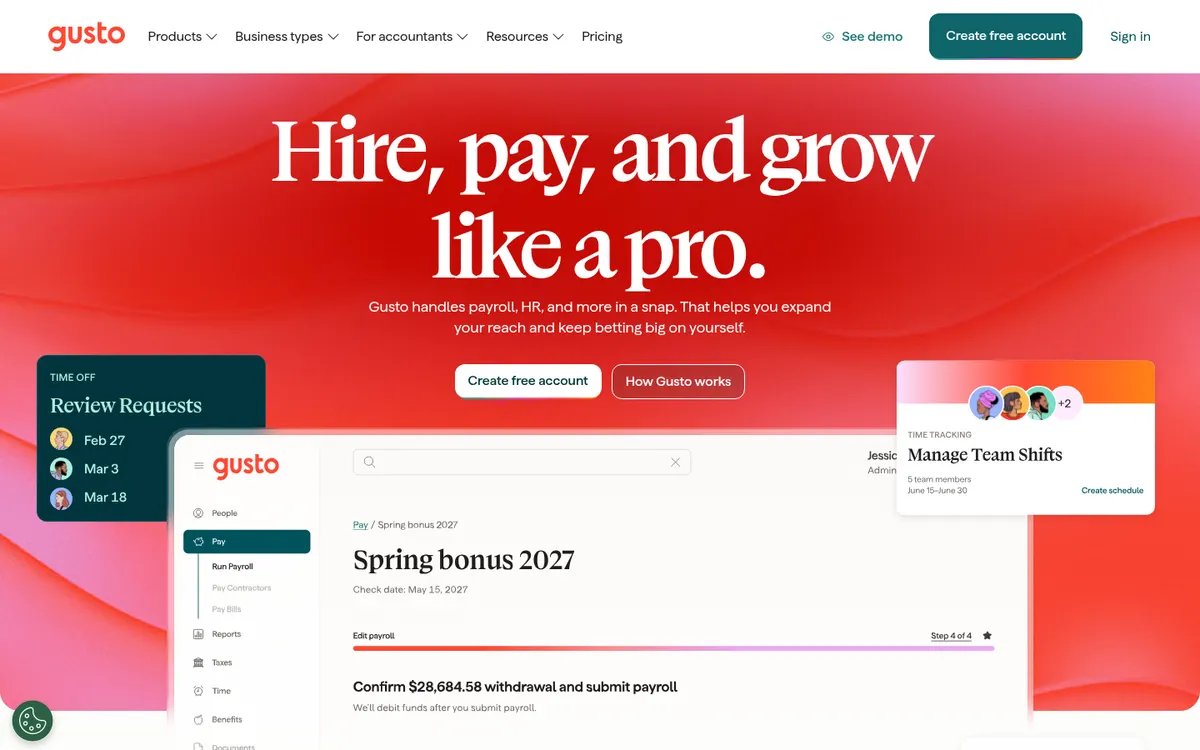
Gusto
Best for small US businesses bundling payroll with compliance automation
Our verdict
Best for US small businesses that want payroll tax filing and new-hire reporting automated alongside a usable HR record.
Gusto's compliance pitch is narrow and effective: payroll tax filing at federal, state, and local levels, new-hire reporting sent to state agencies, and onboarding that gathers W-4, I-9, and direct deposit details before the first paycheck. For a US small business those are the tasks that generate penalties when they slip, and Gusto automates them without asking you to learn payroll codes or filing calendars.
Core HR record keeping sits alongside payroll, so the employee list, compensation history, and documents stay in one place rather than in a spreadsheet next to a payroll export. Benefits administration arrives on higher tiers. Performance management and advanced reporting are light, so treat Gusto as a payroll engine with a usable HR layer rather than a full HRIS. A company that needs configurable approval chains, a regulation library, or detailed leave case management will feel the ceiling quickly.
Pricing is the clearest in this list. The Simple plan is $49 per month plus $6 per person per month, published on the vendor site instead of hidden behind a quote. That model scales predictably, and a small company can do the arithmetic in a minute. Higher tiers add HR tooling, but the product does not become a deep HR platform at any tier. Model the per-person charge against planned hiring, because the $6 compounds.
Gusto fits a small US company with no international ambitions. It stops at the border: there is no international employment support and no contractor classification work abroad. Companies that need a handbook builder, state-specific policy content, or a certified advisor on the phone should pair Gusto with a compliance-only subscription rather than expect it from payroll software. Confirm current rates on the vendor site before you budget.
What works
- Tax filing automation across all 50 states
- Published, easy to model pricing
- Onboarding collects W-4 and I-9
What to weigh
- US-only, no international employment
- HR depth thinner than a dedicated HRIS
- Light performance and reporting tools
Pick it if
Payroll tax filing and new-hire reporting are your main compliance exposure and you want a price you can read on the page.
Skip it if
You hire internationally, run contractors across borders, or need configurable HR workflows and a regulatory library.
Plate 03 of 09
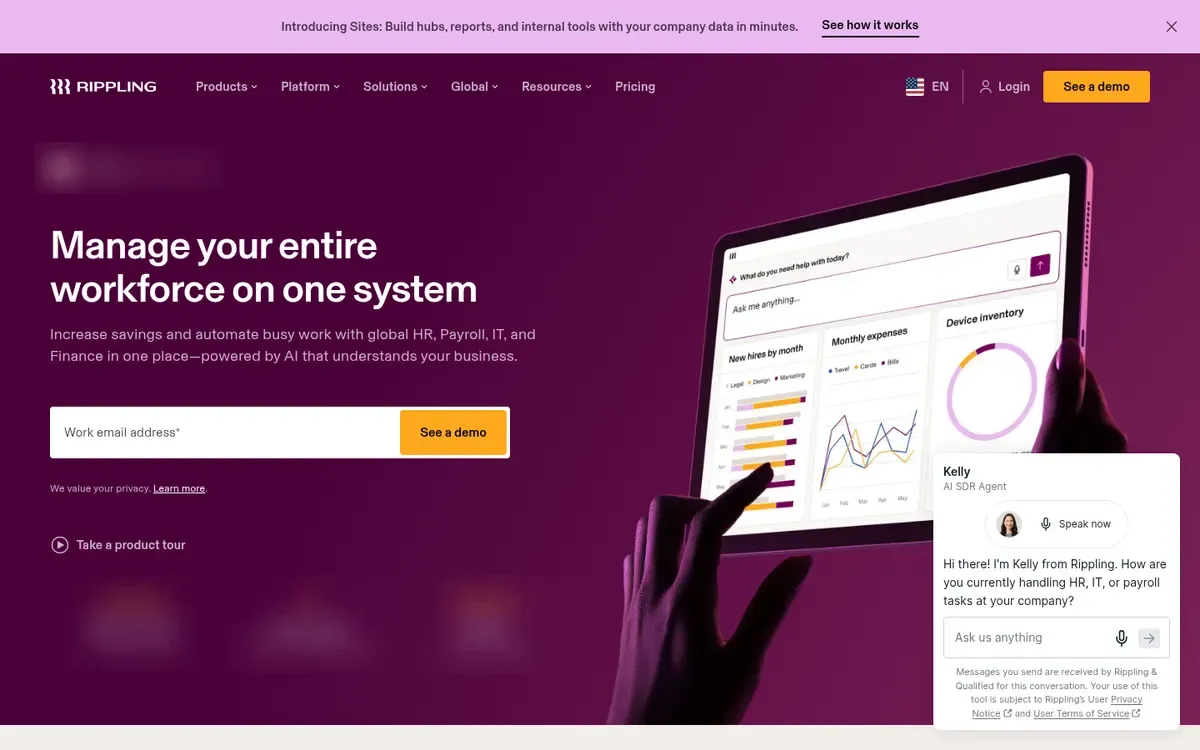
Rippling
Best for companies unifying HR, payroll, and IT in one platform
Our verdict
Best for companies that want HR, payroll, and IT device management run from one platform with shared automation.
Rippling puts HR, payroll, IT device management, and spend management on one platform, then ties them together with workflow automation. The practical effect shows at onboarding: one workflow enrolls the new hire in payroll, adds benefits, provisions the laptop and the applications, and captures policy sign-off, instead of four teams doing four handoffs and one of them forgetting the policy acknowledgment.
Offboarding runs the same logic in reverse. Access is revoked, devices are collected, final pay is handled, and the record stays consistent across systems, which is exactly the sequence auditors and lawyers ask about after a messy departure. Workflow automation extends past HR into connected tools, and that breadth is why operations leaders pick it over a pure HRIS. Global payroll and international employment modules cover companies hiring outside the US.
Pricing is the weak point. There is no published rate; the vendor site offers a quote form. The platform sells by module, and payroll, benefits, devices, and global employment each add cost, so the real bill lands well above whatever base rate a sales rep mentions first. That is not a reason to avoid Rippling, but it is a reason to model the full module mix and get it in writing before comparing against a flat per-employee competitor.
Rippling fits a growing company where HR, IT, and finance already operate as one function and someone owns systems administration. A very small company with a single HR generalist will find the setup work heavier than the payoff, and the learning curve steeper than lighter tools. Expect a longer evaluation. Ask for a written quote that lists every module you plan to switch on in year one, and confirm what happens to pricing as headcount grows.
What works
- HR, payroll, IT, and spend in one place
- Deep onboarding and offboarding automation
- Global payroll capability
What to weigh
- Module add-ons push the real price up
- Steeper learning curve than lighter tools
- No published rates, quote form only
Pick it if
HR, IT, and finance already work as one function and you want a single automated onboarding and offboarding flow across all three.
Skip it if
You want a published per-employee rate or you have no one to administer a multi-module platform.
Plate 04 of 09
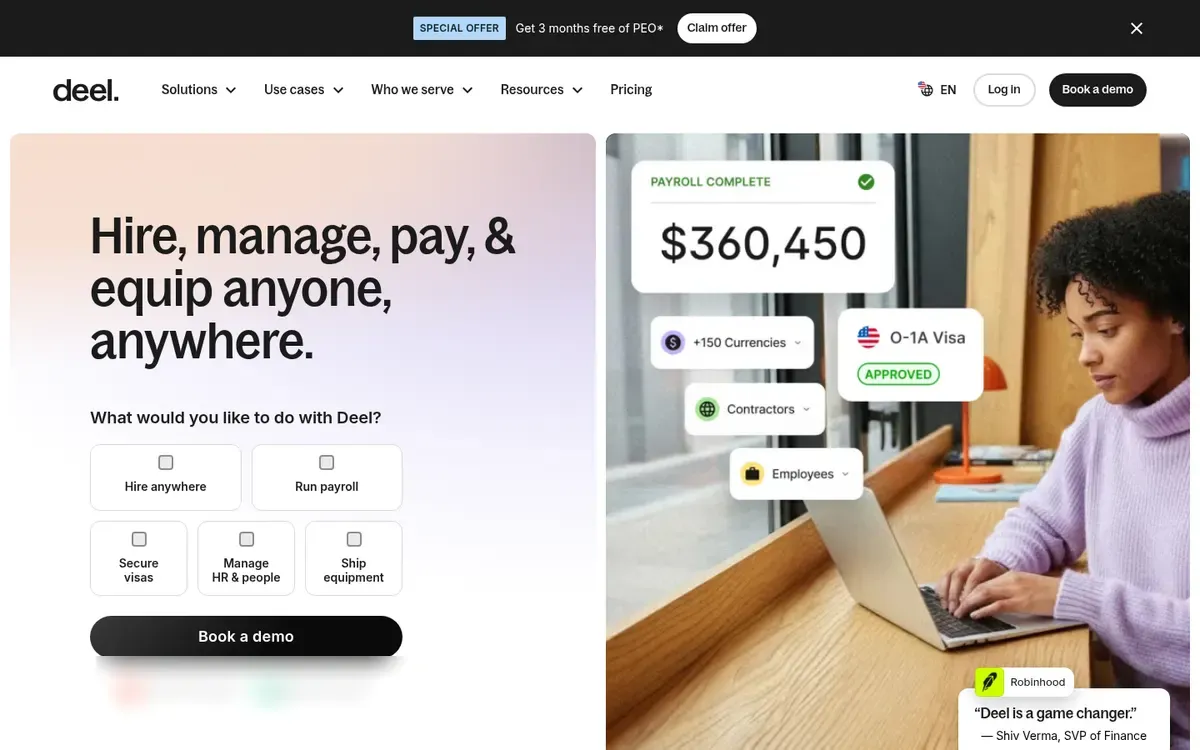
Deel
Best for startups and global teams needing a free HRIS core
Our verdict
Best for global teams that want a free HRIS core and paid modules for contractors, employer of record, and payroll.
Deel leads with a free core HRIS covering employee records, org charts, PTO tracking, and onboarding workflows for up to 200 employees. That is unusual in a category where most vendors charge per head from the first hire, and it makes Deel a reasonable starting point for a distributed team that needs a system of record before it needs a compliance library.
The paid products are where the real capability sits. Contractor management is priced from $49 per contractor per month and handles localized contracts, classification support, and cross-border tax. Employer-of-record services let you hire in countries where you have no entity, and global payroll runs across those countries. The listed starting price of $14 per worker per month refers to the Talent sourcing plan, which is a different product from the HRIS core, so do not read it as the cost of running HR.
Compliance support is strongest on cross-border questions: misclassification risk, local contract terms, and tax withholding in multiple jurisdictions. Domestic US HR depth is lighter than dedicated HRIS rivals, and advanced HR functionality sits behind the paid tiers. Support quality reportedly varies by region, which is worth testing during the free tier rather than discovering after you have moved contractor payments over.
Deel fits a startup or scale-up hiring contractors and employees across borders, where a free HRIS core plus paid global modules matches how the company actually grows. It fits less well as a US-only HRIS for a domestic company with payroll tax complexity, where Gusto or Paycor cover more of the day to day. Check the current free-tier limits on the vendor site, since an allowance that generous is the kind of thing vendors adjust.
What works
- Genuinely free HRIS core to 200 employees
- Strong contractor and EOR compliance
- Fast setup for distributed teams
What to weigh
- Advanced HR features sit behind paid tiers
- Support quality varies by region
- Lighter on domestic US HR depth
Pick it if
You hire contractors or employees across borders and want to start on a free HRIS core before paying for global modules.
Skip it if
You are a US-only employer whose main risk is multi-state payroll tax filing and hourly wage rules.
Plate 05 of 09
Mineral
Best for pure compliance: handbooks, regulatory library, live HR experts
Our verdict
Best for buyers who already have payroll handled and need compliant handbooks, a regulation library, and live HR advisors.
Mineral is the specialist in this list. It does not run payroll, store employee records, or track PTO. What it does is produce compliant documentation and put a certified advisor on the phone. The Smart Employee Handbook builder generates handbooks that account for federal and state variation, which is the task small employers most often get wrong by copying a template written for another state and another industry.
The regulation library stays current and pairs with interactive tools, so a question about a state leave law or a posting requirement can be answered without trawling government sites. Harassment prevention training is aligned to state mandates, which matters where the content, frequency, and duration are prescribed. The wider training catalog covers the rest of the annual compliance calendar.
Mineral Experts is the part buyers underestimate. Certified HR advisors give live guidance on a termination, a leave request, or a policy change at the moment the decision is being made, which is different from a document library you search alone at 9pm. That advisory layer is why companies keep the subscription after the handbook is finished.
Pricing is not published, and the demo is the only entry point. Many small businesses already have Mineral bundled through a payroll provider or an insurance broker, so check existing relationships before buying direct. The company formed from the combination of ThinkHR and Mammoth HR, and it works alongside an existing HRIS rather than replacing one. It fits a company that has records and payroll sorted and needs the documentation and advisory layer on top. It does not fit anyone shopping for one system to run HR.
What works
- Handbook builder handles state variation
- Live certified HR advisors included
- Broad mandated training catalog
What to weigh
- Not an HRIS, no payroll or records
- No PTO tracking or document storage
- Pricing is quote only
Pick it if
Your payroll and employee records are already handled and the gap is compliant documents, training, and someone qualified to call.
Skip it if
You need one system that stores records, runs payroll, and tracks leave as well as producing documents.
Plate 06 of 09
Namely
Best for mid-size firms wanting configurable HR, payroll, and benefits
Our verdict
Best for mid-size HR teams that need configurable workflows and reporting rather than a fixed set of templates.
Namely is built for HR teams with opinions about process. Workflows, approval chains, and reporting are configurable, so a company with an unusual leave policy or a multi-entity structure can model it rather than bend to the vendor's defaults. Payroll and benefits administration sit in the same platform, which removes one recurring reconciliation between two systems and one source of month-end error.
Compliance tracking adapts to internal policy rather than forcing a fixed checklist, and reporting can be tailored to what auditors or a board actually ask for. Time and attendance is included, and performance management covers review cycles. The newsfeed-style employee layer gives staff a place to see announcements and company information, which improves adoption compared with tools only the HR team logs into.
The tradeoffs are speed and transparency. Implementation runs longer than lightweight rivals because configuration takes work, and pricing is quoted through a consultative sales process rather than published on the site. That is manageable for a company with dedicated HR staff and painful for a very small operation that wanted to be live quickly. Buyers comparing on rate alone will struggle to line Namely up against a vendor with a public per-employee number.
Namely fits a company somewhere in the 50 to 500 employee range, with at least one full-time HR person, multiple benefit plans, and processes that differ from the standard template. Smaller teams pay for configurability they will never use. Ask for a written quote with the exact module mix and a realistic implementation calendar, then compare total first-year cost against a lighter HRIS plus a separate compliance subscription.
What works
- Highly configurable workflows and reporting
- Payroll and benefits in one platform
- Employee newsfeed drives adoption
What to weigh
- Implementation runs longer than light rivals
- Pricing is quote based and less transparent
- Heavier than small teams need
Pick it if
Your HR processes genuinely differ from the default and you have HR staff to run a configured system.
Skip it if
You want a published rate and a quick implementation with no dedicated HR administrator.
Plate 07 of 09
Paycor
Best for growing businesses needing payroll depth plus attached HR tools
Our verdict
Best for multi-state, hourly-heavy employers that want payroll tax compliance handled in house with HR tools attached.
Paycor's center of gravity is payroll. Multi-state processing, garnishment handling, and tax filing done in house are the core, and those are the functions where mistakes cost money and attention. For a company running hourly staff across several states, that depth matters more than a polished employee portal, and it is the reason payroll-led suites still win certain deals.
Attached HR tools cover recruiting and applicant tracking, onboarding workflows, time tracking, performance management, and reporting across payroll and HR data. The combination means a new hire can be recruited, onboarded, clocked in, and paid without a second system or a manual export. Reporting is built for payroll-heavy operations, which suits finance teams that reconcile labor cost every period and need the numbers to tie out.
The fit narrows quickly. Buyers who only need a handbook, a regulation library, and occasional HR advice will find Paycor heavier and more expensive than a compliance-only subscription. The interface reads as more traditional than newer rivals, and adoption depends on training. Pricing is quote based with no published rate, so comparison shopping means requesting several quotes and normalizing the module lists before you look at the totals.
Paycor is now part of Paychex, so roadmap, branding, and support structure may shift over time. That is not a reason to rule it out, but it is a reason to ask directly about product continuity and account team changes during evaluation. It fits a growing, multi-state, hourly-heavy employer that wants payroll compliance done in house and HR tools attached, rather than a best-of-breed stack stitched together.
What works
- Deep payroll and tax compliance
- Recruiting and onboarding included
- Reporting built for payroll data
What to weigh
- Quote-based pricing slows comparison
- Interface feels more traditional
- Overkill for compliance content only
Pick it if
You run hourly staff across several states and want payroll tax filing plus recruiting and time tracking from one vendor.
Skip it if
Payroll is already handled well elsewhere and your only gap is handbooks, policies, and HR advice.
Plate 08 of 09
Zoho People
Best for budget HR for companies already using Zoho apps
Our verdict
Best for cost-sensitive companies already inside the Zoho ecosystem that need records, leave, and onboarding, not deep compliance content.
Zoho People covers the HR fundamentals: an employee database, time-off and attendance, onboarding workflows, performance modules, document management, and policy acknowledgment with a record of who signed. Reporting pulls from the same data, so a headcount or leave question does not require a second export. For a company that mostly needs a clean place to store records and run leave requests, that is enough.
Compliance coverage is functional rather than deep. There is no regulatory library, no live advisor service, and no handbook builder that tracks state-level variation. US payroll tax automation is not a strength, and payroll depends on Zoho Payroll where it is available in your region. A team whose main exposure is a multi-state payroll audit, or a state that mandates specific harassment training content, should look elsewhere and treat Zoho People as the record keeper only.
The value case is price and integration. Zoho People is the lowest cost paid entry among the tools compared, and it connects tightly to the rest of the Zoho suite, so a company already running Zoho CRM, Books, or Desk avoids another vendor and another login for staff. Pricing is listed on the vendor site and varies by region rather than sitting on a single global price list, so budget from your regional page and confirm the per-employee charge at your headcount.
Zoho People fits a cost-sensitive company already inside the Zoho ecosystem that needs records, leave, and onboarding and handles compliance content separately. It fits poorly as the compliance backbone for a regulated industry, for a company that must prove training completion to a state agency, or for one hiring across many US states with complex wage rules.
What works
- Lowest paid entry price among these tools
- Tight integration across the Zoho suite
- Solid core HR fundamentals
What to weigh
- Compliance content much thinner than specialists
- US payroll tax automation is not a strength
- Best value only inside the Zoho ecosystem
Pick it if
You already run Zoho apps and want an inexpensive place to keep records, leave, and onboarding without deep compliance content.
Skip it if
You need a regulation library, mandated training tracking, or reliable US payroll tax filing.
Plate 09 of 09
TriNet
Best for companies wanting a PEO to take on compliance
Our verdict
Best for companies that would rather transfer employment compliance to a co-employer than run it with software.
TriNet is not software. It is a professional employer organization, which means TriNet becomes co-employer for your staff and takes on much of the employment compliance burden: payroll processing, payroll tax filing, workers compensation coverage, and regulatory management. Benefits come through pooled rates that a small company could not negotiate alone, and dedicated HR support is included so there is a named person to call rather than a support queue.
The appeal is risk transfer. When a company has no dedicated HR staff and operates in several states, the co-employment model puts a layer of expertise between the business and the filing deadlines, the workers comp audit, and the leave law question. That can be worth more than any dashboard, particularly for a founder who has been handling compliance in the evenings and knows it is a weak point.
The cost and control tradeoffs are real. TriNet is the most expensive option in this list, several times the cost of an HRIS subscription on a per-employee basis, because you are buying services and coverage rather than a login. Benefit plan design and some processes are less flexible under the PEO framework, and employment policies have to fit TriNet's structure. Companies that want to design their own plans or manage HR in house will find it constraining.
Evaluate TriNet against other PEOs as much as against HR software, because the comparison set is different. Pricing is quote based and depends on headcount, state mix, and benefits elections, so request written quotes from two or three PEOs and compare total cost of employment rather than the monthly fee alone. It fits a company that wants compliance handled rather than tooled.
What works
- Co-employment transfers much of the burden
- Enterprise-grade benefits via pooled rates
- Dedicated HR support included
What to weigh
- Most expensive option in this comparison
- Less control over benefit plans
- Policies must fit the PEO framework
Pick it if
You have no HR staff, operate in several states, and want filing, coverage, and advisory work handled by someone else.
Skip it if
You want to keep control of plan design and policy, or your compliance problem is documentation rather than administration.
What does HR compliance software actually handle day to day?
HR compliance software is the layer that turns employment rules into repeatable tasks. It does not make a company compliant on its own, and it does not replace a lawyer. What it does is make the routine obligations hard to forget and easy to prove.
The day to day work falls into a few buckets. Document control is the largest: storing employee records, capturing signatures on policies, and showing who acknowledged what and when. Onboarding is the second: collecting I-9 and tax forms, submitting new-hire reports to state agencies, and running checks in the right order. Payroll compliance is the third, and it carries the largest penalties, covering tax deposits, filings, garnishments, and wage statements.
A short list of what these tools typically handle:
- Handbooks and policy documents that reflect state variation
- Employee record storage with an audit trail
- E-signature capture on acknowledgments
- Onboarding forms and new-hire reporting
- Payroll tax filing and year-end forms
- Harassment prevention and safety training
- Leave tracking against federal, state, and local rules
- Reporting that flags missing or expired documentation
Several product types show up in this list, and they overlap only partly. An HRIS stores records and runs onboarding, with compliance as a feature. A payroll platform automates tax filing and reporting, with HR attached. A compliance-only subscription delivers handbooks, a regulation library, training, and advisors, and expects you to have records and payroll elsewhere. A PEO goes further and becomes co-employer, absorbing the obligations rather than tooling them.
The gaps matter more than the feature lists. Small employers get tripped by handbook language copied from another state, by a missed new-hire report, by misclassifying a contractor, and by a termination with no documentation trail. Software reduces the odds on each, provided someone owns the process and actually reviews the alerts.
Budget for legal review separately. A handbook builder produces a draft; an employment lawyer makes it defensible for your state, your industry, and your headcount.
This guide sits in the HR collection. Buyers weighing nearby tools often read the guides to PTO tracking software and veracode alternatives next.
How pricing works across HRIS, payroll, compliance-only, and PEO models
Pricing in this category depends less on features than on which model you buy. The models bill in completely different ways, so a straight comparison of monthly numbers usually misleads.
| Model | How it bills | Typical fit | Example from this list |
|---|---|---|---|
| Per-employee HRIS | Monthly per employee, often with a floor | Growing companies needing records and onboarding | BambooHR at $10 per employee per month on Core, with a flat minimum near $250 |
| Base fee plus per person | Fixed platform fee plus a per-head charge | Small US employers whose main risk is payroll tax | Gusto at $49 per month plus $6 per person per month on Simple |
| Free core with paid modules | Free HRIS, paid add-ons priced per worker | Distributed teams hiring across borders | Deel, free core up to 200 employees, Talent sourcing at $14 per worker per month |
| Quote-only compliance subscription | Contract quoted after a demo | Companies with payroll handled who need documents and advisors | Mineral, pricing on the vendor site |
| PEO co-employment | Quote based on company details | Companies that want obligations absorbed, not tooled | TriNet, pricing on the vendor site |
The per-employee model looks cheap and often is not. A $10 rate with a $250 monthly floor pushes the effective per-head cost well above the headline rate at small headcounts. Add payroll as a separate purchase and the effective rate climbs again. Always divide the total monthly invoice by headcount before comparing two vendors, and run the math at the headcount you expect in six months.
Quote-only vendors are not automatically expensive, but they cost you time. Every quote request adds a sales call, a needs assessment, and a delay. Ask for a written quote with the module list and the contract term spelled out, then compare total first-year cost rather than the monthly figure someone read aloud.
PEO pricing is a different purchase entirely. You are buying services, coverage, and risk transfer, so comparing a PEO monthly fee to an HRIS subscription is a category error. Compare PEO to PEO.
Re-check every rate on the vendor site before signing. Figures here were checked on November 25, 2026, and plan structures change.
Every price in this guide was read on the vendor's own pricing page on November 25, 2026. Where a vendor does not publish a figure we could confirm, the card says "See website" rather than a guess. For the arithmetic around this purchase, try the free Email campaign metrics calculator.
How to choose HR compliance software in six steps
Name the risk you are buying against. Write down the last three compliance problems your company had or nearly had: a late filing, a handbook gap, a misclassification. That list, not a feature grid, tells you whether you need payroll automation, documentation, or a PEO.
Decide whether payroll is in scope. If tax filing across states is your biggest exposure, buy a payroll-led product and accept lighter HR depth. If payroll is already handled well, a compliance subscription on top costs far less than switching platforms.
Count your headcount and your states. Per-employee pricing with a monthly floor penalizes small teams, and multi-state operations raise filing and handbook complexity fast. Model the invoice at your size in six months, not your size today.
Test the documentation trail. Ask for a demo of a missing document report and a signed policy history. If the vendor cannot show who acknowledged which policy and when, the audit trail is not really there.
Check the trial type before you commit. A free trial lets you test onboarding and reporting. A demo is a sales call. A free plan has real limits, which you should read before assuming it covers your headcount.
Budget for legal review separately. No tool in this list replaces an employment lawyer on handbooks, terminations, and classification. Price that review into year one so the software is never asked to do a job it cannot do.
Five mistakes that make HR compliance software a wasted purchase
Buying a PEO to solve a software problem. A PEO costs several times an HRIS subscription and limits control over benefits and policy. If your issue is missing documents, a compliance subscription may be a better fit and less constraining.
Ignoring the monthly minimum. A $10 per-employee rate with a $250 floor is expensive at small headcounts. Divide the invoice by headcount before you sign, and re-run the math at your planned hiring.
Treating a free tier as a compliance program. Deel's free HRIS covers records, PTO, and onboarding up to 200 employees. It does not give you a handbook, a regulation library, or an advisor.
Assuming the handbook builder is the finish line. Generated handbooks reflect state templates, not your industry, pay practices, or leave policies. Have counsel review the output before it goes out.
Skipping the module list on quote-only vendors. Rippling and similar platforms price by module, so the base rate a rep mentions can be a fraction of the real bill. Get the full written quote before comparing.
Best HR Compliance Software 2026: questions
What does HR compliance software handle day to day?
Document control, onboarding, payroll tax filing, and training. The daily work is capturing signatures on policies, collecting I-9 and tax forms, filing new-hire reports, tracking leave, and proving who acknowledged what and when. Payroll-led products add tax deposits and year-end forms. Compliance-only subscriptions add handbooks, a regulation library, and advisor access, but leave records and payroll to other systems.
What does HR compliance software cost per employee?
Pricing depends on the model and on headcount. BambooHR starts at $10 per employee per month on Core with a flat minimum near $250. Gusto charges $49 per month plus $6 per person. PEO arrangements cost several times an HRIS subscription because you buy employment services and coverage, not a login.
How is a PEO different from buying compliance software?
A PEO takes on co-employment, becoming employer of record for tax and compliance, and supplies payroll, workers compensation, and pooled benefits. Software gives you tools to meet those obligations yourself. TriNet transfers the burden and costs several times an HRIS subscription; Mineral gives you documents and advisors as a separate subscription. The PEO route also limits control over benefit plan design.
Can software replace legal review of handbooks and terminations?
No. Software generates documents and reminders and can flag missing signatures, but it cannot judge whether your handbook language is enforceable in your state or whether a termination decision is defensible. A handbook builder produces a draft; an employment lawyer reviews it against your industry, headcount, and pay practices. Budget for that review separately in year one.
Which compliance risks trip up small employers most often?
Missed new-hire reporting, handbook language copied from another state, contractor misclassification, and undocumented performance issues before a termination. Each is a process failure rather than a knowledge gap, which is why software helps: onboarding workflows collect forms, handbooks account for state variation, and reporting flags missing documentation. None of it works without someone reviewing the alerts.
Does any vendor offer a genuinely free HRIS tier?
Yes. Deel offers a free core HRIS with employee records, org charts, PTO tracking, and onboarding workflows for up to 200 employees. It is a real system of record, not a trial. Advanced HR features, contractor management, employer-of-record services, and global payroll are paid products. Read the current free-tier limits on the vendor site before planning around it.