
Contents of this guide
The shortlist
Our top 3 for HR buyers

Day Off
Chat native requests
- Best for
- teams that want leave requests and balances inside Slack and Teams
- Features
- 4 noted: Slack and Teams, Accrual rules, Carryover caps, Free to 10 users
Buddy Punch
PTO on the timecard
- Best for
- hourly and deskless teams that need PTO on the worked-hours timecard
- Features
- 4 noted: GPS time clock, Hourly accruals, Payroll export, Schedules

BambooHR
One HR record
- Best for
- growing companies that want PTO inside a complete HR platform
- Features
- 4 noted: Approval chains, 150+ integrations, Payroll feed, Hiring and onboarding
Disclosure for this guide. Day Off is a paid Featured listing in this guide and is labelled wherever it appears. The other 9 tools are unpaid editorial picks, and no vendor saw this guide before it was published. The position of a paid listing can be part of what the vendor pays for. Paid and unpaid tools are scored on the same rubric and keep their cons. Details are in the advertising disclosure.
The ledger
Index of every tool
| Tool | Free plan | Trial | Rubric | Compare | ||
|---|---|---|---|---|---|---|
| 01 | Day OffFeaturedteams that want leave requests and balances inside Slack and Teams | $2Pro, per seat per month, min $20 per monthChecked Nov 25, 2026 | Free forever up to 10 users | Free trial on paid plans, no card required | ||
| 02 | Buddy Punchhourly and deskless teams that need PTO on the worked-hours timecard | See websiteNot published | No | 14-day free trial, no card required | ||
| 03 | BambooHRgrowing companies that want PTO inside a complete HR platform | $10Core, per employee per monthChecked Nov 25, 2026 | No | No | ||
| 04 | GustoUS small businesses that want payroll and PTO from one vendor | $49Simple, per month + $6/person per monthChecked Nov 25, 2026 | No | No charge until the first payroll run | ||
| 05 |  Timetasticsmall teams that want the simplest possible leave calendar | $1.50Business, per user per monthChecked Nov 25, 2026 | No | 30-day free trial, no card required | ||
| 06 |  Vacation Trackerremote and distributed teams living in Slack or Teams | $1.83Core, per user per month billed yearlyChecked Nov 25, 2026 | No (free trial only) | 14-day free trial, no credit card | ||
| 07 |  Eddysmall businesses starting their HR journey on a budget | $4Starter, /person per month + $50 per month baseChecked Nov 25, 2026 | No | Free trial | ||
| 08 |  CharlieHRUK small businesses that want simple headcount-based pricing | £21Charlie, per month,1-4 team membersChecked Nov 25, 2026 | No | 7-day free trial, no credit card | ||
| 09 |  LeaveBoardcost-conscious teams that want real absence management cheaply | $1.35Pro, per employee per monthChecked Nov 25, 2026 | Yes, up to 9 employees | 14-day free trial | ||
| 10 |  Calamariteams that want to pay only for the HR modules they use | $2.50Time Off, per user per month billed yearlyChecked Nov 25, 2026 | No | 14-day free trial, no credit card required |
Prices are the lowest paid plan the vendor shows, read on November 25, 2026. Sort by price ranks published monthly figures; tools without one go last. Pin up to three tools to compare them side by side.
How this guide was put together
We scored each tool against five criteria that decide whether leave tracking works in daily use, not against a feature count.
Leave policy depth carries 25 percent. It measures how far accruals, carryover, expiry dates, leave types and approval chains can be configured before an administrator reaches a workaround. Pricing clarity carries 20 percent and asks whether the vendor publishes rates a buyer can budget from without a sales call. Integrations and reach carries 20 percent and covers chat, calendars and the tools a team already runs. Setup speed carries 15 percent, from signup to a working request and approval cycle. Payroll handoff carries the final 20 percent and asks whether approved hours move into payroll automatically, by export, or not at all.
Every price here comes from the vendor's own pricing page, checked on November 25, 2026. Where a page did not load or a figure could not be confirmed, we say so in that entry rather than filling the gap with an old number. Prices change; treat each figure as a snapshot and re-verify before you sign.
The list order is editorial. It reflects how well each product fits the buyer described in its entry, combined with one disclosed Featured position. Day Off holds the Featured placement, which is a paid placement. It was scored with the same five criteria and carries the same kind of cons as every other entry, including a monthly minimum and payroll features that stop at reporting.
We did not rank on awards, review scores or vendor size. A tool that is excellent for a 12 person agency can be a poor choice for a 400 person company with staff in four countries, and the entries say which is which.
The full process, including how we handle corrections, is on the methodology page. Paid listings follow the advertising disclosure.
Rubric and weights
Every tool below is scored from 1 to 10 on these five criteria. The scores describe each tool; the order is an editorial call on fit for the buyer each card describes, plus the disclosed Featured position.
- 25%Leave policy depthHow far accruals, carryover, expiry dates, leave types and approval chains can be configured before an administrator reaches a workaround.
- 20%Pricing clarityWhether the vendor publishes rates a buyer can budget from without a sales call.
- 20%Integrations and reachHow well leave reaches chat, calendars and the other tools a team already runs.
- 15%Setup speedHow long it takes to get from signup to a working request and approval cycle.
- 20%Payroll handoffWhether approved hours move into payroll automatically, by export, or not at all.
Plate 01 of 10 / Featured
Day Off
Best for teams that want leave requests and balances inside Slack and Teams
Our verdict
A chat native leave tracker that puts requests, approvals and balances where employees already work, with deep accrual rules behind it.
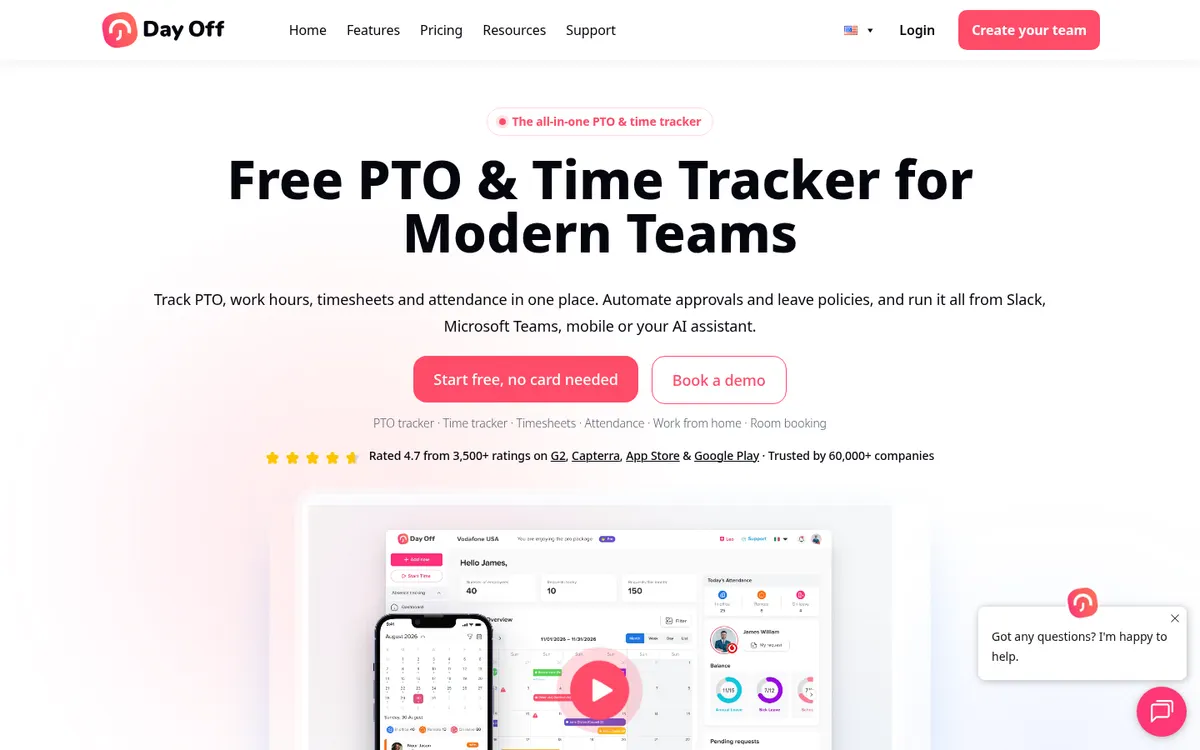
Day Off builds its case on the place where leave requests usually stall: the conversation. Requests, one click approvals, and approved leave pushed to Google Calendar or Outlook all happen inside Slack and Microsoft Teams, so an employee never opens a second tab to book a Friday off. The team calendar view and custom leave types are available on the free plan, which covers up to 10 users indefinitely.
The configuration depth is the part that surprises buyers who expect a chat app to be shallow. Accruals run on weekly, biweekly, semimonthly or monthly cycles, carryover can be stored in days or hours with caps and expiry dates, and multiple approvers per employee are supported. Date blocking stops requests during busy periods, and per location working days, weekends and public holidays can be set separately. Balance, accrual and carryover reporting rounds it out, plus optional clock in and clock out attendance review as an add on.
Pricing is per seat: Pro is $2 per seat per month with a $20 monthly floor, and Pro plus Time Tracker is $3 per seat. The free plan is genuinely usable for a small team but stops at 10 users and limits you to custom leave types, a calendar view and single step approval. Accruals, carryover, multiple approvers and the calendar integrations are all gated to Pro, so most teams past 10 people will pay.
The gap is payroll. Day Off reports on balances and accruals but does not present itself as a payroll system, so a US team still exports or hands numbers to Gusto, Buddy Punch or a spreadsheet. Pick it for the chat first workflow, not for end to end HR.
What works
- Free forever up to 10 users, not a trial
- Accrual and carryover rules with caps and expiry
- Requests and approvals inside Slack and Teams
What to weigh
- Accruals, carryover and integrations locked to Pro
- Pro carries a $20 monthly minimum
- No payroll run of its own, reporting only
Pick it if
Your team lives in Slack or Teams and you want approvals to happen there without a second login.
Skip it if
You need leave, payroll and onboarding from a single vendor.
Plate 02 of 10
Buddy Punch
Best for hourly and deskless teams that need PTO on the worked-hours timecard
Our verdict
A time clock that treats paid leave as another line on the timecard, which suits hourly crews better than salaried offices.
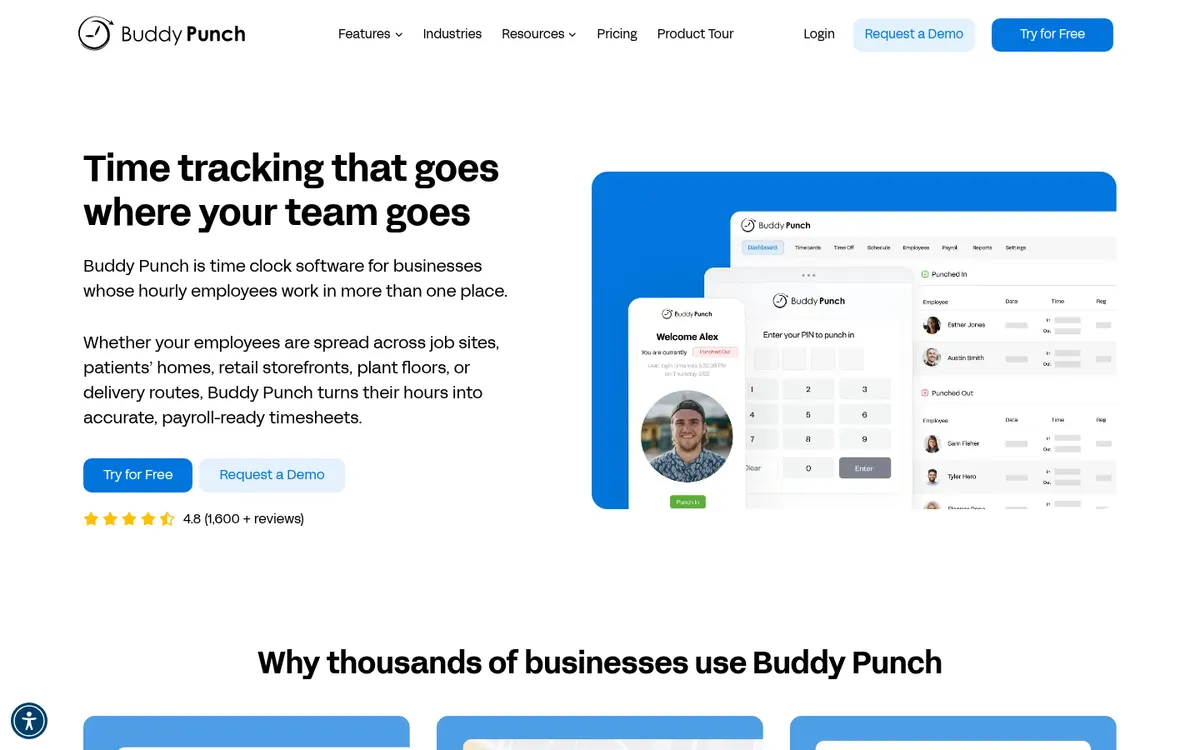
Buddy Punch starts from the timecard and adds leave to it. Employees clock in with a GPS time clock, and when a request is approved the time off is deducted from the balance and added to the same timecard as worked hours, so payroll picks up both in one record. Accruals can be earned per hour worked, which is how most hourly and deskless policies actually run.
Around that core sit schedules, time tracking and payroll. The system exports to payroll or connects to payroll providers directly, and there is its own payroll option if you want one vendor. Three plan tiers bill annually or monthly. Pricing is on the vendor site. The page did not return content when we checked on November 25, 2026, so confirm current rates there before you budget.
The design choices show in daily use. The interface is approachable for staff who have never used scheduling software, and support is US based. The limits are less obvious until you rely on them: extended data retention is a paid add on on every plan, project management connections only run through Zapier, and the flat base fee means a three person crew pays the same platform charge as a thirty person one.
It fits hourly operations where leave and hours belong together. It fits less well in a salaried office that wants accrual rules with expiry dates and layered approvers, where a dedicated tracker goes deeper for less money.
What works
- Leave and clocked hours share one timecard
- Schedules, time tracking and payroll in one place
- Accruals earned per hour worked
What to weigh
- Extended data retention costs extra on every plan
- Project tools connect only through Zapier
- Base fee applies on top of per user pricing
Pick it if
You run hourly or deskless crews and want leave to reach payroll on the same record as clocked hours.
Skip it if
Your team is salaried, remote and unlikely to use a time clock.
Plate 03 of 10
BambooHR
Best for growing companies that want PTO inside a complete HR platform
Our verdict
A full HR platform where leave is one module among hiring, onboarding and records, best for companies consolidating several systems.
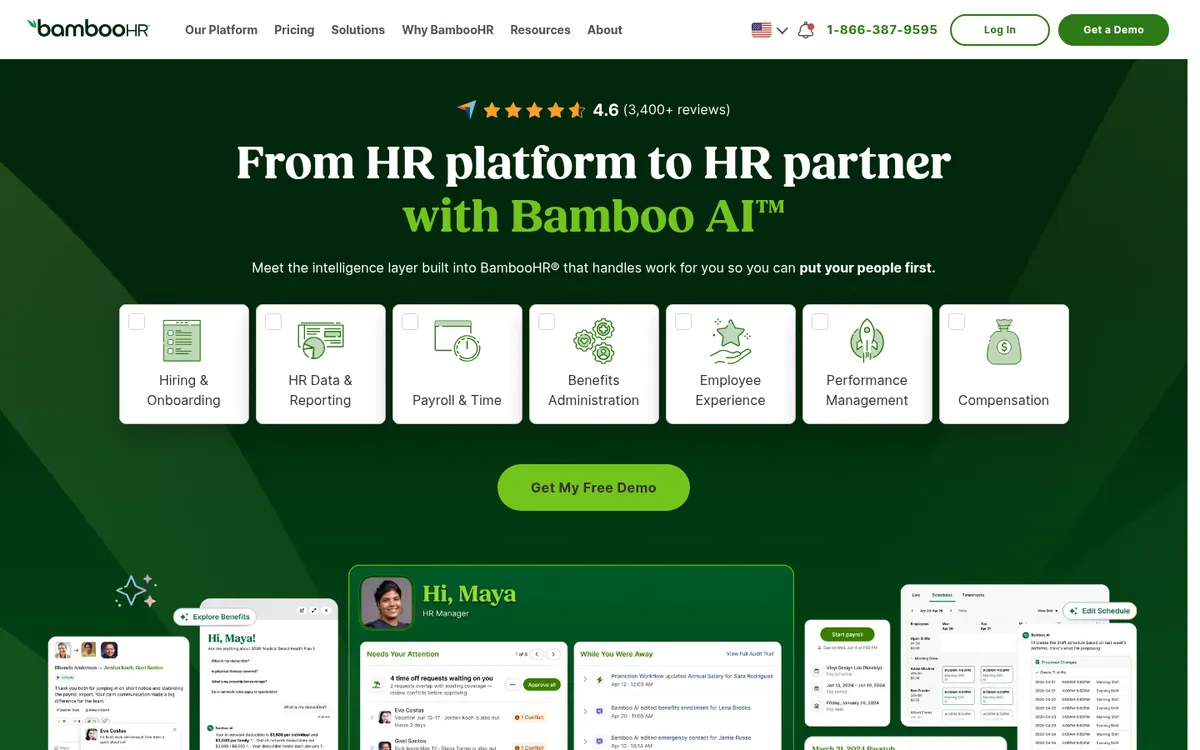
BambooHR is the choice for a company that has outgrown spreadsheets across the board, not just for holidays. Time off requests route through configurable approval chains, balances feed into payroll, and leave sits on the same dashboard as performance, scheduling and employee records. Hiring, onboarding and document storage are in the same place, backed by reporting and more than 150 integrations with payroll and accounting tools.
The trade is complexity and price. The vendor now lists a Core rate of $10 per employee per month, while wider configurations are quoted per company based on headcount and the modules you select, so budgeting starts with a sales conversation. There is no free plan and no published self serve trial, which makes it hard to test before committing.
For a 50 to 500 person organisation running performance reviews, onboarding and payroll data in one system, that consolidation is the point. The leave module is solid rather than exceptional, and it earns its place because the employee record, the approval chain and the payroll feed already live there. Reporting is part of the package rather than an add on, and approval workflows are configurable rather than fixed.
For a 15 person business whose only real pain is a holiday spreadsheet, the same platform is expensive and slow to set up. A dedicated tracker covers the policy rules for a fraction of the cost. Buy BambooHR when leave is one of several problems you are solving at once, and check a quote against your actual headcount before you assume the listed Core rate is your number.
What works
- Leave, hiring, onboarding and records in one system
- Configurable approval chains and reporting
- More than 150 payroll and accounting integrations
What to weigh
- Wider configurations are quoted, not published
- Expensive and slow when only leave is needed
- No free plan and no self serve trial
Pick it if
You are consolidating HR records, hiring and payroll data and want leave in the same system.
Skip it if
Leave tracking is the only problem you are trying to solve this quarter.
Plate 04 of 10
Gusto
Best for US small businesses that want payroll and PTO from one vendor
Our verdict
Payroll software that handles PTO well enough for most small US employers, provided payroll is the reason you are buying.
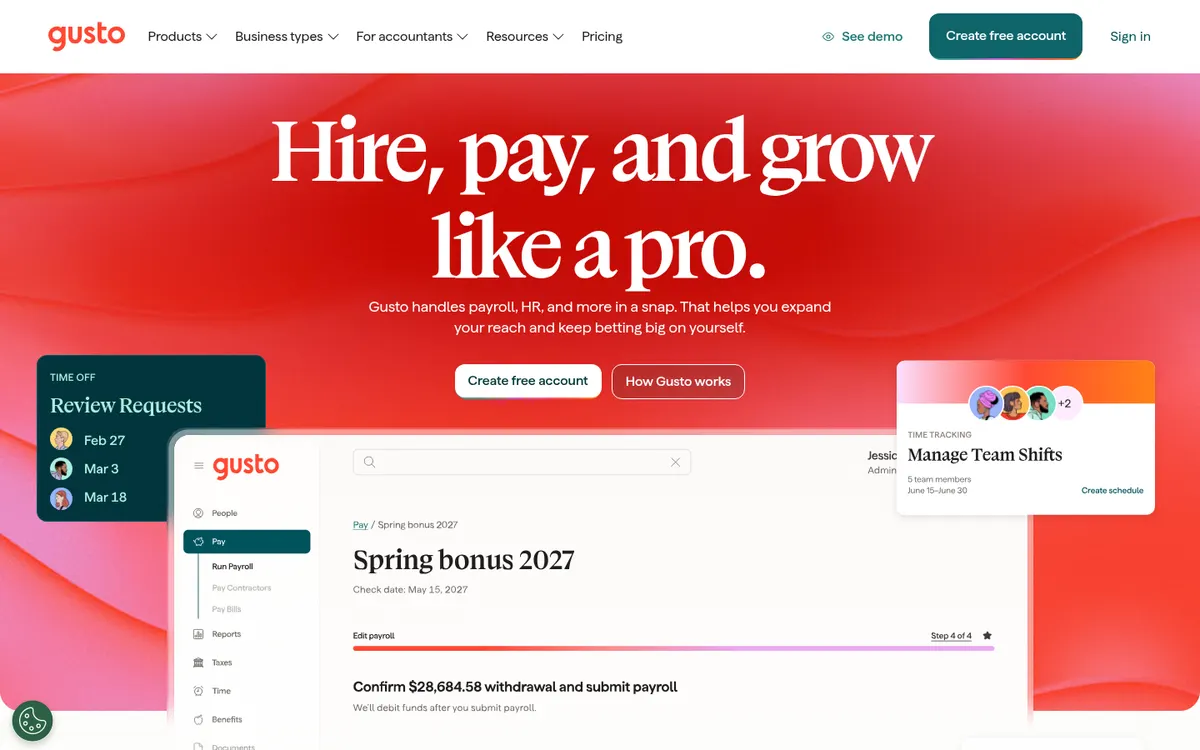
Gusto is payroll software that handles PTO well enough that most small US employers stop looking. Vacation, sick and custom policies sit beside pay runs, requests and approvals go through the same login employees use for pay stubs, and accrued and taken balances move into payroll without a manual rekey. For a team already running payroll on Gusto, that removes an entire export step.
Pricing is published. Simple is $49 per month plus $6 per person, Plus is $80 plus $12 and Premium is $180 plus $22, with no long contracts and no charge until your first payroll run. A 20 person team lands near $169 per month on Simple before add ons, which is competitive for payroll and expensive if all you wanted was leave tracking.
The PTO side is deliberately basic. Policies, balances and approvals work, but there are no wall chart views and nothing like the carryover expiry rules a dedicated tracker offers. Where Gusto wins is the wider package: multi state payroll, benefits administration, compliance tooling, onboarding and HR expert support on higher tiers, all built for US employers.
That focus cuts both ways. A company with staff in the UK, Canada or Germany gets little from the payroll engine and should look at CharlieHR or Calamari instead. Buy Gusto when payroll and leave should be one decision made by one vendor, and keep a dedicated tracker on the shortlist if your leave policy is the complicated part.
What works
- Balances sync with payroll without rekeying
- Published pricing with no long contracts
- Benefits, compliance and onboarding for US employers
What to weigh
- Per person fees climb quickly with headcount
- PTO features are basic, with no wall chart views
- US focused, so limited for international teams
Pick it if
You are a US small business that wants payroll and PTO from one vendor with published prices.
Skip it if
Your staff sit outside the US or your leave policy needs deep accrual rules.
Plate 05 of 10
Timetastic
Best for small teams that want the simplest possible leave calendar
Our verdict
The simplest leave calendar in the list, fast to set up and cheap per seat, with approval chains that stay deliberately flat.
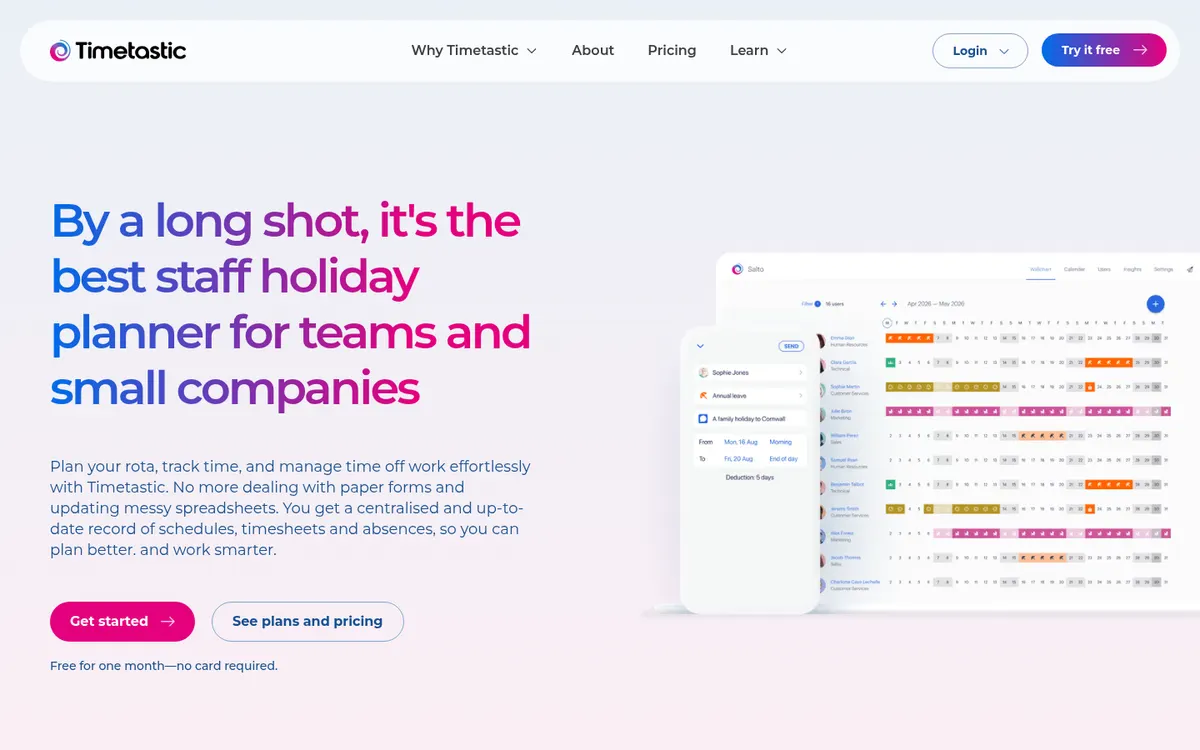
Timetastic does one thing and refuses to complicate it. Every employee gets a personal holiday calendar, requests take a few taps, managers approve from email or Slack, and a shared wall chart shows who is off and when in a format anyone can read from across the room. Setup is a list of people and a policy, which is why teams describe it as live in an afternoon.
Pricing is flat and low: Business is $1.50 per user per month and Pro is $2.50, with a 30 day free trial and no card required. Pro adds burnout alerts and deeper reporting. There is no free plan, and a separate rota product covers shift scheduling if you need it.
The limits are structural rather than hidden. One approver per department means layered approval chains are out, so a request that needs both a line manager and an HR sign off has to be handled elsewhere. Multi country policy differences are weaker than on distributed first tools, and US holiday calendars need setting up by hand rather than arriving preloaded. The product is built in the UK and aimed at flat teams of roughly 5 to 50 people.
That makes it a strong fit for a small business replacing a spreadsheet, especially one where the wall chart is the feature people actually ask for. It is a poor fit for a 400 person company with works councils, regional holiday sets and three levels of approval. Judge it on the policy you run, not on the feature list.
What works
- Live in an afternoon, with a readable wall chart
- 30 day trial without a credit card
- Flat per user pricing at $1.50 and $2.50
What to weigh
- One approver per department limits sign off chains
- US holiday calendars need manual setup
- Weaker on multi country policy differences
Pick it if
You run a flat team of 5 to 50 people and want a readable leave calendar with almost no setup.
Skip it if
You need layered approvals, several country policies or a permanent free tier.
Plate 06 of 10
Vacation Tracker
Best for remote and distributed teams living in Slack or Teams
Our verdict
Leave requests, approvals and a team calendar that never leave Slack or Teams, priced per user with a yearly minimum.
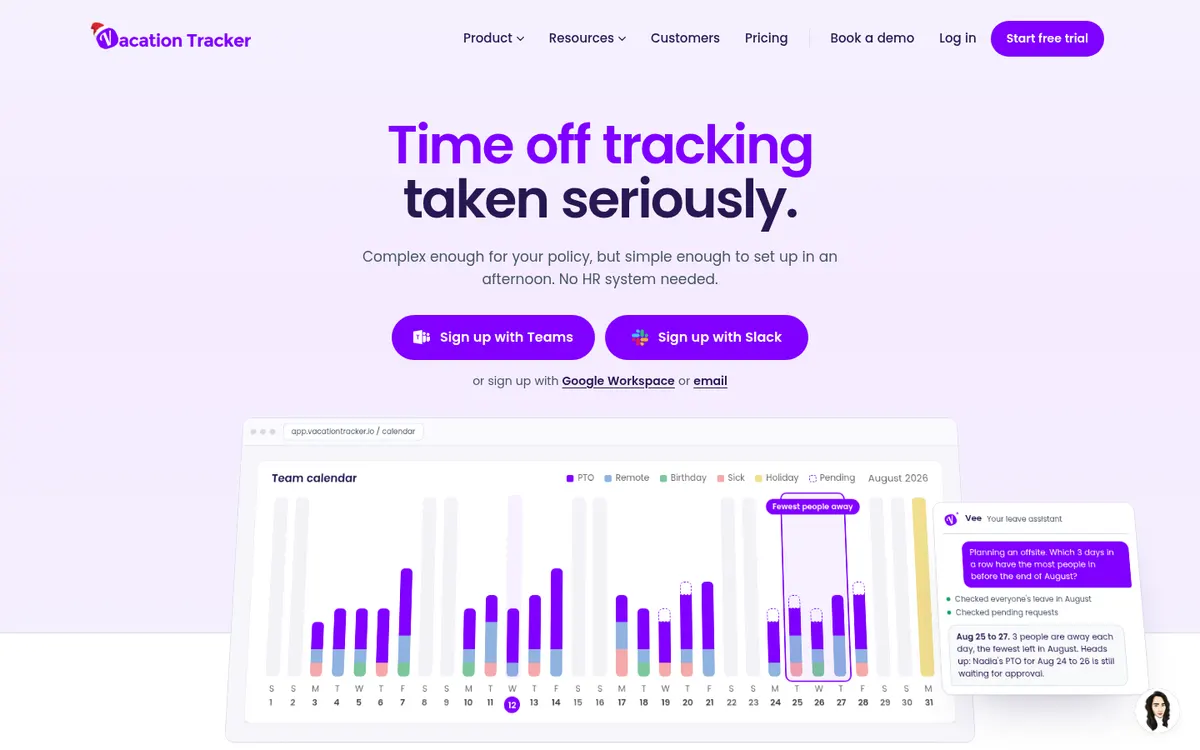
Vacation Tracker takes the position that leave requests should never leave the chat window. Employees file a request in Slack or Microsoft Teams, an approver taps a button, and the team calendar sits in the chat sidebar so nobody has to open a separate app. Google Workspace is supported alongside the two chat platforms. Setup is a workspace connection and a list of people, measured in minutes rather than days.
The policy engine is stronger than the chat first pitch suggests. Multi location and multi country rules are supported, and accruals, hourly tracking and time off in lieu sit on Complete. A 14 day trial unlocks every feature with no credit card, which is enough time to run a real approval cycle.
Pricing has moved since our earlier notes. The lowest paid entry is now $1.83 per user per month on yearly billing with a $550 annual minimum, and Complete is $3 per user. Older references to a $1 per user Core rate with a $25 monthly floor no longer match the vendor page. Treat the free offering as a trial rather than a permanent free tier, because the signals on that are mixed.
The honest limits: there is no HR beyond leave, so payroll, onboarding and records stay in other systems, and the interface is functional rather than polished. The per user pricing with an annual minimum penalises a five person team that likes the idea but cannot justify the floor. For a remote company of 30 to 300 people already living in Slack, removing a second login is worth more than the missing polish.
What works
- No separate login for employees working in chat
- Multi country policy support
- 14 day trial unlocks every feature
What to weigh
- No HR beyond leave, so payroll stays elsewhere
- Yearly billing carries a $550 annual minimum
- Interface is functional rather than polished
Pick it if
Your distributed team already works in Slack or Teams and you want leave handled without another app.
Skip it if
You are a team of five or you need payroll and records in the same system.
Plate 07 of 10
Eddy
Best for small businesses starting their HR journey on a budget
Our verdict
A budget HRIS that bundles hiring, onboarding, time tracking, PTO and payroll for owners with no HR department.
Eddy bundles PTO into a small business HRIS, which is a different proposition from a dedicated tracker. Applicant tracking for hiring, onboarding paperwork and checklists, time tracking, PTO policies with request and approval flows, and payroll all sit in one interface aimed at owners who do not have an HR department. The pitch is one login for the administrative work a 20 person company actually does.
Pricing is transparent and base fee heavy. Starter is $4 per person per month plus a $50 base, Growth is $8 per person plus $75, and Premium is custom priced. A 10 person company pays about $90 per month on Starter, which is cheap for a system that also stores onboarding documents and runs payroll, and more than a dedicated tracker for leave alone.
The compromises show at the edges. The interface is less polished than the larger HR platforms, the integration list is shorter than category leaders, and PTO depth is basic next to tools built only for leave. Do not expect carryover with expiry dates at the level Day Off offers. A free trial is available, so the fit is testable before you commit to a base fee.
Buy it when you are starting HR from nothing and want hiring, onboarding, time tracking and leave in one budget line. Skip it when leave is the whole requirement, when you need deep multi country policy rules, or when your payroll already runs somewhere you are happy with.
What works
- Full HRIS at small business prices
- Base fee plus per person makes costs predictable
- Hiring, onboarding, time tracking and PTO together
What to weigh
- PTO depth is basic next to dedicated trackers
- Shorter integration list than larger platforms
- Less polished interface than category leaders
Pick it if
You are setting up HR for the first time and want one affordable system for hiring, onboarding and leave.
Skip it if
Leave policy rules are your main requirement or you already run payroll elsewhere.
Plate 08 of 10
CharlieHR
Best for UK small businesses that want simple headcount-based pricing
Our verdict
UK small business HR with headcount bracket pricing, so the bill jumps at 5, 15 and 30 people rather than per seat.
CharlieHR prices by headcount bracket rather than by seat, which changes how the product feels to buy. The Charlie plan is £21 per month for 1 to 4 team members, £47 for 5 to 14 and £108 for 15 to 29, continuing upward in bands. Every feature is included on every plan with no setup fees and no module upsells, so a growing team can see the next bill before it arrives.
What is included is a compact HR system: time off management with requests and approvals, onboarding tools, employee records, performance reviews and engagement tools. It is built around UK employment norms and compliance, which is the point and also the boundary. US teams get little from it beyond a leave calendar, and payroll and benefits tooling is thinner than on US platforms.
The trial is 7 days with no credit card, which is short for a full evaluation of onboarding and reviews, though enough to run one leave cycle through it. Because the price steps up at 5, 15 and 30 people, the arithmetic is worth running before a hiring round rather than after it.
CharlieHR suits a UK small business of 5 to 30 people that wants one system for the basics and refuses to model per seat costs. It does not suit a distributed company with staff in three countries, a US employer comparing Gusto and BambooHR, or a team whose only requirement is leave tracking at the lowest possible price. Buy it for the flat bracket and the UK grounding, not for depth.
What works
- Fixed monthly brackets by headcount, no per seat maths
- Every feature included with no setup fees
- Built around UK employment norms
What to weigh
- UK focused, with little relevance for US teams
- 7 day trial is short for a full evaluation
- Thinner payroll and benefits tooling
Pick it if
You are a UK business of 5 to 30 people that wants predictable flat pricing for the HR basics.
Skip it if
Your staff sit outside the UK or you need deep payroll and benefits tooling.
Plate 09 of 10
LeaveBoard
Best for cost-conscious teams that want real absence management cheaply
Our verdict
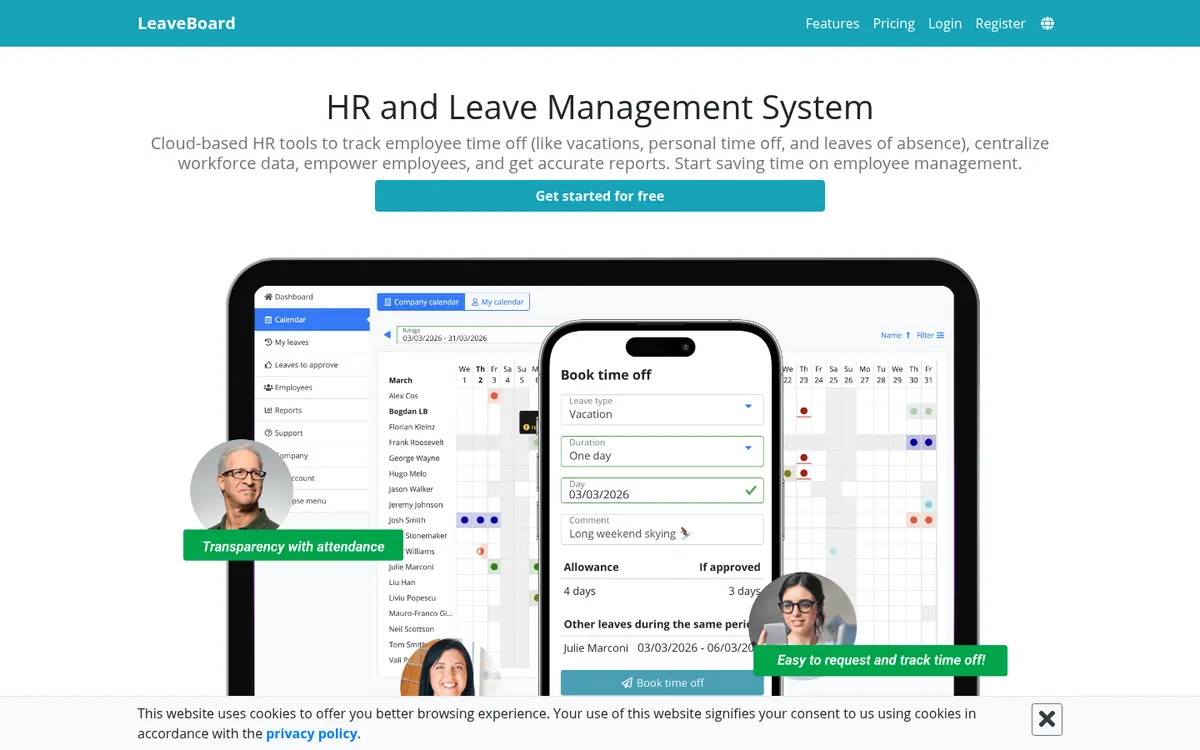
The cheapest real absence management in the list, free under nine employees and $1.35 per employee after that.
LeaveBoard competes on one number: free for companies with fewer than nine employees, and $1.35 per employee per month on Pro after that. For a small team that wants real absence management rather than a spreadsheet, that is the lowest paid tier here by a wide margin, and the free tier is a permanent plan rather than a trial with a countdown.
What you get for it is the full absence workflow. Absence requests run through custom approval flows, a team absence calendar shows who is out, carryover and accrual rules handle the policy arithmetic, and public holiday calendars load by geography. HR reports export for payroll, and Google Calendar, Outlook and Slack integrations keep the calendar where people already look. There is a 14 day free trial if you want to test Pro before you buy.
The compromises are visible once you look past the price. The interface looks dated next to newer trackers, the integration ecosystem is smaller, and the free tier caps at nine employees, so growth forces an upgrade whether or not the product still fits how you work. Reporting is payroll ready but not payroll itself, so the export still has to be handled by someone each cycle. Approval flows are configurable enough for a two step manager and owner sign off, which is more than the price suggests.
For a 6 person agency, a clinic or a restaurant group with a handful of sites, LeaveBoard covers the requirement at a price nobody will argue about. For a 200 person company with multi country policies and a payroll system expecting an API feed, the dated interface and shorter integration list start to cost more administrative time than the subscription saves.
What works
- Free for companies with fewer than nine employees
- $1.35 per employee per month is the lowest paid tier here
- Approval flows, team calendars and payroll ready reports
What to weigh
- Interface looks dated next to newer trackers
- Smaller integration ecosystem
- Free tier caps at nine employees
Pick it if
You run a small team and want genuine absence management at the lowest price in this list.
Skip it if
You need a modern interface, wide integrations or room to grow past nine people free.
Plate 10 of 10
Calamari
Best for teams that want to pay only for the HR modules they use
Our verdict
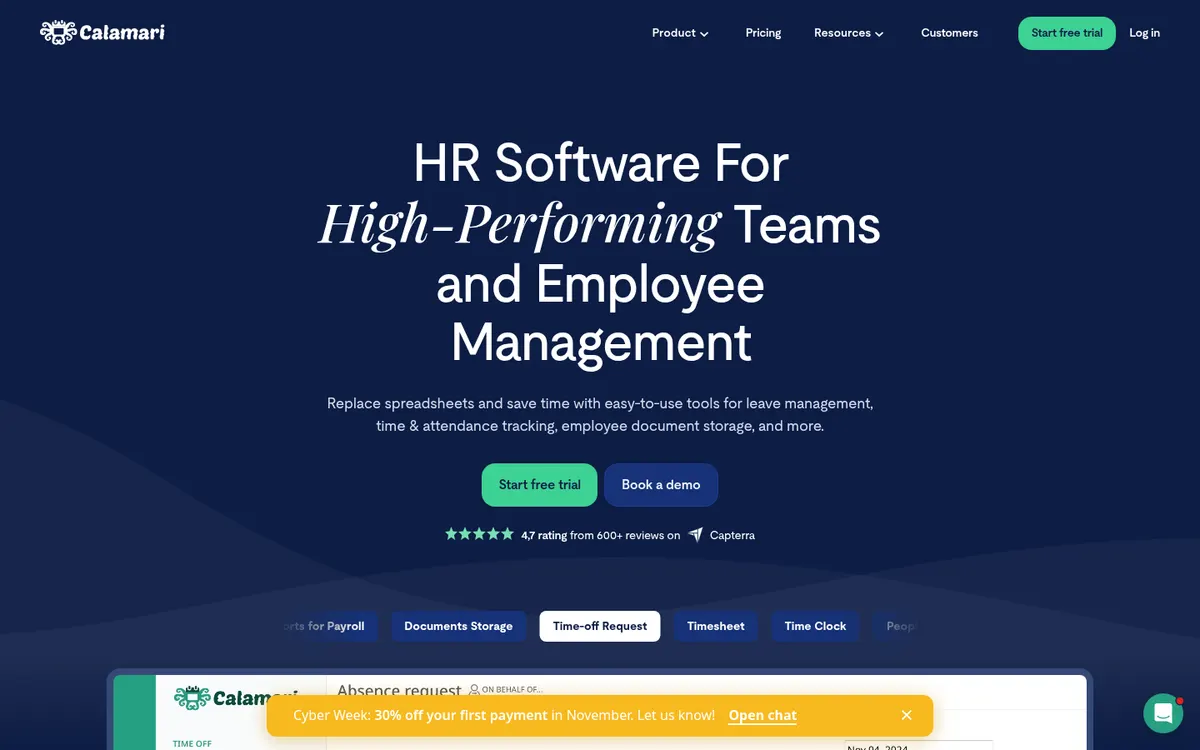
Leave sold as a standalone module with strong multi country rules, though a 10 seat minimum and module stacking change the maths.
Calamari sells leave as a module, which is unusual in a market of all in one subscriptions. Time Off is a standalone product, Time and Attendance is another, Core HR is a third, and each bills per user per month with monthly or annual options. A team that only needs holiday tracking never pays for the attendance clock, and can add it later without changing vendors.
The policy side is genuinely strong. Multi country leave policy configuration and approval workflows for absence requests are included, which is why the product shows up in distributed companies with staff in several jurisdictions. The 14 day trial needs no credit card and there is no long term contract.
The catches are arithmetic and setup. Time Off is $2.50 per user per month on monthly billing and $2.00 on annual billing, and a 10 seat minimum applies, so the smallest teams are excluded before price even matters. Stack three modules and you are near $7 per user per month, which is bundled suite territory. Setup takes a few days rather than minutes, because per country policies have to be configured properly to be worth having.
Calamari fits a 30 to 300 person company that wants multi country leave rules and the option to add attendance or core HR without ripping out the leave tool. It fits badly in a 6 person startup paying for capacity it cannot use, or in a business that wants one vendor to own payroll and leave together.
What works
- Buy Time Off alone and add modules later
- Strong multi country leave policy support
- No card 14 day trial and no long contract
What to weigh
- Costs climb as modules stack
- 10 seat minimum excludes the smallest teams
- Setup takes a few days rather than minutes
Pick it if
You need multi country leave rules and want to add attendance or core HR when you are ready.
Skip it if
You have fewer than 10 staff or want payroll and leave from one vendor.
What does PTO tracking software do that a holiday spreadsheet cannot?
PTO tracking software records who is away, why, and how much paid time off they have left. It replaces the shared spreadsheet where balances drift, requests get lost in email, and nobody is certain whether the holiday calendar on the wall is current.
The core job is small but fiddly. A tracker holds a policy per employee or group, accrues hours or days on a schedule, deducts approved leave, and shows a calendar the whole team can read. The fiddly parts are the rules around that: carryover with caps and expiry dates, separate allowances for vacation, sick, parental and custom leave types, public holidays that differ by location, and approval chains that match how the company actually decides. Readers often ask whether a tool handles vacation, sick, parental and custom leave types. The dedicated trackers here do, and the HR suites do as part of a wider employee record.
A typical working setup covers:
- A request and approval flow, usually with email, chat or in app notification
- Balances and accruals visible to the employee and their manager
- A team calendar that feeds Google Calendar, Outlook or a wall chart
- Public holiday calendars per country or office
- A report or export that carries approved hours into payroll
Implementation time splits along product type. Dedicated trackers such as Timetastic, LeaveBoard and Day Off are usually live in a day or two, because setup is a people list, a policy and a calendar connection. HR suites such as BambooHR, Gusto and Eddy take longer, because leave is one module among payroll, onboarding and records, and the payroll side usually needs configuring before the leave side is useful. Budget that difference: a tracker is a settings exercise, while a suite is a project with dependencies.
This guide sits in the HR collection. Buyers weighing nearby tools often read the guides to HR compliance software and accounting practice management software next.
What does PTO tracking software cost, and how do vendors bill it?
PTO tracking software is billed in five recognizable ways, and the model matters more than the headline rate. A flat per seat price is easiest to compare; a per person rate with a base fee, a headcount bracket or a module stack can produce a very different bill at your actual size.
| Model | How it bills | Typical fit | Example from this list |
|---|---|---|---|
| Flat per seat | Fixed rate per user per month, sometimes with a monthly floor | Teams of 10 to 200 that want one predictable line | Day Off Pro at $2 per seat per month with a $20 monthly minimum |
| Per person plus base fee | Per user rate plus a flat platform charge | Businesses that need payroll or HR in the same system | Eddy Starter at $4 per person per month plus a $50 base |
| Headcount bracket | Fixed monthly fee per band of employee count | Small teams that want every feature included | CharlieHR at £21 per month for 1 to 4 people |
| Module based | Pay per module, each with a seat minimum | Teams that may add attendance or core HR later | Calamari Time Off at $2.50 per user per month |
| Bundled in an HR suite | Per employee rate inside a wider platform | Companies replacing several HR tools at once | BambooHR Core at $10 per employee per month |
Free plans are rare and specific. Day Off is free forever up to 10 users, with accruals and integrations reserved for Pro. LeaveBoard is free for companies with fewer than nine employees and includes full absence management. Everything else here is a trial, and the lengths differ: 30 days at Timetastic, 14 days at Vacation Tracker, Calamari and LeaveBoard, 7 days at CharlieHR. Gusto charges nothing until your first payroll run, and BambooHR publishes no trial at all.
Annual billing changes the rate. Calamari Time Off is $2.50 per user monthly against $2.00 annually. Vacation Tracker's lowest entry is $1.83 per user per month on yearly billing with a $550 annual minimum, which is a real cost for a small team even though the per user figure looks low. Price the floor, not the sticker.
Every price in this guide was read on the vendor's own pricing page on November 25, 2026. Where a vendor does not publish a figure we could confirm, the card says "See website" rather than a guess. For the arithmetic around this purchase, try the free Email campaign metrics calculator.
How do you get from ten tools to one shortlist?
Count your people and your pay model. Ten salaried staff and 200 hourly staff need different tools. Hourly operations should start with Buddy Punch; salaried offices with a dedicated tracker. The headcount also decides which pricing floor applies.
Decide whether leave is the whole job. If holidays are the only gap, buy a tracker. If hiring, onboarding and employee records are also in spreadsheets, an HR suite such as BambooHR, Gusto or Eddy earns its higher price.
Write down the rules you actually run. Carryover caps, expiry dates, accrual cycles, per country holidays and multiple approvers separate the trackers from each other. If carried balances must expire, start with Day Off.
Test the request on a phone. Approvals fail when the manager has to open a laptop. Run a live request through Slack, Teams or email during the trial, using a real approver, before you judge the interface.
Confirm the payroll handoff. Ask whether approved hours arrive automatically, by export or not at all. Gusto and Buddy Punch move them automatically; LeaveBoard and Day Off expect someone to carry the report across.
Price your real headcount, then double it. Minimums and base fees change the answer. Day Off floors at $20 per month, Vacation Tracker at a $550 annual minimum, and Calamari at 10 seats regardless of team size.
What mistakes should you avoid when buying PTO software?
Buying an HR suite for leave alone. BambooHR, Gusto and Eddy are good value when you also need payroll, onboarding and records. For holidays only, you pay for modules nobody opens and wait longer for setup.
Ignoring the monthly minimum. Day Off floors at $20 per month, Vacation Tracker at a $550 annual minimum and Calamari at 10 seats. Small teams should price the floor, not the per user rate on the page.
Assuming the free plan covers the team. Day Off stops at 10 users and LeaveBoard at nine. Both are real free plans rather than trials, but the upgrade arrives at a predictable headcount, so plan for it.
Skipping your carryover rules. A tool that cannot cap carried days or expire them quietly recreates the spreadsheet problem. Test the exact rule you run during the trial rather than afterwards.
Leaving payroll as a manual export. An export someone forgets becomes a wrong payslip. Decide up front whether approved hours must reach payroll automatically and weight that requirement in the shortlist.
Best PTO Tracking Software 2026: questions
What does PTO tracking software do for a team day to day?
It holds the policy, accrues and deducts time, routes requests to an approver, and keeps a calendar the team can read. The daily work is small: someone asks for Friday off, a manager approves in email or chat, and the balance and calendar update without a spreadsheet edit. The value sits in the rules behind it.
What does PTO tracking cost per user each month?
Dedicated leave trackers sit lowest, from free under nine employees on LeaveBoard to $2.50 per user on Calamari Time Off. Full HR platforms price higher because leave is bundled: BambooHR lists Core at $10 per employee per month, and Eddy starts at $4 per person plus a $50 base. Gusto charges $49 per month plus $6 per person on Simple.
Do these tools handle vacation, sick, parental and custom leave types?
The dedicated trackers generally do, with separate allowances, accrual rules and approval flows per leave type. Day Off, LeaveBoard, Calamari and Vacation Tracker all support custom leave types. The HR suites handle the same categories, usually with less per type configuration. Check the specific type you run, since parental leave rules vary most.
Which tools push time off into payroll, and which rely on exports?
Gusto and Buddy Punch move approved leave into payroll directly, so balances reach pay runs without a manual rekey. BambooHR feeds balances into payroll and offers more than 150 integrations. LeaveBoard and Day Off stop at reporting and exports, so someone carries the numbers across. Eddy and Calamari sit in between depending on the modules you buy.
Which vendors offer a permanent free plan rather than a trial?
Two do. Day Off is free forever for up to 10 users, limited to custom leave types, a calendar view and single step approval. LeaveBoard is free for companies with fewer than nine employees and includes full absence management. Everything else here is a trial, from 7 days at CharlieHR to 30 days at Timetastic.
How long does implementation take for a tracker compared with an HR suite?
Dedicated trackers take hours to a couple of days, because setup is a people list, a policy and a calendar connection. Timetastic, LeaveBoard and Day Off are the fastest here. HR suites take longer, since leave is one module among payroll, onboarding and records. Calamari notes a few days for per country policy setup; Gusto and BambooHR take longer still.