
Contents of this guide
The shortlist
Our top 3 for software buyers

PowerDMS
Accreditation evidence mapping
- Best for
- Law enforcement, government, healthcare and public safety accreditation teams
- Features
- 4 noted: Version control, Attestations, Accreditation tracking, Training assignments

NAVEX PolicyTech
Policy to case links
- Best for
- Regulated enterprises already running the NAVEX suite
- Features
- 4 noted: Policy authoring, Routing rules, Audit trails, Hotline links

ConvergePoint
Native Microsoft 365
- Best for
- Mid-market to enterprise organizations standardized on Microsoft 365
- Features
- 4 noted: SharePoint native, Approval workflows, Attestations, Hybrid deployment
Disclosure for this guide. All 9 tools here are unpaid editorial picks. The position of a paid listing can be part of what the vendor pays for. Paid and unpaid tools are scored on the same rubric and keep their cons. Details are in the advertising disclosure.
The ledger
Index of every tool
| Tool | Free plan | Trial | Rubric | Compare | ||
|---|---|---|---|---|---|---|
| 01 | PowerDMSLaw enforcement, government, healthcare and public safety accreditation teams | See websiteNot published | No | Reported by third parties, unverified | ||
| 02 | NAVEX PolicyTechRegulated enterprises already running the NAVEX suite | See websiteNot published | No | Demo only | ||
| 03 | ConvergePointMid-market to enterprise organizations standardized on Microsoft 365 | See websiteNot published | No | No published free plan or trial | ||
| 04 |  ComplianceBridgeBudget-conscious mid-market teams replacing spreadsheets | See websiteNot published | No | No published free plan or trial | ||
| 05 | DrataStartups and growth companies pursuing SOC 2 | See websiteNot published | No | Demo only | ||
| 06 |  VantaSaaS companies that need SOC 2 or ISO 27001 fast | See websitecustom quoteCustom quote | No | Demo only | ||
| 07 |  LogicGateTeams wanting no-code customizable risk and policy programs | See websiteNot published | No | Personalized demo and sandbox access only | ||
| 08 |  ZenGRCMid-market companies wanting straightforward GRC | See websiteNot published | No | Guided test drive only; no self-serve trial | ||
| 09 |  HyperproofMid-market compliance teams managing multiple frameworks | See websiteNot published | No | No published free trial or free plan |
Prices are the lowest paid plan the vendor shows, read on November 25, 2026. Sort by price ranks published monthly figures; tools without one go last. Pin up to three tools to compare them side by side.
How this guide was put together
Every tool on this list was scored 1 to 10 on the same five criteria, then weighted. Policy workflow (30%) covers the path from drafting to retirement, including approvals, version control and periodic review. Attestation and evidence (25%) covers read-and-sign records, training completion and how easily an assessor can reconstruct a history. Integrations and fit (20%) asks whether the tool lives inside systems a buyer already runs. Pricing clarity (15%) rewards packaging that can be scoped and compared. Admin experience (10%) covers the day to day effort for whoever owns the program.
The weights reflect what buyers in this category ask for first: a workflow they can defend in an audit, and evidence that survives scrutiny. Pricing clarity is weighted lower not because it matters less but because almost nobody here publishes rates, so the criterion separates workable quote practice from a long unclear cycle rather than cheap from expensive.
Prices were taken from vendor pricing pages and checked on November 25, 2026. Where a vendor page returned no pricing text, we say so in the entry and leave the figure unconfirmed rather than estimating. We do not estimate a price when a vendor page shows none.
The order reflects how well each tool fits the buyer the entry describes.
The full process, including how we handle corrections, is on the methodology page. Paid listings follow the advertising disclosure.
Rubric and weights
Every tool below is scored from 1 to 10 on these five criteria. The scores describe each tool; the order is an editorial call on fit for the buyer each card describes, plus the disclosed Featured position.
- 30%Policy workflowHow far the tool carries a policy from drafting through approval, distribution, periodic review and retirement without manual steps.
- 25%Attestation and evidenceWhether read-and-sign records, training completion and version history are stored well enough for an outside assessor to follow.
- 20%Integrations and fitHow well the product lives inside the systems a buyer already runs, including identity, ticketing and the productivity suite.
- 15%Pricing clarityWhether packaging is predictable and a quote can be scoped and compared without a long discovery cycle.
- 10%Admin experienceThe day to day effort for the person who owns the program, from set-up and configuration to routine reporting.
Plate 01 of 09
PowerDMS
Best for law enforcement, government, healthcare and public safety accreditation teams
Our verdict
The strongest choice when an outside assessor reviews your policies, training and accreditation evidence on a fixed schedule.
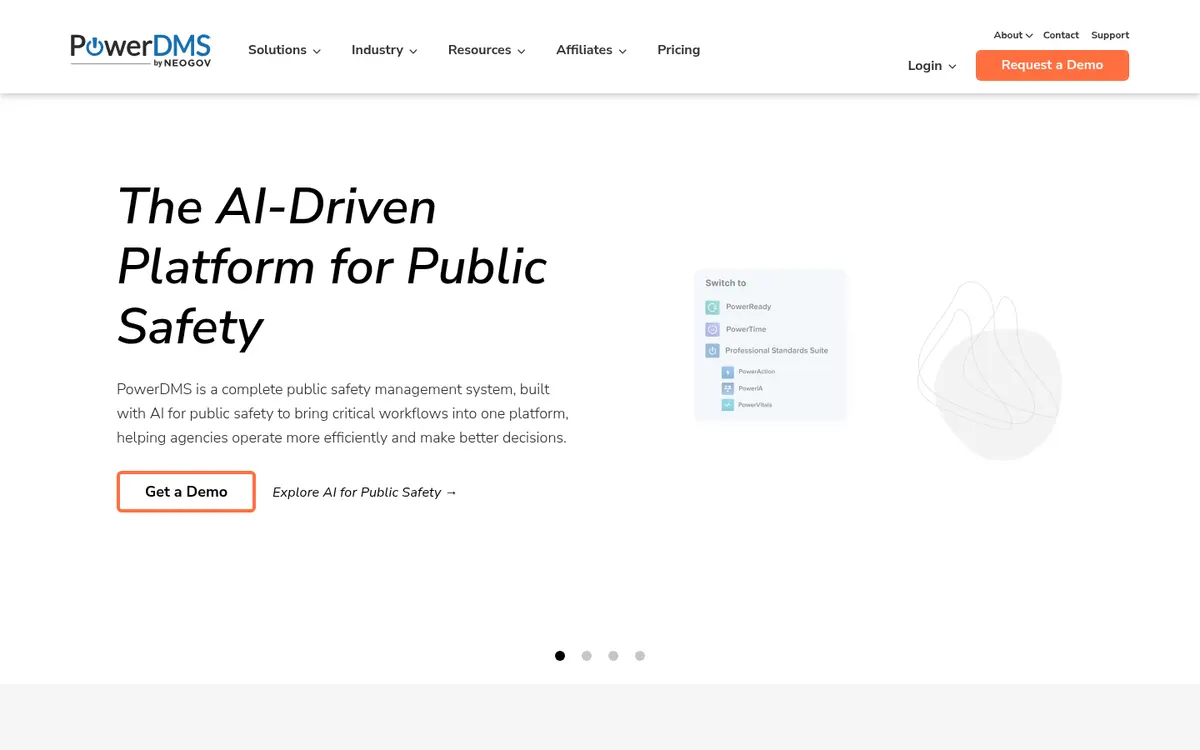
PowerDMS is built for organizations that get inspected. Police departments, city and county agencies, hospitals and public safety bodies use it to hold policies, training records and accreditation evidence in one place. A policy moves from drafting through review, approval, distribution and retirement inside the system, and every version stays on file. Staff sign for receipt, and the signature is stored against the exact version they read, which is the record an assessor asks for first.
The accreditation layer is what separates it from general policy tools. Standards requirements are tracked inside the product, and proofs are mapped to each one, so evidence is ready before a review rather than assembled after it. Training assignment sits in the same workflow, so a new policy can trigger a course and a deadline without a separate round of emails. Reporting is built for outside assessors rather than for internal dashboards.
Pricing is not published. PowerDMS quotes by user count and selected modules, and our page fetch on November 25, 2026 returned no text, so no figure could be confirmed. Public-sector focus cuts both ways: workflows match accreditation reality, but a corporate compliance team pays for fields and structures it will never use. Buying runs through procurement, which is slower than a self-serve signup. Pricing is quoted, so confirm renewal terms in writing before you sign.
Pick it when accreditation is a recurring, audited obligation and policy, training and proof need to live in one system. Look elsewhere when the goal is a fast SOC 2 report, when the team is small enough that spreadsheet distribution still works, or when a published number is required before a budget request.
What works
- Accreditation evidence mapped to published standards
- Attestations tied to the exact document version read
- Policy, training and proof in one workflow
What to weigh
- No published pricing, so budgeting needs a sales call
- Public-sector orientation can feel heavy for corporate teams
Pick it if
An accreditor inspects your policy and training records on a recurring cycle and you want the evidence assembled in advance.
Skip it if
You need a SOC 2 report quickly or a published price list to open a budget request.
Plate 02 of 09
NAVEX PolicyTech
Best for regulated enterprises already running the NAVEX suite
Our verdict
Best value for regulated enterprises already running the NAVEX One suite and wanting policy, cases and training connected.
PolicyTech is the policy module of the NAVEX One platform, and it makes the most sense bought that way. Authoring and review workflows move a document through named owners and approvers, rules-based routing sends it to the right groups, and automated reminders chase owners whose scheduled review has slipped. Detailed audit trails record each action, so the history behind a version can be rebuilt months later.
The cross-product links are the differentiator. A hotline case handled in the ethics and compliance side of NAVEX One can be attached to the policy it touches, and a policy event can trigger training assignment. The training trigger is the practical one: change a policy, and the affected group gets the course without a manual list. For a regulated enterprise already paying for the platform, that closes a handoff most policy tools leave to spreadsheets and email. Bought alone, the policy module is competent but far less distinctive, which is why the packaging matters.
Pricing is quote-based with no published price list, and our fetch on November 25, 2026 captured no pricing page text. Pricing is quote-based, so ask for a written quote that includes implementation. Enterprise-leaning packaging means smaller teams often find the minimum commitment hard to justify against a focused policy product.
Pick it when compliance, ethics, hotline and training already sit under one owner and a connected record across all four is worth more than a lower standalone price. Look elsewhere when policy management is the entire requirement, when the team is small and will not adopt the wider platform, or when a published price is needed to open a budget conversation.
What works
- Hotline cases linked to the policies they touch
- Automated owner reminders keep reviews on schedule
- Detailed audit trails on every action
What to weigh
- No published pricing and enterprise-leaning packaging
- Standalone purchase misses most of the platform value
Pick it if
You already run NAVEX One and want policy, cases and training joined in one record.
Skip it if
You only need policy management and will not adopt the wider platform.
Plate 03 of 09
ConvergePoint
Best for mid-market to enterprise organizations standardized on Microsoft 365
Our verdict
The pragmatic pick for Microsoft 365 shops that want policy workflows where staff already work, with no second portal.
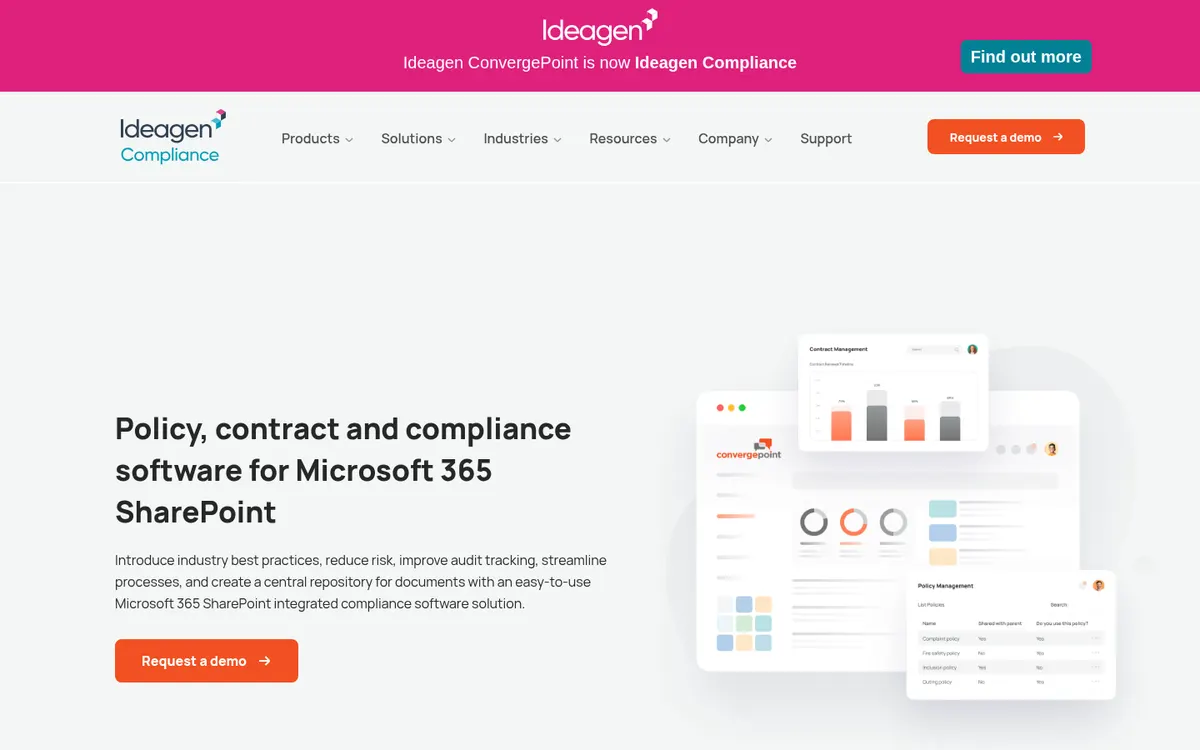
ConvergePoint is a policy lifecycle product built natively inside Microsoft 365 and SharePoint. Policies, approval workflows, attestations and training delivery live in the tenant staff already sign into, and the product reuses existing SharePoint permissions and identity instead of building a parallel account structure. There is no second portal to launch, no separate password and no duplicate user list to keep in sync.
Approval workflows route drafts to reviewers, attestation collection prompts staff to acknowledge a specific version, and training delivery pushes a course when a policy changes. Because permissions are inherited, access follows existing SharePoint roles rather than a duplicate user list. Deployment is available in cloud, on-premises and hybrid, which matters to regulated organizations that keep some systems on their own hardware or in their own data center.
The trade-off is total dependency on the Microsoft stack. An organization running Google Workspace loses the main advantage and ends up paying for a SharePoint foundation it does not have. No pricing is published, and the sales process is a traditional enterprise cycle that pulls in IT and compliance together. Our page fetch on November 25, 2026 returned no vendor pricing text, so no figure could be confirmed, and there is no published free trial or free plan to test the fit first.
Pick it when Microsoft 365 is the operating environment and you want policy records living beside the documents and permissions you already govern. Look elsewhere when the productivity suite is not Microsoft, when you need a policy portal independent of IT change control, or when a trial is required before purchase.
What works
- Policies live inside the tools staff open every day
- Inherits existing SharePoint identity and permissions
- Cloud, on-premises and hybrid deployment options
What to weigh
- Benefit collapses if you are not a Microsoft shop
- No public pricing and a traditional enterprise sales cycle
Pick it if
Microsoft 365 is your operating environment and you want policy records beside the permissions you already govern.
Skip it if
You run Google Workspace or need to trial the product before a purchase decision.
Plate 04 of 09
ComplianceBridge
Best for budget-conscious mid-market teams replacing spreadsheets
Our verdict
A budget-oriented option for mid-market teams replacing spreadsheet attestations, with a risk register included in one purchase.
ComplianceBridge covers policy and procedure management with a risk register attached, aimed squarely at mid-market teams moving off shared drives and spreadsheets. Distribution targets individuals, groups or imported lists, and automated reminders go to people who have not responded rather than waiting for a manager to chase. Reads, tests and approvals all leave records that can be exported for an auditor. There is no published free plan or trial, so evaluation runs through a sales demo.
Comprehension testing is the feature worth testing in a demo. Staff answer questions on a policy and the score is stored alongside the acknowledgement, which gives you more than a click on a checkbox. The built-in risk register means a policy owner can link a procedure to a risk without buying a separate governance tool, and that bundling is where the product earns its place on this list.
Pricing is not published. Pricing is quote-based, and implementation and training are billed separately, which changes the first-year number meaningfully. Empty page capture on November 25, 2026 means no published rate could be confirmed. The economical positioning is the pitch, but the low-cost claim still needs a quote to verify. The integration ecosystem is narrow, so expect manual work if you need deep hooks into HR, identity or ticketing systems.
Pick it when the job is distribution, attestation and a light risk register, and the team will accept a smaller vendor. Look elsewhere when integration breadth matters, when the compliance program spans several frameworks, or when a published price is a procurement requirement.
What works
- Risk register included rather than sold separately
- Granular distribution with automated follow-up
- Read, test and approve records in one export
What to weigh
- No published pricing, so the low-cost claim needs a quote
- Narrow integration ecosystem and a smaller vendor
Pick it if
You are replacing spreadsheets and want distribution, attestation and a light risk register in one purchase.
Skip it if
You need wide integration coverage or a published price for procurement.
Plate 05 of 09
Drata
Best for startups and growth companies pursuing SOC 2
Our verdict
The efficient route from a blank page to SOC 2 readiness, with policy generation riding on control monitoring rather than standing alone.
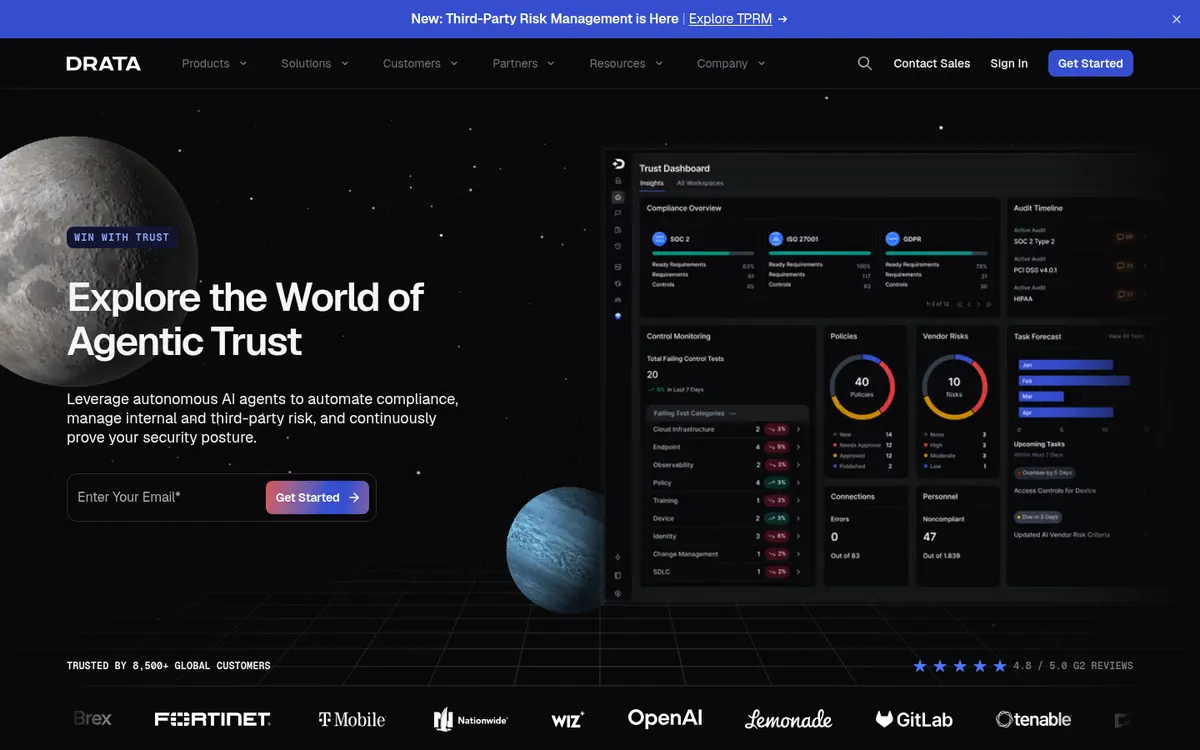
Drata generates policies from the controls you already need to satisfy, then monitors those controls continuously. A startup chasing SOC 2 gets a drafted policy set mapped to controls and kept current as the environment changes. Endpoint evidence arrives through the Drata Agent, and auditors get their own workspace with scoped access rather than a shared folder of screenshots. There is no published free plan and no self-serve trial, only a demo.
Multi-framework mapping is the practical win. Work done for SOC 2 carries over to ISO 27001 or HIPAA, and evidence is reused rather than recollected for each standard. That makes the policy features feel like part of a compliance program instead of a document library with a compliance label, and it is why the tool lands higher here than its authoring depth alone would justify.
Pricing is quote-based. The plans page lists Foundation, Advanced and Enterprise tiers but shows no rates, and Foundation covers roughly 50 employees and one framework. Pricing is quote-based, and the external audit is billed separately. Ask for the year two figure in writing, so renewal terms get as much attention as the first year.
Pick it when the audit is the goal and policy generation is a means to that end, particularly for a startup with a small compliance team. Look elsewhere when you need rich authoring, long approval chains and a policy archive that outlives any single certification, or when a published price is a procurement requirement.
What works
- Multi-framework mapping reuses evidence across standards
- Endpoint evidence collected automatically by the Drata Agent
- Fast path to audit readiness for a small team
What to weigh
- No published pricing, so confirm renewal terms in writing
- External audit fees are always billed separately
Pick it if
A SOC 2 audit is the goal and you want the policy set generated from controls you must satisfy anyway.
Skip it if
You need deep policy authoring and a document archive that outlives one certification.
Plate 06 of 09
Vanta
Best for saaS companies that need SOC 2 or ISO 27001 fast
Our verdict
Fastest onboarding and the broadest integration coverage here, with continuous compliance monitoring as the core.
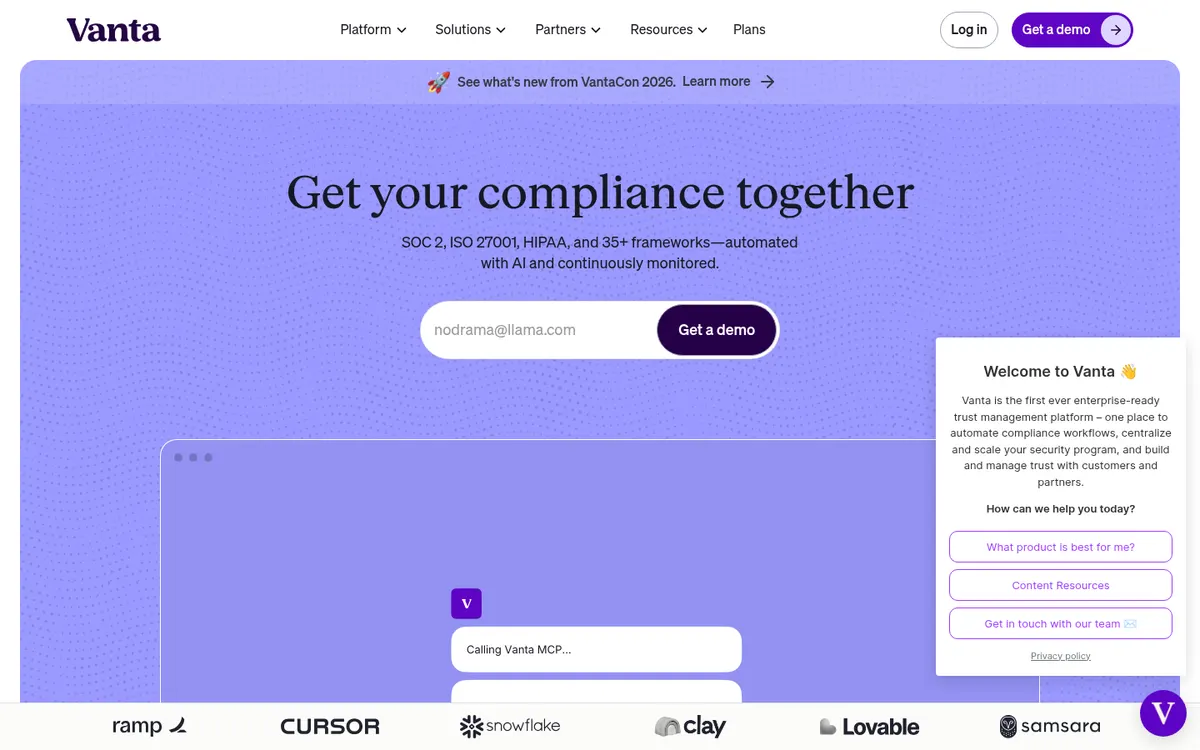
Vanta is compliance automation, and onboarding is the fastest in this category. Monitoring runs continuously across more than 300 integrations, so control drift between audits is caught early instead of discovered at the next review. It is the closest thing here to a certification project with software wrapped around it, and monitoring continues as the environment changes.
The Trust Center publishes your security posture to prospects, which can help with security questionnaires for a SaaS company selling upmarket. Vendor Risk Management adds third-party review, and the auditor partner network is the broadest here, shortening the search for a firm that already knows the tool. Both Trust Center and Vendor Risk Management are paid add-ons rather than included. Control drift detection matters because a passing audit is a snapshot, while the controls keep moving.
Pricing is a custom quote with nothing published. Pricing is a custom quote, and cost climbs steeply with headcount and framework count. The external audit is billed separately. Negotiate term length and exit terms before signing rather than after the first renewal notice.
Pick it when a SaaS business needs SOC 2 or ISO 27001 quickly and will use the Trust Center in sales conversations. Look elsewhere when policy authoring depth, granular approval routing or a long-lived document archive matter more than integration coverage and speed to certification. A document-first policy team should check whether policy authoring is part of the scope.
What works
- More than 300 integrations feeding continuous monitoring
- Trust Center helps in enterprise sales conversations
- Broadest auditor partner network in this list
What to weigh
- No published pricing, so ask for contract terms in writing
- Trust Center and Vendor Risk Management are paid add-ons
Pick it if
A SaaS business needs SOC 2 or ISO 27001 fast and will put the Trust Center in front of buyers.
Skip it if
You want document-first authoring, granular approval chains and a long-lived policy archive.
Plate 07 of 09
LogicGate
Best for teams wanting no-code customizable risk and policy programs
Our verdict
A flexible no-code GRC builder that rewards teams willing to learn it, with policy management as one workflow among many.
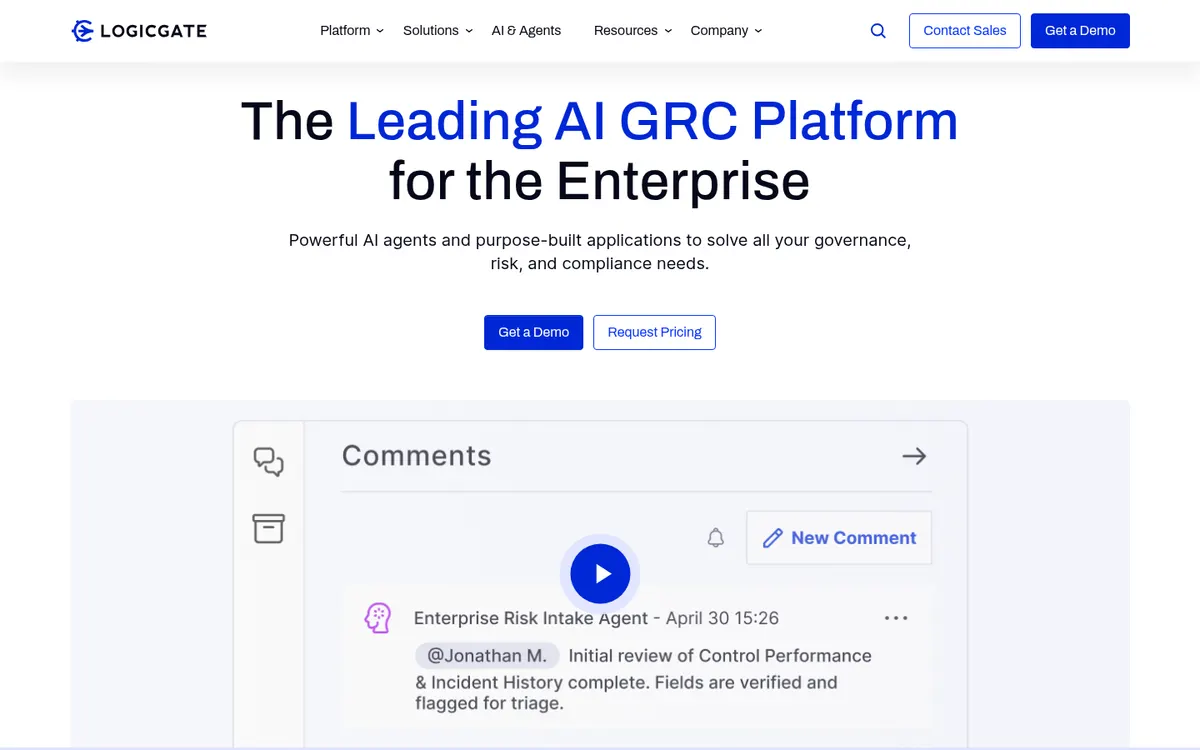
LogicGate, branded Risk Cloud, is a no-code GRC platform where policy management is one workflow among several. Business users drag and drop to build approval chains, custom forms and reports without waiting on a developer. Prebuilt process apps for risk, audit and compliance shorten the first build, which matters when a program is starting from nothing.
The graph database is the part worth understanding before a demo. Risks, controls and policies are nodes with relationships between them, so you can ask which policies cover a given control and get an answer without reconciling spreadsheets. That relationship view is hard to replicate anywhere else on this list. Policy lifecycle workflows run on the same engine, which means a policy change can update the relationships that depend on it.
The cost is learning time. New users find the builder steep, and reporting is thin enough that many teams export to external BI tools for anything beyond a standard view. Pricing is quoted by company size and framework scope. No page text was captured on November 25, 2026, so the quote-based model stands unconfirmed, and trial access is a personalized demo and sandbox rather than self-serve.
Pick it when a compliance generalist enjoys building and the program changes shape often enough that off-the-shelf templates will not hold. Look elsewhere when you want policy management that works out of the box, when reporting will be scrutinized by a board, or when nobody on the team can own configuration. Sandbox access helps: prototype your messiest approval chain before you sign.
What works
- Business users can build workflows without a developer
- Graph mapping exposes links flat lists hide
- Prebuilt process apps shorten the first build
What to weigh
- Steep learning curve for new users
- Thin reporting pushes teams to external BI tools
Pick it if
A compliance generalist will own configuration and your program changes shape often.
Skip it if
You want policy management working out of the box with strong built-in reporting.
Plate 08 of 09
ZenGRC
Best for mid-market companies wanting straightforward GRC
Our verdict
A clean, quick-to-adopt GRC suite where policy management comes bundled, trading evidence depth for simplicity.
ZenGRC runs policy management inside a wider GRC suite built on a unified control hierarchy. Pre-loaded content for SOC 2, ISO 27001, HIPAA and COBIT means a program can begin with a mapped framework instead of a blank page. Jira and Active Directory integrations cover the operational basics that most compliance teams need on day one. There is no published free plan, and evaluation is a guided test drive rather than a self-serve trial.
The interface is the selling point. Non-technical compliance owners pick it up quickly, and the pre-loaded content cuts training time to something a small team can absorb. Policy documents, controls and evidence sit in one structure, so an auditor request becomes a lookup rather than a hunt across folders, and the hierarchy keeps mapping consistent as frameworks are added. Simplicity is the trade: fewer moving parts than the automation platforms, and fewer automatic checks.
Evidence automation is shallower than Vanta or Drata, so teams with heavy technical evidence needs will feel the gap once the first audit passes. Pricing is not published, and evaluation runs through sales rather than self-serve. Our fetch on November 25, 2026 returned nothing, so no current rate could be confirmed. That matters for budgeting, because pricing is quote-based.
Pick it when the priority is a clean, understandable GRC structure that non-specialists will actually use, with policy management included. Look elsewhere when continuous technical evidence collection at scale is the requirement. A buyer who wants to see the product working before a call will not get that here.
What works
- Interface non-technical compliance owners adopt fast
- Pre-loaded content for SOC 2, ISO 27001, HIPAA and COBIT
- Jira and Active Directory cover operational basics
What to weigh
- Evidence automation trails Vanta and Drata
- No published pricing and no self-serve trial
Pick it if
You want a clean GRC structure that non-specialists will use, with policy management bundled in.
Skip it if
You need deep technical evidence automation or want to evaluate without a sales cycle.
Plate 09 of 09
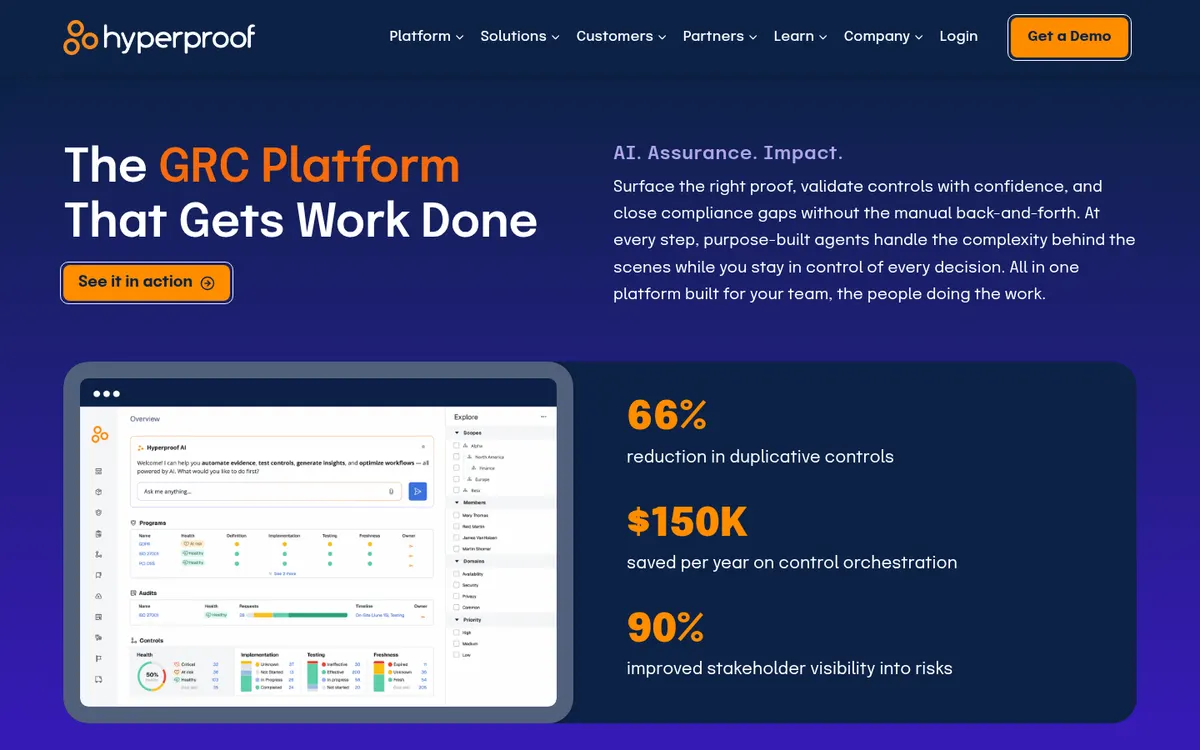
Hyperproof
Best for mid-market compliance teams managing multiple frameworks
Our verdict
Best for teams running several frameworks at once, where cross-framework evidence reuse saves more time than any single feature.
Hyperproof is built around a centralized control library that maps across 118-plus frameworks, with evidence reuse as the core promise. One piece of evidence can satisfy several standards, which is the difference between a manageable audit and a duplicated one. Policy management sits inside the compliance program rather than beside it, so a policy is linked to the controls it supports. The library grows as you add standards rather than restarting per framework.
Audit preparation workflows and collaboration tools are strong for teams running several standards at once. Those workflows matter when a first audit is on a deadline. Teams running SOC 2 and ISO 27001 in parallel get the most from the cross-framework mapping, since the second framework costs far less work than the first.
Ramp-up takes longer than the automation-first competitors, and reporting is limited enough that teams export to external BI tools for presentation-grade output. Pricing is quote-based. No pricing page text was available on November 25, 2026, so pricing is quote-based. There is no published free trial or free plan. Ask for an all-in two-year figure that includes the audit, because the software number alone understates the program.
Pick it when multiple frameworks run in parallel and the team will invest the setup time to make evidence reuse work. Look elsewhere when a single certification is the whole goal, when setup time is short, or when built-in reporting must stand alone. A small team buying a first certification will find this heavier than it needs.
What works
- Evidence reuse across 118-plus mapped frameworks
- Strong audit preparation and team collaboration
- Policy management linked to the compliance program
What to weigh
- Ramp-up takes longer than automation-first competitors
- Limited reporting pushes teams to external BI tools
Pick it if
You run several frameworks at once and will invest setup time so one piece of evidence covers more than one standard.
Skip it if
A single certification is the whole goal or you need board-ready reporting without a BI layer.
What does policy management software actually do?
Policy management software runs the life of a policy document, not just its storage. The category exists because the hard part is not writing the policy. The hard part is proving who approved which version, who received it, who signed for it and when it comes up for review.
The core functions are consistent across all nine tools here:
- Authoring and review routing, so a draft moves through named approvers
- Version control, so an old policy cannot quietly keep circulating
- Distribution and read-and-sign attestations, with reminders to non-responders
- Periodic review scheduling, so a stale policy gets flagged
- Training assignment or comprehension testing tied to policy events
- Reporting that an outside auditor or accreditor can follow
How this differs from Google Drive or SharePoint is proof. A shared drive gives you folders and file history. It does not chase a shift worker who has not signed, it does not flag a policy that has gone three years without review, and it does not assemble a package for an inspector. ConvergePoint shows the middle path: policy workflows that live inside SharePoint rather than in a separate portal, so storage and tool are the same place but the workflow layer still exists.
Startups face a different question. If the goal is a SOC 2 report, Drata generates the policy set from controls as part of the audit push, while Vanta focuses on continuous compliance monitoring. Standalone policy software earns its cost when policy volume, approval complexity and attestation records outlive the first certification, or when an accreditor demands records that automation tools treat as secondary.
Training delivery is not universal. PowerDMS and ConvergePoint include training delivery, NAVEX PolicyTech can trigger training assignment from policy events, and ComplianceBridge adds comprehension testing. Drata and Vanta concentrate on control monitoring instead.
Deployment timelines vary. Vanta states onboarding is the fastest in the category. ConvergePoint depends on Microsoft 365 tenant and permissions work. Ask each vendor for a written timeline tied to your first inspection or audit date.
This guide sits in the Software collection. Buyers weighing nearby tools often read the guides to commission software and research platforms next.
How policy management software pricing works, and how to budget for it
Every tool on this list is quote-based, so there is no price list to line up side by side. What differs is how the quote is built. Some vendors price per seat with modules added on top, some price by framework count and company size, and some bundle policy management into a wider platform subscription you are expected to adopt.
| Model | How it bills | Typical fit | Example from this list |
|---|---|---|---|
| Seat and module quote | Per user, plus selected modules | Accredited public safety and healthcare agencies | PowerDMS |
| Suite quote | Priced with the wider platform | Regulated enterprises running the full suite | NAVEX PolicyTech |
| Tiered subscription | Tiered plans, no prices shown | Startups and growth companies | Drata (Foundation, Advanced, Enterprise) |
| Scope-based quote | Quoted by company size and framework scope | Teams building custom risk and policy programs | LogicGate |
| Microsoft 365 quote | Quote-based, with cloud, on-premises and hybrid deployment | Microsoft-standardized mid-market and enterprise | ConvergePoint |
Pricing is quote-based for all nine tools. Ask each vendor for a written quote that covers the full first year.
Budget the full first year, not the subscription alone. Implementation, onboarding, training, add-on modules and the external audit are separate line items at most vendors here. Ask for the audit fee in writing if certification is the goal. Ask for a two-year total in writing, including any renewal uplift and the notice period attached to it.
Every price in this guide was read on the vendor's own pricing page on November 25, 2026. Where a vendor does not publish a figure we could confirm, the card says "See website" rather than a guess. For the arithmetic around this purchase, try the free Email campaign metrics calculator.
How to choose in six steps
Name the obligation. Decide what you answer to: an accreditor, a SOC 2 auditor, an ISO certification body or an internal refresh cycle. The obligation determines which features matter and which entries on this list drop out immediately.
Map the workflow you have. Write down how a policy travels today, from the person who drafts it to the person who signs for it. Compare that path against version control, approval routing, attestation and review reminders before you watch any demo.
Check the environment. Confirm which productivity and identity systems you already run. A Microsoft 365 organization gets more from ConvergePoint, while a startup chasing certification gets more from Drata or Vanta. Environment mismatch stalls more implementations than missing features.
Decide standalone or suite. If policy is one workstream inside a wider risk and compliance program, a suite entry like NAVEX PolicyTech, LogicGate or ZenGRC avoids a second integration. If policy is the whole problem, a focused tool is faster.
Force a two-year number. Ask every vendor for a written two-year total covering seats, modules, implementation, onboarding, training and support. Add the audit fee if certification is the goal. Compare those totals, not the headline entry rate.
Pilot with a real policy. Run one live policy through the chosen system before signing, including approval, distribution, a non-responder chase and a report built for an outsider. One real cycle exposes more than a scripted demo.
Five buying mistakes to avoid
Buying on the demo alone. Demo environments are populated with clean policies and completed attestations. Ask to see an overdue review, a rejected approval and a staff member who never responded, then judge how much manual chasing the product removes.
Treating the license as the whole cost. Implementation, onboarding, training, add-on modules and the external audit all sit outside the quoted subscription. Drata and Vanta buyers in particular should separate software spend from audit fees before comparing anything.
Ignoring where staff already work. A separate policy portal adds a login and a habit change. If Microsoft 365 is the daily environment, ConvergePoint removes a barrier. If it is Google Workspace, that same dependency becomes a reason to look elsewhere.
Assuming training is included. Several tools here tie policy events to training assignment, but compliance automation platforms focus on control evidence instead. If training completion must sit beside the policy record, confirm the workflow in writing before you sign.
Skipping the renewal terms. None of these vendors publishes rates, so renewal terms need to be confirmed in writing. Ask for the year two and year three figure in writing, plus notice periods and what happens if headcount drops.
Best Policy Management Software for 2026: questions
What functions define policy management software?
Policy management software covers the full document lifecycle: authoring, review, approval, version control, distribution, attestation, periodic review and retirement. The defining feature is proof. Every step leaves a record of who approved a version, who received it, who signed and when the next review is due. A tool that only stores files is a document library, not a policy system.
How is this different from keeping policies in Drive or SharePoint?
A shared drive stores files; policy software proves what happened to them. Drive and SharePoint give you folders and version history, but they do not route a draft to named approvers, collect signed attestations, chase non-responders automatically or flag an overdue review. ConvergePoint is the middle path, running policy workflows inside Microsoft 365 rather than a separate portal.
Should a startup buy standalone policy software or compliance automation?
Startups usually want compliance automation first. Drata generates policies from controls and monitors them continuously, while Vanta focuses on continuous compliance monitoring, so compliance automation can be the better first buy for a SOC 2 push. Buy standalone policy software when policy volume and approval complexity outlive the audit, or when an accreditor asks for attestation records that automation tools treat as secondary.
Why does this category have no published prices, and how do I budget?
None of the nine tools publishes a price list, so budgeting starts with a quote. Ask for a two-year all-in figure including implementation, onboarding, training, add-on modules and the external audit if certification is the goal. Where a vendor does not publish a rate, ask for a written quote. Seat count and framework count move the number most.
What are typical deployment and onboarding timelines?
Vanta states onboarding is the fastest in the category. ConvergePoint depends on Microsoft 365 tenant configuration and permissions work. Ask each vendor for a written timeline tied to your first inspection or audit date.
Do policy platforms include training delivery?
Often, but not always. PowerDMS and ConvergePoint include training delivery, NAVEX PolicyTech can trigger training assignment from policy events, and ComplianceBridge adds comprehension testing. Drata and Vanta focus on control monitoring rather than course delivery. If training records must sit beside policy records, confirm that workflow in a demo rather than assuming it.