
Contents of this guide
The shortlist
Our top 3 for software buyers

Simpplr
Readership analytics depth
- Best for
- Personalized intranets with measurable communications analytics
- Features
- 5 noted: Personalization, Readership analytics, Sentiment trends, AI search, News publishing

Workvivo
Culture and connection
- Best for
- Culture led intranets for distributed and hybrid teams
- Features
- 4 noted: Social feed, Recognition, Livestreams, Community spaces

Staffbase
Deskless login reach
- Best for
- Large employers reaching frontline and deskless workers
- Features
- 4 noted: White label app, No-email login, Shift info, Frontline licensing
Disclosure for this guide. All 8 tools here are unpaid editorial picks. The position of a paid listing can be part of what the vendor pays for. Paid and unpaid tools are scored on the same rubric and keep their cons. Details are in the advertising disclosure.
The ledger
Index of every tool
| Tool | Free plan | Trial | Rubric | Compare | ||
|---|---|---|---|---|---|---|
| 01 | SimpplrPersonalized intranets with measurable communications analytics | See websitecustom quoteCustom quote | No | 14-day trial | ||
| 02 | WorkvivoCulture led intranets for distributed and hybrid teams | See websitecustom quoteCustom quote | No | No | ||
| 03 | StaffbaseLarge employers reaching frontline and deskless workers | See websitecustom quoteCustom quote | No | No | ||
| 04 |  LumAppsGoogle Workspace companies needing a connected intranet | See websiteNot published | No | Demo only | ||
| 05 |  UnilyEnterprise intranets with broad integrations and governance | See websitecustom quoteCustom quote | No | No | ||
| 06 |  Microsoft SharePointCompanies already using Microsoft 365 | See websiteNot published | No | No | ||
| 07 |  HappeoGoogle Workspace intranets with channels and people search | See websiteNot published | No | Free trial via website | ||
| 08 |  BlinkMobile first intranets for deskless teams | $3.75Core, per user per month, billed annuallyChecked Nov 25, 2026 | No | Free trial |
Prices are the lowest paid plan the vendor shows, read on November 25, 2026. Sort by price ranks published monthly figures; tools without one go last. Pin up to three tools to compare them side by side.
How this guide was put together
We scored each of the eight tools against five criteria that decide whether an intranet survives its first year: frontline reach (25 percent), communications analytics (20 percent), search quality (20 percent), admin effort (20 percent) and pricing clarity (15 percent). Frontline reach carried the most weight because deskless staff are the hardest group to reach. Analytics came next because communications teams are increasingly asked to prove readership. Search quality reflects how often employees give up and ask a colleague instead. Admin effort covers how much work publishing a single post takes. Pricing clarity rewards vendors who publish something a buyer can plan around.
Weights are editorial judgments, not a formula handed down from anywhere. Each entry was read against the buyer it names in its best-for line, so a mobile first app is not penalized for lacking enterprise governance and an enterprise suite is not penalized for requiring an implementation project.
Prices and plan details come from vendor pricing pages, checked on November 25, 2026. Where a page returned nothing or only routed to a demo, we say so in the entry and mark the figure as unconfirmed rather than estimating. Only Blink gave a rate we could confirm on the day. The SharePoint figure of $5 per user per month is listed but could not be reconfirmed at check time.
Featured placements are paid. This edition carries none, but where a Featured entry appears it is scored with the same five criteria and given the same honest cons as every other tool. Ordering reflects fit for the buyer described in each entry, plus any disclosed Featured position, not a weighted total.
The full process, including how we handle corrections, is on the methodology page. Paid listings follow the advertising disclosure.
Rubric and weights
Every tool below is scored from 1 to 10 on these five criteria. The scores describe each tool; the order is an editorial call on fit for the buyer each card describes, plus the disclosed Featured position.
- 25%Frontline reachHow well the platform serves employees without a desk, a company email or a personal work device.
- 20%Comms analyticsDepth of readership, engagement and sentiment reporting a communications team can act on.
- 20%Search qualityWhether employees can find the current policy, document or colleague without asking around.
- 20%Admin effortHow much work it takes to publish, target and maintain content day to day.
- 15%Pricing clarityWhether a buyer can see a real number and plan a budget before a sales conversation.
Plate 01 of 08
Simpplr
Best for personalized intranets with measurable communications analytics
Our verdict
The strongest pick for communications teams that need readership and sentiment data, provided you can live with quote only pricing.
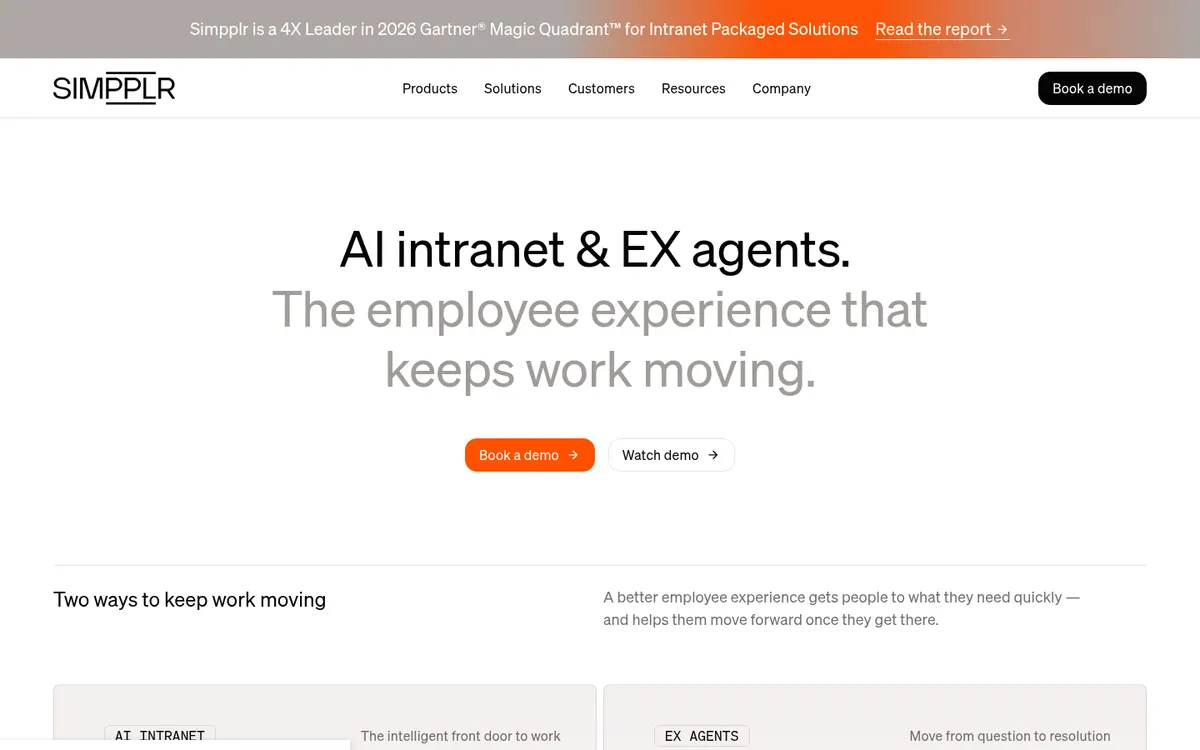
Simpplr is the intranet you buy when the communications team has to prove its work. Personalization runs on role, location and stated interests, so a warehouse shift in Leeds and a finance team in Chicago see different news on the same platform. Readership and engagement analytics sit alongside sentiment trend reporting, which means you can watch how a policy announcement lands over days rather than guess from a comment thread. AI powered search covers pages and content, and publishing tools handle news and announcements without a developer.
The trade off is structure. Content is not organized in a traditional folder tree, so teams that have spent a decade building a tidy document hierarchy will need to rethink navigation around people and topics. Admin mobile publishing is limited, which matters if your comms lead wants to post from a phone during a site visit. Plan on desktop publishing for most day to day work.
Pricing is quote only and varies with volume, so the number depends on headcount, modules and how much of the measurement suite you take. A 14-day trial is available on request, which is the fastest way to test whether the personalization model matches how your people actually look for things. Get the analytics scope in writing before the trial ends, because measurement dashboards are the reason this platform commands its price.
Pick it if communications measurement is the reason you are buying an intranet at all. Companies replacing a static page with a tool that reports on reach and sentiment will find the fit natural. Companies that mainly want a document library with a news banner should look at SharePoint or Blink instead, and anyone who needs heavy admin work from a phone should test that flow first.
What works
- Readership and sentiment analytics you can report upward
- Personalization by role, location and interest
- Publishing and measurement in one platform
What to weigh
- Quote only pricing with no public rate
- Content does not follow a traditional folder tree
- Admin mobile publishing is limited
Pick it if
Your communications team needs readership and sentiment evidence, not just a news page.
Skip it if
You want a document hierarchy with folders, or admins who publish from a phone.
Plate 02 of 08
Workvivo
Best for culture led intranets for distributed and hybrid teams
Our verdict
A culture first intranet that drives fast adoption in hybrid teams, with analytics and chat that cost extra or fall short.
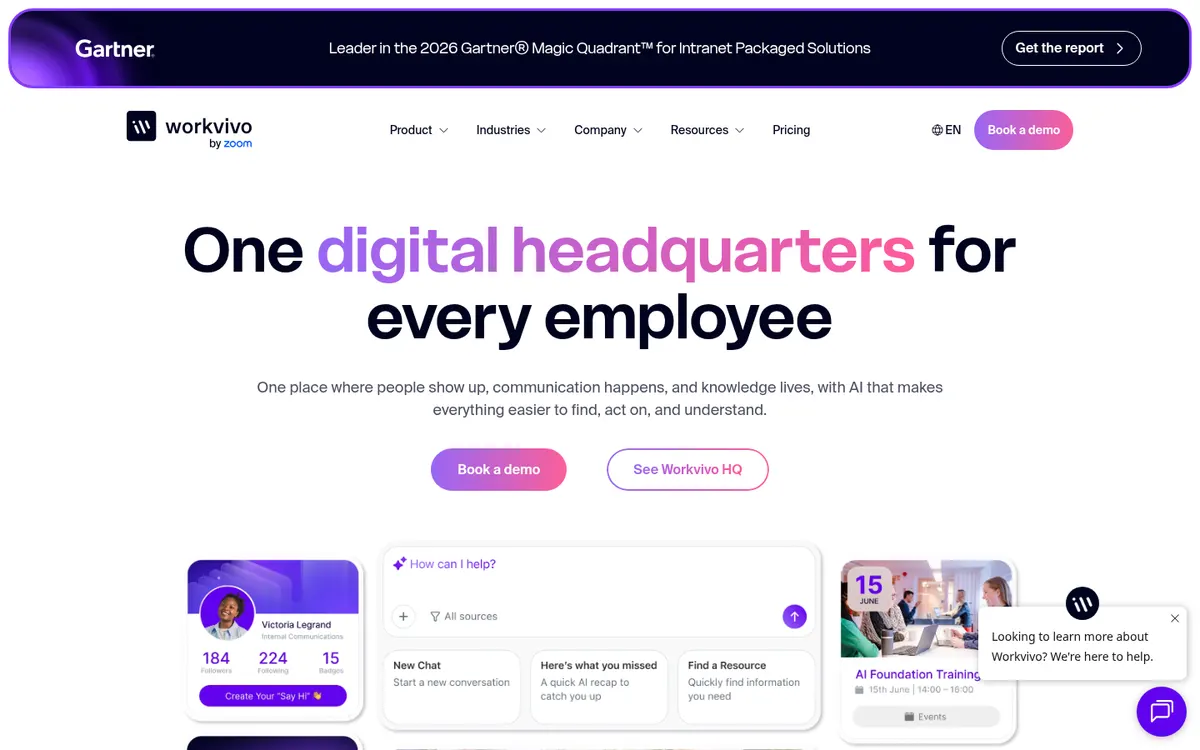
Workvivo sells connection rather than document storage, and it shows. The core is a social feed where employees post, comment and react, with company news and announcements layered on top. Shout outs and recognition give managers a lightweight way to thank people in public. Podcasts and livestreams let leadership communicate in formats people already consume, and community spaces keep interest groups out of the main feed.
The platform is now part of Zoom, which matters for buyers thinking about procurement and long term roadmap. Chat is an add on rather than included, so a company that wants messaging inside the intranet pays again on top of the base package. Engagement analytics are real but less deep than the communications focused rivals on this list, so if you need sentiment trends and readership by segment, test that side hard before signing.
Pricing is custom package only, and the vendor page confirms there is no free trial. That combination means you should expect a demo led process and a proposal built around headcount and modules. Ask what the chat add on costs before you shortlist, because it changes the total meaningfully at scale and rarely appears in the headline number you first hear.
Pick it if you are a distributed or hybrid company where people do not share an office and culture has to be built on purpose. The familiar social interface drives fast adoption, and employees rarely need training to use it. Skip it if analytics depth or included messaging is a hard requirement, or if you need a formal trial before your finance team will approve a purchase.
What works
- Culture and recognition features people actually use
- Familiar social interface with little training
- Strong fit for hybrid and distributed workforces
What to weigh
- Chat is a paid add on
- Analytics are less deep than communications rivals
- Custom pricing and no free trial
Pick it if
Connection and recognition matter more than reporting depth in your hybrid workforce.
Skip it if
You need included chat, deep readership analytics, or a trial before you commit.
Plate 03 of 08
Staffbase
Best for large employers reaching frontline and deskless workers
Our verdict
The best frontline reach on this list, built around mobile login without a company email and patient, month long rollouts.
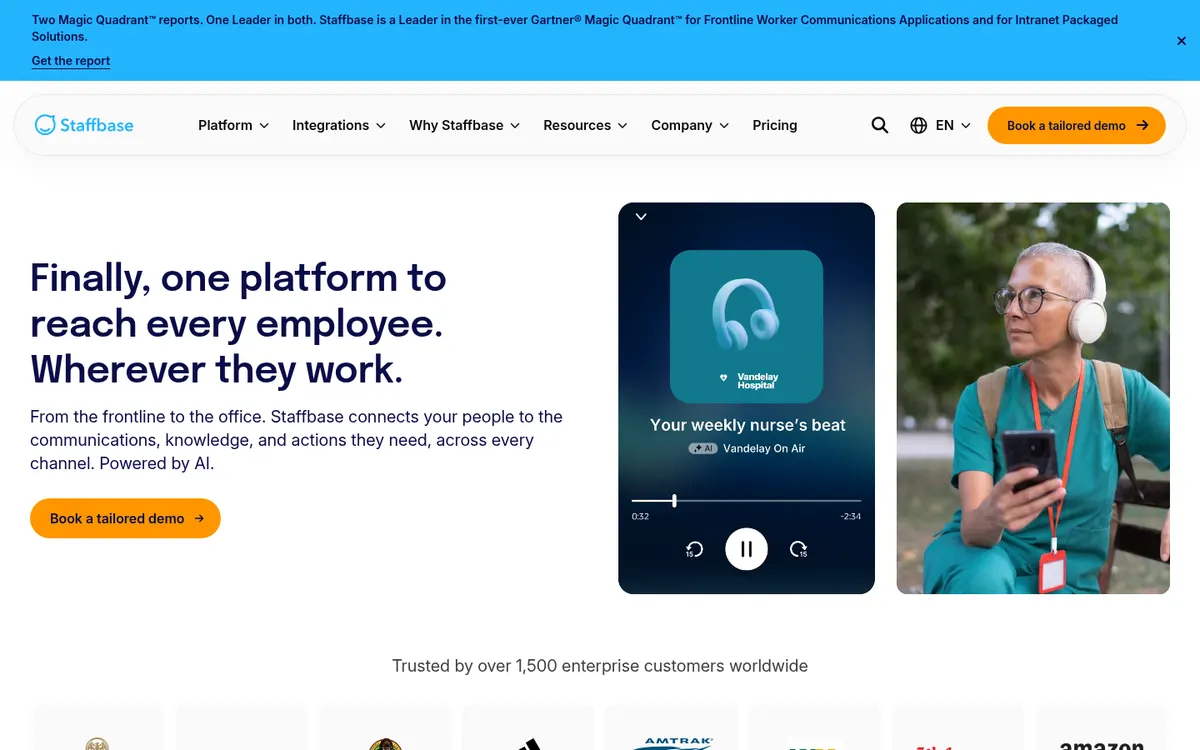
Staffbase is aimed at the hardest audience in internal communications: people who do not sit at a desk. The white labeled mobile app carries your branding, and frontline staff can log in without a company email, which removes the single biggest blocker in factories, warehouses, retail chains and care settings. Targeted news and policy updates reach specific sites, shifts and roles, and shift information delivery puts schedules where people already look. Frontline specific licensing means you are not paying desk based rates for people who mostly use a phone.
Audience and permission planning is where the project lives or dies. Rollouts for large employers commonly take months because audience data, permissions and integrations need to be mapped before launch, and that work usually sits with HR and IT rather than communications alone. Admins mostly publish from desktop, so a comms team that wants to post from a phone should test that flow early and honestly.
There are no published prices. Proposals are built around headcount and channels, which means two companies of the same size can receive very different numbers depending on how many frontline sites and languages they include. Ask for the proposal to separate platform, implementation and channel costs so you can compare it line by line with a quote from LumApps or Unily rather than a single lump sum.
Pick it if frontline reach is the whole point of the purchase and your workforce is large, dispersed and partly without corporate email. Skip it if you are a small office based company, or if you need self serve setup without an implementation partner and a phased launch plan.
What works
- Login without a company email for frontline staff
- White labeled mobile app with your branding
- Frontline specific licensing tiers
What to weigh
- Rollouts commonly take months
- Admins mostly publish from desktop
- No published pricing or trial
Pick it if
A large share of your workforce has no company email and no desk.
Skip it if
You are office based, small, or need a fast self serve launch.
Plate 04 of 08
LumApps
Best for google Workspace companies needing a connected intranet
Our verdict
A sensible Google Workspace intranet with a Beekeeper frontline route, sold through demos with modules you must confirm in writing.
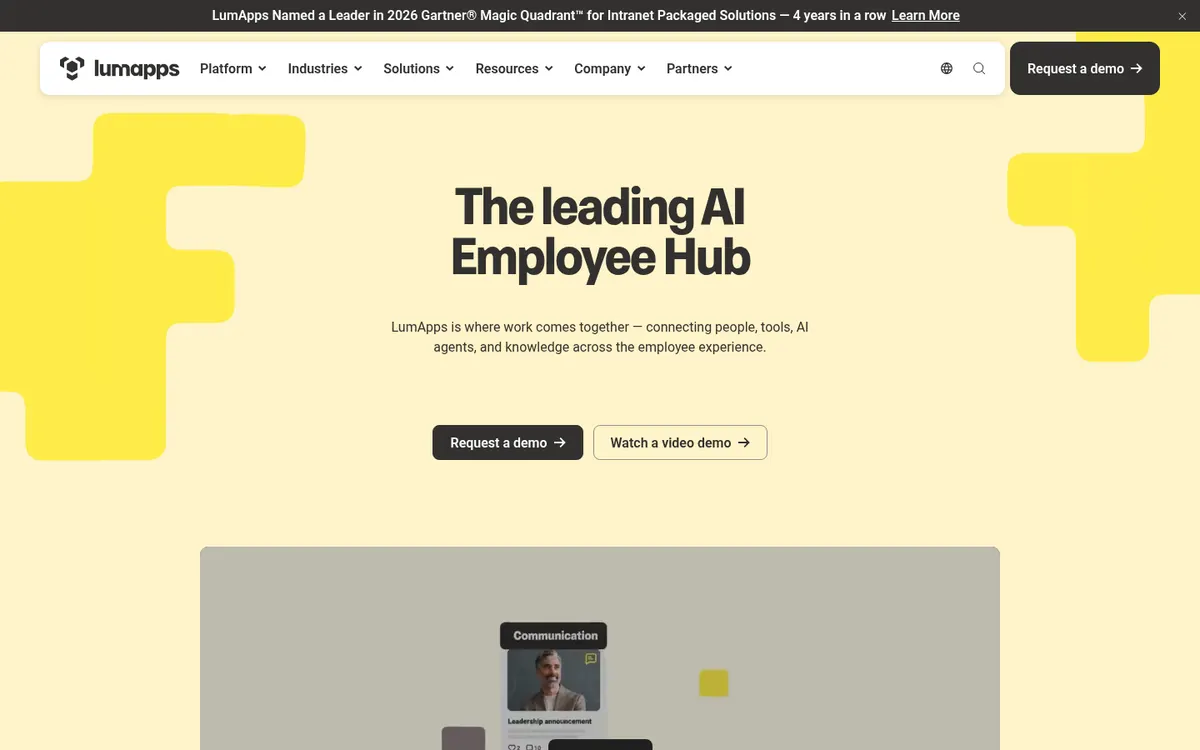
LumApps makes most sense inside Google Workspace, where it behaves like a layer on top of tools people already use. Google Drive, Calendar and Gmail integration means documents and events surface inside the intranet, Drive document search finds files without leaving the page, and people search helps employees find a colleague by skill or team. News following keeps people attached to the updates they opted into rather than everything the comms team publishes that week.
The frontline story comes through Beekeeper, a mobile app that adds a deskless route to the same platform. That is useful for companies with a mixed workforce, but it also means module boundaries matter. Frontline access, analytics and integrations may be scoped or priced separately, so confirm inclusions in the quote rather than assuming them. Multi language and multi site support covers organizations running several countries or brands, and feature depth varies by module across the platform.
There is no published price list and the sales process is demo led. The vendor pricing page returned nothing we could confirm, so budget on the basis of a proposal after a scoping call. Ask for a written module list alongside the quote, because a platform assembled from several products can look broader on a slide than it does in the contract you eventually sign.
Pick it if you are a Google Workspace company that wants a connected intranet with an option to reach frontline staff through Beekeeper. Skip it if you want published pricing, a self serve trial, or a single flat package with no module decisions to make.
What works
- Deep Google Workspace integration
- Beekeeper adds a frontline mobile route
- Multi language and multi site support
What to weigh
- No published price list
- Module inclusions vary and need written confirmation
- Demo led sales with no self serve trial
Pick it if
You run Google Workspace and want one platform for desk and frontline staff.
Skip it if
You need published pricing or a trial before a scoping call.
Plate 05 of 08
Unily
Best for enterprise intranets with broad integrations and governance
Our verdict
Enterprise infrastructure with the broadest integrations here, but heavy for smaller teams and priced through a formal quote process.
Unily is built for large, complex organizations that need an intranet to behave like infrastructure. The integration library is the widest on this list, covering HR systems, IT service management, learning and document repositories, with Microsoft Teams integration for the conversations people already have. Enterprise permissions, approvals and governance controls mean content can move through review without email chains, and multi language, multi site and multi brand support covers groups running many entities under one platform.
That breadth comes with weight. The platform assumes a communications team, an implementation plan and a governance model before launch, so smaller organizations often find it heavy for what they need. Some modules are add ons rather than included, which means the headline quote is not the final number. Ask which capabilities sit in the base platform and which are priced separately, particularly analytics and advanced search.
Pricing is quote only, based on size, capabilities and deployment, and there is no free trial. Expect a formal procurement process with a demo, a scoping phase and a proposal. The useful comparison point is cost per employee per year across a three year term plus implementation, because the platform is usually sold as a multi year commitment rather than a monthly subscription you can switch off.
Pick it if you are a multi brand or multi region enterprise with a real communications function and a governance requirement that has to survive an audit. Skip it if you are under a few hundred employees, need a quick launch, or want to evaluate the product with a trial before you open a budget request.
What works
- Broad integration library including Microsoft Teams
- Enterprise permissions, approvals and governance
- Multi brand and multi region support
What to weigh
- Some modules are paid add ons
- Heavy for smaller or self serve teams
- Quote only with no trial
Pick it if
You are a complex enterprise that needs governance and many integrations in one place.
Skip it if
You are small, need a fast launch, or want a trial before a formal procurement.
Plate 06 of 08
Microsoft SharePoint
Best for companies already using Microsoft 365
Our verdict
The cheapest realistic starting point if you already pay for Microsoft 365, as long as someone owns design and governance.
SharePoint is the default intranet for many companies because they already own it. It is included in many Microsoft 365 plans, and standalone pricing is listed at $5 per user per month, though we could not reconfirm the vendor page on the day we checked, so treat that figure as indicative rather than settled. Sites and pages, news publishing and document libraries cover the basics, and existing permissions are reused, which saves a migration project. Teams based mobile access means people can reach content from an app they already have on their phone.
The catch is that SharePoint is a toolkit, not a finished intranet. It needs design, information architecture and governance work before it looks or behaves like a product, and without that discipline it becomes a sprawling set of sites with no clear entry point. Premium app features may require additional Viva licensing, which changes the cost picture. Search quality depends heavily on how well metadata and structure are maintained over time.
That said, the economics are hard to beat when documents and permissions already live in Microsoft 365. A small or midsize company with a competent IT partner can build a credible intranet for the cost of licenses it already pays for. Budget internal time rather than license fees, and be honest about whether anyone in the business actually owns the governance after launch.
Pick it if you are a Microsoft 365 shop with document heavy work and someone to own the structure. Skip it if you want a finished product on day one, frontline login without a company email, or communications analytics that work without extra build effort.
What works
- Included in many Microsoft 365 plans
- Reuses existing documents and permissions
- Teams integration plus low cost entry
What to weigh
- Needs design, information architecture and governance work
- Premium app features may need extra Viva licensing
- Can sprawl into a set of disconnected sites
Pick it if
Microsoft 365 is already your estate and you have someone to own the structure.
Skip it if
You need a finished product or analytics out of the box.
Plate 07 of 08
Happeo
Best for google Workspace intranets with channels and people search
Our verdict
A quick, tidy Google Workspace intranet for mid-size companies, with less enterprise depth and no published prices.
Happeo is designed for Google Workspace companies that want an intranet without a long integration project. Channels organize content by team, topic or region, announcements carry company news, and people search helps employees find the right colleague. Google Drive connections and Gmail connections bring files and mail into the intranet experience, while groups and files keep content and document access tied to the accounts people already have and already trust.
Setup is straightforward for Google shops, which is the main reason teams choose it over a deeper enterprise platform. The trade off is depth. Very large enterprises with complex governance, multi brand structures or heavy compliance requirements will find less to work with than LumApps or Unily, and should test those scenarios before shortlisting. Channels are easy to create, which is good for adoption and risky for sprawl if nobody owns the channel list.
Pricing is quoted per organization across plans, and while the plans are listed, no prices appear on the page; every tier routes to a demo request. A trial is available through the website, which is unusual in this category and worth using to test search and channel structure with your own content rather than a demo tenant. Ask how the quote scales as headcount grows, because per organization pricing can jump at renewal.
Pick it if you are a Google Workspace company of a few hundred to a few thousand people that wants channels, announcements and people search without a heavy build. Skip it if you need enterprise grade governance, deep analytics, or a published price before you can raise a budget request internally.
What works
- Native Google Workspace design
- Channels, announcements and people search
- Straightforward setup for Google shops
What to weigh
- No public prices, quoted per organization
- Less depth than LumApps or Unily at enterprise scale
- No governance tooling for very large groups
Pick it if
You are a mid-size Google Workspace company that wants a tidy intranet fast.
Skip it if
You need enterprise governance or a published price up front.
Plate 08 of 08
Blink
Best for mobile first intranets for deskless teams
Our verdict
The only tool here with a confirmed published rate, ideal for deskless teams that need news and forms, not deep governance.
Blink is the only tool on this list with a published rate, and that alone makes it worth a look for buyers who are tired of scoping calls. Core is $3.75 per user per month and Pro is $5.00 per user per month, both billed annually, and a free trial is available. The product is a mobile first employee app with news, documents and forms, plus desktop access for people who want a bigger screen and shared device or kiosk access for sites where staff do not carry a phone.
That combination covers a lot of frontline ground cheaply. Setup is simple, and the app targets people who will not read an email announcement. Publishing news, pushing a policy document and collecting a form response are the core loop, and it works without a long implementation project or a systems integrator.
The limit is depth. Blink is less of an intranet than the enterprise platforms here, and it is not built for complex document governance, multi brand structures or deep integration work. Companies that need permissions at department level and a formal approvals chain will find it thin. It is best understood as a communications and access layer rather than a replacement for a document management system, so buyers who need both should budget for two products.
Pick it if you want transparent per user pricing, fast setup and a mobile app your deskless teams will actually open on a shift. Skip it if you need enterprise governance, complex document structures, or analytics deep enough to report sentiment by segment to a board.
What works
- Confirmed published per user pricing
- Mobile first app with kiosk and shared device access
- Simple setup and a free trial
What to weigh
- Less intranet depth than enterprise platforms
- Not suited to complex document governance
- Analytics are basic for large communications teams
Pick it if
You want a published rate and a frontline app live in weeks rather than months.
Skip it if
You need enterprise governance or deep document control.
What is company intranet software, and what should it actually do?
A company intranet is the internal site or app where employees find news, documents, people and the tools they need to do their job, and in 2026 it is usually a hosted product rather than a server in a basement. Answer first: it exists to give every employee one trusted place to find out what is happening, who to ask, and where the current policy lives, and to give the communications team a way to reach people without email.
The category has drifted. Classic intranets were document repositories with a news page bolted on. Modern products are closer to an employee experience platform: personalized feeds, people directories, mobile apps for frontline staff, and analytics that report on readership. Some vendors lead with communication, some with culture and connection, and some with integration into the productivity suite you already run.
An intranet is not a chat tool. Chat, whether Slack, Microsoft Teams or Zoom Team Chat, is for conversation in the moment: fast, informal, and hard to search a year later. The intranet is the durable record and the shared front door. Most organizations need both, and the real question is whether you buy them separately or take an intranet that leans on the chat tool you already pay for.
Expect these building blocks in almost every product:
- Publishing tools for news, announcements and policy updates
- A people directory with search by name, role or skill
- Document access tied to existing permissions where possible
- A mobile app or mobile web experience, sometimes with login that does not need a company email
- Analytics on who read what, and increasingly how they reacted
The differences that decide a purchase are usually unglamorous: how well search handles synonyms and stale content, how much admin work publishing takes, whether frontline staff can log in at all, and how long implementation runs. A demo that only shows the homepage tells you very little about any of those, so ask to see a real task instead.
This guide sits in the Software collection. Buyers weighing nearby tools often read the guides to commission software and research platforms next.
How do vendors price a company intranet, and which model are you buying?
Intranet pricing is quoted in four main ways, and the model matters more than the number. Answer first: most vendors on this list do not publish a price at all, and the ones that do charge per user per month, so you cannot compare a quote against a list price without normalizing both to cost per employee per year.
| Model | How it bills | Typical fit | Example from this list |
|---|---|---|---|
| Quote based enterprise license | Annual or multi year contract built around headcount, modules and deployment | Large employers with a communications team | Simpplr, Workvivo, Staffbase, Unily |
| Per user subscription | Published rate per user per month, billed annually | Buyers who need a budget figure before a call | Blink at $3.75 on Core |
| Bundled with a productivity suite | Included in a subscription you already pay for | Microsoft 365 estates | SharePoint, included in many Microsoft 365 plans |
| Module and add on pricing | Base platform plus separately priced capabilities | Enterprises with uneven needs across brands and regions | Workvivo chat add on, Unily modules, LumApps modules |
When pricing is quote only, the number you hear first is rarely the number you pay. Ask each vendor to separate platform, implementation, add ons and support, and to confirm what happens at renewal. LumApps, for example, does not publish a price list and the pricing page returned nothing we could confirm, so the only reliable route is a scoping call and a written module list. Happeo lists plans but routes every tier to a demo request. SharePoint is the exception: it is included in many Microsoft 365 plans, which changes the comparison entirely for companies already paying for those licenses.
The practical method is to fix your assumptions before you talk to anyone. Hold headcount, languages and site count constant across vendors, ask for a three year total, and put the totals in one spreadsheet next to the published rates. A $3.75 per user rate on 500 frontline staff is easy to compute. A quote based proposal is not, unless you force the same assumptions onto every vendor and write them into the proposal.
Every price in this guide was read on the vendor's own pricing page on November 25, 2026. Where a vendor does not publish a figure we could confirm, the card says "See website" rather than a guess. For the arithmetic around this purchase, try the free Email campaign metrics calculator.
How to choose a company intranet without wasting a quarter
Name the audience that is hardest to reach. If a large share of your workforce has no company email or no desk, frontline reach decides the shortlist before features do. Write that number down first.
Decide whether you are buying an intranet or extending a suite. Microsoft 365 and Google Workspace shops should price the bundled option, meaning SharePoint or a Google native tool, before they entertain a dedicated platform with a new contract.
Shortlist three vendors and request written module lists. Ask each one to separate platform, implementation, add ons and support, so quote based proposals become comparable line by line rather than a single number to negotiate.
Test search with your own messy content. Load old policy documents, acronyms and duplicate pages into a trial or sandbox. If search cannot find the current version of a policy, nothing else in the demo matters.
Walk through one publishing task end to end. Ask the vendor to publish a targeted announcement to one site and one shift while you watch, and time it. That is the daily cost your communications team will pay.
Plan the rollout in quarters, not weeks. Rollouts for large employers commonly take months because audience data, permissions and integrations need planning. Book internal owners for HR data and IT integration before you sign, not after.
Mistakes that stall an intranet before it ever gets traction
- Buying analytics you will not use. A readership dashboard nobody opens is an expensive line item. Decide who receives the report, how often, and what decision it informs before you pay for measurement.
- Treating it as an IT project. Intranets fail when IT owns the platform and nobody owns the content. Name a communications owner with publishing time budgeted, or the homepage will still show last year's picnic photos.
- Assuming mobile publishing works. Several platforms on this list are limited for admins on phones. Ask to publish a post from a handset during the demo, not after the contract is signed.
- Skipping channel and site governance. Channels and sites are easy to create and hard to retire. Set a rule for who can create one, and a review date, or you will rebuild the folder sprawl you left behind.
- Comparing quotes without normalizing them. A single total hides what is included. Force every vendor onto the same headcount, language and site assumptions, then compare three year totals including implementation.
- Leaving frontline login to the end. If authentication needs a company email, your deskless staff may never get in. Test the login route with real frontline workers during the evaluation.
Best Company Intranets 2026: questions
What exactly is a company intranet?
A company intranet is the internal site or app where employees find news, documents, people and links to work tools. Answer first: it is the shared front door for the organization, not a chat tool. Modern versions add personalization, mobile apps for deskless staff, people search and analytics on readership, and most are hosted products sold on a subscription or an annual quote.
How is an intranet different from Slack or Microsoft Teams?
Chat is for conversation in the moment and the intranet is the durable record. Microsoft Teams or Slack moves fast and buries history; the intranet holds the announcement, the policy and the directory entry people need six months later. Most companies run both, and the practical question is whether your intranet integrates with chat or duplicates it.
How do vendors work out intranet pricing?
Most vendors build a quote around headcount, modules and deployment, then add implementation. A few publish per user rates, such as Blink at $3.75 per user per month on Core billed annually. Answer first: assume the published number is a starting point and the final figure depends on seats, languages, sites and which modules you take.
Which features matter most for frontline and deskless workers?
Login without a company email, a mobile app that works on personal or shared devices, targeted updates by site or shift, and simple forms matter more than a polished homepage. Staffbase builds its frontline package around these, and Blink leads with the mobile app. Test authentication with real frontline staff before you commit.
When is SharePoint the right choice instead of a dedicated platform?
SharePoint is the right call when your documents, permissions and identity already live in Microsoft 365 and someone can own design and governance. It is included in many Microsoft 365 plans, which keeps the entry cost low. It is the wrong call if you need a finished product, frontline login without email, or communications analytics out of the box.
How do you compare quote based intranet costs?
Normalize every quote to cost per employee per year over three years, including implementation, add ons and support. Ask each vendor for a written module list so you compare the same capabilities. Where pricing is quote only, request identical headcount, language and site assumptions from all three vendors, then compare totals and renewal terms side by side.