
Contents of this guide
The shortlist
Our top 3 for AI buyers

Applitools
Visual AI diffing
- Best for
- AI visual testing for UI-heavy applications
- Features
- 4 noted: Visual AI, Cross-browser, Baseline comparison, Selenium, Cypress, Playwright

Mabl
Auto-healing tests
- Best for
- low-code end-to-end testing with auto-healing
- Features
- 4 noted: Low-code, Auto-healing, Visual checks, Cloud only

Testim
Locator self-healing
- Best for
- enterprise test automation on the Tricentis platform
- Features
- 4 noted: Self-healing, Salesforce support, Lifecycle reporting, Community plan
Disclosure for this guide. All 7 tools here are unpaid editorial picks. The position of a paid listing can be part of what the vendor pays for. Paid and unpaid tools are scored on the same rubric and keep their cons. Details are in the advertising disclosure.
The ledger
Index of every tool
| Tool | Free plan | Trial | Rubric | Compare | ||
|---|---|---|---|---|---|---|
| 01 | ApplitoolsAI visual testing for UI-heavy applications | $667Starter, per month, paid annually, unlimited users, 100,000 component checkpointsChecked Nov 25, 2026 | See website | Free trial | ||
| 02 | Mabllow-code end-to-end testing with auto-healing | See websitecustom quoteCustom quote | See website | Free trial | ||
| 03 | Testimenterprise test automation on the Tricentis platform | See websitecustom quoteCustom quote | Free Community plan | Free trial | ||
| 04 |  Functionizeintelligent test automation for QA teams | $20Growth, per month, 3,200,000 credits per monthChecked Nov 25, 2026 | Free | Free trial | ||
| 05 |  Katalonbroad test automation at moderate cost | $1,800Professional, per seat per year, billed annually, about $150 per seat per monthChecked Nov 25, 2026 | Free | 30-day free trial | ||
| 06 |  LambdaTestcross-browser and mobile testing at scale | $17KaneAI Starter, per month, billed annually, 1 agent, 2,000 credits per monthChecked Nov 25, 2026 | Free tier | Free trial | ||
| 07 |  ACCELQcodeless enterprise testing for large QA organizations | See websiteNot published | See website | See website |
Prices are the lowest paid plan the vendor shows, read on November 25, 2026. Sort by price ranks published monthly figures; tools without one go last. Pin up to three tools to compare them side by side.
How this guide was put together
Every tool here was scored against the same five criteria, and the weights are published so you can re-rank for your own situation. AI capability carries 30 percent because it is the reason this category exists: how much of test creation, healing, failure analysis and maintenance the platform actually automates, judged from documented features rather than demos. Test coverage takes 25 percent and asks how many layers one tool reaches, from browser and device grids to API and desktop. Maintenance effort takes 20 percent, since the real cost of automation is the upkeep after month three. Pricing clarity takes 15 percent and rewards vendors who publish figures; a deliberately opaque quote process is a cost to the buyer even when the software is good. Fit and integration takes the last 10 percent, covering how cleanly a tool drops into the frameworks and platforms a team already runs.
Prices were read from vendor pricing pages on November 25, 2026 and kept in the form the vendor published. Where a page returned no content or routed to sales, this list says so and no number is estimated. Three of the seven entries publish no figure at all, which is a finding in itself.
The ranking is editorial. It reflects how well each tool serves the buyer described in its entry, not a weighted total. The Featured position, where a listing carries it, is a paid placement; it is scored with this same rubric and given the same honest cons as every other entry.
The full process, including how we handle corrections, is on the methodology page. Paid listings follow the advertising disclosure.
Rubric and weights
Every tool below is scored from 1 to 10 on these five criteria. The scores describe each tool; the order is an editorial call on fit for the buyer each card describes, plus the disclosed Featured position.
- 30%AI capabilityHow much of authoring, maintenance, self-healing and failure analysis the platform actually automates, judged from documented features rather than demos.
- 25%Test coverageHow many testing layers one purchase reaches, from browser and device grids to API and desktop applications.
- 20%Maintenance effortHow much of the upkeep after month three the tool removes from the team rather than shifting onto it.
- 15%Pricing clarityWhether the vendor publishes figures a buyer can plan against, since an opaque quote process is a cost in itself.
- 10%Fit and integrationHow cleanly the tool drops into the frameworks, platforms and processes a team already runs.
Plate 01 of 07
Applitools
Best for AI visual testing for UI-heavy applications
Our verdict
Best pick when broken layout, not broken logic, is what reaches your customers, provided the visual budget is real.
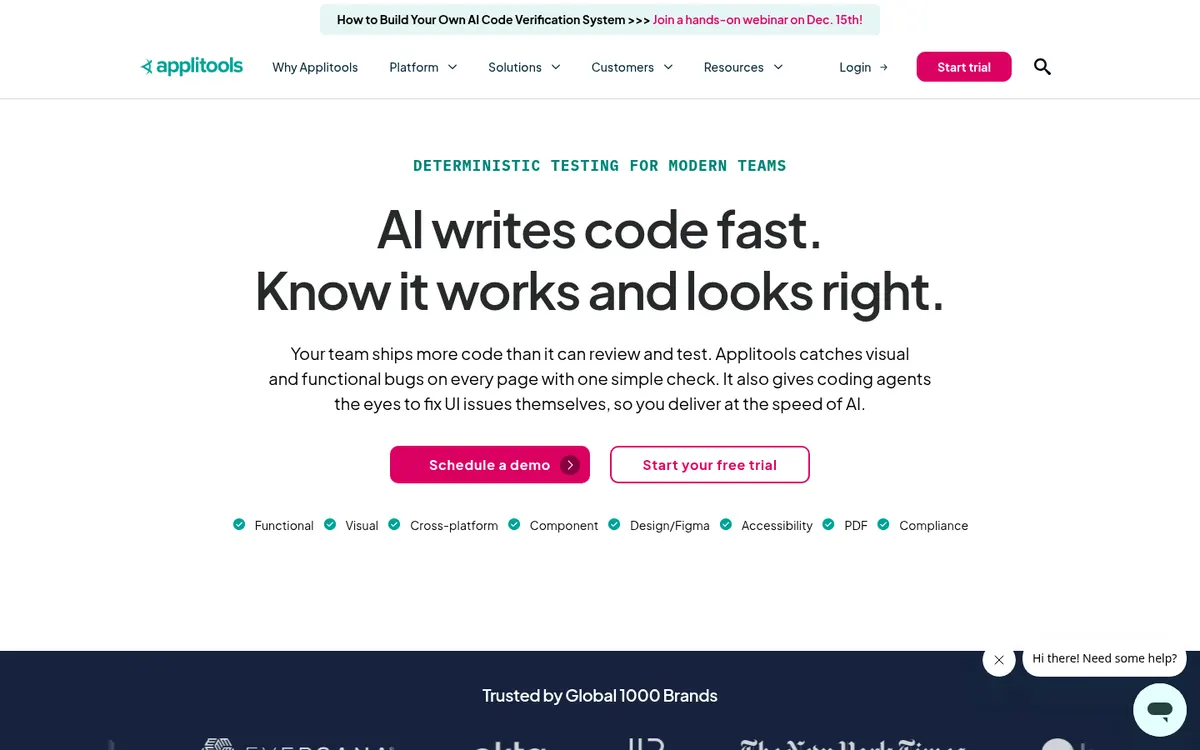
Applitools sells one thing well: a Visual AI engine that compares screenshots against approved baselines and reports the differences a human would see. It separates meaningful UI changes from rendering noise, so it can ignore small rendering shifts while still catching real layout changes. For a product team whose release risk shows up as broken layout rather than broken logic, that is the gap most unit and functional suites leave open.
The platform runs its checks across browsers, devices and viewports, so the same baseline can be validated on a phone, a tablet and a desktop session. It plugs into Selenium, Cypress and Playwright, which means teams usually keep their existing framework and add visual assertions rather than migrating. Coverage extends to cross-device visual validation, and results feed back into the same pipeline that already gates the build.
The catch is the price. The Starter plan is listed at $667 per month, billed annually, with unlimited users and 100,000 component checkpoints. That is a real budget line for a small team, and the higher tiers are custom quotes, so nothing above Starter can be planned without a sales conversation. Seats are not the constraint here; checkpoints are, and heavy visual suites can consume them faster than expected.
Applitools also will not test your business logic. It is a complement to functional coverage, not a replacement, and a team with no automated suite will find it does not build one for you. It fits organizations where UI regressions are expensive: commerce checkout flows, dashboards, design-system-driven products with many components.
What works
- Catches UI regressions that DOM assertions miss
- Reduces false positives from rendering noise
- Plugs into Selenium, Cypress and Playwright
What to weigh
- Premium price at every tier
- Higher tiers are custom quotes only
- Visual checks do not replace functional tests
Pick it if
A broken layout on a phone or a desktop browser is the kind of bug that reaches your customers and costs revenue.
Skip it if
Your release risk sits in business logic and API behavior rather than in what the page looks like.
Plate 02 of 07
Mabl
Best for low-code end-to-end testing with auto-healing
Our verdict
A low-code end-to-end platform whose auto-healing earns its keep, held back by cloud-only execution and credit-based quotes.
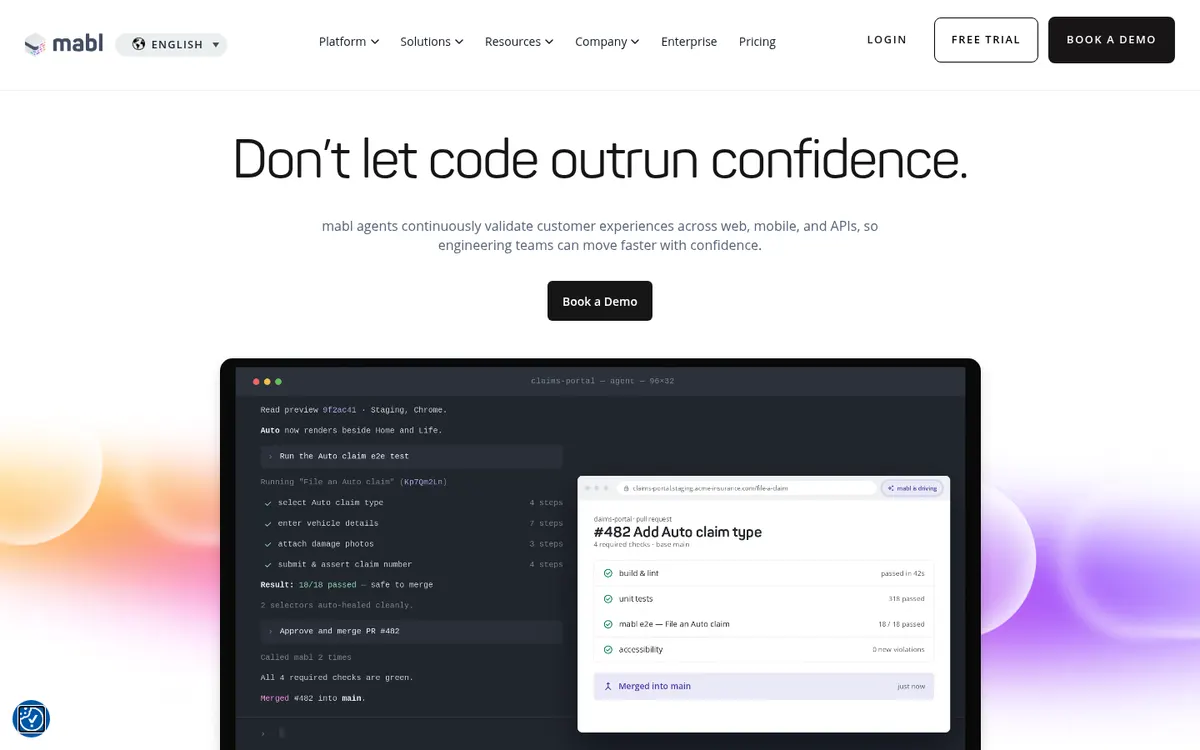
Buying Mabl starts with a conversation, not a checkout page. The vendor quotes per organization and bills against credits, so the number you get depends on the size of your suite, how often it runs and how many parallel sessions you need. There is a free trial, but no published price, and free plan details are on the vendor site, which makes Mabl harder to shortlist on budget alone.
What you get for that is a low-code recorder that runs in the browser. A tester clicks through a flow, Mabl captures it, and machine learning keeps the test passing when the page shifts underneath it. Auto-healing is the headline feature and the one that changes the economics most: the maintenance work that usually eats automation budgets gets absorbed by the platform. Built-in visual checks add layout comparison without a second vendor, and the same test can mix recorded steps with code when a case needs logic the recorder cannot express.
Execution is cloud-only. There is no on-premise option in this listing, which is a hard stop for organizations with strict data handling rules or air-gapped environments. Everything runs on Mabl's infrastructure.
The pricing model is the other thing to watch. Credit-based billing is honest about usage, but it also means cost tracks your growth. A suite that triples in a year will not cost the same, and teams that add scheduled runs across multiple environments should model that before signing. Mabl fits QA teams that want end-to-end coverage without hiring a deep automation engineering bench, and organizations comfortable running tests in a vendor cloud. It fits less well where data residency is non-negotiable or where finance needs a fixed annual figure.
What works
- Auto-healing cuts test maintenance work
- Usable by teams without deep automation skills
- Recorded steps can be extended with code
What to weigh
- Execution is cloud-only
- No published price or free plan
- Usage-based credits get harder to forecast as suites grow
Pick it if
Your testers know the product well but are not automation engineers, and cloud execution passes your data rules.
Skip it if
You need on-premise or air-gapped execution, or if procurement requires a published price before evaluation.
Plate 03 of 07
Testim
Best for enterprise test automation on the Tricentis platform
Our verdict
Strong locator stability for dynamic apps, with the most value landing inside an existing Tricentis investment.
Testim's core claim is that locators should not break every time a developer renames a class. Its AI-stabilized locators and self-healing tests reduce locator-related flakiness when elements change. For teams testing applications that change weekly, particularly heavily customized Salesforce orgs and other dynamic web apps, that is the difference between a suite that runs and a suite that gets muted.
Around that core sits a fuller lifecycle: test planning, execution and reporting, with coverage tracked from requirement to result. Testim now sits inside Tricentis, so the pieces connect to a wider enterprise testing platform rather than standing alone. Teams already using Tricentis for other testing work get the most from that, because results and governance land in one place instead of two.
Pricing is the friction. Every paid tier routes to contact sales, and no figure is published. There is a free Community plan available after the trial, which is a reasonable way to evaluate the locator behavior on your own app before you take a quote. Past that, expect an enterprise sales process.
The honest limit is fit. Testim is strongest as part of the Tricentis ecosystem, and a small team that just wants cheap browser automation will pay for platform capability it never opens. Developer-led teams that prefer to write tests in code may also find the record-and-replay surface gets in the way. It fits large QA organizations with dynamic applications, existing Tricentis investment and a procurement process that can handle a custom quote.
What works
- Stabilizes tests against frequently changing elements
- Handles complex, dynamic web applications
- Free Community plan after the trial
What to weigh
- Every paid tier goes through sales
- Best value only inside the Tricentis ecosystem
- Record-and-replay surface can frustrate code-first teams
Pick it if
Your suites break constantly on dynamic pages such as Salesforce and you already run other Tricentis tooling.
Skip it if
You need a published price this quarter or you have no intention of standardizing on the Tricentis platform.
Plate 04 of 07
Functionize
Best for intelligent test automation for QA teams
Our verdict
Natural language authoring and automated maintenance at a published $20 entry, with less brand pull in procurement.
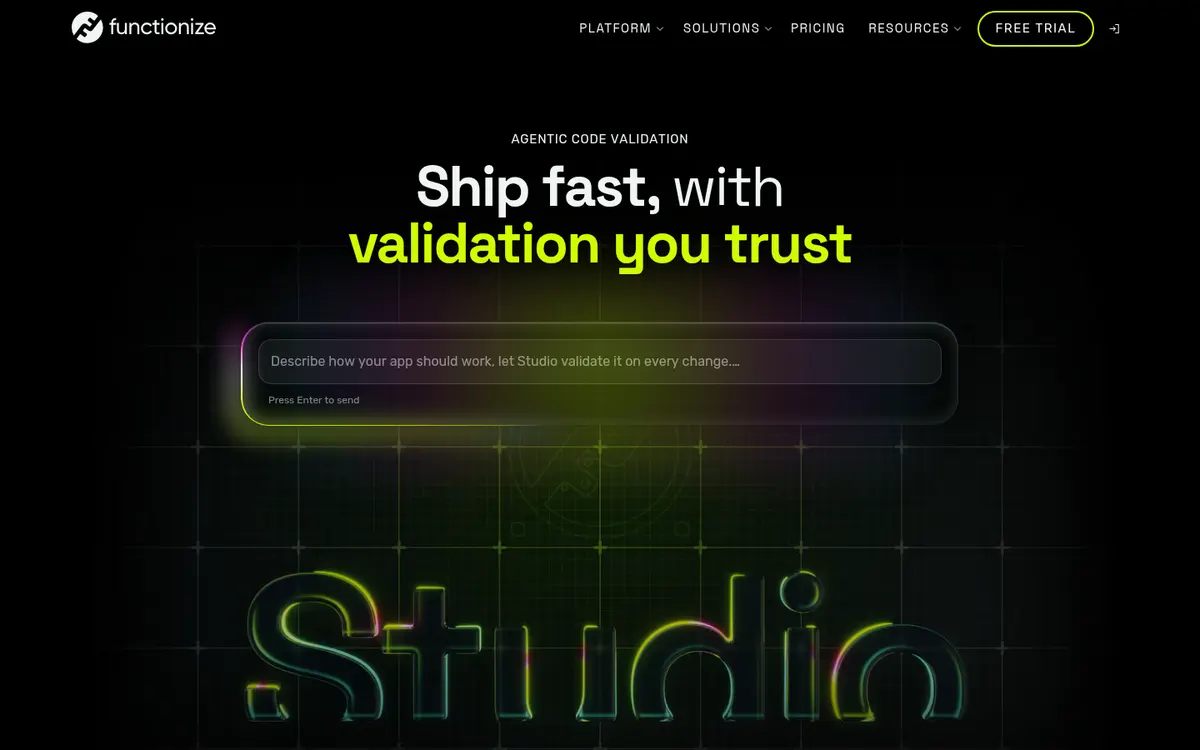
Functionize puts plain English at the front of test creation. A tester describes a step in natural language, the platform turns it into an executable test, and machine learning handles execution and upkeep. For QA teams with deep domain knowledge but limited scripting experience, that changes who can contribute. Testers who know the product best can write the checks themselves.
Maintenance is the second half of the pitch. Tests are maintained by the platform rather than by hand, and failure analysis tries to explain why a run broke instead of just flagging a red result. Execution happens in the cloud across browsers and devices, so there is no grid to maintain. The platform also supports teams moving from manual testing toward automation without a rewrite of how they think about test cases.
Pricing now has a self-serve entry point. The Growth plan is listed at $20 per month with 3,200,000 credits per month, and a free plan sits below it, so a small team can start without a sales call. Credits are the meter, and heavy suites or frequent runs will burn them, so the entry price is a starting point rather than a budget. Larger deployments still involve sales engagement.
The honest limits are brand and depth. Functionize has less recognition in procurement conversations than the largest names in this list, which matters in conservative organizations that prefer vendors already on an approved list. It also competes with tools that publish clearer per-seat comparisons. It fits QA teams that want natural language authoring and low maintenance, and buyers willing to evaluate on capability rather than logo.
What works
- Natural language test creation for non-coders
- Automated maintenance and failure analysis
- Free plan plus a $20 per month entry tier
What to weigh
- Less brand recognition than category leaders
- Credit allowance is modest for heavy suites
- Larger rollouts still require sales engagement
Pick it if
Your QA team knows the product deeply but writes little code, and you want to start on a free plan before committing.
Skip it if
Procurement requires a well-known vendor or if your engineers want tests living in the same repository as the application code.
Plate 05 of 07
Katalon
Best for broad test automation at moderate cost
Our verdict
One purchase covering web, mobile, API and desktop testing at a predictable per-seat price, with AI as a bonus.
Katalon is the broadest single purchase in this list. One platform covers web, mobile, API and desktop application testing, with AI-assisted test creation and maintenance layered on top. For a team that would otherwise stitch together a browser automation framework, a mobile tool and a separate API client, consolidating into one vendor removes tooling overhead and a few integration projects.
The free tier is the real entry point. It supports immediate adoption, and the community and self-service documentation around the product are substantial, which matters when your testers hit a problem at 5pm on a Friday. Advanced needs and larger suites move to paid plans.
The Professional plan is listed at $1,800 per seat per year, billed annually, roughly $150 per seat per month. That is per seat, so cost scales with the size of the QA team rather than with test volume, which some finance teams find easier to forecast than credit meters. It also means a larger QA organization is looking at a significant annual commitment before add-ons.
The honest weakness is depth on AI specifically. The AI features are real but trail purpose-built AI testing products, particularly on self-healing and failure analysis. Buy Katalon for breadth and value, not for the most advanced machine learning in the category. It fits teams that want one platform across testing types at a predictable per-seat price, and organizations with mixed skill levels where a free tier lets people experiment. It fits less well for a team that has already standardized on a code-first stack and only needs AI test maintenance.
What works
- Covers web, mobile, API and desktop in one tool
- Free tier supports immediate adoption
- Per-seat pricing is easy to forecast
What to weigh
- AI features trail purpose-built AI tools
- Serious usage moves onto paid plans
- Per-seat cost grows with the QA team
Pick it if
You want one platform across testing types and a per-seat price your finance team can plan around.
Skip it if
Advanced self-healing and AI failure analysis are the main reason you are buying.
Plate 06 of 07
LambdaTest
Best for cross-browser and mobile testing at scale
Our verdict
The cheapest way into AI-assisted cross-browser testing, provided KaneAI is an add-on rather than the whole reason.
LambdaTest built its reputation on a cloud grid, and the grid is still the product. Thousands of browser and operating system combinations, mobile coverage, and no device lab to rack and patch. Teams that used to maintain a Selenium grid in a closet can point their existing suites at LambdaTest and stop worrying about browser versions.
KaneAI is the newer layer. It assists with test creation and analysis and helps interpret failures. It is genuinely useful for teams that want help authoring, but it is younger than the infrastructure underneath it, and the AI features have had less time in production than the grid. Buyers should pilot KaneAI on real flows rather than assume parity with purpose-built AI tools.
Price is where LambdaTest is hardest to argue with. KaneAI Starter is listed at $17 per month billed annually, or $19 month to month, with one agent and 2,000 credits per month. A free tier sits below that, so evaluation costs nothing. The credit allowance is modest enough that active teams will move up quickly, but the entry point is the lowest published figure in this list.
One caveat on coverage: real-device availability and grid quality vary by configuration, so confirm the exact device and browser matrix you need is included before you commit. Automated checks against a simulator are not the same as a physical handset. LambdaTest fits teams that need wide cross-browser coverage at a low starting cost and want AI assistance as an add-on rather than the core. It fits less well if advanced AI test generation is the main requirement.
What works
- Large browser and device grid
- Lowest published entry price in this list
- Free tier and free trial available
What to weigh
- AI features are newer than the core grid
- Real-device availability varies by configuration
- Small credit allowance on the starter plan
Pick it if
Cross-browser and mobile coverage matter most and you want to test the AI features without a large commitment.
Skip it if
You need mature AI test generation and analysis as the primary capability rather than an add-on.
Plate 07 of 07
ACCELQ
Best for codeless enterprise testing for large QA organizations
Our verdict
Genuinely codeless enterprise QA that business analysts can own, priced through sales and aimed at large organizations.
ACCELQ leads with codeless test design. Tests are expressed in natural language and business terms rather than page objects and selectors, and the platform handles the automation underneath. For a QA organization staffed largely by business analysts and manual testers, that is a meaningful change in who can own automation, and it shortens the path from a written requirement to a running check.
The platform unifies API and UI testing in one flow. A single test can call a service, validate the response, then drive the interface and confirm what the user sees, without stitching two frameworks together. AI-assisted maintenance and failure analysis handle the drift that accumulates as applications change. At enterprise scale, that combination is the argument: fewer tools, one model, and a QA function that does not need a developer for every new scenario.
Pricing is not published. The vendor routes buyers through sales, and the pricing page returned no content when checked on November 25, 2026, so no figure could be confirmed for this list. Enterprise focus usually means enterprise cost and a procurement cycle.
The limit is orientation. ACCELQ's codeless model suits large QA organizations with limited coding capacity far better than developer-led, code-first teams, who often find the abstraction gets in the way when they need precise control. It fits regulated enterprises with big manual testing backlogs and a mandate to automate, and it fits less well for a small engineering team that already writes Playwright or Cypress tests and wants AI help inside that code.
What works
- Codeless design that business analysts can own
- Unifies API and UI testing in one flow
- AI-assisted maintenance and failure analysis
What to weigh
- No published pricing at all
- Enterprise focus means higher cost
- Poor fit for code-first engineering teams
Pick it if
You run a large QA organization with many manual testers and need codeless automation across API and UI.
Skip it if
You need a published price to shortlist, or your engineers already own a code-based test suite.
What Do AI Software Testing Tools Actually Do?
AI software testing tools are programs that use machine learning for part of the testing job: writing tests, running them, deciding whether a failure is real, and repairing the ones that break when an application changes. The application under test is ordinary software. The AI sits on the tester's side of the fence, doing work that used to require a person to click through screens or read stack traces. That is worth stating plainly, because the phrase gets used both ways.
Most tools in this category concentrate on four jobs.
- Authoring: turning a recorded click path or a written sentence into an executable test, so the people who know the product can write checks without a scripting background.
- Maintenance: keeping existing tests valid as elements, layouts and APIs change, which is where automation budgets usually die.
- Visual comparison: judging a screenshot the way a person would, so a shifted button or a missing label is caught and a font rendering difference is ignored.
- Analysis: grouping failures, pointing at a likely cause and separating product bugs from environment noise.
Self-healing is the feature buyers ask about most. Instead of identifying an element by one selector, these tools look at several attributes and the surrounding structure, then relocate the element when a class name changes. A test that would have failed now passes, and an engineer who would have spent an afternoon on the fix does something else.
Codeless platforms build on that, letting testers assemble flows in a visual editor while the platform generates the underlying automation. Code-based tools take the other road, keeping tests in a repository and applying AI to maintenance, generation and triage. Neither is better in the abstract. Codeless suits large QA organizations with many manual testers; code-based suites suit engineering teams that want tests reviewed like any other code.
What AI does not do is decide what to test. Coverage still depends on someone who understands the product, and a suite full of AI-generated checks that assert nothing useful is just faster noise. Treat these tools as leverage on the work around the test, not a substitute for knowing what matters.
This guide sits in the AI collection. Buyers weighing nearby tools often read the guides to 2d animation software and email deliverability services next.
How AI Testing Tools Price: Seats, Credits and Quotes
AI testing tools bill in five patterns, and the pattern matters more than the headline number. Three of the seven tools in this list publish no price at all, so the first question to ask a vendor is which model they use.
| Model | How it bills | Typical fit | Example from this list |
|---|---|---|---|
| Per seat, annual | Fixed fee per tester, billed yearly | Teams with stable headcount and a forecastable budget | Katalon Professional at $1,800 per seat per year |
| Credit meter | Monthly allowance of usage units | Teams whose run volume moves around | Functionize Growth at $20 per month with 3,200,000 credits per month |
| Component tier | Package priced by validation volume | Visual-heavy suites with many components | Applitools Starter at $667 per month paid annually with 100,000 component checkpoints |
| Agent plus credits | Per agent, with a credit allowance included | AI-assisted pilots | LambdaTest KaneAI Starter at $17 per month billed annually with 1 agent and 2,000 credits |
| Custom quote | Sales-scoped contract | Enterprises needing custom contracts | Mabl, Testim and ACCELQ |
Per-seat pricing is the easiest to budget and the least forgiving of growth in headcount. Credit pricing inverts that: a small team can start cheaply, but cost tracks usage, and scheduled runs across multiple environments burn credits quickly. Component and checkpoint tiers do the same for visual testing, where the meter is the number of UI elements validated rather than the number of testers.
Custom quotes are not automatically worse. Enterprise contracts often bundle support, security review and onboarding that a self-serve plan does not include. The problem is comparison: you cannot line four vendors up on a spreadsheet when three of them will not put a number in writing without a call.
Two practical checks before signing. Ask what happens to your price when usage doubles, and ask whether the free tier or trial covers the flows you actually need to test. A free plan that caps you below a realistic suite tells you very little.
Every price in this guide was read on the vendor's own pricing page on November 25, 2026. Where a vendor does not publish a figure we could confirm, the card says "See website" rather than a guess. For the arithmetic around this purchase, try the free Email campaign metrics calculator.
How to Choose: A Six-Step Decision Path
- Pick one high-value suite to pilot. Choose a flow where a failure costs money, such as checkout or login, and run the trial against that instead of a toy demo. A single realistic suite exposes locator and data problems fast.
- Settle codeless versus code-first before you demo. If most of your QA team does not code, weight codeless tools like ACCELQ and Functionize higher. If engineers review tests in pull requests, weight code-friendly tools like Applitools and LambdaTest.
- Model your real run volume. Ask each vendor what your cost looks like at double and triple current usage, then compare that to a per-seat quote. Credit meters look cheap at entry and behave differently at scale.
- Confirm the environment will be allowed. Cloud-only execution rules out some organizations. Mabl runs only in the vendor cloud, so check data handling rules before shortlisting it.
- Check the device and browser matrix. If mobile matters, name the exact handsets and OS versions you need and get written confirmation they are included, rather than trusting a general coverage claim.
- Score the trial against maintenance, not first-run success. Record how many tests needed manual repair during the trial. That number predicts your year two cost better than any demo.
Five Mistakes That Sink an AI Testing Rollout
- Buying before measuring. Most teams cannot say how many hours a month go to test maintenance. Instrument that first, or you have no baseline to prove the tool paid for itself.
- Treating AI as a replacement for testers. These platforms speed up authoring and repair. They do not decide what deserves coverage, and a suite asserting the wrong things gets faster, not better.
- Ignoring credit burn. A $20 entry plan with a credit allowance is not a $20 tool. Model scheduled runs across every environment before you sign an annual term.
- Skipping the data question. Cloud-only execution is a hard block in regulated environments. Confirm where test data and screenshots are stored before the security review, not after it.
- Automating tests that should be deleted. AI maintenance can keep an obsolete test alive indefinitely. Prune the suite before you add intelligence to it, or you pay to maintain noise.
The 7 Best AI Software Testing Tools to Buy in 2026: questions
What are AI software testing tools and how do they work?
They are testing platforms that apply machine learning to authoring, execution, maintenance or failure analysis. A recorder or a written sentence becomes an executable test, the platform keeps that test valid as the application changes, and it groups failures so engineers can tell a real bug from environment noise. The application under test is ordinary software; the AI works on the tester's side.
Do AI testing tools replace QA engineers?
No. They change what QA engineers spend time on. Recording, script upkeep and first-pass failure triage shrink; test design, coverage decisions and judgment about risk stay with people. A tool that auto-heals a test still needs someone to decide the test should exist. Teams that cut QA headcount after buying automation usually end up with more tests and less confidence in them.
How does AI visual testing detect UI changes?
It compares a rendered screenshot against an approved baseline and separates meaningful UI changes from rendering noise. Small rendering differences are ignored, while meaningful layout changes are flagged. Applitools builds its platform on visual comparison, and Mabl includes built-in visual checks.
What are self-healing tests and why do they reduce maintenance?
Self-healing tests relocate elements when the page changes, so a test keeps running instead of failing on a cosmetic code change. Testim and Mabl both offer self-healing or auto-healing, and it targets test maintenance work.
Should you choose codeless or code-based AI testing?
Choose codeless when most of your QA team does not write code and you need manual testers contributing to automation quickly; ACCELQ and Functionize are built for that. Choose code-based when engineers review tests alongside application code and want the suite in version control. Many teams end up mixed, with low-code authoring for business flows and code for complex integration paths.
Which tools here support mobile testing and real devices?
Katalon and LambdaTest both cover mobile testing, and LambdaTest runs on a cloud device grid rather than a lab you maintain. Real-device availability varies by configuration on LambdaTest, so confirm the handsets and OS versions you need are included. Applitools validates layouts across devices and viewports but tests visuals, not mobile app behavior end to end.