
Contents of this guide
The shortlist
Our top 3 for devOps buyers

UptimeRobot
50 free monitors
- Best for
- Budget uptime checks across many sites
- Features
- 4 noted: 50 free monitors, 5-minute checks, Status pages, SMS credits

Better Stack
Built-in on-call
- Best for
- Small teams wanting monitoring and incident response together
- Features
- 5 noted: Incident response, 30-second checks, On-call schedules, Log management, Playwright checks

Pingdom
100+ check locations
- Best for
- Simple enterprise uptime with broad location coverage
- Features
- 4 noted: 100+ locations, Transaction checks, Page diagnostics, Real user monitoring
Disclosure for this guide. All 8 tools here are unpaid editorial picks. The position of a paid listing can be part of what the vendor pays for. Paid and unpaid tools are scored on the same rubric and keep their cons. Details are in the advertising disclosure.
The ledger
Index of every tool
| Tool | Free plan | Trial | Rubric | Compare | ||
|---|---|---|---|---|---|---|
| 01 | UptimeRobotBudget uptime checks across many sites | FreeFree plan, 50 monitors, 5 minute intervalChecked Nov 25, 2026 | Yes | No | ||
| 02 | Better StackSmall teams wanting monitoring and incident response together | $29Responder, per license per month, billed annuallyChecked Nov 25, 2026 | Yes | No | ||
| 03 | PingdomSimple enterprise uptime with broad location coverage | $16.5Synthetic Monitoring, per month, annual paymentChecked Nov 25, 2026 | No | Free trial | ||
| 04 |  StatusCakeAgencies needing uptime, SSL and domain expiry alerts | $20.41Superior, per month, billed yearlyChecked Nov 25, 2026 | Yes | 7-day free trial | ||
| 05 | Site24x7Teams consolidating uptime, servers and API monitoring | $9Lite, per month, paid annuallyChecked Nov 25, 2026 | Yes | 30-day free trial | ||
| 06 |  ChecklyDevelopers monitoring APIs and browser flows as code | $24Starter, per month, billed annuallyChecked Nov 25, 2026 | Yes | No | ||
| 07 |  New Relic SyntheticsExisting New Relic users needing free synthetic checks | FreeFree tier, 100 GB data ingest per month, one full platform userChecked Nov 25, 2026 | Yes | No | ||
| 08 |  Uptime KumaTechnical teams wanting free self-hosted monitoring | See websiteopen source, self-hostedNot published | Yes | No |
Prices are the lowest paid plan the vendor shows, read on November 25, 2026. Sort by price ranks published monthly figures; tools without one go last. Pin up to three tools to compare them side by side.
How this guide was put together
We scored eight uptime monitoring tools against five criteria, then placed them in the order that best fits the buyer each entry describes. Price is the first filter most operators apply, so free tier value carries the most weight at 25 percent. Check depth and alerting quality take 20 percent each, because a tool that watches the wrong thing or wakes the wrong person is worse than no tool at all. Plan clarity takes another 20 percent, since entry prices and real bills often diverge once extra monitors or add-ons appear. Setup effort takes the last 15 percent.
Every price in this list comes from vendor pricing pages checked on November 25, 2026. We record the entry price and the billing term exactly as published, so a $29 license billed annually stays a $29 license billed annually here. Where a vendor's marketing headline and its pricing page disagreed, we used the pricing page and noted the difference in the entry. We do not convert currencies or estimate what a larger team might pay.
Facts come from published plan limits: monitor counts, check intervals, alert channels, status page availability and trial length. We did not run identical load tests against every vendor, and we do not claim to. Where a limit changes the buying decision, such as five-minute free checks or browser run quotas, we name it in the entry.
Featured placement is paid. A Featured entry is scored with the same rubric, carries the same kind of cons as every other entry, and is never given a pass on price clarity or alerting. The order reflects fit for the buyer each entry describes, plus any disclosed Featured position.
The full process, including how we handle corrections, is on the methodology page. Paid listings follow the advertising disclosure.
Rubric and weights
Every tool below is scored from 1 to 10 on these five criteria. The scores describe each tool; the order is an editorial call on fit for the buyer each card describes, plus the disclosed Featured position.
- 25%Free tier valueHow much real monitoring the free or entry tier includes, measured in monitors, check intervals and alert limits.
- 20%Check depthRange of check types and how short intervals go, from simple HTTP pings to browser and transaction checks.
- 20%Alerting qualityWhether alerts reach the right person, through which channels, and whether those channels cost extra.
- 15%Setup effortHow much work stands between signup and a working monitor with a tested alert route.
- 20%Plan clarityWhether the advertised price matches the bill once add-ons, extra monitors and overages land.
Plate 01 of 08
UptimeRobot
Best for budget uptime checks across many sites
Our verdict
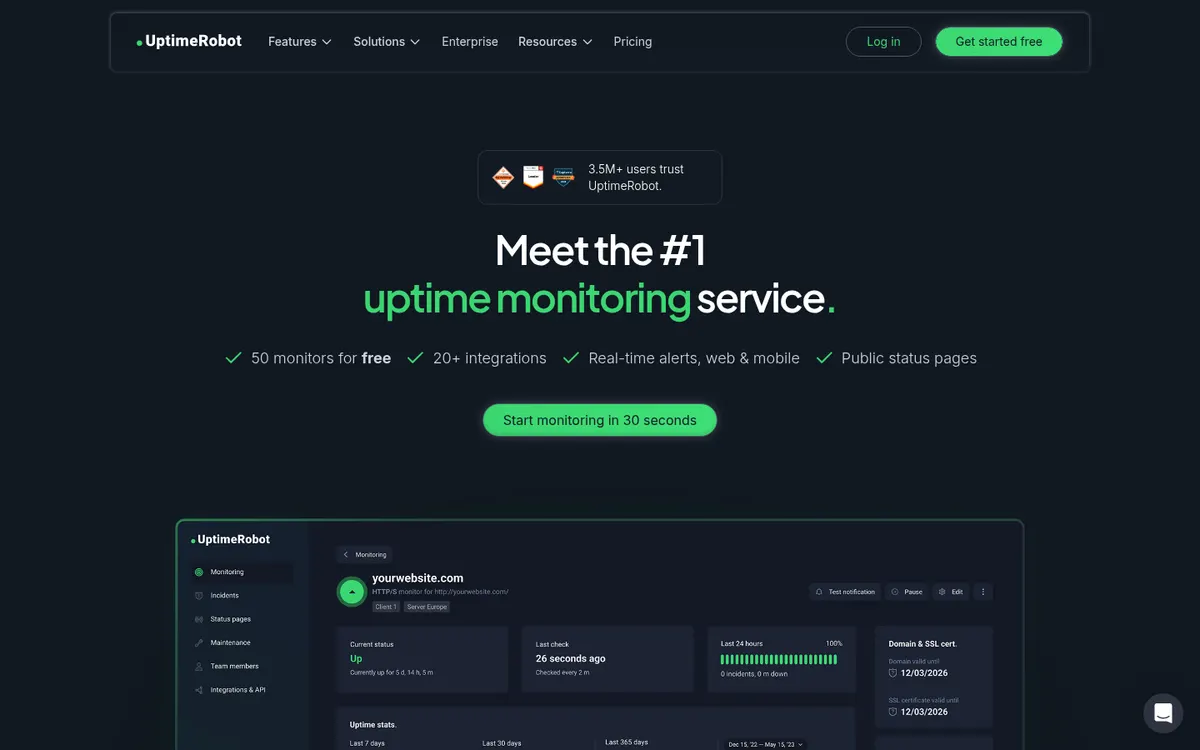
The widest free coverage here: 50 monitors at 5-minute checks and status pages, with paid plans from about $7 to $9.
UptimeRobot is the cheapest way to watch a long list of sites. The free plan covers 50 monitors at a 5-minute interval, which is generous enough to keep an eye on a portfolio of marketing sites, client domains or side projects without a card on file. Status pages are included, so you can publish a public page without a second subscription. SMS alerts draw on paid credits, which makes text alerts the one part of the free setup that runs out.
Paid plans shorten the interval to 1 minute, and some tiers go to 30 seconds. That matters if a five-minute blind spot is too long for your checkout flow or the API your app calls on load. Pricing runs from about $7 to $9 per month, with Solo at $9 per month billed annually. Read the monitor count on the paid tier before you upgrade: the entry paid tier covers fewer monitors than the free plan does, so a team with 40 sites may pay more to keep the same coverage at a faster interval.
The product is deliberately plain. You get HTTP checks, alert contacts and a status page, and not much else. There is no log management, no on-call rotation and no browser scripting. That is fine for a small team that wants a red light when a site drops and does not want to learn a new console. It is thin for a team that needs incident timelines, escalation policies or scripted transaction checks.
Fit is the deciding factor. Choose UptimeRobot when breadth of cheap coverage beats depth of diagnostics, and when a five-minute or one-minute check catches the outages you care about. Look elsewhere when you need sub-minute checks across dozens of monitors, phone-call escalation, or browser flows that assert on page content.
What works
- Free plan covers 50 monitors
- Status pages included at no extra cost
- Paid plans start near $7 to $9 per month
What to weigh
- Free checks run every 5 minutes
- Entry paid tier covers fewer monitors than the free plan
- SMS alerts consume paid credits
Pick it if
You want many cheap HTTP checks and a public status page without a sales call.
Skip it if
You need 30-second checks across dozens of monitors or phone-based escalation.
Plate 02 of 08
Better Stack
Best for small teams wanting monitoring and incident response together
Our verdict
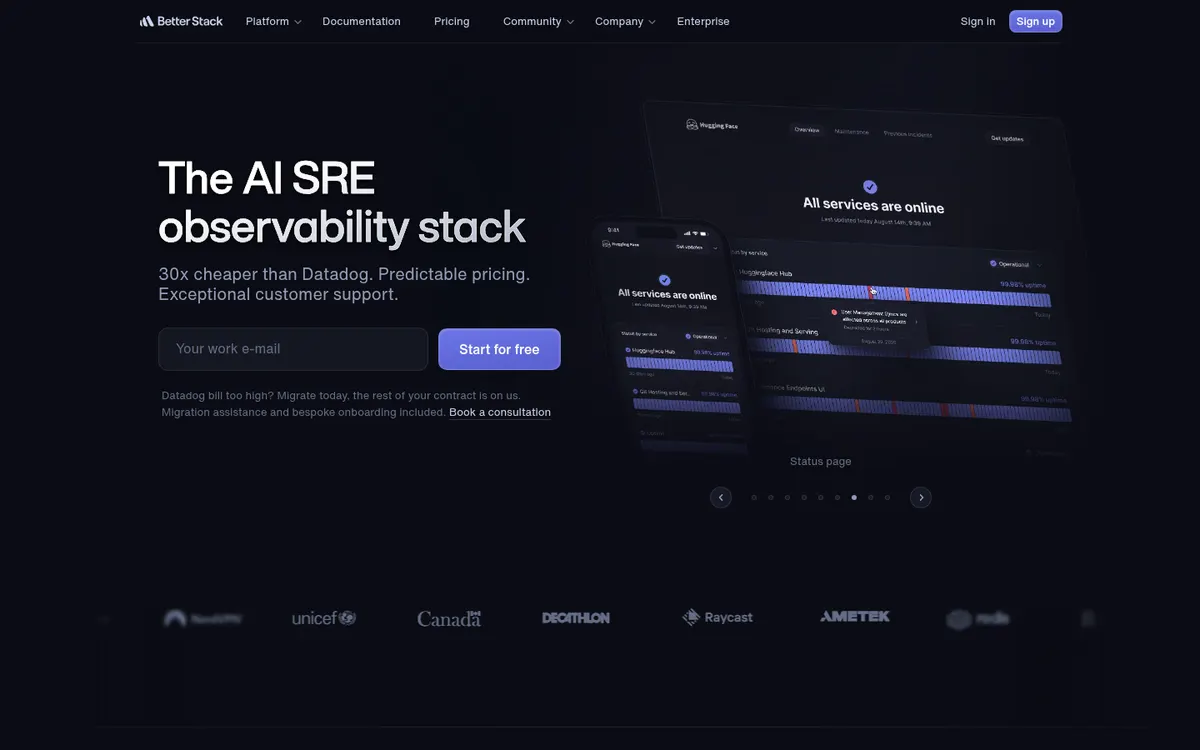
Best fit for small teams that want uptime, on-call paging and status pages in one console at $29 per license.
Better Stack bundles jobs that usually need three vendors. Uptime checks, incident management, status pages, on-call scheduling and log management sit in one console, which means an alert can become an incident, an incident can page the right person, and the result can appear on a status page without stitching tools together. The free tier covers 10 monitors at 3-minute checks, enough to evaluate the workflow on real endpoints before you pay.
Paid plans drop checks to 30 seconds and add unlimited phone and SMS alerts plus on-call schedules. Browser checks run through Playwright, so you can script a login or a checkout flow rather than pinging a URL. That combination is unusual at this price. The headline plan is $29 per license per month billed annually, and the price scales with responders rather than with the number of monitors you watch.
Two costs hide behind the headline. Extra monitors and browser minutes are billed separately, so a team running browser scripts every minute will spend more than the license suggests. The free tier's 3-minute interval is slower than the 30-second checks on the paid plan, which matters if you are testing whether the tool can catch short drops before you commit to an annual term.
It fits small engineering teams that already rotate on-call and want monitoring, paging and a status page in one place, especially teams that would otherwise buy a separate incident tool. It fits less well for a solo operator who only needs one URL pinged every minute, and less well for a large support organization where per-seat pricing climbs with every new responder added to the rotation.
What works
- Monitoring, incidents, on-call and status pages in one console
- 30-second checks and unlimited phone and SMS alerts on paid plans
- Playwright browser checks without a separate vendor
What to weigh
- Extra monitors and browser minutes cost more
- Free tier checks only every 3 minutes
- Per-license pricing climbs as responders are added
Pick it if
Your team already runs an on-call rotation and wants monitoring and paging from one vendor.
Skip it if
You only need one cheap URL check and never page a human.
Plate 03 of 08
Pingdom
Best for simple enterprise uptime with broad location coverage
Our verdict
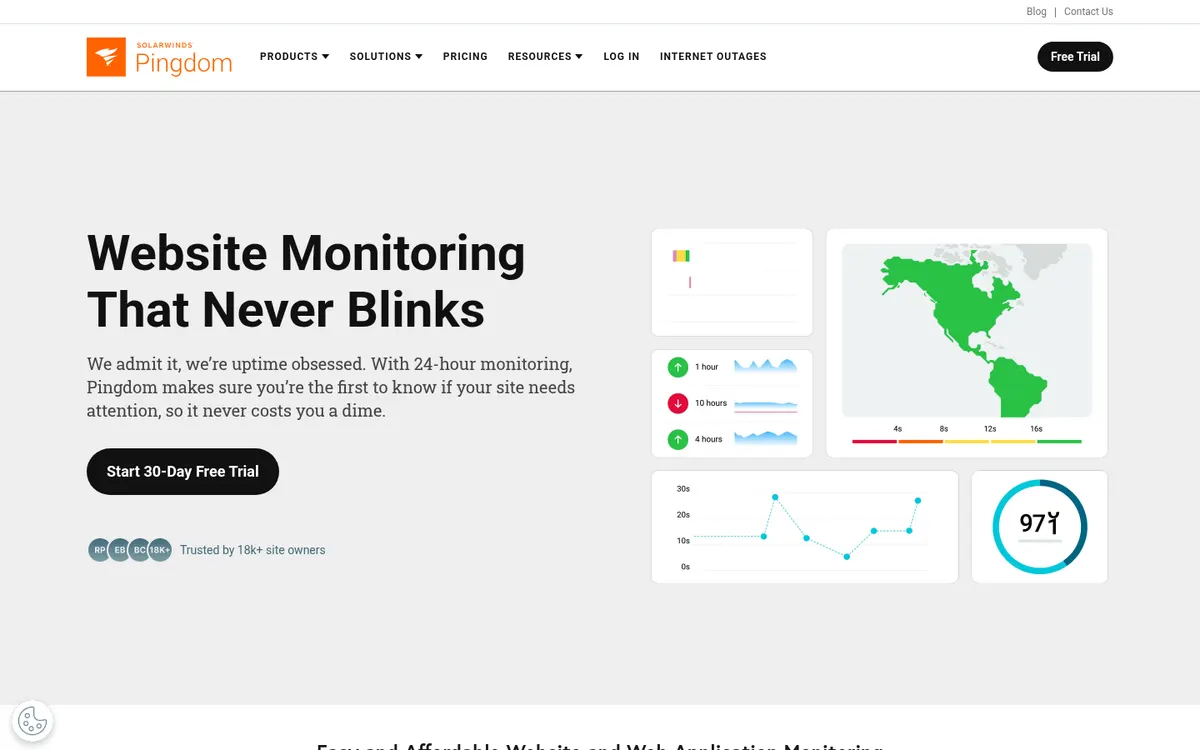
Broad location coverage and transaction checks for enterprises that will pay add-on prices for depth and reach.
Pingdom is the long-running name in this category, and it still sells on breadth of locations and check types. Synthetic checks run from 100 or more locations, checks can run every minute or faster, and the same console offers transaction monitoring and real user monitoring as separate products. Page diagnostics show which element slowed a load, which is more than a status code and a response time can tell you.
There is no free plan. Entry pricing is $16.5 per month for synthetic monitoring on annual payment, and a free trial is the way to test it. The gap between the entry price and a realistic bill is the thing to watch: the low tier covers a small number of checks, and scaling to 50 checks lands near $71.50 per month. Real user monitoring is an add-on rather than part of the base price, so a team that wants both synthetic and field data pays twice.
The product suits organizations that want a known vendor, wide location coverage and a console that non-specialists can read without training. Transaction monitoring lets you script a multi-step flow when a single ping is not enough evidence to wake someone. Alerts can route to the people who own the service, and the diagnostics give whoever responds a place to start.
The trade-off is that each layer is priced separately, so the number on the pricing page is rarely the number on the invoice. Choose Pingdom when you want location spread and a stable enterprise vendor and you are willing to pay for add-ons. Look elsewhere when budget is tight, when you want a free tier to test on, or when you want monitoring and incident response on one bill.
What works
- 100 or more check locations
- Covers synthetic, transaction and real user monitoring
- Page diagnostics beyond a status code
What to weigh
- No free plan, only a free trial
- Scaling to 50 checks lands near $71.50 per month
- Real user monitoring costs extra
Pick it if
You need wide location coverage and transaction checks from a vendor your procurement team already knows.
Skip it if
You need a free tier or a bill that stays near the entry price as you add monitors.
Plate 04 of 08
StatusCake
Best for agencies needing uptime, SSL and domain expiry alerts
Our verdict
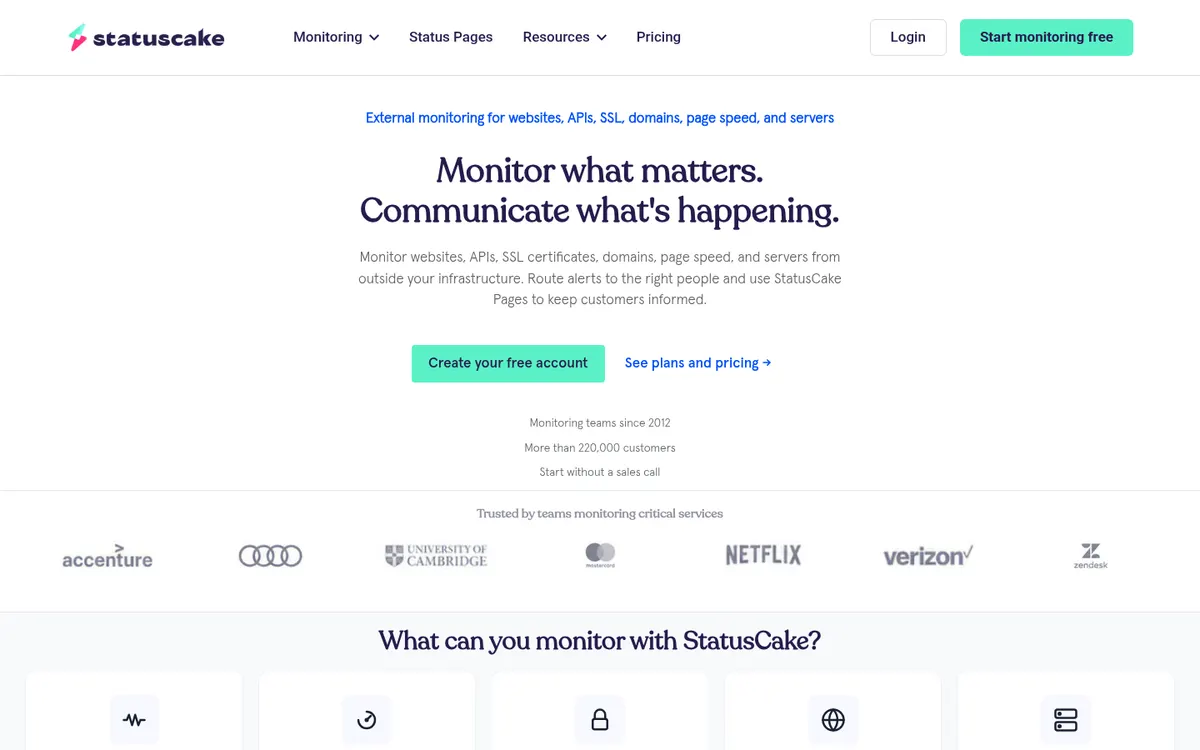
Agency-friendly monitoring that bundles SSL, domain expiry and blacklist checks with a usable free tier for client sites.
StatusCake earns its place with checks that most uptime tools leave out: SSL certificate expiry, domain expiry, blacklist monitoring and page speed. For an agency running dozens of client sites, those checks catch the slow failures a ping never sees, such as a certificate that lapses on a Sunday or a domain that quietly expires because nobody renewed it. Those failures do not show up as downtime until a browser refuses to load the page.
The free tier covers 10 monitors at 5-minute checks, which is enough to keep a handful of client domains watched. Paid plans start at $20.41 per month on the Superior tier billed yearly and shorten checks to 1 minute, while the Business tier adds 30-second checks. A 7-day free trial covers the paid tiers, so you can test alert routes and the expiry report before committing to a year.
Two limits matter at purchase time. Thirty-second checks sit behind the Business tier rather than the entry plan, so teams that need sub-minute detection pay for a higher tier. Status pages are a separate product on some plans, so do not assume the public page is bundled with the monitoring plan you are pricing. The interface is functional rather than polished, and first-time users sometimes need a pass through the documentation to find the expiry and blacklist sections.
It fits agencies and small IT teams that want domain hygiene and uptime in one dashboard, and it fits teams that value a free tier for client sites before the retainer is signed. It fits less well for teams that need browser scripting, deep transaction monitoring or on-call escalation built into the same product.
What works
- Free tier with 10 monitors
- SSL, domain expiry and blacklist checks included
- Page speed checks alongside uptime
What to weigh
- 30-second checks require the Business tier
- Status pages are a separate product on some plans
- Interface is functional rather than polished
Pick it if
You manage client domains and want certificate and expiry warnings next to uptime checks.
Skip it if
You need built-in browser scripts or 30-second checks on the entry plan.
Plate 05 of 08
Site24x7
Best for teams consolidating uptime, servers and API monitoring
Our verdict
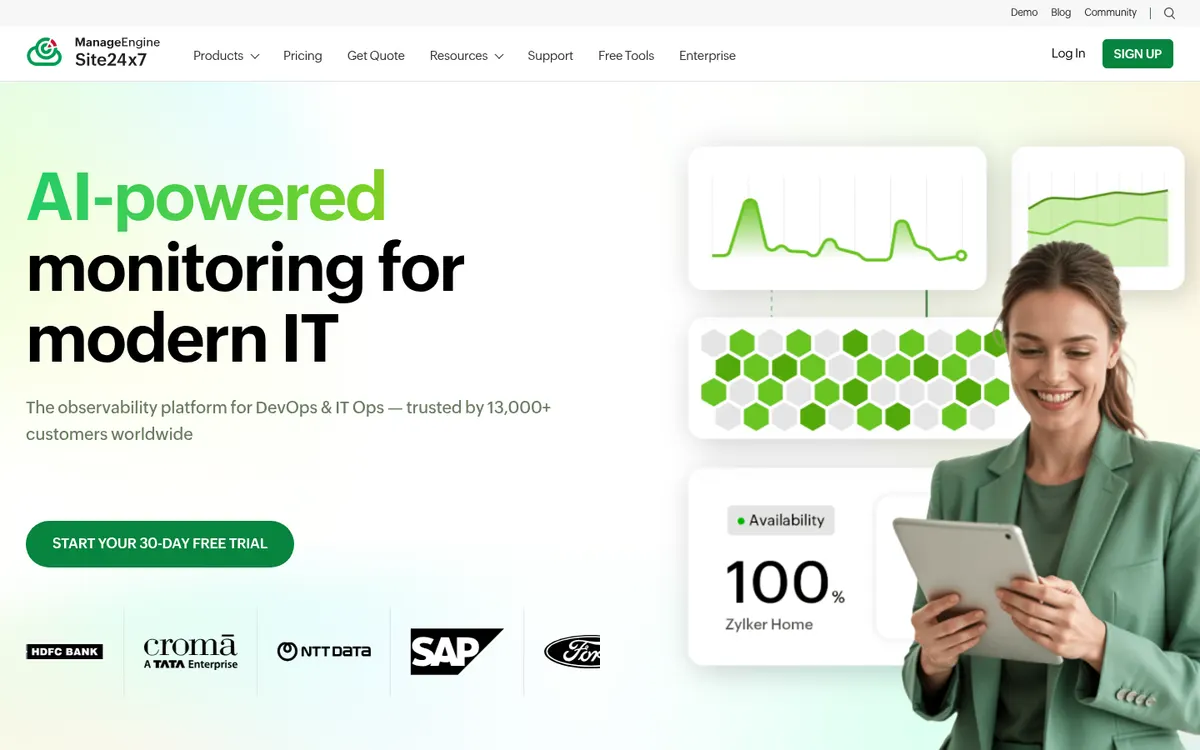
One account for uptime, servers, APIs and network devices, best value when you consolidate several monitoring bills.
Site24x7 is the broadest tool on this list. Uptime checks sit beside server monitoring, API monitoring, network device monitoring and real user monitoring, all under one account and one alerting engine. Website plans start at $9 per month paid annually for 25 websites with 1-minute checks from one location, and checks can run from 130 or more global locations. That location count matters when a provider blip in one region would otherwise page someone at 3 a.m.
The catch is that the entry plan is narrow. Transactions and real user monitoring start on higher tiers, with Web Performance plans near $36 per month. The free option recorded in listings is really a 30-day trial, so treat Site24x7 as a paid product with a generous test window rather than a permanent free tier. Setup takes time: agents for servers and network devices, thresholds per monitor type, and alert rules that need tuning before they are useful.
The payoff is consolidation. A team already paying for a separate server monitor, an API checker and a synthetic tool can replace three bills with one and correlate a slow API with the server hosting it. On-call staff get one console instead of three logins, and a single maintenance window covers every monitor attached to a service.
The pain is that breadth makes the pricing page long and the configuration surface wide, so a small team can end up paying for modules it never opens. Choose it when you want one vendor for uptime, infrastructure and API checks and you have someone to own the configuration. Look elsewhere when you only need a URL pinged every minute and nothing more.
What works
- Uptime, server, API and network monitoring in one account
- 130 or more global check locations
- Website plans start from $9 per month paid annually
What to weigh
- No permanent free plan, only a 30-day trial
- Transactions and real user monitoring sit on higher tiers
- Configuration takes real setup time
Pick it if
You want to retire two or three separate monitoring tools and run one alerting engine.
Skip it if
You want a permanent free tier or a setup you can finish in ten minutes.
Plate 06 of 08
Checkly
Best for developers monitoring APIs and browser flows as code
Our verdict
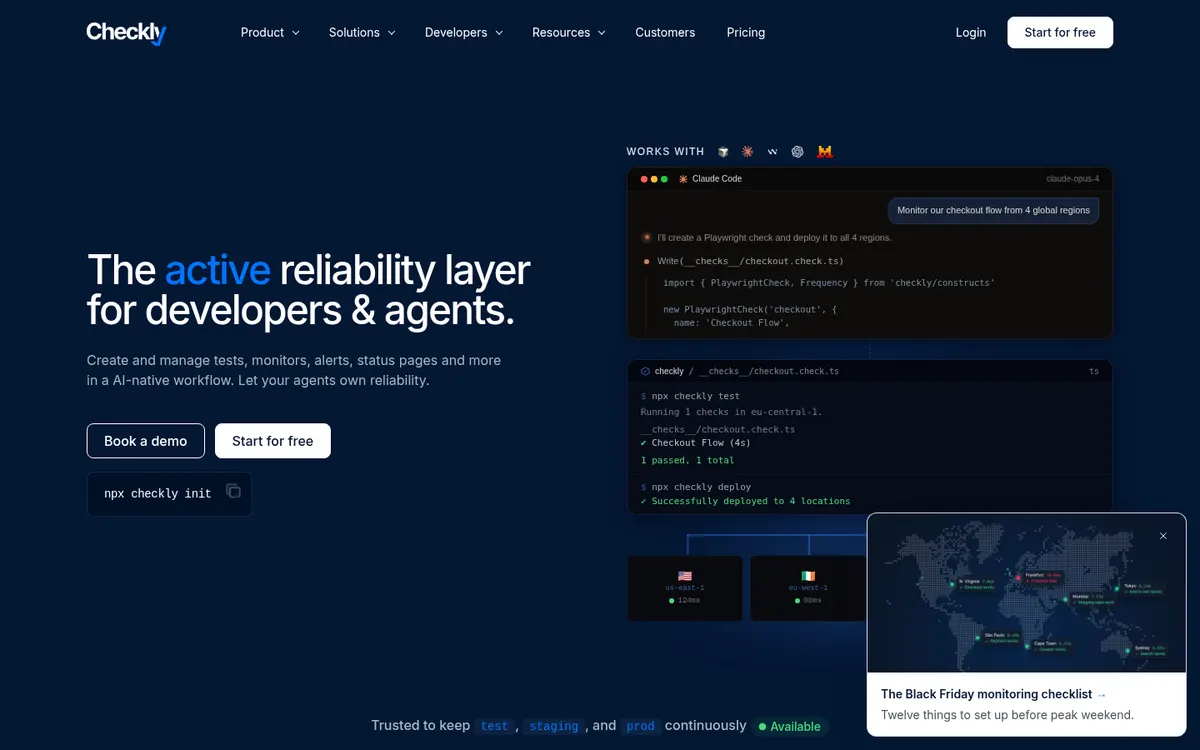
Monitoring as code for engineering teams, with Playwright browser checks, API assertions and checks versioned in your repo.
Checkly treats monitoring as code. Checks live in your repository as JavaScript or TypeScript, deploy through your normal pipeline, and run as API checks or Playwright browser checks. For a team that already reviews pull requests, that means a new monitor gets the same review as the code it watches, and a route change updates the check in the same commit that changes the route.
The Hobby tier includes 10 monitors for free. Starter costs $24 per month billed annually and covers 50 uptime monitors plus 3,000 browser runs. API checks validate status codes, response bodies, headers and latency assertions, which catches the case where a server returns 200 with broken JSON. Browser checks run real Chromium sessions through Playwright, so you can assert on what a user actually sees rather than what the server claims.
Quotas are the limit to model before you commit. Browser runs at short intervals across a few flows consume 3,000 runs faster than most teams expect, and lower tiers run browser checks from one location at a time, which weakens your ability to tell a local network blip from a real outage. Plan how many runs each flow needs per hour and multiply before you pick a tier.
It fits engineering teams that want checks versioned with the product, especially those already writing Playwright tests for end-to-end coverage and looking for a way to run them on a schedule from outside their network. It fits less well for a non-technical operator who wants a form, a URL and an uptime percentage, and less well for a team without anyone comfortable owning check code in a repository.
What works
- Checks live in code and deploy with your pipeline
- Playwright browser checks on the Starter plan
- Hobby tier includes 10 monitors
What to weigh
- Starter plan costs $24 per month
- Browser runs use quotas quickly at short intervals
- Lower tiers check from one location at a time
Pick it if
Your team already writes Playwright tests and wants monitors reviewed like code.
Skip it if
Nobody on the team wants to maintain check code in a repository.
Plate 07 of 08
New Relic Synthetics
Best for existing New Relic users needing free synthetic checks
Our verdict
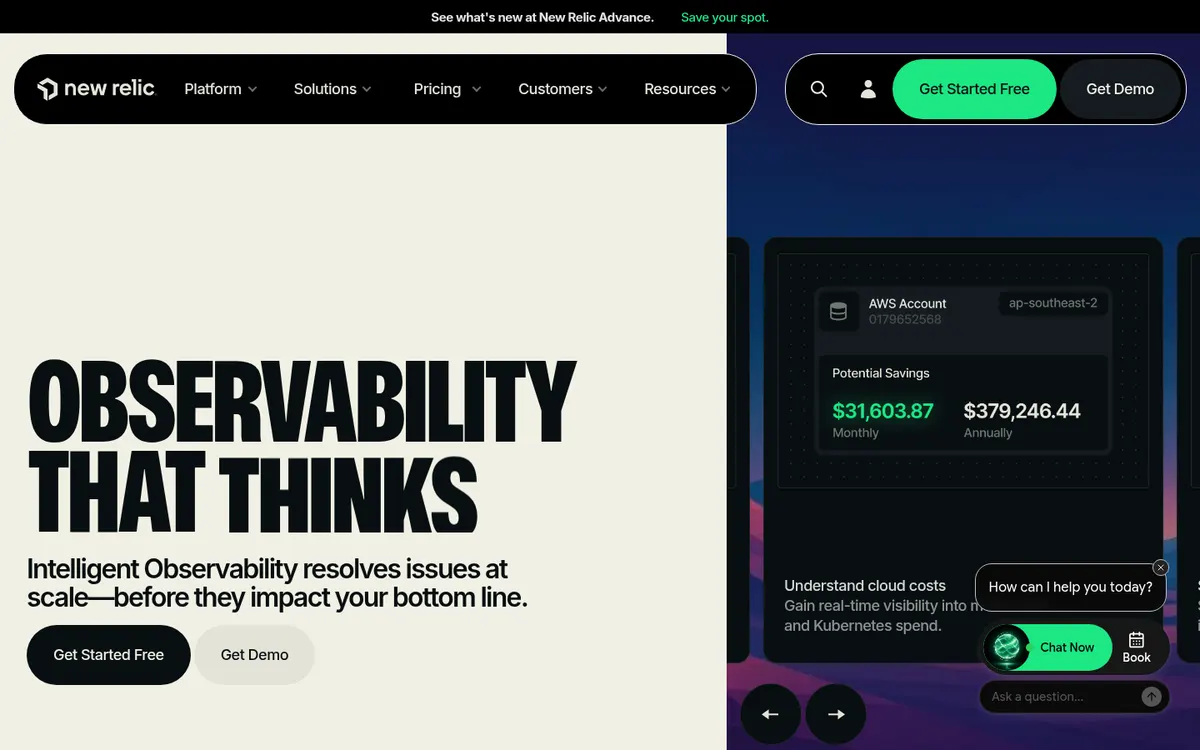
The cheapest route to synthetic checks if New Relic already runs your APM, with 100 free checks per month.
New Relic Synthetics is the cheapest way onto this list if you already run New Relic. The free tier includes 100 synthetic checks per month alongside 100 GB of data ingest and one full platform user, so a small team can add a handful of monitors without a new contract. Synthetic checks write into the same platform as application performance data, which means a failed check can be read next to traces, errors and throughput from the same service.
That correlation is the reason to choose it. When a synthetic check fails and the application data shows a latency spike on the same endpoint at the same minute, the investigation is short. When a check fails alone, the platform still shows what the servers were doing, which beats a bare uptime percentage and a timestamp in an email.
Outside the New Relic ecosystem the value drops. Paid use is usage based, so the bill moves with checks, data volume and users, and forecasting takes effort. The free tier's 100 checks per month is a small budget once you monitor more than a few endpoints at short intervals. Setup assumes you know what APM means and how to read a dashboard, so a first-time buyer will spend time in documentation before the first monitor is useful.
Choose it when New Relic is already your observability platform and you want uptime checks that join the same data rather than live in a separate tab. Look elsewhere when you want a standalone monitoring tool with a flat price, a simple setup and no dependency on an observability contract you may not renew.
What works
- 100 free synthetic checks per month
- Checks correlate with application performance data
- One dashboard for uptime and APM
What to weigh
- Paid use is usage based
- Best value only inside the New Relic ecosystem
- Setup assumes APM familiarity
Pick it if
New Relic already runs your APM and you want synthetic checks in the same dashboard.
Skip it if
You want a flat monthly price or you have never worked in an APM tool.
Plate 08 of 08
Uptime Kuma
Best for technical teams wanting free self-hosted monitoring
Our verdict
Free self-hosted monitoring with 20-second checks and unlimited monitors, at the cost of running the server yourself.
Uptime Kuma is free and open source, and you run it yourself. Installed on your own server, it runs checks as fast as 20 seconds with unlimited monitors and unlimited status pages. There is no per-monitor bill and no seat count. Alerts go out over email, Slack and other integrations, with SMS through Twilio. For a technical team with spare capacity, that is a lot of monitoring for nothing.
The trade-offs are operational. You provision the server, install updates, back up the database and watch the watcher. That last point matters: if the monitoring server sits on the same host or provider as the product it watches, a provider outage takes both down and no alert fires. A common setup is a small instance with a separate provider plus an external heartbeat alert that fires when the checker stops reporting.
Multi-user support is still early, so a team with role requirements will find the permission model thin. Support is community-driven, and there is no vendor to call at 3 a.m. when the checker itself breaks. On the other hand, the data stays on your infrastructure, which settles compliance questions that hosted tools answer with a contract.
The pricing line reads "See website" because there is no license fee to quote and pricing lives on the vendor site. Your cost is the server, the time to maintain it and the person on call. Choose Uptime Kuma when you have spare operational capacity and want unlimited monitors for nothing. Look elsewhere when nobody on the team wants to own that infrastructure, which is why the operational load keeps it low here for most buyers.
What works
- Free and open source with unlimited monitors
- Checks as fast as 20 seconds
- Data stays on your own infrastructure
What to weigh
- You host, patch and back up the server
- Needs a separate server and provider from the product
- Multi-user support is still early
Pick it if
You have spare servers and someone who enjoys running them.
Skip it if
Nobody on your team wants to be paged when the monitoring server itself dies.
What does uptime monitoring software actually watch?
Uptime monitoring software sends a request to a URL, port or API endpoint from outside your network on a schedule and alerts you when the response breaks. That is the core loop: a request goes out, a timer starts, and anything outside the expected status code or response time becomes an alert. Status pages, SSL expiry checks, on-call schedules and browser scripts all sit on top of that loop.
Check frequency decides how much of an outage you actually see. One minute is the common starting point for revenue pages: checkout, login and the API your app calls on load. Five minutes suits brochure sites, docs and internal tools where a short gap costs nothing. Thirty seconds makes sense when a minute of downtime already has a price attached to it. A rough split:
- One minute for checkout, login and payment APIs.
- Five minutes for marketing sites, docs and dashboards.
- Thirty seconds or faster for SLA-backed endpoints with heavy traffic.
The difference between uptime and synthetic monitoring is the difference between a door being open and the room behind it working. A ping confirms the address answered. A synthetic check scripts a sequence (login, search, add to cart, submit) and fails when a step breaks even though every server returned 200. If your site can show an empty product page while reporting healthy, you need synthetic or browser checks rather than a ping.
Two tools can disagree about the same outage without either being wrong. They probe from different cities, at different intervals, with different retry rules and different thresholds for what counts as slow. A single failed check from one location is often a routing blip, which is why it helps to confirm a failure from a second location before alerting. Compare timestamps and probe locations first.
A public status page earns its keep when customers or clients ask whether you are down. It cuts ticket volume during an incident and gives support one link to share. Skip it if your users are all internal, or if nobody can commit to posting an update within minutes of an alert.
This guide sits in the DevOps collection. Buyers weighing nearby tools often read the guides to 2d animation software and email deliverability services next.
How uptime monitoring pricing works, from free tiers to metered checks
Uptime monitoring is priced in five shapes, and the shape matters more than the headline number. Free tiers buy a small number of monitors at a slow interval. Flat subscriptions buy a monitor count at a fixed fee. Per-seat plans charge for the people who respond. Usage-based plans meter checks, data or browser runs. Self-hosted open source charges no license fee and moves the cost to servers and staff.
| Model | How it bills | Typical fit | Example from this list |
|---|---|---|---|
| Free tier | $0 with monitor and interval caps | First monitor, side projects, client sites | UptimeRobot, 50 monitors at 5-minute checks |
| Flat subscription | Fixed monthly or annual fee per plan | Teams with a known monitor count | Checkly Starter, $24 per month billed annually |
| Per seat or license | Price per responder, billed annually | Teams running on-call rotations | Better Stack Responder, $29 per license per month billed annually |
| Usage based | Metered on checks, data or browser runs | Spiky traffic and large estates | New Relic Synthetics, usage based beyond 100 free checks |
| Self-hosted | No license fee, you pay servers and time | Technical teams with spare capacity | Uptime Kuma, no license fee on the vendor site |
Two lines on a pricing page deserve a second look. The first is the entry tier's monitor count: UptimeRobot's paid Solo plan covers fewer monitors than its free plan, so upgrading for a faster interval can mean paying more for less coverage unless you move up a tier. The second is the add-on line: Pingdom's entry price is $16.5 per month on annual payment, while 50 checks land near $71.50, and real user monitoring is a separate purchase.
Add-ons show up in other entries too. Better Stack's $29 license does not include extra monitors or browser minutes, which bill separately. StatusCake puts 30-second checks on the Business tier rather than the entry plan and sells status pages separately on some plans. Site24x7 charges $9 per month for website checks but puts transactions and real user monitoring on plans near $36. Every headline price except the free tiers assumes you pay up front for a year, so compare annual terms, not monthly ones.
Every price in this guide was read on the vendor's own pricing page on November 25, 2026. Where a vendor does not publish a figure we could confirm, the card says "See website" rather than a guess. For the arithmetic around this purchase, try the free Email campaign metrics calculator.
How to pick an uptime monitoring tool without overbuying
- Write down what must never go dark. List the checkout, login, API and client sites whose failure costs money or trust, then list everything else separately. The first list sets your check interval; the second sets your budget ceiling.
- Set intervals from the cost of an outage. One minute for revenue paths, five minutes for brochure sites, thirty seconds only where a minute already hurts. Multiply the faster interval by your monitor count before you fall for a plan.
- Decide whether a ping is enough evidence. If a page can return 200 and still be broken, you need browser or transaction checks. Those cost more and run from fewer locations on lower tiers, so budget for them.
- Choose where alerts land. Text, phone, Slack, email and webhook all behave differently at 3 a.m. Confirm the channel you actually watch is included in the plan rather than billed as credits or an add-on.
- Price your real monitor count, not the entry tier. Take the endpoint count from step one and check it against each plan's monitor allowance, then add what you need: real user monitoring, extra browser runs, a status page.
- Staff the status page before you publish it. A public page with no owner goes stale after the first incident. Decide who writes updates and within how many minutes before you switch it on.
Mistakes that quietly break uptime monitoring
- Monitoring from one location only. A single probe cannot tell your outage apart from its own network problem. Use a vendor with several locations, or confirm a failure from a second region before anyone gets paged.
- Hosting the checker with the product. If the monitoring server shares a provider with the site, one outage silences both. Put the checker elsewhere and add an external heartbeat alert that fires when the checker stops reporting.
- Alerting everyone about everything. A channel that fires on every slow response gets muted within a week. Route warnings to a dashboard, page only on confirmed failures, and give each service exactly one owner.
- Comparing entry prices only. Entry tiers often cap monitors below what you need, and add-ons for real user monitoring or browser runs arrive later. Model the bill at your real monitor count before signing an annual term.
- Never testing the alert route. A contact list that has never been fired at 2 a.m. is a guess. Send a test alert through every channel each quarter and confirm a human acknowledges it.
8 Best Uptime Monitoring Tools for 2026: questions
How often should I check a critical site compared with a small one?
Check critical pages every minute, and small or low-traffic sites every five. One minute covers checkout, login and the API your app calls on load, where a minute of downtime has a price attached. Five minutes is fine for brochures, docs and internal tools. Thirty-second checks are worth paying for only when a minute of downtime already costs more than the faster plan.
How is uptime monitoring different from synthetic monitoring?
Uptime monitoring asks whether an address responds; synthetic monitoring scripts a sequence of steps and checks each one. A page can return a healthy status code while showing an empty cart, which a ping will never catch and a browser script will. Most tools here sell basic checks cheaply and charge more for scripted or browser-based checks.
When is a public status page worth adding?
Add one when customers, clients or support staff ask whether you are down often enough to matter. A status page cuts ticket volume during an incident and gives support a single link to share. It is not worth the upkeep when your users are internal, or when nobody can commit to posting updates within minutes of an alert.
Why do two monitoring tools disagree about the same outage?
They usually probe from different locations, at different intervals, with different retry rules. A single failed check from one city is often a network blip, which is why it helps to confirm a failure from a second location before alerting. Compare timestamps, probe locations and thresholds before assuming one tool is broken, and check whether one of them retries.
Is self-hosted uptime monitoring reliable enough to trust?
Yes, if you host it somewhere other than the infrastructure it watches and you monitor the monitor. Two failures break self-hosted setups: running the checker on the same server or provider as the product, and nobody noticing when the checker itself stops. A cheap external heartbeat alert covers the second case.
How many monitors do free tiers include, and what do paid plans cost?
Free tiers here range from 10 monitors at 3-minute checks to 50 monitors at 5-minute checks. Paid entry plans run from $9 per month for UptimeRobot Solo billed annually to $29 per license per month for Better Stack Responder, with Pingdom at $16.5, StatusCake at $20.41 and Checkly at $24 on annual billing. Site24x7 Lite starts at $9.