
Contents of this guide
The shortlist
Our top 3 for finance buyers

Jobber
Quote-to-cash workflow
- Best for
- Solo operators and small crews wanting an all-in-one system
- Features
- 5 noted: Quoting, Scheduling, Invoicing, QuickBooks sync, Mobile app

Housecall Pro
Payments and reviews
- Best for
- Home-service crews needing payments, reviews and financing
- Features
- 4 noted: Card payments, Review requests, Online booking, Financing
ServiceTitan
Dispatch depth
- Best for
- Large operations with complex dispatch and high volume
- Features
- 4 noted: Dispatch board, Pricebook, Call tracking, KPI reports
Disclosure for this guide. All 10 tools here are unpaid editorial picks. The position of a paid listing can be part of what the vendor pays for. Paid and unpaid tools are scored on the same rubric and keep their cons. Details are in the advertising disclosure.
The ledger
Index of every tool
| Tool | Free plan | Trial | Rubric | Compare | ||
|---|---|---|---|---|---|---|
| 01 | JobberSolo operators and small crews wanting an all-in-one system | See websiteNot published | No | 14-day free trial, no credit card required | ||
| 02 | Housecall ProHome-service crews needing payments, reviews and financing | See websiteNot published | No | 14-day free trial, no credit card required | ||
| 03 | ServiceTitanLarge operations with complex dispatch and high volume | See websitecustom quoteCustom quote | No | No | ||
| 04 |  SingleOpsTree care firms selling on detailed estimates | $220Essential, per month, billed monthly, additional office users $55 per month, crew users freeChecked Nov 25, 2026 | No | No | ||
| 05 |  LMNOwners who price from budgets and need job costing | $297Starter, per month, billed monthly, 1 office license and 5 crew licenses, one-time onboarding feeChecked Nov 25, 2026 | Yes | No | ||
| 06 | YardbookSolo lawn care operators seeking a free core tool | See websiteNot published | Yes, Starter plan free | No | ||
| 07 |  FieldEdgeEstablished contractors managing recurring maintenance agreements | See websitecustom quoteCustom quote | No | No | ||
| 08 |  ArborgoldLawn and tree firms needing estimating and scheduling depth | $129Starter, per month, annual contract required, users sold separatelyChecked Nov 25, 2026 | No | No | ||
| 09 |  RazorSyncSmall teams wanting flat, predictable plan pricing | See websiteNot published | No | 14-day free trial | ||
| 10 |  Service AutopilotLawn care companies automating office workflows | $49Startup, per month, annual subscription rates, plus sign up feeChecked Nov 25, 2026 | No | No |
Prices are the lowest paid plan the vendor shows, read on November 25, 2026. Sort by price ranks published monthly figures; tools without one go last. Pin up to three tools to compare them side by side.
How this guide was put together
Each tool was scored on the same five criteria, weighted as shown in the rubric above. Invoice to cash takes the largest share because a landscaping invoice is only as good as the record behind it: if the quote, the completed visits and the payment do not sit in one place, someone rekeys data and something gets missed. Recurring work covers seasonal visits, maintenance agreements and stored-card charging. Landscape fit asks whether a product models measuring, chemical records, tree inventory or route density rather than treating turf as a generic service call. Price clarity rewards vendors who publish figures. Mobile and offline covers the crew app, because the field is where the record is actually created.
Prices, plans, trials and free-tier facts come from vendor pricing pages checked on November 25, 2026. Where a page returned no readable text, or a vendor quotes every deal, the entry says pricing is on the vendor site and we do not guess a figure. Plan names, seat rules and add-ons are reported as the vendor states them.
No tool was run on a live landscaping account for this list, so treat the notes as a buying brief rather than a trial. The order is editorial: it reflects how well each product fits the buyer described in that entry. When a listing is Featured, it is a paid placement, scored with the same rubric, and its cons are reported the same way as everyone else's.
The full process, including how we handle corrections, is on the methodology page. Paid listings follow the advertising disclosure.
Rubric and weights
Every tool below is scored from 1 to 10 on these five criteria. The scores describe each tool; the order is an editorial call on fit for the buyer each card describes, plus the disclosed Featured position.
- 25%Invoice to cashHow tightly quoting, job completion, invoicing and payment collection sit in one record without rekeying.
- 20%Recurring workSupport for seasonal visits, maintenance agreements, automatic reminders and stored-card charging.
- 20%Landscape fitWhether the product models measuring, chemical records, tree inventories or route density rather than generic service calls.
- 15%Price clarityWhether the vendor publishes plans, seat rules and add-on costs, or routes every buyer to a custom quote.
- 20%Mobile and offlineQuality of the crew app, including whether field staff can complete work orders without a live connection.
Plate 01 of 10
Jobber
Best for solo operators and small crews wanting an all-in-one system
Our verdict
The most coherent quote-to-cash workflow for small landscaping crews, provided you accept per-user pricing and tiered features.
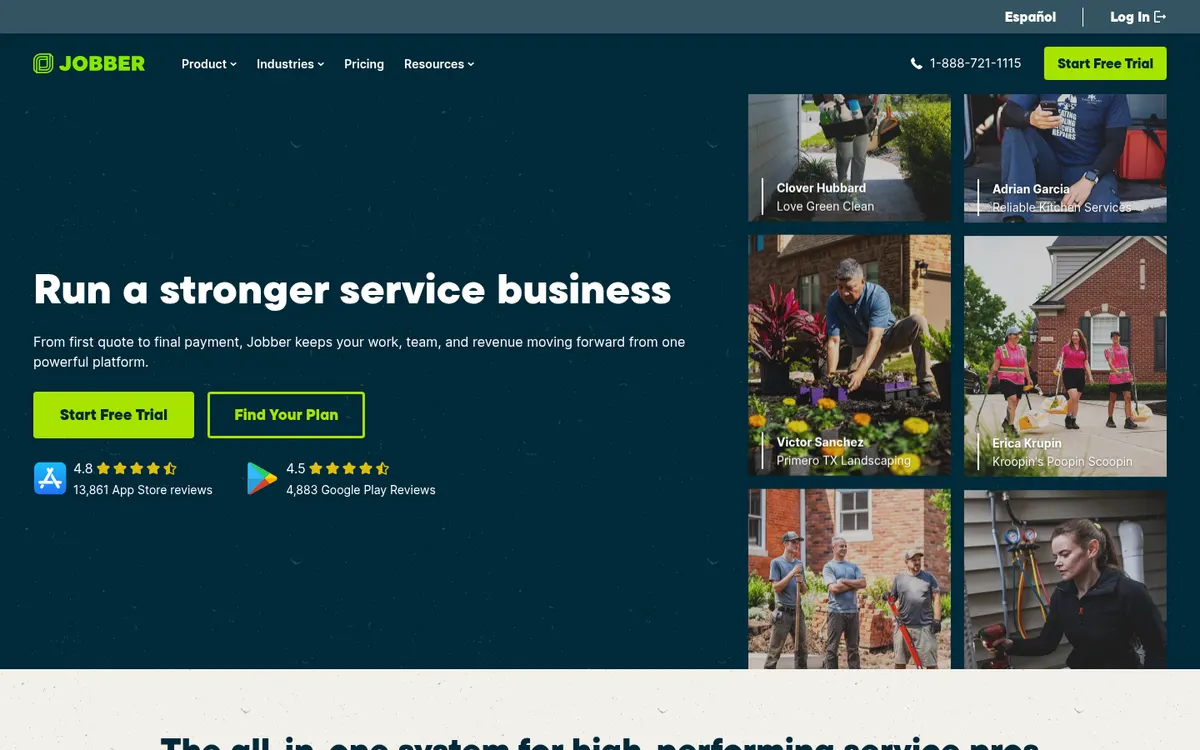
Jobber keeps a landscaping job in one record from quote to payment. You build an estimate, the customer approves it, the job lands on the calendar, the crew closes it out on the mobile app, and the invoice goes out from the same screen. Automated follow-ups chase unpaid invoices so the owner is not calling after dark. QuickBooks Online sync moves the money side into accounting without a second entry. Two-way texting and job costing appear on Grow and above, which matters once you run several crews and want margin per property.
Limits show up around routing and cost. Route optimization, two-way texting and job costing all require higher tiers, so the entry price is not the price a five-person operation pays. Seats are priced per user, add-ons stack, and card processing fees sit outside the subscription. A company that only needs invoices and reminders ends up paying for scheduling and customer management it may never configure.
Pricing is on the vendor site rather than in this article. The plan structure runs from a single-user Core tier through Connect to Grow, with feature gates and per-user seats doing most of the segmentation. Expect the monthly figure to climb as you add users, and budget separately for payment processing.
Fit is the solo operator or small crew that wants one app for quoting, scheduling and invoicing, and will trade money for a polished workflow. Larger firms should price Grow before comparing it with a specialist.
The 14-day free trial needs no credit card, which makes it easy to test the invoice and follow-up flow with real customers before you commit.
What works
- Quoting, scheduling and invoicing share one job record
- Automated follow-ups reduce unpaid balances
- QuickBooks Online sync and a solid crew app
What to weigh
- Per-user pricing plus add-ons raises the real cost
- Routing, texting and job costing need higher tiers
- Payment processing is billed separately
Pick it if
You want one app your crew will actually use and can absorb per-user pricing.
Skip it if
Route optimization on the entry tier is non-negotiable.
Plate 02 of 10
Housecall Pro
Best for home-service crews needing payments, reviews and financing
Our verdict
Best when payments and reviews drive growth, but routing and QuickBooks sync push you to Essentials and a higher entry price.
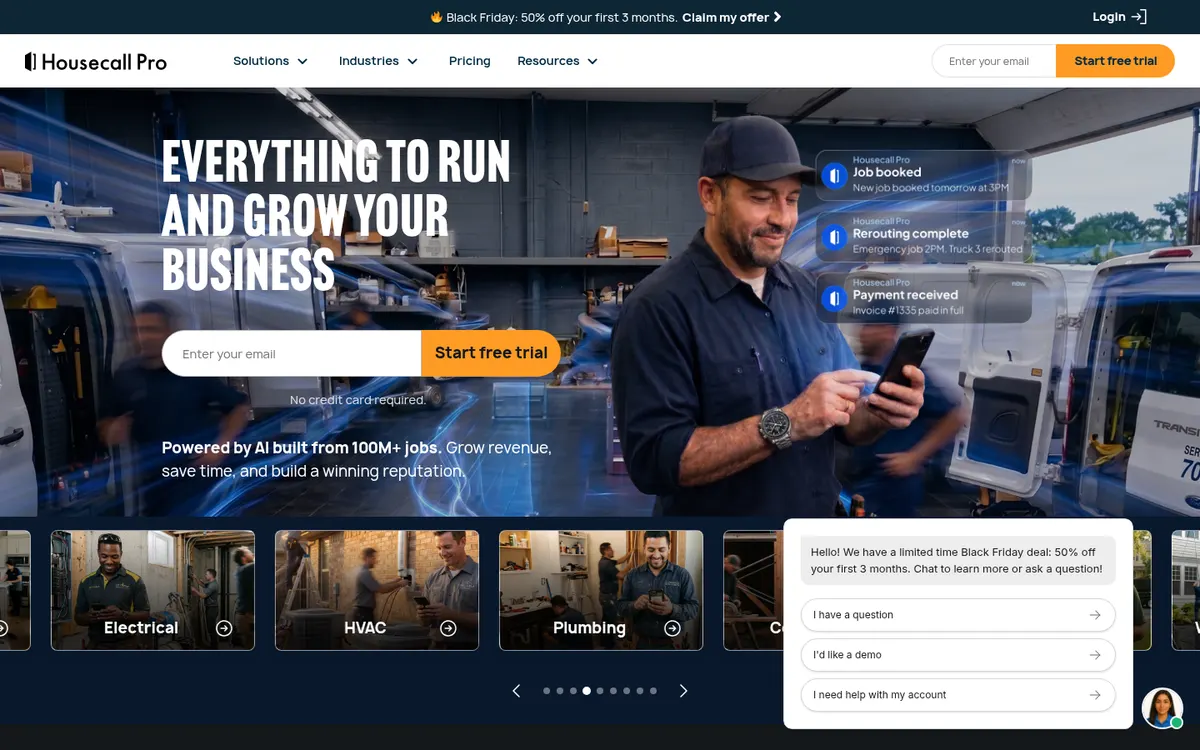
Housecall Pro is a home-service platform that landscaping companies usually find because of payments. An invoice can be paid by card on the spot, and deposits land the same day, which helps on material-heavy installs where the client expects a card reader rather than a mailed bill. Automated review requests fire after the job closes, customer financing handles larger design and install projects, and recurring service plans cover maintenance agreements without rebuilding the job every month.
Gaps appear at the entry tier. Routing and QuickBooks sync require Essentials, so a crew that wants optimized routes and clean books is not on Basic. MAX seat pricing climbs once you pass eight users, and the entry price is higher than several small-crew tools on this list. Processing is a separate cost, and it is the line that moves most over a season.
Pricing is on the vendor site. The ladder runs Basic, Essentials and MAX with different seat allowances per tier, and extra seats carry their own monthly rate. Before you compare against Jobber, check which tier gives you routing, since that is the feature most landscaping buyers actually need.
The 14-day free trial needs no credit card, so a sensible test is to run a week of invoices through it with your real processing setup and see what the deposit timing looks like.
Fit is a home-service style operation of a few trucks that wants payments, reviews and financing in the same system as scheduling. A mowing-only company selling on price will find it heavier than needed.
What works
- Strong card payment handling and same-day deposits
- Review requests and customer financing built in
- Recurring service plans suit maintenance agreements
What to weigh
- Routing and QuickBooks sync require Essentials
- MAX seat pricing rises past eight users
- Higher entry price than small-crew tools
Pick it if
Card payments and reviews are how you win work and you will use the Essentials tier.
Skip it if
You need routing on the cheapest plan available.
Plate 03 of 10
ServiceTitan
Best for large operations with complex dispatch and high volume
Our verdict
A serious dispatch and pricebook system for large fleets, sold only through quotes and annual contracts.
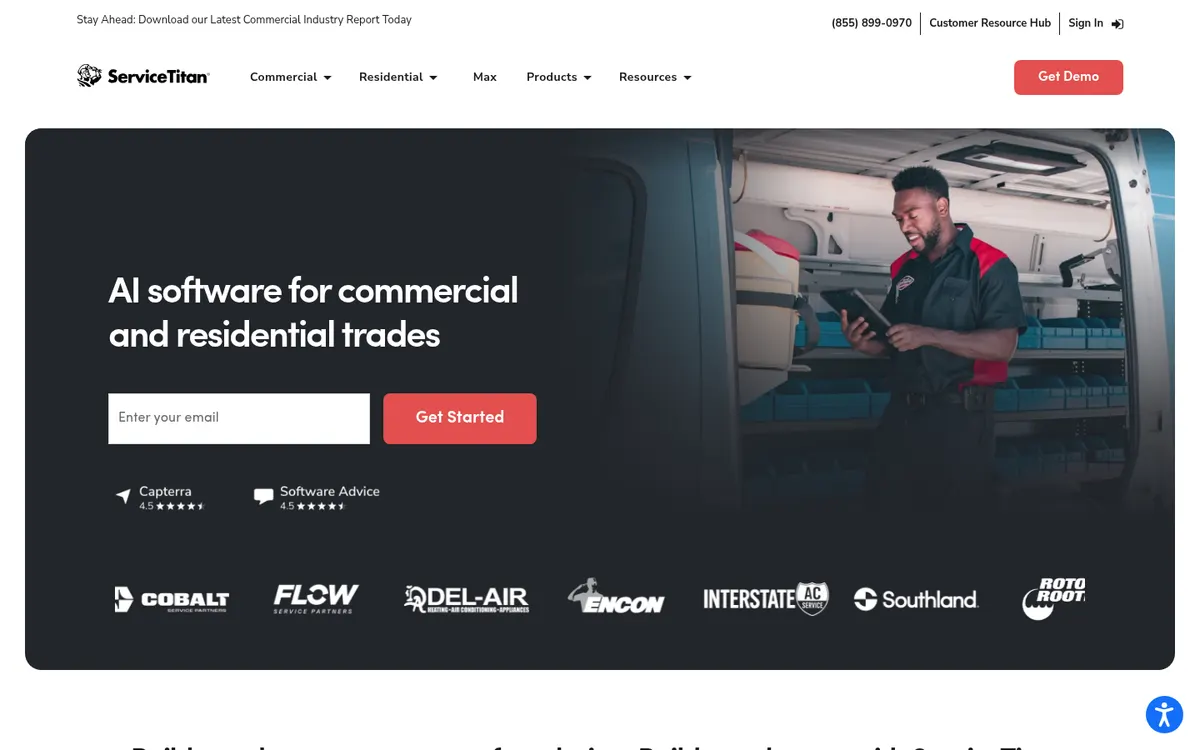
ServiceTitan is the heavy option on this list. It runs a dispatch board built for large fleets, a flat-rate pricebook with margin management, technician scorecards, and good-better-best proposal templates that push average ticket upward. Marketing and call-tracking modules live inside the same system, so a call that becomes a job can be traced to revenue instead of guessed at in a spreadsheet. Commercial and residential contractor workflows are both supported.
Almost nothing about it is self-serve. There is no public pricing, no free trial, and the vendor quotes by technician. Annual contracts and an implementation project are typical, which means the first year includes onboarding effort before you see the benefit. The system is large enough that a small crew will spend more time configuring it than using it, and the cost is hard to defend below a certain truck count.
ServiceTitan became a public company in 2024, which is worth knowing when you weigh long-term product direction and support commitments against a smaller vendor. Ask about the full implementation scope, the contract term, data ownership and what renewal looks like.
Fit is a large landscaping operation with complex dispatch, multiple locations and enough call volume that marketing attribution pays for itself. If you run a small crew, the entry cost and setup effort usually outweigh the depth, and a mid-market platform such as Housecall Pro will serve you with less friction.
What works
- Deep dispatch and pricebook tooling
- Marketing and call tracking tie revenue to one system
- Scales to large truck counts
What to weigh
- No public pricing at all
- Annual contracts and implementation fees are typical
- Too much system and cost for small crews
Pick it if
You run a large fleet and want dispatch, pricebook and marketing attribution in one platform.
Skip it if
You need transparent pricing or a self-serve trial.
Plate 04 of 10
SingleOps
Best for tree care firms selling on detailed estimates
Our verdict
Tree care firms that sell on detailed estimates get a purpose-built tool at $220 per month with free crew users.
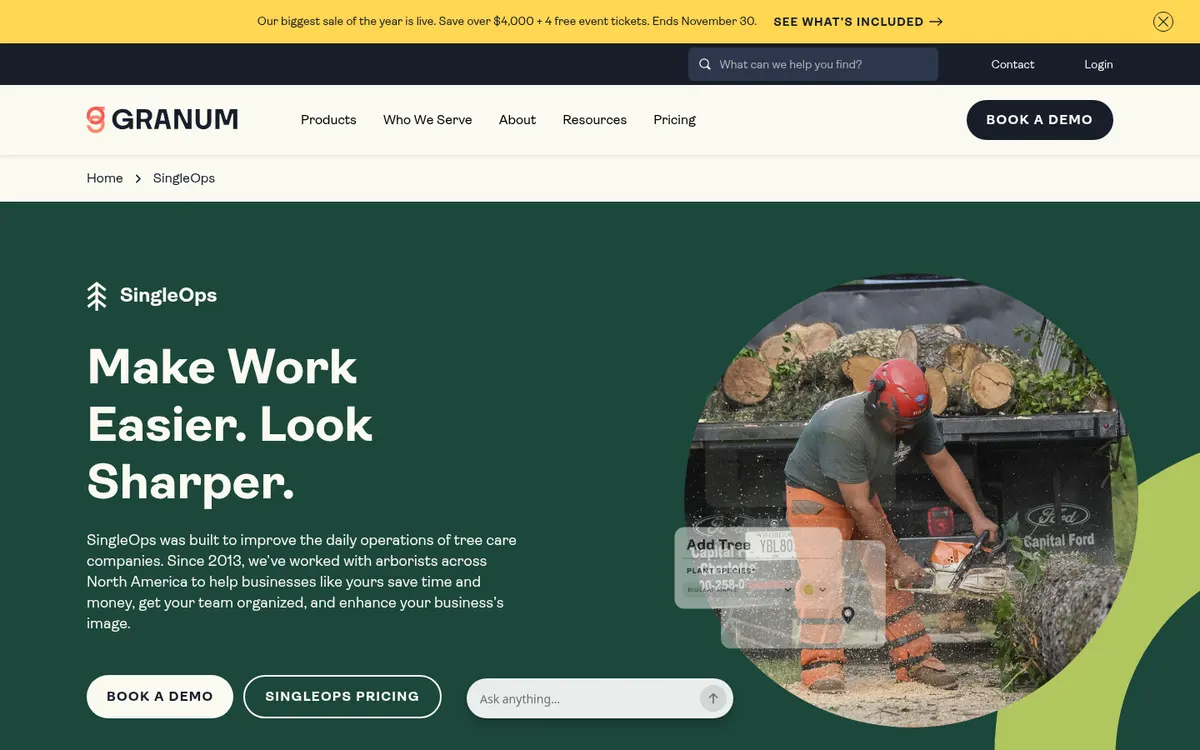
SingleOps is built around the estimate. Proposals carry photos and upsell options, and follow-up is automated. At job completion the crew closes the work order with notes, photos and checklists, then the invoice goes out digitally with a payment portal attached. Tree inventories, time-based scheduling and routing, and renewal automation round it out for firms that revisit the same properties every season.
Pricing is $220 per month on the Essential plan, billed monthly. Additional office users are $55 per month and crew users are free, which is unusual and genuinely useful for a company with many field staff and few desk staff. The vendor now publishes real prices on its site, so you can see the ladder before booking a demo.
Limits are mostly about shape rather than quality. There is no free trial, and the depth is aimed at tree care rather than mowing-only routes. A lawn maintenance company pays for tree inventory and photo estimating it will never open. SingleOps is now part of Granum, so ask how the product lines are being merged and what that means for your roadmap requests.
Fit is a tree care or design-build firm that sells on measured, photo-rich proposals and needs crews to close work orders from the field. A high-volume mowing operation should look at route-first tools instead.
What works
- Estimates and follow-up built for tree care selling
- Crew users are free, office users are extra
- Digital invoicing at job completion with a payment portal
What to weigh
- No free trial
- Less fit for mowing-only firms
- Niche depth you may never use
Pick it if
Your proposals carry photos, options and a signature, and your crews outnumber your office staff.
Skip it if
You run straightforward recurring mowing routes.
Plate 05 of 10
LMN
Best for owners who price from budgets and need job costing
Our verdict
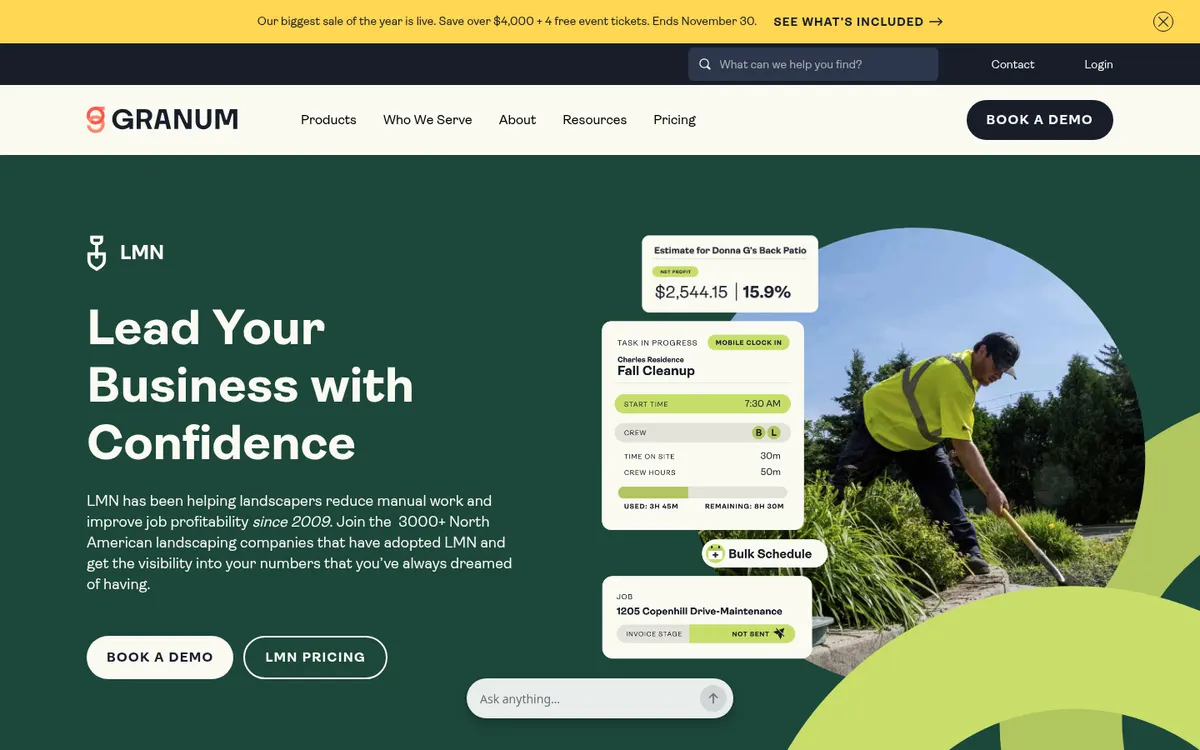
Budget-based estimating and live job costing reward owners who will do the setup work, at a $297 monthly entry.
LMN prices from a budget. You build an estimate against labor, material, equipment and overhead targets, and the system compares actuals as the job runs, so an overrun is visible while there is still time to change the crew or the scope. Automated maintenance invoicing handles recurring lawn accounts, time tracking feeds both payroll and job cost, and the crew app includes an offline mode, which matters on properties with no signal. Spanish language support is included.
The catch is the setup. The budget model only pays off if you load real numbers for crew rates, equipment and overhead, and that is a project rather than an afternoon. Job costing, files and photos, and integrations require the Professional tier, so the estimating engine is not fully useful on the cheapest plan.
Pricing is $297 per month on the Starter plan, billed monthly, covering one office license and five crew licenses, plus a one-time onboarding fee. That is a significant monthly commitment, and what you are buying is a costing engine rather than a simple invoicing app.
Fit is the owner who genuinely wants to know whether a bid made money and will invest in building budgets. A company that quotes by gut feel and wants invoices out faster will find it heavy, and the onboarding fee makes experimentation expensive.
What works
- Bids tie to labor, material, equipment and overhead targets
- Live job costing catches overruns early
- Offline crew app and Spanish language support
What to weigh
- High entry price plus a one-time onboarding fee
- Requires disciplined budget setup to pay off
- Job costing needs the Professional tier
Pick it if
You want to see margin per job while the job is still running.
Skip it if
You will not maintain budget and overhead figures.
Plate 06 of 10
Yardbook
Best for solo lawn care operators seeking a free core tool
Our verdict
A genuinely free core for solo lawn operators, with real limits on support, deliverability and mobile polish.
Yardbook's pitch is a free core. The Starter plan covers customer management, job scheduling, estimates, invoices, routing and expense tracking at no cost, supported by ads. For a solo lawn care operator who has been invoicing from a phone and a notebook, that covers most of the working day. Chemical tracking is included too, which matters for applicator records and for proving what went down on a property.
Paid plans add bulk messaging, GPS tracking, automatic invoice reminders and QuickBooks sync. Two tiers sit above the free plan, and the step up is modest. Pricing is on the vendor site, and the free tier is the reason the product appears here at all.
Weaknesses deserve attention. The free plan is ad-supported, invoice deliverability has been reported as a problem, support is email only, and the mobile experience is basic. If cash flow depends on invoices arriving and being paid, test deliverability from your own domain before you put real customers on it. A missing invoice costs more than the paid tier would.
Fit is a solo operator or very small crew that needs a working system this week with no budget, and can upgrade to a paid tier once reminders and QuickBooks sync start to matter.
What works
- Free Starter plan with routing and invoicing
- Low-cost paid tiers for reminders and sync
- Quick to learn for a solo operator
What to weigh
- Free plan is ad-supported
- Invoice deliverability issues have been reported
- Email-only support and a basic mobile experience
Pick it if
You are a solo operator who needs invoices and routing today at no cost.
Skip it if
Invoices must reliably reach commercial clients every time.
Plate 07 of 10
FieldEdge
Best for established contractors managing recurring maintenance agreements
Our verdict
Recurring maintenance agreements are a core strength here, but pricing is quote-only and setup is heavy.
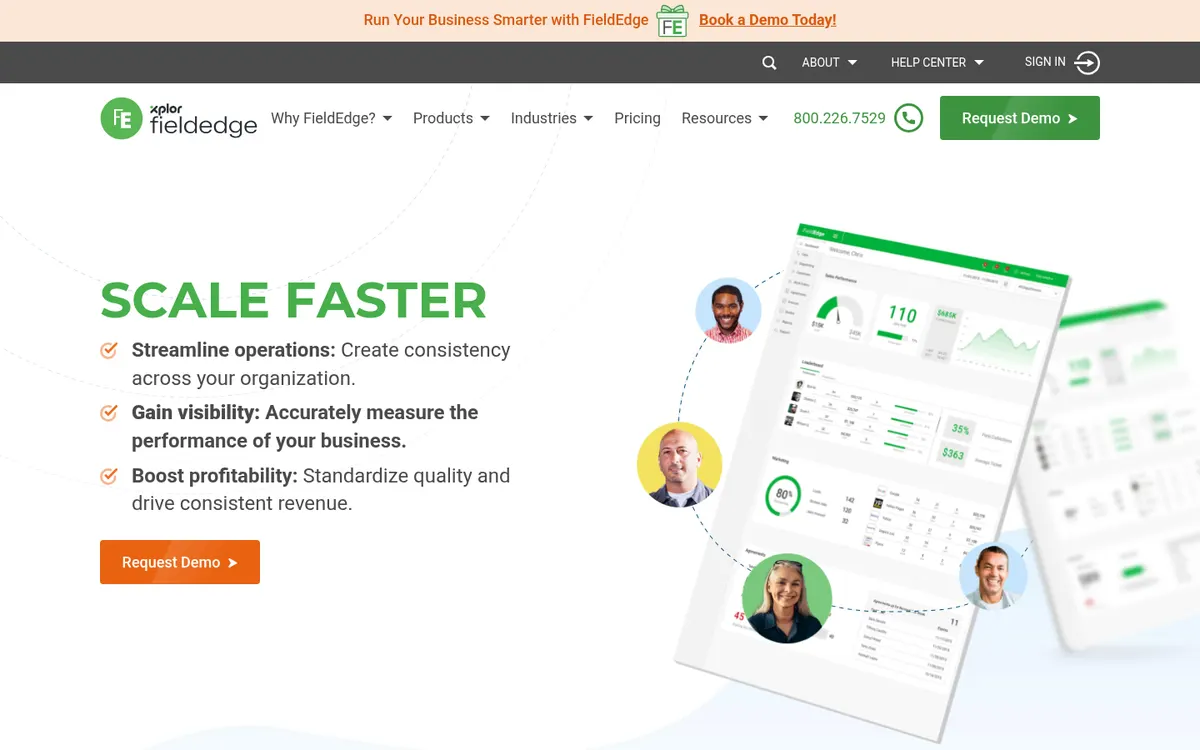
FieldEdge is strongest where maintenance agreements are the business. Service agreement management and recurring scheduling are core rather than bolted on, dispatch is built around a service board, and the flat-rate pricebook plus technician performance dashboard give an owner a view of who sells and who does not. Live QuickBooks integration means the books update as work is billed instead of in a monthly catch-up, and proposal tools support selling in the field before the truck leaves.
You cannot see a price without a conversation. There are no public tiers and no self-serve trial, and setup assumes an office manager owns configuration. Onboarding fees are common. For a company without that desk capacity, the system will underperform its price for the first season.
Pricing is quoted, so ask for a written figure for your seat count, a list of what implementation covers, and the contract length. Compare that total against a published-price option rather than against the first year only.
Fit is an established contractor with a book of maintenance agreements, a dispatcher and an office manager who will run the system. A small crew with no admin support should look at Jobber or Housecall Pro instead.
What works
- Strong recurring maintenance contract support
- Live QuickBooks integration
- Field selling and proposal tools
What to weigh
- No public pricing tiers
- No self-serve trial
- Needs an office manager to own setup
Pick it if
Maintenance agreements are a large share of revenue and you have admin staff to run it.
Skip it if
You need to see pricing without a sales call.
Plate 08 of 10
Arborgold
Best for lawn and tree firms needing estimating and scheduling depth
Our verdict
Green industry estimating depth at $129 per month, with users sold separately and extras that add up.
Arborgold has served the green industry since the 1990s and the estimating tools show it. Digital lawn measurement, CAD-style design tools and auto-price calculators let a firm build a measured bid without leaving the system, and automated bid follow-up keeps proposals from going cold. Recurring route scheduling, multi-day install scheduling and successor jobs handle the patterns that general field service tools tend to fumble, such as a job that continues into a second crew day or a property that renews every spring.
Pricing is $129 per month on the Starter plan on an annual contract, with users sold separately. Professional and Enterprise tiers sit above, and the Growth marketing module is a separate add-on with its own setup fee. Users sold separately means the headline number is a floor rather than a budget, and headcount raises the total quickly.
The interface will feel familiar to anyone who has used software from that era, and chemical tracking and renewals sit on higher tiers. None of that is disqualifying for a firm that sells measured work, because the estimating depth is the reason to be here.
Fit is a lawn, landscape or tree firm that bids from measurements and needs scheduling depth more than a polished app. A small crew selling simple maintenance contracts will pay for design tools it never opens.
What works
- Measuring, design and auto-price tools in one place
- Handles recurring and multi-day scheduling patterns
- Long history in the green industry
What to weigh
- Users are sold separately, so costs scale with headcount
- Marketing module costs extra with a setup fee
- Older interface than newer platforms
Pick it if
You build measured, designed bids and need scheduling that follows them.
Skip it if
Your crew count grows faster than your design work.
Plate 09 of 10
RazorSync
Best for small teams wanting flat, predictable plan pricing
Our verdict
Flat plans and a complete core make budgeting easy, though the interface is dated and key add-ons cost extra.
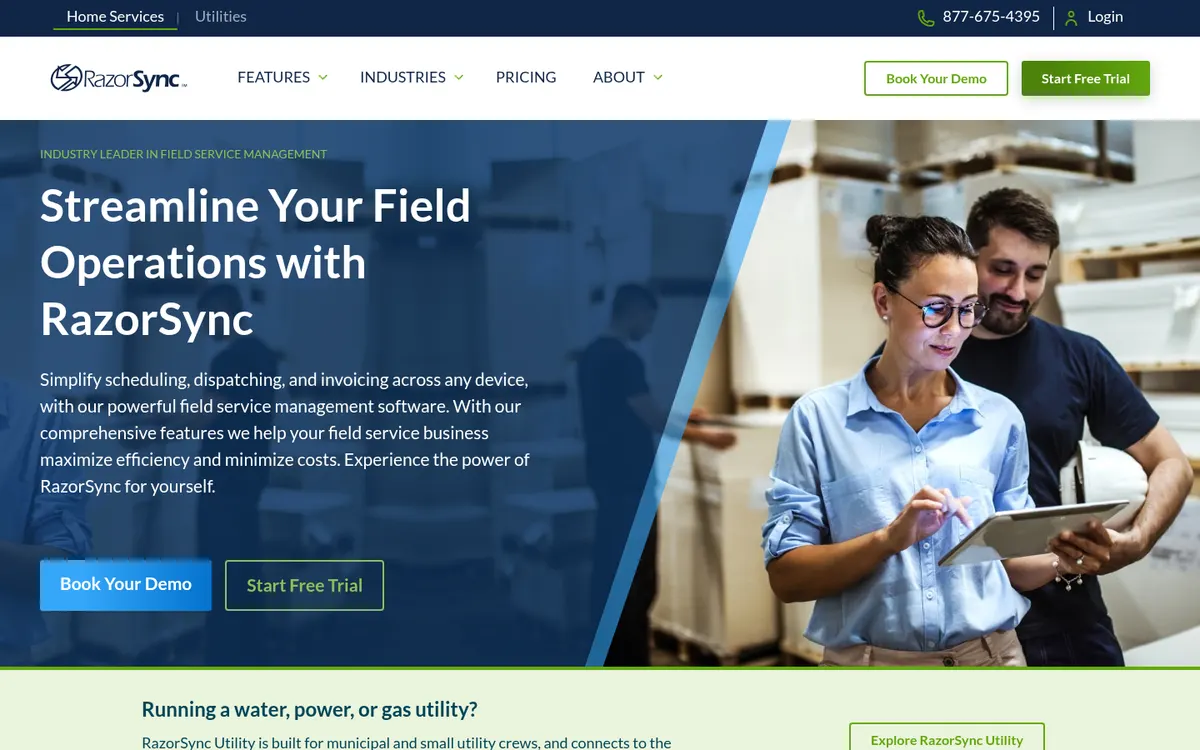
RazorSync sells flat plans by user band rather than per seat, which makes it one of the easier tools to budget. Dispatch, job tracking, recurring scheduling, estimating and invoicing, credit card payments, time cards and a customer portal all sit in the core product, and QuickBooks Desktop and Online sync are supported. The vendor publishes plan prices, so you can compare bands before a call.
Extras are where the bill grows. Route optimization is a monthly add-on, and QuickBooks sync and inventory templates also cost extra, so the flat plan is not the whole cost. The interface feels dated beside Jobber and Housecall Pro, and new hires generally need a walkthrough before they stop asking questions.
Pricing is on the vendor site, with plans banded by user count from a small Solo tier through Team and Pro, and Enterprise quoted. A 14-day free trial is available, which is the right way to test whether the older interface is tolerable for your crew before you move your schedule into it.
Fit is a small team that wants a complete core feature set at a predictable plan price and does not need the newest interface. A company planning to grow past fifteen users should ask what Enterprise costs early, because the band structure stops helping at that point.
What works
- Flat per-plan pricing by user band
- Complete core feature set on every plan
- Published plan prices and a 14-day trial
What to weigh
- Route optimization is a paid monthly add-on
- QuickBooks sync and inventory templates cost extra
- Interface feels dated
Pick it if
You want predictable plan pricing and can live with an older interface.
Skip it if
Route optimization is essential and you want it bundled.
Plate 10 of 10
Service Autopilot
Best for lawn care companies automating office workflows
Our verdict
Automation built for recurring lawn routes, starting at $49 monthly plus a sign up fee.
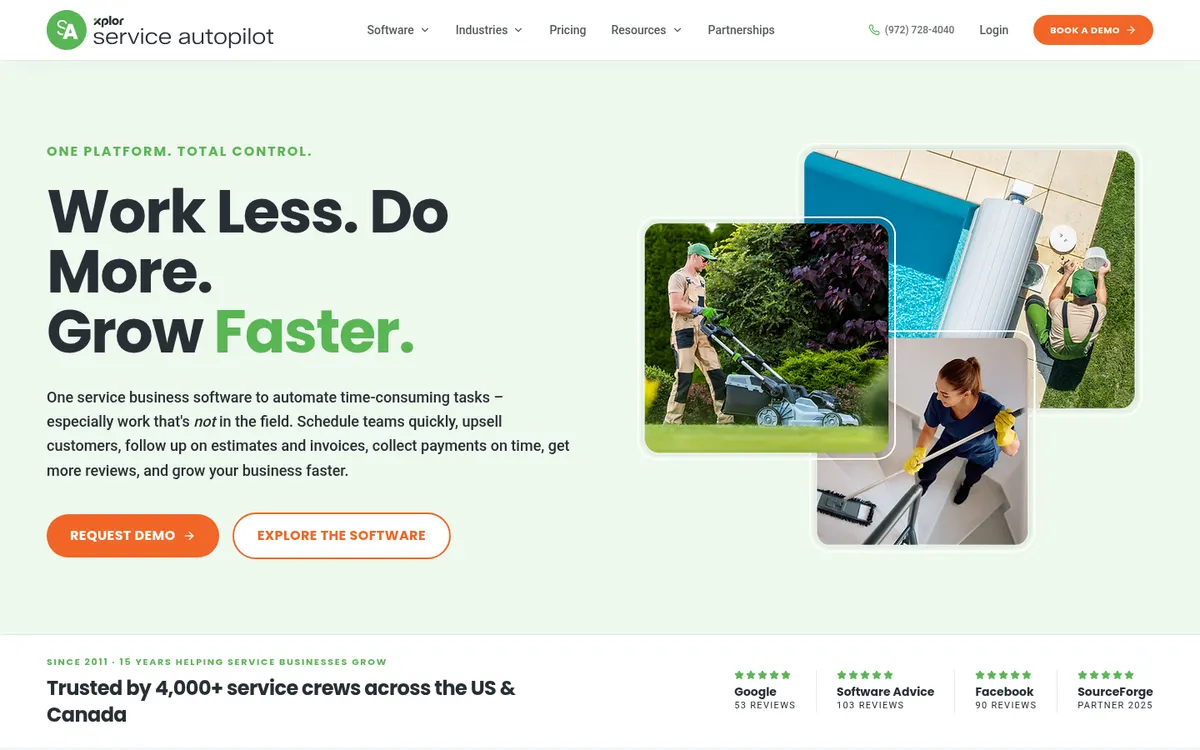
Service Autopilot is built for recurring lawn routes and the office work around them. One-click scheduling and routing place a season of visits, and automation handles invoice reminders, review requests and marketing campaigns without anyone remembering to send them. The plan ladder runs Startup, Pro, Pro Plus and Elite, with route optimization on Pro, and workflow automation and marketing on Pro Plus. The client portal and QuickBooks integration sit on Elite.
Pricing is $49 per month on Startup at annual subscription rates, plus a sign up fee. Higher tiers carry the automation most buyers actually want, and the vendor sells through demos rather than self-serve checkout, so budget time for a sales cycle before you have access to the product.
Expect setup to take weeks. Automation only works once you decide which reminders fire when and which customers receive which message, and a half-built workflow sends the wrong message at scale. The firms that get value here assign one person to own the workflow design rather than spreading it across the office.
Fit is a lawn care company with many recurring stops that wants the office to run on triggers instead of memory. A design-build firm with a handful of large projects per month will find the automation model misaligned with how it sells.
What works
- Automation-first design for reminders and reviews
- One-click scheduling and routing for recurring routes
- Strong fit for high-stop-count lawn routes
What to weigh
- Sales-led buying with no self-serve checkout
- Automation setup takes weeks of staff time
- Portal and QuickBooks integration need Elite
Pick it if
Recurring lawn routes dominate your revenue and you want reminders to run themselves.
Skip it if
You sell a few large projects a month rather than many recurring visits.
What does landscaping invoice software do that a generic invoicing app cannot?
An invoice is the last step in a chain, and landscaping is a category where the chain breaks easily. The work is quoted days or weeks before it happens, scheduled around weather, performed across multiple visits, and often billed on a recurring basis to the same property. A generic invoicing app handles the final document and nothing before it, so someone rekeys the quote, the schedule and the crew's notes into three separate places and hopes they agree.
Landscaping invoice software connects four things: the estimate, the schedule, the field record and the payment. That connection is what you are actually buying. It shows up in small ways. A completion note from a crew triggers an invoice without an office call. A photo attached to a work order settles a dispute about what was cut. A card on file charges the maintenance customer on the first of the month without anyone sending a reminder.
There are two broad families of product on this list.
- General field service platforms (Jobber, Housecall Pro, ServiceTitan, FieldEdge, RazorSync, Service Autopilot) that serve HVAC, plumbing, pest control and landscaping from one codebase.
- Green industry specialists (SingleOps, LMN, Arborgold, Yardbook) that model measuring, chemical application, tree inventory and seasonal renewals.
A specialist earns its price when the estimating method is the differentiator, for example measured lawn bids or tree inventories. A general platform earns its price when dispatch, payments and accounting integrations matter more, since those vendors spread development cost across a wider market.
What separates a good fit from a bad one is rarely the invoice template. It is whether the tool matches how you sell. A company that quotes from a budget wants job costing. A company that quotes from a photo and a walkthrough wants proposal tools. A company with many mowing stops wants route density and stored-card charging. Read the entries below with your sales motion in mind rather than the feature count, because the longest feature list usually belongs to the tool that fits you worst.
This guide sits in the Finance collection. Buyers weighing nearby tools often read the guides to 1099 filing software and law firm accounting software next.
What landscaping invoice software really costs, and why the sticker price misleads
Sticker price tells you very little. Two landscaping companies with the same headcount can land on very different annual bills depending on how a vendor counts users, which features sit on the entry tier, and whether processing is included. The table below maps the models you will meet on this list.
| Model | How it bills | Typical fit | Example from this list |
|---|---|---|---|
| Tiered subscription | Flat monthly fee per plan with a user allowance, extra seats billed monthly | Small to mid crews adding trucks | RazorSync, with Solo, Team and Pro bands and prices on the vendor site |
| Base plus office users | Monthly base fee, extra charge per desk user, crew users free | Firms with many field staff and few admin staff | SingleOps at $220 per month on Essential, extra office users $55 per month, crew users free |
| Plan plus add-ons | Entry plan plus paid modules for marketing, routing or accounting sync | Firms with one specific gap to fill | Arborgold at $129 per month on Starter on an annual contract, users sold separately |
| Custom quote | Sales-led quote by technician or seat, annual contract, implementation fee | Large operations with complex dispatch | ServiceTitan and FieldEdge, both quote-only |
| Free tier plus upgrades | Ad-supported free plan, paid tiers for messaging, tracking and sync | Solo operators with no budget | Yardbook, free Starter plan, pricing for paid tiers on the vendor site |
Three costs can sit behind a quote. The first is processing: card fees sit outside the subscription on Jobber and Housecall Pro, so the effective cost per invoice depends on how customers pay and on each vendor's processing terms. The second is onboarding. LMN charges a one-time onboarding fee, and FieldEdge and ServiceTitan typically build implementation into the deal. The third is tiers. Route optimization, job costing, two-way texting and accounting sync are recurring gates, and a growing crew can cross at least one of them.
Annual billing is the fourth lever. Several vendors price monthly and annual differently, so check both rates before you compare. Ask for both numbers and confirm whether the contract auto-renews before you sign.
Every price in this guide was read on the vendor's own pricing page on November 25, 2026. Where a vendor does not publish a figure we could confirm, the card says "See website" rather than a guess. For the arithmetic around this purchase, try the free 1099 filing cost calculator.
A step-by-step path to the right landscaping invoice tool
Map how you sell before you shop. If you quote from measured plans or tree inventories, start with Arborgold, SingleOps or LMN. If you sell from a phone call and a walkthrough, a general platform such as Jobber or Housecall Pro will fit faster and cost less to configure.
Count everyone who touches the system. Include the owner, the office, and any crew lead who closes jobs. Seat rules decide the real bill: SingleOps charges for office users and frees crew users, while Jobber prices seats per user on every tier.
Test the recurring invoice path with a real customer. Run one maintenance account end to end, including the stored card, the reminder and the failure case when a card expires. Recurring revenue is where landscaping businesses quietly lose money.
Get the processing quote in writing. Ask for card-present, card-not-present, ACH and monthly gateway costs, plus who absorbs chargebacks. A cheap subscription with an expensive rate costs more across a full season of maintenance billing.
Run the trial on real jobs, not sample data. Jobber, Housecall Pro and RazorSync offer a 14-day trial. Load ten real properties, send three real invoices and have a crew lead close a work order from a phone in the field, where the signal is worst.
Set the migration cutoff before you sign. Decide which open balances move, which recurring schedules get rebuilt, and when the old system stops taking payments. Overlapping systems for a month is normal; overlapping for a quarter is how invoices get missed.
Mistakes that cost landscaping crews money
Buying for the invoice template. The invoice screen is the least differentiated part of any tool here. Judge the estimate, the schedule and the payment path instead, since that is where the hours and the missed charges actually live.
Assuming the entry tier includes routing. At Jobber, routing and job costing sit on higher plans. At Housecall Pro, routing and QuickBooks sync require Essentials. Price the tier you need, not the tier on the home page.
Leaving stored-card autopay until later. Recurring maintenance billing is a high-volume invoice stream for many landscaping firms. If a tool cannot charge a saved card without staff action, you will spend every month chasing the same customers.
Skipping the processing quote. Check whether card fees are excluded from the subscription. Ask for the pricing sheet in writing and model it against your average invoice value, because a percentage of a large install is not the same as a percentage of a small mow.
Migrating open balances without a cutoff date. Two systems taking payments for the same property is how customers get double billed and how trust disappears. Freeze the old system on a stated date and reconcile before you send anything from the new one.
Best Invoice Software for Landscaping 2026: questions
Which landscaping invoice tools offer a free plan or free trial?
Yardbook lists a free Starter plan that is ad-supported, and it is a no-cost entry here. Jobber, Housecall Pro and RazorSync offer a 14-day free trial, with Jobber and Housecall Pro requiring no credit card. ServiceTitan, SingleOps, LMN, FieldEdge, Arborgold and Service Autopilot list no free trial, so expect a demo and a quote instead.
When is a specialist landscaping tool better than a general field service platform?
Pick a specialist when the estimate is the hard part. Specialists model estimating depth such as measured lawn bids, budgets, tree inventories and chemical records that a general platform treats as free text. Pick a general platform when dispatch, card payments, reviews and accounting integrations matter more, since those vendors build for a wider market and ship those features faster.
How do these products handle recurring invoices and automatic card charging?
Recurring invoicing is standard on paid tiers, but automatic card charging is not automatic. Housecall Pro supports recurring service plans and card payments, and Jobber handles invoicing and payments. Service Autopilot automates invoice reminders, and Yardbook adds automatic reminders on paid plans. Ask each vendor whether a stored card is charged without staff action, and what happens when a charge fails.
Which tools support offline mobile work?
LMN lists a crew mobile app with an offline mode for properties with no signal. Check whether other tools can load a job and save notes without a live connection. If your crews work in garages, new-build lots or rural properties, ask for a demo in airplane mode before you buy.
What payment processing rates should buyers compare?
Processing can be billed separately, so ask for the card-present rate, the card-not-present rate, the ACH fee, any monthly gateway charge, and who absorbs chargebacks. Model those rates against your own average invoice. A tool with a low subscription and an expensive processing rate can cost more over a season than the reverse.
What pricing details should buyers confirm before signing?
Confirm seat rules, which features sit on which tier, whether billing is monthly or annual, onboarding and implementation fees, processing rates, and what happens to your data if you leave. For quote-only vendors such as ServiceTitan and FieldEdge, get those answers in writing before a demo turns into a proposal you feel obliged to sign.