
Contents of this guide
The shortlist
Our top 3 for software buyers

RingCentral
One vendor, two systems
- Best for
- One vendor for business phone and contact center
- Features
- 5 noted: Business phone tiers, Omnichannel routing, AI agent assist, 300+ integrations, AI Receptionist

Genesys Cloud CX
Deepest routing engine
- Best for
- Large contact centers needing the deepest platform
- Features
- 5 noted: Omnichannel, Concurrent licensing, Hourly licensing, Workforce engagement, Open price list

Five9
Predictive outbound dialer
- Best for
- Large outbound and blended contact centers
- Features
- 5 noted: Predictive dialer, Blended queues, Digital channels, Salesforce integration, Concurrent seats
Disclosure for this guide. All 8 tools here are unpaid editorial picks. The position of a paid listing can be part of what the vendor pays for. Paid and unpaid tools are scored on the same rubric and keep their cons. Details are in the advertising disclosure.
The ledger
Index of every tool
| Tool | Free plan | Trial | Rubric | Compare | ||
|---|---|---|---|---|---|---|
| 01 | RingCentralOne vendor for business phone and contact center | See websiteRingCX, per user per month, billed annuallyNot published | No | 14 day free trial | ||
| 02 | Genesys Cloud CXLarge contact centers needing the deepest platform | $75Genesys Cloud CX 1, per user per month, billed annuallyChecked Nov 25, 2026 | No | Free trial available | ||
| 03 | Five9Large outbound and blended contact centers | $119Digital, per concurrent seat per month, minimum 50 seatsChecked Nov 25, 2026 | No | Demo only | ||
| 04 |  NICE CXoneEnterprises wanting transparent contact center pricing | $110Omnichannel Suite, per agent per monthChecked Nov 25, 2026 | No | Demo only | ||
| 05 |  Zoom Contact CenterZoom Workplace users wanting support in one app | See websiteEssentials, per agent per month, billed annuallyNot published | No | Demo only | ||
| 06 | Webex Contact CenterCisco hardware estates moving to cloud | See websiteStandard Agent, per named agent per monthNot published | No | Demo only | ||
| 07 |  8x8 Contact CenterMid market teams wanting phone and contact center together | See websiteX6, per user per monthNot published | No | 30 day free trial | ||
| 08 |  TalkdeskGrowing contact centers wanting modern AI simply | $85Digital Essentials, per user per monthChecked Nov 25, 2026 | No | Demo only |
Prices are the lowest paid plan the vendor shows, read on November 25, 2026. Sort by price ranks published monthly figures; tools without one go last. Pin up to three tools to compare them side by side.
How this guide was put together
We ranked these eight tools by how well each one fits the buyer its entry describes, not by a single aggregate score. Every tool was scored against the same five criteria: price transparency (20 percent), contact center depth at the tier most buyers would actually license (25 percent), licensing flexibility such as concurrent seats, hourly billing and minimums (20 percent), migration fit for teams leaving Avaya (20 percent), and AI and automation included rather than metered separately (15 percent).
Prices come from vendor pricing pages, checked on 25 November 2026. Where a vendor publishes a full price list, we used it. Where a page returned no pricing text or showed only unrelated product lines, we say pricing is on the vendor site and we do not guess a number. Where published figures conflict between sources, we say so in the entry rather than picking the lower one. Annual and monthly rates are reported exactly as the vendor states them, with no currency conversion and no invented billing term.
Migration fit deserves a note. Avaya Cloud Office runs on RingCentral technology, so that entry scores higher on fit for existing Avaya Cloud Office customers. That is a fact about the product line, not a preference.
The Featured listing is a paid placement. It was scored with the same rubric as every other tool and it carries the same kind of cons, including lighter contact center depth at the entry tier. Placement does not change a score, and the order here reflects fit for the described buyer plus the disclosed Featured position.
Where a vendor would not publish a number, we said so instead of estimating.
The full process, including how we handle corrections, is on the methodology page. Paid listings follow the advertising disclosure.
Rubric and weights
Every tool below is scored from 1 to 10 on these five criteria. The scores describe each tool; the order is an editorial call on fit for the buyer each card describes, plus the disclosed Featured position.
- 20%Price transparencyHow much of the real price list a buyer can see before talking to sales.
- 25%Contact center depthRouting, supervision, workforce management and analytics at the tier most buyers would actually license.
- 20%Licensing flexibilityNamed, concurrent, hourly and per session options, and whether minimums block small teams.
- 20%Migration fitHow short the path is for a team leaving an Avaya phone or contact center estate.
- 15%AI and automationAI capability that ships with the tier rather than arriving as a separately metered product.
Plate 01 of 08
RingCentral
Best for one vendor for business phone and contact center
Our verdict
The shortest migration path for Avaya Cloud Office teams, with phone and a respectable contact center from one vendor.
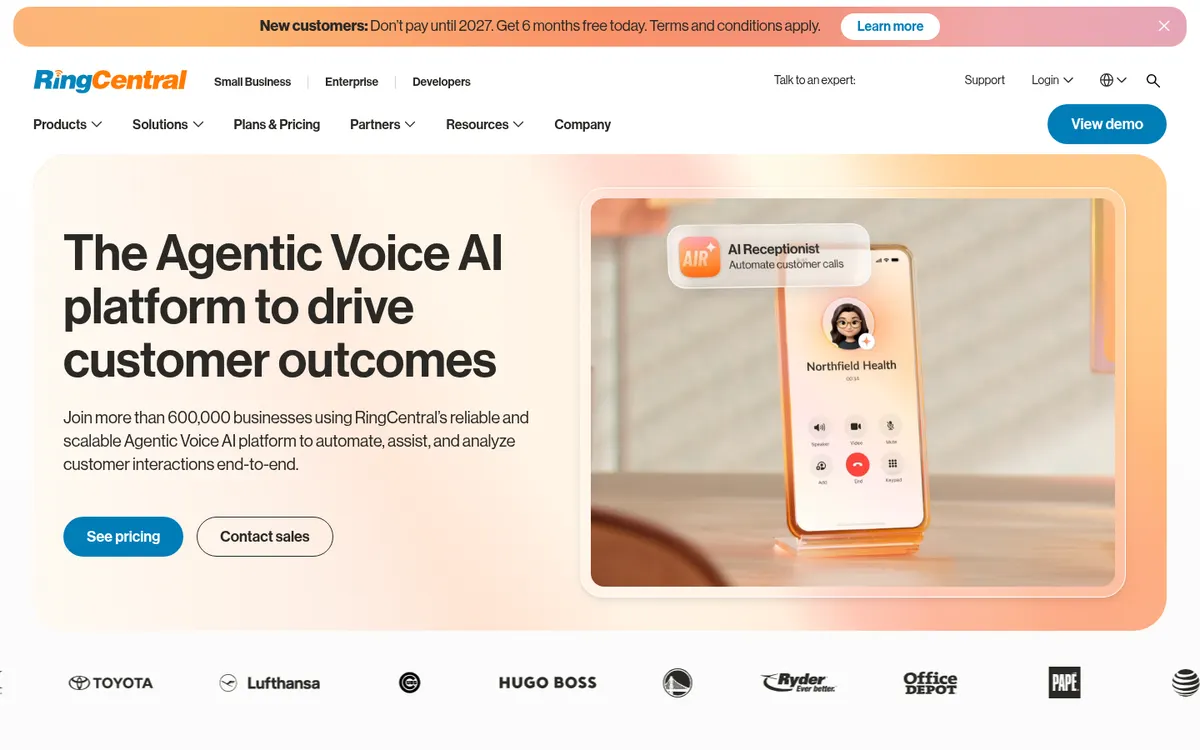
RingCentral is the closest thing to a like for like Avaya swap for teams that already use Avaya Cloud Office, because that product runs on RingCentral technology. The company sells two lines that map onto the two jobs most buyers are replacing: RingEX for business phone service, and RingCX for omnichannel contact center routing. Buying both from one vendor removes the integration work that usually sits between a PBX and a contact center platform.
RingEX comes in three tiers. RingCX is the contact center side, with omnichannel routing, AI powered agent assist, and supervisor and quality tools. An AI Receptionist add on is available at $39 per month as a flat fee. More than 300 integrations sit in the catalogue, so CRM, ticketing and workforce tools usually have a connector already built rather than needing custom work.
Pricing is on the vendor site rather than in this comparison. RingEX and RingCX are both quoted by the vendor, so ask for a written quote against your seat count. Monthly billing costs more than annual billing on every tier, so the annual commitment is where the discount sits. Contact center depth at the entry tier is lighter than Genesys Cloud CX or NICE CXone, and teams with complex workforce management requirements can outgrow RingCX rather than grow into it.
Pick RingCentral if you want phone and contact center from one vendor and you value a short migration over deep routing logic. The AI Receptionist add on is worth pricing early, because it changes the total for small teams that take a lot of inbound calls without staffing a full contact center.
What works
- Avaya Cloud Office runs on RingCentral technology
- Phone and contact center from one vendor
- Flat fee AI Receptionist add on
What to weigh
- Entry tier contact center depth is light
- Monthly billing costs more than annual
- Complex workforce needs outgrow it
Pick it if
You are on Avaya Cloud Office or want phone and contact center under one contract.
Skip it if
You need deep workforce management and routing logic at the entry price.
Plate 02 of 08
Genesys Cloud CX
Best for large contact centers needing the deepest platform
Our verdict
The deepest platform here, with concurrent and hourly licensing that suits shift based contact centers.
Genesys Cloud CX is the deepest platform in this list, and it is the one large contact centers pick when routing logic, compliance and workforce engagement matter more than a quick setup. The published pricing is unusually open for the category: four user tiers run from $75 to $240 per user per month billed annually, concurrent rates run from $110 to $360, and hourly rates run from $1.50 to $4.80.
The concurrent and hourly options matter for shift based staffing. A team that runs three shifts across the same desks does not need a named license for every person who ever logs in, and hourly interacting licensing lets seasonal capacity be metered rather than bought outright. Voice contact center is the core, with omnichannel in higher tiers, quality and compliance tooling, workforce engagement management, and AI features spread across tiers rather than held back for the top one.
The catch is metering. AI usage is consumed through Experience Units that sit outside the seat price, so the seat number is a floor rather than a total. Prices also climb steeply between tiers, which means a feature that lives two tiers up can change the budget by a large multiple. Implementation is a substantial project, and the large partner network you choose from shapes the timeline as much as the software does.
Pick it if you run a large or multi site operation and you need routing, workforce and compliance depth that smaller platforms cannot match. Skip it if you want a single monthly number per agent that does not move when AI usage rises, or if you are replacing Avaya Cloud Office and want a fast, low risk swap.
What works
- Full price list published openly
- Concurrent and hourly licensing options
- Deep omnichannel and AI capability
What to weigh
- Prices climb steeply between tiers
- AI usage metered separately
- Implementation is a substantial project
Pick it if
You run a large contact center and need the deepest routing, workforce and compliance stack.
Skip it if
You want one predictable per agent price with AI included.
Plate 03 of 08
Five9
Best for large outbound and blended contact centers
Our verdict
The outbound specialist, worth the 50 seat floor only if dialer behavior decides your business.
Five9 is built around the dialer, and that shapes everything else about the product. Predictive outbound dialing, inbound, outbound and blended queue handling, and digital channels covering chat, email, SMS and social all run on the same platform, with AI features for agents and supervisors layered on top. The Salesforce integration is the one most buyers ask about first, because outbound teams usually live in the CRM.
Licensing is per concurrent seat, which suits shift based teams that have more people than simultaneous positions. The constraint is the floor: a 50 seat minimum applies to every plan. Digital is $119 per concurrent seat per month and Core is $159, so the practical entry cost lands near $5,950 per month on the Digital tier rather than a number that scales down to a pilot. Premium and above are quote only.
That minimum makes Five9 a poor fit for a 12 person inside sales team testing outbound, no matter how good the dialer is. It fits organizations that already run a blended center with steady volume and predictable headcount. Premium and above are quote only, so ask the vendor for a written quote before you plan a budget.
Pick it if outbound volume, dialer behavior and CRM integration are the deciding factors and you can clear 50 concurrent seats. Skip it if you are below that floor, or if you want one published per agent price with no concurrency arithmetic before you can see a number.
What works
- Strong predictive dialer for outbound
- Concurrent seats fit shift teams
- Established Salesforce integration
What to weigh
- 50 seat minimum on every plan
- Upper tiers are quote only
- Higher tier prices conflict between sources
Pick it if
Outbound dialing and CRM integration decide the purchase and you can clear 50 seats.
Skip it if
You staff fewer than 50 concurrent agents or need published upper tier prices.
Plate 04 of 08
NICE CXone
Best for enterprises wanting transparent contact center pricing
Our verdict
The easiest platform to budget from a web page, with strong analytics and monthly billing in arrears.
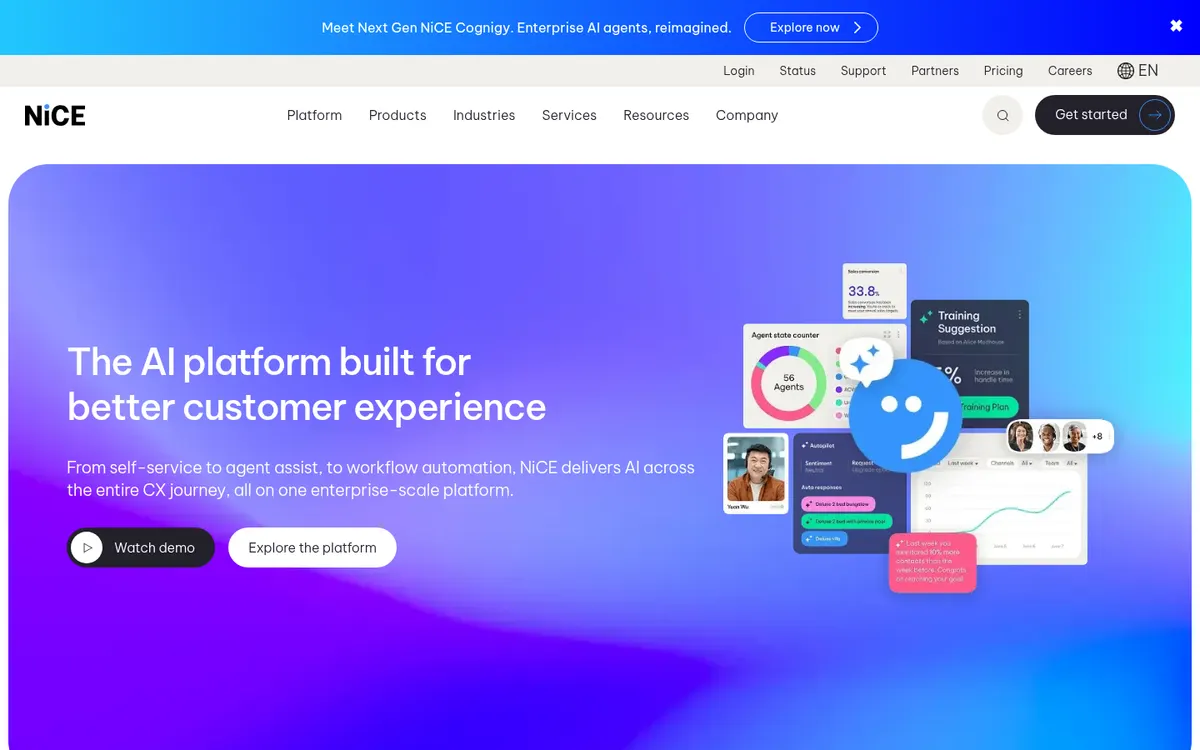
NICE CXone is the most transparent vendor in this comparison for contact center pricing. Five packaged suites are published on the vendor site at $110, $135, $169, $209 and $249 per agent per month, and there are channel specific entries for Digital Agent and Voice Agent, with Voice Agent at $94 per agent per month. Billing is monthly in arrears with no prepayment, which is unusual in a category full of annual upfront contracts.
The suites stack features rather than offering them a la carte. The low end covers omnichannel routing, and the top end adds AI routing, copilots and AI agents, along with a $0.25 per session charge. Quality management, screen recording, workforce management, interaction analytics and voice of the customer sit inside the stack, so the workforce engagement and analytics side is genuinely strong for a buyer leaving an older Avaya deployment.
Two things raise the bill beyond the seat price. AI copilots and AI agents require the Ultimate suite or an add on, so an AI first plan starts at the top of the range. Storage retrieval fees can also add cost later, which is easy to miss when you compare a seat price against a competitor.
The suite structure means gaps force an upgrade rather than a single add on purchase. If you need one feature from two tiers up, the maths moves quickly. For buyers who want a published number to model against Five9 or Genesys Cloud CX, CXone is the easiest of the eight to put in a spreadsheet.
Pick it if you want a full price list, monthly arrears billing and a strong analytics and workforce stack. Skip it if your AI plans sit at an entry budget, or if per session charges and storage retrieval fees would be hard to forecast across a two year term.
What works
- Full price list on the vendor site
- Monthly billing in arrears, no prepayment
- Strong workforce and analytics stack
What to weigh
- AI copilots need the Ultimate suite
- Storage retrieval fees add cost
- Suite stacking forces upgrades
Pick it if
You want published pricing, monthly arrears billing and deep analytics.
Skip it if
AI is a day one requirement at entry budget.
Plate 05 of 08
Zoom Contact Center
Best for zoom Workplace users wanting support in one app
Our verdict
The cheapest familiar entry, with no seat minimum and AI Companion bundled across every tier.
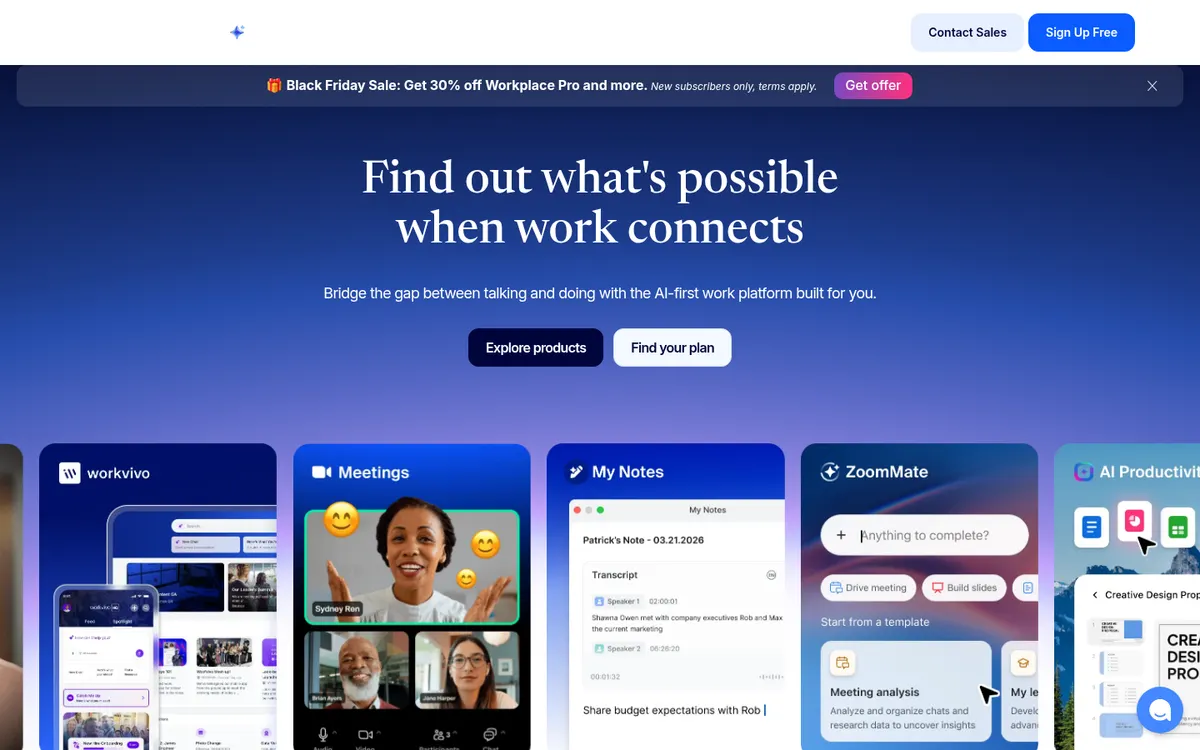
Zoom Contact Center is the cheapest way into the category for a team that already works in Zoom Workplace, and it is the only tool here with no seat minimum at all. The tiers are narrow and predictable. Essentials covers voice, chat and SMS. Premium adds email and social channels. Elite adds advanced analytics and AI Expert Assist. AI Companion, with transcription and summarization, plus sentiment analysis, is bundled across the tiers rather than sold as a separate product.
The interface is the argument. Agents who already take meetings in Zoom Workplace need almost no training, and video works as a native support channel rather than an integration project. That makes it a good fit for support teams handling high value, low volume conversations where seeing the customer helps, and a weaker fit for a 200 seat queue.
Pricing is on the vendor site. Rates for each tier should be confirmed with the vendor. Ask how monthly and annual billing compare before you commit to a term. The limits show up at scale: global routing and legacy enterprise integrations trail the larger platforms, email and social require the higher tiers, and there is no free trial, only a demo.
Pick it if your agents already live in Zoom and you want support in the same app without a seat minimum or a long rollout. Skip it if you need deep global routing, complex legacy integrations, or a trial before you commit budget to a platform that will hold your customer conversations.
What works
- No seat minimum at all
- AI Companion bundled across tiers
- Familiar Zoom Workplace interface
What to weigh
- Global routing trails larger platforms
- Email and social need higher tiers
- No free trial, demo only
Pick it if
Your team already works in Zoom Workplace and you want support without a seat minimum.
Skip it if
You need deep global routing, legacy integrations or a free trial.
Plate 06 of 08
Webex Contact Center
Best for cisco hardware estates moving to cloud
Our verdict
The right landing point for Cisco estates, with hybrid deployment and a security story enterprises trust.
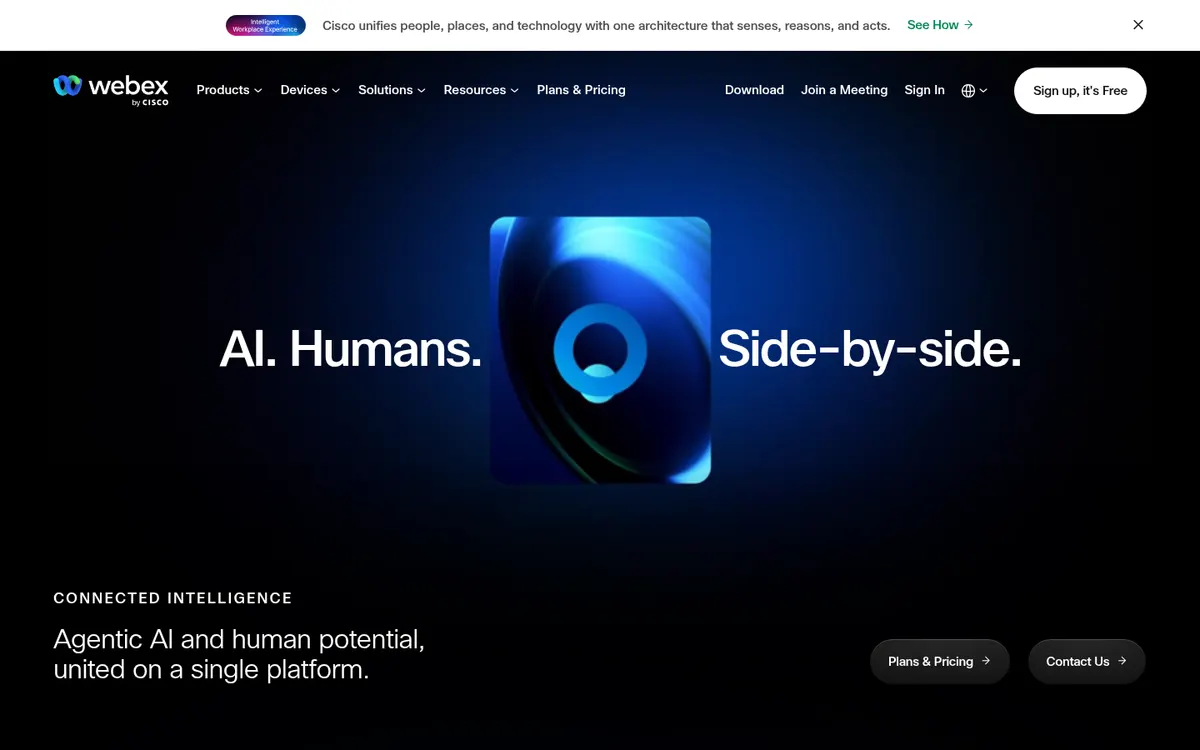
Webex Contact Center is the natural landing point for organizations with a Cisco hardware estate, and Cisco leans on that. Standard Agent covers voice routing and basic digital channels. Premium Agent adds full omnichannel, analytics and quality management. AI Assistant appears in newer plans, with optional real time agent guidance and supervisor insights sold alongside. Native cloud is available, and hybrid deployment is supported for teams that are not ready to move everything at once.
Licensing comes in named and concurrent forms, and that is where comparison gets hard. Named and concurrent rates for Standard Agent and Premium Agent are quoted by the vendor. A named seat is simple to budget but wastes money on part time agents, while concurrent seats need careful forecasting to avoid contention at peak. Two vendors can look far apart on a quote and be priced almost identically once the licensing model is normalized.
Two cost lines sit outside the seat. AI Agent features are billed by consumption through a meter, and rates should be requested from the vendor rather than assumed. Add ons start at $30 per user per month, so a bundle of three or four moves the effective per agent price well above the headline.
Security and compliance posture is the other reason buyers land here, particularly in regulated sectors where Cisco already sits on the approved vendor list. The trade off is that the product rewards organizations already inside the Cisco ecosystem and asks more of everyone else.
Pick it if you run Cisco infrastructure, need hybrid deployment, or have security requirements Cisco already satisfies. Skip it if you want simple per agent pricing with no consumption meter and no named versus concurrent decision to make.
What works
- Hybrid deployment supported
- Native cloud option from Cisco
- Strong security and compliance posture
What to weigh
- Named and concurrent rates complicate comparison
- AI Agent features billed by consumption
- Add ons start at $30 per user per month
Pick it if
You run Cisco hardware, need hybrid deployment or already rely on Cisco security.
Skip it if
You want one plain per agent price without a consumption meter.
Plate 07 of 08
8x8 Contact Center
Best for mid market teams wanting phone and contact center together
Our verdict
Phone and contact center on one contract over its own network, with a rare 30 day free trial.
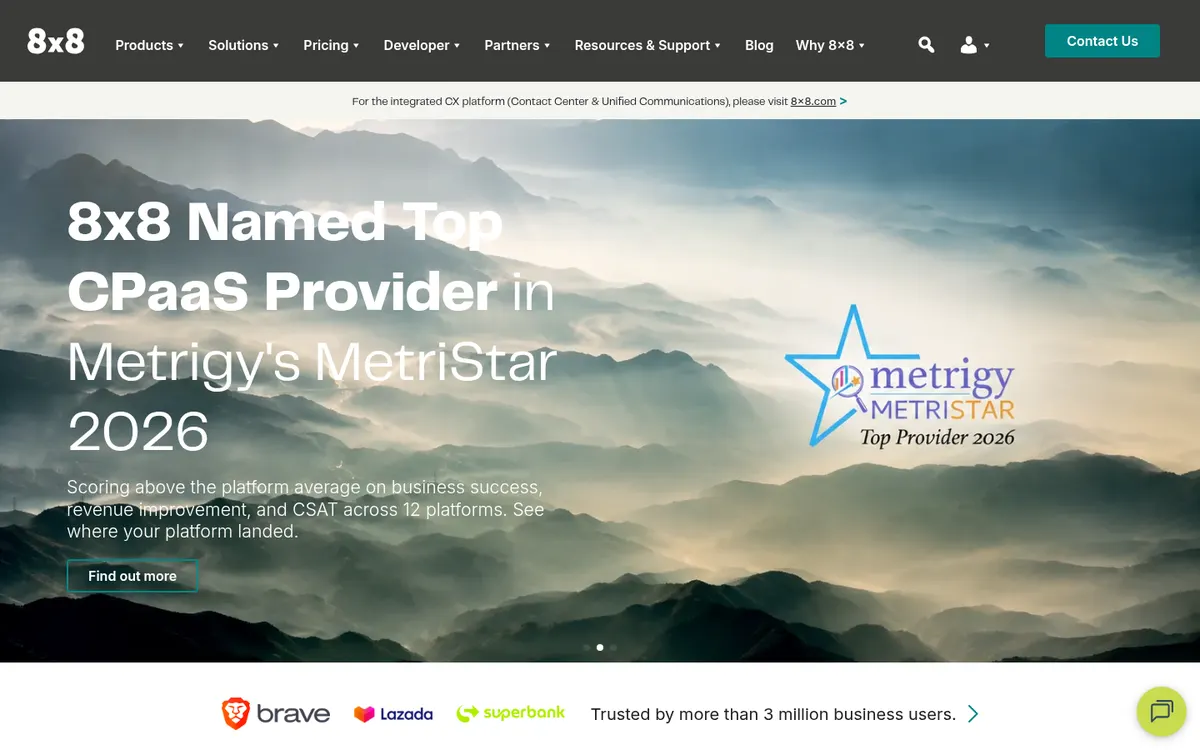
8x8 is the mid market option that puts business phone and contact center on one contract, which is exactly the split most Avaya buyers are trying to close. The phone side runs on unified tiers X2 and X4, and the contact center side runs X6, X7 and X8, with pricing on the vendor site. X6 covers inbound and outbound voice contact center, IVR and contact center analytics. X8 adds advanced AI, workforce management and compliance features.
The compliance angle matters more than it sounds. 8x8 operates its own global network infrastructure and markets compliance features for regulated industries, which is a genuine consideration for finance, healthcare and public sector buyers coming off an on premises Avaya system with tight controls.
Pricing transparency is the weak point. The vendor page pushes buyers to a quote rather than publishing a price list. Confirm current numbers directly before you build a budget, and treat any comparison against NICE CXone or Genesys Cloud CX as directional until you have a quote in hand.
AI depth sits below Genesys and NICE. If autonomous agents and copilots are central to your plan rather than a nice to have, the top tier here will feel thin. If the priority is one contract, one network and one support relationship for phone plus a solid contact center, 8x8 is a sensible shortlist entry, and the 30 day free trial is something most competitors here do not offer.
Pick it if you want phone and contact center under one contract with a 30 day trial. Skip it if you need published prices before you engage, or enterprise grade AI on day one.
What works
- Phone and contact center on one contract
- Operates its own global network
- 30 day free trial available
What to weigh
- Vendor page pushes buyers to a quote
- Published figures come from third party reports
- AI depth below Genesys or NICE
Pick it if
You want one contract for phone and contact center plus a 30 day trial.
Skip it if
You need published prices or advanced AI from the start.
Plate 08 of 08
Talkdesk
Best for growing contact centers wanting modern AI simply
Our verdict
A modern agent interface and strong AI automation, with pricing that needs confirming before you budget.
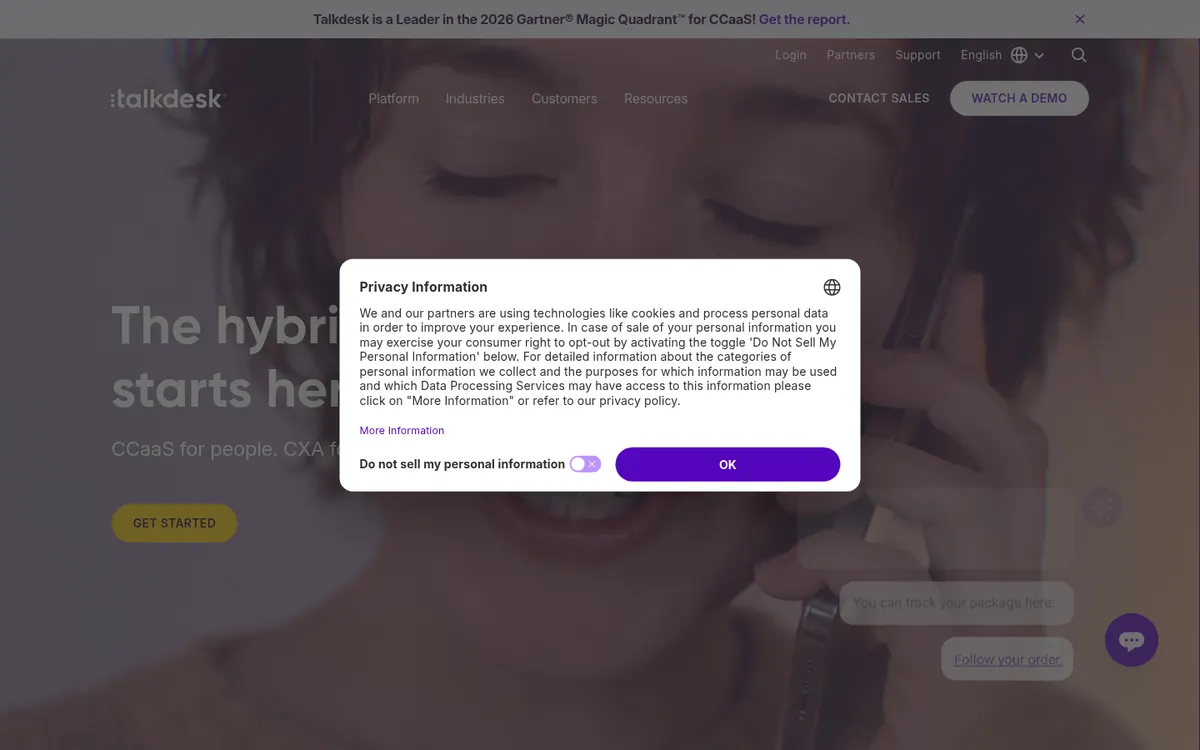
Talkdesk built its reputation on a clean agent interface, and that is still the reason most teams shortlist it. The portfolio splits into Digital Essentials at $85 per user per month and Voice Essentials at $105, which is an unusual structure: digital channels and voice are separate entry points rather than one bundled tier. Elevate at $115 adds quality management, screen recording and feedback. Elite adds workforce management and custom reporting, and its price should be confirmed with the vendor.
Above the core tiers sit the industry specific Experience Clouds, starting at $225 per user per month, which package the platform for regulated sectors. Customer Experience Automation, launched in June 2025, is the autonomous AI agent product, and it is where the AI story is heading. Per hour and concurrent pricing options exist alongside the per user model, which helps shift based teams.
Some AI features carry usage charges on top of the seat, so the per user number is not the whole bill. That pattern is now common across the category, and it makes a two year total cost model more useful than a straight seat price comparison.
Pricing visibility is decent but not complete. Three tiers are published and Elite is not consistent across sources, which is a warning sign for anyone building a board level budget from a web page. There is no free trial, so an evaluation runs through a demo and a scoping call.
The fit is a growing contact center that wants modern AI without a six month implementation. Talkdesk is lighter to stand up than Genesys Cloud CX or NICE CXone, and it carries more contact center depth than a phone system that added a queue.
Pick it if you are growing, want a modern interface and AI automation without a heavy implementation. Skip it if you need consistent published pricing or the deepest workforce tooling.
What works
- Clean, modern agent interface
- Strong AI and automation focus
- Industry specific Experience Clouds
What to weigh
- Elite tier price reported inconsistently
- Some AI features carry usage charges
- No free trial, demo only
Pick it if
You are a growing contact center that wants modern AI without a long implementation.
Skip it if
You need lock tight published pricing or the deepest workforce tooling.
What does contact center and business phone software actually cover?
Contact center and business phone software covers two related jobs that used to be sold as separate systems. The phone side handles extensions, call routing, voicemail, conferencing and the day to day calling every employee uses. The contact center side handles queues, skills based routing, dialers, digital channels, recording, quality scoring, workforce scheduling and reporting for agents who talk to customers all day.
The two have been converging for years. RingCentral sells RingEX for phone and RingCX for contact center. 8x8 sells phone tiers X2 and X4 alongside contact center tiers X6, X7 and X8 on one contract. Zoom puts contact center inside the app its customers already use for meetings. That convergence is why Avaya buyers often end up replacing two systems with one vendor relationship.
Four capabilities separate the tiers within a product:
- Channels: voice only, or voice plus chat, email, SMS and social
- Routing: simple queues, or skills based and omnichannel routing with AI
- Supervision: recording and quality scoring, or full workforce management and forecasting
- AI: transcription and summarization, or copilots and autonomous agents
Licensing splits in three directions, and the split matters more than the feature list. Named licensing charges per person. Concurrent licensing charges per simultaneous login, which suits shift work. Consumption licensing charges per interaction, per hour or per session, and it is where AI costs usually land.
Where Avaya fits: the company still sells and supports its portfolio, and Avaya Cloud Office runs on RingCentral technology. Buyers leave for roadmap confidence, predictable pricing, or because a cloud contact center with modern AI is easier to buy than to build onto an on premises PBX.
What to expect from an evaluation: a demo, a scoping call, and a quote that differs from the published seat price once minimums and metered usage are applied. Treat the seat price as a starting point, and ask what happens to the bill in your busiest month.
This guide sits in the Software collection. Buyers weighing nearby tools often read the guides to commission software and research platforms next.
How contact center platforms charge for seats, channels and AI
Contact center pricing rarely reduces to one number per agent, and the tools here show why. Three models dominate. Named user licensing charges for every person who ever logs in. Concurrent licensing charges for the number of agents logged in at once, which suits shift work. Consumption pricing charges per interaction, per hour or per AI session, and it is the fastest growing part of the bill.
| Model | How it bills | Typical fit | Example from this list |
|---|---|---|---|
| Named user | Per person per month, annual or monthly | Stable headcount, one shift | Talkdesk Digital Essentials at $85 per user per month |
| Concurrent seat | Per simultaneous login | Shift based and seasonal operations | Five9 Digital at $119 per concurrent seat per month, 50 seat minimum |
| Tiered suites | Per agent per month, bundled features | Buyers who want a published list to compare | NICE CXone suites from $110 to $249 per agent per month |
| Consumption add on | Per session, per hour or metered units | AI features and peak overflow | Webex AI Agent consumption meter, NICE Ultimate at $0.25 per session |
| Hybrid named or concurrent | Both options on the same product | Enterprises with mixed schedules | Webex Standard Agent, rates on the vendor site |
Three patterns are worth budgeting for. First, the seat price is a floor: AI usage, storage retrieval and session charges sit on top, as they do on Genesys Cloud CX through Experience Units. Second, monthly billing costs more than annual billing almost everywhere. Zoom Contact Center sells Essentials on an annual billing term, so confirm the billing term before you compare rates. Third, minimums change the shape of a deal. Five9's 50 seat floor puts practical entry near $5,950 per month, while Zoom has no minimum at all.
Ask every vendor for a two year total, not a seat rate. Include number porting, IVR rebuild and the hours your own team spends on the cutover.
Every price in this guide was read on the vendor's own pricing page on November 25, 2026. Where a vendor does not publish a figure we could confirm, the card says "See website" rather than a guess. For the arithmetic around this purchase, try the free Email campaign metrics calculator.
How to choose an Avaya replacement in six steps
Confirm what you are replacing. Write down whether the Avaya estate is a phone system, a contact center, or both, and which agents use which. A phone only replacement has a different shortlist from a blended center with workforce management.
Count seats honestly. Named licensing punishes part time and seasonal staff, concurrent licensing punishes poor forecasting. Count peak simultaneous logins as well as total headcount, then check minimums before you fall for a dialer.
Set your AI budget separately. Seat prices rarely include AI usage. Decide whether AI is a phase one requirement or a phase two project, then ask each vendor for the metered rate behind copilots, agents and transcription.
Test migration fit first. If you run Avaya Cloud Office, RingCentral is the shortest path because the product runs on its technology. If you run on premises Avaya with Cisco hardware around it, Webex Contact Center and its hybrid option deserve a look.
Get three quotes on the same scope. Give every vendor identical seat counts, channel lists and reporting needs. Named and concurrent rates are not comparable at face value, so normalize everything to a two year total before you rank them.
Pilot with your own call recordings. Demos show the happy path. Ask to route a week of your own recordings and queues through the platform, then watch where the AI assist and the supervisor views fall down.
Five mistakes that stall an Avaya migration
Comparing headline seat prices. An $85 seat and a $110 seat can flip once minimums, AI meters and storage fees land. Build a two year total with your own volumes before you shortlist.
Assuming AI is included. Copilots, autonomous agents and transcription are metered or gated to top tiers on most platforms here. Ask which suite or add on carries them and what the meter costs per unit.
Ignoring the seat model. Named licensing charges for people who log in once a week. Concurrent licensing charges for peak. Pick the model that matches your rota, not the one with the lower headline number.
Skipping the migration plan. Number porting, IVR rebuilds and CRM reconnection take longer than license negotiation. Ask each vendor what they do for you, what the partner charges, and who owns the cutover date.
Buying annual before headcount settles. Annual billing is cheaper per seat, but a shrinking team on an annual contract pays for seats nobody uses. Stabilize headcount first, then commit to the term.
8 Avaya Alternatives for 2026: questions
Is Avaya still a viable vendor?
Yes, Avaya remains a viable vendor, but the calculation changed. The company continues to sell and support its portfolio, and Avaya Cloud Office runs on RingCentral technology, which means the cloud path is backed by another vendor's platform. Buyers evaluating alternatives usually do so for roadmap confidence and pricing predictability rather than because support stopped. If you are mid contract, ask for a written roadmap and renewal quote before deciding.
Which alternatives have the lowest entry price?
Talkdesk publishes Digital Essentials at $85 per user per month, and Zoom Contact Center lists an Essentials tier billed annually, with pricing on the vendor site. RingCentral sells RingEX for phone service, with pricing on the vendor site, which is worth a look if you only need phone lines. Watch the minimums: Five9's 50 seat floor removes it from small deployments entirely.
Which option is the closest match for Avaya Cloud Office users?
RingCentral. Avaya Cloud Office runs on RingCentral technology, so the interface, call handling and administration model will feel familiar to admins and agents. RingEX covers business phone and RingCX covers contact center routing, so a team can replace both halves from one vendor. That is the shortest migration path in this list, though contact center depth at the entry tier is lighter than Genesys Cloud CX or NICE CXone.
Which platforms suit small contact centers without seat minimums?
Zoom Contact Center and Talkdesk both publish entry tiers with no stated seat minimum, and 8x8 sells phone tiers alongside contact center tiers on one contract, which suits mid market teams. RingCentral works for small teams that need phone and a lighter contact center together. Five9 is the outlier: a 50 seat minimum on every plan puts practical entry near $5,950 per month.
How long does a typical migration take and what does it cost?
Timelines depend on scope, and this comparison does not include implementation quotes. What the pricing shows is where cost sits: seat licenses first, then AI meters, storage retrieval fees and per session charges on top. Genesys Cloud CX is described as a substantial implementation project, while Talkdesk and Zoom Contact Center are lighter to stand up. Ask each vendor for a written scope that covers number porting and IVR rebuild.
Do any of these tools offer a free trial?
Two do: RingCentral offers a 14 day free trial and 8x8 offers a 30 day free trial. Genesys Cloud CX lists a free trial as available without a stated length. Five9, NICE CXone, Zoom Contact Center, Webex Contact Center and Talkdesk are demo only. None of the eight includes a permanent free plan, so budget for licensing from day one rather than planning a free pilot.