
Contents of this guide
The shortlist
Our top 3 for software buyers

Sortly
Visual photo folders
- Best for
- Simple visual inventory for small teams
- Features
- 4 noted: Photo folders, QR scanning, Low stock alerts, CSV export

EZOfficeInventory
Flat fee, unlimited users
- Best for
- Equipment tracking with flat pricing
- Features
- 4 noted: RFID ready, Reservations, Repair history, Unlimited users

Asset Panda
Custom fields and workflows
- Best for
- Customizable tracking with audit trails
- Features
- 4 noted: Custom workflows, Offline scanning, Audit trails, Inspections
Disclosure for this guide. All 8 tools here are unpaid editorial picks. The position of a paid listing can be part of what the vendor pays for. Paid and unpaid tools are scored on the same rubric and keep their cons. Details are in the advertising disclosure.
The ledger
Index of every tool
| Tool | Free plan | Trial | Rubric | Compare | ||
|---|---|---|---|---|---|---|
| 01 | SortlySimple visual inventory for small teams | $24Advanced, per month, billed annually at $288 per year, 50% first-year discountChecked Nov 25, 2026 | Free plan with 100 unique items, 1 user | 14-day free trial | ||
| 02 | EZOfficeInventoryEquipment tracking with flat pricing | $81.41Essential, per month, based on 500 items tracked, unlimited usersChecked Nov 25, 2026 | No | 14-day free trial, no credit card required | ||
| 03 | Asset PandaCustomizable tracking with audit trails | See websitecustom quoteCustom quote | No | 7-day free trial | ||
| 04 |  UpKeepMaintenance plus asset tracking | $24Essential, per user per monthChecked Nov 25, 2026 | No | Free trial, no credit card required | ||
| 05 | GoCodesQR code tracking for field crews | See websiteNot published | No | Free trial | ||
| 06 |  ReftabIT and equipment tracking in one place | $31.25Starter, per month, billed annually, 250 assets, unlimited platform usersChecked Nov 25, 2026 | Free forever plan with 50 assets | 14-day free trial, no card required | ||
| 07 |  CheqroomEquipment reservations and custody | See websiteCore, 184 per admin per month, billed annually, minimum 3 adminsNot published | No | Free trial | ||
| 08 |  Snipe-ITFree open source IT asset tracking | FreeSelf-hosted, free and open source, Basic Hosting from $39.99 per month billed monthlyChecked Nov 25, 2026 | Yes, free self-hosted open source | No |
Prices are the lowest paid plan the vendor shows, read on November 25, 2026. Sort by price ranks published monthly figures; tools without one go last. Pin up to three tools to compare them side by side.
How this guide was put together
Every tool in this list was scored against the same five criteria: ease of setup (25%), tracking depth (25%), pricing clarity (20%), mobile and labeling (20%), and reporting and audit (10%). Setup covers how long it takes a small team to load its first few hundred items and label them. Tracking depth asks whether the product handles check-in and check-out, reservations, repair history and depreciation, or only location and quantity. Pricing clarity rewards published prices and free tiers and penalizes quote-only pages. Mobile and labeling looks at barcode, QR and RFID support, offline scanning, and whether labels ship with the plan. Reporting and audit covers exports, audit trails and compliance records.
Prices, plan names, seat counts and trial lengths come from vendor pricing pages checked on November 25, 2026. Where a vendor publishes no figure, the starting price is listed as See website and no number is estimated. Every price appears in the form the vendor uses, in the currency the vendor quotes, with no conversion between currencies.
No entry carries a Featured placement this month. Featured placements are paid, are labeled as Featured, and are scored with the same five criteria as everything else, including the same kind of honest cons. The order is editorial: each position reflects the buyer described in that entry, from a two person workshop counting hand tools to an IT team tracking laptops and licenses.
The full process, including how we handle corrections, is on the methodology page. Paid listings follow the advertising disclosure.
Rubric and weights
Every tool below is scored from 1 to 10 on these five criteria. The scores describe each tool; the order is an editorial call on fit for the buyer each card describes, plus the disclosed Featured position.
- 25%Ease of setupHow quickly a small team can load its first items, print labels and start scanning.
- 25%Tracking depthWhether the product covers check-in and check-out, reservations, repair history and depreciation, not just location and quantity.
- 20%Pricing clarityPublished prices and usable free tiers score high; quote-only pages and seat minimums score low.
- 20%Mobile and labelingBarcode, QR and RFID support, offline scanning, and whether labels come with the plan.
- 10%Reporting and auditExports, audit trails, inspection records and anyone able to prove chain of custody.
Plate 01 of 08
Sortly
Best for simple visual inventory for small teams
Our verdict
The fastest way for a small team to see what it owns, as long as repairs are not the problem.
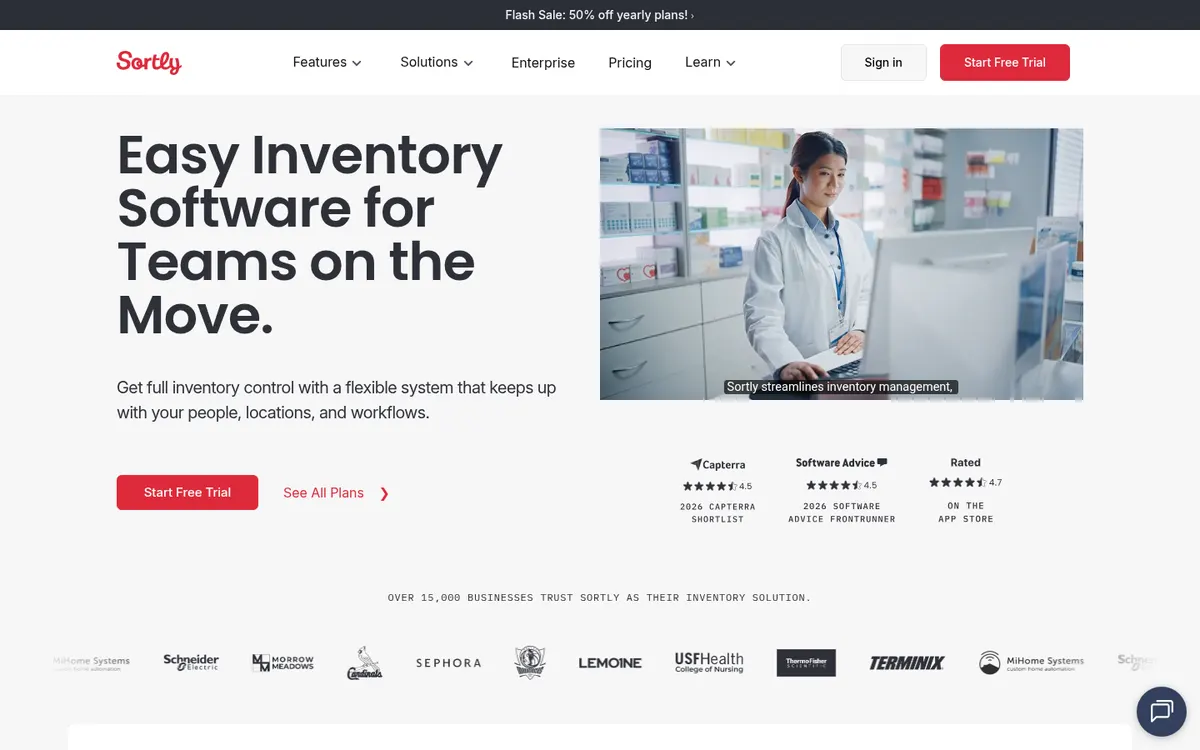
Sortly organizes assets the way a small team actually thinks about them: folders by location, job site or asset type, each item holding a photo, custom fields and a quantity. That visual approach is why it opens this list. A foreman can open a folder for a van or a storeroom and see what should be inside without reading a column of serial numbers. Barcode and QR scanning run in the mobile app, and scanning works offline, syncing when the phone regains a signal. Low stock alerts cover consumables, and records export to PDF or CSV for a count sheet or an insurance list.
Pricing starts at $24 per month on the Advanced plan when billed annually at $288 per year, with a 50% discount in the first year. A free plan covers 100 unique items and one user, which is enough to catalog a single storeroom before committing. The 14-day free trial is the practical way to test whether the item limits on a given tier match how much gear you actually hold, and it costs nothing to use it properly.
The limit is depth. Sortly tracks where an item is and how many exist; it does not schedule maintenance, open work orders or hold repair history. Teams with a repair workflow need a CMMS alongside it or a maintenance-first product instead. Plan limits above the entry tier are only visible on the vendor pricing page, so budget a few minutes there before the trial starts.
Pick it for a small team that wants a visual count of tools, supplies and equipment without a training program.
What works
- Visual folders with photos for each item
- Mobile barcode and QR scanning
- Low stock alerts and exportable reports
What to weigh
- Plan limits above the entry tier need a look at the pricing page
- Less depth for maintenance scheduling than a CMMS
Pick it if
You need a photo-rich, easy-to-scan count of tools, supplies and equipment across a few locations.
Skip it if
Repairs, work orders or preventive maintenance schedules are part of why you are buying.
Plate 02 of 08
EZOfficeInventory
Best for equipment tracking with flat pricing
Our verdict
Flat pricing, unlimited users and real maintenance workflows make it strongest for several hundred shared items.
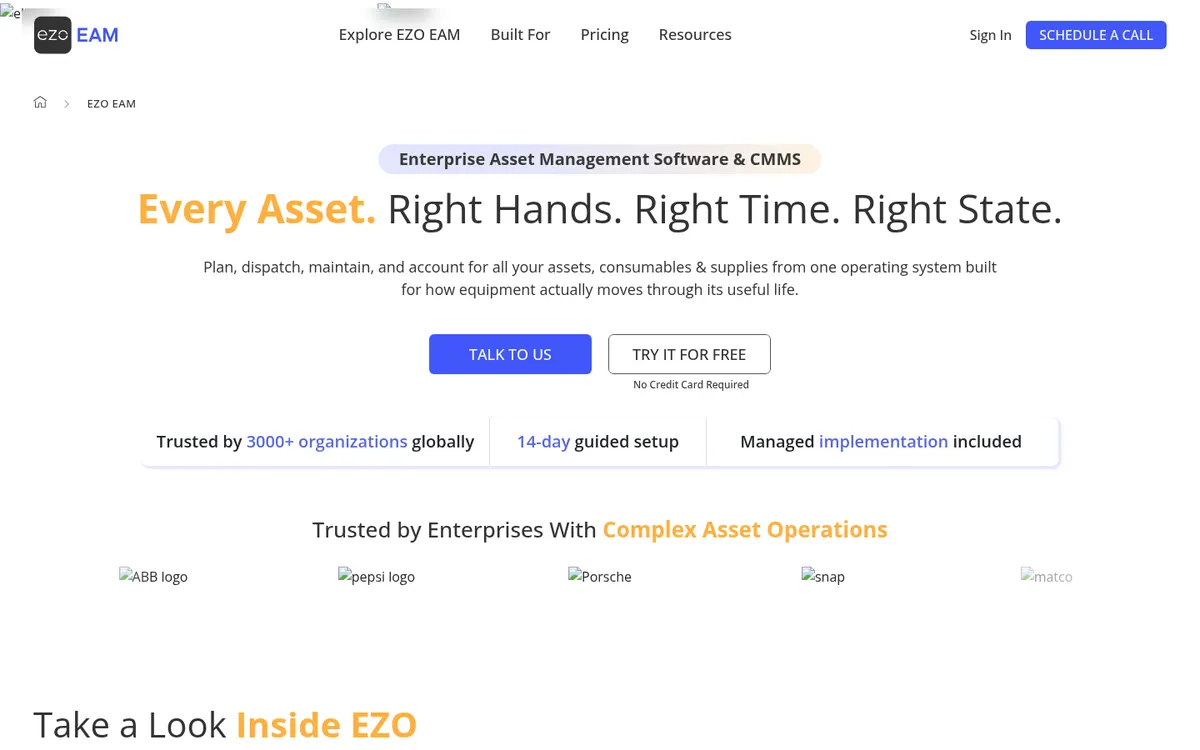
EZOfficeInventory, now branded EZO EAM, treats equipment as something that moves: check it out to a person or a job, reserve it for a date, log the repair, and keep the warranty and purchase order attached to the same record. Barcode, QR and RFID scanning all work, which matters if you already label racks and bins. Equipment requests pass through approval rules, so a crew cannot pull the generator without someone signing off. Depreciation and repair history sit next to the item, which turns an insurance or audit request into a lookup instead of a reconstruction.
The pricing model is the draw for a small business with a large headcount. The Essential plan starts at $81.41 per month based on 500 items tracked, with unlimited users, so adding seasonal staff does not raise the bill. Smaller item bands are priced on the vendor pricing page, and every plan includes unlimited users. A 14-day free trial requires no credit card, and the vendor describes rollout with a dedicated success manager as roughly two weeks.
The cost of that flexibility shows up in setup. You have to define locations, groups and approval rules before the first scan means anything, and a team that skips that step ends up with a messy list. Automations and GPS tracking sit on higher tiers, so field crews that need live location should price those before committing.
Pick it for a team with several hundred pieces of shared equipment and a shifting roster, where per-user pricing would punish you every spring.
What works
- Flat monthly pricing with unlimited users
- Check-in, check-out, reservations and maintenance together
- Barcode, QR and RFID support
What to weigh
- Setup requires defining locations, groups and approval rules
- Automations and GPS are on higher tiers
Pick it if
You track hundreds of shared items and want one flat bill regardless of how many people log in.
Skip it if
You want a working system within an hour and have no appetite for configuring groups and approvals.
Plate 03 of 08
Asset Panda
Best for customizable tracking with audit trails
Our verdict
The pick when chain of custody and audit records matter more than a published price or a fast start.
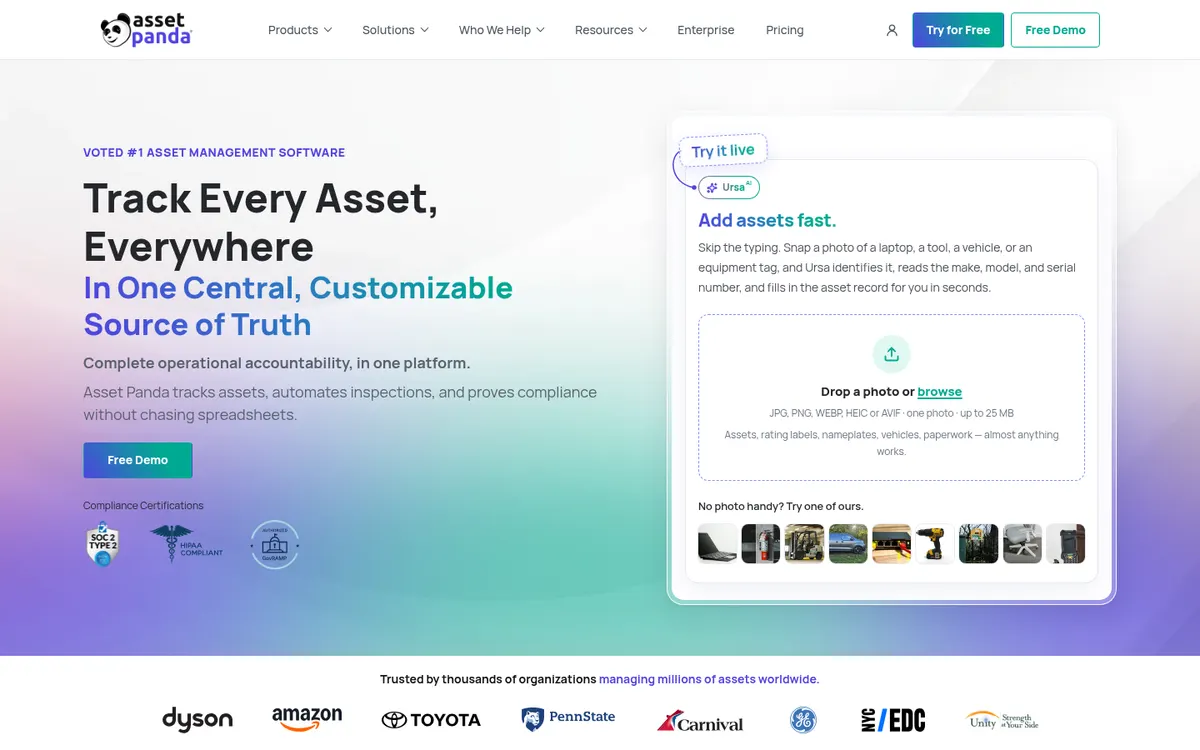
Asset Panda is the option for a small business whose tracking problem is not the count but the record. Custom fields and configurable workflows let you model the exact questions your operation asks: which site, which contract, which inspection result, which approval. Notifications fire on the events you define, custom actions are unlimited rather than rationed, and the mobile app scans barcodes and QR codes and keeps working offline, syncing when a signal returns.
The audit side is the strongest part. Inspection, checkout and transfer history accumulate on each record, so chain of custody is documented rather than remembered, and audit trails plus compliance reporting are built in for teams that answer to a regulator, a client or an insurer. That combination is why it sits this high despite being hard to price.
Hard to price is the honest problem. There is no published rate: the pricing page routes to a quote form, plans are quoted and billed annually, and a seven-day trial is the only no-cost look. Seven days is short for a product this configurable, so arrive with your field list written down and your labels printed. First-time buyers can also find the interface busy, which is what happens when a tool hands you unlimited custom actions on day one.
Pick it if audit trails, inspections and chain of custody matter more to you than a fast start. Skip it if you need a public price before you can get budget approval.
What works
- Deep customization with custom fields and workflows
- Mobile app with offline scanning
- Audit trails and compliance reporting
What to weigh
- Pricing is quote based and billed annually
- A seven-day trial is tight for a configurable product
- The interface can feel complex for a first-time buyer
Pick it if
Inspectors, clients or insurers ask you to prove who held an asset and what was done to it.
Skip it if
You need a published price and a live system inside a week.
Plate 04 of 08
UpKeep
Best for maintenance plus asset tracking
Our verdict
Best for teams whose assets break, because work orders and service history live on the same record.
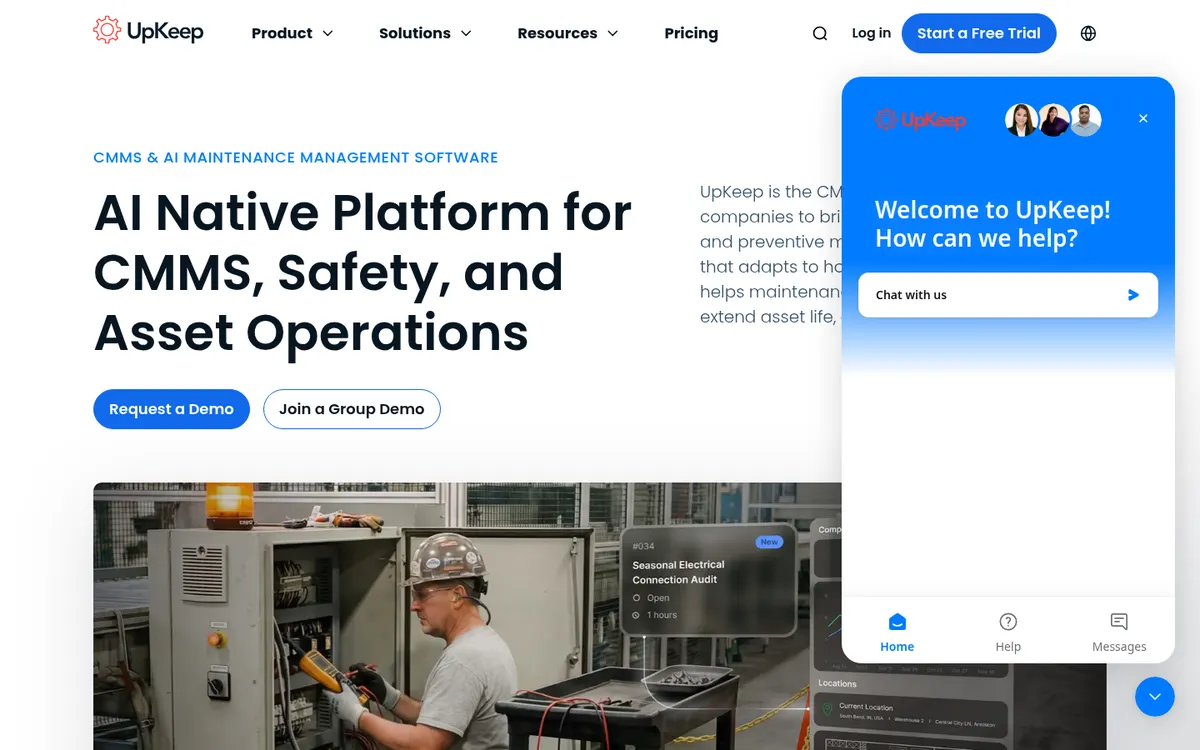
UpKeep is asset tracking attached to maintenance, not the other way around. Every asset carries its work order history, so a pump, a forklift or an HVAC unit stops being a line in a spreadsheet and becomes a service record. Preventive maintenance schedules, parts usage, condition notes and downtime views sit on that same record, and the mobile app lets a technician close a work order with photos and checklists from the floor rather than from a desk.
The Essential plan is $24 per user per month. Premium is $55 per user per month and adds preventive scheduling, parts costing and time tracking, so budget for Premium if scheduling is the reason you are buying. Requester accounts are free, which is the lever for keeping the bill sane: give the people who report faults a requester login and reserve paid seats for the technicians who do the work.
Per-user pricing is the tradeoff. A three person maintenance crew is affordable; a fifteen person crew on Essential is a different conversation, and the cost grows whether or not your asset count does. Deeper analytics also sit on the higher tiers, so reporting-heavy buyers should look past Essential.
Pick it if your assets break and you need to prove what was done about it, when, and by whom.
What works
- Work orders and preventive maintenance on the same asset record
- Strong mobile app for technicians
- Free requester accounts limit paid seats
What to weigh
- Per-user pricing grows with technician headcount
- Deeper analytics sit on higher tiers
Pick it if
A broken asset starts a repair job that someone has to schedule, assign and close out.
Skip it if
You only need to know where a laptop or a drill is sitting right now.
Plate 05 of 08
GoCodes
Best for QR code tracking for field crews
Our verdict
Rugged labels and app-free scanning get non-technical field crews tracking gear on day one.
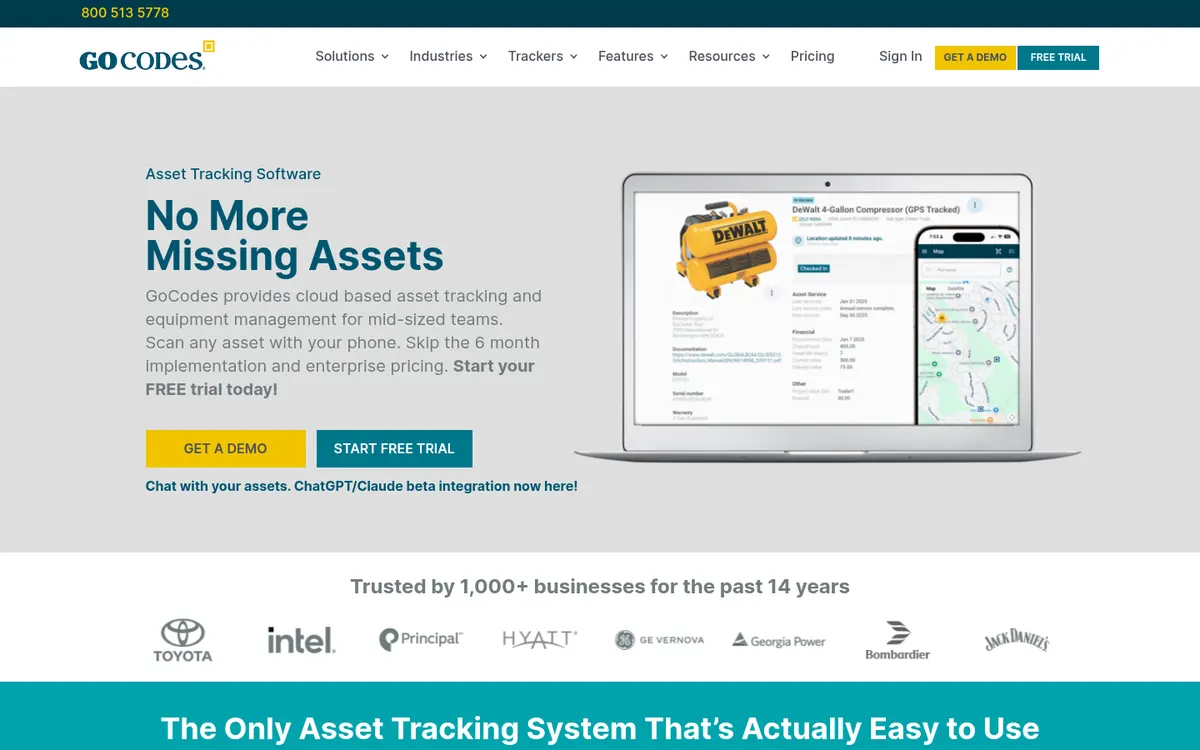
GoCodes approaches tracking from the label outward. Plans include rugged QR labels, and a worker scans one with a smartphone camera, with no app install required. That single design choice decides a lot: seasonal staff, contractors and drivers can check equipment in and out on day one without a training session or an app store account. Each scan can update location, and the audit trail per scan tells you who touched what and when, which is the practical version of chain of custody for field crews.
Maintenance and checkout alerts are built in, and GPS trackers are offered for vehicles and high value outdoor equipment, so a trailer or a lift can be found without anyone scanning it at all. The combination suits construction, landscaping, utilities and any operation where gear leaves a yard and comes back dirty. Label durability matters more than app features in that setting: a QR sticker that survives a season in a truck bed is most of the product.
Pricing is the sticking point. There is no published starter figure for most teams; plans are quote based, with mid-sized operations pointed toward annual ranges. That slows comparison shopping, and customization is thinner than Asset Panda offers. If you need unlimited custom actions and inspection workflows, GoCodes will feel constrained.
Pick it if your crew is mobile, non-technical and hard on labels. Skip it if you need a public price list before seeking budget.
What works
- Patented QR labels included with plans
- No app required for scanning
- GPS trackers available for vehicles and outdoor gear
What to weigh
- Pricing is quote based for most teams
- Fewer customization options than Asset Panda
Pick it if
A crew of contractors or drivers must scan gear with a phone and nothing installed.
Skip it if
You need deep custom fields, inspection forms and a published price list.
Plate 06 of 08
Reftab
Best for IT and equipment tracking in one place
Our verdict
One place for laptops, licenses and renewal dates, with a free tier that makes the first step cheap.
Reftab is built for the asset list an IT team actually keeps: laptops, monitors, phones, docks and the software licenses that run on them. Hardware assignment records show who holds what, license usage tracking shows which seats are live, and renewal dates and spend sit alongside, so a renewal conversation starts with data instead of a guess. Integrations with Intune, Jamf, Zendesk and Okta connect the asset record to the tools that already hold your device and ticket data.
Onboarding and offboarding checklists are the practical feature. A new hire gets a device list assigned in one flow, and a leaver triggers a return list, which is where most small companies quietly lose hardware and money. General equipment maintenance records are supported too, so a phone system or a server rack can carry service history without a second tool.
Pricing is public at the entry point: the Starter plan is $31.25 per month billed annually for 250 assets with unlimited platform users, so the whole company can look things up without seat fees. A free forever plan covers 50 assets, and a 14-day trial needs no card. Above Starter, confirm cost at your device count before you promise a budget.
The ceiling is scope. Reftab handles IT assets well and general equipment adequately, but heavy equipment maintenance is shallower than a dedicated CMMS. Software license management is a bonus for an operations team and a gap for a buyer who only tracks physical gear.
Pick it if IT and equipment share one spreadsheet today and you want them in one record.
What works
- Hardware, software licenses and spend in one platform
- Integrations with Intune, Jamf and Zendesk
- Free forever plan with 50 assets
What to weigh
- The free plan stops at 50 assets, so pilots run out of room quickly
- IT focus means less depth for heavy equipment maintenance
Pick it if
You track laptops and software seats and want onboarding checklists in the same tool.
Skip it if
Your main assets are vehicles, plant machinery or tools that need deep service scheduling.
Plate 07 of 08
Cheqroom
Best for equipment reservations and custody
Our verdict
Reservations, signatures and damage flags stop shared gear from vanishing or being double booked.
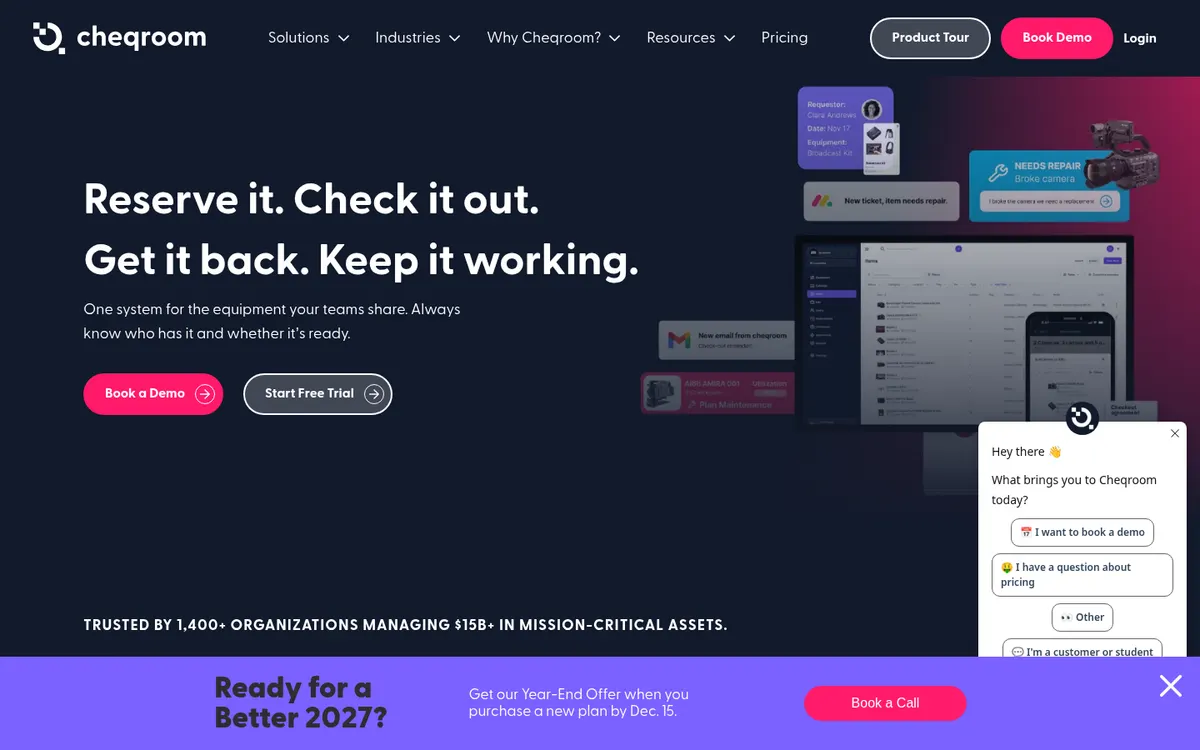
Cheqroom exists to stop double bookings. Shared gear such as cameras, tools, vehicles and lab equipment can be reserved in advance, so two crews cannot claim the same kit for the same morning. Check-out happens by QR scan with a signature, and the chain of custody history stays on the item, which settles the argument about who last had the lens or the torque wrench. Damage flags can block a booking until the item is cleared, and repairs route from the asset record.
Maintenance flags and work orders sit on that same record, so a flagged item does not quietly go back into circulation. That mix of reservations, signatures and repair routing is narrower than a full CMMS but deeper than a simple inventory tool, which is exactly the shape of a rental desk, a production company or a lab with shared instruments.
Pricing is quote based, charged per admin per month with annual billing and a minimum of three admins, so a two person operation pays for a seat it may not use. That structure also makes budget comparison slow, since nothing can be checked against a public list. The vendor site shows a figure without a stated currency, so treat any number you see there as unconfirmed until a quote arrives in writing.
It is also a weaker fit for software licenses and pure IT inventory, where Reftab or Snipe-IT do more for less money.
Pick it if gear is shared, booked and signed for. Skip it if your assets live on desks and never leave the building.
What works
- Reservations prevent double booking
- Digital check-in and check-out with signatures
- Maintenance flags and work orders on the asset record
What to weigh
- Pricing is quote based with a three admin minimum
- Best fit is shared equipment, less so for pure IT inventory
Pick it if
Several people book the same cameras, tools or vehicles and you need signatures on every handover.
Skip it if
You have two administrators and no shared booking calendar to manage.
Plate 08 of 08
Snipe-IT
Best for free open source IT asset tracking
Our verdict
Free self-hosted tracking with real depth, provided someone on your team will run a server.
Snipe-IT is the free option, and it is genuinely free: self-hosted, open source, no asset limit and no license fee. For a small business with a server and someone who can run it, that removes the subscription conversation entirely. The feature set is the IT asset core done properly: check-in and check-out, software license seat tracking, depreciation schedules, custom fields, barcode and QR label generation, audit logs and a REST API for integrations.
The catch is everything around the software. Self-hosting means your team owns installation, updates, backups and security, and your team handles the fix when an upgrade goes sideways. Data arrives by manual entry, CSV import or API integration, so nobody will tell you that a laptop appeared on the network. There is no official mobile app, which makes scanning a browser affair, and no trial because there is nothing to trial: you download it and run it.
If you would rather not run it, the Snipe-IT team sells Basic Hosting from $39.99 per month billed monthly, or $399.99 per year, which is still among the cheapest paid options here. Hosting buys you the updates and backups, not a different feature set, so the decision is really about who owns the server.
Pick it if you have technical hands available and a long asset list that would be expensive elsewhere. Skip it if nobody on staff wants to own a server, backups and upgrades.
What works
- Free and open source when self-hosted, with no asset limits
- Check-in, check-out, depreciation and license seats
- REST API for integrations
What to weigh
- Self-hosting means the team handles updates and backups
- No automated discovery and no official mobile app
- No trial, since the software is downloadable
Pick it if
You have someone who can run a Linux server and a budget of zero for software fees.
Skip it if
You want a vendor to answer the phone and a mobile app for scanning.
What does asset tracking software for a small business actually do?
Asset tracking software keeps one record per thing you own and updates that record when the thing moves, changes hands or costs you money. The core is dull on purpose: an ID, a description, a location, a holder, a status and a date. Everything else is depth layered on that spine.
For a small business the job is usually narrower than enterprise buyers assume. A ten person contractor does not need depreciation schedules; it needs to know that the plate compactor went to the Elm Street job and came back. An IT team of three needs to know which laptop went to which new hire and which software seat renews in March. A studio needs to know the camera body is booked for Thursday and the lens has a cracked mount. The question to ask first is what decision you make with the record.
Typical records and features include:
- Check-in and check-out, so custody has a timestamp and a name
- Location history, updated by scan, folder or manual edit
- Barcode, QR or RFID labels that tie a physical sticker to a record
- Purchase, warranty and cost fields for budget and insurance work
- Maintenance history, inspections and audit trails where compliance matters
Labeling follows the asset. QR labels on rugged gear suit field crews because a phone camera reads them and the sticker survives weather, which is what GoCodes builds its product around. Barcode and RFID fit racks and bins where scanning happens at a fixed point, which is EZOfficeInventory territory. IT teams often print their own labels from Snipe-IT or assign devices through Reftab. High value vehicles and trailers justify GPS rather than a sticker.
The category stops short of a CMMS. Tracking tells you an asset exists, where it is and who has it. Maintenance software tells you what was done, when the next service is due and which parts it consumed. Products such as UpKeep sit in the overlap. Buy the overlap only if repairs are the reason your current spreadsheet fails.
This guide sits in the Software collection. Buyers weighing nearby tools often read the guides to commission software and research platforms next.
How do small business asset tracking plans charge you?
Pricing in this category follows five shapes, and the shape matters more than the headline number, because the shape decides what your bill does when the business grows.
| Model | How it bills | Typical fit | Example from this list |
|---|---|---|---|
| Flat monthly by asset band | Monthly or annual, price rises with item count, users unlimited | Teams with several hundred shared items and a shifting roster | EZOfficeInventory at $81.41 per month for 500 items with unlimited users |
| Free or cheap starter tier | Free tier capped by item count, paid tiers billed monthly or annually | Very small inventories and first pilots | Sortly free plan with 100 unique items and 1 user, paid from $24 per month billed annually |
| Per user subscription | Price per named seat per month | Maintenance and field teams | UpKeep Essential at $24 per user per month |
| Quote based annual contract | Custom quote, annual billing, sometimes a seat minimum | Larger or audit heavy operations | Asset Panda (custom quote) and Cheqroom (per admin, three admin minimum) |
| Open source plus paid hosting | No license fee, you pay in labor, optional hosting monthly | IT teams with server skills | Snipe-IT free self-hosted, Basic Hosting $39.99 per month |
Reftab sits between the starter and flat models: $31.25 per month billed annually for 250 assets with unlimited platform users, plus a free forever plan for 50 assets. That is a useful benchmark when a quote arrives in the hundreds, because it shows what a mid-sized small business pays for a published package.
The costs that surprise buyers are rarely the subscription. Labels and printers cost money once you move past a few hundred items. Setup time is the bigger line: EZOfficeInventory describes rollout with a dedicated success manager as roughly two weeks. Seat minimums, such as the three admins Cheqroom requires, lock in a floor below which the bill will not fall.
Model two shapes at your real numbers before you sign. A per user plan looks cheap at three technicians and expensive at fifteen, while a per asset band looks expensive at 50 items and cheap at five hundred.
Every price in this guide was read on the vendor's own pricing page on November 25, 2026. Where a vendor does not publish a figure we could confirm, the card says "See website" rather than a guess. For the arithmetic around this purchase, try the free Email campaign metrics calculator.
A six step path from spreadsheet to tracked assets
- Count and classify first. Walk the storeroom and the van, write down every item you would pay to replace, and note whether it moves or stays put. Under 100 items, Sortly's free plan or Reftab's free 50 asset tier may carry you for a season.
- Decide whether repairs create work orders. If a broken tool starts a repair with parts and a schedule, buy a maintenance first tool such as UpKeep at $24 per user per month. If you only need location and quantity, stay on the tracking side.
- Match the label to the environment. QR stickers on rugged field gear point to GoCodes or Cheqroom. Barcode and RFID at fixed scan points point to EZOfficeInventory. IT devices point to Reftab or self-hosted Snipe-IT with generated labels.
- Check what the price counts. Per user plans grow with headcount; per asset bands do not. EZOfficeInventory charges $81.41 per month for 500 items with unlimited users, while UpKeep charges $24 for each technician. Model both at your real numbers.
- Spend the trial on real data. Fourteen days covers Sortly, EZOfficeInventory and Reftab; Asset Panda gives seven. Import 50 actual items, print labels, run one checkout and one audit, then decide. A trial that never touches your gear teaches nothing.
- Set an audit rhythm before go live. Quarterly scans catch the laptop that moved desks and the drill that never came back. Cheqroom's chain of custody and Snipe-IT's audit logs only help if someone reviews them on a schedule.
Five mistakes that wreck an asset tracking rollout
- Buying on item count alone. A cheap tier for 100 items is useless if you own 400, and an unlimited user plan is wasted if three people ever log in. Match the plan to assets and seats you actually have.
- Skipping the naming convention. Folders and custom fields fill up with entries like drill, Drill 2 and blue drill, and reporting collapses. Agree on an ID format and a location list before anyone scans a label.
- Assuming the free plan will scale. Sortly's free tier stops at 100 unique items and one user; Reftab's stops at 50 assets. Free tiers are pilots, not a permanent home for a growing equipment list.
- Letting the maintenance question wait. Tracking tells you where a tool is, not what was done to it. Teams that discover this after rollout pay twice, once for the tracker and once for a CMMS.
- Treating rollout as one person's job. The person who buys the software rarely holds the gear. Field staff, IT and finance each own part of the data, and the record goes stale the week they stop caring.
Best Asset Tracking Software for Small Business 2026: questions
What records and history does asset tracking software keep?
At minimum, one record per item: a name, an ID or serial, a location, a holder and a status. Better tools add purchase date, warranty, cost, depreciation, repair history, inspection results and a scan-level audit trail. Sortly keeps photos, custom fields and stock counts. EZOfficeInventory adds purchase orders, warranties, repair history and depreciation. Snipe-IT tracks license seats and depreciation schedules. Choose the record set that matches what a client, an auditor or an insurer asks you to prove.
How much does asset tracking software cost for a small business?
Entry plans in this list run from free to $81.41 per month. Snipe-IT is free self-hosted, with Basic Hosting at $39.99 per month. Sortly starts at $24 per month billed annually. Reftab Starter is $31.25 per month billed annually for 250 assets. UpKeep is $24 per user per month. EZOfficeInventory is $81.41 per month for 500 items with unlimited users. Asset Panda, GoCodes and Cheqroom quote per contract, so ask for a written figure first.
Is a spreadsheet enough for a small team?
A spreadsheet is enough until two people edit it at once, an item moves without a row changing, or someone asks who signed for the tool last. Then it becomes a tax on whoever maintains it. A free tier such as Sortly's 100 item plan or Reftab's 50 asset plan gives you scanning, a timestamped holder and a record per item, which is usually the point where a sheet stops working.
How does asset tracking differ from a CMMS?
Asset tracking records where an item is, who holds it and what it cost. A CMMS records what was done to keep it running: work orders, preventive schedules, parts and downtime. UpKeep and EZOfficeInventory blur the line by putting maintenance on the asset record. Sortly, GoCodes and Snipe-IT stay on the tracking side. If a repair generates a work order someone must close, price a CMMS rather than a tracker.
How long does implementation take?
Rollout time depends on how much configuration you need. EZOfficeInventory describes rollout with a dedicated success manager as roughly two weeks. A quote-based tool like Asset Panda needs field and workflow decisions made before a seven-day trial ends. The work is rarely installation; it is agreeing on locations, naming rules, label formats and who is allowed to edit records.
How do you keep asset data accurate over time?
Label once, scan every move, and audit on a schedule. Assign one owner per location so a storeroom or a van has a named person accountable for its list. Run a quarterly scan audit and reconcile the exceptions rather than re-counting everything. Enable alerts where the tool offers them, such as GoCodes checkout alerts or Sortly low stock warnings, and close departing employees in Reftab or Snipe-IT so their kit comes back.