
Contents of this guide
The shortlist
Our top 3 for software buyers

Employee Navigator
Integration catalog
- Best for
- Small and mid-size employers that buy benefits through a broker
- Features
- 4 noted: Enrollment, Carrier data exchange, Eligibility rules, ACA support

Ease
Broker workflow
- Best for
- Brokers and small employers moving enrollment off paper
- Features
- 4 noted: Open enrollment, Broker dashboard, Carrier connectivity, Compliance documents

PlanSource
Managed service
- Best for
- HR teams that want software paired with human service
- Features
- 4 noted: Eligibility management, Employee communications, Reporting, Managed service
Disclosure for this guide. All 9 tools here are unpaid editorial picks. The position of a paid listing can be part of what the vendor pays for. Paid and unpaid tools are scored on the same rubric and keep their cons. Details are in the advertising disclosure.
The ledger
Index of every tool
| Tool | Free plan | Trial | Rubric | Compare | ||
|---|---|---|---|---|---|---|
| 01 | Employee NavigatorSmall and mid-size employers that buy benefits through a broker | See websiteQuote only, typically sold through brokersNot published | No | Demo only | ||
| 02 | EaseBrokers and small employers moving enrollment off paper | See websiteQuote only, no public plansNot published | No | Demo only | ||
| 03 | PlanSourceHR teams that want software paired with human service | See websiteQuote onlyNot published | No | Demo only | ||
| 04 | bswiftLarge employers with unions, multi-state rules and layered eligibility | See websiteEnterprise quote onlyNot published | No | Demo only | ||
| 05 |  BenefitfocusEmployers treating benefits as a year-round program, not an event | See websiteQuote onlyNot published | No | Demo only | ||
| 06 |  BusinessolverHR teams wanting proactive guidance rather than reactive administration | See websiteQuote only, no public entry pointNot published | No | Demo only | ||
| 07 | GustoSmall businesses bundling payroll, benefits and HR on one bill | $49Simple, per month, plus $6 per person per monthChecked Nov 25, 2026 | No | No | ||
| 08 |  RipplingCompanies unifying benefits data with HR, payroll and IT | See websitecustom quoteCustom quote | No | Demo only | ||
| 09 |  TriNet ZenefitsSmall businesses wanting HR expertise bundled with benefits technology | See websiteQuote onlyNot published | No | Demo only |
Prices are the lowest paid plan the vendor shows, read on November 25, 2026. Sort by price ranks published monthly figures; tools without one go last. Pin up to three tools to compare them side by side.
How this guide was put together
Nine tools made the shortlist, and the order is editorial. Each position reflects how well a tool fits the buyer described in its entry, not a weighted total, plus the Featured placement at the top of the page.
The five criteria in the rubric are benefits depth (30 percent), integrations (25 percent), pricing clarity (15 percent), ease of administration (20 percent) and service and support (10 percent). Benefits depth asks how far a platform goes past enrollment into eligibility rules, COBRA, ACA reporting and consumer-directed accounts. Integrations asks whether carrier and payroll data moves on its own. Pricing clarity rewards vendors that put a real number on a public page. Ease of administration covers the work that lands on HR after go-live. Service and support covers the human layer: member service centers, implementation partners, HR experts.
Scores are one input, not the ranking. A platform can score well on depth and still sit lower because it fits fewer of the buyers reading this. Gusto, for example, scores highest on pricing clarity but trails on benefits depth for complex eligibility, so it appears further down.
Prices were checked on November 25, 2026 against vendor pricing pages. Eight of the nine list no public plan and show See website, which means a quote. We did not estimate a number for those, and we did not convert currencies or assume a discount.
The Featured listing at the top is a paid placement. It was scored with the same rubric and carries the same kind of cons as every other entry, including the lack of published pricing.
The full process, including how we handle corrections, is on the methodology page. Paid listings follow the advertising disclosure.
Rubric and weights
Every tool below is scored from 1 to 10 on these five criteria. The scores describe each tool; the order is an editorial call on fit for the buyer each card describes, plus the disclosed Featured position.
- 30%Benefits depthHow far eligibility rules, COBRA, ACA reporting and account administration go beyond basic enrollment.
- 25%IntegrationsWhether carrier, payroll and HR data moves automatically instead of being rekeyed by hand.
- 15%Pricing clarityWhether a buyer can see a real number without a sales cycle, and how the per-employee math lands.
- 20%Ease of administrationHow much work lands on HR and brokers after go-live, from setup through open enrollment.
- 10%Service and supportThe human layer behind the software, from member service centers to implementation partners.
Plate 01 of 09
Employee Navigator
Best for small and mid-size employers that buy benefits through a broker
Our verdict
The safest default for broker-sold small and mid-size benefits, provided you accept quote-only pricing and a broker in the middle.
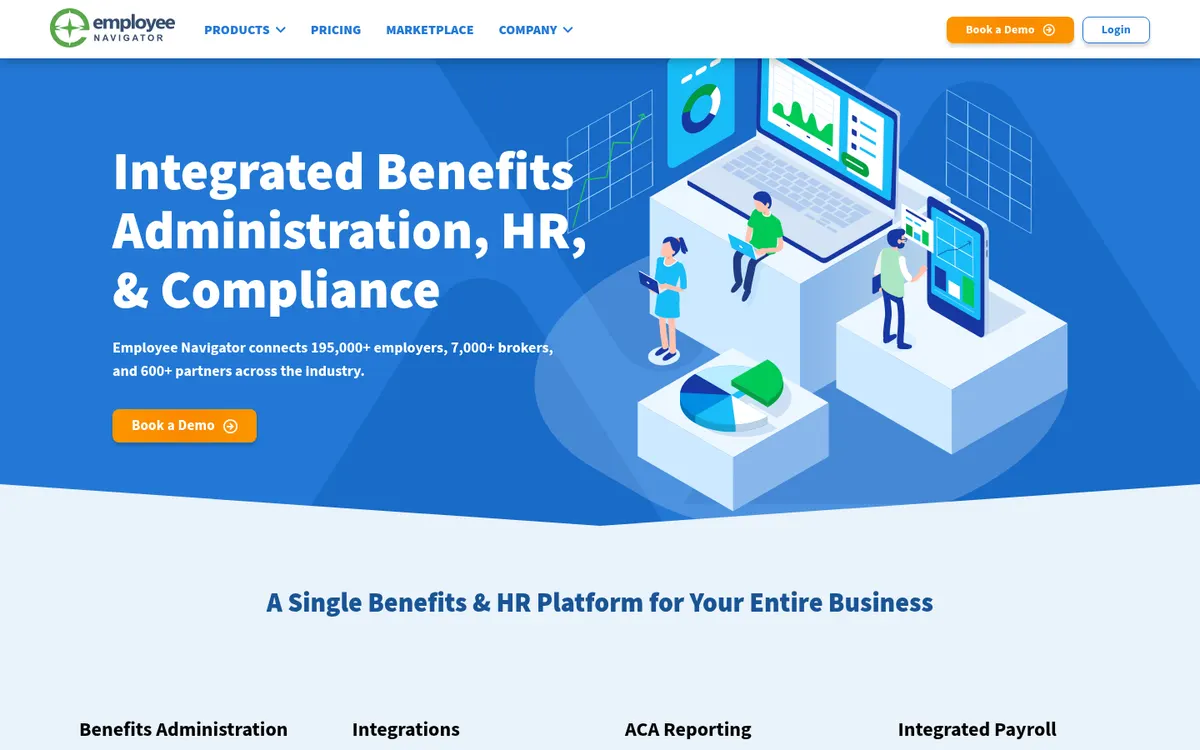
Employee Navigator is the list's most obvious starting point for an employer that already buys benefits through a broker. Enrollment, eligibility and qualifying life events sit in one system, and the employee portal handles the open enrollment rush without paperwork changing hands. The feature that matters most day to day is the data exchange: carrier and payroll connections push enrollment changes downstream automatically, so nobody retypes a deduction into a payroll file at month end.
The vendor states more than 600 integrations and says it connects 195,000-plus employers through 7,000-plus brokers. Those numbers matter because benefits administration failures are usually integration failures: a carrier file that does not match, a payroll deduction that arrives a pay period late. A large catalog raises the odds your carriers are already mapped. Compliance and ACA support are included in the platform description, though the depth of ACA reporting is something to confirm in a demo rather than assume.
Pricing is quoted per deal and there is no free tier, only a demo. That is normal for the category, but it does mean a buyer cannot budget from a web page. Distribution runs mainly through brokers and partner firms, so a direct buyer faces an extra step before seeing a number. The other limit is ceiling: the platform is widely used by small and mid-size employers, and the case for the largest, most layered employers with unions and multi-state eligibility rules is less proven than it is for bswift. Setup and day-to-day administration are generally described as straightforward, which for a company switching off spreadsheets is the main benefit. Ask the broker which carriers in your footprint are already live.
What works
- Broker channel with very wide reach
- More than 600 listed integrations
- Eligibility and life events handled
What to weigh
- No published pricing or free tier
- Sold mainly through brokers
- Less proven at the largest employers
Pick it if
You buy benefits through a broker and want enrollment, eligibility and carrier data exchange in one system.
Skip it if
You need a published price before you will take a meeting, or you run a union-heavy enterprise with layered eligibility.
Plate 02 of 09
Ease
Best for brokers and small employers moving enrollment off paper
Our verdict
A broker-first enrollment tool that removes paperwork fastest for small groups, with pricing still behind a quote.
Ease is built for the small-group broker, not the enterprise HR department. Online open enrollment runs around the clock, forms that used to circulate on paper become web submissions, and the broker dashboard tracks many employer clients from a single screen. Custom quoting for brokers and fast client setup workflows are the two features that show up first in a demo, because they address the real bottleneck in small-group sales: a broker who cannot onboard a 30-person client quickly loses that client.
The employee side is conventional, and that is fine. There is a self-service portal, carrier connectivity and data transmission, and compliance document handling. Where Ease differs from a full benefits administration platform is depth: it is strongest on the enrollment event and the broker workflow around it, and thinner on the year-round administration a large employer with layered eligibility needs. The vendor positions the product as cutting broker paperwork during enrollment season, which is a meaningful claim for a firm running dozens of small renewals at once. Ask which carriers in your state are already connected.
Pricing is quote only, with no public plans and no free tier, and access is demo only. Value depends heavily on the broker relationship, since the broker usually configures the system and fronts the sale, so the employer's experience is filtered through that firm. Employers who want to buy, configure and run benefits themselves will find the broker-centric design an obstacle rather than a feature. Ask what happens to enrollment data and document history if you change brokers, because that question rarely comes up until it matters.
What works
- Built around the small-group broker
- Fast client setup workflows
- Online enrollment around the clock
What to weigh
- Quote only, no public plans
- Thin for very large employers
- Value depends on the broker
Pick it if
You are a broker or a small employer who wants enrollment off paper before the next renewal.
Skip it if
You have more than a few hundred employees or want to configure and run benefits without a broker.
Plate 03 of 09
PlanSource
Best for HR teams that want software paired with human service
Our verdict
Software plus a human service layer, which suits HR teams that want someone else answering employee benefit questions.
PlanSource sells a platform and a service team together, and the service half is the differentiator. Enrollment and eligibility management, employee communications, reporting and analytics, and consumer-directed account support are all part of the package, alongside payroll and carrier integrations. What separates it is the managed service layer: staff who take employee and admin questions so HR does not have to, which matters most during a two-week open enrollment window when call volume spikes.
The partner and reseller programs let brokers extend their own service offering on top of the platform, so a mid-size employer may meet PlanSource through an advisory firm rather than directly. That is efficient, but it also means the experience is only as good as the implementation partner. Two employers on the same software can report very different setup projects, which is why reference calls with a partner's existing clients are worth more than a generic demo. Ask how many implementations that specific partner has run, not how many the vendor has run.
Pricing is quote only with no public plans and demo only access, so the platform is not something a five-person HR team can price on a Friday afternoon. The service layer is also the reason some buyers should look elsewhere: a self-serve HR team with strong internal benefits knowledge is paying for humans it will not call. For teams that are short-staffed, or running benefits across many states with employees who call HR first and read the plan documents never, the trade is usually worth it.
What works
- Service staff behind the software
- Carrier and payroll integrations
- Partner program for brokers
What to weigh
- Experience varies by implementation partner
- No published pricing
- Service layer is wasted on self-serve teams
Pick it if
You want vendor staff answering employee benefits questions during open enrollment.
Skip it if
You are a lean, self-serve HR team that will never use the service layer.
Plate 04 of 09
bswift
Best for large employers with unions, multi-state rules and layered eligibility
Our verdict
The deepest eligibility engine here, priced and sold through brokers, built for employers whose rules break simpler tools.
bswift is the answer when eligibility logic is the problem. Multi-location employers, union populations and variable-hour workforces generate rules that simpler platforms handle with workarounds, and layered eligibility configuration is the core of the product. COBRA administration, billing and compliance services and a 24/7 service center sit on top, so work that normally lands on a benefits coordinator can be pushed to the vendor instead.
There are two implementation paths. Simplify targets growing groups that need a faster, pre-defined rollout, while Unlimited covers fully customized enterprise deployments. Press on what Unlimited actually changes: customization depth, timeline, or both. The integration library is large, with 550-plus pre-built connections including Workday, ADP and UKG, which shortens the part of a project that usually slips. Buyers already running one of those systems should ask which connector version is supported before signing.
The constraints are real. bswift is sold exclusively through brokers and channel partners, so there is no direct purchase route and no public pricing, only an enterprise quote. Mobile functionality and support responsiveness are cited as uneven, which is worth testing on a phone rather than a desktop demo. Deal sizes are enterprise scale, and a 60-person company will find the implementation overhead disproportionate to what it needs. Ask for a mobile walkthrough and a named support contact written into the agreement, because both are the complaints that surface after go-live rather than before.
What works
- Handles layered eligibility rules
- 550-plus pre-built integrations
- COBRA, billing and compliance services
What to weigh
- Broker and channel partners only
- Enterprise quote only
- Mobile and support cited as uneven
Pick it if
Your eligibility rules involve unions, multiple locations or variable-hour workers and simpler tools keep breaking.
Skip it if
You want to buy direct without a broker or you need a published price to start a budget.
Plate 05 of 09
Benefitfocus
Best for employers treating benefits as a year-round program, not an event
Our verdict
A connected admin, billing and analytics platform for employers that want benefits managed all year, now inside Voya.
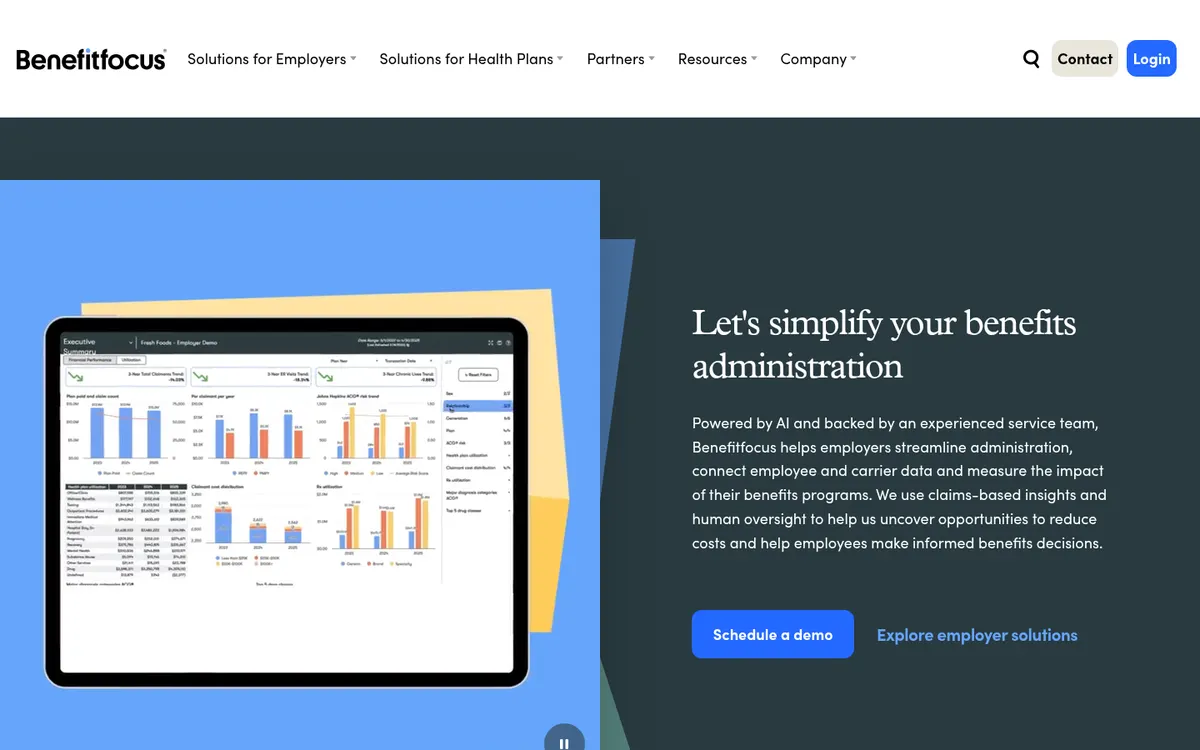
Benefitfocus treats benefits as a year-round program rather than an enrollment event. Administration and billing, compliance management, decision support tools and the Benefitplace employee app all sit on one platform, and year-round engagement campaigns keep employees in contact between open enrollments. That framing suits employers who have concluded that a January rush followed by eleven months of silence produces poor benefit choices and worse cost control.
The analytics angle is claims-based, which means it surfaces spend drivers that enrollment data alone cannot show. The catch is access: without claims data flowing in, the analytics layer is not doing much. Employers with a self-funded plan and a cooperative carrier or third-party administrator get the most from it. Employers with fully insured small-group coverage should treat analytics as a nice-to-have rather than the reason to buy, and should say so plainly during scoping.
Benefitfocus operates as a Voya business, and buyers read that two ways. Some see an integration advantage in having a financial services parent behind consumer-directed accounts and retirement products. Others see a loss of vendor independence and a relationship that now runs through a larger corporate structure. Neither reading is unreasonable, so ask directly how account support is staffed, who owns the roadmap and what changed after the acquisition. Pricing is quote only at enterprise scale, access is demo only, and there is no free tier, so the evaluation is a scoped sales process from the first call.
What works
- Admin, billing and compliance in one
- Claims-based analytics
- Year-round engagement app
What to weigh
- Quote-only enterprise pricing
- Voya ownership changes the relationship
- Analytics needs claims data access
Pick it if
You have claims data and want benefits managed across all twelve months, not just open enrollment.
Skip it if
You are fully insured with no claims data access or you want a self-serve tool with a listed price.
Plate 06 of 09
Businessolver
Best for HR teams wanting proactive guidance rather than reactive administration
Our verdict
Proactive guidance backed by the Sofia AI layer, with a broad stack and a quote-only entry point.
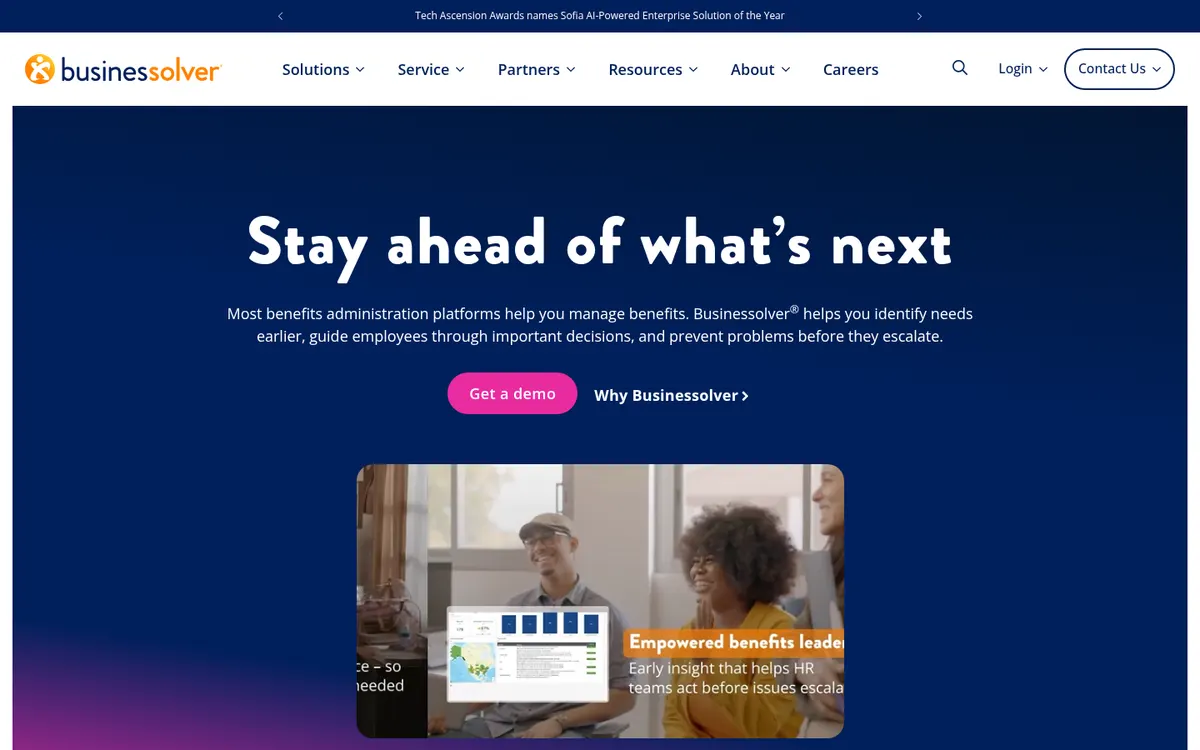
Businessolver's pitch is proactive guidance, and the Sofia AI layer is how it is delivered: employee experience, benefits data and support contacts get linked so issues surface before an employee calls. That is a different model from enrollment-only platforms, where the system waits for a form and HR waits for a problem. Benefits administration, consumer account management for HSA and FSA style accounts, compliance technology and member services are all part of the stack.
The communications agency is an underrated piece. Most benefits problems are comprehension problems, and a team that writes and runs employee outreach alongside the software removes work from HR rather than adding a vendor to manage. A full stack covering technology, accounts, compliance and member services means fewer reconciliations between systems, which is the practical argument for consolidating here instead of buying three tools.
Two cautions. First, AI claims need validation against your own data, so ask for a working session on your benefit structure rather than an animated demo, and ask what the model does when it is wrong. Second, pricing is quote only with no public entry point, which means no way to sanity-check budget without a sales conversation. The breadth also cuts against small employers: a 40-person company does not need a communications agency and a member service center, and will pay for both whether it uses them or not.
What works
- Proactive guidance model
- Full stack with member services
- Sofia AI across data and support
What to weigh
- No public pricing entry point
- AI claims need your own data
- More stack than small employers need
Pick it if
You want the platform to flag problems before employees call, and you will test the AI on your own data.
Skip it if
You have fewer than 100 employees or you need a published starting price.
Plate 07 of 09
Gusto
Best for small businesses bundling payroll, benefits and HR on one bill
Our verdict
The only published price on this list, and a sensible bundle for small teams that want payroll and benefits together.
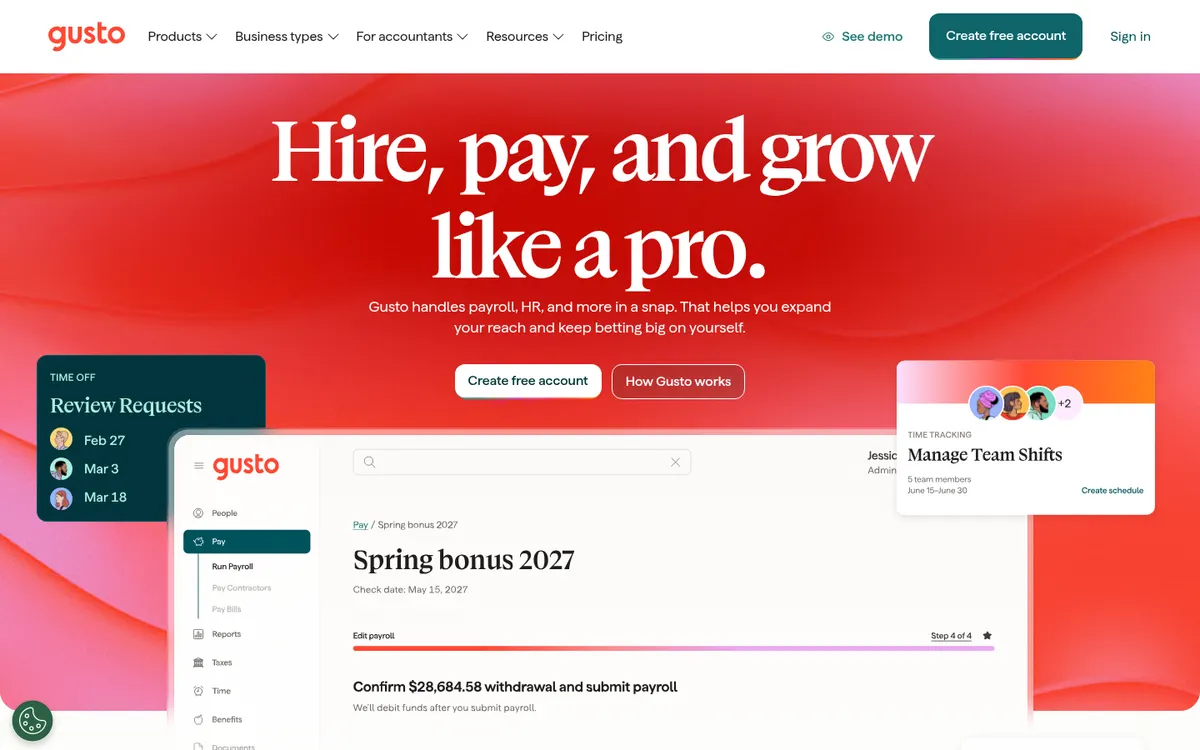
Gusto is the pricing reference point on this list because it is the only vendor that puts a number on a page. Simple runs $49 per month plus $6 per person per month, and that covers payroll with full tax filing, health, dental, vision, life and 401(k) administration, an employee enrollment portal, onboarding workflows, time tracking and HR compliance tools. Unlimited payroll runs are included on every plan, which removes a fee that payroll vendors often charge per off-cycle run.
For a small business with straightforward benefits, bundling is the point: one dashboard, one bill, one login, and no integration project between payroll and benefits because they are the same system. Broker-supported plan options mean an employer can still work with an advisor on plan selection while the administration runs inside Gusto. That combination is why it holds up against dedicated platforms for companies under about a hundred people.
The per-employee structure is where costs accumulate. A 50-person team pays $49 plus 50 times $6, so the base fee is a small share of the monthly bill, and the gap widens with every hire. Benefits depth also trails the dedicated platforms: unions, multiple EINs and intricate contribution structures tend to outgrow the system, and the moment you need layered eligibility rules you are shopping again. There is no advertised free trial and no free tier, so there is no self-serve test before buying.
What works
- Published price, no sales quote
- Payroll, benefits and HR in one bill
- Unlimited payroll runs on all plans
What to weigh
- Per-employee fees scale fast
- Benefits depth trails dedicated platforms
- No advertised free trial
Pick it if
You are a small business that wants payroll, benefits and HR on one bill with a price you can see.
Skip it if
You have unions, multiple EINs or contribution rules that need dedicated eligibility configuration.
Plate 08 of 09
Rippling
Best for companies unifying benefits data with HR, payroll and IT
Our verdict
Best when benefits must follow the same employee record as payroll, devices and app access, at modular prices.
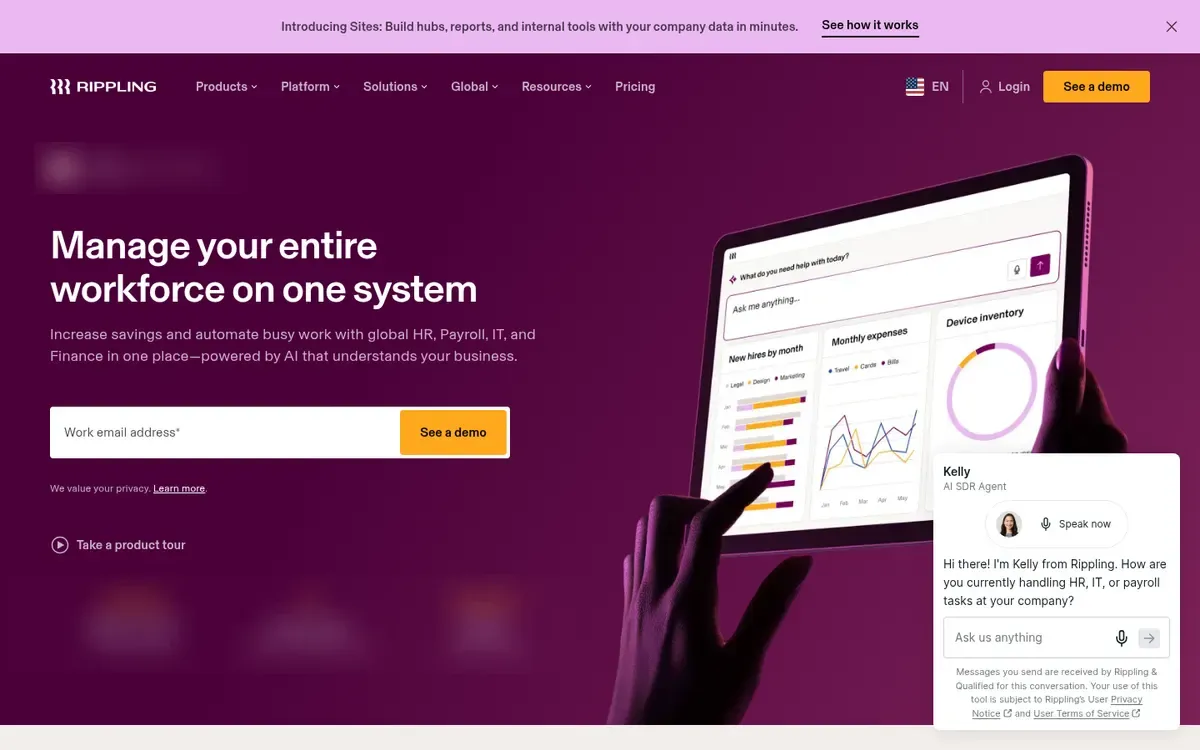
Rippling's argument is that benefits data should not live in a separate system from the employee record that drives payroll, devices and app access. One record propagates changes across HR, payroll, benefits, IT and spend, and enrollment is triggered automatically by lifecycle events, so a promotion or a termination updates coverage without a benefits admin retyping anything. Onboarding and offboarding automation, including device and app provisioning, is the deepest on this list.
Reporting that joins workforce data across departments is the practical payoff. Questions that normally need an export from two systems and a spreadsheet merge can be answered inside the platform, which is the difference between a headcount cost analysis that takes an afternoon and one that takes five minutes. For a company that has already decided to consolidate HR and IT on one vendor, adding benefits as a module is a small increment rather than a new project.
Two limits. Benefits administration is a module, not the core product, so eligibility handling for union or multi-state complexity is not the design center and should be tested hard before you commit. And pricing is modular: the quoted starting point covers payroll only, with platform fees and the benefits module added on top, which means a full custom quote is the only way to budget. There is no confirmed free trial, and access is demo only, so ask for the total cost with the benefits module switched on.
What works
- One record across HR, payroll and IT
- Enrollment tied to lifecycle events
- Deep onboarding automation
What to weigh
- Modular fees stack on the quote
- Benefits is a module, not the core
- No confirmed free trial
Pick it if
You want benefits changes to propagate automatically from the same record that drives payroll, devices and app access.
Skip it if
Benefits administration is the main purchase or you need a firm number before a scoping call.
Plate 09 of 09
TriNet Zenefits
Best for small businesses wanting HR expertise bundled with benefits technology
Our verdict
Benefits, payroll and compliance with TriNet HR experts attached, a fit for small firms that want backup, not just software.
TriNet Zenefits pairs benefits administration, payroll, time tracking and compliance support with access to TriNet HR experts and optional PEO service. The combination fits small businesses that want a phone number to call when an HR question goes beyond software, and PEO options give a route to offloading employer responsibilities entirely rather than just administering them inside a tool.
The main caution is that name recognition works against clarity here. Zenefits now sits inside TriNet, so much of what circulates about the product describes a different company with different ownership, different support and different pricing behavior. Evaluators should assess the current TriNet-era product directly and discount commentary written before the change, whether that commentary was positive or negative. Ask the vendor what changed on the service side and when.
Pricing is quote only with no published plans and demo only access. Software-only buyers may find they are paying for bundled HR services and PEO infrastructure they will not use, which is the opposite of the problem a stripped-down administration platform solves. The combined company reports serving more than 22,000 businesses, a base large enough that small-employer processes are well worn rather than improvised. Ask what the price looks like if you never call the HR experts, because that comparison tells you what the services component actually costs.
What works
- TriNet HR experts on call
- Benefits, payroll and time in one
- PEO option for full outsourcing
What to weigh
- No published pricing
- Pre-TriNet coverage describes another company
- Software-only buyers pay for services
Pick it if
You want benefits technology with TriNet HR experts and possibly a PEO behind it.
Skip it if
You want software only, or you are basing the comparison on pre-TriNet Zenefits information.
What does benefits administration software actually do that an HRIS does not?
Benefits administration software holds the benefit rules and the election data, then pushes both to carriers and payroll. An HRIS holds the employee record. The two overlap, and several tools on this list are both, but the center of gravity is different, and knowing which one you are buying prevents an expensive mismatch.
A dedicated benefits platform does four things an HRIS usually does not. It stores eligibility rules as logic rather than as a spreadsheet: who is eligible, when, at what hours threshold, and which location or union group applies. It runs open enrollment and qualifying life events as controlled workflows with deadlines and evidence. It exchanges data with carriers automatically instead of emailing files. And it handles the compliance paperwork, including COBRA administration and ACA reporting where the vendor offers it.
The feature set typically includes:
- Enrollment windows and qualifying life event handling
- Eligibility rules, including multi-state and union groups
- Carrier data exchange and payroll deduction sync
- COBRA administration and ACA reporting
- Consumer-directed accounts such as HSA and FSA
- Decision support and employee communications
- Billing and reconciliation between what carriers charge and what payroll deducts
Where it stops is just as important. None of these tools choose your plans, negotiate rates or replace a broker on plan strategy. Decision support nudges employees toward a plan; it is not advice. And administration software does not fix a benefits problem that starts with the plan design being wrong for your population.
Gusto bundles payroll, benefits and HR into one product, and Rippling runs benefits as a module on a wider workforce platform. Those work well for small and mid-size companies with simple eligibility. Once your rules need a paragraph to explain, the dedicated platforms in the top half of this list start earning their keep.
This guide sits in the Software collection. Buyers weighing nearby tools often read the guides to commission software and research platforms next.
How benefits administration pricing works, and why eight of nine tools hide the number
Eight of the nine tools here do not publish a price, and the one that does, Gusto, is the only place on this page where you can do the math without a sales call. The rest quote per deal, and the quote moves with headcount, carrier count, modules and service level.
That does not make quotes useless. It makes them incomparable until you normalize them. A quote bundling COBRA administration, member services and implementation looks expensive next to a software-only quote, and is not. Ask every vendor for the same four lines: platform fee, per-employee rate, implementation fee and module charges, plus what happens at renewal.
| Model | How it bills | Typical fit | Example from this list |
|---|---|---|---|
| Published per-employee plan | Base fee plus a per-person monthly charge | Small teams with simple eligibility | Gusto: $49 per month on Simple plus $6 per person per month |
| Broker-quoted | Quoted per deal, routed through a broker | Small and mid-size employers with an advisor | Employee Navigator: quote only, typically sold through brokers |
| Enterprise quote | Scoped per deal, no public plan | Large employers with layered eligibility | bswift: enterprise quote only |
| Modular platform fee | Quoted starting point plus module and platform fees | Companies consolidating HR, payroll and IT | Rippling: custom quote, starting point covers payroll only |
The broker-quoted model covers most of this list. Ease and PlanSource have no public plans, Benefitfocus, Businessolver and TriNet Zenefits quote per deal, and bswift sells enterprise quotes through brokers and channel partners. Pricing in this category is mostly a sales process, and the process takes weeks.
Two questions close the conversation. First, is COBRA administration or compliance work inside the quoted scope or on a separate line? Several entries list those as features without breaking out price. Second, what does the bill look like at next year's headcount rather than this year's? Per-employee pricing grows quietly, and a quote that fits in November may not fit after two hiring rounds.
Every price in this guide was read on the vendor's own pricing page on November 25, 2026. Where a vendor does not publish a figure we could confirm, the card says "See website" rather than a guess. For the arithmetic around this purchase, try the free Email campaign metrics calculator.
How to choose, from buying route to a live enrollment test
Confirm the buying route first. If you buy benefits through a broker, start with the broker: bswift sells only through channel partners and Employee Navigator runs mainly through brokers. Gusto publishes a price and can be evaluated without one, which makes it the fastest first comparison.
Map your eligibility complexity. Count your locations, union groups and variable-hour workers. Employee Navigator and Ease fit straightforward small-group rules, while bswift is built for layered eligibility and Businessolver for proactive guidance. If nobody can explain your rules in one paragraph, assume you need the deeper tools.
Check the integrations you actually use. Name your payroll provider and your top five carriers, then ask which are already mapped. bswift lists 550-plus pre-built integrations including Workday, ADP and UKG; Employee Navigator states more than 600. A short list of live connections beats a long catalog.
Decide whether you want humans with the software. PlanSource and Businessolver sell service staff alongside the platform, and TriNet Zenefits bundles HR experts. A self-serve team with strong benefits knowledge pays for calls it never makes. A two-person HR department during open enrollment usually does not.
Do the price math at your own headcount. Gusto is the only tool here you can calculate without a call: $49 per month plus $6 per person per month. For everything else, request a written quote with the per-employee rate, implementation fee and any module charges separated.
Run one real enrollment scenario in the demo. Bring a new hire, a qualifying life event and a termination, and watch each one flow to the carrier and the payroll deduction. The gaps appear at the edges, not in the happy path, and those gaps are what you live with in February.
Five buying mistakes that surface after open enrollment ends
- Buying the demo instead of the integration list. A clean enrollment screen says nothing about whether your medical carrier file matches. Ask for your own carriers by name and get the live connection count, not the catalog total.
- Assuming compliance work is included. COBRA administration, ACA reporting and billing services appear as features in several entries here, but none of them publish what those items cost. Get each one priced on its own line before signing.
- Ignoring the per-employee math. A $49 base fee sounds small until it carries $6 per person on top for 200 employees. Model the bill at your headcount today and at your projected headcount two years out.
- Reading commentary about a different company. Zenefits now sits inside TriNet and Benefitfocus operates as a Voya business. Material written before those changes describes different ownership, support and pricing, so ask the vendor what changed and when.
- Skipping the broker when the vendor sells through one. bswift sells exclusively through brokers and channel partners, and Employee Navigator runs mainly through brokers. Start a direct evaluation and you will spend weeks before discovering the route you need.
Best benefits administration software 2026: questions
Which benefits administration tools publish a price, and which require a quote?
Only Gusto publishes a starting price on this list: $49 per month on Simple plus $6 per person per month, checked November 25, 2026. The other eight show See website and quote per deal, including Employee Navigator, Ease, PlanSource, bswift, Benefitfocus, Businessolver, Rippling and TriNet Zenefits. A quote is not a problem by itself, but ask for the per-employee math in writing so you can compare on the same basis.
Can you buy benefits administration software directly, without a broker?
Sometimes. bswift is sold exclusively through brokers and channel partners, and Employee Navigator is distributed mainly through brokers and partner firms. Ease is designed around the broker workflow. Gusto publishes pricing and can be evaluated without a broker, and Rippling routes pricing through a custom quote. If you already have a broker, ask which platforms that firm supports before you build a shortlist.
How is benefits administration software different from an HRIS?
An HRIS is the system of record for the employee: name, pay, job, time off. Benefits administration software holds benefit rules and election data, then pushes changes to carriers and payroll. The two overlap, and some products here do both jobs: Gusto bundles payroll, benefits and HR, and Rippling runs benefits as a module on a wider workforce platform. Dedicated platforms go deeper on eligibility, data exchange and compliance.
Do COBRA administration and ACA reporting cost extra?
Ask, because the product listings do not say. bswift lists COBRA administration plus billing and compliance services as features, Employee Navigator lists compliance and ACA support, and Businessolver lists compliance technology. None of those entries break out a price for those items. Get the quote in writing with each item on its own line, so you can see what is bundled into the platform fee and what is charged separately.
Is self-service enrollment with decision support standard now?
Self-service enrollment is close to universal on this list: Employee Navigator, Ease, PlanSource, Benefitfocus, Gusto, Rippling and TriNet Zenefits all describe an employee portal or enrollment workflow. Decision support is less standard. Benefitfocus lists decision support tools explicitly. Elsewhere, ask what an employee sees when comparing two plans, and whether the guidance is generic content or tied to cost and claims data.
When should a company move off broker-managed paperwork onto software?
When enrollment season starts consuming weeks of HR and broker time. Ease exists specifically because paper forms do not scale across many small groups, and the vendor positions it as cutting broker paperwork during enrollment season. Move earlier if you have multi-state eligibility, union rules or frequent life events, because those create errors that surface months later as payroll deductions that do not match.