
Contents of this guide
The shortlist
Our top 3 for software buyers

Cin7
Multichannel stock sync
- Best for
- Multichannel product businesses needing broad integrations
- Features
- 5 noted: Multichannel sync, EDI on Omni, 700+ integrations, B2B workflows, 3PL sync

Katana
Visual production planning
- Best for
- Small manufacturers and makers
- Features
- 4 noted: Bills of materials, Shop-floor view, Production scheduling, Shopify sync

Fishbowl
QuickBooks assembly tracking
- Best for
- Large manufacturers and warehouses, especially QuickBooks users
- Features
- 4 noted: Work orders, Barcode picking, QuickBooks sync, Lot and serial
Disclosure for this guide. All 9 tools here are unpaid editorial picks. The position of a paid listing can be part of what the vendor pays for. Paid and unpaid tools are scored on the same rubric and keep their cons. Details are in the advertising disclosure.
The ledger
Index of every tool
| Tool | Free plan | Trial | Rubric | Compare | ||
|---|---|---|---|---|---|---|
| 01 | Cin7Multichannel product businesses needing broad integrations | $349Standard plan, per month, 5 users, 6,000 orders per yearChecked Nov 25, 2026 | No | 14-day free trial | ||
| 02 | KatanaSmall manufacturers and makers | See websitecustom quoteCustom quote | Free, up to 30 SKUs | Free plan, no card required | ||
| 03 | FishbowlLarge manufacturers and warehouses, especially QuickBooks users | See websiteNot published | No | Demo only | ||
| 04 | Zoho InventoryStartups and small businesses | $29Standard, per organization per month, billed annually, 2 users, 500 orders per monthChecked Nov 25, 2026 | Free, 50 orders per month | 14-day free trial | ||
| 05 |  inFlowB2B and wholesale product businesses | See websiteNot published | No | 14-day free trial | ||
| 06 | OrdoroHigh-volume multichannel ecommerce shippers | See websiteNot published | No | 15-day free trial | ||
| 07 |  UnleashedWholesalers needing lot and serial traceability | See websiteNot published | No | 14-day free trial | ||
| 08 | NetSuiteMid-size to large companies needing an ERP | See websiteNot published | No | Demo only | ||
| 09 |  SortlySimple visual inventory and asset tracking | $24Advanced, per month, billed annually at $288 per year, first year 50 percent discountChecked Nov 25, 2026 | Free, 100 unique items | 14-day free trial on paid plans |
Prices are the lowest paid plan the vendor shows, read on November 25, 2026. Sort by price ranks published monthly figures; tools without one go last. Pin up to three tools to compare them side by side.
How this guide was put together
Every tool here was scored against the same five criteria, weighted for the problems buyers actually hit: channel sync at 25 percent, manufacturing depth at 20 percent, pricing clarity at 20 percent, scale and integrations at 20 percent, and ease of use at 15 percent. Each criterion gets an integer from 1 to 10, and the evidence behind those scores comes from the vendor's own product and pricing pages rather than from campaign copy.
Pricing was checked on November 25, 2026. Where a vendor publishes numbers, we quote them exactly as published and in the currency shown. Where the page shows no figures, or where our fetch failed, the entry says pricing is on the vendor site and names no number. Several vendors changed what they publish this year: Cin7 renamed its entry tier from Core to Standard, Katana retired its $179 Starter plan and now quotes the Advantage tier, Fishbowl's pricing page leads with a restaurant marketing product rather than the inventory software, and Sortly's lowest paid tier is $24 per month on annual billing rather than the $49 entry that older write-ups still quote. Those changes explain why some figures below differ from what you may have seen elsewhere.
Cin7 appears as a Featured listing. That placement is paid, and it buys visibility rather than a better score. Cin7 was scored on the same five criteria as everything else, and its entry carries the same honest objections a non-featured review would raise: a $349 entry price that excludes small sellers, forecasting billed as a separate add-on, and setup effort that catches first-time multichannel buyers.
The order is editorial. Each position reflects how well a tool fits the specific buyer described in its entry, with the disclosed Featured placement taken into account. It is not a calculation from the scores.
The full process, including how we handle corrections, is on the methodology page. Paid listings follow the advertising disclosure.
Rubric and weights
Every tool below is scored from 1 to 10 on these five criteria. The scores describe each tool; the order is an editorial call on fit for the buyer each card describes, plus the disclosed Featured position.
- 25%Channel syncHow many sales channels, marketplaces and fulfillment partners a tool keeps in step from one stock position.
- 20%Manufacturing depthWhether bills of materials, assemblies, work orders and production scheduling are first-class features rather than workarounds.
- 20%Pricing clarityHow easily a buyer can find real numbers, see what each tier includes and budget without a sales negotiation.
- 15%Ease of useHow quickly a small team can set up and run daily stock, purchasing and shipping work without consultants.
- 20%Scale and integrationsHow far the platform grows, from integration count and multi-location support to multi-subsidiary consolidation.
Plate 01 of 09
Cin7
Best for multichannel product businesses needing broad integrations
Our verdict
The broadest multichannel sync on this list, priced at a level that only makes sense once order volume is steady.
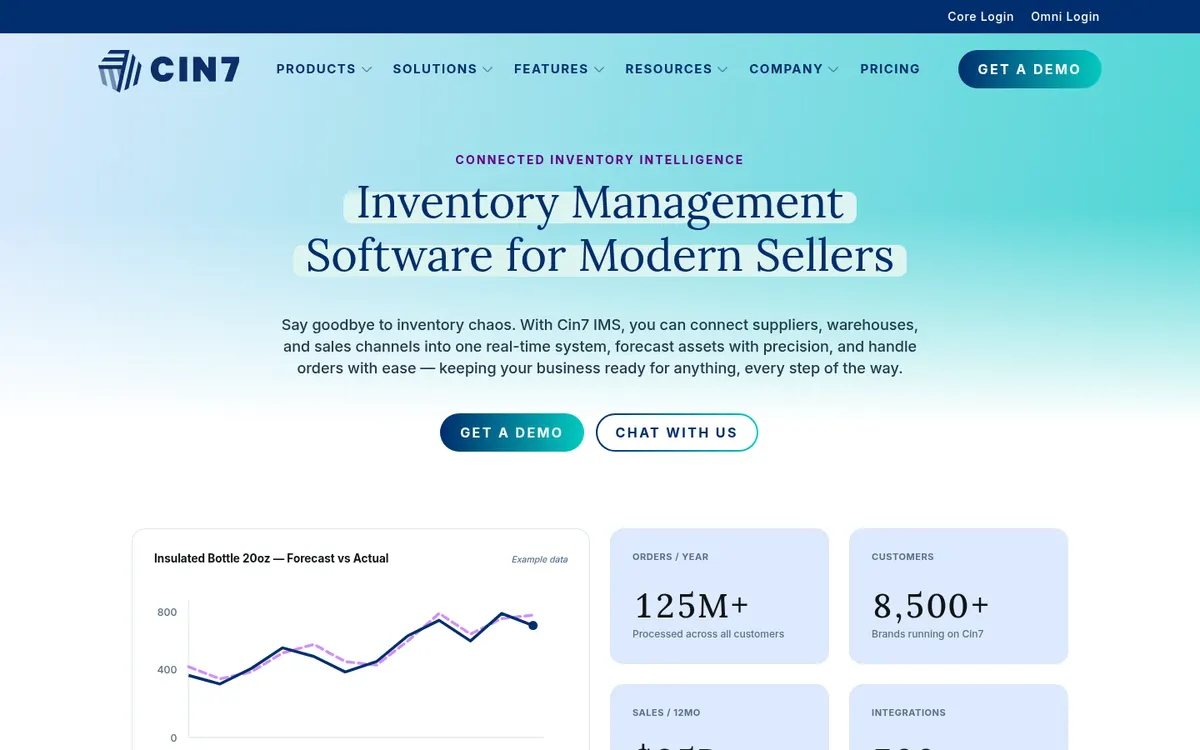
Cin7 is the widest-reaching option here for a business that sells the same stock through several channels. Inventory updates in real time across ecommerce storefronts, marketplaces, point of sale and third-party logistics providers, so a sale on one channel reduces the count a picker works from within minutes. Purchasing and warehouse management sit in the same system, B2B sales workflows cover wholesale ordering, and the vendor lists more than 700 integrations, which is usually why buyers arrive in the first place.
Pricing starts at $349 per month on the Standard plan for 5 users and 6,000 orders per year. That entry tier carried the name Core until this year; the rename left the number where it was. Above it, Omni adds built-in EDI for big-box retail and point of sale, which is the tier to price if a retailer demands EDI documents. AI demand forecasting is sold as an add-on, so the headline figure is not the forecasting figure.
The limits are practical rather than theoretical. Six thousand orders a year is roughly 115 a week, and a seller above that line moves up a tier. Multichannel configuration takes effort: mapping marketplace listings, warehouse locations and shipping rules is a setup project, and messy product data makes it longer. Forecasting sitting outside the base price catches buyers who assumed it was included, which is worth checking before you sign.
It fits product businesses that have outgrown a spreadsheet or a single-channel tool and need one stock position across shops, marketplaces and 3PLs, scaling from a growing brand to a larger operation. It is a poor fit for a small retailer under a few hundred orders a month, where Zoho Inventory or Sortly costs far less for the same core job.
What works
- Real-time multichannel stock sync
- More than 700 integrations
- EDI on the Omni tier
What to weigh
- $349 entry price excludes small sellers
- Configuration takes real setup time
- Forecasting costs extra
Pick it if
You sell across storefronts, marketplaces and 3PLs and need one stock number everywhere.
Skip it if
You move under a few hundred orders a month and cannot justify $349.
Plate 02 of 09
Katana
Best for small manufacturers and makers
Our verdict
A manufacturing-first system that turns raw materials into finished goods on screen, with a free plan up to 30 SKUs.
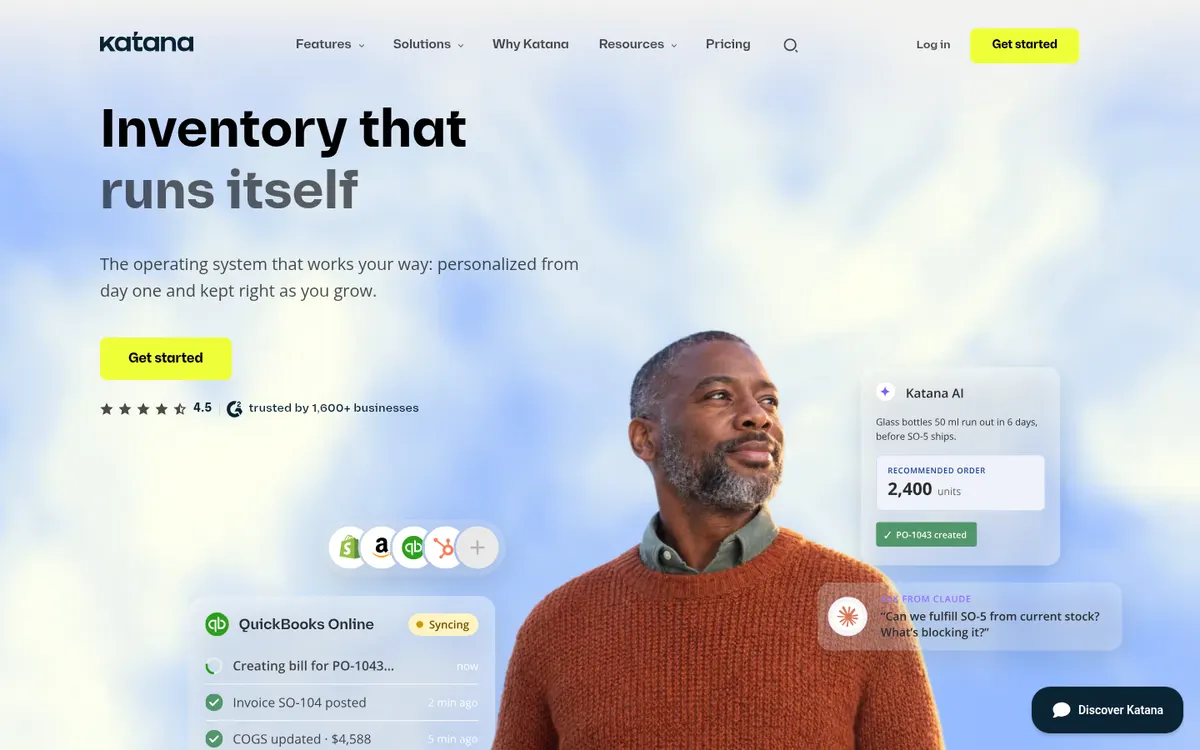
Katana starts from production, not from a shelf. You define bills of materials, track raw materials, schedule production runs and watch finished goods appear in stock as work orders complete. The shop-floor view is built for tablets, so a small team can see what is queued and what is short without printing run sheets. Shopify and WooCommerce integrations push finished goods into online sales channels, and inventory updates live from materials through to the sellable item.
The free plan covers up to 30 SKUs and asks for no card, which makes it a genuine way to test the production model before committing. Paid pricing for the Advantage tier is a custom quote. Earlier versions of the pricing page listed $179, $359 and $799 tiers; the $179 Starter plan has been retired and no paid list price is published as of November 25, 2026, so budget for a conversation rather than a checkout. Demand forecasting is an add-on, not part of the base product.
The gaps show up on the sales side. Channel depth lags Cin7: marketplace coverage and B2B wholesale tooling are thinner, and a business selling through several storefronts and marketplaces will feel the difference quickly. Advanced planning sits behind paid add-ons. Pure retailers with no assembly step pay for production features they will never open.
It fits small manufacturers and makers: furniture builders, food producers, apparel workshops and anyone whose stock is really a set of components that becomes a product. The modern interface and visual planning are real advantages over older manufacturing systems. It is a poor fit for a retailer whose inventory never gets assembled into something else.
What works
- Bills of materials done properly
- Visual shop-floor planning
- Free plan up to 30 SKUs
What to weigh
- Sales channel depth lags Cin7
- No published paid pricing
- Better for makers than pure retailers
Pick it if
You assemble products and need materials, work orders and finished goods in one view.
Skip it if
You resell stock without a production step or need deep marketplace coverage.
Plate 03 of 09
Fishbowl
Best for large manufacturers and warehouses, especially QuickBooks users
Our verdict
Deep warehouse and assembly tracking that pays off in QuickBooks shops, held back by dated interface and demo-only evaluation.
Fishbowl is built for the warehouse floor. Bills of materials, work orders and real-time assembly tracking mean a finished item's count changes as components are consumed, not after a manual adjustment the next morning. Barcode-driven picking and advanced warehouse workflows handle the physical side, and lot and serial tracking covers traceability from receipt through shipment. The QuickBooks Desktop and QuickBooks Online integrations are why many small manufacturers end up here: stock and accounting stay in step without a middleware subscription.
Pricing is not published for the inventory product. On November 25, 2026 the pricing page led with Fishbowl GRM, a restaurant marketing product priced from $200 per location per month, which is not the inventory software. Older comparisons cite a $229 starting figure on annual billing; we could not confirm that number. Expect a sales conversation, a scoped quote and a demo before you see a figure you can budget.
There is no free trial, only a demo, and the interface feels dated next to Katana or Sortly. Implementation takes time: item mapping, opening balances and QuickBooks account alignment add up to a project rather than an afternoon. Buyers who want to pay by card and be live on Monday will be frustrated, and teams without internal operations capacity should plan for help.
It fits larger manufacturers and warehouses, particularly QuickBooks shops that need real assembly tracking, barcode picking and lot traceability in one system, and it scales further than the entry-level makers tools. Smaller operations that mainly need to count stock and reorder parts should look at Zoho Inventory or Sortly first, because they will pay less and be running sooner.
What works
- Real-time assembly tracking
- Tight QuickBooks integration
- Barcode-driven warehouse workflows
What to weigh
- Interface feels dated
- No free trial, demo only
- Inventory pricing is not published
Pick it if
You run assemblies in a warehouse and keep your books in QuickBooks.
Skip it if
You need to evaluate alone with a trial or want a modern interface.
Plate 04 of 09
Zoho Inventory
Best for startups and small businesses
Our verdict
The lowest-risk entry on this list, with a free plan, a $29 tier and batch, serial and expiration tracking included.
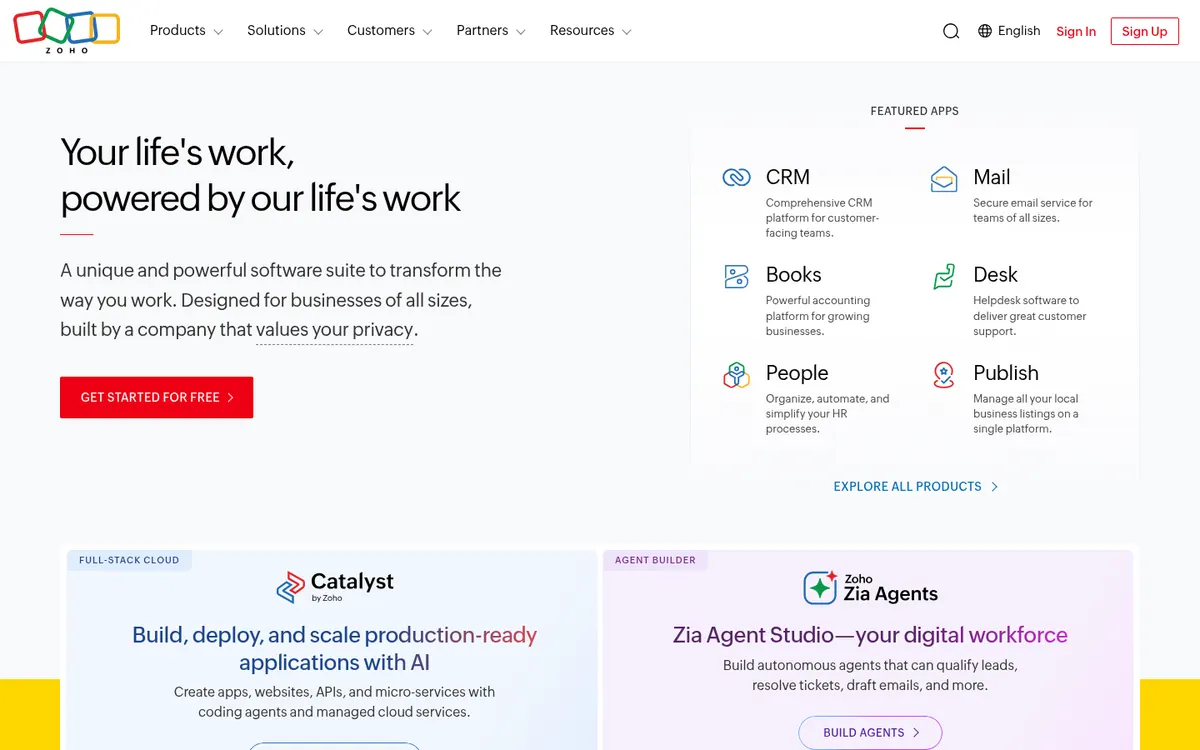
Zoho Inventory is the low-risk entry point here. The free plan supports 50 orders per month with basic inventory tracking, and the Standard plan is $29 per organization per month on annual billing, covering 2 users and 500 orders per month. Paid tiers scale with orders, users and warehouses, so cost moves with your volume rather than jumping at a cliff. Batch and serial tracking, expiration monitoring and reorder rules are included, which is more traceability than most tools at this price offer.
Marketplace sync and shipping automation cover the everyday work of an online seller. Native sync with Zoho Books and Zoho CRM means one customer record and one set of invoices if you already run the Zoho suite, which removes a whole category of double entry. Composite items handle light assembly, so a bundle or a simple kit can be built from components and counted correctly.
The limits are manufacturing and forecasting. Composite items are not MRP: there is no production scheduling, no shop-floor view and no work order flow like Katana or Fishbowl offer. Demand forecasting is basic. Buyers who need multi-warehouse routing rules, granular permissions or high order volumes will end up on higher tiers, and the per-organization structure means every added user costs more. A fast-growing seller can find the cheap tier is a starting point, not a destination.
It fits startups and small businesses, especially those already inside the Zoho ecosystem, that want a free plan to start and a predictable upgrade path with no sales call. It is a poor fit for manufacturers, or for sellers pushing thousands of orders a month across many marketplaces and warehouses.
What works
- Free plan for getting started
- $29 entry on annual billing
- Batch, serial and expiration tracking
What to weigh
- Manufacturing limited to composite items
- Basic demand forecasting
- Advanced needs push you up tiers
Pick it if
You are small, cost-sensitive and want to start free inside the Zoho suite.
Skip it if
You schedule production or push high multichannel order volume.
Plate 05 of 09
inFlow
Best for B2B and wholesale product businesses
Our verdict
Wholesale ordering and purchasing done well, but you pay more than Zoho and get fewer integrations for it.
inFlow targets B2B and wholesale sellers. Structured purchasing, order processing, stock control and reporting cover the basics, and the B2B showrooms are the differentiator: customers log in and place wholesale orders themselves, with your pricing and stock visible, instead of emailing a spreadsheet and waiting for a reply. Invoicing automation follows from that, so a confirmed order becomes an invoice without rekeying, which is the kind of saving that shows up in hours per week rather than in feature lists.
Pricing is on the vendor site and we could not confirm it on November 25, 2026 because the page fetch returned nothing. The figures that circulate are $99 per month for two users on annual billing and $349 per month for a five-user plan; treat both as unverified and read the vendor's pricing sheet before you budget. A 14-day free trial is available and there is no free plan, so evaluation means committing to a trial period with real data.
The trade-offs are integrations and cost. Compared with Zoho Inventory at similar scale, inFlow costs more, and the integration list is shorter, so a business selling across several marketplaces may find gaps that matter more than showroom quality. The five-user plan at $349 puts it in the same bracket as Cin7's entry tier, and Cin7 wins that comparison on channel coverage. inFlow wins it on wholesale order entry and purchasing discipline.
It fits wholesalers and B2B product businesses that want customers ordering for themselves with clean purchasing workflows behind the scenes. It is a poor fit for a direct-to-consumer brand whose main problem is marketplace sync rather than wholesale order handling.
What works
- Self-serve B2B showrooms
- Strong purchasing workflows
- Invoicing automation
What to weigh
- Costs more than Zoho at similar scale
- Limited integration list
- No free plan
Pick it if
Your customers are trade buyers who should order for themselves online.
Skip it if
You sell mainly direct to consumer across many marketplaces.
Plate 06 of 09
Ordoro
Best for high-volume multichannel ecommerce shippers
Our verdict
A shipping and routing engine first, with inventory as the expensive add-on that high-volume shippers will justify.
Ordoro is a shipping and order routing engine with an inventory app attached. Orders flow in from sales channels and are forwarded automatically to the right warehouse, dropshipper or fulfillment partner based on rules you set, so a split order goes to two suppliers without anyone touching it. Shipping label printing and carrier management are the core strength: a high-volume operation can batch labels, compare carriers and keep costs down without paying for a separate shipping tool on top.
The inventory app adds stock counts and forecasting, but it sits on the expensive tier. The figure that circulates is $349 per month for the inventory app, and we could not confirm it on November 25, 2026 because the page fetch returned nothing. Pricing is on the vendor site, and a 15-day free trial is available. There is no free plan, so the trial is the only route to a real look before you commit.
The limits are depth outside shipping. Manufacturing is essentially absent, B2B wholesale tooling is thin, and a business that needs bills of materials or lot traceability will not find them here. If your operational problem is picking, packing, labeling and getting orders to the right place, that gap matters much less than carrier coverage and routing rules.
It fits high-volume multichannel ecommerce shippers, particularly sellers using dropshippers or several warehouses who want routing and labels handled without manual triage. It is a poor fit for manufacturers or wholesalers whose main need is purchasing, assembly tracking and traceability rather than outbound shipping velocity.
What works
- Automated order forwarding
- Strong shipping workflows
- Forecasting inside the inventory app
What to weigh
- Inventory tier is expensive
- Little manufacturing or B2B depth
- No free plan
Pick it if
You ship at volume through dropshippers or multiple warehouses.
Skip it if
You need bills of materials or wholesale purchasing depth.
Plate 07 of 09
Unleashed
Best for wholesalers needing lot and serial traceability
Our verdict
Traceability is the whole design, which makes it a strong wholesale fit and a needless expense for simpler sellers.
Unleashed is organized around traceability. Lot and serial numbers follow an item through purchasing, warehousing and sales, so you can answer which batch went to which customer without rebuilding the trail by hand when a recall lands. Assemblies and bills of materials are supported, purchasing workflows are strong, and warehouse management covers receiving and picking. For food, beverage, electronics and other regulated wholesale categories, that trace is the reason to buy rather than a nice extra.
Pricing is not published on the vendor site. The pricing page we checked on November 25, 2026 listed no figures, only an invitation to explore plans, so treat any number quoted elsewhere as unverified. The $399 per month entry figure that circulates could not be confirmed. A 14-day free trial is available and there is no free plan, which means the trial is where you find out whether the workflow model suits your team.
The interface feels less modern than Katana or Sortly, and setup assumes familiarity with wholesale distribution language: assemblies, reorder points, supplier records. Smaller wholesalers may pay for traceability features they are not required to use, when a cheaper tool with basic lot tracking would cover the legal minimum. Buyers who sell only through one channel should check whether they need the purchasing depth at all.
It fits wholesalers that need lot and serial traceability across the whole chain, particularly in categories where a recall has to be answered in hours rather than days. It is a poor fit for retailers, direct-to-consumer brands and light users who simply want to count what is on the shelf and reorder it.
What works
- Lot and serial traceability
- Strong purchasing workflows
- Built for wholesale distribution
What to weigh
- No published pricing
- Interface less modern than rivals
- Overkill for simple retail stock
Pick it if
A recall or audit means you must trace a batch to a customer fast.
Skip it if
You sell direct to consumer and never handle lots or serials.
Plate 08 of 09
NetSuite
Best for mid-size to large companies needing an ERP
Our verdict
Inventory inside a full ERP, the right answer for complexity at scale and the wrong one for a stock problem alone.
NetSuite is a cloud ERP with inventory inside it, not an inventory tool with accounting attached afterwards. Financials, order management, demand planning, warehouse management and inventory share one data model, so a stock movement posts to the ledger without an integration job that someone has to maintain. Multi-subsidiary, multi-currency and multi-location support is the reason mid-size and larger companies choose it: consolidated reporting across entities is a native capability rather than a reporting project.
Pricing is quote only. There is no published price list, the buying process runs through a sales team, and the total depends on modules, users and contract length. Our November 25, 2026 check found no pricing page, so there is no figure to quote here. Evaluation is by demo, not a free trial, and a serious evaluation means bringing finance and operations into the same room.
Implementation is the real cost. Projects are typically measured in months rather than weeks, and they pull in finance, operations and often an external partner. Buying NetSuite for inventory alone is overkill below mid-market: a smaller business pays for ERP breadth it will never use and absorbs a longer rollout than the stock problem deserved. The demand planning module is strong, but only if you have the data discipline to feed it.
It fits mid-size to large companies that need inventory, finance and order management on one platform and can staff a real implementation with internal owners. It is a poor fit for a small business that wants to be live in a fortnight, or for a team that wants a fixed price before starting.
What works
- Inventory native to a full ERP
- Demand planning module
- Multi-subsidiary and multi-currency
What to weigh
- Quote-only pricing
- Long, complex implementation
- Overkill below mid-market
Pick it if
Finance, order management and inventory must live on one platform across entities.
Skip it if
You have a single location and want a fixed price this month.
Plate 09 of 09
Sortly
Best for simple visual inventory and asset tracking
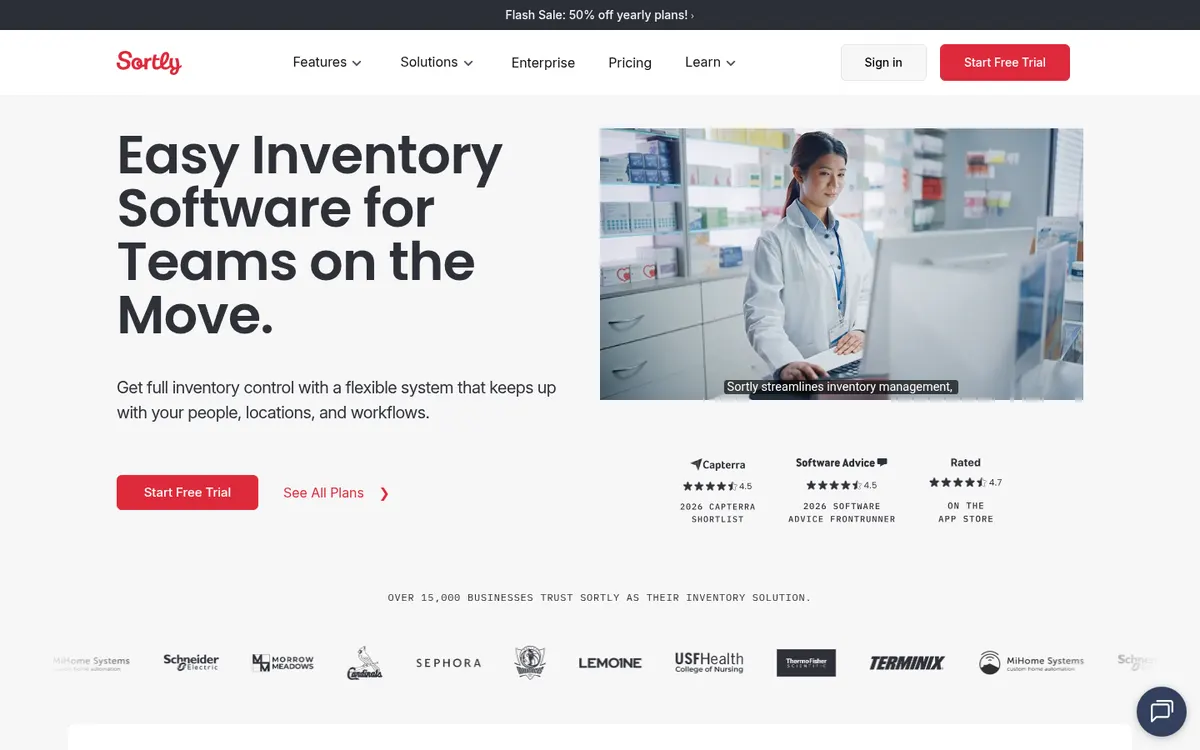
Our verdict
Photo-based counting that staff actually use, as long as you never ask it to behave like a real inventory system.
Sortly is the simplest tool here, and that is the point. Items get a photo, a quantity, a location and a barcode, and staff update them from a phone. The mobile-first interface means a warehouse, a van or a studio can check stock without a desktop, and barcode scanning speeds up counts. Reorder alerts fire when a quantity drops below a threshold, which covers the common case of running out of a part nobody was watching.
The free plan supports 100 unique items, enough to test the model before committing. The Advanced plan is $24 per month on annual billing at $288 per year, with a 50 percent discount in the first year; the $49 entry price that older write-ups quote is no longer the lowest paid tier. A 14-day free trial applies to paid plans, so you can move a real item list across before deciding.
What you do not get is a full inventory system. There is no manufacturing, no bills of materials, no lot or serial traceability, and multichannel depth is limited: it is not built to keep marketplace, storefront and POS stock in step at volume. Businesses that outgrow it usually move to Zoho Inventory or Cin7, and the migration cost is the price of the easy start.
It fits teams tracking equipment, consumables, tools or a small product range where a photo and a count solve the problem and adoption is the real risk. A team that will not use a complicated system gets value here on day one. It is a poor fit for anyone selling across channels, assembling products or needing an audit trail.
What works
- Visual mobile-first tracking
- Easy adoption for non-technical staff
- Free plan with 100 items
What to weigh
- Not a full inventory system
- No manufacturing or lot tracking
- Limited multichannel depth
Pick it if
You track tools, assets or a small range and need staff to actually use it.
Skip it if
You sell across channels or assemble products from components.
What Counts as Cloud Inventory Management Software?
Cloud inventory management software is a subscription service that holds your stock records on the vendor's servers and keeps them in step with the places you sell and store goods. You reach it through a browser or a phone. Nothing runs on a server in your office, which means no upgrade weekends, and the vendor ships fixes and new features on its own schedule rather than yours.
The category covers a wide range, from tools that track bins of spare parts to full ERP suites where inventory is one module among many. What separates them is depth. A basic tool counts items, records locations and fires a reorder alert. A mid-range product adds purchasing workflows, multiple warehouses, batch and serial numbers, sales channel sync and shipping. A manufacturing system adds bills of materials, work orders and production scheduling. An ERP adds financials, multi-entity consolidation and demand planning.
The common core is the same everywhere:
- One record per item, with cost, price, barcode and unit of measure
- Stock movements that record what came in, what went out and where it sits now
- Purchasing, receiving and stock adjustments
- Reorder rules or alerts that stop you running out
- Reporting on what sells, what sits and what it costs to hold
The reason buyers move to the cloud is usually sync. A seller running a storefront, two marketplaces and a warehouse needs one stock number, not four spreadsheets that disagree by Friday. Real-time sync across channels is the feature that most distinguishes the tools on this list: Cin7 and Ordoro sell it directly, Zoho Inventory bundles it into a low price, and Sortly barely plays in that space at all.
Pick by what breaks first. If overselling on marketplaces is the problem, buy channel sync. If a recall is the risk, buy lot traceability. If a parts shortage stalls production, buy bills of materials and scheduling. Buying the biggest system available and hoping it fits is how inventory projects fail.
This guide sits in the Software collection. Buyers weighing nearby tools often read the guides to commission software and research platforms next.
How Pricing Works in Cloud Inventory Management
Pricing in this category runs on a handful of models, and knowing which one you are looking at tells you how the buying conversation will go. Published tiers are the easiest to budget: you see the number, you see what it includes, and you upgrade when you cross a limit. Free plan ladders start you at zero and charge as order volume grows. Quote-only pricing means a sales call, a demo and a contract that depends on modules and users.
| Model | How it bills | Typical fit | Example from this list |
|---|---|---|---|
| Published tiers | Per month, capped by users and order volume | Growing product businesses that want a budget line | Cin7 Standard, $349 per month, 5 users, 6,000 orders per year |
| Free plan ladder | Free tier, then per organization per month on annual billing | Startups and small sellers testing the water | Zoho Inventory free at 50 orders per month, $29 Standard |
| Flat monthly with annual discount | Per month billed annually, discount in year one | Simple tracking and asset registers | Sortly Advanced, $24 per month, $288 per year |
| Custom quote | Sales-led, based on modules and contract | Manufacturers and growing warehouses | Katana Advantage, custom quote |
| Quote only, no price list | Sales-led enterprise contract | Mid-size to large companies buying an ERP | NetSuite, no published pricing |
What to watch: limits that look generous rarely are. A 6,000 order annual cap is about 115 orders a week. A 500 order monthly cap sounds larger but lands in the same place. Add-ons matter as much as the base price, since forecasting and EDI often sit outside the tier you first quote, and a cheap entry tier with three add-ons is not cheap. Always ask what happens when you exceed the cap: overage fees and forced upgrades are different budget problems, and one of them arrives mid-quarter with no warning.
Finally, ask whether implementation is included. Cin7 and Zoho Inventory let you start on your own. Fishbowl, NetSuite and Katana Advantage are conversations with a sales team, and the time cost of that conversation belongs in your budget too.
Every price in this guide was read on the vendor's own pricing page on November 25, 2026. Where a vendor does not publish a figure we could confirm, the card says "See website" rather than a guess. For the arithmetic around this purchase, try the free Email campaign metrics calculator.
How to Choose in Six Steps
Name the failure. Write down the last three stock problems you had: overselling, a stalled production run, a count that did not match, a wholesale order keyed twice. The answer points to channel sync, manufacturing depth or basic counting, and it rules out most of the market immediately.
Set your order volume and user count. Count orders per month and people who need logins. Cin7's Standard plan is capped at 6,000 orders a year for 5 users; Zoho's Standard tier is 500 orders a month for 2 users. Exceeding a cap costs more than choosing the right tier first.
Check the integration list against your actual channels. List every storefront, marketplace, POS and 3PL you use, then confirm each one appears on the vendor's list. A 700 integration catalogue is worthless if your marketplace is not in it, and connector gaps are expensive to fill later.
Decide whether forecasting and EDI are in scope. Both are commonly sold as add-ons rather than included. If a retailer demands EDI documents or your buyers expect demand forecasts, price those modules in before you compare headline numbers across tools.
Run a trial with real data. Load 50 to 100 real SKUs, with real costs and locations, and process a full order, a return and a stock adjustment. Half a day of this teaches you more about fit than a demo, and it exposes whether staff will actually use the thing.
Plan the migration and the parallel run. Export item data, clean duplicates and missing barcodes, migrate opening balances, then run both systems through one stock count cycle. Switching off the old system before the parallel cycle finishes is how stock discrepancies become permanent.
Five Mistakes That Cost Inventory Buyers Money
Buying forecasting you cannot feed. Demand planning modules, including NetSuite's and Cin7's add-on, need clean history and stable item data. Teams with a year of messy transactions pay for forecasts they cannot trust and stop opening the report.
Ignoring the order cap in the plan note. A 6,000 order annual limit is roughly 115 orders a week. Sellers who grow through a busy season discover the ceiling mid-quarter, then pay for an upgrade at whatever price the vendor names.
Assuming forecasting and EDI are included. Several tools here sell these as add-ons. Comparing headline prices without them produces a shortlist that falls apart at contract stage, and the re-quote arrives after you have told your team which system you picked.
Buying an ERP for a counting problem. NetSuite is excellent at what it does and unnecessary below mid-market. A business with one warehouse and 400 orders a month pays for consolidation, multi-currency and a multi-month rollout it never needed.
Skipping the parallel stock count. Migrating opening balances and switching off the old system the same week is the classic failure. Run one full count cycle in both systems, reconcile the differences, then retire the old tool with a known baseline.
Best Cloud Inventory Management Software 2026: questions
What does cloud inventory management software actually do?
It keeps one stock position across wherever you sell and store goods, and it runs on the vendor's servers, so you reach it from a browser or a phone. Core jobs are counting stock, tracking purchasing and receiving, syncing quantities to sales channels, printing shipping labels and reporting on what moves. Higher tiers add bills of materials, lot traceability, warehouse workflows and demand forecasting.
What do these tools cost at different business sizes?
Small businesses can start free or near free: Zoho Inventory has a free plan and a $29 Standard tier on annual billing, and Sortly's Advanced plan is $24 per month on annual billing. Mid-market product businesses pay $349 and up, which is Cin7's Standard entry and the figure circulating for Ordoro's inventory tier. Enterprise ERP pricing such as NetSuite is quote only and not published anywhere.
Can these tools handle manufacturing, or only retail stock?
Several handle manufacturing properly. Katana, Fishbowl and Unleashed all support bills of materials, and Katana adds production scheduling with a tablet shop-floor view. Fishbowl tracks assemblies in real time and integrates with QuickBooks Desktop and Online. Zoho Inventory only handles composite items, which is light assembly rather than MRP. Sortly, Ordoro and inFlow are not built for production at all.
Which tools sync stock across sales channels?
Cin7 is the broadest, with real-time sync across ecommerce, marketplaces, POS and 3PLs and more than 700 integrations. Ordoro focuses on routing orders to warehouses and dropshippers alongside carrier label printing. Zoho Inventory syncs marketplaces and automates shipping. Katana pushes finished goods into Shopify and WooCommerce. Sortly and NetSuite are not channel-sync tools in the same sense.
How do the Cin7 Standard and Omni tiers differ?
Standard is the entry paid tier at $349 per month for 5 users and 6,000 orders per year, and it now carries the name that used to belong to Core. Omni sits above it and adds built-in EDI, which big-box retailers often require, plus point of sale. AI demand forecasting is a separate add-on, so confirm what your quote covers before signing.
How should we plan a data migration when switching systems?
Start with item data. Export every SKU with its unit of measure, cost, barcode and location, then clean duplicates and missing barcodes before touching the new system. Migrate opening balances and open purchase orders next, then run both systems in parallel through one stock count cycle. Test a full order, a return and a stock adjustment before switching the old tool off.