
Contents of this guide
The shortlist
Our top 3 for software buyers

Docebo
Multi-audience portals
- Best for
- Enterprises running employee, customer and partner training in one system
- Features
- 4 noted: Branded portals, AI authoring, Skills mapping, CRM integrations

TalentLMS
Fast self-service setup
- Best for
- Small and mid-size teams needing training running within weeks
- Features
- 4 noted: Free plan, Learning paths, Gamification, Branches

Absorb LMS
Learner experience
- Best for
- Buyers who prioritize a polished learner experience and branding
- Features
- 4 noted: Custom dashboards, eCommerce storefront, AI course generation, Badges and leaderboards
Disclosure for this guide. All 8 tools here are unpaid editorial picks. The position of a paid listing can be part of what the vendor pays for. Paid and unpaid tools are scored on the same rubric and keep their cons. Details are in the advertising disclosure.
The ledger
Index of every tool
| Tool | Free plan | Trial | Rubric | Compare | ||
|---|---|---|---|---|---|---|
| 01 | DoceboEnterprises running employee, customer and partner training in one system | See websitecustom quoteCustom quote | No | Free trial | ||
| 02 | TalentLMSSmall and mid-size teams needing training running within weeks | $119Core, per month billed annually, 1-40 usersChecked Nov 25, 2026 | Yes, up to 5 users and 10 courses | See website | ||
| 03 | Absorb LMSBuyers who prioritize a polished learner experience and branding | See websitecustom quoteCustom quote | No | Free trial | ||
| 04 |  CornerstoneLarge organizations unifying HR and learning on one suite | See websiteQuote based, no published rateNot published | No | Demo only | ||
| 05 |  360LearningCompanies where internal experts co-author training content | $8Team, per user per month, up to 100 usersChecked Nov 25, 2026 | No | 30-day free trial | ||
| 06 |  LearnUponMid-market companies training customers and partners at scale | See websitecustom quoteCustom quote | No | Demo only | ||
| 07 |  SAP LitmosTeams wanting platform and ready-made course library together | $8kFoundation, per year, starting priceChecked Nov 25, 2026 | No | Free trial | ||
| 08 |  iSpring LMSPowerPoint-heavy organizations converting existing decks into courses | See websiteBusiness, per user per month for 100 users billed annually, active users onlyNot published | No | 30-day free trial |
Prices are the lowest paid plan the vendor shows, read on November 25, 2026. Sort by price ranks published monthly figures; tools without one go last. Pin up to three tools to compare them side by side.
How this guide was put together
Every entry here was scored against the same five criteria, weighted by what actually decides a purchase: audience reach at 25 percent, then pricing clarity, implementation speed and admin experience at 20 percent each, and content tooling at 15 percent. Audience reach asks whether one account can train employees, customers and partners. Pricing clarity asks whether rates and billing units are published or hidden behind a quote. Implementation speed covers time to first live course. Admin experience covers daily effort. Content tooling covers authoring, AI help and ready-made libraries.
Prices and plan details come from vendor pricing pages checked on November 25, 2026. Where a vendor publishes a rate we quote it exactly as listed, in the currency shown, with the plan name and billing term attached. Where a vendor routes pricing through sales, we say so and do not estimate a figure. Three entries publish a starting price: TalentLMS at $119 per month billed annually, 360Learning at $8 per user per month and SAP Litmos at $8k per year.
The order is editorial. It reflects how well each tool fits the buyer described in its entry, not a weighted total of the scores. Featured positions are paid placements; when a vendor carries that label it is scored with the same five criteria and carries the same kind of honest cons as every other entry, and the label is disclosed on the entry. No entry in this version carries it.
We also read the commercial terms: contract length, renewal windows, user minimums and which features sit above the entry tier. Those details move the real cost more than the headline rate.
The full process, including how we handle corrections, is on the methodology page. Paid listings follow the advertising disclosure.
Rubric and weights
Every tool below is scored from 1 to 10 on these five criteria. The scores describe each tool; the order is an editorial call on fit for the buyer each card describes, plus the disclosed Featured position.
- 20%Pricing clarityWhether rates, tiers and billing units are published or locked behind a quote.
- 25%Audience reachHow well one account trains employees, customers and partners without a second system.
- 20%Implementation speedHow quickly a team can get a first course live without a long scoping project.
- 20%Admin experienceHow much daily effort admins spend on setup, enrollment, reporting and course maintenance.
- 15%Content toolingAuthoring, AI assistance and ready-made libraries included in the platform price.
Plate 01 of 08
Docebo
Best for enterprises running employee, customer and partner training in one system
Our verdict
The broadest multi-audience platform here, best value for enterprises that can absorb a quote cycle and an admin hire.
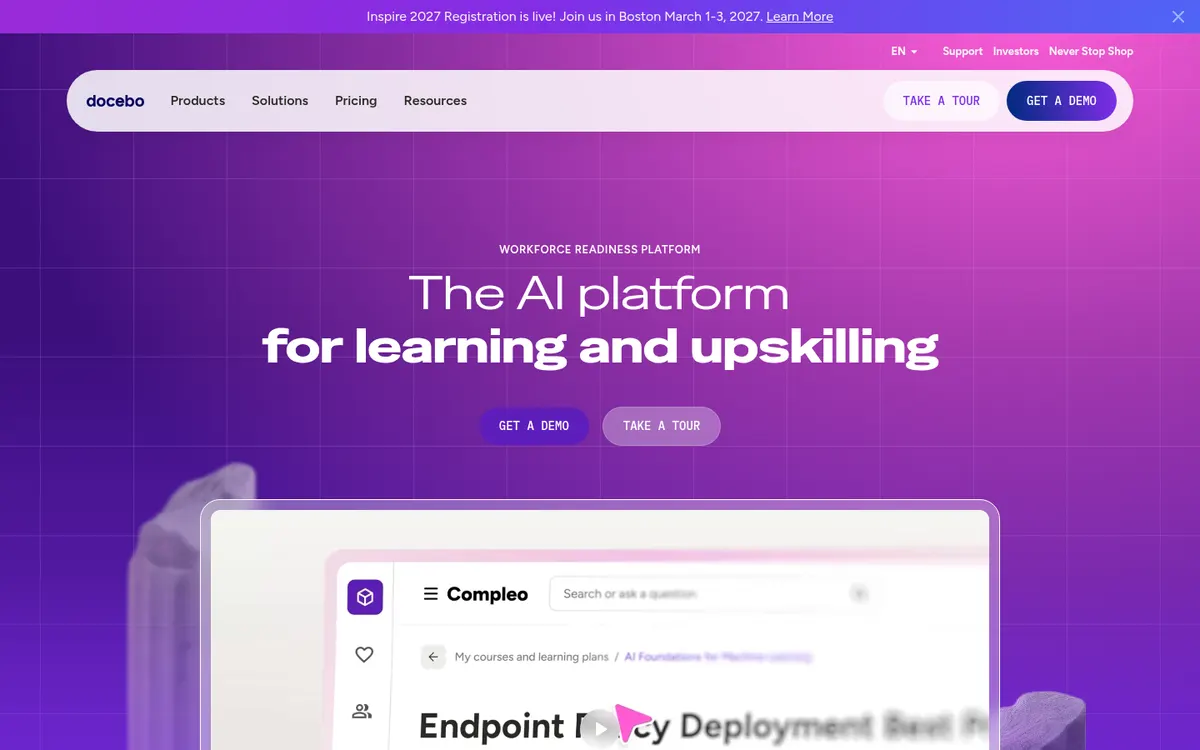
Docebo targets organizations that train more than their own staff. Employee, customer and partner audiences each get a separate branded portal, and one account covers compliance reporting, certification tracking and analytics. AI features handle content generation, auto-tagging and skills intelligence mapping, so an admin can describe a course and get a usable draft. Integrations reach Teams, Zoom, Salesforce and Shopify, which matters when training has to sit next to a CRM or a storefront.
Pricing is quote only. The site lists Elevate and Enterprise tiers and routes every figure through a sales request, so there is no published rate to compare against. Licensing is by active users, which means adding an audience changes the bill, and extending training to frontline or partner learners raises cost again. Contracts typically run three to five years, though a one-year term can be arranged. For a large deployment the commercial shape is negotiated, not listed.
The payoff for that commitment is breadth. Few platforms here handle three audiences this evenly, and the integration catalog is among the widest. Analytics suit regulated industries that must prove who completed what and when, and the AI layer cuts the time spent tagging and mapping existing content. The cost is administrative: configuration demands a dedicated administrator, and a team without one will underuse the product through the first year.
Docebo is the strongest fit for an enterprise consolidating employee, customer and partner training into one system of record. It is a poor fit for a small team that needs training live in weeks on a budget it can see up front, because the quote cycle and the admin overhead both land before the first course goes live.
What works
- Three audiences from one platform
- Wide integration catalog
- AI authoring and skills mapping
What to weigh
- No published pricing
- Needs a dedicated administrator
- External audiences raise cost
Pick it if
You run employee, customer and partner training and want one system of record with branded portals for each.
Skip it if
You are a small team that needs a visible price and live courses within a few weeks.
Plate 02 of 08
TalentLMS
Best for small and mid-size teams needing training running within weeks
Our verdict
The fastest route from purchase to live training, with published brackets and a free plan for a five-user pilot.
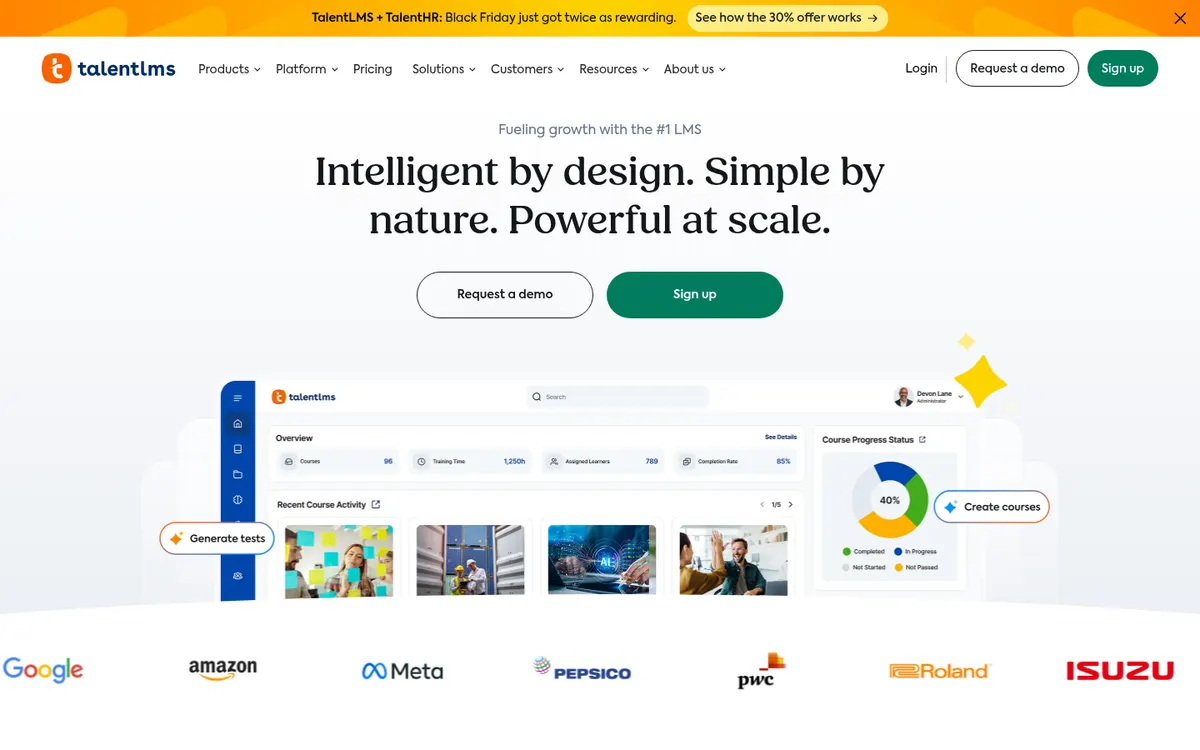
TalentLMS is the entry point most small teams should test first. Self-service setup, SCORM content upload, learning paths, certifications, gamification and leaderboards cover the basics without an implementation project. Branches separate audiences, and AI-assisted course creation shortens the gap between having material and publishing it. Active-user counting means only learners who log in during the billing cycle appear on the invoice, which suits teams with seasonal or irregular schedules.
Pricing is published in user brackets, which is unusual in this group. Core covers up to 40 users at $119 per month billed annually, Grow up to 70 users at $229, and Pro up to 100 users at $449. Crossing a bracket changes the whole plan cost rather than adding a marginal seat, so a team just over a bracket boundary pays the higher bracket rate for everyone on the account. A free plan covers 5 users and 10 courses, enough for a real pilot, and the vendor does not state a trial.
The limits appear as you grow. Advanced reporting is reserved for higher tiers, and eCommerce for selling courses is thin compared with Absorb LMS, so a team with revenue-generating training will feel the ceiling. Gamification and leaderboards are useful for voluntary programs and less useful for mandatory compliance, where completion and evidence matter more than points.
Pick TalentLMS if you need training live within weeks on a budget you can calculate before a sales call, with a free plan to prove the case. Skip it if you sell courses, need deep custom reporting from day one, or expect your active user count to swing across brackets every year.
What works
- Self-service deployment in weeks
- Publicly listed bracket pricing
- Free plan for a pilot
What to weigh
- Bracket jumps reset the whole cost
- Thin course selling features
- Reporting depth reserved for higher tiers
Pick it if
You are a small or mid-size team that wants training running fast on a price you can see now.
Skip it if
You sell courses to customers or need advanced reporting at the entry price.
Plate 03 of 08
Absorb LMS
Best for buyers who prioritize a polished learner experience and branding
Our verdict
A strong learner experience with built-in course selling, though the features that matter sit in higher editions.
Absorb LMS sells on how training feels to the learner. Dashboards are personalized, badges and leaderboards push participation, and branding options let you present a polished external academy rather than an internal tool. An eCommerce storefront handles course sales for customer and partner programs, and AI course generation builds a draft from a description or uploaded material. Licensing is per active user, with rates that fall as volume grows.
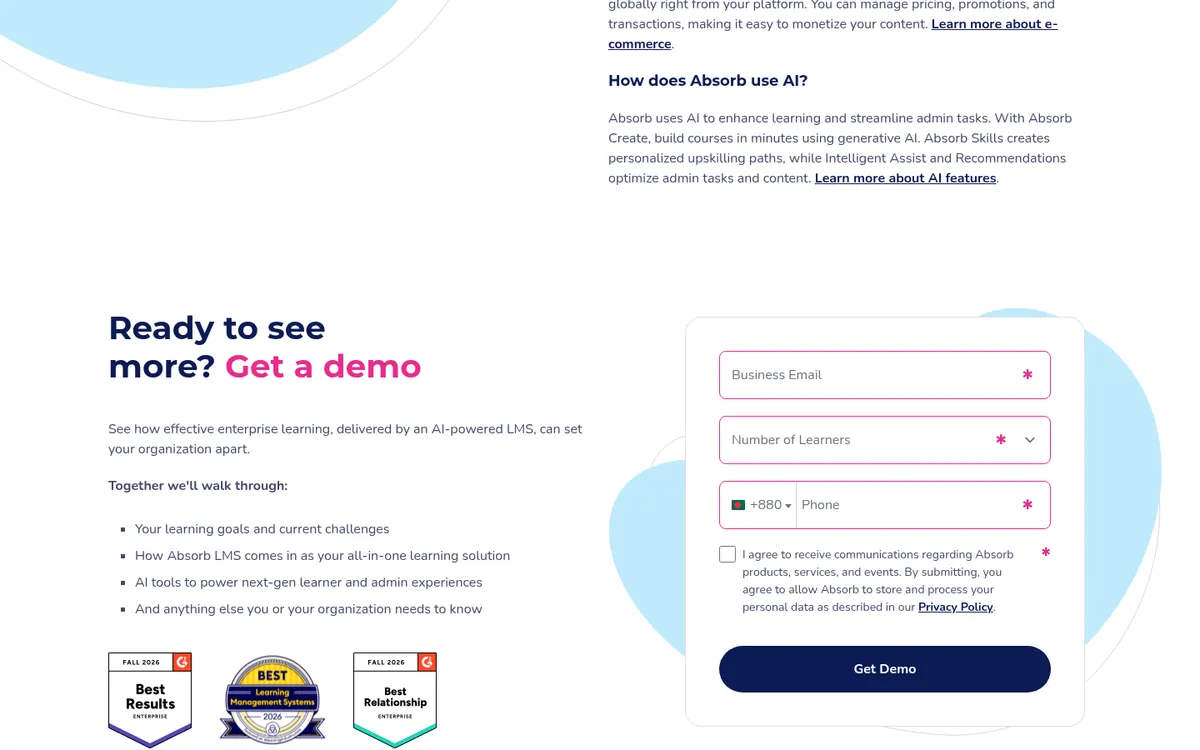
Pricing is not published. The pricing page is a learner-count form that submits your details to sales, followed by a demo and a scoping call before an annual contract is signed. Editions are Core, Pro and Enterprise, and several features that make the platform interesting, eCommerce among them, sit above the entry edition. Budget for a sales cycle rather than a self-service purchase, and expect a scoping conversation about learner volume before any number appears.
The learner experience is the reason to shortlist it, and also the reason some buyers stop there. Authoring is not its strong point, and teams with heavy content production are often advised to pair Absorb with a separate authoring tool, which adds cost and a second vendor to manage. Administration is solid once configured, and the per-user rate decline rewards volume, so the economics improve as the audience grows.
Pick Absorb if a polished, branded learner experience and course selling matter more than authoring depth, and you can wait through a demo and scoping cycle. Skip it if you need a published price, a fast self-service start, or a single tool that covers authoring as well as delivery.
What works
- Polished learner interface
- Built-in eCommerce storefront
- Rates fall at higher volume
What to weigh
- No public pricing
- eCommerce gated to higher editions
- Weak native authoring
Pick it if
Learner experience and selling courses matter more to you than owning one tool for authoring.
Skip it if
You need a listed price and a start without a scoping call.
Plate 04 of 08
Cornerstone
Best for large organizations unifying HR and learning on one suite
Our verdict
A deep HR and learning suite for large employers, weighed down by quote-only pricing, long implementations and dated screens.
Cornerstone is a talent suite with learning inside it. Learning management sits alongside performance, recruiting, succession and HR analytics modules, so completion data can feed review cycles and skills planning. Compliance tracking and certification management are mature, and the Content Anytime subscription library fills gaps for teams without a catalog. Administration is built for enterprise scale, with the permission structures large employers expect.
There is no published pricing and no free trial; a demo is the only hands-on option. That makes the evaluation slow. The vendor was founded in 1999, so the product carries both the depth and the accumulated interface weight of a long-lived enterprise suite. Budget from your own quote; per-user costs are not published.
The trade-off is admin effort. A feature set this large takes significant configuration, and parts of the interface feel dated next to newer platforms. Implementations run long and total cost of ownership is high, so the value only appears when you actually use the HR modules alongside learning. Buyers who only need course delivery will pay for a suite they never fully switch on.
Pick Cornerstone if you are a large organization standardizing HR and learning on one vendor and can absorb a long implementation and a long contract. Skip it if you need training live this quarter, a published rate, or a trial before you commit to a multi-year decision.
What works
- Learning tied to HR and talent data
- Mature compliance tooling
- Large content ecosystem
What to weigh
- No pricing and no trial
- Heavy configuration effort
- Long implementations and high cost
Pick it if
You want learning and HR processes on one platform and have the team to configure it.
Skip it if
You need a fast rollout or a trial before signing.
Plate 05 of 08
360Learning
Best for companies where internal experts co-author training content
Our verdict
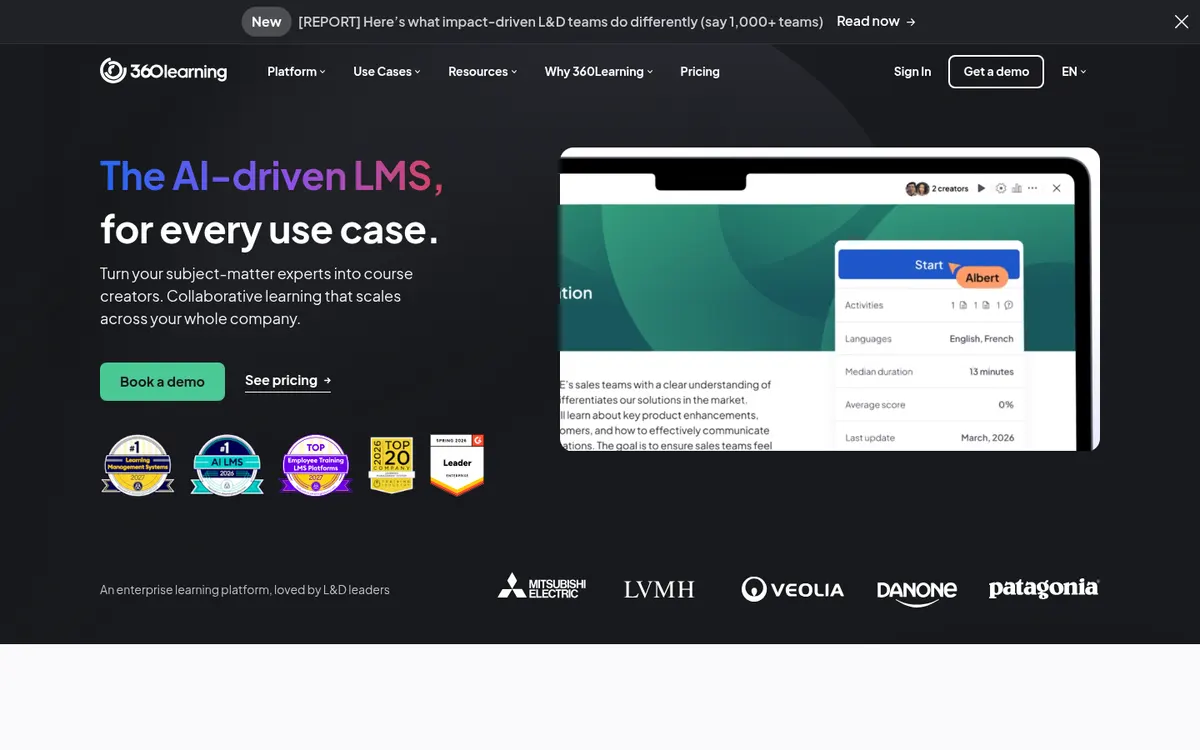
Turns internal experts into authors at a published $8 per user per month, ideal when content production is the bottleneck.
360Learning is built around the idea that the people doing the job should write the training. Subject-matter experts draft courses, peers review them, and relevance scoring surfaces the material colleagues actually rate. Discussion forums and gamification keep participation up, and mobile apps cover frontline staff who are not at a desk. The result is a content engine rather than a top-down catalog maintained by a small L&D team.
The Team plan is published at $8 per user per month for up to 100 users with monthly billing and no annual commitment, alongside a 30-day free trial. Business and Enterprise are quote only and add single sign-on, API access, nested groups and a dedicated success manager. There is no free plan. Above 100 users the per-user economics shift into negotiation, so the published rate is a starting point rather than a ceiling for larger deployments.
The fit is narrow but deep. Companies where a small L&D team is the bottleneck and internal experts hold the knowledge get the most from collaborative authoring. Companies that need heavy compliance reporting, complex certification rules or a large ready-made library will find the tool thinner, and gating SSO and API behind Business and above is a real constraint for IT, not a minor packaging detail.
Pick it if internal experts can carry content creation and you want a transparent entry price with no annual commitment. Skip it if you need single sign-on at entry cost, a large third-party catalog, or compliance tooling built for regulated programs.
What works
- Experts author without a bottleneck
- Transparent $8 entry rate
- No annual commitment on Team
What to weigh
- SSO and API only above Team
- Published tier caps at 100 users
- Light compliance tooling
Pick it if
Your subject-matter experts, not your L&D team, should be producing the courses.
Skip it if
SSO is mandatory from day one at the entry price.
Plate 06 of 08
LearnUpon
Best for mid-market companies training customers and partners at scale
Our verdict
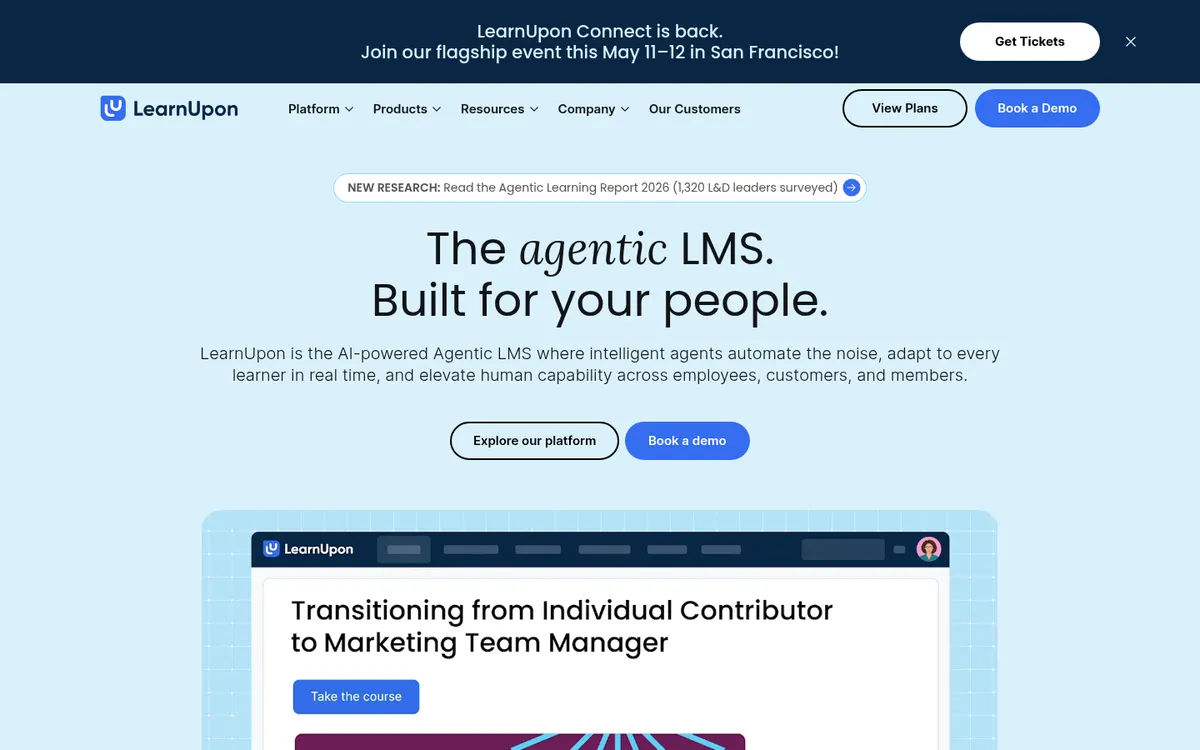
Best admin experience for customer and partner training, with no transaction fees, but no published pricing and a 100-user floor.
LearnUpon organizes training into Learning Portals, separate branded environments for each audience. Employee, customer and partner programs run from one account with multi-audience reporting, and course selling carries no transaction fees, which changes the math for anyone running a paid external academy. The admin interface is designed to be operated by a small team without a specialist administrator.
Pricing is not published. The pricing page lists minimum user counts instead of rates, including a 100-user minimum on the employee product, and demos replace a free trial. Contracts run annually with 12-month auto-renewal and a 30-day notice window. There is no cap on renewal increases unless you negotiate one, so put that on the term sheet next to the notice date and diarize both before the first anniversary.
The portal structure is genuinely useful for customer education, where a branded academy is part of the product experience rather than an HR formality. What you give up is authoring and content depth: the platform expects you to bring courses, and there is no large bundled library. Buyers who need platform and catalog together usually end up comparing it with SAP Litmos or pairing it with a separate authoring tool.
Pick LearnUpon if customer and partner training is the priority and your team wants an admin tool it can run without specialists. Skip it if you have fewer than 100 employees to train, need a trial before committing, or want a published rate ahead of a demo.
What works
- Separate branded portals per audience
- Admin interface is easy to run
- No transaction fees on course sales
What to weigh
- No pricing and no free trial
- 100-user minimum on the employee product
- Renewal increases uncapped by default
Pick it if
Customer and partner education is the core use case and you want low admin overhead.
Skip it if
You train fewer than 100 employees or need a trial first.
Plate 07 of 08
SAP Litmos
Best for teams wanting platform and ready-made course library together
Our verdict
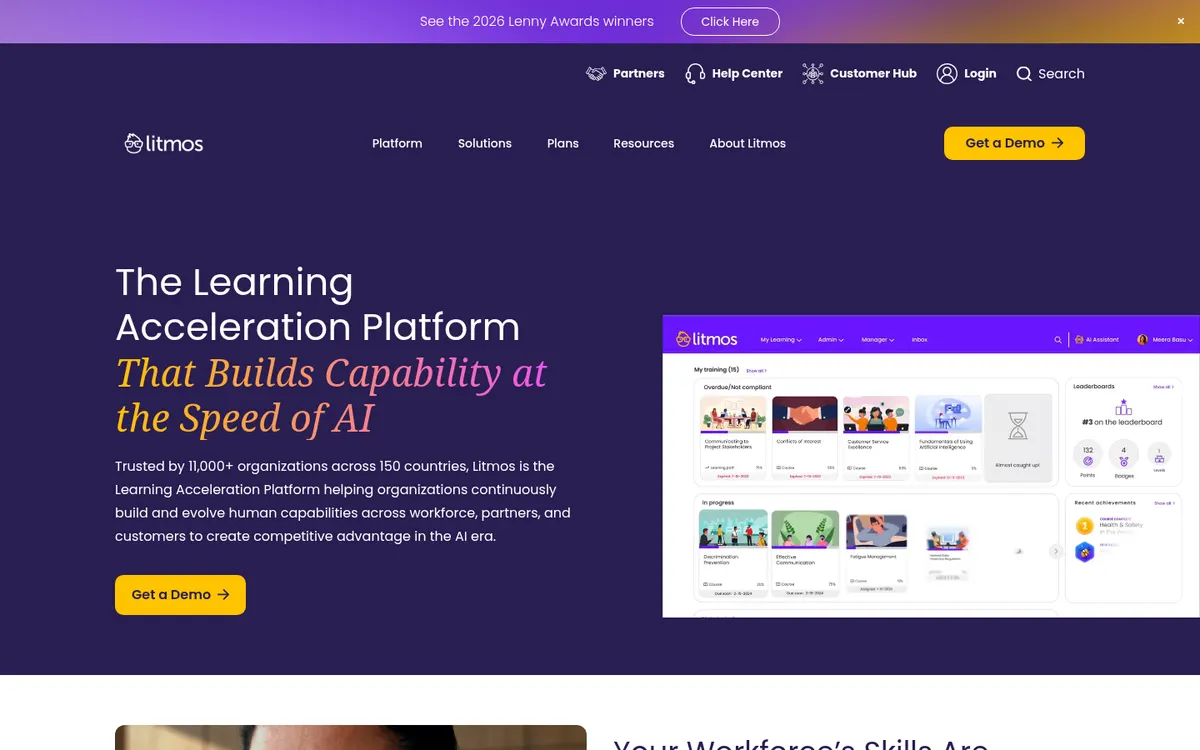
Platform and course library in one purchase, priced from $8k per year, which suits teams starting without content.
SAP Litmos sells platform and content together. A built-in library covers compliance, safety and soft skills, which shortens the path for teams with no existing courses, and the mobile app plus support for 37 or more languages covers distributed workforces. Integrations include Teams, Salesforce and major HR systems. AI-assisted authoring sits on higher tiers, and advanced reporting is confined to the Platinum editions.
Three tiers are listed: Foundation at $8k per year, Platinum at $15,000 per year and Platinum AI above that. That is the most transparent pricing among the enterprise-leaning vendors here, and a free trial is offered, which is more than Cornerstone or LearnUpon provide. Content add-ons increase the total, and the capabilities that separate the tiers are AI authoring and deeper reporting.
The entry price is high for a small team. Foundation at $8k per year is a real commitment before you add content or seats, and the entry tier limits reporting depth, so a compliance-heavy buyer may need Platinum on day one. What you get for that is fast deployment, a catalog that works immediately, and broad language and integration coverage without a build project.
Pick SAP Litmos if you want to buy courses and a platform in one purchase and can commit at the Foundation level without stretching. Skip it if you are a small team, need deep reporting from the start, or already have a content library you like and would be paying twice.
What works
- Large built-in course library
- Fast deployment with content
- Broad language coverage
What to weigh
- High entry price for small teams
- Advanced reporting only on Platinum
- Content add-ons raise the total
Pick it if
You want platform and ready-made courses from one vendor and can start at $8k per year.
Skip it if
You already have strong content or need advanced reporting at entry level.
Plate 08 of 08
iSpring LMS
Best for powerPoint-heavy organizations converting existing decks into courses
Our verdict
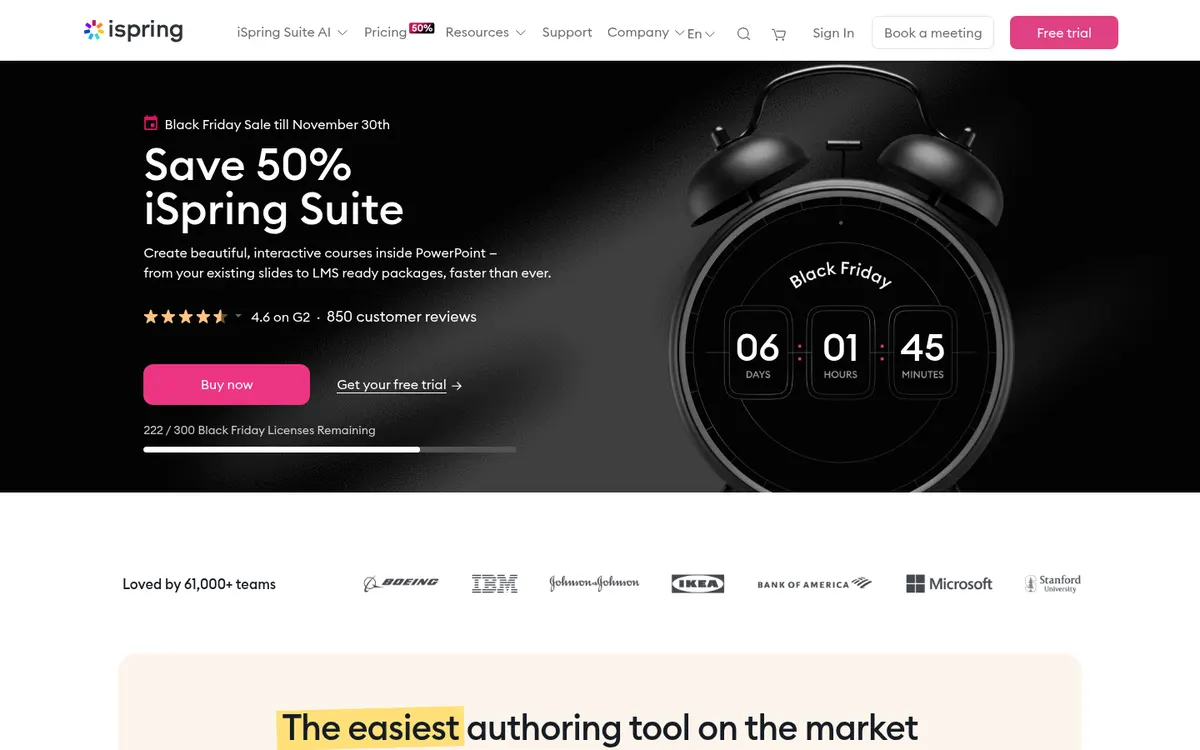
The quickest way to turn existing PowerPoint decks into courses, with authoring bundled and active-user billing.
iSpring LMS is the pick for organizations whose training already exists as slides. The bundled authoring suite converts PowerPoint into HTML5 courses and adds quizzes, branching scenarios, role-play simulations and text-to-speech, so a deck becomes an interactive module without buying a second tool. Training automation for admins is included, and the mobile apps support offline learning for field staff who work without a connection.
Billing is per user per month on the Business plan, calculated on monthly active users only, so people who never log in stay off the invoice. See the vendor website for the Business plan rate at your user count, and larger deployments are quoted separately. The pricing page we could reach focused on the authoring suite rather than the LMS, so see the vendor website for the Business plan rate when you request a quote.
The product was renamed from iSpring Learn to iSpring LMS recently, which is worth knowing when you search for documentation and support articles. The limits are structural: less configurability than an enterprise suite, no built-in course marketplace, and an interface that favors simplicity over depth. Complex program designs with layered audiences and bespoke reporting will feel constrained, so use the 30-day trial and the money-back guarantee as your test.
Pick it if your content starts in PowerPoint and you want authoring included in the license rather than bought separately. Skip it if you need heavy configuration, a content marketplace, or reporting built for multi-audience enterprise programs.
What works
- Fast PowerPoint to course conversion
- Authoring included in the plan
- Bills only monthly active users
What to weigh
- Less configurable than enterprise suites
- No course marketplace
- Interface favors simplicity
Pick it if
Your trainers already build in PowerPoint and you want one vendor for authoring and delivery.
Skip it if
You need deep configuration or a ready-made course catalog.
What does corporate LMS software actually do for a company?
A corporate LMS is the system that assigns, delivers, tracks and reports training for people who work for or with a company. The core job is unchanged: put a course in front of a learner, record whether they finished it, and prove it to someone who asks. What changed is who counts as a learner. The category now splits by audience, and that split drives most buying decisions.
Employee training is the original use case: onboarding, compliance, safety, product knowledge and role-based skills. Customer training is revenue-adjacent, often sold or bundled with a product. Partner training is a channel tool, used to certify resellers and keep their knowledge current. A platform that handles one audience well can handle the other two badly, and pricing usually follows the audience count rather than the seat count alone.
Most platforms in this list share a common feature set:
- Course delivery with quizzes, certifications and imported content packages
- Learning paths that sequence courses over weeks or months
- Reporting on completion, scores and compliance status
- Mobile apps and single sign-on for access control
- Integrations with HR systems, CRMs and collaboration tools
The differences sit in three places. First, administration: how much work it takes to publish a course, enroll a cohort and pull a report. Second, content: whether the platform includes authoring tools, AI drafting or a ready-made library, or expects you to bring your own files. Third, commercial model: whether you pay per active user, per seat, per year on a tier, or a negotiated sum for a multi-year enterprise deal.
That last difference matters most for budgeting. Two platforms with the same feature list can cost very different amounts once you add external audiences, a content library or a minimum user count. Buyers who compare headline prices alone often discover the real number only after a scoping call.
For November 2026 the category also carries a layer of AI: content generation from a prompt, auto-tagging of existing material, and skills mapping that links courses to roles. Treat those as time savers for administrators, not as a replacement for instructional design.
This guide sits in the Software collection. Buyers weighing nearby tools often read the guides to commission software and research platforms next.
How does corporate LMS pricing work in practice?
Corporate LMS pricing splits into three models: a published per-user rate, a published annual tier, or a quote. Only three of the eight tools here publish a number a buyer can budget against, which is why the first question to any vendor is not what it costs but what unit it bills on.
Active-user billing is the most common unit. TalentLMS counts only learners who log in during the billing cycle, and its brackets jump hard: Core is $119 per month billed annually for up to 40 users, Grow is $229 for up to 70 and Pro is $449 for up to 100. Absorb LMS and iSpring LMS use the same active-user logic, with per-user rates that fall as volume grows.
Published per-seat rates are rarer. 360Learning lists Team at $8 per user per month for up to 100 users on monthly billing, with Business and Enterprise quoted. SAP Litmos prices by annual tier instead: Foundation at $8k per year, Platinum at $15,000 per year and Platinum AI above that.
Quote-based vendors, including Docebo, Absorb LMS, Cornerstone and LearnUpon, negotiate on user counts and contract length. Budget for multi-year terms at Docebo, annual auto-renewal at LearnUpon and long implementations at Cornerstone.
| Model | How it bills | Typical fit | Example from this list |
|---|---|---|---|
| Active-user | Charges only learners who log in during the cycle | Teams with seasonal or irregular logins | TalentLMS, Absorb LMS, iSpring LMS |
| Published per-seat | Rate per user per month, with a user cap per tier | Small and mid-size teams wanting a known number | 360Learning, Team at $8 per user per month |
| Annual tier | Flat yearly fee per edition | Teams buying platform and content together | SAP Litmos, Foundation at $8k per year |
| Quote | Negotiated contract, often annual or multi-year | Large or multi-audience deployments | Docebo, Cornerstone, LearnUpon |
| Free plan | No charge within usage limits | Pilots and very small teams | TalentLMS, up to 5 users and 10 courses |
Two terms decide the real number. The user floor sets the minimum you pay even with a small audience, and LearnUpon applies a 100-user minimum on its employee product. The renewal clause matters as much: a 12-month auto-renewal with a 30-day notice window and no cap on increases can move the price more than a negotiated discount.
Every price in this guide was read on the vendor's own pricing page on November 25, 2026. Where a vendor does not publish a figure we could confirm, the card says "See website" rather than a guess. For the arithmetic around this purchase, try the free Email campaign metrics calculator.
Which corporate LMS should you shortlist first?
Name the audiences. List every group you will train in the next 24 months: employees, customers, partners, contractors. Audience count drives platform choice more than seat count, and vendors price external audiences differently.
Set the budget unit. Decide whether procurement can live with a quote or needs a published rate. If a number is required before a demo, start with TalentLMS, 360Learning or iSpring LMS.
Test with your own content. Upload a real SCORM package and run one cohort through a trial. TalentLMS and iSpring LMS allow self-service starts, while Cornerstone and LearnUpon list demos only.
Model the user floor. Take your lowest realistic monthly active count and price it at the vendor minimum. A 100-user floor on a small team can outweigh a lower per-user rate.
Read the contract terms. Check length, auto-renewal, notice window and any cap on renewal increases. Docebo runs three to five years by default, and LearnUpon renews for 12 months with 30 days notice.
Agree the exit before you sign. Ask for export rights on learner records, completion history and course source files, and test one export during the trial. Portability is a clause, not a feature.
What do buyers get wrong when choosing a corporate LMS?
Buying on the headline rate. A published $8 per user rate can cost more than a quote once user floors, content add-ons and external audiences land. Model your real mix before comparing vendors.
Skipping the content test. Every demo looks good with the vendor's own content. Upload your own deck or SCORM package and watch the formatting, quizzes and mobile playback.
Assuming a trial exists. Cornerstone and LearnUpon offer demos only, and TalentLMS does not list a trial. If a hands-on test is mandatory, that narrows the shortlist before any conversation starts.
Ignoring the admin load. A platform that needs a dedicated administrator costs a salary as well as a license. Ask how many steps a course publish takes and who owns reporting.
Leaving renewal open. LearnUpon uses a 12-month auto-renewal with a 30-day notice window and no cap on increases unless you negotiate one. Negotiate a cap and put the notice date in a shared calendar.
Best Corporate LMS Software 2026: questions
What does corporate LMS software cost at entry level and at enterprise scale?
Entry prices run from $8 per user per month at 360Learning to $8k per year at SAP Litmos, and five of the eight publish nothing at all. TalentLMS starts at $119 per month billed annually for up to 40 users. At enterprise scale expect a quote: Docebo, Cornerstone, LearnUpon and Absorb LMS all price by quote rather than a published rate.
Should we buy licenses for current learners or for planned headcount?
Buy for current active learners, not projected headcount. Some platforms here count only learners who log in during the billing cycle, including TalentLMS, Absorb LMS and iSpring LMS. LearnUpon sets a 100-user minimum on its employee product, so small teams should weigh that floor. Negotiate the right to add seats mid-term at the quoted rate before you sign.
Do these platforms support SCORM and xAPI?
Only TalentLMS documents SCORM content upload in the material behind this list, and none of the eight documents xAPI support. That does not mean the others lack it: it means the pricing pages do not state it. Ask each vendor for written confirmation of SCORM 1.2, SCORM 2004 and xAPI support, and test your own package in a trial.
How long does implementation usually take?
Fastest are TalentLMS and iSpring LMS, where self-service setup and bundled authoring get a first course live in days to a few weeks. Absorb LMS and LearnUpon sit in the middle, with a demo and scoping call before an annual contract. Cornerstone is slowest, with long implementations and heavy configuration typical of a full talent suite.
Can we export courses and learner records when we switch vendors?
No export terms appear in the pricing material for any of the eight, so treat portability as a contract item rather than a feature. Ask for a clause covering bulk export of learner records, completion history and course source files in a standard format, with a timeline after termination. Test one course export during the trial before you commit.
Which platforms handle customer and partner training best?
Docebo and LearnUpon handle customer and partner training best, both using separate branded portals per audience from a single account. Absorb LMS competes on learner experience and includes an eCommerce storefront for selling courses, though that sits in higher editions. Cornerstone and 360Learning are built more around internal employees than external revenue.