
Contents of this guide
The shortlist
Our top 3 for software buyers

HubSpot CPQ
In-CRM quoting
- Best for
- SMB and midmarket teams already running sales on HubSpot
- Features
- 4 noted: In-CRM quotes, E-signature, Product catalog, Days to weeks
Salesforce Revenue Cloud
Native CRM data
- Best for
- Salesforce customers selling complex products with layered pricing
- Features
- 5 noted: Native CRM data, Guided selling, Approval workflows, Billing, Subscriptions

DealHub
Interactive proposals
- Best for
- Midmarket sales teams wanting guided selling and interactive quotes
- Features
- 4 noted: Guided selling, Interactive quotes, CLM, Salesforce and HubSpot
Disclosure for this guide. All 9 tools here are unpaid editorial picks. The position of a paid listing can be part of what the vendor pays for. Paid and unpaid tools are scored on the same rubric and keep their cons. Details are in the advertising disclosure.
The ledger
Index of every tool
| Tool | Free plan | Trial | Rubric | Compare | ||
|---|---|---|---|---|---|---|
| 01 | HubSpot CPQSMB and midmarket teams already running sales on HubSpot | See websiteNot published | No | No | ||
| 02 | Salesforce Revenue CloudSalesforce customers selling complex products with layered pricing | $200Revenue Cloud add-on, per user per monthChecked Nov 25, 2026 | No | No | ||
| 03 | DealHubMidmarket sales teams wanting guided selling and interactive quotes | See websitecustom quoteCustom quote | No | Unverified | ||
| 04 | PandaDoc CPQSMB teams that need quotes and contracts more than configuration depth | See websitecustom quoteCustom quote | Free $0 | 14-day free trial | ||
| 05 | Conga CPQEnterprises with complex products on Salesforce or several CRMs | See websiteNot published | No | No | ||
| 06 |  PROS Smart CPQB2B manufacturers and distributors that need pricing science | See websiteNot published | No | No | ||
| 07 |  VendavoB2B manufacturers and distributors protecting deal margin | See websiteNot published | No | No | ||
| 08 | Oracle CPQLarge enterprises on Oracle CX or ERP with engineered products | See websiteNot published | No | No | ||
| 09 |  TactonManufacturers of complex, engineered, made-to-order products | See websiteNot published | No | No |
Prices are the lowest paid plan the vendor shows, read on November 25, 2026. Sort by price ranks published monthly figures; tools without one go last. Pin up to three tools to compare them side by side.
How this guide was put together
We scored nine CPQ tools against five criteria: configuration depth (30 percent), pricing logic (20 percent), deployment speed (20 percent), integration fit (15 percent) and cost clarity (15 percent). Configuration depth asks how far the rules engine goes before a rep needs a workaround. Pricing logic covers discount guidance, margin checks and approval routing. Deployment speed reflects how long a team waits before quoting live. Integration fit weighs how the tool attaches to the CRM, ERP and billing systems a buyer already runs. Cost clarity rewards published numbers and penalizes quote-only pricing, which covers most of this list.
Prices come from vendor pricing pages, checked on November 25, 2026. Where a vendor publishes no figure, the entry says so; we do not substitute a number from elsewhere. Where a vendor publishes a plan note, we kept the qualifier attached, because a starting price without its billing term, seat count or add-on context misleads.
Each entry is written for the buyer type it fits, carries honest cons, and is not presented as a score total. A tool listed lower can still be the better purchase for your stack. Where something could not be confirmed on a vendor page, the entry says so.
The full process, including how we handle corrections, is on the methodology page. Paid listings follow the advertising disclosure.
Rubric and weights
Every tool below is scored from 1 to 10 on these five criteria. The scores describe each tool; the order is an editorial call on fit for the buyer each card describes, plus the disclosed Featured position.
- 30%Configuration depthHow far the rules engine handles dependent options and engineered products before a rep needs a workaround.
- 20%Pricing logicDiscount control, margin guidance and approval routing built into the quote itself.
- 20%Deployment speedHow long a team waits before quoting live, based on the implementation each vendor describes.
- 15%Integration fitHow cleanly the tool attaches to the CRM, ERP, contract and billing systems a buyer already runs.
- 15%Cost clarityWhether a buyer can find a real number and its conditions without a sales call first.
Plate 01 of 09
HubSpot CPQ
Best for SMB and midmarket teams already running sales on HubSpot

Our verdict
A straightforward CPQ purchase for an existing HubSpot shop, provided your catalog is simple and your approvals stay short.
HubSpot CPQ keeps quoting inside the CRM record that reps already open every morning. Products come from a catalog with line-item discounts, the quote is built on the deal, and e-signature happens inside the same flow, so nobody exports a PDF and chases a signature over email. There is no separate add-on product or connector to maintain, which removes the integration project that usually sits in front of a CPQ rollout. Teams already paying for HubSpot seats can turn quoting on without buying another platform.
The honest limit is configuration depth. Configuration logic and pricing rules are shallower than what enterprise tools offer, and the product is not built for complex configurators or multi-level approval chains. It works well for straightforward product catalogs where a rep picks SKUs, applies a discount within policy and sends. If your deals hinge on engineered options, dependency rules or stacked approvers, you will hit the ceiling quickly.
Pricing is on the vendor site rather than in public benchmarks. The $85 per seat figure applies to Revenue Hub Professional, and CPQ features require a Pro or Enterprise seat. There is no free CPQ tier and no trial, so a paid seat is mandatory before you can test quoting. Note that Commerce Hub was renamed Revenue Hub in June 2026, so older documentation and internal notes still carry the previous name.
Setup for existing HubSpot customers runs days to weeks, and entry cost sits well below enterprise CPQ platforms. The trade is depth for speed. It fits SMB and midmarket teams already running sales on HubSpot whose catalogs are simple enough that a deal desk does not need a rules engine behind every quote.
What works
- Quoting lives inside the CRM reps already use
- E-signature handled in the same quote flow
- Setup measured in days to weeks
What to weigh
- Configuration and pricing rules are shallow
- No free CPQ tier and no trial
- Not built for complex configurators
Pick it if
Your team already sells on HubSpot and your catalog is simple enough to quote without a rules engine.
Skip it if
Your deals need engineered configuration options or multi-level approval chains.
Plate 02 of 09
Salesforce Revenue Cloud
Best for salesforce customers selling complex products with layered pricing
Our verdict
A strong native option for complex Salesforce selling, and among the most expensive ways to quote a simple catalog.
Revenue Cloud is the Salesforce-native answer to quoting, and it inherits the platform's biggest advantage: quotes, products and pricing live as native CRM data rather than in a bolted-on system. Product configuration is deep, guided selling walks reps through options, approval workflows handle the routing, and billing and subscription management continue the revenue lifecycle past signature. For a Salesforce shop there is no integration work to build between the quote and the customer record, which removes an entire class of projects.
It is also among the most expensive options in this category. Revenue Cloud is listed at $200 per user per month for the Revenue Cloud add-on, billed annually and excluding implementation. Implementation is complex and usually needs consultants or admins, and it runs months before go-live. No free tier and no trial are reported, so evaluating it means committing to a paid engagement rather than a quick test.
Revenue Cloud succeeds the older Salesforce CPQ product, and new buyers are pointed at Revenue Cloud for evaluation. That matters if you inherit existing Salesforce CPQ configurations: the migration path and the timeline for it are things to pin down with an account team before signing. It also matters that the price covers the add-on only, so confirm your existing Salesforce licenses before you compare totals.
The fit is narrow and clear. It suits Salesforce customers selling complex products with layered pricing, long approval chains and subscription revenue they want billed in the same system. If your catalog is a short list of SKUs and your quotes go out in an afternoon, the depth is wasted and the cost is hard to defend to a finance team.
What works
- Native fit with Salesforce customer and product data
- Handles complex configuration and approval chains
- Billing and subscriptions in the same system
What to weigh
- $200 per user per month before implementation
- Months to go-live with consultants
- No free tier or trial reported
Pick it if
You already run Salesforce and sell complex products with layered pricing and subscription revenue.
Skip it if
Your quotes are simple, your budget is tight, or you cannot staff a multi-month implementation.
Plate 03 of 09
DealHub
Best for midmarket sales teams wanting guided selling and interactive quotes
Our verdict
A strong midmarket choice when guided selling and buyer engagement analytics matter more than a published price.
DealHub sells the quote as a conversation rather than a document. Guided selling playbooks carry a rep from discovery through configuration, and the resulting interactive proposals track how buyers engage with them, so a seller can see buyer engagement. Configuration, quoting and signature sit in one flow, and the platform pairs CPQ with contract lifecycle management instead of treating CLM as a separate purchase and a separate vendor relationship.
The Salesforce and HubSpot integrations are the practical reason midmarket teams look at it. Both are described as solid, and implementation is measured in weeks rather than months, which puts it in a different bracket from the consulting-led enterprise platforms. Combining CPQ and CLM in one product also means one conversation when legal wants redlines handled alongside pricing and approvals.
Pricing is the friction point. Every package, including CPQ+, CPQ+CLM and Quote-to-Revenue, is priced per deal, so there are no public benchmarks and budget planning requires a conversation with sales. Trial availability was not confirmed on the vendor site. DealHub is also a smaller vendor than the CRM giants, with a thinner partner ecosystem, so if you need a large integrator in every region you sell into, check who is actually available before you commit.
It fits midmarket sales teams that want guided selling and interactive quotes without a year-long program, especially those already on Salesforce or HubSpot. It is a weaker match for a very small team that just needs a clean PDF quote, and for enterprises that need very deep configuration.
What works
- Guided selling with buyer engagement tracking
- CPQ and CLM in one product
- Implementation measured in weeks
What to weigh
- Per-deal pricing with no public benchmarks
- Smaller partner ecosystem than the giants
- Trial availability not confirmed
Pick it if
You want guided selling and interactive proposals without a months-long enterprise rollout.
Skip it if
You need published list pricing before you can start a budget conversation.
Plate 04 of 09
PandaDoc CPQ
Best for SMB teams that need quotes and contracts more than configuration depth
Our verdict
Fast and inexpensive to try, but the configuration depth stops well short of what a real deal desk needs.
PandaDoc CPQ is document software that learned to quote, not a configuration engine that learned to produce documents. Quotes flow into proposals and contracts, e-signature is built in, and document workflow automation moves an approved quote to a signed contract without a second tool. Rules-driven guided configuration exists, but only on the Enterprise tier, and that is where the real CPQ capability lives behind custom pricing.
For teams already running PandaDoc for proposals, this is a practical path to quoting. The document, contract and signature workflow stays in one place, and deployment is faster than traditional CPQ platforms, which matters when the alternative is a multi-month implementation and a consultant invoice. The trade is depth: CPQ here is document-centric, with limited handling of complex product configuration rules. If a quote depends on dependency rules, multi-level approvals or a large configurable catalog, this is not the tool that will carry it.
Pricing is partly public and partly not. A free $0 plan and a 14-day free trial exist, so you can test the document layer at no cost, but CPQ itself is listed only in Enterprise, which is quote-based, and base plan prices were not verified on the vendor page. Budget accordingly: the free tier tells you whether the workflow fits, not what CPQ will cost once configuration rules are involved.
It suits SMB teams that need quotes and contracts more than configuration depth, particularly existing PandaDoc customers who would otherwise add a second vendor and a second place to look for signed paperwork. Larger sales organizations with engineering-grade configuration needs should look at the enterprise platforms instead, where the rules engine is the product rather than an add-on.
What works
- Documents, contracts and signature in one place
- Free plan and 14-day free trial
- Fast deployment for SMB teams
What to weigh
- Document-centric CPQ with limited configuration depth
- Full CPQ sits in custom-priced Enterprise
- Weak on complex product rules
Pick it if
Quotes, proposals and contracts are one workflow for you and configuration rules stay simple.
Skip it if
Your quotes depend on complex configuration logic or stacked approval chains.
Plate 05 of 09
Conga CPQ
Best for enterprises with complex products on Salesforce or several CRMs
Our verdict
Deep enterprise capability split across two overlapping products, which makes evaluation harder than it should be.
Conga sells two CPQ products, and the first job for any buyer is working out which one a quote refers to. Advantage CPQ is the former Apttus product, native to Salesforce. Smart CPQ is the former PROS product, CRM-agnostic. Both carry deep configuration rules, a pricing engine for complicated deals, document generation and CLM integration, and both are aimed at enterprises rather than small teams.
The depth is real. Configuration rules handle complicated product structures, the pricing engine copes with deal-specific complexity, and document generation plus CLM integration mean the quote does not stop at a number. For an enterprise with complex products on Salesforce or across several CRMs, that combination covers a large part of the revenue workflow with one vendor and one support relationship.
The depth comes with the usual enterprise baggage. Two overlapping CPQ products create genuine buyer confusion, and it is easy to compare a proposal for one against a demo of the other. Pricing is enterprise-level and implementation is consulting-led, with no public price list to anchor a budget. Neither product is aimed at small teams, and the evaluation cycle reflects that, with demos, scoping and a services estimate before anything is signed.
Before comparing anything, establish which product a quote refers to, which CRM it assumes, and who supports it after go-live. This is not a tool you buy from a pricing page. It fits enterprises with complex products on Salesforce or across several CRMs that need deep rules and contract management in the same stack. It is a poor fit for an SMB that wants quoting live this quarter.
What works
- Deep configuration rules and pricing engine
- Salesforce-native and CRM-agnostic options
- Document generation and CLM integration
What to weigh
- Two overlapping products confuse evaluation
- Consulting-led enterprise implementation
- No public price list
Pick it if
You are an enterprise with complex products and need deep rules plus contract management.
Skip it if
You are a small team, or you cannot get clarity on which of the two products you are buying.
Plate 06 of 09
PROS Smart CPQ
Best for B2B manufacturers and distributors that need pricing science
Our verdict
Pricing science for manufacturers that negotiate constantly, with roadmap questions that come from an ownership change.
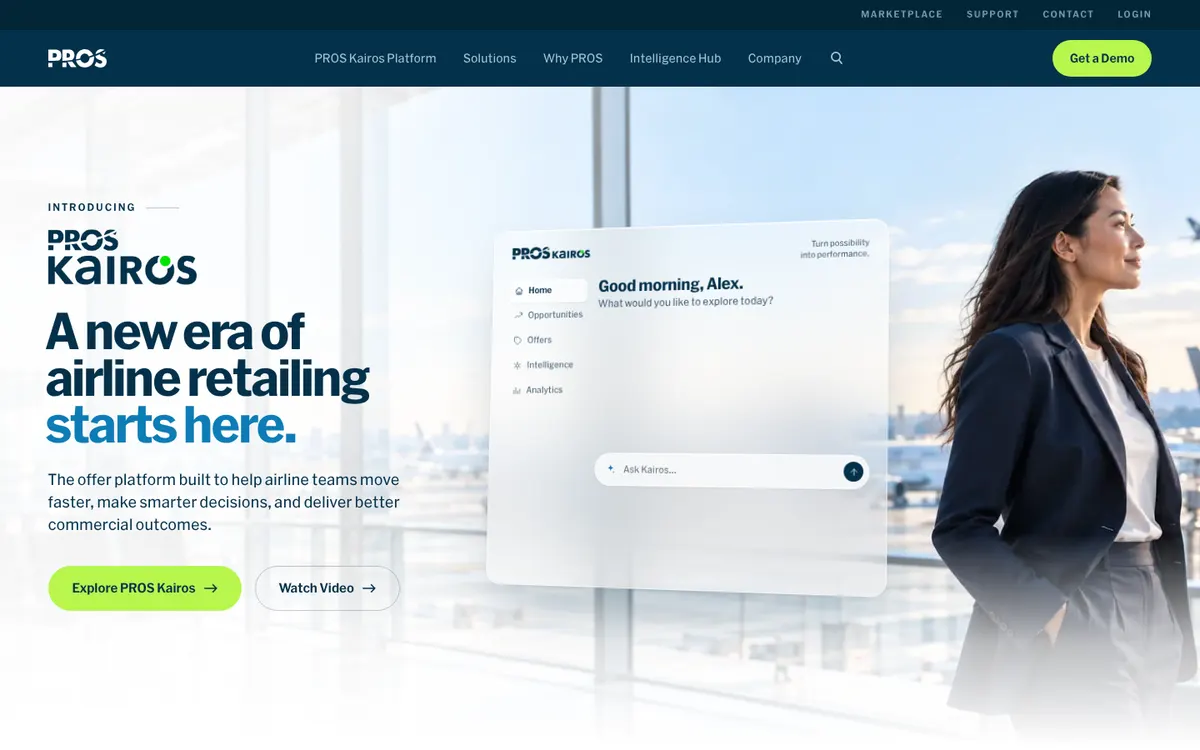
PROS Smart CPQ leads with pricing science rather than configuration. AI-driven guidance tells reps which discounts and margins are safe, profitability checks run inside each quote, and configuration validation sits alongside the pricing so a rep cannot quietly build an unprofitable deal. That guidance draws on a long background in pricing optimization, and it is the reason manufacturers and distributors with layered price lists look at it in the first place.
Deployment is CRM-agnostic, which suits heterogeneous sales stacks where different business units run different systems and nobody wants a CRM migration attached to a quoting project. Support for complex price lists is the core strength: tiered volumes, customer-specific pricing and channel arrangements that break simpler tools. Configuration validation alongside pricing means the two questions sales asks most, whether we can build it and whether we should sell it at this price, are answered on the same screen.
Two cautions. The product now sits inside Conga's CPQ portfolio after Conga acquired the PROS CPQ business, so support ownership and roadmap should be confirmed before signing. Ask which organization owns support tickets and what the next two releases cover, then check that answer against your renewal date. Pricing is quoted per deal, with no public benchmarks, and implementation runs months.
It fits B2B manufacturers and distributors that need pricing science and can absorb a multi-month rollout. It is a weak fit for a software company quoting subscription tiers, and for any team that wants transparent list pricing before the first call. If discount discipline is the actual problem, the depth is worth the wait; if document speed is the problem, it is not.
What works
- Pricing guidance built on optimization heritage
- CRM-agnostic across mixed sales stacks
- Strong for layered B2B price lists
What to weigh
- Ownership change raises roadmap questions
- Quote-based pricing with no public benchmarks
- Implementation runs months
Pick it if
You are a manufacturer or distributor whose real problem is discount discipline, not document speed.
Skip it if
You need a transparent price and a fast rollout, or your pricing is a short published list.
Plate 07 of 09
Vendavo
Best for B2B manufacturers and distributors protecting deal margin
Our verdict
Margin-first CPQ for distributors, priced and implemented like the enterprise software it is.
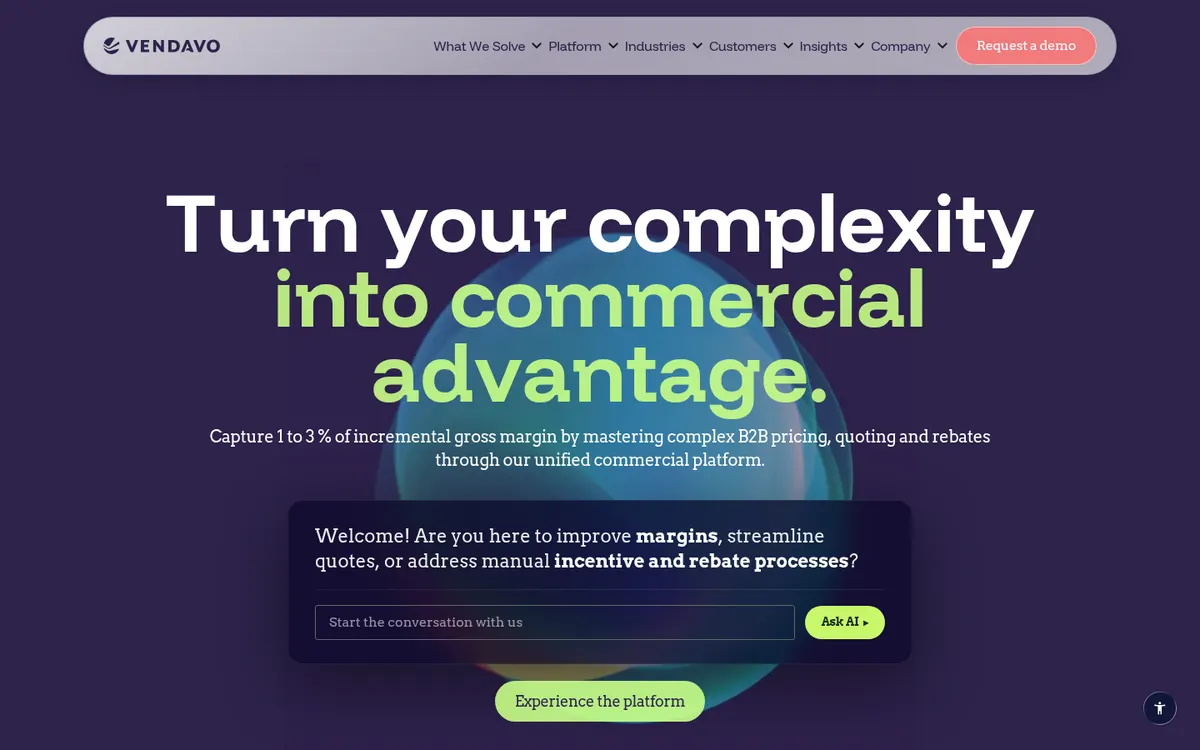
Vendavo approaches CPQ from the margin side. Quoting is margin-aware, deal guidance flags which discounts are safe, and profitability analytics tie back to the quote, including comparison against similar closed deals. Risk flags appear when margin is at stake, which is a different emphasis from tools that focus on producing a clean document quickly. For a distributor whose reps negotiate on every order, that framing is closer to how the business actually makes money.
Complex B2B price lists are the native territory: customer-specific pricing, volume tiers and channel arrangements that generic CPQ tools handle awkwardly or push into a spreadsheet. The guidance helps reps protect margin while still closing, rather than forcing every non-standard price through a deal desk queue. Comparison against similar closed deals gives a rep a defensible reference point in the middle of a negotiation.
The trade is orientation. Vendavo is enterprise software, and for simple quoting it is overkill. Public pricing information is thin, and no figures are confirmed on the vendor's own pages, so budget planning depends on a sales conversation. Onboarding is implementation-led, which means a project rather than a signup, and time to value depends on how clean your price lists are before the project starts, so an internal data cleanup usually precedes any pilot.
It fits B2B manufacturers and distributors protecting deal margin on complex price lists, especially where discount discipline is the actual problem and quotation speed is secondary. It does not fit a small sales team that needs a quote out the door today and sells from a fixed price list that nobody argues about.
What works
- Margin-aware quoting with risk flags
- Comparison against similar closed deals
- Built for complex B2B price lists
What to weigh
- Enterprise weight for simple quoting
- Thin and inconsistent public pricing
- Implementation-led onboarding
Pick it if
Protecting margin on negotiated deals matters more than producing quotes quickly.
Skip it if
Your price list is fixed and short, or you need a quote out the door today.
Plate 08 of 09
Oracle CPQ
Best for large enterprises on Oracle CX or ERP with engineered products
Our verdict
A strong fit for engineered products inside Oracle, and very hard to justify anywhere else.
Oracle CPQ is built for engineered products at scale. Configuration handles highly configured, rule-heavy products, and it ties into Oracle CX, Oracle ERP and supply chain, so a configured quote can connect to the systems that price, build and fulfill it. It supports very large deal volumes and catalogs, which is the scenario the product was designed around rather than an edge case it tolerates.
For an Oracle-centric enterprise, that integration depth is the argument. Customer data, product masters and supply chain signals already live in the stack, and CPQ slots into an investment the business has already made rather than asking for a new system of record. Rules handling for highly configured products is strong, and the product is proven at very large deal and catalog scale, which is where lighter tools start to strain.
Everything else about the buying experience is heavy. Oracle does not publish pricing, and implementation costs are not confirmed on Oracle's own pages, so treat any figure as something to verify. Implementation is a long consulting engagement requiring specialized consultants, and no free trial is reported. Time to value is long, and the business case usually rests on deal volume and configuration complexity that non-Oracle tools handle badly.
Outside an Oracle-centric enterprise the fit is poor, because you would absorb the cost and complexity without the integration benefit that justifies them. It suits large enterprises on Oracle CX or ERP selling engineered products, where the configuration problem is genuinely hard and the surrounding systems are already Oracle. It is the wrong tool for a midmarket team or for standard software quoting.
What works
- Handles engineered product configuration at scale
- Deep Oracle CX, ERP and supply chain ties
- Proven at very large deal volumes
What to weigh
- No public pricing
- Heavy consulting implementation
- Poor fit outside Oracle stacks
Pick it if
You run Oracle CX or ERP and your products are engineered, rule-heavy and sold at volume.
Skip it if
You are not an Oracle shop, or you cannot commit specialized consultants for a long rollout.
Plate 09 of 09
Tacton
Best for manufacturers of complex, engineered, made-to-order products
Our verdict
The specialist for made-to-order manufacturers, and a poor use of budget for anyone else.
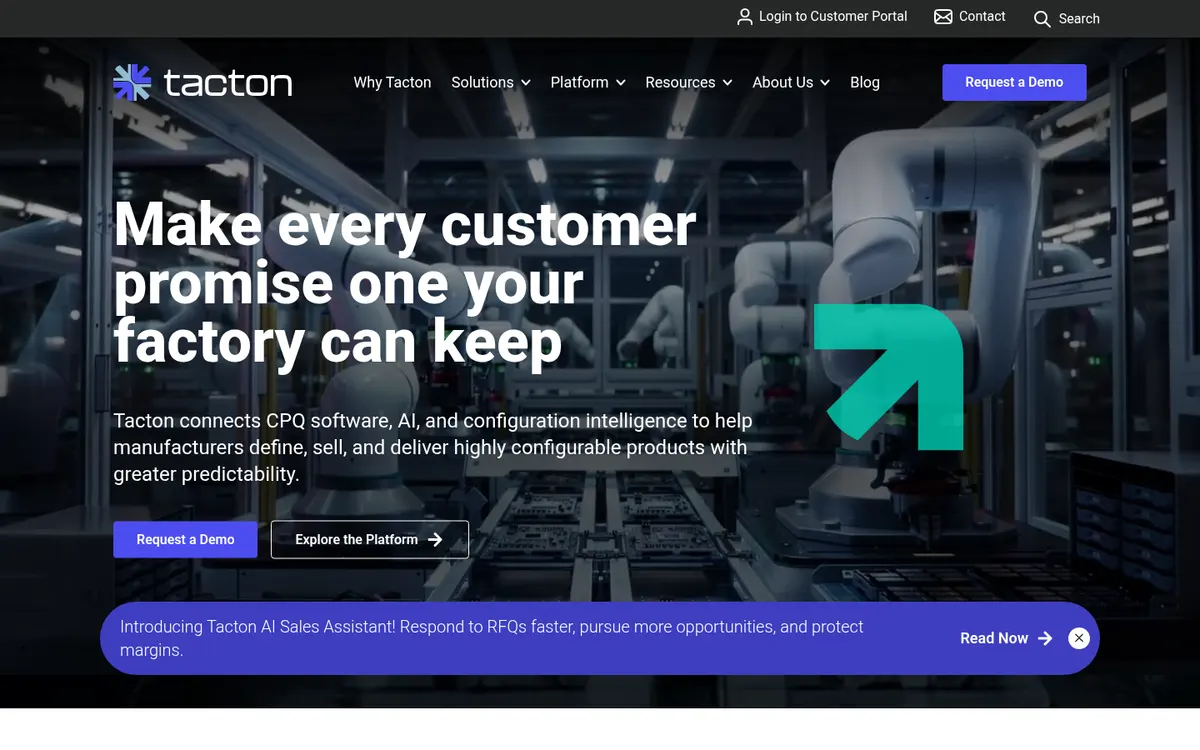
Tacton is a configuration engine first and a quoting tool second. It handles engineered, made-to-order products where constraint logic breaks generic rules engines, integrates with CAD, and produces visual product configurators that both sales reps and self-service buyers can drive. Engineering-grade constraint rules mean the configurator knows which combinations are buildable, not just which ones are priceable, which is a different problem from the one most CPQ tools solve.
The manufacturing focus shows in the deployment. Engineering staff join the project, because the rules have to be captured accurately from people who understand the product rather than inferred from a price list. Visual configurators serve both reps and self-service channels, so the same logic can sit behind a sales conversation and a customer-facing ordering page without being written twice.
That focus is also the limit. For standard software or services quoting, Tacton is a poor fit: you would pay for an engine you do not need and a project your team cannot staff. Sales and implementation cycles are long, deals are quoted individually with no public price list, and the buying process will feel slow if you are used to self-serve software. Where the fit is right, the configurator becomes the system of record for what can be sold, which is a different role from a quoting tool that assumes the product is already defined.
It suits manufacturers of complex, engineered, made-to-order products where the hard part is knowing what can be built. It is the wrong choice for a SaaS company quoting seats and tiers, and for any team that needs a live quote quickly rather than a configured product model over a long project.
What works
- Engineering-grade constraint rules
- CAD integration for manufacturing
- Visual configurators for reps and buyers
What to weigh
- Niche fit for complex manufacturing only
- Long sales and implementation cycles
- No public pricing
Pick it if
You build made-to-order products where knowing what can be built is the hard part.
Skip it if
You sell standard software or services, or you need a quote live in weeks.
What Does CPQ Software Actually Do for a Sales Team?
CPQ software handles the step between a customer saying yes in principle and signing a quote. It does three jobs that spreadsheets and word processors do badly: configure a product from its options, price it according to rules the business sets, and produce a quote a customer can sign. The acronym is literal (configure, price, quote), and the value shows up wherever reps otherwise rebuild the same document with different numbers.
The configuration job is the one buyers underestimate. If a product has options that depend on each other, such as a size that limits a material or a service tier that requires a support plan, rules keep invalid combinations out of the quote. The pricing job applies list prices, discounts, volume tiers and approvals, so a rep cannot sell at a margin nobody approved. The quoting job produces the document, often with e-signature attached.
A CPQ tool typically solves these quoting problems:
- Reps quoting from stale spreadsheets with last quarter's prices
- Deals stalling in email because an approval went to the wrong person
- Errors that surface after signature, when the configured product cannot actually be built
- No record of what was quoted, so renewals start from a guess
It is not the same as a quote template. A template gives you a consistent document; CPQ gives you rules behind the numbers, a record of the quote and a route to signature. Templates break the moment pricing gets complicated or two people need to approve a discount.
CPQ also overlaps with contract management and billing. Some tools here carry CLM natively, and some feed subscriptions and invoicing. Others stop at the signed quote and hand off. Where that boundary falls matters more than the feature list, because a gap at the handoff becomes a manual step every month.
Finally, CPQ is not automatically the right purchase. If your catalog is short, your prices are fixed and one person approves discounts, a well-built template plus your CRM's native quoting may be enough.
This guide sits in the Software collection. Buyers weighing nearby tools often read the guides to commission software and research platforms next.
How CPQ Pricing Works, and Why So Few Vendors Publish a Number
CPQ pricing rarely looks like a price list. Most vendors in this category quote per deal, which means the first number you see comes from a sales conversation and depends on seat count, deal volume, modules and implementation scope. The five models below behave very differently, and the difference matters more than the headline figure.
| Model | How it bills | Typical fit | Example from this list |
|---|---|---|---|
| Per user per month | A seat price added to platform licenses you already own | Platform shops with existing CRM spend | Salesforce Revenue Cloud at $200 per user per month for the Revenue Cloud add-on |
| Bundled into platform seats | CPQ features arrive on higher-tier seats you already buy | Teams already in the CRM daily | HubSpot CPQ, included on Revenue Hub Pro and Enterprise seats |
| Per deal, custom quote | Priced against deal volume and scope | Midmarket teams with variable volume | DealHub, where CPQ+, CPQ+CLM and Quote-to-Revenue are all priced per deal |
| Free tier plus paid Enterprise | A no-cost plan and a trial, with CPQ confined to Enterprise | SMB document workflows | PandaDoc CPQ, free $0 plan, 14-day free trial, CPQ only in Enterprise |
| Enterprise license plus services | Quoted individually, with consulting attached | Large enterprises with complex products | Conga CPQ, PROS Smart CPQ, Vendavo, Oracle CPQ and Tacton |
Three things distort comparisons. First, the starting price is rarely the whole price: Salesforce Revenue Cloud prices the add-on and excludes implementation, which typically needs consulting help and runs for months. Second, bundled CPQ hides its cost inside a seat you already pay for, which makes it look free and makes it hard to compare against a standalone quote plus a separate integration. Third, quote-only vendors give you nothing to anchor a budget, so the evaluation becomes a sales process before it becomes a product comparison.
Ask every vendor for the same three numbers: annual license for your seat count, implementation estimate, and the cost of the modules you actually need. Then compare those against the work the tool removes.
Every price in this guide was read on the vendor's own pricing page on November 25, 2026. Where a vendor does not publish a figure we could confirm, the card says "See website" rather than a guess. For the arithmetic around this purchase, try the free Email campaign metrics calculator.
How to Choose: A Six-Step Decision Path
Map your quoting pain first. Write down what actually breaks today: wrong prices, slow approvals, unbuildable configurations, or documents that take an afternoon. That answer decides whether you need configuration depth or document speed.
Count your configuration rules. If a rep can pick from a short catalog without asking engineering, you need light CPQ. If options depend on each other, weight configuration depth heavily and expect a longer rollout.
Check what your CRM already includes. HubSpot CPQ arrives with Revenue Hub Pro or Enterprise seats, and Salesforce shops get native data with Revenue Cloud. Bundled capability is often cheaper than adding a second vendor and an integration.
Price the implementation, not just the license. Salesforce Revenue Cloud excludes implementation, which runs months. Conga and Oracle CPQ are consulting-led, and Tacton brings engineering staff into the project. Budget the project cost alongside the subscription before you shortlist.
Ask each vendor to quote the same scope. Seat count, deal volume, modules and a go-live date. Quote-only vendors will resist, and the ones that answer clearly are telling you something useful about the rollout ahead.
Test with your worst quote. Not the simple one. Take the deal that needs an exception, a discount approval and a configurable option, and watch what the tool does with it before you sign anything.
Five Buying Mistakes That Sink a CPQ Project
Buying configuration depth you will never use. Enterprise engines like Oracle CPQ and Tacton are priced and implemented for engineered products. A team quoting fixed SKUs pays for rules it will never write and a project it cannot staff.
Treating the starting price as the budget. Salesforce Revenue Cloud at $200 per user per month excludes implementation, which runs months. In most enterprise rollouts the license is the smaller number on the invoice.
Comparing two Conga products as one. Advantage CPQ is Salesforce-native and Smart CPQ is CRM-agnostic. Establish which product a quote refers to before you compare it to anything else on your shortlist.
Skipping the trial while you still can. PandaDoc CPQ offers a 14-day free trial and a free $0 plan. Most of this list offers neither, so use a trial where it exists and a scoped pilot where it does not.
Assuming the CRM vendor is automatically cheapest. Bundled CPQ hides cost inside seats you already pay for, but it also caps depth. Check the ceiling against your worst quote before you assume it is enough.
CPQ Software 2026: questions
What does CPQ software do and which quoting problems does it solve?
CPQ software configures a product from its options, prices it against your rules, and produces a quote a customer can sign. It solves stale spreadsheet pricing, approvals lost in email, configurations that cannot actually be built, and quotes nobody can find later. A template handles the document; CPQ handles the rules and the record behind it, which is the part that breaks first as catalogs grow.
How much do HubSpot CPQ and Salesforce Revenue Cloud cost to start?
Salesforce Revenue Cloud is listed at $200 per user per month for the Revenue Cloud add-on, billed annually and excluding implementation. HubSpot publishes no price on the CPQ page: CPQ features require a Revenue Hub Pro or Enterprise seat, and the $85 per seat figure applies to Revenue Hub Professional. Neither offers a free CPQ tier or a trial, so both start with a paid commitment.
When is a standalone CPQ product unnecessary?
A standalone CPQ product is unnecessary when your catalog is short, your prices are fixed and one person approves discounts. If your CRM already includes quoting on a seat you pay for, as HubSpot does on Revenue Hub Pro and Enterprise, adding a second vendor buys complexity you will not use. Start by testing what you already own against your worst quote.
How is CPQ different from a reusable quote template?
A reusable quote template gives you a consistent document with blanks to fill in. CPQ adds rules behind those blanks: which configurations are valid, which discounts are allowed, who must approve, and what was quoted last time. A template breaks as soon as pricing gets complicated or two people need to sign off, and it leaves no reliable record behind.
How long does a CPQ deployment take by platform?
Deployment ranges from days to months. HubSpot CPQ takes days to weeks for existing customers, and DealHub implementation is measured in weeks. Salesforce Revenue Cloud and PROS Smart CPQ run months, while Oracle CPQ is a long consulting engagement, and Tacton has long sales and implementation cycles. PandaDoc CPQ deploys faster than traditional platforms for SMB document workflows, which is its main practical advantage.
Does CPQ connect to billing, contract management and ERP?
Sometimes, and it matters which. Salesforce Revenue Cloud adds billing and subscription management, DealHub combines CPQ with CLM, Conga CPQ integrates document generation and CLM, and Oracle CPQ ties into Oracle ERP and supply chain. HubSpot CPQ and PandaDoc CPQ stop closer to the signed document, so check the handoff before you buy rather than after go-live.