
Contents of this guide
The shortlist
Our top 3 for software buyers

Userpilot
Onboarding plus analytics
- Best for
- Product teams wanting onboarding, analytics and feedback in one tool
- Features
- 5 noted: No-code flows, Product analytics, NPS and CSAT, Session replays, SOC 2

Rocketlane
Magic-link client portal
- Best for
- Services and implementation teams managing many concurrent onboardings
- Features
- 4 noted: Customer portal, Magic-link access, CRM sync, Time tracking

GUIDEcx
Email and mobile access
- Best for
- Client onboarding teams needing portal, email and mobile participation
- Features
- 4 noted: Portal and email, Mobile app, AI risk agent, Forecasts
Disclosure for this guide. All 9 tools here are unpaid editorial picks. The position of a paid listing can be part of what the vendor pays for. Paid and unpaid tools are scored on the same rubric and keep their cons. Details are in the advertising disclosure.
The ledger
Index of every tool
| Tool | Free plan | Trial | Rubric | Compare | ||
|---|---|---|---|---|---|---|
| 01 | UserpilotProduct teams wanting onboarding, analytics and feedback in one tool | $299Starter, per month, up to 2,000 MAU, 3 seatsChecked Nov 25, 2026 | No | 14-day free trial | ||
| 02 | RocketlaneServices and implementation teams managing many concurrent onboardings | $49Standard, per team member per month, billed annually, minimum 5 team membersChecked Nov 25, 2026 | No | Free trial available | ||
| 03 | GUIDEcxClient onboarding teams needing portal, email and mobile participation | See websitecustom quoteCustom quote | No | See website | ||
| 04 |  AppcuesSaaS teams launching in-app onboarding without engineering | $9,000Grow, per year, billed annually, scales with MAUs up to 50,000Checked Nov 25, 2026 | No | See website | ||
| 05 |  UserflowPLG teams wanting fast no-code onboarding flows with clear pricing | See websiteEssentials and Studio, per month, figures rendered dynamicallyNot published | No | 14-day free trial | ||
| 06 |  ChameleonProduct teams wanting AI-built personalized in-app guidance | $279Startup plan, per month, 2,000 MTUsChecked Nov 25, 2026 | No | 14-day free trial | ||
| 07 |  PendoMid-market to enterprise teams combining usage analytics with in-app guides | See websitecustom quoteCustom quote | Free, 500 MAU | 30-day free trial | ||
| 08 |  IntercomTeams already running customer support who want onboarding messaging built in | See websiteper seat per month plus $0.99 per Fin outcome, seat figures not legibleNot published | No | 14-day free trial | ||
| 09 |  OnRampB2B SaaS teams wanting AI-assisted onboarding playbooks and portals | See websiteNot published | No | See website |
Prices are the lowest paid plan the vendor shows, read on November 25, 2026. Sort by price ranks published monthly figures; tools without one go last. Pin up to three tools to compare them side by side.
How this guide was put together
We scored every tool on five criteria and weighted them so that usefulness for a real onboarding job outweighs marketing surface. Onboarding depth (25 percent) asks whether the tool can onboard a new customer end to end, not just show a tooltip. Pricing clarity (20 percent) rewards published figures and readable meters, and penalizes sales-only quotes where the number is not knowable. Client portal fit (20 percent) checks whether a customer and an implementation team can work in one place with tasks, milestones and documents. Data and integrations (15 percent) covers analytics, CRM sync and data export. Speed to launch (20 percent) is how quickly a competent team gets something live, where a free trial and a no-code builder score well.
The facts behind the scores come from vendor product pages, published documentation and each vendor's own pricing page, checked on November 25, 2026. Where a price did not render cleanly, such as a dynamic pricing widget or digits split across page elements, we say so in the entry and send you to the vendor site rather than estimating a number. Plan names, seat minimums and user caps are quoted as the vendor states them.
The order is editorial. It reflects how well each tool fits the buyer described in its entry, not a running total of the scores. A client portal and an in-app tour builder are not competing for the same budget or the same owner, so a single league table across both would mislead a buyer.
A Featured label marks a paid placement. Any Featured entry is scored with the same rubric and carries the same honest cons as every other entry. No entry in this list carries that label.
The full process, including how we handle corrections, is on the methodology page. Paid listings follow the advertising disclosure.
Rubric and weights
Every tool below is scored from 1 to 10 on these five criteria. The scores describe each tool; the order is an editorial call on fit for the buyer each card describes, plus the disclosed Featured position.
- 25%Onboarding depthWhether the tool can carry a new customer from first login to activation end to end.
- 20%Pricing clarityHow much of the cost a buyer can learn without a sales call, and how clear the meter is.
- 20%Client portal fitWhether a customer and an implementation team can work in one shared place with tasks and milestones.
- 15%Data and integrationsAnalytics, CRM sync and the ability to move onboarding data into systems you already run.
- 20%Speed to launchHow fast a competent team gets a live onboarding flow or project template in front of customers.
Plate 01 of 09
Userpilot
Best for product teams wanting onboarding, analytics and feedback in one tool
Our verdict
The strongest all-round pick for product teams that want onboarding, analytics and surveys in one tool at a published $299.
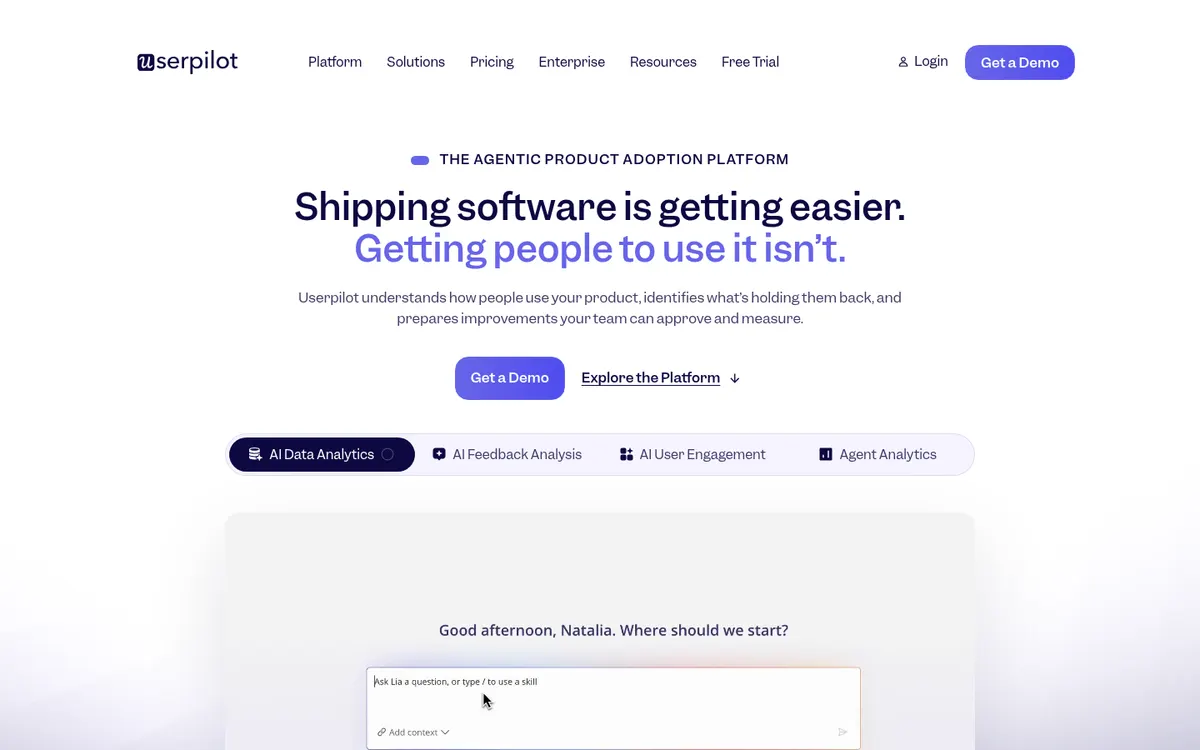
Userpilot is a product onboarding platform. You build flows, tooltips and checklists in a no-code builder, then measure what happened with built-in product analytics, NPS and CSAT surveys and session replays. Email workflows carry follow-up outside the app, and the vendor lists SOC 2, GDPR and HIPAA compliance, which matters if you sell into regulated accounts. The platform is described as AI-assisted.
The Starter tier is $299 per month for up to 2,000 monthly active users and 3 seats, with a 14-day free trial and no free plan. The vendor lists monthly pricing from $299 to $799 across tiers. Pricing keyed to monthly active users means the bill moves with adoption: onboarding more of your own customers is the thing you are trying to do, and it is also the thing that raises the cost.
The case for Userpilot is consolidation. A product team can ship an onboarding checklist, watch session replays of people who abandoned it, and survey the ones who finished, without buying three products. Three seats on Starter covers a product manager, a designer and an analyst, which is roughly the team that owns activation.
The trade-off is surface area. The product set is modular, so scoping which modules you actually need takes a real evaluation rather than a trial click-through, and the monthly active user meter rewards a clean install over a broad one. It fits product teams at SaaS companies with a self-serve or hybrid motion and someone who owns activation metrics. It fits less well if your onboarding is a services project with kickoff calls and shared documents, because there is no client portal.
What works
- Onboarding, analytics, surveys and replays in one platform
- No-code flow builder aimed at product teams
- Built-in SOC 2, GDPR and HIPAA compliance
What to weigh
- $299 monthly entry price is steep for small teams
- Monthly active user pricing rises as your user base grows
- Modular product set takes scoping work to avoid paying for unused parts
Pick it if
You want one tool that ships onboarding and proves whether it worked.
Skip it if
Your onboarding is a client implementation project needing a shared portal.
Plate 02 of 09
Rocketlane
Best for services and implementation teams managing many concurrent onboardings
Our verdict
A precise fit for implementation teams running many concurrent onboardings, with a client portal and CRM sync that cut manual project setup.
Rocketlane is built for the team that runs implementations. Each onboarding gets a branded customer portal with magic-link access, so the customer clicks a link and lands on progress, tasks, milestones and documents without a password. Dynamic project templates use conditional logic, which is how one playbook becomes many variations without rebuilding for every account. Resource management, time tracking, utilization dashboards and project financials push it toward a services organization that bills for implementation work.
The Standard plan is $49 per team member per month, billed annually, with a minimum of 5 team members. A free trial is available and there is no free plan. Per-seat billing is predictable in a way that active-user billing is not, but the seat minimum means a three-person team pays for seats it may not fill.
The integrations carry the product. Salesforce and HubSpot sync creates projects automatically when a deal closes, so an implementation manager starts from a real project instead of a spreadsheet. It fits services, professional services and customer success teams handling many concurrent onboardings at once, especially where the customer needs one link to everything.
The limit is weight. Time tracking, utilization and financials are more than a team needs for a simple checklist, and buyers who only want a shared task list will find the setup heavy for smaller teams. Confirm what the Standard tier includes: Rocketlane quoted custom pricing for a long time before publishing a starting figure, so the $49 rate may not cover resource and financial modules. This is a tool for a process, not a checklist.
What works
- Client portal with magic-link access removes password friction
- Templates scale one playbook across many concurrent onboardings
- CRM sync creates projects from closed deals automatically
What to weigh
- Pricing history was quote-only, so confirm what $49 covers
- Resource, time and financial tools may be excessive for simple checklists
- Minimum 5 team members can feel heavy for smaller teams
Pick it if
Your implementation team opens several new client onboardings every week.
Skip it if
Customers onboard themselves inside your product with no project work.
Plate 03 of 09
GUIDEcx
Best for client onboarding teams needing portal, email and mobile participation
Our verdict
Best when customers must participate without internal logins; portal, email and mobile routes plus risk monitoring justify a quote conversation.
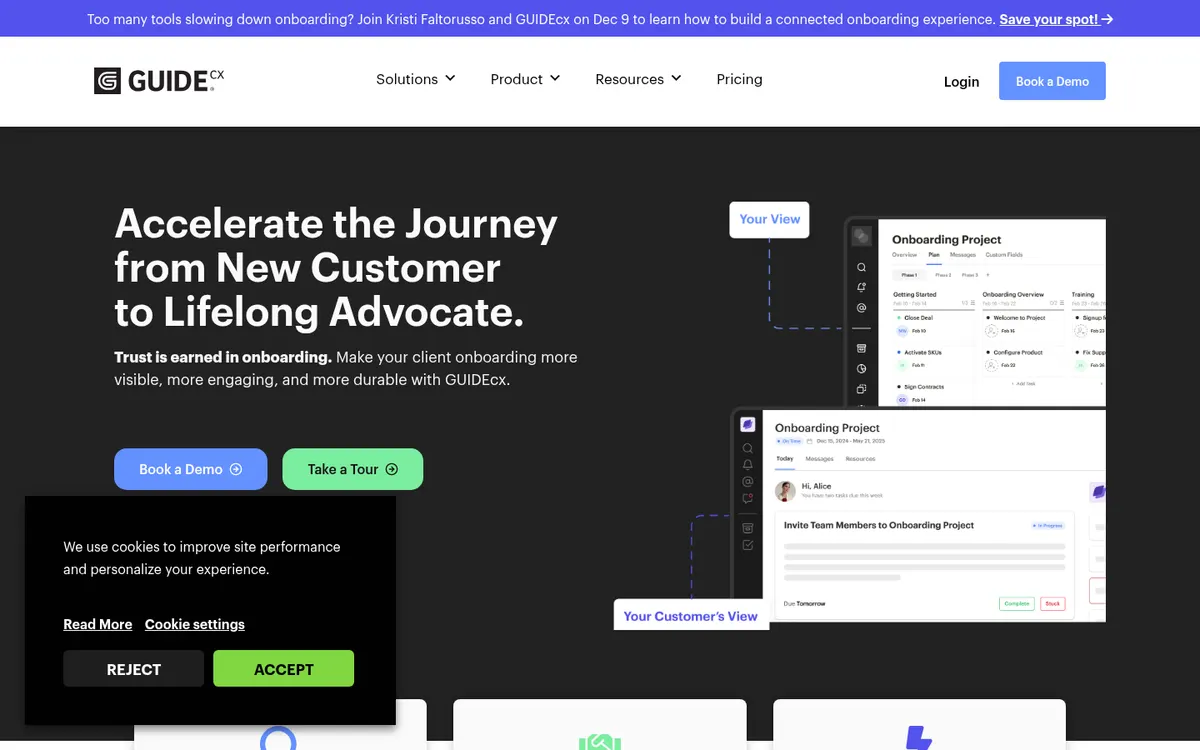
GUIDEcx is a client onboarding platform built around participation. Customers can join through a portal, by email, or through a mobile app, and the vendor says they can do this without logging into your internal systems, which removes a common adoption blocker in implementation projects. Automated tasks, reminders and status updates keep both sides moving, and milestones give the account team something concrete to hold the customer to.
The vendor has added planning features around that core: an AI agent that monitors project risk, a capacity view for staffing decisions, and project forecasts. Vendor-published claims include 49 percent faster onboarding cycles and 55 percent faster time to value. Treat those as vendor claims to validate against your own baseline rather than as a forecast for your team.
Pricing is quote-based, with all three tiers routing to sales and no published figure, and no free plan is listed. The trial status is not stated. That makes budget comparison harder: you cannot size GUIDEcx against Userpilot or Appcues from a pricing sheet, only from a scoped quote after a demo. Ask what drives the quote (projects, seats or customers) and ask for a renewal scenario at double your current volume, because implementation onboarding grows with sales volume.
It fits client onboarding teams in B2B companies where the customer must participate actively and where you cannot hand a customer a login to internal systems. It does not do in-app product tours, so it is the wrong tool if onboarding happens after a self-serve signup. For simple checklists the feature set is broader than the job requires.
What works
- Customers can participate by portal, email or mobile
- Automation keeps customers and internal teams accountable
- AI risk monitoring and forecasts support capacity planning
What to weigh
- No published pricing across any tier
- Focused on implementation onboarding rather than in-app tours
- Broad feature set for simple checklist needs
Pick it if
Your customers resist logging into portals and need email or mobile participation.
Skip it if
You need a published price before you can book a demo.
Plate 04 of 09
Appcues
Best for saaS teams launching in-app onboarding without engineering
Our verdict
A mature, no-code way to ship in-app onboarding, priced as an annual commitment that rewards teams with a real onboarding roadmap.
Appcues is the long-standing no-code builder for in-app onboarding. You build product tours, onboarding checklists, modals and tooltips visually, target them at segments defined by behavior, and measure campaigns with built-in analytics. In-app surveys collect feedback in the same place, and AI-driven recommendations plus an agent-assisted build flow are aimed at teams without dedicated design resources.
The Grow plan is $9,000 per year, billed annually, and scales with monthly active users up to 50,000. No free plan is listed and the trial status is not stated, so the practical first step is a demo and a scoped quote. An annual commitment at that level makes sense for a team with a known onboarding roadmap. It is a lot to sign before you have shipped one tour.
The strength is maturity. The builder is long-standing, and product tours, checklists, modals, tooltips, in-app surveys and behavioral segmentation are all part of the product, so a new enterprise account and a solo trial user can see different guidance on the same screen. Campaign analytics close the loop between shipping a tour and knowing whether it worked.
The limit is scope. Appcues does not manage client implementation projects, so if onboarding means kickoff calls and shared documents, this is the wrong category. AI features also add a learning curve for a team that only wants to publish checklists. It fits SaaS teams with a product manager or growth owner who will run onboarding as an ongoing program, not a one-time launch. Confirm the current entry price on the vendor site, since quotes have historically varied.
What works
- Long-standing, proven no-code builder
- Behavioral targeting paired with in-app surveys
- Campaign analytics and AI-assisted building
What to weigh
- Entry pricing history was quote-based, so confirm $9,000 covers your volume
- No client implementation project management
- AI features add a learning curve for simple needs
Pick it if
You have an owner for onboarding and will keep shipping and measuring flows.
Skip it if
You need a month-to-month start or implementation project tracking.
Plate 05 of 09
Userflow
Best for PLG teams wanting fast no-code onboarding flows with clear pricing
Our verdict
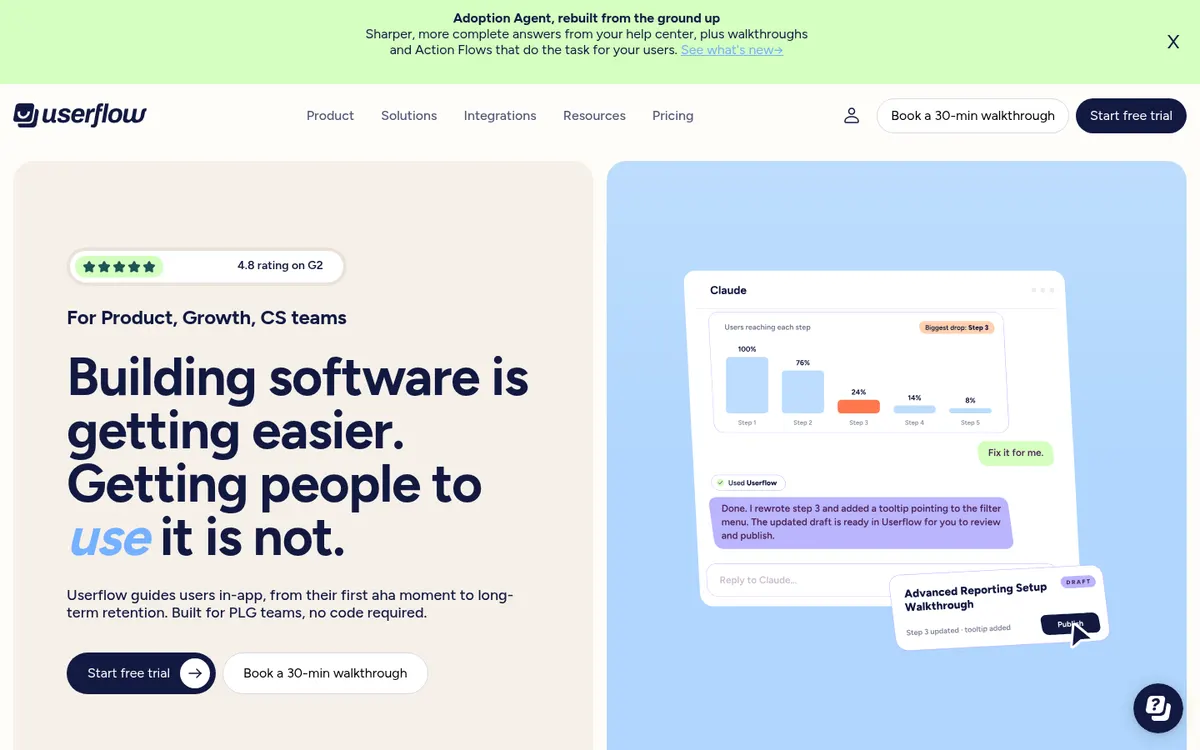
The easiest entry point for a small PLG team: public pricing, a 14-day trial and AI tools that show where flows lose people.
Userflow is a no-code onboarding builder aimed at product-led growth teams that want to ship fast. You create personalized tours, checklists and tooltips, then trigger them by role, plan or behavior, with announcements and banners for one-off messages. FlowAI detects drop-off in a flow, an AI flow builder drafts the next version, and the Adoption Agent in Studio watches adoption and intervenes.
Pricing is listed on the vendor site and renders dynamically, so check the live Essentials and Studio figures on the vendor page before you budget. Essentials includes 1,000 monthly active users. A 14-day free trial is available and there is no free plan. A published structure is easier to plan around than a quote, and the annual discount is the usual lever.
The trade-off is ceiling. Costs rise with monthly active users, so a product that grows past the included 1,000 pays more every month. The Adoption Agent is limited to Studio, so the higher tier is where the newer automation lives. Teams with complex enterprise workflows (approvals, several products, heavy permissions) will find less depth here than in Pendo or Intercom.
It fits a small PLG team with a clear activation metric and one person who owns it. A free trial, public pricing and fast flow building make it reasonable to test in a week rather than a quarter. It does not fit a services team managing client implementations, and it is not the tool for a buyer who needs governance controls across several products. Check the live figures on the vendor site before you budget, because the page renders prices dynamically.
What works
- Public pricing plus a 14-day free trial
- 1,000 monthly active users included at entry
- AI flow builder, drop-off detection and Adoption Agent
What to weigh
- Costs rise with monthly active users
- Adoption Agent is limited to the Studio tier
- Less depth for complex enterprise workflows
Pick it if
You want to test in-app onboarding this week without a sales call.
Skip it if
You expect to run multiple products with enterprise governance needs.
Plate 06 of 09
Chameleon
Best for product teams wanting AI-built personalized in-app guidance
Our verdict
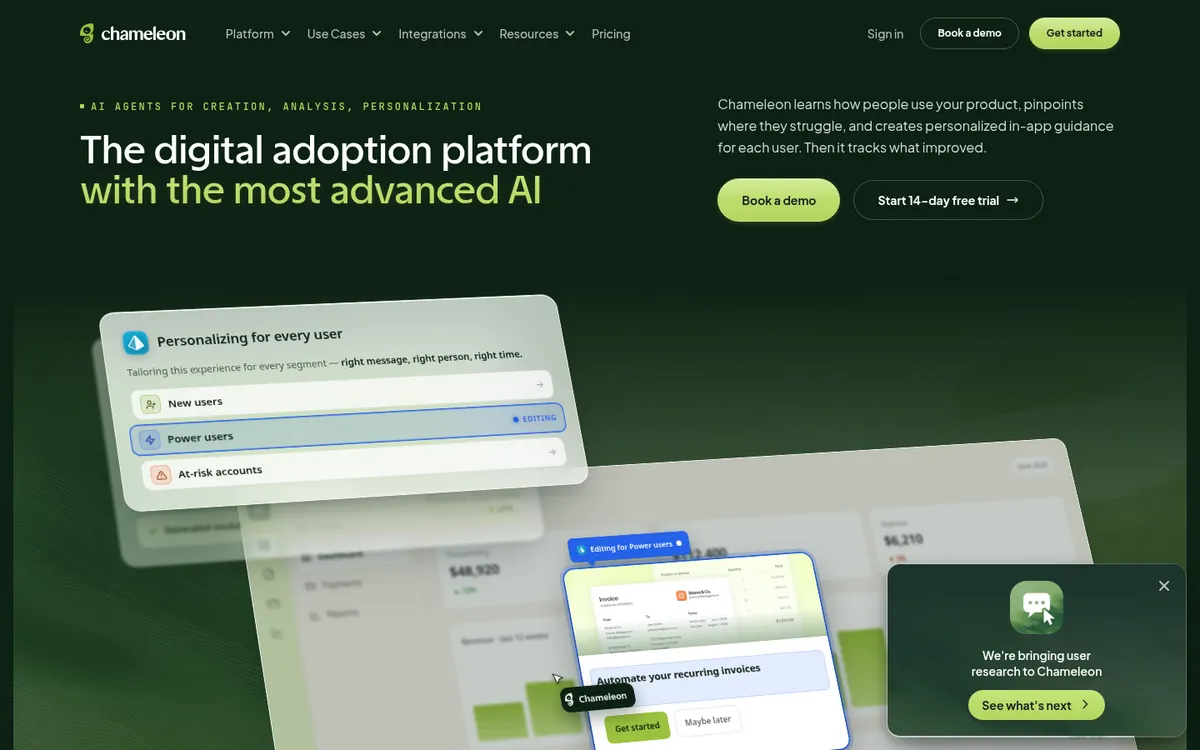
Personalized, AI-built guidance for product teams with a data stack, provided you verify which agent features are live today.
Chameleon has repositioned around AI agents that build and personalize in-app guidance. Compass tracks user sessions and builds a context graph, Copilot ships guidance or files fixes, and Prism personalizes what a given user sees. Session tracking feeds the agents, and an MCP server sends data out to warehouses, analytics tools or AI applications, which matters if you already have a data stack and do not want another silo.
The Startup plan is $279 per month for 2,000 monthly tracked users, with a 14-day free trial and no free plan. Only the Startup tier is published. Tracked-user billing means the cost follows the audience you track, so a product with a large anonymous audience needs a conversation about what counts before you sign.
The appeal is personalization without a data team. Instead of writing five variants of a tour by hand, you describe the audience and let the agent build and adjust it, then check session data to see whether the guidance landed. The MCP server is the more unusual feature: guidance data leaves the tool and lands where analysts already work.
Two cautions. First, the agent positioning has changed, so verify which capabilities are live in your account rather than reading them from a launch page. Second, the tool overlaps with product analytics platforms, and if you already own one, decide which system holds the source of truth. It fits product teams comfortable with AI-assisted workflows who want per-user personalization. It is a harder sell where onboarding means a client implementation project, or where procurement needs published enterprise pricing before a demo.
What works
- AI agents build and personalize guidance per user
- Session tracking builds a per-user context graph
- MCP server moves data to warehouses and AI apps
What to weigh
- Higher tiers are quote-only
- Agent positioning has shifted, so verify live features
- Overlaps with product analytics tools you may already own
Pick it if
You want guidance personalized per user without hand-building every variant.
Skip it if
You need stable, well-documented behavior before you commit a year.
Plate 07 of 09
Pendo
Best for mid-market to enterprise teams combining usage analytics with in-app guides
Our verdict
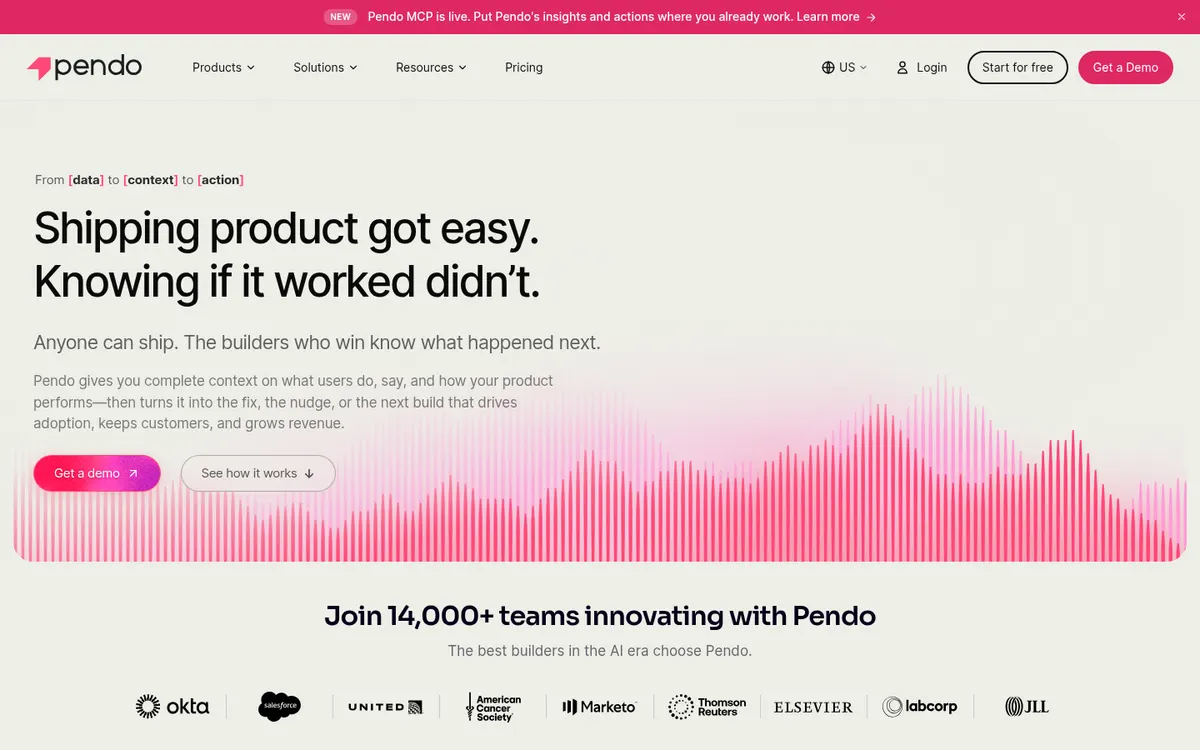
The deepest analytics-plus-guides combination here, and the only free plan, but it is sold through demos and priced by quote.
Pendo pairs product analytics with in-app guides, which is why it appears on onboarding shortlists at the larger end of the market. A snippet collects usage data retroactively, so you can see what users did before you installed anything, then build guides, polls and feedback surveys against that history. AI predictions flag at-risk accounts, and SSO and governance controls make it deployable across multiple products and internal applications.
There is a free plan capped at 500 monthly active users and a 30-day free trial, the longest trial here. Paid tiers require a sales conversation: pricing is quote-based and sold through demos, so a pricing sheet comparison is not possible. The vendor reports processing 40 trillion events, a signal of where the platform is aimed rather than a reason to buy.
The case for Pendo is depth. Retroactive analytics plus guides plus feedback in one system means you can identify a drop-off point, ship guidance at it, and measure the result without stitching exports together. For a company with several products and a governance requirement, that consolidation can be worth the sales cycle.
The cost is complexity. A broad platform is heavy for basic onboarding, and implementation scope grows with portfolio size and with the number of teams who need access. It fits mid-market to enterprise product organizations that already have an analytics practice and want guides in the same place. It fits poorly for a five-person startup that wants a checklist live this week, where Userflow, Userpilot or Appcues get there faster and cheaper. The 500 MAU free plan is a real way to test the analytics before you talk to sales.
What works
- Deep product analytics on retroactive data
- Guides, feedback and AI risk predictions in one place
- Scales across products with SSO and governance controls
What to weigh
- Quote-only paid pricing with a demo-led sales process
- Broad platform is heavy for basic onboarding
- Implementation scope grows with your product portfolio
Pick it if
You already measure product usage and want guides inside the same system.
Skip it if
You need a published price and a live checklist within a week.
Plate 08 of 09
Intercom
Best for teams already running customer support who want onboarding messaging built in
Our verdict
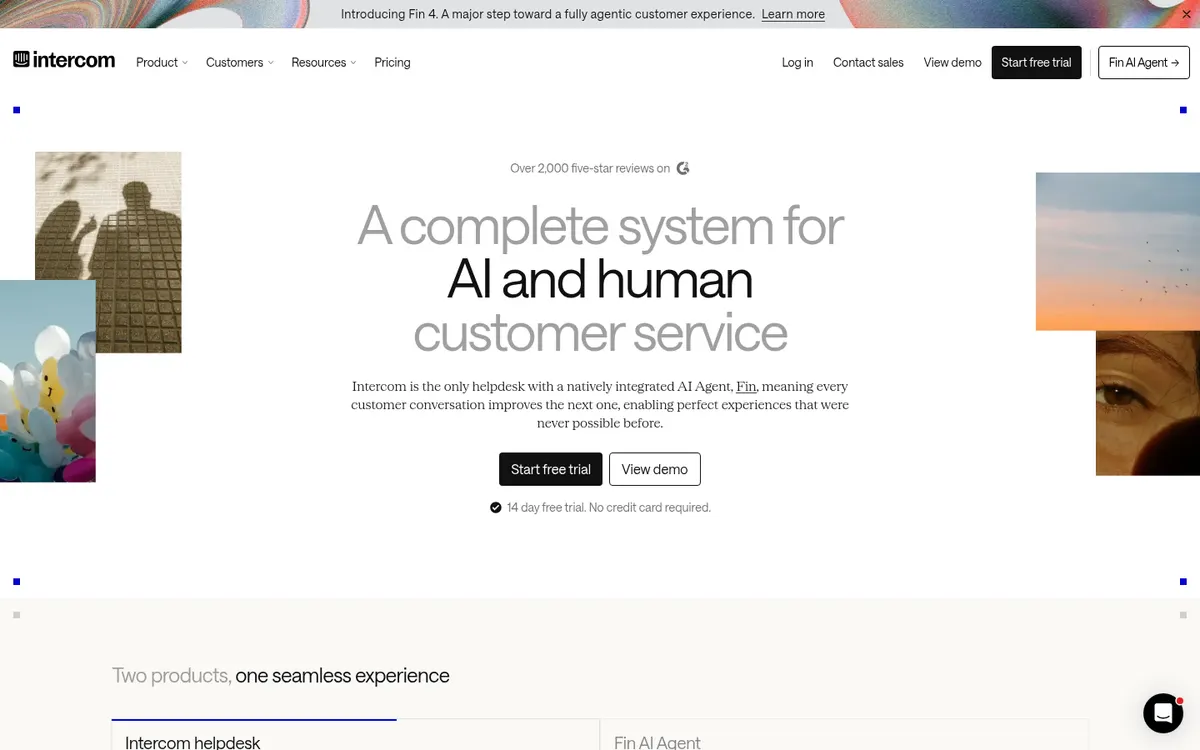
Makes sense when support already lives in Intercom and onboarding can share the same record, at the cost of seat and outcome fees.
Intercom treats onboarding as one module of a customer service suite. You get interactive product tours, onboarding checklists and tooltips, plus sequenced email and in-product campaigns from the same builder. The shared customer record spans helpdesk, knowledge base and the Fin AI agent, so a support conversation and an in-app tour sit against the same person rather than in two systems.
Pricing is per seat per month plus $0.99 per Fin outcome, with spending limits for AI usage. The seat figures did not render cleanly when we checked on November 25, 2026, so confirm the current rate on the vendor site. A 14-day free trial is available and there is no free plan. The per-outcome AI charge is the line item to model: it scales with resolution volume rather than seats, so a busy help center should set the spending limit before launch, not after.
The reason to choose Intercom is that you already run support there. Onboarding messages then reach customers through the same channels and against the same record as their tickets, which ends the argument about which tool owns the conversation. The builder is capable enough for tours and checklists, and campaigns cover the pre-launch email sequence.
The reason to hesitate is sprawl. Seat pricing plus AI resolution fees add up, and you are paying for a suite to get one module. Buyers who want a dedicated onboarding tool with usage-based pricing will find Intercom indirect, and the onboarding module competes for roadmap attention with the helpdesk. It fits teams already running customer support who want onboarding messaging built in, not teams shopping for a standalone tour builder.
What works
- Tours, checklists, tooltips and campaigns in one builder
- Onboarding shares a customer record with support
- Spending limits cap variable AI costs
What to weigh
- Seat pricing plus $0.99 per Fin outcome adds up
- Onboarding is one module in a larger suite
- Sprawling for buyers who want a dedicated onboarding tool
Pick it if
Your support team already works in Intercom and you want one record per customer.
Skip it if
You want onboarding priced by usage rather than by support seat.
Plate 09 of 09
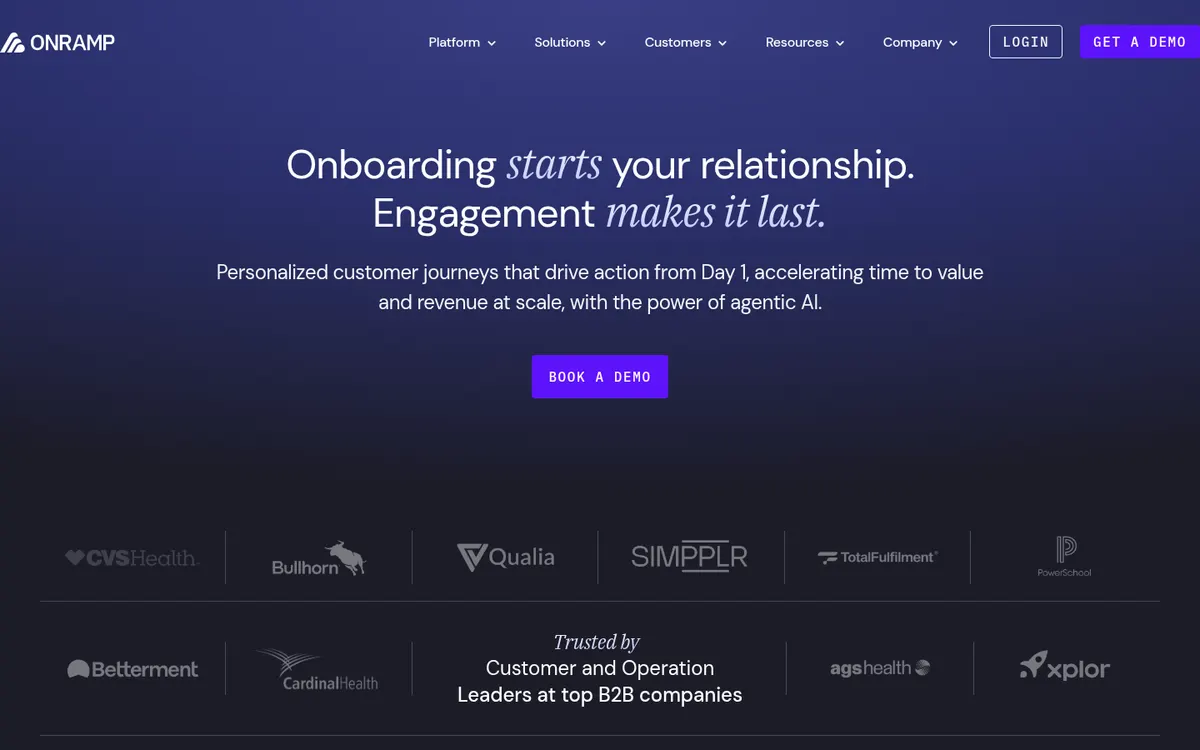
OnRamp
Best for B2B SaaS teams wanting AI-assisted onboarding playbooks and portals
Our verdict
A credible bet for sales-led B2B teams that want CRM-driven onboarding playbooks and portals, with vendor maturity as the main risk.
OnRamp is a younger vendor aimed at B2B SaaS teams that want implementation onboarding to run more like a product. It combines structured onboarding playbooks with customer-facing portals, and journeys are tailored by customer profile, role and history, so an enterprise admin and a solo user do not see the same sequence. AI agents monitor accounts and re-engage customers who have gone quiet.
The integrations are the practical part. Native Salesforce and HubSpot integrations create onboarding projects automatically when a deal closes, and milestone data syncs back to the CRM, so the account record reflects implementation progress instead of stopping at closed won. AI playbook generation turns a spreadsheet or a plain-language description into a draft, which shortens setup for a team that has run onboarding manually for years.
Pricing is quote-based with no published figure, no free plan is listed, and the trial status is not stated. As a smaller and younger vendor, OnRamp is a bet on roadmap as well as current features. That is not disqualifying, but it changes diligence: ask for references in your segment, ask what happens to your data if the company is acquired, and run the AI playbook claims in a live demo with your own onboarding documents rather than a vendor sample.
It fits B2B SaaS teams with a sales-led motion where the CRM is the system of record and onboarding is a named stage in the customer lifecycle. It fits less well if you need in-app tours after signup, or if procurement requires a published enterprise price list before a demo.
What works
- Portals tailor journeys by role and company profile
- AI builds playbooks from a spreadsheet or plain language
- Native CRM integrations auto-create onboarding projects
What to weigh
- No published pricing and no stated trial
- Smaller and younger vendor, so roadmap risk is real
- AI playbook claims need a live demo with your own documents
Pick it if
Your onboarding starts when a deal closes and the CRM is your system of record.
Skip it if
You need a large vendor with a published price list before shortlisting.
What is customer onboarding software, and why does it split into two types?
There are two kinds of customer onboarding software, and most buying mistakes come from picking the wrong kind. Product onboarding tools put guidance inside your application: tours, checklists, tooltips, modals and surveys that appear when a user signs in. They are built for self-serve and product-led motions where nobody on your team talks to the new user. Client onboarding tools manage a project instead: a shared portal where your implementation team and the customer track tasks, milestones, documents and go-live dates. They are built for B2B contracts that start with a kickoff call and a signed scope.
The two categories bill differently, integrate differently and are usually bought by different people. Product teams buy in-app tools and pay by monthly active users. Services and implementation teams buy portal tools and pay by seat. A few vendors here straddle the line: Intercom carries tours and checklists inside a support suite, and Pendo pairs guides with product analytics.
Ask three questions before you shortlist:
- Who does the work: the customer alone inside the product, or your team plus the customer?
- What does week one look like: an activated user, or a signed-off implementation?
- Where does the record live afterwards: product analytics, or the CRM opportunity?
If the answer is a self-serve signup, look at Userpilot, Appcues, Userflow or Chameleon. If the answer is a contracted implementation, look at Rocketlane, GUIDEcx or OnRamp. If you need both, budget for two tools or accept a hybrid suite that is stronger on one side than the other.
This guide sits in the Software collection. Buyers weighing nearby tools often read the guides to commission software and research platforms next.
How pricing works in customer onboarding software, and what each meter costs you
Pricing in this category splits by what is being metered, not by feature count. In-app onboarding tools charge for monthly active users, because the vendor's cost scales with how many people see the guidance. Implementation tools charge per seat, because the work scales with the number of people on your team running projects. Enterprise suites quote a contract, because the deployment involves procurement, security review and multi-product scope.
| Model | How it bills | Typical fit | Example from this list |
|---|---|---|---|
| Active user | Monthly, by monthly active or tracked users, tiers grow with usage | In-app onboarding for self-serve products | Userpilot Starter at $299 per month for up to 2,000 MAU and 3 seats |
| Per seat | Per team member per month, billed annually | Implementation and services teams | Rocketlane Standard at $49 per team member per month, minimum 5 team members |
| Annual platform fee | Per year, billed annually, scaled by user volume | Product teams committing to a program | Appcues Grow at $9,000 per year, scaling to 50,000 MAU |
| Quote | Custom quote after a demo | Enterprise suites and multi-product deployments | GUIDEcx, Pendo and OnRamp |
| Seat plus AI outcome | Per seat per month plus a fee per AI resolution | Support-led teams | Intercom at $0.99 per Fin outcome, seat rate on the vendor site |
Three things drive the number more than the plan name. First, the meter: a $299 plan at 2,000 monthly active users is cheap for a product with 1,900 users and irrelevant for one with 40,000, since the tier no longer applies. Ask what the next band costs before you sign, not after. Second, the term: annual billing appears as a discount in several entries here, and it converts a monthly decision into a twelve-month commitment. Third, the add-ons: Appcues and Pendo package guides with analytics and feedback, and Intercom charges $0.99 per Fin outcome on top of seats, a volume risk if your support queue grows.
Free plans are rare. Only Pendo publishes one, capped at 500 monthly active users. Trials are more common: Userpilot, Userflow, Chameleon, Intercom and Pendo list trials of 14 or 30 days, while GUIDEcx and OnRamp do not state one. Budget for the meter you will hit in month twelve, not month one.
Every price in this guide was read on the vendor's own pricing page on November 25, 2026. Where a vendor does not publish a figure we could confirm, the card says "See website" rather than a guess. For the arithmetic around this purchase, try the free Email campaign metrics calculator.
Which customer onboarding tool should you shortlist? A six-step path
- Name the onboarding job. Decide whether the new customer works alone inside your product or with your team on a project. In-app guidance and client portals solve different problems, and buying one when you needed the other is the most expensive mistake in this category.
- Set a budget ceiling before any demo. Decide your monthly or annual cap, then check which entries fit. With four tools publishing readable starting figures and five routing to sales, knowing your ceiling stops you spending a month on quote-only vendors you cannot afford.
- Shortlist by meter, not by feature list. If your user base grows fast, active-user billing will outrun seat billing within a year. If your implementation team grows, the reverse is true. Model twelve months at your expected size using the plan notes here.
- Run the trial against one real flow. Userpilot, Userflow, Chameleon, Intercom and Pendo offer trials. Build the single flow that matters most (activation checklist or first milestone) and time how long it takes someone without vendor help.
- Test the integration you will actually use. For portals, this is the Salesforce or HubSpot sync that creates projects from closed deals. For in-app tools, it is the event stream that tells you who qualified for guidance.
- Ask for the renewal scenario. Request pricing at double your current volume and at the next user tier. Vendors that cannot answer clearly are telling you something, and vendors that can give you a number you can defend internally.
Five customer onboarding software mistakes to avoid before you sign
- Buying in-app tours for an implementation project. If your customer expects a kickoff call and a shared document folder, a tooltip builder will not help. You need a portal with tasks and milestones, so look at Rocketlane, GUIDEcx or OnRamp instead.
- Choosing quote-only tools on features alone. With several vendors publishing no price, it is easy to fall for a demo and discover a contract far above your budget. Ask what drives the quote and get a band in writing before you invest a month of evaluation.
- Ignoring the user tier. A plan built for 2,000 monthly active users is a floor, not a budget. Model the cost at your expected size in twelve months, and ask what happens to pricing when you cross the band.
- Assuming a free plan will carry you. Only one tool here publishes a free plan, capped at 500 monthly active users. Everything else is a trial, and a trial that ends mid-rollout leaves you negotiating from a weak position.
- Skipping the CRM and analytics test. The value of onboarding software is the record it leaves behind. If milestone data does not reach your CRM or activation data does not reach your warehouse, you have added a silo rather than removed one.
Best Customer Onboarding Software 2026: questions
What are the two main categories of customer onboarding software?
Product onboarding tools and client onboarding tools. Product tools such as Userpilot, Appcues, Userflow and Chameleon put tours, checklists and tooltips inside your app for self-serve users. Client tools such as Rocketlane, GUIDEcx and OnRamp run a shared project with a portal, tasks and milestones for contracted implementations. Pendo and Intercom blur the line by combining guides with analytics or support.
Which tools list public starting prices?
Four of the nine publish a starting figure you can read: Userpilot at $299 per month, Rocketlane at $49 per team member per month, Appcues at $9,000 per year and Chameleon at $279 per month. Userflow and Intercom display pricing on the vendor site, and GUIDEcx, Pendo and OnRamp require a quote for paid plans, with Pendo also offering a free plan.
How much do in-app onboarding tools cost?
Expect roughly $279 to $300 per month at entry for smaller user bases, or an annual commitment near $9,000 for a program. Chameleon starts at $279 per month for 2,000 tracked users and Userpilot at $299 for up to 2,000 monthly active users, while Appcues lists $9,000 per year. All three charge by active users, so entry figures are floors.
When should a team choose a client portal instead of in-app guidance?
Choose a portal when the customer has to do work alongside your team: kickoff, document collection, approvals, go-live dates. Rocketlane, GUIDEcx and OnRamp are built for that. Choose in-app guidance when the customer signs up and never talks to you, and activation happens inside the product. If both are true, you usually need both tools.
Which vendors require a sales quote?
GUIDEcx, Pendo and OnRamp require a quote for paid plans, while Appcues and Chameleon each publish a single entry tier. Pendo publishes a free plan at 500 monthly active users but no paid rate. Expect a demo first, and ask what drives the quote (seats, projects or users) so you can compare vendors on the same basis.
Which onboarding metrics should teams track?
Pick two or three. Time to first value, completion rate for the core onboarding checklist and drop-off at each step are the most actionable for in-app tools, and FlowAI in Userflow plus session tracking in Chameleon and Userpilot surface them. For implementation projects, track cycle time to go-live and milestone slippage, which Rocketlane and GUIDEcx report on.