
Contents of this guide
The shortlist
Our top 3 for software buyers

TalentLMS
Fast drag-and-drop launch
- Best for
- Small and mid-size teams that need quick launch
- Features
- 5 noted: Drag-and-drop builder, SCORM and xAPI, AI quizzes, Branches, Free for 5 users

Docebo
AI personalization at scale
- Best for
- Large enterprises needing AI personalization at scale
- Features
- 4 noted: AI recommendations, Multi-portal, 400+ integrations, Social learning

Absorb LMS
Compliance plus partner training
- Best for
- Compliance and partner training for mid-market teams
- Features
- 4 noted: Compliance tracking, Extended enterprise, SCORM and xAPI, Partner training
Disclosure for this guide. All 8 tools here are unpaid editorial picks. The position of a paid listing can be part of what the vendor pays for. Paid and unpaid tools are scored on the same rubric and keep their cons. Details are in the advertising disclosure.
The ledger
Index of every tool
| Tool | Free plan | Trial | Rubric | Compare | ||
|---|---|---|---|---|---|---|
| 01 | TalentLMSSmall and mid-size teams that need quick launch | $119Core, 1 to 40 users, per month, billed yearlyChecked Nov 25, 2026 | Yes, up to 5 users | No | ||
| 02 | DoceboLarge enterprises needing AI personalization at scale | See websiteDemo-led enterprise sales, custom pricingNot published | No | Demo only | ||
| 03 | Absorb LMSCompliance and partner training for mid-market teams | See websiteCustom quote, demo-led salesNot published | No | Demo only | ||
| 04 |  LearnUponMulti-portal training for employees, customers and partners | See website100 users, pricing via demoNot published | No | Demo only | ||
| 05 |  Cornerstone OnDemandLarge enterprises needing learning and talent management | See websiteCustom enterprise quote, demo-led salesNot published | No | Demo only | ||
| 06 |  360LearningCollaborative expert-led learning for internal teams | $8Team, up to 100 users, per user per monthChecked Nov 25, 2026 | No | Free trial | ||
| 07 |  iSpring LearnFast course creation from PowerPoint for mid-size firms | $3.58Business, per user per month, pay for active users only, 250 active users selectedChecked Nov 25, 2026 | No | Free trial | ||
| 08 |  Moodle WorkplaceBudget-conscious teams wanting open-source control | See websiteHosted Workplace sold through Moodle PartnersNot published | Yes, self-hosted download | No |
Prices are the lowest paid plan the vendor shows, read on November 25, 2026. Sort by price ranks published monthly figures; tools without one go last. Pin up to three tools to compare them side by side.
How this guide was put together
We scored eight platforms on five weighted criteria, chosen to match how training teams actually buy. Launch speed (25%) asks how much work sits between a signed contract and a live course. Course authoring (20%) covers the builder itself and how cleanly existing content comes across. Audience reach (20%) asks whether one system can serve employees, customers and partners without a second contract. Standards and integrations (20%) covers SCORM, xAPI and the plugin or app ecosystem around the product. Price clarity (15%) rewards vendors who publish a number a buyer can budget against, and it pushes down the ones who do not.
Prices were checked against vendor pricing pages on November 25, 2026 and appear here in the form the vendor publishes them. Where a vendor publishes nothing, the entry says pricing is on the vendor site and no figure is estimated. Where published figures conflict, ask the vendor for a current quote before you budget.
One position in this format can be a Featured placement, which is paid. A Featured vendor is scored on the same rubric, quoted at the same published price, and given the same honest cons as every other entry. Placement does not move a score.
We did not run a hands-on trial of all eight. Scores reflect documented feature sets, stated limits such as seat minimums and portal restrictions, and the clarity of each vendor's published pricing on the check date.
The full process, including how we handle corrections, is on the methodology page. Paid listings follow the advertising disclosure.
Rubric and weights
Every tool below is scored from 1 to 10 on these five criteria. The scores describe each tool; the order is an editorial call on fit for the buyer each card describes, plus the disclosed Featured position.
- 25%Launch speedHow much work sits between a signed contract and a learner completing a first course.
- 20%Course authoringThe quality of the built-in builder and how cleanly existing content comes across.
- 20%Audience reachWhether one system can serve employees, customers and partners without a second contract.
- 20%Standards and integrationsSCORM and xAPI support plus the surrounding app and plugin ecosystem.
- 15%Price clarityWhether the vendor publishes a number a buyer can budget against before a demo.
Plate 01 of 08
TalentLMS
Best for small and mid-size teams that need quick launch
Our verdict
The fastest route to a live training program for a small team, provided you get the entry price confirmed in writing.
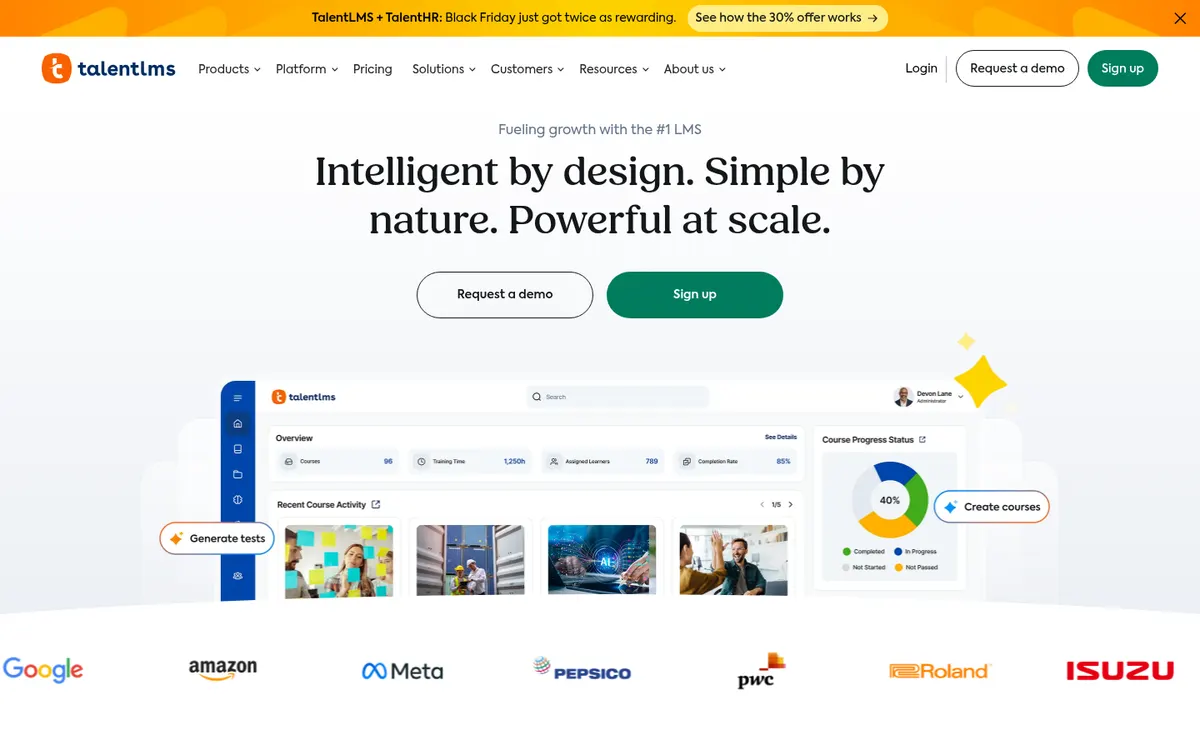
TalentLMS is the shortest path from a blank account to a live training program among the eight tools here. The course builder is drag and drop, quizzes can be generated with AI, and Branches lets you split audiences so new hires, managers and contractors each see a different catalog. Courses packaged as SCORM or xAPI files from another authoring tool import without a rebuild, and reporting plus user management sit in the same admin screen as the course list. Free access covers up to 5 users, which is enough to pilot something real before you spend anything.
The limits appear as you scale. Branches, the feature that keeps separate audiences apart, are gated by plan tier rather than switched on for every account, so a team that grows from one audience to three may need to move up the ladder. Advanced features thin out next to enterprise platforms, and the reporting is built for administrators running a program rather than for analysts building a model. Administrators who have never built a course will find the interface plain rather than polished, which is fine for a first program and less fine if you are selling the training function internally on production value.
Pricing needs care. The lowest published plan is now Core at $119 per month billed yearly for 1 to 40 users. Entry pricing can change the math for a small team, so ask for a written quote with the seat band and billing term spelled out before you budget.
Fit is narrow but clear: small and mid-size teams that need a program running this quarter and can live without enterprise depth. If you already own SCORM content and a short deadline, the builder and standards support do most of the work.
What works
- Drag-and-drop authoring gets a first course live quickly
- Free tier covers up to 5 users, so a pilot costs nothing
- SCORM and xAPI imports avoid rebuilding existing content
What to weigh
- Branches, the multi-audience feature, are gated by plan tier
- Published entry prices conflict, so a written quote is essential
- Fewer advanced features than enterprise platforms
Pick it if
You are a small or mid-size team with existing SCORM content and a launch deadline inside a quarter.
Skip it if
You need deep analytics or expect to run many separate branded audiences from day one.
Plate 02 of 08
Docebo
Best for large enterprises needing AI personalization at scale
Our verdict
The strongest personalization engine here, priced and sized for enterprises that already have a few hundred learners.
Docebo is the personalization play. AI course recommendations push different content to different learners, multi-portal delivery keeps separate destinations for separate brands or regions, and social learning tools put peer discussion around formal courses. More than 400 integrations connect it to the HR, CRM and content systems a large company already runs, and one deployment can train employees, customers and partners instead of three separate purchases.
The audience threshold is high. Docebo typically requires 250 or more learners, which rules out a single department running one compliance course. There is no free tier and no published price, and the sales process is demo-led, so a buyer cannot build a budget from the website at all. Cost lands firmly in enterprise territory, and the buying cycle reflects that: demo, scoping, procurement, then a contract.
Because Docebo does not publish a price, the deal is negotiated on modules, portals and support rather than on anything resembling a list price. Two companies of identical size can sign very different numbers.
Fit: large enterprises with several audiences, an existing integration stack and procurement capacity for a multi-week sales cycle. The AI recommendations only pay off once you have enough learners and enough completion data to feed them, so a smaller deployment gets less from that feature than a very large one. Teams under a few hundred learners are paying for personalization they will not have the data to use.
What works
- AI recommendations and personalization work at large scale
- One platform covers employees, customers and partners
- More than 400 integrations to existing systems
What to weigh
- No free tier and no published price, so budgeting needs a demo
- Typically requires 250 or more learners
- High enterprise cost with a demo-led sales cycle
Pick it if
You are an enterprise with several audiences and enough learners to make AI recommendations useful.
Skip it if
You have fewer than 250 learners or need a price before you can open a conversation.
Plate 03 of 08
Absorb LMS
Best for compliance and partner training for mid-market teams
Our verdict
A polished mid-market option where compliance tracking and partner training matter more than raw authoring depth.
Absorb LMS sits in the middle of this list and does the middle well. Compliance tracking is the anchor feature: assign a course, set a due date, and the reporting shows who is current and who is not. Extended enterprise training covers the partner and reseller side, so external audiences can be trained without a separate system. SCORM and xAPI support means existing course packages come across, and the out-of-box experience is cleaner than most, which shortens the gap between purchase and first launch.
The trade-offs are mostly commercial. There is no free tier, and most plans require a custom quote. Seat count, modules and term all move the number, so ask for a written quote rather than budgeting from an article.
The interface and reporting are the reasons teams pick it over cheaper options. Administrators who have to answer an auditor's question about completion rates get a usable answer without exporting into a spreadsheet and rebuilding the analysis.
Fit: mid-market companies with a compliance obligation and a partner or reseller network to train. If your training is purely internal and informal, the extended enterprise features are weight you carry without using, and a simpler product will cost less.
What works
- Compliance tracking and reporting are the core strength
- Extended enterprise covers partner and reseller training
- Clean out-of-box setup shortens time to launch
What to weigh
- No free tier and custom quotes on nearly every listing
- Pricing varies widely between quotes
- Extended enterprise features are wasted if you train staff only
Pick it if
Compliance deadlines and partner training are both on your list and you can run a quote process.
Skip it if
You want a published price today or your training is entirely internal and informal.
Plate 04 of 08
LearnUpon
Best for multi-portal training for employees, customers and partners
Our verdict
Built for companies that sell through partners and need separate branded portals without buying three products.
LearnUpon is the multi-audience specialist. Branded multi-portal hubs let you run a different destination for employees, customers and partners, each with its own look, catalog and login path. Rule-based enrollment automates the assignment work that otherwise lands on an administrator, and audience segmentation keeps the groups from bleeding into each other. That combination is the reason training-led companies with a channel network shortlist it.
The mid-market focus is real, which cuts both ways. Setup is lighter than the enterprise suites, but the seat counts vary by listing in a way that makes comparison hard. LearnUpon plan notes list 100 users, and pricing is through a demo. Most plans require a custom quote. There is no free tier.
Mobile app support is not listed in the vendor data. That is not fatal, since a browser on a phone works, but if your learners are deskless and expect an app icon, test the mobile experience on a demo before signing rather than after.
Fit: companies that train employees, customers and partners and want each group in its own branded space with automated enrollment. A single-audience team gets the portal machinery without needing it, and a published price it cannot see up front.
Budget the quote conversation early. With minimum seat counts moving between listings, the first thing to pin down is how many learners the quote assumes and what happens to the rate when you add partners next year.
What works
- Separate branded portals for employees, customers and partners
- Rule-based enrollment removes manual assignment work
- Lighter setup than the enterprise suites
What to weigh
- No free tier and most listings require a custom quote
- Mobile app support is not listed
- Minimum seat counts vary
Pick it if
You train employees, customers and partners and want each group in a branded, automated portal.
Skip it if
You have one internal audience or need a native mobile app for deskless staff.
Plate 05 of 08
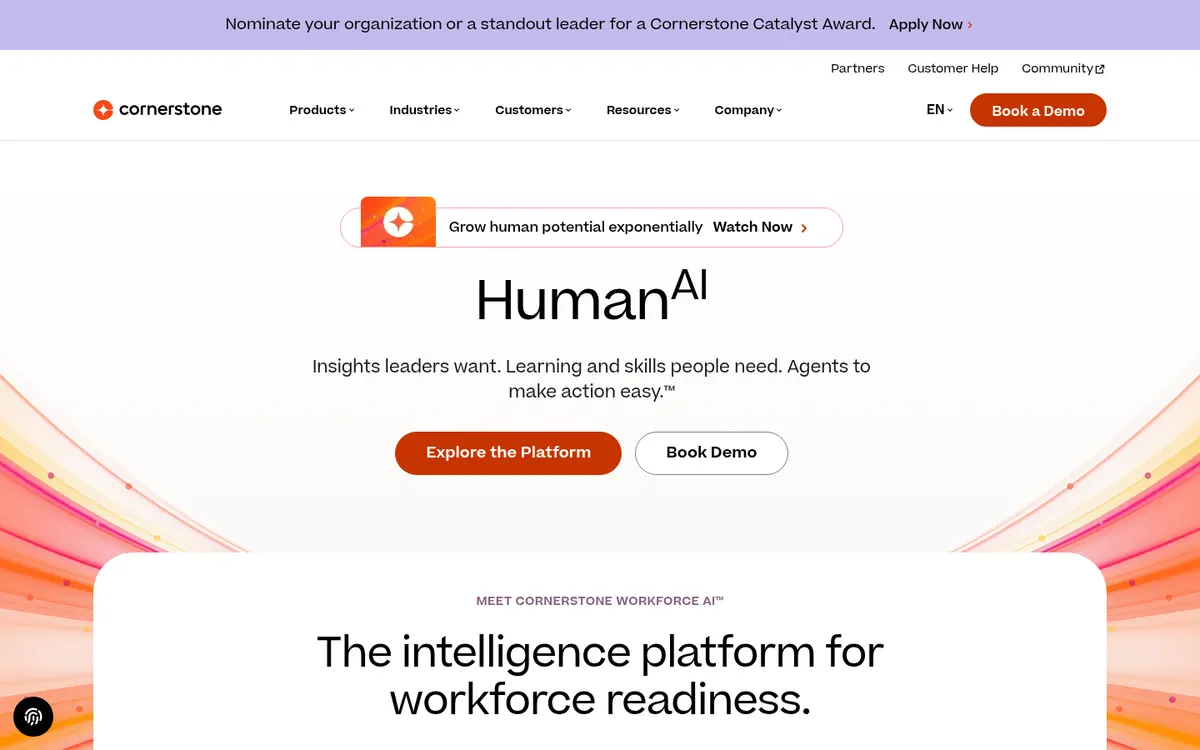
Cornerstone OnDemand
Best for large enterprises needing learning and talent management
Our verdict
The broadest suite here, best value when learning has to connect to skills and talent data you already hold.
Cornerstone OnDemand is a suite purchase rather than an LMS purchase. Learning management sits alongside skills management and talent management, with compliance tracking, reporting and an integrated HR suite around them. For an enterprise that already runs formal performance and succession processes, that means a learner's record connects to role expectations instead of sitting in a separate silo that HR reconciles by hand each quarter.
The cost of that breadth is complexity. It is complex and costly, there is no free tier, pricing varies widely, and the focus is enterprise only. The contract depends on modules, not seats, so ask for a written quote.
Implementation is the other consideration. A suite with skills and talent modules is a project, not a signup, and the people who configure it are usually not the people who deliver training.
Fit: large enterprises with existing HR systems and a mandate that connects learning to skills or talent planning. Mid-market teams that just need courses delivered will find the suite heavier and more expensive than the job requires, and they will pay for modules they switch off.
What works
- Learning, skills and talent management in one suite
- Strong compliance tracking and reporting
- Connects to HR processes an enterprise already runs
What to weigh
- Complex and costly
- No free tier and enterprise-only focus
- Pricing varies widely between quotes
Pick it if
You are an enterprise that needs learning tied into skills and talent processes you already run.
Skip it if
You only need courses delivered or you have no HR system to integrate with.
Plate 06 of 08
360Learning
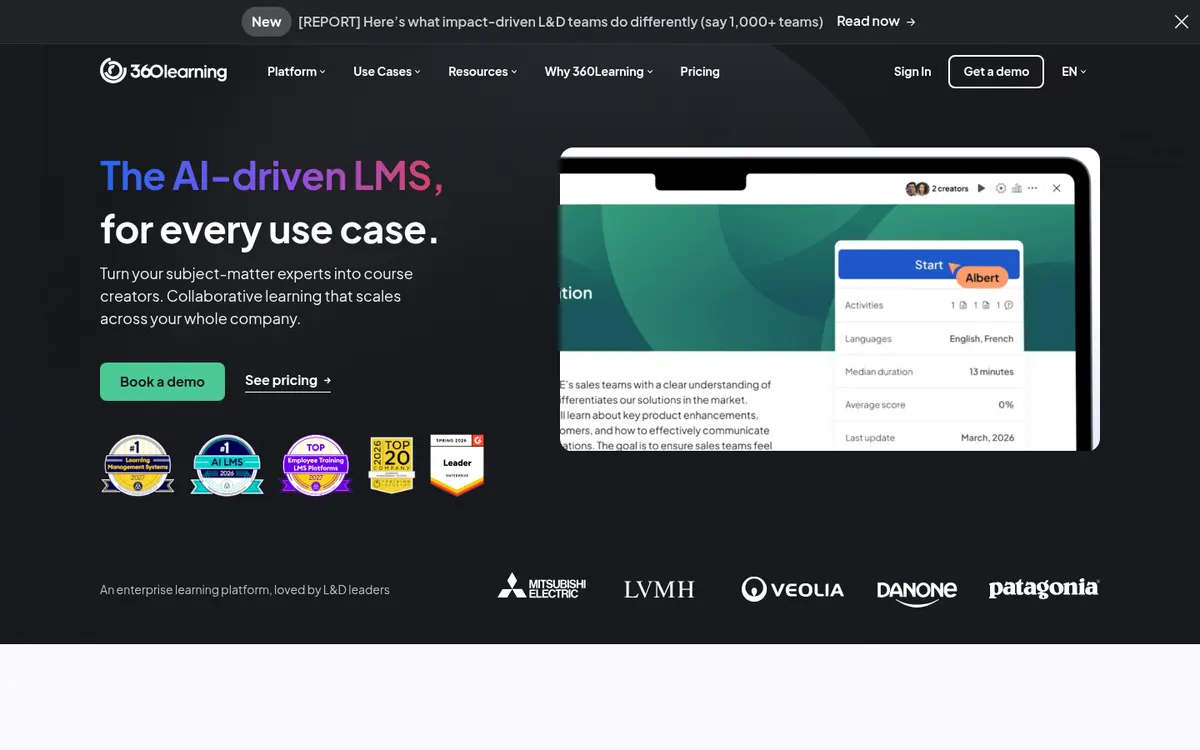
Best for collaborative expert-led learning for internal teams
Our verdict
The best pick when your internal experts are the content source and the training team is small.
360Learning inverts the usual model. Instead of a small L&D team authoring everything, subject-matter experts co-create courses with collaborative authoring tools, and social feeds carry the discussion around them. AI quizzes help turn an expert's draft into something assessable. For companies where product knowledge lives with the product team and compliance knowledge lives with legal, that workflow captures material which would otherwise never become a course.
Collaborative authoring also changes the review cycle. When the expert is the author, review is about accuracy rather than translation, and updates happen closer to when the source material changes.
The caveats matter. It is not positioned for compliance training, so if audit-ready tracking is the primary need, look elsewhere. There is no free tier, though a free trial is available, which is worth using to test whether your experts will actually write. The Team plan at $8 per user per month for up to 100 users is the published entry point here.
Fit: internal teams where knowledge is distributed across experts and the training function is small. If your experts will not write, the model collapses and you are paying for a social layer nobody uses.
Test it with two real experts during the trial rather than a scripted demo. The product's value depends on whether a busy product manager will draft a course in it.
What works
- Captures knowledge that a central team would never author
- Collaborative authoring and social feeds drive participation
- Free trial lets you test whether experts will write
What to weigh
- Not positioned for compliance training
- No free tier, and average contracts run high
- Pricing models vary
Pick it if
Your internal experts hold the knowledge and you want them authoring rather than briefing a central team.
Skip it if
Compliance tracking is the primary requirement or your experts will not write content.
Plate 07 of 08
iSpring Learn
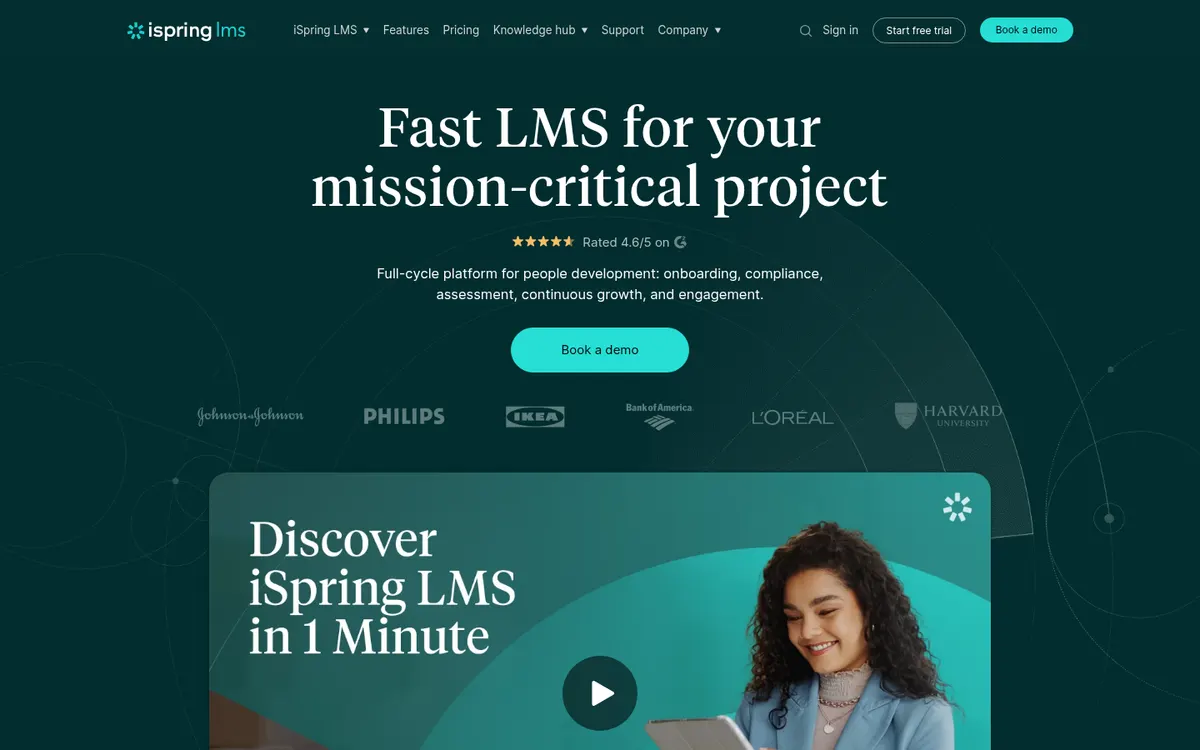
Best for fast course creation from PowerPoint for mid-size firms
Our verdict
The cheapest per active learner on this list, and the fastest route for teams sitting on a library of PowerPoint decks.
iSpring Learn is the value entry. The headline feature is PowerPoint to e-learning conversion, which turns decks your team already has into trackable courses without a rebuild in a separate authoring tool. Rapid course authoring, learner tracking and reporting cover the basics, and annual billing options keep the invoice predictable. For a mid-size firm with a decade of slide decks and no instructional designers, that conversion path is the whole argument.
Billing is the second argument. The model charges for active learners only, so a seasonal workforce or a large roster with low logins does not inflate the bill. The Business plan comes in at $3.58 per user per month with 250 active users selected. The rate moves with the active-user count you choose, so confirm the rate for your selected count on the vendor site.
The limits are on the LMS side. One comparison finds advanced LMS features limited, and PowerPoint-centric authoring may not fit every team, particularly one building scenario-based or mobile-first content. There is no free tier, though a free trial is available.
Fit: mid-size firms with existing PowerPoint material that need courses trackable quickly and cheaply. Teams building sophisticated simulations will find the authoring model constraining, and enterprises with complex audience structures will run out of room.
What works
- Lowest cost per active learner among the eight tools
- Converts existing PowerPoint decks into trackable courses
- Charges only for learners who are actually active
What to weigh
- Advanced LMS features are limited in one comparison
- PowerPoint-centric authoring narrows the content styles you can build
- No free tier, only a free trial
Pick it if
You have a large PowerPoint library and want courses tracked at a low cost per active learner.
Skip it if
You need complex simulations or advanced LMS administration.
Plate 08 of 08
Moodle Workplace
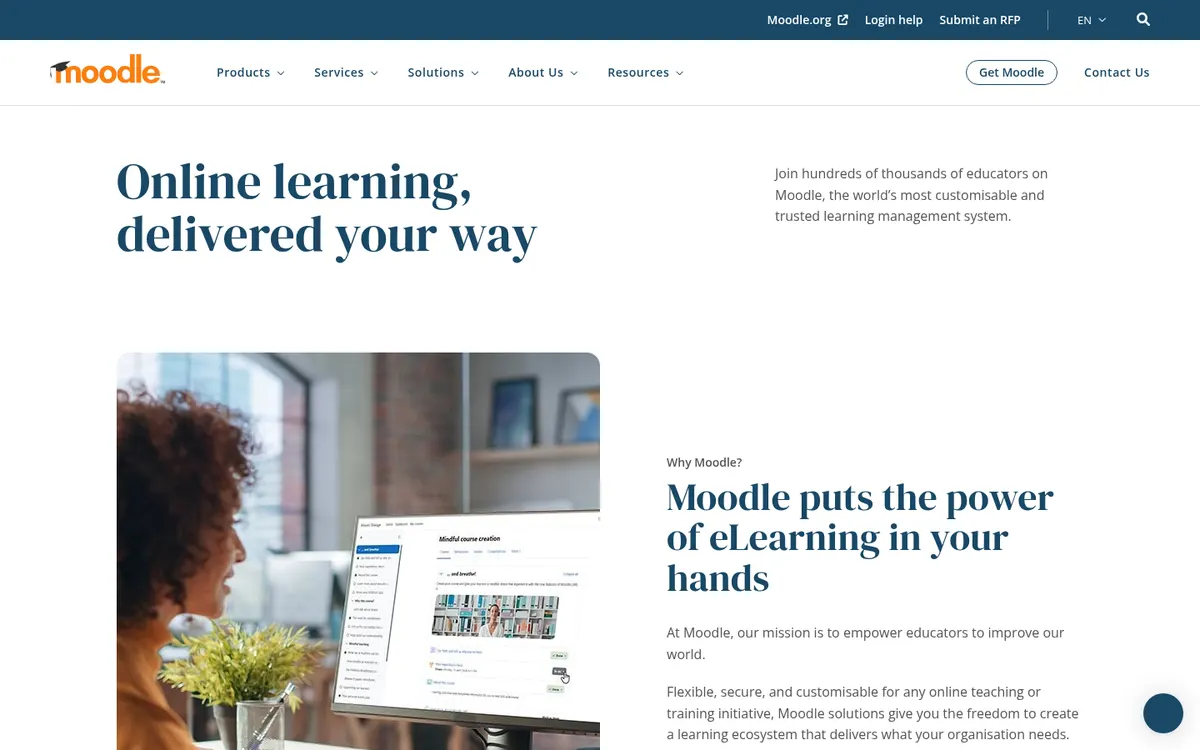
Best for budget-conscious teams wanting open-source control
Our verdict
The ownership option: no licensing fees and full code access, provided you have people who can run it.
Moodle Workplace is the open-source answer on this list. The download carries no licensing fees and full code access, so the platform is yours to modify, extend and host where you choose. More than 1,800 plugins cover everything from gradebooks to integrations, and customization is limited mainly by the skills on your team. For an organization with a technical function and a long horizon, that ownership is worth real money.
The cost moves rather than disappears. Hosting and support are extra, most enterprises need an implementation partner, and hosted Workplace deployments are sold through Moodle Partners, where partner pricing applies. Hosted deployments are quoted through Moodle Partners, so ask for a quote that includes hosting and support.
The real requirement is technical expertise. Upgrades, plugin compatibility and security patching do not happen on their own, and a partner contract is the usual answer. Teams without that capacity often spend more in staff time than they save in license fees.
Fit: budget-conscious organizations with in-house technical capability, or those with a partner already in place, that want full control of the platform and its data. Teams that want a vendor to answer the phone at 9am on a Monday should look at the hosted commercial options instead. Note that the self-hosted download is free to use, while hosted Workplace is quoted through partners.
What works
- No licensing fees on the self-hosted download
- Full code access and platform ownership
- More than 1,800 plugins to extend functionality
What to weigh
- Requires technical expertise to run and maintain
- Hosting, support and partners cost extra
- Most enterprises need an implementation partner
Pick it if
You have in-house technical staff or a partner and want full ownership of the platform.
Skip it if
Nobody on your team can patch, upgrade and support a self-hosted system.
What separates employee training software from a plain LMS?
Employee training software is the umbrella category covering both the system that stores and delivers courses and the tools that build them. The core product is a learning management system: it holds the catalog, enrolls learners, tracks completion and reports on it. Around that core sit authoring tools, assessment engines, portals for different audiences and integrations with HR systems that feed in new hires and job roles.
The lines blur in both directions. Some vendors here, iSpring Learn among them, focus on authoring and bundle delivery with it. Others, Cornerstone OnDemand for example, wrap learning inside a wider talent and skills suite where the LMS is one module. A buyer who only needs to publish 20 compliance courses is often overbuying with the second kind.
Four things separate one product from another:
- Standards support: SCORM and xAPI decide whether existing course files import or need rebuilding from scratch.
- Audience model: a single internal catalog compared with branded portals for employees, customers and partners.
- Authoring depth: drag-and-drop builders and AI quiz generation compared with PowerPoint conversion or expert co-creation.
- Deployment: a hosted subscription compared with open-source code you host and support yourself, as with Moodle Workplace.
Most teams underestimate the second item. A company that trains only staff needs enrollment rules and reporting. A company that also certifies partners needs separate branding, separate catalogs and often separate login flows, and that is a different purchase with a different price.
Deployment matters for budget as much as features. Moodle Workplace can be downloaded free with full code access, but hosting, support and an implementation partner are additional line items. A hosted subscription bundles those costs into one invoice and removes the technical work.
The practical test is not the feature list. It is the path from your current content, in whatever format it exists today, to a learner completing a course on a phone. Ask each vendor to demonstrate that path end to end.
This guide sits in the Software collection. Buyers weighing nearby tools often read the guides to commission software and research platforms next.
How do vendors price employee training software?
Pricing in this category takes five shapes, and only some of them let you budget from a website. Seat-band subscriptions are the most transparent: TalentLMS publishes Core at $119 per month billed yearly for 1 to 40 users. Active-user billing is rarer and cheaper on paper: iSpring Learn charges $3.58 per user per month on Business with 250 active users, so you pay for learners who log in rather than everyone on the roster.
Quoted contracts are where most of this market lives. Absorb LMS and Cornerstone OnDemand do not publish a price; both use a custom quote, so ask the vendor for a written quote.
| Model | How it bills | Typical fit | Example from this list |
|---|---|---|---|
| Seat-band subscription | Monthly or yearly, priced by user range | Small and mid-size teams | TalentLMS Core at $119 per month billed yearly for 1 to 40 users |
| Active-user billing | Monthly, charged for learners who log in | Teams with seasonal or deskless staff | iSpring Learn at $3.58 per user per month on Business with 250 active users |
| Quoted annual contract | Yearly, custom, with seat minimums | Mid-market and enterprise | Absorb LMS, custom quote via the vendor site |
| Enterprise platform license | Annual, demo-led, custom | Large enterprises | Docebo, no published price, demo-led sales |
| Open source plus services | Free download, paid hosting and partner support | Teams with technical staff | Moodle Workplace, hosted through Moodle Partners |
Open source is the fifth shape. The Moodle Workplace download carries no licensing fee, and hosted deployments run through Moodle Partners, so ask a partner for a quote that includes hosting and support.
Two rules keep budgets honest. First, ask what seat count the quote assumes, because entry rates often hide a minimum. Second, ask what the rate becomes when you add an audience next year, since portal features and partner training are usually priced above the base.
Every price in this guide was read on the vendor's own pricing page on November 25, 2026. Where a vendor does not publish a figure we could confirm, the card says "See website" rather than a guess. For the arithmetic around this purchase, try the free Email campaign metrics calculator.
A decision path from learner count to signed contract
Count your learners and audiences. Write down how many people need training and how many distinct groups they fall into. A single internal audience of 40 points at TalentLMS; three audiences including partners points at LearnUpon, Absorb or Docebo.
Audit your existing content. List what format your courses sit in today. If they are SCORM or xAPI packages, standards support decides the shortlist. If they are PowerPoint decks, iSpring Learn deserves a serious look before anything else.
Set your launch date. A program needed this quarter favors products with a free tier or trial and a self-serve build. A program needed next fiscal year leaves room for a suite with skills and talent modules, such as Cornerstone OnDemand.
Test the billing model against your roster. Active-user billing suits seasonal headcount, while seat bands suit a stable roster. Compare the real annual cost at your actual learner count, not at the tier the vendor advertises.
Check one workflow end to end. Pick a single course and follow it from import through enrollment to a completion report. Do this on a free plan for TalentLMS, a trial for iSpring Learn or 360Learning, and a demo for the quote-only vendors.
Get a written quote with the seat count and term. Conflicting published figures make this non-negotiable. Ask what happens to the rate at renewal if you add learners or open a partner portal.
Five buying mistakes that cost training teams a year
Budgeting from a comparison post. Published entry prices for TalentLMS can change, so confirm the current rate on the vendor site. Use any article, including this one, to build a shortlist, then get a written quote before you commit a number.
Assuming a free tier covers a team. TalentLMS free access stops at 5 users. That is a pilot, not a department, so plan the paid tier transition before the pilot ends rather than after.
Ignoring seat minimums. LearnUpon plan notes list 100 users, so buying below that minimum means paying for seats nobody uses. Buying below the minimum means paying for seats nobody uses.
Buying portal features you cannot switch on. TalentLMS Branches are gated by plan tier, so a team planning separate audiences should confirm the feature is included in the tier they are quoted, not the tier above.
Treating authoring and delivery as one decision. A strong LMS with weak authoring forces content into tools you then pay for separately. Check the builder during the trial with real content and a real expert, not a demo course.
Best Employee Training Software in 2026: questions
Which employee training software fits a small team?
TalentLMS fits small teams best, with free access for up to 5 users and Core at $119 per month billed yearly for 1 to 40 users. iSpring Learn is cheaper per learner at $3.58 per user per month on Business with 250 active users, but that rate assumes a much larger roster. Both offer quick setup, and only TalentLMS gives you a no-cost tier to pilot with.
How do published prices for these platforms compare?
They barely compare at all, because five of the eight publish no price. TalentLMS lists $119 per month billed yearly, 360Learning lists $8 per user per month on Team for up to 100 users, and iSpring Learn lists $3.58 per user per month on Business with 250 active users. Docebo, Absorb, LearnUpon, Cornerstone and Moodle Workplace do not publish a list price, so ask the vendor for a quote.
What separates an LMS from broader training software?
An LMS stores, delivers and tracks courses. Broader training software adds authoring, assessment, multi-audience portals, or connections into skills and talent data. Cornerstone OnDemand is the clearest example here, bundling learning with skills and talent management. iSpring Learn is the opposite case, built around authoring first with delivery attached. Decide which side you actually need before comparing features.
Which products support SCORM or xAPI?
TalentLMS and Absorb LMS state SCORM and xAPI support directly, which matters if you are moving a course library between platforms. Moodle Workplace lists more than 1,800 plugins, so check the standards support you need on the vendor site. If importing existing packages without rebuilding them is a priority, confirm the import path on a trial or demo before signing anything.
How quickly can a training program launch?
TalentLMS and iSpring Learn launch fastest, since both rely on self-serve setup and reuse content you already have. TalentLMS pairs a drag-and-drop builder with a free tier for 5 users. iSpring Learn converts PowerPoint decks directly. Enterprise platforms sold through demos, including Docebo and Cornerstone, add a procurement cycle before implementation begins.
Can one platform serve employees, customers and partners?
Yes, and three vendors here are built for it. Docebo delivers multi-portal training for employees, customers and partners, Absorb LMS supports extended enterprise and partner training, and LearnUpon runs separate branded portals with rule-based enrollment. TalentLMS handles multiple audiences through Branches, but that feature is gated by plan tier, so confirm it is in the tier you are quoted.