
Contents of this guide
The shortlist
Our top 3 for software buyers
LeanData
Salesforce routing depth
- Best for
- Salesforce-only teams with complex routing rules
- Features
- 4 noted: Lead-to-account matching, Territory rules, Round-robin, Deduplication

Chili Piper
Instant meeting booking
- Best for
- B2B teams routing inbound leads straight to meetings
- Features
- 4 noted: Inbound forms, Instant booking, Round-robin, Salesforce

LeadByte
Ping-post auctions
- Best for
- Lead sellers, networks and performance marketers
- Features
- 4 noted: Real-time validation, Ping-post, Buyer portals, Multi-sell
Disclosure for this guide. All 9 tools here are unpaid editorial picks. The position of a paid listing can be part of what the vendor pays for. Paid and unpaid tools are scored on the same rubric and keep their cons. Details are in the advertising disclosure.
The ledger
Index of every tool
| Tool | Free plan | Trial | Rubric | Compare | ||
|---|---|---|---|---|---|---|
| 01 | LeanDataSalesforce-only teams with complex routing rules | See websiteQuote-based, no public price listNot published | No | No | ||
| 02 | Chili PiperB2B teams routing inbound leads straight to meetings | $1,250Growth, per month, includes 15 seats, $45 per seat per month after thatChecked Nov 25, 2026 | No | No | ||
| 03 | LeadByteLead sellers, networks and performance marketers | See websiteNo public price on page, demo request onlyNot published | No | Free trial | ||
| 04 |  PhonexaLead businesses where inbound calls convert | See websitecustom quoteCustom quote | No | No | ||
| 05 |  ActiveProspectRegulated verticals needing consent-verified lead distribution | See websiteQuote-based, no public price listNot published | No | No | ||
| 06 |  RingLeadRevOps teams fixing data before routing | See websiteQuote-based, no public price listNot published | No | No | ||
| 07 |  CalendlySmall teams converting qualified leads into booked meetings | $18Standard Plus, per seat per month, seat required to host meetingsChecked Nov 25, 2026 | Yes | 14-day trial on Teams | ||
| 08 |  HubSpotHubSpot CRM users wanting simple round-robin assignment | $20Starter, per seat per month billed monthly, $7 per month per seat with annual commitmentChecked Nov 25, 2026 | Yes | No | ||
| 09 | ZapierLow-volume or unusual DIY routing workflows | $19.99Professional, per month, task-based tiers from 100 tasksChecked Nov 25, 2026 | Yes | No |
Prices are the lowest paid plan the vendor shows, read on November 25, 2026. Sort by price ranks published monthly figures; tools without one go last. Pin up to three tools to compare them side by side.
How this guide was put together
We compared nine lead distribution tools for November 2026 using five criteria: routing depth, CRM fit, lead sales support, pricing clarity and time to value. Each criterion carries a percentage weight in the rubric, and each tool receives a score from 1 to 10. The scores summarize the evaluation; they do not set the order. The order is editorial, based on fit for the buyer described in each entry, plus any disclosed Featured position.
Pricing facts come from vendor pricing pages checked on November 25, 2026. Where a vendor publishes a price, we use that exact figure: Chili Piper Growth at $1,250 per month with 15 seats, Calendly Standard Plus at $18 per seat per month, HubSpot Starter at $20 per seat per month billed monthly and Zapier Professional at $19.99 per month from 100 tasks. Where the vendor publishes no price, we mark pricing as quote-based or see website instead of guessing.
We read the plan note for billing term, seats and limits, then checked the feature list against the buyer each tool claims to serve. A free plan or trial is listed only when the vendor provides one. A Featured listing, where present, is a paid placement and is scored with the same rubric as every other tool. No entry in this list carries a Featured label.
We did not reward brand size or marketing polish. We looked for concrete routing logic, integration constraints, delivery options and honest limits, such as Salesforce-only scope, demo-only pricing or task-based costs that rise with volume. Buyers should confirm current terms with each vendor before signing, because packaging and quotes can change.
The full process, including how we handle corrections, is on the methodology page. Paid listings follow the advertising disclosure.
Rubric and weights
Every tool below is scored from 1 to 10 on these five criteria. The scores describe each tool; the order is an editorial call on fit for the buyer each card describes, plus the disclosed Featured position.
- 25%Routing depthHow far the tool goes beyond simple round-robin into territories, ownership, matching and multi-level rules.
- 20%CRM fitHow well routing and assignment run inside the CRM the buyer already uses.
- 20%Lead sales supportHow well the tool handles validation, ping-post auctions, buyer portals and lead-selling workflows.
- 15%Pricing clarityHow easy it is to find a usable starting price and model total cost before a sales call.
- 20%Time to valueHow quickly a team can launch reliable routing without a long implementation project.
Plate 01 of 09
LeanData
Best for salesforce-only teams with complex routing rules
Our verdict
The deepest Salesforce routing option, but only for teams with quote-level budget and RevOps expertise.
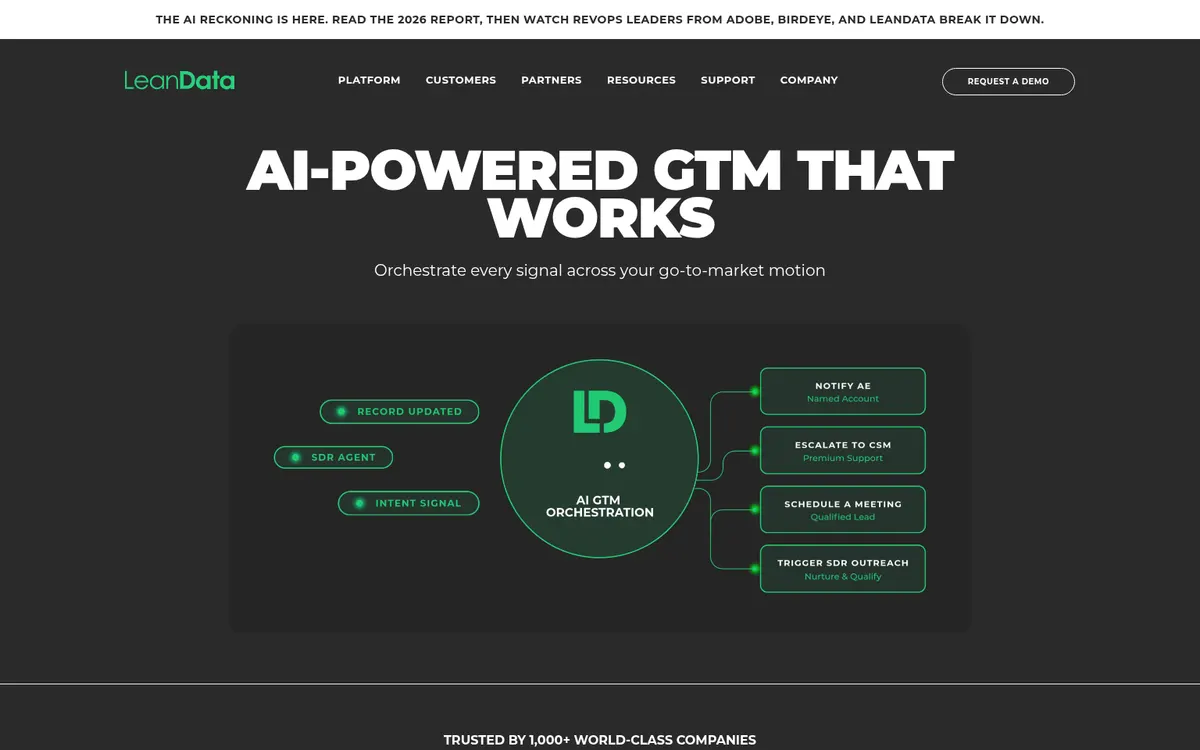
LeanData is the specialist pick for Salesforce-only teams whose routing depends on account ownership, territories and clean record matching. Its lead-to-account matching runs inside Salesforce, so a new lead can be tied to the right account before assignment. Territory-based routing, round-robin and custom assignment logic support multi-level hierarchies, and account owner routing helps avoid two reps approaching the same account. Deduplication and record matching are part of the same flow.
The trade-off is scope. LeanData works only with Salesforce, so teams on HubSpot, Microsoft Dynamics or a homegrown CRM should stop here. Pricing is quote-based with no public price list, no free plan and no trial, which means buyers need a sales conversation before they can test fit. Rule building assumes RevOps expertise; a business user who wants a simple rotation will find the setup heavy.
Use LeanData when routing errors are expensive and the CRM is already the source of truth. Large revenue teams choose it for complex territory and ownership models because the logic lives where records live, not in a separate tool. Budget for an implementation owner who understands Salesforce objects, duplicate rules and assignment hierarchies. For a small sales team with one round-robin, a CRM native option or Calendly will be faster and cheaper.
LeanData does not publish a starting price; the vendor quotes each deployment, and the plan note says quote-based with no public price list. Ask for the implementation scope in writing, including any data cleanup and matching rules, because the software decision is only half the project. Confirm the commercial terms and renewal model as well.
What works
- Deep Salesforce matching
- Complex territory rules
- Account owner routing
What to weigh
- Salesforce only
- No public pricing
- Needs RevOps expertise
Pick it if
Your routing runs on Salesforce and territory or account ownership errors are costly.
Skip it if
You use another CRM, need a published price or want a simple self-serve setup.
Plate 02 of 09
Chili Piper
Best for B2B teams routing inbound leads straight to meetings
Our verdict
The best fit for inbound teams that want qualified leads booked into meetings, not just assigned to a rep.
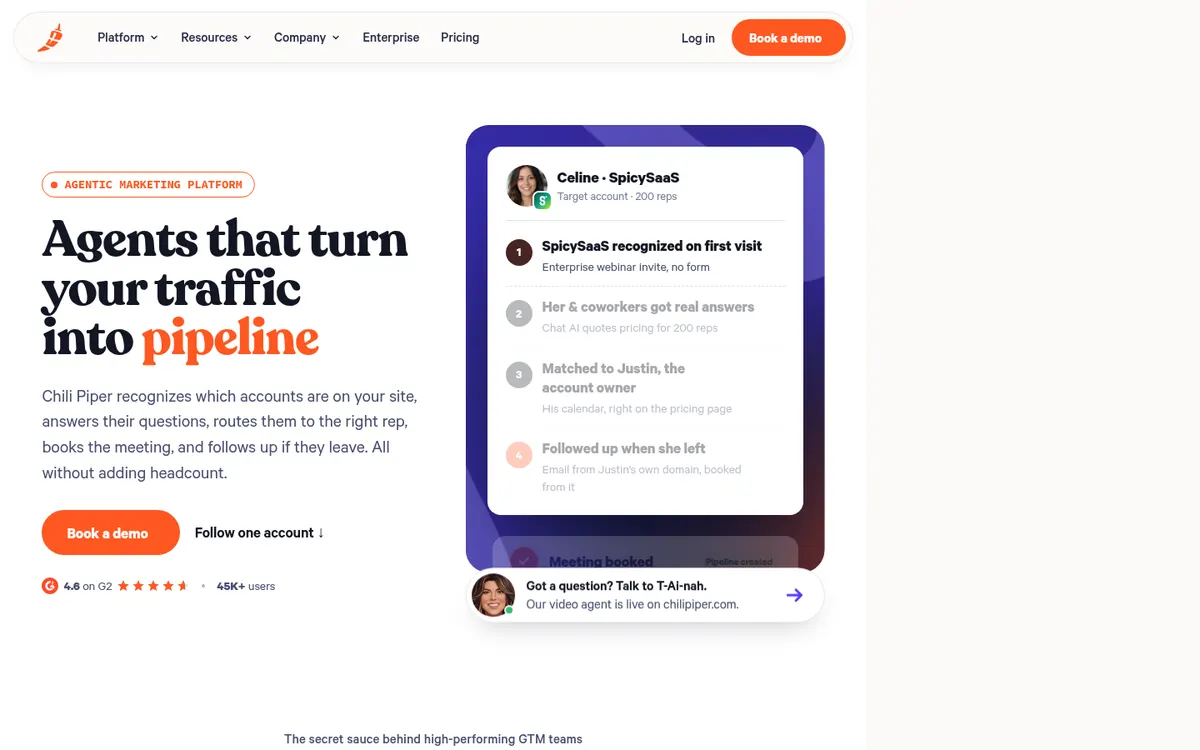
Chili Piper is built for B2B inbound funnels where the goal is a booked meeting, not just a routed record. Qualification forms collect the details, then qualified visitors can book instantly with the right rep. Routing can follow territory, ownership or round-robin, and handoff scheduling moves meetings between reps when needed. Salesforce and HubSpot integrations keep the booking and routing data connected to the CRM.
Pricing starts at $1,250 per month on Growth and includes 15 seats, with $45 per seat per month after that. There is no free plan and no free trial. Packaging and rates have changed repeatedly, so treat any quote as a starting point and get the price list in writing. Confirm the current Growth inclusions before comparing alternatives. For a small team, the entry price is high if you only need a routing form and a calendar.
The strength is the gap it closes. Most routing tools hand a lead to a rep and leave the meeting chase to email. Chili Piper turns a qualified form submission into a calendar event while the visitor is still engaged, which suits demo-request funnels and inbound sales teams. Higher tiers add agent-assisted meeting experiences, but those features sit beyond the entry package.
Pick Chili Piper when the meeting is the conversion event and your CRM is Salesforce or HubSpot. Skip it if you sell leads to external buyers, need ping-post auctions or run a small inbound team that cannot justify $1,250 per month. Ask how the 15 included seats map to your reps, because seat count changes the economics quickly.
What works
- Booked meeting handoff
- Salesforce and HubSpot
- Territory and round-robin
What to weigh
- No free trial
- High entry price
- Packaging changes
Pick it if
Your inbound team measures success by booked meetings and uses Salesforce or HubSpot.
Skip it if
You sell leads to buyers, need ping-post auctions or have a very small inbound team.
Plate 03 of 09
LeadByte
Best for lead sellers, networks and performance marketers
Our verdict
A specialist lead-selling platform with auction and buyer tools, held back by dated interface and demo-only pricing.
LeadByte is built for businesses that sell leads, not for internal sales teams routing inbound inquiries. It validates leads in real time, filters against rules, and distributes each lead through ping-post auctions, priority or weighted rules. Sellers can choose exclusive or multi-sell delivery and give buyers a portal for accepting, rejecting or reviewing leads. Delivery can go to CRMs, SMS or email, and live profit and loss reporting shows results by campaign and buyer.
Pricing is not public on the page; the plan note says demo request only. That means you cannot compare LeadByte on a price list alone. A free trial is available, which matters because the product has a steep learning curve for newcomers. The entry point assumes meaningful lead volume, so a small seller testing one campaign may find the commercial model heavy before the workflow is proven.
The case for LeadByte is consolidation. Validation, auction logic, buyer management and campaign reporting sit in one system instead of a patchwork of forms, spreadsheets and email. Reporting by campaign and buyer helps operators see which sources and buyers actually make money. The interface feels dated, and new users need time to understand the difference between priority, weighted and ping-post distribution.
Pick LeadByte if you run a lead network, sell performance leads and need buyer portals plus auction rules. Skip it if you route leads only to your own sales reps, need a modern interface or want a published starting price before a demo. Use the free trial to test a real campaign with actual buyers, not a sandbox with dummy leads.
What works
- Ping-post auctions
- Buyer portals
- Campaign P&L reporting
What to weigh
- Dated interface
- Demo-only pricing
- Steep learning curve
Pick it if
You sell leads to multiple buyers and need validation, auctions and buyer portals in one system.
Skip it if
You only route leads to internal reps or need published pricing before a demo.
Plate 04 of 09
Phonexa
Best for lead businesses where inbound calls convert
Our verdict
A strong call-plus-lead routing system for call-heavy verticals, but quote-only pricing and setup effort limit it.
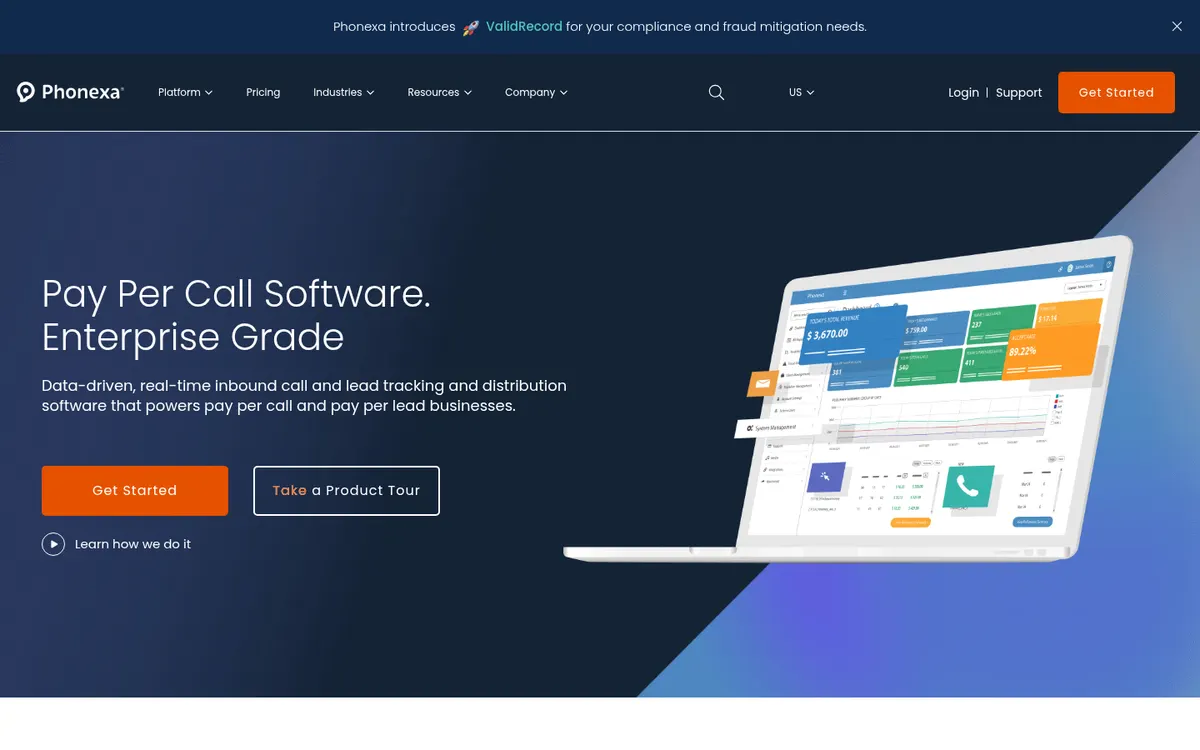
Phonexa is for lead businesses where inbound calls are a major part of the funnel. It combines call tracking with IVR, web lead distribution, ping-post and direct-post delivery in one system. Calls can be routed to buyers, and reporting spans calls and form leads so marketing spend can be linked to revenue. Multi-channel delivery gives buyers options beyond a simple web lead post.
Pricing is a custom quote. The plan note does not publish a price list, and there is no free plan or trial. That makes Phonexa a sales-led purchase: buyers need to scope call volume, lead volume, buyer count and reporting needs before they see a number. For a small lead seller, the broad feature set may be more platform than the operation can absorb.
The advantage is shared reporting across calls and forms. Insurance, home services and legal teams often buy calls and leads in the same motion, and separate systems make attribution messy. Phonexa puts call routing beside web lead routing, so a buyer can receive both through one commercial relationship. The cost is onboarding effort; call tracking, IVR and distribution rules all need configuration.
Pick Phonexa if calls convert for your buyers and you want one system for call tracking and lead distribution. Skip it if you sell only web leads, need a published price or want a quick self-serve setup. Compare it with LeadByte on buyer portals and auction logic, and with ActiveProspect on consent verification, then ask each vendor to price your actual monthly volume. Ask for a scoped proof of concept in writing.
What works
- Call and lead routing
- Unified reporting
- Ping-post delivery
What to weigh
- No public pricing
- No trial
- Heavy for small sellers
Pick it if
Your buyers convert calls and web leads and you want both routed with shared reporting.
Skip it if
You sell only web leads or need a published price and a quick setup.
Plate 05 of 09
ActiveProspect
Best for regulated verticals needing consent-verified lead distribution
Our verdict
The compliance-first choice for regulated lead sales, with consent verification built into distribution and no public pricing.
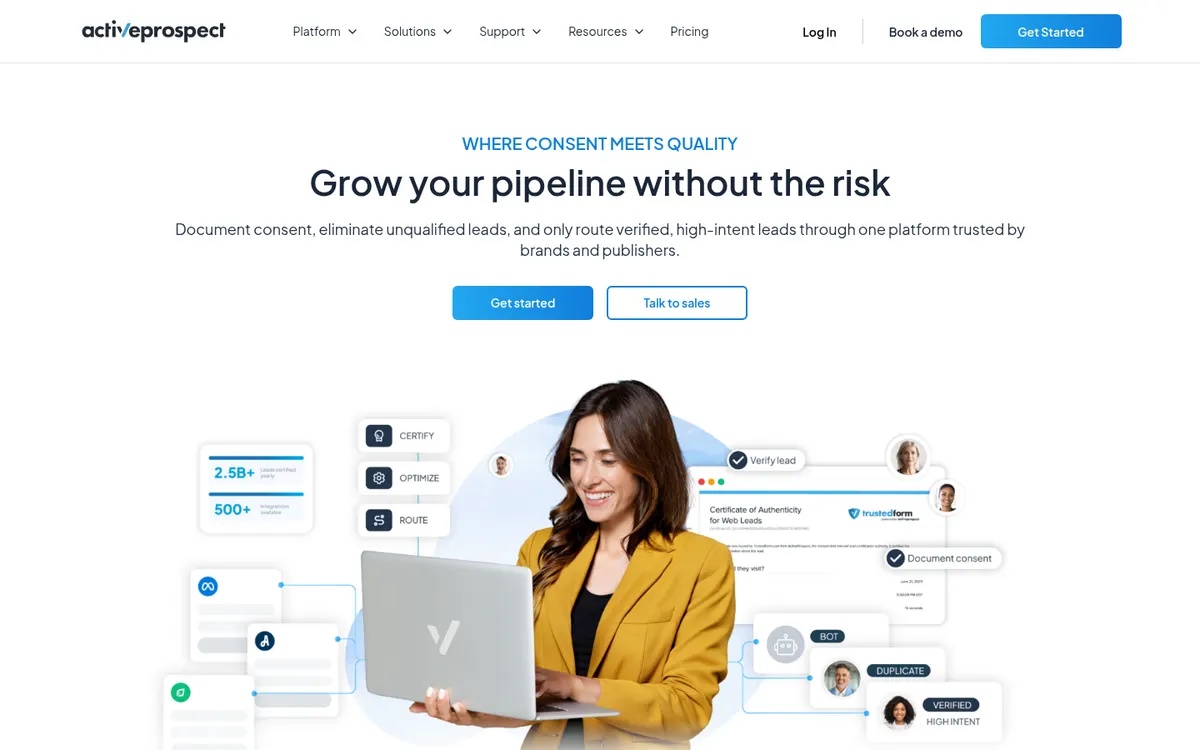
ActiveProspect is the compliance-first option for lead distribution. LeadConduit handles real-time distribution, while TrustedForm captures consumer consent certification. Consent and compliance rules can be applied before a lead is delivered, so a buyer sees verification as part of the flow rather than a separate audit. The tooling covers both buyer-side verification and seller-side distribution workflows, with integrations into seller and buyer systems.
Pricing is quote-based with no public price list. There is no free plan and no trial. That fits a sales-led evaluation where the vendor scopes lead volume, consent requirements and integration work. The lack of a published price list also means you should compare proposals on the same volume and compliance scope, not on headline software fees alone.
The differentiator is the consent layer. In regulated verticals such as insurance, finance, education and home services, a lead without provable consent can create legal and buyer-relations risk. ActiveProspect puts that proof into the distribution path, which is more useful than bolting a verification vendor onto a generic router. The trade-off is process overhead: compliance steps add checks and can slow a handoff if rules are too strict.
Pick ActiveProspect if consent verification is a requirement and you sell leads into regulated markets. Skip it if you route simple inbound inquiries to internal reps; a CRM native tool or a scheduling product will be cheaper and easier. Ask how TrustedForm certificates travel with the lead and what buyers see, because that workflow is the product, not a side feature. Confirm certificate retention and audit terms in the written contract before signing.
What works
- Consent verification
- Buyer and seller tools
- Regulated-market fit
What to weigh
- No public pricing
- Compliance overhead
- Overkill for simple routing
Pick it if
Consent proof is mandatory and you sell leads into regulated markets.
Skip it if
You only route simple inbound inquiries to internal reps.
Plate 06 of 09
RingLead
Best for revOps teams fixing data before routing
Our verdict
A data cleanup layer that makes routing work, but it is infrastructure for RevOps teams rather than a self-serve router.
RingLead focuses on the data problem that breaks routing. It normalizes incoming lead data, deduplicates records, segments leads before assignment and enriches missing fields. Cleaned records can then be routed to owners, with integrations into Salesforce and Marketo. The product is part of the ZoomInfo data ecosystem, which shapes both its enrichment story and its commercial packaging. That matters when routing rules depend on clean company and contact fields.
Pricing is quote-based with no public price list. There is no free plan and no trial. Buyers should expect a scoping conversation that covers record volume, data sources and CRM configuration. Because the value depends on data quality, a demo with your own messy records will tell you more than a generic product tour.
The strength is sequence. Many teams buy a router first and discover that duplicates and incomplete fields make every rule unreliable. RingLead improves record quality before leads reach reps, which can reduce duplicate outreach and manual cleanup. It integrates with major marketing and CRM platforms, but it is primarily data infrastructure rather than a routing interface for sales managers.
Pick RingLead if your routing failures start with bad data and you have technical ownership to run normalization and deduplication. Skip it if you need a self-serve router, a transparent price or a tool that sales managers can reconfigure without help. Confirm the current ZoomInfo packaging and terms directly with the vendor, since the product sits inside a larger data portfolio. Budget for ongoing data stewardship, not just the initial setup, because enrichment and deduplication rules need review as sources change.
What works
- Data normalization
- Deduplication before routing
- ZoomInfo ecosystem
What to weigh
- No public pricing
- Technical ownership needed
- Not a routing interface
Pick it if
Duplicates and incomplete records are breaking your routing rules and you have RevOps support.
Skip it if
You need a self-serve router or a transparent price before a demo.
Plate 07 of 09
Calendly
Best for small teams converting qualified leads into booked meetings
Our verdict
The fastest low-cost route to booked meetings, though routing depth stops well short of dedicated lead distribution.
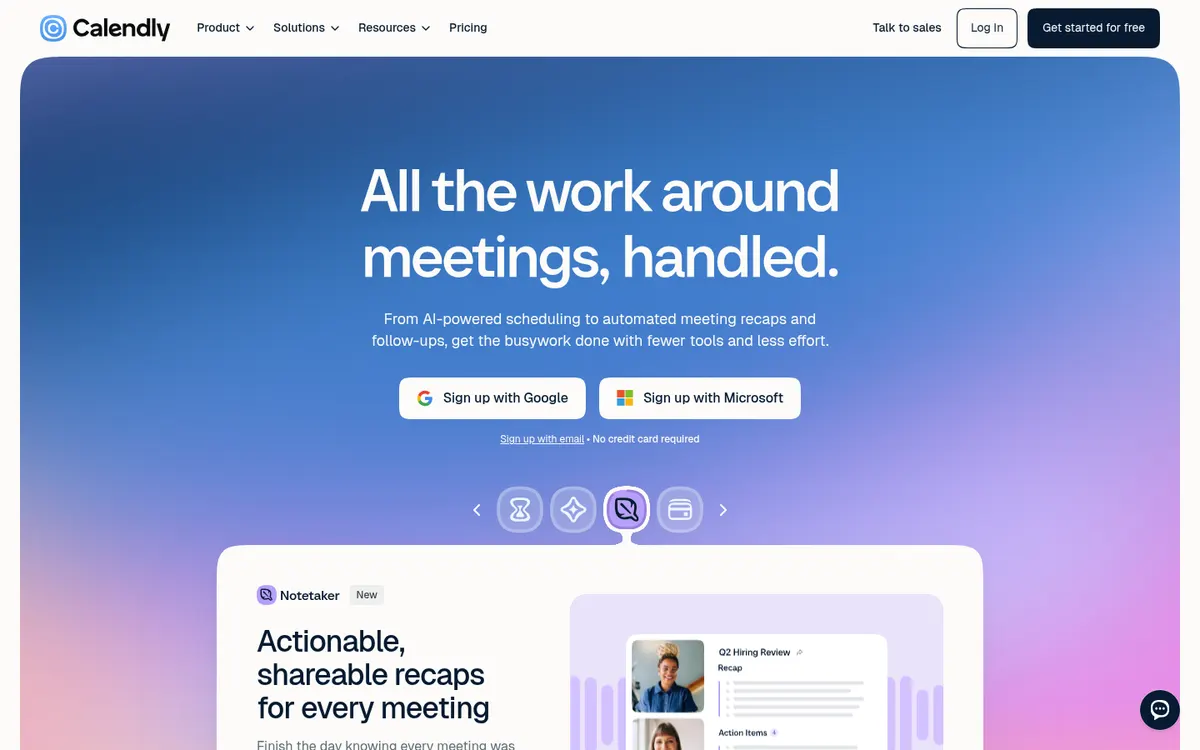
Calendly is the low-cost route from a qualified lead to a booked meeting. Routing forms ask qualifying questions, then rule-based routing sends the visitor to the right rep calendar or assigns a round-robin meeting. Instant booking happens at the point of form submission, so the lead does not wait for a follow-up email. Salesforce integration keeps the meeting and contact data connected, and the free plan covers basic one-to-one scheduling.
The paid entry point in this list is Standard Plus at $18 per seat per month, with a seat required to host meetings. A 14-day trial applies on Teams. There is a free plan, but routing forms and round-robin are paid features, so the free tier is for simple scheduling rather than lead distribution. Per-seat pricing is easy to understand and scales with the number of hosts.
The limit is scope. Calendly is a scheduling tool, not a lead management platform. It can qualify and assign a meeting, but it does not handle ping-post auctions, buyer portals, consent certification or deep lead-to-account matching. For a small inbound team, that simplicity is an advantage. For a revenue operations team with territory hierarchies, it will feel shallow.
Pick Calendly if your main routing job is turning demo requests into meetings and you want a free plan to test the workflow. Skip it if you sell leads, need complex ownership rules or want routing to run inside a CRM without a separate scheduling layer. Check which plan includes the routing forms you need before rolling it out to the full team. Seat count is the main cost driver, so include every rep who hosts meetings.
What works
- Instant booking
- Simple routing forms
- Free plan
What to weigh
- Routing is paid
- Limited lead management
- Per-seat cost
Pick it if
You need qualified leads booked into meetings quickly and cheaply.
Skip it if
You need ping-post, buyer portals or deep territory routing.
Plate 08 of 09
HubSpot
Best for hubSpot CRM users wanting simple round-robin assignment

Our verdict
The simplest option for HubSpot teams that need round-robin assignment, with depth limited at entry tiers.
HubSpot is the default option when the CRM is already HubSpot and routing needs are simple. Contacts, tasks and assignment live in one place, so a new lead can be rotated round-robin, assigned by territory rule and given a follow-up task without an integration project. Email sequences can start on assignment, and the free CRM covers core contact management. Automation depth starts at the Starter tier.
Starter is $20 per seat per month billed monthly, or $7 per month per seat with an annual commitment. There is a free plan and no trial. The free CRM handles basic rotation, but advanced routing logic sits on higher tiers. Costs grow with seats and contact volume, so model both before you standardize the whole sales team on HubSpot. The annual commitment lowers the seat price but ties you to a longer term, so match it to hiring plans. Check the contact tier before you commit.
The advantage is proximity. Assignment happens where contacts already live, which removes the sync failures and duplicate records that plague bolt-on routers. For a small sales team, that is often enough. The limit is depth: there is no lead-to-account matching at entry tiers, and complex territory or ownership models will outgrow the native tools.
Pick HubSpot if you already run the CRM and want simple round-robin or territory assignment without another vendor. Skip it if you need advanced routing, ping-post lead sales or lead-to-account matching across accounts. Compare the all-in HubSpot cost with a dedicated router before assuming the bundled option is cheaper, especially as contact volume grows.
What works
- Native CRM assignment
- Free CRM
- Task and sequence triggers
What to weigh
- Advanced routing costs more
- No lead-to-account at entry
- Costs grow with contacts
Pick it if
Your team already runs HubSpot and needs simple assignment inside the CRM.
Skip it if
You need complex routing, ping-post sales or lead-to-account matching.
Plate 09 of 09
Zapier
Best for low-volume or unusual DIY routing workflows
Our verdict
A flexible glue tool for low-volume DIY routing, not a dependable platform for high-volume or regulated lead distribution.
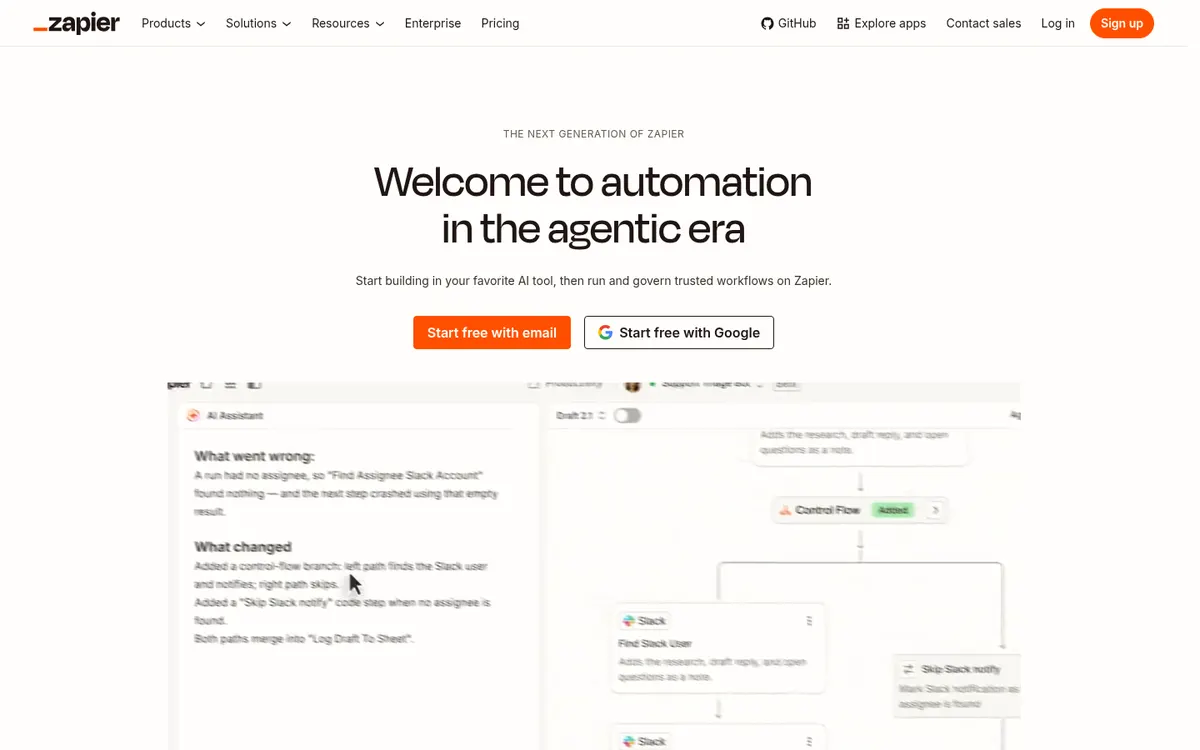
Zapier is the do-it-yourself option for routing workflows that do not justify a dedicated platform. A form submission can trigger a multi-step workflow, look up territory data in a spreadsheet, assign a CRM record, notify a Slack channel and create a task in a project tool. The no-code builder connects a catalog of thousands of apps, which is useful when one system in the chain has no native routing feature.
Professional starts at $19.99 per month on task-based tiers from 100 tasks. There is a free plan and no trial. The free tier supports experimentation and low volume, but task-based pricing gets expensive at high lead volume because every step can consume tasks. Above a few hundred leads a month, a purpose-built router is usually cheaper to run.
The limit is reliability. Long multi-step workflows break in unpredictable ways when a field changes, an app times out or a step fails silently. Zapier also has no native ping-post, auction or consent features, so it is a poor fit for lead sellers in regulated markets. It can glue systems together, but it does not provide buyer portals or routing governance.
Pick Zapier for low-volume or unusual routing workflows, especially when the tools in the chain have no native integration. Skip it if you need predictable delivery at scale, ping-post auctions or compliance verification. Document every workflow and add error alerts, because a silent failure in a routing zap can leave leads unassigned for days. Review task consumption after the first month, since a simple workflow can use more tasks than expected.
What works
- Connects many apps
- No-code builder
- Free tier
What to weigh
- Task costs at volume
- Fragile long workflows
- No ping-post or consent
Pick it if
You have a low-volume or unusual routing workflow that no dedicated tool covers.
Skip it if
You need reliable high-volume routing, ping-post auctions or consent checks.
What Does Lead Distribution Software Actually Do?
Lead distribution software decides who gets each lead and how fast. It sits between capture sources such as forms, calls, marketplaces and purchased lists, then applies rules and delivers the lead to a sales rep, a buyer or a queue. The category covers dedicated routers, lead-selling platforms, scheduling tools with routing forms and CRM features that assign records.
At the center is a rule set. A router may check territory, company size, product interest, account ownership, score, consent status or buyer criteria. It then assigns by round-robin, named account ownership, weighted priority, direct post or a ping-post auction. A ping-post auction sends a small ping to multiple buyers, collects bids, then posts the full lead to the winner or winners depending on exclusive or multi-sell rules. That model belongs to lead sellers and networks, not internal sales teams.
Response time is part of the routing job. A five-minute contact target only works if rules run automatically and exceptions surface quickly. Dedicated tools often add lead-to-account matching, which links an incoming lead to the right company before assignment. That prevents duplicate outreach from two reps and supports account owner routing. CRM assignment can do basic round-robin, but it usually stops short of matching, auctions and buyer portals.
The tool you need depends on the handoff. Internal teams route to reps and care about territories, account ownership and CRM fit. Lead sellers route to buyers and care about validation, auctions, buyer portals and consent. A few common jobs sit between those poles:
- Qualify and book a meeting with the right rep.
- Clean and deduplicate records before assignment.
- Verify consent before delivery in regulated markets.
- Connect uncommon apps for low-volume workflows.
Free plans can test simple routing, but paid tiers usually carry the rules that make distribution reliable. Start with the handoff you need, then choose a tool that matches it rather than buying the broadest platform.
This guide sits in the Software collection. Buyers weighing nearby tools often read the guides to commission software and research platforms next.
How Lead Distribution Pricing Works in 2026
Lead distribution software is priced by seats, lead volume, tasks or a custom quote. There is no single price list. A per-seat plan is easy to compare; a platform fee or quote-based contract needs a volume model.
| Model | How it bills | Typical fit | Example from this list |
|---|---|---|---|
| Per seat | Monthly or annual charge per user | Internal sales teams | Calendly Standard Plus at $18 per seat per month; HubSpot Starter at $20 per seat per month billed monthly |
| Platform fee | Monthly fee with included seats, then per seat | Inbound booking teams | Chili Piper Growth at $1,250 per month with 15 seats, then $45 per seat per month |
| Task based | Monthly plan with a task allowance | Low-volume DIY workflows | Zapier Professional at $19.99 per month from 100 tasks |
| Quote only | Vendor scopes volume and configuration | Complex routing and compliance | LeanData, Phonexa, ActiveProspect and RingLead |
| Demo request | No public price, buyer requests a demo | Lead sellers with variable volume | LeadByte, with a free trial |
Seats are the simplest unit. Calendly Standard Plus is $18 per seat per month, and HubSpot Starter is $20 per seat per month billed monthly, or $7 per seat per month with annual commitment. A platform fee changes the math: Chili Piper Growth is $1,250 per month with 15 seats, then $45 per seat per month.
Task-based pricing fits experimentation but not predictable scale. Zapier Professional is $19.99 per month with task-based tiers from 100 tasks. Quote-only tools such as LeanData, Phonexa, ActiveProspect and RingLead price after scoping, which can reflect volume, compliance and implementation. LeadByte asks for a demo request and offers a free trial.
Free plans are useful for testing, not for running a serious routing operation. Calendly, HubSpot and Zapier all have free plans, but advanced routing usually sits on paid tiers. Model seats, lead volume, tasks and implementation work before signing.
Every price in this guide was read on the vendor's own pricing page on November 25, 2026. Where a vendor does not publish a figure we could confirm, the card says "See website" rather than a guess. For the arithmetic around this purchase, try the free Email campaign metrics calculator.
A Step-by-Step Decision Path for Lead Routing
- Define the handoff. Write down what counts as a lead, which systems capture it and what accepted means for sales or buyers. This prevents you from buying routing depth you cannot use.
- Separate internal routing from lead selling. If you sell leads, prioritize validation, ping-post auctions, buyer portals and consent. If you route to your own reps, prioritize territories, account ownership and CRM fit.
- Check CRM constraints. LeanData is Salesforce-only, HubSpot assignment works best inside HubSpot, and Chili Piper, Calendly and Zapier connect outward. List required integrations before pricing talks begin.
- Test the complex rules. Bring three real scenarios: named account, duplicate record and territory overlap. Run them in a trial or demo, then ask how account owner routing and deduplication work.
- Model volume and seats. Chili Piper Growth includes 15 seats at $1,250 per month, then $45 per seat. Zapier bills by tasks, while Calendly and HubSpot bill per seat. Model month 12, not month 1.
- Price implementation. Quote-based tools such as LeanData, Phonexa, ActiveProspect and RingLead need scoping calls. Ask what configuration, data cleanup and RevOps time the rollout requires before signing.
Where Lead Distribution Projects Go Wrong
- Buying routing before cleanup. Duplicate and incomplete records will route badly no matter how good the rule builder is. Fix normalization and deduplication first, or choose a data-focused tool such as RingLead.
- Ignoring response time. A clever rule that queues leads for manual review defeats the purpose. Set a first-contact target and measure it across every channel, including calls and form fills.
- Treating CRM assignment as enough. HubSpot rotation works for simple teams, but complex territories, account ownership and lead-to-account matching need a dedicated router. Test the edge cases first.
- Skipping buyer experience. If you sell leads, buyers judge you on delivery quality and consent. Buyer portals and compliance checks are part of the product, not admin.
- Underestimating seats and volume. Per-seat prices look small until the team grows. Task-based Zapier workflows get expensive at high lead volume, while platform fees favor larger teams.
Best Lead Distribution Software 2026: questions
What does lead distribution software do?
Lead distribution software decides which person or buyer receives each lead and how quickly. It captures or receives a lead, checks rules such as territory, ownership, score or consent, then assigns it by round-robin, direct rule, auction or manual queue. It also records what happened so teams can audit delivery, measure response time and fix routing gaps.
How do ping-post auctions work when selling leads?
In a ping-post auction, the seller sends a small ping to multiple buyers with limited lead details, and each interested buyer returns a bid. The seller then posts the full lead to the winning buyer or buyers, depending on exclusive or multi-sell rules. LeadByte and Phonexa both list ping-post auctions for lead sellers and networks, and Phonexa also lists direct-post delivery.
Why does a five-minute response window matter?
A fast first contact improves the chance of reaching a lead while interest is high. A five-minute target forces routing rules to be automatic and exceptions to be visible, rather than letting leads sit in a manual queue. Measure time from lead arrival to first call or email, not time from assignment to rep login.
How is dedicated lead routing different from CRM assignment?
CRM assignment is a feature inside the system where contacts live, so it is simple and avoids integration work. Dedicated lead routing adds deeper rule logic, lead-to-account matching, ping-post auctions, buyer portals, consent checks and delivery across systems. The right choice depends on complexity: HubSpot rotation fits a small inbound team, while LeanData or LeadByte fits territory-heavy or lead-selling operations.
What does lead-to-account matching mean?
Lead-to-account matching links an incoming lead to the right company account before assignment. That prevents two reps from working the same account, helps route by existing account owner and gives the rep account context on the first touch. LeanData lists lead-to-account matching as a core feature, and it is most valuable in territory-based Salesforce teams.
Can free plans or free tools handle routing?
Free plans can handle basic routing for a small team, but paid tiers usually unlock the rules that matter. Calendly, HubSpot and Zapier all offer free plans, yet Calendly routing forms and round-robin are paid features and HubSpot advanced routing sits above entry tiers. Zapier free tasks can test a workflow, but volume quickly pushes you to a paid task tier.