
Contents of this guide
The shortlist
Our top 3 for software buyers

ConnectWise
One-vendor PSA and RMM
- Best for
- Large MSPs wanting PSA and RMM from one vendor
- Features
- 4 noted: PSA and RMM, Marketplace, Contract billing, Role-based access

Datto Autotask
Contract and billing depth
- Best for
- MSPs running a separate RMM that need a mature PSA
- Features
- 4 noted: Mature PSA, Project tracking, Recurring billing, Datto RMM pairing

Kaseya
Integrated IT Complete stack
- Best for
- MSPs standardizing on the Kaseya IT Complete stack
- Features
- 4 noted: IT Complete stack, VSA and BMS, Per-user modules, Migration paths
Disclosure for this guide. All 9 tools here are unpaid editorial picks. The position of a paid listing can be part of what the vendor pays for. Paid and unpaid tools are scored on the same rubric and keep their cons. Details are in the advertising disclosure.
The ledger
Index of every tool
| Tool | Free plan | Trial | Rubric | Compare | ||
|---|---|---|---|---|---|---|
| 01 | ConnectWiseLarge MSPs wanting PSA and RMM from one vendor | See websiteCustom quote only, typically annual contractsNot published | No | No | ||
| 02 | Datto AutotaskMSPs running a separate RMM that need a mature PSA | See websiteCustom quote, guided onboarding, module fees may applyNot published | No | No | ||
| 03 | KaseyaMSPs standardizing on the Kaseya IT Complete stack | See websiteCustom quote, per-user subscription modules, typically annualNot published | No | No | ||
| 04 |  NinjaOneMSPs prioritizing a fast, modern RMM console | See websitecustom quoteCustom quote | No | Free trial | ||
| 05 |  SyncroSmall MSPs wanting RMM and PSA on flat per-tech pricing | $129Core plan, per user per month, billed annually, unlimited endpointsChecked Nov 25, 2026 | No | 14-day free trial | ||
| 06 | SuperOpsMSPs wanting an AI-centric all-in-one RMM and PSA | See websitecustom quoteCustom quote | No | Free trial | ||
| 07 |  HaloPSAMSPs wanting deep PSA customization on a per-agent price | See websitePer agent per month, published estimate, vendor quotes directlyNot published | No | Free trial | ||
| 08 | AteraSmall to mid MSPs wanting all-in-one simplicity per technician | $149Professional, per technician per month, billed annuallyChecked Nov 25, 2026 | No | 30-day free trial | ||
| 09 | PulsewayMSPs and internal IT teams needing mobile-first monitoring | See websiteCustom quote onlyNot published | No | Free trial |
Prices are the lowest paid plan the vendor shows, read on November 25, 2026. Sort by price ranks published monthly figures; tools without one go last. Pin up to three tools to compare them side by side.
How this guide was put together
We built this list for operators who have to choose a platform, not for a feature-count contest. Every product was read against the same five criteria, weighted by how much each one changes the outcome of a purchase: stack coverage at 25 percent, then pricing clarity, small team fit and setup effort at 20 percent each, and integration fit at 15 percent. Stack coverage asks whether monitoring, service desk and billing live in one place. Pricing clarity asks how much the vendor publishes. Small team fit asks whether a four-person shop can run it without a full-time administrator. Setup effort asks how long before the tool earns its keep. Integration fit asks whether it plays well with the half of the stack you already own.
Prices come from vendor pricing pages, checked on 25 November 2026. Where a vendor publishes a figure we repeat it exactly as listed, in the currency shown, with the plan name and billing term attached. Where a vendor publishes nothing, the entry says pricing is on the vendor site and we do not guess. Several vendors in this list returned no readable pricing page at check time, and those entries are marked as unconfirmed rather than filled in from older numbers.
Some listings on this site carry a Featured label, which is a paid placement. Featured entries are scored on the same rubric, get the same scrutiny and keep their cons. The order of the list is editorial: it reflects the fit described in each entry, not a weighted total or a score sort. Where our notes and a vendor's live page disagree, we say so in the entry.
The full process, including how we handle corrections, is on the methodology page. Paid listings follow the advertising disclosure.
Rubric and weights
Every tool below is scored from 1 to 10 on these five criteria. The scores describe each tool; the order is an editorial call on fit for the buyer each card describes, plus the disclosed Featured position.
- 25%Stack coverageWhether the platform covers remote monitoring, service desk and billing in one place, or does one half of the job well.
- 20%Pricing clarityHow much price information the vendor publishes and how easily a buyer can budget without a sales call.
- 20%Small team fitWhether a shop of two to ten technicians can run the product without a dedicated platform administrator.
- 20%Setup effortHow quickly a shop reaches useful output, and how much configuration work the platform demands first.
- 15%Integration fitWhether the product plays well with the other half of the stack a buyer already owns and does not want to replace.
Plate 01 of 09
ConnectWise
Best for large MSPs wanting PSA and RMM from one vendor
Our verdict
The widest stack here, best value to shops big enough to staff an administrator and absorb a weeks-long implementation.
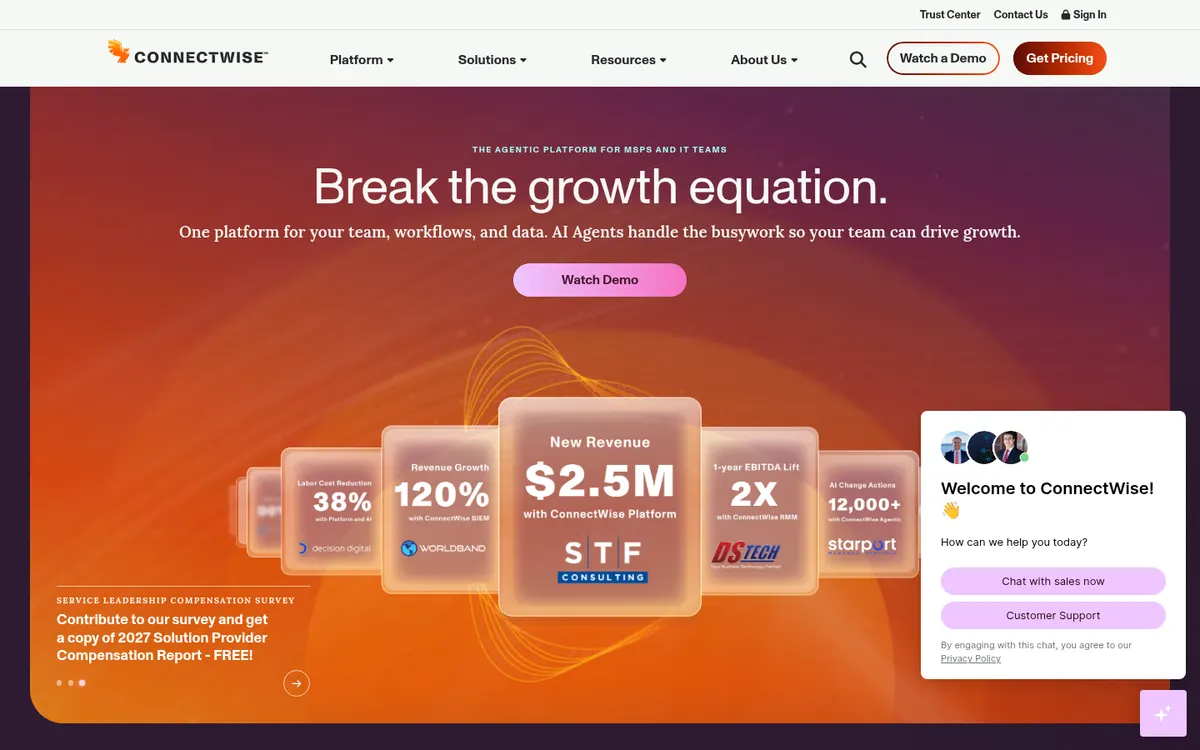
ConnectWise is the reference stack for MSPs that want PSA and RMM from one vendor. Manage handles ticketing, projects, contracts, time entries and billing. Automate handles remote monitoring, patching and scripting. Endpoints across every client sit in one console with role-based access and workflow configuration, and the platform scales to very large service desks.
The product range goes well past those two modules. A marketplace carries a long list of third-party integrations, and sibling products cover backup, security, quoting and procurement, so a growing MSP can add functions without adding vendors. That breadth is the argument for buying here, and also the reason implementations are typically measured in weeks rather than days.
Pricing is quote only, typically on annual contracts, with no free plan and no trial. Our check on 25 November 2026 found no pricing page to capture, so the quote-only entry could not be verified against a live figure. Treat onboarding as a staffing cost as well as a license cost: someone has to configure workflows, contracts and billing rules before the service desk runs cleanly, and that work lands on your own technicians.
Pick it if you run a service desk large enough to justify a dedicated administrator and want one vendor relationship across PSA and RMM, with room to add backup and security later. Skip it if you are under ten technicians, where the configuration load rarely pays back and the per-tech options further down this list will get you running in days rather than weeks.
What works
- PSA and RMM from one vendor
- Long integration marketplace
- Scales to very large service desks
What to weigh
- No published pricing at all
- Implementations run for weeks
- More platform than small shops need
Pick it if
You want one vendor across PSA, RMM, backup and quoting and can staff the configuration work.
Skip it if
You are a sub-ten-technician shop that needs to be productive within a week of signing.
Plate 02 of 09
Datto Autotask
Best for MSPs running a separate RMM that need a mature PSA
Our verdict
A mature, standalone PSA that handles contracts and recurring billing well, provided you already have monitoring sorted.
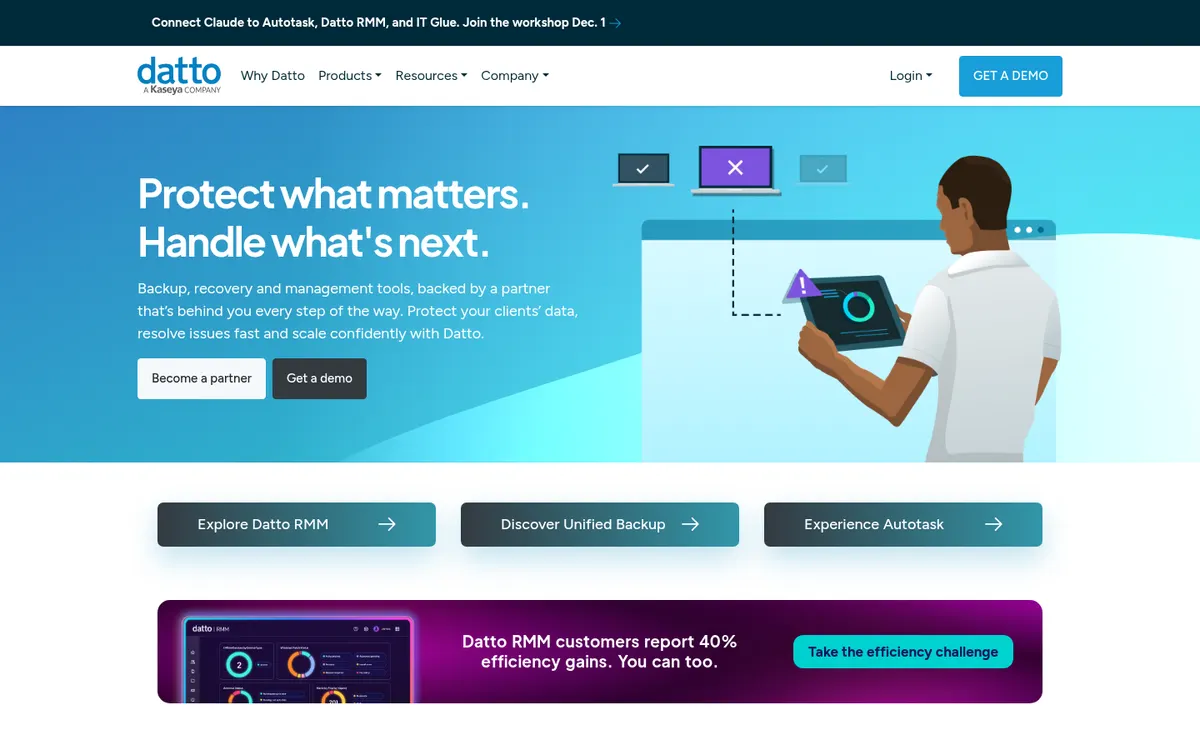
Datto Autotask is a PSA first and foremost. Ticketing and service desk workflows are built around MSP operations rather than adapted from a generic help desk, and the platform adds project management with task and resource tracking, time tracking tied to tickets and projects, contract management and recurring billing. Configuration depth is aimed at multi-client service desks where every client carries its own agreement, response targets and billing rules.
Native pairing with Datto RMM is the obvious route for a shop already running the Datto stack. Autotask also connects to third-party RMM platforms and sells as a standalone PSA that does not require the Datto monitoring stack. That matters for shops already running monitoring they are happy with and only looking to replace the service desk half. Nothing in the licensing forces the pair.
Pricing is quote only through a sales-led process, with guided onboarding and possible per-module fees. There is no free plan and no trial. Our check on 25 November 2026 returned nothing from the vendor's page, so pricing remains unconfirmed. Ask for contract term, renewal clause and per-module fees in writing before you compare offers, because the headline number rarely tells you what year two costs.
Pick it if you have monitoring covered and need a mature, configurable PSA that handles contracts and recurring revenue properly. Skip it if you want a single all-in-one console, or if nobody on the team can spare the setup time, since configuration takes real work before the value appears.
What works
- Purpose-built PSA, not an adapted help desk
- Works with Datto RMM or third-party RMM
- Strong contract and recurring billing handling
What to weigh
- Quote-only, sales-led pricing
- Configuration time before value appears
Pick it if
Your RMM is settled and the service desk, contracts and billing are the parts letting you down.
Skip it if
You want monitoring, ticketing and billing from one console on one contract.
Plate 03 of 09
Kaseya
Best for MSPs standardizing on the Kaseya IT Complete stack
Our verdict
A coherent suite for shops ready to standardize on one vendor, with commercial terms that need reading before signature.
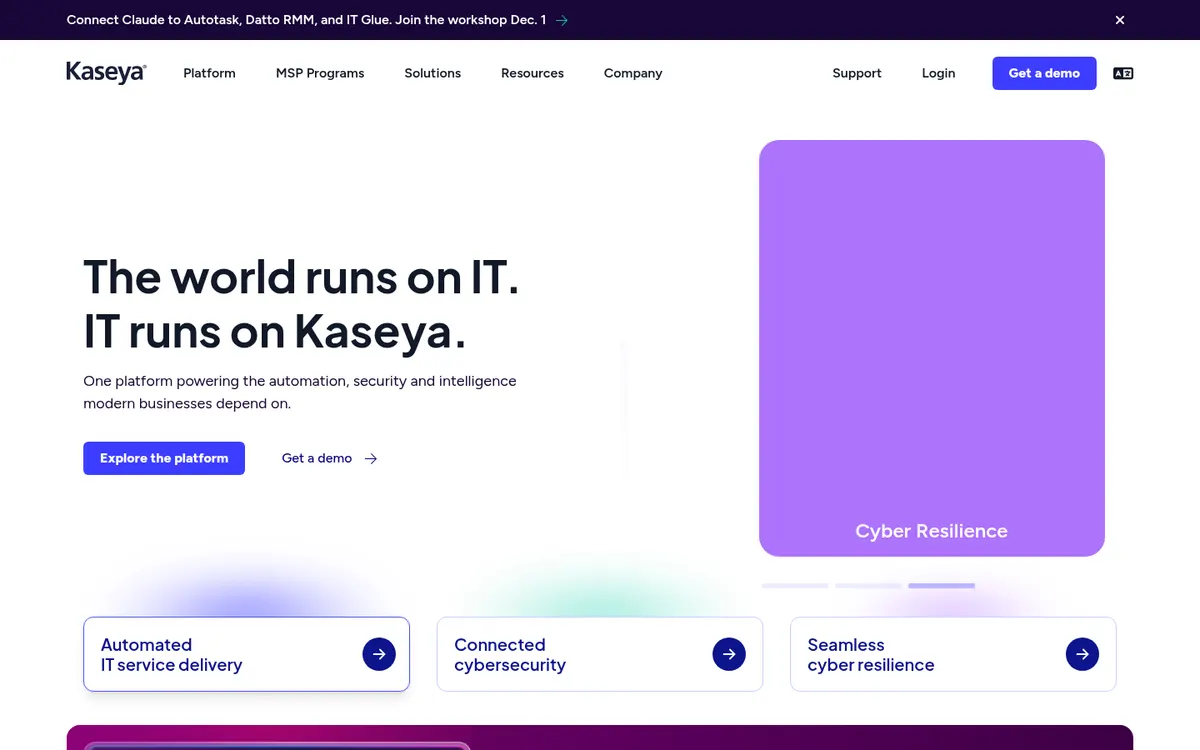
Kaseya sells MSP software as a stack rather than a menu. VSA covers remote monitoring and management, BMS covers professional services automation, and both are marketed under the IT Complete banner with backup and security modules sitting alongside them. KaseyaONE acts as a unified access layer across the modules, so a technician signs in once and moves between tools without re-authenticating.
Licensing runs per user, per module, on subscriptions that are typically annual. That structure rewards shops that standardize: the more of the stack you buy, the more sense the integration story makes, and the less value a single module delivers on its own. Migration paths from competing suites exist and form a real part of the pitch for shops moving off another vendor.
There is no public pricing, no free plan and no trial, so every conversation starts with a quote. Our check on 25 November 2026 found no readable pricing page. Practitioners flag the commercial paperwork as the part to review closely: renewal and cancellation clauses deserve a careful read, ideally with someone who is not the account manager, before you commit to a multi-year term.
Pick it if you have decided to standardize on one vendor for RMM, PSA, backup and security, and you want a migration route off your current stack. Skip it if you want to buy one module at a fair published price, or if your team would rather evaluate tools one at a time than adopt a suite and its paperwork.
What works
- RMM and PSA designed as one stack
- Broad module catalogue
- Established migration route from other suites
What to weigh
- No public pricing, quote required
- Renewal and cancellation clauses need close reading
- Value depends on buying the stack, not one module
Pick it if
You are consolidating several tools into one vendor and want a documented migration path.
Skip it if
You only need monitoring, or if annual multi-module subscriptions do not fit your cash flow.
Plate 04 of 09
NinjaOne
Best for MSPs prioritizing a fast, modern RMM console
Our verdict
A fast, clean RMM that pairs with your existing PSA instead of replacing it, priced by device through a quote.
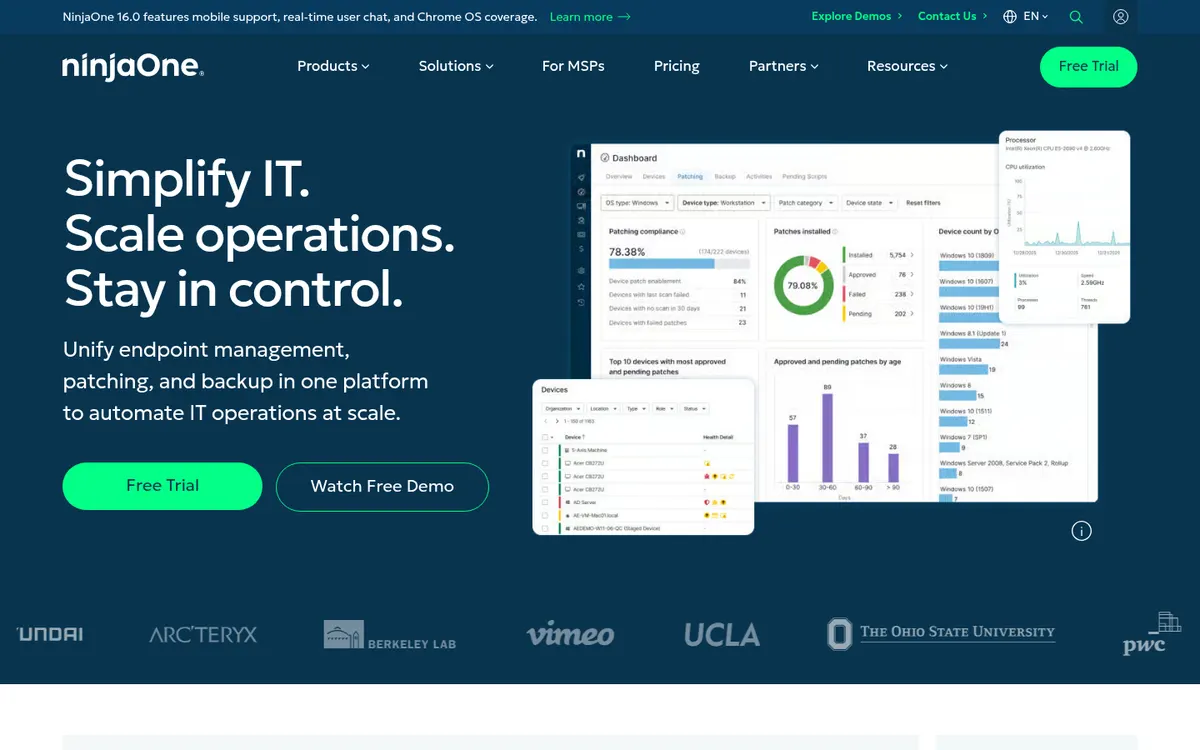
NinjaOne is an RMM tool, and it is judged here on that basis rather than as a full MSP suite. The cloud dashboard covers endpoint monitoring, patch management, remote access and control, and scripting and automation, all from a browser. Console performance is a commonly cited advantage, and monitoring, patching, remote access and scripting all run from the cloud dashboard.
Backup is available as an add-on rather than being bundled. The platform integrates with major PSA tools including Autotask, HaloPSA and ConnectWise Manage, which means it fits a stack where the service desk already lives somewhere else rather than forcing a bundle. There is a free trial, and that is the right way to test patching policy behavior against your own mix of client hardware.
Pricing is by direct quote. Figures that circulate publicly sit near $3.75 per device per month, but the vendor prices by volume and contract term, and the pricing page no longer publishes a figure. Our check on 25 November 2026 confirmed the quote route. A per-device model gets costly at high endpoint counts, so shops with many devices per technician should model the bill against a per-tech plan before deciding.
Pick it if monitoring speed and a clean console matter more to you than having billing and ticketing in the same product. Skip it if you want one vendor for the whole stack, or if you manage very high device counts per technician where per-device billing climbs fastest.
What works
- Console speed is a real daily advantage
- Patching, scripting and remote access in one cloud tool
- Pairs with third-party PSA platforms
What to weigh
- Per-device billing gets costly on large fleets
- No published price, quote only
Pick it if
Your monitoring console is the bottleneck and your PSA already works.
Skip it if
You need contracts and invoicing inside the same product.
Plate 05 of 09
Syncro
Best for small MSPs wanting RMM and PSA on flat per-tech pricing
Our verdict
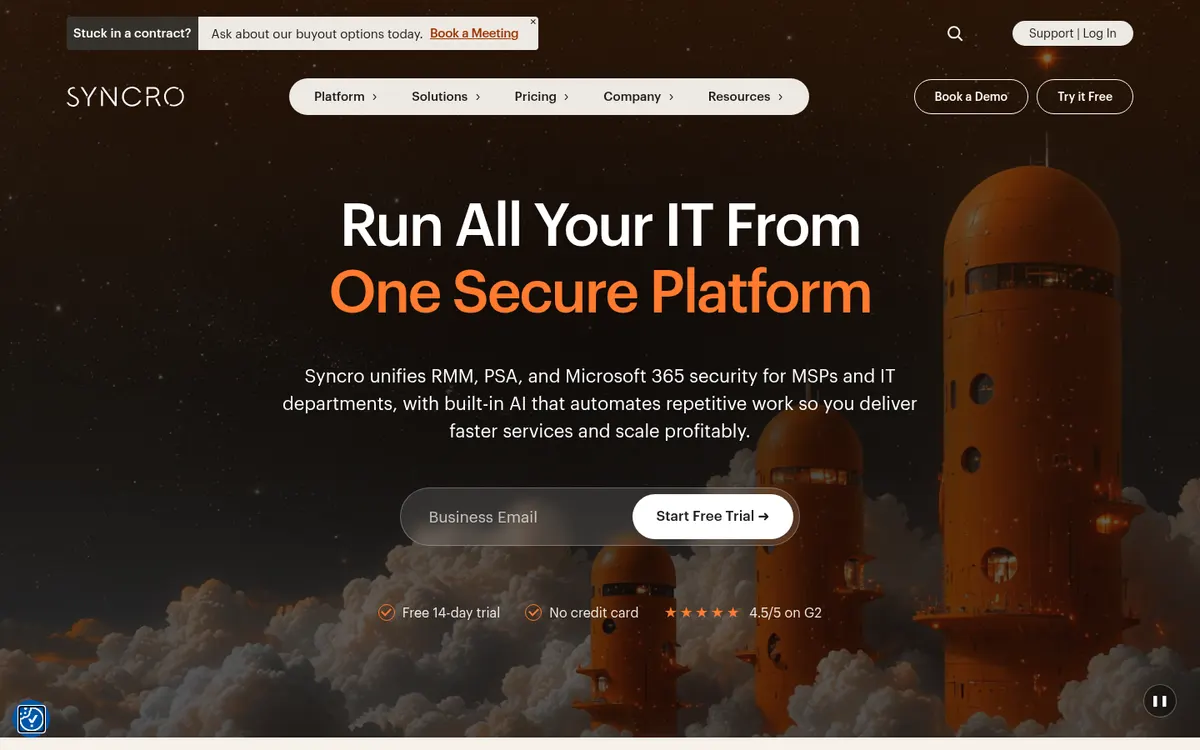
The clearest price in the category: $129 per user per month, unlimited endpoints, self-serve setup and no implementation project.
Syncro puts RMM and PSA on a flat per-technician price, which is unusual in a category where most vendors quote privately. The Core plan lists $129 per user per month billed annually with unlimited endpoints, so adding client devices does not move the bill. Remote monitoring and alerting, patch management, ticketing and service desk, invoicing and billing, and remote access all sit in the same console.
Setup is self-serve. There is no implementation project and no partner-led onboarding to schedule, and a 14-day free trial is enough to see whether the workflow suits a small team. The vendor also markets month-to-month terms, which lowers commitment risk for a shop still deciding how it wants to operate. For a two to eight technician MSP, that combination is hard to match on predictability.
The trade-off is configuration depth. The PSA side is less configurable than ConnectWise Manage or HaloPSA, and very large shops with complex contract structures will hit the ceiling. You are buying speed and a predictable bill, not a platform you can reshape around unusual service agreements.
Pick it if you are a small MSP that wants one flat per-tech bill with unlimited endpoints and no onboarding project. Skip it if your contracts, approvals or reporting requirements are unusual enough to need a heavily configurable PSA, since you will spend more time working around limits than you save on license cost.
What works
- Flat per-tech price with unlimited endpoints
- Self-serve setup, no implementation project
- Published price makes budgeting predictable
What to weigh
- PSA less configurable than the specialists
- Limited enterprise customization
Pick it if
You want one predictable per-tech bill and a working console inside a week.
Skip it if
Your service agreements need custom contract logic the platform does not support.
Plate 06 of 09
SuperOps
Best for MSPs wanting an AI-centric all-in-one RMM and PSA
Our verdict
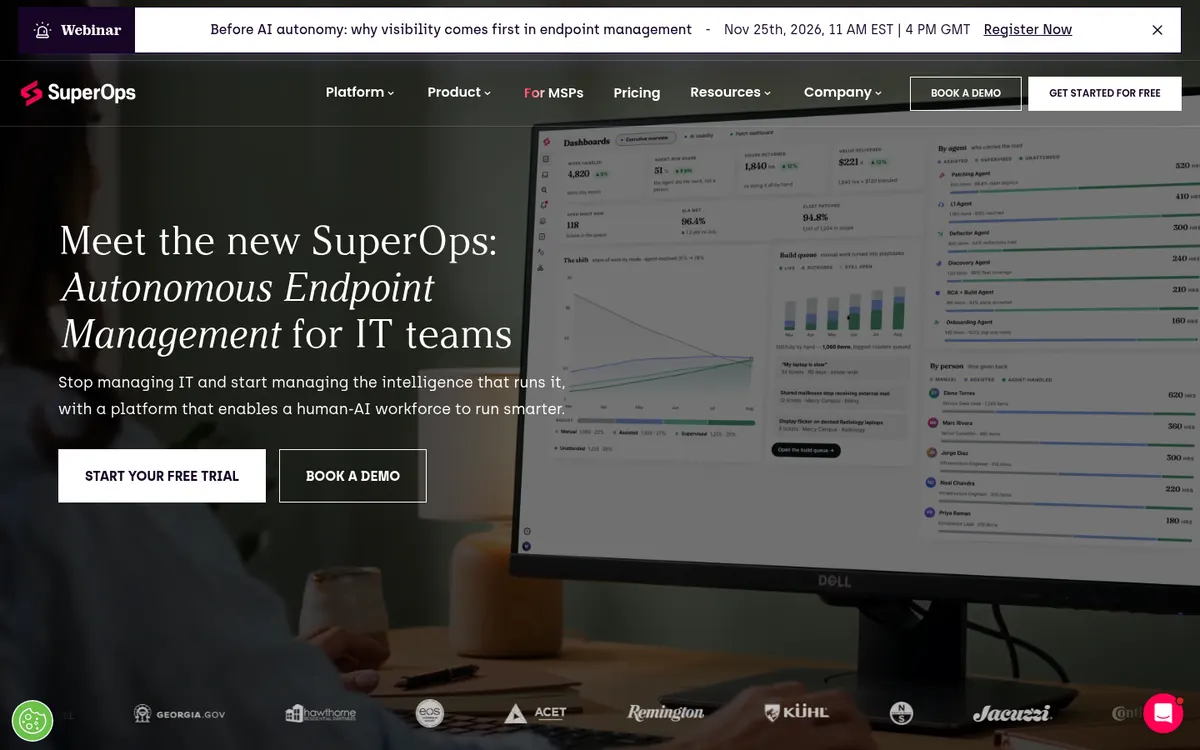
A modern all-in-one with useful AI triage, priced per endpoint with a 150 endpoint floor that suits smaller estates.
SuperOps is the newest all-in-one in this comparison, and it leads with AI rather than with module count. Remote monitoring and management and PSA ticketing share one console, with AI-assisted ticket handling and AI-assisted alert triage built into the workflow, plus unified client and asset views. The pitch is that a small team can carry more tickets and more alerts without adding headcount.
Pricing is per endpoint rather than per technician, quoted per fleet with a minimum of 150 endpoints. That entry point is low for a small estate, which makes the product approachable for a shop with a handful of clients and a few hundred devices. There is a free trial, and the trial is the right place to test the AI features against your own ticket history rather than judging them from a demo.
Two caveats matter. The product is younger than the incumbents here, so roadmap risk and edge-case coverage deserve questions during evaluation. And per-endpoint pricing grows quickly on large estates: a shop with thousands of devices under management will find the bill climbing in a way that per-tech plans do not.
Pick it if you want monitoring, service desk and AI assistance in one modern interface and your device estate is modest. Skip it if you manage large fleets where per-endpoint costs compound, or if you need a platform with a decade of edge cases already documented and tested by other shops.
What works
- RMM and PSA unified in one interface
- AI triage built into ticket workflow
- Low entry point for small endpoint estates
What to weigh
- Younger product than the incumbents
- Per-endpoint cost grows fast on large estates
- 150 endpoint minimum rules out the smallest shops
Pick it if
You want AI-assisted triage and a single console for a fleet above 150 endpoints.
Skip it if
You manage very large device counts or fewer than 150 endpoints.
Plate 07 of 09
HaloPSA
Best for MSPs wanting deep PSA customization on a per-agent price
Our verdict
A configurable PSA for shops that keep their RMM, with per-agent costs that track headcount rather than device counts.
HaloPSA is a dedicated PSA, not a suite. Ticketing, project management, contract management and billing and invoicing are all configurable to a degree generic help desks cannot match, and the configuration is exposed rather than hidden behind a partner services engagement. For a shop with unusual service agreements, that flexibility is the entire reason to buy.
It pairs rather than bundles. Integrations cover NinjaOne, Datto RMM, Syncro and other RMM tools, so you keep the monitoring you already run and replace only the service desk. Licensing is per agent per month, which means costs track headcount instead of endpoint count. Shops with high device density per technician usually find that model cheaper than per-device billing, and it stays predictable as clients add hardware.
Pricing is quoted directly, so public figures are estimates only. An estimate around $109 per agent per month is worth confirming with the vendor before it goes into a budget. Our check on 25 November 2026 found no pricing page text to verify it. There is a free trial, which is the sensible way to test whether the depth is usable for your team rather than merely present.
Pick it if you already have RMM covered and want a PSA you can shape around your contracts and billing rules. Skip it if you want something that works out of the box on day one, because setup depth demands substantial admin time and a technician who actually enjoys configuration work.
What works
- Highly flexible configuration
- Pairs with third-party RMM tools
- Costs track headcount, not endpoints
What to weigh
- Price quoted directly, public figures are estimates
- Setup depth demands real admin time
Pick it if
Your service desk needs to bend around unusual contracts and your RMM already works.
Skip it if
You want a PSA that is productive without configuration work.
Plate 08 of 09
Atera
Best for small to mid MSPs wanting all-in-one simplicity per technician
Our verdict
One published per-tech price covering monitoring, patching, tickets and remote access, with a simpler PSA than the specialists.
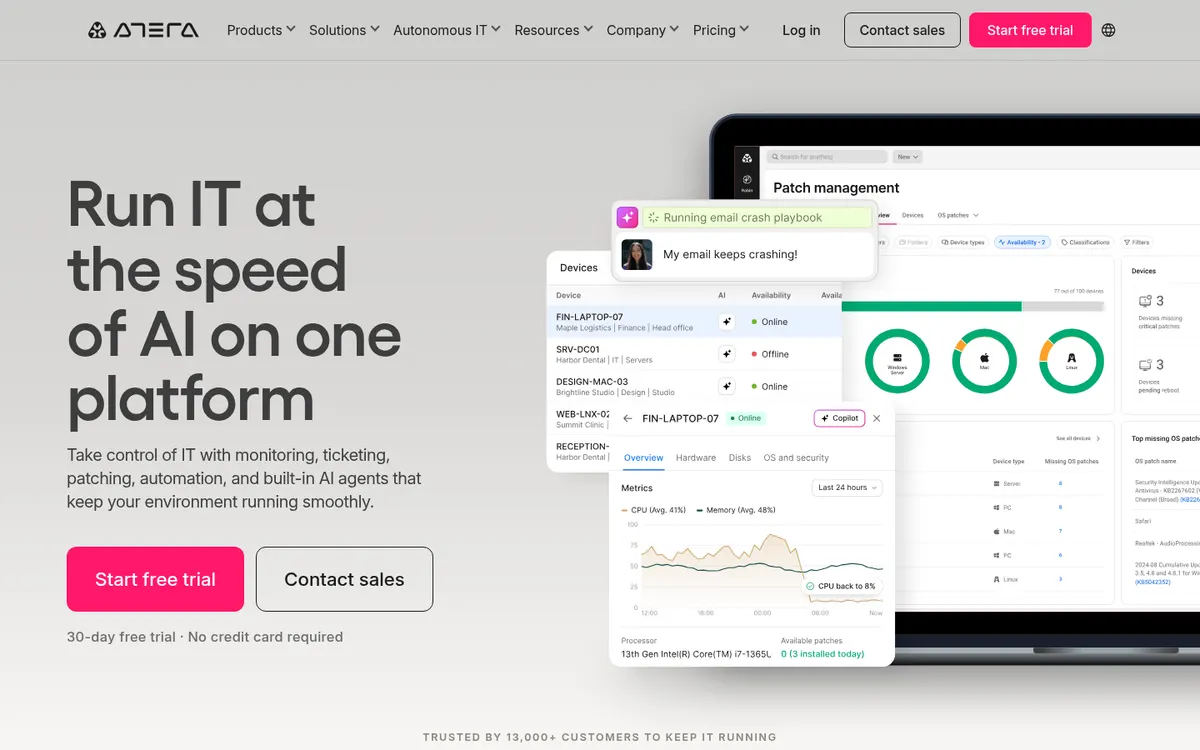
Atera sells the whole stack on one per-technician price. Remote monitoring and management, patch management, ticketing and service desk, and remote access come together, with scripting and automation for repeat work and AI-generated ticket summaries to cut the reading load on routine issues. Devices are unlimited on the per-technician plan, so growth in client endpoints does not change the bill.
The Professional tier lists $149 per technician per month on annual billing. That is up from the $129 recorded earlier, and it is still published on the vendor site, which puts Atera in a small group here alongside Syncro. A 30-day free trial gives a shop a month to test patching and alerting against real client machines before committing to a term.
The limit is depth. The PSA side trails dedicated platforms such as HaloPSA or Autotask, and configuration options are constrained compared with what a large service desk expects. Advanced operators will find places where the tool refuses to bend. Whether Atera wins on cost depends entirely on endpoints managed per technician: unlimited devices is a bargain for a shop with dense client hardware and a poor deal for a shop with many technicians and few devices.
Pick it if you want one published per-tech price covering monitoring, service desk and remote access, and you can live with a simpler PSA. Skip it if ticketing complexity, approval chains or contract logic are central to how you operate.
What works
- One per-tech price for the whole stack
- Published pricing with unlimited devices
- 30-day free trial
What to weigh
- PSA depth trails the specialists
- Configuration limits frustrate advanced operators
Pick it if
You want monitoring, tickets and remote access on one published per-tech bill.
Skip it if
Your ticket workflows need approval chains and custom contract logic.
Plate 09 of 09
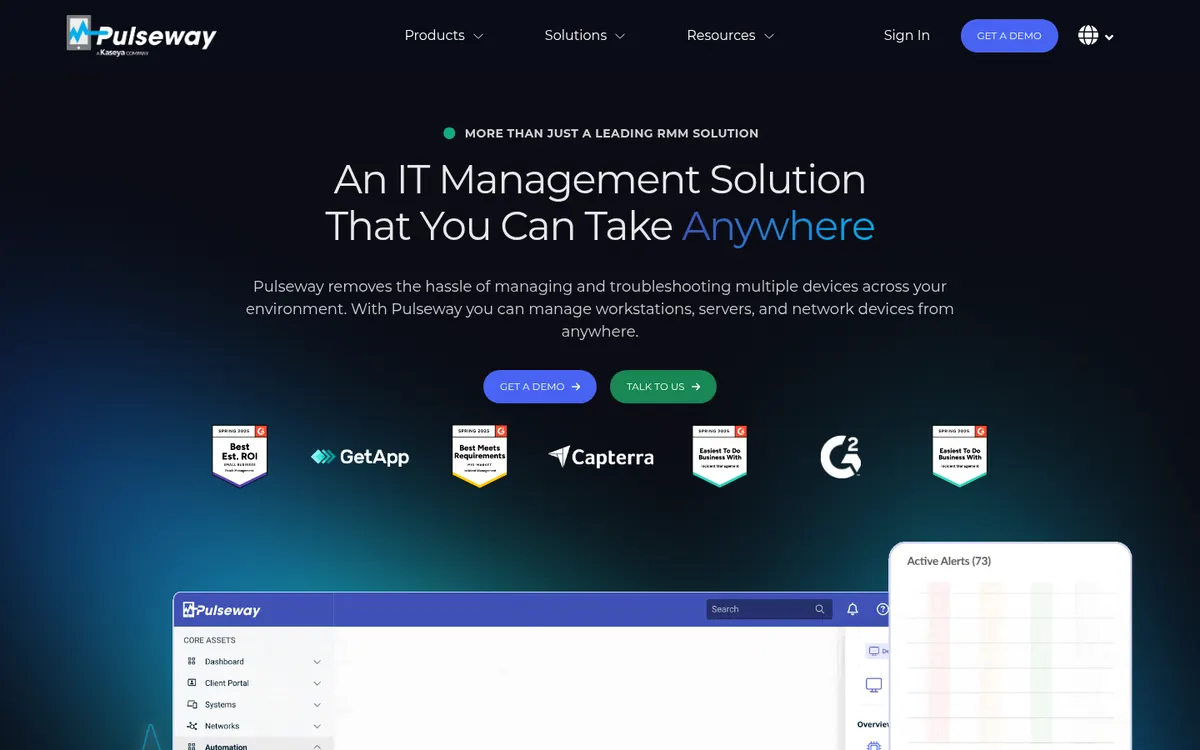
Pulseway
Best for MSPs and internal IT teams needing mobile-first monitoring
Our verdict
Phone-first monitoring and remote control that works well beside a dedicated PSA, though its own service desk is light.
Pulseway built its reputation on administering client infrastructure from a phone. The mobile app covers endpoint monitoring and remote control, so an admin away from a desk can check an alert, look at a device and take action without opening a laptop. Patch management, automation and scheduled tasks, and monitoring and alerting round out the remote management side.
A service desk is included, but it is lighter than a dedicated PSA. That shapes how the product is normally bought: shops that need deep ticketing run Pulseway for monitoring and remote control alongside something like Autotask or HaloPSA. Internal IT teams are also a stated target audience for the vendor, and the included service desk is lighter than a dedicated PSA.
Pricing is quote only. Our check on 25 November 2026 returned an empty page, so the quote-only listing stands unconfirmed and there is no figure to compare against the published per-tech plans above. There is a free trial, which is worth using specifically to test the mobile experience on the devices your technicians actually carry, because that is the part of the product you are buying.
Pick it if mobile administration matters and you want monitoring, patching and automation with a phone-first interface. Skip it if you need a full PSA in the same product, since you will end up paying for a second tool to handle tickets, contracts and billing properly.
What works
- Best mobile admin experience here
- Monitoring, patching and automation together
- Free trial to test fit
What to weigh
- Quote-only, price unconfirmed
- Service desk is light, pairing is common
Pick it if
Your technicians work from phones and you already have a PSA you trust.
Skip it if
You need contracts, billing and deep ticketing in the same product.
What does MSP software actually do, and where does RMM end and PSA begin?
MSP software is two products that share a customer list. Remote monitoring and management (RMM) is the operations half: agents on client machines report health, push patches, run scripts and open a remote control session when something breaks. Professional services automation (PSA) is the business half: tickets, projects, time entries, contracts and the recurring invoices that come out the other end.
The split matters because the two halves are bought differently. RMM is priced against devices, endpoints or technicians, and its cost scales with the client hardware you manage. PSA is priced against the people answering the phone, and its cost scales with headcount. A shop with dense client estates but a small team will feel per-device billing far more than a shop with a large team and few devices.
Most vendors in this list cover one half well and either bundle the other or leave it to an integration:
- ConnectWise, Kaseya, Syncro, SuperOps and Atera sell both halves, with very different depths of PSA.
- NinjaOne and Pulseway are RMM first, with service desk features that vary in depth.
- Datto Autotask and HaloPSA are PSA first, designed to sit beside whatever monitoring you already run.
That is why "all-in-one" is a claim worth testing rather than accepting. A bundled service desk may be enough for a five-person shop and nowhere near enough for a desk handling 40 clients with separate agreements and approval rules.
The practical question is not which product has more features. It is which half of your stack is holding you back. If technicians are fighting the console, the RMM is the problem. If invoices, contracts and ticket queues are the problem, the PSA is. Buy the half that hurts, then check whether the vendor's other half is good enough to stop you running two tools. Integration support is the tiebreaker, and every vendor here publishes an integration list worth reading before a sales call.
This guide sits in the Software collection. Buyers weighing nearby tools often read the guides to commission software and research platforms next.
How per-tech, per-device and per-endpoint billing changes your bill
Three billing models cover almost every product here, and the one you pick decides whether growth makes the bill better or worse. Per-technician plans charge for the people using the console and usually include unlimited devices. Per-device or per-endpoint plans charge for the client hardware under management and do not care how many technicians log in. Quote-only suites hide the model behind a sales conversation but almost always resolve to one of those two shapes.
| Model | How it bills | Typical fit | Example from this list |
|---|---|---|---|
| Per technician | Flat fee per agent, devices often unlimited | Shops with dense client hardware and a small team | Syncro at $129 per user per month on Core, billed annually; Atera at $149 per technician on Professional |
| Per device or endpoint | Fee per managed device or endpoint, technicians not counted | Shops with many technicians and modest device counts | NinjaOne, quoted by volume; SuperOps, per endpoint with a 150 endpoint minimum |
| Quote-only suite | Per-user module subscriptions or bundled platform on annual terms | Larger shops buying several modules from one vendor | ConnectWise, Kaseya, Datto Autotask, HaloPSA, Pulseway |
Run the arithmetic on your own numbers before shortlisting. Count endpoints, divide by technicians, and test both shapes. A shop with 60 devices per technician usually finds per-tech pricing cheaper and far more predictable. A shop with 15 devices per technician often finds the opposite, because it is paying per seat for people who are not carrying many machines.
Two other terms move the total as much as the headline rate: the billing term and the minimum commitment. Annual billing appears in the published plans here, and SuperOps sets a 150 endpoint floor. Ask for the renewal price, not just the first-year price, and get the answer in writing before you budget.
Every price in this guide was read on the vendor's own pricing page on November 25, 2026. Where a vendor does not publish a figure we could confirm, the card says "See website" rather than a guess. For the arithmetic around this purchase, try the free Email campaign metrics calculator.
Which MSP platform fits your shop? A six-step decision path
Count endpoints per technician. Divide managed devices by people on the desk. That single ratio predicts whether per-device or per-technician billing will be cheaper, and it rules out half the list before you sit through a demo.
Name the half that is failing. Decide whether monitoring or service desk is the real problem. If technicians fight the console, buy RMM. If invoices and ticket queues are messy, buy PSA. Buying both when one is fine wastes money.
Price year two, not year one. Ask each vendor for the renewal price and the notice period in writing. Quote-only suites often discount the first term, and a cheap year one says very little about the bill after renewal.
Run the trial on real machines. Install the trial on a handful of client endpoints and a live ticket queue. Test patching policy, alert noise and remote control speed, because those three decide whether technicians actually use the tool.
Check the integration list. If you are keeping one half of your stack, confirm the connector you depend on is supported and maintained. A listed integration that syncs tickets badly is worse than running two separate tools.
Budget the onboarding. Set aside technician hours for configuration. ConnectWise implementations are typically measured in weeks, and Datto Autotask also takes real configuration work before value appears. That time is a cost against the license fee, not a footnote to it.
Five buying mistakes that show up after signature
- Buying a suite for one module. Kaseya and ConnectWise sell bundles where a single module may be all you need. Paying for the rest to get integration is fine only if you will genuinely use the other pieces within a year.
- Ignoring the renewal clause. Quote-only contracts often carry auto-renewal and notice periods. A missed notice date can lock in another year at a higher rate, so put the deadline in a calendar before signing.
- Choosing per-device billing on a big fleet. NinjaOne's per-device model and the SuperOps per-endpoint model both climb with device count. A shop with thousands of endpoints should model the bill against a per-tech plan first.
- Skipping the trial. Six tools here offer a free trial. Running one on real client machines for two weeks reveals more about patching behavior and alert noise than any demo or feature comparison will.
- Assuming the bundled PSA is enough. Atera, Syncro and SuperOps include ticketing, but depth varies. If you run approvals, per-client contract terms or complex billing, test the service desk against your worst client before committing.
Best MSP Software 2026: questions
Do I need both RMM and PSA software to run an MSP?
Only if you bill clients against contracts and track technician time. An RMM tool alone covers monitoring, patching and remote support. Once invoices, agreements and service targets enter the picture, a PSA earns its place. Small shops often start on a combined per-tech plan and split the two halves later when one becomes the bottleneck.
What is the difference between per-tech and per-device MSP pricing?
Per-tech pricing charges for each person using the console and usually includes unlimited devices. Per-device pricing charges for each managed endpoint and ignores headcount. The cheaper model depends on your ratio: dense client hardware favors per-tech plans, while many technicians managing few devices favors per-device billing. Run both calculations on your own numbers.
Which MSP platforms in this list publish a starting price?
Two do. Syncro lists $129 per user per month on its Core plan, billed annually, with unlimited endpoints. Atera lists $149 per technician per month on Professional, billed annually. SuperOps prices per endpoint but quotes per fleet with a 150 endpoint minimum. ConnectWise, Datto Autotask, Kaseya, HaloPSA, NinjaOne and Pulseway all route buyers to a quote.
Is an all-in-one platform better than pairing an RMM with a dedicated PSA?
It depends on which half is holding you back. All-in-one plans such as Syncro, Atera and SuperOps win on simplicity and one bill, and they are usually enough for small teams. Pairing, for example NinjaOne with HaloPSA, wins when one half needs depth the bundle cannot provide. Confirm the integration before committing to two vendors.
What should I confirm in an MSP contract before signing?
Confirm the renewal price, the notice period for cancellation and whether modules are priced separately. Ask for the multi-year total rather than the first-year figure, and get onboarding fees in writing. Kaseya, ConnectWise and Datto Autotask all sell through quotes, so the commercial terms matter as much as the feature list.
What is a low-risk shortlist for a very small MSP team?
Start with Syncro and Atera. Both publish per-technician prices with unlimited devices, both offer a free trial, and neither needs an implementation project. Add SuperOps if AI triage interests you and your fleet is above 150 endpoints. All three let a small team run monitoring and ticketing from one console without a long negotiation.