
Contents of this guide
The shortlist
Our top 3 for software buyers

Zeffy
Zero cost fundraising
- Best for
- Nonprofits wanting zero fees plus CRM and events
- Features
- 5 noted: Free forever, Donor CRM, Auctions, Peer-to-peer, Public API

Donorbox
Recurring donor portal
- Best for
- Small nonprofits building recurring donor programs
- Features
- 4 noted: Recurring gifts, Donor portal, Text-to-give, Multi-currency

Givebutter
Free all-in-one toolkit
- Best for
- Small nonprofits wanting fundraising, events and CRM free
- Features
- 4 noted: 0% platform fee, Auctions, Donor CRM, 24/7 support
Disclosure for this guide. All 9 tools here are unpaid editorial picks. The position of a paid listing can be part of what the vendor pays for. Paid and unpaid tools are scored on the same rubric and keep their cons. Details are in the advertising disclosure.
The ledger
Index of every tool
| Tool | Free plan | Trial | Rubric | Compare | ||
|---|---|---|---|---|---|---|
| 01 | ZeffyNonprofits wanting zero fees plus CRM and events | Freeno monthly fee, no platform fee, card processing absorbedChecked Nov 25, 2026 | Yes, free forever | No | ||
| 02 | DonorboxSmall nonprofits building recurring donor programs | FreeStandard plan, 2.95% to 3.95% platform fee, Pro $150 per month, discount with yearly billingChecked Nov 25, 2026 | Yes, Standard plan | No | ||
| 03 | GivebutterSmall nonprofits wanting fundraising, events and CRM free | Freefree with optional donor tips, 0% platform fee, Givebutter Plus from $29 per monthChecked Nov 25, 2026 | Yes, free forever | 30-day free trial on Plus | ||
| 04 |  GiveLivelyUS grassroots nonprofits needing free donation tools | See websiteno platform fee, standard card processing appliesNot published | Yes | No | ||
| 05 |  ClassyEstablished nonprofits running high-volume online campaigns | See websitecustom quoteCustom quote | No | Demo only | ||
| 06 |  Fundraise UpTeams optimizing conversion from existing donation traffic | See websitecustom quoteCustom quote | No | Demo only | ||
| 07 |  QgivNonprofits blending forms, events and peer-to-peer | See websiteStarter, no monthly fee, processing fees applyNot published | Yes | No | ||
| 08 |  RallyUpRaffles, auctions and event-based fundraising | FreeFree plan with donor tipping, no platform fee, Flex charges 2.9% to 6.9% platform feeChecked Nov 25, 2026 | Yes, Free plan | No | ||
| 09 |  GoFundMePersonal, community and emergency fundraising | Free0% platform fee for organizers, 2.9% + $0.30 transaction fee per donationChecked Nov 25, 2026 | Yes, no fee to start | No |
Prices are the lowest paid plan the vendor shows, read on November 25, 2026. Sort by price ranks published monthly figures; tools without one go last. Pin up to three tools to compare them side by side.
How this guide was put together
We scored nine platforms on five criteria, weighted for what decides whether a donation program works rather than for how long a feature list is.
Fee structure takes 30% because it is the cost that grows with your success. We looked at platform fees, subscription costs and whether card processing is absorbed, all as the vendor states them. Recurring giving takes 20%, since monthly donors are the difference between a campaign and a program. Fundraising range takes 20%: does one account cover donation pages, peer-to-peer, events and auctions, or will you need a second vendor? Integrations and reporting take 15%, covering the systems a finance or donor records team needs to feed. Ease of setup takes the last 15%, because a tool nobody can launch is not a tool.
Prices, plan names and fee percentages come from each vendor's own pricing pages, checked on November 25, 2026. Where a vendor publishes no number, we say pricing is on the vendor site and quote nothing. Card processing rates are repeated as published, not modeled or averaged.
The order of this list is editorial. It reflects how well each tool fits the buyer described in its entry, and the scores on each card are there for comparison only. One entry may be marked Featured, which is a paid placement; it was scored with the same rubric and carries the same kind of honest cons as every other tool here. Every entry lists weaknesses, including the ones with the strongest feature sets.
The full process, including how we handle corrections, is on the methodology page. Paid listings follow the advertising disclosure.
Rubric and weights
Every tool below is scored from 1 to 10 on these five criteria. The scores describe each tool; the order is an editorial call on fit for the buyer each card describes, plus the disclosed Featured position.
- 30%Fee structurePlatform fees, subscriptions and whether card processing is absorbed, taken as the vendor states them.
- 20%Recurring givingHow well the platform turns one-time donors into monthly givers, from donor portals to upgrade prompts.
- 20%Fundraising rangeWhether one account covers donations, peer-to-peer, events, auctions and commerce, or needs a second vendor.
- 15%IntegrationsConnections to accounting, CRM and email systems, plus the depth of the reporting a board will ask for.
- 15%Ease of setupHow fast a small team can launch a live campaign without a project plan or outside help.
Plate 01 of 09
Zeffy
Best for nonprofits wanting zero fees plus CRM and events
Our verdict
The only platform here that costs a registered nonprofit nothing per gift, with events, CRM and reporting included.
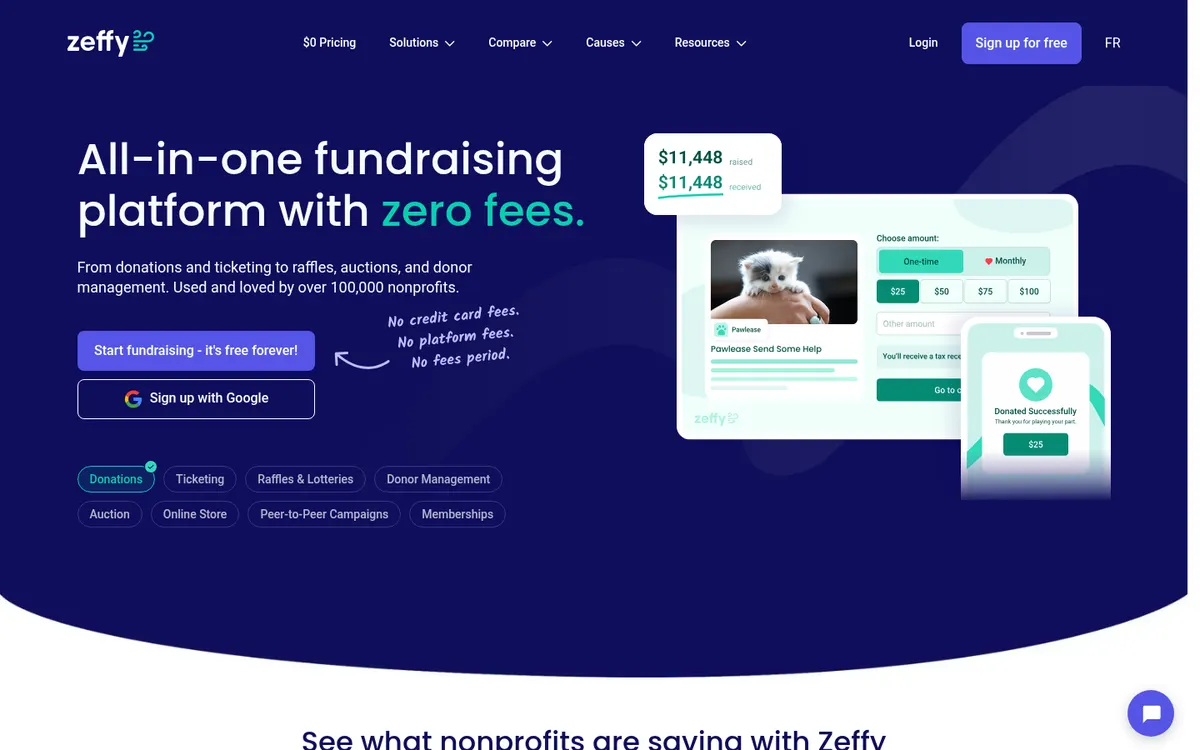
Zeffy is a free donation platform for registered nonprofits. There is no monthly fee, no platform fee and no card processing charge passed to the organization; the company covers processing itself and funds operations through optional donor tips at checkout. For a small shop, that changes the math on every online gift.
The toolkit is broader than the price suggests. Branded donation forms handle one-time and recurring gifts, and the same account runs event ticketing, auctions, raffles, memberships, peer-to-peer campaigns and a small online store. A built-in donor CRM stores contact records and sends email, and reporting dashboards update live with saved donor lists. Payouts can be split by campaign and fund, which matters if you report to restricted grantors.
Integration is where it thins out. There is a QuickBooks Online sync, a Zapier connector, a WordPress plugin and a public API with webhooks, so most stacks can be wired up. But there is no native Salesforce connector, and teams standardized on Salesforce will need Zapier or custom API work to keep records in sync. The other constraint is eligibility: Zeffy is limited to registered nonprofit organizations, so individuals, informal groups and unregistered community efforts cannot use it.
The AI assistant answers questions about your own donor data and builds charts from it, which is a reasonable substitute for a business intelligence tool at this price. Because revenue comes from optional donor tips, the size of those tips affects the product roadmap rather than your bill. Best fit: a registered nonprofit that wants donations, events and a light CRM in one free account and can live without a native Salesforce link.
What works
- No platform or processing cost
- Events, CRM and email bundled
- Free public API with webhooks
What to weigh
- Registered nonprofits only
- No native Salesforce connector
- Funded by optional donor tips
Pick it if
You are a registered nonprofit that wants donations, events and a donor CRM without paying platform or card processing fees.
Skip it if
You are an individual fundraiser or your donor records have to sync natively with Salesforce.
Plate 02 of 09
Donorbox
Best for small nonprofits building recurring donor programs
Our verdict
The strongest recurring giving toolkit for small nonprofits, though the free tier keeps 2.95% to 3.95% of each gift.
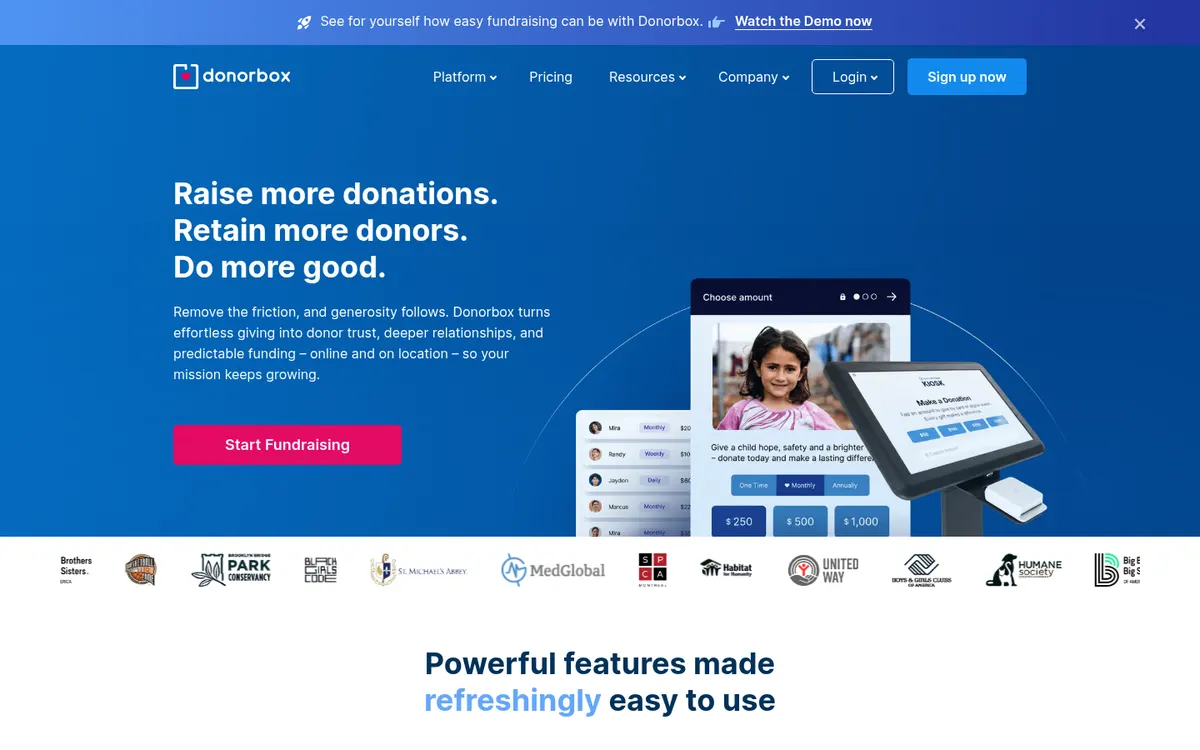
Donorbox sells itself on speed, and it earns that. You paste an embed snippet or host a branded donation form, connect a payment processor, and you are taking gifts the same afternoon. Recurring giving is the deeper story: donors get a portal to manage their recurring gifts without emailing your team, and automated receipts go out on every transaction. For an organization whose growth plan is monthly donors rather than one-off appeals, that portal does more work than most of the features above it.
The free Standard plan is genuinely usable, but it takes a platform fee of 2.95% to 3.95% on top of card processing. That is the trade: no subscription, a higher cut per gift. Pro at $150 per month drops the platform fee to between 1.75% and 2%, so the crossover point sits where the fee savings exceed $1,800 a year, which happens at meaningful volume. Yearly billing reduces the Pro price.
Two extras are sold separately rather than bundled: text-to-give at $19 per month and kiosk giving at $50 per month. Neither is unusual for the category, but budget for them if in-person events or SMS appeals are part of the plan. Analytics and the AI tools also sit on Pro, so the free tier is thinner on insight than on donation mechanics. Multi-currency support and integrations with common nonprofit systems are there when you need them.
Best fit: a small nonprofit that wants a polished donation form and a real recurring program without a big implementation project, and that expects to graduate to Pro as monthly giving grows.
What works
- Fast embeddable forms
- Dedicated donor portal
- Yearly billing discount on Pro
What to weigh
- Platform fee of 2.95% to 3.95% on the free tier
- Analytics and AI locked to Pro
- Text-to-give and kiosk cost extra
Pick it if
Recurring donors are your growth plan and you can start on the free tier while monthly revenue builds.
Skip it if
You want a zero platform fee from day one or need events and auctions in the same account.
Plate 03 of 09
Givebutter
Best for small nonprofits wanting fundraising, events and CRM free
Our verdict
A free all-in-one toolkit for small nonprofits, as long as you accept card processing and donor tipping.
Givebutter is the closest thing to an all-in-one free platform after Zeffy, with one important difference: it does not absorb card processing. The platform fee is 0% while donor tips stay enabled, so organizations can run free in practice. Turn tips off and a 3% platform fee applies. Card processing of 2.9% plus $0.30 per transaction is charged either way.
What you get at that price is unusually wide: donation pages, crowdfunding campaigns, peer-to-peer fundraising, event registration, auctions and a lightweight donor CRM, with supporter-facing pages built to be shared on social. Support runs around the clock, which is rare at the free end of this market and matters when a campaign launches on a Sunday night.
Givebutter Plus at $29 per month is cheap by the standards of the category. It adds automation and CRM extensions, and there is a 30-day free trial on that tier, so you can test whether the paid features earn their keep before committing. What Plus does not fix is depth: the CRM is lighter than a dedicated donor database, and teams with complex gift designation or major gift moves management will outgrow it.
The honest arithmetic: a $100 gift nets about $96.80 after card processing when tips are on. That is a fair deal for the toolkit, but compare it against Zeffy, which absorbs processing, before you decide the free tiers are equivalent. An organization processing six figures a year will notice the gap.
Best fit: a small nonprofit that wants fundraising, events and a starter CRM in one place and is comfortable with donor tipping as the funding model.
What works
- 0% platform fee with tips on
- Wide toolkit including auctions
- Support at all hours
What to weigh
- 3% platform fee if tips are off
- Card processing is never absorbed
- CRM depth is limited
Pick it if
You want donations, events and auctions in one free account and are happy to leave donor tipping on.
Skip it if
You need processing absorbed or a donor database that scales past a few thousand records.
Plate 04 of 09
GiveLively
Best for US grassroots nonprofits needing free donation tools
Our verdict
Free, focused donation pages and text-to-give for US nonprofits, with no events, no CRM and no phone support.
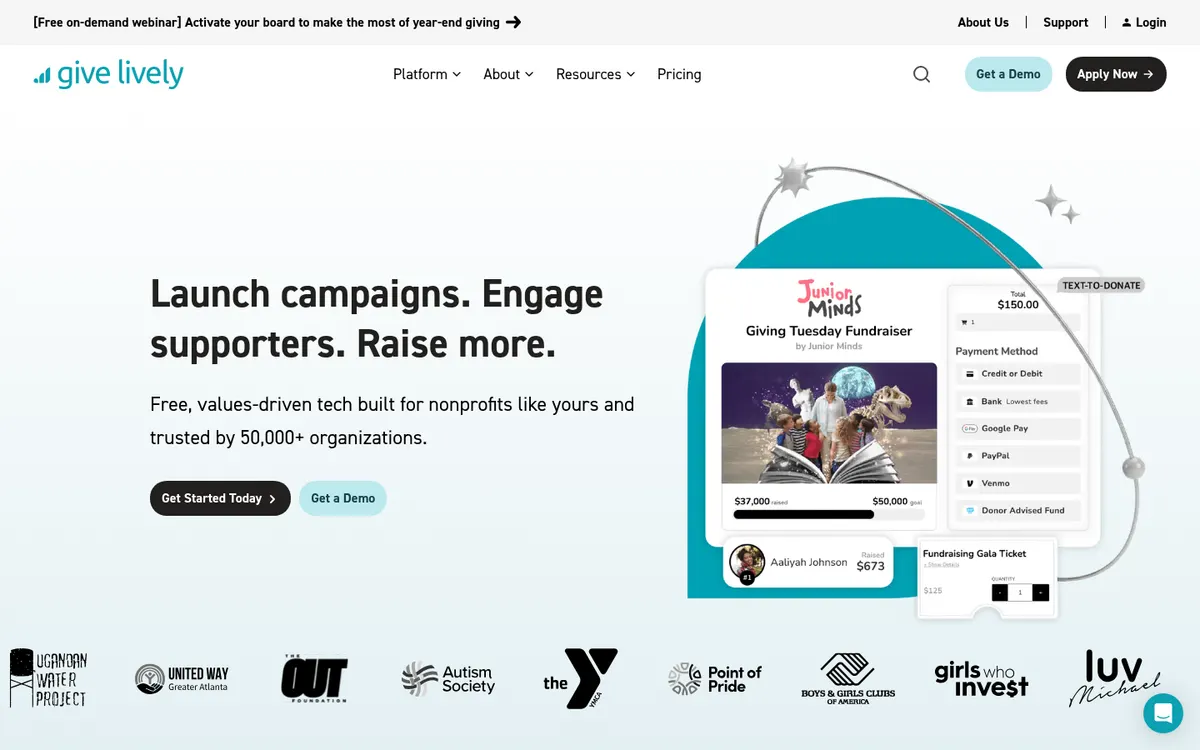
GiveLively is a free platform for US nonprofits, and it has a long track record with small US nonprofits. There is no platform fee and no subscription. The organization connects its own Stripe and PayPal accounts, so standard processing fees apply and are not absorbed. Optional donor tips fund the platform, which is the same model Givebutter uses, minus the processing gap.
The feature set is deliberately narrow: donation pages, text-to-give, peer-to-peer fundraising and campaign tools, plus the tipping layer. There is no event ticketing, no auction module and no donor CRM, so it works best as the giving layer underneath tools you already run. Text-to-give included at no platform cost is the standout, since several competitors charge a monthly fee for the same capability, and peer-to-peer sits in the box rather than in an upgrade.
Pricing details are on the vendor site; no figure for this listing could be confirmed on our check, so we have not quoted a number. What is documented is the model itself: no platform fee, with processing passed through at standard Stripe and PayPal rates. Organizations that want one vendor for donations, events and records should look further up this list.
Two limits matter. Eligibility first: GiveLively is restricted to US 501(c)(3) organizations, so Canadian, UK and unregistered groups are out. Support second: it runs through email and a help center, with no phone line. For a small shop that is usually fine, but during a Giving Tuesday outage it is not the same as a live queue.
Best fit: a small US nonprofit that already has a donor database and needs free, reliable donation pages, text-to-give and peer-to-peer without adding another subscription.
What works
- No platform fee or subscription
- Text-to-give included
- Peer-to-peer in the free tier
What to weigh
- US 501(c)(3) organizations only
- Processing fees are not absorbed
- Email and help center support only
Pick it if
You are a US 501(c)(3) with an existing database and just need free donation pages and text-to-give.
Skip it if
You are outside the US, unregistered, or need events, auctions or a donor CRM in the same tool.
Plate 05 of 09
Classy
Best for established nonprofits running high-volume online campaigns
Our verdict
An enterprise campaign platform with real ceiling and a quoted price that puts it out of reach for small teams.
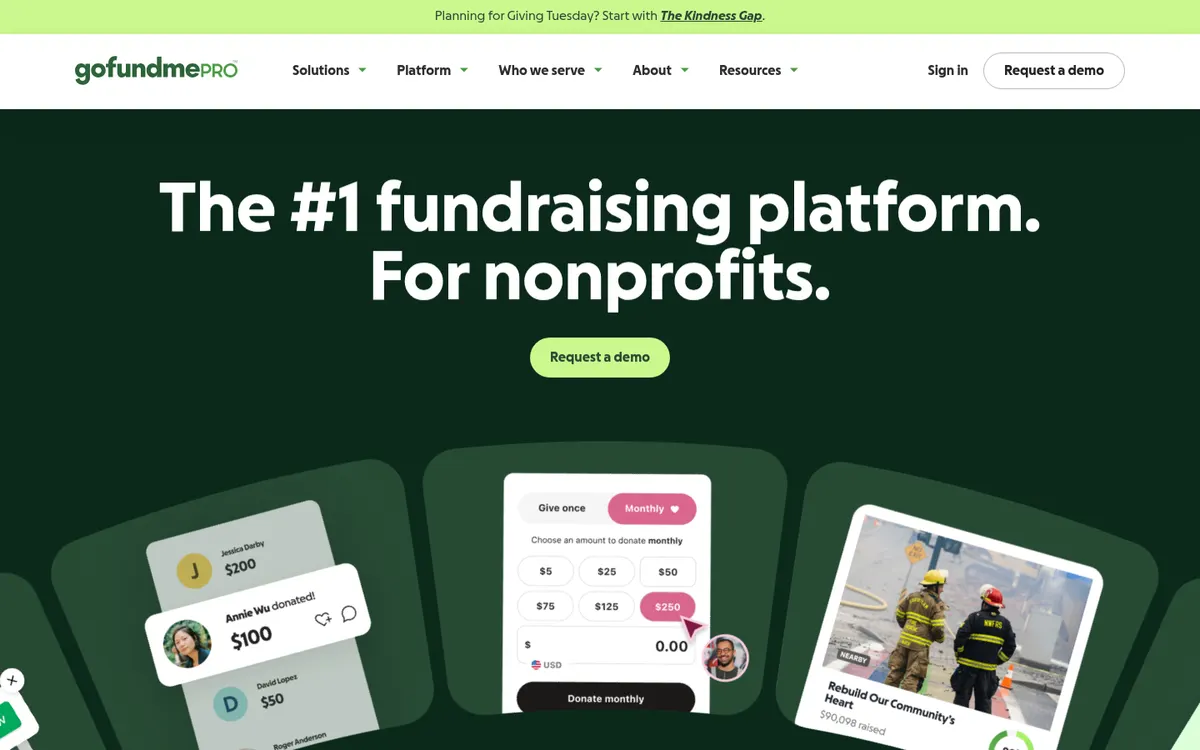
Classy is the enterprise option in this group, now marketed as GoFundMe Pro. It is built for organizations running high-volume online campaigns, peer-to-peer fundraising and event programs, with branded donation experiences and enough page flexibility to make a campaign look like a designed site rather than a form. Reporting is sized for large programs and for boards that ask for segmented results.
Pricing is quoted per organization and there is no free tier; the only way in is a demo. Pricing is quoted per organization plus payment processing, which puts it out of reach for most volunteer-run nonprofits and is the main reason it sits below cheaper tools here despite deeper capability. If your annual online program is six figures, that number is a rounding error. If it is five, it is the whole budget.
The trade you are making is setup effort for campaign ceiling. Simple donation pages take a modest amount of configuration, and advanced peer-to-peer campaigns take real project time, often with internal design and marketing input. Organizations that run the platform well usually have someone whose job includes it.
The GoFundMe connection is worth understanding. Classy sits on the nonprofit side of that business, and GoFundMe Pro is the branding you will now see, with a quote-based contract and a per-donation fee component. It does not mean your campaign inherits GoFundMe's consumer audience; the traffic is still yours to drive.
Best fit: an established nonprofit with staff, a six-figure online program and a need for peer-to-peer and event campaigns that can absorb a quoted contract and a real setup cycle.
What works
- Handles large and viral campaigns
- Deep page customization
- Reporting built for big programs
What to weigh
- Quote only, no free tier
- Entry cost not published
- Setup takes staff time
Pick it if
You run a six-figure online program with peer-to-peer and events and have staff to configure it properly.
Skip it if
You need to launch this month on a small budget or want any self-serve pricing.
Plate 06 of 09
Fundraise Up
Best for teams optimizing conversion from existing donation traffic
Our verdict
A checkout built to convert existing traffic into more gifts, sold on a custom performance-based contract.
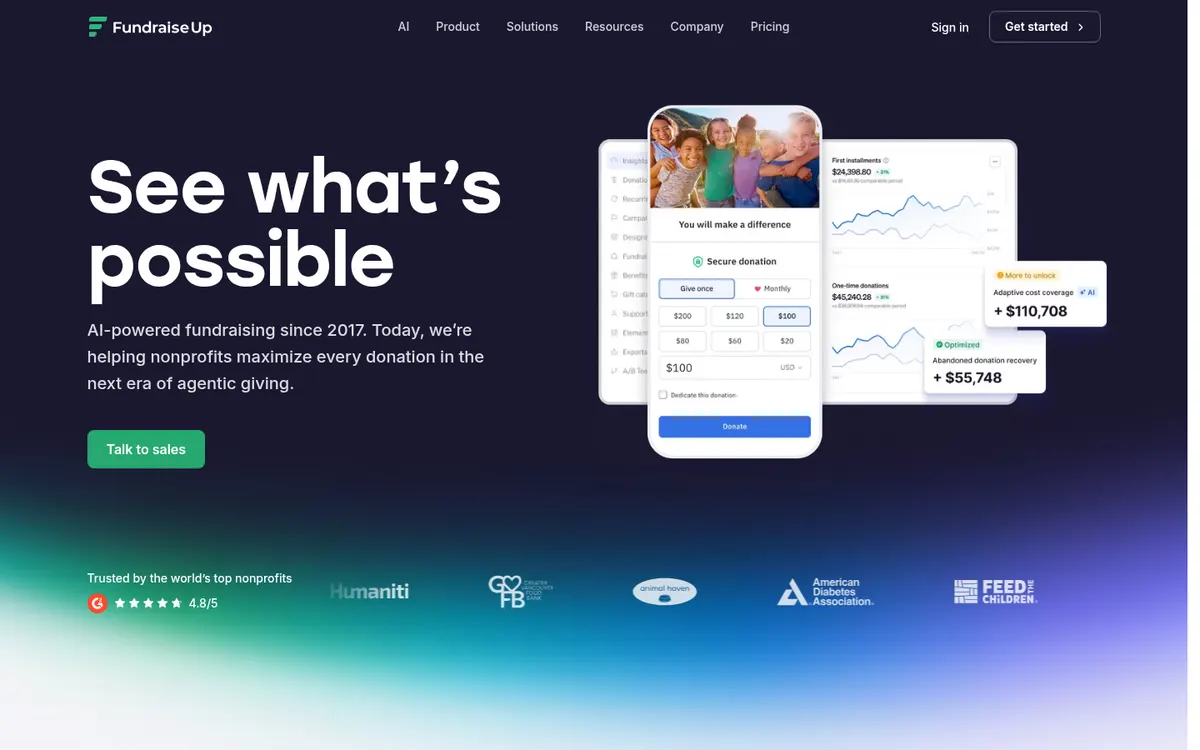
Fundraise Up does one job and does it narrowly: it raises the conversion rate on donation traffic you already have. Rather than selling a full fundraising suite, it replaces your checkout with a shorter flow, picks suggested ask amounts with AI based on what the donor is likely to give, adapts messaging to the visitor, and prompts one-time donors to convert to recurring during checkout. Upsell offers appear inside the flow.
The value case is arithmetic rather than feature count. If you send steady traffic to a donation page and conversion rises, revenue rises without a new campaign or a new donor list. Fundraise Up reports the lift in its own analytics, which is the number to argue about at renewal, and the product is built so the experiment is measurable rather than anecdotal.
Pricing is custom and aimed at enterprise buyers, with no free or self-serve tier and a demo as the only entry point. The vendor's page describes a performance-based model with about 1% effective cost and no upfront fee, and requires a sales conversation before any number is confirmed. Treat that as a starting point for negotiation, not a published rate.
The limit is dependence on traffic you already own. A nonprofit with a thin donor audience gets little from a better checkout, and teams that need events, peer-to-peer, auctions or a donor database still need other tools for all of it. This is a layer, not a platform, and it only pays off when the traffic underneath it is real.
Best fit: a mid-size or large nonprofit with steady donation traffic, an analytics habit and someone who can run A/B tests on the checkout.
What works
- Checkout designed around conversion
- Upsells move donors to recurring
- Analytics quantify the lift
What to weigh
- Custom enterprise pricing only
- No self-serve or free tier
- Little value without existing traffic
Pick it if
You already send serious traffic to a donation page and want more revenue from the same visitors.
Skip it if
Your donation page sees modest traffic or you still need events, auctions and a donor database.
Plate 07 of 09
Qgiv
Best for nonprofits blending forms, events and peer-to-peer
Our verdict
A practical middle option that puts donation forms, auctions and peer-to-peer under one quoted contract.
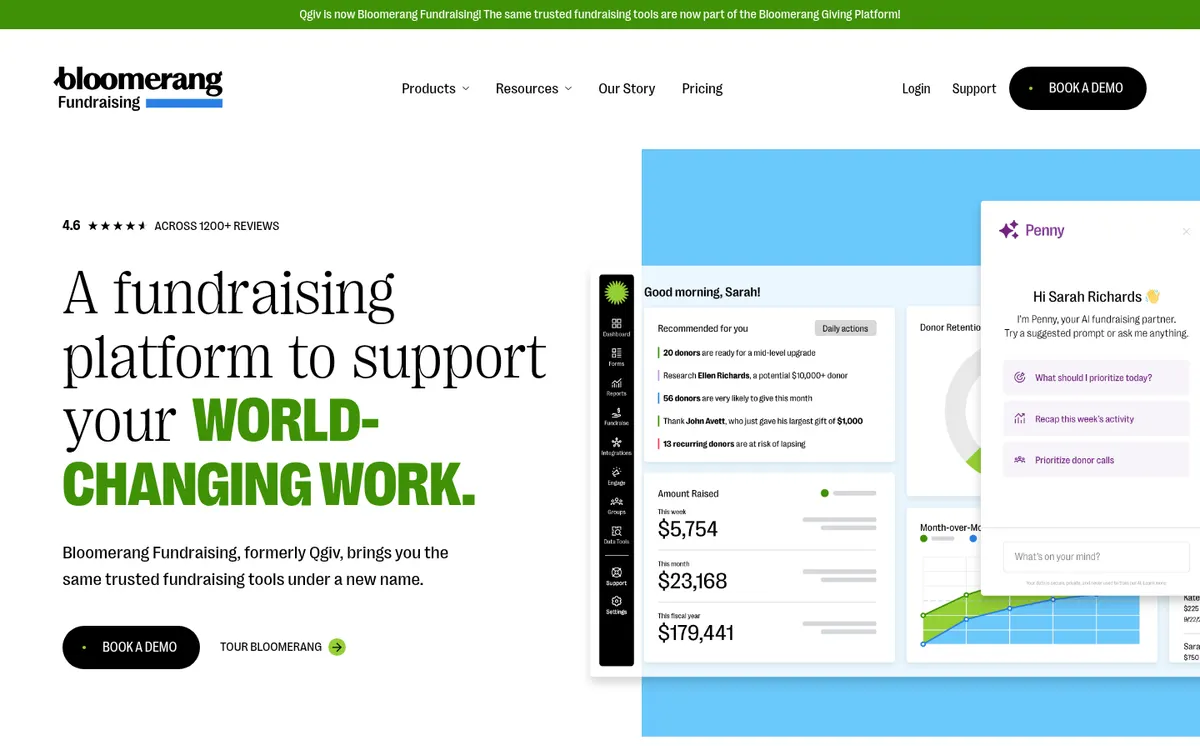
Qgiv covers the middle ground: donation forms, event registration, auctions, peer-to-peer fundraising, text fundraising and basic reporting from one account. It is the kind of tool a nonprofit adopts when it has outgrown a free form builder but does not want an enterprise contract, and the mix of event and peer-to-peer features in one place is the reason to look at it rather than a pure donation form tool.
The Starter tier carries no monthly fee, with processing fees applying, so there is a way to test the platform before a contract. The tiers that matter, the ones with event and peer-to-peer depth, are quoted. We could not confirm the Starter free tier on this check, so treat it as stated rather than verified; pricing is on the vendor site and the structure above Starter is a quote.
The Bloomerang acquisition is the strategic detail. Qgiv now sits in the same group as a donor management suite, which helps organizations that want donations and donor records under one vendor relationship and one support number. It also means the roadmap is tied to a CRM company rather than to a standalone donation tool, which is worth weighing if you use a different database.
Reporting is honest but not deep. Boards that want fund-level, campaign-level and cohort reporting across years will find more in enterprise tools, and teams running sophisticated mid-level donor programs will want to export into a real analytics layer. Auction and event setup is capable without being luxurious.
Best fit: a nonprofit of modest size that runs an annual gala or auction alongside its donation page and wants both from one vendor without an enterprise contract.
What works
- Free Starter tier to test
- Strong event and peer-to-peer set
- Backed by Bloomerang
What to weigh
- Key features sit on quoted tiers
- Reporting lighter than enterprise tools
- Starter free tier unverified on our check
Pick it if
You run an auction or gala alongside ongoing donations and want one vendor at mid-market pricing.
Skip it if
You need deep multi-year analytics or want fully published, self-serve pricing.
Plate 08 of 09
RallyUp
Best for raffles, auctions and event-based fundraising
Our verdict
The event specialist of the group, best for raffles and auctions and weakest for year-round giving.
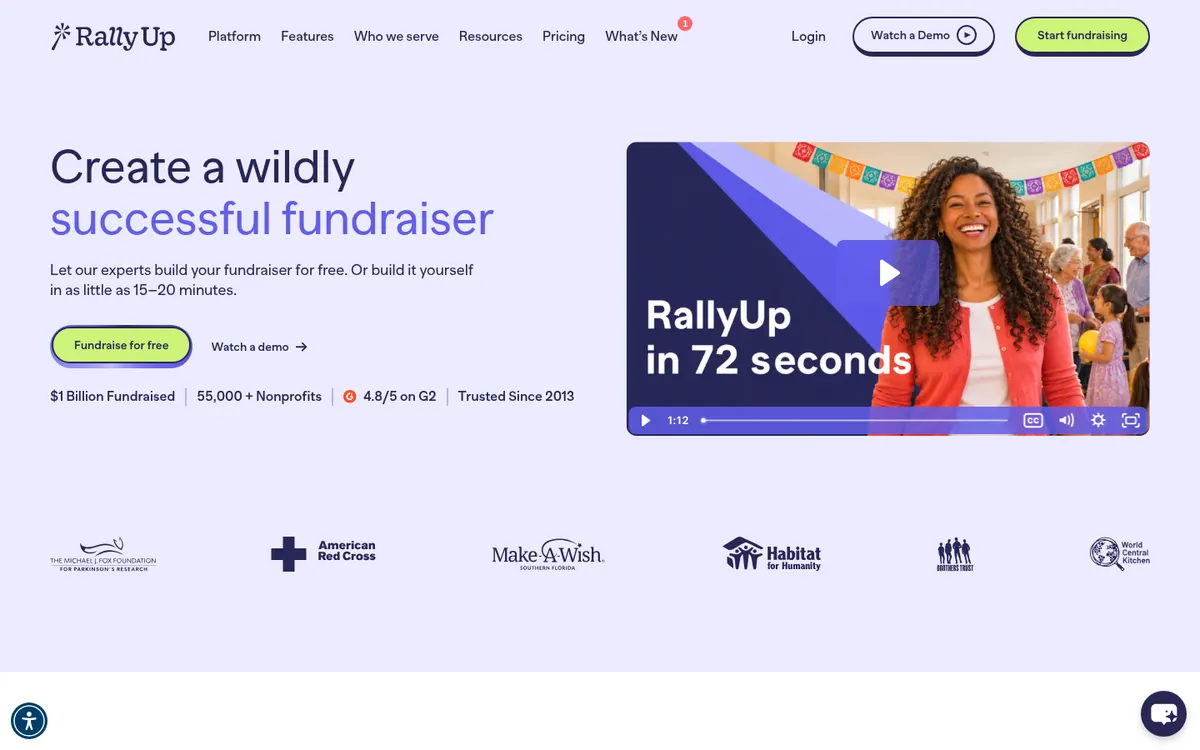
RallyUp is built for the fundraiser that is an event rather than an appeal. Online raffles, silent and live auctions, sweepstakes, crowdfunding campaigns and event pages with a mobile-friendly donor experience are the core product, and those tools are native rather than bolted onto a donation form.
The Free plan runs with donor tipping and no platform fee, so an organization can launch an event with no upfront cost and let supporters cover the difference. Flex charges a platform fee of 2.9% to 6.9% per transaction, a wide band that depends on volume and configuration, and Enterprise is custom priced. Card processing terms are on the vendor site.
The scope limit is the honest headline. There is no year-round recurring giving engine, no donor CRM and no general campaign toolset worth relying on for an annual fund. RallyUp is commonly used next to a general donation platform, one for the gala and one for everything else, which means two sets of donor records to reconcile unless you export carefully.
Attendees get a better experience than a paper bid sheet, and event night revenue usually reflects it. Staff time on setup is real, particularly for auctions with many items and images, and someone has to load every lot before the page goes live. For a single well-run event a year, that effort is contained.
Best fit: a nonprofit whose calendar is built around a gala, raffle or auction and that wants a dedicated tool for that event rather than a general platform doing it badly.
What works
- Purpose-built raffles and auctions
- Free plan to launch an event
- Strong attendee experience
What to weigh
- No recurring giving or CRM
- Narrower scope than suites
- Per-transaction platform fees
Pick it if
Your biggest fundraising moment is a gala, raffle or auction and you want a tool built for exactly that.
Skip it if
Monthly giving, donor records and year-round campaigns matter more than one event.
Plate 09 of 09
GoFundMe
Best for personal, community and emergency fundraising
Our verdict
The fastest route for personal and emergency campaigns, with reach no nonprofit tool here matches and no organizer fee.
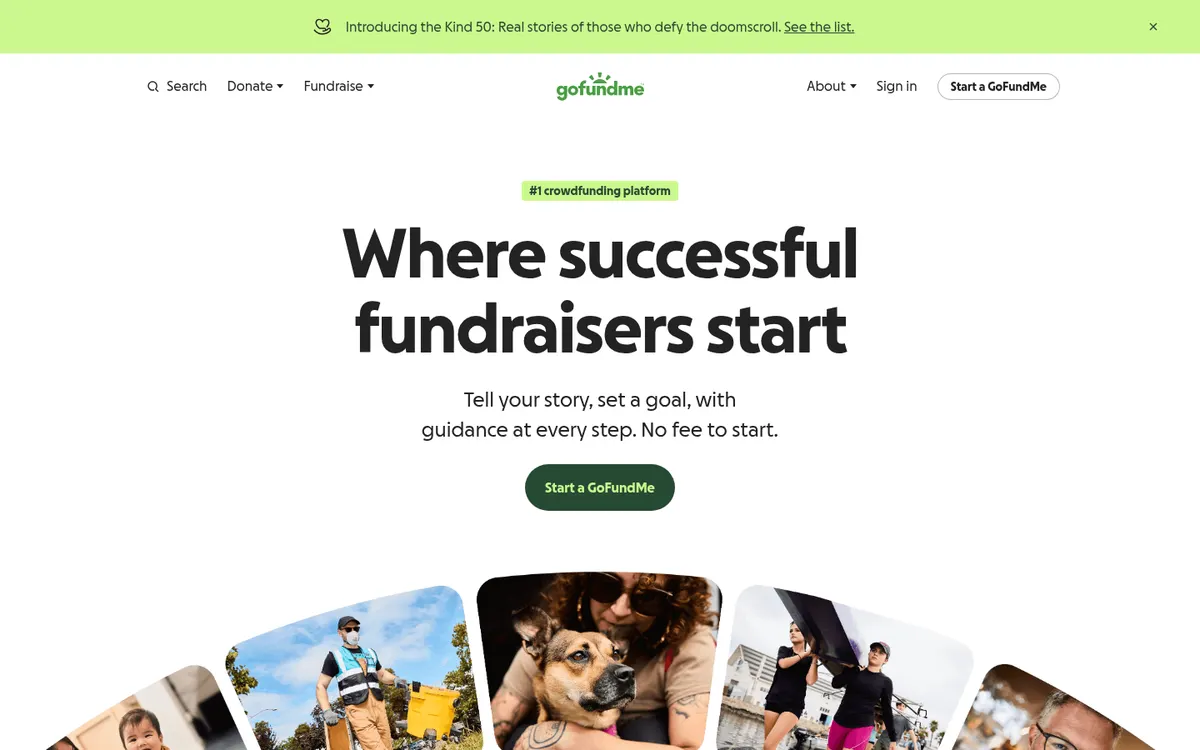
GoFundMe is the platform most donors have already used, and that familiarity is the product. A campaign page goes up in minutes, shares well on social, and sits in front of an audience that already browses the site for causes. There is no platform fee for organizers, a transaction fee of 2.9% plus $0.30 per donation applies, and there is no fee to start.
For personal, community and emergency fundraising, that combination is hard to beat. Medical bills, funeral costs, a family displaced by fire, a neighborhood rebuilding after a storm: campaigns move fast and strangers find them. The mobile app, update posts and comment feeds keep donors engaged in a way that a donation form on a nonprofit website rarely matches, and organizers can withdraw to a bank account.
What it is not is a nonprofit fundraising system. There is no donor CRM, branding is limited to a campaign page, and recurring giving is not the point of the product. A nonprofit running an annual fund through GoFundMe would lose the acknowledgment letters, fund accounting and donor history it needs, along with the ability to report to restricted grantors. Those tools sit with GoFundMe Pro, the company's Classy product.
One detail donors ask about repeatedly: donations to personal campaigns are generally not tax-deductible, which is why nonprofit campaigns are handled through a different product on the same corporate platform.
Best fit: an individual or community group raising money for a specific person or emergency, and nonprofits running one-off disaster appeals where reach matters more than recordkeeping.
What works
- No platform fee for organizers
- Built-in donor audience
- Fastest setup here
What to weigh
- Aimed at personal causes
- Limited branding and donor management
- Nonprofits need separate receipting tools
Pick it if
You are raising money for a person or emergency and need reach and speed more than recordkeeping.
Skip it if
You are a nonprofit that needs a donor database, receipts and fund accounting in one place.
What Does an Online Donation Platform Actually Do?
An online donation platform is the software between a donor's card and your bank account. It hosts or embeds a giving page, collects the gift, sends the receipt, records the donor and moves money to your account on a schedule. Everything else it does is a variation on those steps.
Most platforms on this list share a core set of parts:
- A hosted or embeddable donation form with one-time and recurring options
- A payment processor connection, usually Stripe or PayPal, that sets the card fees
- Automated receipts and, on better tools, acknowledgment emails
- Reporting on campaigns, funds and donors
- Integrations with accounting, email and CRM systems
The differences show up at the edges. Event platforms add ticketing, auctions, raffles and sweepstakes. Peer-to-peer tools add team pages and personal fundraisers your supporters run on your behalf. Enterprise platforms add checkout optimization, custom page design and reporting built for boards.
Two distinctions save confusion. The first is platform fee versus processing fee. The platform fee is what the software keeps; the processing fee is what the card networks and processor keep, typically 2.9% plus $0.30 per transaction in the United States. A tool with no platform fee can still cost you 3% in processing, and only a tool that absorbs processing costs you nothing per gift. The second is nonprofit software versus personal fundraising. GoFundMe is built for individuals and community causes, while Classy (now GoFundMe Pro), Zeffy, GiveLively and the rest are built for registered organizations that need receipts, fund accounting and a donor database.
Know which problem you are solving before you shop. A food bank with thousands of monthly donors needs recurring giving and a CRM. A rescue squad running one raffle a year needs an event tool. A family raising money after a fire needs reach, and nothing else on this list matches GoFundMe for that.
This guide sits in the Software collection. Buyers weighing nearby tools often read the guides to commission software and research platforms next.
How Do Online Donation Platforms Charge, and Where Does the Money Go?
Online donation platforms bill in five common shapes, and almost every tool on this list uses one of them. The shape matters more than the headline, because a percentage fee scales with your success and a subscription does not.
| Model | How it bills | Typical fit | Example from this list |
|---|---|---|---|
| Zero platform fee, donor tips | No monthly or platform fee while supporters can add a tip | Registered nonprofits with steady online volume | Zeffy, Givebutter with tips on |
| Free tier with a percentage fee | No subscription, 2.95% to 3.95% of each gift | Small teams starting a recurring program | Donorbox Standard |
| Subscription | Flat monthly fee for extra features or a lower platform fee | Organizations with predictable volume | Donorbox Pro at $150 per month, Givebutter Plus at $29 per month |
| Per-transaction platform fee | Percentage of each gift, 2.9% to 6.9% | Event-based fundraising | RallyUp Flex |
| Quote | Custom contract after a demo, often with a per-donation element | Enterprise and high-volume programs | Classy, Fundraise Up, Qgiv above Starter |
Card processing sits underneath all of it. At standard US rates of 2.9% plus $0.30 per transaction, a $100,000 online program hands roughly $2,900 to the processor before any platform fee applies, and slightly more because of the fixed charge on each gift. Only Zeffy absorbs that cost for registered nonprofits. Givebutter and RallyUp keep a 0% platform fee while donor tips stay on, and Givebutter applies 3% if you turn tips off.
Donorbox takes 2.95% to 3.95% on Standard and 1.75% to 2% on Pro at $150 per month, so the subscription pays for itself at volume, and yearly billing reduces it. The quote-based tools are a different purchase: Classy, now GoFundMe Pro, Fundraise Up and Qgiv above Starter are sold after a demo, often with a per-donation component, and none publishes a price list. GiveLively charges no platform fee but passes processing through, and we could not confirm a pricing figure for it on this check. Run your own revenue through two or three models before you talk to sales.
Every price in this guide was read on the vendor's own pricing page on November 25, 2026. Where a vendor does not publish a figure we could confirm, the card says "See website" rather than a guess. For the arithmetic around this purchase, try the free Email campaign metrics calculator.
So Which One Do You Pick? A Short Decision Path
- Check eligibility first. Zeffy and GiveLively serve registered nonprofits only, and GiveLively is limited to US 501(c)(3) groups. Individuals, families and informal community campaigns should start and probably finish with GoFundMe.
- Run your own numbers through each fee model. Take last year's online revenue, apply each platform fee, then add 2.9% plus $0.30 processing unless the vendor absorbs it. The cheapest headline rarely stays cheapest at your volume.
- Decide whether monthly giving is the goal. If recurring donors are the plan, weight the donor portal and upgrade prompts heavily. Donorbox is built around that, and RallyUp has no real answer for year-round monthly gifts.
- List the jobs one account must handle. Donations, events, auctions, peer-to-peer, receipts, fund accounting. Givebutter, Zeffy and Qgiv cover several. RallyUp covers events only. Classy covers the most at the highest price.
- Test with one live campaign. Givebutter Plus carries a 30-day free trial. Most others are demo only, so ask for a sandbox account and run a real appeal through it before you sign an annual contract.
- Plan the data exit before you sign. Ask how donor records, gift history and recurring schedules export. Moving platforms mid-campaign is expensive, and a quoted contract is harder to leave than a free tier.
Five Mistakes That Cost Nonprofits Money on Donation Software
- Comparing sticker prices only. A free platform that keeps 3% of every gift can cost more than a $150 per month subscription once volume passes a few hundred thousand dollars a year. Model the fees, not the headline.
- Ignoring eligibility rules. Zeffy and GiveLively will not take you unless you are a registered nonprofit, and GiveLively is US only. Finding that out after you have built a campaign page wastes a week you did not have.
- Turning off donor tips without doing the math. Givebutter adds a 3% platform fee when tips are disabled. If your donors tip poorly, the switch can cost more than the tips ever did.
- Buying a better checkout before you have traffic. Fundraise Up lifts conversion on visitors you already have. With a thin audience, the same budget is better spent on the campaign that brings people to the page.
- Assuming receipts and fund accounting come free. Only some platforms send automated donation receipts, and personal GoFundMe campaigns are generally not tax-deductible. Confirm what the platform issues before a donor asks you.
Best Online Donation Platforms 2026: questions
Which of these platforms charge no platform fee at all?
Zeffy, Givebutter, GiveLively, the RallyUp Free plan and GoFundMe charge no platform fee, but the details differ. Zeffy also absorbs card processing for registered nonprofits, which none of the others do. Givebutter and RallyUp keep 0% only while donor tips stay on, and GiveLively passes Stripe and PayPal processing through. At standard US rates, 2.9% plus $0.30 per gift is still deducted somewhere unless the vendor says otherwise.
How much of a gift actually reaches the organization once fees come out?
At the standard US card rate of 2.9% plus $0.30, a $100 gift nets about $96.80 before any platform fee. Add Donorbox's free-tier platform fee of 2.95% to 3.95% and the net drops to roughly $93 to $94. On Zeffy the organization keeps the full $100 because processing is absorbed. Givebutter with tips on keeps the full $100 minus processing only.
Which platform is best for a small nonprofit building monthly donors?
Donorbox, because the free Standard plan includes a donor portal where supporters update cards and amounts without calling you, and recurring giving is the center of the product rather than an add-on. Givebutter is the cheaper alternative with a 0% platform fee while tips stay on, but its recurring toolkit is lighter. Budget for Donorbox Pro at $150 per month once platform fees outweigh the subscription.
What separates the enterprise platforms from the free options?
Enterprise tools sell campaign ceiling and checkout performance rather than donation pages. Classy handles large peer-to-peer and event programs with deep page customization and board-level reporting, on a quoted contract plus processing. Fundraise Up optimizes conversion on traffic you already own, with a performance-based model around 1% effective cost. Free tools cover the basics well; enterprise tools matter when one point of conversion is real money.
Which platform should I use for a personal or emergency campaign?
GoFundMe, without much debate. Campaigns go up in minutes, share well, and reach an audience that already browses the site for causes. Organizers pay no platform fee, only 2.9% plus $0.30 per donation, and there is no fee to start. The trade is recordkeeping: no donor CRM, limited branding, and donations to personal campaigns are generally not tax-deductible.
Do these platforms issue tax receipts?
Some do, and some leave it to your database. Donorbox sends automated donation receipts on every transaction. GoFundMe handles nonprofit receipting through GoFundMe Pro, its Classy product, while personal campaign gifts are generally not tax-deductible. Several of the free tools here do not list formal tax-receipt issuance in their plan details, so confirm with the vendor before you rely on the platform for acknowledgment letters.