
Contents of this guide
The shortlist
Our top 3 for software buyers

FaceFusion
Local GUI swapping
- Best for
- Local photo and video swaps with a graphical interface
- Features
- 4 noted: Local processing, Photo and video, Batch jobs, GPU acceleration

DeepFaceLab
Trained model quality
- Best for
- Trained, high-quality models for long video projects
- Features
- 4 noted: Model training, Long video, GPU based, Multi-stage pipeline

DeepFaceLive
Live camera output
- Best for
- Real-time face swaps on a live camera feed
- Features
- 4 noted: Real time, Virtual camera, Streaming, Model reuse
Disclosure for this guide. All 8 tools here are unpaid editorial picks. The position of a paid listing can be part of what the vendor pays for. Paid and unpaid tools are scored on the same rubric and keep their cons. Details are in the advertising disclosure.
The ledger
Index of every tool
| Tool | Free plan | Trial | Rubric | Compare | ||
|---|---|---|---|---|---|---|
| 01 | FaceFusionLocal photo and video swaps with a graphical interface | See websiteNot published | Yes | Not applicable, free to download | ||
| 02 | DeepFaceLabTrained, high-quality models for long video projects | See websiteNot published | Yes | Not applicable, free to download | ||
| 03 | DeepFaceLiveReal-time face swaps on a live camera feed | See websiteNot published | Yes | Not applicable, free to download | ||
| 04 |  Deep-Live-CamLive swaps from a single source photo, no training | See websiteNot published | Yes | Not applicable, free to download | ||
| 05 |  InsightFaceDevelopers building swaps into their own pipelines | See websiteNot published | Yes | Not applicable, free to download | ||
| 06 |  FaceSwapLearners who want the full deepfake training workflow | See websiteNot published | Yes | Not applicable, free to download | ||
| 07 |  RoopQuick single-image swaps without any training | See websiteNot published | Yes | Not applicable, free to download | ||
| 08 |  SimSwapResearchers studying identity transfer methods | See websiteNot published | Yes | Not applicable, free to download |
Prices are the lowest paid plan the vendor shows, read on November 25, 2026. Sort by price ranks published monthly figures; tools without one go last. Pin up to three tools to compare them side by side.
How this guide was put together
Every tool here was scored against the same five criteria, and the weights are listed in the rubric above. Output quality carries the most weight at 30 percent because a swap that looks wrong is not useful, whatever else the project does well. Setup effort at 25 percent reflects how much installing, configuration and reading stands between a download and a first usable result. Hardware demand at 20 percent covers GPU memory and speed, which decide whether video and live camera work is practical at all. Workflow control at 15 percent rewards tools that expose stages, settings and batch jobs. Project health at 10 percent tracks maintenance and documentation, which matter more in open source than in commercial software because nobody owes you a fix.
We attempted to check prices on November 25, 2026, but no pricing page could be fetched for any of the eight tools, so the starting price is recorded as See website and the free download claim is unconfirmed rather than verified. We did not guess a number or convert a currency. If you need a confirmed commercial price before committing, check the repository or vendor site yourself.
The list order is editorial. It reflects how well each tool fits the buyer described in its entry, not a weighted total. This edition has no Featured placement; when a Featured listing appears in a future update it will be a paid placement and will be scored with the same rubric and given the same kind of honest cons.
The full process, including how we handle corrections, is on the methodology page. Paid listings follow the advertising disclosure.
Rubric and weights
Every tool below is scored from 1 to 10 on these five criteria. The scores describe each tool; the order is an editorial call on fit for the buyer each card describes, plus the disclosed Featured position.
- 30%Output qualityHow convincing the swap looks across angles, lighting and resolution.
- 25%Setup effortHow quickly a new user reaches a first usable swap; a 10 means a short install and little configuration.
- 20%Hardware demandHow modest the hardware requirement is; a 10 means video and live work stay practical on mid-range GPUs.
- 15%Workflow controlHow much control the tool gives over stages, settings and batch jobs.
- 10%Project healthHow actively maintained and well documented the project is for someone installing it today.
Plate 01 of 08
FaceFusion
Best for local photo and video swaps with a graphical interface
Our verdict
The best all-round local swapper for photos and video, provided you have a GPU and patience for its settings.
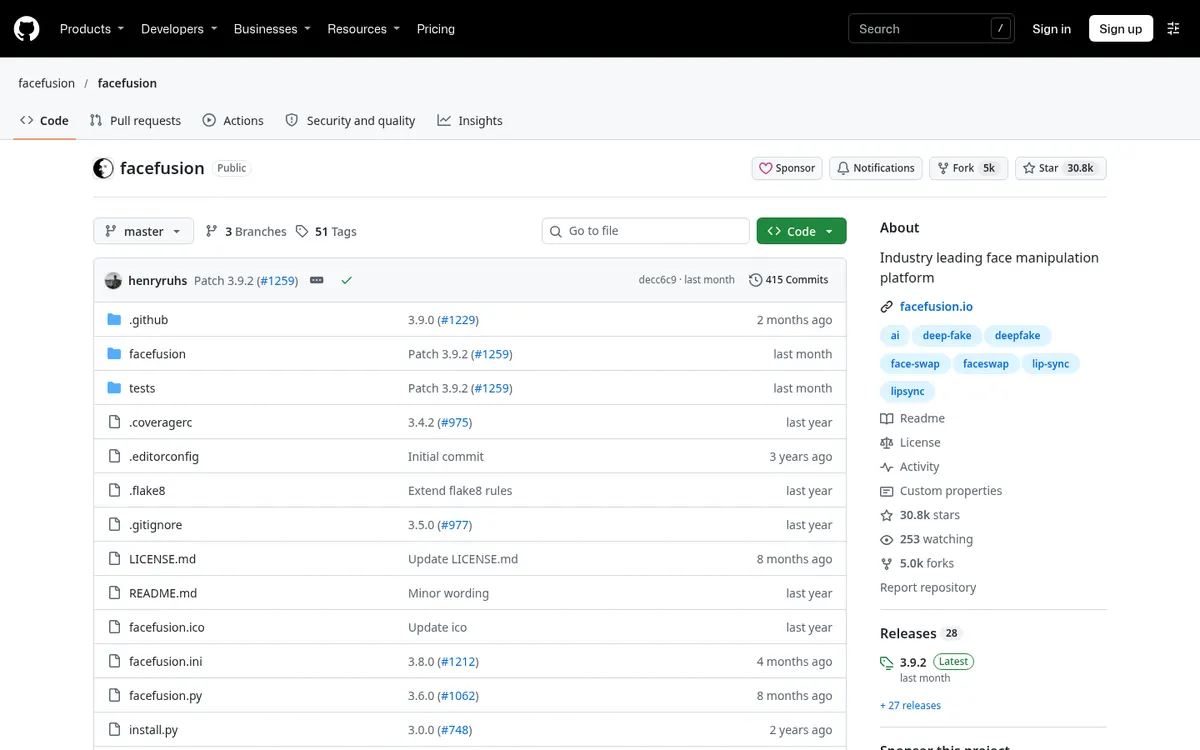
FaceFusion is the most sensible first download for someone who wants swaps done on their own machine without learning a training pipeline. It runs locally on Windows, macOS and Linux, ships pre-built installers for some platforms, and wraps swap jobs in a graphical interface, so you are not assembling a command line from a readme before you see a result.
The job types cover both stills and video. Processors can be stacked, so a swap can be combined with enhancement and other related face tasks in a single pass, and batch workflows let you queue a folder of clips rather than clicking through them one at a time. GPU acceleration runs through CUDA on Nvidia cards or Apple Silicon on newer Macs, which is what makes video work tolerable rather than an overnight job.
That hardware point is the main limit. Video swaps need a capable GPU to stay smooth, CPU-only processing is slow past a single photo, and the settings panel has enough switches to confuse a newcomer who just wants one good frame. The defaults are reasonable, but the temptation to toggle everything is real.
Pricing is listed as See website: no pricing page could be fetched on November 25, 2026, and the project is distributed free with no subscription for local use. The practical cost is hardware. Check the repository for current installation instructions before you start, since installers and dependencies change between releases. It suits editors, small studios and hobbyists with a decent GPU who want repeatable local output, and it is a poor fit for anyone on a laptop without discrete graphics or a need for cloud processing.
What works
- Processing stays local with no upload
- Photos and video in one app
- Graphical interface plus batch jobs
What to weigh
- Video needs a capable GPU
- Settings can overwhelm beginners
- Slow when running on CPU only
Pick it if
You want local photo and video swaps through a GUI and have a CUDA or Apple Silicon machine.
Skip it if
You have no discrete GPU or need a hosted cloud service instead.
Plate 02 of 08
DeepFaceLab
Best for trained, high-quality models for long video projects
Our verdict
A strong choice for long video, provided you accept hours of model training and a Windows GPU workflow.
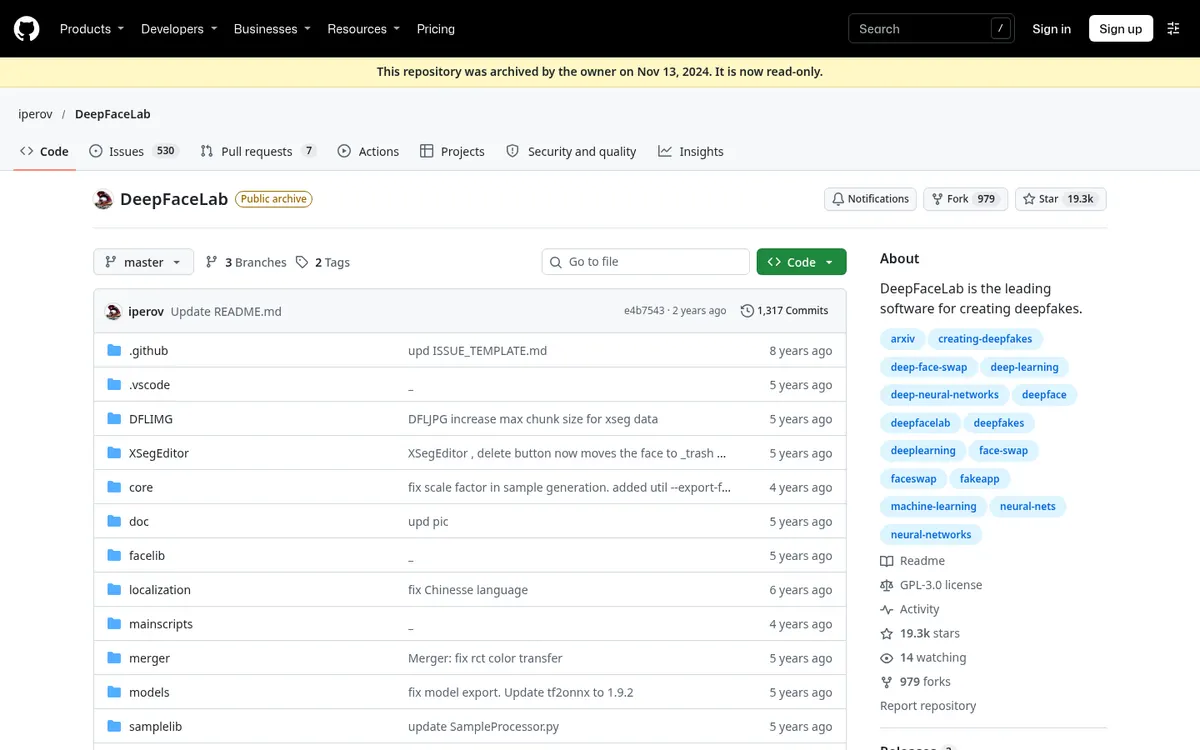
DeepFaceLab is the reference point for trained deepfake video, and it earns that reputation by giving you the whole pipeline rather than a single button. You extract faces from source and target footage, train a model on the person you want to place, then merge and convert back to video. Each stage has its own controls, and the quality ceiling is higher than any single-image swap because the model learns a specific face across many frames.
That control is the reason people put up with it. Long videos stay consistent instead of flickering, because the model carries identity across shots rather than re-guessing every frame. Refinement controls across multiple stages let you adjust the result before the final render. The community is large, and tutorials and guides walk through each stage for the common Windows setup.
The cost is time and hardware. Training a good model takes hours on a strong GPU, and the workflow is technical rather than a consumer application. The workflow assumes Windows with a capable GPU, which leaves Mac users and CPU-only machines in awkward territory. Expect failed runs before a good one.
Pricing is listed as See website: no pricing page could be fetched on November 25, 2026, and the software is a free download. The real outlay is GPU time, electricity and the hours spent learning the stages. It fits hobbyists and small studios making long-form video who want the best quality they can get locally, and it is the wrong choice for a quick swap of one photo.
What works
- Highest quality ceiling on the list
- Consistent identity across long clips
- Large tutorial community
What to weigh
- Steep learning curve
- Hours of GPU training required
- Windows-centric workflow
Pick it if
You are making long video and want the best quality a trained model can give.
Skip it if
You want a quick swap, use a Mac, or have no GPU hours to spare.
Plate 03 of 08
DeepFaceLive
Best for real-time face swaps on a live camera feed
Our verdict
The pick for live camera swaps when you already have a trained model and a GPU that holds frame rate.
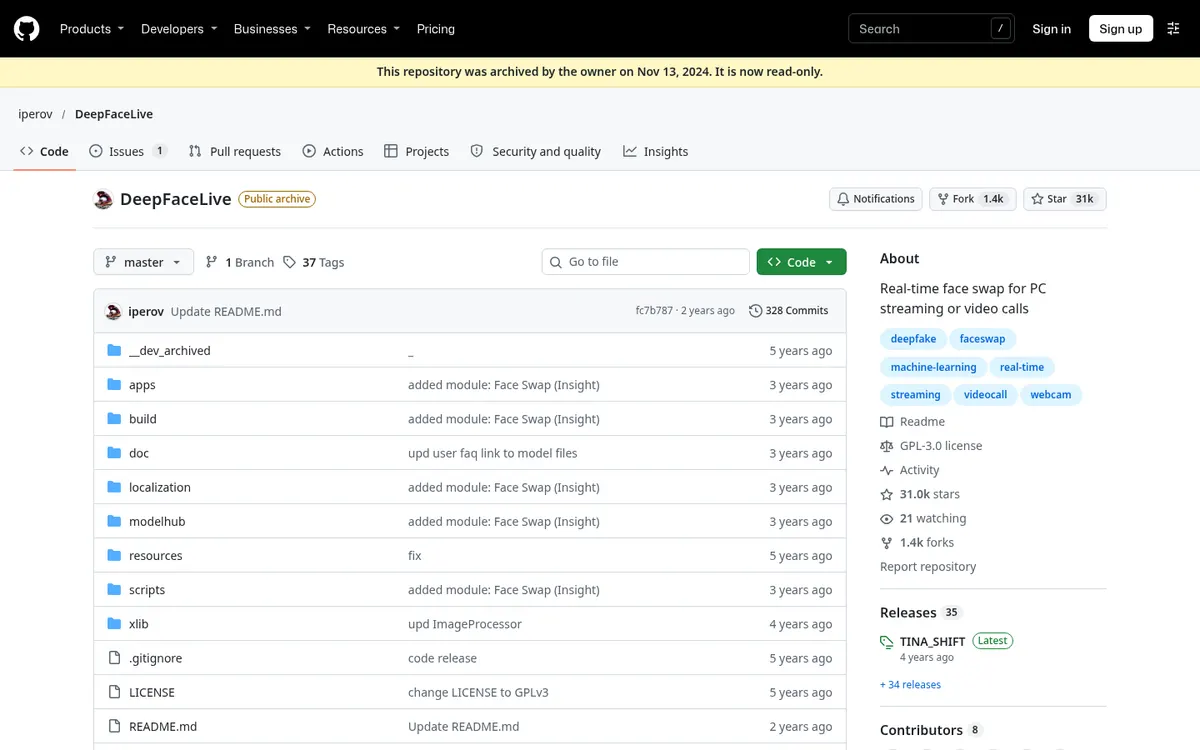
DeepFaceLive takes trained face models and applies them to a live camera feed in real time. It is the streaming counterpart to DeepFaceLab: you bring a model trained elsewhere, usually in DeepFaceLab, load it, and the tool swaps the face on your webcam feed frame by frame. A virtual camera output means other applications, including OBS and video call software, can pick up the swapped feed as if it were a normal webcam.
The appeal is obvious for presenters and streamers who want a different on-camera face. Because it reuses models from the training pipeline, anyone already comfortable with DeepFaceLab has a head start. Latency is the whole game: a strong GPU keeps the frame rate up, and a weak one turns the output into a slideshow.
Realism has limits. Fast head turns, changing light and anything covering the face break the illusion quickly, and the setup process asks for more technical confidence than a consumer app. You also cannot skip the model step, so there is no path to a first swap without training work or a model file from someone else.
Pricing is listed as See website: no pricing page could be fetched on November 25, 2026, and the tool is a free download. Budget for a GPU that can hold frame rate under load, and test in the exact lighting of your session before going live, because a setup that looks fine in a dim room can fail under studio lights. It fits streamers and presenters with a trained model and a strong GPU, and it is a poor fit for recorded video work or casual one-off swaps.
What works
- Real-time swapping on camera input
- Virtual camera works with OBS and calls
- Reuses models trained in DeepFaceLab
What to weigh
- Needs a pre-trained model first
- Breaks on fast turns and odd lighting
- Technical setup process
Pick it if
You stream or present live and already have a trained model ready.
Skip it if
You only need recorded video or have no model to load.
Plate 04 of 08
Deep-Live-Cam
Best for live swaps from a single source photo, no training
Our verdict
Best for a fast live swap from one photo, with quality that depends heavily on the source image.
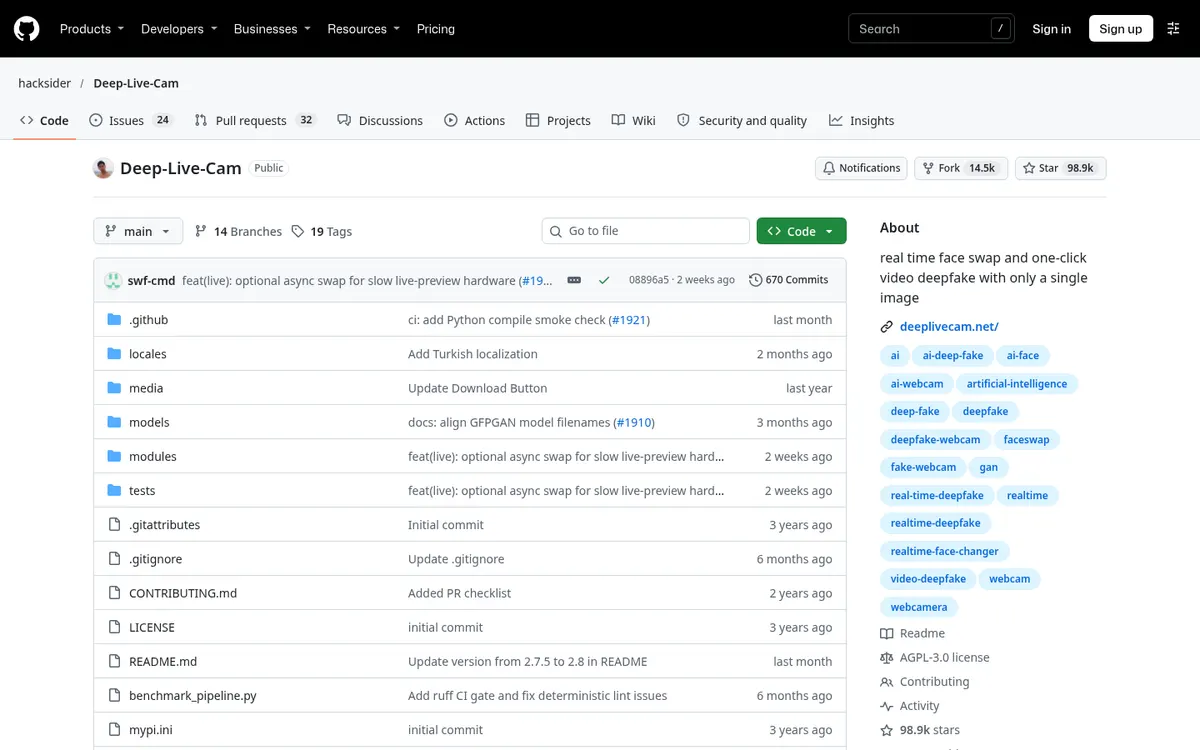
Deep-Live-Cam removes the training step that keeps most face swap projects out of reach. You supply a single source photo, point the tool at a camera, and it swaps in real time. There is no model to train, no dataset to assemble and no extraction stage, which makes it the shortest path from download to a working live swap.
That simplicity is a big part of its appeal. One photo is enough, the output works in live demos and streams, and the setup is far lighter than a training pipeline. For a demo, a test of concept or a bit of fun on a call, it does the job without demanding a GPU budget measured in days.
Quality is where it gives ground. Results swing with head pose, glasses, harsh lighting and anything that partly covers the face, and a clear, front-facing source photo matters more than any setting. Because the project is community maintained, its status can change without notice, and install steps that worked a few months ago may not work now.
Pricing is listed as See website: no pricing page could be fetched on November 25, 2026, and the project is a free download. The trade is straightforward: you save the training time and lose the consistency a trained model gives you across difficult footage. Check the current repository status and install instructions before you commit to it for anything that matters. It fits people who want a fast live swap from one photo, and it is the wrong tool for polished video production or difficult angles.
What works
- No training step at all
- Works from one source photo
- Real-time camera output
What to weigh
- Quality drops with pose and glasses
- Community-maintained and changeable
- Needs a clear, front-facing photo
Pick it if
You want a live camera swap today from a single good photo.
Skip it if
You need consistent quality on video with varied angles and lighting.
Plate 05 of 08
InsightFace
Best for developers building swaps into their own pipelines
Our verdict
The model layer under many swap apps, ideal for developers and painful for anyone who wants a finished product.
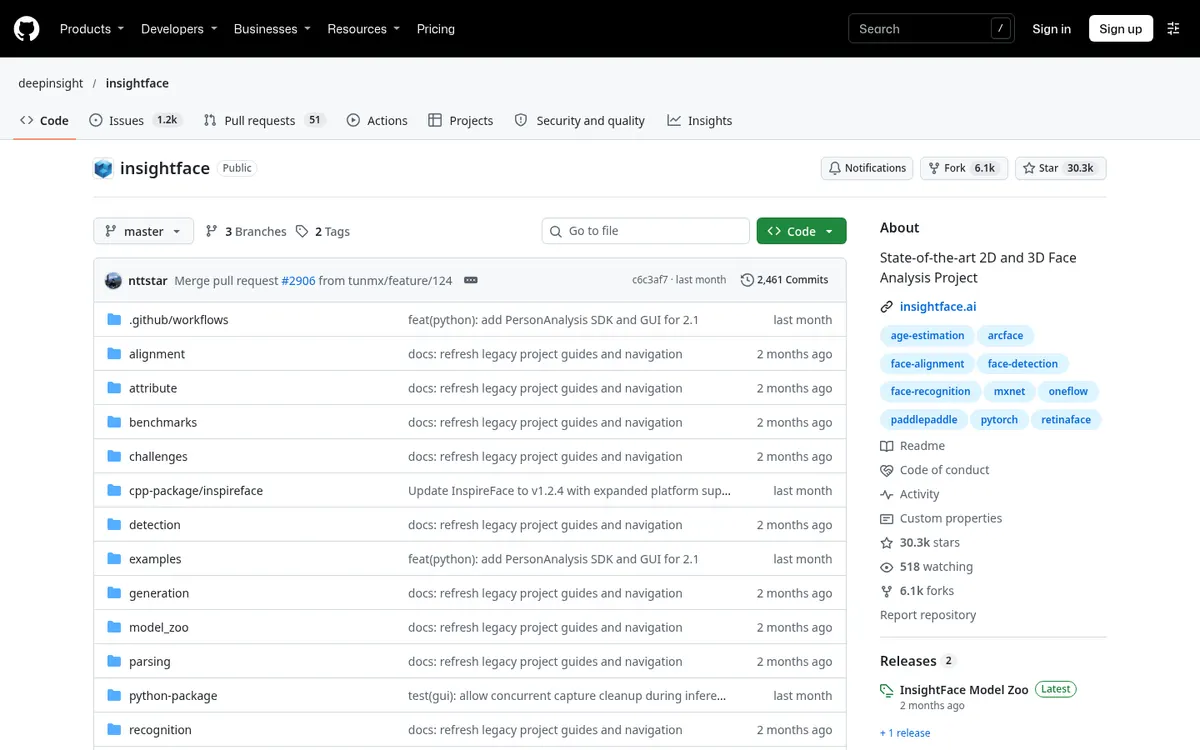
InsightFace is a library, not an app. It provides face detection, face recognition and face swapping models through a Python package, and many downstream applications and research projects are built on top of it or on models that came from it. If you are writing code that needs to find faces, identify them or replace one with another inside a larger pipeline, this is the layer you reach for.
The strength is breadth. Detection and recognition models are mature, the swap models are used in research and commercial builds, and the documentation is aimed at engineers who know what they are doing. You get model weights and an API rather than a window with buttons, which means your output can be part of a service, an automated batch job or a research experiment.
There is no consumer application, and that is the honest limit. Getting a finished swap out of it means Python, model setup, dependency management and code to read frames, run inference and write results back. If you have never worked with a machine learning library, the gap between cloning the repository and producing a usable video is wide.
Pricing is listed as See website: no pricing page could be fetched on November 25, 2026, and the package is free to download. The cost sits in engineering time and the hardware to run inference at the speed you need. It fits developers building swaps into their own products and researchers who need the models directly, and it is a poor first choice for anyone who wants to swap a face in a photo this afternoon without writing code.
What works
- Mature detection and recognition models
- Documented for engineering work
- Foundation for many swap apps
What to weigh
- No consumer application
- Requires Python, models and code
- Integration work to finish a swap
Pick it if
You are building a pipeline and want proven models with a Python API.
Skip it if
You want a desktop app that swaps faces without code.
Plate 06 of 08
FaceSwap
Best for learners who want the full deepfake training workflow
Our verdict
A complete, cross-platform training pipeline that teaches the whole process but demands hours of GPU time.
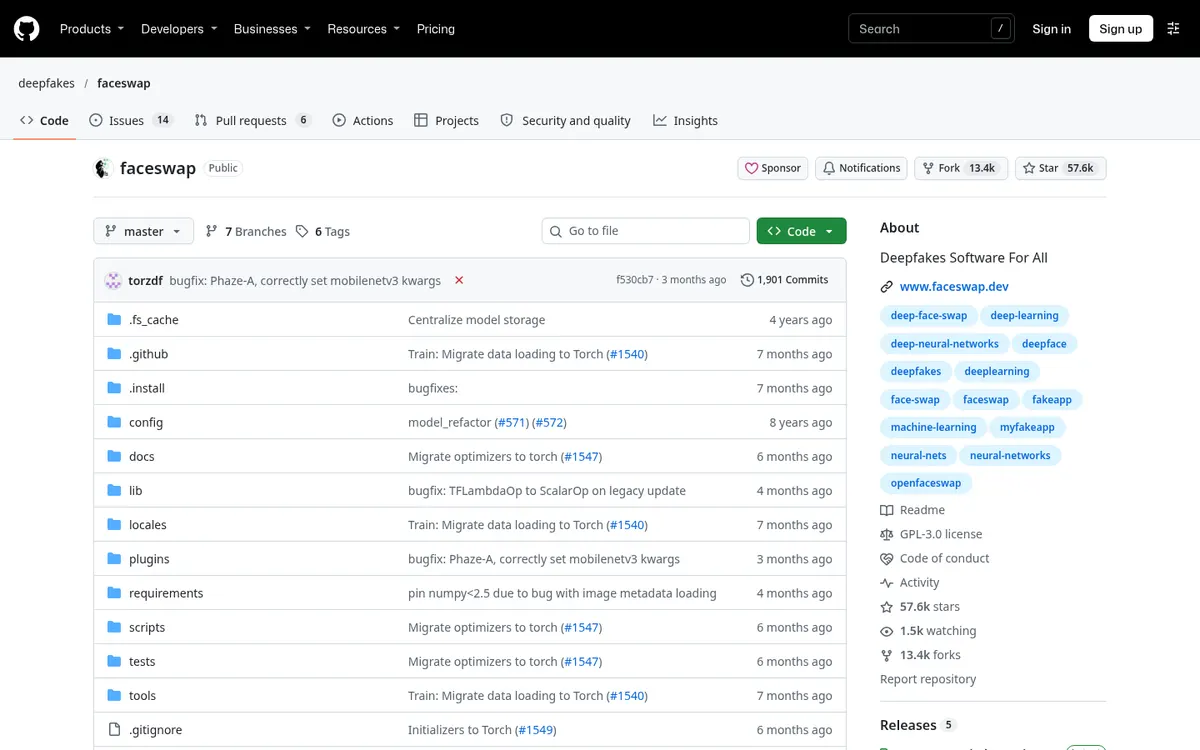
FaceSwap is the patient route: a full training pipeline split into extract, train and convert, wrapped in a cross-platform application. It runs on Windows, macOS and Linux, which is broader platform support than a Windows-only workflow, and the stages are documented well enough for a beginner to follow with effort.
The workflow is the same shape as DeepFaceLab. You extract faces from your source and target footage, train a model over hours, then convert and assemble the video. Detailed stage-by-stage guides, many written by the community, walk through the process. Photos work as well as video, so the same skills cover both.
The interface feels like a research tool. Setup and training consume significant time, and good results require hours of GPU training before you see anything worth keeping. That is the nature of the method rather than a flaw in this particular project, but it means FaceSwap is a poor fit for a one-off swap you need in ten minutes.
Pricing is listed as See website: no pricing page could be fetched on November 25, 2026, and the software is a free download. What you spend is time, GPU hours and disk space for datasets and models. Its real value is educational: you finish understanding what each stage of a deepfake pipeline does, which makes every other tool easier to reason about. It fits learners and tinkerers who want the full workflow, and it is the wrong pick for someone who wants a result today.
What works
- Runs on Windows, macOS and Linux
- Complete extraction, training and conversion
- Extensive community-written guides
What to weigh
- Long setup and training time
- Interface feels like a research tool
- Hours of GPU time for good results
Pick it if
You want to learn the full pipeline and can give it time on a decent GPU.
Skip it if
You need a quick one-off swap or have limited GPU hours.
Plate 07 of 08
Roop
Best for quick single-image swaps without any training
Our verdict
The quickest no-training swap for a single image, weakened by an archived repository and flickery video.
Roop made the one-image swap popular: give it a source face and a target photo or video, and it produces a result without any training. It is the lightest concept on this list, and that is exactly why it spread. Setup overhead is low compared with training projects, and a still photo swap is fast.
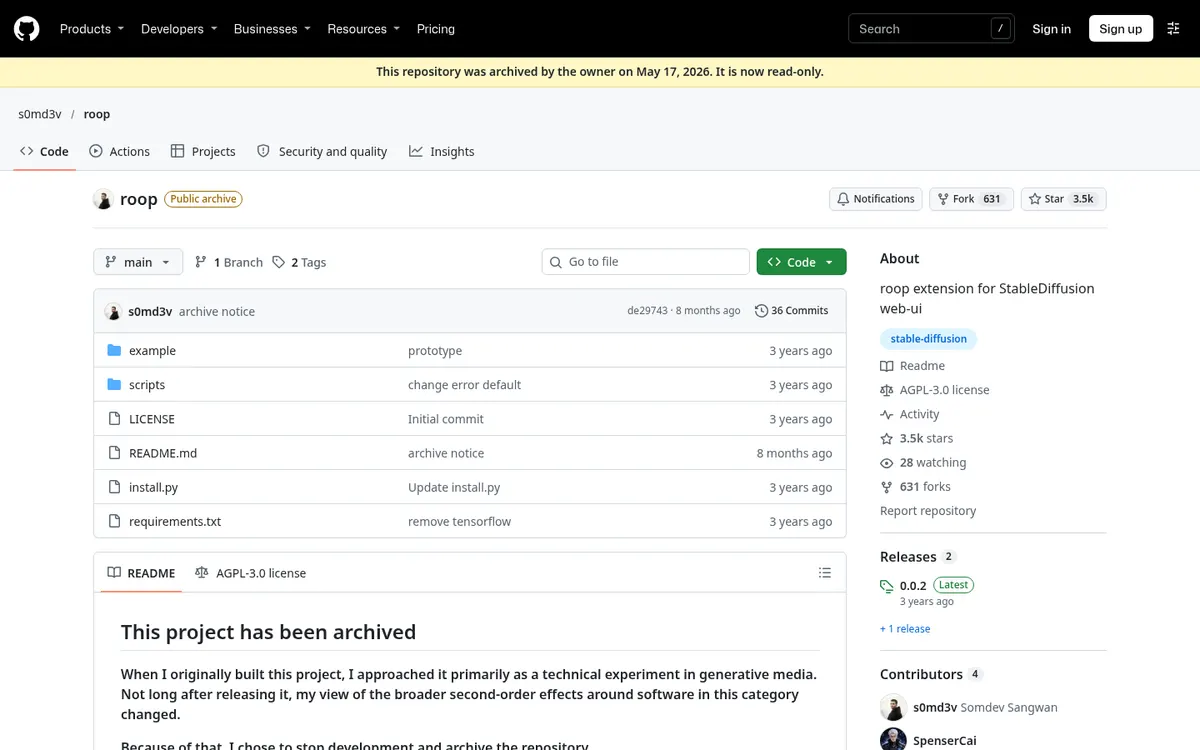
The trade is quality and longevity. Video output can flicker or lose frame-to-frame consistency, because each frame is processed with the same source face but no shared model of the person. Difficult footage, unusual angles and occlusions give weaker results than a trained model would. The original repository is archived, so the code you find there is frozen and ongoing fixes live in forks.
Those forks are where new users should start, and they should expect to verify install steps themselves. The archive status also means documentation and dependency pins can be stale, so check current fork instructions. A fork may be well maintained or barely touched, so check activity before you rely on one.
Pricing is listed as See website: no pricing page could be fetched on November 25, 2026, and the project is a free download. For a single image or a short clip it remains the quickest path to a result and the easiest way to see what the technique does. It fits people who want a fast, no-training swap for photos, and it is the wrong choice for long video, consistent output or anything depending on active maintenance.
What works
- Very fast single-image swaps
- No training step
- Low setup overhead
What to weigh
- Original repository is archived
- Video output flickers between frames
- Weaker on difficult footage
Pick it if
You want a fast one-image swap and are happy to use a maintained fork.
Skip it if
You need consistent video output or long-term maintenance.
Plate 08 of 08
SimSwap
Best for researchers studying identity transfer methods
Our verdict
A research-grade identity transfer model that rewards engineers comparing methods and frustrates anyone wanting an app.
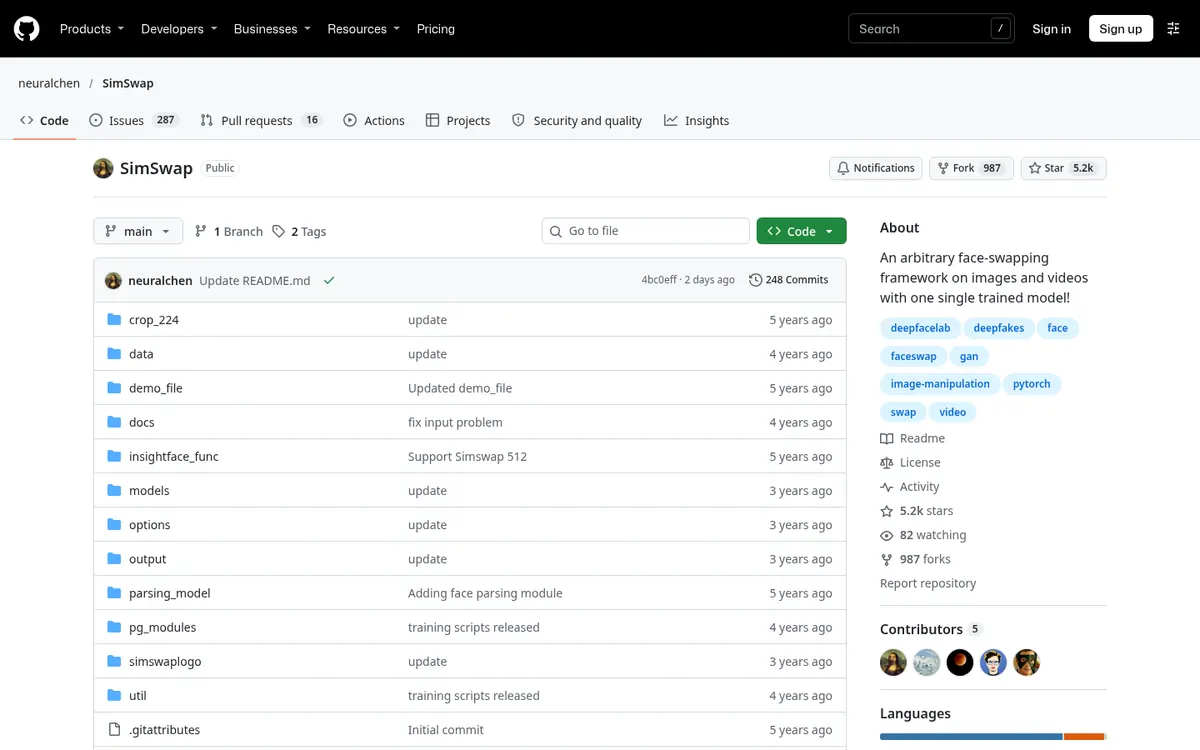
SimSwap is a research project first. Its contribution is an identity transfer method that moves a source face onto a target while keeping the target's pose and expression, and the code was released so other researchers could run experiments and compare methods. If you are reading papers on face swapping and want a reference implementation, this is a legitimate starting point.
The output is high fidelity for a research model, and the preservation of pose and expression is the interesting part: the target still looks like it is doing what it was doing, with a different identity on top. The code is available for experiments, which makes it useful for benchmarking against other approaches or for prototyping on a known method.
It is not an application. Expect Python, dependency wrangling, model weights to download and a GPU for anything practical. Output quality depends on which weights you use and how good the input images are, and there is no interface to soften that. The documentation assumes a research audience.
Pricing is listed as See website: no pricing page could be fetched on November 25, 2026, and the code is free to download. The cost is engineering time and the risk of a dependency chain that has aged. Treat it as a reference implementation and a starting point for further work rather than a tool you hand to a colleague who does not code. It fits researchers and machine learning engineers comparing methods, and it is the wrong pick for anyone who wants a finished swap without touching Python.
What works
- Strong identity transfer quality
- Preserves target pose and expression
- Code available for experiments
What to weigh
- Research code rather than an application
- Needs Python, dependencies and a GPU
- Quality depends on weights and inputs
Pick it if
You are testing identity transfer methods and can work in Python.
Skip it if
You need a usable application or a quick result.
What Do Open Source Face Swap Tools Actually Do?
Open source face swap tools are programs whose code is published, so anyone can download, inspect and modify them. In practice the label covers three quite different things, and knowing which one you are looking at saves a lot of wasted time.
The first group is inference swappers. These take a source face and a target photo, video or camera feed and produce a swap using pre-trained models that ship with the project. FaceFusion, Roop, Deep-Live-Cam and DeepFaceLive all work this way. Setup is comparatively quick, the learning curve is mostly about settings, and quality depends on the model and the input.
The second group is training pipelines. DeepFaceLab and FaceSwap expect you to extract faces, train a model on the person you want to insert, and then convert footage. SimSwap is research code for identity transfer, better treated as a reference implementation. They produce the most consistent long-video results and demand the most time, GPU memory and patience.
The third group is libraries. InsightFace provides detection, recognition and swapping models as code that other applications call. You do not open it and click swap; you import it and write the loop.
A short list of what the label does not mean:
- It does not mean free of cost. GPU time, storage and hours of learning are real expenses even when the download is free.
- It does not mean easy. Several of these projects are research code with install instructions that age badly.
- It does not mean unrestricted. Consent, likeness rights and local law apply to face swapping, and publishing a swap of someone without permission can create legal and personal consequences.
Most buyers arrive wanting the first group and end up needing one tool from it. Choose by output type (photo, video, live camera) and by hardware, not by the length of a feature list.
This guide sits in the Software collection. Buyers weighing nearby tools often read the guides to commission software and research platforms next.
How Does Pricing Work for Open Source Face Swap Tools?
All eight tools on this list show See website for starting price, because no pricing page could be fetched on November 25, 2026. That is a gap in verification, not evidence of a paid tier. Every one of them is a free download, and the money question in this category is almost never the license. It is the hardware and time the software consumes once it is installed. A free clone of a repository can still cost you a graphics card.
The table below groups the eight by how they actually cost you.
| Model | How it bills | Typical fit | Example from this list |
|---|---|---|---|
| Free local download | No license fee and no subscription for local use; you supply GPU and storage | Photo and video swaps on your own machine | FaceFusion |
| Free download with training | No license fee; the cost is GPU hours and learning time | Long video and deepfake projects | DeepFaceLab, FaceSwap |
| Free download with live output | No license fee; the cost is a GPU that holds frame rate | Streaming and live camera work | DeepFaceLive, Deep-Live-Cam |
| Free library or research code | No license fee; the cost is engineering time | Custom pipelines and research experiments | InsightFace, SimSwap |
| Archived free project | No license fee; upkeep moves to community forks | Quick single-image swaps | Roop |
The practical way to budget is to price the machine first. A video project on FaceFusion or a training run in DeepFaceLab both want a capable GPU, and the difference between a comfortable session and an overnight render is hardware, not a subscription. Deep-Live-Cam and DeepFaceLive add a frame rate requirement: the GPU has to keep up in real time, which is a stricter bar than rendering a clip after the fact. Expect to spend more on the GPU than on anything else in this category.
Engineering time is the other cost line. InsightFace and SimSwap are free to download, but turning either into a working swap takes code, dependency work and testing. Roop is free and archived, so the cost of ownership shows up as time spent verifying fork instructions.
None of the notes above include a commercial price, because none was confirmed. If your organization needs a support contract or a hosted service, check the vendor site directly and treat this list as a shortlist of projects to evaluate.
Every price in this guide was read on the vendor's own pricing page on November 25, 2026. Where a vendor does not publish a figure we could confirm, the card says "See website" rather than a guess. For the arithmetic around this purchase, try the free Email campaign metrics calculator.
Which Open Source Face Swap Tool Should You Start With?
- Name the output you need. A photo, a recorded clip or a live camera feed narrows the field fast: FaceFusion for photos and video, DeepFaceLab for long video, Deep-Live-Cam and DeepFaceLive for live feeds.
- Check the machine you have. Video and live swapping want a capable GPU, with CUDA or Apple Silicon acceleration doing the heavy lifting. A CPU-only laptop will manage a single photo and little else.
- Decide whether you will train a model. Training pipelines give the most consistent long-video output and cost hours of GPU time. If you will not spend that time, stay with inference tools that ship pre-trained models.
- Set your technical comfort level. A graphical interface suits most people and Python suits developers. InsightFace and SimSwap assume code, while FaceFusion and Roop are aimed at simpler workflows. Be honest about which camp you are in.
- Test one clip before committing. Run a short, difficult clip with movement, glasses and mixed light through your shortlist. Easy front-facing photos flatter every tool and hide the weaknesses that show up in real footage.
- Check maintenance and consent. Confirm the repository is active and the install steps are current, then think about who appears in your footage and whether you have permission to use their face.
Common Mistakes When Choosing a Face Swap Tool
- Assuming free means no cost. The download costs nothing, but video work and training runs consume GPU hours, storage and evenings. Budget for the hardware before you budget for the software.
- Starting with the hardest tool. Beginning with DeepFaceLab or FaceSwap teaches you the pipeline, but a newcomer who wants one swap is better served by FaceFusion and a free weekend.
- Skipping the hardware check. A tool that runs well on a desktop with a discrete GPU can be unusable on a thin laptop, and CPU-only processing is slow past a single photo.
- Judging quality from one easy photo. Front-facing, well-lit portraits flatter every project. Test profile angles, glasses, fast motion and mixed lighting before you decide.
- Ignoring consent and platform rules. A swap of a real person without permission can damage relationships and create legal exposure, and many platforms restrict synthetic media. Ask first, and label output.
8 Best Open Source Face Swap Tools to Try in 2026: questions
Are open source face swap tools really free to use?
Yes, all eight on this list are free downloads, though free and cheap are different things. None of them showed a confirmed price when checked on November 25, 2026, so each is listed as See website. The real spend is a capable GPU, electricity, storage for footage and models, and the hours you put into setup and training. Some projects may offer paid hosting or support, but that was not confirmed here.
How much GPU memory do video and live swaps need?
No single figure covers this list, and the projects do not publish one in the material reviewed here. Requirements scale with resolution, clip length, model size and whether you are training. What matters practically is that video and live camera work need a capable GPU to stay smooth, and CPU-only processing is slow past a single photo. Check each repository for current guidance.
What consent and legal issues come with face swapping?
Consent comes first: using a real person's face without permission can harm them and expose you to legal risk, and the rules differ by country and platform. Laws on synthetic media, publicity rights and privacy vary, so check the rules where you publish. Some services require disclosure of synthetic content. Keep records of permission and label swapped video where the platform asks you to.
How does FaceFusion differ from DeepFaceLab?
FaceFusion swaps faces in photos and video through a graphical interface using pre-trained processors, so you can get a result soon after installing. DeepFaceLab trains a model on a specific person across extraction, training and merge stages, which takes hours of GPU time but holds up better over long videos. FaceFusion suits quick local work, while DeepFaceLab suits projects where consistency matters more than speed.
Which of these tools run on macOS with Apple Silicon?
FaceFusion is the clearest Mac option here: it runs locally on macOS and accelerates through Apple Silicon as well as CUDA. FaceSwap lists Windows, macOS and Linux support. The rest are less certain on Mac hardware, since DeepFaceLab's workflow is built around Windows with a capable GPU and the others list no Mac support in the material reviewed here. Confirm build instructions in each repository before installing.
Why do single-image swaps flicker or look blurry in video?
Because each frame is processed separately with no shared model of the person, small differences in pose and light produce small differences in the swap, and the result flickers. Blurriness usually comes from a soft or angled source photo, low-resolution footage or heavy compression. A trained model, a clear front-facing source image and better lighting reduce both problems, which is why training pipelines exist.