
Contents of this guide
The shortlist
Our top 3 for software buyers

Canva
Print built in
- Best for
- Fastest route to a polished poster for any user
- Features
- 5 noted: Poster templates, Drag-and-drop, Brand kits, Print ordering, Team accounts
Adobe Express
Adobe Fonts access
- Best for
- Adobe users wanting quality templates plus built-in printing
- Features
- 4 noted: Adobe Fonts, Stock integration, In-app printing, 30-day trial

PosterMyWall
Poster-first templates
- Best for
- Event and promotional posters with print-ready output
- Features
- 4 noted: Poster templates, Signage formats, Print ordering, Credit downloads
Disclosure for this guide. All 10 tools here are unpaid editorial picks. The position of a paid listing can be part of what the vendor pays for. Paid and unpaid tools are scored on the same rubric and keep their cons. Details are in the advertising disclosure.
The ledger
Index of every tool
| Tool | Free plan | Trial | Rubric | Compare | ||
|---|---|---|---|---|---|---|
| 01 | CanvaFastest route to a polished poster for any user | See websitePro, ৳800 per month, ৳400 for the first 3 months, per personNot published | Yes | Yes, Pro or Business | ||
| 02 | Adobe ExpressAdobe users wanting quality templates plus built-in printing | $9.99Premium, per month, no annual commitment, billed monthlyChecked Nov 25, 2026 | Yes | 30 days | ||
| 03 | PosterMyWallEvent and promotional posters with print-ready output | See websiteNot published | No | See website | ||
| 04 |  SnappaMarketers producing quick graphics without design skills | $10Pro, per month, billed yearly at $120Checked Nov 25, 2026 | Yes | See website | ||
| 05 |  PicMonkeyPhoto-led posters with editing built into the same editor | $72Basic, billed annually, or $7.99 billed monthlyChecked Nov 25, 2026 | No | 7 days | ||
| 06 |  DesygnerTeams wanting Canva-style editing plus PDF import | $150Business, per user per year, billed annuallyChecked Nov 25, 2026 | Yes | See website | ||
| 07 |  FotorQuick poster designs built from edited product photos | $3.33Pro, per month, billed annually at $39.99Checked Nov 25, 2026 | Yes | See website | ||
| 08 |  VismeInfographic-style posters and presentation-format visuals | $12.25Starter, per user per month, billed annuallyChecked Nov 25, 2026 | Yes | See website | ||
| 09 |  PixlrFree browser-based photo editing for ambitious poster artwork | $2.49Plus, per monthChecked Nov 25, 2026 | Yes | See website | ||
| 10 |  Microsoft DesignerMicrosoft 365 users wanting AI-assisted poster layouts | See websiteNot published | Yes | See website |
Prices are the lowest paid plan the vendor shows, read on November 25, 2026. Sort by price ranks published monthly figures; tools without one go last. Pin up to three tools to compare them side by side.
How this guide was put together
We scored ten poster design platforms on five criteria: template fit, print output, editing depth, ease of use and value. Template fit asks whether the library is built for posters rather than square social graphics, because a resized Instagram layout usually fails at A1. Print output asks how directly a design reaches a printer or a print vendor, counting in-app ordering and delivery markets. Editing depth covers type control, layers, retouching and colour. Ease of use covers the early experience for someone who is not a designer. Value asks what the stated plan buys, including free tiers, trials and per-download costs.
Every price in this list was checked on November 25, 2026 against vendor pricing pages. Where a pack price could not be confirmed on a live page, the entry says so and points you to the vendor site instead of guessing. We did not convert currencies, and we kept plan names and billing terms exactly as the vendors state them. A price marked "See website" means pricing was not retrievable, not that the tool is expensive.
The Featured listing is a paid placement. It is scored with the same five criteria and carries the same kind of honest cons as every other entry, and it earns no credit in the scores. The order of this list is editorial: it reflects fit for the buyer each entry describes.
One note on scope: some of these tools are template-first design suites, some are photo editors with poster layouts, and one is a generative layout tool. We kept them together because buyers shop them together, and the rubric rewards each on its own terms rather than penalizing an editor for having no template library.
The full process, including how we handle corrections, is on the methodology page. Paid listings follow the advertising disclosure.
Rubric and weights
Every tool below is scored from 1 to 10 on these five criteria. The scores describe each tool; the order is an editorial call on fit for the buyer each card describes, plus the disclosed Featured position.
- 25%Template fitWhether templates are built for poster formats, including print sizes, bleed handling and signage ratios.
- 25%Print outputHow directly the tool takes a design to a printer or a print vendor, including in-app ordering and delivery.
- 20%Editing depthControl over type, layers, photo retouching and colour beyond what a template presets allow.
- 15%Ease of useHow quickly a non-designer reaches a finished, sendable poster from a cold start.
- 15%ValueWhat the plan buys at the stated price, counting free tiers, trials and per-download costs.
Plate 01 of 10
Canva
Best for fastest route to a polished poster for any user
Our verdict
The broadest template coverage and the shortest path from blank page to printed poster for a non-designer.
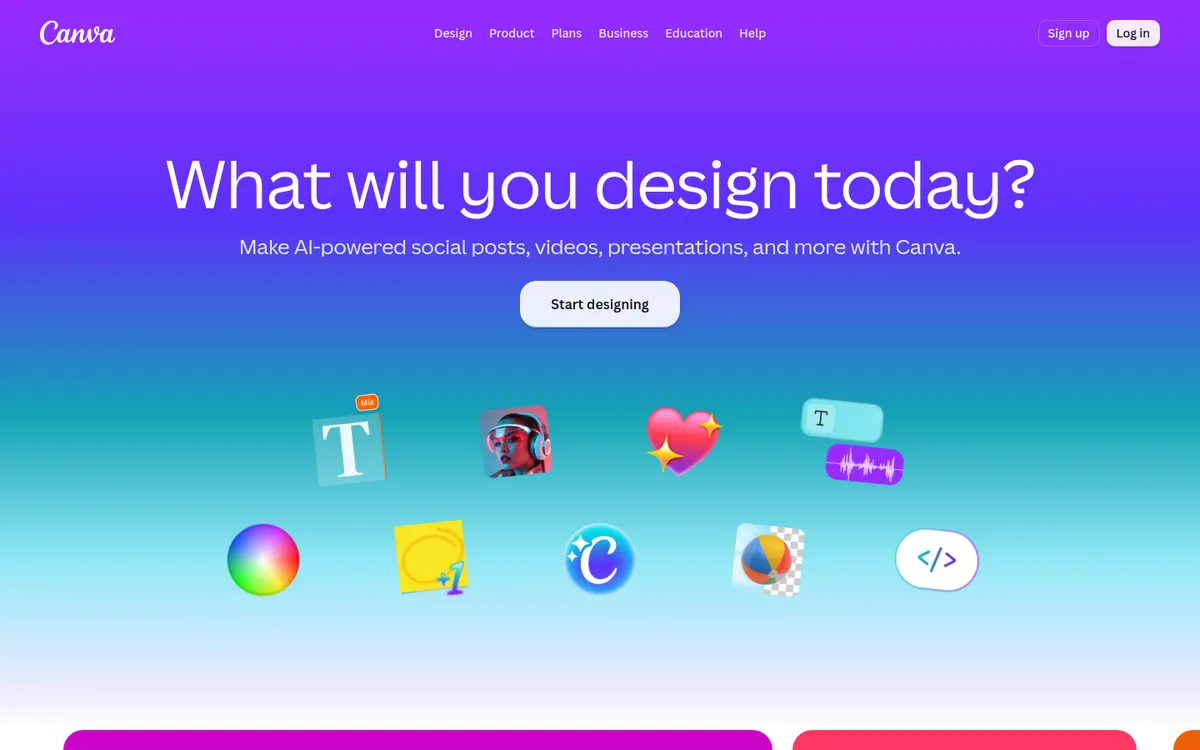
Canva wins this category on breadth. The poster template library is broad, and the drag-and-drop editor is quick for a first-time user to learn. Brand kits keep a series of posters in the same typefaces and colours, which matters if you print monthly rather than once. Stock photography and graphic assets sit in the same library, and team members can work from one shared account rather than emailing files back and forth.
The deciding feature for poster work is print ordering and delivery inside the product. Many competitors let you export a PDF and stop there, which leaves you sourcing a printer and checking bleed yourself. Canva closes that loop, so a small marketing team without a print vendor relationship can order and ship in one session. The trade is control: complex print requirements may still need a proper print shop.
Pricing sits on the vendor site rather than in our pack. The Pro plan is listed at ৳800 per month, with ৳400 for the first three months, per person. That is billed in Bangladeshi taka, outside the currencies we can quote safely, so treat the figure as directional and confirm the plan price in your own market. A free tier exists and is positioned as enough for light, non-commercial-scale use, and there is a trial for Pro or Business.
The honest downside is template ubiquity. Popular Canva poster templates get reused, and a sharp-eyed audience will notice familiar layouts at a conference or a school fair. If a distinctive look matters, budget time to customize type, crop and colour rather than accepting the default. The best stock assets also sit behind the paid plan, so free users hit that wall quickly on photo-heavy posters.
What works
- Poster templates, stock assets and print ordering in a single account
- Editor is quick to learn for non-designers
- Brand kits keep repeated print runs consistent
What to weigh
- Popular templates are widely reused and easy to spot
- Best stock assets require a paid plan
- Entry pricing is only published on the vendor site
Pick it if
You want one account to design, source assets and order the printed poster.
Skip it if
You need a look nobody else has, or your printer demands unusual production specs.
Plate 02 of 10
Adobe Express
Best for adobe users wanting quality templates plus built-in printing
Our verdict
The strongest typography of the template-first tools, and the natural choice if your team already pays for Creative Cloud.
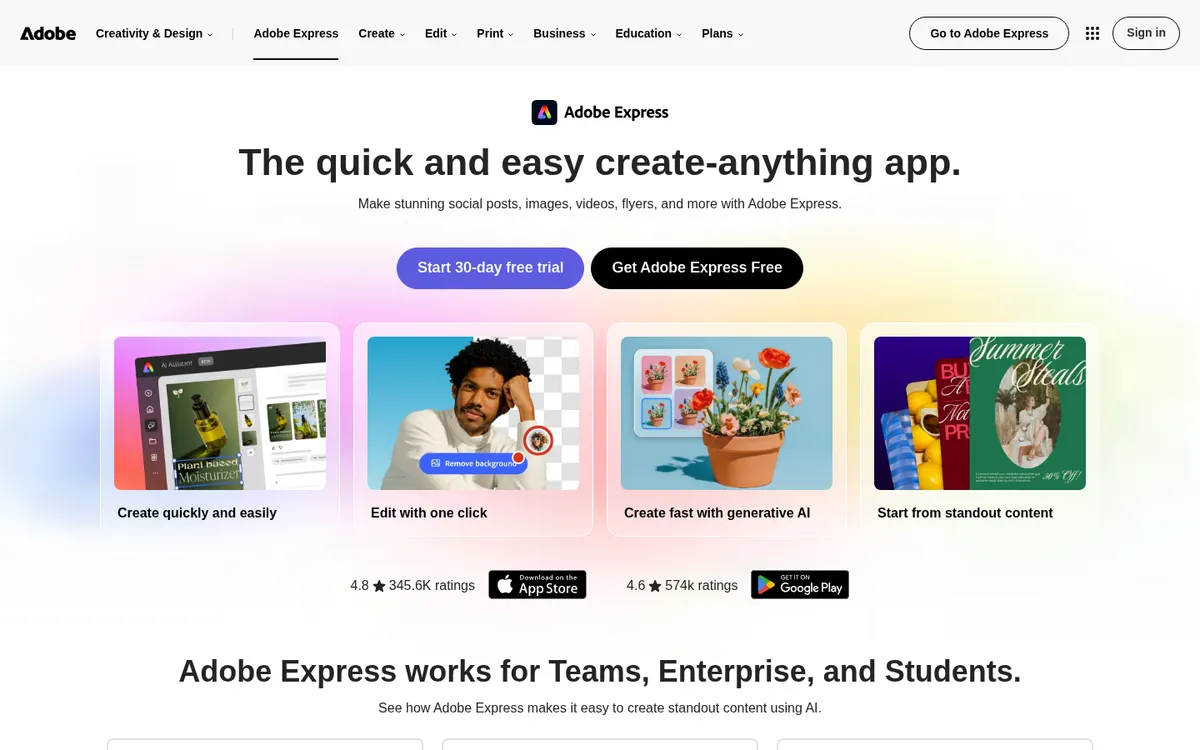
Adobe Express sits in an odd but useful spot: easier than Illustrator, more typographically serious than most template tools. Poster design starts from templates, and the Adobe Fonts library adds type options, which helps on posters where the headline does most of the work. Adobe Stock integration means licensed imagery is a click away rather than an upload, and Creative Cloud integration means files and brand assets you already maintain are available inside the design.
Print fulfilment is built in for the US, UK, Canada and Australia. Buyers outside those four markets should plan on exporting a file and finding a local printer. Inside those markets, the flow is genuinely short: pick a template, swap the type, order the print, done.
Pricing is $9.99 per month on Premium, with no annual commitment and monthly billing. That month-to-month structure suits seasonal poster work: a venue that prints heavily for a summer season can subscribe and cancel without a year-long tie. A 30-day trial exists, which is long enough to produce a real print run before deciding. A free plan covers core design tools.
The limits are about depth rather than access. Advanced controls are lighter than full Illustrator, so anything needing precise trapping, custom spot colours or complex vector work still belongs in the desktop app. An Adobe account is required, which is trivial for existing subscribers and an extra signup for everyone else. If your team lives in Adobe already, the account is not a cost; if it does not, you are paying a small premium for fonts and assets you may not use.
What works
- Adobe Fonts gives poster typography real depth
- Print ordering handled in-app for four markets
- 30-day trial with no annual commitment
What to weigh
- Advanced controls are lighter than full Illustrator
- Print delivery limited to US, UK, Canada and Australia
- Requires an Adobe account
Pick it if
Your team already works in Creative Cloud and prints posters in the four supported markets.
Skip it if
You need Illustrator-grade control or print delivery outside those markets.
Plate 03 of 10
PosterMyWall
Best for event and promotional posters with print-ready output
Our verdict
Templates shaped around posters and signage first, which saves resizing work the social-first tools push onto you.
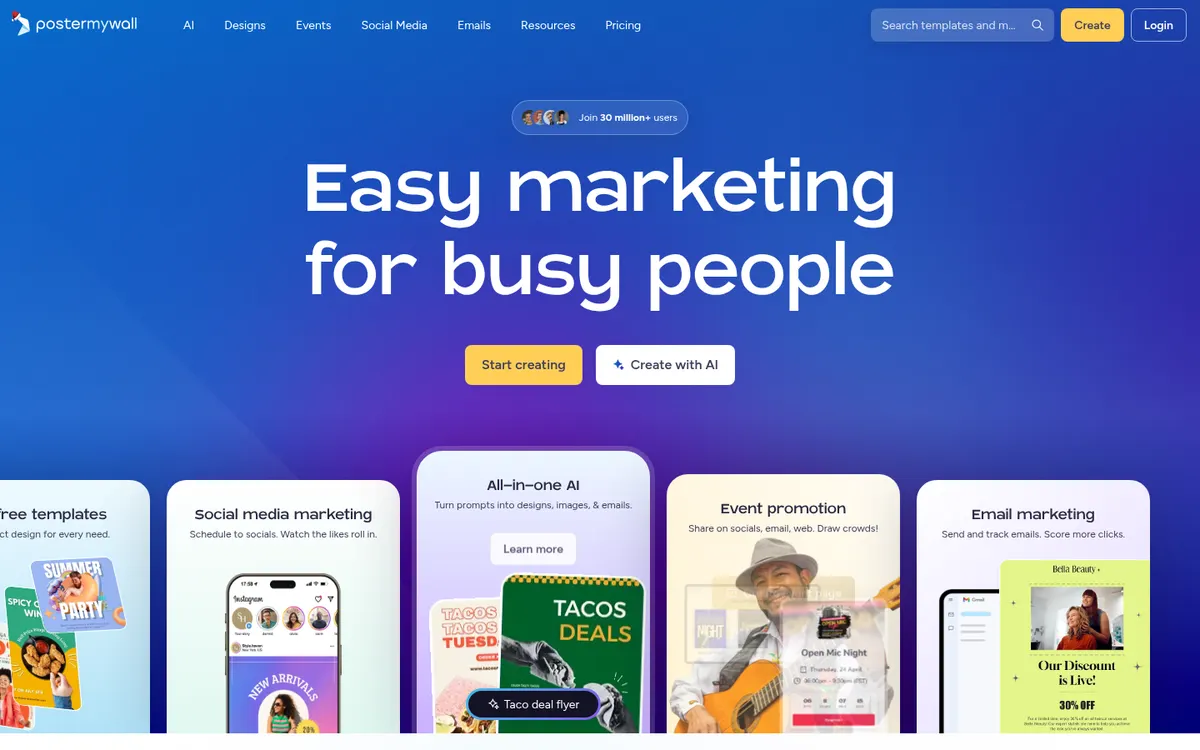
PosterMyWall is the specialist here. Its template library is built around poster formats rather than square social sizes, so layouts already account for the proportions a poster actually uses. That covers event and gig posters, flyers, retail sale posters and signage, plus video poster formats for digital screens in a window or a lobby. For a venue, a retailer or an event organizer running a repeating print cycle, this orientation saves real time compared with squeezing a social template into A2.
Output spans both print and digital signage. A cinema can produce the lobby print and the screen loop from adjacent templates instead of briefing two designers. Print ordering options are available in-product, so the file does not have to leave the platform to become a physical poster.
The pricing model is the catch. Downloads run on credits, and each download consumes them, so cost scales with output volume rather than seats. Heavy users should compare credit packs against a flat subscription from a rival before committing, because a busy month can outrun a predictable monthly fee. There is no free plan; free exports carry watermarks, which makes them unusable for anything public and only useful for internal approval.
We could not fetch a pricing page, so no figure is quoted here and pricing should be confirmed on the vendor site. That is a real gap for budget planning, not a signal about cost. The honest read: PosterMyWall is the right tool when poster-shaped templates and mixed print plus screen output matter more than a flat predictable bill, and the wrong tool for a team that downloads dozens of files a month and wants one number on the invoice.
What works
- Templates built around poster and signage formats
- Handles both print and digital screen output
- Suited to venues, retailers and event organizers
What to weigh
- Every download consumes credits
- Free exports carry watermarks
- No free plan, and pricing is not on a fetched page
Pick it if
You produce event or retail posters at moderate volume across print and screens.
Skip it if
You download many files a month and want a flat subscription instead of credits.
Plate 04 of 10
Snappa
Best for marketers producing quick graphics without design skills
Our verdict
A deliberately small tool that turns a headline and a photo into a usable poster with almost no learning curve.
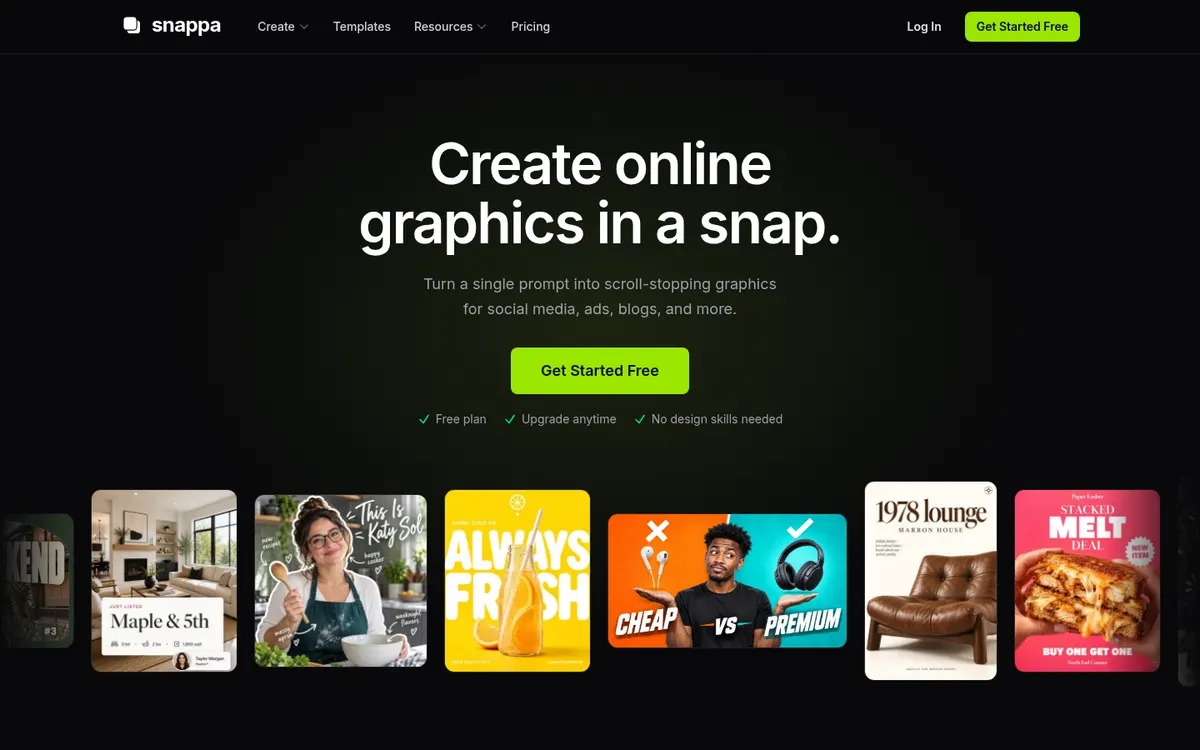
Snappa is the tool you reach for when the poster is simple and the deadline is today. The editor is minimal, presets exist per channel so you never guess a dimension, and templates act as starting points rather than finished designs. The workflow is essentially text swap, image swap, download. For a marketer producing a weekly notice, a price card or a small event poster, that economy is the entire value proposition.
The trade is range. The template library is much smaller than Canva's, so a specific poster type may simply not have a starting point, and you will be building from blank. This is a graphics tool, so check print requirements with your printer. If your poster goes to a professional printer with bleed and colour requirements, expect to handle that outside the tool.
Pricing is $10 per month on the Pro plan, billed yearly at $120. That puts it in the same band as larger libraries, which is worth weighing honestly: you are paying for speed and simplicity, not breadth. There is a free starter plan for evaluation, and free downloads are capped, so the free tier is a test drive rather than a working arrangement for regular output. No trial is stated for the paid plan beyond that free tier.
It fits small teams and solo marketers who need everyday graphics fast and do not want to learn a design suite. It does not fit anyone producing varied or complex posters, and it does not fit a print-heavy workflow. The best way to judge it is to attempt three real posters on the free plan; if two of the three need building from scratch, the template library is too small for your work.
What works
- Minimal learning curve, fast to finished file
- Preset dimensions remove sizing guesswork
- Free starter plan for hands-on testing
What to weigh
- Template library is much smaller than Canva's
- Free downloads are capped
- Print prep is your job
Pick it if
You need simple posters and social graphics produced fast with almost no training.
Skip it if
You need varied poster types, print-ready output or a large template library.
Plate 05 of 10
PicMonkey
Best for photo-led posters with editing built into the same editor
Our verdict
The pick when the poster is a photograph with type on it, and the retouching happens before layout rather than after.
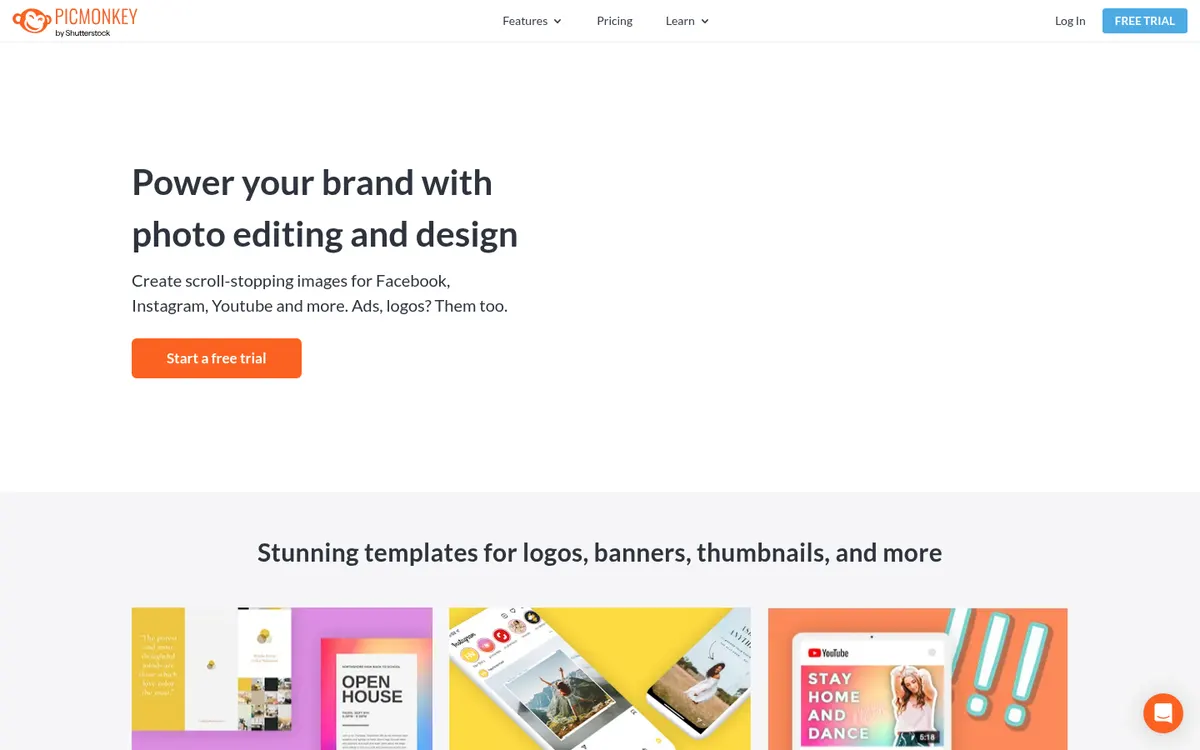
PicMonkey began as a photo editor and still behaves like one, which is exactly why it earns a place here. Retouch tools, effects and filters sit in the same canvas as the layout, so a portrait for a recital poster gets cleaned up, cropped and placed without exporting to another app and back. For photo-led posters, portraits, food, product, performance, that single-canvas workflow removes the most annoying step in the process.
Poster templates cover common print sizes, and brand kit features keep business posters consistent across a series. Text overlays are straightforward. The tool is not trying to be a data or infographic platform, so a finished file still goes to your own printer or print shop.
The cost structure is the honest friction. There is no free plan at all, which rules it out for casual or one-off users. Pricing runs $72 on Basic billed annually, or $7.99 billed monthly, so the annual route is roughly $6 per month and the monthly route is meaningfully more. A 7-day trial exists, short but enough to run one photo-led poster end to end. Compared with template-first competitors, you are paying a premium for the editing tools rather than for library size.
It fits photographers, small studios, venues promoting performers and any business whose posters lean on imagery. It does not fit teams that need fifty template variants, and it does not fit anyone who wants a free option. Judge it on whether your last five posters were mostly photograph; if they were, the editing depth pays for itself in saved export steps.
What works
- Retouching and layout in one editor
- Templates cover common print poster sizes
- Brand controls keep series consistent
What to weigh
- No free plan at all
- Costs more than template-first competitors
- 7-day trial is short for a full evaluation
Pick it if
Your posters are built around photography that needs cleanup before layout.
Skip it if
You need a free tier or a very large template library.
Plate 06 of 10
Desygner
Best for teams wanting Canva-style editing plus PDF import
Our verdict
The reason to choose it is narrow and strong: it opens and edits existing PDF print files instead of forcing a rebuild.
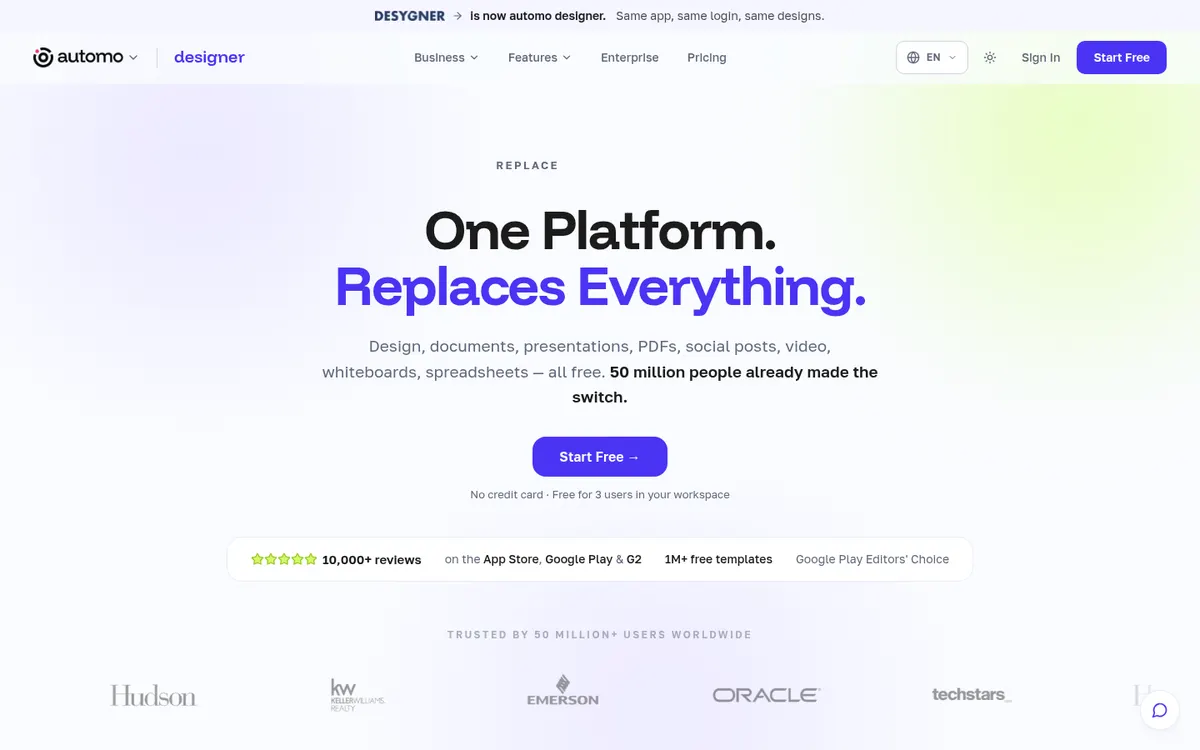
Desygner looks like a Canva-style drag-and-drop editor, and for straightforward poster work it behaves like one: templates, a familiar canvas, layers and text. The differentiator is PDF import with direct editing. If a printer or a partner sends you a press-ready poster as a PDF, Desygner can open it and let you change the details rather than rebuilding the whole layout from a screenshot. For a marketing team handling other people's print files, that capability alone can justify the seat.
Mobile apps are genuinely strong, which matters for field teams adjusting a poster on site at an event. The editor layout will feel familiar to anyone who has used Canva, so onboarding is short. The template library is smaller than the market leader's, so the tool is better at handling files than at inspiring a new design from scratch.
Performance is the honest caveat. Complex files can stutter, and a heavy multi-layer PDF is not always a smooth experience. Test your own worst file early, before committing a team.
Pricing is $150 on Business, per user per year, billed annually, roughly $12.50 a month per seat. That is a per-seat model, so cost scales with team size rather than output, which suits a small group editing shared files and penalizes a large occasional-use team. A free plan covers casual use. Confirm current plan details on the vendor site before purchase.
It fits marketing teams inheriting print files, agencies handling client-supplied artwork and field teams needing mobile edits. It does not fit designers wanting the largest template library.
What works
- Edits existing PDF print files directly
- Strong mobile apps for on-site changes
- Familiar editor layout for Canva users
What to weigh
- Smaller template library than the leader
- Can stutter on complex, heavy files
- Per-seat pricing scales with headcount
Pick it if
You regularly receive PDF print files and need to edit rather than rebuild them.
Skip it if
You want the biggest template library or in-app print ordering.
Plate 07 of 10
Fotor
Best for quick poster designs built from edited product photos
Our verdict
Cheapest route on this list for product posters, provided your design needs stop at photo cleanup and a headline.
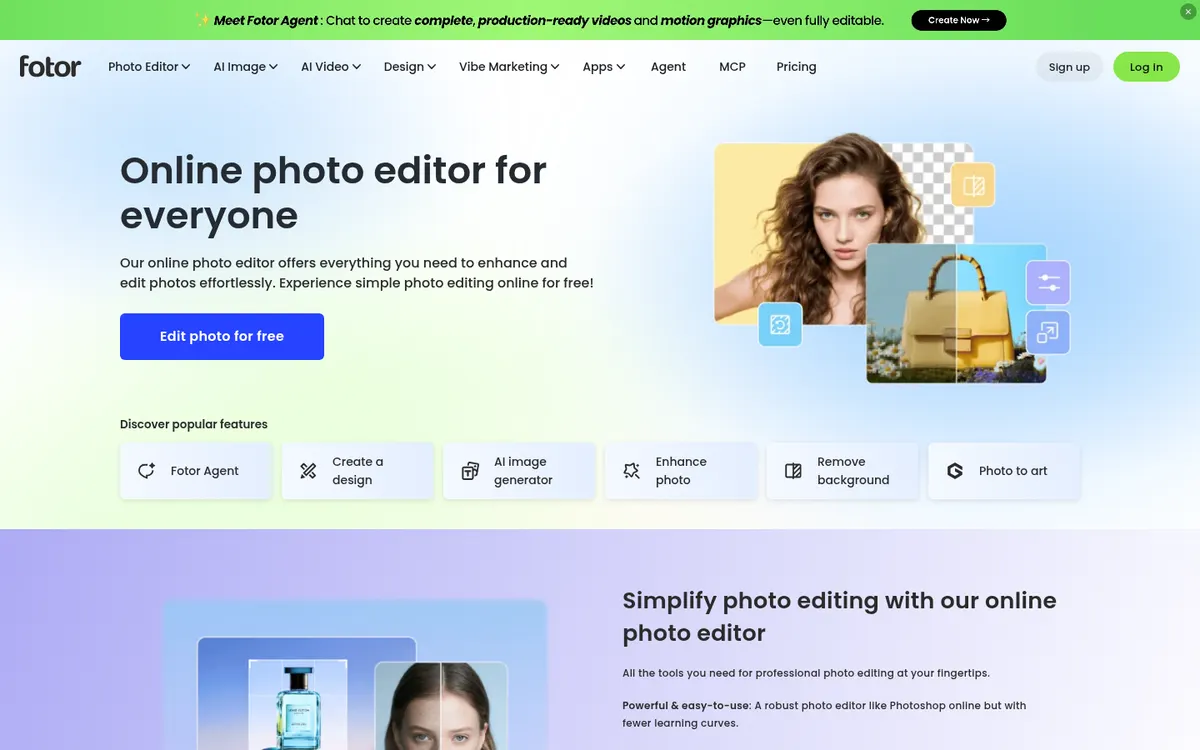
Fotor is a photo editor that grew a design tool, and the poster experience reflects that lineage. AI background removal and enhancement tools handle product cutouts fast, batch editing processes a set of images at once, and poster template layouts provide a frame to drop them into. For a small retailer producing a sale poster from a morning's product shots, that sequence is efficient: cut out, brighten, batch, lay out, export.
The limits show at the design end. Template design is less developed than Canva's, so the layouts are functional rather than distinctive, and anyone wanting sophisticated typography will feel the ceiling quickly. The free tier exists but carries ads, and advanced features sit behind the paid plan, so the free experience is a demo with interruptions rather than a working tool for regular output.
Price is the strongest argument. Pro leads at $3.33 per month with annual billing, which is $39.99 a year, well below most of this list. At that level, the calculation is simple: if the AI cutouts and batch tools save an hour a month, it pays for itself. If your posters need layout sophistication, the savings buy nothing.
It fits small ecommerce sellers, market stalls, cafés and anyone whose poster is fundamentally a product photograph with a price and a date. It does not fit brand teams needing typographic control or a large template library. Try the free tier first and count the ads you tolerate in one session; that tells you whether the paid step is worth taking for your volume.
What works
- AI cutouts and batch editing speed up product work
- Lowest annual cost on this list
- Free tier available for a trial run
What to weigh
- Ads interrupt the free tier
- Template design lags behind Canva
- No print ordering
Pick it if
Your posters are product photos with a headline and you want to spend very little.
Skip it if
Your posters depend on typography or a rich template library.
Plate 08 of 10
Visme
Best for infographic-style posters and presentation-format visuals
Our verdict
The only tool here built for posters carrying real data, charts, maps and research findings rather than a headline and a photo.
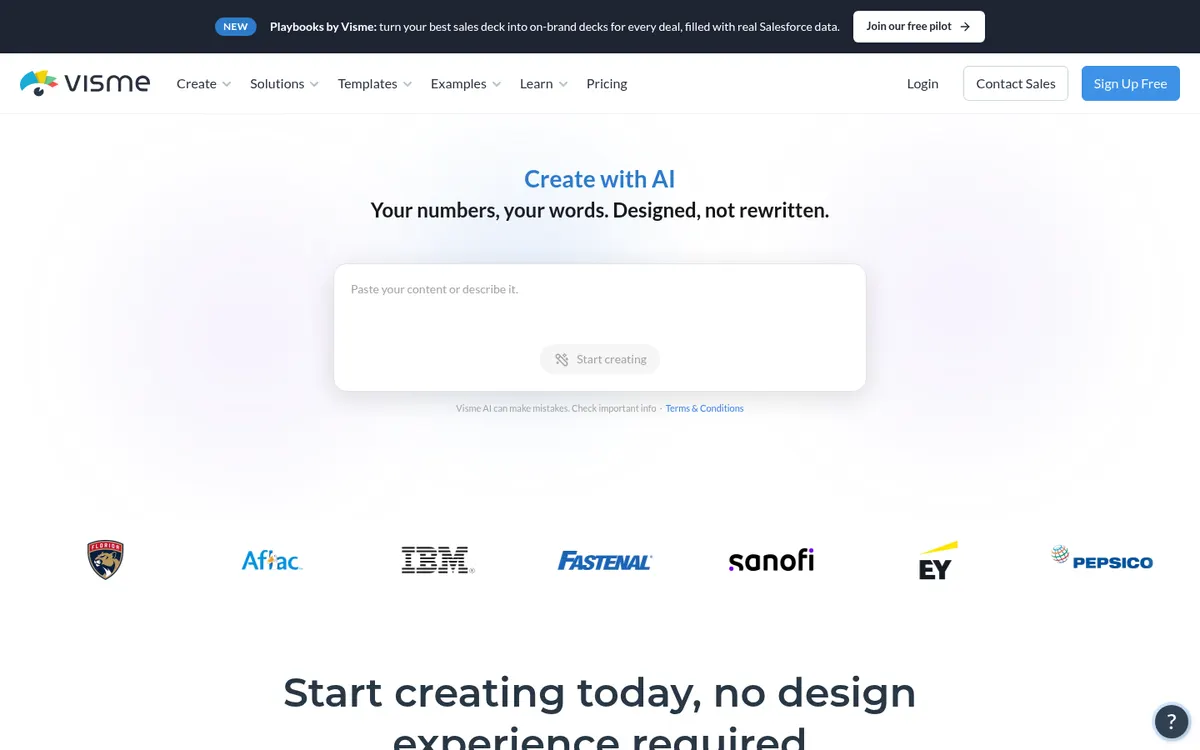
Visme is the outlier in a useful direction. Charts, maps and data widgets are first-class objects rather than images, so a poster presenting research findings, survey results or an annual summary can carry accurate visuals that update cleanly. Infographic and poster templates lean toward information density, which suits conference posters, educational material and internal report summaries far better than a gig poster.
Interactive elements add a second use case: a poster designed for a digital display can carry elements that respond, and presentation creation tools mean the same content often becomes a slide deck without a rebuild. Brand controls and palettes keep a series consistent, which matters when an organization produces a research poster every quarter.
The cost is learning curve. The interface is denser than a simple editor, and a first-time user will spend longer before the first finished poster. Free plan exports are limited, so evaluation is possible but constrained. Pricing starts at $12.25 per user per month on Starter with annual billing, and we confirmed that figure against the vendor page on November 25, 2026. No trial is stated.
It fits universities, research teams, consultancies and internal communications groups whose posters carry numbers. It does not fit a café needing a weekend sale poster, where the data tooling is dead weight. If your poster has three charts on it, this is the shortlist entry; if it has one photo and a date, look elsewhere.
What works
- Real chart, map and data widget objects
- Suits research, educational and report posters
- Brand controls keep output consistent
What to weigh
- Steeper learning curve than simple editors
- Free plan limits exports
- Overkill for photo-and-headline posters
Pick it if
Your posters carry charts, maps or research data that must stay accurate.
Skip it if
You need a fast, simple promotional poster with one photo and a headline.
Plate 09 of 10
Pixlr
Best for free browser-based photo editing for ambitious poster artwork
Our verdict
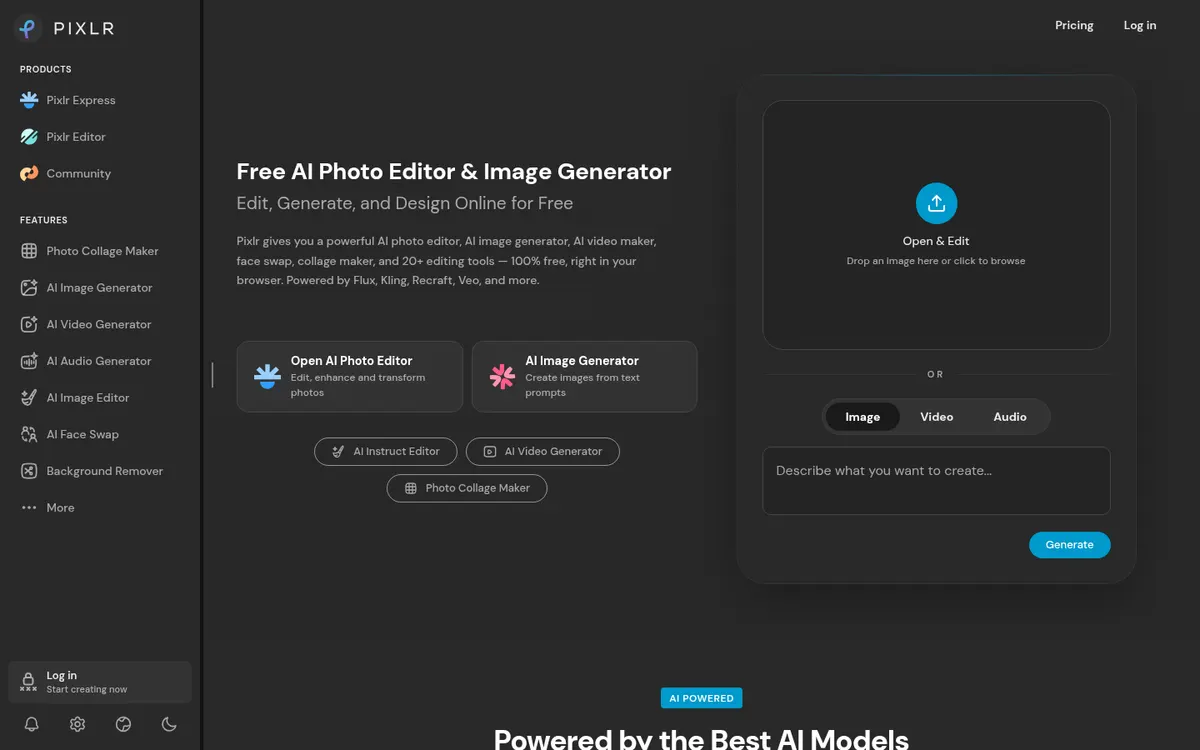
No templates, but the deepest editing on this list for anyone willing to build a poster by hand in a browser.
Pixlr is not a template tool and should not be judged as one. It is a browser-based editor with layers, masks and blending modes, which means the ceiling on what you can produce is set by your skill rather than by a library. For ambitious poster artwork, collage, compositing, textured type treatments, that depth matters more than a starting layout, and no installation is required, so it runs on a locked-down work machine.
AI cutout and enhancement tools speed up the routine parts. The free tier carries core editing, which makes it the most capable no-cost option here in raw editing terms, though the free experience is interrupted by ads. Beginners will find the interface overwhelming compared with a drag-and-drop tool, and the absence of a template library means a blank canvas and a decision about dimensions before any design begins.
Pricing is the messiest detail on this list and worth stating plainly. Our pack recorded paid plans from $1.99 per month; the vendor page now lists Plus at $2.49 per month. We quote $2.49 because that is what the page showed on November 25, 2026, and the discrepancy is a reminder to confirm at checkout. Either way it is inexpensive. No trial is stated.
It fits designers and confident hobbyists producing custom poster artwork, and it fits anyone who needs serious editing without installing software. It does not fit a non-designer facing a deadline with no artwork in mind, and it does not fit a team that needs print ordering or brand templates. Pair it with a printer you trust.
What works
- Layers, masks and blending modes in a browser
- No installation needed
- Most capable free editing tier here
What to weigh
- No template library at all
- Ads interrupt the free experience
- Recorded price and live page differ
Pick it if
You will build poster artwork by hand and want real editing depth for very little money.
Skip it if
You need templates, guidance or a gentle learning curve.
Plate 10 of 10
Microsoft Designer
Best for microsoft 365 users wanting AI-assisted poster layouts
Our verdict
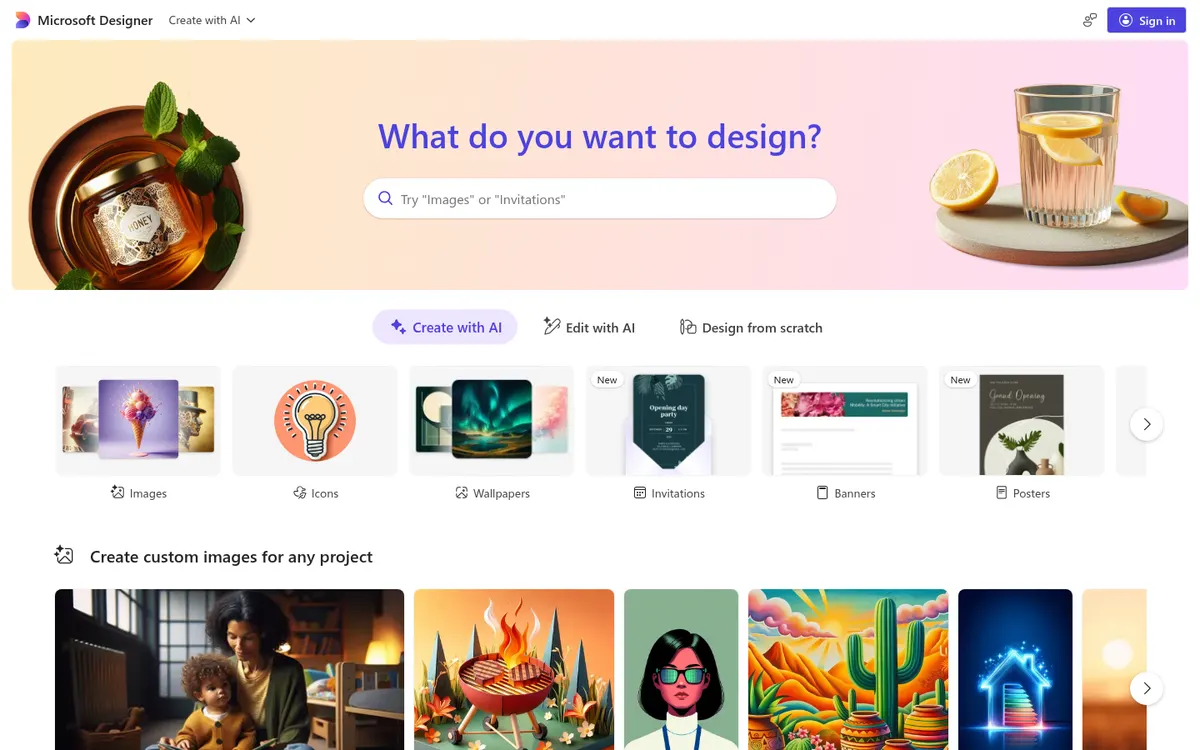
Free AI layout generation that fits Office workflows, best treated as a fast first draft rather than a print pipeline.
Microsoft Designer approaches posters from the prompt end. You describe a concept and it generates layouts and visuals, including AI-generated imagery in place of stock photography. For a team that needs a poster concept in ten minutes and already lives in Microsoft apps, that is a genuinely different starting point from scrolling a template library, and integration with Microsoft apps means the output travels into documents and slides without friction.
The honest limits are maturity and control. The template count is well below Canva's, and prompt-driven generation gives you a draft to refine rather than a finished print file. Anything going to a professional printer needs finishing elsewhere. It is a newer product that is still maturing, which shows in edge cases more than in the main flow.
It is offered free, with Microsoft 365 integration as the main workflow advantage. That makes the value calculation easy: there is no cost to try it, and no commitment to break. We could not re-check the free status because there is no official pricing page to fetch, so confirm the current terms in your account before relying on it for a paid team rollout.
It fits Microsoft 365 organizations wanting quick AI-assisted poster drafts and internal visuals. It does not fit anyone needing guaranteed print output, precise brand typography or a large curated template library. Use it to generate three directions fast, then move the chosen one into a tool with print controls.
What works
- Generates custom visuals from a text prompt
- Free to use with Microsoft 365 integration
- Fast route to first-draft poster concepts
What to weigh
- Far fewer templates than Canva
- Newer product still maturing
Pick it if
You want free AI-generated poster drafts inside a Microsoft 365 workflow.
Skip it if
You need print-ready output or precise brand typography.
What is a poster design platform, and when do you need one?
A poster design platform is software that combines a template library, a drag-and-drop canvas and an export or print path sized for poster formats. It sits between a full design application like Illustrator and a general photo editor: easier than the first, more structured than the second. You need one when posters are a recurring job rather than a one-off, and when the person making them is not a trained designer.
The category splits into three practical shapes, and knowing which you need shortens the search.
- Template-first suites (Canva, Adobe Express, PosterMyWall, Snappa, Desygner) start you from a layout and expect customization rather than construction.
- Photo-first editors (PicMonkey, Fotor, Pixlr) assume an image is the centre of the poster and give you better retouching, cutouts and compositing in exchange for fewer starting layouts.
- Data and AI tools (Visme, Microsoft Designer) generate or organize content rather than just styling it, which suits research posters and fast concepting.
What separates a good poster tool from a good social graphics tool is format awareness. Posters are large, viewed from distance and usually printed, so type must be legible at size, images must hold resolution at final dimensions, and the file must survive a printer's requirements for bleed and colour. A tool that only offers square social presets will force you to resize and re-typeset, which is where quality usually collapses.
Design experience is not required for the template-first group, and that is their main promise. It is closer to required for Pixlr, where a blank canvas and a layers panel assume you know what to do next. Visme asks for patience more than training.
The last thing to check before committing is licensing. On free tiers, stock assets and fonts often carry restrictions that exclude commercial use, and a poster advertising a business counts as commercial. Read the plan terms rather than assuming a free download is a free licence.
This guide sits in the Software collection. Buyers weighing nearby tools often read the guides to commission software and research platforms next.
How poster platform pricing actually works
Poster platform pricing falls into four models, and the cheapest headline number is rarely the cheapest arrangement for a print cycle. Most tools price per person per month, a few price per download, and photo editors price low because layout is not what you are buying.
| Model | How it bills | Typical fit | Example from this list |
|---|---|---|---|
| Per seat, monthly | Recurring per user, cancel anytime | Seasonal or occasional poster work | Adobe Express Premium at $9.99 per month, billed monthly, no annual commitment |
| Per seat, annual | Recurring per user, paid yearly | Steady year-round output | Desygner Business at $150 per user per year, billed annually |
| Credit or download based | Cost per exported file | Bursty volume, mixed print and screen | PosterMyWall, where each download consumes credits |
| Free with paid upgrade | No cost at entry, ads or limits | Testing, light or non-commercial use | Pixlr free tier, or Microsoft Designer's free offer |
Watch the billing term more than the number. PicMonkey illustrates why: $72 on Basic billed annually works out near $6 per month, while the monthly route is $7.99. Same product, different commitment. Fotor shows the same pattern at a lower level, with Pro at $3.33 per month on annual billing against $39.99 for the year.
Annual plans reward teams that print continuously and punish anyone who subscribes for a season. If your poster work is event-driven, month-to-month or a 30-day trial is worth more than a discount. Credit models invert this: they are cheap for occasional output and expensive for volume, so estimate your monthly downloads before choosing.
Free tiers are for evaluation, not production. Watermarks, ads, capped downloads and export limits appear across the group. Free tiers can also restrict commercial use of stock assets, which matters the moment a poster advertises a business.
Where a price is marked "See website", we could not confirm a figure on November 25, 2026, so check the vendor page rather than trusting a remembered number.
Every price in this guide was read on the vendor's own pricing page on November 25, 2026. Where a vendor does not publish a figure we could confirm, the card says "See website" rather than a guess. For the arithmetic around this purchase, try the free Email campaign metrics calculator.
How to choose a poster platform in six steps
Name the output first. Decide whether the poster is printed, shown on a screen, or both. Print adds bleed and resolution requirements; digital screens add motion and ratio constraints. This single answer removes half the list before you compare features.
Count your poster types. If you produce one recurring format, a small focused tool like Snappa is enough. If you produce event, retail, recruitment and notice posters, you need library breadth, which points to Canva or PosterMyWall.
Check whether the poster is photo-led. Posters built on photography benefit from PicMonkey, Fotor or Pixlr, where retouching and cutouts happen in the same canvas. Template variety matters less than the quality of the image treatment.
Confirm the print path. If you want the platform to print and ship, shortlist Canva or Adobe Express, the latter only in the US, UK, Canada and Australia. If you have a printer already, export quality matters more than in-app ordering.
Test licensing on the free tier. Before paying, download one poster using stock assets and read the terms. Commercial use restrictions on free plans are common and a poster for a business counts as commercial.
Price your real volume. Compare a flat annual plan against a credit model using your actual monthly download count. Then check whether the billing term matches your season, because an annual discount is wasted on four months of work.
Common mistakes when buying poster software
- Judging by template count alone. A library of ten thousand social templates may contain very few poster formats. Filter the library for your actual size and print intent before you subscribe.
- Ignoring resolution until the printer complains. Free stock images often look fine on screen and fall apart at A1. Check the pixel dimensions against your final print size before you lay out anything.
- Assuming a free plan covers commercial work. Free tiers commonly restrict commercial use of assets and fonts, and a poster promoting a business is commercial. Read the licence, not the marketing page.
- Paying annually for seasonal work. Event organizers often subscribe for a few weeks. A monthly plan or a 30-day trial costs less than a year of unused seats, even at a higher monthly rate.
- Skipping a real test file. Run one actual poster, at final size, through the tool and to the printer before committing a team. Demo templates hide the export, bleed and colour problems that appear on a real job.
10 best platform for creating posters in 2026: questions
What resolution and bleed settings should a print-ready poster use?
Use 300 DPI at final print size for anything viewed close up, and 150 DPI is acceptable for large format viewed from several meters. Add 3mm bleed on every edge and keep critical text inside the safe margin. Export as PDF with crop marks when your printer asks for them, and confirm the printer's own spec sheet, because large-format shops sometimes want different values.
Which tools on this list suit event and promotional posters?
PosterMyWall is the closest fit, because its templates are built around poster and signage formats rather than social sizes. Canva covers the widest range of event and promo layouts and adds print ordering. Adobe Express suits promotional work where typography carries the design. For a single fast flyer, Snappa is enough.
Do I need design experience to use these platforms?
No for the template-first group. Canva, Adobe Express, PosterMyWall and Snappa all start you from a layout and expect customization, so a first poster is achievable in an hour. Pixlr is the exception: a blank canvas and layers panel assume prior knowledge. Visme asks for patience with data tools rather than formal training.
Can I use free-plan stock assets in a commercial poster?
Often not. Free tiers commonly restrict commercial use of stock photography, fonts and graphics, and a poster advertising a business is commercial. Check the plan terms before you publish, and note that paid plans may still carry per-asset limits. When in doubt, use your own photography or a separately licensed image.
Which free option here is the most capable overall?
Pixlr has the deepest free editing tools, with layers, masks and blending modes, though it has no templates and shows ads. Microsoft Designer offers free AI layout generation. Canva's free tier is the most usable for a complete poster without design skill, provided your use is light and non-commercial in scale.
Is the Featured listing in this comparison bought?
One entry is a Featured placement, which is a paid position. It is scored with the same five criteria as every other tool and carries the same kind of honest weaknesses. Placement does not add to its scores, and the order of the list reflects editorial fit for the buyer each entry describes rather than a computed total.