
Contents of this guide
The shortlist
Our top 3 for software buyers

Robin
Unified workplace booking
- Best for
- Hybrid workplaces needing rooms, desks, and visitor management
- Features
- 5 noted: Room booking, Desk booking, Visitor management, Slack and Teams, Analytics

Envoy
Visitor-first workplace suite
- Best for
- Workplace experience with visitor management and polished mobile app
- Features
- 5 noted: Visitor check-in, Room booking, Desk booking, Mobile app, Access control

Skedda
Rule engine depth
- Best for
- Configurable space scheduling for complex booking rules
- Features
- 5 noted: Space booking, Approval rules, Floor plans, Calendar sync, 24/7 support
Disclosure for this guide. All 8 tools here are unpaid editorial picks. The position of a paid listing can be part of what the vendor pays for. Paid and unpaid tools are scored on the same rubric and keep their cons. Details are in the advertising disclosure.
The ledger
Index of every tool
| Tool | Free plan | Trial | Rubric | Compare | ||
|---|---|---|---|---|---|---|
| 01 | RobinHybrid workplaces needing rooms, desks, and visitor management | See websitecustom quoteCustom quote | Yes, up to 15 users | No | ||
| 02 | EnvoyWorkplace experience with visitor management and polished mobile app | See websiteCustom quote, modules priced separatelyNot published | No | No | ||
| 03 | SkeddaConfigurable space scheduling for complex booking rules | $249Plus, per month, billed annually, 35 spaces included, priced per spaceChecked Nov 25, 2026 | No | 14-day free Premium trial | ||
| 04 |  YAroomsMicrosoft-centric workplaces wanting rooms, desks, and signage | $99Starter, per month, 10 to 20 usersChecked Nov 25, 2026 | No | Free trial | ||
| 05 | CondecoEnterprises with complex multi-site scheduling rules | See websiteCustom quote, annual contracts and implementation projectNot published | No | No | ||
| 06 |  TeemFacilities-led room booking tied to space planning | See websiteCustom quote, annual commitmentsNot published | No | No | ||
| 07 |  OfficeSpaceSpace management with utilization reporting and booking | See websiteCustom quoteNot published | No | No | ||
| 08 |  Meeting Room 365Small teams wanting simple Outlook room booking | $9per display, per month, billed monthly, 30-day free trialChecked Nov 25, 2026 | Free Status Board add-on | 30-day free trial |
Prices are the lowest paid plan the vendor shows, read on November 25, 2026. Sort by price ranks published monthly figures; tools without one go last. Pin up to three tools to compare them side by side.
How this guide was put together
Every tool in this list was scored against the same five criteria, weighted for what buyers actually feel after rollout. Booking rules carries 25 percent, because a system that cannot express your approval chain or buffer time will be abandoned. Coverage breadth (20 percent) asks whether a tool handles rooms only or also desks, visitors, and signage, since hybrid workplaces often discover the second requirement later. Integrations (20 percent) covers Outlook, Microsoft 365, Google Calendar, Slack, Teams, and access control, because booking only works if reservations land where people already look. Pricing clarity (20 percent) rewards published prices and penalizes quote-only models that cannot be modeled before a sales call. Admin and setup (15 percent) weighs how much internal effort a rollout demands.
Prices and plan details come from vendor pricing pages checked on November 25, 2026 and were not converted between currencies or estimated. Where a vendor page did not return pricing content, this list says so rather than guessing a figure, which is why several tools carry "See website" instead of a number. Plan names, billing terms, seat limits, and trial lengths are recorded exactly as published.
The Featured placement in this list is a paid placement. It was scored with the same rubric as every other entry and carries the same kind of cons, including quote-only pricing and an annual billing term. Placement affects position in the list, not the scores or the review text.
Ranking order is editorial. It reflects fit for the buyer each entry describes plus the disclosed Featured position, not a weighted total of the scores.
The full process, including how we handle corrections, is on the methodology page. Paid listings follow the advertising disclosure.
Rubric and weights
Every tool below is scored from 1 to 10 on these five criteria. The scores describe each tool; the order is an editorial call on fit for the buyer each card describes, plus the disclosed Featured position.
- 25%Booking rulesHow far the system can express approval chains, buffer times, duration caps, and per-team permissions.
- 20%Coverage breadthWhether the tool handles rooms only or also desks, visitors, parking, and door signage.
- 20%IntegrationsDepth of Outlook, Microsoft 365, Google Calendar, Slack, Teams, and access-control connections.
- 20%Pricing clarityWhether a buyer can see and model cost without a sales conversation.
- 15%Admin and setupHow much internal effort a rollout demands before the tool is genuinely useful.
Plate 01 of 08
Robin
Best for hybrid workplaces needing rooms, desks, and visitor management
Our verdict
Best for hybrid offices that want rooms, desks, and visitor sign-in in one place, with a usable free tier up to 15 users.
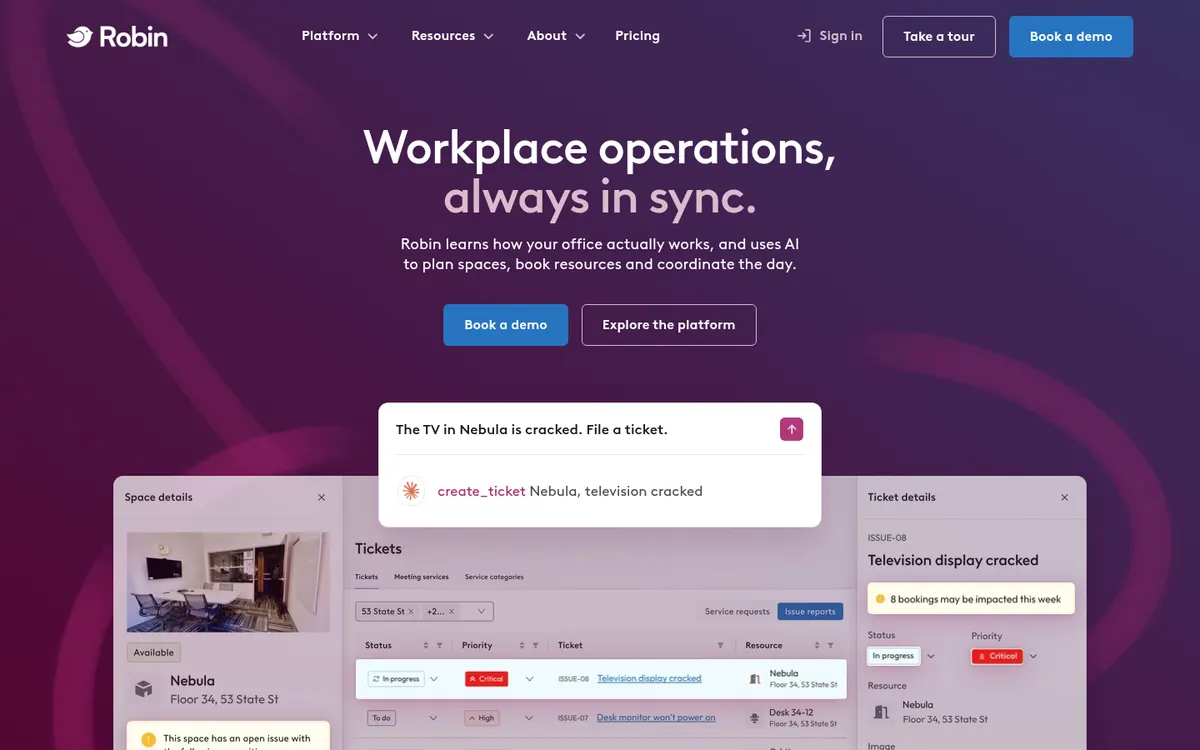
Robin is a workplace platform that puts room booking, desk booking, and visitor management behind one login. An employee opens the app, sees which meeting rooms are free on their floor, reserves a desk for the afternoon, and registers a guest, all without switching tools. Slack and Microsoft Teams integrations mean the same booking actions work from chat, and calendar sync keeps reservations visible in the tools people already use. Analytics on room and desk utilization sit on top, so facilities teams can see which spaces are actually used.
The free Starter plan is the reason Robin lands first here. It covers up to 15 users and one floor, which is enough for a small office to run rooms and desks properly before paying anything. Above that, pricing is quote only. The vendor page states that all paid subscriptions are billed annually, so budget for a yearly commitment rather than a monthly charge.
The platform earns its place for hybrid workplaces where rooms, desks, and visitors overlap. If you already manage desks informally and want to add room booking, Robin handles both in one place rather than forcing a second tool. If your only requirement is reserving a meeting room from Outlook, the paid tiers are more platform than a small team needs, and the annual commitment is hard to justify.
Two limits to weigh. First, because paid tiers require a quote, you cannot model cost from the website, and the annual billing term removes the option to trial a paid seat for a month. Second, room-only use can work out more expensive than a specialist booking tool. Data for this review was checked in October 2026.
What works
- Free Starter tier covers 15 users and one floor
- Rooms, desks, and visitors in a single system
- Works inside Slack, Teams, and existing calendars
What to weigh
- Paid tiers are quote only, no published number
- Annual billing applies to every paid plan
- Room-only buyers pay for features they will not use
Pick it if
Your office needs rooms, desks, and visitor sign-in from one platform and you want to start free with a small team.
Skip it if
You only need a meeting room calendar and cannot take on an annual quote-based contract.
Plate 02 of 08
Envoy
Best for workplace experience with visitor management and polished mobile app
Our verdict
Strongest when the front desk matters: visitor check-in, deliveries, and access control handled alongside room and desk booking, priced by module.
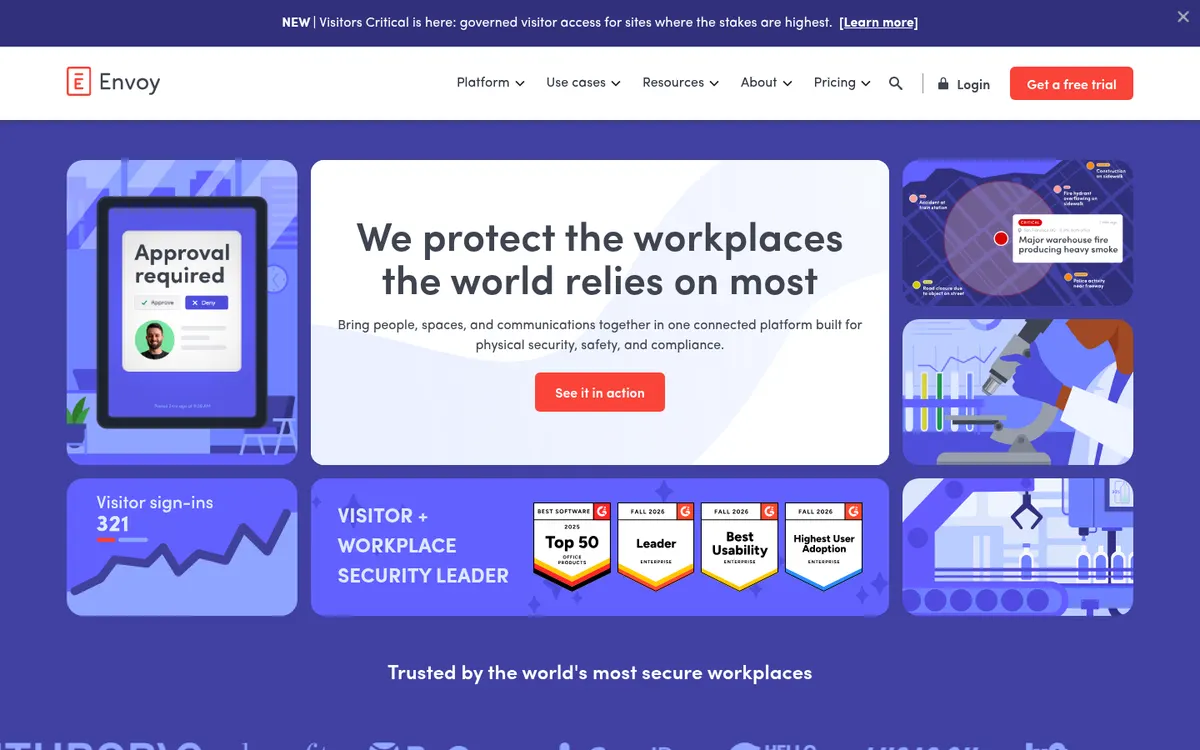
Envoy started as a visitor sign-in product and grew into a broader workplace platform. Today the suite covers room booking, desk booking, visitor management, and guest check-in, with a mobile app employees use to find a desk or a free room. Access-control integrations let reception unlock a door for a registered guest, and delivery integrations route packages to the right person instead of leaving them at the front desk. Workplace analytics report on how rooms and desks are used.
The strength is the front desk. If your lobby handles a steady stream of guests, contractors, and deliveries, Envoy manages those workflows better than booking-only tools, and rooms and desks come along in the same system. The mobile app is the part employees actually touch, and it is polished enough that people use it without training.
Pricing is the weak point. There is no free plan and no trial, and rooms, desks, and visitors are priced as separate modules, so the cost depends on which combination you buy. Larger deployments go through enterprise sales. The vendor page did not return pricing content when checked for this review, so no figure could be confirmed. That means you cannot compare Envoy against Skedda's published $249 without a sales conversation.
Envoy fits organizations that already treat visitor experience as part of the workplace product, not just a sign-in sheet. It is a poorer fit for a small office that only needs to book a meeting room, because you would be paying for guest check-in and delivery modules nobody opens. Data reviewed October 2026.
What works
- Visitor and delivery workflows well ahead of booking-only tools
- Polished mobile app employees will actually open
- Connects booking to door access control
What to weigh
- No free plan and no trial
- Rooms, desks, and visitors billed as separate modules
- Quote-only pricing could not be confirmed
Pick it if
Your lobby handles real visitor and delivery volume and you want booking in the same system.
Skip it if
You need a room calendar next week and have no appetite for a module-by-module quote.
Plate 03 of 08
Skedda
Best for configurable space scheduling for complex booking rules
Our verdict
The pick when booking rules get complicated: published pricing from $249 per month for 35 spaces, deep permissions, and a 14-day trial.
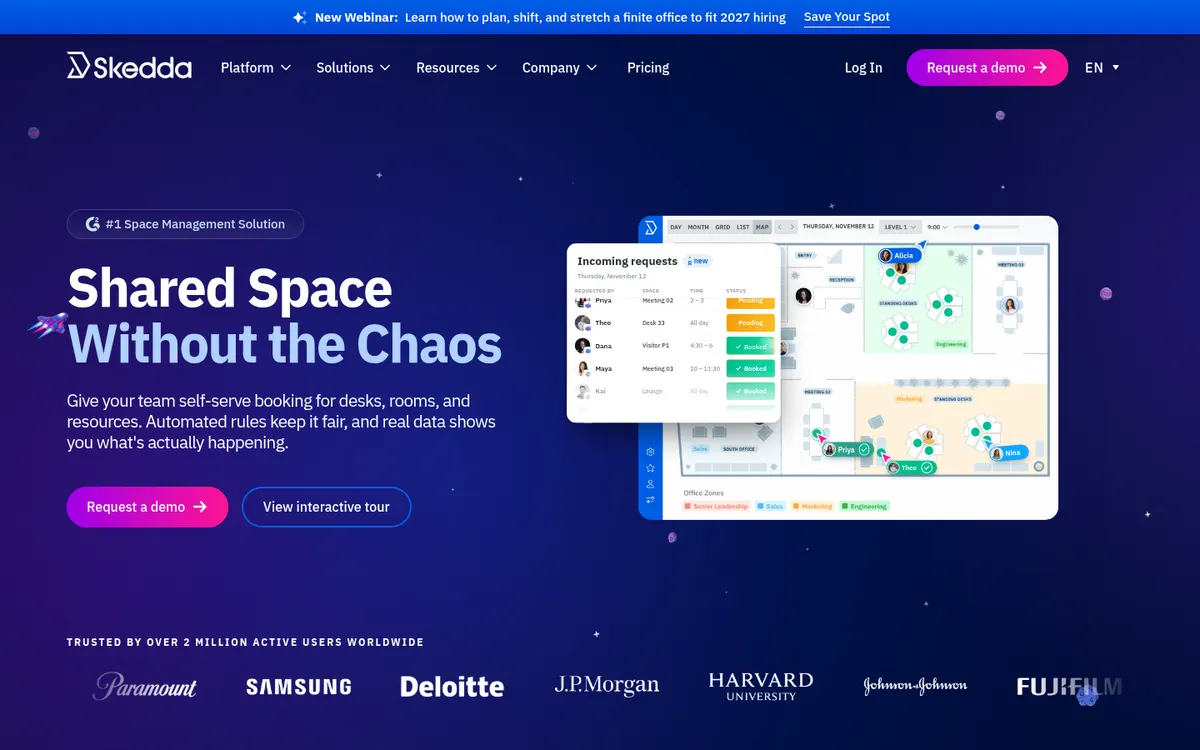
Skedda is space scheduling built around rules. Administrators define bookable spaces, set who can book what, add approval chains for high-demand rooms, and assign roles and permissions that differ by team or floor. Interactive floor plans let people pick a room by looking at the building rather than scrolling a list. Calendar sync keeps reservations visible in the tools people already use, and support runs 24/7.
The pricing model is the clearest in this list. The Plus plan is $249 per month, billed annually, and includes 35 spaces, priced per space. Cost tracks how many bookable spaces you manage rather than how many employees you have, which rewards dense offices and penalizes buildings with many small rooms. A 14-day free Premium trial lets you test the rule engine before committing.
Skedda fits organizations where booking rules have become a real operational problem: shared rooms with approval requirements, teams that should not see each other's floors, rooms that need buffer time between meetings. It is a reasonable fit for a mid-size office with a facilities coordinator who will actually configure those rules.
It is a poor fit for very small teams. $249 per month is a high entry point if you have only a few rooms and a small team, and there is no free tier on current plans. Large offices also need to model the space count carefully before signing, because adding bookable spaces raises the bill. If your need is a simple Outlook room list, Meeting Room 365 at $9 per display does the job for far less. Data reviewed October 2026.
What works
- Published price: $249 per month for 35 spaces
- Deep approval chains, roles, and permissions
- 14-day free Premium trial to test the rules
What to weigh
- High entry price for a small office
- Cost climbs as bookable spaces are added
- No free tier on current plans
Pick it if
Your booking rules are genuinely complicated and you want a visible price before you talk to sales.
Skip it if
You run a handful of rooms for a small team and need a lower entry price.
Plate 04 of 08
YArooms
Best for microsoft-centric workplaces wanting rooms, desks, and signage
Our verdict
Best value for Microsoft 365 shops that want rooms, desks, parking, and door signage, starting at $99 per month on Starter.
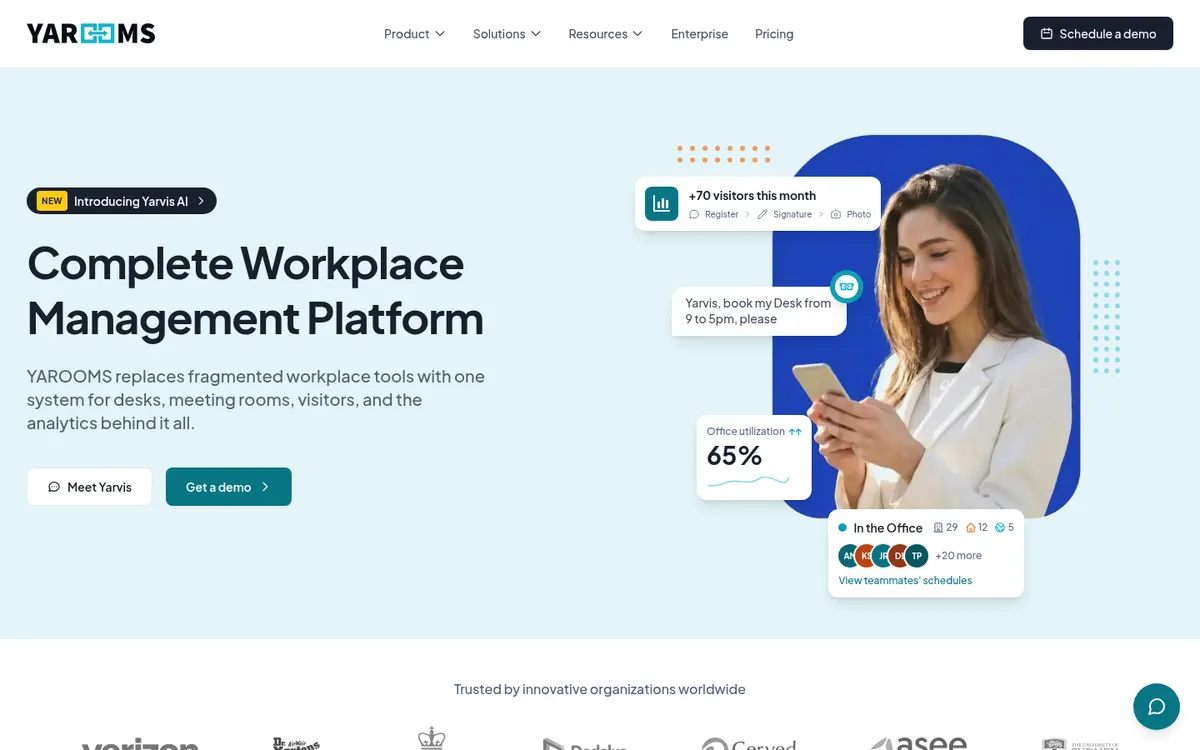
YArooms covers more ground than the entry price suggests. The Starter plan includes room booking, desk booking, and hybrid workplace tools, so a Microsoft 365 office can manage meeting rooms and desk hoteling from one system. Higher tiers add visitor management, parking management, and digital signage for door displays, which means a single vendor can handle the whole physical workplace rather than stitching together three tools.
The Microsoft story is the strongest part. Deep Microsoft 365 and Azure AD integration means single sign-on works with existing accounts and room mailboxes line up with the calendars employees already open. For an organization standardized on Microsoft, that removes most of the setup friction that kills booking rollouts.
Pricing is published at the entry level. Starter is $99 per month for 10 to 20 users. Business is listed at $399 and Enterprise at $899, so the ladder is visible before you talk to sales. A free trial is available, which matters because the gap between Starter and Business is wide enough that you want to confirm which tier you need first.
The limits are about tiering and scale. Full workplace features, including visitor and parking management, require higher tiers, and advanced capabilities sit behind custom plans. YArooms is also a smaller vendor than the category leaders, worth weighing if you need a long support relationship across many sites. It fits Microsoft-centric workplaces that want rooms, desks, parking, and signage from one vendor at a published price. Data reviewed October 2026.
What works
- Published ladder: $99 Starter, $399 Business, $899 Enterprise
- Rooms, desks, visitors, parking, and signage in one place
- Deep Microsoft 365 and Azure AD integration
What to weigh
- Visitor and parking features need higher tiers
- Smaller vendor than the category leaders
- Advanced capabilities gated behind custom plans
Pick it if
You are standardized on Microsoft 365 and want rooms, desks, and signage at a published monthly price.
Skip it if
You need visitor and parking management on the cheapest tier or want a large vendor behind the contract.
Plate 05 of 08
Condeco
Best for enterprises with complex multi-site scheduling rules
Our verdict
Built for thousands of rooms across countries: approval chains, language support, and facilities workflows, sold as an annual enterprise project.
Condeco is enterprise scheduling for organizations that book rooms across many floors, buildings, and countries. Multi-floor and multi-building deployment is the baseline, not an add-on. Administrators configure rules per region, run approval chains for rooms that need sign-off, and support multiple languages for staff who do not work in English. Booking connects to catering, AV services, and facilities workflows, so ordering lunch for a meeting or logging a broken projector happens from the same reservation.
That breadth is why large facilities teams choose it. When a single policy has to hold across many sites, a tool designed for one office runs out of road quickly, and Condeco is built for the opposite case.
Pricing is quote only, with annual contracts and an implementation project. The vendor page did not return pricing content when checked for this review, so no figure could be confirmed. Implementation is a real project rather than a self-serve signup, which is appropriate for a large multi-site rollout and excessive for a small office.
The honest trade-off is speed. Enterprise sales cycles are long, and a small team that wants to book rooms next week will face a longer sales and implementation process with Condeco. There is no free plan and no trial. Condeco fits organizations with a facilities function, multiple locations, and rules that differ by country. It is a poor fit for a single office that needs straightforward booking, where Skedda's published $249 plan or a $9 per display Outlook-based tool will cover the requirement at a fraction of the effort. Data reviewed October 2026.
What works
- Handles multi-floor, multi-building, multi-country rules
- Ties booking to catering, AV, and facilities workflows
- Multi-language support for international staff
What to weigh
- Quote-only with annual contracts
- Long enterprise sales and implementation cycles
- No free plan and no trial
Pick it if
You coordinate rooms across many buildings and countries and need one policy to hold everywhere.
Skip it if
You run one office and need booking working this month without a procurement project.
Plate 06 of 08
Teem
Best for facilities-led room booking tied to space planning
Our verdict
Best when booking needs to feed space planning and maintenance, since Teem ties reservations to Eptura's analytics and facilities workflows.
Teem approaches room booking from the facilities side. Reservations feed into space planning, so utilization data from actual bookings informs decisions about which floors to consolidate or which rooms to convert. Reservation data therefore becomes an input to a lease or consolidation decision rather than a calendar convenience. Maintenance requests and workplace analytics sit in the same system, and utilization reporting shows how space is really used rather than how it was designed to be used.
Teem is now part of Eptura, and that rebrand matters when you evaluate it. Product boundaries between Eptura's various workplace tools are less clear than they were, so ask specifically which modules you are buying and which ones are licensed separately. Eptura suite integration is a genuine advantage if you already run other Eptura products for facilities management.
Pricing is quote based with annual commitments, and no pricing URL or page content was available to verify when checked for this review. There is no free plan and no trial.
Teem fits facilities-led organizations where the room booking decision sits with the workplace team and the data has to connect to space planning and maintenance. It is a poor fit for a small team that wants a booking tool, because the enterprise orientation and quote process add cost and time without adding value at that scale. If you need booking with utilization reporting but do not run Eptura, compare OfficeSpace before deciding, since both sell the same combination. Data reviewed October 2026.
What works
- Booking data feeds space planning and maintenance
- Utilization analytics support consolidation decisions
- Part of the wider Eptura workplace suite
What to weigh
- Quote-based pricing with annual commitments
- Eptura rebrand blurs which modules you are buying
- Enterprise orientation makes it costly for small teams
Pick it if
You already run Eptura tools and want booking data flowing into facilities and space decisions.
Skip it if
Booking is a standalone need and you want a price you can see today.
Plate 07 of 08
OfficeSpace
Best for space management with utilization reporting and booking
Our verdict
A space management system that happens to book rooms: strong floor plans, seating charts, and move management, with booking as one module.
OfficeSpace is a workplace management system with room booking inside it. The core of the product is space planning: floor plans, seating charts, move management, and utilization reporting. Room and desk booking sit on top of that dataset, so a reservation is tied to a real seat in a real floor plan rather than a standalone calendar entry. Analytics on desk and room utilization run against that same data, and multi-language support makes it workable for global teams.
That combination is useful when the booking question and the space question are the same question. If you are deciding whether to give up a floor, utilization reporting drawn from actual bookings is more credible than a survey. Move management means a team reorganization does not require rebuilding the floor plan from scratch.
Pricing is quote only, with no free plan and no trial. The vendor page did not return pricing content when checked for this review, so no figure could be confirmed. Expect implementation effort: a workplace management system needs your floor plans loaded and your seating data cleaned before it is useful, and that is a project rather than an afternoon.
OfficeSpace therefore fits organizations doing serious space planning, typically with a facilities or real estate function. It is a poor fit for a team that only wants to book a meeting room, because you pay for planning and reporting modules you will not use. If you want the reporting layer inside Eptura tools, Teem is the closer comparison. Data reviewed October 2026.
What works
- Floor plans and seating charts tied to real bookings
- Utilization reporting strong enough for lease decisions
- Move management avoids rebuilding plans from scratch
What to weigh
- Quote-only pricing, no free plan or trial
- Needs floor plan and seating data loading first
- Booking is a module, not the main product
Pick it if
Space planning decisions are on your plate and you want booking data behind them.
Skip it if
You just need to reserve rooms and have no facilities data to load.
Plate 08 of 08
Meeting Room 365
Best for small teams wanting simple Outlook room booking
Our verdict
The cheapest way to put room schedules outside meeting room doors in Outlook shops, at $9 per display per month, with a 30-day trial.
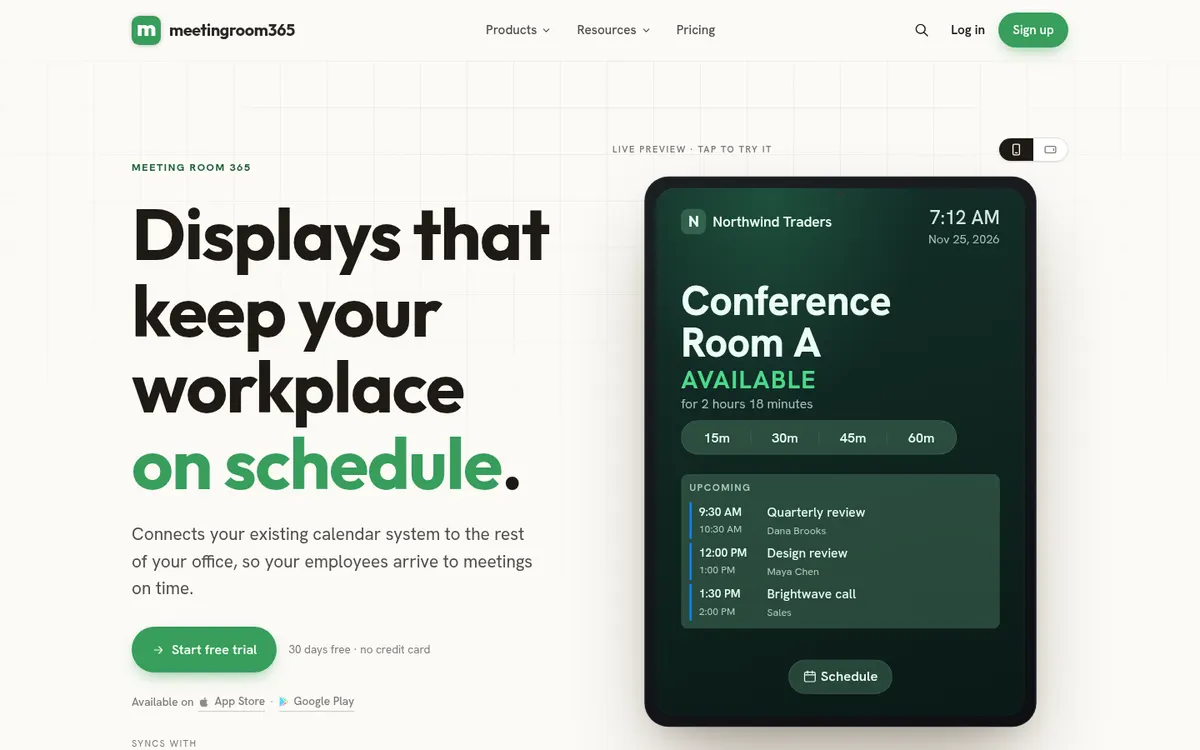
Meeting Room 365 does one job: it puts Outlook room schedules on screens outside meeting rooms and keeps basic room booking working inside Microsoft 365. Setup uses existing Microsoft 365 room mailboxes, so there is no separate booking system to maintain and no directory to sync. Tablet door displays show whether a room is free and let someone book it on the spot. Booking changes made on the display write back to the room mailbox, so the calendar stays the single source of truth. Room availability boards give a floor-level view, and a Status Board add-on is free.
The price is the story. At $9 per display per month, billed monthly, it is the lowest published price in this comparison by a wide margin, and a 30-day free trial lets you test a single door before rolling out. If your problem is people walking into occupied rooms, a few dollars per door solves it without a platform purchase.
The limits are real. The feature set is basic compared with full platforms: no desk booking, no visitor management, and limited analytics. You will not learn from this tool how space is actually used across a quarter. The vendor is small, which is a support risk worth naming for a multi-site rollout.
Meeting Room 365 fits small teams already standardized on Outlook and Microsoft 365 that want door displays and simple scheduling without a procurement project. It is a poor fit for a hybrid workplace that needs desk hoteling, visitor sign-in, or utilization reporting, where Robin's free tier or a full platform is the better starting point. Data reviewed October 2026.
What works
- Lowest published price here: $9 per display per month
- Works directly with existing Outlook room mailboxes
- 30-day free trial and a free Status Board add-on
What to weigh
- No desk booking, visitor management, or deep analytics
- Small vendor
- Basic scheduling compared with full platforms
Pick it if
You run Outlook and want door displays plus simple room scheduling for a low monthly cost.
Skip it if
You need desk hoteling, visitor sign-in, or utilization reporting.
How room booking software pricing works, and why quotes hide the number
Room booking software is priced four ways, and the model matters more than the number, because it decides what your bill does when the office changes. Published per-display and per-space prices are the easiest to forecast. Quote-only platform pricing is the hardest.
| Model | How it bills | Typical fit | Example from this list |
|---|---|---|---|
| Per display | $9 per display per month, billed monthly | Offices that mainly need door screens in Outlook | Meeting Room 365 |
| Per bookable space | $249 per month for 35 spaces, billed annually, priced per space | Buildings with many rooms and complicated rules | Skedda |
| Published user tiers | $99 per month on Starter for 10 to 20 users | Microsoft-centric offices that want a number before sales | YArooms |
| Custom quote | Agreed with sales, usually annual | Enterprises with multi-site rules or facilities workflows | Robin, Envoy, Condeco, Teem, OfficeSpace |
| Free tier | $0 up to 15 users on one floor | Small offices testing whether booking software helps | Robin |
Per-display pricing is the cheapest entry point and the most limited. At $9 per display per month, billed monthly, Meeting Room 365 costs almost nothing to try and stops there, with no desk booking, visitor management, or real analytics.
Per-space pricing rewards density. Skedda's Plus plan is $249 per month billed annually for 35 bookable spaces, priced per space, so a building with many small rooms pays more than one with fewer large rooms. Large offices should count spaces before signing.
Published user tiers give you a number without a sales call. YArooms lists Starter at $99 per month for 10 to 20 users, with Business at $399 and Enterprise at $899, so the ladder is visible.
Quote-only pricing covers five tools here. Robin, Envoy, Condeco, Teem, and OfficeSpace all price by quote, and Robin states that paid subscriptions are billed annually. Expect a sales process, an annual commitment, and in Condeco's case an implementation project.
Free tiers are rare. Robin's Starter plan covers up to 15 users on one floor at no cost, enough to test whether booking software changes behavior before you commit a budget. Trials are more common: Skedda offers a 14-day free Premium trial, YArooms a free trial, and Meeting Room 365 a 30-day free trial.
Every price in this guide was read on the vendor's own pricing page on November 25, 2026. Where a vendor does not publish a figure we could confirm, the card says "See website" rather than a guess. For the arithmetic around this purchase, try the free Email campaign metrics calculator.
How to choose: a six-step path from calendar chaos to the right tool
Count what you are actually booking. List every bookable space by building and floor, note which rooms need approval, and decide whether desks are part of the problem. A tool priced per space behaves very differently from one priced per user.
Separate room booking from desk booking. If attendance is hybrid and desks are contested, you need both, which pushes you toward Robin, Envoy, YArooms, or OfficeSpace. If rooms are the only shared resource, a smaller tool will do.
Check the calendar you already use. Booking only works if reservations land where people look. Microsoft 365 shops should confirm Outlook and Azure AD support, which YArooms handles directly, while Meeting Room 365 works with Outlook and Microsoft 365. Google-first offices need the same check before buying.
Decide whether door displays matter. A screen outside a room changes behavior more than a mobile app, because it is visible to everyone walking past. Meeting Room 365 sells displays from $9 per display per month, and YArooms can drive signage on higher tiers.
Test the rules before you sign annually. Ask for a trial or a free tier and configure a real approval chain or buffer rule during it. Skedda's 14-day Premium trial and Robin's free Starter plan both let you test with actual bookings.
Budget for implementation, not just licenses. Quote-only platforms need floor plans loaded and permissions configured before they work. Condeco and OfficeSpace are projects; a per-display tool is an afternoon. Weigh internal time against the subscription.
Five mistakes that make room booking rollouts fail
Buying a platform to solve a calendar problem. If double bookings are the only symptom, rules and a door display will fix it. A full workplace platform adds cost, an annual term, and an implementation project a small office cannot absorb.
Ignoring how the price scales. A per-space model like Skedda's $249 for 35 spaces can beat a cheap per-user plan in a dense building and lose badly in a building full of small rooms. Model next year's space count, not today's.
Skipping the check-in rule. Tools that do not release unclaimed rooms keep showing phantom bookings. Configure auto-release before rollout so the data you report on reflects real use rather than reservations people forgot.
Paying for modules nobody opens. Envoy prices rooms, desks, and visitors separately. Buying the full set when half the office never books a desk adds cost without changing behavior. Start with what people use weekly.
Treating rollout as an IT task. Adoption depends on the front desk, facilities, and team assistants knowing the rules. A tool configured by IT alone tends to produce two systems: the new one and the spreadsheet everyone still uses.
Best Room Booking Software 2026: questions
How much does room booking software cost, and are there free options?
Published prices in this list run from $9 per display per month for Meeting Room 365 to $249 per month on Skedda's Plus plan for 35 spaces, with YArooms starting at $99 per month for 10 to 20 users. Five tools price by quote only. Free options are thin: Robin's Starter plan covers up to 15 users on one floor, and Meeting Room 365 includes a free Status Board add-on. Trials are more common than free plans.
Do you need door displays for room booking to work?
No, but they help. A display outside a room is visible to everyone walking past, which stops the walk-in-and-check behavior that produces double bookings. Meeting Room 365 sells displays at $9 per display per month, and YArooms supports digital signage on paid tiers. Start with one high-traffic floor rather than every door in the building.
How does room booking software connect to Outlook, Microsoft 365, and Google Calendar?
Most tools sync reservations to the calendar you already use, so a booking appears as an event and the room mailbox stays accurate. YArooms integrates deeply with Microsoft 365 and Azure AD, and Meeting Room 365 works directly with Outlook room mailboxes. Robin lists calendar integrations plus Slack and Microsoft Teams support. Confirm two-way sync works with your tenant before buying.
What is the difference between room booking and desk booking?
Rooms are shared and booked in time slots, often with approval rules and capacity limits. Desks are claimed per day or assigned to a person, and the pattern shifts with hybrid attendance. Robin, Envoy, YArooms, and OfficeSpace do both. If only rooms are contested, a room-only tool costs less and is faster to deploy.
How do check-in and auto-release cut no-show bookings?
A room that nobody checks into within a set window is released back to the pool, so a reservation people forgot about stops blocking the space. That single rule usually recovers more capacity than adding rooms. It also makes utilization reporting honest, because booked-but-unused hours stop inflating the numbers you present to leadership.
When should a small office stop using a shared calendar and buy dedicated software?
Move when double bookings or empty reserved rooms become a weekly complaint, or when you cannot answer which rooms are actually used. A free tier like Robin's, capped at 15 users and one floor, is a low-risk test. Below that threshold, a shared calendar with clear naming rules is usually enough.