
Contents of this guide
The shortlist
Our top 3 for software buyers

Aseprite
Sprite-first toolset
- Best for
- Dedicated sprite animators wanting the de facto standard tool
- Features
- 5 noted: Onion skinning, Frame tags, Sprite sheet export, Texture atlas, Cross-platform

Piskel
Browser-first editor
- Best for
- Beginners animating sprites in a browser at zero cost
- Features
- 5 noted: Browser editor, Live preview, Onion skinning, GIF export, Desktop builds

Pyxel Edit
Live tile instancing
- Best for
- Game developers building tilesets and level art
- Features
- 4 noted: Tile instancing, Tilemap export, Onion skinning, GIF export
Disclosure for this guide. All 9 tools here are unpaid editorial picks. The position of a paid listing can be part of what the vendor pays for. Paid and unpaid tools are scored on the same rubric and keep their cons. Details are in the advertising disclosure.
The ledger
Index of every tool
| Tool | Free plan | Trial | Rubric | Compare | ||
|---|---|---|---|---|---|---|
| 01 | AsepriteDedicated sprite animators wanting the de facto standard tool | See websiteNot published | No (paid license only) | Free trial available for evaluation | ||
| 02 | PiskelBeginners animating sprites in a browser at zero cost | See websiteNot published | Yes | No (fully free) | ||
| 03 | Pyxel EditGame developers building tilesets and level art | See websiteNot published | Yes (free version available) | Free version doubles as trial | ||
| 04 | GraphicsGaleWindows users wanting a free classic animation tool | See websiteNot published | Yes | No (freeware) | ||
| 05 |  Pro Motion NGProfessional pixel artists who want deep manual control | See websiteNot published | Yes (free edition with limited features) | Free edition serves as evaluation | ||
| 06 |  PixakiiPad artists drawing with Apple Pencil | See websiteNot published | Yes (Intro version free) | Free Intro version | ||
| 07 | PixeloramaOpen-source users wanting a full-featured free sprite editor | See websiteNot published | Yes | No (free and open source) | ||
| 08 | Pixel StudioMobile artists working on phone or tablet | See websiteNot published | Yes (free app; Pro upgrade available) | No (free tier with ads) | ||
| 09 |  PixiEditorArtists wanting pixel, paint and vector tools in one free app | See websiteNot published | Yes | No (free and open source) |
Prices are the lowest paid plan the vendor shows, read on November 25, 2026. Sort by price ranks published monthly figures; tools without one go last. Pin up to three tools to compare them side by side.
How this guide was put together
We ranked these nine tools by how well each one serves a specific buyer, not by a single total. Five criteria carried the assessment, and every entry was scored 1 to 10 on all five.
Animation toolset, weighted 30 percent, covers frame-level features that decide daily speed: onion skinning, timeline tags, playback speed, loop modes and frame management. Game engine export, at 25 percent, covers sprite sheets, GIF, tilemap formats, atlas packing and project files other editors can open. Price model, at 20 percent, weighs what the free tier allows, whether the license bills once or repeatedly, and whether commercial use is included. Platform fit, at 15 percent, covers desktop, browser, iPad and phone support plus offline operation. Learning curve, at 10 percent, covers how fast a new user gets from a blank canvas to an exported animation.
The weights are not a ranking formula. Order reflects editorial fit for the buyer named in each entry. A Featured placement, where a vendor pays for one, is disclosed and scored with the same rubric, weaknesses included.
Pricing and plan details were checked on November 25, 2026 against vendor pricing pages. Where a page returned no readable text, we say pricing is on the vendor site rather than infer a figure from a store listing or a forum post. Free plan terms, trial terms, layer and frame caps come from that same check.
Feature claims come from vendor documentation. We did not benchmark every tool on identical hardware. If a page does not state a capability, we left it out instead of assuming it.
The full process, including how we handle corrections, is on the methodology page. Paid listings follow the advertising disclosure.
Rubric and weights
Every tool below is scored from 1 to 10 on these five criteria. The scores describe each tool; the order is an editorial call on fit for the buyer each card describes, plus the disclosed Featured position.
- 30%Animation toolsetOnion skinning, frame timelines, playback and loop controls that decide how fast you can iterate on a cycle.
- 25%Game engine exportSprite sheets, GIF, tilemaps, atlas packing and project formats that drop into a game pipeline without conversion work.
- 20%Price modelWhether the tool is free, one-time licensed or upgrade tiered, and what the free tier actually allows.
- 15%Platform fitDesktop, browser, iPad or phone support, and whether the editor works offline.
- 10%Learning curveHow quickly a new user can draw, animate and export without fighting the interface.
Plate 01 of 09
Aseprite
Best for dedicated sprite animators wanting the de facto standard tool
Our verdict
The specialist choice: sprite-first tools, game-ready exports and a one-time license, but the interface assumes you will put in the hours.
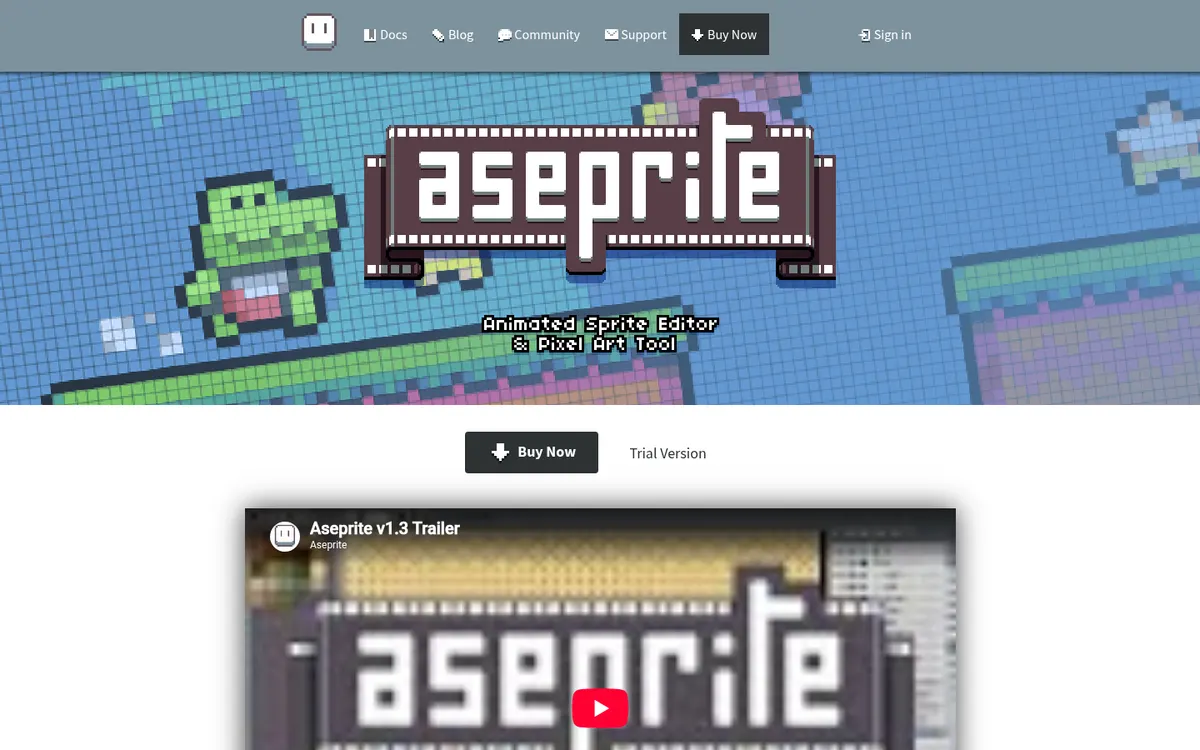
Aseprite is built around the frame, not the canvas. You draw on layers, step through a timeline, and turn neighboring frames into onion skin references, so a walk cycle becomes a sequence you can read at a glance instead of guessing. Timeline tags split one file into separate actions such as walk, jump or idle, and loop modes cover forward, reverse and ping-pong playback. A preview runs the animation at speed while you draw, which shortens the gap between intent and result.
Export is where it earns its reputation in game work. Animated GIF handles review, sprite sheet PNG with JSON handles engines, and texture atlas packing combines several animations into one image. Those formats map onto engine pipelines with little manual work. Builds exist for Windows, Mac and Linux, so a team on mixed machines can standardize on it.
The costs are real. There is no free full version, so the license has to be bought, and the interface is dense: toolbars, layer stacks and timeline controls all at once. Newcomers spend their first sessions hunting for options instead of drawing. The software assumes you already know what a sprite sheet is and why a texture atlas exists, and it does not teach either.
It is sold as a one-time license with a free evaluation trial, so you can test the workflow before paying. Pricing sits on the vendor site; our check on November 25, 2026 could not read a figure from the page. Buy it if sprite animation and game exports are the job. Look elsewhere if you need touch input or a gentler start.
What works
- Frame tools built for sprite animation rather than general painting
- Sprite sheet, JSON and atlas exports that engines read directly
- One-time license with a free evaluation trial
What to weigh
- No free full version; the license must be purchased
- Dense interface with a real learning curve for newcomers
Pick it if
You animate sprites for a game and want the frame tools and export formats that engines expect.
Skip it if
You need touch input, a free full version, or an interface that teaches itself.
Plate 02 of 09
Piskel
Best for beginners animating sprites in a browser at zero cost
Our verdict
Browser editor with onion skinning and GIF export, no account, no install: the cheapest route to a finished sprite animation, with limits on large projects.
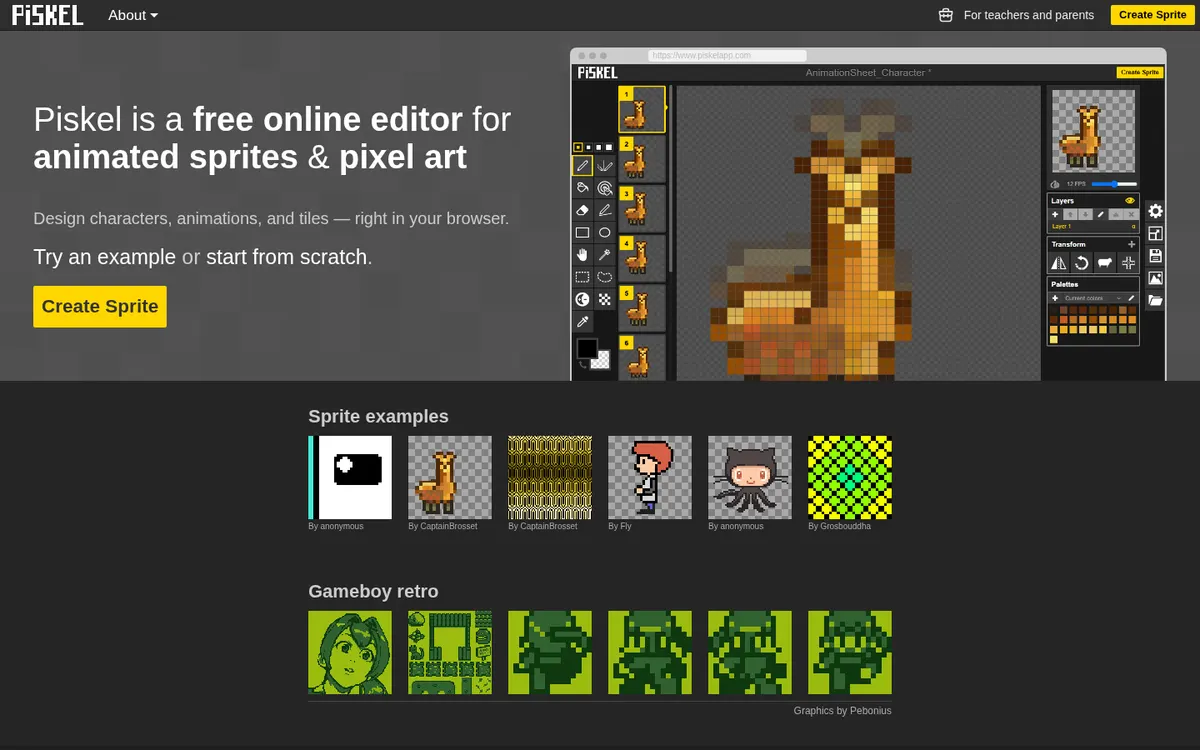
Piskel opens in a browser tab with no install and no account, which is the whole pitch: draw, press play, and watch the loop run while you keep working. The editor shows a frame column, a layer stack and a live preview that updates as you draw, so you can judge timing without exporting anything. Onion skinning shows the previous frame behind the current one, and frames can be reordered or duplicated in the timeline.
Export covers the basics that matter for small projects: animated GIF for sharing and sprite sheet PNG for engines. Offline desktop builds for Windows, Mac and Linux use the same interface, so a project started in a browser can move to a local app without relearning anything. For a game jam, a classroom exercise or a quick mock-up, nothing else here starts faster.
The ceilings appear as the project grows. Painting tools are fewer than in desktop editors, so shading and palette work feel basic. The browser version can struggle with large projects. Once a sprite set needs consistency across dozens of animations, you start looking at Aseprite or Pixelorama instead.
It is free to use, with no paid tier and nothing to buy. Our page check on November 25, 2026 returned no readable text from the vendor site, so confirm the current status before you depend on it for a deadline. Pick it for the first project and for teaching; move on when the art outgrows the tab.
What works
- Zero cost with no signup or install barrier
- Live looping preview and onion skinning in the browser
- Matching offline desktop builds for Windows, Mac and Linux
What to weigh
- Fewer advanced painting tools than desktop editors
- Browser version can struggle with large projects
Pick it if
You want to animate a sprite today with no install, no account and no budget.
Skip it if
Your project is large, needs atlas packing, or has to hold up in a browser tab for hours.
Plate 03 of 09
Pyxel Edit
Best for game developers building tilesets and level art
Our verdict
A tile-first editor for game developers: edit one tile and every copy updates, export the tilemap to XML, JSON or text, then prototype the level.
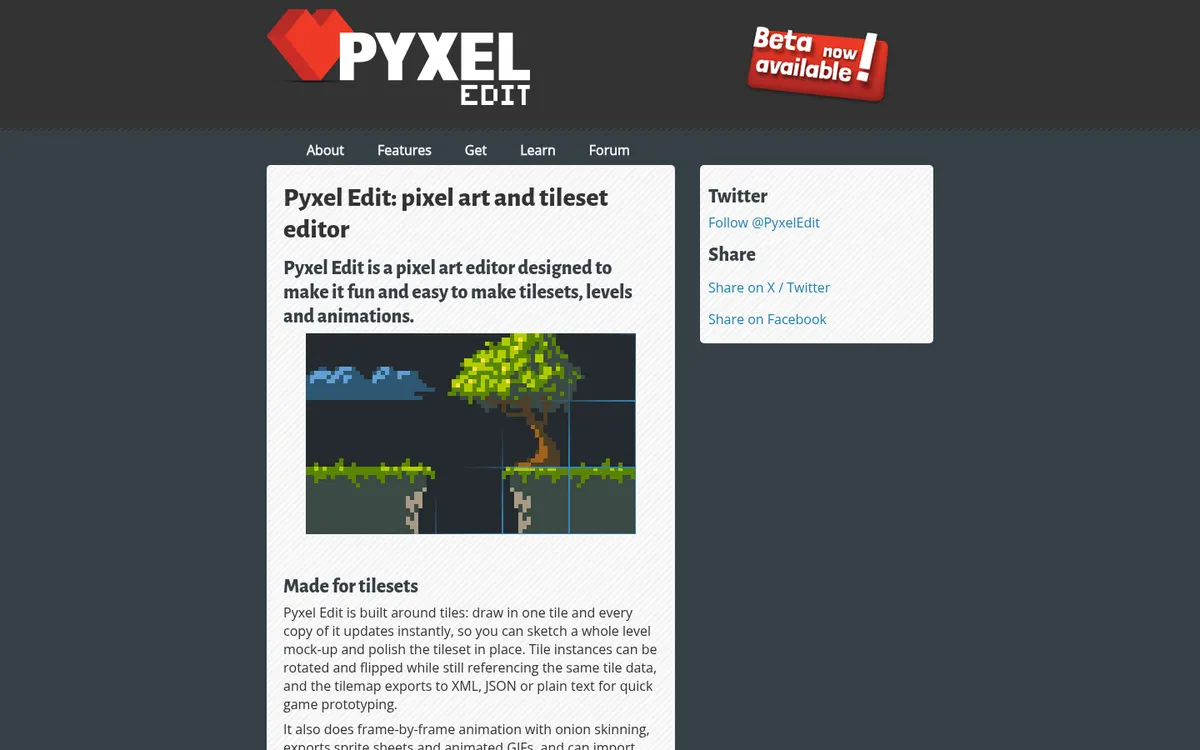
Pyxel Edit organizes work around tiles, not frames. You draw a small tile once, place copies across a level, and later edits to the source tile update every instance in place. Tiles rotate and flip against shared data, which makes walls, platforms and repeating scenery fast to build. Tilemap export writes to XML, JSON or plain text, so a mock-up becomes prototype data without a second tool.
Animation is present but secondary. Frames get onion skinning, and export covers sprite sheets and animated GIFs. For a character with a handful of states that is enough. For a full animation set with tags and texture atlas packing, it is thinner than Aseprite.
The software is still labeled beta, which shows in polish rather than in basic reliability: expect rough edges and a toolset focused on tiles at the expense of character and scene art. If you only draw sprites, you will find the tile tools interesting and the rest ordinary. Nothing here is unreachable, but nothing is refined for animation either.
Pricing is a low one-time purchase for the beta build, with a free version to evaluate. Our check on November 25, 2026 could not read a figure from the vendor page, so confirm the current price and what the free version allows before you commit. It fits developers who sketch levels constantly and want the tilemap data in hand at the end.
What works
- Tile instancing that updates every copy of a tile at once
- Tilemap export to XML, JSON or plain text
- Free version to evaluate before buying
What to weigh
- Still labeled beta software
- Narrower tools for character art and scene work outside tiles
Pick it if
Your art is level geometry and tilesets rather than characters.
Skip it if
You need a mature, stable build with deep character animation tools.
Plate 04 of 09
GraphicsGale
Best for windows users wanting a free classic animation tool
Our verdict
A free Windows tool with a real frame timeline, onion skinning and AVI export: unglamorous, dated in the interface, and still capable for sprite work.
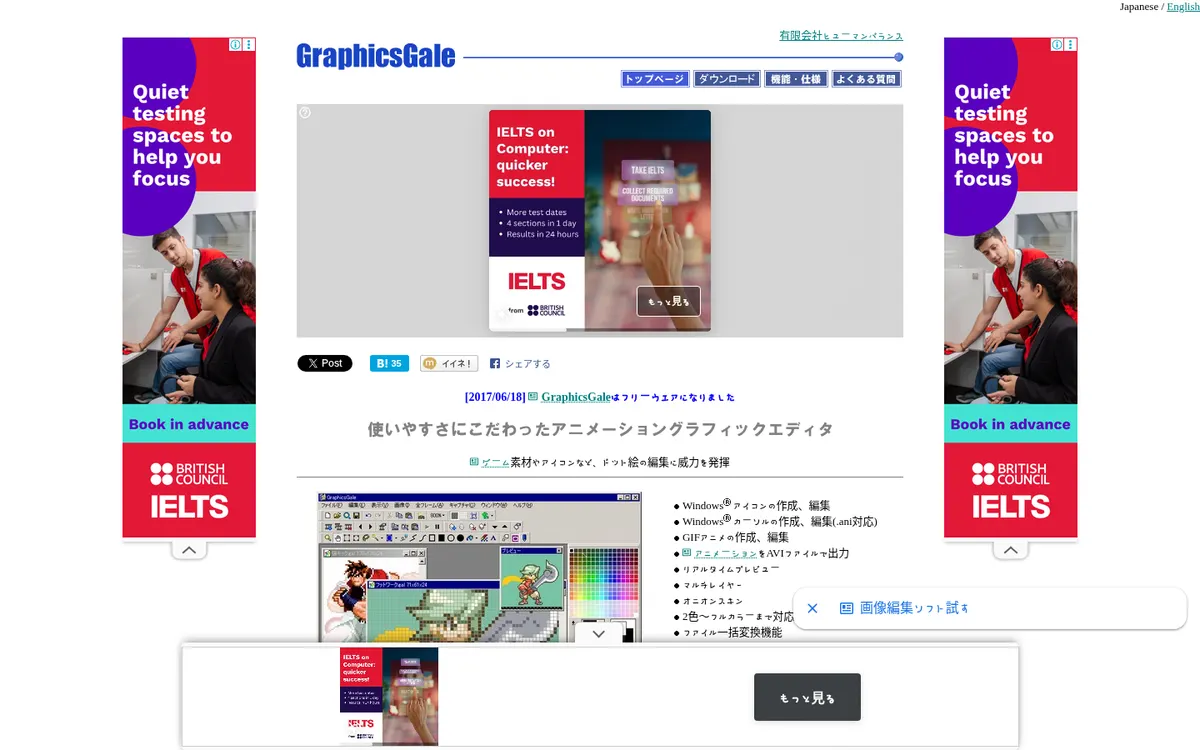
GraphicsGale has been around long enough that its interface looks like an earlier era of Windows software: small icons, dense menus, a separate frame window. Under that surface it does the core animation job. A frame timeline holds the sequence, onion skinning shows neighboring frames for reference, and a real-time preview runs while you draw.
Export covers GIF and AVI, which is unusual at this price point. AVI output matters if your animation is headed for video rather than a game engine, and GIF covers quick sharing. The pixel drawing tools cover the basics for sprite work.
The limits are structural. It runs only on Windows, so mixed studios and Mac users are out. The website and interface feel dated. New users coming from a modern editor will spend time relearning basic habits rather than learning new ones.
It became freeware years ago after a long commercial history, which is why the price is zero. Our check on November 25, 2026 could not confirm the freeware status from the vendor page, so verify before you plan around it. It suits Windows users who want a free timeline tool and do not mind the decade-old feel.
What works
- Full animation feature set at no cost
- AVI export alongside GIF
- Long-established core drawing and timeline functions
What to weigh
- Windows only
- Interface and website feel dated
Pick it if
You are on Windows and want a free timeline-based animation tool with AVI output.
Skip it if
You work on Mac or Linux, or you cannot tolerate a dated interface.
Plate 05 of 09
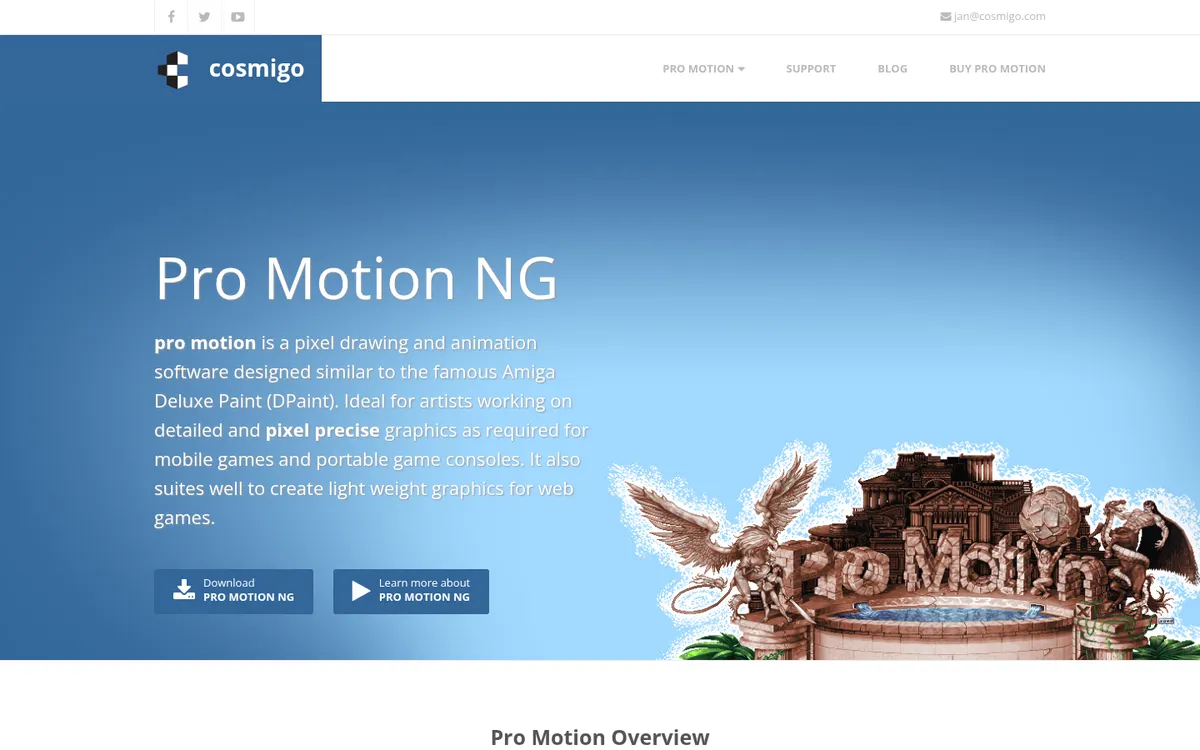
Pro Motion NG
Best for professional pixel artists who want deep manual control
Our verdict
Deep manual control for working pixel artists: pixel-perfect cleanup, a tile map engine and a commercially usable free edition, behind a steep learning curve.
Pro Motion NG descends from the Deluxe Paint lineage on the Amiga, and the toolset reflects that: indexed color control, palette manipulation and pixel-level precision aimed at artists who learned on limited hardware palettes. Drawing is pixel-perfect, with cleanup that removes stray pixels from lines and curves. Animation layers hold separate parts of a sprite so you can adjust a limb without redrawing the body.
Onion skinning appears as a light table view, and the tile map engine lets you edit levels in place rather than exporting a sheet and assembling elsewhere. Palette tools cover color control for indexed work, which is the kind of precision that retro-style engines and strict palette projects still need.
Depth has a price. There is no browser or mobile version, so the desktop is the only option, and the number of panels and modes takes real time to absorb. Beginners will produce better work faster in Piskel or Aseprite. Working pixel artists who want manual control over every color and tile will find the effort pays back.
The free edition allows commercial use but caps features, and the full license is a single payment with updates included. Our check on November 25, 2026 could not read a figure from the vendor page, so confirm the current price. Buy it if you want professional depth without a subscription; skip it if you need a gentle interface.
What works
- Free edition permitted for commercial use
- One-time license that includes free updates
- Tile map engine and indexed palette control in one tool
What to weigh
- No browser or mobile version
- Feature depth takes time to learn
Pick it if
You want indexed color control, tile editing and a free edition you can use commercially while you learn.
Skip it if
You need a browser build, mobile support or a short learning curve.
Plate 06 of 09
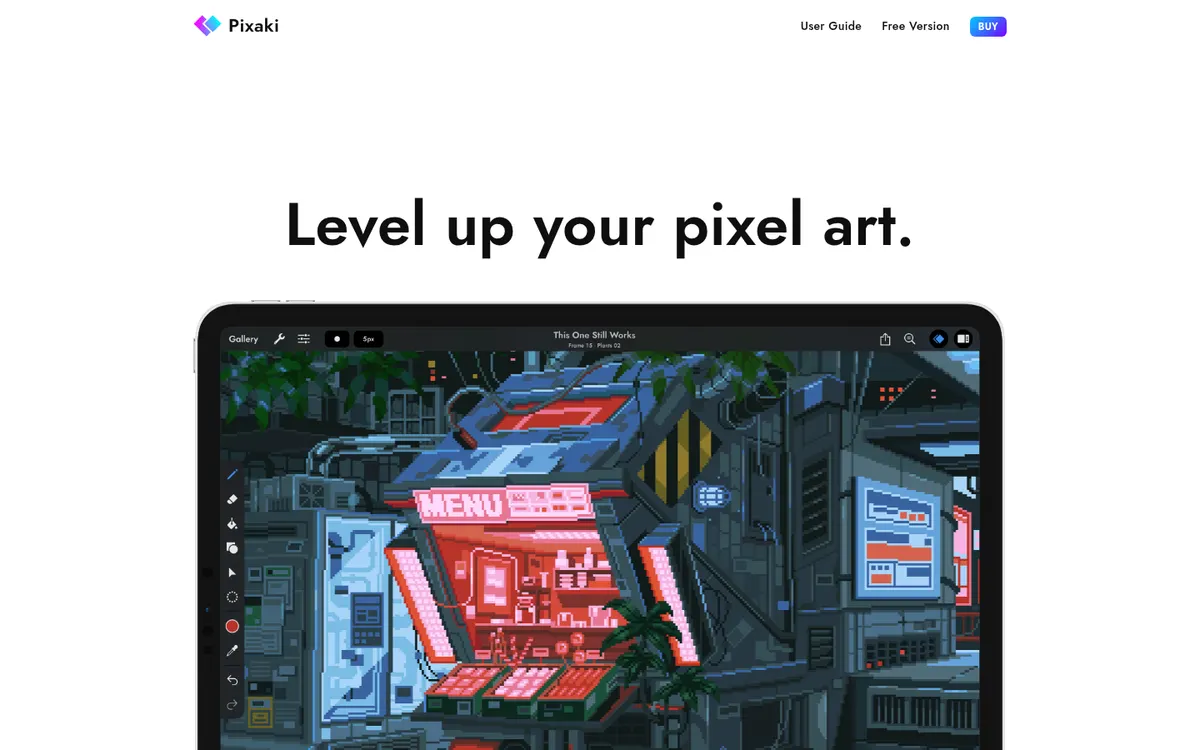
Pixaki
Best for iPad artists drawing with Apple Pencil
Our verdict
Built for Apple Pencil rather than ported from desktop, with per-layer timelines and Aseprite export, but iPad only and capped on the free Intro tier.
Pixaki was built solely for the iPad rather than ported from desktop, and it tunes Apple Pencil drawing for the tablet. The timeline model is per layer, so a character's arm, body and background can each carry their own frames and stay in sync without one crowded timeline.
Onion skinning previews up to ten frames, which is generous for checking spacing across a slow action. Export covers GIF, sprite sheets and layered PSD, and Aseprite file export means a project started on the iPad can finish on the desktop in the tool most game artists use. That mixed pipeline is the practical reason to choose it over a mobile sketch app.
The constraints are real. There is no desktop version, so the iPad has to be your whole workstation. The free Intro version caps layers at 3, frames at 8 and the canvas at 160 by 160, which is a trial rather than a workspace; the Pro tier removes those limits. Timing and frame management are simpler than Aseprite's tags and atlas packing.
Pricing is on the vendor site; no figure was available to check on November 25, 2026, so confirm the Pro price on the vendor site before you commit. Pick it if you draw on iPad and want a native timeline. Skip it if your pipeline lives on a desktop or you need a free tier you can finish real work in.
What works
- Built solely for iPad and Apple Pencil rather than ported
- Per-layer timelines that separate animation parts
- Aseprite and layered PSD export for mixed pipelines
What to weigh
- iPad only, with no desktop version
- Free Intro version caps layers, frames and canvas size
Pick it if
Your whole workflow is iPad and Apple Pencil.
Skip it if
You also work on desktop or need more than 3 layers and 8 frames for free.
Plate 07 of 09
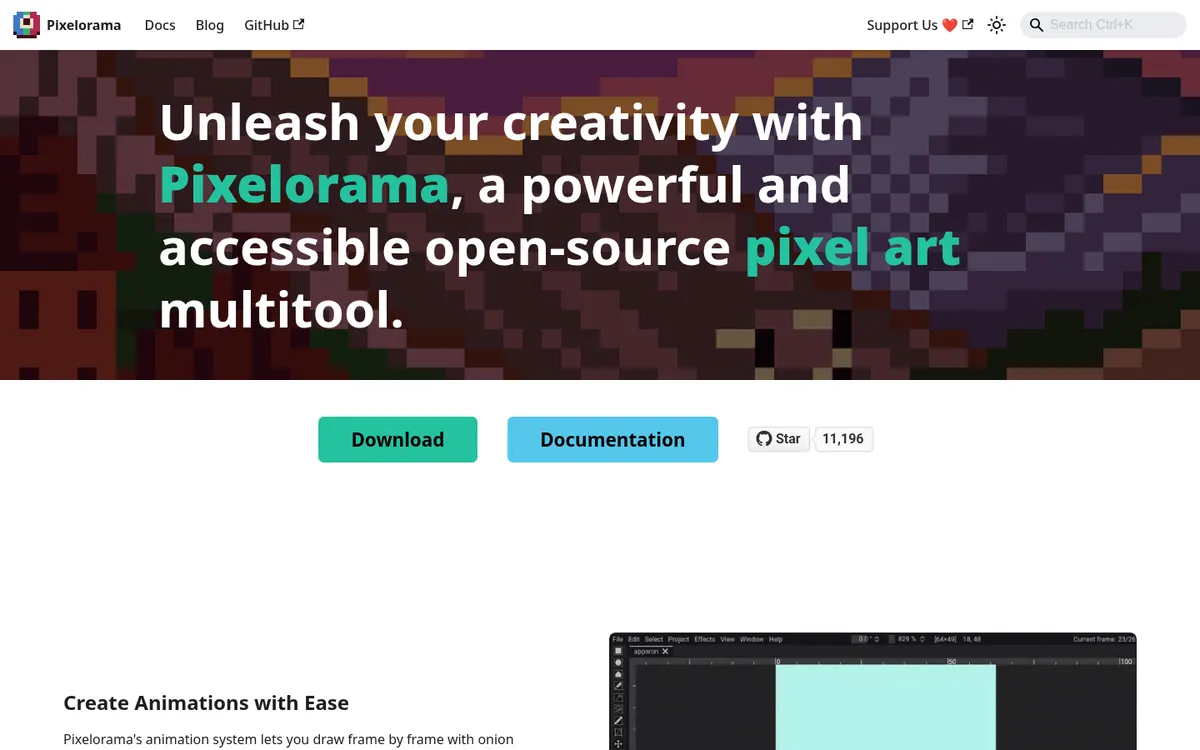
Pixelorama
Best for open-source users wanting a full-featured free sprite editor
Our verdict
Free, open source and genuinely full-featured, with frame tags, tilemap layers, non-destructive effects and project import, though the interface assumes some patience.
Pixelorama is free, open source and built on the Godot engine, and it carries more production features than the price suggests. Frames get onion skinning and frame tags, so a single file can hold walk, jump and idle sequences with named ranges. Tilemap layers handle level art, and non-destructive effects such as outlines and gradient maps can be adjusted after the fact instead of baked into the pixels.
Migration is unusually well handled. Projects import from Aseprite, Photoshop and Krita, so an existing library does not have to be redrawn. It runs as a desktop app and as a web build, which lets you try it before installing, and a command-line interface supports bulk export for build pipelines.
The interface is the weak point. Panels, modes and tool options pile up quickly, and beginners will not know where to start. Support comes from community forums and chat rather than a help desk, so a blocking question may wait for an answer. Those are the trade-offs for software that costs nothing and gates no features.
Pick it if you want a full free editor with tilemap layers and a path in from other formats. Skip it if you need vendor support, a guided first run, or a guarantee that someone is on the other end of a bug report. Our page check on November 25, 2026 returned no readable text, so confirm the current status on the project site.
What works
- Free and open source with no feature gate
- Imports Aseprite, Photoshop and Krita projects
- Desktop app plus a web build for trying before installing
What to weigh
- Interface can overwhelm beginners
- Support comes from community forums rather than a help desk
Pick it if
You want a free, open-source editor with tilemap layers and project import from other tools.
Skip it if
You want vendor support or an interface that holds a beginner's hand.
Plate 08 of 09
Pixel Studio
Best for mobile artists working on phone or tablet
Our verdict
A capable touchscreen editor with layers, frames and Drive sync, best for drawing away from the desk, with the strongest tools behind the Pro upgrade.
Pixel Studio puts layers, frames and animation on a touchscreen, which is the point: draw with a finger or stylus on a phone or tablet, build a sequence, and export a GIF or sprite sheet without touching a desktop. Custom palettes are supported, and Google Drive sync carries projects between devices, so a sketch started on a phone can continue on a tablet.
The built-in community is a feature you either use or ignore. It hosts shared art and challenges, which gives beginners a reason to finish frames and a place to see what other people are making. Its reach on mobile says more about accessibility than about production depth.
Depth is where it stops short. Some advanced features sit behind the Pro upgrade, the free version carries ads, and the official web presence is minimal. Timing controls and timeline management are simpler than a desktop sprite editor, and there is no tilemap or atlas workflow for level builders.
Pricing is on the vendor site and the app is free to install with in-app purchases; our page check on November 25, 2026 could not confirm the Pro upgrade price, so check the vendor site before buying. Pick it if your drawing time happens away from a desk. Skip it if you need advanced tools without ads or purchases.
What works
- Capable touchscreen animation toolset at no cost
- Google Drive sync across phone and tablet
- Community features for sharing art and challenges
What to weigh
- Some advanced features require the paid tier
- Minimal official web presence and thin documentation
Pick it if
You draw on a phone or tablet and want animation, palettes and sync in one app.
Skip it if
You need advanced tools without ads or in-app purchases.
Plate 09 of 09
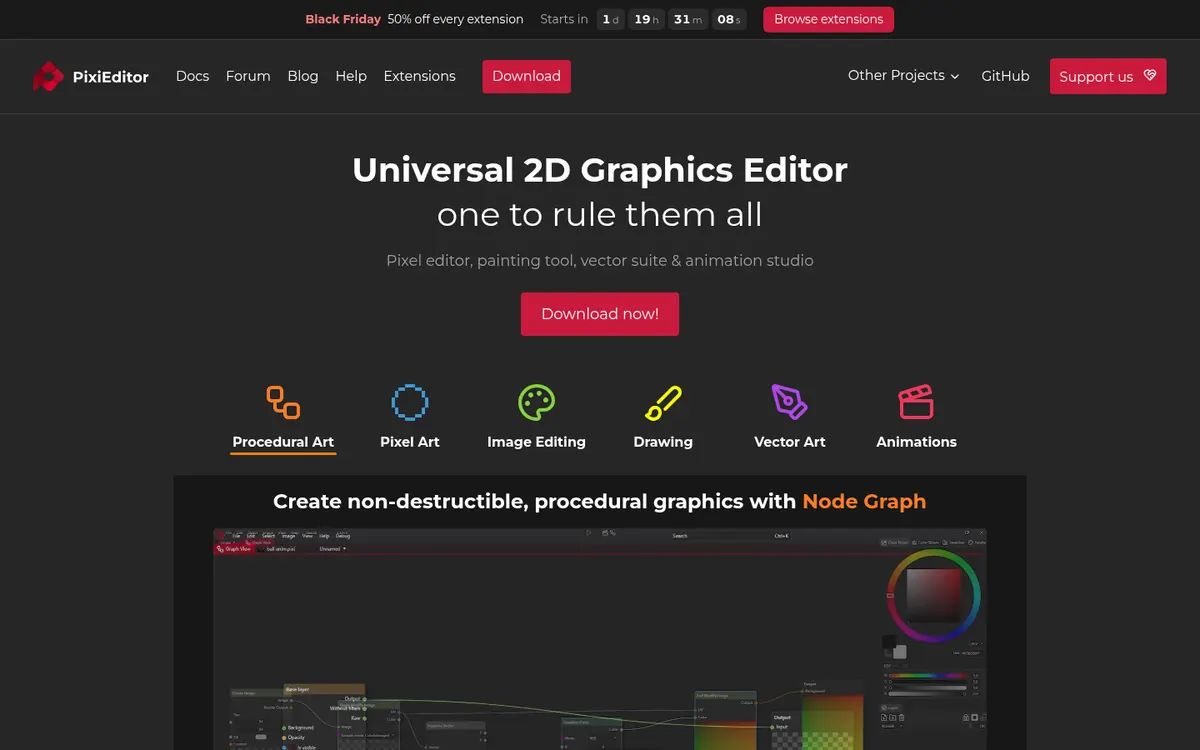
PixiEditor
Best for artists wanting pixel, paint and vector tools in one free app
Our verdict
One free app for pixel, paint and vector work, with node-based brushes and procedural tools, though the 2.x line still shifts between releases.
PixiEditor sets itself up as a universal 2D editor rather than a sprite-only tool, and the feature list backs that up: a dedicated pixel art toolset, frame-by-frame animation, raster painting and vector editing in the same document. A node-based brush engine and procedural tools go beyond typical sprite editors.
Running natively offline on desktop means no browser tab. For artists who move between crisp pixel work and painted or vector elements in one project, keeping everything in a single file removes export and import steps that usually cost resolution or layer structure. That combined scope is the reason to install it.
The trade-off is maturity. Version 2.x is still evolving, so features and interface layout shift between releases, and tutorials written for one build may not match the next. Because the scope is broad, pixel workflows compete for attention with general painting and vector tools, and sprite-specific features are less developed than in Aseprite.
It is free and open source, so check the project site for current support options. Our check on November 25, 2026 returned no readable pricing text, so confirm the current license and release status on the project site. Pick it if you want pixel, paint and vector tools in one free app and can tolerate change. Skip it if you need a fixed, predictable toolset.
What works
- Pixel, raster paint and vector editing in one free app
- Node-based brush engine beyond typical sprite editors
- Runs natively offline on desktop
What to weigh
- Version 2.x still maturing, so features and UI shift
- Broad scope spreads attention away from pixel workflows
Pick it if
You want pixel, paint and vector tools in a single free desktop app.
Skip it if
You need a stable feature set that will not change between releases.
What Does Pixel Art Animation Software Actually Do?
Pixel art animation software is a drawing program with a timeline attached, designed so a grid of colored squares can move. The canvas is small and the pixels are literal: you place each dot, and the software keeps edges crisp instead of smoothing them. The timeline holds frames, each frame holds layers, and playback flips through them at a rate you set.
The features that separate these tools from general illustration apps are specific.
- Onion skinning: ghosted neighboring frames that show where the previous pose ended.
- Frame tags: named ranges inside one file, so walk, jump and idle share a document.
- Loop modes: forward, reverse and ping-pong playback for previews.
- Export formats: sprite sheets, GIF, atlas packing and tilemap data.
Sprite animation is the main job, but the category splits by specialty. Some tools target game engines, exporting sprite sheets with coordinate files, texture atlases or tilemaps. Others target tablets, replacing keyboard shortcuts with Apple Pencil input and touch gestures. A few are general 2D editors that happen to include pixel tools.
What you need depends on the output. If a game engine consumes your frames, export format matters as much as brush quality: an editor that cannot produce a clean sprite sheet costs you a conversion step on every build. If you animate for video or social posts, GIF and AVI export carry more weight. If you build levels, tile handling beats frame handling.
The category also has a long free tail. Piskel runs in a browser with no account. GraphicsGale became freeware after a commercial run. Pixelorama and PixiEditor are open source. That means paid tools have to justify themselves with production features rather than basic access: atlas packing, indexed palettes, tile instancing, scripted export or a mature interface.
One caution: pixel art animation rewards repetition, so interface friction compounds. A tool that adds ten clicks per frame will cost you hours across a single cycle. Test the frame workflow, not the feature list, before you commit.
This guide sits in the Software collection. Buyers weighing nearby tools often read the guides to commission software and research platforms next.
How Pixel Art Animation Tools Charge for Their Work
Pixel art animation tools can be free, one-time licensed or freemium, and the paid options we could confirm are not monthly subscriptions. Across the nine entries here, five pricing models show up: free and open source, freeware, freemium with an in-app upgrade, a one-time license, and a free edition with a paid unlock. None of the entries we could confirm sells a subscription, which matters if you keep a tool installed between projects.
| Model | How it bills | Typical fit | Example from this list |
|---|---|---|---|
| Free and open source | No cost, community maintained | Open-source users wanting a full free editor | Pixelorama |
| Freeware | No cost, no paid tier | Windows users on a budget | GraphicsGale |
| Freemium | Free app plus in-app upgrade | Mobile and tablet artists | Pixel Studio |
| One-time license | Single payment, updates vary | Working sprite artists | Aseprite |
| Free edition plus paid license | Capped free tier, paid unlock | Professionals testing depth | Pro Motion NG |
The free tiers are not equal. Pixelorama and PixiEditor are fully free with no feature gate. Pixaki's Intro version caps layers at 3, frames at 8 and the canvas at 160 by 160, so it works as a trial rather than a working setup. Pro Motion NG allows commercial use on the free edition but caps features. Pixel Studio is ad supported with a Pro upgrade.
License terms matter more than the headline number. A one-time license that includes updates behaves differently from one that charges for major versions, and a free edition that forbids commercial work is not free for a studio. Read the terms before you build a pipeline on a free tier.
Prices for every entry here are listed on the vendor site. Our check on November 25, 2026 could not read a figure from the pricing pages we checked, so we quote no numbers. Confirm the current price and license terms with the vendor before purchase, especially for the freemium and free-edition tools where the paid tier carries the production features.
Every price in this guide was read on the vendor's own pricing page on November 25, 2026. Where a vendor does not publish a figure we could confirm, the card says "See website" rather than a guess. For the arithmetic around this purchase, try the free Email campaign metrics calculator.
Which Pixel Art Animation Tool Fits Your Setup?
- Name your output first. A game engine, a GIF for social posts and a video file each push you toward different tools. Sprite sheets with JSON and atlas packing point at Aseprite, tilemaps point at Pyxel Edit, and GIF with AVI points at GraphicsGale.
- Pick your platform. If you draw on an iPad, Pixaki is the native option here. On a phone or tablet, Pixel Studio. If you need a browser with no install, Piskel or the Pixelorama web build. Windows desktop users can also take GraphicsGale.
- Set your budget ceiling. Decide whether free is a hard requirement. Eight of the nine offer a free version or free license, but some of those cap features or canvas size. If you can pay once, the licensed tools remove those caps.
- Test the frame workflow, not the feature list. Draw a six-frame walk cycle in the trial. Count the clicks to add a frame, adjust timing and scrub playback. Onion skinning and timeline layout decide whether the tool feels fast or tiring.
- Check the export against your engine. Import one exported sprite sheet into your engine before committing. Verify frame order, pivot alignment and JSON parsing. Atlas packing and tilemap formats save conversion scripts later.
- Plan for maintenance. Open-source tools depend on community releases, and PixiEditor's 2.x line is still shifting. Proprietary freeware can stall. For long projects, check release cadence and whether project files open in another editor.
Common Mistakes in Pixel Art Animation Software
- Buying for the feature list. A long list does not mean a fast workflow. Onion skinning, timeline tags and playback controls decide daily speed, so check which of these each tool lists. Test the loop you repeat most.
- Assuming free means unrestricted. Pixaki's Intro tier stops at 3 layers, 8 frames and a 160 by 160 canvas, and Pro Motion NG's free edition caps features. Read what the free tier forbids, especially commercial use, before starting a project on it.
- Ignoring export format. A tool that cannot write the sprite sheet or tilemap your engine reads adds a conversion step to every build. Check the export menu against your engine before you commit, not after the first animation is finished.
- Choosing a tablet app for desktop work. Pixaki runs only on iPad and Pixel Studio is built for touch. Both are strong on their own platforms, but neither replaces a desktop editor for atlas packing, bulk export or large canvases.
- Skipping the trial. Aseprite offers a free evaluation trial and most entries have a free tier. Draw the same sprite in two candidates and compare the time each takes to finish a cycle. Impressions from screenshots rarely survive an hour of use.
9 Best Software for Pixel Art Animation in 2026: questions
Which pixel art animation tool do professionals favor, and where should beginners start?
Aseprite is the common professional pick because its frame tools and export formats target game work, while Piskel is the easier first step. Beginners can learn onion skinning, frame timing and GIF export in a browser for free, then move to a paid desktop tool once the work needs atlas packing, tilemaps or large canvases. Pixelorama sits between the two.
Can a free pixel art animation editor match a paid one?
Sometimes, but the gap shows at the edges. Free tools here cover onion skinning, layers, timelines, GIF and sprite sheet export. Paid and tiered tools add texture atlas packing, tilemap formats, deeper palette control and support. If your work is a game jam sprite or a classroom exercise, a free editor is enough. If you ship commercial sprite work on deadlines, the paid extras usually pay for themselves.
Which of these tools work on iPad and on phones?
Pixaki is the iPad option, built for Apple Pencil, with a free Intro tier capped at 3 layers, 8 frames and a 160 by 160 canvas. Pixel Studio runs on phones and tablets with Google Drive sync. Pixelorama has a web build, and Piskel runs in a browser. Desktop tools like Aseprite have no mobile version.
What does onion skinning do for in-between frames?
Onion skinning shows the frames before and after the one you are drawing, usually ghosted behind it. That lets you judge spacing and timing without flipping back and forth, which is how you place in-between frames for a walk cycle or a swing. Onion skinning is listed for Aseprite, Piskel, Pyxel Edit, GraphicsGale, Pro Motion NG, Pixaki and Pixelorama. Pixaki previews up to ten frames, and Pro Motion NG presents it as a light table.
Which tool handles tile-based game art best?
Pyxel Edit is the tile specialist: editing one tile updates every copy, tiles rotate and flip against shared data, and tilemaps export to XML, JSON or plain text. Pixelorama also has tilemap layers, and Pro Motion NG includes a tile map engine for editing levels in place. Aseprite handles sprite sheets and texture atlases rather than tilemap formats.
How do sprite animation exports fit into game engines?
Sprite sheet export writes every frame into one PNG, and engines slice it using coordinates from a JSON file. Atlas packing merges several animations into a single texture to reduce draw calls. GIF is for review and sharing, not for runtime. Aseprite, Piskel, Pyxel Edit, Pixaki and Pixel Studio export sprite sheets, and Aseprite adds PNG plus JSON atlas packing.