
Contents of this guide
The shortlist
Our top 3 for software buyers
Navan
Booking plus expenses
- Best for
- Companies wanting travel booking and expense management in one system
- Features
- 4 noted: Travel booking, Company cards, Policy at booking, Traveler rewards

Ramp
Card controls
- Best for
- US companies wanting company cards with built-in expense automation
- Features
- 4 noted: Company cards, Spend limits, Receipt matching, Procurement

Brex
Startup underwriting
- Best for
- Startups and scale-ups wanting cards plus expense automation
- Features
- 4 noted: Company cards, Cash accounts, No personal guarantee, Expense automation
Disclosure for this guide. All 8 tools here are unpaid editorial picks. The position of a paid listing can be part of what the vendor pays for. Paid and unpaid tools are scored on the same rubric and keep their cons. Details are in the advertising disclosure.
The ledger
Index of every tool
| Tool | Free plan | Trial | Rubric | Compare | ||
|---|---|---|---|---|---|---|
| 01 | NavanCompanies wanting travel booking and expense management in one system | See websitecustom quoteCustom quote | Free for companies up to 300 employees | Free trial | ||
| 02 | RampUS companies wanting company cards with built-in expense automation | $15Plus, per user per month, plus platform fee based on team size, save 20% with annual billingChecked Nov 25, 2026 | Free plan at $0/mo/user | 30-day free trial of Plus | ||
| 03 | BrexStartups and scale-ups wanting cards plus expense automation | $12Premium, per user per monthChecked Nov 25, 2026 | Essentials at $0 per user/month | No | ||
| 04 |  SAP ConcurLarge enterprises with complex travel policies and ERP integration | See websiteNot published | No | No | ||
| 05 |  ExpensifyCompanies wanting easy expense reports and cards without travel booking | $5Collect, per member per monthChecked Nov 25, 2026 | Submit, free for all members | 30-day free trial | ||
| 06 |  TravelPerkCompanies prioritizing business travel booking and policy control | $6Premium, per active user per month, plus 3% per bookingChecked Nov 25, 2026 | No | Free trial | ||
| 07 | Zoho ExpenseSmall businesses wanting affordable expense management, especially Zoho users | $3Standard, per user per month, billed annuallyChecked Nov 25, 2026 | Free for up to 3 users | Free trial | ||
| 08 |  Divvy (BILL Spend and Expense)Companies wanting cards and expense controls integrated with BILL payments | See websiteNot published | Yes | No |
Prices are the lowest paid plan the vendor shows, read on November 25, 2026. Sort by price ranks published monthly figures; tools without one go last. Pin up to three tools to compare them side by side.
How this guide was put together
Every tool in this list was scored against the same five criteria, with the weights published above so you can re-run the arithmetic against your own priorities. Travel booking depth asks whether a traveler can book flights, hotels, cars and rail inside the tool, and whether policy rules fire while the traveler is choosing rather than after the trip. Expense automation covers receipt capture, categorization, approval routing and how much of a report writes itself. Card controls look at spend limits by category, vendor and employee, plus virtual cards. Pricing fit weighs published rates, free tiers and how predictable the bill stays as headcount grows. Integrations covers accounting and ERP sync.
Prices, plans, free tiers and trial terms come from vendor pricing pages checked on November 25, 2026, and each entry keeps the figure in the vendor's own currency and billing term. Where no pricing page could be read, the entry says pricing is unpublished rather than estimating a number.
The order is editorial. Each position reflects how well a tool fits the buyer named in its entry, not a weighted total, and two tools with similar scores can sit far apart because they suit different companies. The Featured placement at the top is a paid position. That vendor is scored with the identical rubric and carries the same kind of honest cons as every other entry.
Feature claims follow vendor plan pages and documentation rather than hands-on testing, so treat the reviews as a shortlisting aid and confirm the details in a demo.
The full process, including how we handle corrections, is on the methodology page. Paid listings follow the advertising disclosure.
Rubric and weights
Every tool below is scored from 1 to 10 on these five criteria. The scores describe each tool; the order is an editorial call on fit for the buyer each card describes, plus the disclosed Featured position.
- 25%Travel booking depthWhether flights, hotels, cars and rail can be booked inside the tool with policy checks at the point of booking.
- 25%Expense automationHow much of receipt capture, categorization, approval routing and report assembly the software handles without human keying.
- 20%Card controlsDepth of spend limits by category, vendor and employee, plus virtual cards and controls that act in real time.
- 15%Pricing fitHow clearly the vendor publishes cost, whether a free tier exists and how predictable the bill stays as headcount grows.
- 15%IntegrationsAccounting and ERP sync, plus how well the tool sits alongside the rest of the finance stack.
Plate 01 of 08
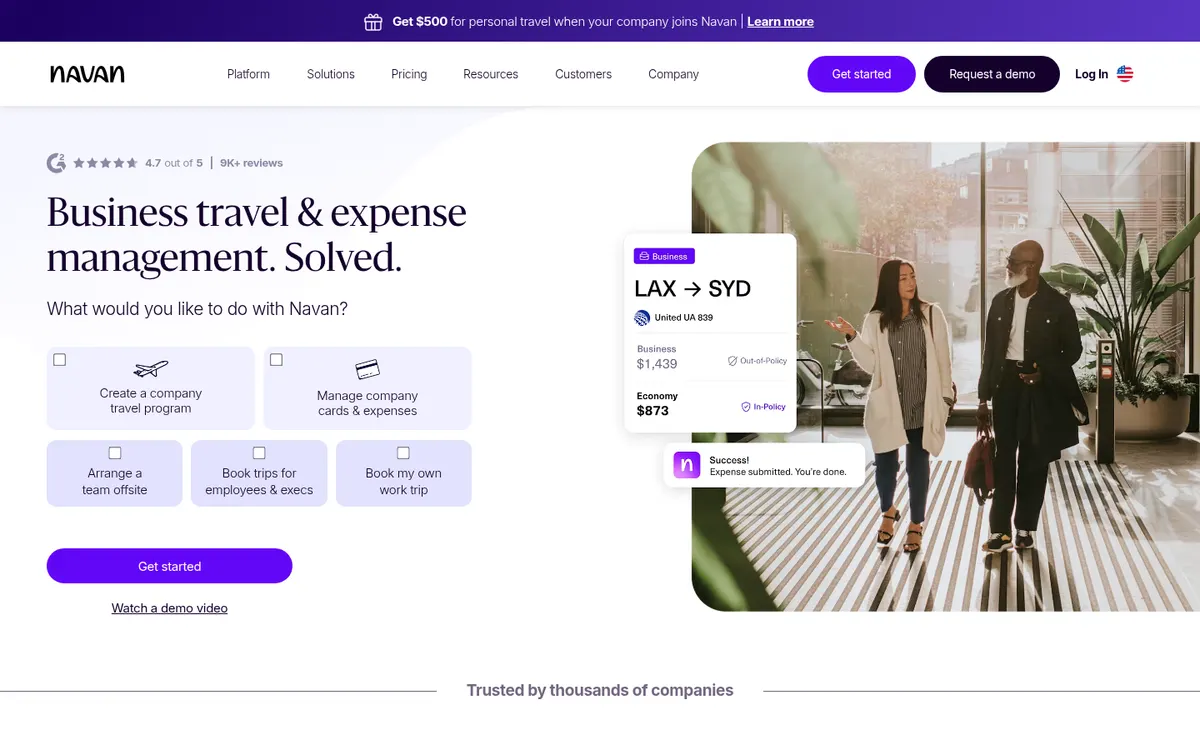
Navan
Best for companies wanting travel booking and expense management in one system
Our verdict
The strongest single system here for companies that book travel and file expenses in the same workflow.
Navan bundles business travel booking and expense management into one platform, which is why it leads this list for companies that want a single system. Travelers book flights, hotels and cars inside the tool, and the policy engine checks the booking against company rules while the traveler is choosing, not after the trip is over. Expenses then arrive automatically from company cards and from the bookings themselves, so finance sees committed travel spend as it happens rather than weeks later.
The card and expense side covers expense management, company cards and automatic expense capture, and finance teams get real-time visibility into spend. A traveler rewards program gives employees an incentive to book inside policy, which removes some of the friction that follows out-of-policy bookings. Traveler support features are included.
Pricing is the sticking point. Navan Business is free for companies with up to 300 employees, and larger organizations move to Enterprise on a custom quote, so no lowest paid figure is published. A finance team that needs a number before a demo will have to ask for one, and a procurement cycle that requires a published rate will stall.
The platform is also broad. A small firm that mainly needs to file expense reports will pay in setup time and admin for travel features it never turns on, and the travel side only pays back when people actually fly. Companies that travel weekly get a lot from one login. Companies that travel twice a year get a travel program they did not ask for. Best fit is a mid-market business with regular travel and a finance team tired of reconciling two systems.
What works
- Booking and expenses share one system
- Policy rules fire during booking
- Real-time spend visibility for finance
What to weigh
- No published paid price
- Platform breadth can overwhelm small teams
- Value depends on actual travel volume
Pick it if
Your team travels regularly and you want booking and expense reporting in one place.
Skip it if
You mainly need expense reports and want a published price up front.
Plate 02 of 08
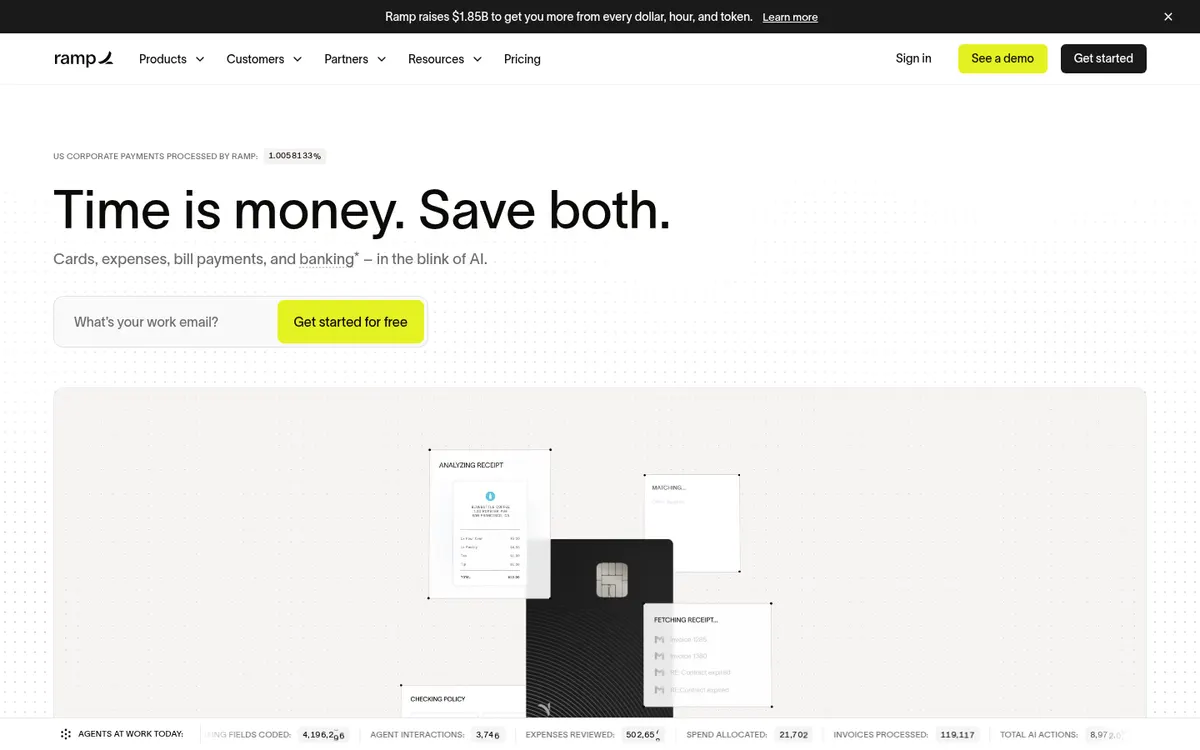
Ramp
Best for US companies wanting company cards with built-in expense automation
Our verdict
Best card-led expense automation for US teams, with a free core plan and granular limits.
Ramp leads with company cards and builds expense automation around them, which is why it fits US finance teams that care more about controlling card spend than about booking flights. Cards carry spend limits by category, vendor and employee, so a marketing manager and a warehouse lead can hold different rules without a human approving every swipe. Receipt matching runs automatically, and the accounting integration pushes coded transactions into the ledger without a manual export.
The core platform is free at $0 per user per month, funded by card interchange and premium features. Paid capability starts at $15 per user per month on Plus, plus a platform fee based on team size, with 20% saved on annual billing, and there is a 30-day free trial of Plus. Procurement features extend the same controls from employee cards to vendor purchases, which matters if you want purchase orders and vendor spend sitting next to travel and entertainment in one dashboard.
The limits are geographic and functional. Ramp is US-focused, so a company with entities in Europe or Asia will usually need a second system and a second reconciliation. Travel booking is thinner than a dedicated travel tool, so if your team flies monthly and you need policy applied at the point of booking, you will feel the gap quickly and end up with a travel tool anyway.
Best fit is a US company that already runs on cards and wants expense reports to write themselves. The free tier makes it cheap to trial on one team before rolling it out.
What works
- Free core platform at $0 per user
- Granular limits by category and vendor
- Receipt matching and accounting sync
What to weigh
- US-focused
- Travel booking is thinner than dedicated tools
- Platform fee sits on top of per-user pricing
Pick it if
You are a US company that wants card controls and automated expense reports at low cost.
Skip it if
You need real travel booking or operate mainly outside the US.
Plate 03 of 08
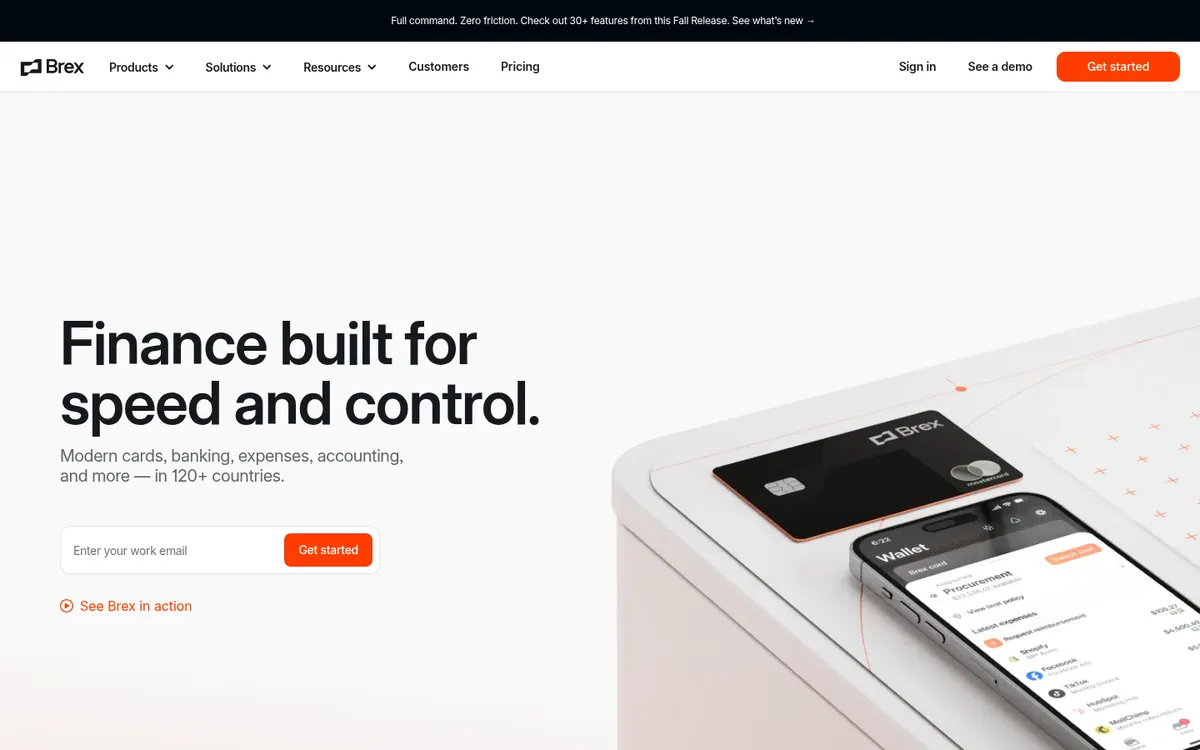
Brex
Best for startups and scale-ups wanting cards plus expense automation
Our verdict
Startup-friendly cards and expense automation, with thinner travel features and eligibility rules that exclude some businesses.
Brex pairs company cards with expense management and cash management accounts, and its underwriting is aimed at venture-backed startups. That focus shapes everything else. Eligibility rules exclude some companies, but some plans avoid personal guarantees entirely, which matters to founders who do not want company spending on their personal record.
On the expense side, Brex automates receipts, approvals and accounting, with real-time controls that can stop a transaction rather than flag it in a report two weeks later. Essentials is free at $0 per user per month. Premium is $12 per user per month above that, and there is no free trial, so an evaluation means a real commitment or a sales-led demo. Travel booking features exist but are thinner than what Navan offers, so treat them as a convenience rather than a managed travel program.
The cash management side is the differentiator for startups that want operating cash and card spend visible in one place. That combination is useful for early-stage teams that want cards, expenses and cash in one place.
The catch is fit. Some businesses may not clear underwriting at all, and no amount of feature depth fixes that. Best fit is a venture-backed startup or scale-up with a finance lead who wants cards, expenses and cash in one place.
What works
- Underwriting aimed at venture-backed startups
- No personal guarantee on some plans
- Real-time expense controls
What to weigh
- Eligibility rules exclude some companies
- Travel features are thinner than Navan
- No free trial
Pick it if
You are a funded startup that wants cards, expenses and cash management together.
Skip it if
You fall outside the underwriting profile or need deep travel booking.
Plate 04 of 08
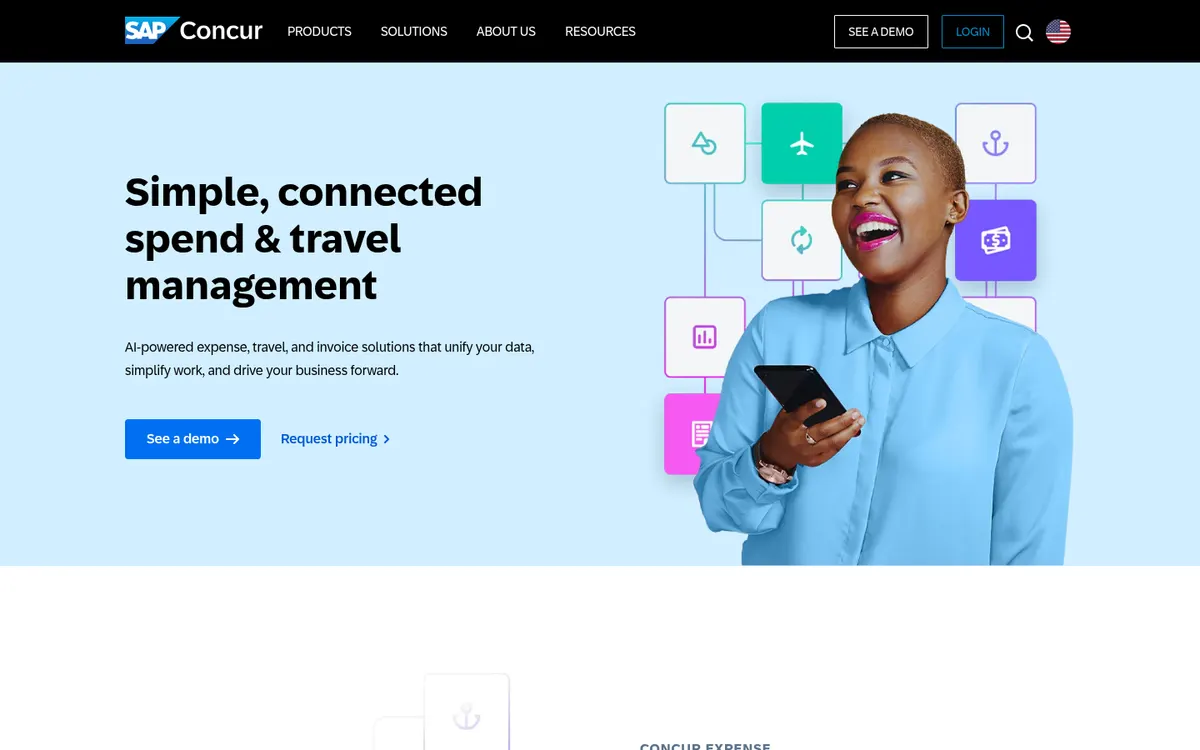
SAP Concur
Best for large enterprises with complex travel policies and ERP integration
Our verdict
Enterprise-grade travel and expense control with ERP depth, at the cost of complex setup and a dated interface.
SAP Concur is the enterprise answer on this list. It handles global travel booking, expense reporting, deep policy controls, audit trails and ERP integration at a scale that smaller tools do not attempt. It is the natural choice when you have thousands of travelers across multiple countries with different rules in each, and when the audit trail has to survive an internal review or a tax inspection. Mobile receipt capture lets travelers submit from a phone instead of carrying paper home.
Pricing is not published. No pricing page could be read for this piece, so the cost is unverified for buyers, and the realistic expectation is an enterprise contract with implementation work attached. There is no free plan and no free trial, so evaluation happens through a sales process rather than a self-serve signup. That alone rules it out for most small and mid-sized businesses.
Setup is complex. Expect a project plan, integration work with SAP or another ERP, and policy configuration country by country. The interface feels dated next to newer tools, and employees notice. That is a real adoption cost, because a system travelers avoid is a system finance chases, and the savings in policy control can leak away through late submissions and workarounds.
The trade is control and integration depth that newer products have not matched for large, regulated, multi-entity organizations. If your finance team already lives inside an SAP estate, the connection is the point. Best fit is a large enterprise with an existing ERP, a compliance function and a travel manager. It is the wrong tool for a small team with no ERP and a two-week rollout target.
What works
- Deep enterprise travel and expense controls
- ERP integration and audit trails
- Global scale across many countries
What to weigh
- Enterprise-grade pricing, no published rate
- Complex setup and long rollout
- Interface feels dated
Pick it if
You are a large enterprise with an ERP estate, a travel manager and auditors to satisfy.
Skip it if
You are small, need a fast rollout or want to see a price before you talk to sales.
Plate 05 of 08
Expensify
Best for companies wanting easy expense reports and cards without travel booking
Our verdict
The simplest expense report experience here, fast to adopt, with no travel booking and per-user pricing.
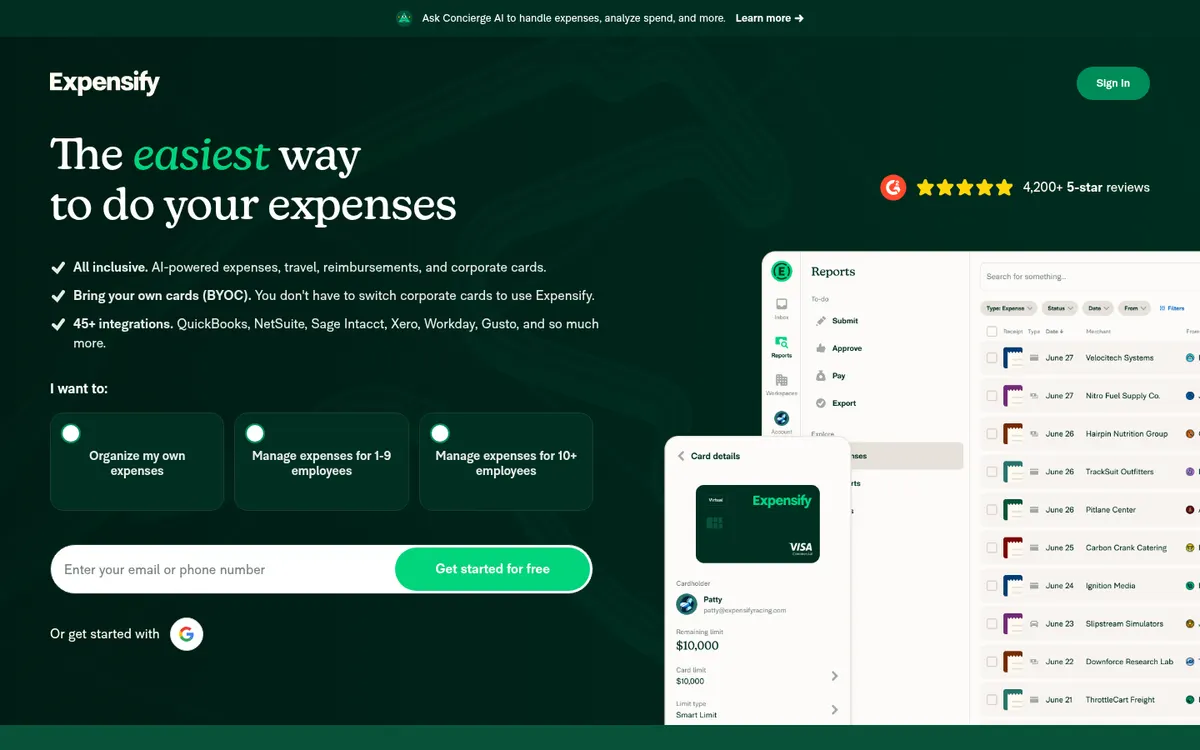
Expensify does expense reports and cards and deliberately stops there. SmartScan captures receipts, transactions from company cards flow in automatically, categorization is suggested, and approval workflows route reports to the right person without a chase email. Employees can submit expenses conversationally through chat rather than filling in a form.
Submit is free for all members. Collect is $5 per member per month, and there is a 30-day free trial, so a finance team can test the workflow with real receipts before committing. The card program feeds spending into the expense report without a separate import step, and the resulting data is clean enough for accounting to post without heavy cleanup at month end.
The gap is travel. There is no travel booking, so flights and hotels sit in another system or in a spreadsheet, and policy checks happen after the money is gone. For a company with a handful of trips a year that is fine. For one with a sales team on the road every week it means two systems, two logins and a reconciliation nobody owns.
Per-user pricing also adds up for large populations of infrequent spenders, such as field teams that file rarely. Best fit is a company that wants expense reports to stop being a chore and does not run a managed travel program.
What works
- Easy receipt capture with SmartScan
- Simple employee experience
- Cards feed expenses automatically
What to weigh
- No travel booking
- Per-user pricing adds up at scale
- Thin policy control for travel spend
Pick it if
Expense reports are your pain point and travel booking is not part of the job.
Skip it if
Your team books flights and hotels regularly and needs policy at booking.
Plate 06 of 08
TravelPerk
Best for companies prioritizing business travel booking and policy control
Our verdict
The best pure travel booking tool on this list, with expense features that stop short of a full expense platform.
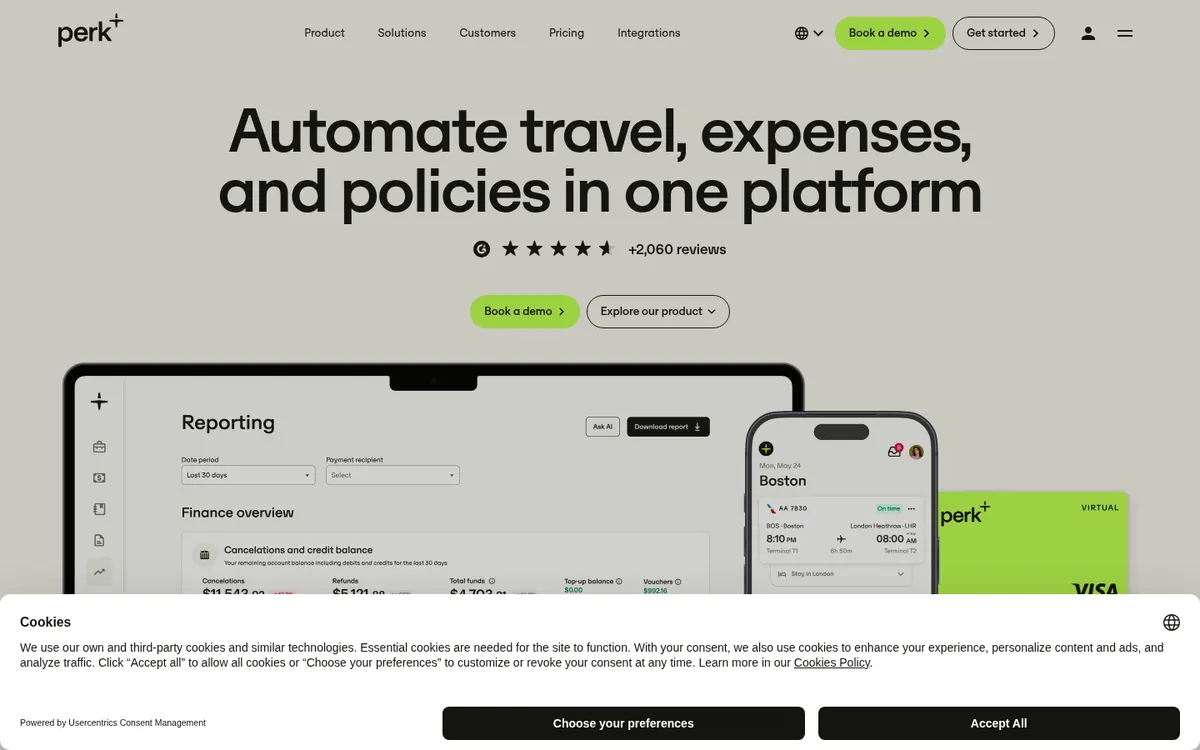
TravelPerk is built around business travel booking first and expenses second. Flights, hotels, cars and trains are bookable in the tool, policy controls fire at the point of booking, and traveler support and flexibility features handle the disruptions that make travel administration painful. VAT recovery and carbon reporting are included, which matters to finance teams reclaiming tax and to companies that have to report travel emissions to customers or investors.
Pricing starts at $6 per active user per month on Premium plus 3% per booking, so cost scales with trip volume as well as headcount. That booking fee is the number to model carefully: a heavy travel quarter costs more than a quiet one, and a company with heavy travel volume will pay far more than the per-user line suggests. There is no free plan, and a free trial is available. Some plans charge per trip as well.
Expense features are thinner than Navan's. If you need receipt-level expense reporting, mileage and reimbursement in the same system as booking, you will be integrating or running a second tool. The travel side, however, is the strongest on this list, and policy enforcement at booking is where most of the savings actually come from, because it prevents the out-of-policy spend instead of flagging it later.
Best fit is a company with frequent business travel that wants travelers to book inside policy without going through an agent, and a finance team that cares about VAT recovery and emissions reporting. Skip it if expense reporting is the main goal.
What works
- Strong business travel booking across four modes
- Policy control at the point of booking
- VAT recovery and carbon reporting
What to weigh
- Expense features thinner than Navan
- Per-booking fee raises the real cost
- No free plan
Pick it if
Frequent business travel is the core problem and policy enforcement at booking is the goal.
Skip it if
You need a full expense platform or your travel volume is very low.
Plate 07 of 08
Zoho Expense
Best for small businesses wanting affordable expense management, especially Zoho users

Our verdict
The cheapest credible option, strong for small teams and Zoho users, with no travel booking.
Zoho Expense is the budget option, and for small teams it is often enough. Receipt scanning, approval workflows, mileage tracking and expense reporting are all present, and multi-currency expenses convert automatically, which helps teams that pay in more than one currency and do not want to key exchange rates by hand. If you already run the wider Zoho suite, the integration can remove a data entry step.
Pricing starts at $3 per user per month on Standard, billed annually, and the free tier covers up to 3 users. There is a free trial. That makes it the cheapest entry on this list, and the entry cost is low. For a small firm that has been running expenses on spreadsheets, the jump in control is real.
There is no travel booking, so flights and hotels stay outside the tool. Advanced features such as more sophisticated approval chains and automation sit on higher tiers, so the headline price is a floor rather than a ceiling once a company grows past basic approval routing. Companies outside the Zoho ecosystem will find the integrations less compelling and may prefer a tool with deeper accounting connections, especially if their ledger is elsewhere.
The interface is functional rather than polished, and the product assumes a finance admin who is comfortable configuring workflows. Best fit is a small business, particularly one already on Zoho, that needs expense reports and mileage without a procurement project. Skip it if you need travel booking or complex multi-entity controls.
What works
- Cheapest entry at $3 per user per month
- Receipt scanning and mileage tracking
- Free tier for up to 3 users
What to weigh
- No travel booking
- Advanced features need higher tiers
- Best value only inside the Zoho suite
Pick it if
You are a small business or a Zoho user that wants affordable expense reports.
Skip it if
You need travel booking or complex approval chains out of the box.
Plate 08 of 08
Divvy (BILL Spend and Expense)
Best for companies wanting cards and expense controls integrated with BILL payments
Our verdict
Solid card budgets and controls tied to BILL, held back by a rebrand and no published pricing.
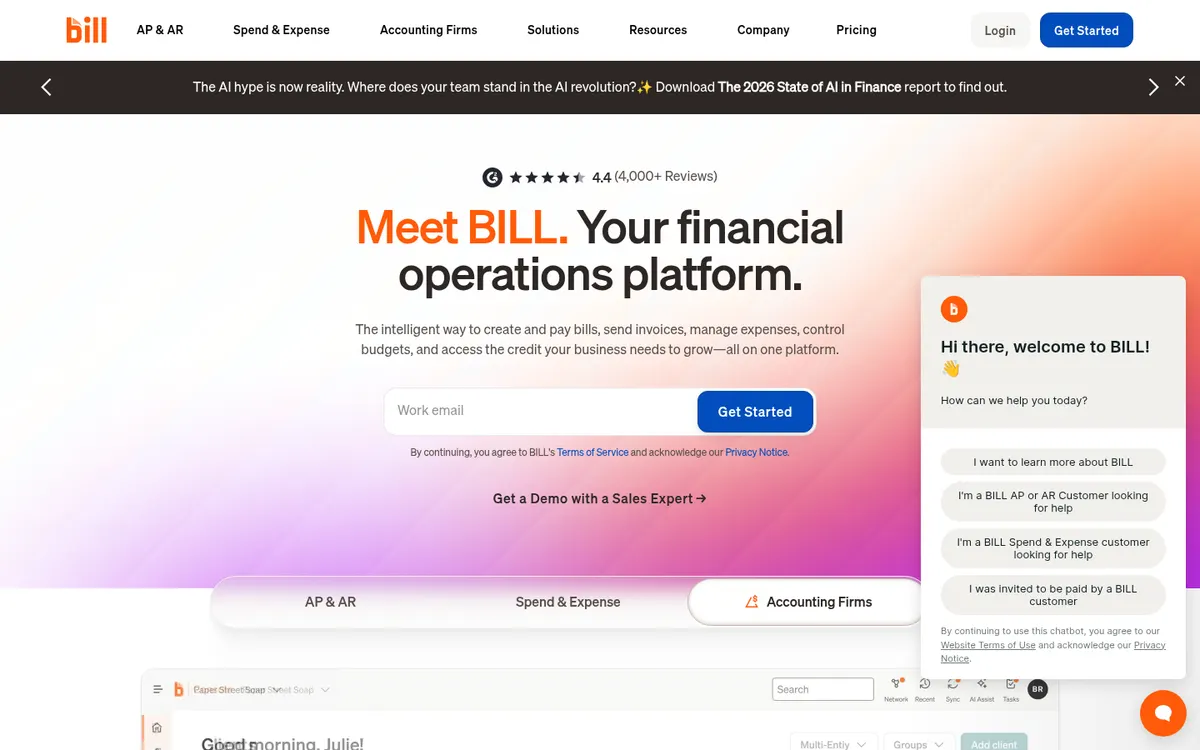
Divvy is now BILL Spend and Expense, and the name change causes real confusion when buyers go looking for it, compare old documentation with new pricing pages and cannot tell whether they are reading about one product or two. Under the new name it is a company card and spend management product with budgets by team and category, spending limits, virtual cards and an automated expense flow that pushes transactions toward reconciliation without a spreadsheet in the middle.
Real-time visibility is the practical win. A budget holder can see what is left in a category before approving the next purchase, rather than discovering the overspend when the statement arrives. Virtual cards support one-time vendor payments, which limits exposure when a supplier needs a card number and nobody wants to hand over the main company card.
The free plan is the headline, and there is no free trial. The product itself has no published price: the pricing page exposes Accounts Payable and Receivable plan prices but not Spend and Expense, so budgeting for the spend product requires a sales conversation and a quote. That is the main friction for a buyer who wants to compare numbers across five tools on one screen.
Integration with BILL payments is the reason to choose it over a standalone card product, because vendor bills and card spend land in the same place and one team closes both. Outside that ecosystem the case weakens considerably. Travel booking is not included, so flights and hotels stay in a separate system or a traveler's inbox. Best fit is a company already using BILL for accounts payable that wants card budgets and expense controls in the same workflow.
What works
- Card budgets by team and category
- Real-time visibility for budget holders
- BILL payments integration
What to weigh
- Rebrand causes buyer confusion
- No published price for the spend product
- No travel booking
Pick it if
You already run BILL for payables and want card budgets in the same system.
Skip it if
You need travel booking or a published price before shortlisting.
What Does Travel and Expense Management Software Actually Do?
Travel and expense software covers two jobs that look related and are not the same. The first is getting people onto flights, trains, hotels and rental cars inside a company policy, at a price the company has negotiated, with a record of the decision. The second is collecting what was actually spent, matching it to receipts, routing it for approval and posting it to the ledger in a form accounting can use. Most tools on this list do one job well and the other adequately, which is why the shortlist depends on where your pain actually sits.
The travel half is about the moment of choice. A good booking tool shows a traveler the in-policy option first, explains the out-of-policy cost when they pick something else, and routes an exception to a manager before the ticket is purchased. That is where savings come from, because policy enforced at booking prevents spend rather than reporting on it later.
The expense half is about the month-end close. Company cards feed transactions in, receipt capture turns a photograph into structured data, and approval workflows move a report to the right person. The best versions do this with almost no employee effort, which is the only way adoption holds past the first quarter.
You will see several building blocks recurring across the category:
- Company cards with limits by category, vendor or employee
- Receipt capture by photo, email or card feed
- Approval routing with rules for amount and department
- Accounting or ERP sync so nothing is keyed twice
- Real-time dashboards for budget holders
Companies that travel heavily usually need both halves joined. Companies that mostly buy software and coffee can run entirely on cards and expense reports, and will find a travel-first tool heavy for the job.
This guide sits in the Software collection. Buyers weighing nearby tools often read the guides to commission software and research platforms next.
How Travel and Expense Vendors Charge, and Why the Numbers Are Hard to Compare
Pricing in this category is deliberately uneven, and the headline number rarely matches the invoice. Three models dominate. The first is a free core platform funded by card interchange, where the software costs nothing per user but the vendor earns from the transactions you run through its cards. Ramp and Brex both offer a free entry level, with paid tiers above. The second is a per-seat subscription, where the bill tracks headcount. The third is a per-seat subscription plus booking fees, which tracks headcount and how much you travel.
Layer on top of that the vendors that publish nothing. An enterprise contract with an implementation project is a different purchase from a self-serve signup, and it needs a different budget line. Before comparing anything, decide whether you are buying a subscription or a project.
| Model | How it bills | Typical fit | Example from this list |
|---|---|---|---|
| Free core plan | $0 per user, with paid tiers above | Teams that already spend on cards | Ramp free plan at $0/mo/user, Brex Essentials at $0 per user/month |
| Per-seat subscription | Fixed fee per user or member per month | Predictable, headcount-driven budgets | Expensify Collect at $5 per member per month, Zoho Expense Standard at $3 per user per month billed annually |
| Per-seat plus booking fees | Subscription plus a percentage of each trip | Companies with heavy travel volume | TravelPerk Premium at $6 per active user per month plus 3% per booking |
| Free tier with negotiated enterprise quote | Free below a headcount line, custom above it | Mid-market to enterprise | Navan Business free up to 300 employees, Enterprise custom quote |
| Enterprise contract | Implementation plus license, no published rate | Large organizations with ERP estates | SAP Concur, pricing not published |
| Free plan, unpublished paid rate | No public rate for the product | Companies already on BILL | Divvy (BILL Spend and Expense), free plan with price on request |
Read the qualifiers. Per active user is not the same as per user, and a 3% booking fee can outgrow the subscription itself.
Every price in this guide was read on the vendor's own pricing page on November 25, 2026. Where a vendor does not publish a figure we could confirm, the card says "See website" rather than a guess. For the arithmetic around this purchase, try the free Email campaign metrics calculator.
How to Choose in Six Steps
Map your travel volume first. Count trips per traveler per year before you look at any tool. For low travel volume, expense and card features should dominate. For high travel volume, booking with policy at the point of choice moves to the top.
Decide whether you need one system or two. Booking and expense reporting in one platform removes a reconciliation step and a login, but it ties you to one vendor. If your travel program is thin, a card-led expense tool plus a booking tool is often cheaper.
Check the card and payment mechanics. Whether cards are available in your country, whether personal guarantees are required and whether cash management accounts matter will narrow the list faster than any feature comparison.
Model the real bill at your headcount and trip volume. Multiply per-seat prices by people who actually file or book, add booking fees, add platform fees, then compare with the custom quote vendors after a call.
Test receipt capture with your worst receipts. Run a week of real expenses through a trial, including the blurry photograph and the foreign currency hotel bill, before you sign anything.
Confirm the accounting handoff. Ask exactly which fields post to your ledger and who fixes a miscoded line. Integration quality decides whether month-end gets shorter or just moves.
Five Mistakes That Sink a T&E Rollout
- Buying travel software for a company that does not travel. A booking platform only pays back when people fly. If quarterly trips number in single digits, you are paying for a travel program and a training session nobody asked for.
- Treating a free tier as the final price. Free core plans are funded by interchange or capped by user counts. Model the paid tier and any platform fee before you commit, because the invoice arrives after adoption.
- Ignoring the per-booking fee. A percentage of each trip can outgrow the subscription in a heavy travel quarter. Ask for the fee structure and model it against last year's actual trip count.
- Rolling out without a policy to enforce. Software enforces rules that exist. If your travel policy is vague about cabin class and hotel caps, the tool will either block the wrong things or approve everything, and finance will blame the software.
- Skipping the accounting test. A clean demo sync can still fail on tax codes, dimensions and multi-entity setup. Test a full close cycle with the person who actually posts the journals before rollout.
Best Travel and Expense Management Software 2026: questions
How does Navan compare with SAP Concur for travel and expense?
Navan fits mid-market companies that want booking and expenses in one modern system, with a free Business tier up to 300 employees and Enterprise on a custom quote. SAP Concur fits large enterprises that need global scale, deep policy control, audit trails and ERP integration. Concur requires a complex implementation and publishes no pricing; Navan is faster to adopt but has less enterprise depth.
Do Ramp and Brex offer free core plans, and how are they funded?
Yes. Ramp's core platform is free at $0 per user per month, with paid capability starting at $15 per user per month on Plus plus a platform fee based on team size. Brex Essentials is free at $0 per user per month, with Premium at $12 per user per month. Ramp's free core is funded by card interchange and premium features, and Brex offers a free Essentials plan.
Which options suit small businesses with limited budgets?
Zoho Expense is the cheapest entry, at $3 per user per month on Standard billed annually and free for up to 3 users. Expensify starts at $5 per member per month on Collect with a free Submit tier for all members. Ramp runs a free core plan and is US-focused, and Brex offers a free Essentials plan.
How do company card controls stop out-of-policy spending?
They block it at the point of sale instead of flagging it weeks later. Limits can be set by category, vendor and employee, so a card simply declines a transaction outside the rule. Virtual cards limit exposure for one-off vendor payments. Real-time visibility then shows a budget holder what remains before the next purchase is approved.
What goes wrong when travel booking and expense reporting are kept separate?
The same trip gets recorded twice and reconciled by hand. Policy is checked after the money is spent, so out-of-policy bookings become a cleanup conversation rather than a prevented cost. Finance loses real-time visibility into committed travel spend, and travelers deal with two logins, two support queues and a month-end chase for receipts.
Is a free plan enough for a small team?
Sometimes. Zoho Expense covers up to 3 users free. Ramp and Brex both offer a free core platform at $0 per user per month if you put spending on their cards. Expensify's Submit tier is free for all members but covers basic collection only. Free tiers tend to stop at the features that make month-end fast.