
Contents of this guide
The shortlist
Our top 3 for software buyers

RingCentral
Integration breadth
- Best for
- Growing small teams wanting one app for all communication
- Features
- 4 noted: Calling, chat, video, 200+ integrations, Call analytics, Contact center path

Nextiva
Live human support
- Best for
- Small businesses prioritizing uptime and live human support
- Features
- 3 noted: Uptime above 99.99, Live phone support, Per-user pricing

Zoom Phone
No new interface
- Best for
- Teams already standardized on Zoom for meetings
- Features
- 3 noted: Calls in Zoom, Metered entry tier, Video escalation
Disclosure for this guide. All 8 tools here are unpaid editorial picks. The position of a paid listing can be part of what the vendor pays for. Paid and unpaid tools are scored on the same rubric and keep their cons. Details are in the advertising disclosure.
The ledger
Index of every tool
| Tool | Free plan | Trial | Rubric | Compare | ||
|---|---|---|---|---|---|---|
| 01 | RingCentralGrowing small teams wanting one app for all communication | See websiteCore, per user per month, billed annuallyNot published | No | See website | ||
| 02 | NextivaSmall businesses prioritizing uptime and live human support | $10Go, per user per month, billed annuallyChecked Nov 25, 2026 | No | No | ||
| 03 | Zoom PhoneTeams already standardized on Zoom for meetings | See websiteUS and Canada Metered, per user per month, billed annuallyNot published | No | See website | ||
| 04 |  DialpadAI-first sales and support teams using transcription daily | See websiteper user per month, billed annuallyNot published | No | See website | ||
| 05 |  VonageBusinesses that may later build on a communications API | See websiteMobile plan, per line per month, billed annuallyNot published | No | See website | ||
| 06 |  Ooma OfficeVery small offices leaving landlines that want no contract | See websiteEssentials, per user per month, month to month with no annual contractNot published | No | See website | ||
| 07 |  GrasshopperSolo owners wanting a flat-rate business line | See websiteTrue Solo, flat rate per month, billed annually, single userNot published | No | See website | ||
| 08 |  Google VoiceSmall Google Workspace teams needing simple voice | See websiteStarter, per user per month, requires a Google Workspace subscriptionNot published | No | See website |
Prices are the lowest paid plan the vendor shows, read on November 25, 2026. Sort by price ranks published monthly figures; tools without one go last. Pin up to three tools to compare them side by side.
How this guide was put together
We scored every tool on the same five criteria, using the vendor's own pricing page, plan documentation and feature list as the source. Weights are fixed before scoring so a cheap plan cannot outrank a reliable one on price alone.
Price clarity carries 20 percent. We asked how easy it is to find the real per-user rate, whether the entry tier includes the features the vendor leads with, and whether monthly billing carries a penalty. Core calling carries 25 percent, the heaviest weight, because dial tone that drops is worse than a missing integration. Support and uptime carries 20 percent, covering published reliability commitments and whether a human answers the phone. Integrations carry 20 percent, judged against what a small team actually connects: a CRM, a help desk, a calendar. Small team fit carries 15 percent, which is where enterprise-heavy platforms lose points they would win in a larger buyer's rubric.
All prices were checked on 25 November 2026 by loading each vendor's pricing page. Several pages returned no usable text, and where that happened we say so in the entry rather than presenting the figure as confirmed. Prices are listed as the vendor states them, in the vendor's currency and billing term; we do not convert or annualize on the vendor's behalf.
If a listing carries the Featured label, it is a paid placement. It is scored with the same rubric, on the same scale, and carries the same kind of cons as every other entry. Placement affects position on the page, not the score. Ranking order is editorial: it reflects which buyer each entry fits, starting with the broadest fit and moving to the narrower ones.
The full process, including how we handle corrections, is on the methodology page. Paid listings follow the advertising disclosure.
Rubric and weights
Every tool below is scored from 1 to 10 on these five criteria. The scores describe each tool; the order is an editorial call on fit for the buyer each card describes, plus the disclosed Featured position.
- 20%Price clarityHow easy it is to find the real per-seat rate and whether the advertised entry tier includes the features the vendor leads with.
- 25%Core callingQuality of everyday dial tone, call routing, transfers and voicemail, judged on what the plan you would actually buy includes.
- 20%Support and uptimePublished reliability commitments and whether a customer can reach a human by phone when something breaks.
- 20%Integration depthWhether the platform connects to the CRM, help desk and calendar a small team already uses, and on which tier.
- 15%Small team fitHow much of the product a small team can use without paying for enterprise machinery it will never switch on.
Plate 01 of 08
RingCentral
Best for growing small teams wanting one app for all communication
Our verdict
Best for a growing team that will use calling, messaging and video together, not just dial tone.
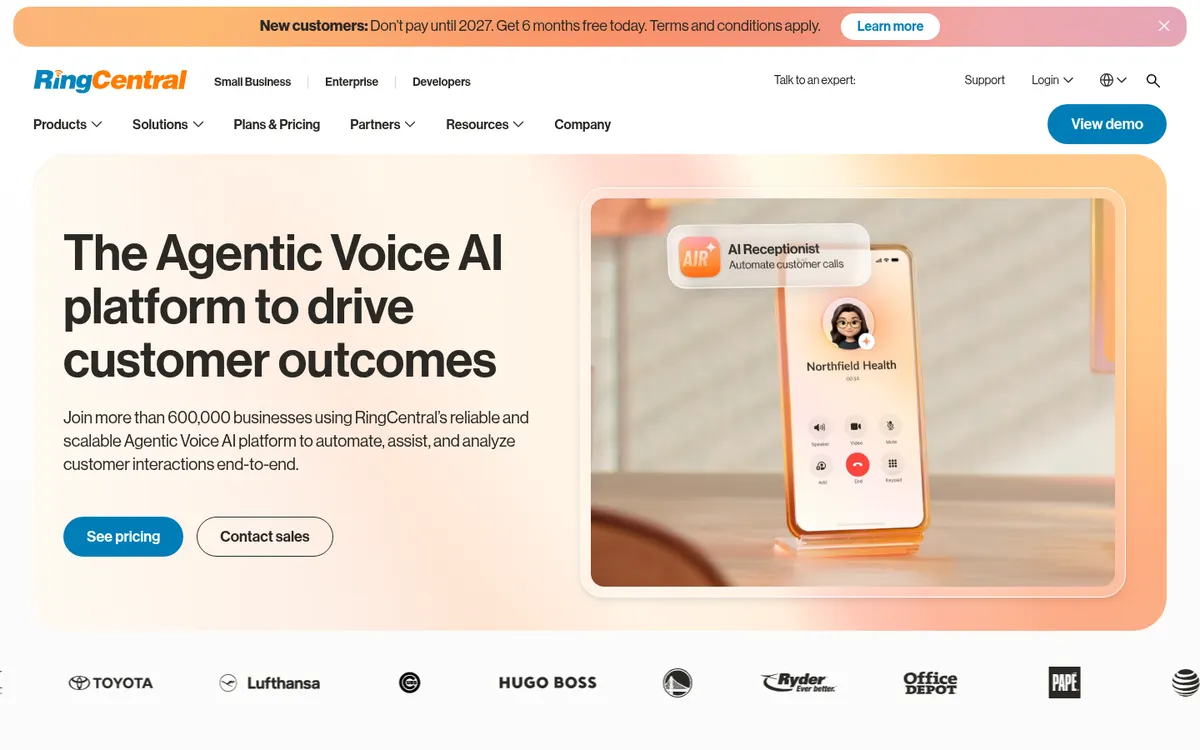
RingCentral puts business calling, team messaging and video meetings in a single app, and that bundle is why it fits a small team that expects to add people and channels over the next year. The integration catalog runs past 200 connectors spanning CRM, help desk and productivity tools, a very broad list in this comparison. If your team already lives in a CRM and a project tool, the case for RingCentral is that the phone system plugs into both without a middleware project.
Call handling depth arrives on the higher tiers. Advanced call routing and call analytics are not on the entry plan, so a five-person office buying the cheapest seats gets dependable calling without the queue logic a support desk needs. AI capabilities vary by plan, which means the features shown in a sales demo may sit one tier above the plan you actually buy. Ask for the plan's feature list in writing before you sign.
Pricing is on the vendor site. Core is billed per user per month on annual billing, and monthly billing is also offered. When we checked on 25 November 2026 the pricing page returned no text, so pricing is on the vendor site and the rate is not confirmed by us. The gap between annual and monthly applies to every seat, so it is a major line item for a small team.
The upgrade path to a full contact center is the strategic argument: a team that starts on RingCentral for voice can add contact center seats later without changing vendors. The trade-off is that enterprise-level depth is more than a five-person team needs, and you pay for capability you may not switch on. Best fit is a growing team that will actually use the integrations and the video, not one buying dial tone alone.
What works
- Very broad integration catalog
- Calling, chat and video in one app
- Clear upgrade path to contact center
What to weigh
- Advanced call handling sits on higher tiers
- Monthly Core billing is higher than annual
- More depth than a five-person team needs
Pick it if
You expect to grow and want one vendor for voice, messaging and video.
Skip it if
You want the cheapest possible dial tone with no extras.
Plate 02 of 08
Nextiva
Best for small businesses prioritizing uptime and live human support
Our verdict
The safest pick when uptime and a human on the phone matter more than feature depth.
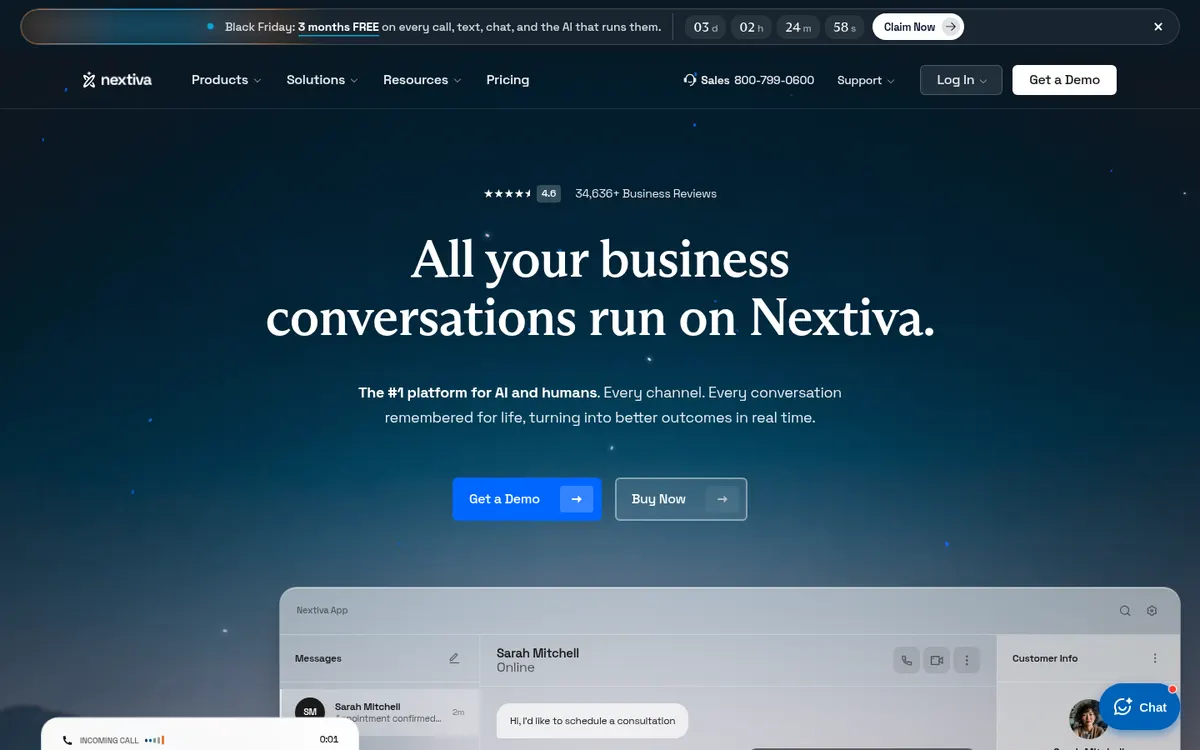
Nextiva leads on support and reliability, which is a strange thing to lead on until you have lost a morning to a phone system outage. The vendor publishes uptime commitments above 99.99 percent and staffs live customer support by phone, two things small businesses ask for first and get promised last. For a team without an IT department, that combination is worth more than an extra integration.
The entry point is the Go plan at $10 per user per month billed annually, the lowest confirmed starting price in this list. Core adds team messaging and basic video. The Engage tier brings customer experience tools for teams that handle inbound sales or support calls. Pricing for both is on the vendor site. Costs rise quickly as you climb, and monthly billing costs more than annual, so the annual commitment is where the value sits.
There is no free trial. That is the honest problem with recommending Nextiva to a cautious buyer: evaluating it means buying a plan, and there is no free tier to test against. A small team can start on the lowest plan and expand, but it is still a paid test.
Business calling is included, and the basics are done properly rather than cleverly. If your team's main worry is whether the phones work and whether a person answers when they do not, Nextiva is the straightforward pick. If you need deep call routing, heavy CRM automation or AI transcription on day one, look at the entries below this one.
What works
- Live phone support by a human
- Published uptime above 99.99 percent
- Lowest confirmed entry price at $10
What to weigh
- No free trial
- Costs climb on higher tiers
- Monthly billing costs more
Pick it if
A reliable phone line and reachable support outweigh extra features.
Skip it if
You refuse to buy before you can test the product.
Plate 03 of 08
Zoom Phone
Best for teams already standardized on Zoom for meetings
Our verdict
The cheapest sensible calling option for a team that already runs its meetings in Zoom.
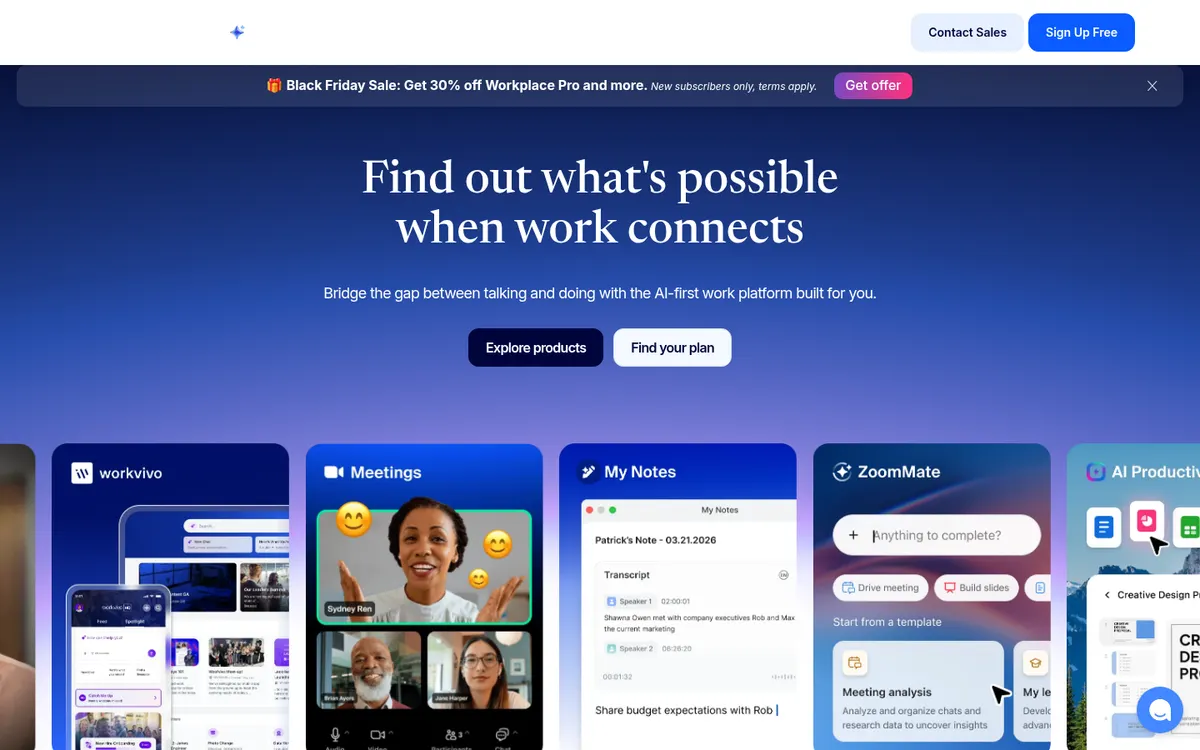
Zoom Phone is the cheapest sensible option for a team already running meetings on Zoom. Cloud calling sits inside the app your staff already open every morning, so there is no new interface to learn and no second set of credentials to manage. Deployment is fast for small teams, often a matter of provisioning numbers and turning the feature on.
The pricing structure needs reading before you buy. The entry plan for the US and Canada meters outbound calling, which is fine for a team that mostly receives calls and expensive for one that spends the day dialing out. An unlimited calling tier is also available. The metered plan is billed per user per month on annual billing, and no page text was captured when we checked on 25 November 2026, so confirm pricing on the vendor site before you commit. Pricing is on the vendor site.
Call routing is less deep than dedicated platforms, and supervisor tools for listening in, whispering or barging are thinner. For a small sales floor that wants call monitoring, that gap matters. For a services firm that takes inbound calls and escalates to video, it does not.
The one-click escalation from a call to a video meeting is the feature that justifies the choice. A client call that needs a screen share becomes a meeting without a redial. Pick it if Zoom is already your meeting standard and your outbound volume is modest. Skip it if you run a call queue or need management tooling closer to a contact center.
What works
- No new app for Zoom users
- Fast rollout for small teams
- One-click call to meeting
What to weigh
- Entry tier meters outbound minutes
- Thinner routing and supervisor tools
Pick it if
Your team already meets on Zoom and calls mostly come in.
Skip it if
You dial out all day or run a busy call queue.
Plate 04 of 08
Dialpad
Best for AI-first sales and support teams using transcription daily
Our verdict
Buy it for transcription and coaching that everyone gets, not for cheap dial tone.
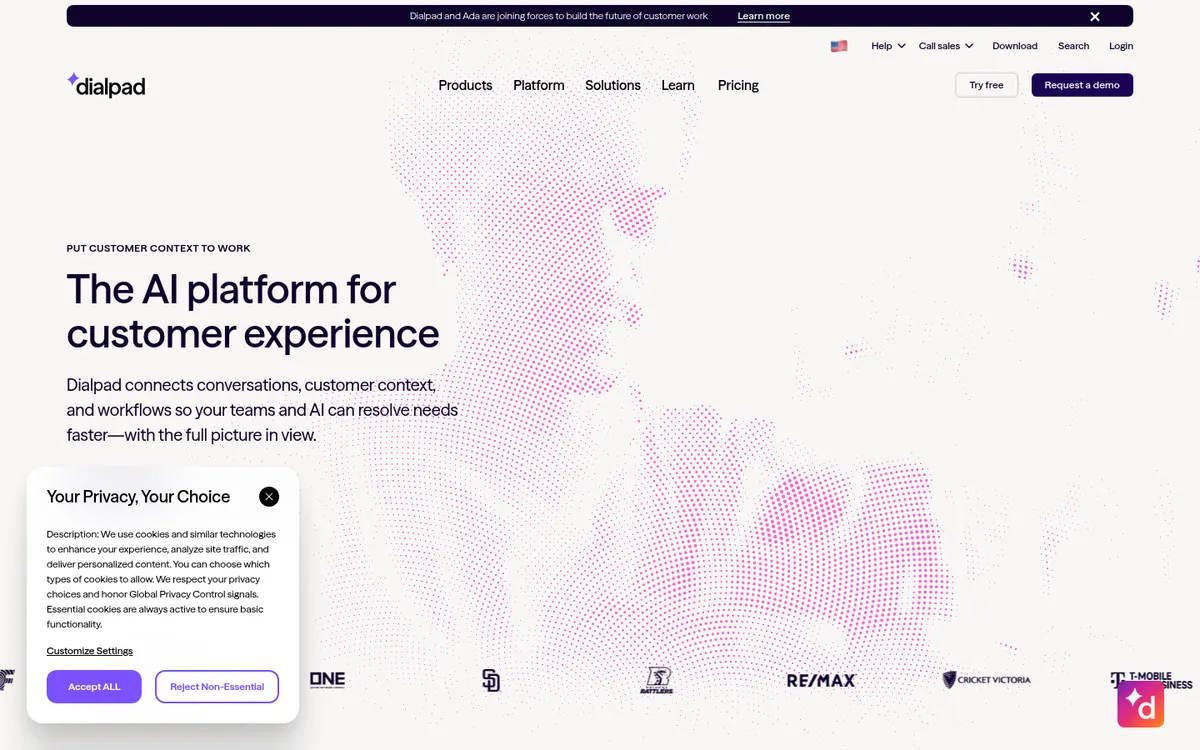
Dialpad's argument is that AI transcription and call summaries are included on every plan rather than held back as an enterprise feature. Every call gets transcribed, summarized into action items and made searchable. For a sales or support team that reviews calls weekly, that changes the job: coaching becomes a matter of reading transcripts rather than shadowing calls.
The coaching tooling is aimed at revenue teams. Sentiment cues flag calls worth listening to, and managers can search transcripts for a phrase across the whole team. The administrative interface is modern and does not look like telephony software from a decade ago. CRM integration is available from the Pro tier, so teams that need Salesforce or HubSpot sync have to budget above the entry plan, which is a common surprise in a Dialpad quote.
Pricing is on the vendor site. AI features are bundled on the annual plan according to the vendor's plan notes, but the page we fetched on 25 November 2026 showed only custom pricing for AI agents and no Connect plan rates, so the entry figure is unconfirmed and pricing is on the vendor site. Monthly billing is far more expensive than annual, which is a trap for teams that want to test before committing.
Fewer legacy telephony options is the other cost. Teams with old desk phones, analog lines or a specific carrier handoff may find less to work with than on a traditional platform. Pick Dialpad if the team will actually read transcripts and act on them. Skip it if you need a plain phone system at the lowest possible seat price, because you would be paying for intelligence you do not use.
What works
- Transcription and summaries on every plan
- Coaching tools for sales teams
- Modern admin interface
What to weigh
- CRM sync needs the Pro tier
- Monthly billing costs far more
- Fewer legacy telephony options
Pick it if
Your team reviews calls and wants transcripts on every seat.
Skip it if
You only need dial tone at the lowest seat price.
Plate 05 of 08
Vonage
Best for businesses that may later build on a communications API
Our verdict
A solid per-line phone service with an API escape hatch for teams that will build later.
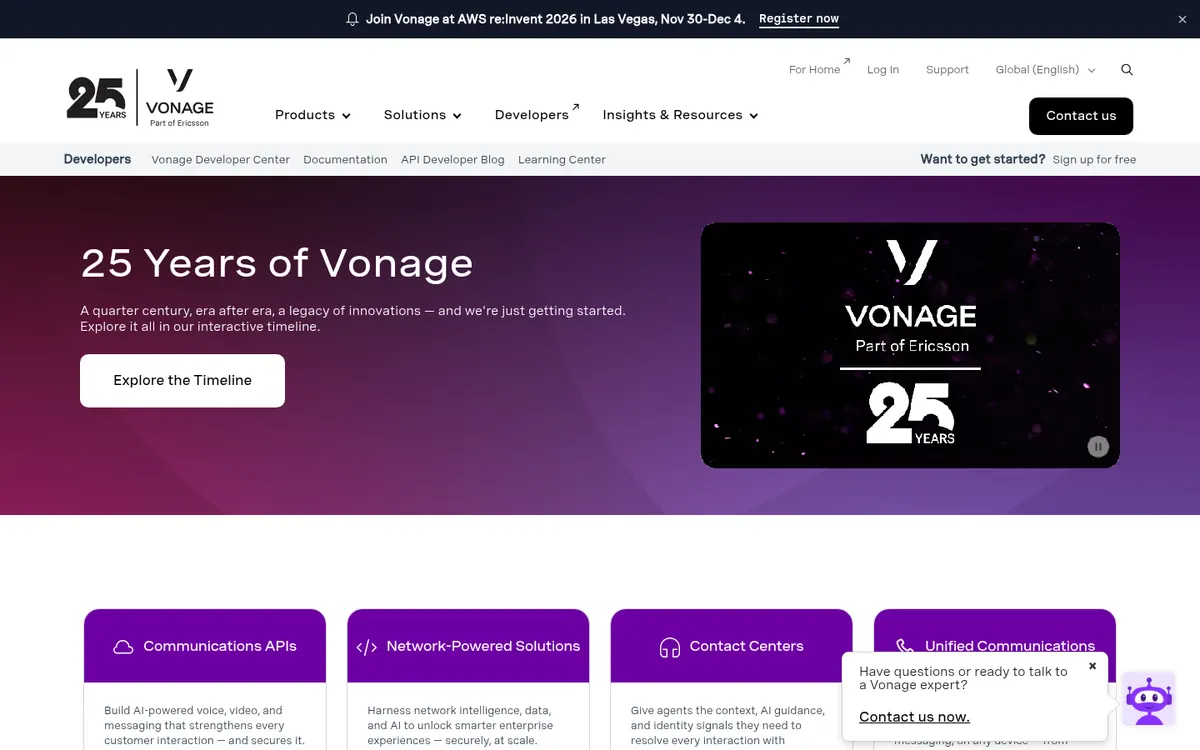
Vonage sells two things that share a brand: standard business phone service billed per line, and an API platform for voice, messaging and verification. For a small business the second one is the reason to look. If there is any chance you will embed calling or SMS into a booking system, a customer portal or an internal tool, Vonage gives you a path that does not involve replacing the phone provider later.
The phone service itself is ordinary. International calling options are there, advanced features come as optional add-ons, and standard phone features are shallower than the top competitors in this list. Add-ons push the real cost above the entry price, so the headline per-line rate is a starting point rather than a budget. Support feedback is mixed, which is worth weighing if you have no internal telecom experience.
The Mobile plan is billed per line per month on annual billing. No pricing page was available to check the rate when we looked on 25 November 2026, so pricing is on the vendor site and the figure is unverified. Note the billing unit: per line, not per user, which can work in your favor for shared handsets and against you for staff who need a line each.
Pick Vonage if the API roadmap is real or plausible, and you want a phone system that can grow into custom voice and messaging work without a migration. Skip it if you want the deepest standard feature set at the lowest total cost, because the add-ons and the shallower baseline will frustrate a team that just wants good phones.
What works
- Per-line rather than per-seat billing
- Voice, SMS and verification APIs
- International calling options
What to weigh
- Standard features shallower than rivals
- Add-ons push the real cost up
- Mixed support feedback
Pick it if
You may build voice or messaging into your own tools later.
Skip it if
You want the deepest off-the-shelf phone features today.
Plate 06 of 08
Ooma Office
Best for very small offices leaving landlines that want no contract
Our verdict
A no-contract option for a tiny office leaving a landline, with key features on higher tiers.
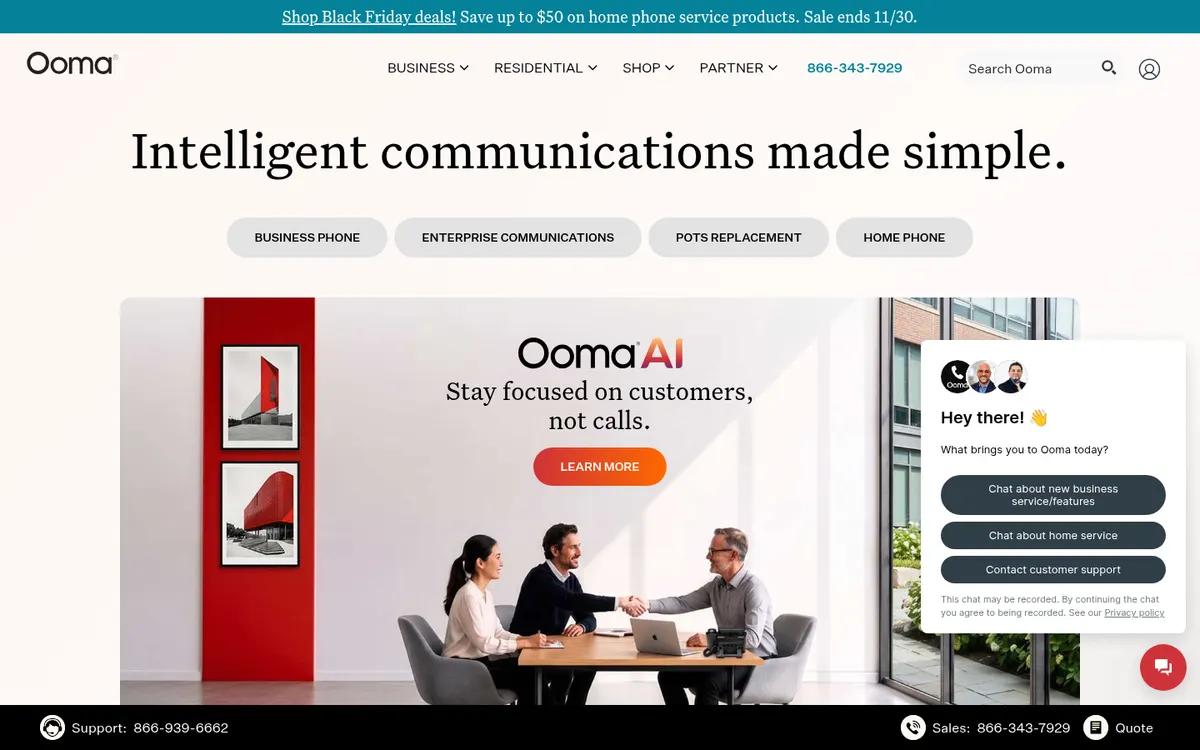
Ooma Office is built for the very small office that is leaving a landline and does not want to sign anything. All plans are month to month with no annual contract, and the vendor lists three plans on its site. North American calling is included on Essentials, with a virtual receptionist and mobile apps across the board.
Flat, transparent pricing is the appeal. There is no annual commitment to negotiate and no early termination risk if the business changes shape. Call quality and reliability hold up in comparisons, which matters more for a business that has been burned by a cheap provider than any feature list.
The catch is where the features sit. Call recording and CRM integration require higher tiers, and the integration list is shorter than RingCentral's. A five-person insurance office that needs call recording for compliance will be on the top plan, not the entry one, so budget accordingly. When we checked on 25 November 2026 the pricing page returned no text, so the Essentials rate is unconfirmed and pricing should be read on the vendor site.
Pick Ooma Office if you are a small office replacing a landline, you want a predictable bill and you value the right to walk away each month. Skip it if you need a deep integration stack, an API or complex call routing, because those are not what this product is for.
What works
- Month-to-month, no annual contract
- Flat published pricing
- Virtual receptionist included
What to weigh
- Call recording and CRM sync on higher tiers
- Shorter integration list
Pick it if
You are leaving a landline and want a flat bill with no contract.
Skip it if
You need deep integrations or complex routing.
Plate 07 of 08
Grasshopper
Best for solo owners wanting a flat-rate business line
Our verdict
A flat-rate business line for one person, and not a phone system for a team.
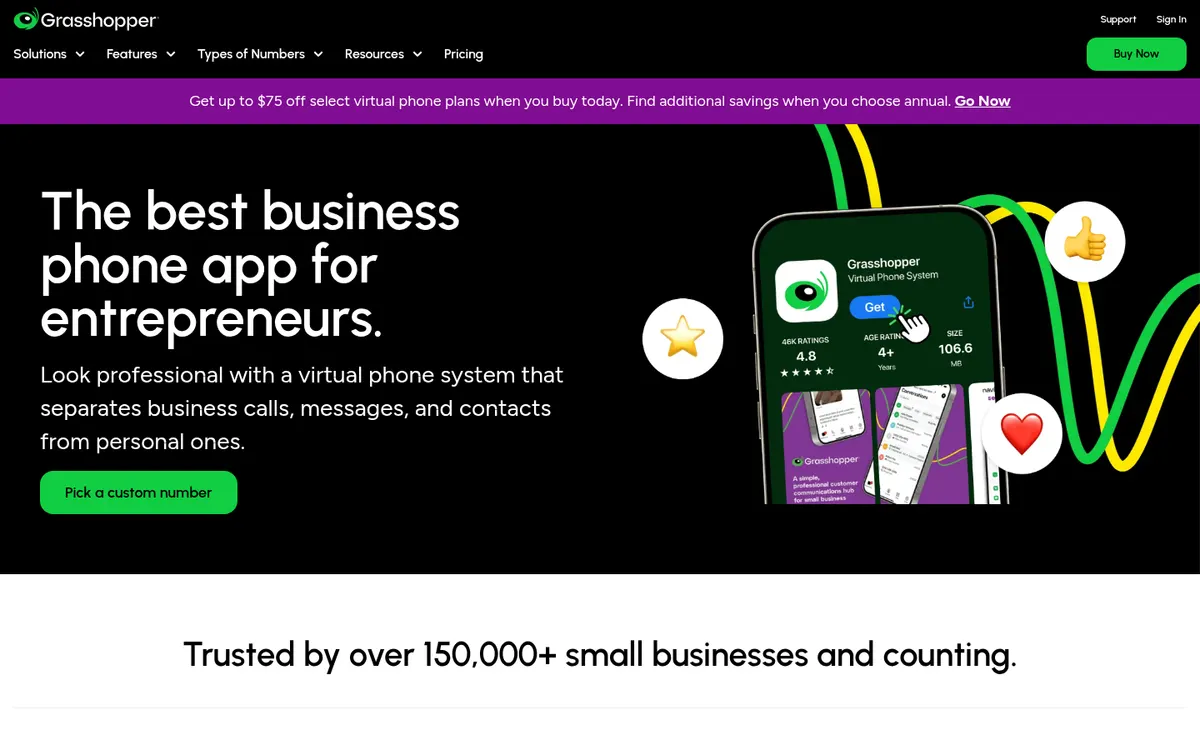
Grasshopper is not a phone system. It is a business number that runs on the mobile phone you already own, with custom greetings, call forwarding, voicemail transcription and business texting layered on top. That distinction explains both why solo owners like it and why it stops working as the team grows beyond one user.
The pricing model is the reason to consider it. True Solo is a flat monthly rate on annual billing for a single user, not a per-seat charge that grows as you add people. Pricing is on the vendor site. For a one-person consultancy, a tradesperson or an online seller, a predictable flat cost with no desk phone and no installation is the whole requirement. When we checked on 25 November 2026 the vendor page served a region block notice with no pricing, so the figure is unconfirmed and pricing should be read on the vendor site.
The limits are structural. Advanced routing is limited, there are no real call queues, and the integration list is shorter than a full VoIP platform's. A team that needs to route calls between departments, record for compliance or sync call activity into a CRM will run out of product quickly.
Pick Grasshopper if you are a solo owner who wants a separate business line on your own phone and a flat bill. Skip it if more than one person needs to answer and route calls, because you will be paying for a workaround soon.
What works
- Flat rate for a single user
- No desk phone needed
- Voicemail transcription included
What to weigh
- Not built for teams or call queues
- Limited routing and integrations
Pick it if
You are a one-person business wanting a separate line and a flat bill.
Skip it if
Two or more people need to answer and route calls.
Plate 08 of 08
Google Voice
Best for small Google Workspace teams needing simple voice
Our verdict
Cheap, simple voice for teams already on Google Workspace, with routing locked behind higher tiers.
Google Voice is the lowest headline cost in this list for a team that already pays for Google Workspace, and that condition is the whole story. Starter, Standard and Premier are listed on the vendor site, and every tier requires an existing Workspace subscription. If you are not already a Workspace customer, add that cost before comparing.
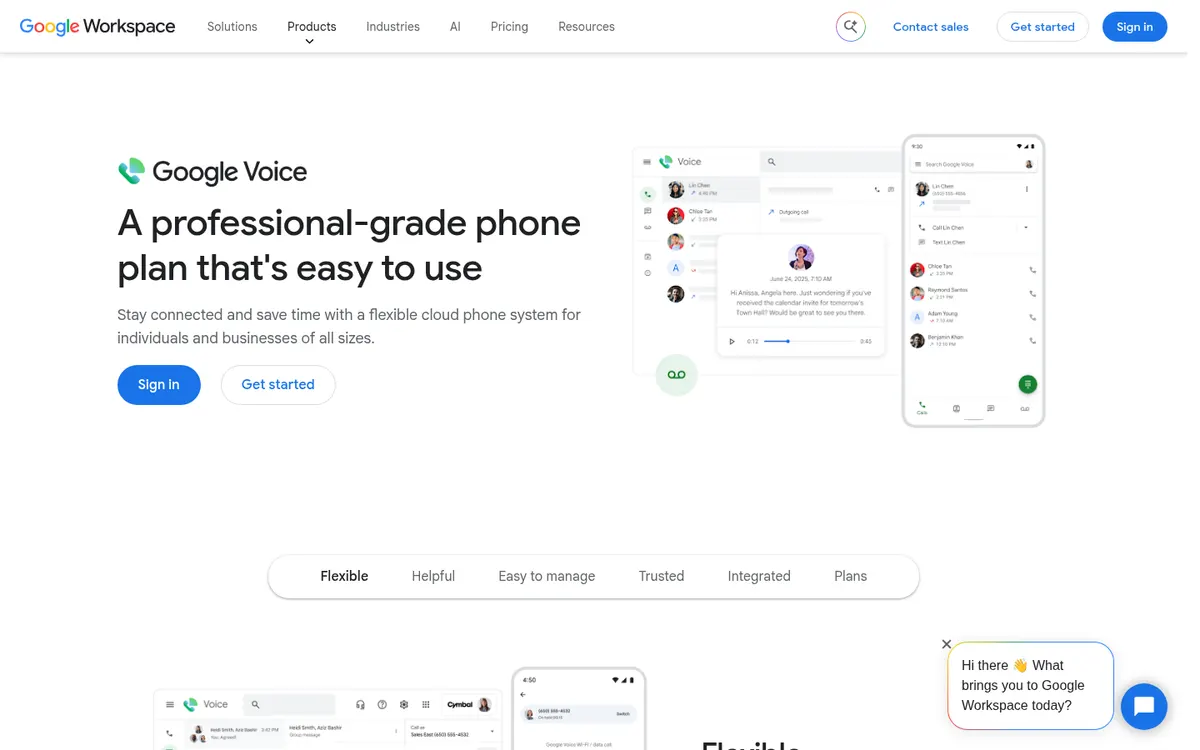
What you get is a business number that follows you across computers and mobiles, voicemail transcription, spam filtering and, on the Standard tier, a multi-level auto attendant and advanced reporting. Setup is minimal for anyone who already lives in Gmail and Calendar, and the learning curve is close to zero. For a small team that wants one number and no new software, that is enough.
Where it thins out is routing. Advanced call routing trails dedicated VoIP platforms, so hunt groups, queues and complex escalation paths are limited. The features that make Google Voice feel like a phone system, the auto attendant and the advanced reporting, are locked to the Standard or Premier tier, which moves the effective cost above the Starter headline. When we checked on 25 November 2026 no pricing page could be fetched, so the Starter rate is unverified and pricing is on the vendor site.
Pick Google Voice if your team already runs on Workspace and needs simple, cheap voice without another vendor. Skip it if you need contact center routing, deep CRM integration or a support line with a human on it, because those are outside what this product does.
What works
- Lowest headline cost for Workspace teams
- Minimal learning curve
- One number across devices
What to weigh
- Google Workspace subscription required
- Auto attendant needs the Standard tier
- Routing trails dedicated platforms
Pick it if
Your team already pays for Google Workspace and needs simple voice.
Skip it if
You need queues, deep CRM sync or phone support.
What does a VoIP phone service actually replace for a small business?
A VoIP phone service carries calls over your internet connection instead of a copper line. For a small business it replaces two things at once: the desk phone system in the back room and the monthly bill from the phone company. Calls arrive at a number the vendor hosts, and staff answer on a desktop app, a mobile app, a network handset, or a mix of all three.
Porting is the first practical question. You can normally keep your existing number, but the switch has to be timed. Do not cancel the old service before the port completes, or the number can be released and lost. Porting is usually supported; ask the vendor for the lead time before you schedule a cutover.
Hardware is optional in most cases. A softphone on a laptop or mobile covers a team that works from desks with headsets, and a desk phone is a comfort purchase rather than a technical requirement. Budget for good headsets before you budget for handsets.
Bandwidth is smaller than people fear. Voice audio uses a modest amount per concurrent call, and ordinary small office broadband can carry a small team on the phone at once. Stability and upload capacity matter more than download speed.
Outages decide many purchases. If the power or internet drops, a hosted system cannot ring a desk phone. The standard workarounds are call forwarding to mobile apps over cellular data and a failover number that routes inbound calls somewhere else. Check what is included rather than assuming.
Then there is the bill. Advertised per-seat prices can exclude regulatory and tax fees that vary by location and add to the total. Annual billing can be cheaper than monthly and it turns a flexible cost into a twelve month commitment. Ask for a sample invoice with fees before you sign anything.
This guide sits in the Software collection. Buyers weighing nearby tools often read the guides to commission software and research platforms next.
How per-seat pricing, billing terms and fees work in VoIP
Several billing models appear in this list, and the model matters more than the headline rate. Per-user pricing scales with headcount, so a low seat price across a larger team can cost more than a flat plan for a smaller team. Per-line pricing bills the handset rather than the person, which suits shared desks and penalizes teams where everyone needs their own extension.
Annual billing can be cheaper than monthly where offered. RingCentral lists Core pricing on its site, with annual billing lower than monthly, and Dialpad's monthly rate is far above its annual rate. The trade is commitment for price, so a business that may shrink or pivot should weigh the discount against the exit cost.
Advertised rates can exclude regulatory and tax fees. Those fees vary by location and appear on the invoice, not on the pricing page, so ask for a sample invoice with fees included before you compare two vendors.
| Model | How it bills | Typical fit | Example from this list |
|---|---|---|---|
| Per user, annual | Yearly commitment per seat | Teams with stable headcount | Nextiva Go at $10 per user per month billed annually |
| Per user, month to month | Monthly with no contract | Offices that want to leave easily | Ooma Office, pricing on the vendor site |
| Per line, annual | Yearly commitment per handset | Shared desks, international calls | Vonage Mobile, per line per month billed annually; pricing on the vendor site |
| Flat rate per account | One price per month, one user | Solo owners | Grasshopper True Solo, flat monthly rate billed annually for one user |
| Platform add-on | Per user on top of an existing subscription | Google Workspace teams | Google Voice Starter, pricing on the vendor site |
Only Nextiva's listing gave us a starting price we could stand behind on 25 November 2026. Every other vendor page either failed to load, served a region block or showed rates only for tiers we could not reach, so those figures are quoted rather than confirmed.
Every price in this guide was read on the vendor's own pricing page on November 25, 2026. Where a vendor does not publish a figure we could confirm, the card says "See website" rather than a guess. For the arithmetic around this purchase, try the free Email campaign metrics calculator.
How to choose in six steps, from seat count to outage plan
Count the numbers you need. List every person who answers a call, plus shared handsets and role-based numbers such as support or sales. Seat count drives the whole budget, and overbuying is a first mistake to avoid.
Decide on hardware. A softphone app on a laptop or mobile covers most small teams. Desk phones add a cost per seat and a network dependency, so buy them only where a reception desk or a shared space genuinely needs one.
Time the port. Ask the vendor for the port lead time and keep the old service running until the number moves. Cancelling early can lose the number, and the recovery process is slow and awkward.
Price the tier with the features you need. Entry plans often drop call recording, CRM sync or auto attendant. Build a short list of must-have features and price the cheapest tier that includes all of them, not the advertised starting tier.
Write down the outage plan. Ask what happens to inbound calls when power or internet fails, whether calls forward to mobiles automatically, and whether a failover number is included or an extra charge.
Compare annual against monthly in total. Multiply the annual rate by 12 and set it against monthly billing plus the freedom to leave. Short-term flexibility is worth real money to a business that might shrink.
Five mistakes that cost small businesses money on VoIP
Buying the entry tier for features shown in the demo. Advanced call handling, call analytics and CRM sync usually sit a tier or two above the advertised starting plan, so price the plan that actually has what you were shown.
Cancelling the old provider too early. A port that has not completed leaves you with two bills, or worse, no working number. Keep the old line active until the switch is confirmed in writing.
Comparing advertised prices without fees. Regulatory and tax charges are added on the invoice and vary by location, so two vendors with identical seat prices can land at different totals every month.
Assuming a solo product scales. Flat-rate tools built for one user, such as Grasshopper, stop making sense the moment a second person needs to route calls, and migrating mid-contract is expensive.
Skipping the bandwidth check. Bandwidth is not the only issue: an unstable connection or a saturated upload ruins call quality regardless of which vendor you pick.
Best VoIP Phone Service for Small Business 2026: questions
Can I keep my existing business number when I switch to a VoIP provider?
Yes, in most cases. Number porting is common, but timing matters. Do not cancel your current service until the port completes, because releasing the line can put the number back into a pool. Ask the vendor for the port lead time before you schedule the cutover, and run both services briefly.
Do I need desk phones, or can my team use an app?
An app can be enough for a small team. Softphones on laptops and mobiles handle calls, transfers and voicemail, and headsets cost far less than handsets. Desk phones make sense for a reception desk, a shared space or staff who take calls all day and want a physical keypad. The tools here are built around apps or include mobile apps; check the specific vendor, because hardware is a workflow choice, not a requirement.
How much bandwidth does a VoIP call need?
Audio uses a modest slice of bandwidth per concurrent call, and a normal small office broadband line can carry a small team on the phone at once. Stability and upload capacity matter more than raw download speed. If your connection drops under load, or voice shares a link with large uploads, ask about traffic prioritization on the router.
What happens to calls during a power or internet outage?
Hosted calls need a working internet connection, so an outage at your office stops desk phones ringing. The standard fix is automatic forwarding to mobile apps over cellular data, plus a failover number that routes inbound calls elsewhere. Ask each vendor what is included by default and what costs extra, because this is the gap that hurts a small business most.
What fees get added to the advertised per-seat price?
Regulatory, compliance and tax charges can be excluded from the advertised rate and added on the invoice. They vary by location and by the number of lines, so they can add a noticeable amount to the total. Ask for a sample invoice that shows all fees for your address and seat count before you compare two quotes side by side.
Is annual billing better than monthly for a small business?
Annual billing is often cheaper per seat where it is offered. RingCentral lists Core pricing on its site, with annual billing lower than monthly. The catch is commitment: annual plans lock the price and the seats for a year. Choose annual when headcount is stable, and monthly while you are still testing.