
Contents of this guide
The shortlist
Our top 3 for software buyers

Workyard
GPS-verified site punches
- Best for
- Contractors wanting GPS-verified jobsite time cards
- Features
- 5 noted: GPS clock-in, Geofencing, Cost codes, Supervisor review, QuickBooks sync
QuickBooks Time
Payroll sync depth
- Best for
- Contractors already running payroll in QuickBooks
- Features
- 4 noted: QuickBooks payroll, On-clock GPS, Overtime mapping, Estimates versus actuals

busybusy
Equipment plus labor hours
- Best for
- Construction crews tracking both labor and equipment hours
- Features
- 5 noted: Free unlimited users, Photo clock-in, Equipment tracking, Payroll exports, GPS trail
Disclosure for this guide. All 8 tools here are unpaid editorial picks. The position of a paid listing can be part of what the vendor pays for. Paid and unpaid tools are scored on the same rubric and keep their cons. Details are in the advertising disclosure.
The ledger
Index of every tool
| Tool | Free plan | Trial | Rubric | Compare | ||
|---|---|---|---|---|---|---|
| 01 | WorkyardContractors wanting GPS-verified jobsite time cards | See websitecustom quoteCustom quote | No | Free trial | ||
| 02 | QuickBooks TimeContractors already running payroll in QuickBooks | See websiteNot published | No | See website | ||
| 03 | busybusyConstruction crews tracking both labor and equipment hours | $9.99Pro, per user per month, billed annually, plus $40 admin license, first user includedChecked Nov 25, 2026 | Free plan, unlimited users | 14-day free trial, no credit card required | ||
| 04 |  HubstaffMixed field and office teams in one tool | $4.99Starter, per seat per month, billed annually, 2 seat minimumChecked Nov 25, 2026 | No | 14-day free trial, no credit card required | ||
| 05 |  ConnecteamSmall crews needing scheduling and team chat | $29Operations Basic, per month for the first 30 users, billed annuallyChecked Nov 25, 2026 | Free for life for up to 10 users | 14-day free trial, no credit card needed | ||
| 06 |  ClockifyLow-cost project time tracking without heavy field needs | $3.99Basic, per seat per month, billed annuallyChecked Nov 25, 2026 | Free plan for up to 5 users | 7-day free trial of Pro features | ||
| 07 | Buddy PunchSimple clock-in with photo and location checks | See websiteNot published | No | Free trial | ||
| 08 |  JibbleBasic attendance tracking at no cost | FreeFree forever, unlimited users, core time trackingChecked Nov 25, 2026 | Free forever, unlimited users | See website |
Prices are the lowest paid plan the vendor shows, read on November 25, 2026. Sort by price ranks published monthly figures; tools without one go last. Pin up to three tools to compare them side by side.
How this guide was put together
All eight tools were scored on the same five criteria, fixed before any product page was opened. GPS verification is 25 percent, because a punch that cannot be tied to a site is the failure contractors describe most often. Job costing is 25 percent, since hours that never reach a cost code cannot inform margin. Price fit is 20 percent, weighted toward what a five to thirty person crew really pays rather than the headline seat rate. Payroll handoff and ease of rollout take 15 percent each.
Prices, plan names, trials and free plan details come from vendor pricing pages checked on 25 November 2026. Where a page returned no content or no published rate, the entry says pricing is on the vendor site and no number is guessed. Plan notes keep the qualifiers that change the bill: annual versus monthly billing, seat minimums, base fees and admin licenses. Scores are whole numbers from 1 to 10 on those five criteria.
The Featured listing is a paid placement. It was scored with the same rubric as every other entry and carries the same kind of cons. Placement adds no points.
The ranked order is editorial. Each position reflects fit for the buyer described in that entry, from a contractor needing GPS proof to a small crew wanting free attendance records. Position is not a weighted total of the scores, and a lower place is not a claim that a tool is worse overall.
This is selection guidance, not a substitute for a trial. Run a live payroll week before committing.
The full process, including how we handle corrections, is on the methodology page. Paid listings follow the advertising disclosure.
Rubric and weights
Every tool below is scored from 1 to 10 on these five criteria. The scores describe each tool; the order is an editorial call on fit for the buyer each card describes, plus the disclosed Featured position.
- 25%GPS verificationHow strongly the tool ties a punch to a real jobsite, through GPS checks, geofences or photo evidence.
- 25%Job costingHow well hours split by job and cost code and turn into labor cost reporting a bookkeeper can use.
- 20%Price fitWhat a five to thirty person crew actually pays, including base fees, admin licenses and seat minimums.
- 15%Payroll handoffHow cleanly approved hours reach payroll or accounting, whether by native integration, export or in-app service.
- 15%Ease of rolloutHow quickly a foreman or a small crew can be taught the punch flow without a training project.
Plate 01 of 08
Workyard
Best for contractors wanting GPS-verified jobsite time cards
Our verdict
The strongest pick for proving a crew was actually on site, though the base fee plus quote-only pricing needs a call.
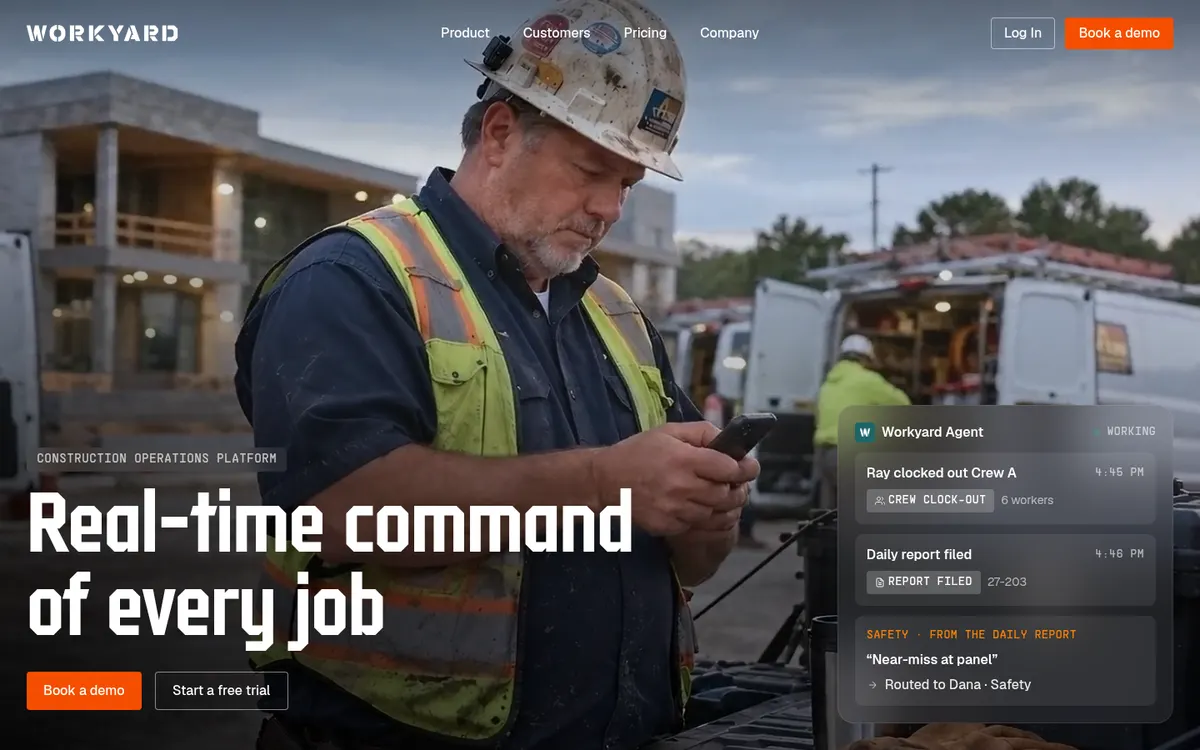
Workyard is the pick here for contractors who need proof that a person was on site rather than a pin dropped near it. Clock-in is GPS-verified against the jobsite, geofences and per-job restrictions control where a punch is accepted, and a supervisor reviews the hours before they are released. That review step matters on a construction job, where a disputed Friday afternoon is usually settled by whoever holds the cleanest record.
Time is allocated by job and cost code, and labor cost reporting rolls up at the job level so a bookkeeper can see margin without rebuilding a spreadsheet. Approved hours leave the product through exports and native QuickBooks, ADP and Gusto integrations. Workyard does not run payroll itself, so the last mile still happens in your payroll system, and the approved figure is only as good as the payroll clerk who keys it.
Pricing is the weak point. Workyard no longer publishes rates, so every plan needs a call. The structure is a per-user monthly charge on annual billing plus a separate $50 base fee, with the Pro tier near $13 per user per month billed annually for deeper cost-code reporting. There is a free trial but no free plan. For a five person crew the base fee is a real share of the bill; for a thirty person crew the per-user rate dominates. Ask for the ten user figure in writing, base fee included, before you compare it to a flat-rate rival.
It fits general contractors, framing and concrete outfits, and anyone whose payroll clerk already spends Mondays chasing foremen for missing hours. It is a poor match for a two person operation that mainly wants a cheap timer.
What works
- GPS checks verify presence at the site, not just a location
- Cost-code labor reporting a bookkeeper can act on
- Native QuickBooks, ADP and Gusto handoffs
What to weigh
- $50 base fee sits on top of per-user pricing
- Pro runs near $13 per user per month billed annually
- No published pricing and no free plan
Pick it if
You need defensible proof of who was on which site and your payroll already lives in QuickBooks, ADP or Gusto.
Skip it if
You want a published price list or you run a two person crew where a base fee is hard to justify.
Plate 02 of 08
QuickBooks Time
Best for contractors already running payroll in QuickBooks
Our verdict
Best for contractors whose payroll already runs in QuickBooks, since approved hours land there without a manual export.
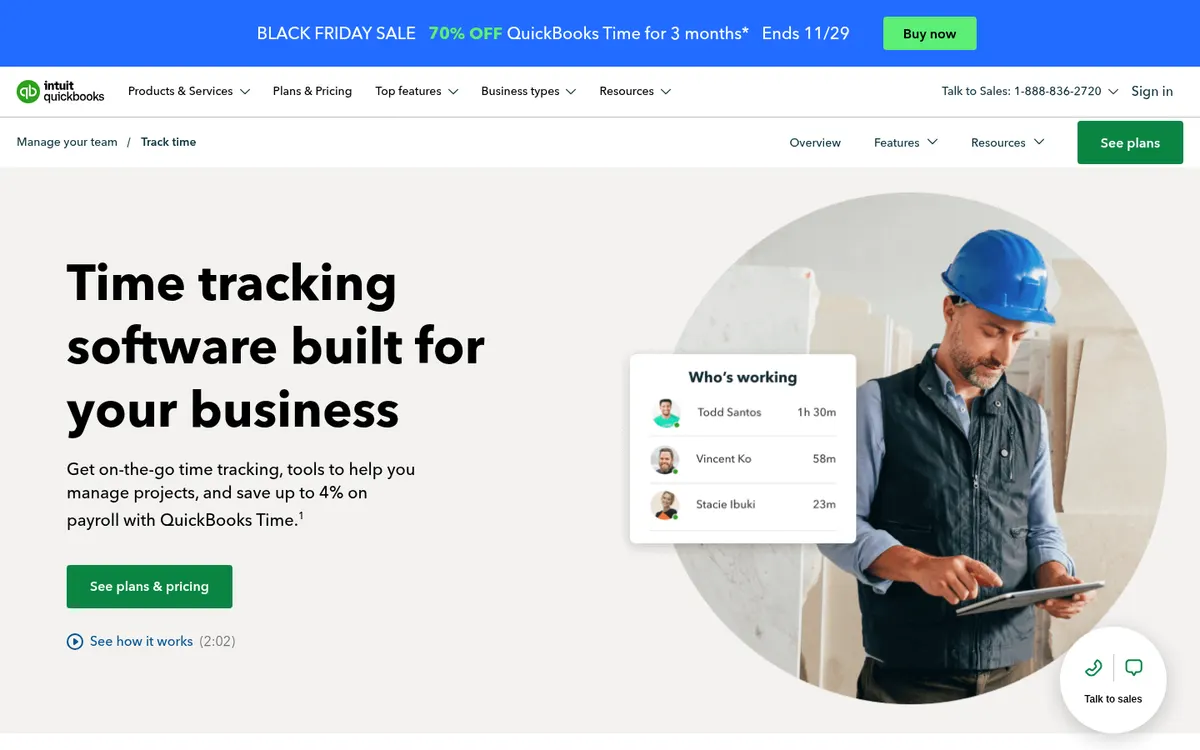
QuickBooks Time earns its place on this list for one reason: hours flow into QuickBooks accounting and payroll without a manual export. Regular and overtime hours map to pay categories, reporting comes out payroll-ready, and on the Elite tier project time tracking compares estimates against actuals. If your books already live in QuickBooks Online, time tracking becomes an extension of a system you pay for rather than a second place to look every Monday.
Location verification is built in: on-clock GPS, with optional geofencing on the Elite tier. That is enough to catch a punch made from the wrong end of town. It is not the same as a per-job geofence enforced at clock-in on a construction-first product, so treat the location features as a safeguard rather than a jobsite control.
The cost is the caveat. A QuickBooks Online subscription is required on top of the time tracking charge, and the premium tier is a base fee plus a per-user charge. Pricing could not be verified on 25 November 2026, so confirm the live tier with the vendor before quoting a figure internally. Pricing was not published in a form this review could verify on 25 November 2026, so the number is unknown until the vendor confirms it.
It suits contractors already running payroll in QuickBooks, especially office managers tired of keying hours twice. It fits less well if you need hard geofence enforcement per jobsite, or cost-code margin reporting at the depth a construction-first tool gives. It was formerly sold as TSheets, so older documentation and internal notes may use that name.
What works
- Tightest native payroll sync for the QuickBooks ecosystem
- Location verification without a separate tracking product
- Project estimates versus actuals on Elite
What to weigh
- A QuickBooks Online subscription is required on top
- Premium pricing is a base fee plus per-user charge
- Geofencing is limited to the Elite tier
Pick it if
QuickBooks Online already runs your books and you want hours to arrive there without a spreadsheet in between.
Skip it if
You are not on QuickBooks, or you need enforced per-site geofences and cost-code margin reporting.
Plate 03 of 08
busybusy
Best for construction crews tracking both labor and equipment hours
Our verdict
Best when you bill equipment alongside labor, and the free plan with unlimited users makes it easy to test.
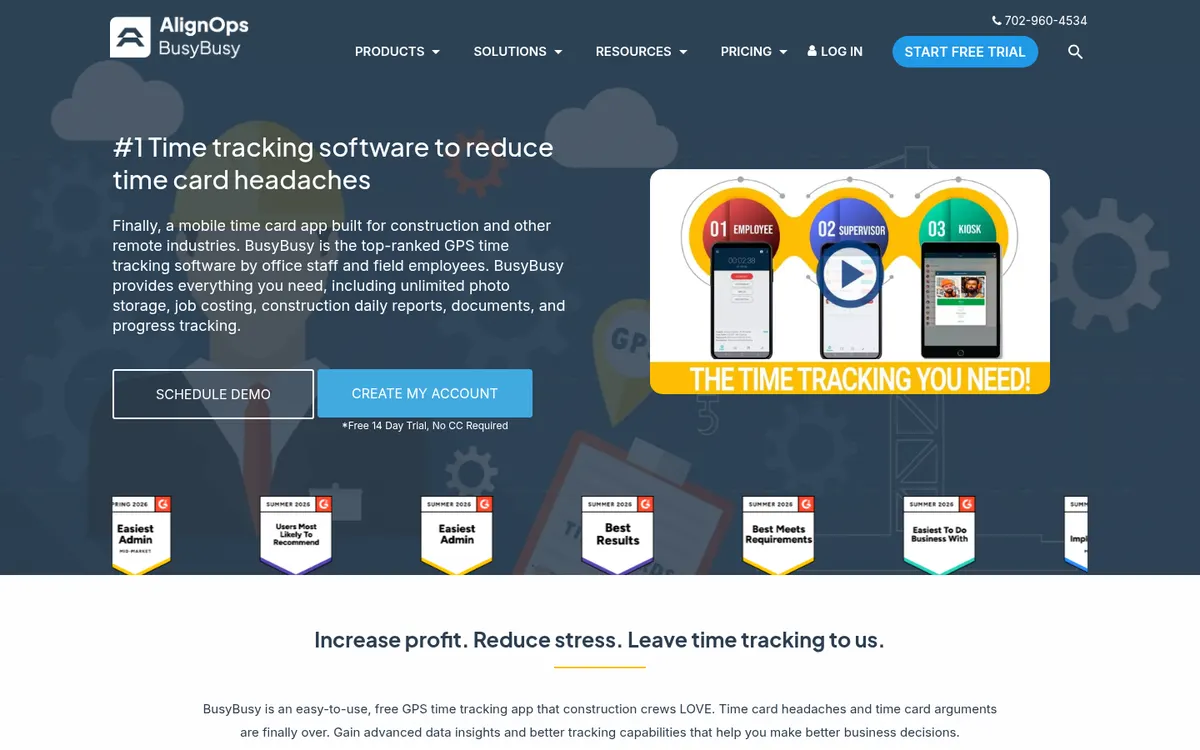
busybusy is the pick for crews that bill machines as well as people. Labor hours split by job, cost code and equipment, so an excavator's running time and its operator's hours end up in one report instead of two. GPS time tracking with photo clock-ins handles the accountability side, and payroll reports and exports handle the handoff to whoever runs payroll.
The free plan is the unusual part: unlimited users at no cost, covering basic tracking only. Paid Pro starts at $9.99 per user per month billed annually, with the first user included and a $40 admin license on top. Ten users on annual billing works out near $129.91 per month. Being straight about that: the free tier is a genuine option for a small crew testing the water, but scheduling and GPS breadcrumb trails sit above it, so anyone wanting route history pays. Higher tiers add optional payroll services, so busybusy can take hours further than an export file.
That combination, equipment time plus optional payroll services, is why it ranks ahead of the cheaper trackers. It also means the pricing conversation is more complex than a seat rate: per-user charge, admin license and tier all move together.
It fits site work, excavation, concrete and equipment-heavy subcontractors who need to bill a machine separately from the person running it. It is weaker for a pure labor business that will never bill a machine, where equipment tracking is dead weight and a simpler punch tool would cost less. Ask for a ten user quote with the admin license included.
What works
- Free plan with unlimited users
- Equipment hours tracked beside labor hours
- Job and cost-code splits suited to billing equipment
What to weigh
- Pro carries a per-user charge plus a $40 admin license
- Scheduling and route history sit behind paid upgrades
- Free plan covers basic tracking only
Pick it if
You rent out or bill equipment time and want labor and machine hours in the same report.
Skip it if
Your crews never bill equipment and a simple punch clock would cover the job at lower cost.
Plate 04 of 08
Hubstaff
Best for mixed field and office teams in one tool
Our verdict
Best for one account covering field crews and office staff, as long as you budget for the GPS add-on.
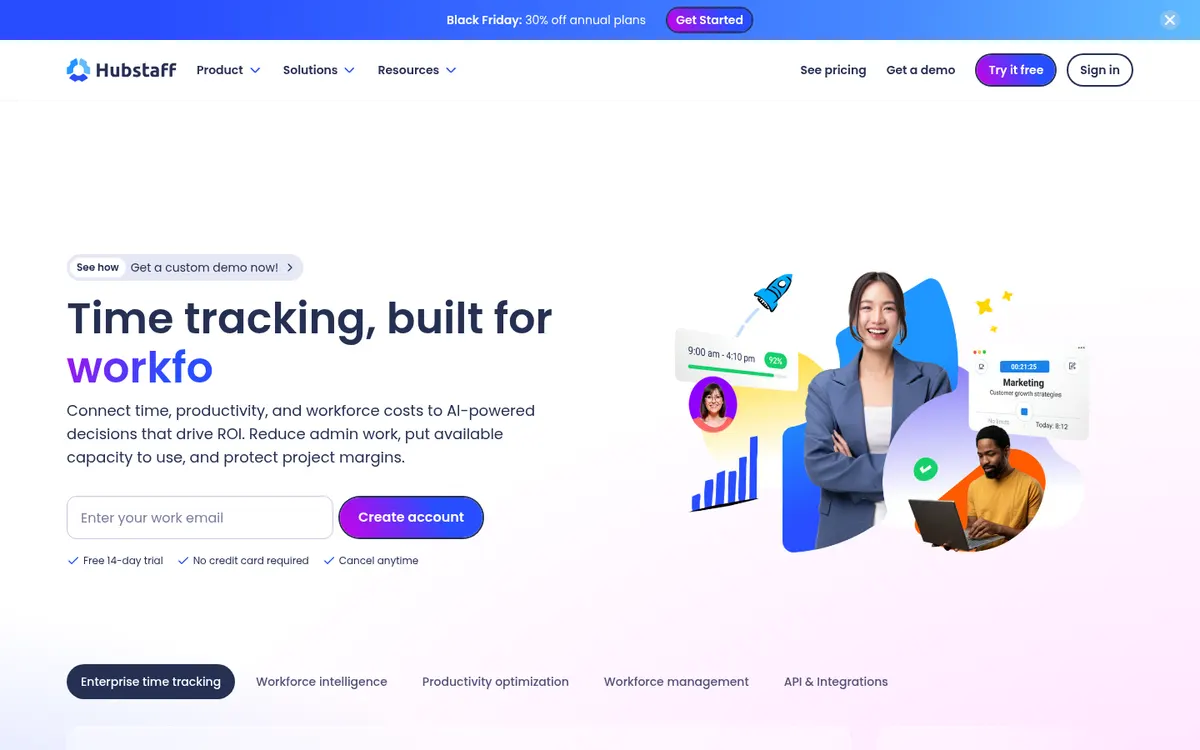
Hubstaff is the option for a company where the field crew clocks in on a phone and the estimating team works from laptops. One account covers both: GPS tracking with geofencing and route history for the field, desktop time tracking and project budgets for the office. That single-account coverage is why it appears here rather than a construction-only tool, and it removes the awkward gap where office hours live in a different system from site hours.
Pricing starts at $4.99 per seat per month on Starter with annual billing and a two seat minimum, which keeps a small team cheap and gives two months free against monthly billing. The catch is that full GPS on the Team tier needs the paid Locations add-on, and GPS is on by default only at Enterprise level. Budget for the add-on before presenting the Starter rate as your run rate, because a quoted seat price without it misleads.
Payroll and payment options include PayPal, Wise and QuickBooks, which helps if you pay crews across borders or through different rails. There is a 14-day free trial with no credit card and no free plan.
The honest downside is monitoring depth. Activity and screenshot capture are part of the product, and while that can suit office and subcontractor work, it raises fair questions from crews. Explain what is captured and when tracking starts and stops before rollout, in writing. Hubstaff fits mixed field and office teams, remote estimators, and businesses paying distributed crews. It fits less well if you need per-job cost codes with construction-specific margin reporting, which is shallower here than on Workyard or busybusy.
What works
- Covers field and office workers in a single account
- Route history available alongside geofencing
- Payment options for distributed crews
What to weigh
- Full GPS on Team requires the paid Locations add-on
- GPS is on by default only at Enterprise level
- Screenshot and activity capture raises privacy questions
Pick it if
You want field and office hours in one account and can absorb the Locations add-on for real GPS.
Skip it if
Your crews will object to screenshot capture or you need deep construction cost-code reporting.
Plate 05 of 08
Connecteam
Best for small crews needing scheduling and team chat
Our verdict
Best value for small crews that want scheduling and chat beside the punch clock, at a flat monthly rate.
Connecteam is the best value here for a small crew that wants scheduling and team chat in the same app as the punch clock. GPS punch records, scheduling, chat, forms and checklists, and training modules all sit behind one login. A foreman who already runs the day from a group text can move that into the app without buying a second product for the schedule.
Pricing is flat, which is the point. Operations Basic costs $29 per month billed annually, or $35 month to month, and covers the first 30 users. A free plan runs for life for up to 10 users, and there is a 14-day trial with no credit card. For a twelve person crew the flat rate beats per-seat pricing comfortably, and the budget is predictable enough to sign off without a spreadsheet.
The limits are construction-specific. Geofencing needs a plan upgrade, so the $29 tier records a punch without enforcing a boundary. Payroll runs through QuickBooks and Gusto exports rather than natively inside Connecteam, which means a clerk still touches the file. Job costing is not the reason to buy it, and crews should expect to keep margin analysis elsewhere.
Past 30 users the maths changes, and you should price the next tier before committing rather than assume the $29 holds. It fits small general contractors, service crews and remodelers who need communication and scheduling more than deep labor cost analysis. It fits less well for a large site with strict geofence enforcement and cost-code margin reporting.
What works
- Flat $29 per month covering the first 30 users
- Scheduling and team chat bundled with time tracking
- Free plan for up to 10 users
What to weigh
- Geofencing requires a plan upgrade
- Per-user maths changes once a crew passes 30 users
- Payroll runs through integrations and exports only
Pick it if
You want scheduling, chat and punches in one app for a crew under 30 people.
Skip it if
You need geofence enforcement on the base plan or native payroll runs inside the tool.
Plate 06 of 08
Clockify
Best for low-cost project time tracking without heavy field needs
Our verdict
Best as a cheap hours tracker for office and project time, not as a site time card with enforcement.
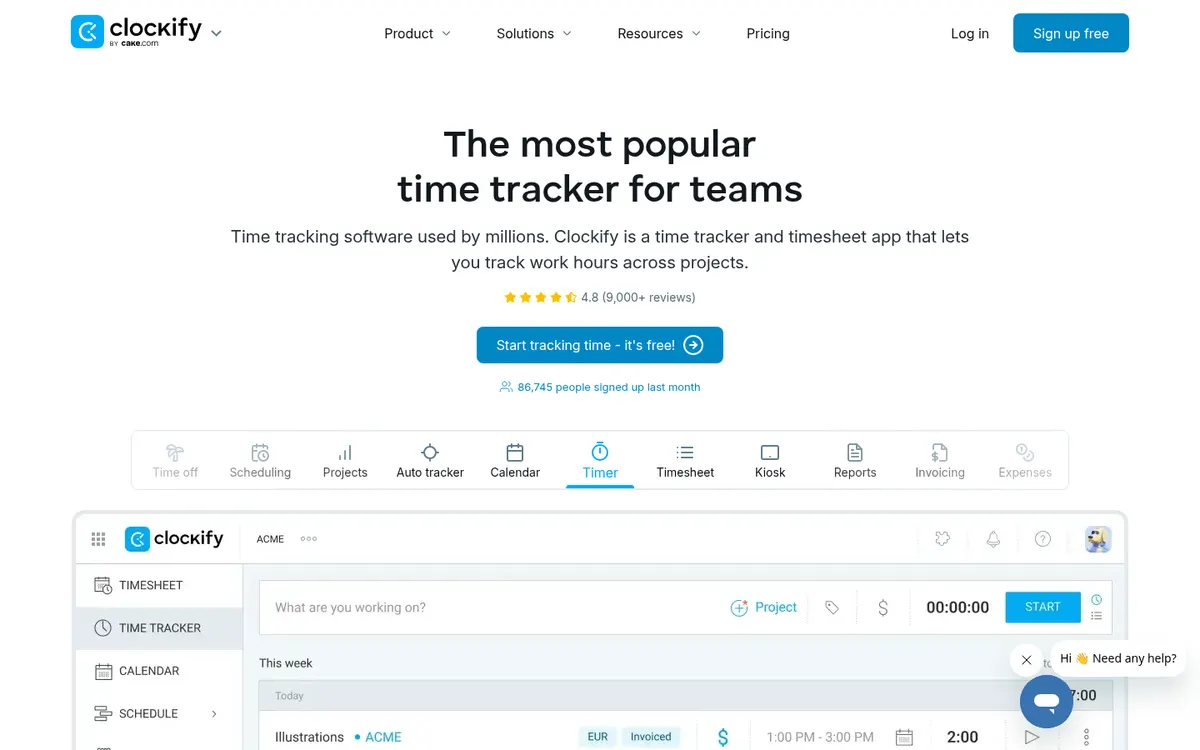
Clockify is a budget time tracking tool, and it should be judged that way. Project and task time tracking, reporting and a wide integration catalogue are the core, with paid features from $3.99 per seat per month on Basic with annual billing. On a construction site that is a replacement for a paper timesheet, not for a time card system that enforces where a punch happens.
The free plan still carries basic hour capture but is now capped at 5 users rather than unlimited, which matters if you were counting on it for a larger crew. Pro features come with a 7-day trial. The integration catalogue is the strongest part: if your accounting or project management tool is already supported, hours can get where they need to go without a custom export.
The gaps are the ones construction buyers care about. GPS and geofencing are limited or paid add-ons, job costing is shallower than dedicated field tools, and scheduling is limited. Supervisor review and approval is not listed among the verified features for Clockify, so disputes may be settled by whoever edits the timesheet.
It fits small contractors and office staff tracking hours against projects where location proof is not the point, and it fits a company that wants one cheap tool across design, estimating and admin. It fits badly for a site where someone will argue about whether a punch happened on the job. Treat it as a budget replacement for simple hour tracking rather than a construction time card system.
What works
- Free plan for up to 5 users
- Low paid entry at $3.99 per seat per month
- Broad integration coverage
What to weigh
- GPS and geofencing are limited or paid add-ons
- Job costing is shallower than construction tools
- Scheduling is limited
Pick it if
You mainly need cheap project hours and location proof is not part of the argument.
Skip it if
A jobsite dispute will hinge on where a punch happened or hours must split by cost code.
Plate 07 of 08
Buddy Punch
Best for simple clock-in with photo and location checks
Our verdict
Best for simple accountability with a photo and location on each punch, at the cost of deeper job costing.
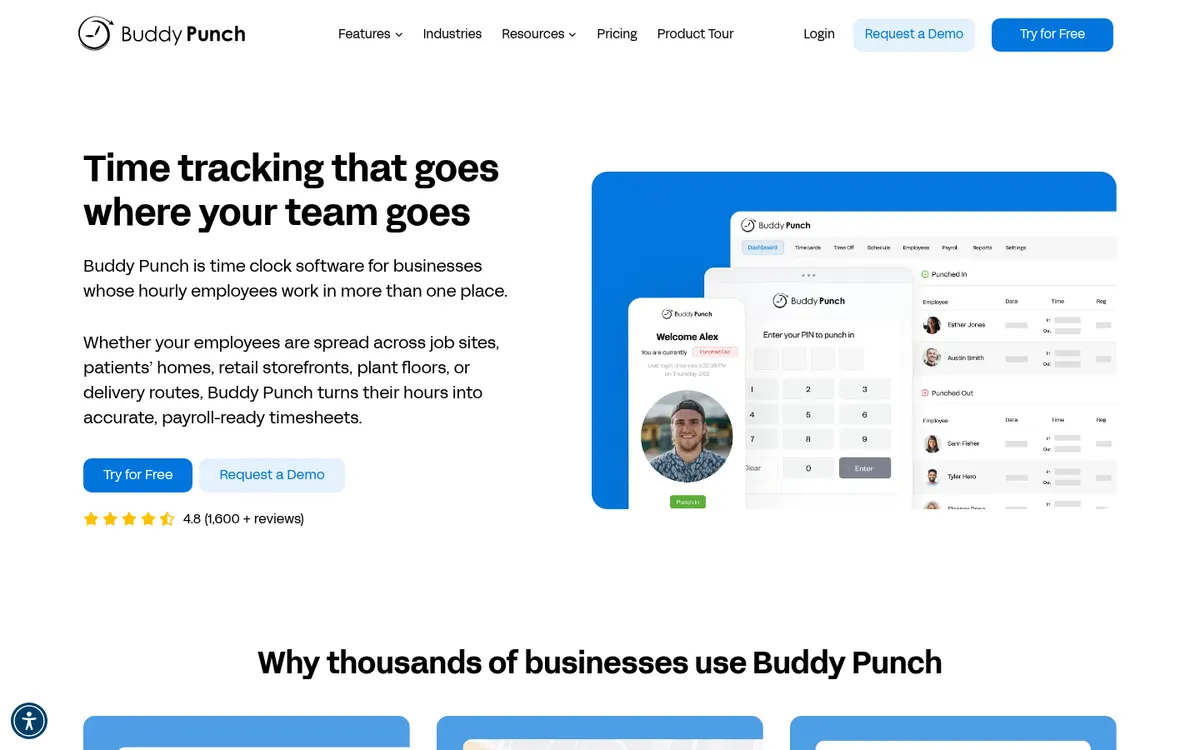
Buddy Punch does one thing well: a punch with a photo and a location attached. Photo verification at clock-in, location checks and job tracking on every plan, with a simple clock-in and clock-out. For a small contractor who wants accountability without a training session, that is often enough, and the crew will understand it on the first morning.
Job tracking is included on every plan rather than held back for an upgrade. Pricing follows a base fee plus a per-user charge: Starter has been quoted at $19 per month base plus $5.49 per user per month. No price was published in a form this review could verify on 25 November 2026, so confirm it before budgeting. There is a free trial and no free plan, so a team that wants to run indefinitely at no cost should look at Jibble instead.
The cost curve is the issue. Base fee plus per-user is fine at five people and starts to look expensive at twenty-five, when a flat-rate product covers the same headcount for less. Construction costing depth also trails the field-first tools: you get job tracking, not cost-code margin reporting, so the labor cost analysis still happens in accounting.
It fits small teams that prioritize simple accountability, who was here and when, with a picture, over job costing. It fits less well for a growing crew that needs job-level labor cost reporting, per-site geofence enforcement, or payroll handled anywhere other than the export file.
What works
- Photo and location checks built into the punch flow
- Job tracking included on every plan
- Simple enough to roll out in a morning
What to weigh
- Base fee plus per-user charge adds up for larger crews
- Costing depth trails dedicated field tools
- No free plan, only a trial
Pick it if
You want a photo and a location attached to every punch and nothing more complicated.
Skip it if
You need cost-code labor reporting or a free plan that lasts beyond a trial.
Plate 08 of 08
Jibble
Best for basic attendance tracking at no cost
Our verdict
Best free option here: unlimited users, core attendance and punch location, with enforcement left to paid tools.
Jibble is free attendance tracking for unlimited users, and that is the whole case. Clock-in and clock-out, project hours on the free plan, and GPS clock-in location captured without a charge. Setup is simple enough that a crew new to digital timekeeping can be running the same day, which matters when the alternative is another week of paper slips.
Pricing starts at Free: free forever, unlimited users, core time tracking. The paid plans carry geofencing and billing tools, which the free tier does not. If your requirement is a record of who worked and when, with a location attached to the punch, Jibble costs nothing to test and nothing to keep. For a subcontractor with four people and three active jobs, that is a real answer rather than a stopgap.
The honest limits matter for construction. The free tier records where a punch happened rather than a continuous route history, so you can see the location of the punch but not the path in between. Scheduling is limited and construction job costing is basic. Teams needing geofence enforcement or travel-time logging should look at paid field tools such as Workyard or busybusy, and budget accordingly.
It fits very small contractors, side crews and subcontractors who need attendance records across a handful of jobs. It fits badly where a punch dispute would hinge on site boundaries, or where hours must be split by cost code for billing a client. Paid tiers were not shown on the page this review could fetch, so confirm what geofencing costs before you plan around it.
What works
- Free forever for unlimited users
- Clock-in location captured at no cost
- Quick to deploy for a first digital system
What to weigh
- Geofencing and billing tools require paid plans
- Punch location only, not route history
- Construction job costing is basic
Pick it if
You need free attendance records for a small crew and location proof is a bonus rather than a rule.
Skip it if
A punch dispute would turn on site boundaries or you need cost-code splits for billing.
What is construction time tracking software, and what should it do?
Construction time tracking software records hours against a jobsite and a cost code, then hands approved time to payroll. That is the short answer, and the difference from a general time clock sits in the middle: against a jobsite and a cost code. A construction tool cares where a punch happened, which job it belonged to, and who signed off before the hours became money.
Five jobs sit inside the category, and the products here cover them in different proportions.
- Location proof: a GPS-verified punch, a geofence that rejects an off-site clock-in, or a photo attached to the record.
- Job allocation: hours split by job, phase and cost code so labor cost lands against the work that caused it.
- Approval: a supervisor review step before time reaches payroll, so disputes are settled inside the tool.
- Reporting: labor cost by job and by period, in a form a bookkeeper can use without re-keying.
- Handoff: an export or a native integration into QuickBooks, ADP, Gusto or an in-house payroll process.
Most construction businesses arrive here because a paper timesheet or a group chat has stopped scaling. The symptoms are familiar: a foreman reconstructing Friday from memory, a payroll clerk keying hours twice, a job that looked profitable until labor landed against it.
The category splits by buyer. Field-first tools such as Workyard and busybusy treat location and job costing as the core and payroll as the exit. Ecosystem tools such as QuickBooks Time treat payroll as the core and location as a supporting feature. Flat-rate team apps such as Connecteam bundle scheduling and chat with the punch. Budget trackers such as Clockify and Jibble record hours cheaply and leave enforcement out.
Where the category stops matters too. These products track hours; they are not full project management or accounting suites. None of the entries here replaces a general ledger, and busybusy offers optional payroll services on higher tiers. If your problem is sequencing the whole job rather than proving hours against a site, a construction management platform will fit better than a time clock.
This guide sits in the Software collection. Buyers weighing nearby tools often read the guides to commission software and research platforms next.
How does pricing work for construction time tracking in 2026?
Pricing in this category rarely arrives as a single number. Expect a per-user rate plus something else: a base fee, an admin license, a seat minimum or an add-on. The table shows the models in play on this list, at the prices checked on 25 November 2026.
| Model | How it bills | Typical fit | Example from this list |
|---|---|---|---|
| Base fee plus per user | A monthly platform charge plus a rate for every seat | Crews of ten or more, where the base fee spreads thin | Buddy Punch, quoted at $19 per month base plus $5.49 per user per month |
| Per user plus admin license | A seat rate on annual billing with an admin charge alongside | Businesses tracking equipment as well as people | busybusy Pro at $9.99 per user per month plus a $40 admin license, first user included |
| Flat monthly block | One monthly price for a set number of users | Small crews sitting under the block ceiling | Connecteam Operations Basic, $29 per month for the first 30 users billed annually |
| Per seat with a minimum | A seat rate with a floor on how few seats you can buy | Mixed field and office teams | Hubstaff Starter at $4.99 per seat per month billed annually, 2 seat minimum |
| Free tier with paid upgrades | No charge for core tracking, paid features above it | Very small crews testing digital tracking | Jibble, free forever for unlimited users; Clockify, free for up to 5 users |
Two habits save money here. First, price the tier you need rather than the entry tier: geofencing, route history and deeper cost-code reporting sit above the cheapest plan on several products in this list, and Hubstaff's full GPS on Team needs the paid Locations add-on. Second, get the annual figure in writing. Several entries quote annual billing with the discount already applied while monthly billing is higher, and Connecteam charges $35 month to month against $29 billed annually.
Some tools here did not publish a rate at the time of checking, so a call is part of the buying process rather than an inconvenience. Ask each vendor for a ten user total that includes every fee, then compare that single number across the list instead of comparing seat rates.
Every price in this guide was read on the vendor's own pricing page on November 25, 2026. Where a vendor does not publish a figure we could confirm, the card says "See website" rather than a guess. For the arithmetic around this purchase, try the free Email campaign metrics calculator.
How do you choose between these clockshark alternatives?
- Confirm the payroll destination first. Write down where hours must land: QuickBooks, ADP, Gusto, or an in-house process. That single answer narrows the list, because the handoff is the step that breaks first.
- Decide whether you need location proof or just a record. A punch record with a location suits small crews. Enforced geofencing per jobsite narrows the field to Workyard, busybusy on paid tiers, Hubstaff with the add-on, or Connecteam above its base plan.
- Set your headcount and price the right tier. Under ten users, the free tiers from Jibble, busybusy and Connecteam are worth testing. Between ten and thirty, the flat $29 Connecteam block and per-seat tools compete directly, so get written totals.
- Check whether equipment hours matter. If you bill machines separately, busybusy tracks equipment time beside labor. If every hour is a person, that feature is dead weight and a simpler punch tool costs less.
- Test the punch with a foreman, not a manager. Give one crew the app for a week, in poor coverage and in the rain. Then ask the payroll clerk how long the export took to reconcile against the previous week.
- Run one live payroll cycle before signing. Take the free trials, from the 14-day options at busybusy, Hubstaff and Connecteam to the 7-day Pro trial at Clockify, and settle a real week of hours end to end.
Five mistakes that wreck a time tracking rollout
- Buying the entry tier and expecting enforcement. Geofencing sits above the base plan at Connecteam, needs the paid Locations add-on at Hubstaff, and is an upgrade at Jibble. Check which tier carries the feature before you compare prices.
- Comparing seat rates instead of totals. A $4.99 seat rate with a two seat minimum, a $40 admin license or a $50 base fee lands very differently from a flat block. Ask for a ten user total that includes every charge.
- Assuming payroll lives inside the tool. Products here commonly hand approved hours to another system through an export or integration. busybusy offers optional payroll services on higher tiers, so plan the last mile before you buy.
- Turning on tracking without telling the crew. Photo capture, screenshots and route history invite fair questions. Explain what is recorded, when tracking starts and stops, and who can see it, before the first punch rather than after.
- Skipping the coverage test. Ask each vendor about offline behavior and test it in a real dead zone during the trial. Offline behavior is not covered in the notes here, so verify it rather than assume it.
clockshark alternatives: questions
What does ClockShark's base plus per-user pricing work out to for a ten person crew?
This list does not publish that figure. ClockShark pricing was not verified in the 25 November 2026 check, so a ten person total cannot be stated without guessing. The shape is a base fee plus a per-user charge, the same structure Workyard and Buddy Punch use, and Buddy Punch is quoted at $19 per month base plus $5.49 per user. Confirm the live rate with the vendor.
Which alternatives offer free plans with unlimited users?
busybusy and Jibble both do. busybusy runs a free plan with unlimited users covering basic tracking, with paid Pro from $9.99 per user per month billed annually. Jibble is free forever for unlimited users with core time tracking and GPS clock-in location. Clockify's free plan is now capped at 5 users, and Connecteam's free plan covers up to 10.
Does ClockShark process payroll itself or hand it to another provider?
That was not verified in this check, so treat it as an open question for the vendor. Among the tools compared here, most hand approved hours to another system: Workyard integrates with QuickBooks, ADP and Gusto, Connecteam exports to QuickBooks and Gusto, and QuickBooks Time feeds QuickBooks payroll directly. busybusy offers optional payroll services on higher tiers.
Which option fits construction crews best, and which fits a tight budget?
Workyard fits construction crews best where site proof and cost codes decide the payroll argument, and busybusy fits equipment-heavy work with a free starting point. For a tight budget, Jibble covers attendance for unlimited users at no cost, Clockify starts at $3.99 per seat per month billed annually, and Connecteam is free for up to 10 users.
Which tools record clock-in location only, and which keep continuous route history?
Jibble records where a punch happened, not the path between punches. busybusy adds GPS breadcrumb trails on paid upgrades, and Hubstaff provides route history alongside geofencing, with full GPS on the Team tier needing the paid Locations add-on. Workyard verifies presence at the site instead of tracing movement, which is a different job.
Which alternatives support offline clock-in with a later sync?
Offline clock-in is not covered in the notes here, so ask each vendor directly before relying on it. That question matters most on sites with poor coverage. Test it in a real dead zone during the trial: Workyard, busybusy, Hubstaff and Connecteam all offer trials, and Jibble costs nothing to test.