
Contents of this guide
The shortlist
Our top 3 for software buyers

Airbyte
Open source deployment
- Best for
- open source pipelines with a managed cloud option
- Features
- 4 noted: Self-hosted Core, Managed cloud, Wide connectors, Hourly syncs

Qlik Talend Cloud
Governed end-to-end platform
- Best for
- enterprise pipelines with Stitch replication built in
- Features
- 4 noted: Stitch replication, Talend transformation, Data catalog, Enterprise controls

Hevo Data
No-code event billing
- Best for
- no-code pipelines with flat monthly pricing
- Features
- 4 noted: No-code pipelines, Event billing, Free tier, Usage alerts
Disclosure for this guide. All 8 tools here are unpaid editorial picks. The position of a paid listing can be part of what the vendor pays for. Paid and unpaid tools are scored on the same rubric and keep their cons. Details are in the advertising disclosure.
The ledger
Index of every tool
| Tool | Free plan | Trial | Rubric | Compare | ||
|---|---|---|---|---|---|---|
| 01 | Airbyteopen source pipelines with a managed cloud option | $20Standard, per month, 5 credits included, usage billed on topChecked Nov 25, 2026 | Yes, self-hosted Airbyte Core | 14-day free trial with 400 credits | ||
| 02 | Qlik Talend Cloudenterprise pipelines with Stitch replication built in | See websiteNot published | See website | No | ||
| 03 | Hevo Datano-code pipelines with flat monthly pricing | $299Starter, per month on monthly billing, 5M events, $265 per month if billed annuallyChecked Nov 25, 2026 | Yes, up to 1 million events per month | 14-day free trial | ||
| 04 |  Matillionwarehouse transformation at scale | See websitecustom quoteCustom quote | No | Free trial | ||
| 05 |  Portableprebuilt connectors with predictable monthly pricing | $500Basic Tier, 1 data flow, per month billed monthly, Standard tier is $1,800 per monthChecked Nov 25, 2026 | No | 14-day free trial | ||
| 06 |  Integrate.iofixed-price pipelines with in-transit transformation | $1,999Core, per month, unlimited data volume, pipelines and connectorsChecked Nov 25, 2026 | No | Free trial | ||
| 07 |  Estuaryreal-time streaming and change data capture | FreeDeveloper, up to 10 GB per month and 2 connectors, no credit cardChecked Nov 25, 2026 | Yes, 10 GB per month and 2 connectors | 30-day Cloud trial after free tier | ||
| 08 |  Skyviasimple cloud replication for small teams | $79Basic, per month, billed annually, 5M recordsChecked Nov 25, 2026 | Yes, Free plan with 10k records per month | No |
Prices are the lowest paid plan the vendor shows, read on November 25, 2026. Sort by price ranks published monthly figures; tools without one go last. Pin up to three tools to compare them side by side.
How this guide was put together
Every entry was scored against the same five criteria: connector coverage (25%), pricing clarity (20%), deployment flexibility (20%), transformation depth (20%) and operational effort (15%). Weighting tilts toward connector coverage because a pipeline tool is only as useful as the sources it can reach, and toward pricing clarity because a quote-only product is harder to budget for than a published plan.
Prices were taken from vendor pricing pages and checked on November 25, 2026. Where a vendor does not publish a figure, the entry says so and points to the vendor site rather than estimating. Plan names, billing terms and included volumes come from the same pages. Where a note in our source material conflicted with the page we fetched, the page was used and the difference recorded.
Scoring is a judgment, not a formula that produces the order. Each review explains the fit the tool serves, and the numbered order reflects that fit. A Featured position, where one appears, is a paid placement; it gets the same rubric and the same honest cons as every other entry.
The rubric asks whether a buyer can predict the bill, whether the tool can be deployed the way their team works, whether transformation has to be bought separately, and how much engineering time the thing consumes after it is live. A tool can score badly on one and still be the right purchase for a specific reader, which is why each entry ends with a pick and skip line.
The full process, including how we handle corrections, is on the methodology page. Paid listings follow the advertising disclosure.
Rubric and weights
Every tool below is scored from 1 to 10 on these five criteria. The scores describe each tool; the order is an editorial call on fit for the buyer each card describes, plus the disclosed Featured position.
- 25%Connector coverageHow many databases, SaaS apps and files a tool can reach, and how well maintained those connectors are.
- 20%Pricing clarityWhether a buyer can find and predict the bill before signing, rather than waiting on a quote.
- 20%Deployment flexibilityWhether the product can run self-hosted, managed, or both, to match how a team operates.
- 20%Transformation depthHow much reshaping and modeling the tool handles before a second purchase is needed.
- 15%Operational effortThe ongoing engineering time for upgrades, monitoring, retries and connector repair.
Plate 01 of 08
Airbyte
Best for open source pipelines with a managed cloud option
Our verdict
The best balance of connector breadth, deployment control and entry price if you have engineering time to invest.
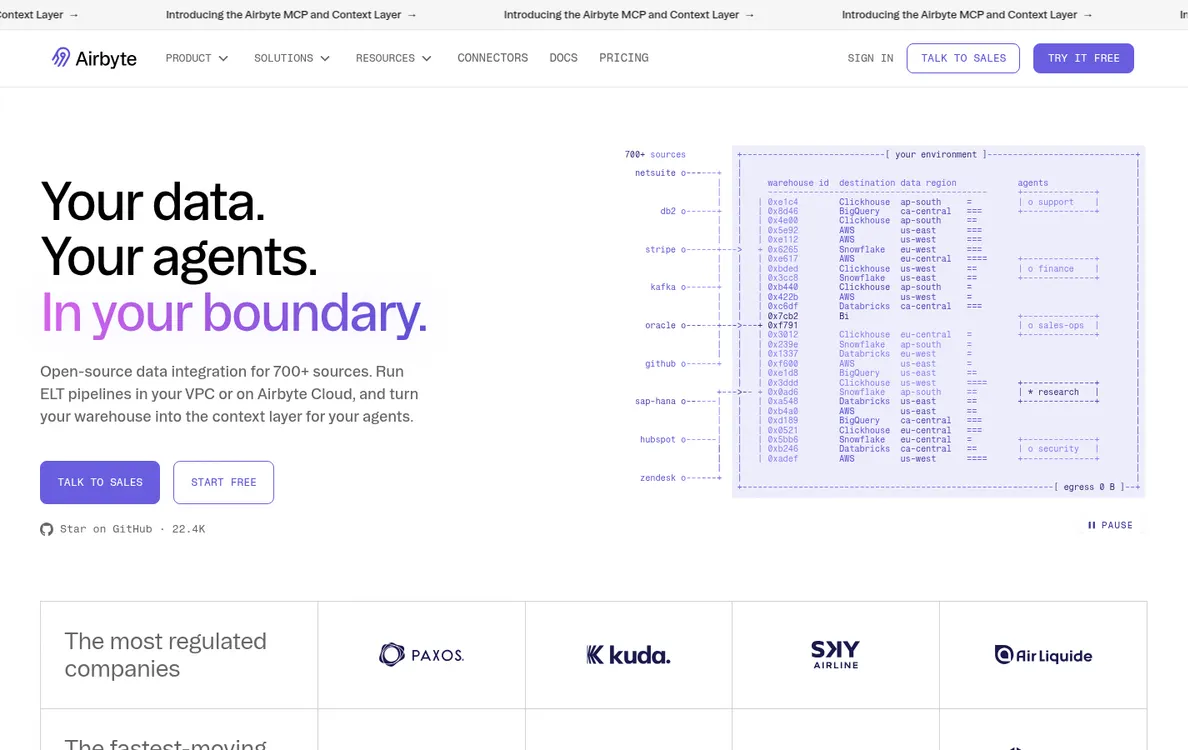
Airbyte is the entry point for teams that want pipeline code and configuration under their own control. The Core edition is open source and self-hosted, so there is no license fee, and the managed cloud starts at $20 a month on the Standard plan with 5 credits included and usage billed on top. A 14-day trial with 400 credits lets a buyer test the connector set before committing.
The connector library spans databases, SaaS applications and files, and it grows quickly because community contributors add to it. Sources and destinations are configured inside a single workspace, and syncs run on a schedule, hourly on the entry cloud tier. For most teams the practical shape is Airbyte for movement plus a separate tool such as dbt for transformation, so budget for two purchases if modeling matters.
The trade-offs are operational. Self-hosting pushes upgrades, monitoring and infrastructure onto your engineers, and the license saving turns into salary time. The entry cloud tier syncs hourly rather than continuously, which is fine for daily reporting and wrong for live dashboards. Transformation is not the product's center, so anyone expecting built-in modeling will be disappointed.
Pricing on cloud is credit-based, so the $20 headline is a floor and not a forecast. A team syncing a handful of small sources stays near it; one running frequent syncs across dozens of tables will move well past it. Estimate credits from sync volume and frequency before signing, then compare that number against the flat-fee options on this list. It suits engineering-led teams that value deployment control and connector breadth over hand-holding.
What works
- Open source Core edition removes license cost
- Large and fast-growing connector catalog
- Low managed entry price at $20 a month
What to weigh
- Self-hosting carries upgrade and monitoring overhead
- Entry cloud tier syncs hourly, not in real time
- Transformation usually needs an external tool
Pick it if
You have engineers who want deployment control and a broad connector library at a low entry price.
Skip it if
Nobody on the team wants to own infrastructure or you need continuous, real-time syncs on a budget tier.
Plate 02 of 08
Qlik Talend Cloud
Best for enterprise pipelines with Stitch replication built in
Our verdict
Buy it for governed enterprise replication and transformation in one contract, not for a fast, cheap start.
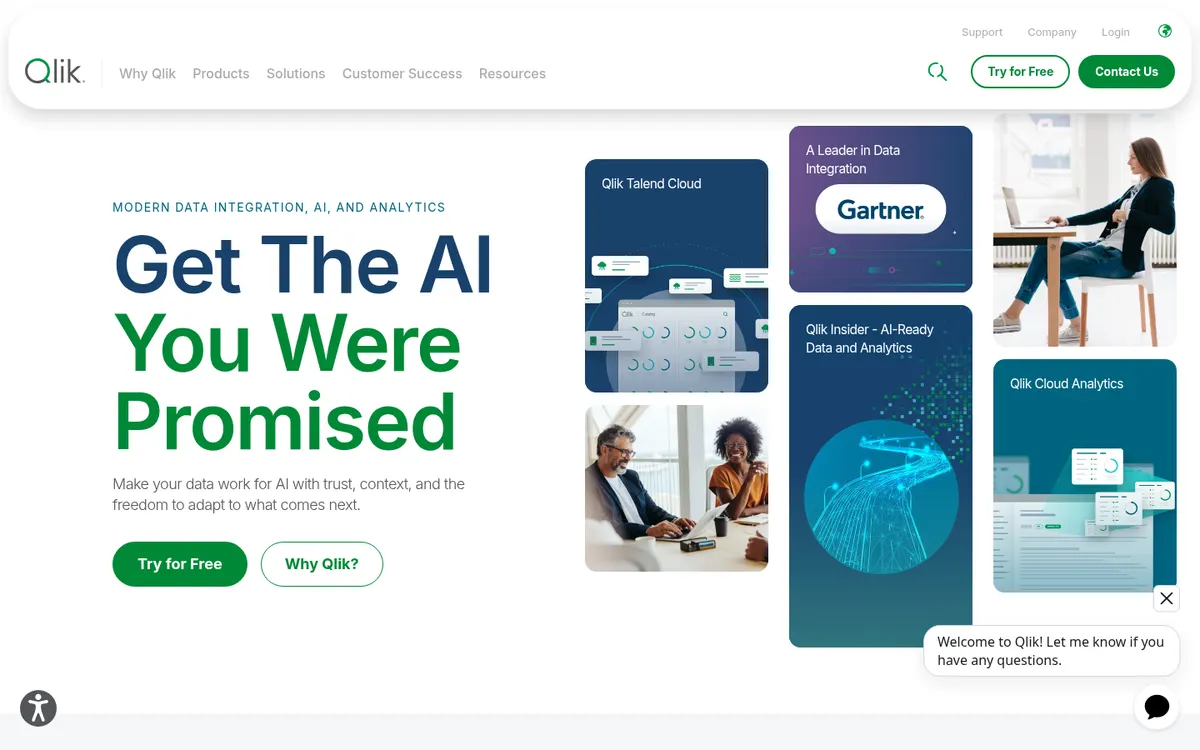
Qlik Talend Cloud is the enterprise answer here: replication in the style of Stitch sits inside the same platform as Talend transformation tooling, with governance and catalog controls around both. That combination is the reason to consider it. A team that would otherwise buy a replication tool and a separate transformation stack can run both in one governed environment.
Pricing is quoted, not published. The page fetched for this list showed Qlik Cloud Analytics edition pricing rather than Qlik Talend Cloud pricing, so pricing for this product is on the vendor site and no figure is printed here. Buying starts with sales contact, and there is no trial listed. That is a slow path for a small team wanting to test on a Tuesday afternoon, and a normal path for an enterprise procurement cycle.
Connector coverage is broad across databases and SaaS sources, and scheduling and monitoring are built for enterprise operations. Replication and transformation share one workflow, which reduces the number of places where definitions drift apart.
The costs of that breadth are weight and complexity. A team running three pipelines does not need a governed data management layer, and will pay for it anyway in license, onboarding and administration time. Configuration takes longer than a focused replication tool, and the platform assumes someone owns it. Expect a longer proof of concept than a single-purpose tool requires. It fits organizations that already run Talend or Qlik and want replication folded into the same contract, or regulated buyers who need catalog and governance controls alongside movement. Everyone else should price the simpler options first.
What works
- Replication and transformation in one governed platform
- Enterprise scheduling, catalog and monitoring controls
- Broad connector coverage across databases and SaaS
What to weigh
- Sales-led buying with no published plan price
- Heavier and likely costlier than a replication tool
- Overkill for a team running a few pipelines
Pick it if
You need replication, transformation and governance from one vendor with enterprise controls behind it.
Skip it if
You want a published price, a self-serve trial, or a tool light enough for three pipelines.
Plate 03 of 08
Hevo Data
Best for no-code pipelines with flat monthly pricing
Our verdict
A clean no-code option with forecastable event billing, provided your source list is mainstream and the fee fits.
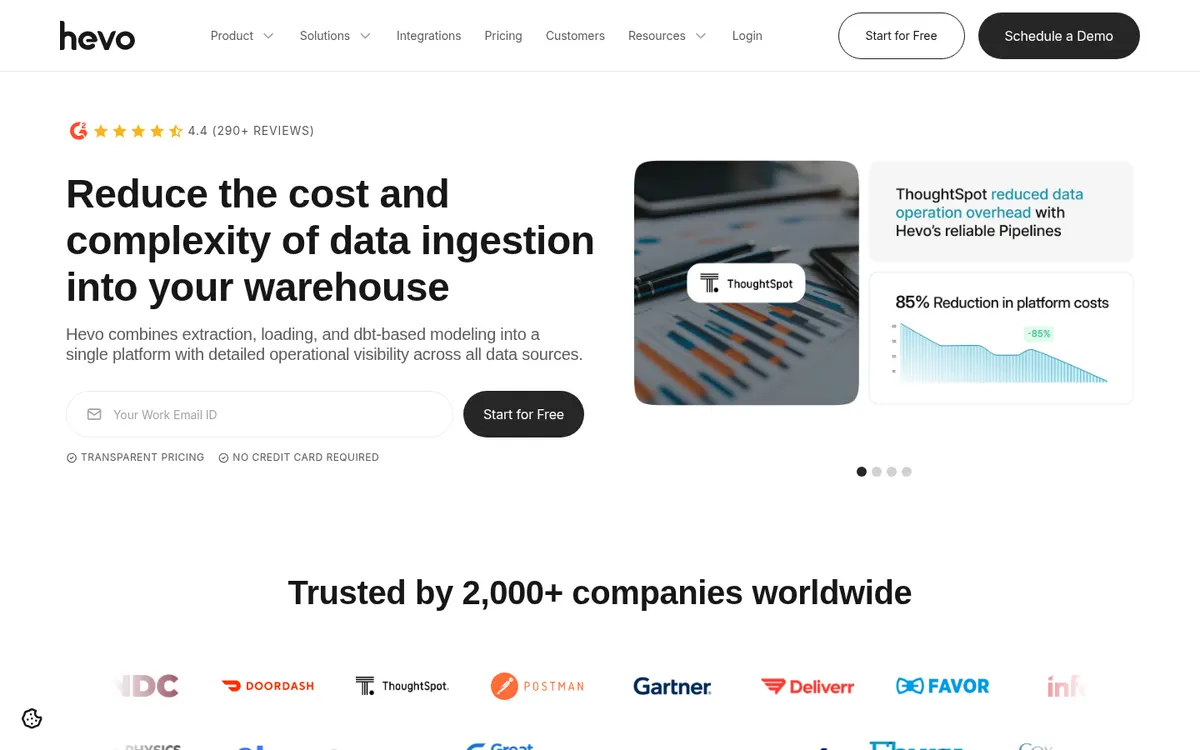
Hevo Data is the pick for teams that want pipelines built in a browser by analysts rather than engineers, and that prefer a predictable monthly number to a metered cloud bill. The Starter plan is $299 a month on monthly billing for 5 million events, or $265 a month if billed annually, and there is a 14-day free trial. A free tier covers up to 1 million events a month, which is enough for a small production job or a long evaluation.
Pipelines are created without code using prebuilt connectors for SaaS applications and databases. Schema handling and basic transformation are built in, so light cleanup can happen before data lands. Usage alerts and pipeline monitoring give an operator warning before an overage, which matters because events beyond the quota are billed on top of the flat fee.
Event metering is the interesting design choice. Counting events rather than rows is easier to forecast when you know roughly how often source records change, and it decouples the bill from how wide each table is. It also means a chatty source can consume a quota quickly. Model the event count from change frequency, not from table row counts, because a small dimension table updated every minute can outweigh a large static one.
The limits are real. $299 is steep for a two-person team moving a few tables, and connector depth sits below the largest libraries on this list, so an unusual source may not exist. Choose Hevo when non-engineers must own pipelines and the monthly fee fits the budget; look elsewhere when the source list is exotic or volume is tiny.
What works
- Setup without engineering involvement
- Event metering is easier to forecast than rows
- Free tier supports small production jobs
What to weigh
- Entry paid tier is steep for very small teams
- Events beyond the quota are billed extra
- Connector depth sits below the largest libraries
Pick it if
Analysts should own the pipelines and you can forecast event volume per month.
Skip it if
You run a handful of tables on a tiny budget or depend on an unusual source API.
Plate 04 of 08
Matillion
Best for warehouse transformation at scale
Our verdict
The strongest warehouse transformation tool here, sold on credits through sales, so budget work comes first.
Matillion is the transformation specialist on this list. Its visual designer builds pipelines that push processing down into Snowflake, BigQuery or Databricks, so the heavy work runs on warehouse compute instead of a separate engine. That design is why it handles large modeling workloads well and why a component library of common transformation patterns saves hand-written SQL.
Orchestration and scheduling of transformation jobs sit inside the product, so dependency chains across models can be managed in one place. Teams that already treat the warehouse as the center of gravity will recognize the model quickly.
Pricing is the hard part. Paid editions are consumption credits, with Teams and Scale sold through sales conversations and no published figure, so buyers get a custom quote. Warehouse compute is charged separately by your cloud provider, so the true cost of a job is the credit cost plus the query spend it triggers. Any buyer needs a usage estimate before committing, and that estimate is easier after a trial than before one. A free trial exists; there is no free plan.
It is a poor fit for teams that only need simple data movement, because replication is not the center of the product and the credit meter will bill for work a cheaper tool does flatly. It is a strong fit for analytics engineering teams that model heavily inside a modern warehouse and want visual tooling around that work. Trial the credit consumption on a realistic job before signing anything. If your warehouse bill is already the biggest line in the data budget, Matillion keeps the extra layer in the same place rather than adding another engine.
What works
- Transformation runs inside the warehouse for speed
- Scales to heavy modeling workloads
- Visual design reduces hand-coded SQL
What to weigh
- Credit pricing requires a quote
- Warehouse compute is charged separately
- Poor fit for simple data movement only
Pick it if
You model heavily inside Snowflake, BigQuery or Databricks and want a visual layer over that work.
Skip it if
You only need to copy data into a warehouse and want a published, predictable price.
Plate 05 of 08
Portable
Best for prebuilt connectors with predictable monthly pricing
Our verdict
Connector breadth and a stable monthly number, with modeling still happening in another tool.
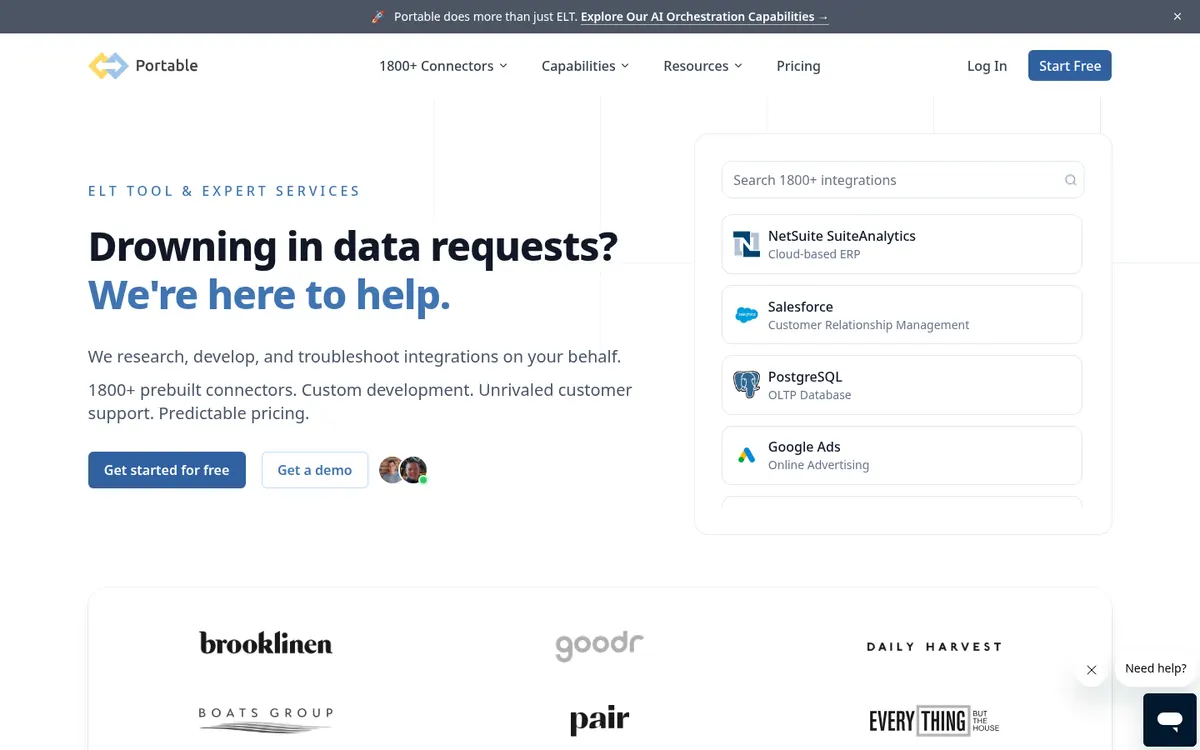
Portable leads with connector count: more than 1,500 prebuilt connectors, maintained by the vendor, feeding managed ELT pipelines on a schedule into your warehouse. For a team that has been maintaining its own connector code, that library is the whole argument, because the maintenance burden moves off your engineers and onto a vendor with a contract.
Pricing is published and predictable. The Basic Tier is $500 a month, billed monthly, for a single data flow, and the Standard tier is $1,800 a month. A 14-day free trial is available; there is no free plan. The quoted figure depends on connector count and data volume, so the published numbers are a starting frame rather than a final bill.
Setup does not require in-house connector engineering. SaaS to warehouse movement runs on a schedule, and connector upkeep is included, which is what you are paying for. Stability of the monthly number helps budget planning in a way that per-GB and per-credit models do not.
Transformation is the gap. Capability here is lighter than in dedicated transformation tools, and heavy modeling still happens elsewhere, so add the cost of that tool to the comparison. Confirm pricing against the actual source list before buying, because the tier sits on one data flow and a second pipeline changes the shape of the deal. If you only run two pipelines and model nothing, the flat fee is hard to justify against the metered tools on this list. It suits mid-sized teams with a long list of SaaS sources and a finance department that wants one repeatable monthly line.
What works
- Very broad connector catalog
- Stable, forecastable monthly cost
- Managed pipelines cut maintenance work
What to weigh
- Quote depends on connector count and volume
- Transformation is lighter than dedicated tools
- Heavy modeling still happens elsewhere
Pick it if
You have a long list of SaaS sources and want connector upkeep moved to a vendor at a steady monthly fee.
Skip it if
Transformation is the main job or you need only one or two simple pipelines.
Plate 06 of 08
Integrate.io
Best for fixed-price pipelines with in-transit transformation
Our verdict
A flat $1,999 Core fee buys unlimited volume and in-transit transformation, which only pays off at scale.
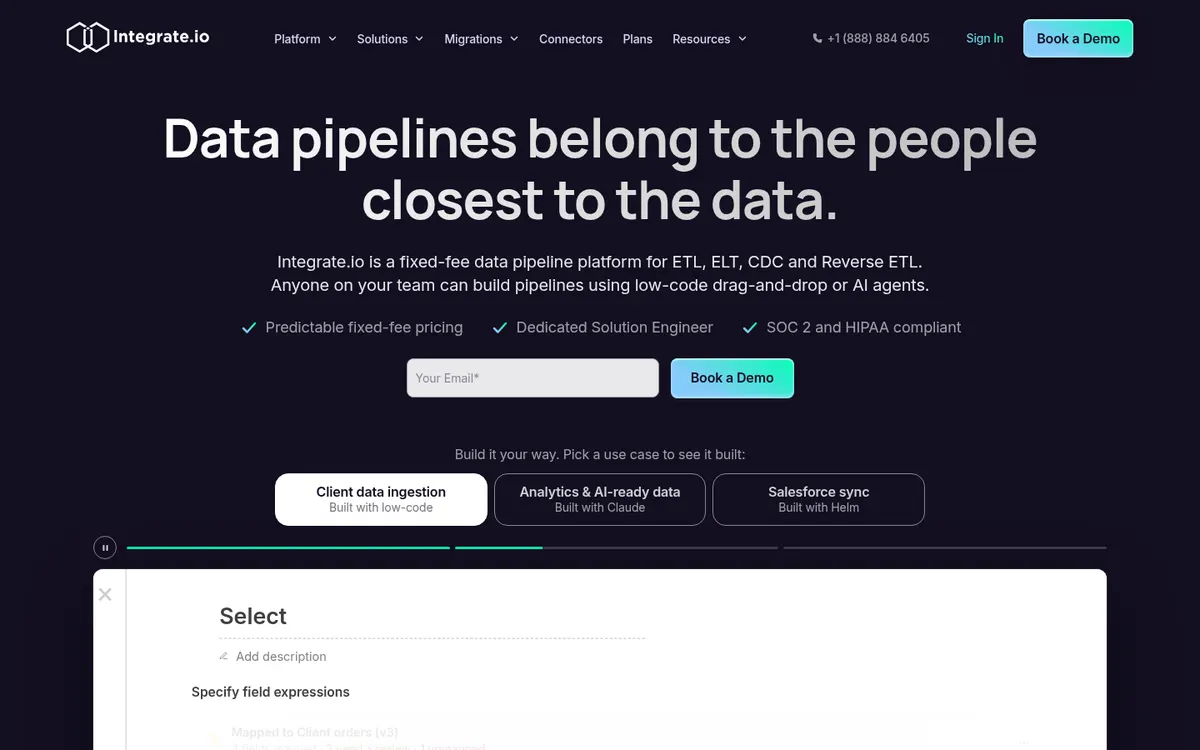
Integrate.io sells a flat fee and unlimited volume. The Core plan is $1,999 a month and includes unlimited data volume, unlimited pipelines and unlimited connectors, plus transformation during transit. A free trial exists, but there is no free plan. For a buyer who has been burned by a metered bill after a backfill, that structure is the appeal: no per-row forecasting, no overage surprise, one number to approve.
The platform includes a visual designer alongside SQL and Python components, so analysts can build pipelines in a browser and engineers can drop into code when the visual path runs out. Transformation happens in transit, which means a separate transformation tool is optional rather than mandatory, and scheduling and monitoring are built in.
Where it wins is volume. The Core plan pays off once monthly volume climbs past a few million rows, because at that point the flat fee is cheaper than a meter and the unlimited connectors stop being a nice-to-have. Sending twenty sources through one contract is simple.
Where it loses is small scope. $1,999 is a high entry price for a team moving three tables, and the platform carries more surface area than a handful of simple pipelines needs. A fixed fee at low volume is money spent on capacity you never touch. Check that the connector you need is supported before the trial ends, because the flat fee does not make a missing source appear. It suits established data teams with steady high volume and a preference for price certainty over paying for exactly what they use.
What works
- Predictable bill regardless of data volume
- Built-in transformation removes a separate tool
- No row-count forecasting work
What to weigh
- High entry price for small teams
- More platform than a few pipelines need
- Fixed fee may not pay off at low volume
Pick it if
Your monthly volume is high and steady and you want one flat number that includes transformation.
Skip it if
You move a few million rows a month or want to pay only for what you actually use.
Plate 07 of 08
Estuary
Best for real-time streaming and change data capture
Our verdict
The real-time choice, with a free tier that makes evaluation cheap and a per-GB meter that needs modeling.
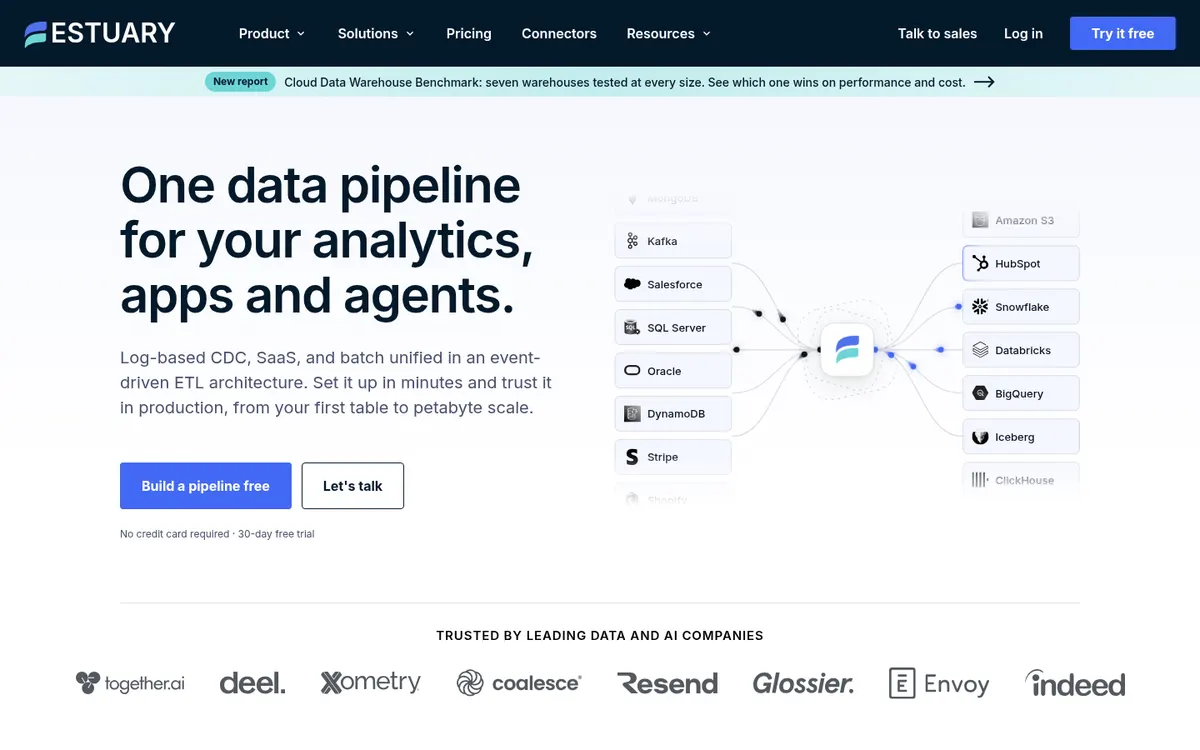
Estuary is the real-time option. Streaming and batch run through a single pipeline, and change data capture pulls changes out of source systems rather than polling whole tables. For teams whose dashboards need sub-hour freshness, that architecture is the reason to shortlist it, and low-latency syncs are the product's center rather than an add-on.
The data model is unusual and worth understanding before buying. Data is written into the customer's own cloud storage, and adding a destination reads existing stored data without re-extracting from the source. That means the first destination is cheap and each additional one is not, because every materialization is metered again. Per-GB rates at capture plus per-connector-instance fees are published, which is more transparency than most of this list offers.
On price, the Developer tier is free at up to 10 GB a month and 2 connectors, with no credit card required, and a 30-day Cloud trial follows the free tier. Cloud then bills at $0.50 per GB plus connector fees, per the vendor's published pricing. For a small team with two sources, that is the cheapest credible production start here after Airbyte.
The caution is cost modeling. Each added destination raises metered volume again, so a three-warehouse or warehouse-plus-lake setup needs arithmetic before it needs enthusiasm. Connector count trails the largest platforms, so an unusual source may not exist. Model both capture and materialization volume for every target before you commit to a second destination. Because storage sits in your own cloud bucket, the bucket and its access rules are yours to manage. It suits teams with genuine freshness requirements and a clear destination plan.
What works
- Free tier covers evaluation and small workloads
- Strong fit for sub-hour freshness requirements
- Transparent published usage pricing
What to weigh
- GB meter applies at capture and each destination write
- Connector count trails the largest platforms
- Cost modeling gets complex with multiple destinations
Pick it if
Your dashboards need continuous change data capture and you can plan destinations up front.
Skip it if
You need dozens of connectors or your reporting runs comfortably on a daily batch.
Plate 08 of 08
Skyvia
Best for simple cloud replication for small teams
Our verdict
Cheap, simple batch replication for small teams, with no streaming and only shallow transformation on offer.
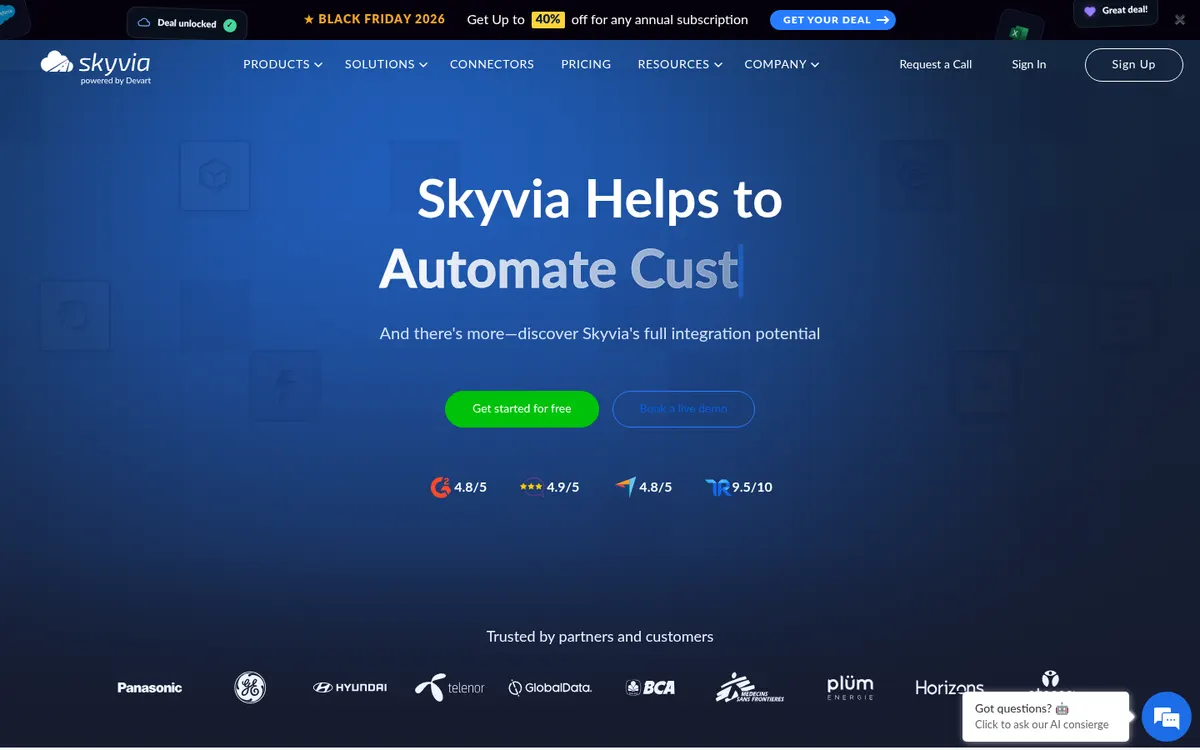
Skyvia is the small-team option. It does no-code cloud-to-cloud replication between common SaaS sources and warehouses on a schedule, with no installation and nothing to run, and a Free plan covers 10,000 records a month. The Basic plan is $79 a month billed annually for 5 million records. There is no free trial, so the free plan is the way to evaluate it. Skyvia sits at the simple end of this list, and the pricing matches that.
Setup is the strength. The interface is simple enough for non-technical users, which matters when the person who owns the pipeline is not the person who writes SQL. Pipelines run as scheduled batches, and the managed service removes the whole category of infrastructure work that self-hosted tools create. Connectors cover the common SaaS sources and warehouses rather than everything, which keeps the setup screen short.
The limits follow from the positioning. It is not built for very large data volumes, there is no real-time streaming, and transformation depth sits below transformation-first tools, so anything beyond light shaping belongs elsewhere. A team that grows past batch replication into modeling will outgrow the tool rather than scale with it.
The free plan makes the buying decision cheap: test the actual sources at 10,000 records a month, then move to Basic when the volume is real. Annual billing is the only published route to the $79 figure, so treat it as a yearly commitment. Buyers comparing it to a credit-metered tool should price a year of Basic against a year of estimated credits before deciding. It suits a small team running a limited number of batch pipelines between SaaS apps and a warehouse, where simplicity beats depth.
What works
- No installation or infrastructure management
- Easy setup for non-technical users
- Free plan covers small jobs
What to weigh
- Not built for very large data volumes
- No real-time streaming
- Transformation depth is shallow
Pick it if
You are a small team moving a few SaaS sources into a warehouse on a schedule and want nothing to manage.
Skip it if
You need streaming, heavy modeling, or volumes that grow past a few million records a month.
What is ELT software, and where do pipeline tools fit?
ELT software moves data from where it is produced to where it is analyzed, then shapes it. The letters stand for extract, load, transform: pull records out of a source system, write them into a warehouse or lake, and reshape them into tables that analysts and dashboards can query. Older ETL tools transformed data on a separate server before loading it. Modern ELT leans on warehouse compute, so it loads raw data first and transforms it afterward with SQL.
The pipeline tool owns the boring, fragile part: connectors, credentials, schedules, retries, schema changes and monitoring. A connector is code that knows how to talk to one source, Salesforce or Postgres or Stripe, and how to map its API into something a warehouse accepts. Maintaining that code is why teams buy rather than build.
Products in this category differ mainly on four axes:
- Where they run: self-hosted open source, a vendor's cloud, or both.
- How they bill: credits, events, gigabytes, records, or a flat monthly fee.
- What they cover: replication only, or replication plus transformation and governance.
- How fresh the data is: scheduled batches, hourly syncs, or continuous change data capture.
Freshness and cost usually trade against each other. A daily batch is cheap and fine for yesterday's report. Streaming or change data capture costs more and suits live dashboards.
Transformation is the second dividing line. Some tools stop at loading raw tables and expect dbt or a warehouse-native tool to do the modeling. Others transform in transit or inside the warehouse. Buying both capabilities from one vendor usually costs more per month but removes an integration and a contract.
Finally, check the connector you actually need. Connector counts are marketing numbers; the real question is whether the specific API you depend on is supported, documented and maintained. Trial the source that matters before you compare anything else.
This guide sits in the Software collection. Buyers weighing nearby tools often read the guides to commission software and research platforms next.
How do ELT tools charge, and which billing model fits your volume?
ELT tools bill on six broad models, and the model matters more than the headline number. A low entry price on a metered plan can cost more than a high flat fee once volume grows, and a flat fee can waste money at low volume. Match the meter to how your source data actually behaves before comparing totals.
| Model | How it bills | Typical fit | Example from this list |
|---|---|---|---|
| Credit metering | Monthly plan fee plus usage credits | Variable or spiky sync volume | Airbyte Standard at $20 per month with 5 credits included |
| Event metering | Flat tier covering an event quota, overages extra | Teams that can estimate change frequency | Hevo Data Starter at $299 per month for 5M events |
| Flat monthly fee | One price for unlimited volume, pipelines and connectors | High-volume teams wanting price certainty | Integrate.io Core at $1,999 per month |
| Per-gigabyte plus connectors | Published per-GB rate plus connector instance fees | Real-time pipelines with a planned destination set | Estuary Cloud at $0.50 per GB plus connector fees |
| Record metering | Tiered monthly record allowance | Small batch replication | Skyvia Basic at $79 per month billed annually for 5M records |
| Quoted contract | Sales-led custom quote | Enterprise buying cycles | Matillion credits and Qlik Talend Cloud, both quote-only |
| Per data flow | Flat tiers by number of data flows | Long connector lists, light transformation | Portable Basic at $500 per month for 1 data flow |
Three costs sit outside the meter. Self-hosting adds engineering time for upgrades and monitoring, which is the real price of a free open source edition. Warehouse compute is billed by your cloud provider, and it grows when a tool pushes processing down into the warehouse. A second tool for transformation adds a separate contract when replication is all you bought.
Free tiers change the math on evaluation, not on production. Estuary, Hevo Data and Skyvia all publish free allowances, which is enough to test connectors at low volume. Production volume is the number that decides the plan, so model it before the trial ends.
Every price in this guide was read on the vendor's own pricing page on November 25, 2026. Where a vendor does not publish a figure we could confirm, the card says "See website" rather than a guess. For the arithmetic around this purchase, try the free Email campaign metrics calculator.
Which Fivetran alternative should you actually shortlist?
Write down your sources first. List every system you actually sync, note whether each is a database, a SaaS API or a file drop, then confirm each candidate supports every one. A single missing source disqualifies a tool faster than any score can save it.
Set a freshness requirement per pipeline. Decide whether each one needs daily, hourly or continuous syncs. Airbyte's entry cloud tier syncs hourly and Skyvia runs scheduled batches, so a live dashboard requirement pushes you toward change data capture and a different budget.
Model the bill at your real volume. Convert your monthly rows or change events into the vendor's meter: credits, events, gigabytes or records. Add overages, then add warehouse compute if transformation pushes down. Compare that total to a flat fee at the same volume.
Decide whether transformation is a separate purchase. If you already run dbt, a replication-only tool is enough and cheaper. If you do not, price transformation built in or in transit, and count the extra contract and integration it avoids.
Test with your worst source. Run the trial against the API that historically causes trouble, not the simplest one. Check schema drift handling, retry behavior and how failures surface. Two weeks is enough to learn whether a connector is genuinely maintained.
Price the exit before you sign. Ask how you would re-point downstream models if you left, and whether raw data stays in your own storage. Annual billing on Skyvia Basic and a $1,999 monthly Core fee both make a wrong choice expensive to reverse.
Mistakes that make an ELT switch cost more than it saves
Buying on connector count alone. A library of 1,500 connectors is useless if the one API you depend on is thin, undocumented or unmaintained. Test the specific source you need during the trial, not the easiest one on the list.
Comparing headline prices across meters. A $20 credit plan and a $1,999 flat fee cannot be compared without your own volume. Convert your monthly rows or change events into each vendor's meter before you decide which number is smaller.
Forgetting the warehouse bill. Push-down tools run queries on compute you already pay for separately. Matillion and similar products look cheaper per credit until the warehouse spend from extra modeling work lands on the same invoice.
Assuming a free tier is a production plan. Free allowances on Estuary, Hevo Data and Skyvia are sized for evaluation and small jobs. Exceeding them mid-month triggers overage charges or a hard stop, so check what happens at the limit.
Migrating everything at once. Parallel running costs more for a few weeks but protects the reports people depend on. Cut over source by source, reconcile row counts and key metrics, and keep the old pipelines live until the new ones match.
8 Fivetran Alternatives for 2026: questions
Which free plan is best if we can host the pipeline ourselves?
Airbyte Core is the strongest free option when you can self-host, because it is open source, self-hosted and removes license cost entirely; you pay in engineering time for upgrades and monitoring. Estuary's free Developer tier is the better choice if you want a managed service instead, covering 10 GB a month across 2 connectors with no credit card. Skyvia's Free plan covers 10,000 records a month for small batch jobs.
Can a usage-based tool undercut a row-based or record-based plan?
Sometimes, but usually only at low volume. Estuary bills $0.50 per GB plus connector fees and Skyvia charges $79 a month billed annually for 5M records, so a small team moving a few gigabytes lands near the bottom of both meters. At higher volume the meters cross over, and a flat fee such as Integrate.io's $1,999 Core plan for unlimited volume wins. Model real numbers first.
How do we migrate off an existing pipeline tool without downtime?
Run both tools in parallel and keep the old pipelines live until the new ones have backfilled and reconciled. Point new pipelines at the same sources, write to new destination tables, then swap downstream models over once row counts and key metrics match. Estuary's design, which stores data in your own cloud bucket so new destinations read without re-extraction, shortens that window. Cut over source by source.
Which tools here support real-time or streaming syncs?
Estuary is the real-time option on this list: streaming and batch share one pipeline and change data capture runs continuously, which suits dashboards that need sub-hour freshness. Airbyte's entry cloud tier syncs hourly rather than in real time, so treat it as near-real-time at best. Skyvia runs scheduled batches, and the rest should be assumed scheduled unless the vendor confirms otherwise in writing.
What fits a small team on a tight budget?
Estuary's free Developer tier is the cheapest credible start for a managed pipeline, at 10 GB a month across 2 connectors with no credit card. Airbyte's self-hosted Core edition costs nothing in license if you have someone to run it, and its cloud Standard plan starts at $20 a month with 5 credits included. Skyvia's Free plan handles 10,000 records a month.
When should we stay on the tool we already run?
Stay when the current pipelines work and the bill is not the problem, because migration consumes engineering time without adding capability. Switching pays when you pay for capacity you do not use, when a required source is unsupported, when freshness needs have moved past scheduled batches, or when you buy two tools where one would cover movement and transformation. Price the exit first.