
Contents of this guide
The shortlist
Our top 3 for software buyers

Hoxhunt
Adaptive multi-channel simulation
- Best for
- Teams wanting measurable behavior change, not just completion
- Features
- 5 noted: Adaptive phishing, Teams and SMS, Deepfake scenarios, Instant coaching, Maturity bands

Proofpoint ZenGuide
Live threat telemetry
- Best for
- Large enterprises already running Proofpoint email security
- Features
- 4 noted: Telemetry-driven simulations, Adaptive Groups, Learning pathways, Human Risk Explorer

Mimecast Engage
Lightweight monthly cadence
- Best for
- Mimecast email security customers wanting a bundled add-on
- Features
- 4 noted: Monthly modules, QR simulations, Risk scoring, Core and Pro tiers
Disclosure for this guide. All 8 tools here are unpaid editorial picks. The position of a paid listing can be part of what the vendor pays for. Paid and unpaid tools are scored on the same rubric and keep their cons. Details are in the advertising disclosure.
The ledger
Index of every tool
| Tool | Free plan | Trial | Rubric | Compare | ||
|---|---|---|---|---|---|---|
| 01 | HoxhuntTeams wanting measurable behavior change, not just completion | See websitePer employee, scoped after a sales call to headcount and capabilitiesNot published | No | No | ||
| 02 | Proofpoint ZenGuideLarge enterprises already running Proofpoint email security | See websiteNot published, sold inside the Collaboration Security Prime bundleNot published | No | No | ||
| 03 | Mimecast EngageMimecast email security customers wanting a bundled add-on | See websiteEngage Core or Engage Pro tiers, rates not publishedNot published | No | No | ||
| 04 | Infosec IQMid-market teams wanting cost-effective training | See websitePer user per year at 100 to 499 learners, reported figure, not vendor-publishedNot published | No | No | ||
| 05 |  SoSafeEuropean mid-market teams that want published list prices | €625Per month, billed annually, 50 seats includedChecked Nov 25, 2026 | No | No | ||
| 06 | Huntress Managed Security Awareness TrainingSMBs and MSP-managed clients without dedicated training staff | $2.08Managed SAT, per learner per month, MSRP, 50 seat minimum when bought directChecked Nov 25, 2026 | No | Yes, free trial with full features | ||
| 07 |  Cofense PhishMeMature SOC teams tying reported phish to response | See websiteNot published, quoted by scopeNot published | No | No | ||
| 08 |  Microsoft Attack Simulation TrainingMicrosoft 365 E5 tenants that want no new vendor | See websiteIncluded with Microsoft 365 E5 or the Defender for Office 365 Plan 2 add-on, E3 tenants get a trial subsetNot published | No | Yes, a limited subset for E3 tenants |
Prices are the lowest paid plan the vendor shows, read on November 25, 2026. Sort by price ranks published monthly figures; tools without one go last. Pin up to three tools to compare them side by side.
How this guide was put together
Every tool here was scored on the same five criteria. The order reflects editorial fit for the buyer each entry describes rather than a weighted total, so a tool that scores well but suits a narrow audience can sit below a broader one. Buyer fit carries the most weight at 30 percent, because a platform that matches your stack and team size beats a better featured one you never fully deploy. Simulation depth takes 25 percent and covers channel coverage and whether difficulty adapts to the learner. Price clarity at 20 percent rewards vendors who publish numbers and penalizes quote-only models where a buyer cannot budget without a call. Admin effort at 15 percent reflects setup time, managed options and ongoing scheduling work. Risk reporting at 10 percent covers whether the platform can show behavior change rather than completion percentages.
Prices were taken from vendor pricing pages checked on November 25, 2026. Where a vendor publishes nothing, the entry says so and no number is guessed. Outside figures that circulate in comparisons are not treated as quotes. Most entries carry no published price at all, which is the single biggest obstacle to comparing them quickly.
If a listing is marked Featured on this page, it is a paid placement. Featured vendors are scored with the same rubric, described with the same level of detail, and carry the same honest cons as every other entry. Placement affects position on the page, not the score sheet.
We did not test these products hands-on for this page. Claims about content quality, ease of use and admin burden come from vendor documentation and from what buyers consistently report, and we flag where a claim is a vendor framework rather than a measured outcome.
The full process, including how we handle corrections, is on the methodology page. Paid listings follow the advertising disclosure.
Rubric and weights
Every tool below is scored from 1 to 10 on these five criteria. The scores describe each tool; the order is an editorial call on fit for the buyer each card describes, plus the disclosed Featured position.
- 30%Buyer fitHow closely the platform matches a defined team size, security stack and staffing model.
- 25%Simulation depthChannel coverage, payload realism and whether difficulty adapts to the learner.
- 20%Price clarityWhether a buyer can find a published number and budget without a discovery call.
- 15%Admin effortSetup time, managed options and the ongoing work of scheduling and chasing learners.
- 10%Risk reportingWhether the platform can show behavior change rather than completion percentages.
Plate 01 of 08
Hoxhunt
Best for teams wanting measurable behavior change, not just completion
Our verdict
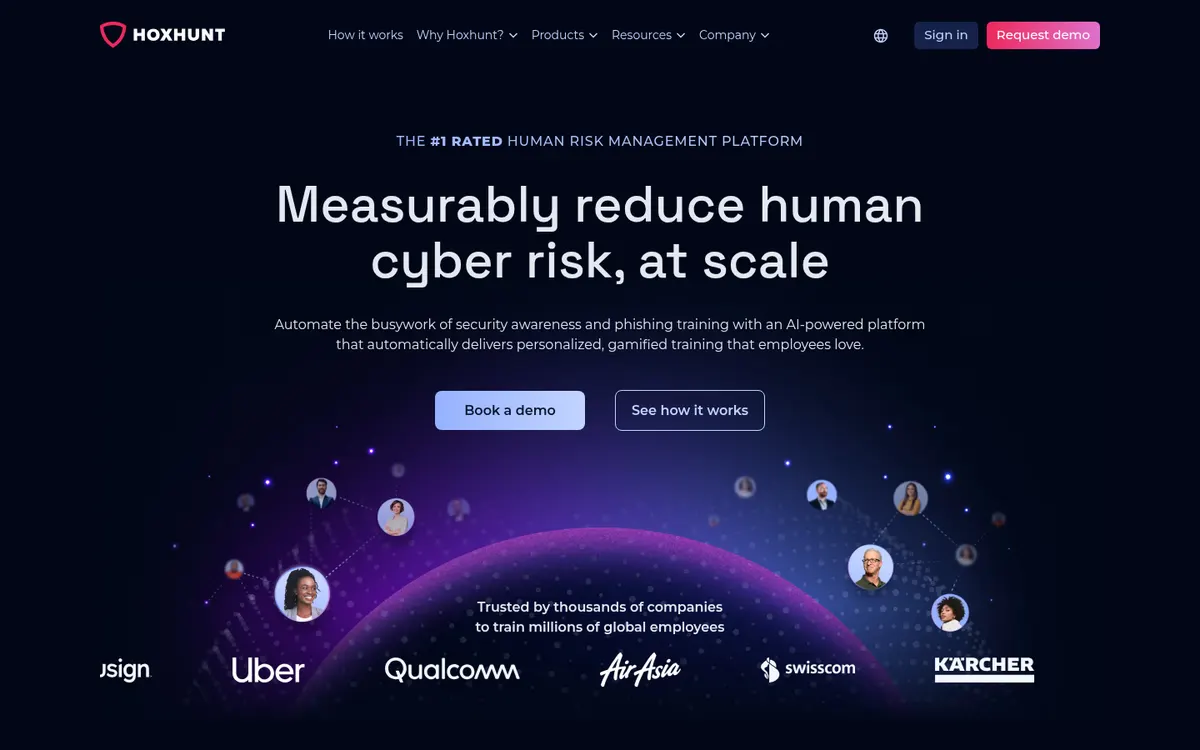
The strongest behavior-change engine here, with adaptive multi-channel simulations, but you cannot see a price without a scoping call.
Hoxhunt builds its program around behavior change rather than completion. Simulations adapt as a user improves, and the channel list runs well beyond email: Teams, SMS, voice and deepfake scenarios all sit in the same campaign engine. Coaching arrives at the moment of the click or the report, so a mistake turns into a short teaching moment instead of a mark on a leaderboard. Gamified micro-learning modules fill the gaps between simulations, and per-user difficulty and cadence settings let admins tune pressure for a finance team and a warehouse crew differently.
The reporting is the part buyers talk about. Hoxhunt groups organizations into maturity bands and publishes the failure rates it associates with each: 25 to 35 percent where there is no program, 5 to 10 percent for mature programs, and 2 to 5 percent for behavior-based programs. That framing is useful for a board update, though it is Hoxhunt's own framework rather than an industry standard, so treat the bands as a benchmark to argue with rather than a universal scoreboard. AI-driven personalization and behavioral science underpin the content selection.
Pricing is quote-only. There is no published rate, no free plan and no trial, and the quote depends on headcount and the capabilities you select. Pricing is scoped after a sales call to headcount and capabilities, so a specific quote is the only number that matters for your seat count.
The orientation is enterprise and security-mature. A small company will find the sales process heavy relative to the value, and anyone who wants a published price or a free trial should look at SoSafe or Huntress instead. Teams that run a real phishing program and need to prove improvement year over year are the natural fit.
What works
- Adaptive difficulty per user, not one campaign for everyone
- Email, Teams, SMS, voice and deepfake channels in one engine
- Coaching appears at the moment of a click or report
What to weigh
- No published pricing, free plan or trial
- Per-user rates only exist inside a scoping call
- Heavy sales process for small teams
Pick it if
You run a security program that must prove click rates falling year over year and you can support email, chat and voice simulation.
Skip it if
You need a published price or a self-serve start this week.
Plate 02 of 08
Proofpoint ZenGuide
Best for large enterprises already running Proofpoint email security

Our verdict
A sharp fit for Proofpoint email customers, where live telemetry shapes the simulations, and a weak fit for everyone else.
ZenGuide makes most sense as an extension of Proofpoint email security rather than as a standalone purchase. Simulated attacks are mapped to patterns Proofpoint observes in real mail traffic, so the phishing employees see in training tracks what is actually arriving in their inboxes. Adaptive Groups handle audience segmentation, Pathways sequence learning over time, and ThreatFlip swaps content in response to live attacks. A Report Suspicious button sits in the mail client and feeds user reports back into the platform.
The risk side is Human Risk Explorer, which turns user behavior into signals that sit alongside the rest of the Proofpoint view. For a security team already watching that console, adding training signals is a smaller operational step than running a second vendor with a second login and a second set of user groups. Segmented audiences also let the finance team and the engineering team receive different programs.
Pricing is the sticking point. Nothing is published, and the product is sold inside the Collaboration Security Prime bundle, so it may be acquired as part of a wider agreement rather than as a line item. Standalone training pricing is not published, so do not use outside figures as a budget anchor. If you want an itemized figure, ask for the bundle breakdown rather than a training-only quote.
Outside the Proofpoint stack the case weakens quickly. There is no free plan and no trial, and the deepest value sits behind the bundle. Smaller organizations will find the sales process and the dependency hard to justify. Buyers already standardized on Proofpoint email security get real leverage; everyone else should look at a dedicated awareness vendor first.
What works
- Simulations mapped to threats seen in real mail traffic
- Segmenting and sequenced pathways built in
- Risk signals sit beside the rest of the Proofpoint view
What to weigh
- No published pricing and no standalone rate
- Most value locked inside the wider bundle
- Little appeal outside the Proofpoint stack
Pick it if
Proofpoint email security is already your standard and you want training signals in the same console.
Skip it if
You do not run Proofpoint or you need a training-only purchase with a visible price.
Plate 03 of 08
Mimecast Engage
Best for mimecast email security customers wanting a bundled add-on
Our verdict
A lightweight monthly training add-on with useful risk scoring, worth it mainly if Mimecast already runs your email security.
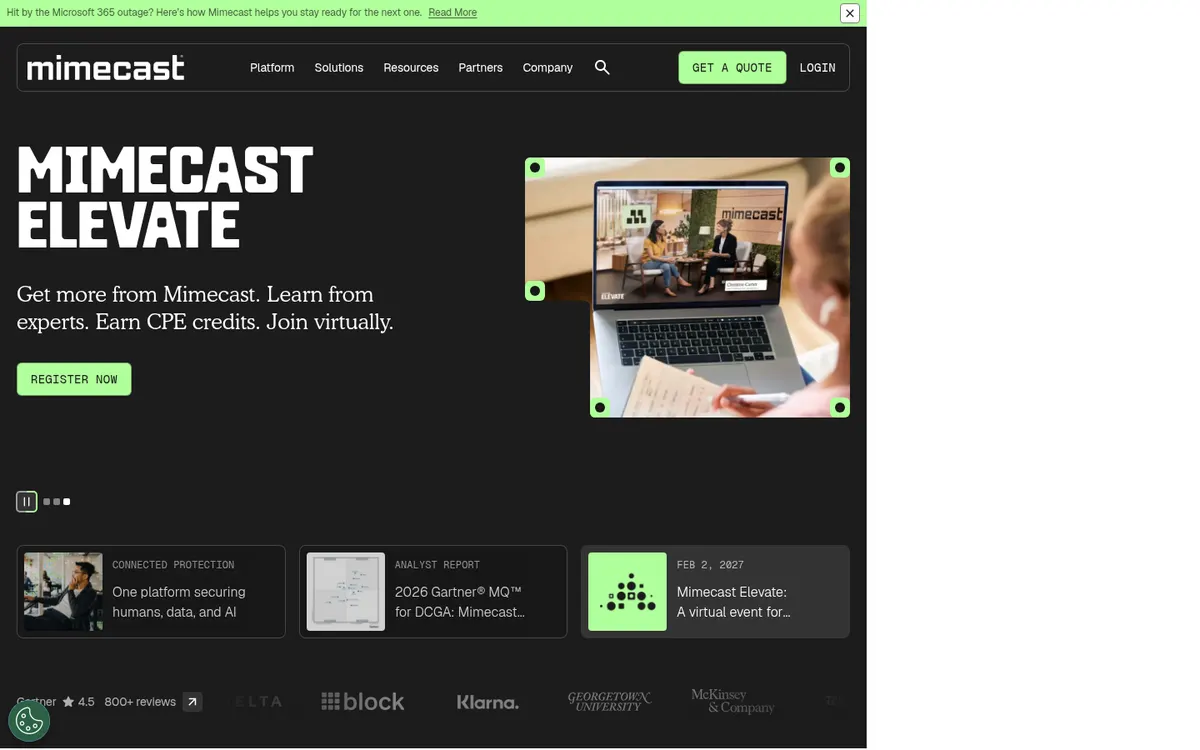
Mimecast Engage is pitched as an add-on, and that is the right way to read it. The program runs on a short monthly cadence: brief modules, short-form video, and email phishing simulations that keep a baseline level of attention without pulling staff into long sessions. QR code simulation templates are included, which matters now that so many real attacks route a user to a personal device. Engage Core and Engage Pro tiers give a choice of depth.
The Human Risk Command Center dashboard collects risk-based scoring in one view, so an admin who already logs into Mimecast for email security does not need another console. The monthly rhythm also suits organizations that tried a heavy annual training push and watched completion fall off.
Buyers need to be careful about which product they are buying. The older Mimecast Awareness Training line is end-of-sale, and new purchases run on Engage Core or Engage Pro. Confirm the SKU in writing during evaluation, because a renewal quote that references the retired line is a problem you do not want to discover after signature. Rates for either tier are not published anywhere, so pricing means a conversation with the account team.
Some users report limits on module access, which is worth probing in a demo rather than accepting at face value: ask exactly which modules are unlocked at each tier. There is no free plan and no trial. For Mimecast email security customers who want a lightweight, low-admin program inside an existing contract, Engage is a sensible fit. Organizations without Mimecast, or teams that want deep behavioral simulation across voice and SMS, should not start here.
What works
- Short monthly cadence that busy staff actually finish
- Risk scoring and a command center in one place
- Natural add-on inside an existing Mimecast contract
What to weigh
- Pricing not published for either tier
- Core and Pro access limits need checking in a demo
- Old awareness line is end-of-sale, so verify the SKU
Pick it if
Mimecast already handles your email security and you want a low-admin monthly program inside the same contract.
Skip it if
You are not a Mimecast customer or you need voice and deepfake simulation.
Plate 04 of 08
Infosec IQ
Best for mid-market teams wanting cost-effective training
Our verdict
Cost-effective core training that covers the basics well, though the content library and reporting trail the larger platforms.
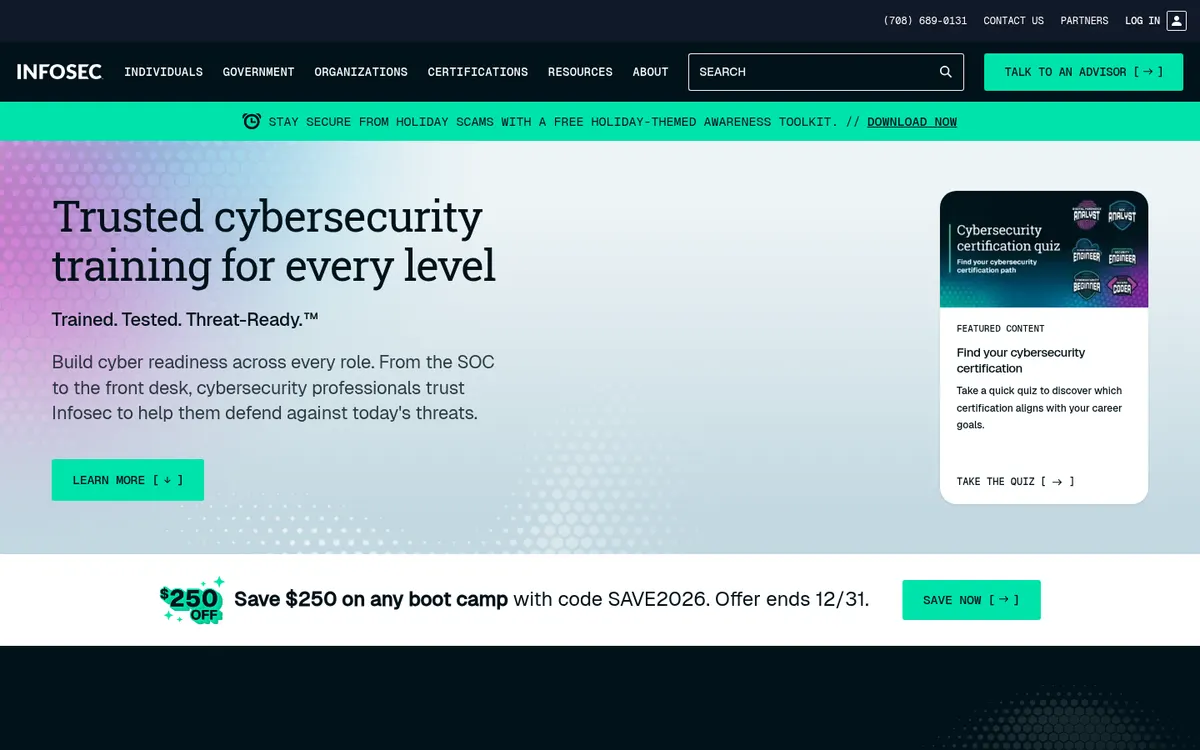
Infosec IQ is the value option in this group. It covers the core job, phishing simulation campaigns plus a security awareness training library, with prebuilt campaign and content templates that shorten setup. Two plan tiers, Standard and Enterprise, let a smaller program start lean and move up when the audience or the compliance requirements grow. Learner reporting and program analytics are included at the platform level.
The price story is the reason buyers consider it. The vendor does not publish list prices, so ask for a quote at your learner count. Do not treat any outside figure as a quote. The vendor does not publish list prices at all, and Enterprise pricing is quoted on request. Use any outside figure to sanity-check a quote, not to build a budget.
Content depth is the trade-off. Buyers consistently describe the library as thinner than what larger platforms carry, which matters if you need localized content, role-specific tracks or frequent refreshes. Reviewers do cite ease of use, and implementation effort varies by customer, so ask what onboarding involves for a company your size rather than assuming a fast start.
There is no free plan and no trial. Infosec IQ fits a mid-market team that needs simulation and training running this quarter at a modest per-head cost, with an admin who is not a full-time security educator. It fits less well where the board wants behavior-change evidence, multi-channel simulation or a deep reporting model. In those cases Hoxhunt, Cofense PhishMe or SoSafe carry more of the load.
What works
- Low entry cost relative to most rivals
- Prebuilt templates shorten campaign setup
- Standard and Enterprise tiers scale with the audience
What to weigh
- No published list prices, Enterprise is quoted
- Reported content depth trails larger libraries
- Implementation effort varies by customer
Pick it if
You need core simulation and training running quickly at a low per-head cost for a mid-market audience.
Skip it if
Content depth, localization or board-level behavior reporting is a hard requirement.
Plate 05 of 08
SoSafe
Best for european mid-market teams that want published list prices
Our verdict
The rare vendor with a public price list, a solid European content fit and a 50 seat floor that small teams still pay.
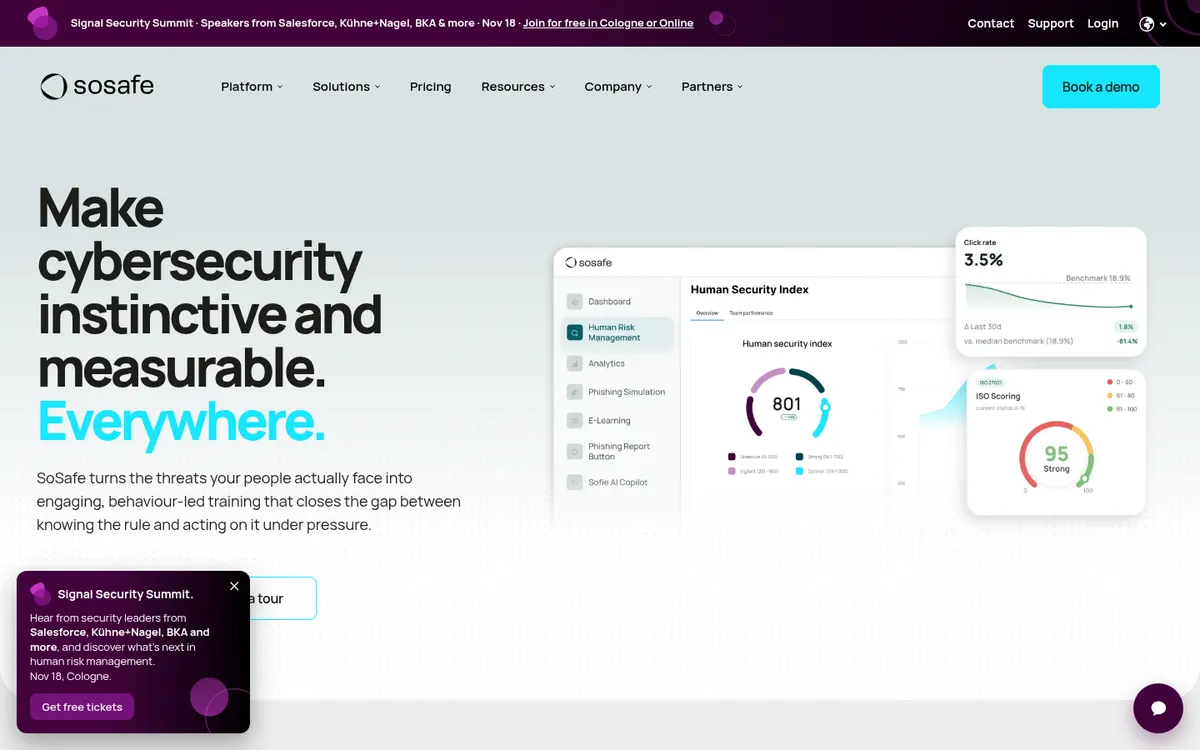
SoSafe is unusual in this category for publishing its prices. The entry point is €625 per month on an annual term with 50 seats included, with an Advanced tier above it for deeper capability. For a European mid-market buyer, that removes an early procurement step: you can build a budget line before you take a call.
The product covers phishing simulations with gamified elements and security awareness e-learning modules, with campaign reporting and risk dashboards for the admin. Content is written with European compliance needs in mind, including GDPR-oriented material, which is a real differentiator if your staff sit under European regulators rather than US ones. Users report the gamification elements land well, which matters for an audience that has sat through dry annual training before.
The seat floor cuts both ways. Bundling 50 seats into the base is generous for teams above that floor and expensive for a very small team, because it pays the same €625 monthly floor. US buyers also absorb a euro price and whatever conversion their finance team applies, and the vendor's US footprint is smaller than some rivals, which can matter for support hours and local references.
Scores on price clarity are high here for good reason, and the rest of the platform is competent rather than exceptional. Advanced capabilities sit in the Advanced tier, so check which modules your quote includes. There is no free plan and no trial. SoSafe fits a European team of 50 or more that wants a published number and content aligned to EU obligations.
What works
- Publishes a real price where rivals only quote
- Annual term with 50 seats bundled into the base
- Content oriented to European and GDPR needs
What to weigh
- Euro pricing needs conversion for US buyers
- Very small teams pay the same 50 seat floor
- Advanced capability sits in the higher tier
Pick it if
You are a European team of 50 or more that wants a published price and GDPR-aligned content.
Skip it if
You are a very small team, since the 50 seat floor sets the price regardless.
Plate 06 of 08
Huntress Managed Security Awareness Training
Best for SMBs and MSP-managed clients without dedicated training staff
Our verdict
Managed training with transparent per-learner pricing and setup measured in minutes, ideal for teams with no training staff.
Huntress sells awareness training as a managed service, and that framing is the whole pitch. The vendor runs the program on your behalf: setup is quoted at under 10 minutes, campaigns are scheduled for you, and there is no content calendar to maintain. For an SMB or an MSP managing a long list of small clients, removing that administrative load is worth more than any single feature.
The content is story-based, delivered as Curricula episodes rather than slide decks, and Phishing Defense Coaching handles the moment a learner clicks something they should not have. A Custom Content Creator lets you add your own material where the standard library does not cover a policy or a local regulation. Per-learner pricing means the cost scales with the audience rather than with a feature tier.
That pricing is published: $2.08 per learner per month at list, dropping to $1.75 at 100 learners, on a 12-month term. Direct purchases carry a 50-seat minimum, and MSP pricing varies by partner, so an SMB buying through a managed service provider may see different numbers. A free trial with full features is available, which makes a short evaluation straightforward.
The limits follow from the model. A managed program means less custom control, and the platform is not built for a security team that wants to hand-tune simulation difficulty per department. Enterprise depth trails the larger platforms. Huntress fits a small team without a dedicated training owner; it fits poorly where a mature security function wants granular command of every campaign.
What works
- Vendor runs the program instead of your admin
- Published per-learner rate with volume tiers
- Free trial with full features available
What to weigh
- 50 seat minimum on direct purchases
- Managed model limits hands-on control
- Less enterprise depth than larger platforms
Pick it if
You have no dedicated training owner and want the vendor to run scheduling and coaching for you.
Skip it if
You need granular per-department simulation control or fewer than 50 seats bought direct.
Plate 07 of 08
Cofense PhishMe
Best for mature SOC teams tying reported phish to response
Our verdict
Built for SOC teams that want reported phish to become triage incidents, with competency scoring that goes past completion tracking.
Cofense PhishMe is built around a workflow rather than a curriculum. Simulations run across email, smishing, vishing and QR codes, and a one-click report routes straight into Cofense Triage, so a reported message becomes a triage item instead of an email to the help desk. That integration is the reason security operations teams pick it.
Measurement follows the same logic. The Competency Dashboard scores skill rather than completion, and conditioning campaigns repeat until a learner demonstrates competency rather than stopping at a single pass. For a team already tracking reporting rates and response times, this produces numbers that line up with how the SOC already works.
Pricing is not published and is quoted by scope. Budget figures only come out of a sales conversation, which makes early comparison hard and puts the product at a disadvantage against vendors with a pricing sheet. Buyers should expect enterprise-level cost, and smaller teams will find the value harder to justify because so much of the benefit depends on having a response function to route into.
The training library is narrower than broad platforms: this is not the product for a company that wants a large catalog of compliance courses across many topics. It is the product for a mature team that wants reported phish to feed response and wants competency to be measurable. There is no free plan and no trial. If you have a SOC with a triage process and reporting metrics you already trust, PhishMe fits that shape closely; if you are building a first awareness program, start elsewhere.
What works
- Reported phish route directly into SOC triage
- Competency scoring instead of completion tracking
- Email, smishing, vishing and QR simulations
What to weigh
- No published pricing, quoted by scope
- Value depends on a mature response team
- Narrower training library than broad platforms
Pick it if
You have a SOC with triage in place and want reported phish to flow into response workflows.
Skip it if
You are building a first program or you need a broad compliance course library.
Plate 08 of 08
Microsoft Attack Simulation Training
Best for microsoft 365 E5 tenants that want no new vendor
Our verdict
The cheapest option if you already own E5, and a shallow one if training depth is the priority rather than avoiding a new vendor.
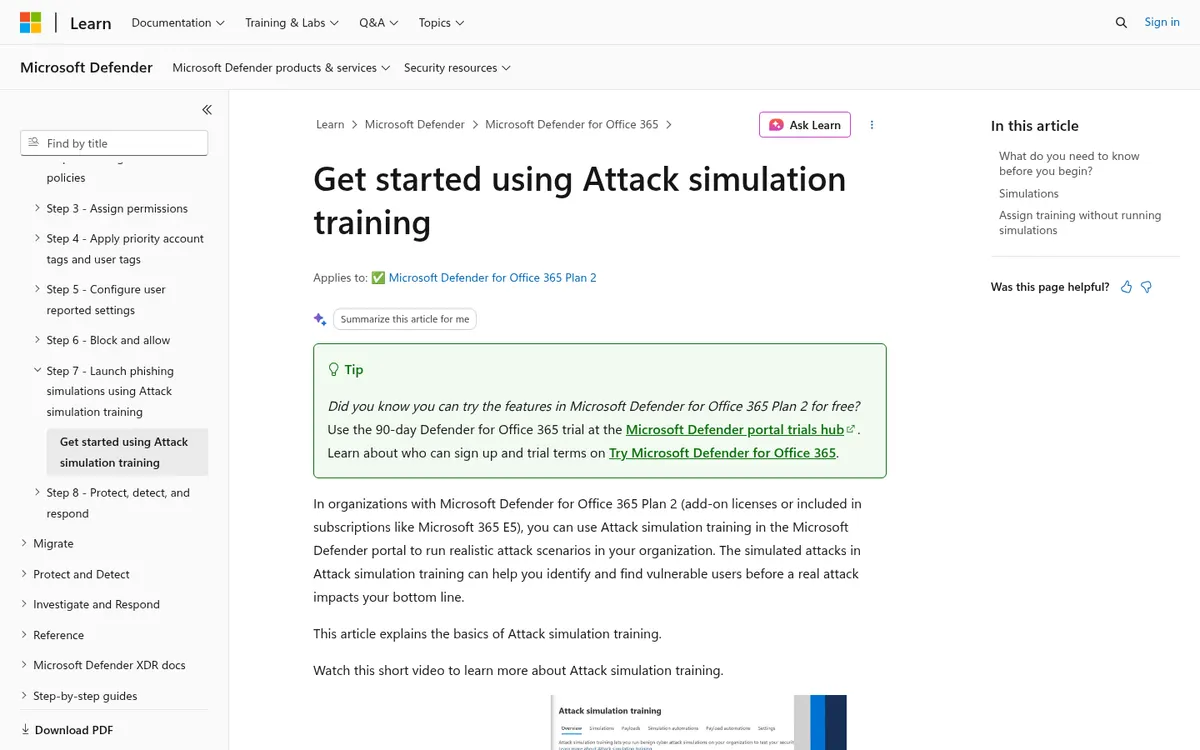
Attack Simulation Training is not a product you buy; it is a feature you may already own. Tenants on Microsoft 365 E5, or on the Defender for Office 365 Plan 2 add-on, get phishing and credential-harvest simulation campaigns, a payload and template library, and reporting on user behavior and campaign results. E3 tenants get a limited trial subset, which is enough to see the interface and not enough to run a program.
The practical argument is procurement. No new vendor and no separate admin console: campaigns run inside the Microsoft 365 security stack with role-based access for administrators. Assigning training content after a simulated failure is built in.
The training depth is where it trails. Training depth trails dedicated awareness vendors. Reporting covers user behavior and campaign results.
There is no standalone price. Value depends entirely on whether you already hold E5 or Plan 2, in which case the marginal cost is zero and the comparison changes completely. Outside Microsoft 365 the product is not available. Microsoft Attack Simulation Training fits an E5 tenant that wants a baseline program without adding a vendor; it fits poorly where training depth is the requirement.
What works
- No extra licence cost for E5 tenants
- Runs inside existing Microsoft admin tooling
- Training assigned automatically after a failure
What to weigh
- Licence feature rather than a standalone product
- E3 tenants get only a trial subset
- Training depth trails dedicated awareness vendors
Pick it if
You already hold Microsoft 365 E5 or Defender for Office 365 Plan 2 and want a baseline program without a new vendor.
Skip it if
You are on E3 only, outside Microsoft 365, or need non-email simulation channels.
What Does Security Awareness Training Software Actually Do?
Security awareness training software runs two jobs in one platform: it teaches employees what a phishing attempt looks like, and it tests whether they act on that knowledge when a simulated attack arrives. The teaching side is a content library of short modules. The testing side is a simulation engine that sends fake phishing messages and records who clicks, who reports and who does nothing. The better platforms close the loop by showing a coaching screen the moment a user clicks, then assigning a short module on the exact cue they missed.
Simulated phishing is not the same as real phishing, and the distinction matters when you brief staff. A simulation is a controlled message sent by your own vendor or tenant, tracked, and never used to harvest real credentials. Real phishing is an attacker trying to steal a session, a payment or a password. Good programs say this out loud, because an employee who feels tricked by an internal test is less likely to report the real thing.
What separates the platforms is where the simulation lands and what happens afterwards. The list above spans that range:
- Simulation and training included with an existing licence, which is what Microsoft provides with E5
- Multi-channel simulation beyond email, which is where Hoxhunt and Cofense PhishMe sit
- Managed programs where the vendor runs the schedule for you, which is Huntress
- Training-first platforms with simulation attached, which describes SoSafe and Infosec IQ
Failure rates are the number most buyers want in a board slide, and they vary widely by program maturity. Hoxhunt's maturity framework puts organizations with no program at 25 to 35 percent failure, mature programs at 5 to 10 percent and behavior-based programs at 2 to 5 percent. Treat those bands as one vendor's benchmark, useful for framing a target and not as an industry standard.
The fit question comes down to your stack and your staffing. If you already run Proofpoint or Mimecast, the bundled option removes a vendor. If you have no training owner, a managed service beats a powerful console nobody logs into.
This guide sits in the Software collection. Buyers weighing nearby tools often read the guides to commission software and research platforms next.
How Pricing Works in Security Awareness Training
Most vendors in this category do not publish a price, so the first job is working out which pricing model you are being quoted against. Most tools here carry no public number. The two that do publish, SoSafe and Huntress, show how different the models can be: a monthly platform fee with seats bundled in, versus a per-learner rate that falls with volume.
| Model | How it bills | Typical fit | Example from this list |
|---|---|---|---|
| Published monthly list price | Per month on an annual term, seats bundled into the base | Mid-market teams that need a budget number early | SoSafe at €625 per month with 50 seats included |
| Per-learner list price | Per learner per month, volume tiers, 50 seat minimum when bought direct | SMBs and MSP-managed clients | Huntress at $2.08 per learner per month, $1.75 at 100 learners |
| Quote-only, scoped to the buyer | Quoted after a sales call | Enterprise and security-mature buyers | Hoxhunt; Cofense PhishMe |
| Quote-only, no list price | Quoted on request | Buyers benchmarking before a quote | Infosec IQ |
| Bundled into an email security suite | Priced inside a wider platform agreement | Organizations already standardized on the vendor | Proofpoint ZenGuide inside Collaboration Security Prime; Mimecast Engage as an add-on |
| Included with an existing licence | Part of a subscription tier, no separate line | Microsoft 365 E5 tenants | Microsoft Attack Simulation Training with E5 or Defender for Office 365 Plan 2 |
Two habits keep a budget honest. First, ask for the quote at your real headcount, because per-user models get cheaper at scale and seat floors get more expensive below 50. Second, ask what the quote excludes: content localization, onboarding services and extra channels are the usual places where a clean per-user number grows. Where a vendor publishes nothing, treat any figure you have seen elsewhere as a rough anchor and say so in your own business case.
Every price in this guide was read on the vendor's own pricing page on November 25, 2026. Where a vendor does not publish a figure we could confirm, the card says "See website" rather than a guess. For the arithmetic around this purchase, try the free Email campaign metrics calculator.
A Six-Step Path from Shortlist to Signed Contract
- Map the stack you already pay for. If Proofpoint runs your email, ZenGuide removes a vendor. If you hold Microsoft 365 E5, Attack Simulation Training costs nothing extra. Start by listing what you already own before adding a line item.
- Decide who runs the program. A team with no training owner should weight the Huntress managed model heavily. A security team that wants hands-on campaign control should weight Hoxhunt or Cofense PhishMe instead.
- Set the simulation bar before demos. Decide whether email-only is enough or whether you need Teams, SMS, voice and QR. That single answer narrows the list and stops a good demo from selling channels you will not use.
- Ask for a quote at your real headcount. Include contractors and seasonal staff. Per-user pricing falls at volume and seat floors bite below 50, so a quote at the wrong headcount misleads in both directions.
- Run a pilot with real users. Huntress offers a free trial with full features, and Microsoft's E3 subset lets you see the interface. Where no trial exists, ask for a scoped pilot with a defined success measure.
- Check the SKU and the term in writing. Mimecast's older awareness line is end-of-sale and Huntress carries a 50-seat direct minimum. Confirm the exact product name, term length and seat count before signature.
Five Mistakes That Bloat an Awareness Budget
- Assuming simulation alone changes behavior. A campaign that records clicks without coaching or follow-up modules produces a dashboard, not a safer workforce. Pair every simulation with a teaching moment and a way to show improvement over time.
- Buying a suite for one module. ZenGuide's value sits inside Collaboration Security Prime, and Engage is an add-on to Mimecast. If you only want training, price the standalone options before committing to a platform.
- Ignoring seat minimums. SoSafe bundles 50 seats into its €625 monthly base and Huntress requires 50 seats for direct purchase. A very small team pays for capacity it cannot use, so model the floor before comparing per-head rates.
- Treating a reported price as a quote. Infosec IQ does not publish list prices, so any per-user figure you see comes from comparisons rather than a vendor price list. Vendors quote on headcount, channels and term, so use reported numbers as anchors only.
- Reading completion as risk reduction. A high completion rate says people opened modules, not that click rates fell. Ask vendors to show failure rates and reporting rates over time, not course completions.
KnowBe4 Alternatives: questions
Are there free or no-extra-cost options for phishing simulation?
Yes, but only inside a licence you already pay for. Microsoft Attack Simulation Training is included with Microsoft 365 E5 or the Defender for Office 365 Plan 2 add-on, and E3 tenants get a limited trial subset. No tool in this list has a free plan, and only Huntress offers a free trial with full features.
Why do most vendors quote on request?
Awareness pricing depends on headcount, channels and term, so vendors scope a quote rather than publish a rate that will not apply to you. Most tools here publish nothing, which makes early comparison hard. SoSafe and Huntress show the alternative: a public number that lets you budget before the first call.
Is simulated phishing the same as real phishing?
No. A simulation is a controlled message sent by your vendor or your own tenant, tracked for training purposes, and it does not try to steal working credentials. Real phishing is an attacker after a session, a payment or a password. Say this plainly to staff, because people who feel tricked by an internal test report fewer real messages.
What failure rates do mature and immature programs show?
Hoxhunt's maturity framework puts organizations with no program at 25 to 35 percent click failure, mature programs at 5 to 10 percent, and behavior-based programs at 2 to 5 percent. Those are one vendor's bands rather than an industry standard, so use them to frame a target and then measure your own baseline before and after.
Is Microsoft Attack Simulation Training included with an E5 licence?
Yes. It comes with Microsoft 365 E5 and with the Defender for Office 365 Plan 2 add-on, so E5 tenants pay nothing extra for the feature itself. E3 tenants get only a limited trial subset. The trade-off is depth: training depth trails dedicated awareness vendors.
Which vendors publish list prices for European buyers?
SoSafe publishes a pricing sheet starting at €625 per month billed annually with 50 seats included, which makes it the clearest option for a European mid-market team. Most other vendors on this list quote instead of publishing. Huntress publishes a dollar per-learner rate, which European buyers would need to convert and check against local terms.