
Contents of this guide
The shortlist
Our top 3 for software buyers

Action1
Free 200 endpoints
- Best for
- Small Windows estates wanting free cloud patching
- Features
- 5 noted: Cloud console, Windows patching, Third party apps, Vulnerability reporting, Remote access

Microsoft Intune
Single cloud console
- Best for
- Microsoft 365 organisations consolidating endpoint management
- Features
- 5 noted: Update rings, Compliance policies, Cross platform, Conditional access, App deployment

NinjaOne
One agent stack
- Best for
- MSPs and IT teams replacing patching with full RMM
- Features
- 5 noted: Patch module, Remote control, Automation, Backup, Multi client
Disclosure for this guide. All 7 tools here are unpaid editorial picks. The position of a paid listing can be part of what the vendor pays for. Paid and unpaid tools are scored on the same rubric and keep their cons. Details are in the advertising disclosure.
The ledger
Index of every tool
| Tool | Free plan | Trial | Rubric | Compare | ||
|---|---|---|---|---|---|---|
| 01 | Action1Small Windows estates wanting free cloud patching | FreeFree for the first 200 endpoints, full feature set, never expires, larger estates quotedChecked Nov 25, 2026 | Yes, up to 200 endpoints permanently | No free trial, free edition instead | ||
| 02 | Microsoft IntuneMicrosoft 365 organisations consolidating endpoint management | See websiteIntune Plan 1 standalone price not shown, page lists Microsoft 365 E5 at $60.00 user per month paid yearlyNot published | No | Free trial available | ||
| 03 | NinjaOneMSPs and IT teams replacing patching with full RMM | See websitecustom quoteCustom quote | No | Free trial | ||
| 04 | AteraSmall IT teams and MSPs billing per technician | $149Professional, per technician per month, billed annually, $169 per month billed monthlyChecked Nov 25, 2026 | No | 30-day free trial, no credit card required | ||
| 05 | ManageEngine Endpoint CentralAdmins wanting a direct PDQ Deploy and Inventory swap | $1.09Professional, per endpoint per month, billed annually, $6,545 per year for 500 endpointsChecked Nov 25, 2026 | Yes, free edition up to 25 endpoints | Free 30-day trial | ||
| 06 | BatchPatchAgentless Windows patch console for conservative admins | See websitePerpetual style licensing, per consoleNot published | No | See website | ||
| 07 |  Chocolatey for BusinessEngineering led teams deploying software as packages | $18.00Business, C4B, per license per year, 100 node minimum, $1,800 per yearChecked Nov 25, 2026 | Yes, open source edition | Free C4B evaluation |
Prices are the lowest paid plan the vendor shows, read on November 25, 2026. Sort by price ranks published monthly figures; tools without one go last. Pin up to three tools to compare them side by side.
How this guide was put together
Every tool here was scored against the same five criteria: patch coverage, third party application patching, deployment and inventory depth, pricing fit and admin effort. Weights are shown in the rubric above. Each weight reflects what buyers leaving PDQ Deploy and Inventory tend to ask about first: does it still install software, does it also patch, and what does the bill look like at my device count.
Prices, plans and trial terms come from vendor pricing pages checked on 25 November 2026. Where a page published a starting figure we quote it exactly as shown, without currency conversion. Where a page only collects details for a quote, the entry reads See website and we say so in the review rather than estimating a number. Where a page showed only bundle pricing, we note that too and mark the standalone figure unconfirmed.
The order is editorial. Each position reflects how well a tool fits the specific buyer described in that entry, not a weighted total. Any listing marked Featured is a paid placement, and it is scored with the same rubric and carries the same honest cons as every other entry.
Features, strengths and limits come from vendor documentation and from how these consoles behave in Windows estates. We do not repeat vendor marketing claims about speed or savings unless the pricing sheet or the documentation supports them. Where a fact could not be confirmed on the page at the time of checking, we say it is unconfirmed instead of filling the gap.
Read the review for the tool that matches your device count, your team size and your appetite for an agent, then confirm current pricing with the vendor before you budget.
The full process, including how we handle corrections, is on the methodology page. Paid listings follow the advertising disclosure.
Rubric and weights
Every tool below is scored from 1 to 10 on these five criteria. The scores describe each tool; the order is an editorial call on fit for the buyer each card describes, plus the disclosed Featured position.
- 25%Patch coverageHow completely the tool handles Windows operating system updates, scheduling and patch state reporting across a real fleet.
- 20%Third party appsWhether browsers, runtimes and common applications are patched from a maintained catalogue rather than by hand.
- 20%Deployment depthHow well software deployment, packaging and hardware or software inventory work alongside patching in the same console.
- 20%Price clarityWhether the vendor publishes a usable starting figure and whether the billing model fits small, large or service provider estates.
- 15%Admin effortThe setup and daily effort involved: agents to roll out, servers to keep running and console concepts to learn.
Plate 01 of 07
Action1
Best for small Windows estates wanting free cloud patching
Our verdict
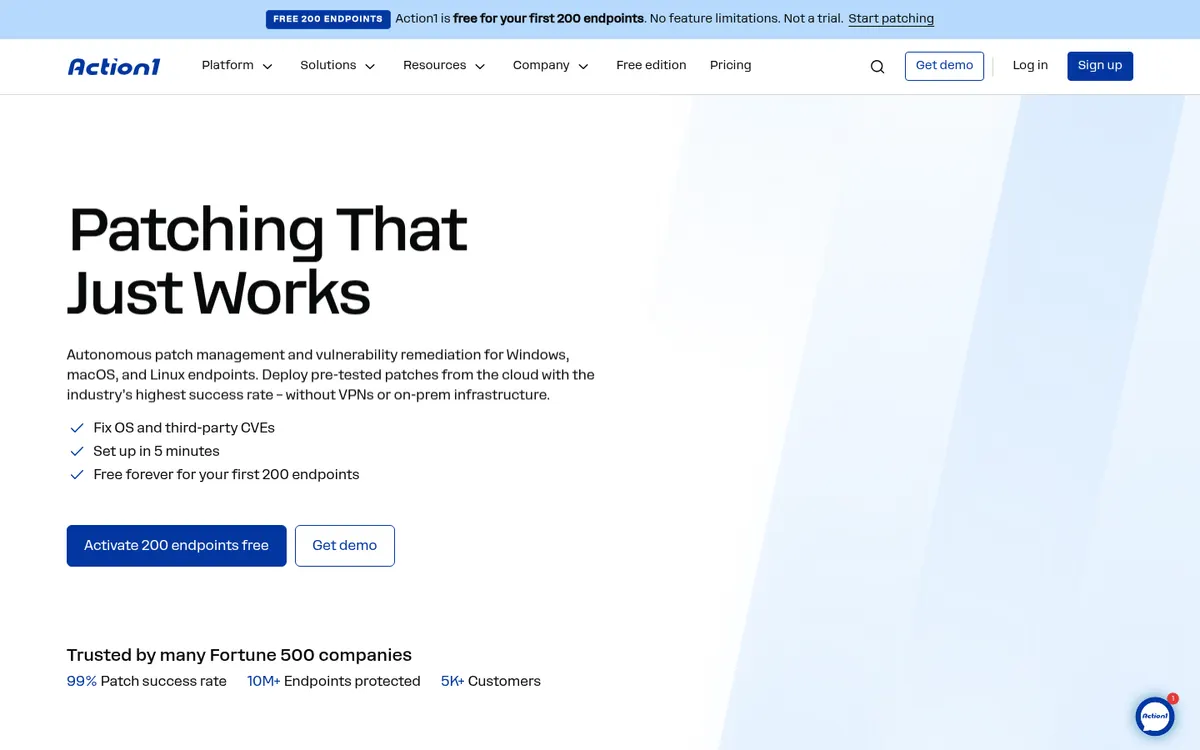
Free for the first 200 endpoints and cloud hosted, Action1 is the shortest path off a PDQ server for small Windows estates.
Action1 runs patching from a browser, which is the first thing PDQ Deploy users notice. There is no console server to build, no repository share to maintain and no VPN hop into a management box, because the product is hosted by the vendor and driven from a web console. Endpoints take a lightweight agent, and setup is quick rather than a project.
Coverage is Windows first. Operating system updates are scheduled from the console, and a maintained catalogue handles third party applications such as browsers, readers and runtimes, which is exactly the gap PDQ users often fill with a separate patch product. Vulnerability reporting shows which machines are behind, and remote access lets an admin drop onto an endpoint from the same screen when a patch needs a nudge. For a small team this collapses three habits (deploy, patch, remote in) into one portal.
The honest limits are scope and depth. Mac coverage exists but is newer and less developed, so mixed estates should test it before assuming parity. Reporting answers the everyday question of what is missing, and does not stretch to the evidence packs an auditor may want, which usually means exporting data and shaping it elsewhere. Above 200 endpoints pricing moves to a quote, so growth changes the conversation.
Pricing is the headline: the first 200 endpoints are free with the full feature set, permanently, not a cut down demo. Larger estates get a custom quote for their full device count. That makes Action1 unusually easy to pilot: install the agent on a real subset, run a patch cycle, and decide before any purchase order exists.
What works
- Free permanently for 200 endpoints
- No console server to maintain
- Third party patching included
What to weigh
- Mac support lags Windows
- Reporting is thin for audits
- Quote needed past 200 endpoints
Pick it if
You run a small Windows estate and want production patching for nothing while you test the cloud console model.
Skip it if
You need deep audit reporting or a mature Mac story today.
Plate 02 of 07
Microsoft Intune
Best for microsoft 365 organisations consolidating endpoint management
Our verdict
Already inside many Microsoft 365 licenses, Intune is the default pick for shops that want one console for desktops, phones and compliance.
Intune is the path of least resistance for a Microsoft 365 shop. Many organizations already hold some Intune entitlement inside a business or enterprise plan, so the console may be available before a new purchase order is raised. From there it covers Windows update rings, compliance policies, application deployment and endpoint security configuration in one place, alongside mobile device and app management for iOS and Android.
The strength is consolidation. Identity, conditional access and device compliance sit in the same portal, so a device that falls out of compliance can be blocked from company data by policy rather than by a separate tool. Update rings let you stage Windows updates across pilot and broad groups, which is the feature that most often replaces a PDQ deployment schedule for operating system patches.
The gap is third party applications. Patching Chrome, Java or a line of business app generally needs an add on or a separate tool, and the native reporting answers questions at a device level rather than giving the patch compliance dashboard a patching specialist would recognize. Admins coming from a dedicated patch console also notice the learning curve: policy, group and assignment concepts take time to get right.
Pricing is the other complication. Our check on 25 November 2026 found the vendor page listing Microsoft 365 E5 at $60.00 per user per month paid yearly, while the standalone Intune Plan 1 figure of $6 per user per month could not be confirmed on the page. Because licensing is per user, a factory with three shifts and shared devices pays for people, not machines, which can work either way depending on the estate.
What works
- Often already licensed via Microsoft 365
- One console for desktop and mobile
- Identity and compliance built in
What to weigh
- Third party patching needs add ons
- Patch reporting is not immediate
- Per user licensing penalizes shared devices
Pick it if
You already pay for Microsoft 365 and want endpoint management, compliance and mobile in a console you partly own.
Skip it if
Third party patching depth or a per device bill is the deciding factor.
Plate 03 of 07
NinjaOne
Best for MSPs and IT teams replacing patching with full RMM
Our verdict
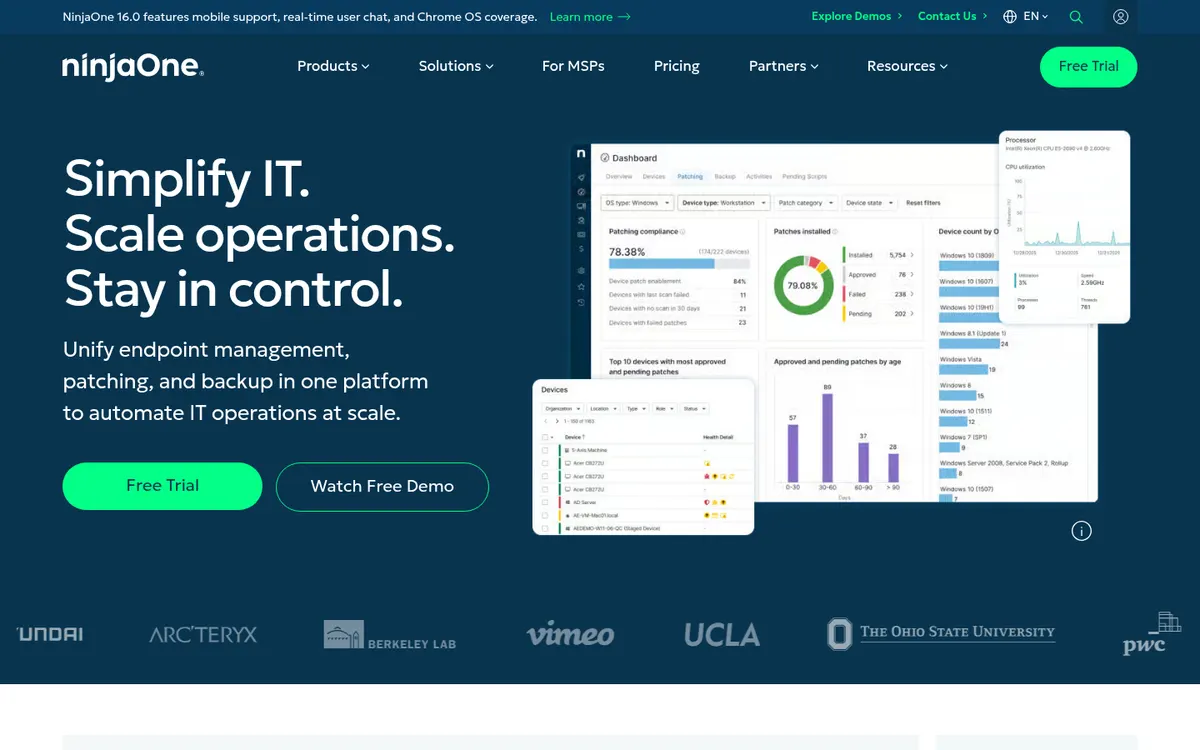
NinjaOne replaces patching and a stack of point tools with one RMM agent, which suits MSPs more than a single site team.
NinjaOne is a remote monitoring and management platform with patching as one module rather than the whole product. One agent covers patch management, monitoring and alerting, remote access and control, scripting and automation, backup and documentation. For an MSP running many client sites, that means one console, one agent and one invoice instead of a patch tool plus a remote access tool plus a backup product.
The patching module handles Windows updates and third party applications, and the automation layer is what separates it from a patch only tool: a script can be triggered by an alert, a policy can be applied to a new client's devices on onboarding, and repetitive deployment work drops away. Technicians who support several hundred endpoints across sites tend to value the multi client structure most.
The trade off is scope and price. A single site team with 80 laptops does not need documentation, backup and service provider workflows, and paying for them per endpoint is waste. Per endpoint cost is also higher than patch only products, and because pricing is quoted rather than published, buyers cannot compare without a sales conversation.
On pricing, the vendor page collects details for a quote and lists no public price, so this entry reads See website. Ask for figures at your current device count and at projected growth across the contract term, because per endpoint pricing compounds quietly as fleets expand. A free trial is available, which is the sensible way to test whether the modules you would actually use justify the per device rate.
What works
- Patching, remote access and backup in one agent
- Automation cuts manual work
- Built for multi client management
What to weigh
- No published pricing sheet
- Higher per endpoint cost than patch only tools
- Broader than a single site team needs
Pick it if
You manage endpoints across several sites or clients and want to retire three or four point subscriptions.
Skip it if
You only need Windows patching and cannot justify a full RMM bill.
Plate 04 of 07
Atera
Best for small IT teams and MSPs billing per technician
Our verdict
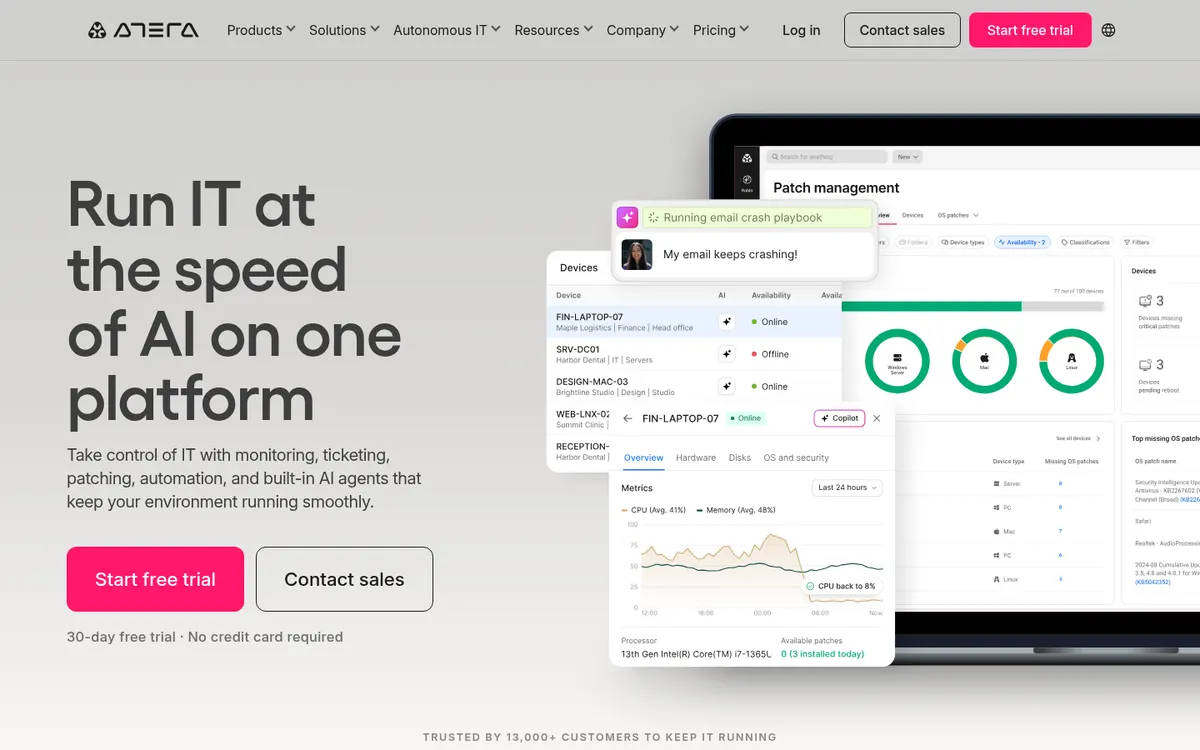
Atera bills per technician rather than per device, so device heavy teams with few admins get patching, remote access and a helpdesk in one.
Atera prices per technician, not per device. The Professional plan is $149 per technician per month billed annually, or $169 per month billed monthly, and that seat covers unlimited devices. For a small team managing a large fleet, the arithmetic is attractive: adding 200 laptops costs nothing extra, while adding a helpdesk hire costs another seat.
What sits behind the seat is a combined platform: patch management, remote access and control, remote monitoring, helpdesk and ticketing, automation and scripting, plus AI assistance features on current plans. Patching is genuinely usable, with Windows updates and third party coverage, but it is a module in a suite rather than the specialist depth of a dedicated patch console, and the reporting reflects that.
That is the honest trade. Teams that mostly need patching plus a ticketing queue plus remote access on one bill will find Atera efficient. Teams that need deep patch compliance evidence, granular third party catalogue control or complex deployment sequencing will find the patching module lighter than PDQ plus a patch specialist, and some suite modules are less capable than the standalone products they replace.
The pricing model flips against per device tools as headcount grows. At a handful of technicians covering hundreds of endpoints, Atera is usually cheaper. At 30 technicians covering 400 devices, per device pricing wins easily. A 30 day free trial with no credit card required makes the evaluation cheap, and the trial should include a real patch cycle rather than a click through of the console.
What works
- Unlimited devices per technician seat
- Patching, helpdesk and remote access together
- 30 day trial with no credit card
What to weigh
- Costly once headcount grows
- Patching depth is lighter than specialists
- Some suite modules are basic
Pick it if
You have few technicians covering many devices and want patching, ticketing and remote access on one per seat bill.
Skip it if
You need deep patch compliance reporting or run a large technician bench.
Plate 05 of 07
ManageEngine Endpoint Central
Best for admins wanting a direct PDQ Deploy and Inventory swap
Our verdict
Endpoint Central is the closest like for like PDQ Deploy and Inventory replacement, adding patching, remote control and Mac plus Linux support.
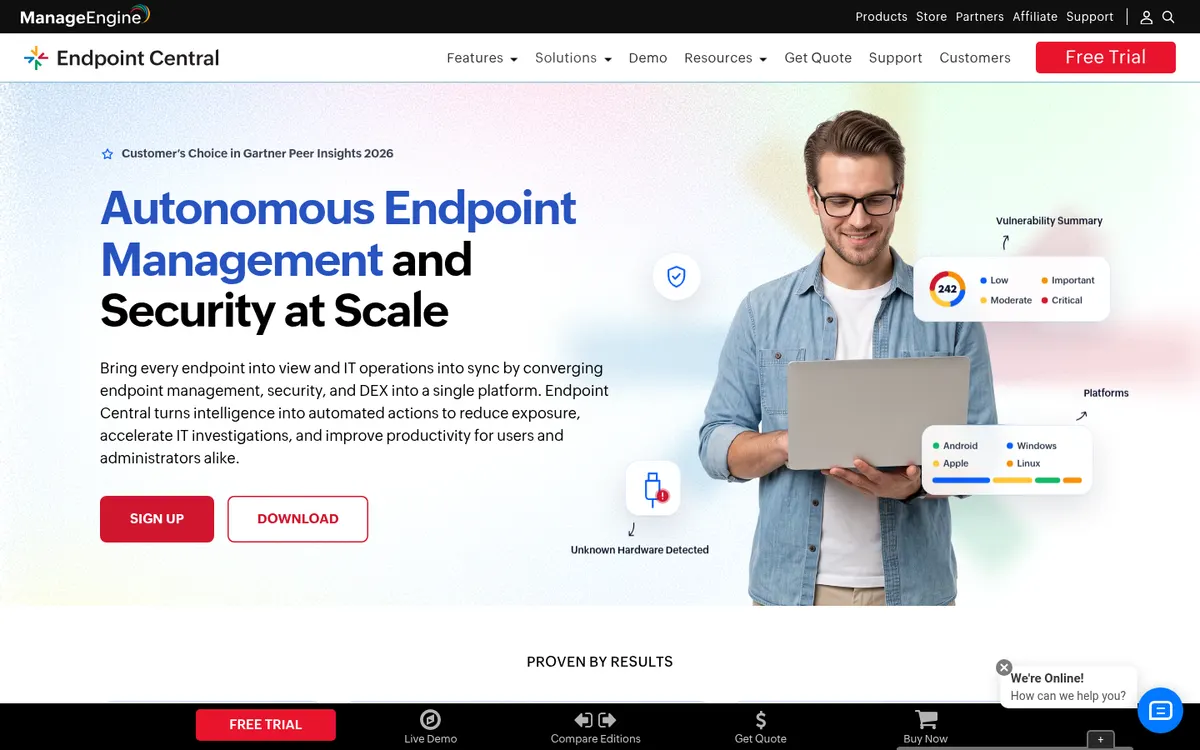
Endpoint Central is the most direct replacement for PDQ Deploy and Inventory on this list. Software deployment and package building, hardware and software inventory, patch management and remote control all sit in one console, and the product covers Windows, Mac and Linux rather than Windows alone. A team that has built its habits around the PDQ deploy and inventory pairing will recognize the workflow quickly.
The patch side includes a third party application catalogue, which is the piece PDQ users usually bolt on separately. Deployment and patching share the same targeting model, so a package built for a rollout can be scheduled alongside an update cycle. Buyers also get a choice of cloud or on premises editions, which matters in regulated environments where the management server cannot leave the network, and a service provider edition exists for MSP use.
The costs are complexity and purchasing clarity. The interface is dense, and the module and edition structure means it is genuinely possible to buy the wrong combination: deployment without the patch module you assumed was included, or an add on that duplicates something you already own. Get the exact module list confirmed in writing before signing.
Pricing has improved. Our check on 25 November 2026 found a published starting figure of $1.09 per endpoint per month on the Professional edition billed annually, which the vendor presents as $6,545 per year for 500 endpoints, plus a free edition for up to 25 endpoints and a 30 day trial. The starting figure is real, but the quote at your estate size is what you will actually pay.
What works
- Deployment, inventory and patching in one console
- Windows, Mac and Linux coverage
- Cloud or on premises editions
What to weigh
- Dense interface with a learning curve
- Edition structure invites buying errors
- Real cost comes out in a quote
Pick it if
You want the nearest thing to a straight swap for PDQ Deploy and Inventory with patching included.
Skip it if
You want a simple console and a single published price.
Plate 06 of 07
BatchPatch
Best for agentless Windows patch console for conservative admins
Our verdict
BatchPatch keeps the agentless, console driven model PDQ users know, for Windows only fleets that prefer perpetual licensing over subscriptions.
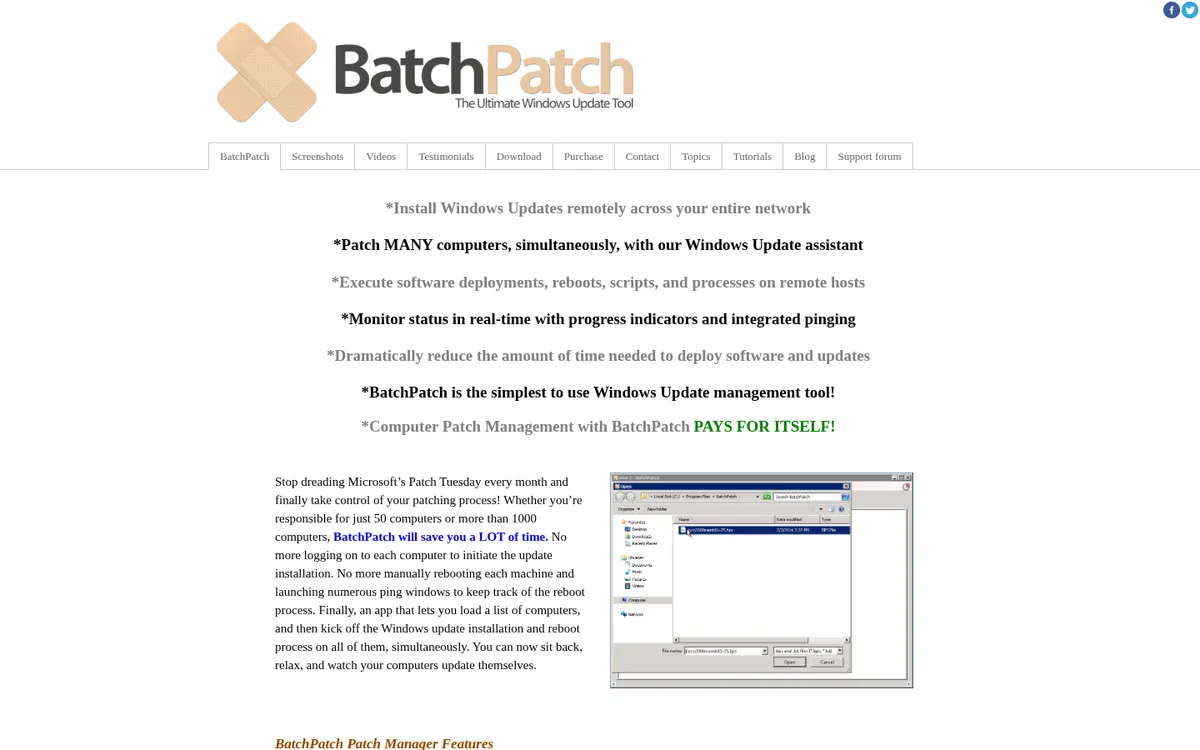
BatchPatch is a Windows patch console in the old style: agentless, installed on an admin machine, connecting to target machines remotely and running updates, deployments and commands against them. For a PDQ Deploy user who liked the agentless model and does not want an agent plus a cloud tenant, it is the shortest conceptual jump on this list.
Day to day it handles update queueing and scheduling, software deployment to Windows hosts, remote command execution and patch status reporting. The scope is deliberately narrow. There is no monitoring, no compliance dashboard ambition, no mobile device management and no Mac coverage. What you get is a tool that does one job on Windows fleets and does not ask you to adopt a platform to get it.
Licensing is perpetual in style, per console, set by the vendor's current terms. That appeals to teams tired of subscriptions and to environments where an annual renewal is a procurement fight. It also means the console count matters: check how many admin consoles you need against the vendor's terms before you budget, and remember that perpetual licenses still need a plan for updates and support.
Two cautions. First, this entry reads See website because no pricing page could be fetched at the time of checking on 25 November 2026, so confirm the current figure directly. Second, be clear about what you are giving up: little third party catalogue coverage, no Mac estate, and a plainer interface than the suites here. If your estate is Windows only and your needs are patching plus deployment, that trade can be worth it.
What works
- Agentless, familiar console model
- Perpetual style licensing
- Focused scope, little overhead
What to weigh
- Windows only
- Thin third party patch coverage
- No monitoring or compliance dashboards
Pick it if
Your fleet is Windows only and you want an agentless console without an ongoing subscription.
Skip it if
You need Mac coverage or a maintained third party patch catalogue.
Plate 07 of 07
Chocolatey for Business
Best for engineering led teams deploying software as packages
Our verdict
Chocolatey turns software deployment into packages, which suits teams already using code, repositories and pipelines, not point and click admins.
Chocolatey treats software as packages. Instead of building a deployment and pushing it, you define a package, version it, host it in an internal repository and let endpoints install or upgrade from it. For engineering led teams already working in code repositories and pipelines, that model is more natural than a point and click console, and it scales through automation rather than through clicking.
The commercial edition adds what the free open source tool lacks: internal package repositories, package versioning and moderation, approval workflows, a central management console and integration with existing configuration management tooling. Patching happens through package upgrades, so keeping an application current is the same act as deploying it. The very large community package catalogue underpins the whole approach and shortcuts a lot of packaging work.
The friction is cultural and technical. A team raised on PDQ has to learn packaging, repository hosting and version pinning, and that is a real skills investment. Inventory and reporting are thinner than full endpoint management suites, so if you need a compliance dashboard showing patch state across every device, this is not the product. Third party application coverage is where Chocolatey is strongest, which is often exactly the PDQ gap.
On price, our check on 25 November 2026 found $18.00 per license per year on the Business edition, with a 100 node minimum, which the vendor presents as $1,800 per year. That minimum is the deciding factor for small estates: below 100 nodes you pay for 100. The open source edition is free, and a free C4B evaluation lets you test the paid controls before committing.
What works
- Huge community package catalogue
- Internal repositories and approval workflows
- Fits code based workflows
What to weigh
- Requires a new mental model
- 100 node minimum on Business
- Inventory and reporting are thin
Pick it if
Your team already works in repositories and pipelines and wants software deployment defined as code.
Skip it if
You want a point and click console or run fewer than 100 nodes.
What does Windows patch and endpoint management software actually do?
The category covers two jobs that used to be separate products. The first is patching: getting operating system updates and third party application updates onto machines, on a schedule, with some evidence that it happened. The second is endpoint management: knowing what is installed on each machine, deploying software, enforcing configuration, and reaching a device remotely when something goes wrong. PDQ Deploy and Inventory covered the deployment and inventory half well for Windows estates, which is why so many teams are now looking for the patching half in the same console.
A typical product in this list does some mix of the following:
- A console or cloud portal that targets devices by group, OU or tag
- Patch schedules for Windows updates, with staged rings for pilot and broad rollout
- A third party catalogue covering browsers, runtimes and common applications
- Software deployment through packages, scripts or installers
- Hardware and software inventory, so you know what you are patching
- Remote control or remote command execution for remediation
- Reporting on patch state, with varying depth
The delivery model matters as much as the feature list. Agent based tools install a service on each endpoint and report back, which gives reliable inventory and works for laptops that leave the network. Agentless tools connect to machines remotely, which suits servers and fixed desktops on a well connected network but struggles with remote workers. Cloud hosted consoles remove the management server; on premises consoles keep data inside the network.
Most buyers leaving PDQ are not replacing one feature. They are deciding whether patching, deployment and inventory should live in one product, and whether they want to run a server to get it. That decision drives almost everything else, including price, because per device, per user and per technician models produce very different bills at the same estate size.
This guide sits in the Software collection. Buyers weighing nearby tools often read the guides to commission software and research platforms next.
How patching tools charge, and why the lowest number rarely wins
Patching tools are priced in five ways, and the cheapest headline number often loses once your device and headcount ratio is applied. The table maps each model to an example from this list.
| Model | How it bills | Typical fit | Example from this list |
|---|---|---|---|
| Free tier, then quote | No cost to a device ceiling, custom quote above it | Small estates wanting production features at no cost | Action1, free for the first 200 endpoints, permanently |
| Per device per month | Annual commitment priced by endpoint count | Fleets where devices outnumber admins | ManageEngine Endpoint Central, $1.09 per endpoint per month billed annually, $6,545 per year for 500 endpoints |
| Per technician | Flat seat price covering unlimited devices | Small teams and MSPs with many devices per admin | Atera, $149 per technician per month billed annually, $169 billed monthly |
| Per user or bundle | Per user licensing, often inside a wider suite | Organizations already standardized on that cloud | Microsoft Intune, page listed Microsoft 365 E5 at $60.00 per user per month paid yearly |
| Per node per year | Annual license with a node minimum | Engineering teams deploying software as packages | Chocolatey for Business, $18.00 per license per year, 100 node minimum, $1,800 per year |
| Perpetual per console | One time style license per admin console | Windows only shops avoiding subscriptions | BatchPatch, perpetual style licensing per console, price on the vendor site |
Two figures drive the comparison. The first is devices per admin. Divide endpoints by technicians. Above roughly 150 devices per admin, per technician pricing usually beats per device pricing; below 50, per device wins. Between those, ask each vendor for a quote at your actual count and at 20 percent growth, because per device contracts run for a term and fleets rarely stay still.
The second is the minimum. A 100 node minimum on a 60 device estate means paying for 40 devices you do not have, which can erase the apparent saving on Chocolatey's $18.00 per license. Reverse the logic for free tiers: Action1 covering the first 200 endpoints permanently is worth more than a 30 day trial, because you can run a real patch cycle in a real month before any budget conversation. Confirm every figure with the vendor, since quotes move with seat and node counts.
Every price in this guide was read on the vendor's own pricing page on November 25, 2026. Where a vendor does not publish a figure we could confirm, the card says "See website" rather than a guess. For the arithmetic around this purchase, try the free Email campaign metrics calculator.
Which PDQ alternative fits your estate?
Count devices and admins. Write down endpoint count, technician count and how many devices sit off the corporate network. That ratio decides whether per device, per technician or per user pricing lands cheapest, and it narrows the shortlist before you read a single feature list.
Decide on agents. Agent based tools such as Action1, NinjaOne, Atera and Endpoint Central give reliable inventory and cope with remote laptops. Agentless BatchPatch suits fixed desktops and servers on a well connected network. Pick the model that matches how your fleet actually works.
List the third party apps you must patch. Browsers, readers, runtimes and line of business tools drive the decision. A maintained catalogue in Action1, Endpoint Central, NinjaOne or Atera covers most of it, Chocolatey handles the rest through packages, and BatchPatch barely touches it at all.
Test one real patch cycle. Install on a pilot group, schedule a Windows update and one third party application, and read the report afterward. Free tiers and trials make this cheap: Action1's permanent 200 endpoint allowance and Atera's 30 day trial both cover a genuine test.
Get a quote at your real numbers, plus growth. Ask for current device count and 20 percent growth over the term. Watch minimums and per user maths, and confirm which modules are included in writing, especially for Endpoint Central where editions change the bill substantially.
Plan the PDQ exit before you cancel. Rebuild your most used packages in the new tool, run both consoles in parallel for a month, then retire PDQ once the new patch reports look clean. Keeping the old console alive a little longer costs nothing and catches gaps.
Mistakes that make a PDQ migration harder than it needs to be
Choosing on headline price alone. A $1.09 per endpoint figure and a $149 per technician figure are not comparable until you apply your own device and headcount ratio, plus any node minimum that applies to your estate.
Assuming patching is included. Intune needs add ons for third party patching, and Endpoint Central editions change what ships in the box. Get the module list confirmed in writing rather than assuming the demo covered your edition.
Skipping a real patch cycle in the trial. A console that looks clean in a demo can fail on your oldest Windows build or your line of business app. Run updates on a pilot group that includes the awkward machines.
Ignoring remote workers. Agentless tools that rely on network reachability quietly miss laptops that are rarely in the office, and those are often the machines most behind on updates. Match the delivery model to where devices actually sit.
Cancelling PDQ too early. Rebuild your critical packages first and run both consoles in parallel for at least a month. Retiring the old tool before the new reports look clean leaves machines stranded on old versions with no fallback.
PDQ Alternatives: questions
Why do teams move away from PDQ in the first place?
PDQ Deploy and Inventory are strong on Windows software deployment and inventory, and the pressure usually comes from what sits outside that: third party application patching, cloud management without a local server, Mac coverage, or reporting that satisfies an audit. Many teams keep PDQ for deployment and add a patch tool beside it, then decide one console would be simpler and cheaper than two.
Which alternatives offer a genuinely free tier for patching?
Three do. Action1 is free for the first 200 endpoints with the full feature set and does not expire, which is the strongest offer here. ManageEngine Endpoint Central has a free edition for up to 25 endpoints. Chocolatey's open source edition is free but lacks internal repositories, moderation and central management. The other tools here are paid products, with a trial where the vendor states one, rather than free production use.
Which tools suit managed service providers rather than in house IT?
NinjaOne and Atera are built for service providers, with multi client structures; Atera bills per technician for unlimited devices, while NinjaOne prices per endpoint by quote. ManageEngine Endpoint Central also has a service provider edition. In house teams with a single site usually find those platforms broader and more expensive than they need, and are better served by Action1, Intune or Endpoint Central.
How well do these tools patch third party applications?
Coverage varies widely. Chocolatey is strongest, because any application packaged as a package can be versioned and upgraded. Action1, Endpoint Central, NinjaOne and Atera maintain catalogues covering common browsers, readers and runtimes. Intune needs add ons or extra tooling, and BatchPatch has little catalogue coverage, so those two leave the third party gap partly open.
What does migrating from PDQ to another console involve?
Most of the work is rebuilding packages, not installing the new agent. Inventory your most used deployments, recreate them in the new tool as packages or scripts, test on a pilot group, then run both consoles in parallel for a month before retiring PDQ. Budget time for the awkward installers, and check that the new tool can target the same groups you relied on.
Do I have to install an agent on every endpoint?
With most tools here, yes. Action1, NinjaOne, Atera, Endpoint Central and Chocolatey all rely on a client on each device, and Intune relies on enrollment. BatchPatch is the exception, connecting to Windows machines remotely without an agent. Agents give better inventory and work for remote laptops, so the agentless route is best for fixed, well connected Windows fleets.